


Cyberpunk 2077: Phantom Liberty was provided by CDProjektRed for review. Thank you!
The more I play it, the more steadfast I feel about Cyberpunk 2077's expansion, Phantom Liberty, being one of my favorite experiences this year. I have fallen in love with the world of Cyberpunk all over again thanks to Dogtown, the fantastic story-telling, and the wonderful acting from the major players in this narrative, including Idris Elba.
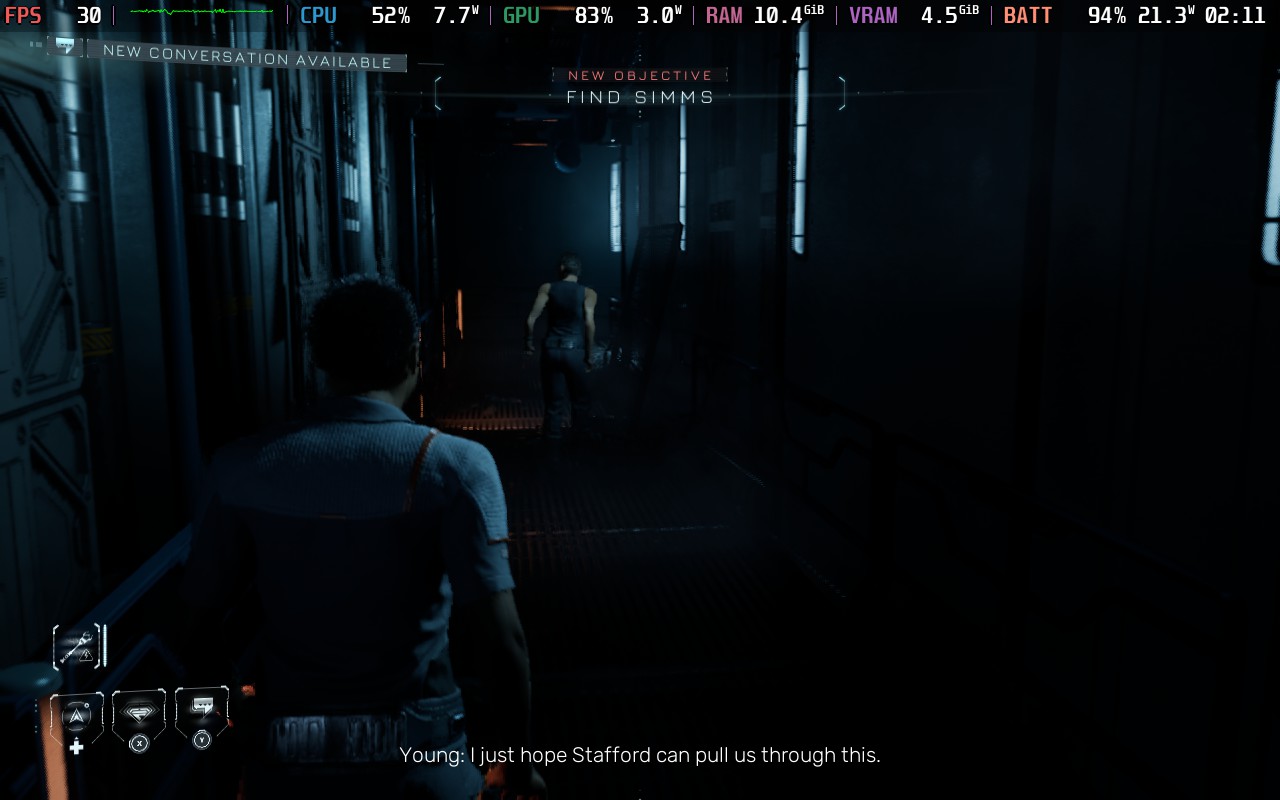
While I have been testing a lot on the Steam Deck, there have been a couple of hiccups here and there. It needs 30 FPS and some compromises visually, but luckily, there are more powerful devices we can play on. With that in mind, playing Cyberpunk 2077: Phantom Liberty on the ROG Ally is fantastic, though it runs into a couple of pitfalls that the Deck falls into.
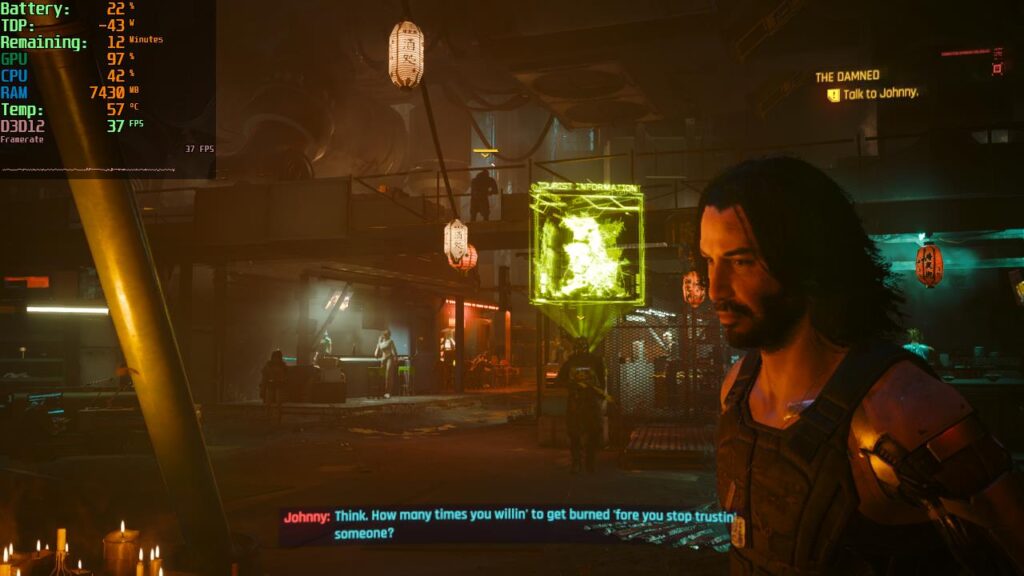
How Cyberpunk 2077: Phantom Liberty Runs on ROG Ally - First Impressions
Before I begin, I want to mention that there is much more to play and test, but after the first couple of intense missions and running around, I have a solid idea of how the rest of the expansion will run. This was tested with the Steam version of Phantom Liberty on Turbo Mode, with 8G of memory assigned to the GPU.
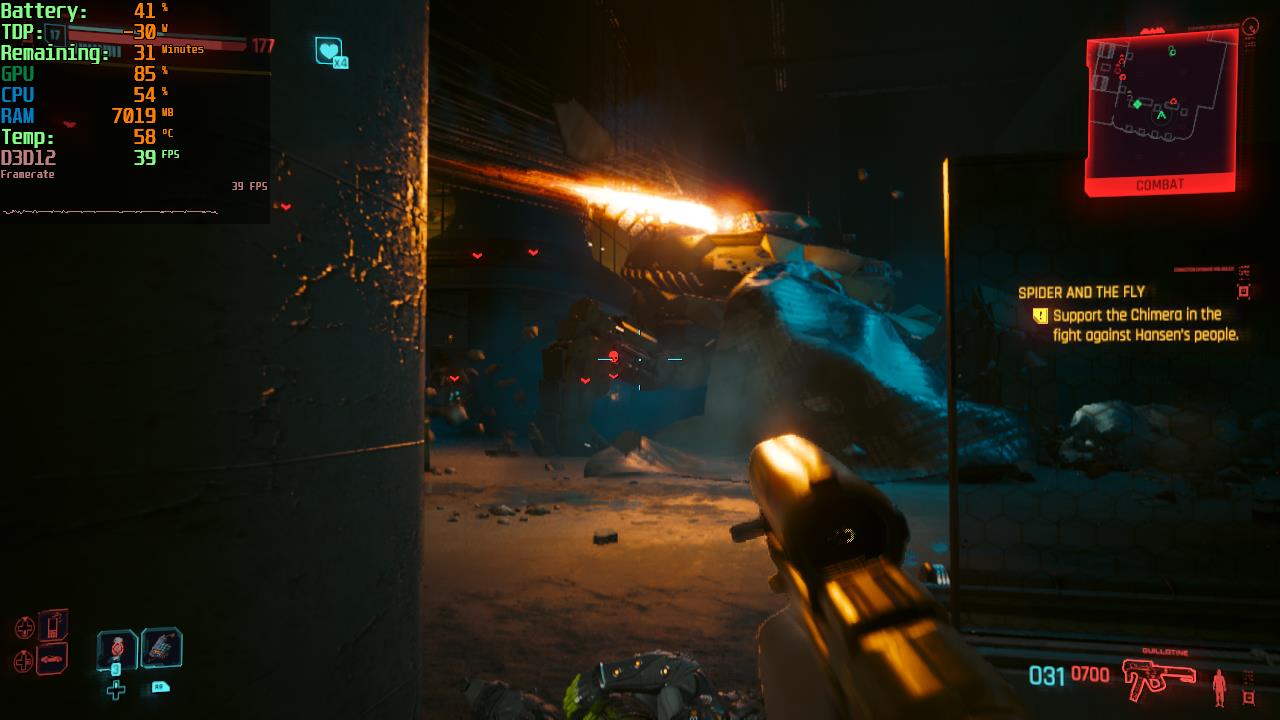
After around 5-6 hours on the Ally, it is clear as day the game runs really well. With around the same settings I used on the Steam Deck, which was the Steam Deck preset with some shadow and screen space reflection settings turned to medium, and FSR 2 set to Quality with 1280x720 resolution, I was able to get 40 FPS in almost every scenario.
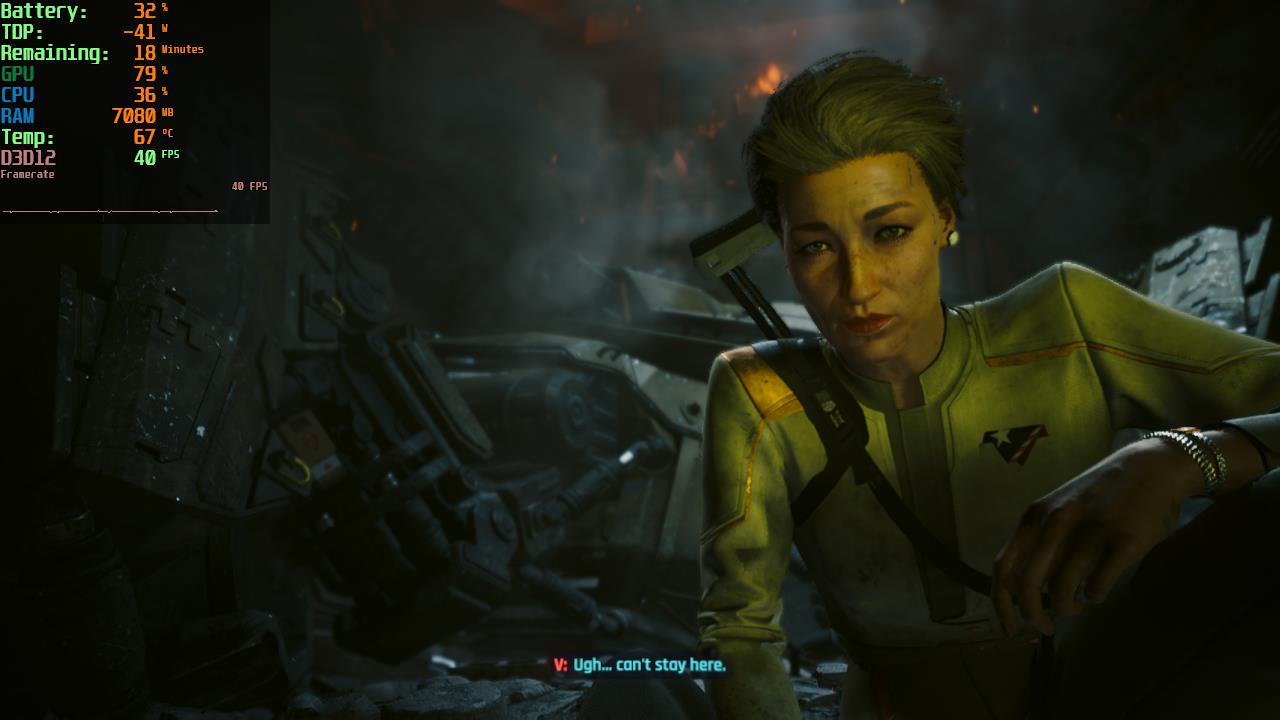

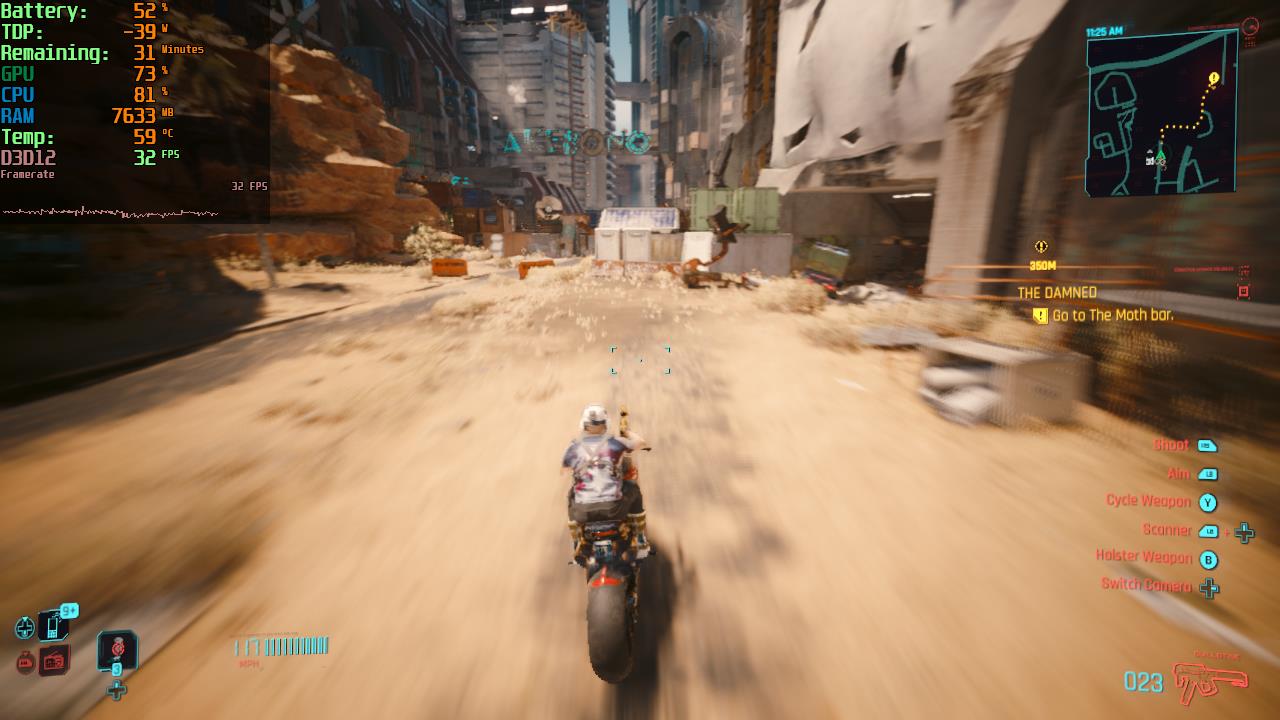
Unfortunately, there are still a couple of pitfalls. The biggest one is driving. Just like on the Deck, driving through Dogtown can be horrible. Driving and riding a Motorcycle in different parts dropped framerate below 30, with some areas even hitting 17 FPS. This is most likely due to prop density and pop-in, which can't be avoided, unfortunately.
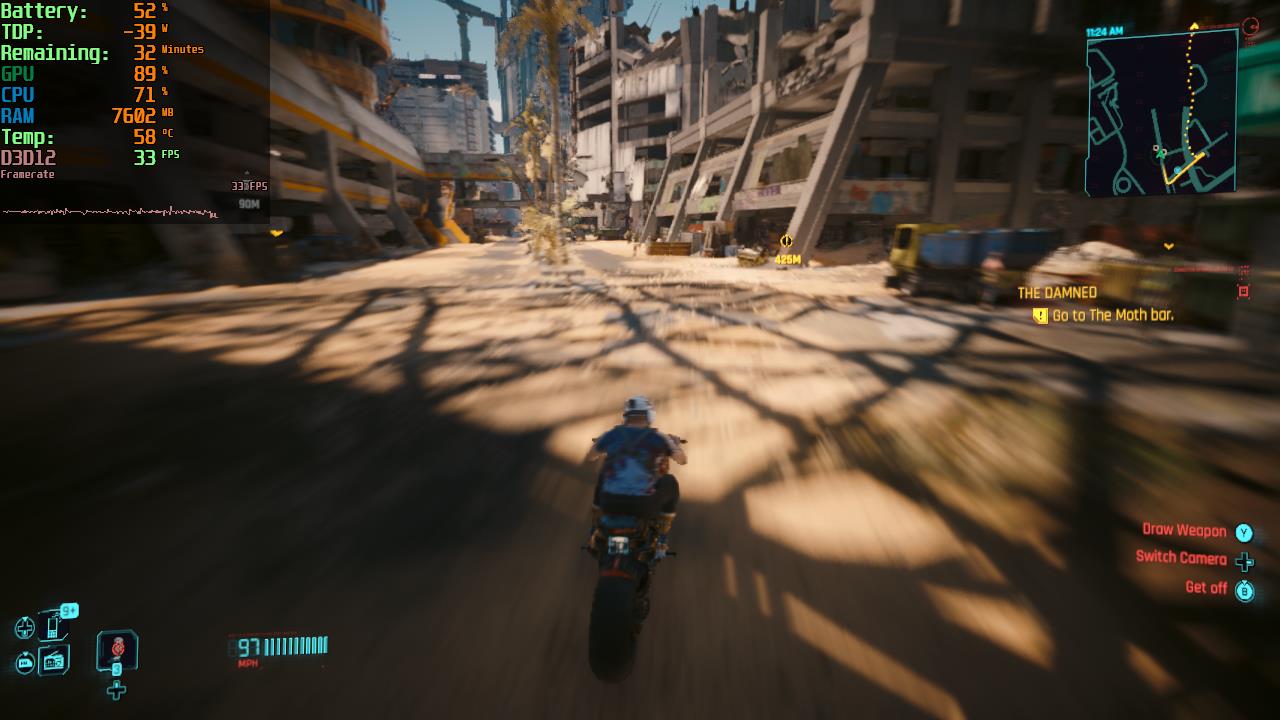
There were also some minor dips here and there when running around and when some fights got too intense, but this didn't happen often. Phantom Liberty was able to stick to 40 FPS in most travel and gunfights, enough to where I would consider it enjoyable at 40.
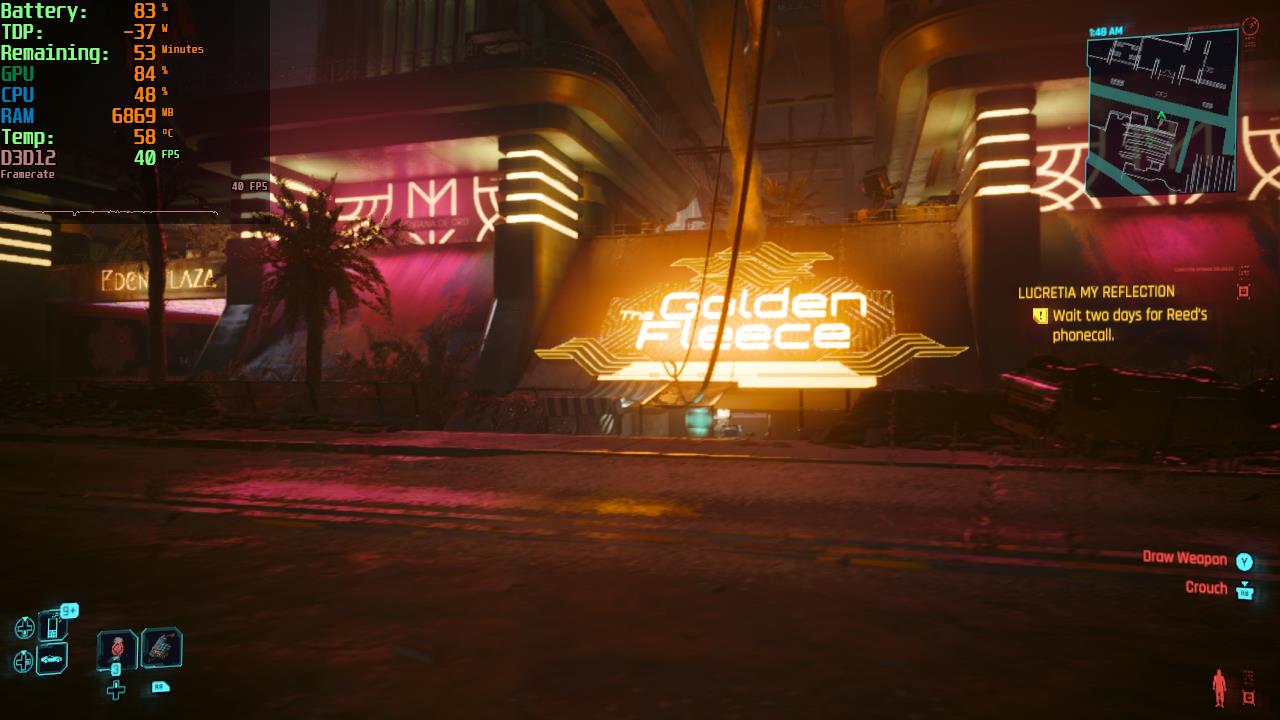
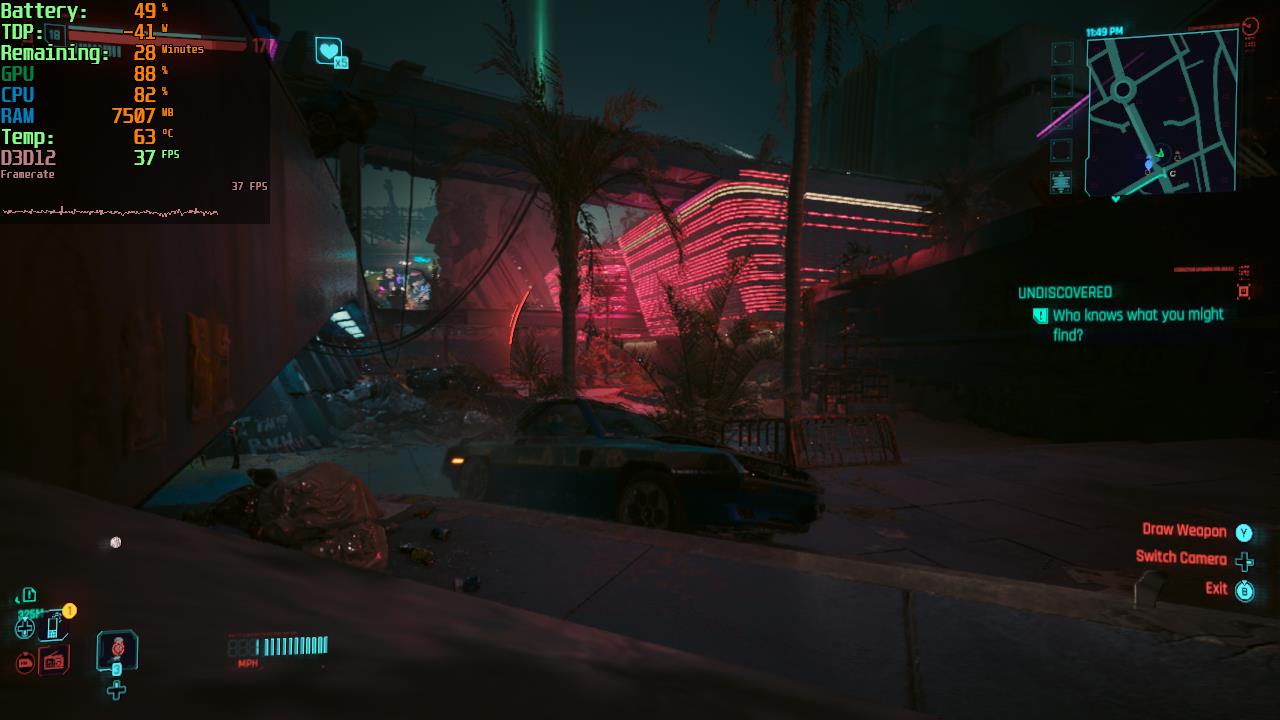
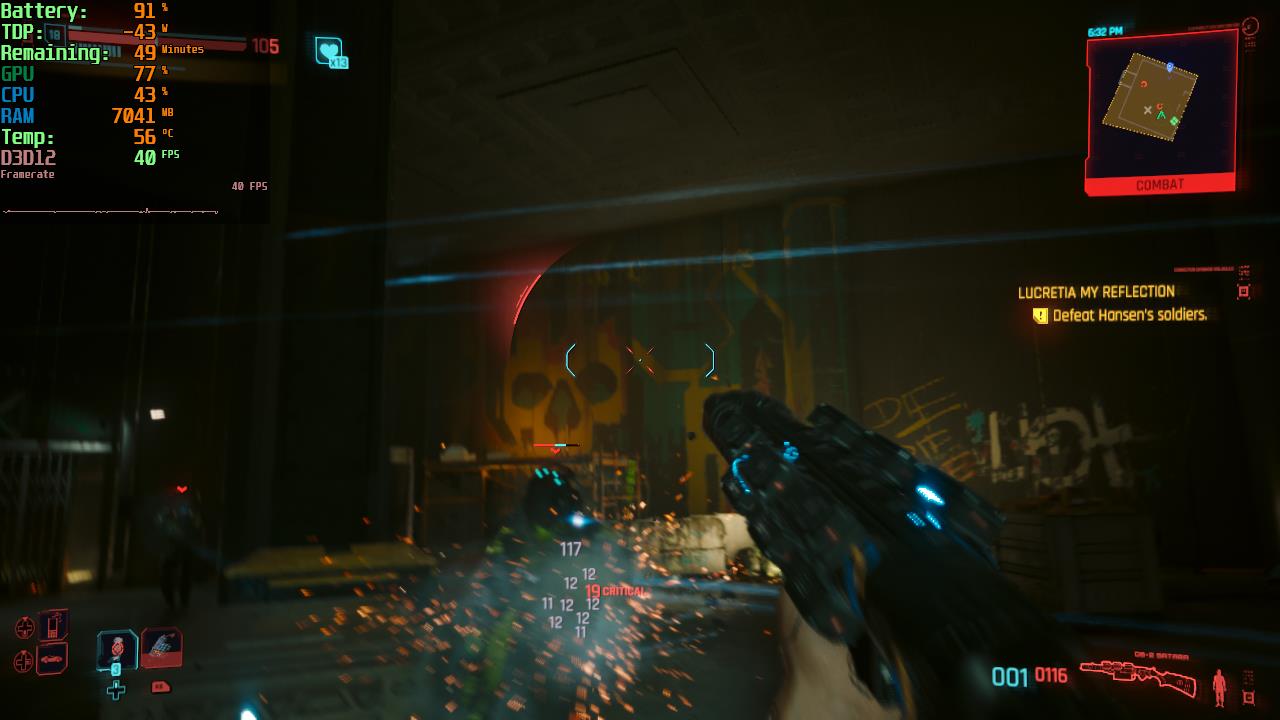
While there is more to test before a final verdict, I would consider this a safe bet. Playing at 30 FPS with some slightly higher visuals will be very possible, or on the same visuals but with Performance mode, but 40 FPS with a good-looking world feels incredible with 120hz and Turbo Mode. I believe a majority of the game, and expansion, will be playable at 40, but for the most stable experience, you may want to cap at 30. Regardless, this will be a great way to play the awesome expansion to one of the greatest RPGs of this generation.
Cyberpunk 2077: Phantom Liberty will be released in 2 days and is currently $29.99 on Steam. It can be bought with the base game for $60.70, or if you just want the base game, it is on sale for $35.99.
この記事を楽しんでいただけたなら、SteamDeckHQ の他のコンテンツもチェックしてみてください!あなたのゲーム体験に役立つゲームレビューやニュースを幅広く取り揃えています。ニュース、ヒントやチュートリアル、ゲーム設定やレビューをお探しの方も、最新のトレンドを知りたい方も、ぜひご利用ください!

最近のニュース
カテゴリー
Accessories
Anbernic
Android
ASUS ROG Ally
ROG Xbox Ally
Classics on Deck
Community
Cryobyte33
Deals
Deck Mods
Emulation
Events
Featured Post
Game News
Game News
General Game News
HandheldHQ
Hardware
Lenovo
Linux
MagicX
Nintendo
ONE-NETBOOK
Opinion
Other Reviews
Accessory Reviews
Handheld Reviews
PlayStation
Proton
Retro Handhelds
Anbernic
AYANEO
AYN
GPD
MagicX
MANGMI
Miyoo
Retroid
Rumors
TrimUI
SDHQ
Steam
Steam Controller
Steam Machine
SteamOS
The Unsupported Report
Uncategorized
Uncategorized
最近のヒント&GUIDES
新着レビュー




Its probably due to 8gb Vram allocation, only leaves you with 8gb of ram and considering they said they utilized 8 core cpu you need more ram to cpu to be able to handle the extra tasks. I bet you could bump those really low fps areas up by just switching to a 6gb and 10gb split
I am trying this for the full review, though the driving drops are a problem I don’t think can be solved with this. It happens across all devices regardless of RAM allocation.