


まだの方は、X(Twitter)、Mastodon、Blueskyでフォローし、新しい記事が投稿されたらお知らせください。また、Redditに参加したり、YouTubeに登録して、私たちのコンテンツをチェックしたり、素晴らしいコミュニティと交流してください。応援ありがとうございました!
Update 4/27/25 - There are some reports that the game is not launching for others. Heroic Games Launcher developer Linguin brought the issue to my attention, and if you are encountering this issue, you do need to use a specific environment variable to get it working: WINEDLLOVERRIDES=ddraw=n,b;dinput=n,b
I did not use this when getting the game working for my article, which is why it wasn't mentioned until now.
Even though I primarily use Steam, there are a couple of other launchers I find myself using for different reasons. However, my favorite of all of them is GOG. Not only do they focus on preserving games that we wouldn't have seen released in a long time, they also provide DRM-free copies, giving us full ownership of the game instead of just a license. They also have the GOG Preservation Program, meant to preserve some of the oldest games that seem like they have disappeared from existence, and the newest one has just been released!
Breath of Fire 4 was originally released on the PlayStation 1 in 2000, but was ported to the PC in 2003. However, it has essentially been lost until now. GOG brought it back with an enhanced PC port, with great new features like improved visuals, improved rendering, and more options, better audio, improved minigames, and bugs and crashes getting fixed up. It's the best way to experience the game in modern times, and that includes playing it on the Steam Deck.

Using the Heroic Game Launcher, we can link our GOG account and download Breath of Fire 4 directly on the Deck. It does launch pretty easily, and all I had to do is force it to launch with Proton GE 9-27. Then, I added it directly to Steam and was able to get it going. Unfortunately, there are two issues I ran into after launching, but they can be fixed.
First, the game does have controller support, but it doesn't show the button icons in-game. This does make it hard to play, and it took me a moment to figure out everything. Most of the buttons act as you would expect them to if you played other RPGs or PlayStation 1 games, but I could not for the life of me figure out the "Enter" button without trial and error. You have to push the Left Joystick down to get past the "Press Enter" screen, and you can assign that action to your Start button if you want easier access.

The second issue I found is high battery drain. The game runs great and is locked to 30 FPS due to it being such an old title, but for whatever reason, it drains at 11W - 12W battery drain. For a game from 2003 locked to 30 FPS, this didn't make sense to me. To fix this, you can turn the TDP limit to 4 and still get a solid locked framerate, and the battery drain goes down to 7W. This gives us an extra 2-3 hours of battery life, keeps the temperature down, and there are no compromises!
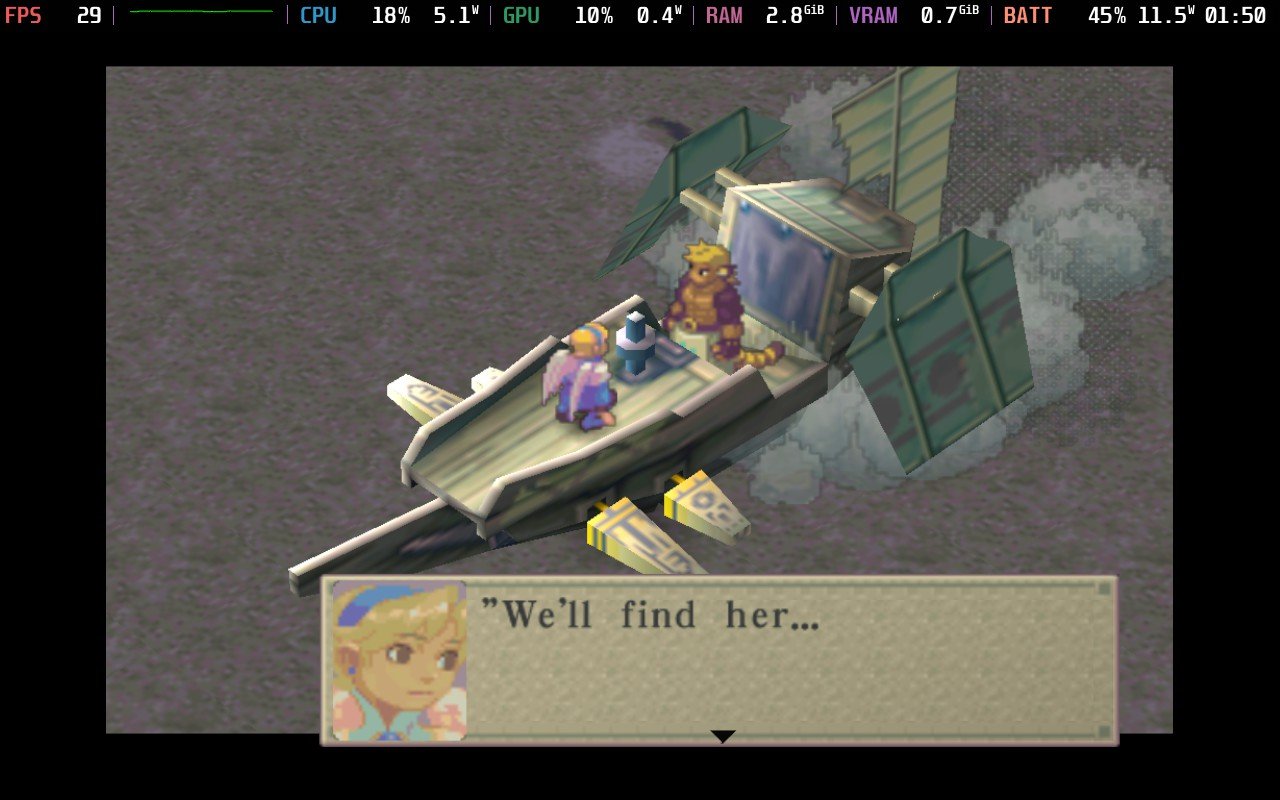
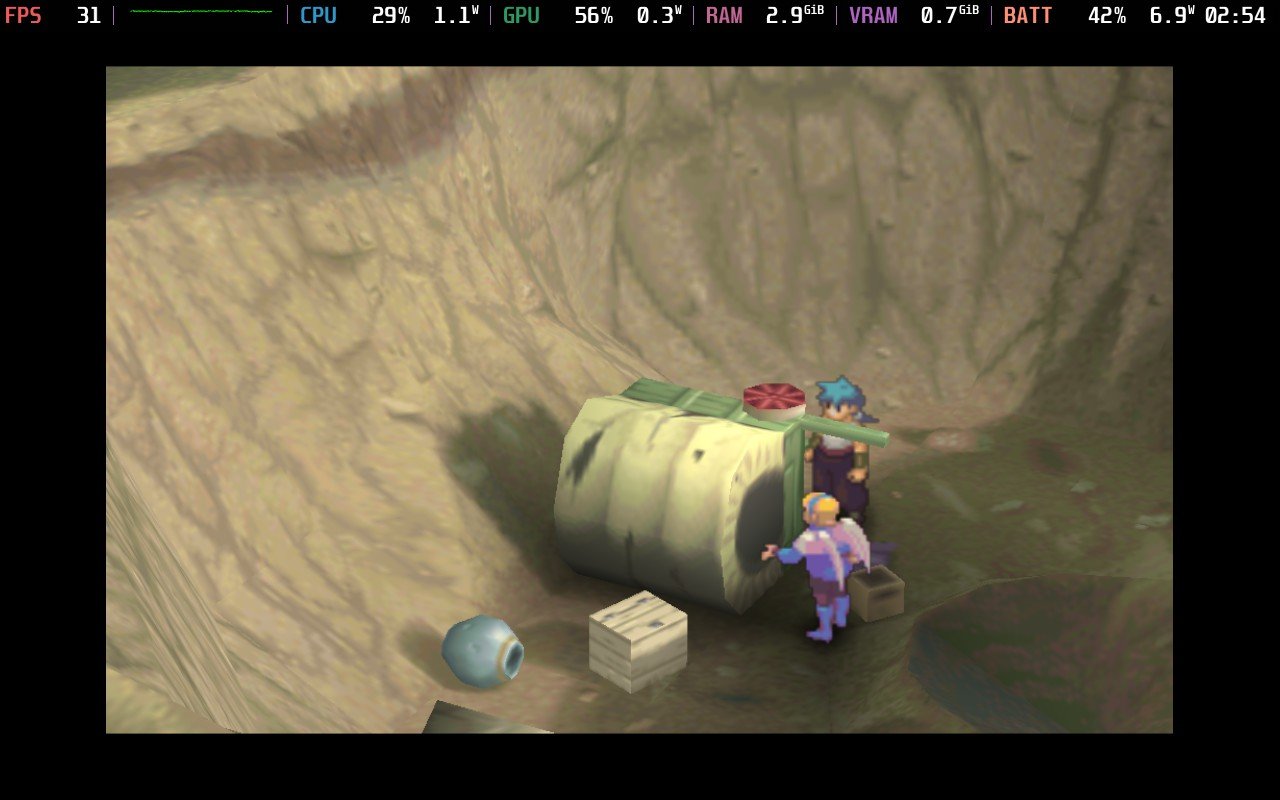
It still feels a little weird to play, but it works and is playable. So, if you saw the release and were hoping that it could be played nicely on the Steam Deck, I have great news for you! It's awesome being able to experience a classic this way, and I can't wait to play through this classic.
Breath of Fire 4 can be purchased on GOG for $9.99.
この記事を楽しんでいただけたなら、SteamDeckHQ の他のコンテンツもチェックしてみてください!あなたのゲーム体験に役立つゲームレビューやニュースを幅広く取り揃えています。ニュース、ヒントやチュートリアル、ゲーム設定やレビュー、最新のトレンド情報など、あらゆる情報をお届けします。 カバーしています!

最近のニュース
カテゴリー
Accessories
Anbernic
Android
ASUS ROG Ally
ROG Xbox Ally
Classics on Deck
Community
Cryobyte33
Deals
Deck Mods
Emulation
Events
Featured Post
Game News
Game News
General Game News
HandheldHQ
Hardware
Lenovo
Linux
MagicX
Nintendo
ONE-NETBOOK
Opinion
Other Reviews
Accessory Reviews
Handheld Reviews
PlayStation
Proton
Retro Handhelds
Anbernic
AYANEO
AYN
GPD
MagicX
MANGMI
Miyoo
Retroid
Rumors
TrimUI
SDHQ
Steam
Steam Controller
Steam Machine
SteamOS
The Unsupported Report
Uncategorized
Uncategorized
最近のヒント&GUIDES
新着レビュー




Awesome, thank you for the coverage!
Seems like a perfect Deck game to cosy up with ♥️