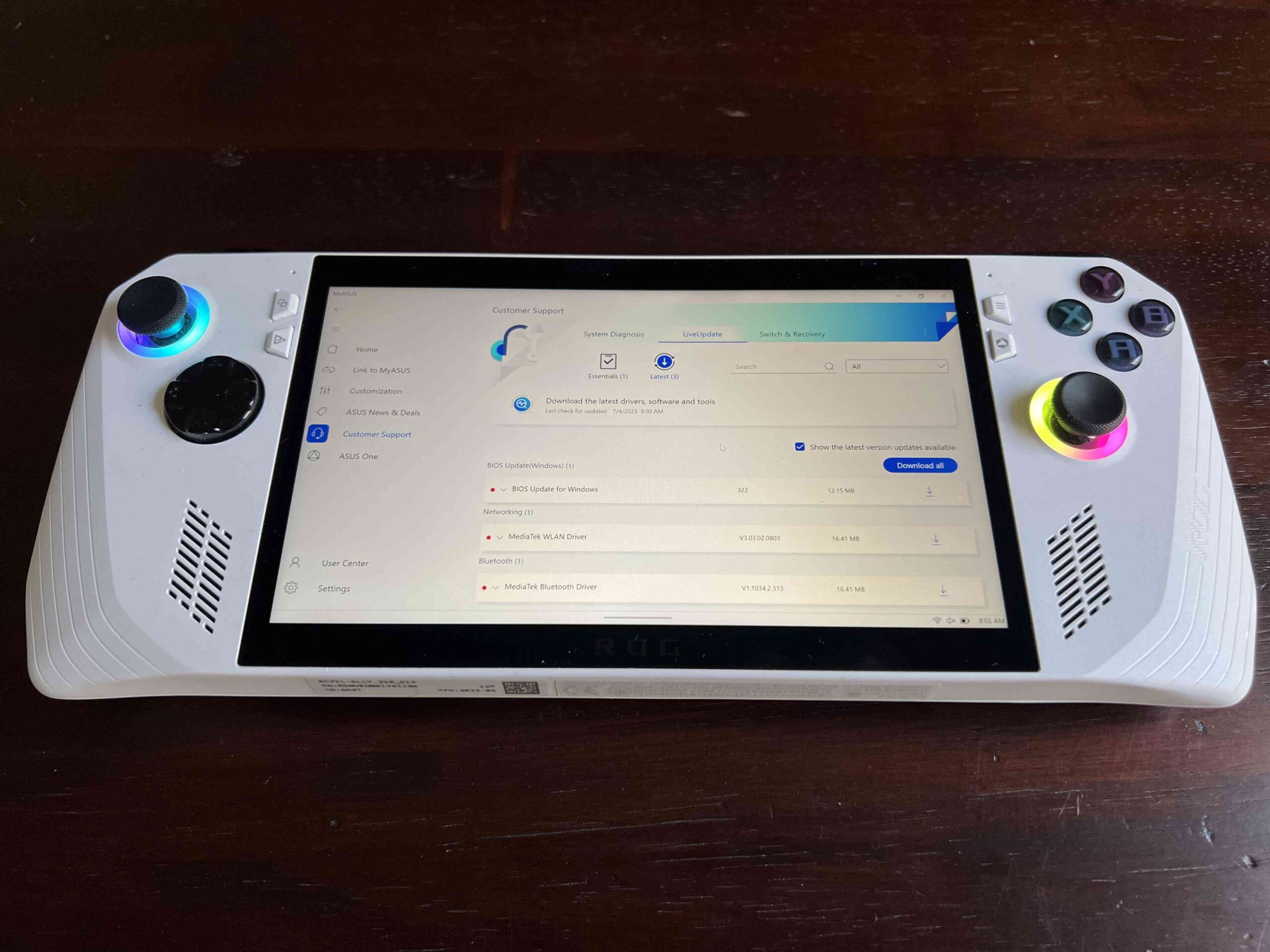
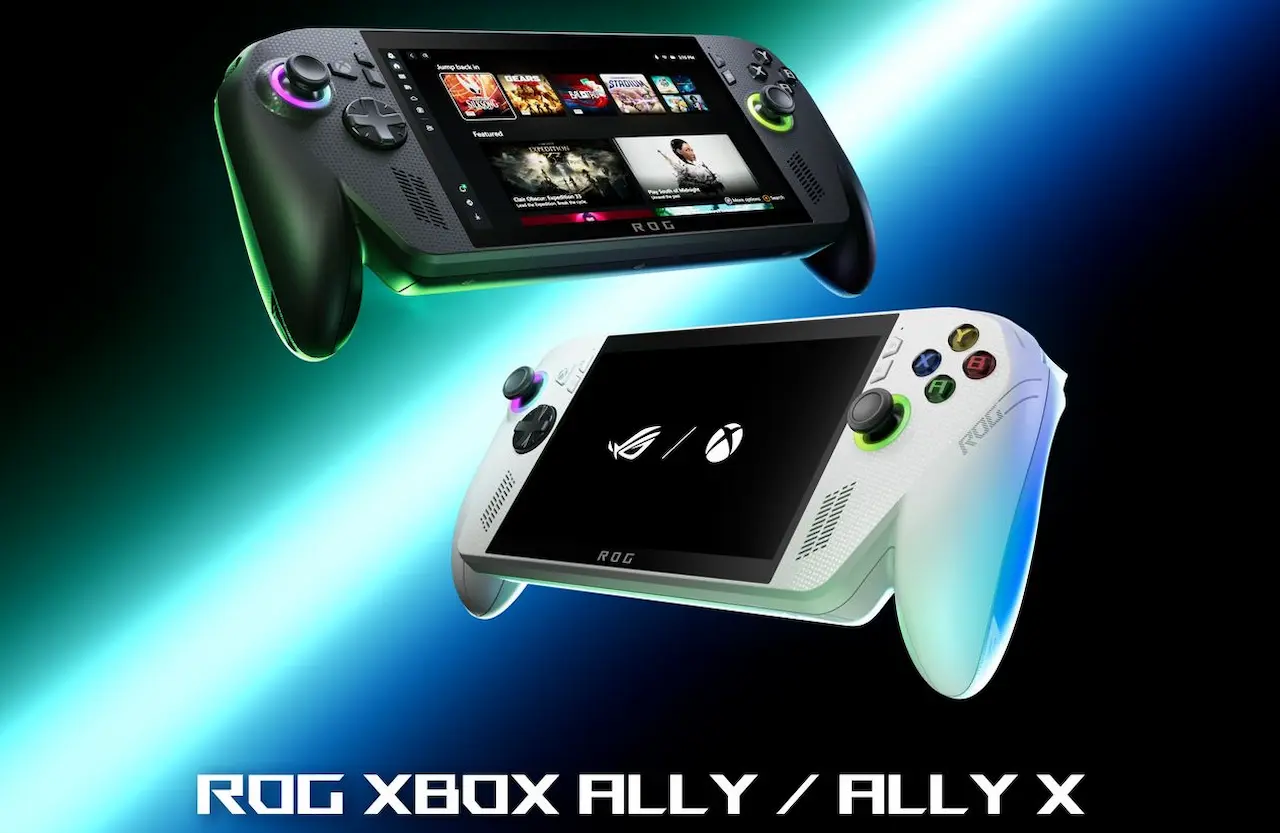
If you are looking into putting a SteamOS-like OS on your ROG Ally, this will be the closest you can get for the foreseeable future! Yesterday, the ChimeraOS team pushed out a new update adding the initial support needed for the ROG Ally. Specifically, there is now audio support, functional WiFi, Face Buttons, and Bluetooth, and partial TDP control. The suspend functionality is still a work in progress though.
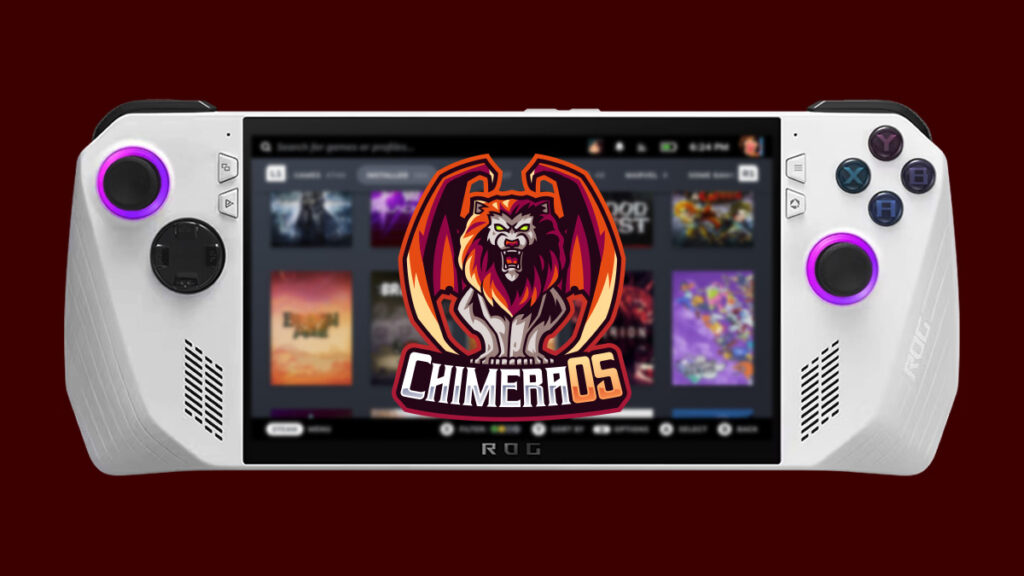
There was a lot of work put into this update, but it has gotten to this point thanks to the ChimeraOS team and the help of Luke Jones. This new version does contain more fixes and improvements though, adding in more support for AOKZOE, AYANEO, and AYN devices, as well as making some games boot up faster when it wasn't booting correctly before.
ChimeraOS is a fork of Arch Linux that is modeled similarly to SteamOS. This means a lot of the features that we love about SteamOS, like the quick access menu, awesome overlay, and the Linux environment overall, will be supported here. There is still a lot of work to do bringing full support to the ROG Ally, but this is a fantastic first step. Personally, I am looking forward to seeing where this will go and how well the device will be compatible with it. One of the selling points for the device is native Game Pass and Windows, which would be disregarded if using ChimeraOS, but it is interesting nonetheless.
If you want to install ChimeraOS, go to their download page and first download the installer. Then, use a program like etcher to flash the installer to a USB stick. After that, you will need to connect a keyboard and turn off the device, choosing to specifically boot from the plugged in USB. Finally, just follow the installer and you should be good to go! The idea of dual-booting would be especially useful here, but time will tell how great this OS will operate.
ChimeraOS v43 Changelog:
- Add initial Asus ROG Ally support. This includes:
- Audio support (With DSDT Override enabled)
- Functional WiFi
- Functional face buttons
- Functional Bluetooth
- Experimental partial TDP control in OpenGamepadUI
- Suspend functionality is still a work in progress. We recommend disabling auto suspend on the ROG ally and shutting the unit down after each gaming session.
- Add support for AOKZOE A1 Pro fan control via hwmon.
- Games should boot up faster and in some cases make games that previously didn't boot now boot correctly.
- Add ability to switch update channels in the Steam UI (This requires enabling
developer modeandShow Advanced Update Channelsin Steam.) - Support for the following handhelds has been added to HandyGCCS. See the HandyGCCS Wiki for button mapping information.
- AOKZOE A1 Pro
- ASUS ROG Ally
- AYANEO 2S and GEEK 1S
- AYN Loki Max
- OpenGamepadUI has been updated with a new CardUI, support for many more handhelds, and numerous bug fixes that improve the user experience. Additionally, Lutris and Yuzu plugins have been added to the plugin store. See the OpenGamepadUI GitHub page to review the full list of changes.
- DSDT overrides can be enabled for the AYANEO 2021 series and the GPD WinMax2 series that will enable the gyro to properly load in the BMI-160 driver.
- Blackscreen issues for multiple handheld devices have been resolved by forcing gamescope to see some built-in panels as a external monitors. This has the effect of exposing the resolution options in the display settings in the Steam UI. Do not change the resolution from these options or the device could be forced into an unsupported resolution. Changing the UI Scale is the preferred way to adjust the readability of UI elements.
- The AMD P-State driver will now be used on supported devices.
- Added a Thai font.
- Users will no longer experience errors that falsely indicate an upgrade failure during future upgrades.
- Added screen rotation quirk for the AYN Loki Max and AOKZOE A1 Pro.
- Intel OneXPlayer devices should now have much better compatibility.
この記事を楽しんでいただけたなら、ぜひSteamDeckHQ の他のコンテンツもチェックしてみてください!私たちは、あなたのゲーム体験に役立つこと間違いなしの様々なゲームレビューやニュースを取り揃えています。ニュース、ヒントやチュートリアル、ゲーム設定やレビューをお探しの方も、最新のトレンドを知りたい方も、ぜひご利用ください!

最近のニュース
カテゴリー
Accessories
Anbernic
Android
ASUS ROG Ally
ROG Xbox Ally
Classics on Deck
Community
Cryobyte33
Deals
Deck Mods
Emulation
Events
Featured Post
Game News
Game News
General Game News
HandheldHQ
Hardware
Lenovo
Linux
MagicX
Nintendo
ONE-NETBOOK
Opinion
Other Reviews
Accessory Reviews
Handheld Reviews
PlayStation
Proton
Retro Handhelds
Anbernic
AYANEO
AYN
GPD
MagicX
MANGMI
Miyoo
Retroid
TrimUI
SDHQ
Steam
Steam Machine
SteamOS
The Unsupported Report
Uncategorized
Uncategorized
最近のヒント&GUIDES
新着レビュー