
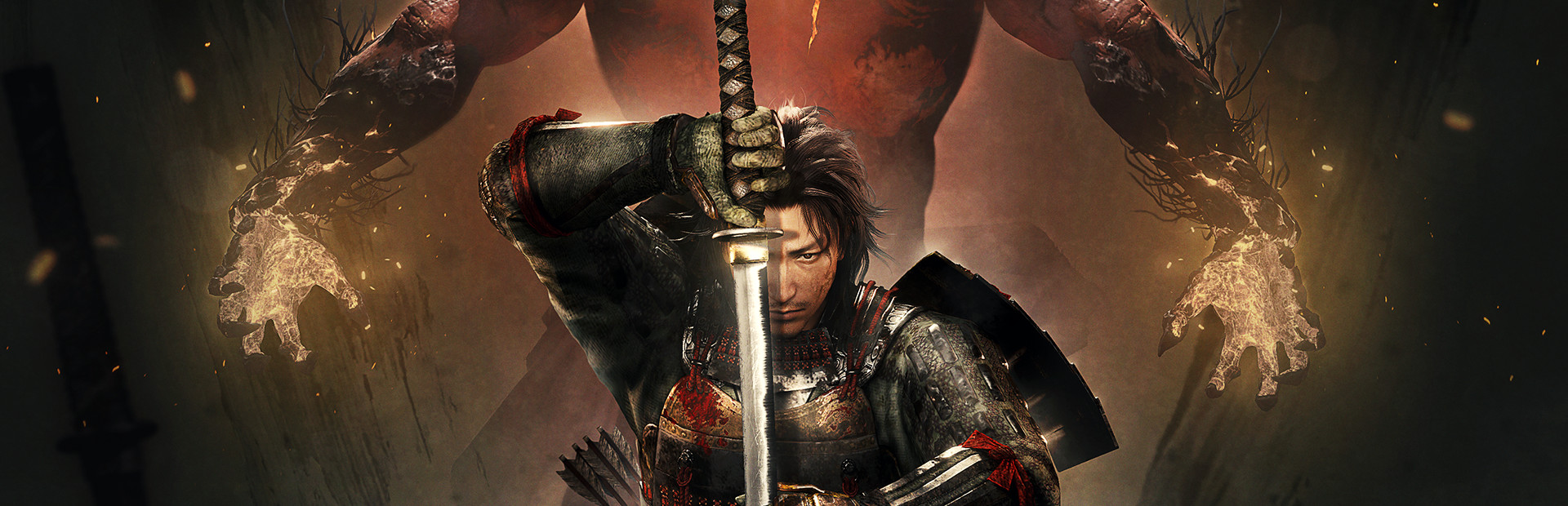


Nioh 2 is a critically acclaimed sequel to the game of the same name. Just like its predecessor, you will see yourself in a souls-like action RPG with elements of Diablo-like loot and Ninja Gaiden sprinkled in, though some could say this is much more Ninja Gaiden over Souls. Utilize new powerful Yokai forms to defeat your biggest foes across a wonderful story set during the Sengoku period. And with new abilities your enemies have, like creating Dark Realms, there is a lot more at stake in every fight.
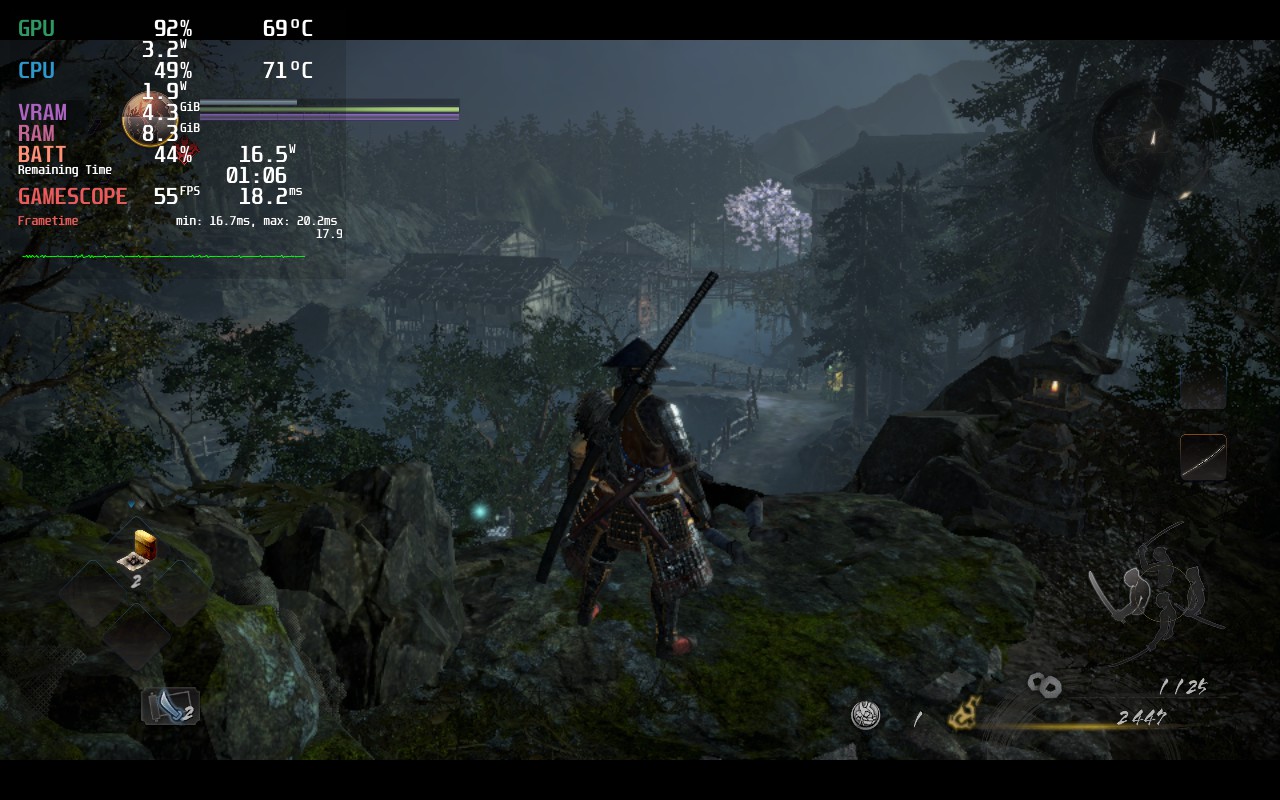
Compared to its predecessor, Nioh 2 runs SO much better. I was able to hit 60 FPS 95% of the time if battery was not an issue on default settings. I did find some changes to be more effective on battery without ruining the game experience.
Setting the framerate to 55, which keeps the game looking smooth, allowed me to set a TDP limit of 9 to keep battery around 3 - 3.5 hours with a stable framerate. This all with most of the quality settings set to max, apart from shadow quality which was set to low. I couldn't see any big difference with Shadows on High vs Low. I also left Rendering Resolution at 50%. Increasing it did make the game look a little more sharp, but I felt the game looked amazing at default and was able to prioritize the framerate and battery savings. In our full review later on, I will have a 100% build, but for now, this felt like the best way to play.
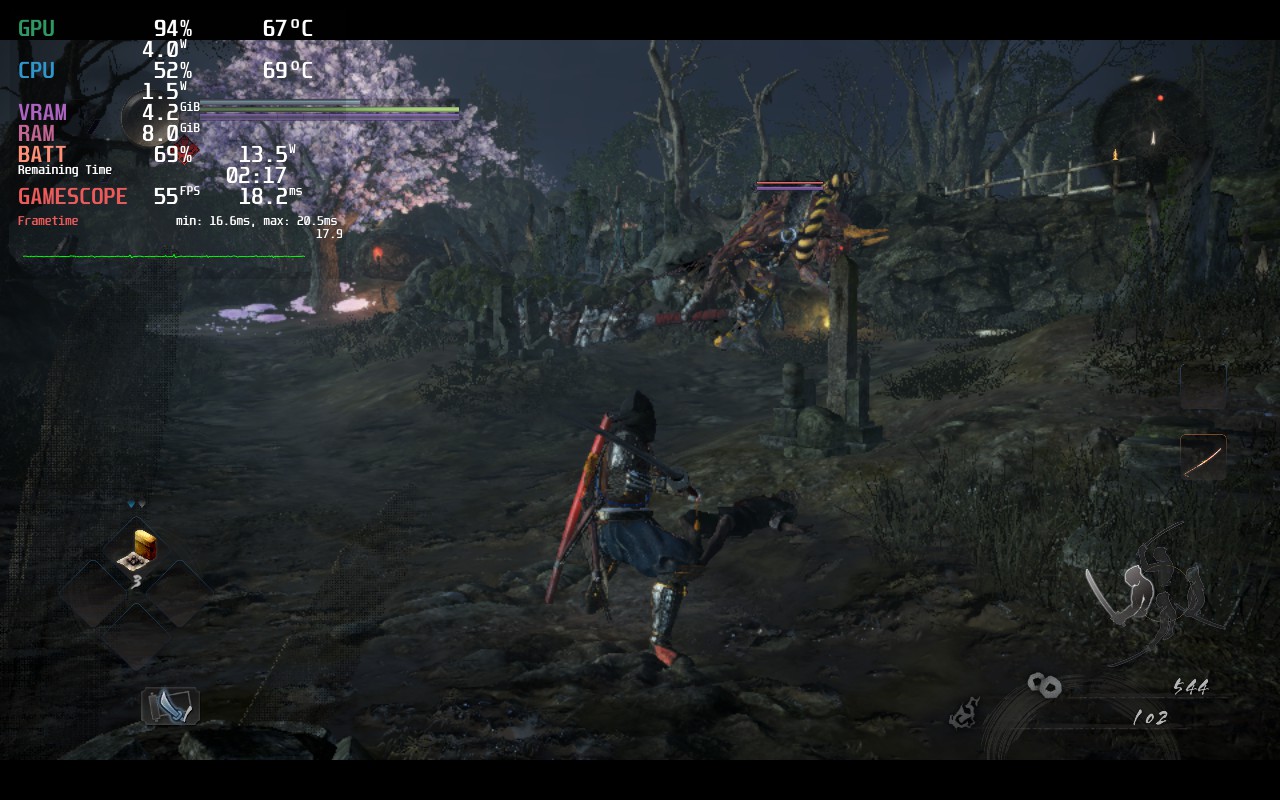
Otherwise, unlike its predecessor, this game runs SO well it feels like it was developed by a completely different team. If you don't care about battery, this game can run at 60 FPS, though it still does drop at certain moments. 55 FPS mitigated that and allowed a much lower battery life and, honestly, this feels like the best way to play Nioh 2 by far. The text is slightly small, but not enough to hurt my eyes (You can slightly enlarge the text in settings), and does have cloud save support!
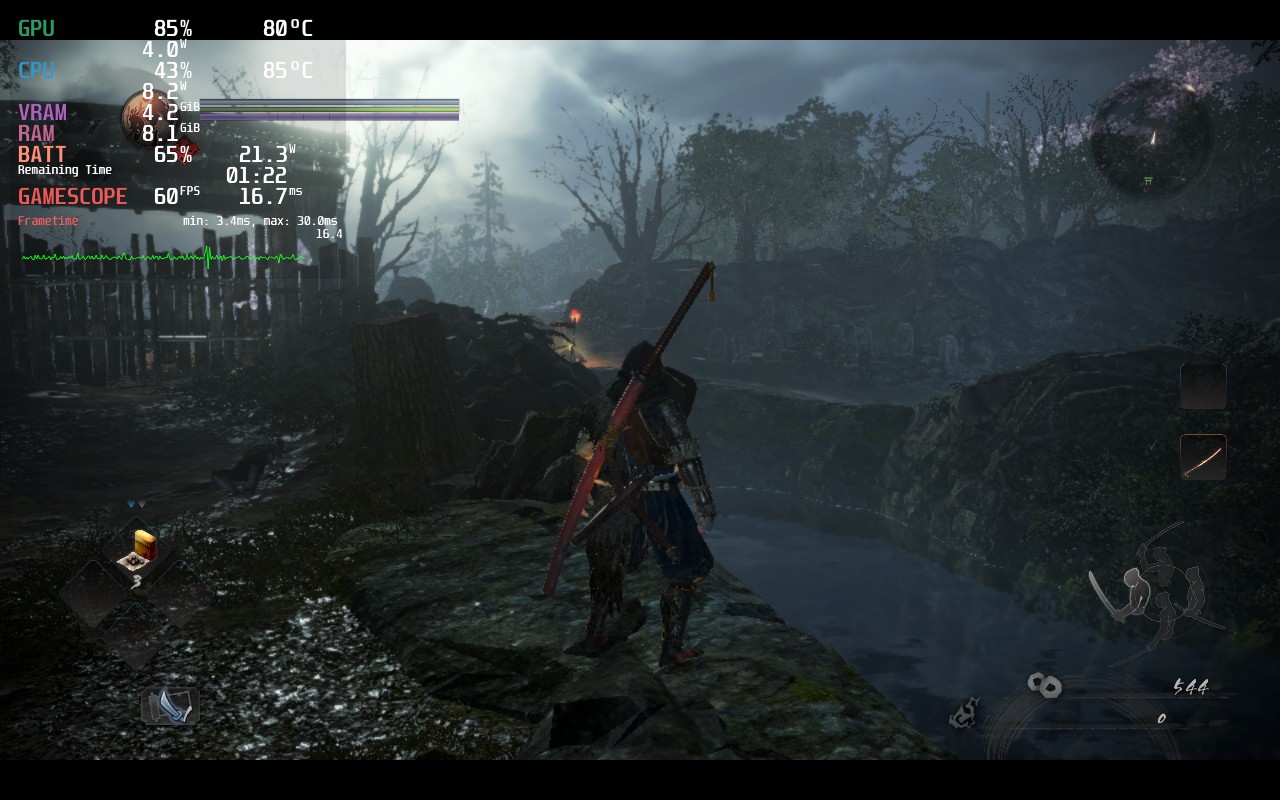
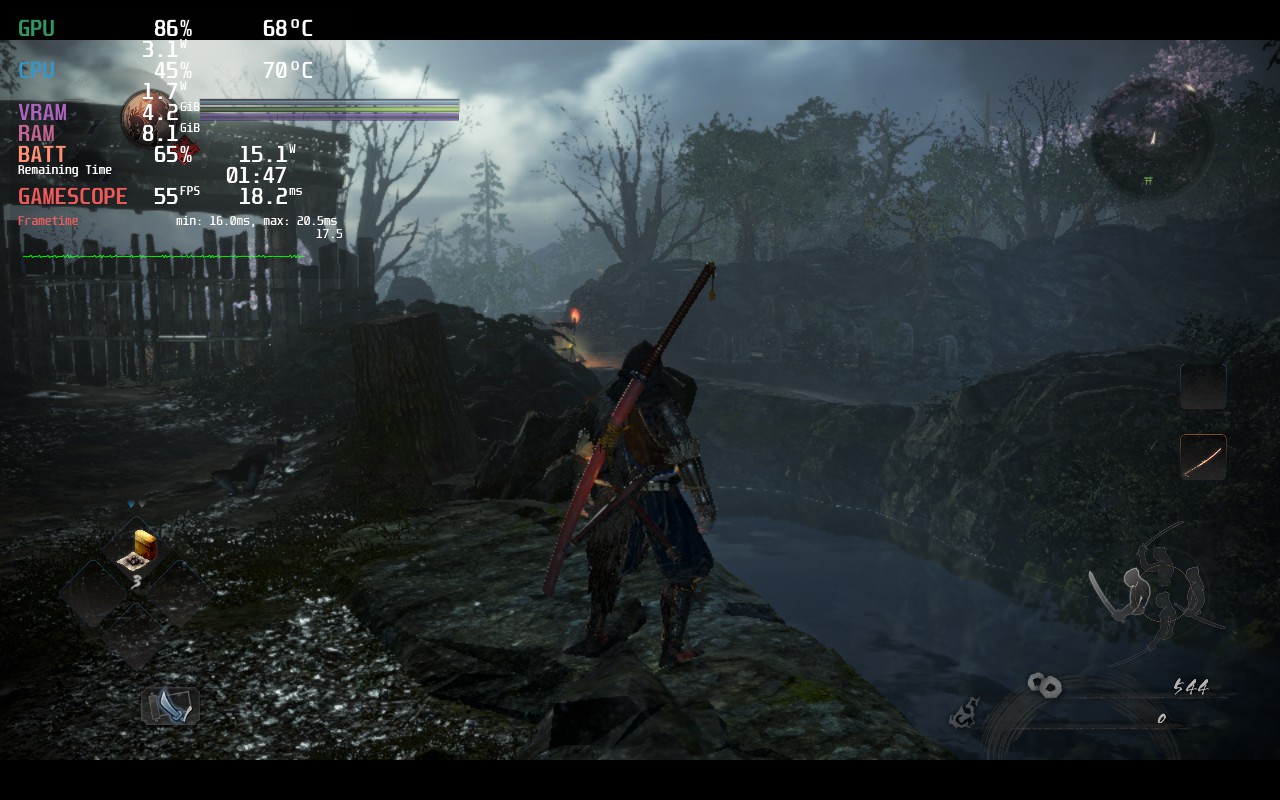
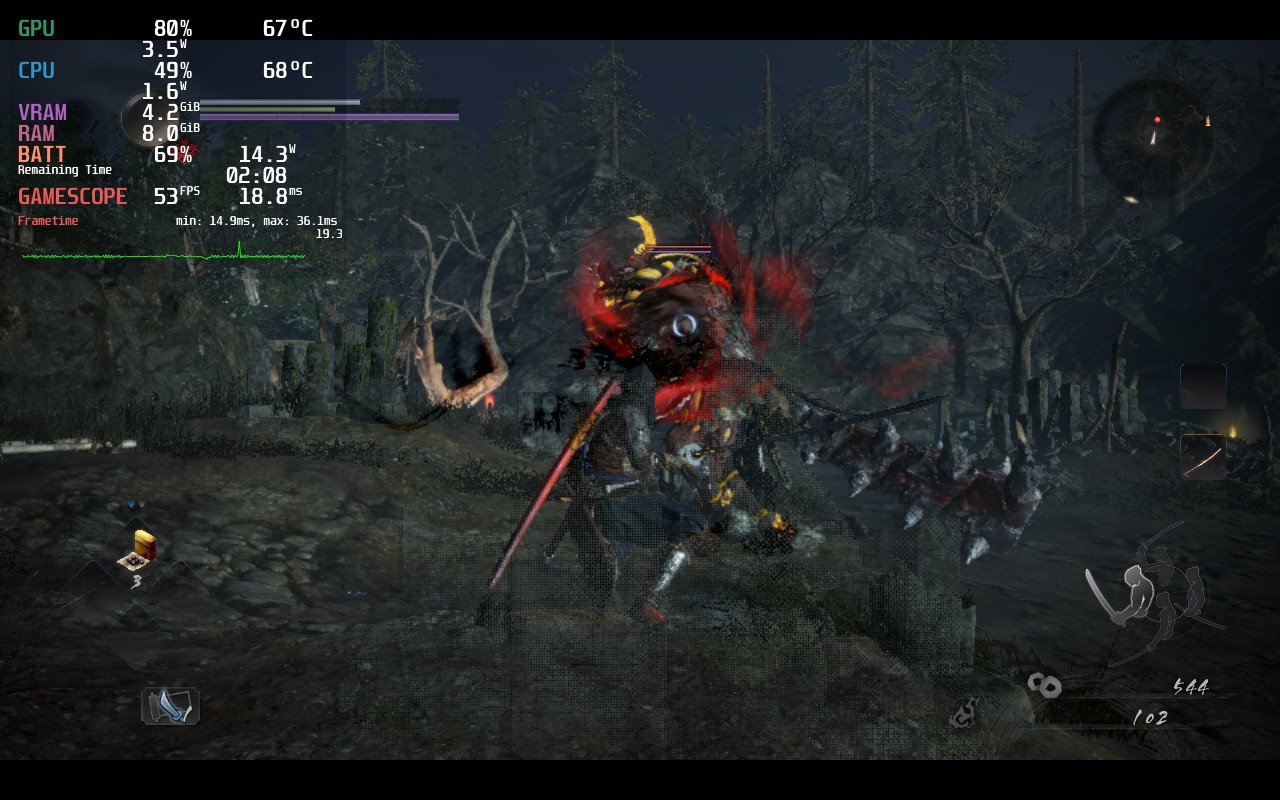
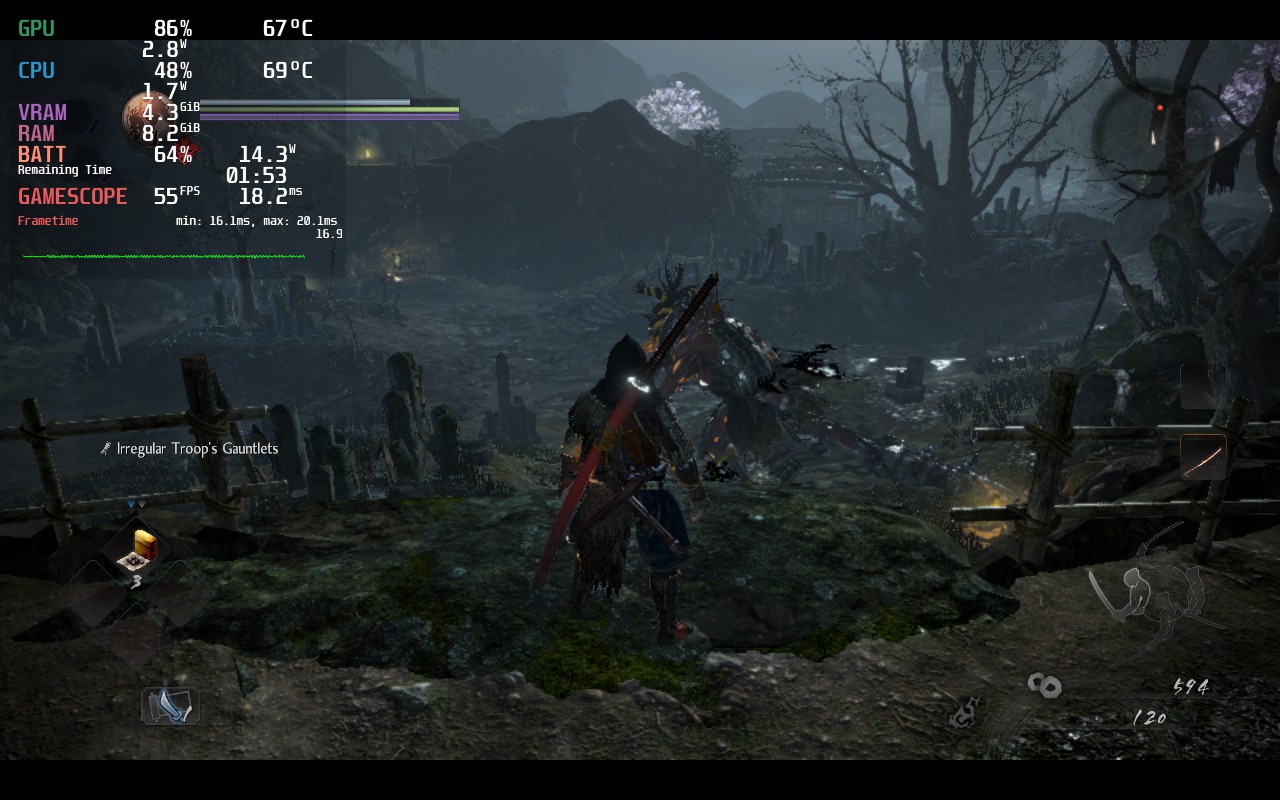
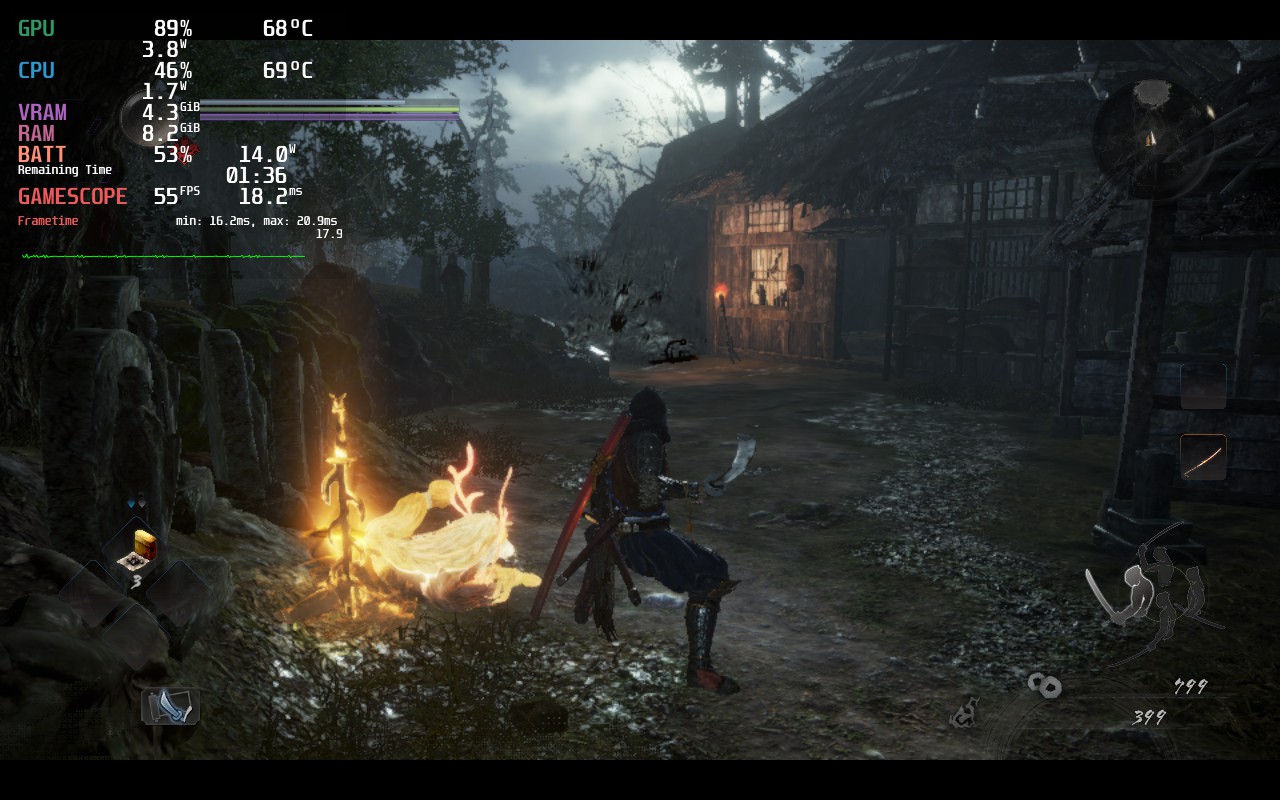
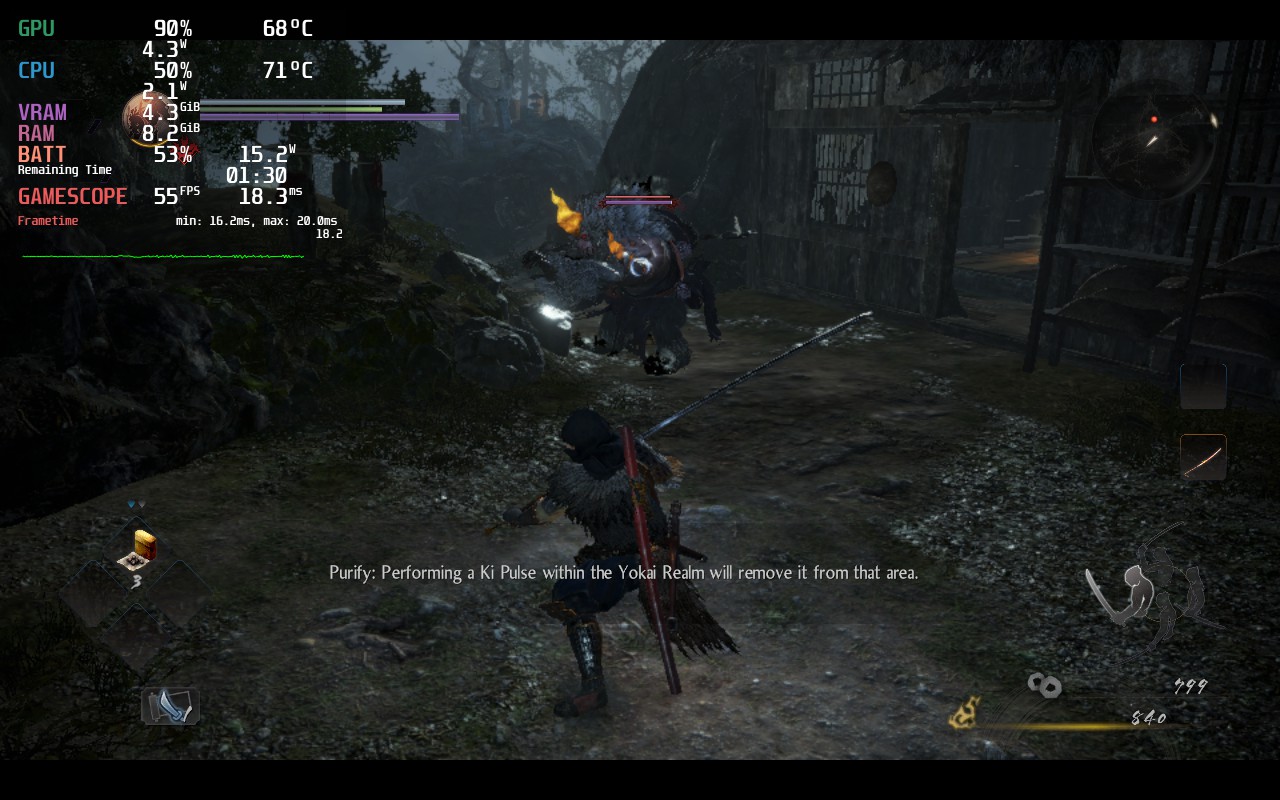
As you can see in the MangoHUD in the top left, the game draws way too much power when left unchecked. Luckily, with the recommended settings, it is a massive change for the better with more stability and significantly improved battery and temps.
このレビューはPC版に基づいています。
このレビューをお楽しみいただけたなら、SteamDeckHQ の他のコンテンツもぜひご覧ください!私たちはあなたのゲーム体験に役立つこと間違いなしの様々なゲームレビューやニュースを取り揃えています。ニュース、ヒントやチュートリアル、ゲーム設定やレビューをお探しの方も、最新のトレンドを知りたい方も、ぜひご利用ください!
Like a stark contrast to its predecessor, Nioh 2 - The Complete Edition is significantly more optimized and an incredible experience on the Steam Deck.







This resolution 1080p or 720p?
If I remember correctly, 720p. Unless we are docked, we won’t use larger than 1280x800 resolutions.
What setting display resolution?
Certain levels have really bad framerate as you get further into the game. Trees and rain tend to make the deck run super slow. It's passable if you can put up with it.
Which levels? I will take a look into it when I go back over Nioh 2 for the full review!
40 Hz, 40 FPS much more stabil on this parameters
I agree. It is definitely more stable, I just personally preferred the smoothness of 55 for a game like this!
The frame pacing issues this game has on the Deck are pretty severe. The game is not smooth at all.
Hi there! We didn't really notice any frame pacing issues in our testing. Would you be able to email us or join our Discord? We would love to assess and help improve!