

Welcome to the Toy Story action game of your dreams! In HYPERCHARGED: Unboxed, you are an action figure come to life to defend base from a plethora of enemy toys. Customize your figure, grab a friend, and get ready to defend your hypercores in first or third person. Build your defenses to make sure no enemies can get through as you pickup building tokens and gun parts to enhance your weapon or get a completely new one! But how well does it run on the Steam Deck you ask? Well, let me tell you!
At max settings, HYPERCHARGE can hit 60 FPS, but it really depends on the level. Levels without outside lighting seem to perform better, but there can still be pretty big dips down to 45 FPS with battery drain up to 24W. But with some changes, we can improve this immensely!
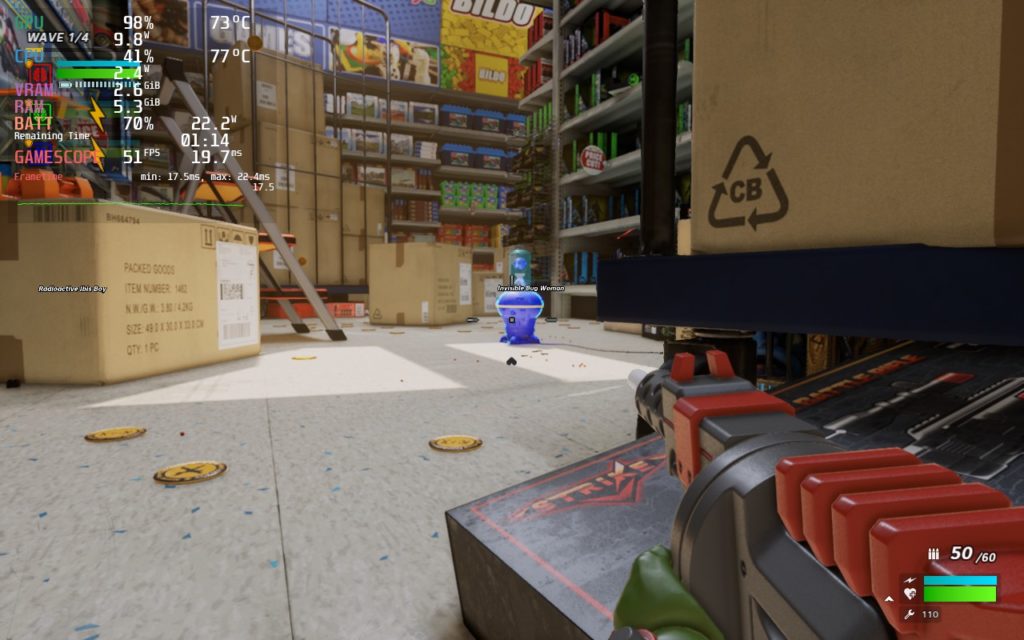
My goal for HYPERCHARGE was to get a solid 60 FPS with the game still looking as incredible as it can while sticking to low battery drain and I am happy to say it can! By setting to a mix of medium and high settings, TDP limit of 8, and 1152x720 resolution with FSR, I was able to get a solid 60 FPS under 95% of circumstances.
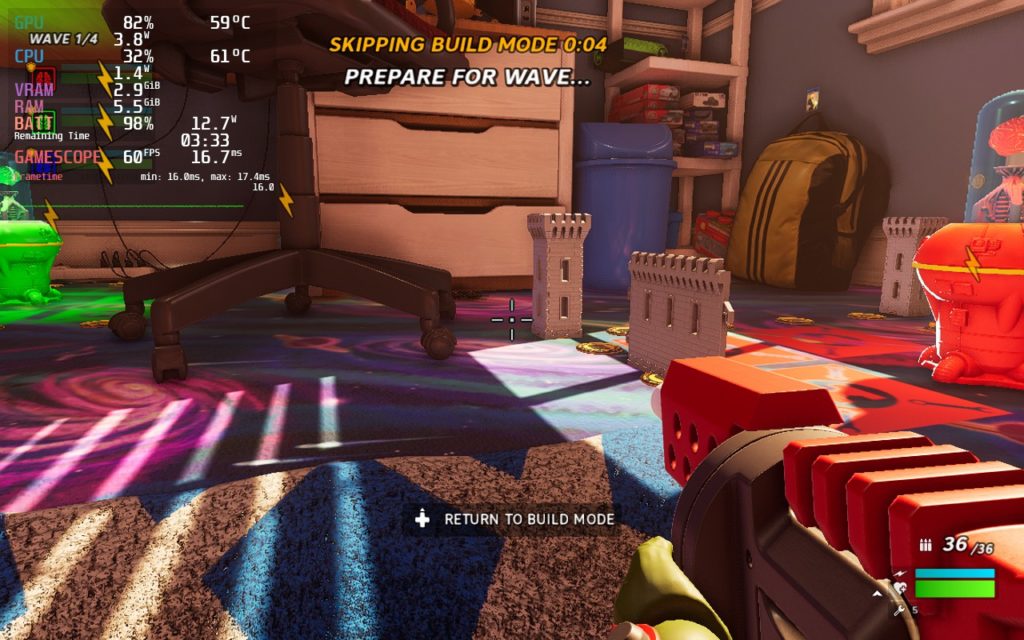
I felt these were the perfect settings personally. I did test with higher graphical settings and a higher TDP limit, I still encountered some slowdowns in situations where there was groups of enemies up close and personal with the framerate dipping. The settings I found eliminated this and kept the game running perfectly. I also didn't see much difference visually when compared to the max settings, it still looked absolutely incredible!
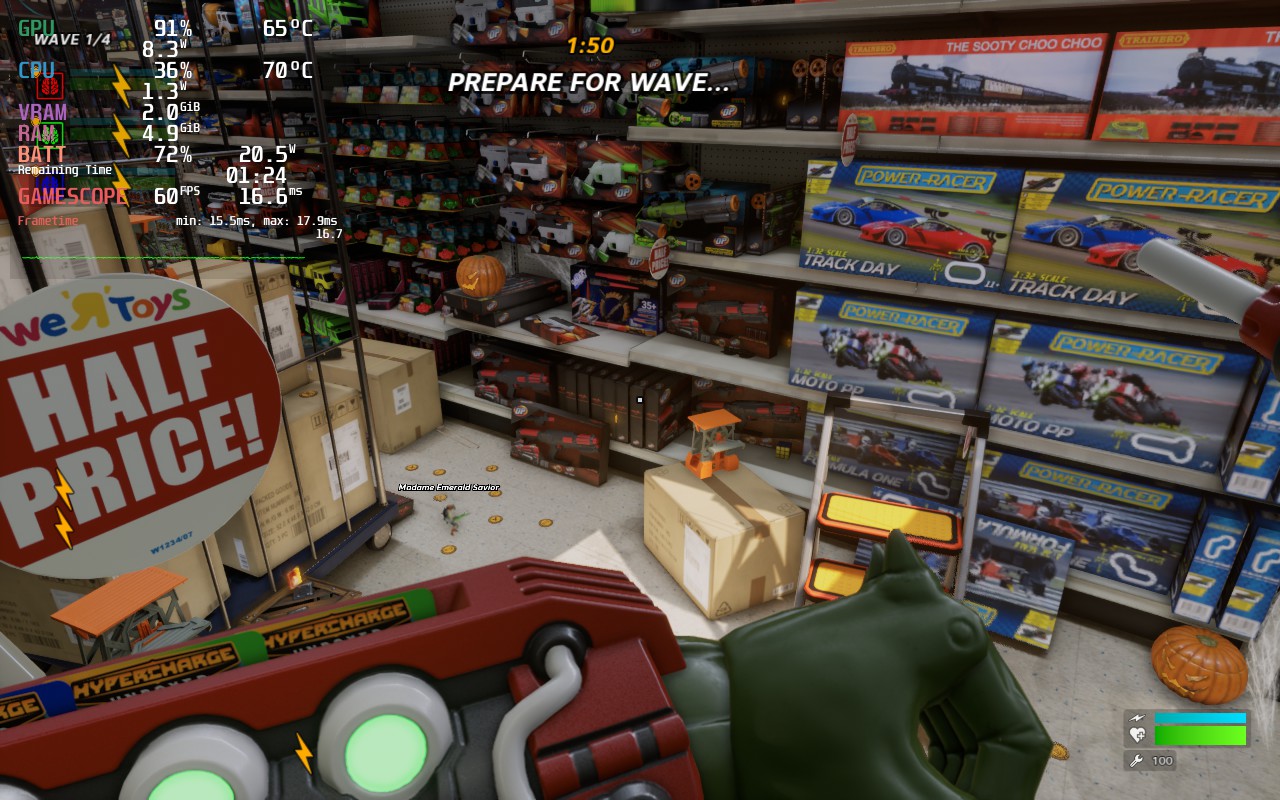
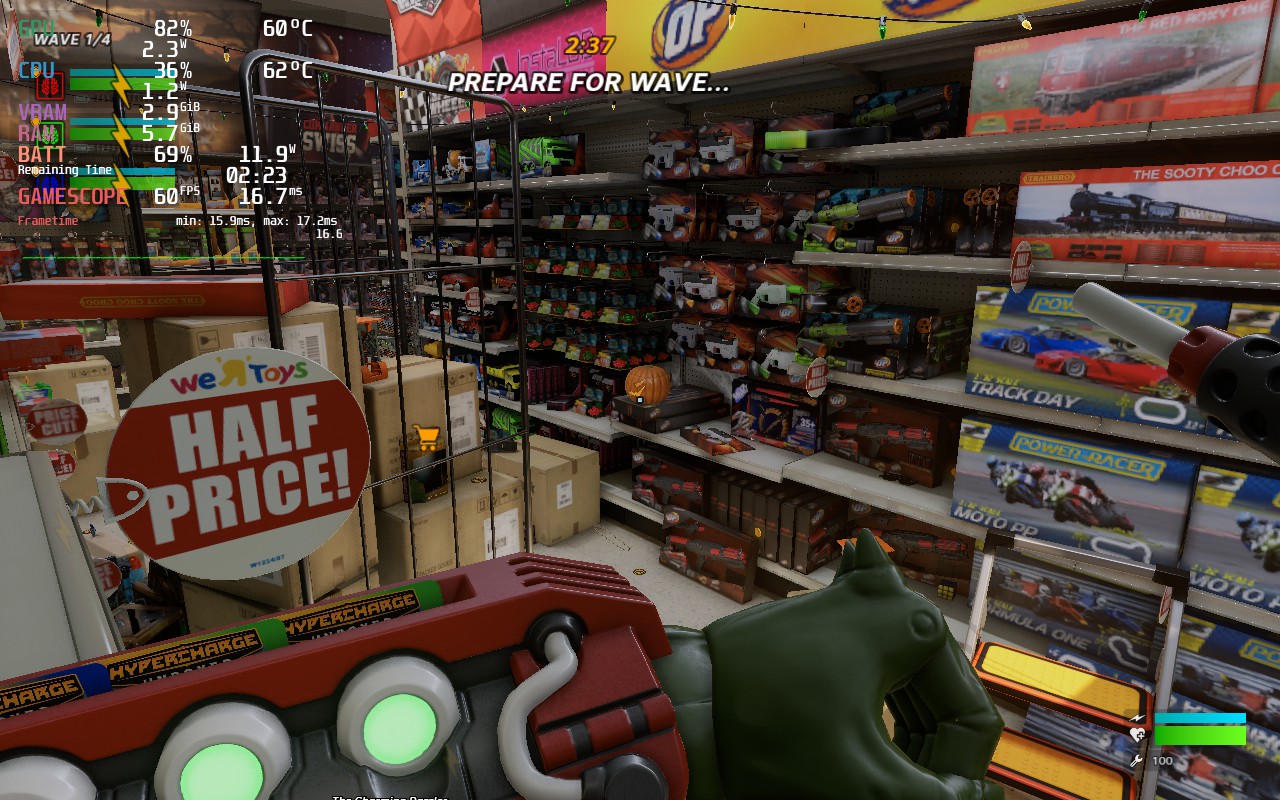
It was a bit hard to line up, but I still didn't feel like there was a huge difference in quality.
I also didn't encounter any weird bugs. The game ran fine and felt fantastic to play.
Now I didn't encounter any issues with the controller, but there was a couple of weird quirks with them. For instance, to jump or run, you have to use RB or LB. This can be a bit jarring, but I did get used to it. If it does bother you though, I would recommend editing the controls in the settings, switching sprinting to pressing the left joycon and jumping to the A button. This will automatically replace the Prompt/Voice Menu to RB, which feels a bit better overall.
HYPERCHARGE: Unboxed is a wonderfully fun game with so much content and a fantastic coop mode. And luckily, it is just as incredible on the Steam Deck. With a solid 60 FPS not only possible, but still achievable with great visual quality, this is an essential game for you and your friends to add to your library!
このレビューはPC版に基づいています。
このレビューをお楽しみいただけたなら、SteamDeckHQ の他のコンテンツもぜひご覧ください!私たちはあなたのゲーム体験に役立つこと間違いなしの様々なゲームレビューやニュースを取り揃えています。ニュース、ヒントやチュートリアル、ゲーム設定やレビューをお探しの方も、最新のトレンドを知りたい方も、ぜひご利用ください!
HYPERCHARGE: Unboxed is a wonderfully fun coop game that shines on the Steam Deck. This is the best way to play easily.

Proton GE 7-37
Display:
Display Mode: Windowed
Window Size: 1152x720
Performance:
Anti-Aliasing: Disabled
Shadow Quality: High
テクスチャークオリティ:高
Visual Effects Quality: Medium
後工程の品質:中
Foilage Quality: Medium
View Distance Quality: Default Distance