
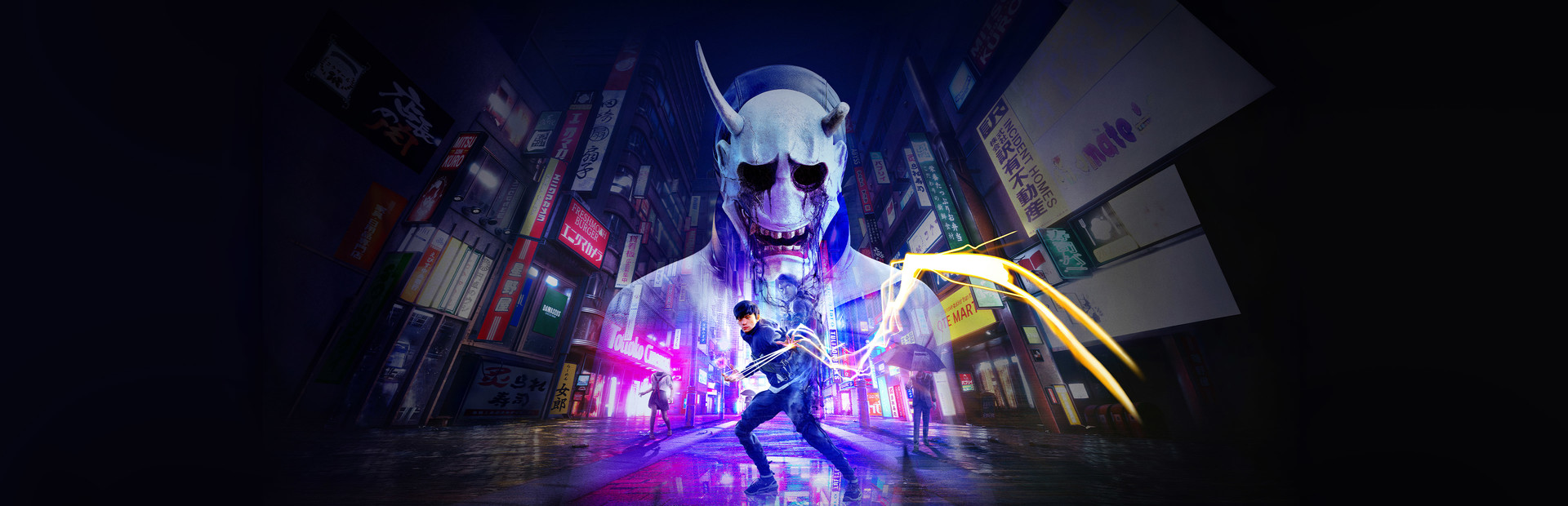


Tokyo's residents have mysteriously disappeared and now it is up to you to defeat the Yokai in the streets and figure out what's going on. Ghostwire Tokyo will take you on a wild ride in this gorgeous first-person action game. Utilizing supernatural powers, you will traverse Tokyo modern-day landscape, which is mixed with more traditional landmarks, take part in side missions, upgrade your arsenal, buying food from cats, and following the main story.
A new update was released yesterday (4/11) that adds new side missions, new enemies, new combat abilities, Quality of Life improvements, and a full new roguelite game mode called "Spider's Thread". Ghostwire Tokyo is probably one of the most vibrant and visually stunning games I have played recently. I love the combat abilities, the animations, the beautiful colors that permeate the screen with every action, it's just fantastic. And with an enjoyable story, I found a lot to love here, but is it one to love on the Steam Deck? Well...it can be, with some compromises.
Unfortunately, Ghostwire Tokyo is a bit of a beast and is a bit hard to run on the Steam Deck. Just trying to play out of the box, the game fluctuates between 30-40 FPS without a TDP limit and while some moments can go above 40, it will move very wildly. Even with the lowest settings, the framerate stuck within that range and there were even some spots that would dip below 30 with one even going to 14 FPS!
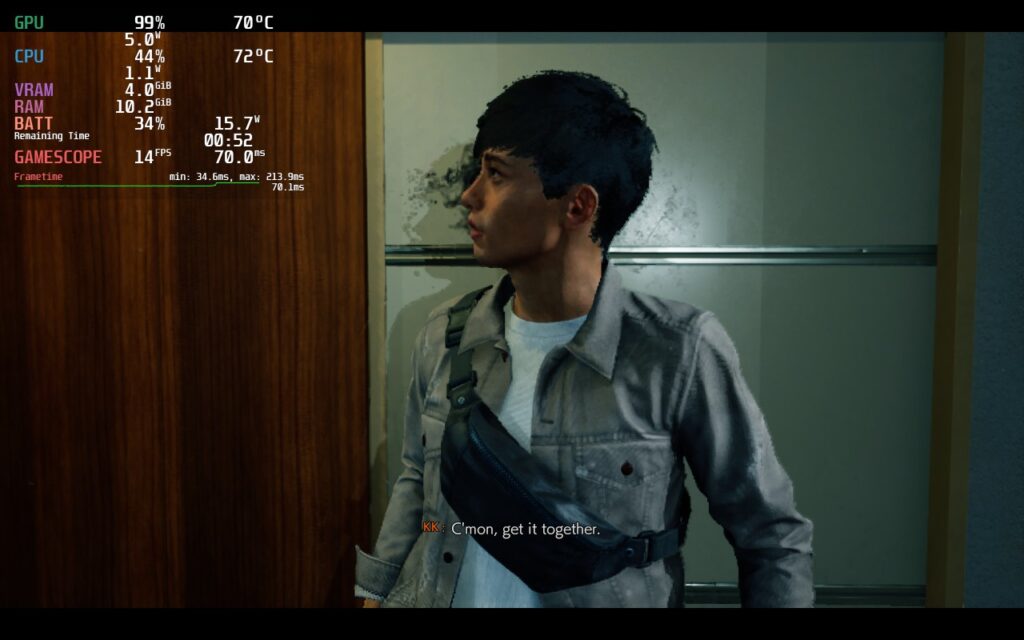
I did notice in some areas that the game would just cap its TDP and keep framerate dipping below 30, like when I was in the hospital and looking at one spot would drop the framerate to 26-28 and battery drain would not go above 19W despite there being no caps.
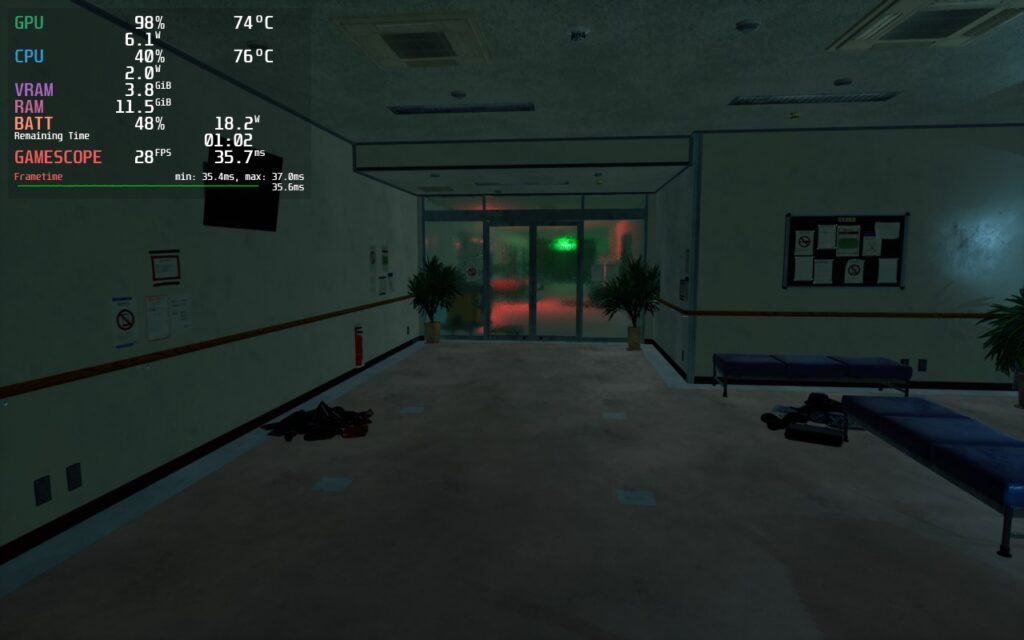
Thankfully, these moments dipping below 30 are few enough to not detract from the bulk of the game, which can hit a solid 30. Dropping the settings lower will help keep that stability along with a TDP limit of 10 to make sure battery doesn't drop drastically. I did notice some minor drops when running through the city, but lowering settings and keeping FSR 2 at "Performance" keeps the game looking okay and minimizes those drops.
While FSR 2 at performance did look a little blurry at times, I felt this was worthwhile to save on battery drain and that "Balanced" didn't offer a significant increase in sharpness. I did try lowering resolution and using SteamOS FSR as well. It did save on battery drain and kept things more stable, but the game was significantly sharper and it looked ugly, so keeping the resolution at 1280x800 is preferred.
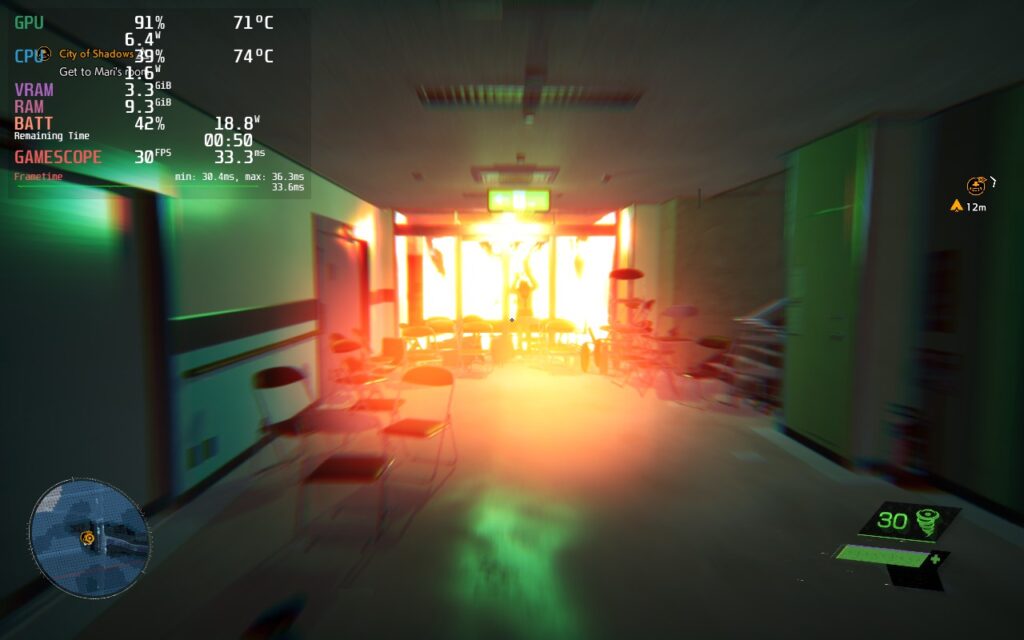
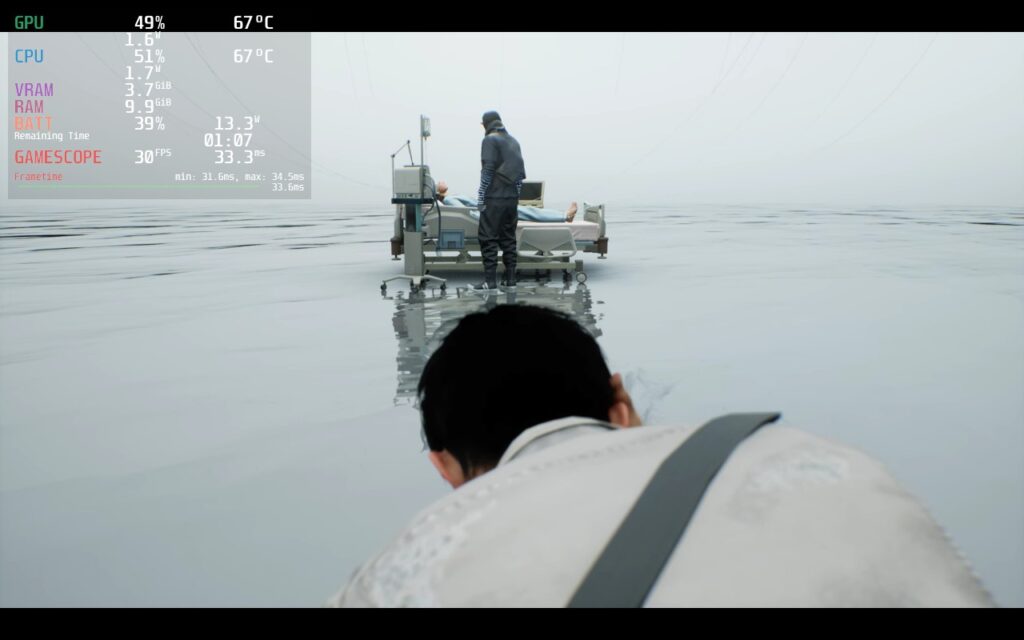
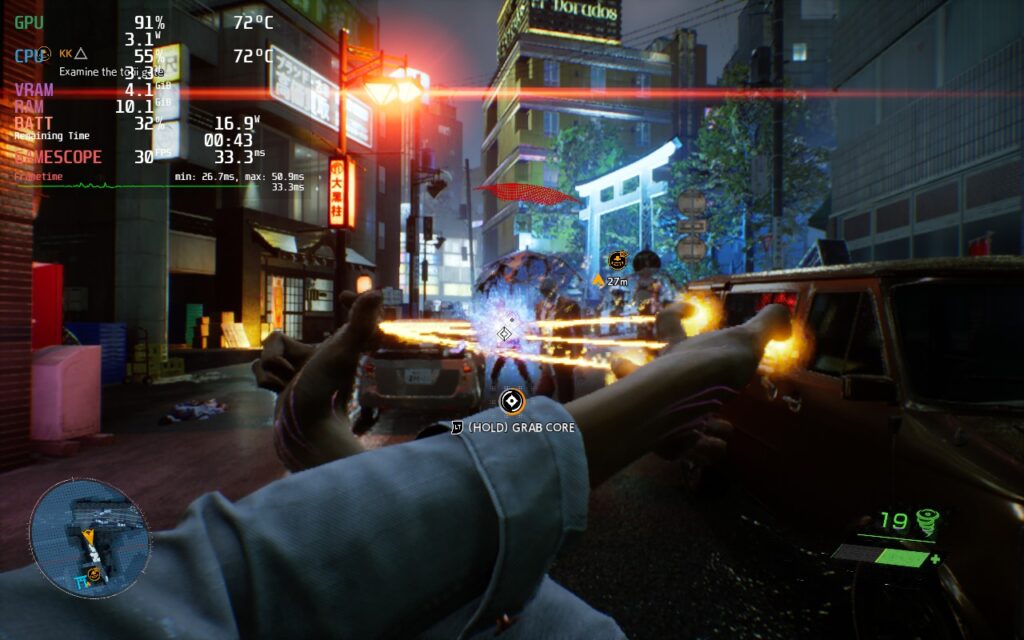
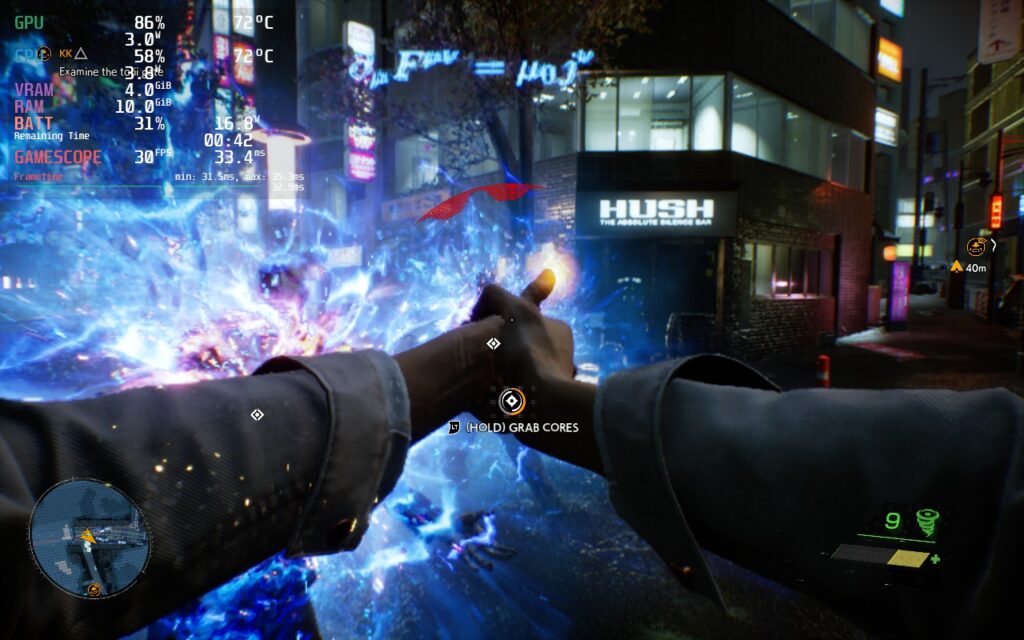
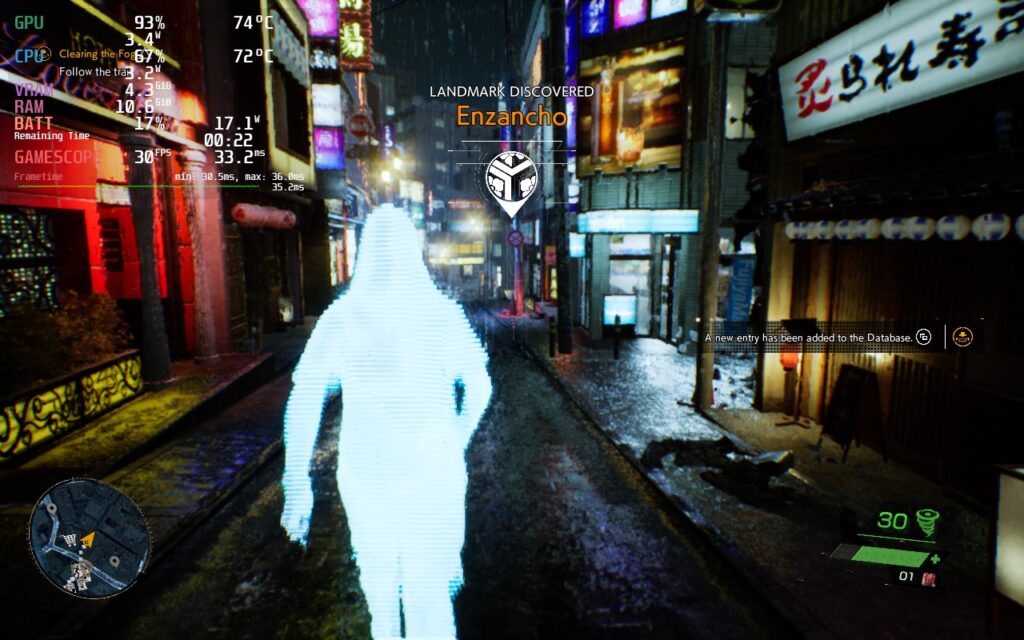
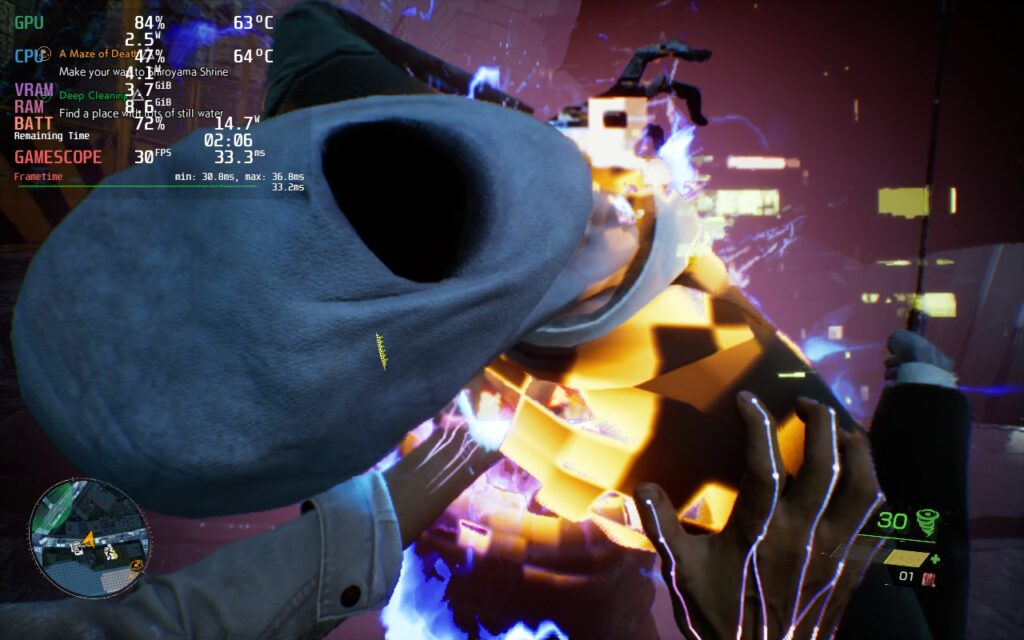
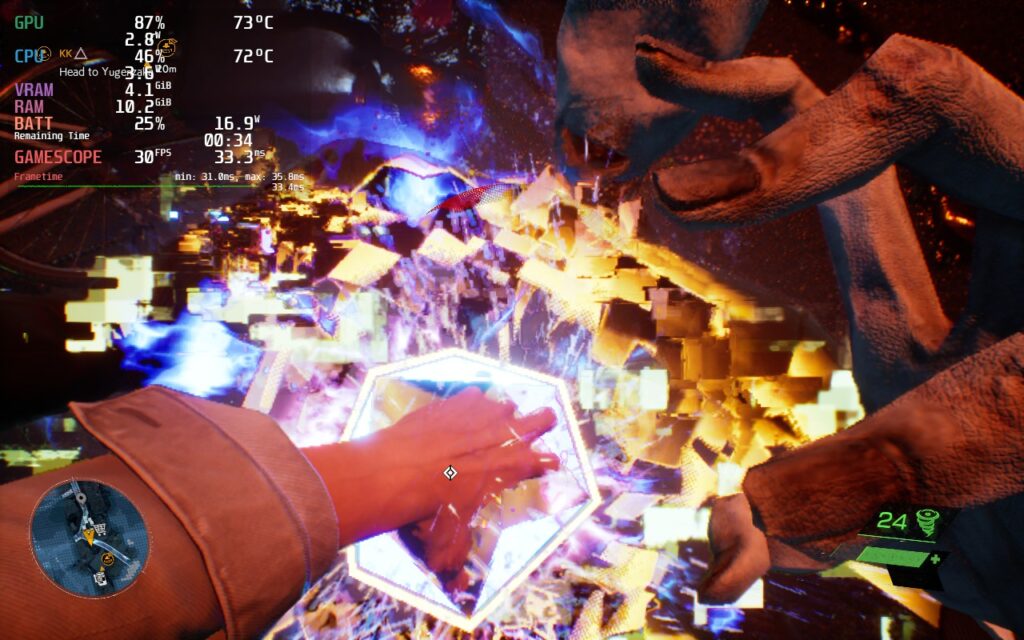
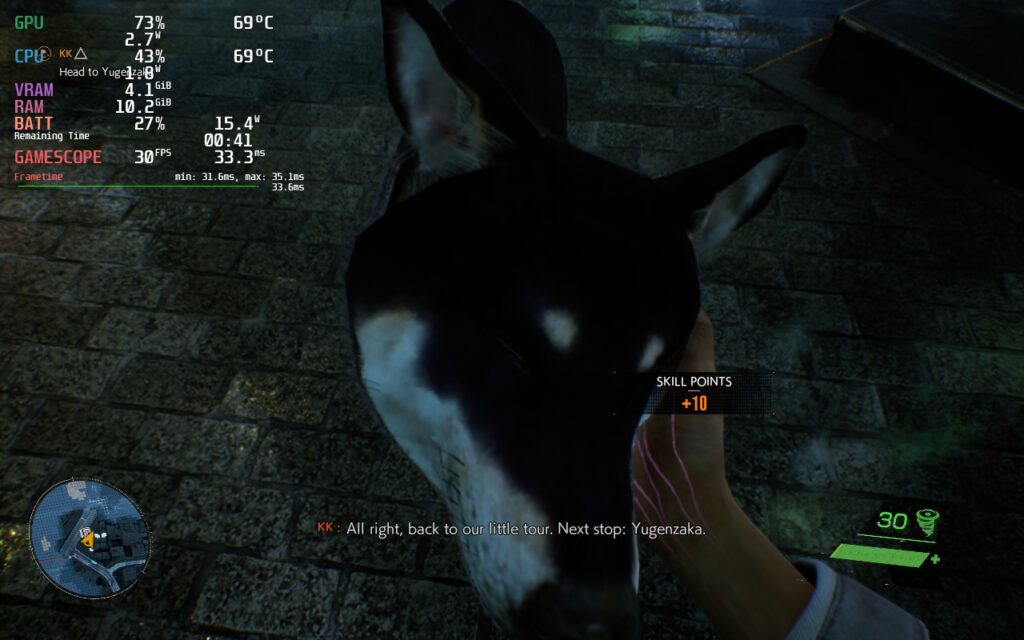
To make sure Ghostwire Tokyo still looked good, I decided to keep Global Illumination on. This setting is the one that changed the visuals the most and, while it runs slightly better with it off, the game looks significantly nicer and more visually appealing with it on. If it is going to be harder to run in general, may as well make it look a little better to keep some of the beauty!
The game also has full controller support, 1280x800 resolution, and cloud saves! Ghostwire Tokyo does have subtitles as well that can be resized, which I highly recommend setting all the way to 5 if you have them enabled. The game also supports simultaneous/mixed input, which means setting the gyro controls to "As Mouse" in Steam Input will provide fantastic gyro aiming.
I did also try other Proton versions, as well as the UMA Buffer and CryoUtilities to see if there would be any improvements, but there wasn't a noticeable enough difference to justify using any of them.
Ghostwire Tokyo is a gorgeous, visually-appealing game that kept me hooked through the story with its unique tale, animations, and enjoyable combat. I can't get over how glorious it is to see all the colors popping with your attacks and destroying the enemy's cores. While I do wish it ran better on the Steam Deck, it is definitely playable as the moments that need to stick to a stable 30 will. I would recommend getting it on sale, but it is definitely a worthwhile game to check out when you have it!
このレビューはPC版に基づいています。
このレビューをお楽しみいただけたなら、SteamDeckHQ の他のコンテンツもぜひご覧ください!私たちはあなたのゲーム体験に役立つこと間違いなしの様々なゲームレビューやニュースを取り揃えています。ニュース、ヒントやチュートリアル、ゲーム設定やレビューをお探しの方も、最新のトレンドを知りたい方も、ぜひご利用ください!
Ghostwire Tokyo is a gorgeous and visually-appealing first-person action game that I truly loved, and while it can play on the Steam Deck, it does need some compromises to do so.

強制的な互換性はない
Screen Mode: Full Screen
解像度1280x800
Vertical Sync: Off
Movie Display Mode: Performance Mode
フィルムグレインオフ
Chromatic Aberration: On
Motion Blur Quality: Off
SSS Quality: Off
SSR Quality: Off
Global Illumination: SSGI
Shadow Map Quality: Low
Level Streaming Distance: 1
Texture Streaming Quality: Auto
Upscaling: AMD FSR 2
AMD FSR 2 Mode: Performance
AMD FSR 2 Sharpness: 0






This game has Denuvo which totally hampers the performance of the game, i watched a comparison between having Denuvo and not having it and it was an incremental change, any kind of frame drop disappeared.