



Jurassic World Evolution 3 was provided by Frontier Developments for review. Thank you!
Jurassic World Evolution is a series that hasn't missed yet, and I'm pleased to say that Jurassic World Evolution 3 is no exception. There's a lot to like about this one, and if you are looking for a management game for the Steam Deck, this should definitely be near the top of your short list.

I'll admit, I haven't played the previous two Jurassic World Evolution games. My last foray into the series was Jurassic Park: Operation Genesis on the original Xbox console, which I adored. Jurassic World Evolution 3 really does feel like...well, an evolution of that game, but improved in every way.
It's always a fear with management games that they will over-complicate things, but Jurassic World Evolution 3 seems like it has a great balance of having enough depth to things like your dinosaurs' needs for their enclosures, as well as your guests needs, but presenting them in a simple way, where you know immediately what the issue is, and the solutions are easily accessible. One example is that when adding foliage to an enclosure, the foliage liked by dinosaurs is marked, so you know what kind of foliage you should be working with.
The campaign mode also does an excellent job of gradually easing you into park management. The first few missions each teach you new gameplay mechanics at a steady pace, so by the time you're left on your own, you should have a good grasp on how to do everything in the game. There are also challenges, which set scenarios for you to beat and offer cosmetic rewards for your parks. You can, of course, play in an open Sandbox mode with customizable settings.
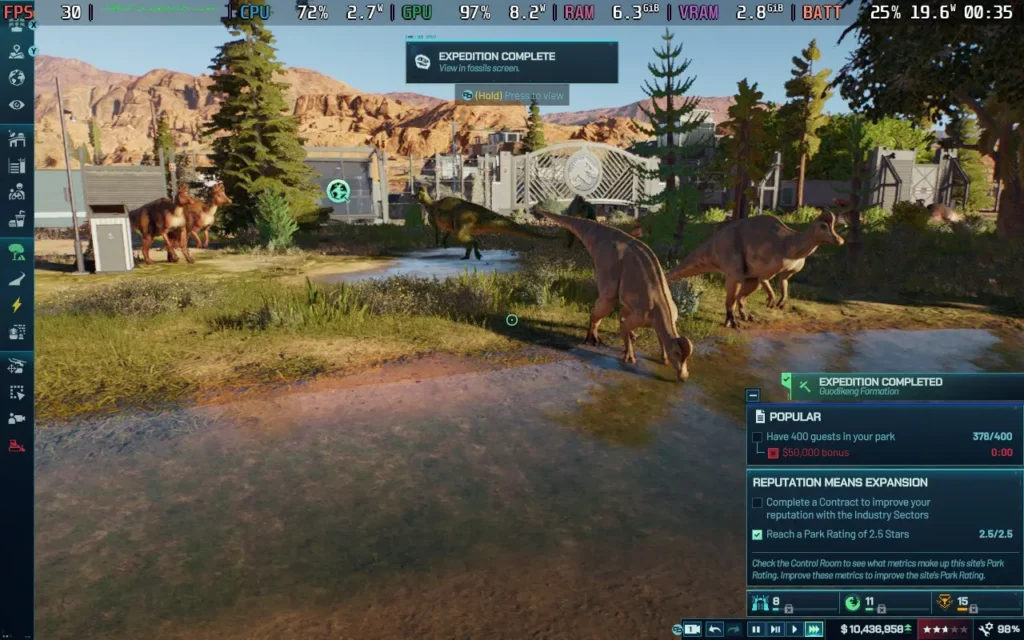
The amount of gameplay mechanics at play here helps you feel like there's always something to do. You can organize expeditions to obtain new fossils, which will let you increase your DNA pool for certain species and learn to breed new dinosaurs or improve existing ones. You can research various technologies, such as new medicines to combat potential ailments your dinosaurs can develop. This is on top of all the regular park management, such as guest attractions and designing your dinosaur enclosures. It prevents the age-old problem in management/strategy games of staring at your screen, unsure of what to do next.
My favorite feature, and one in Jurassic Park: Operation Genesis, is the ability to control the vehicles in the game. While you can assign the AI to manage things like the park ranger, which checks on the welfare of your animals, and the helicopter, which tranquilizes dinosaurs for transportation, you also can drive (and utilize) these vehicles yourself, allowing you to explore and interact with your park and dinosaurs either on foot, in a jeep, or via helicopter. It's such a nice feature, and the game still holds up visually on ground level.

Speaking of visuals, they are also quite nice in the game, with ray-tracing available on devices that support it. The water looks good even without ray-tracing, though. The natural trees are sort of haphazardly clipped inside each other on most maps, and it makes for a weird visual effect, so I was careful not to place trees close together manually. Dinosaurs are animated and portrayed well, even with animations of them playing with each other, which is a really nice addition.
Jurassic World Evolution 3 is quickly becoming my favorite management game of 2025. There are tons of content here to keep you busy, over 85 species of dinosaurs in your park, plenty of different attractions, different game modes, including the highly customizable Sandbox mode. I think they hit it out of the park with this one.
Jurassic World Evolution 3 is a joy to play on the Steam Deck. It has good controller support for both menus and gameplay, it supports 1280x800 as a resolution, and it has a built-in graphics preset for the Steam Deck, which the game defaults to.
I recommend you stick with the developer preset settings and apply a 30 FPS frame rate limit. Using these settings, you can keep the game relatively stable at 30 FPS, even with a bigger park. Flattening the camera when zoomed out to view over large distances can drop framerates into the high 20s, but it's an edge case, and I still found the game entirely playable.
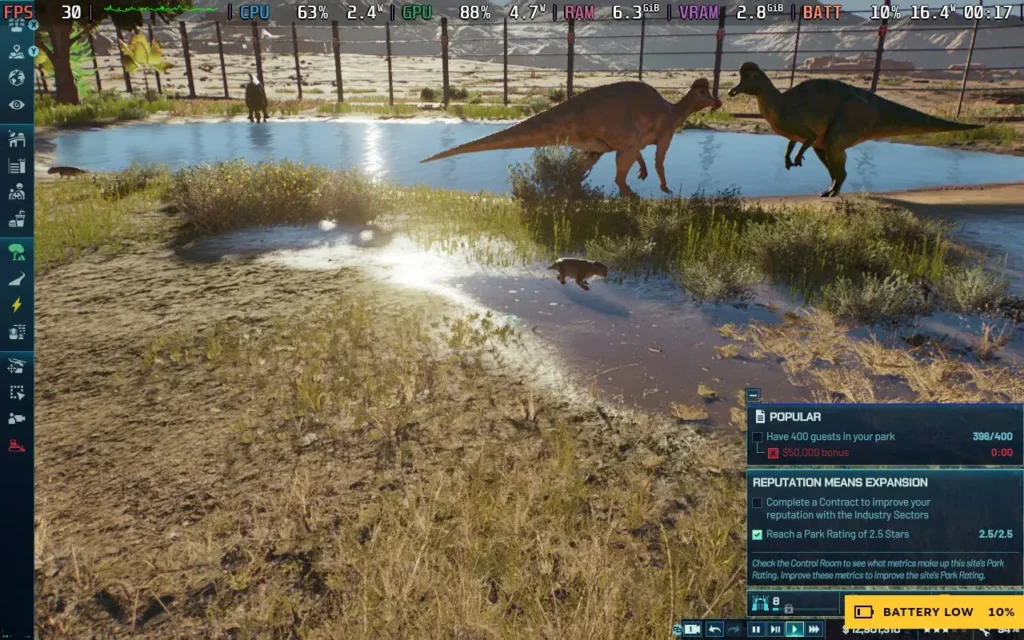
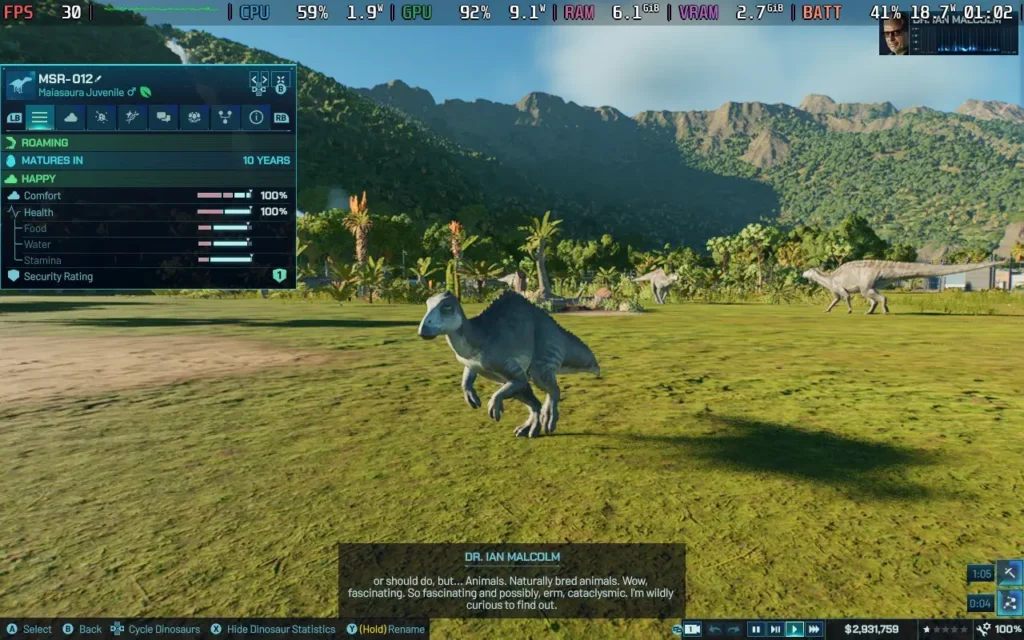
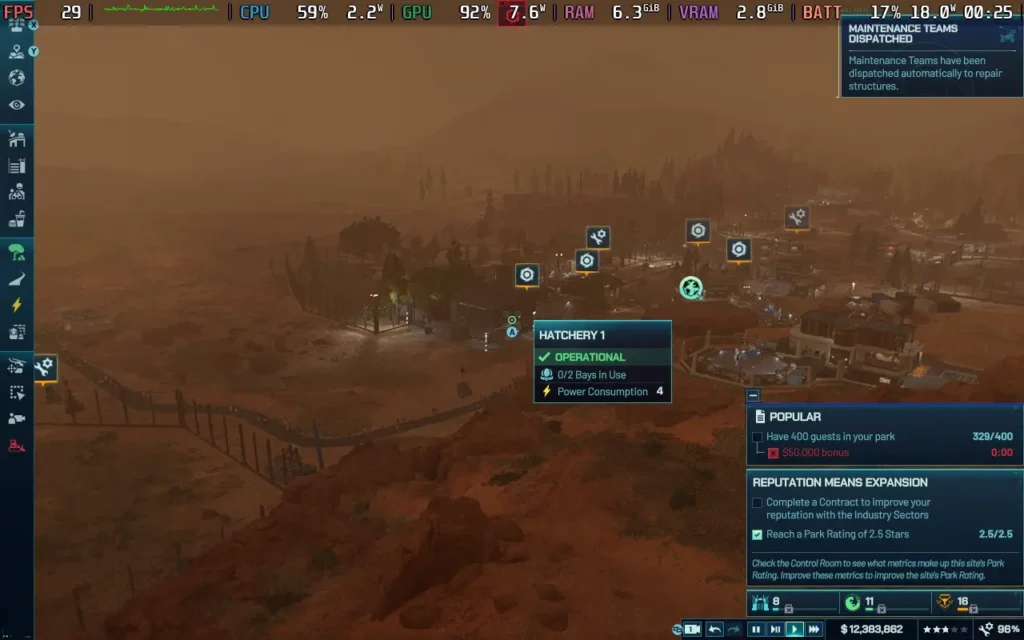
The power draw on these settings was around 14W-19W, and temperatures were around 60C-70C. A Steam Deck OLED can expect to get around 3 hours of battery life, and a Steam Deck LCD can expect around 2 hours.
Jurassic World Evolution 3 has some accessibility options. It can mute all other in-game voices when mission dialogue is spoken and output in Mono audio, so all speakers receive the same sound. It also has subtitles for all spoken dialogue, which can be adjusted in size and have a background to make them more legible.
You can also apply colorblind filters to the UI for the 3 main types of colorblindness and a high contrast mode. Camera shaking can also be disabled.
Jurassic World Evolution 3 feels like it's not far off from the end goal for this kind of game. It has great management tools and UI, and it's easy to understand what's going on. You have extra niceties like exploring your own park and using your own vehicles, and the progression with unlocking new dinosaurs and designing their enclosures is always exciting.
The game also runs surprisingly well on the Steam Deck. The controls have been fine-tuned for gamepads, and it shows. I would have difficulty deciding whether I prefer playing this on a controller or keyboard and mouse. Performance is perfectly playable, being a pretty stable 30 FPS with the occasional dips here and there, but it was good enough for me to play and enjoy the game.
Our review is based on the PC version of this game.
If you enjoyed this review, be sure to check out the rest of the content on SteamDeckHQ! We have a wide variety of game reviews and news that are sure to help your gaming experience. Whether you're looking for news, tips and tutorials, game settings and reviews, or just want to stay up-to-date on the latest trends, we've got your back.
Jurassic World Evolution 3 is one of the best management games I've played in recent memory, and it runs well on the Steam Deck too.