Earlier today, the next version of PPSSPP, the PSP emulator, was released, and if you are someone trying to get as much space as possible out of your storage, you are going to be very happy. In this update, we officially have support for the CHD file format, which is pretty commonly used with MAME and PS1 games and should result in even smaller file sizes with little compromise to performance and visuals.
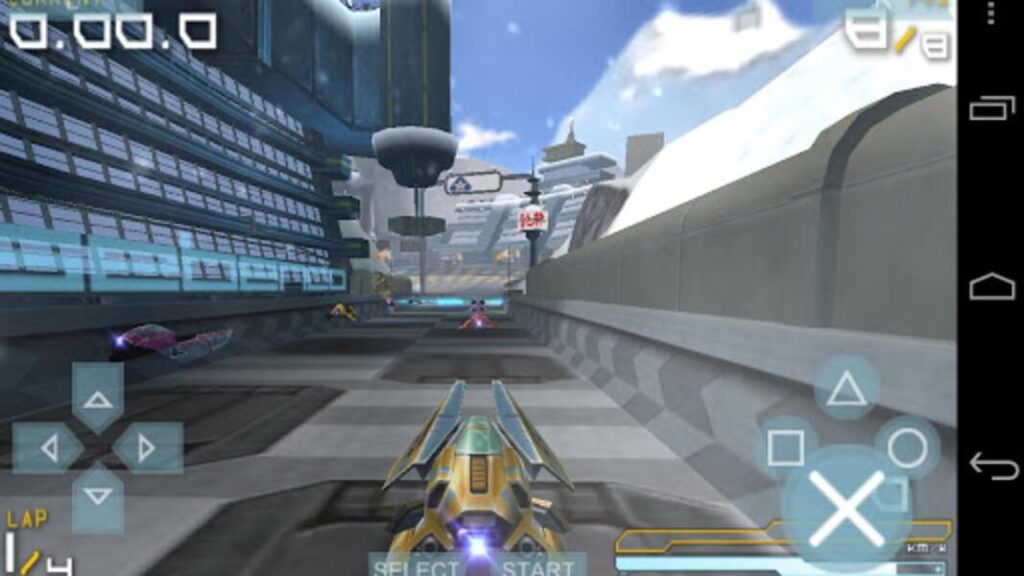
There is also a new beta program that can be downloaded more easily instead of needing to get the newest version each time. As of right now, this is only available on Android devices, and you just have to click a link to become an official tester through the Google Play store. There is a link for regular users and a separate link for PPSSPP Gold users.
There were also a plethora of fixes with this update, including input fixes, RetroAchievements changes, some hangs and crashes, and more bugfixes that revolved around texture replacement. PPSSPP also tracks the total time that was played in each game, which you can see on the info screen, and there were some new UI features that were added.
This is an awesome update, and it is available to download now! If you haven't yet, you can download the emulator from their website, using EmuDeck, or from the Discover Store on the Steam Deck.
PPSSPP 1.17 Update Changelog:
Rendering performance and fixes
- Fix for very old rendering issue in Tokimeki Memorial 4 (#18650)
- Performance improvement in Tactics Ogre by avoiding a readback (#18599)
- Cull small draws that are quick to check that they are offscreen (#18446)
- Assorted optimizations (#18586, #18573, #18476, #18413, #18416, #18219)
- Fix HUD in Tiger Woods 06 (#18554)
- AdrenoTools support added - you can now load custom Vulkan drivers on Adreno (#18532, #18548, #18699)
- Disabled in the Google Play builds for now
- Fix rendering with bad Z parameters, fixes homebrew Zig example (#18535)
- Fix Z problem in Hayate no Gotoku!! Nightmare Paradise #18478
- Fix frozen pitch meters in MLB games (#18484)
- Enable MSAA on modern mobile devices (Vulkan-only) (#18472)
- Fix video flicker in Naruto: Ultimate Ninja Heroes 2 (#18454)
UI
- Track total time played per game (#18442)
- When opening the pause menu, there's now an option to keep the game running behind the menu. This is enforced in multiplayer to avoid inadvertent desyncs (#18517, #18515)
ISO loading improvements
- The CHD file format is now fully supported, including with Remote ISO and Retroachievements
- Improvements to remote ISO: optional tab on home screen, can now share whole folders (#18627, #18639, #18640, #18631, #18632, #18633,)
Controller and touchscreen fixes
- More control bindings, organize into categories (#18635, #18589)
- Fix inverse deadzone (low end) for joystick input
- Fix analog deadzones for XInput controllers (#18407)
- Improved tilt control further (#18533)
- Mouse input supported on Android (#18551, #18473)
- Customizable threshold for analog-trigger to button-press mapping, customizable delay for mouse-scroll key-up (#18621, #18585)
- Make it work better to bind an analog stick to four buttons, useful for camera control in some games
- Can now unpause with the key you bound to pause (#18591)
Other fixes and updates
- More work on the IR JITs (#18234, #18235, #18228, #18227, #18226, many more)
- Moving the memstick directory on Android is now faster and safer #18744
- Workaround problems in Add Doko Demo Issho, Driver 76, Harukanaru Toki no Naka, Ace Combat by slowing down the emulated UMD drive to match reality better (#18436, #18445)
- VR: Quest 3 rendering issues fixed (#18677)
- Various bugfixes in texture replacement (#18638, #18610, #18519, #18466, #18747)
- RetroAchievements: Rich presence, renamed Challenge Mode back to the recommended Hardcore Mode, various error handling improvements, configure per game (#18468, #18651, #18488, #18428, #18425)
- HLE: Slice large-and-slow memcpy/memset operations, can help with some stalls. (#18560)
- Other various minor fixes and optimizations (#18558, #18555, #18538, #18529, #18450, #18314, #18233, #18678, #18749, #18736, #18704)
- SoftGPU fixes (#18362)
- Fixed international fonts on Steam Deck (#18732, #18734)
- GoExplore (GPS app) now starts up and allows navigation (#18665, #18666, #18668, #18669)
- SDL: Improve input latency in Vulkan mode by running rendering on a separate thread (#18268)
- Assorted multiplayer fixes (#18435)
- Support for emulating the infrared port of the original PSP through sceSircs (#18684)
この記事を楽しんでいただけたなら、SteamDeckHQ の他のコンテンツもチェックしてみてください!あなたのゲーム体験に役立つこと間違いなしのゲームレビューやニュースを幅広く取り揃えています。ニュース、ヒントやチュートリアル、ゲーム設定やレビューをお探しの方も、最新のトレンドを知りたい方も、ぜひご利用ください。

最近のニュース
カテゴリー
Accessories
Anbernic
Android
ASUS ROG Ally
ROG Xbox Ally
Classics on Deck
Community
Cryobyte33
Deals
Deck Mods
Emulation
Events
Featured Post
Game News
Game News
General Game News
HandheldHQ
Hardware
Lenovo
Linux
MagicX
Nintendo
ONE-NETBOOK
Opinion
Other Reviews
Accessory Reviews
Handheld Reviews
PlayStation
Proton
Retro Handhelds
Anbernic
AYANEO
AYN
GPD
MagicX
MANGMI
Miyoo
Retroid
TrimUI
SDHQ
Steam
Steam Machine
SteamOS
The Unsupported Report
Uncategorized
Uncategorized
最近のヒント&GUIDES
新着レビュー