


まだの方は、X(Twitter)、Mastodon、Blueskyでフォローし、新しい記事が投稿されたらお知らせください。また、Redditに参加したり、YouTubeに登録して、私たちのコンテンツをチェックしたり、素晴らしいコミュニティと交流してください。応援ありがとうございました!
Marvel Rivals was released yesterday, and it is everything I was hoping for in an Overwatch competitor. I love the experience and being able to play as my favorite Marvel hero in this kind of way, and it is a perfect fit. I am actually quite surprised this wasn't created before, but hey, we have it now. A couple of days ago, we got confirmation that the game would run on the Steam Deck, which is wonderful since the Alphas did not work on Deck. Now, after playing the game, I can happily say that this really is a perfect fit for the Deck.
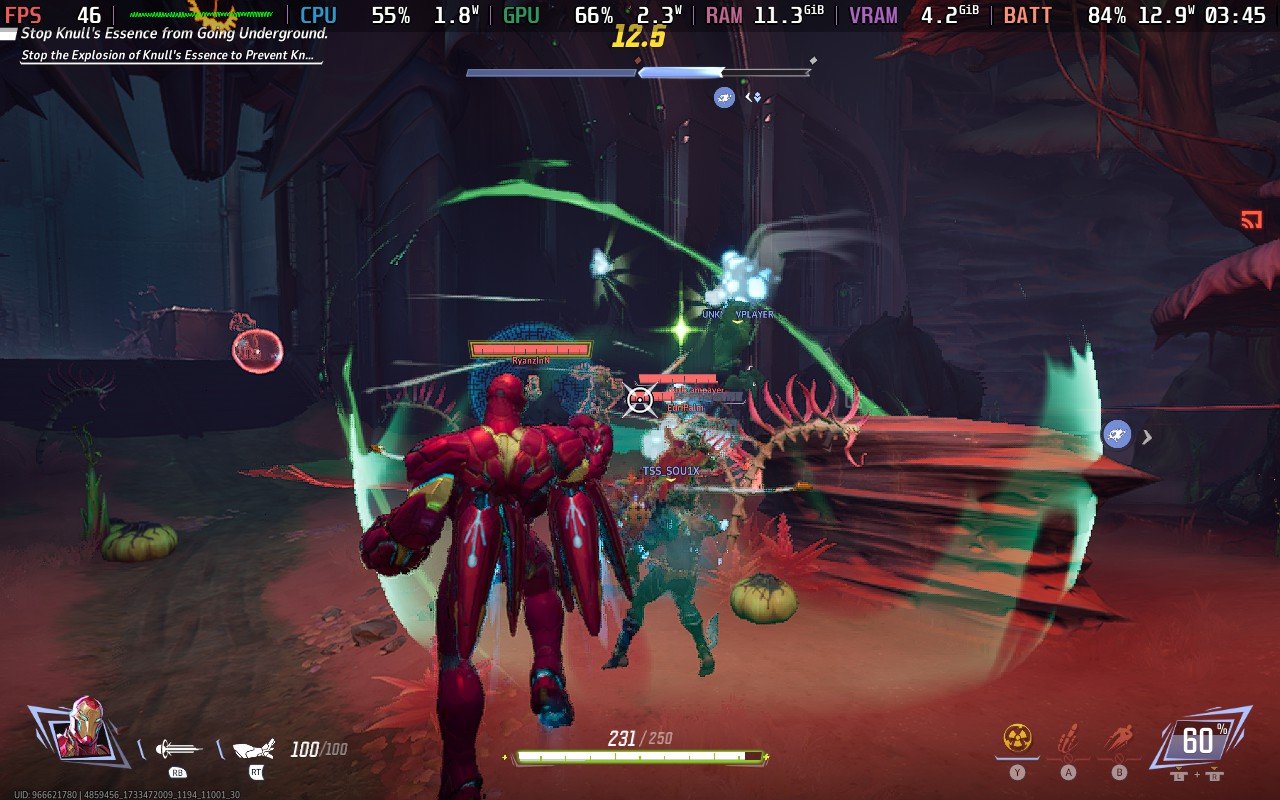
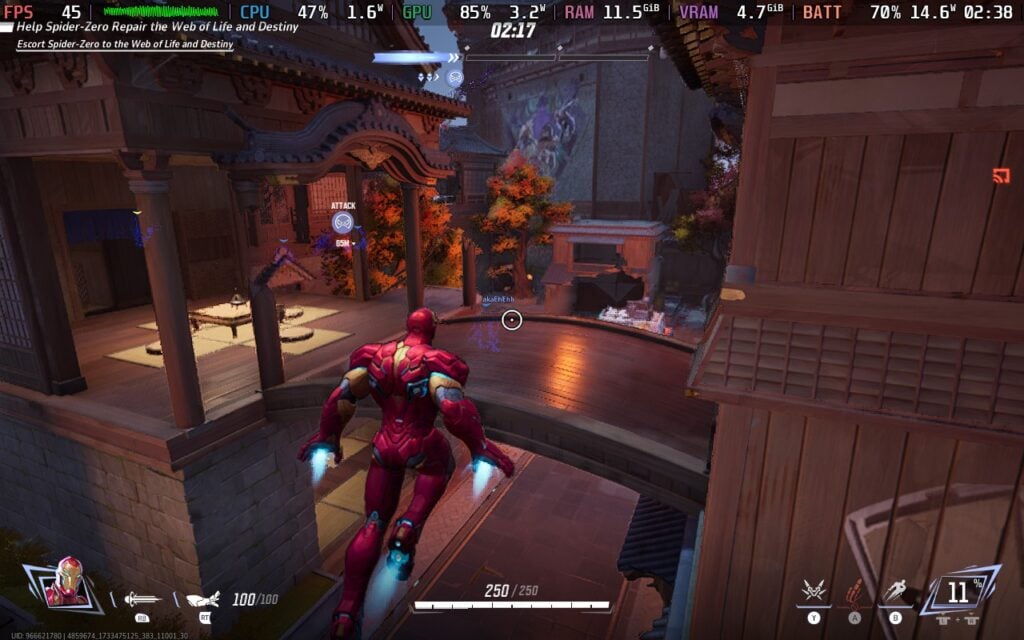
Marvel Rivals runs really well for the most part. I was hitting 60 FPS at almost all times in my matches, and while battery drain was a bit high, it was still very playable. The default settings for the Steam Deck are a bit on the blurry side, but they work. I haven't had enough time to test to go through all of the settings and find the best ones, but I do have a preferred way to play for right now.
I would say keeping the settings as is, but putting the frame rate at 45 FPS/90Hz is the way to go. I have found that turning the upscaling to Quality won't affect much, but there are some intense moments that tend to show signs of drops. Even still, 45 FPS feels pretty okay, even with frame generation on. 60 FPS is possible, but I felt the slowdowns a lot more, so I preferred a lower framerate for stability. It is a little bit blurry further away as well, but the game highlights enemies brightly, so this isn't a huge problem.
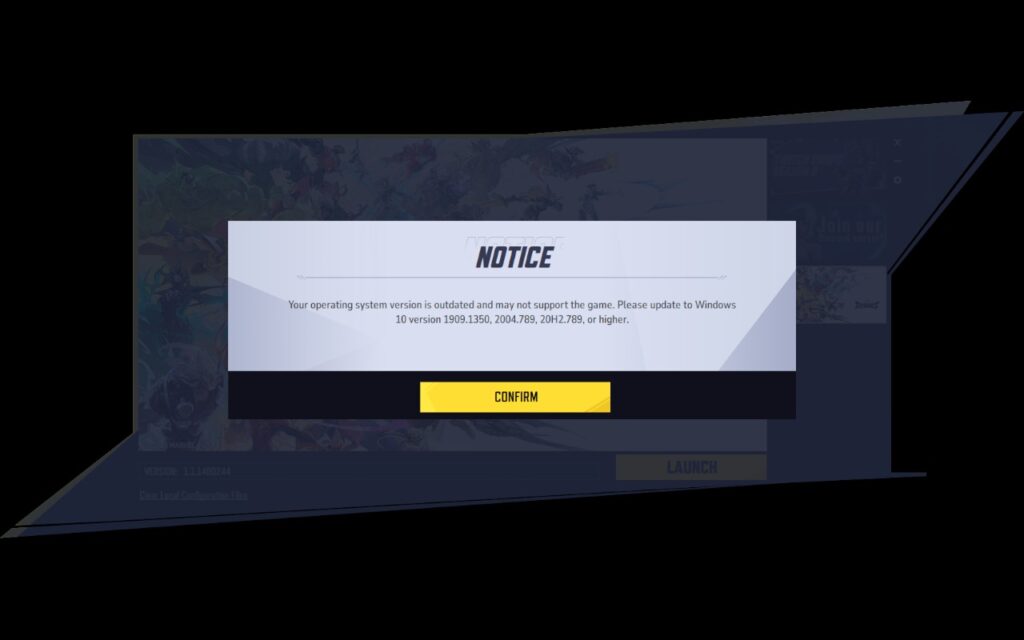
However, the game has two main issues I found. The first is the launcher. When you play the game, there will be a launcher you have to go through each time, and it will tell you that your operating system is out of date. You will need to use the touchscreen to go past this, and while it isn't the end of the world, it is still annoying.
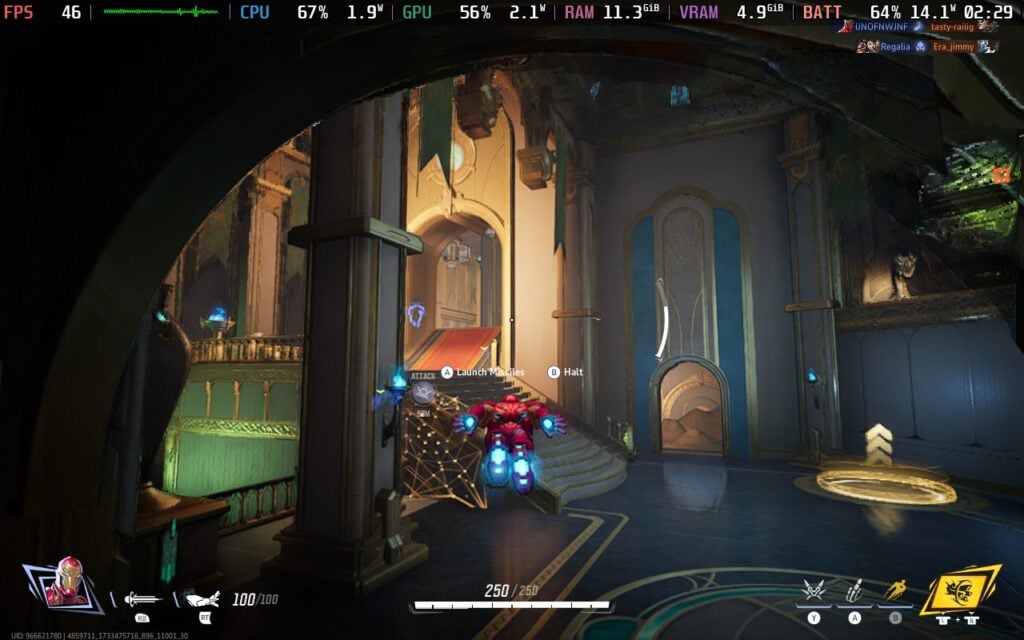
The other issue is the cutscenes. The team mentioned that there is a cutscene issue when trying to play the game on the Steam Deck. Most won't play at all, and this can even affect the end-match screen when you complete a match, making it completely black. Luckily, there is a way to fix it, and it's quite easy to do! Instead of using the normal Proton 9.0-3, you can use the Proton GE community fork to fix it. I used Proton GE 9-20, and all the cutscenes that didn't work before are now working perfectly.
To get this on your Steam Deck, you can follow our Proton GE guide. I use a program called ProtonUp-QT, which I found on Discover Store, and downloaded the latest Proton GE update. Then, before you launch the game, go into your preferences and select the new layer you downloaded to ensure it launches correctly.
Overall, Marvel Rivals is going to be a great game to play on the Steam Deck, and I can see myself really digging into it because I can play on the go. I know I am going to be playing more, and I even started a SteamDeckHQ Faction! Come join me there if you want to, and go download the game and try for yourself for free right now.
この記事を楽しんでいただけたなら、SteamDeckHQ の他のコンテンツもチェックしてみてください!あなたのゲーム体験に役立つゲームレビューやニュースを幅広く取り揃えています。ニュース、ヒントやチュートリアル、ゲーム設定やレビュー、最新のトレンド情報など、あらゆる情報をお届けします。 カバーしています!

最近のニュース
カテゴリー
Accessories
Anbernic
Android
ASUS ROG Ally
ROG Xbox Ally
Classics on Deck
Community
Cryobyte33
Deals
Deck Mods
Emulation
Events
Featured Post
Game News
Game News
General Game News
HandheldHQ
Hardware
Lenovo
Linux
MagicX
Nintendo
ONE-NETBOOK
Opinion
Other Reviews
Accessory Reviews
Handheld Reviews
PlayStation
Proton
Retro Handhelds
Anbernic
AYANEO
AYN
GPD
MagicX
MANGMI
Miyoo
Retroid
TrimUI
SDHQ
Steam
Steam Machine
SteamOS
The Unsupported Report
Uncategorized
Uncategorized
最近のヒント&GUIDES
新着レビュー


I have tried Proton Experimental, Hotfix and GE 9-20 and every time after the Unreal Engine 5 logo pops up my screen goes black. There is still audio but there is nothing I can do for the black screen. If anyone could help I'd greatly appreciate it!
こんにちは、
It's to do with the window losing focus I believe. Try tapping the touchscreen in various places once the screen goes black until the screen reappears, it should ask you to accept an EULA at that point.
So it doesn't run without having to install third party proton fixes? Hardly "supported" as they said it would be. I'll wait until they bother making the game playable on default proton.
The game does work without Proton-GE, but the cutscene issue is pretty annoying to be sure. Hopefully, it's just a quick fix for the Proton Team to get it working properly.