まだの方は、X(Twitter)、Mastodon、Blueskyでフォローし、新しい記事が投稿されたらお知らせください。また、Redditに参加したり、YouTubeに登録して、私たちのコンテンツをチェックしたり、素晴らしいコミュニティと交流してください。応援ありがとうございました!
The Heroic Launcher is easily one of the best ways to play any games from Epic, GOG, and Amazon on the Steam Deck, and I use it all the time. The UI is easy to use and there are tons of great features like integrated Winetricks, ways to download new compatibility layers to try out, and so much more. Now, a new update is here, and it brings some great new features, fixes, and enhancements for us to use.
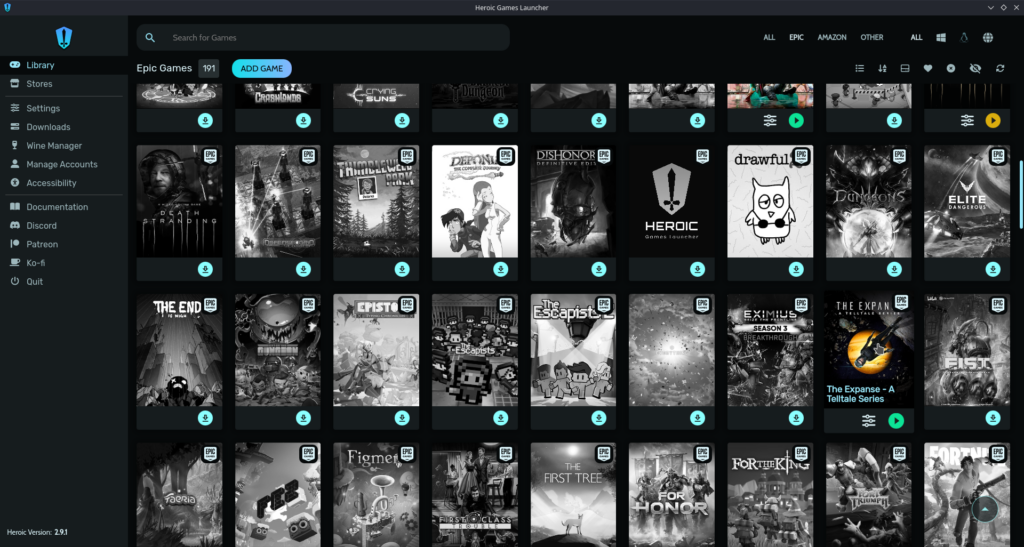
With the new features, we have a couple of great new ways to affect how the games run. There are now ways to easily customize game fixes with environment variables for better compatibility, game arguments can be passed directly through protocol URLs for more streamlined launching, and Steam Shortcuts can be added for games that aren't installed yet. We can also now see anti-cheat details in logs for easier troubleshooting and we have a new Gamescope option to stop the cursor from escaping full-screen games.
As for the rest of the update, there are a solid amount of bug fixes and enhancements to the UI. DXVK uninstallation is now fixed, older GOG games will set up correctly again, the Epic library has been cleaned up so no Unreal Engine items clutter your library, non-Latin font translation has improved, you can now style Heroic's look with Custom CSS, you can enable/disable logs per game, Proton GE is now the default over Wine GE, and the backend protocol is now faster without any delays from the frontend.
For those playing on the Steam Deck, UMU, the unified launcher for running games outside of Steam, is now the default for Proton games to keep compatibility, and we will now get alerts if pre-caching is off when using UMU. The team also disabled MangoHUD when the Deck is in Game Mode to make sure there are no conflicts.
There is a bit more to this update, and you can check out the full changelog on the Heroic Launcher's GitHub release page.
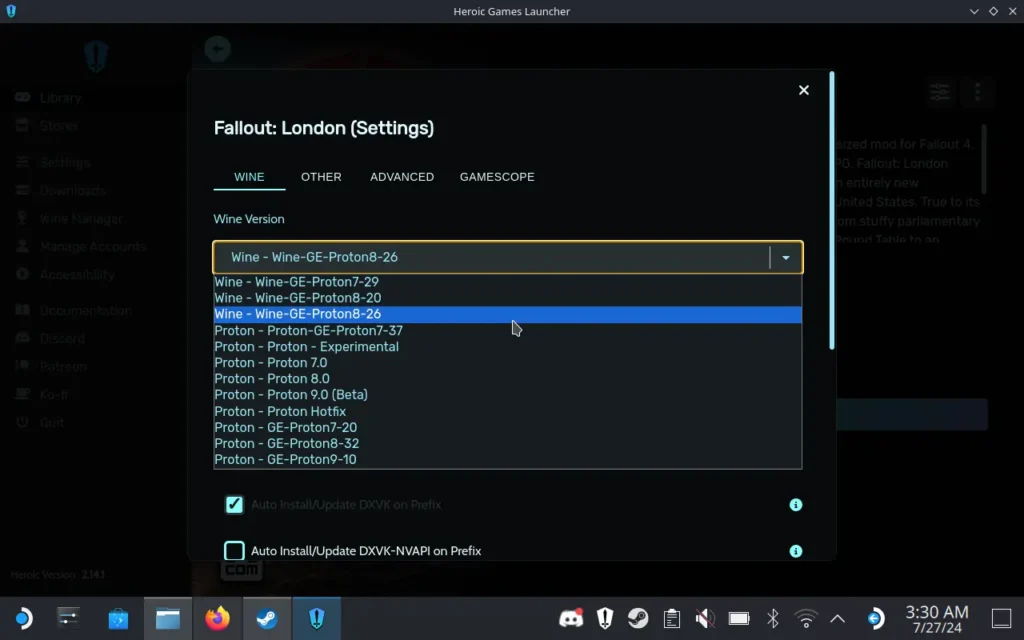
You can download the Heroic Launcher from the Discover Store in Desktop Mode, and I highly recommend doing so if you want to take advantage of the free games you may get from Epic's weekly giveaways.
この記事を楽しんでいただけたなら、SteamDeckHQ の他のコンテンツもチェックしてみてください!あなたのゲーム体験に役立つゲームレビューやニュースを幅広く取り揃えています。ニュース、ヒントやチュートリアル、ゲーム設定やレビュー、最新のトレンド情報など、あらゆる情報をお届けします。 カバーしています!

最近のニュース
カテゴリー
Accessories
Anbernic
Android
ASUS ROG Ally
ROG Xbox Ally
Classics on Deck
Community
Cryobyte33
Deals
Deck Mods
Emulation
Events
Featured Post
Game News
Game News
General Game News
HandheldHQ
Hardware
Lenovo
Linux
MagicX
Nintendo
ONE-NETBOOK
Opinion
Other Reviews
Accessory Reviews
Handheld Reviews
PlayStation
Proton
Retro Handhelds
Anbernic
AYANEO
AYN
GPD
MagicX
MANGMI
Miyoo
Retroid
TrimUI
SDHQ
Steam
Steam Machine
SteamOS
The Unsupported Report
Uncategorized
Uncategorized
最近のヒント&GUIDES
新着レビュー