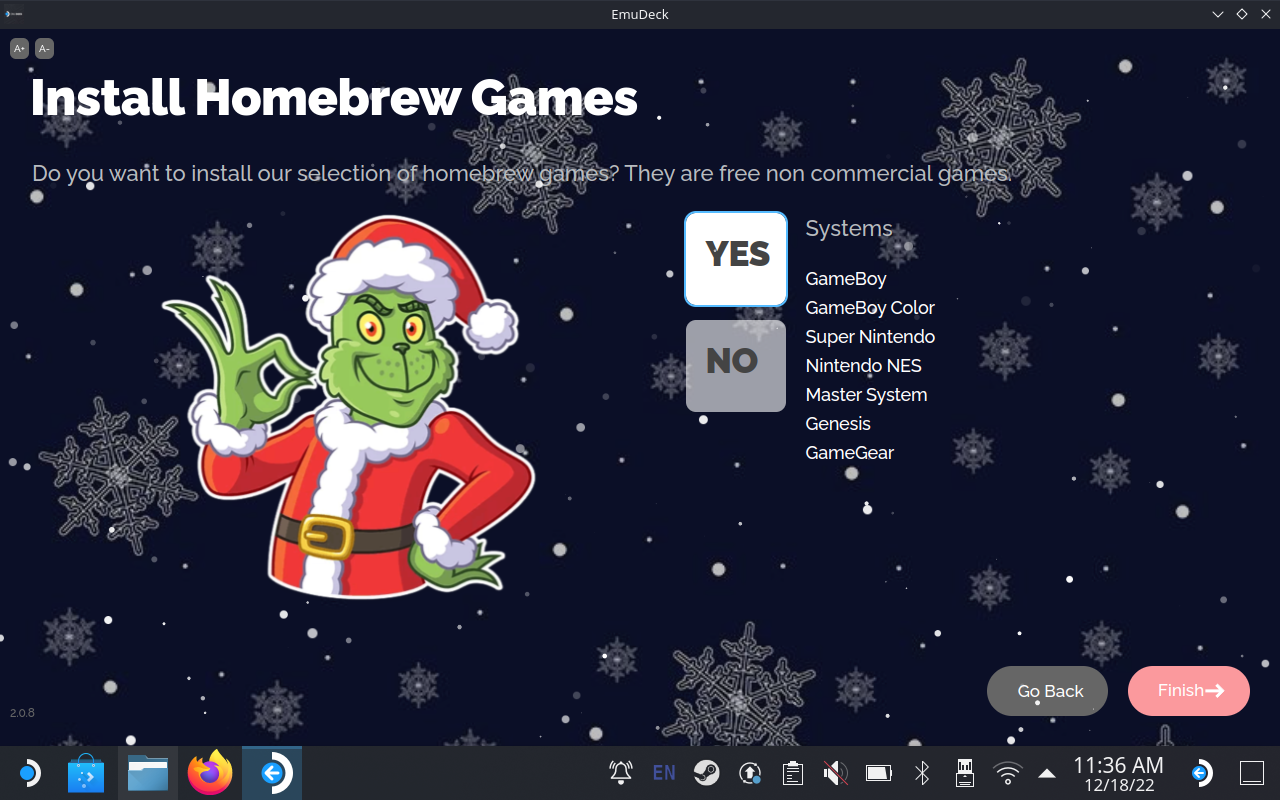
EmuDeck got a brand new update today dubbed "The Holiday Update". While it isn't a massive one like the jump to 2.0, it does include some awesome additions and improvements including adding in a collection of HomeBrew games!
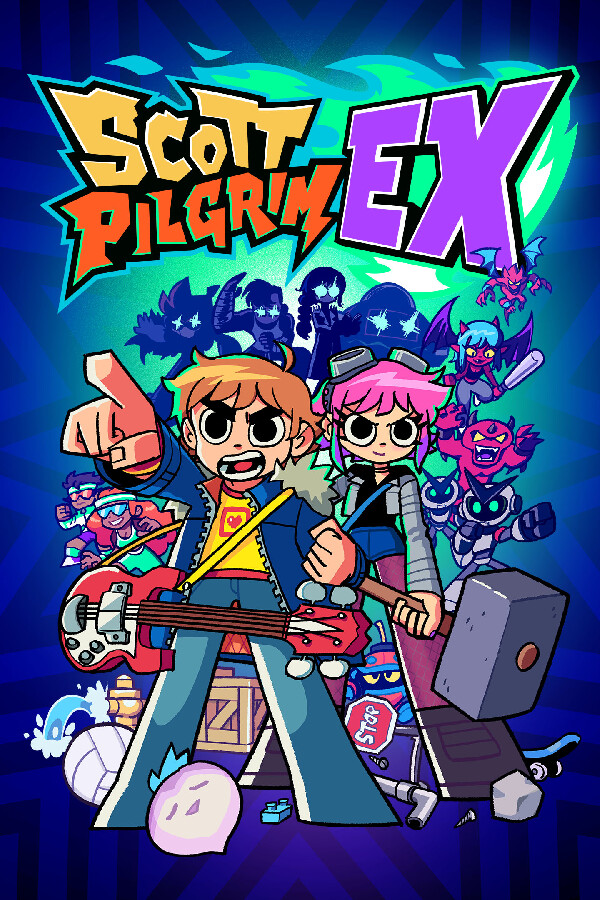
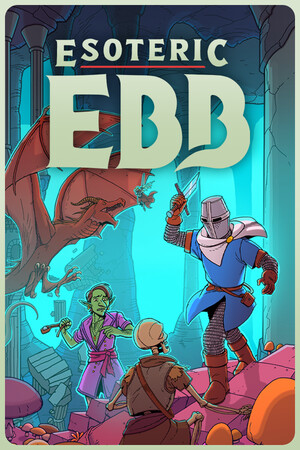
- HomeBrew Games - A collection of free non commercial games. A sample of some of them: https://www.patreon.com/posts/76073323?pr=true You can launch the games by going to Tools & Stuff > Quick Settings > Homebrew and then open Emulation Station. These games are not available using SteamRomManager to avoid clutter.
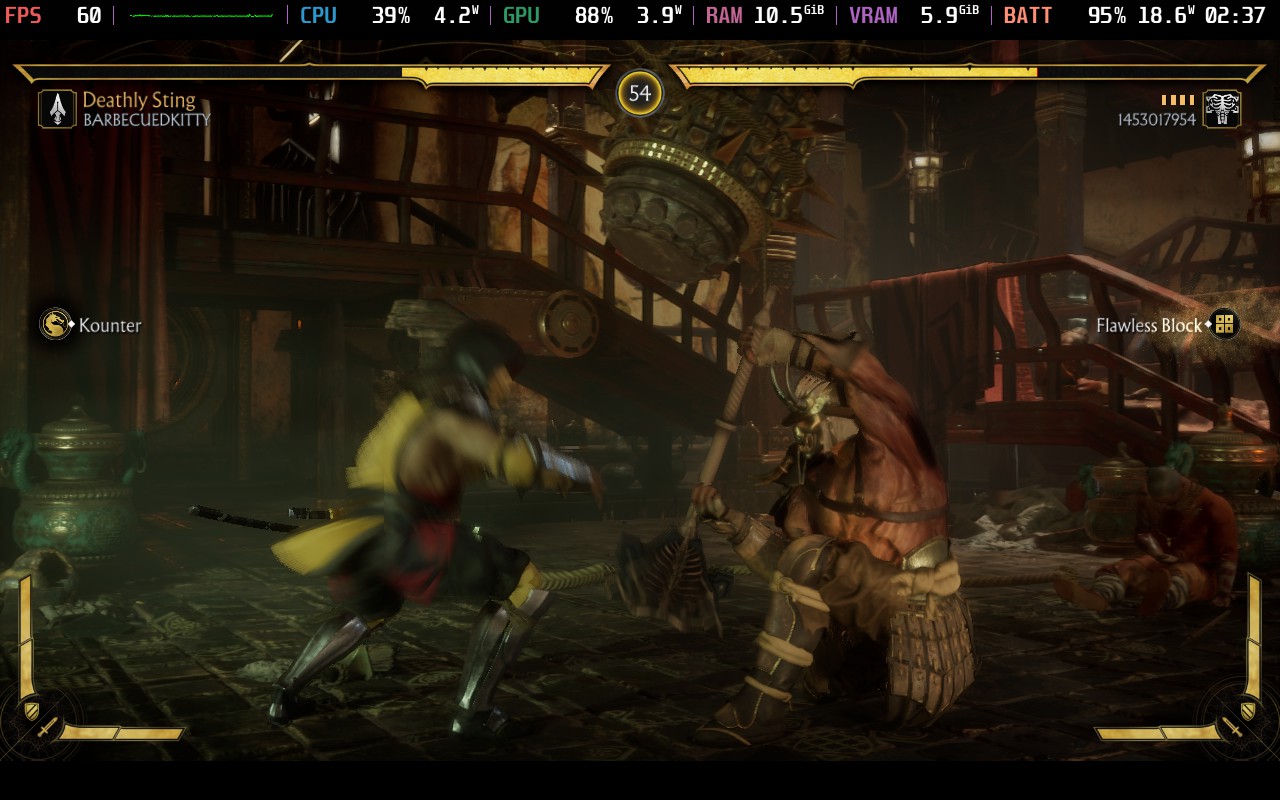
- AutoSave & Autoload for RA (RetroArch) Games
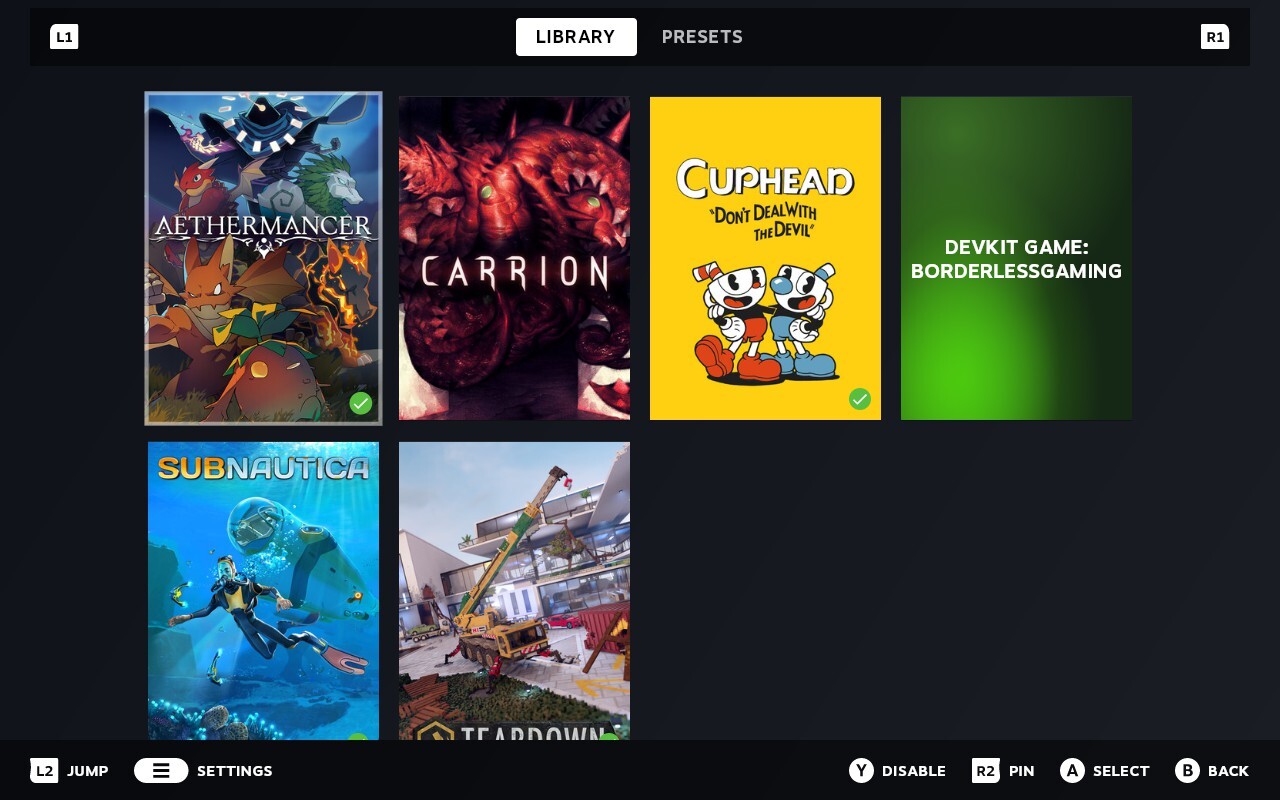
- DeckyControl - See our hotkeys in gaming mode
- New Parsers
- Several bug fixes
You can update EmuDeck easily by running the installer again. It will automatically find the update and take you through the process, including asking if you want to install those homebrew games!
Never launched before? Well don't worry! We have a handy guide to help you install EmuDeck with ease!

最近のニュース
カテゴリー
Abxylute
Accessories
Anbernic
Android
ASUS ROG Ally
ROG Xbox Ally
Classics on Deck
Community
Cryobyte33
Deals
Deck Mods
Emulation
Events
Featured Post
Game News
Game News
General Game News
HandheldHQ
Hardware
Lenovo
Linux
MagicX
Nintendo
ONE-NETBOOK
Opinion
Other Reviews
Accessory Reviews
Handheld Reviews
PlayStation
Proton
Retro Handhelds
Anbernic
AYANEO
AYN
GPD
MagicX
MANGMI
Retroid
TrimUI
SDHQ
Steam
Steam Machine
SteamOS
The Unsupported Report
Uncategorized
Uncategorized
Accessories
Anbernic
Android
ASUS ROG Ally
ROG Xbox Ally
Classics on Deck
Community
Cryobyte33
Deals
Deck Mods
Emulation
Events
Featured Post
Game News
Game News
General Game News
HandheldHQ
Hardware
Lenovo
Linux
MagicX
Nintendo
ONE-NETBOOK
Opinion
Other Reviews
Accessory Reviews
Handheld Reviews
PlayStation
Proton
Retro Handhelds
Anbernic
AYANEO
AYN
GPD
MagicX
MANGMI
Retroid
TrimUI
SDHQ
Steam
Steam Machine
SteamOS
The Unsupported Report
Uncategorized
Uncategorized
最近のヒント&GUIDES
新着レビュー