まだの方は、X(Twitter)、Mastodon、Blueskyでフォローし、新しい記事が投稿されたらお知らせください。また、Redditに参加したり、YouTubeに登録して、私たちのコンテンツをチェックしたり、素晴らしいコミュニティと交流してください。応援ありがとうございました!
Playing PlayStation games on the Steam Deck natively is possible, but it requires many compromises. But what if you already have a PlayStation? Well, that's where Chiaki comes in! This program allows you to remote play from your PlayStation to your computer, and a fork called Chiaki4Deck is designed for the Steam Deck. Yesterday, there was a new update for the application that makes logging into your PSN account much easier on the Deck's Game Mode.
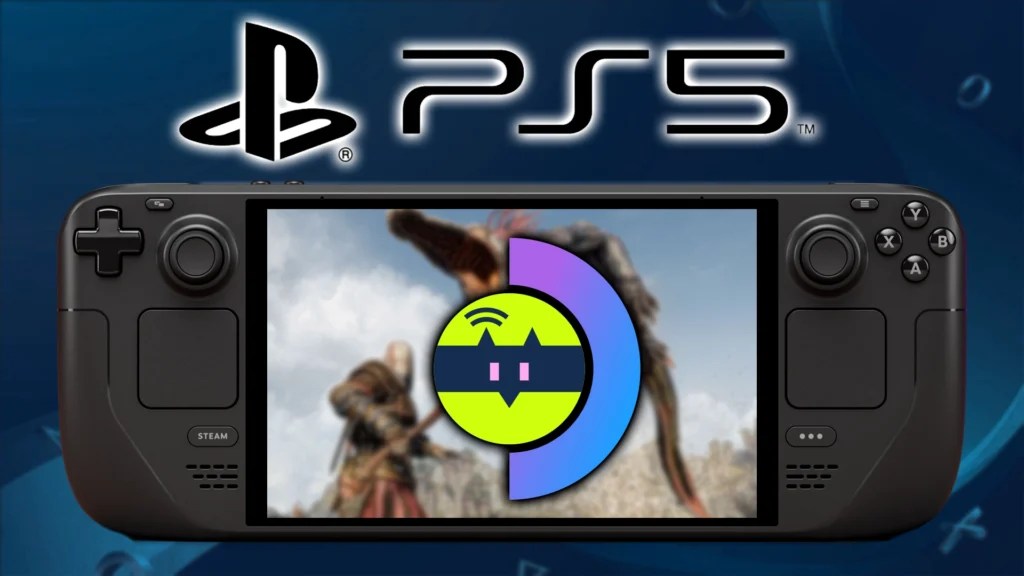
The new update is smaller overall, but it has some great touches. For the Steam Deck specifically, we have two improvements for using the application in Game Mode. The import/export dialogs are now working, and there's a native web view for obtaining PSN tokens. You need this token to log into your PlayStation, so being able to do this more easily directly within the application is great.
Outside of these two, we have other updates that will mostly fix the app when used on other devices, but some of these will also help when playing on the Steam Deck. We can now set custom window resolutions, motion control stability has increased, and motion control reset has been expanded to work with more games. There's also a new Windows installer and HDR support if you are on Mac or Windows, but that doesn't apply to those on the Steam Deck.
You can check out how to get Chiaki4Deck on your Steam Deck through our guide. Setup is relatively easy and straightforward, and you will be able to play your PS games directly from your PlayStation with ease.
Chiaki4Deck 1.9.2 Update Changelog:
- HDR support for MacOS and Windows
- Add Windows installer
- Increase stability of motion controls
- Add native webview for obtaining PSN tokens, making it possible to obtain the token easily in Steam OS game mode
- Add ability to set custom window resolution
- Fix import/export dialogs to work with appimage and Steam OS game mode
- enable switching between dpad mode and dpad touch emulation mode with any chosen combo up to 4 keys set in settings
- expand motion control reset to work with more games beyond the Resident Evil 4 demo
- Fix issue where session wouldn't close if canceled after waking the console but before connecting
- Fix issue where session may fail to connect if it receives invalid frames initially
- Show settings maximized at start instead of 720p
この記事を楽しんでいただけたなら、SteamDeckHQ の他のコンテンツもチェックしてみてください!あなたのゲーム体験に役立つゲームレビューやニュースを幅広く取り揃えています。ニュース、ヒントやチュートリアル、ゲーム設定やレビュー、最新のトレンド情報など、あらゆる情報をお届けします。 カバーしています!

最近のニュース
カテゴリー
Accessories
Anbernic
Android
ASUS ROG Ally
ROG Xbox Ally
Classics on Deck
Community
Cryobyte33
Deals
Deck Mods
Emulation
Events
Featured Post
Game News
Game News
General Game News
HandheldHQ
Hardware
Lenovo
Linux
MagicX
Nintendo
ONE-NETBOOK
Opinion
Other Reviews
Accessory Reviews
Handheld Reviews
PlayStation
Proton
Retro Handhelds
Anbernic
AYANEO
AYN
GPD
MagicX
MANGMI
Miyoo
Retroid
TrimUI
SDHQ
Steam
Steam Machine
SteamOS
The Unsupported Report
Uncategorized
Uncategorized
最近のヒント&GUIDES
新着レビュー