まだの方は、X(Twitter)、Mastodon、Blueskyでフォローし、新しい記事が投稿されたらお知らせください。また、Redditに参加したり、YouTubeに登録して、私たちのコンテンツをチェックしたり、素晴らしいコミュニティと交流してください。応援ありがとうございました!
AYN has pushed a new update for the AYN Thor that includes multiple bug fixes and aims to better utilize the pure black nature of OLED panels.
The AYN Thor has received a new software update today that delivers several important bug fixes to the platform, addressing a handful of relatively minor issues users may have encountered. The AYN Thor is a great device, which is something we discussed at length in our glowing review, so any updates are very welcome.
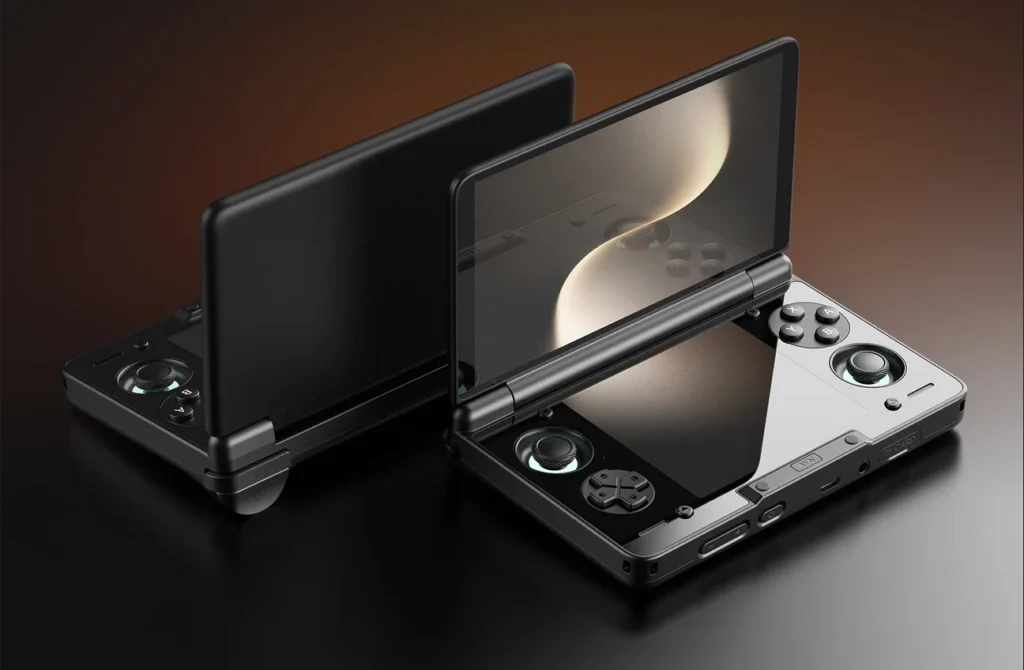
Thor 1.0.0.372 OTA Changelog
- Added “OLED Ultra Black Mode” option to Odin Settings -> Advanced Settings, which can significantly improve color shift and the “mura effect” (uneven appearance) on OLED screens at very low brightness levels especially when dark mode is selected.
- Resolved a bug from a previous update that caused the battery gauge to report 1% incorrectly.
- Added support for automatically binding the Home/Return buttons to the currently touch screen or to the focus-locked screen.
- Resolve the issue where the on-screen volume slider does not work properly with both Bluetooth earbuds and wired headphones.
The first point in the new update’s changelog focuses on the OLED panels used in the Thor. With OLED screens, individual pixels are self-emissive, meaning black pixels are fully turned off rather than emitting light. At launch, many themes and parts of the included Android OS relied on near black shades that still incorporated hints of white, gray, or silver, forcing those pixels to emit small amounts of light.
With the new OLED Ultra Black Mode, key parts of the system software now rely on true black instead of near black shades. This allows for a more authentic dark mode experience, with large portions of the screen fully turning off its pixels. This change should result in slightly improved battery life, though the impact may be subtle since most usage time is spent inside apps and emulators. Even so, better utilization of true black on OLED displays is always welcome, especially given the dramatically higher contrast OLED offers compared to IPS or LCD screens.
The remaining fixes address smaller issues that have been reported by the AYN community over the past few months. In particular, the battery percentage could frequently display 1 percent even when the device still had roughly 5 percent charge remaining. The on-screen volume slider could also behave inconsistently when using Bluetooth earbuds or wired headphones. This update claims to resolve both problems.
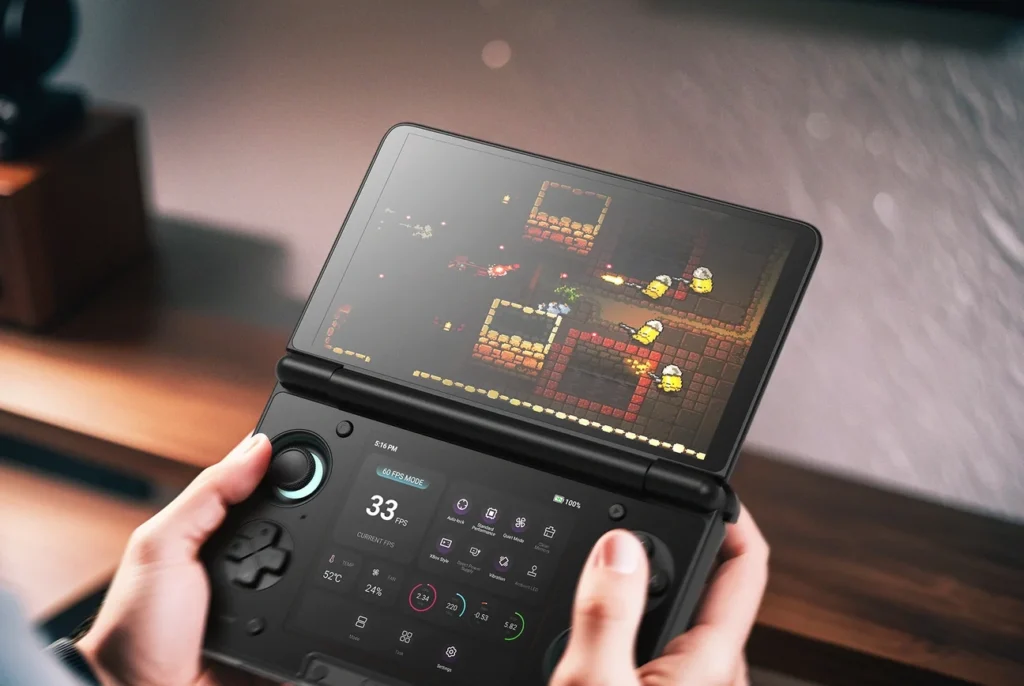
The new back and home button behavior primarily affects dual-screen devices. On single-screen hardware, navigation is straightforward and entirely dependent on what is displayed. With a dual-screen device, however, the operating system must decide which screen navigation actions apply when apps are not spanning both displays. This update simplifies that behavior by allowing users to bind navigation to the currently active touch screen or lock it permanently to a specific screen.
This update for the AYN Thor is available now through the system software update menu within the Settings app. While the changes may seem modest, updates like this highlight AYN’s continued effort to keep the Thor usable and competitive as one of the best dual-screen retro handhelds currently available.
The AYN Thor links above are using an affiliate link, which gives us a little back from sales at no extra charge to you. All proceeds go back into SDHQ and its development.
この記事を楽しんでいただけたなら、SteamDeckHQ の他のコンテンツもチェックしてみてください!あなたのゲーム体験に役立つゲームレビューやニュースを幅広く取り揃えています。ニュース、ヒントやチュートリアル、ゲーム設定やレビュー、最新のトレンド情報など、あらゆる情報をお届けします。 カバーしています!

最近のニュース
カテゴリー
Accessories
Anbernic
Android
ASUS ROG Ally
ROG Xbox Ally
Classics on Deck
Community
Cryobyte33
Deals
Deck Mods
Emulation
Events
Featured Post
Game News
Game News
General Game News
HandheldHQ
Hardware
Lenovo
Linux
MagicX
Nintendo
ONE-NETBOOK
Opinion
Other Reviews
Accessory Reviews
Handheld Reviews
PlayStation
Proton
Retro Handhelds
Anbernic
AYANEO
AYN
GPD
MagicX
MANGMI
Retroid
TrimUI
SDHQ
Steam
Steam Machine
SteamOS
The Unsupported Report
Uncategorized
Uncategorized
最近のヒント&GUIDES
新着レビュー