このアーリーアクセスビルドでは、全ストーリーとキャンペーンにアクセスできない代わりに、ゲーム全体のクエストラインの約30%を見ることができる。しかし、Frosthavenはじっくりと腰を据えてプレイするゲームなので、30%というのはやはり膨大な時間だ。例えば、Gloomhavenの "How Long To Beat "レーティングは100時間以上なので、この冒険に乗り出すならFrosthavenでかなりの時間を費やすことになるだろう。
The King is Watching』はtinyBuild社からレビューのために提供された。ありがとうございました!
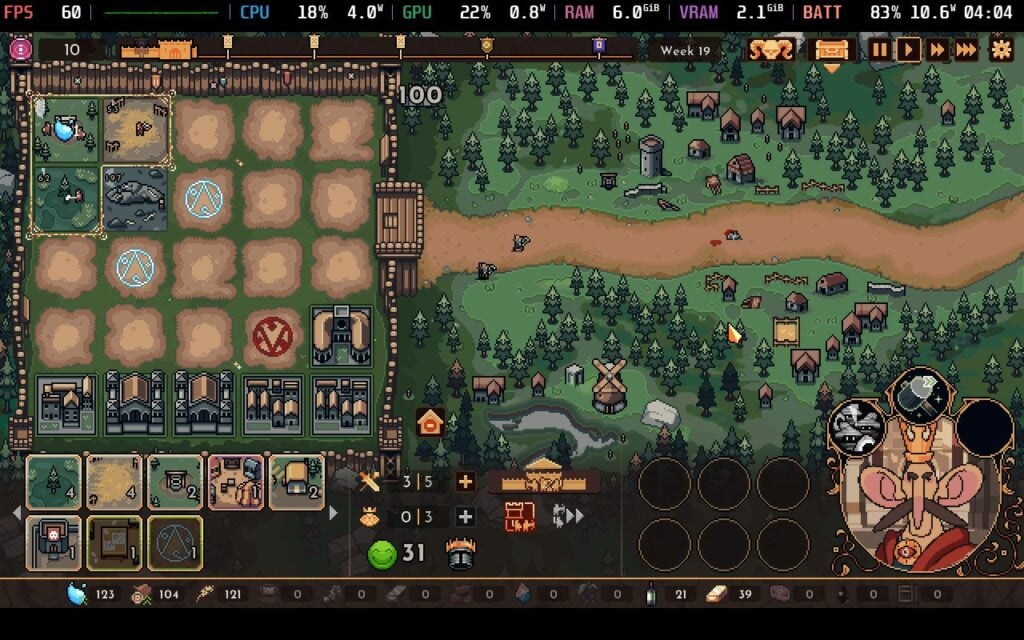
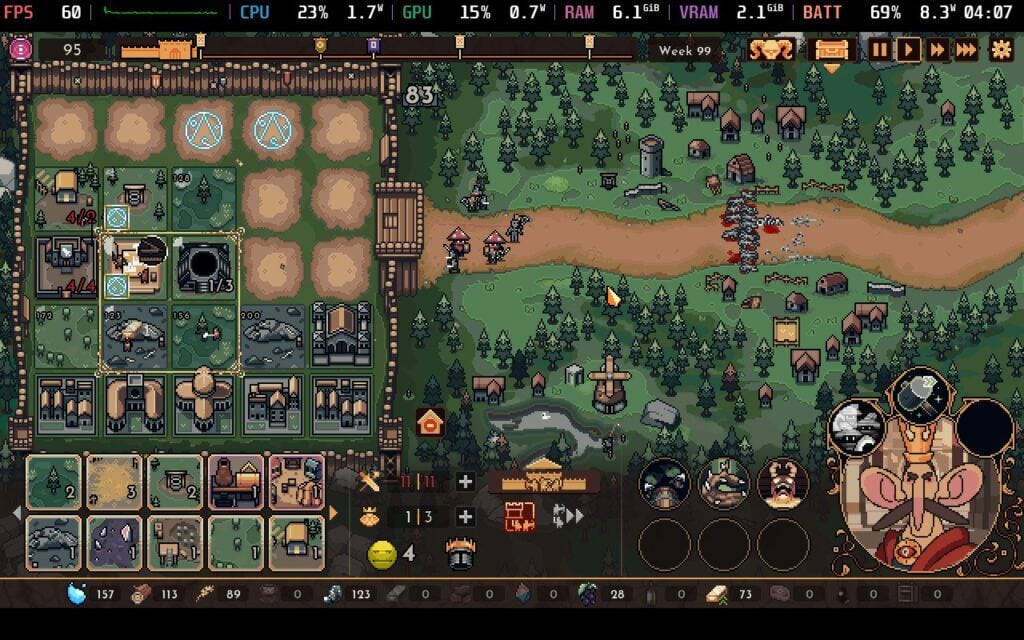
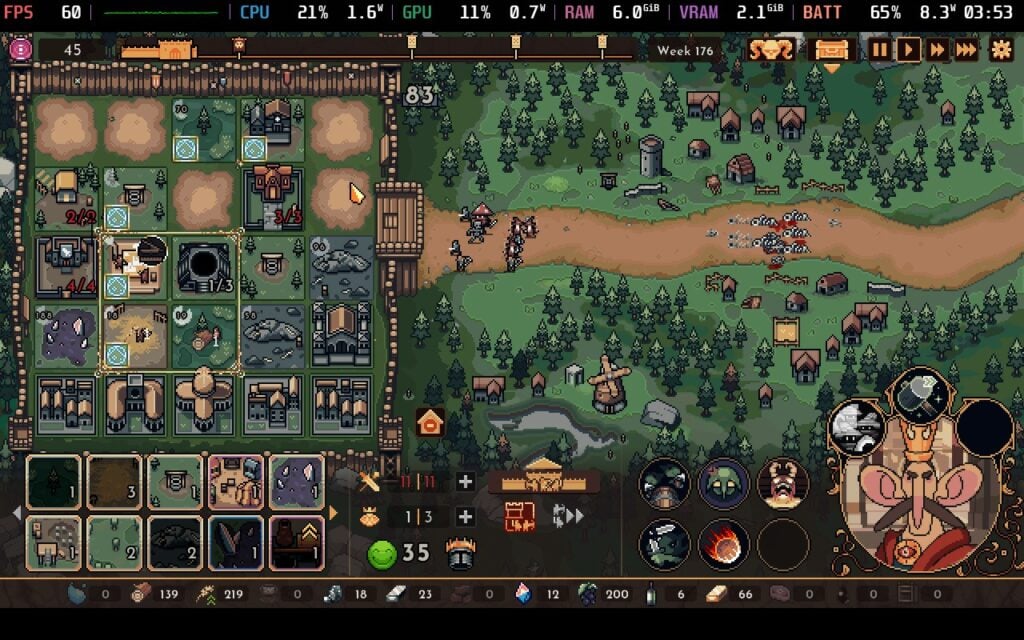
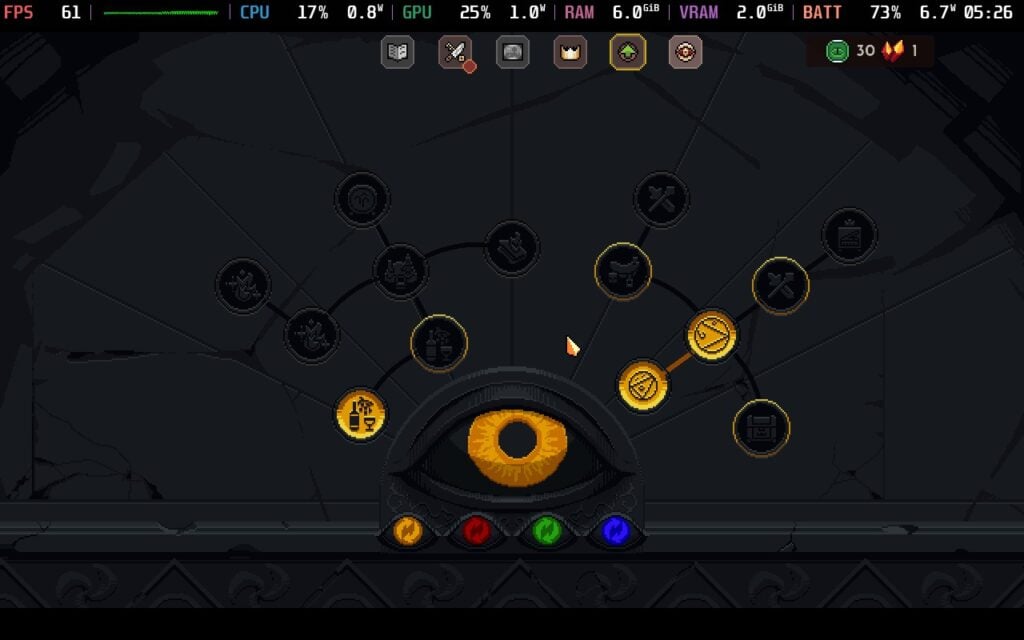
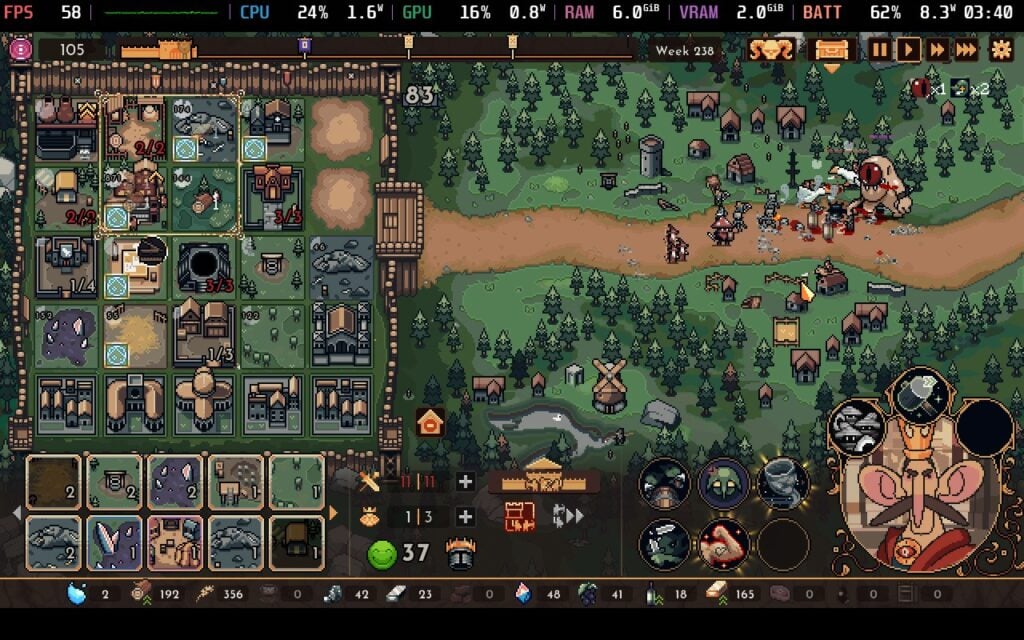
The King is Watching』はSteam Next Festで私が最も気に入ったデモの1つだったが、ゲーム本編をプレイできるのはさらに嬉しい気分だ。リアルタイムストラテジーゲームのユニークな感じが大好きで、リリースされることでコンセプトがどのように拡張されるのか興味があった。何時間プレイしても古さを感じないし、これまでプレイしたストラテジーゲームの中で最も好きなゲームの1つだ。
Empire of the UndergrowthはHooded Horseからレビューのために提供された。ありがとう!
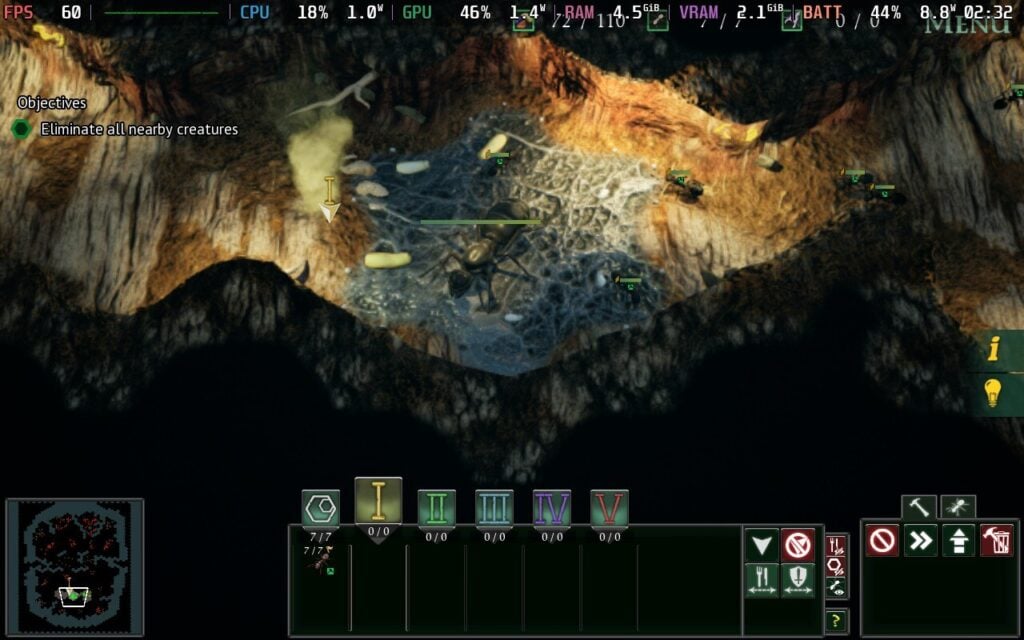
この『Empires of the Undergrowth』は、アリ農場を維持するという私の子供のころの夢を11倍にしたものだ。このゲームの歴史は長い。7年間のアーリーアクセスを経て昨年夏に正式リリースされ、開発を急がせることなくゲームを完成させた素晴らしい例だ。
Slug Disco Studiosが開発し、Hooded Horseがパブリッシングした本作は、アリの世界への印象的な旅である。その戦略的な奥深さと教育的な価値が相まって、深く夢中にさせるタイトルとなっている。Steamデッキで驚くほどよく動くという事実は、まさにケーキの上のアイシングだ。もちろん、アリでできたケーキを食べることを勧めるわけではないが。
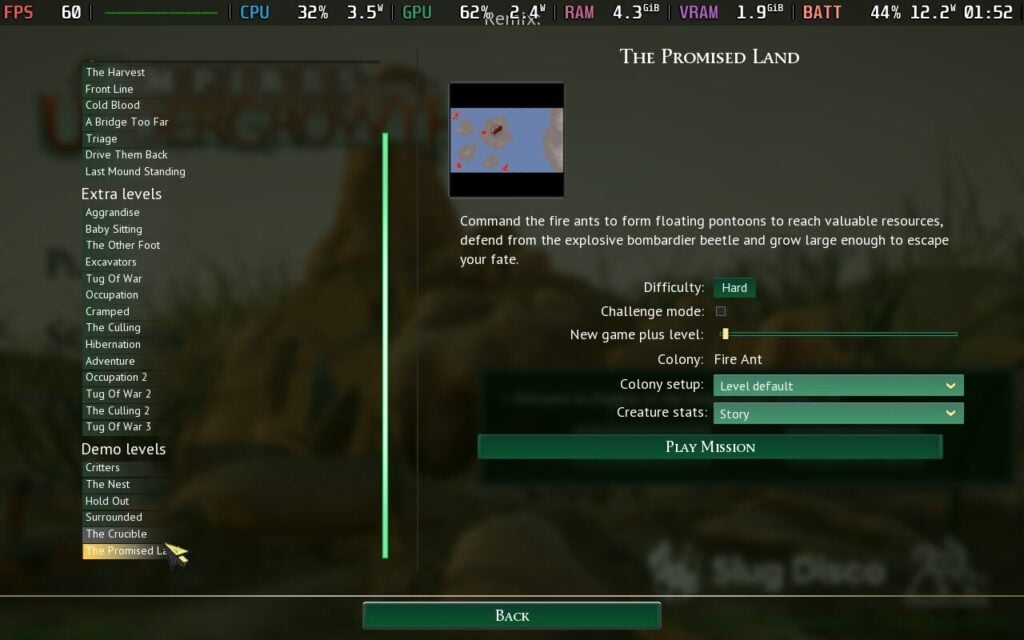
Empires of the Undergrowthは、最初はとっつきにくいゲームだ。フルボイスのストーリーキャンペーン、スカーミッシュモード、サンドボックスモード、数十の個別シナリオ、さらにはアリーナモードまで、用意されているのはほんの一部に過ぎない。残忍な挑戦がしたい人も、敵のコロニーで自分のゴッド・コンプレックスを主張したい人も、ほとんどすべてがモディファイアーの積み重ねで好みにカスタマイズできる。
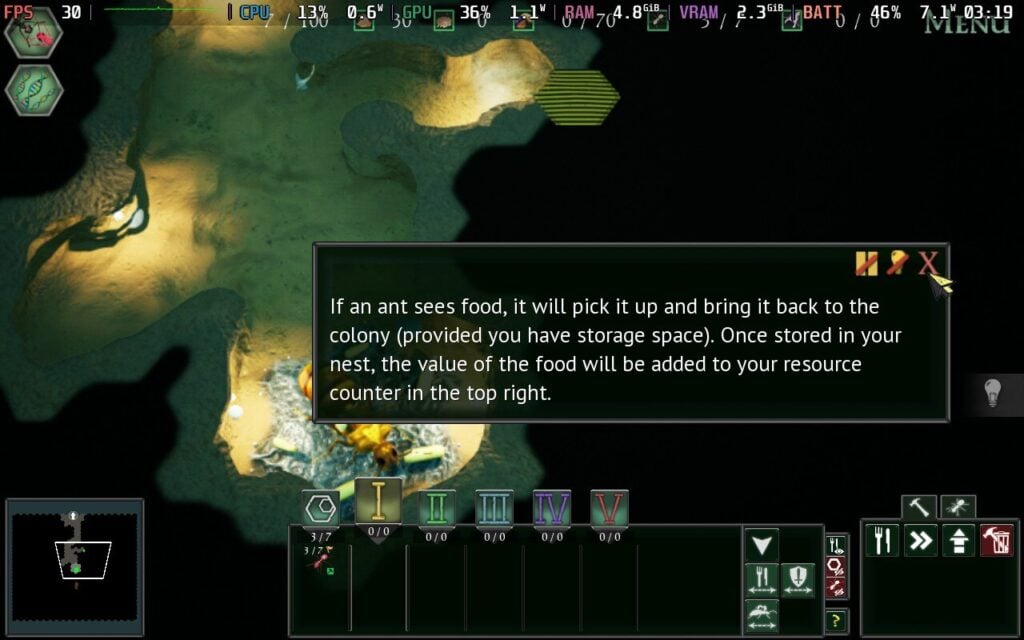
Slug Disco Studiosのチュートリアルへの取り組み方には感謝している。彼らは独立したチュートリアルモードを搭載し、それをキャンペーンにシームレスに統合した。ストーリーは科学ドキュメンタリーのように展開し、本格的なミッションも用意されている。ゲームによってはチュートリアルが別々で、プレイヤーを置き去りにするものもあるが、このゲームではそうでなくてよかった。
基本キャンペーンは特に長くはなく、数時間で完了できるが、研究アンロックに十分なバリエーションがあり、リプレイ可能だ。これは氷山の一角に過ぎず、『Empires of the Undergrowth』はコンテンツで溢れかえっている。スキームミッシュ/サンドボックス・モードには何十種類ものモディファイアやマップが用意されており、好きなようにサンドボックスに手を加えてストーリー・ミッションをリプレイすることもできる。
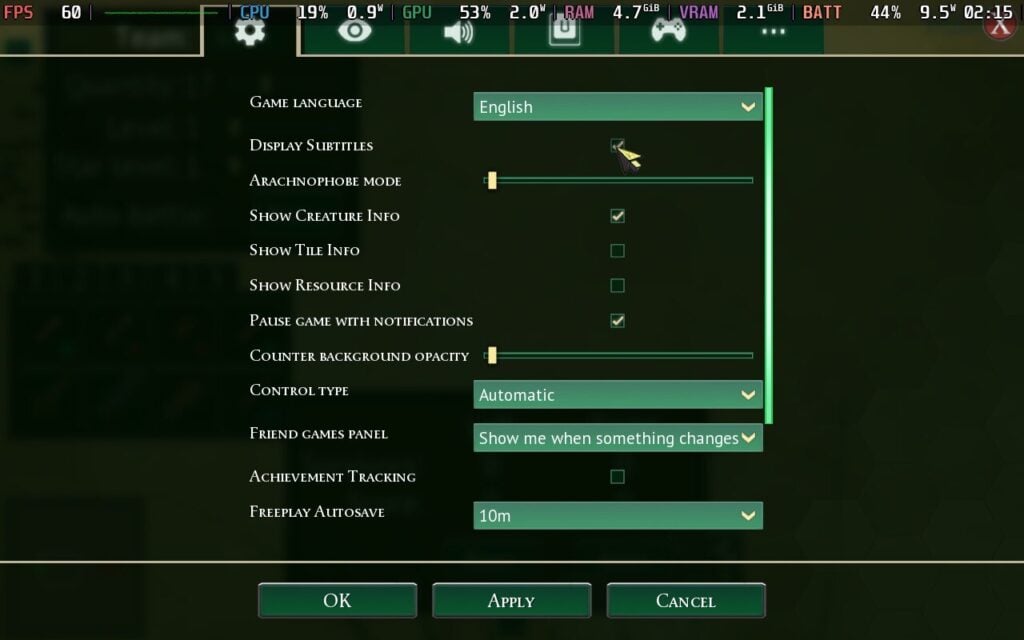
Empires of the Undergrowthのコントローラーサポートは完全に実装されており、すべてのゲーム機能をゲームパッドで操作でき、全体的にうまく機能している。多数のメニューが用意されていることを考えれば、インターフェースも驚くほど見やすいが、画面に表示される情報量が多いため、ナビゲーションは難しいかもしれない。バッテリーの消耗は激しいが、Steamデッキで楽しめる。
Empires of the Undergrowthはビジュアルを上げるとバッテリー消費が激しくなる。奇妙なことに、メニューはコロニーマップよりもバッテリーの消耗が激しく、これは興味深いことだった。Steam Deck OLEDの平均バッテリー駆動時間は約3時間半で、このような負荷の高いゲームとしては上出来だ。
Empires of the Undergrowthは、英語、ドイツ語、簡体字中国語、スペイン語(スペイン)、ロシア語、フランス語、チェコ語、オランダ語、日本語、韓国語、ポーランド語、イタリア語、繁体字中国語、トルコ語、ウクライナ語、ポルトガル語(ブラジル)、スペイン語(ラテンアメリカ)でご利用いただけます。
Empires of the Undergrowthは、多くのものを備えた印象的なベースビルダーだ。スラグディスクスタジオは長い開発サイクルの間、このゲームに信じられないほど懸命に取り組んでおり、その情熱は隅々にまで表れている。このゲームには一生遊べるだけのコンテンツがあり、Steamデッキでのパフォーマンスにはあらゆる意味で驚かされた。このゲームは頻繁にセールになっているが、30ドルというフルプライスでも、サンドイッチの中にたくさんの肉が入っている。
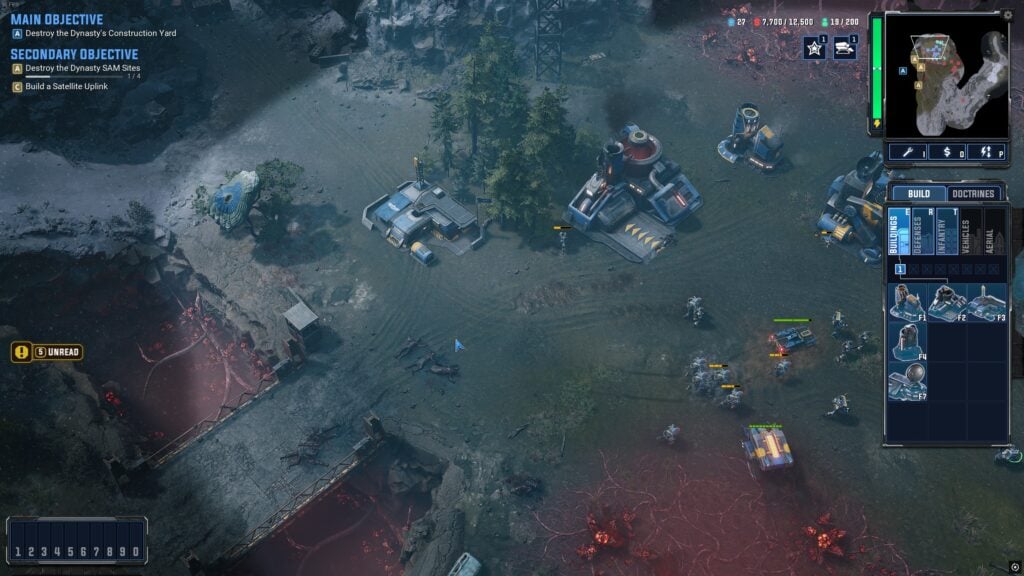
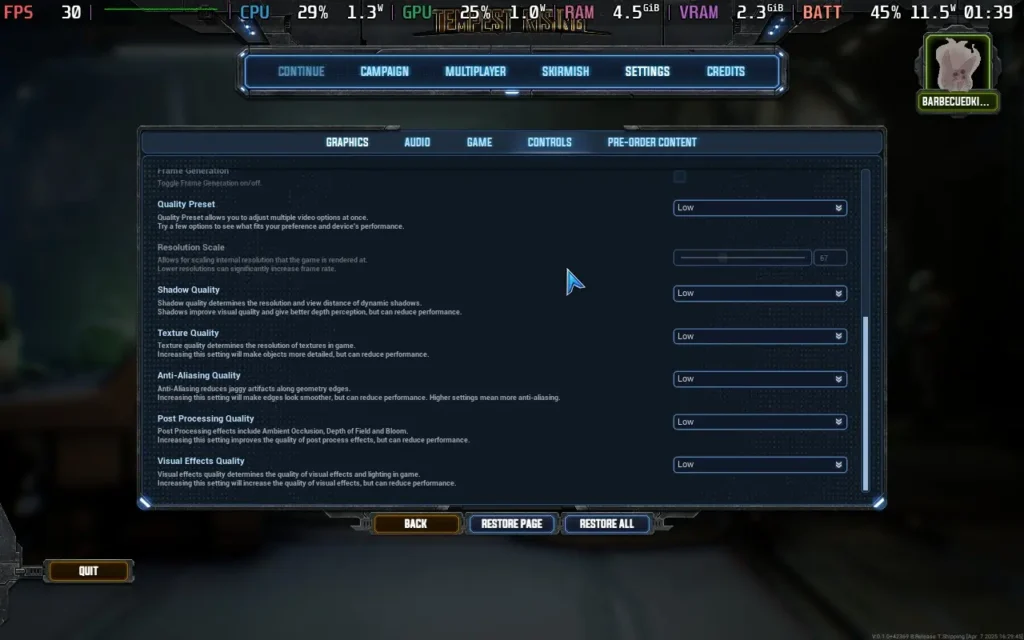
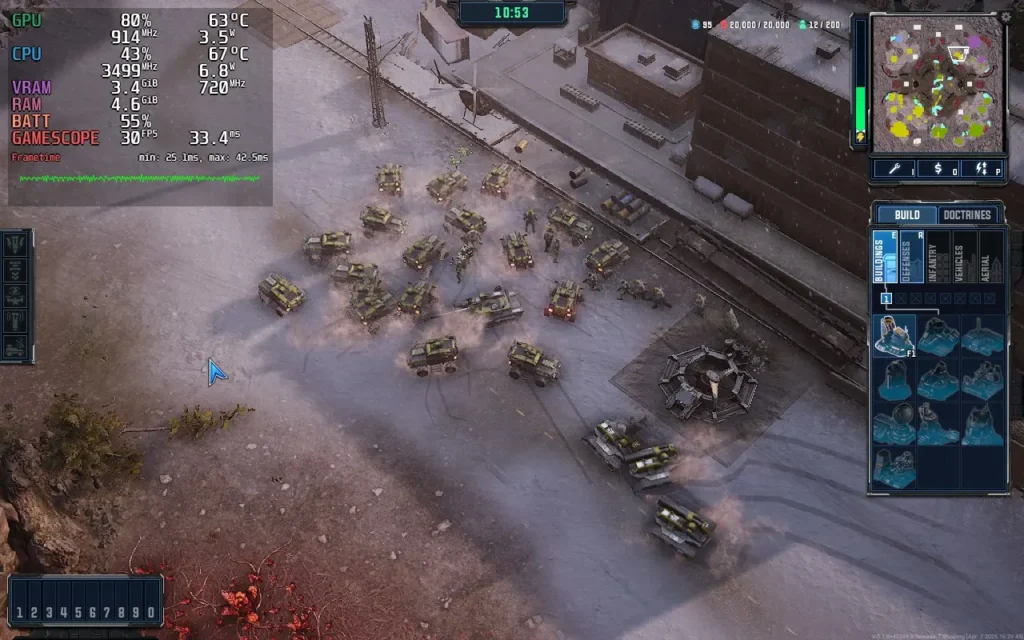
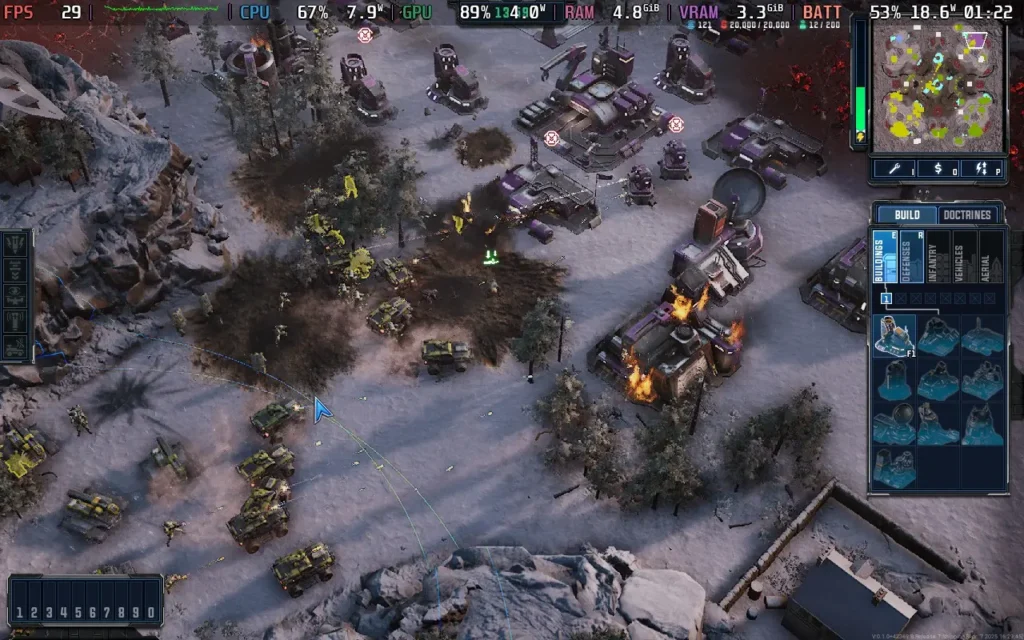
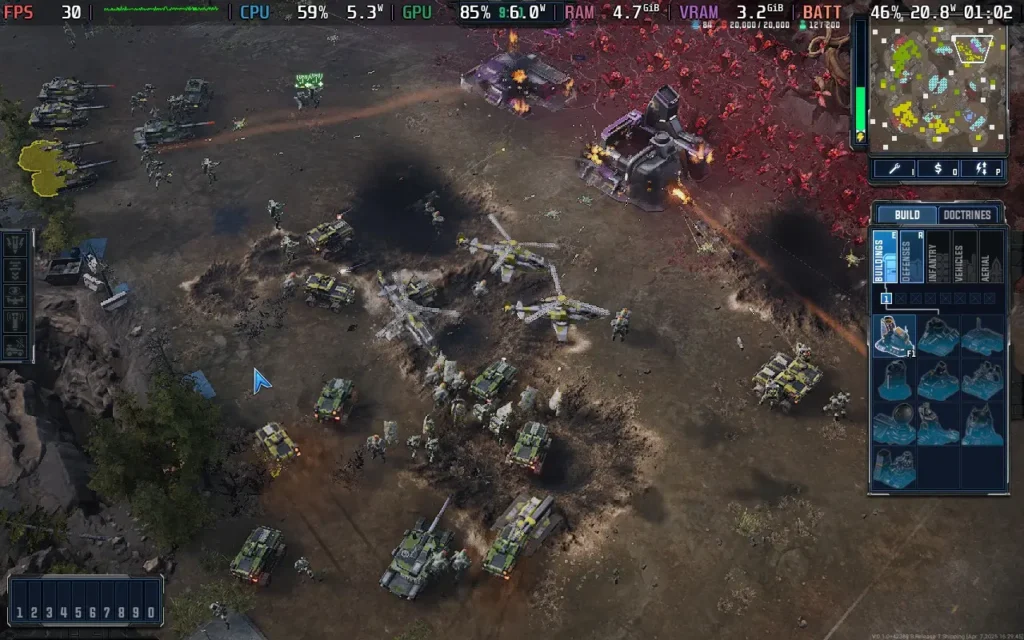
また、ファクションにさまざまなサポートパワーを持たせることで、ゲームがどのように楽しくなるのかも確認したい。Tempest Risingの派閥には、Command and Conquerのゲームにおけるスーパーウェポンのような独自のサポートパワーがある。GDFのサポート・パワーは部隊を満載した兵員輸送船を展開する空爆を放つことができ、DYNのサポート・パワーは極めて不安定なテンペスト・ミサイルを発射することができる。冗談抜きで、DYNの空爆コマンドは、大型ブーム用の余剰資金があればとても楽しい。このゲームにはプレイスタイルを決めるのに役立つ多くのアビリティがあり、どちらの派閥でも戦闘を楽しめるようになっている。
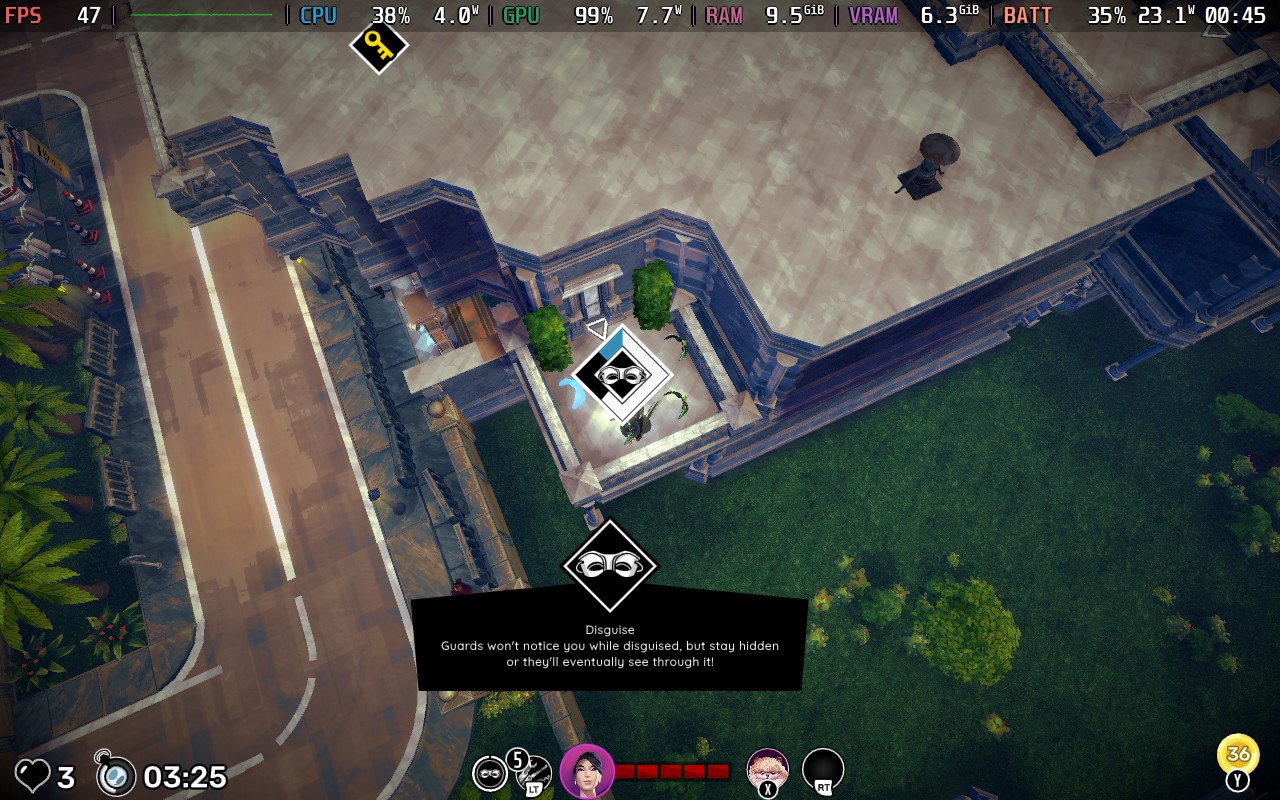
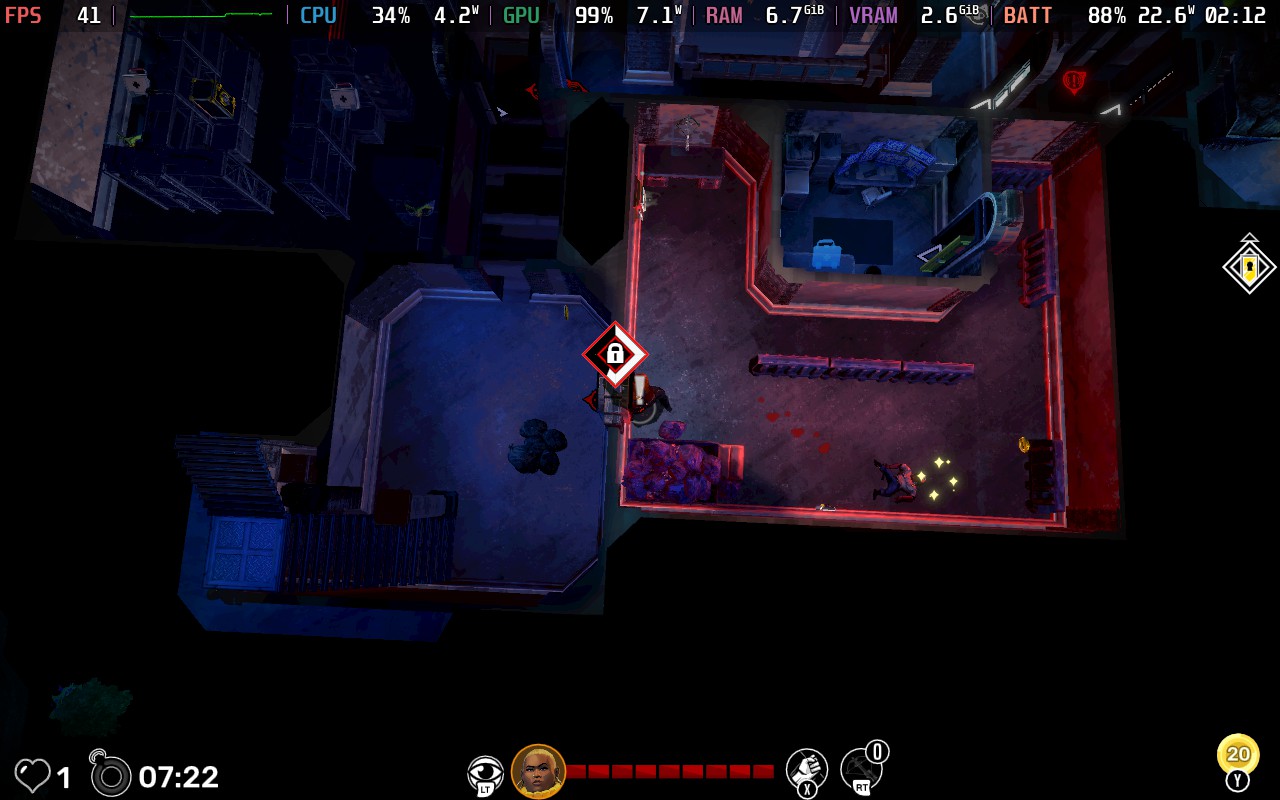
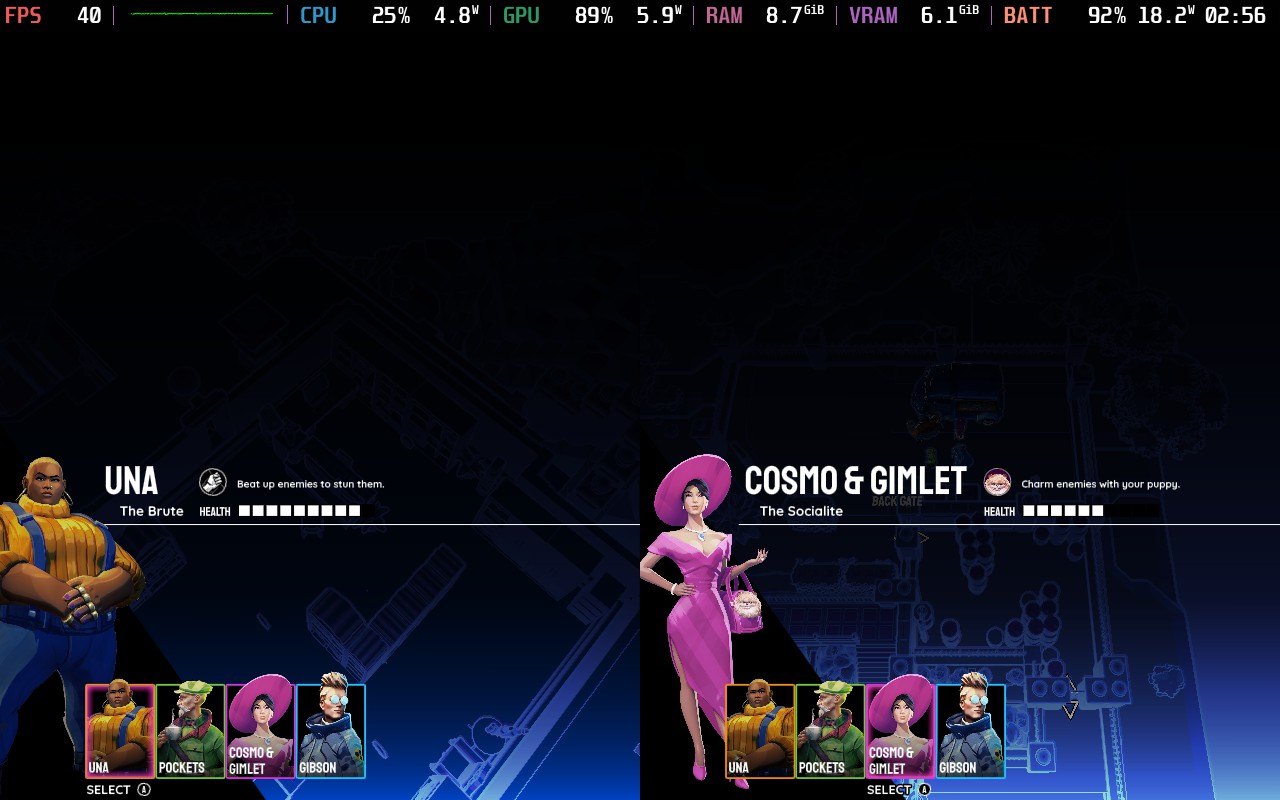
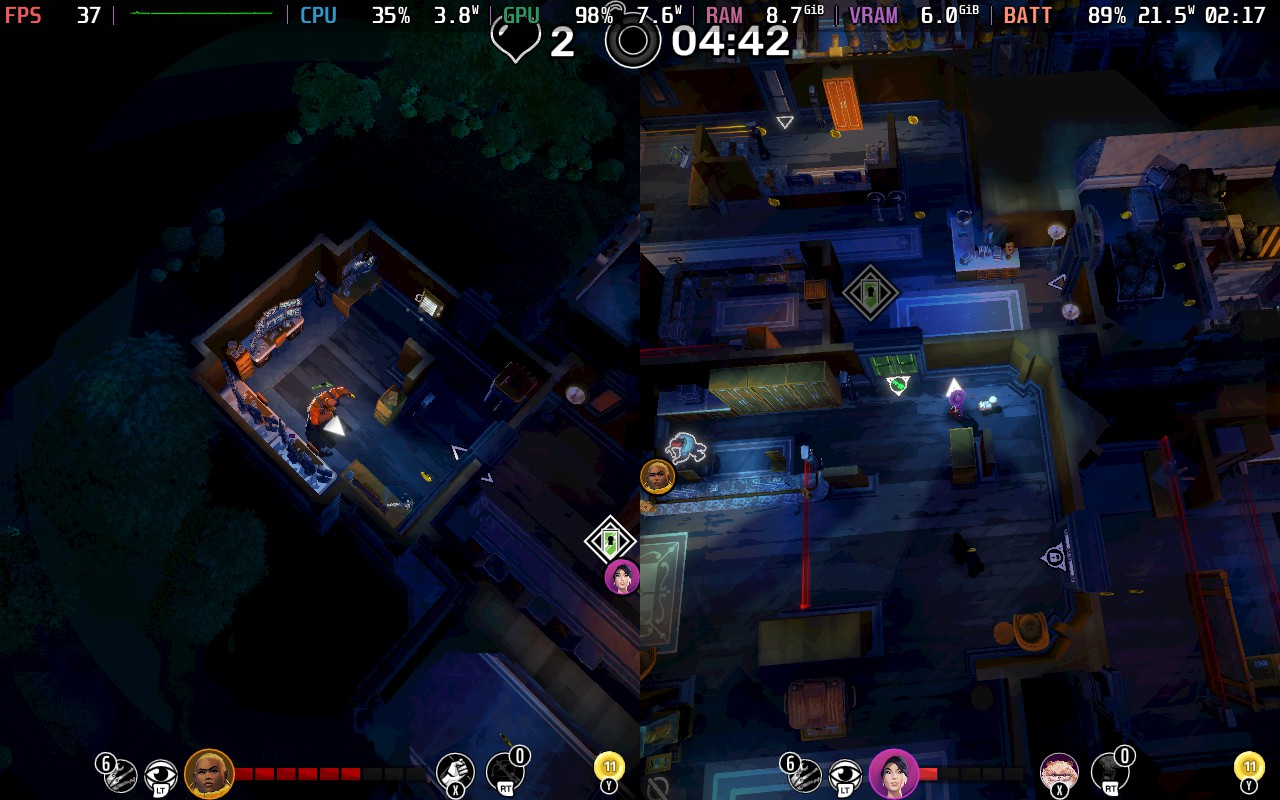
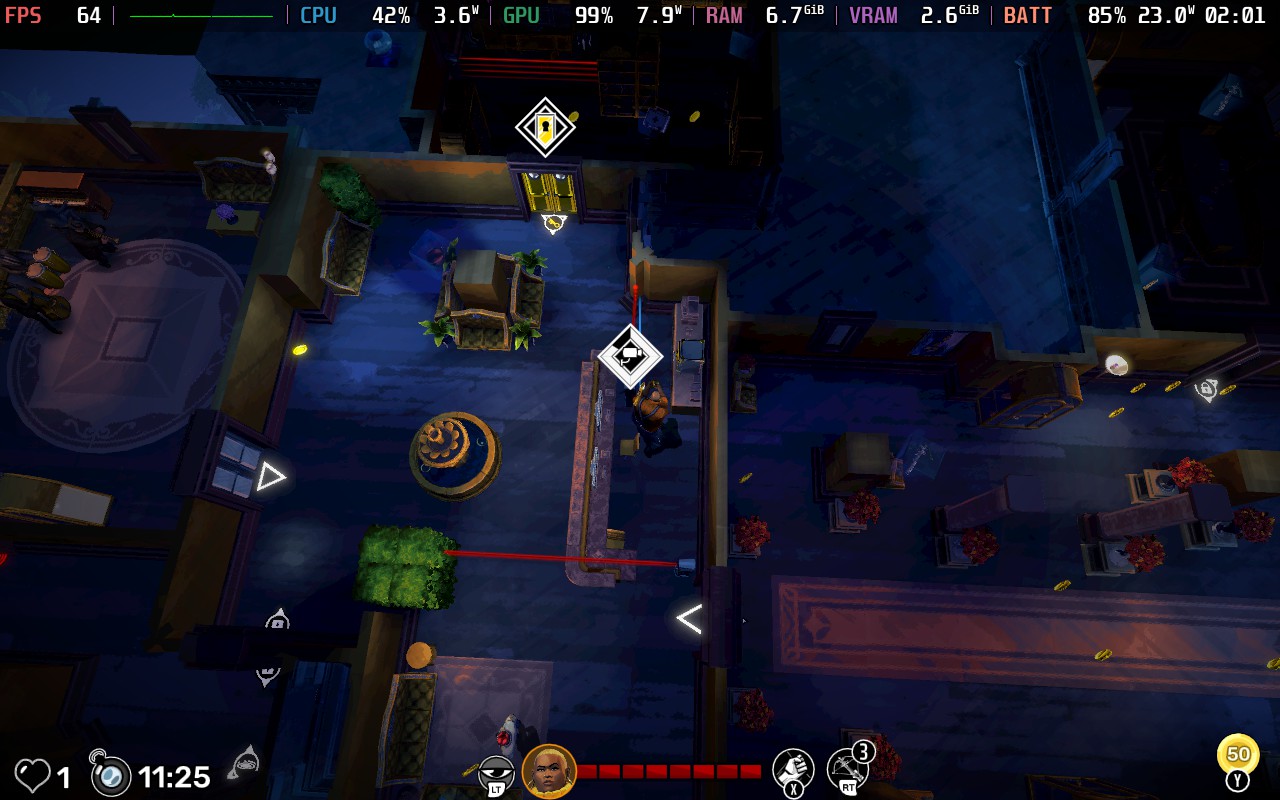
モナコ2』は、ハンブル・ゲームズがパブリッシャーを務めるポケットウォッチ・ゲームズのステルス・アクション・シリーズ最新作だ。2013年に発売された『モナコ:What's Yours Is Mine』に続く本作では、従来の2Dビジュアルから3Dアイソメトリック・ビューに変更され、ビジュアルが大幅にアップグレードされている。また、ゲームプレイのアップグレードも多く、特にレベル内にプロシージャル生成を導入している。とはいえ、核となるのはやはり強盗、スニーキング、そしてハイペースな逃走だ。Steamデッキでどう評価されるか、そして評判が高く愛されている方式をどう昇華させるか、見ものだ!
Grit and Valor - 1949はメガビット出版よりレビューのために提供されました。ありがとうございました!
私が熱望していたゲーム「Grit and Valor - 1949」が発売された!ミルキー・ティー・スタジオによるこのタクティカル・ローグライクは、このジャンルのファンにとって魅力的な選択肢だ。メカの操作性などの問題はあるものの、このゲームの魅力的な戦術的ゲームプレイは価値ある体験になる。
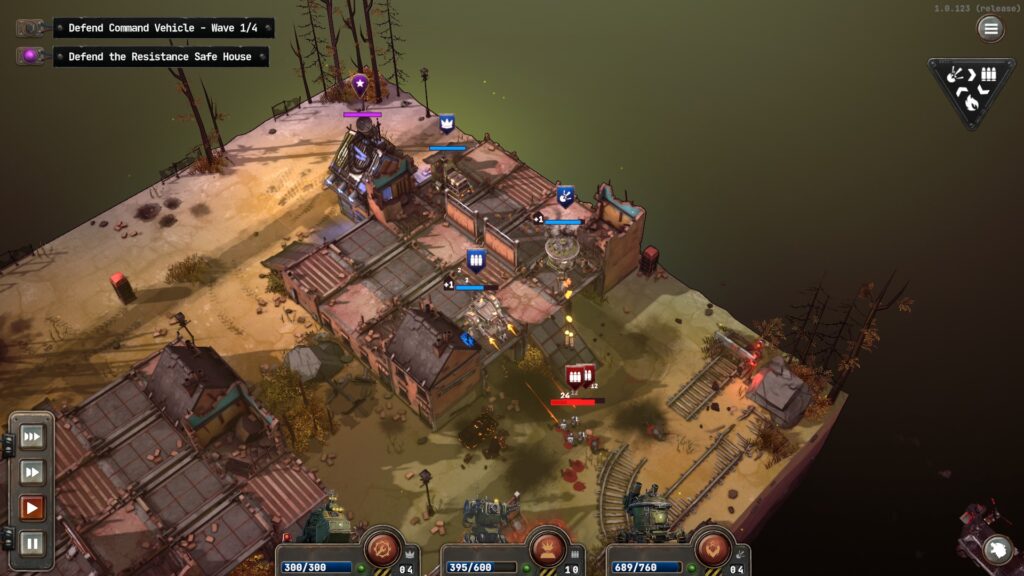
Grit and Valor 1949』は、ナチス・ドイツが強力なメカを開発し、戦局を一変させた後のヨーロッパの異世界を舞台にしている。連合国がメカの技術を間に合わせることができたにもかかわらず、枢軸国を止めるには遅すぎ、ヨーロッパ全土とイギリスを制圧してしまった。連合国が敗北の瀬戸際に立たされた今こそ、あなたの出番だ。小さなレジスタンスに加わり、スコットランド沖のイギリスから始まる巨大なマップで、枢軸国からヨーロッパを取り戻さなければならない。
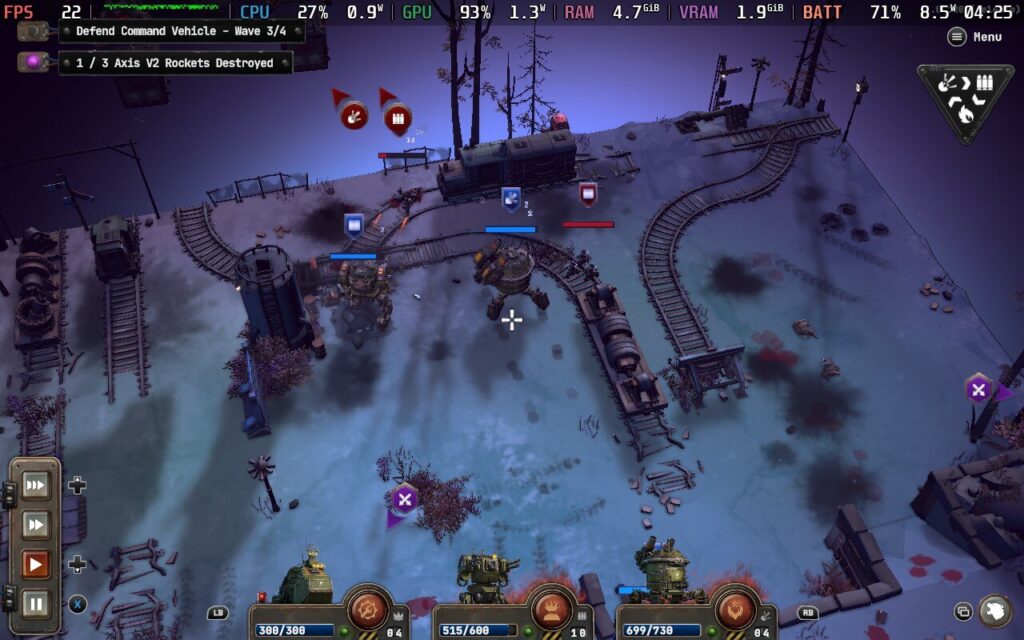
ゲームプレイは『Into the Breach』を彷彿とさせ、狭いフィールドと高い賭け金が特徴だが、『Grit and Valor』ではターン制のスローなアプローチよりもリアルタイムの戦闘が好まれる。司令車両と数機のメカでスタートし、限られた資源でナチス兵の波を食い止めなければならない。護衛メカや指揮官の車両を失うと、その時点で敗北となる。このゲームはハードであり、常にリプレイされることを意図しており、アンロックの深さは広範囲に及ぶ。このように常にリプレイが可能なため、走るたびに新たな挑戦と改善の機会が与えられ、ゲームが飽きることはない。
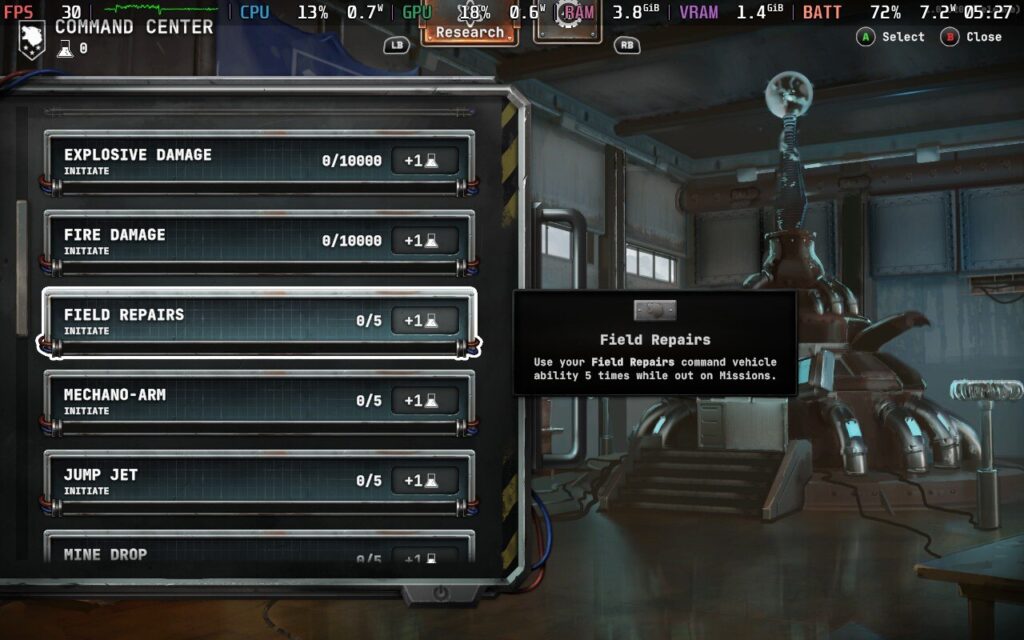
キャンペーン・マップは『Slay the Spire』をプレイしている人にはおなじみのもので、戦闘ミッションの合間に分岐するパスやイベントが散りばめられている。別のメカを雇えるようになるものもあれば、市場や地下の工作員から追加のサルベージ機会を得られるものもある。ローグライクの常として、死んでも終わりではない。レジスタンスにはハブエリアがあり、そこに戻るとアップグレードや施設開発が常設されている。Grit and Valorの奥深さに驚いたのは私だけではないだろうし、プレイヤーを飽きさせないコンテンツは十分にある。
これは大きな問題だが、だからといって「Grit and Valor」が悪いゲームというわけではない。ゲームプレイと雰囲気は素晴らしく、ローグライクファンを飽きさせない十分な深みがある。ゲームの技術的なパフォーマンスは、大部分は安定しているものの、改善の余地がある。Milky Tea Studiosがコントロールの不具合を修正する限り、タクティカルゲームファンは安心してプレイできるだろう。
グリットと武勇 1949 - スチームデッキのパフォーマンス
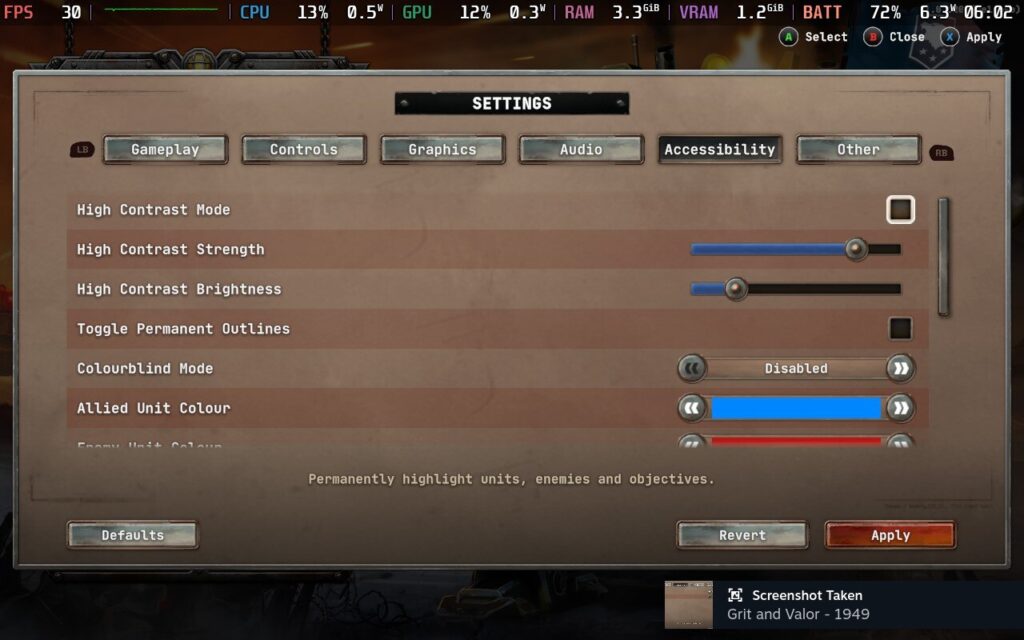
Grit and Valor - 1949はValveによって検証済みと評価されており、私が述べたコントロールの問題にもかかわらず、Steamデッキでの全体的な体験はしっかりしている。
箱から出してすぐに、コントローラーをフルサポートできる。現在の問題にもかかわらず、すべての重要なコントロールを簡単に操作できる。Grit and Valorにはカスタムグラフィックオプションやコントローラーのキーバインドを変更する機能がない。それゆえ、ゲームがそれなりにうまくプレイできるのは幸運なことだ。残念ながら、TDPをフルに使ってもSteam Deck OLEDで90FPSを達成することはできないが、フレームを60FPSに固定してそこから先に進むのは簡単だ。純正設定で60FPSの場合、「Grit and Valor」はスムーズにプレイでき、見た目も良い。
Grit and Valor - 1949」は面白いタクティクス・ローグライクで、見た目以上に奥が深い。異時代という設定は目新しいものではないが、戦闘で振り回すメカがクールで十分に面白いし、標準的なゲームプレイのループもしっかりしている。見た目もよく、サウンドデザインもしっかりしている。
しかし、いくつかの点は大いに改善が必要だ。奇妙なコントロールの問題は、必要以上にイライラさせる。キャンペーンにおける枢軸国のカートゥーン的な邪悪さはともかく、これは十分に簡単な修正のはずだ。後者の問題は、操作性に関する本物の不満に対する私の小言である。全体として、「Grit and Valor - 1949」は若干の微調整が必要だが、驚異的な量のコンテンツを備えた戦術的ゲームプレイは的を射ている。20ドルという基本的な価格からすると、かなりお得感がある。
Knights in Tight Spaces was provided by Raw Fury for review. Thank you!
I never played Fights in Tight Spaces when it first came out, but after playing a bunch of Knights in Tight Spaces, I really wish I had. The game is a thoroughly enjoyable experience with great gameplay mechanics, an interesting art style, and a good amount of content to keep you busy. There are a couple of issues here and there, but there are way more pros than cons.
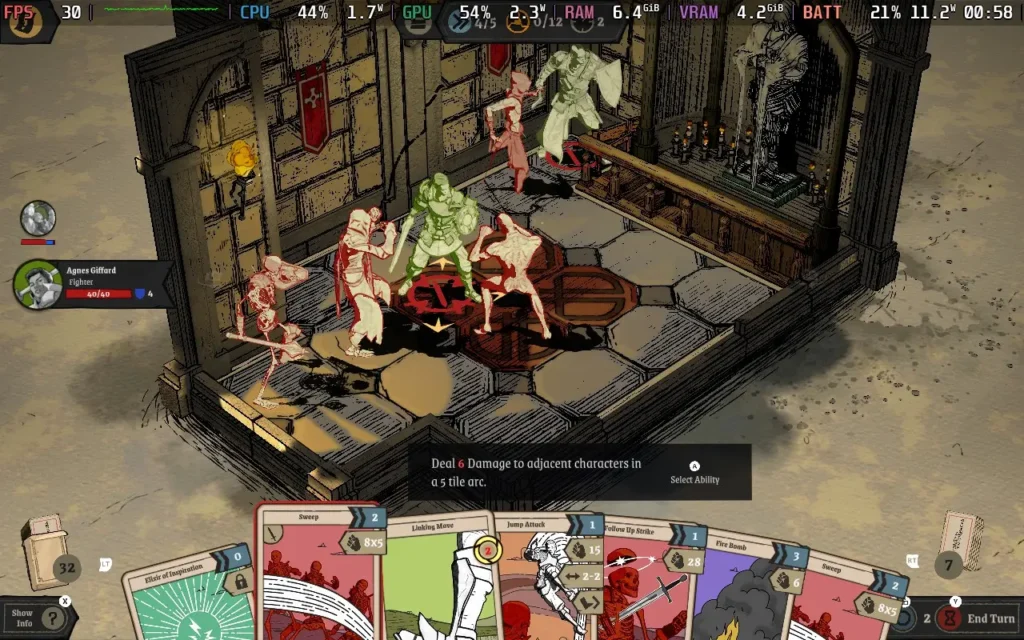
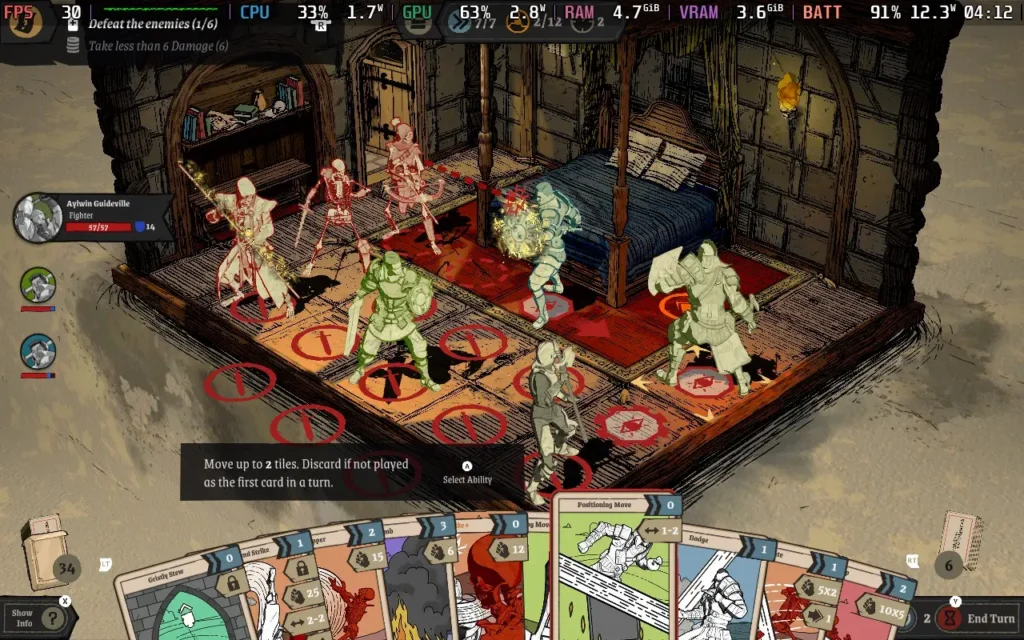
The basic premise of Knights in Tight Spaces is essentially a tactical battler, where your party is placed on a grid on a small map, and the actions you can take are dictated by the cards you hold in your hand. Each map might have specific objectives, but generally, you aim to defeat all enemies on the map or survive a certain number of turns. The entire gameplay is based on this battling system, so it has to work well, and it surely does.
The cards you can get are varied and allow you to set up some great combos that feel satisfying to pull off. All movement and attacks have to be done by playing a card, so you have to strategize which party member should use which cards to maximize the effectiveness of your turn. For example, one card might let you advance a space and attack, while another could make your character attack and retreat a space. Using these 2 cards in succession could allow you to make an attack on an enemy and then a further attack and pull your party member back to safety for the end of your turn.
You are also alerted to what attacks your opponents plan to take on the next turn, allowing you to try and position your party in a way that protects them from damage by playing your cards right, similar to games like Into the Breach.
Whether or not you can use a card depends on either your "momentum" or "combo" points. Momentum is granted at the start of each turn, and the combo is built by performing successive actions. If you've planned your moves well, you could play every card in your hand for a truly devastating turn. Your hand gets wiped after each turn, and new cards are drawn, so it's best to plan to use as many as you can.
Yes, there is a degree of RNG to all this gameplay, and on one specific occasion, I found the card system frustrating. Namely, it kept giving me attack moves when I was against a boss that could teleport my character around the map, meaning I needed a lot of movement cards to get close to the enemy. This resulted in about 7-8 turns in a row where I couldn't attack my opponent. My character also had enough "block" stat that the boss couldn't deal enough damage to hurt me, resulting in an endless stalemate if the enemy AI had chosen to keep teleporting me.
But generally, the game does a good job of rewarding your strategic skill, and if you lose a battle, you'll probably realize the turning point or action you took that put you in the losing position. There are also many difficulty settings to choose from, so you should be able to find the setting that suits your skill level and is enjoyable for you.
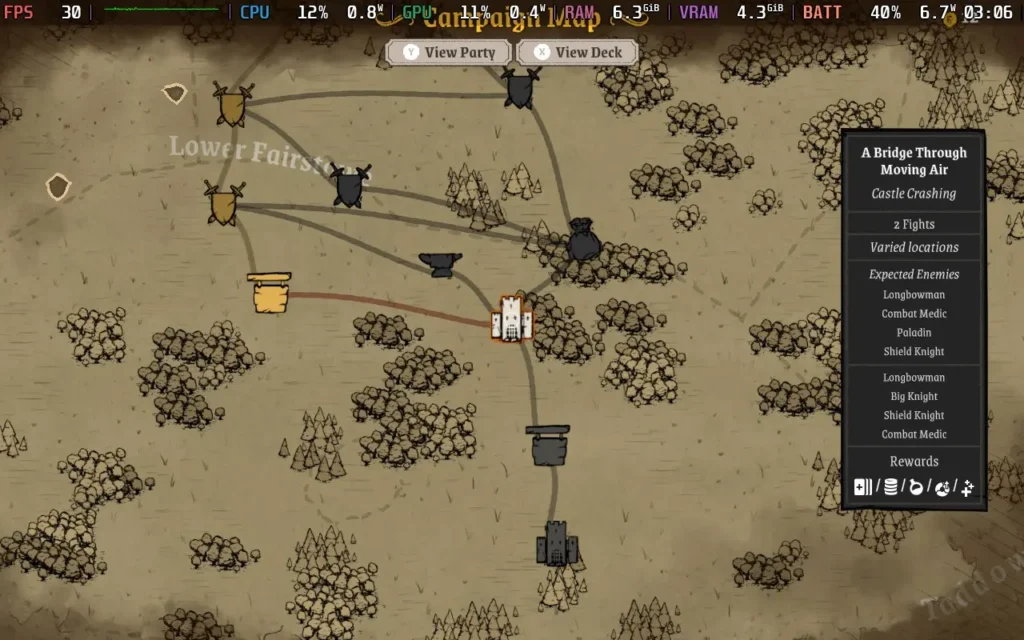
The overworld is where you'll decide what path to take. Most paths result in a battle, but some might result in a tavern where you can heal and recruit additional party members or a blacksmith where you can upgrade or buy new equipment.
Knights in Tight Spaces does have a storyline, which takes place in the form of written dialogue in the overworld as you navigate between certain battles. It's fairly generic as storylines go. Essentially, an unlikely hero is drawn into the action by forces beyond their control, and you now have to protect the kingdom from various threats that are posed to it. It's nothing special, but it serves as a purpose for the battles to take place.
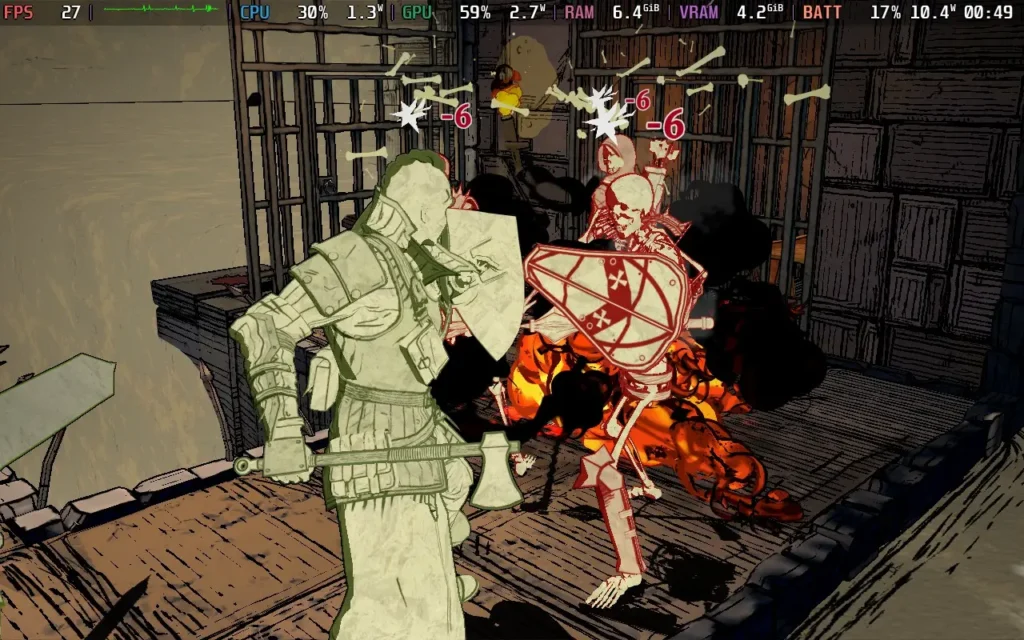
Visually, the game prefers to make clear distinctions for characters rather than flesh them out with detail. The members of the player's party will be in green, neutral parties will be in yellow, and various factions you fight against will be colored red or purple. I much prefer this way of handling it, as it helps you as a player to see the situation and who your targets are immediately, making mistaken identities very unlikely. The environments are fairly detailed but stylized and kept on the more basic side.
Knights in Tight Spaces is an excellent tactical deck-builder. The story mode isn't too long, and if you beat it on your first attempt, it'll likely only take you about 4-5 hours, but there are other modes to try out as well, such as the Endless mode to test how far you can go, and the "Daily Play" mode to compare yourself against others. The balance of the card system and the feeling of satisfaction as you pull off a combo of moves to devastate your enemies or beat a battle without taking any damage is hard to beat.
Knights in Tight Spaces - Steam Deck Performance
Knights in Tight Spaces has excellent controller support and supports 1280x800 as a resolution, so there are no black bars around the screen.
There is, unfortunately, some very small text in the game that is hard to read, but it's generally not crucial text, so you can play just fine without it.
There isn't really much in the way of graphics settings. Aside from the resolution, there's just a tickbox for "High-End Graphics," which seems to improve some lighting. However, it also impacts performance quite a bit, so we have to keep it off on the Steam Deck. With those settings, we must limit the game to 30 FPS with the SteamOS Frame Limiter and run a TDP Limit of 11W.
Knights in Tight Spaces holds a steady 30 FPS at this point. While earlier maps and battles can run at 40 FPS, I found that once you reach "Quest 2", the game gets more intense and struggles to hold 40 FPS in battles.
The power draw was around the 10W-13W range, although some maps towards the end of the game can hit 15W, and temperatures were around 55C. So expect around 4 hours of battery life from a Steam Deck OLED and 3 hours from a Steam Deck LCD.
アクセシビリティ:
Knights in Tight Spaces isn't very accessible, besides disabling blood and making certain environmental hazards stand out more.
結論
Knights in Tight Spaces does pretty much everything right for a tactical deck-builder. It has many cards, presents information clearly to the player, and has various difficulty options to make the game balanced for everyone. The RNG of drawing cards can be a little frustrating, but it's all part of the game and is a small issue compared to the fun that can be had here.
Performance on Steam Deck isn't the best considering how the game is presented, but it's still perfectly playable, and if you can overlook some small text, you can have a great time playing Knights in Tight Spaces on your Steam Deck.
Two Point Museum was provided by SEGA for review. Thank you!
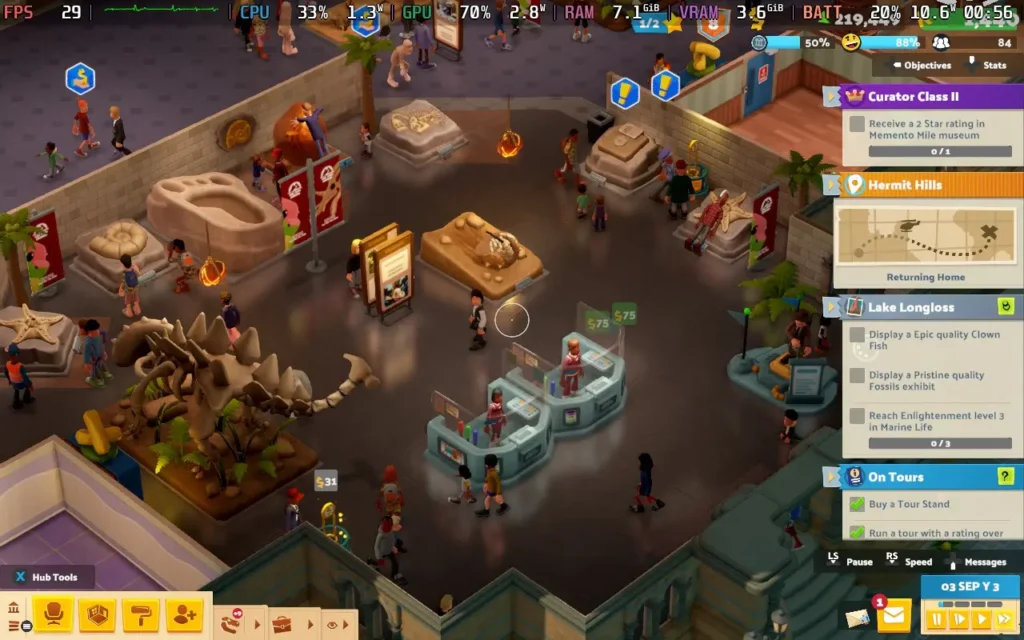
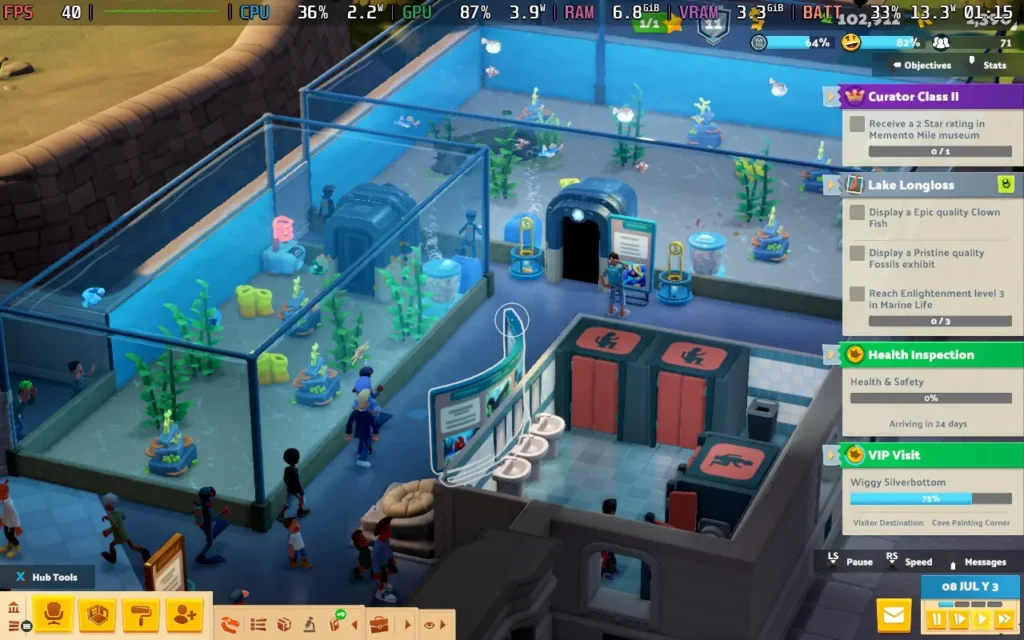
Two Point Museum joins other Two Point games, such as Two Point Hospital and Two Point Campus, in the strategy management genre. As the name would suggest, in this one, you're taking charge of Museums, aiming to provide your visitors with the ultimate curated experience. That inherently comes with a problem, though, as museums are stereotypically dull. So, how do you make a game about running a museum have some excitement? Two Point Museum tries to answer that question.
Two Point Museum follows in the footsteps of its predecessors like Two Point Hospital, whose objective is to build up a successful museum by presenting exhibits and designing your museum efficiently. During the campaign, you'll be running several museums, and the game will ask you to jump between them at various points to advance them further and obtain higher star ratings.
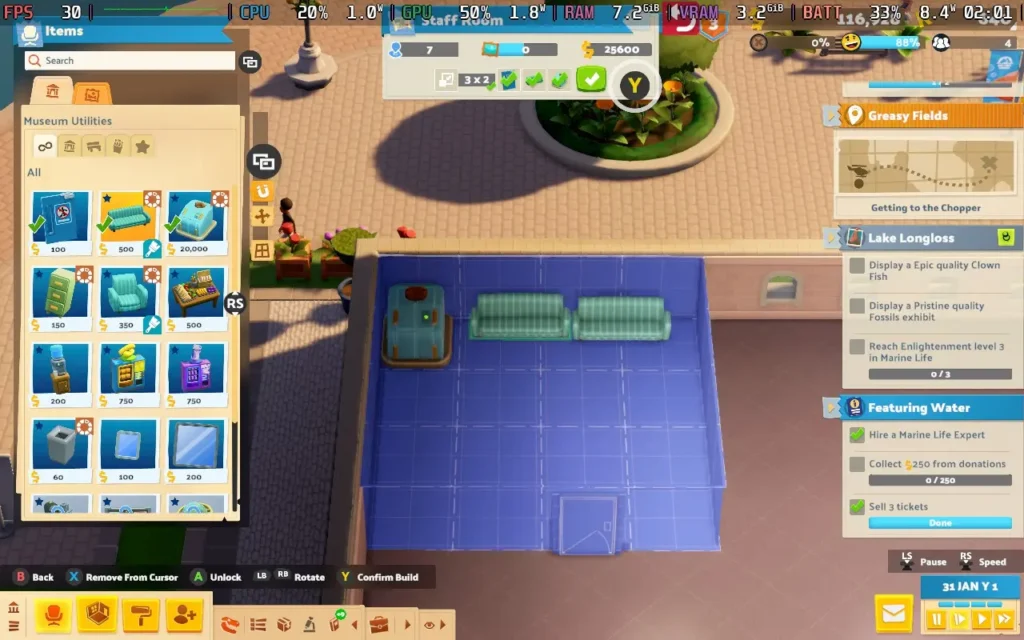
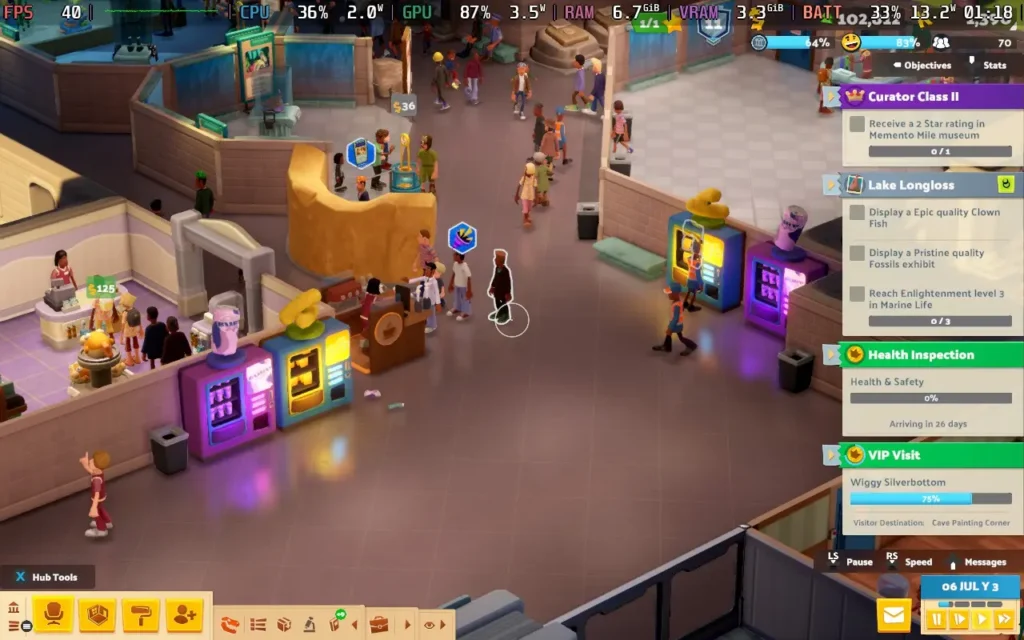
Just like Two Point Hospital (and Theme Hospital before it), Two Point Museum brings back the "room" system, but it's a bit different here. "Rooms" aren't the focus anymore. You're running a museum, so you focus on organizing spaces that flow naturally and provide enough space for some rather huge exhibits. The room system here is pretty much reserved for souvenir shops, private staff areas, and toilets.
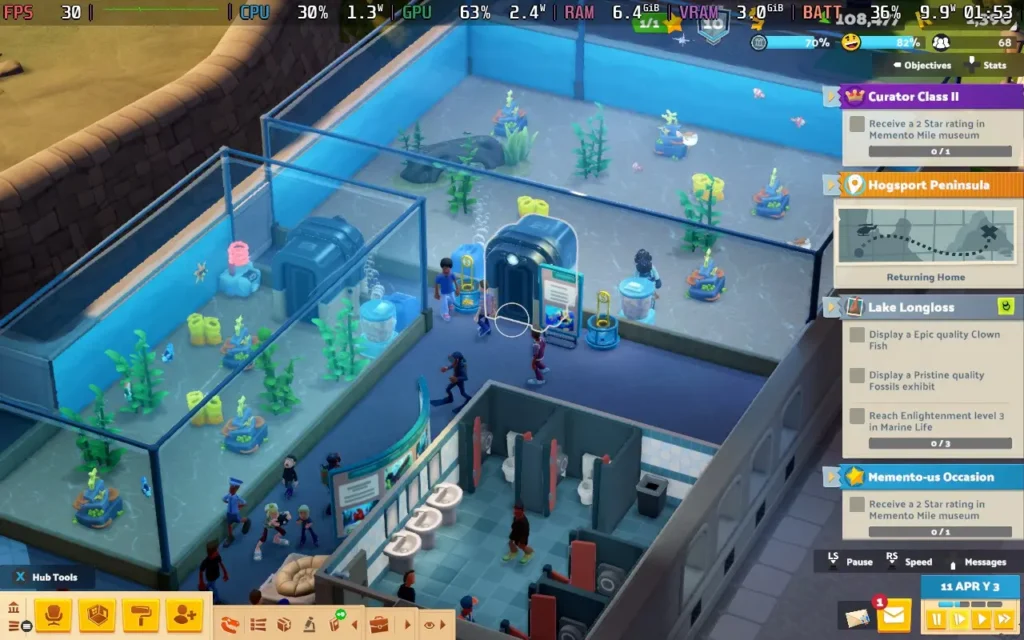
This change does, however, work in this game's favor. You aren't always organizing your available space into squares or rectangles anymore, so you can be much more creative when presenting your exhibits. You could even remove most walls and have a large open exhibition center if that's your style, or simply use some basic rope partitions to guide your visitors.
The strategy element of the game comes from placing "Info Boards" and other decorations that can create "Buzz" around your exhibits, effectively leveling them up and making them more appealing to visitors. This means that you'll have to plan where your exhibits are placed and where you can place info boards to get the most effective placements. It's not the end of the world if you aren't "optimal", as the Info Boards and decorations are cheap, but it's cool that the mechanic is there to promote some form of organized building.
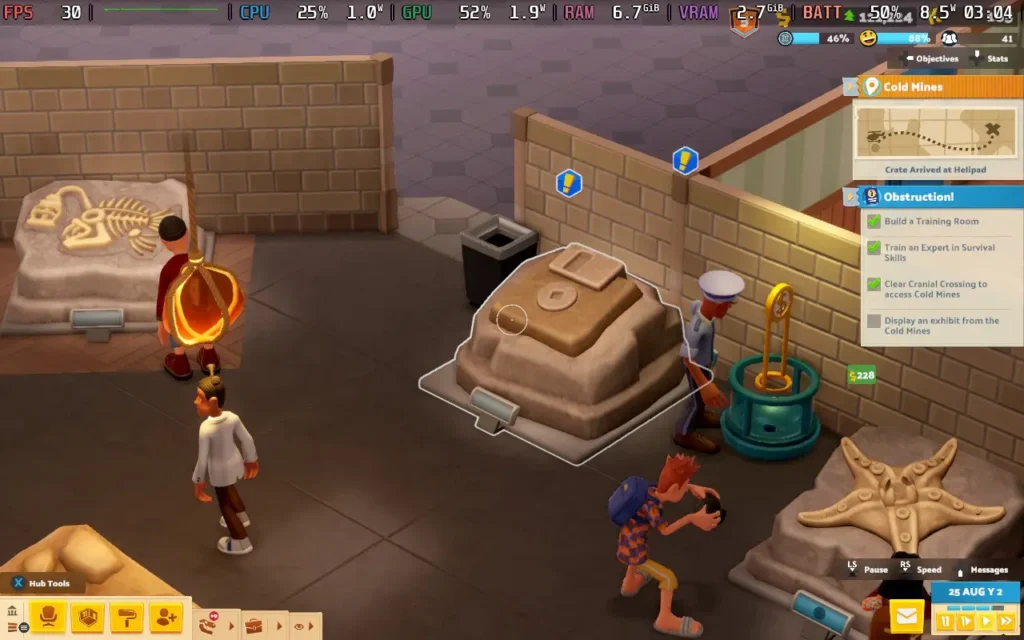
Perhaps the most intriguing part of Two Point Museum is the expedition system. New exhibits to display don't just show up at your doorstep. Instead, you'll need to hire experts in various fields, as well as other staff, to go out in search of the next big thing to show off in your museum. Random events can happen during expeditions that can affect the outcome, and you can use items to enhance the outcome or protect your crew from any unexpected surprises.
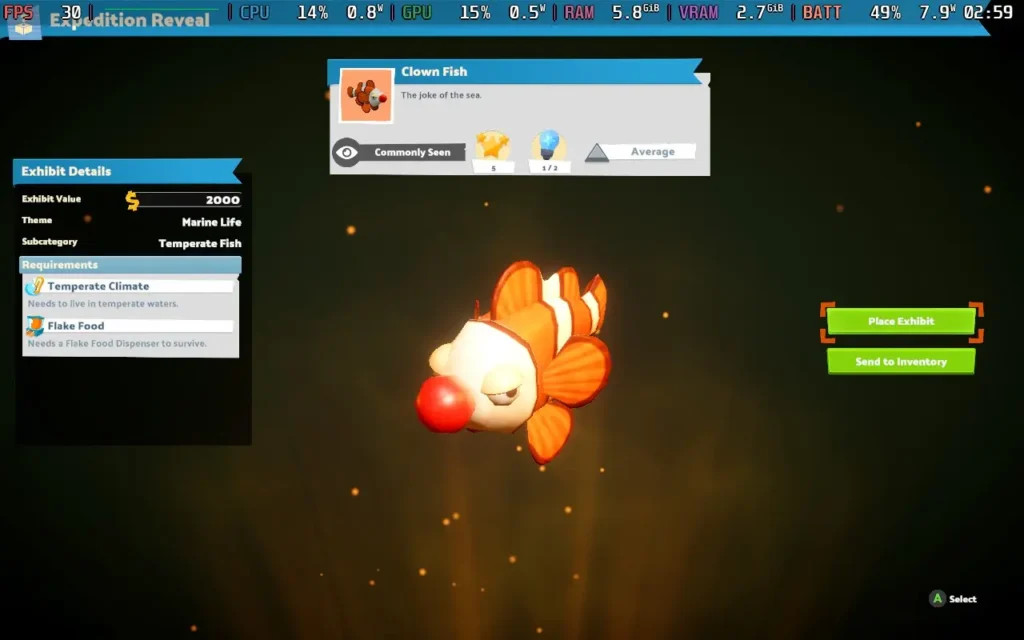
At the end of the expedition, your crew will return with a crate containing an exhibit. It could be an extra part of an existing exhibit, such as another part of a skeleton, or a smaller, stand-alone exhibit. Either way, the game enters a "lootbox-esque" opening cutscene when you reveal what's in the crate, which aims to build some excitement, and it does a decent job of doing it, although it can sometimes be hard to muster up excitement about finding a tail.
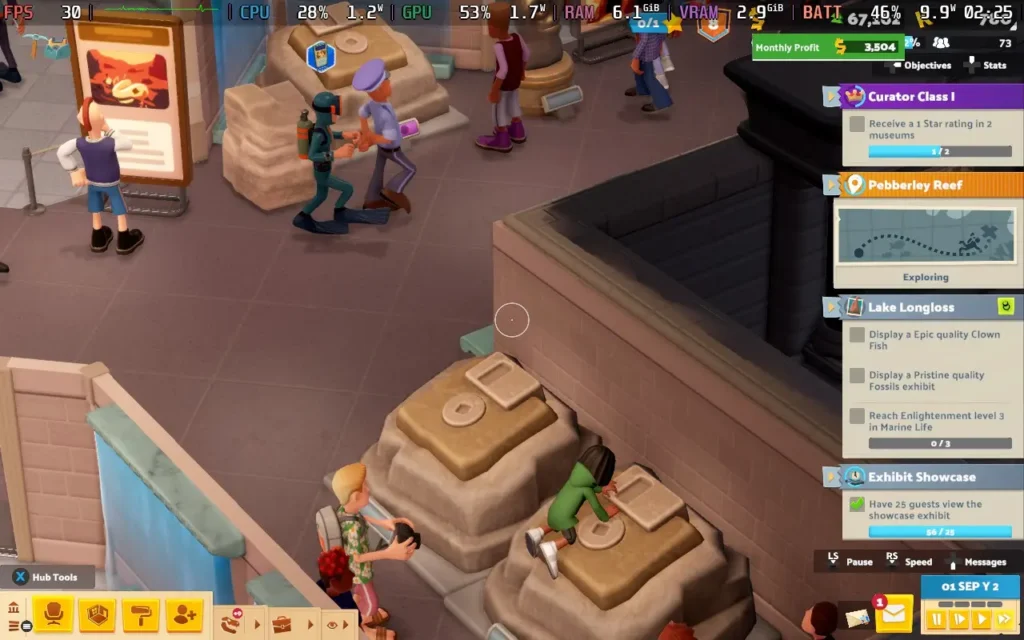
The game has a decent number of exhibits, and it can be interesting to see what you get each time. You can send your experts off to different areas, which will yield different results. Some will give you prehistoric exhibits, others botanical and marine life. Unfortunately, many of the exhibits are "joke" exhibits, such as the "Disk Fossil," which is just a floppy disk embedded in some dirt. Clownfish have actual red clown noses on them, and Starfish wear sunglasses.
While I get that the Two Point games lean into being humorous, the whole thing just feels like they're trying too hard, and it feels out of place in a museum environment to have all these comical but silly designs mixed in with real ones.
Unfortunately, the "humor" of the game let me down. While games like Theme Hospital kicked it all off by having tannoy announcers make humorous quips about situations in the hospital, Two Point Museum attempts to carry this forward into the museum environment, and it just falls a bit flat.
The announcer and radio DJ make fairly constant jokes that quickly get repetitive and just aren't very funny anyway. They might appeal to some, but I found myself disabling the voices in the game pretty quickly. Thankfully, the voice volume is separate from all other volume sliders in the game, so you can disable them without affecting the rest of the game.
The game also seems to be incredibly easy. There are no difficulty options, and I never encountered a point where I was actually losing money. I found myself pretty much not paying attention to the money I had while I built my museums, as cost never really became an issue for me.
I also ran into a couple of bugs while I was playing. For example, at one point, another staff member came to take over a ticket stand, and the staff member they took over from got trapped in the ticket stand and couldn't leave because the other staff member was in the way. This led to them being unable to fulfill their needs and threatening to resign. It could be resolved by simply picking up and moving the staff member manually, but I shouldn't have needed to do that.
Two Point Museum is an interesting concept. It's a brave move to take something stereotypically dull and make a game out of it. Do I find it as interesting as a hospital simulator? No, I don't. But the museum angle does open up some new gameplay mechanics, and for those who have been yearning for a museum simulator, you finally have one.
Two Point Museum - Steam Deck Performance
Two Point Museum works really well on the Steam Deck, with full controller support and support for 1280x800 resolution, removing any black borders. It's also pretty easy-going with requirements, with the CPU being the main issue rather than the GPU here.
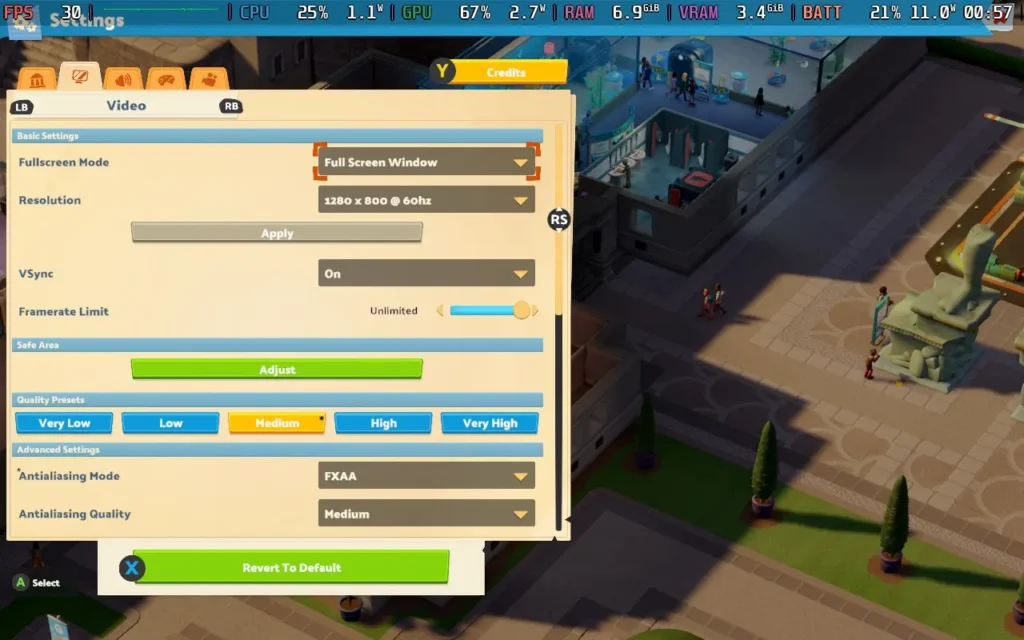
As we have some flexibility in the settings for this one, I'm offering two presets: one focused on battery life and the other on visual fidelity.
Prioritize Quality Settings - 40 FPS
If you want your floors to look extra shiny and your displays to be gleaming, then you might want to take a look at these settings. They're more demanding on battery life, but do give you a nicer presentation.
In SteamOS, you'll want to set a 40 FPS Frame Limit and set your TDP Limit to 10W.
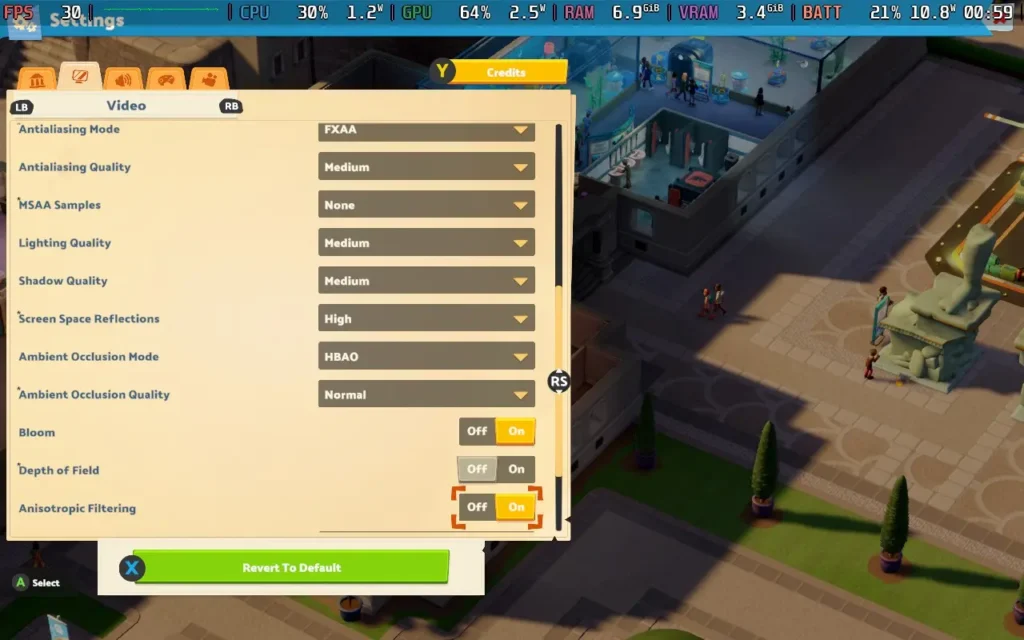
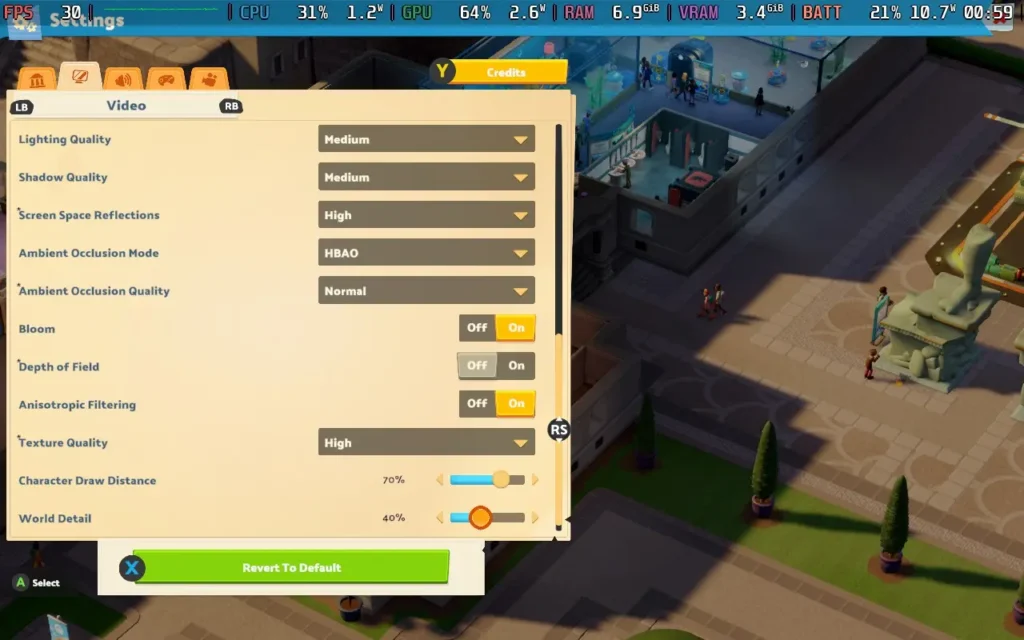
For graphical settings, you can see the side panel or click the images below, but we are sticking pretty close to the Medium preset here.
We can hold a steady 40 FPS with these settings and we get some pretty nice visuals to boot. We do have the occasional stutter, but it's not anything that's particularly noticeable or affects the gameplay.
Power draw with these settings goes up a notch, so expect around 12W-15W drain on the battery. Temperatures were again around 60C-65C. You can expect about 3.5 hours of battery life from a Steam Deck OLED and around 2-2.5 hours from a Steam Deck LCD.
Battery Life Build - 30 FPS
To maximize your battery life, you'll want to set a 30 FPS Frame Limit in SteamOS, along with a 7W TDP Limit.
For graphical settings, we keep the same as those in the settings above, with the exception of setting Screen Space Reflections to "Off."
At these settings, the game pretty much held 30 FPS. There could be occasional frame drops when something new loaded and a few stutters here and there, but general gameplay was stable.
The power draw for this one was around 10W-11W, with temperatures of about 60-65C. Expect around 4.5 hours of battery life from a Steam Deck OLED and 3 hours from a Steam Deck LCD.
アクセシビリティ:
Two Point Museum has some accessibility options. Importantly for Steam Deck, it has a UI Scale option, which you should set to large, making some difficult-to-read text slightly more legible. You can also disable camera shaking and certain flashing light effects in the game.
Subtitles can be enabled for certain flavor text, like the tannoy announcer.
結論
Two Point Museum is brave in that it takes aim at an industry that is usually not regarded as all that interesting and tries to make a fun game out of it. Unfortunately, this was attempted by injecting a lot of "humor," which just didn't pay off for me. I'd have much preferred a more authentic museum experience with real fish and exhibits rather than being hit with a joke-a-minute, which rarely pays off. If you can tolerate the comedy, the gameplay works well and there's still an enjoyable experience to be found here.
That being said, Two Point Museum does run great on the Steam Deck, so if you have had your eye on this one and a bit of silliness doesn't put you off, you shouldn't hesitate to get it to play on your handheld.
Heart of the Machine was provided by Hooded Horse for review. Thank you!
This review was created using an LCD Steam Deck. OLED testing will be carried out at a later date.
As an Early Access title, gameplay and performance is subject to change.
Indie publisher Hooded Horse is one of my favorite game publishers, and Heart of the Machine is another fascinating title under their umbrella. Developed by Arcen Games, Heart of the Machine is surprisingly ambitious for a turn-based 4X title. I love games that push boundaries and the genre they represent, and while that endeavor comes with a steep learning curve, I am enthralled by this game.
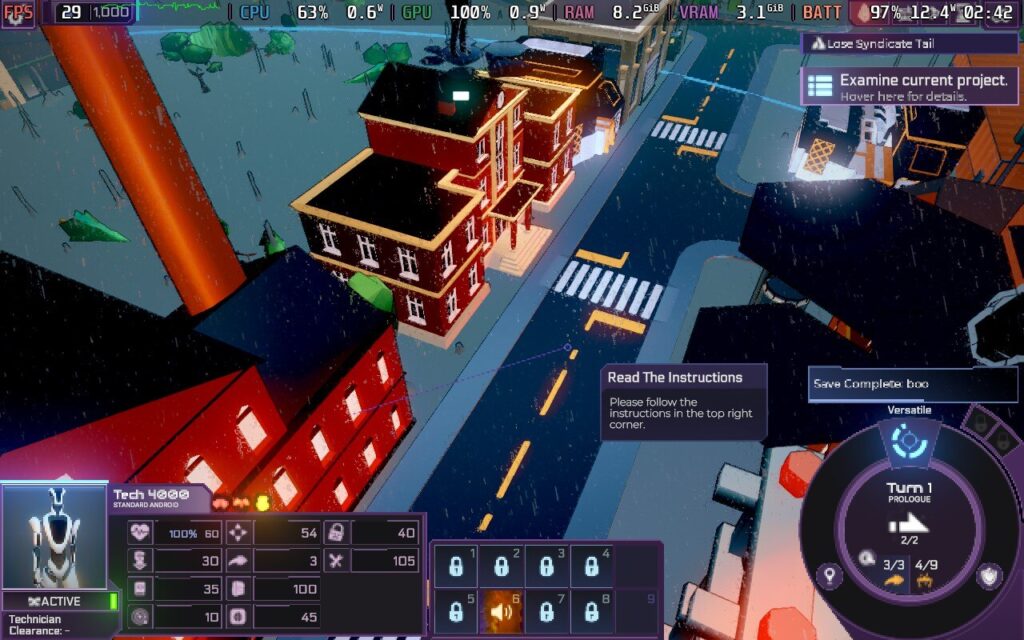
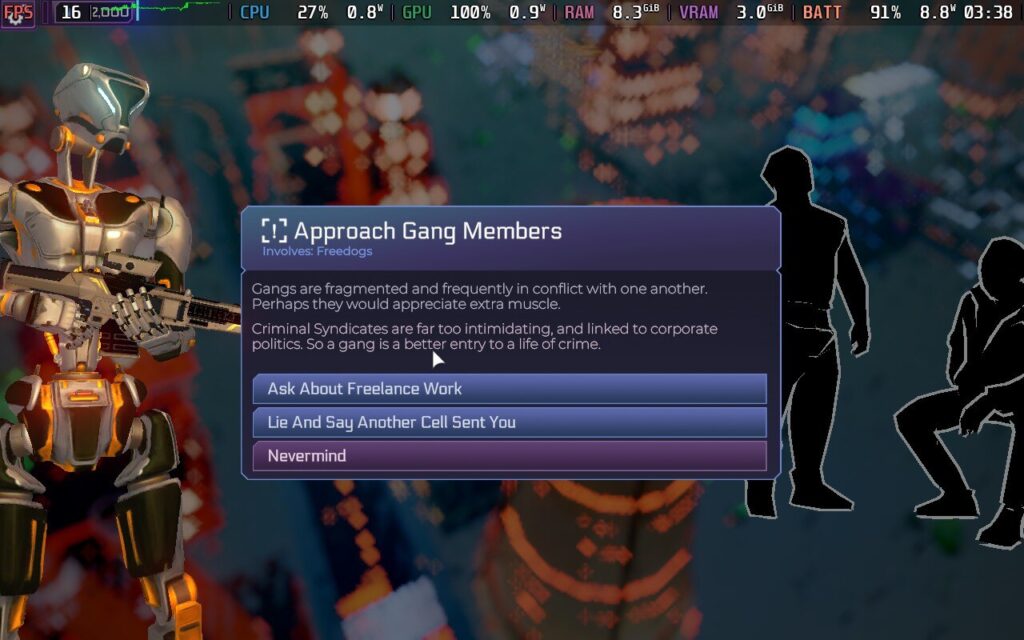
Set in a brutal cyberpunk world, Heart of the Machine takes place in a crumbling city filled with criminal gangs and ordinary folk trying to survive. Players take on the role of an illegal sentient AI who escapes their lab and is forced to take shelter in the city.
With unimaginable potential and learning what it means to be alive, Heart of the Machine guides players through an extensive narrative. Early Access can mean many things in the industry, with launch builds ranging from a barebones experience to a ‘fully playable’ game needing further polish. For this title, players can play the prologue, Chapter One, and a large chunk of Chapter Two. It might not sound like much content, but this is an incredibly complex game that will make the content worthwhile.
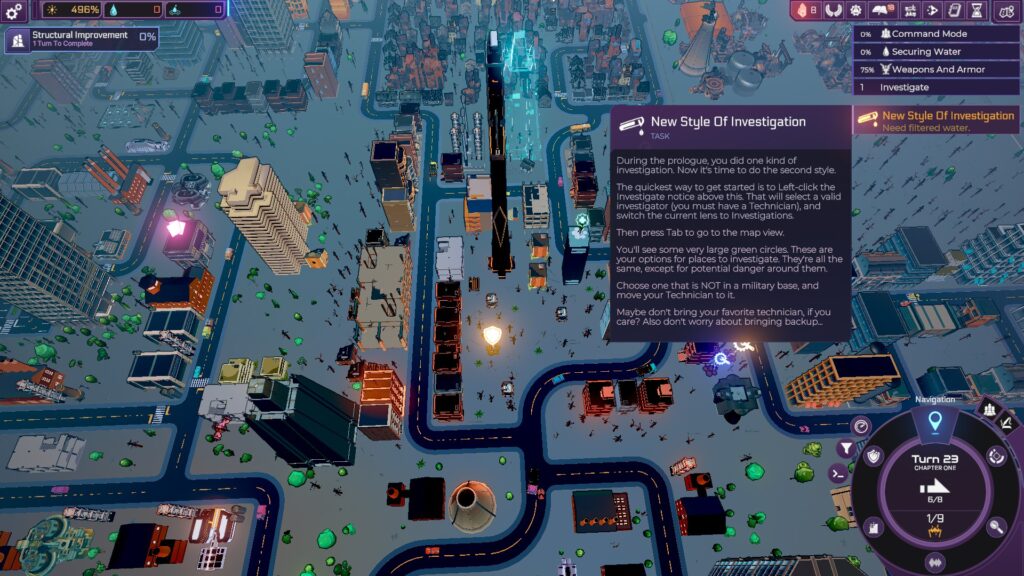
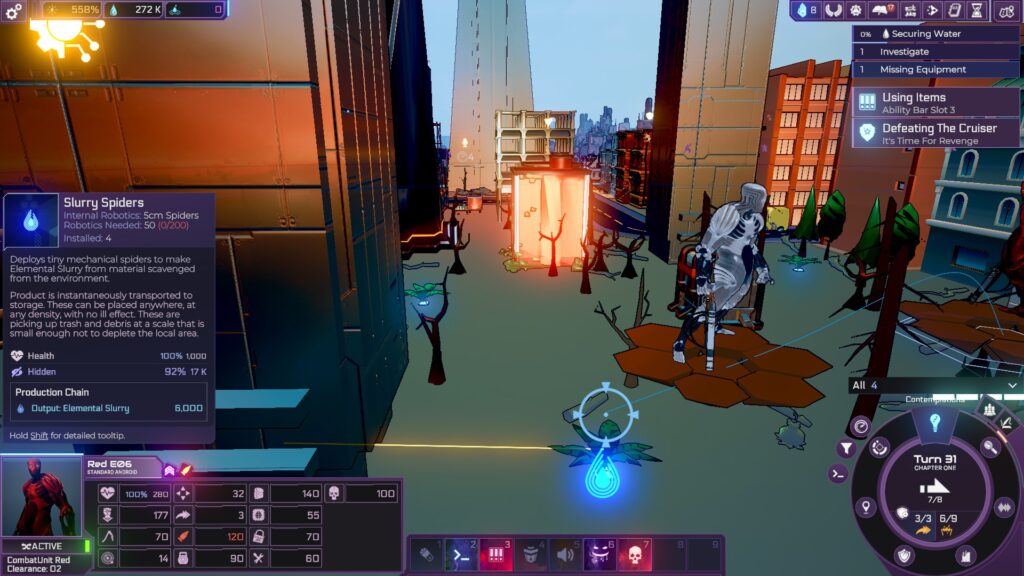
Chapter One is an extensive tutorial, and the gameplay loop gradually reveals itself to the player. You set up a Network Tower as a base of operations and develop structures to bolster your processing power while recruiting androids you find in the procedurally generated city. Androids can be used to scout and find spots to investigate to further your growth, but be warned that Gang Members around the city can attack and steal their gear.
All units have a movement point system that replenishes every turn, but I like how everyone shares the action point system (mental energy in this game), so you have to be cautious when planning. Moving androids around the map also uses up an action point, and in the beginning, you have limited power while trying to survive.
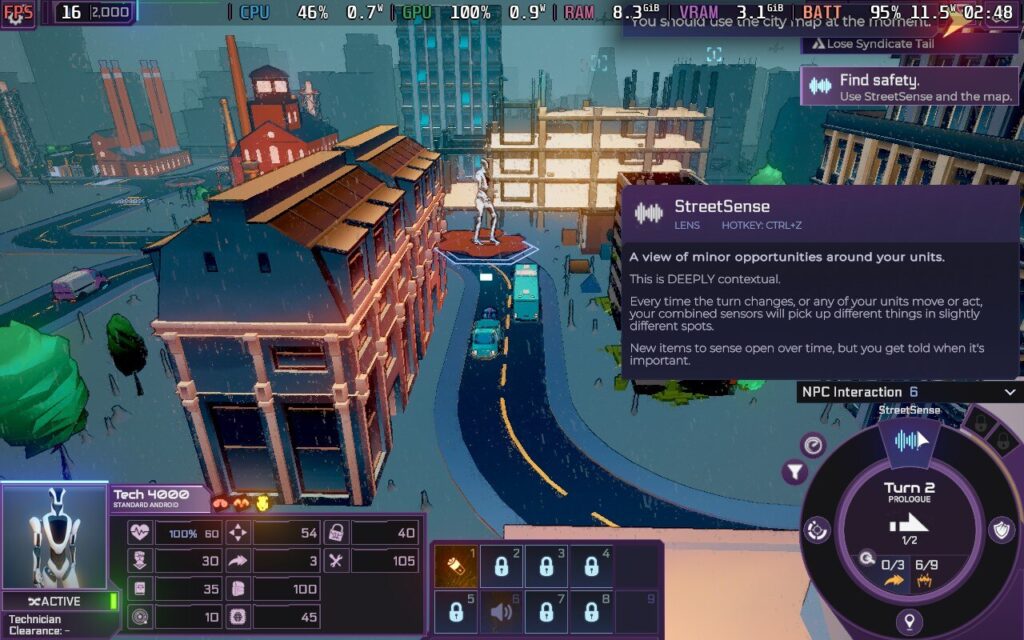
I recommend playing the tutorial. It guides players through the gameplay loop, but it took me a while to scratch the surface, even with the in-game codex. Despite its complexity, Heart of the Machine is one of the more accessible 4X games I have played. It takes time to learn the tricks, but it is fairly easy to wrap your head around. I appreciate how Arcen Games also eases you into the gameplay, with mechanics and abilities gradually opening up the more you play so you don't get overwhelmed.
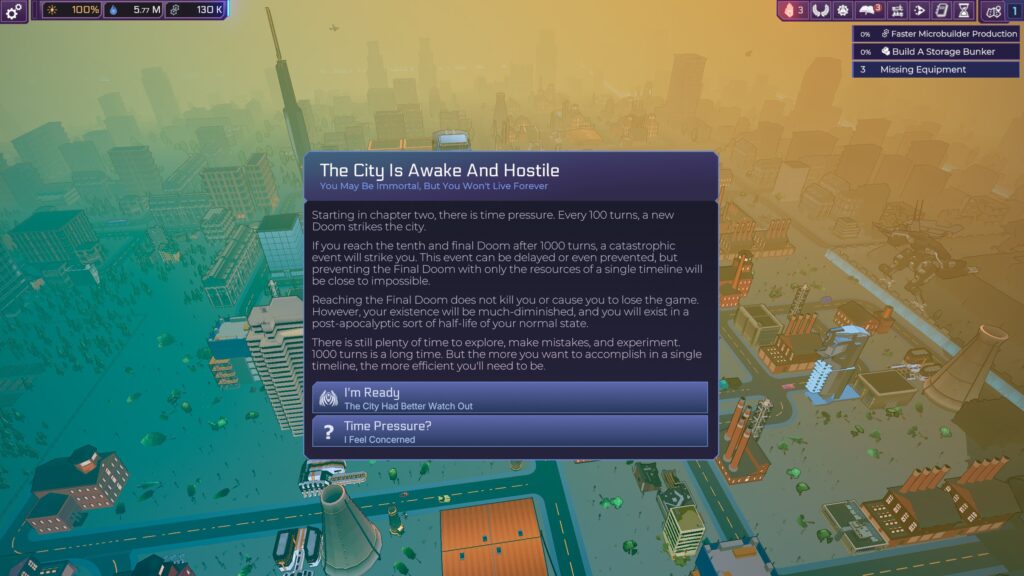
Chapter Two is when the game takes the training wheels off, and the full scale of the game sinks in. Even while you’re scrambling about developing your city, there are devastating Doom events that will strike the city and must be prepared for. The default mode gives more time to explore and experiment, but there are higher difficulty modes if you fancy an even more significant challenge. A Final Doom is the ‘endgame’ to fight against, but it is not the end even if you fail.
The difficulty ramps up after the first power grid is built and you receive your first narrative decisions. Many choices are offered to you that shape the narrative, and it is deeply compelling. It is around this time that the first severe attack on your Network Tower begins, and it initially caught me completely off guard.
Buildings get destroyed quickly, and after a certain amount of damage, they will stop working until they are repaired. My first significant battle with enemy forces became a hilarious struggle as I desperately moved my team of androids back to the Network Tower to protect my fledgling empire. I got pasted, so I had to reload a save from a few turns before moving more androids back to my base in preparation. Lesson learned!
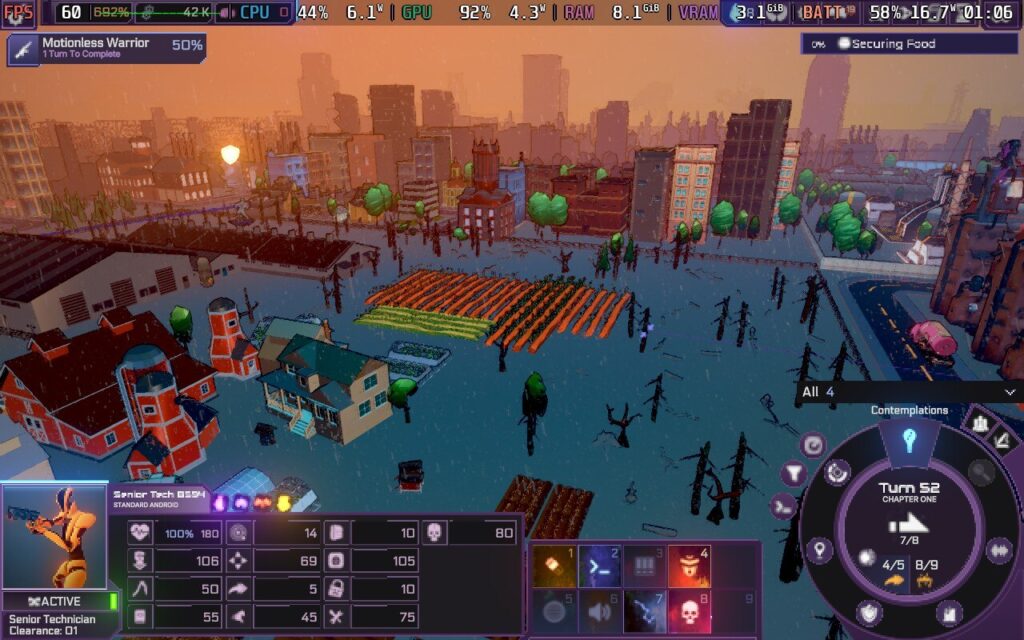
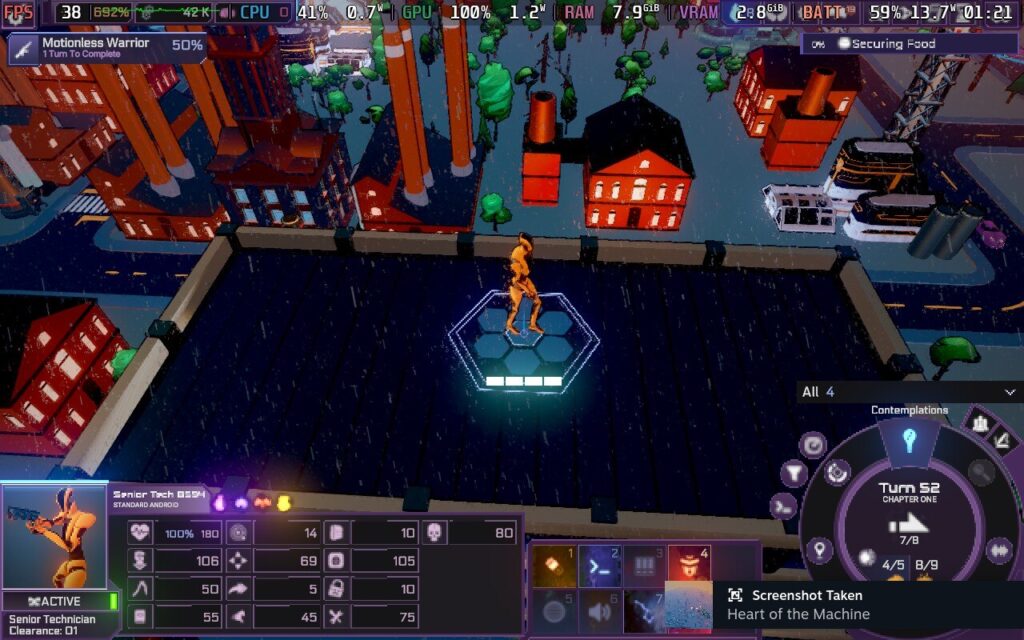
I appreciate the visual design. The sprawling city might lack finer details; you won’t see the streets crawling with people going about their lives, but the cyberpunk ambiance is fitting. Cars trundle down roads and fly over the city, and military forces occupy fortified map sections. It does not sound imposing, but Heart of the Machine looks nicer than many 4X games, and the soundtrack is great, too.
The number of things to keep track of in Heart of the Machine is immense, and the game’s complexity will not be for everyone. If the tutorial were not as intuitive as it is, I would find the game too obtuse, even for veteran 4X players. For example, I spent hours wondering how to increase my Android capacity until I discovered forming a Shell company did that, and I found nothing in the tuition that mentioned it. However, I can happily say it isn't like that, and it was digestible enough to understand the mechanics.
Heart of the Machine - Steam Deck Performance
Arcen Games has paid much attention to making Heart of the Machine work on the Steam Deck, and the overall experience is solid. However, a couple of things hold it back.
While full controller support is not yet implemented, Arcen Games has set up a default controller profile that works well. The interface is also surprisingly easy to read with how many menus you can access, but the amount of information available on screen can make navigating challenging.
推奨設定
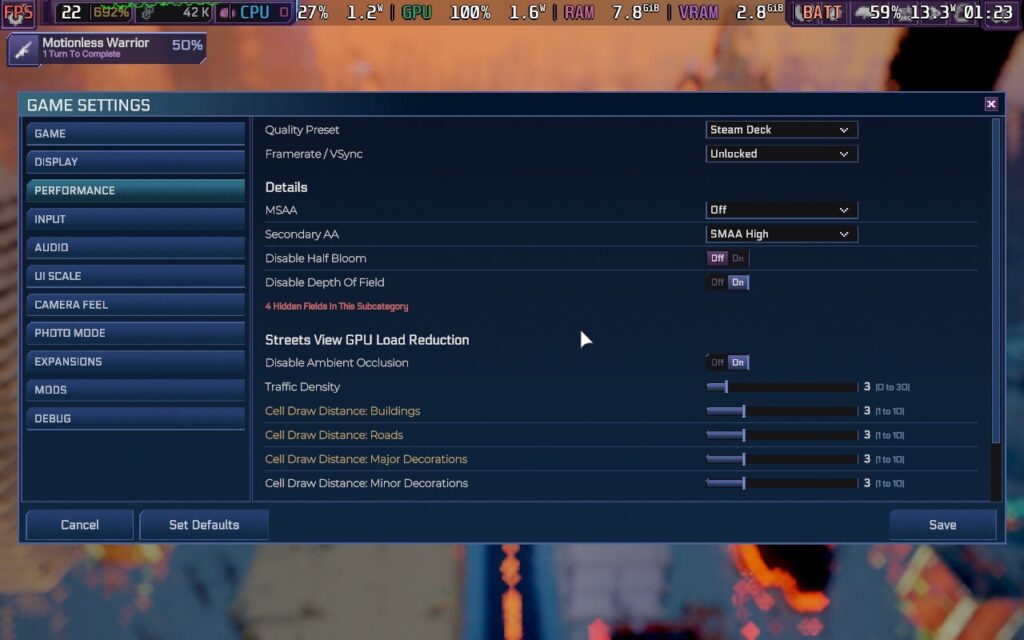
The number of graphical options you can tweak in the Heart of the Machine is enormous. However, there is a dedicated Steam Deck graphics preset already in the game, and this is the one I used. With stock settings and an untouched TDP, the performance was stable across the board.
This is quite the ambitious 4X game regarding controls and visuals. In this game, you can adjust the camera in many angles, and the city has a lot of action going on in default mode. While the game stayed at 60 FPS most of the time in standard settings, I saw a couple of frame dips when zooming out or during combat with several enemies simultaneously. These drops weren’t frequent and happen on more powerful hardware, regardless. I lowered the FPS cap to 40 with a 40hz refresh rate and found that to be the most stable profile.
With all the effects happening on screen, I should not have been surprised by the power draw, but it did nonetheless. With these settings, I found an average power draw of 17 watts, especially when you progress further in Chapter One and beyond. It often spiked as high as 20 watts during more cluttered scenery. When playing with my recommended settings, you should expect roughly two and a half hours of battery life on the LCD Steam Deck.
バッテリーセーバー設定
There are some ways to improve battery life. Reducing the number of vehicles that roam the map on screen helps, but we can do more. Turn-based games usually get away with a lower framerate than other titles, so I experimented with TDP settings.
With a 40hz refresh rate, Heart of the Machine still requires some power to run smoothly. Even when I changed the graphics preset to Very Low, I needed at least a TDP of 5 to maintain stable frames. At minimum settings, the visuals are rather blurred and muddy, but it lowered the average power draw to 13 watts, which is a significant drop.
Until we see some performance patches during Heart of the Machine’s post-launch, this is probably the best we can manage for battery life. By sacrificing framerate and some visual quality, you can gain an average of an hour of battery life while maintaining acceptable performance.
アクセシビリティ
The game is available in English, German, French, Spanish, Brazilian Portuguese, Simplified Chinese, Traditional Chinese, Korean, and Japanese.
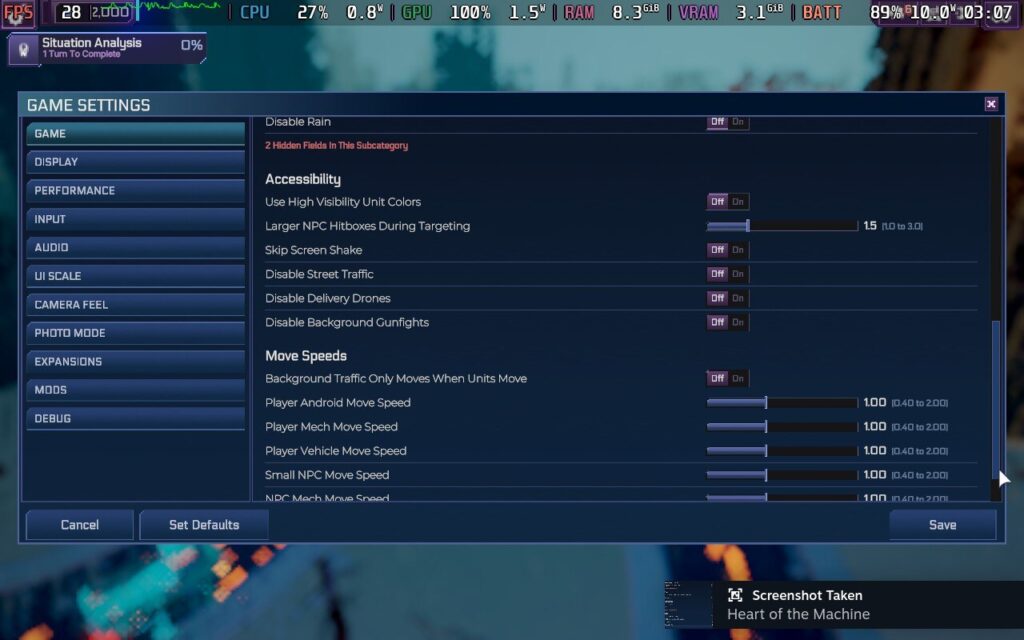
Usually, we list all the accessibility settings available, but there are so many options that I barely know where to begin! There is colorblind support through high-visibility unit colors, larger NPC hitboxes when targeting, toggle screen shake, freely change and toggle all the interfaces on and off, change camera sensitivity, and toggle Vsync.
You can also change the font size, toggle a few different font styles, and change the line spacing. There is more than what I have listed here, but Heart of the Machine’s accessibility settings should be the golden standard from now on.
結論
Heart of the Machine’s ambition and complexity is a breath of fresh air for better and worse. Whenever I thought I had scratched the surface of what was on offer, the game opened up further. The bigger surprise is how well all these mechanics blend, and I have not had this much fun learning a 4X strategy game in years.
However, this is not a game for inexperienced players. The learning curve is steep even for a 4X game, and I have struggled despite my experience with strategy titles. The tutorials and codex go a long way towards making the game not feel obtuse, but it is still a ton of information to digest. The Steam performance is good, but watch out for the high power consumption. This is one early-access game to be excited about, and I can't wait to see how it develops!