Frosthaven was provided by Arc Games for review. Thank you!
This is an early access title, so our final thoughts on Frosthaven will most likely change as it develops. This review is based on our thoughts of the initial release of the game.
After breaking records as a board game back in 2020, Frosthaven has finally made the leap to the realm of video games. But does this mechanically deep and complex board game survive the transition? The answer to that isn't a simple one.
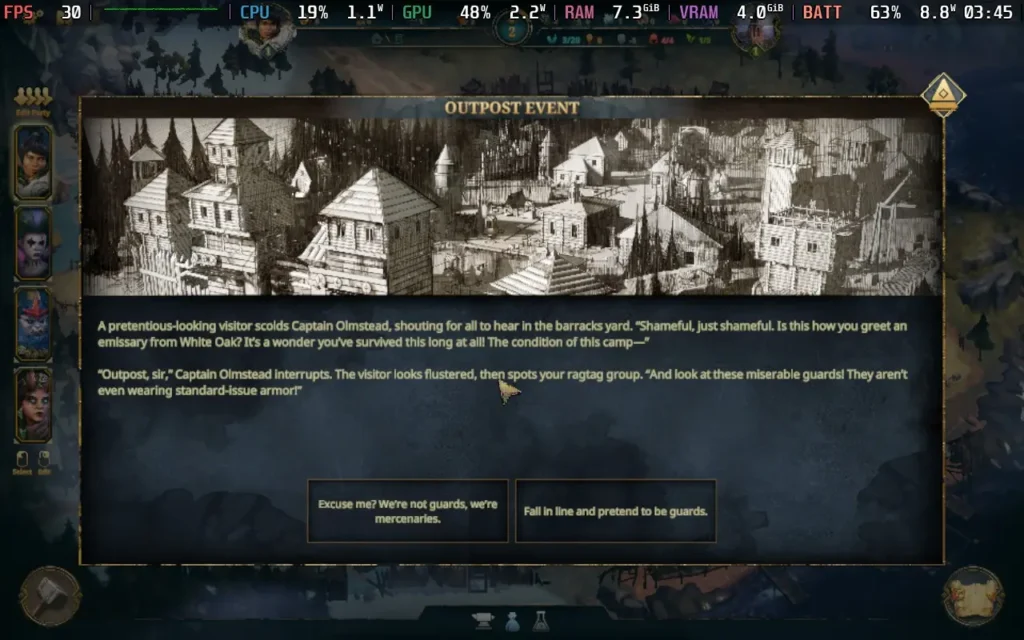
If you're unfamiliar with Frosthaven, the game is a standalone sequel to Gloomhaven, which got its video game adaptation back in 2021. In short, you are a band of mercenaries protecting and somewhat managing an outpost in the frozen north. You and up to 3 of your friends can work together as a party in co-op mode to survive enemies' attacks.
This early access build doesn't have access to the entire story and campaign, instead giving us a look at about 30% of the game's overall questline. But Frosthaven is a slow and steady game, so 30% is still a huge chunk of time. For example, the "How Long To Beat" rating on Gloomhaven is 100+ hours, so expect to spend a hefty amount of time in Frosthaven if you embark on this adventure.
The time taken to beat the game won't be helped by the fact that if you aren't familiar with the board game of Frosthaven, you'll be spending a lot of time trying to figure out what all the cards do on earth. Unfortunately for a rather complex board game like this, the game ends up underexplaining the cards; in some cases, cards don't even have tooltips assigned to them, leaving you at a loss as to what they do.
In a game about strategic moves where a single mistake can cost you the entire battle, it's a big deal when you can't figure out what a card does. The UI isn't very intuitive, buttons are not obvious, and the abilities and cards of each class aren't made apparent. I'm mentioning this first as it seems like a glaring issue, and it immediately affects you within the first couple of minutes of play.
Overlooking the UI issues, however, Frosthaven has some solid mechanics under the hood, which you might expect from an established board game. You have your heavy-hitter classes, which are a bit more basic, but you still have some pretty neat cards that you can combine to pull off some great moves. The real fun comes in when you use classes that can summon or use elements to their advantage.
Certain cards allow you to place elements on the map, and others allow you to use those elements to your advantage in powerful ways. Setting up these moves and pulling them off is satisfying, especially given that Frosthaven is a difficult game. Even on the lower difficulty settings, you will find it a challenge.
Unfortunately, again, part of this difficulty is down to the RNG. Sometimes, you can even draw a 0x multiplier on the damage you do, meaning you can have a heavy-hitting card against a weak enemy, and still fail. It's pretty frustrating, especially when it happens in a crucial moment. I tested this by replaying a round where I killed two enemies and took no damage. The replay of the round resulted in 2 of my party members taking damage and no enemies taking damage, simply because my "rolls" were bad. I get that this is a part of any board game, even Dungeons & Dragons has similar mechanics, but the fact remains that it's a source of frustration in what is already a very difficult game.
There were a few bugs in the build we had access to for this review, such as missing graphics in item descriptions, some descriptors having variable names instead of actual explanations, and some buttons just having outright no explanation as to what they did. They were seemingly missing the "Confirm" and "Cancel" text and just being two identical buttons, further exacerbating the aforementioned issue of poorly explained card mechanics.
I also suffered a softlock in some missions, where the game was unplayable if any of my party members attempted to "long-rest." This meant I was stuck with "short-resting" and the penalties that come with it, making the game even more difficult, which seems to be a theme with Frosthaven.
There is potential here. The game has deep mechanics that can be fun and satisfying to use, and the co-op also adds to the enjoyment, but technical issues, UI design, and game balancing combine to create an unpleasant playing experience, at least in this Early Access build.
Frosthaven - Steam Deck Performance
Frosthaven does have some issues when it comes to running on the Steam Deck. The game supports 16:10 aspect ratio resolutions to avoid black borders around the screen, but the good news pretty much ends there. Frosthaven has no controller support, so you must play with a Keyboard + Mouse controller layout. Expect to use the touchpad to control a cursor for the game.
On top of that, the UI scaling is quite small, meaning you will likely struggle to read a good amount of the text on the Steam Deck.
Performance itself also isn't the best. Running on the lowest settings at 960x600 resolution and with a frame rate limit of 30 set in-game, the game can barely hold a stable framerate, with some slight dips and stuttering at points. It's unnecessarily GPU-intensive.
Keeping the camera zoomed out tends to help performance a bit, but if you want to see any detail on the maps or characters, performance will drop as you get close to your party or the map.
The power draw remains somewhat decent, thanks to the game not really taxing the CPU. Expect around 11W-14W of draw, meaning you can expect around 3.5-4 hours of battery life from a Steam Deck OLED and around 2.5-3 hours from an LCD model. Temperatures were around 55 °C - 60 °C.
Accessibility:
Frosthaven doesn't have any accessibility options right now. All dialogue is written, and controls can be rebound.
Conclusion:
Frosthaven has some great potential. The gameplay mechanics are deep and complex, and the adventure is something you'll have to buckle in for a long time, so if you are into that sort of thing, you'll find it here. Unfortunately, those mechanics are held back by a not-so-clear presentation of the facts and some technical issues that mar the experience. The game might also need some balancing, as even the "Story" difficulty (the lowest one) presents a challenge many players would struggle to meet. Right now, I'd recommend you hold off on Frosthaven while game-breaking bugs are fixed.
Steam Deck performance is... acceptable. Given the nature of how the game is played, it is playable, but don't expect a smooth experience. The UI is even more difficult to understand on the smaller screen.
Our review is based on the PC version of this game.
If you enjoyed this review, be sure to check out the rest of the content on SteamDeckHQ! We have a wide variety of game reviews and news that are sure to help your gaming experience. Whether you're looking for news, tips and tutorials, game settings and reviews, or just want to stay up-to-date on the latest trends, we've got your back.
The King is Watching was provided by tinyBuild for review. Thank you!
The King is Watching was one of my favorite demos during the Steam Next Fest, and it feels even sweeter to be playing the full game. I love how unique the real-time strategy game felt, and I was curious how the release would expand on the concept. Even after hours of playing, it never feels old, and I would say it's one of my favorite strategy games I have ever played.
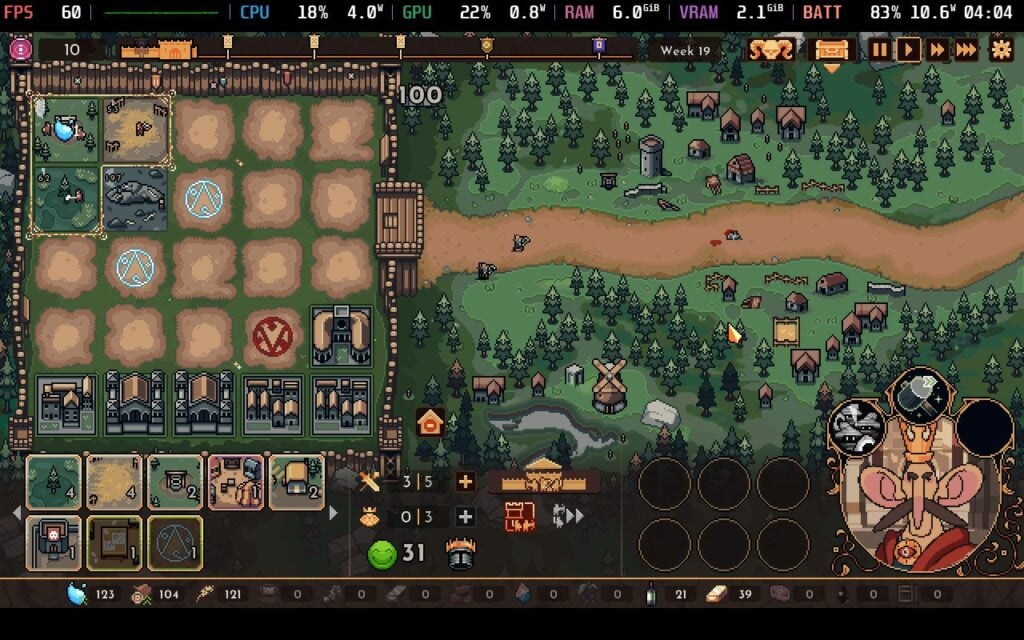
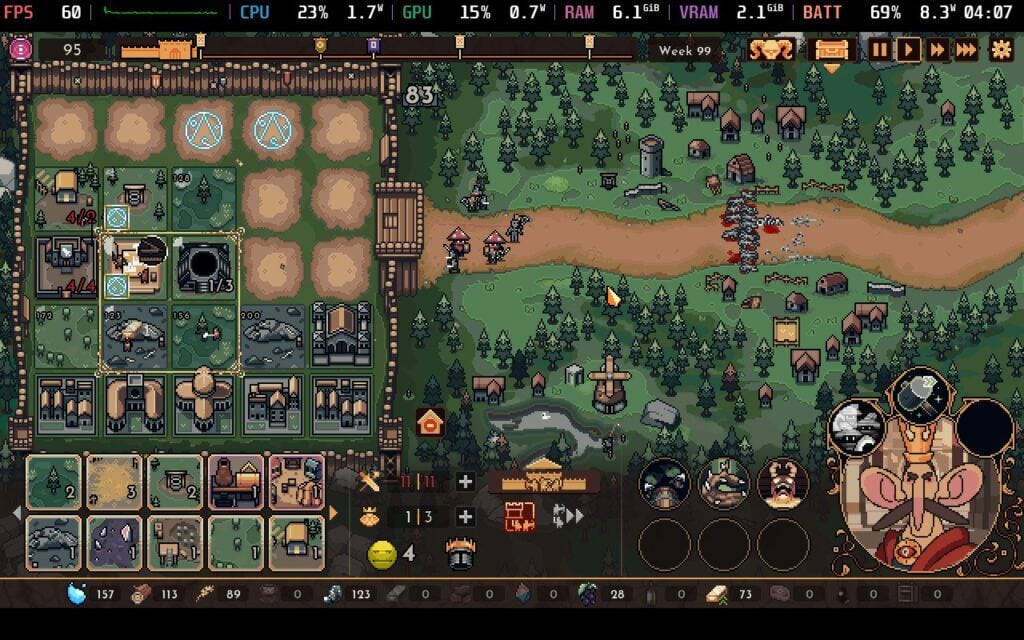
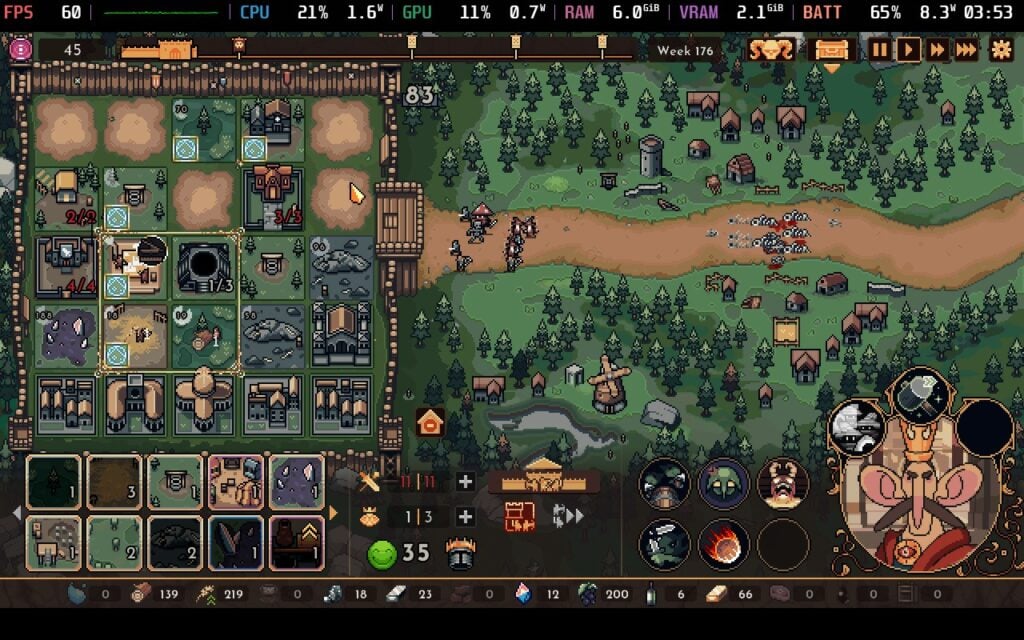
The goal of the game is to defend your kingdom and its walls against an onslaught of enemies. To do this, we have to make buildings to get resources and manage them effectively to create an assortment of units to defend, while upgrading our troops, buildings, and our king himself. After overcoming wave after wave, we will get in-run rewards to help take on the increasing difficulty and, finally, take on the last boss and keep your kingdom alive.
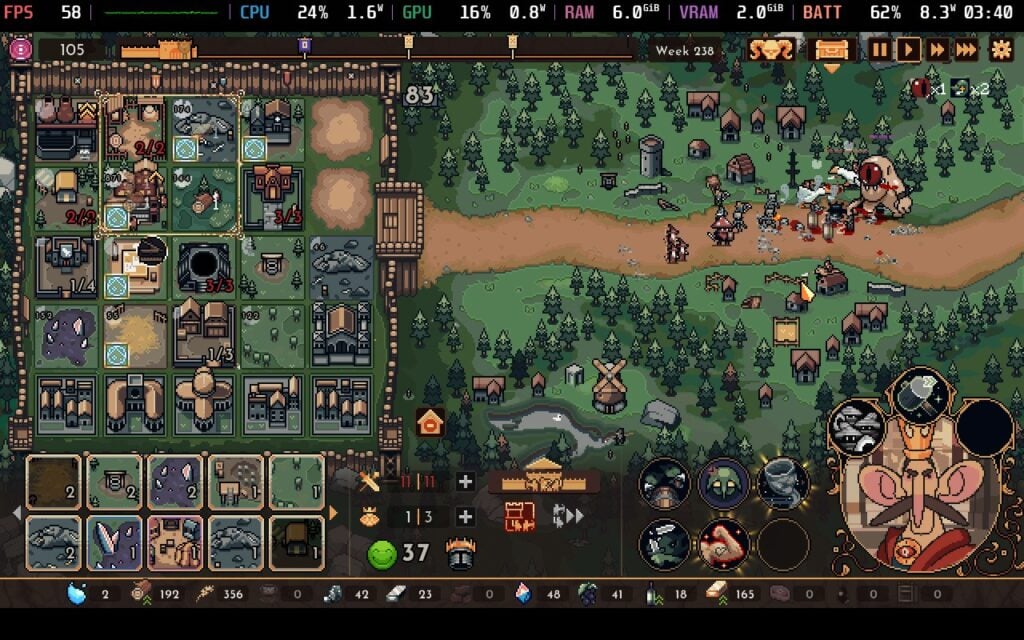
However, the catch is that not all the buildings work constantly. We have a smaller grid to move around our larger kingdom, and only the buildings in that gaze-grid will actually make their respective resources and troops. It's a layer of gameplay I had never dealt with before in a strategy game, which is why it stuck out to me during the Next Fest demo. And I have to say, even after playing for hours and hours, it still feels enjoyable to play around with.
Having to constantly move the grid around and manage which resources we have and which we need, while also keeping myself supplied with the troops I need in the army I want, is addictive. The resources you can get are not only for troops, and will be used to create more complex buildings that can give multiple different resources, more complex items that can buff your army and increase your morale (which boosts attack power), or specialty structures that can give troop upgrades, new spells, and even repair your castle wall. Luckily, we can upgrade our troop limit and how big our gaze-grid is, but it will still be a lot of active management to get everything that's needed, and choosing the best spot to put your buildings to maximize efficiency.
On top of that, we have the option of taking an active role in combat. While the units will fight and target enemies on their own, we can get spells that will damage or debuff our foes or buff ourselves. These are all area-of-effect, so we will have to drag and drop them where we want to. These can greatly help turn the tide of some of the harder fights, but paired with the progression systems, can be very strategic to get the desired rewards to further enhance your kingdom.
The Kign is Watching's progression systems themselves feel very roguelike. As you play, you will get different items to enhance your run. Other than spells, you can get Artifacts for passive buffs, upgrades, and an assortment of new buildings. In the run, we actually get to pick and choose the waves of enemies we will face, which all give defined rewards. We can pick and choose what groups of enemies and rewards we will get, and even tackle extras to increase the rewards. After three waves, we will get a trader wave, so we can buy new artifacts, spells, upgrades, and buildings if desired.
It can look complex on the outside, but it all works together seamlessly to create an engrossing, unique strategic experience. There are so many moving parts and constant attention needed that keep me wonderfully occupied. There are those moments of slight calm as well, when you are just collecting and don't need to focus on anything else, but those tense moments of balancing where to put which buildings to get the resources and buffs needed have a wonderful charm to them that kept me coming back for more.
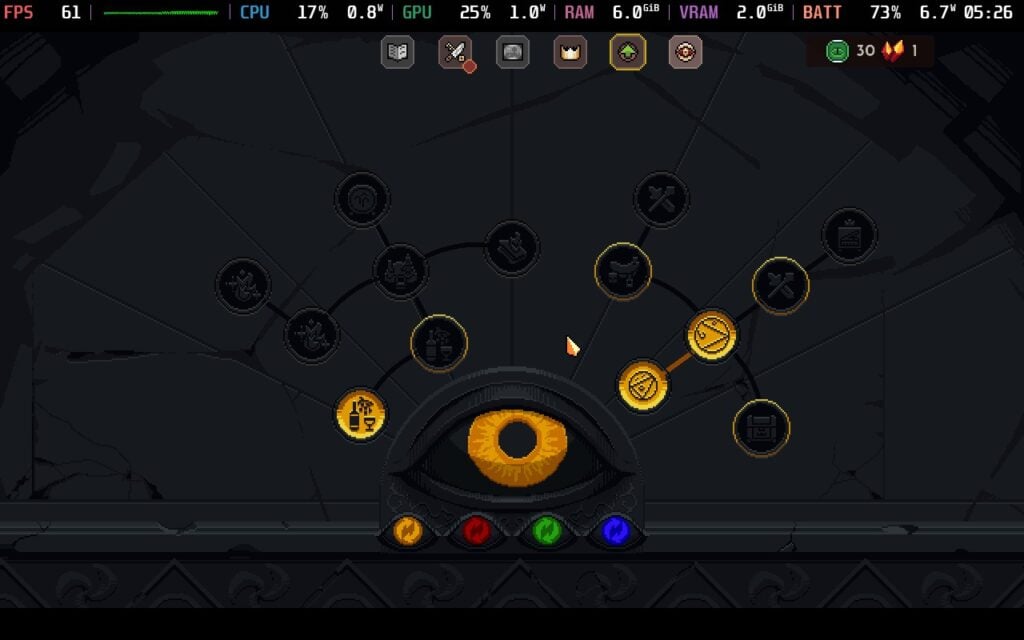
However, I wished for more ways to enhance my runs outside of combat. After each run, we get Denarii, a currency that can be used on one of the four upgrade/skill trees. These include buffs like extra Wine for higher morale and unlocking new buildings, advisors, and kings to play as. These are all very useful, with Advisors providing different enhancements, and each king has its perks. I found myself wanting more. There are challenges you can do to get more Ascension Crystals to unlock later upgrades and the different perks for each king. Still, outside of that, there's only a Gallery and Encyclopedia.
This doesn't mean the game isn't replayable either. Beating levels unlocks new Ascensions to get the crystals and extra Denarii, though I still found it a bit slow to get, and there are other locations. Paired with the enticing gameplay loop, I still found it hard to stay away. It may sound like I have a lot of gripes from the previous paragraph, but I would consider these minor issues from nitpicking. The King is Watching is a ton of fun, and it was hard to stay away and not enjoy everything it had to offer.
The King is Watching - Steam Deck Performance
The King is Watching is not a game I was worried about playing on the Steam Deck performance-wise, but there was a surprising issue I found. It doesn't have any trouble hitting its 60 FPS cap, and there aren't any graphical settings to change either, so I am glad it just works.
However, it drains more battery than I would have expected for a game with these kinds of visuals. It tends to stick around 10W-11W battery drain, a little higher than I would usually expect, but it isn't outrageous either.
To fix this, we can put a 5W TDP limit with a GPU Clock Speed Frequency of 1000MHz. This stabilizes the framerate at 60 FPS while bringing down the battery drain to around 8.5W. This adds about an hour to an hour and a half of battery life, and while there is some slight instability at times, it isn't noticeable. Even with the framerate counter on, I didn't notice any slowdowns while playing, which is great.
The only other issue is the lack of controller support. It's still very easy to play with the trackpad, controlling the mouse cursor, and the default Keyboard + Mouse controller scheme can be used to nicely control the grid with the left joycon and rotate it with the B button. Even without proper controller support, it's still very playable.
Accessibility
The only options in-game are changing volume and whether the game is fullscreen or windowed.
The game doesn't support 16:10 resolutions or controllers, but it does have cloud saves. There are no HDR settings.
Conclusion
The King is Watching is a perfect blend of real-time strategy and roguelike. The unique gaze-grid allows you to pick and choose which buildings are actively working, and combined with the spells needed for combat, there's a lot to watch over in your own kingdom. The roguelike progression systems make each run feel different and require changing full-on strategies completely, while the upgrades, other kings, and advisors can really help make you feel upgraded when starting. I would have liked more ways to enhance our runs, and I found getting the upgrade currency to feel too slow, but it didn't stop me from having a blast.
It also runs extremely well on the Steam Deck. Even with the lack of controller support, it was still extremely fun and easy to control. There are a couple of tweaks we can make to increase the battery life, but even without these, it should last for hours and hours. This is a great game to play on the go, and it is easily my favorite real-time strategy game so far this year.
Our review is based on the PC version of this game.
If you enjoyed this review, be sure to check out the rest of the content on SteamDeckHQ! We have a wide variety game reviews and news that are sure to help your gaming experience. Whether you're looking for news, tips and tutorials, game settings and reviews, or just want to stay up-to-date on the latest trends, we've got your back!
Empire of the Undergrowth was provided by Hooded Horse for review. Thank you!
Empires of the Undergrowth takes my childhood dreams of maintaining an ant farm and dials it up to eleven. It has been around for quite some time. It made its full release last summer after seven years in Early Access, and is a great example of letting a game cook without rushing development.
Developed by Slug Disco Studios and published by Hooded Horse, this is an impressive journey into the world of ants. Its strategic depth, combined with its educational value, makes it a profoundly engrossing title. The fact that it runs surprisingly well on the Steam Deck is just the icing on the cake. Not that I recommend eating a cake made of ants, of course.
Empires of the Undergrowth is a hard game to get into at first, as the amount of content it offers is staggering. A fully voice-acted story campaign, skirmish mode, sandbox mode, dozens of separate scenarios, and even an arena mode are just scratching the surface of what's available. There is something here for everyone, and nearly everything can be customized to your preference with a stack of modifiers, whether you want a brutal challenge or to assert your god complex on enemy colonies.
I appreciate how Slug Disco Studios approaches the tutorial. They included a separate tutorial mode and seamlessly integrated it into the campaign. The story unfolds like a science documentary, complete with fully fledged missions, and it doesn't throw you in the deep end. Some games have a separate tutorial that leaves you hanging, but I'm glad that isn't the case here.
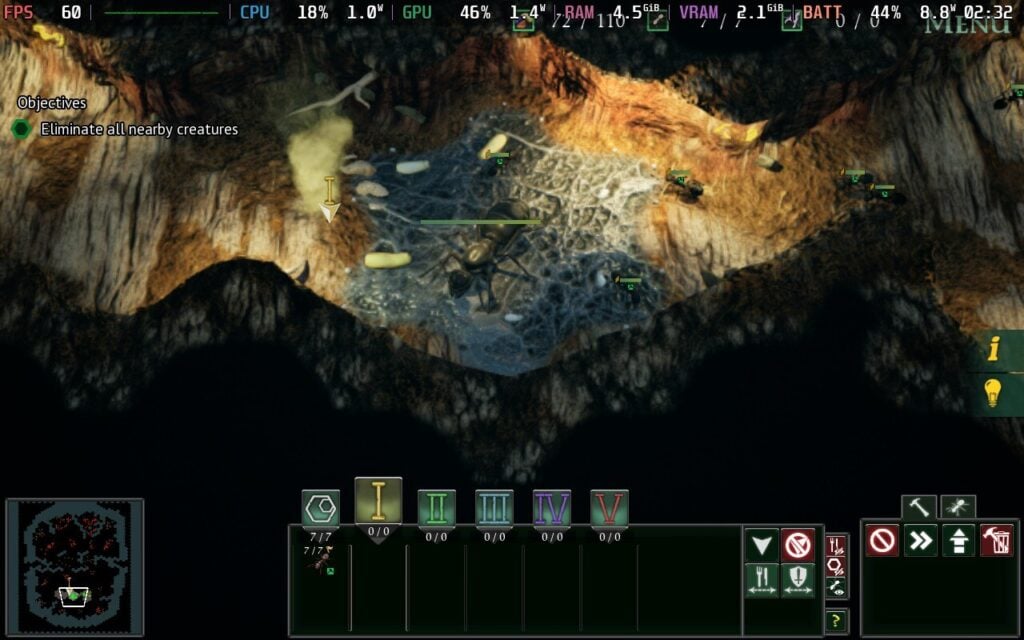
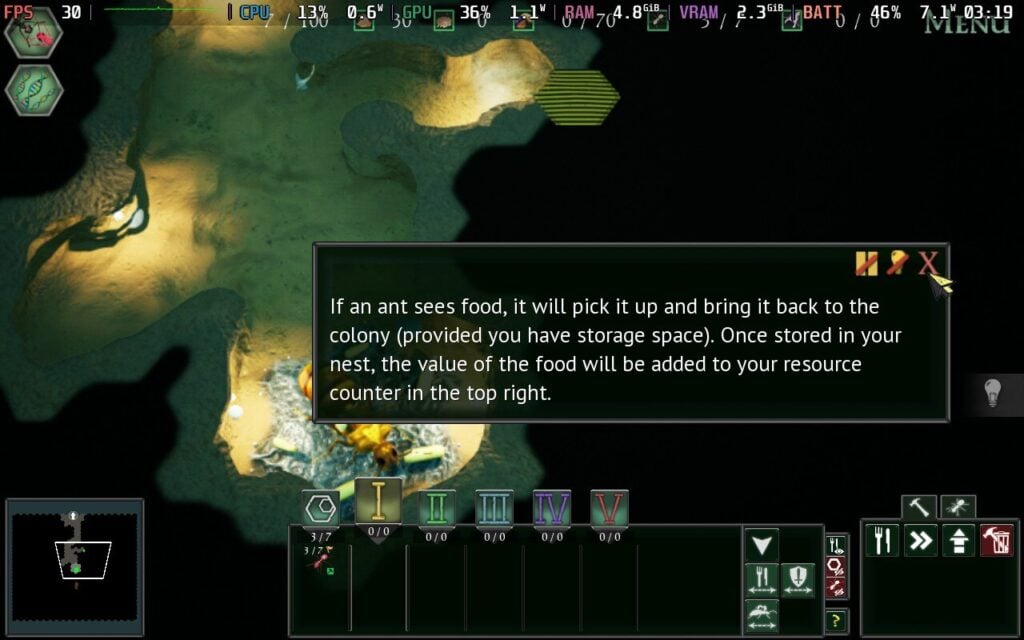
If you have played a base-building or real-time strategy game, learning the basics won’t be difficult. Digging tunnels through the colony by selecting blocks for your ants to mine is reminiscent of Dungeon Keeper, but without the demons. By carving out tunnels, ants can deliver food to the queen, who naturally is the cornerstone of the game. If she dies, your colony is destroyed. Food tiles must be added for adequate storage, and food is necessary to breed new ants. It is a simple yet effective gameplay loop.
There is a wide variety of maps, and they hide a range of enemies to deal with. Anything from smaller earwigs to opposing ant colonies is a threat, and early on, it can be challenging to manage. You control your soldier ants through pheromone markers, which is another superb way of blending education and gameplay mechanics. It eliminates micromanagement when defending the colony or sending out warriors to eliminate threats on the map, which feels more natural than traditional RTS unit controls.
The base campaign is not particularly long, and you can complete it in a handful of hours, but it has enough variation in research unlocks to make it replayable. That’s just the tip of the iceberg, and Empires of the Undergrowth bulges from the seams with content. The skirmish/sandbox modes have dozens of modifiers and maps to experiment with, and you can even replay story missions with the same form of sandbox tweaks as you desire.
For a top-down RTS, I must commend the visual design, even if it isn't the most visually appealing. I oversee an ant colony like a biologist, and the diverse range of animations for the insects and ants feels well-researched. Despite the various menus available, it never feels too cluttered. The interface isn’t perfect, but it is surprisingly solid for a strategy game.
As with everything, no game is perfect, and I had some minor issues. Small text sizes can make some things difficult to read, and with so much happening on the screen, it can be challenging to determine what to prioritize. With so many options, determining where to invest your time can be a challenge. It's also surprisingly intensive, and it can push even high-end PCs quite hard, and the inability to save mid-mission during the Story mode was annoying.
Oddly, I spent a considerable chunk of my time messing about with the Arena mode, where you can put two sides of insects and have them fight to the death. Given how much I enjoyed doing this in my modded Rimworld playthroughs, it is a fun palette cleanser when you fancy a quiet evening.
I have been tracking Empires of the Undergrowth for a while, and watching it go from strength to strength is a delight. It is quite a unique strategy game, boasting depth and breadth with various game modes and modifiers. With everything on offer, you will struggle to find a more refreshing base-building RTS game than this.
Empires of the Undergrowth - Steam Deck Performance
Empires of the Undergrowth's controller support is fully implemented, meaning all game functions can be controlled using a gamepad, and it works well overall. The interface is also surprisingly easy to read, considering the numerous menus available, but the amount of information displayed on screen can make navigation challenging. Although it drains a significant amount of battery, it is enjoyable on the Steam Deck.
Recommended Settings
There are numerous settings to tweak, more than most strategy games I know of. It defaults to Ultra settings on the Steam Deck, but I do not recommend using this setting because it tends to dip. The Medium graphics preset is the most efficient balance between visual quality and performance. The performance is stable, with a 60FPS lock and an untouched TDP.
While the game maintained a stable 60 FPS most of the time in standard settings, I observed a couple of frame dips when zooming out or during intense battles, particularly when dozens of ants were on screen. These drops weren’t frequent and happened on more powerful hardware, so I found this acceptable.
Empires of the Undergrowth can be heavy on battery life if you crank up the visuals. Oddly, the menus experienced higher battery drain than a colony map, which was interesting, although I observed an average of 13 watts in regular play with the Medium graphics preset. You should see an average battery life of around three and a half hours on a Steam Deck OLED, which is good going for such an intensive game.
Battery Saver Settings
There are some ways to improve battery life. This is an odd game because it does not benefit much from a low TDP. That did not stop me from trying, but you need the TDP as high as possible to maintain a stable framerate.
I eventually ended up with a 30 FPS framerate cap without any TDP limit, a 30/90 Hz refresh rate, and a Low settings preset. You lose some visual clarity with the lower graphics settings, and I do not recommend messing with the resolution scaling. At 30 FPS and with lower graphics, the power draw is decently lowered, and I saw it hover between 9 and 10 watts, even during heavy on-on-on combat. This grants over 5 hours of battery life, a significant boost if you have a Steam Deck OLED.
Accessibility
Empires of the Undergrowth is available in English, German, Simplified Chinese, Spanish - Spain, Russian, French, Czech, Dutch, Japanese, Korean, Polish, Italian, Traditional Chinese, Turkish, Ukrainian, Portuguese - Brazil, and Spanish - Latin America.
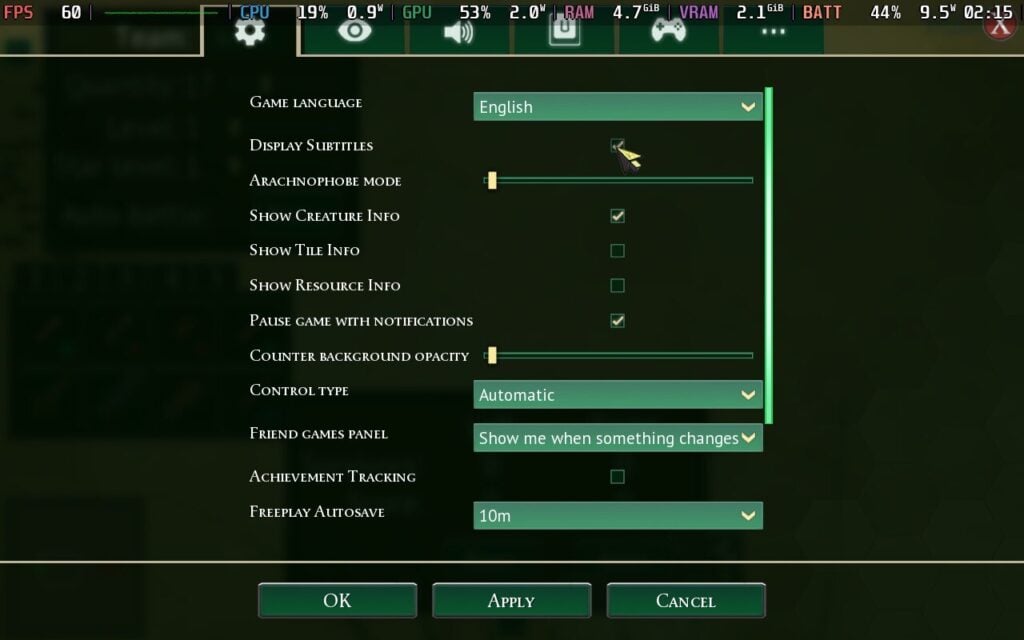
It has a nice selection of accessibility features. You can turn on arachnophobia mode, display subtitles, show creature and resource information on the map, change the user interface scale, and freely change key bindings. You can toggle almost everything on the in-game interface. It lacks colorblind support, as far as I can tell, which is the only real downside. The text is tiny by default, but the user interface scaling can mitigate most of this.
Conclusion
Empires of the Undergrowth is an impressive base builder with a lot of things going for it. Slug Disc Studios has worked incredibly hard on the game during its long development cycle, and that passion shows in every corner. It has enough content to last a lifetime, and its performance on the Steam Deck surprised me in all the right ways. The game frequently goes on sale, but even at its full $30 price point, you are getting a lot of meat in that sandwich.
Our review is based on the PC version of this game.
If you enjoyed this review, be sure to check out the rest of the content on SteamDeckHQ! We have a wide variety of game reviews and news that are sure to help your gaming experience. Whether you're looking for news, tips and tutorials, game settings and reviews, or just want to stay up-to-date on the latest trends, we've got your back.
Tempest Rising review code was provided by Slipgate Ironworks. Thank You!
Tempest Rising is a modern RTS inspired in a good way by Command and Conquer with fast-paced action, building, and combat. I’m confident it will bring the modern audience closer to the RTS genre, which is a classic in many ways.
Developed by Slipgate Ironworks and 2B Games, Tempest Rising is like many other RTS games, including titles like Stormgate and Command and Conquer. You focus on a main headquarters, build a base, gather resources by investing money in Harvester vehicles, then follow up by recruiting an army to dominate the map. Tempest Rising offers cool army types, from your basic infantry and Special Operators that can control drones, to Engineers that can help hijack enemy buildings, and some recruits that can help you out with lookout towers.
Story with Two Campaigns
The game features two campaign story modes for the two different factions. Global Defense Forces (GDF) is a highly mobile and advanced peacekeeping corps, while Tempest Dynasty (DYN) is a hard-hitting and desperate faction that controls the Tempest vines. If you’re brand new to the RTS genre, you should jump in and play the campaign on the Easy difficulty. This will help you with tutorials as you play the storyline missions and during your battles against GDF or DYN, depending on which faction you chose, and they do a good job teaching.
As for the story, an alternate history Earth faces the Cuban Missile Crisis that expands in all directions, creating World War 3 and leaving never-ending chaos. A new energy source known as Tempest has emerged, and warring factions are intoxicated by the potential of Tempest, locking them in a dispute to control it.
Unfortunately, the missions in the two campaigns aren't quite varied, with a lot of repetition that leaves a bland taste, but some are a good homage to the Command and Conquer games. You can play as a Specialist unit, with special abilities, good passives, and perks. Each passive ability is connected to a specific damage type the unit can inflict while fighting multiple adversaries. Perks are passive traits that become active or inactive depending on the unit's mode.
However, that’s not all with this two-story campaign, which features different play styles. This includes highlighting the different building styles for DYN and GDF. As an example, GDF has a more linear approach where you buy a building and place it, but it takes time to build. But that’s not the case with the Dynasty faction; you have different build menus to select your build, and it will take your resources. Then you can just drag and drop it, building it instantly.
Gameplay Features, Multiplayer, and Combat
Combat styles are very different between the two factions, with the GDF having units such as the AT Infantry and Drone Operator, while DYN offers Flamethrowers, Cluster Missiles, and more vehicle-based options, which benefit players in different ways when they are deciding how to tackle the match.
For beginner players in PvP, I think GDF has a slower build system and upgrade system that is easy to comprehend. Multiplayer is close-quarter and fast-paced, so going with GDF gives new players a chance to get acquainted with the mechanics and efficiently gather all the resources they need to build what they have to. However, this can also change if you’re in a 2v2 scenario, and if you have great communication, this can play out pretty well because you can use units called Sentinels to rush on enemies, and Engineers are also a great way to capture some enemy buildings.
When it comes to DYN, they offer really good vehicles and tanks. You can play more aggressively, and they can have a really good impact in mid to endgame. That’s why I think DYN is a slightly better playstyle for me, as multiplayer sessions are shorter and you need to make money quickly and rush the enemies to stop them in their tracks. With some of their units, it can be a lot of fun.
I also want to check how having different support powers for Factions makes the game fun. Factions in Tempest Rising have their own support powers similar to the super weapons in Command and Conquer games. The GDF’s support powers can release air strikes that deploy troop carriers loaded with forces, while DYN's support powers will let you fire extremely volatile Tempest missiles. I kid you not, the airstrike command for the DYN is so fun if you've got extra money for some big booms. The game has many abilities to help define your playstyle, making combat fun for both Factions.
Tempest Rising - Steam Deck Performance
Tempest Rising does support 1280x800 as a resolution, eliminating black bars on the Steam Deck. It does not, however, have controller support. You must use the Keyboard (WASD) & Mouse controller template to play the game. Fortunately, this puts most controls in place for you; the main thing you're missing is hotkeys for certain actions, so you might want to edit your layout to add in some of your favorite hotkeys, such as repairing units.
Weirdly, there is a UI scaling option, but it cannot go beyond 1.00, which means some text (mostly your resources) is on the smaller side and might be hard to see at a glance.
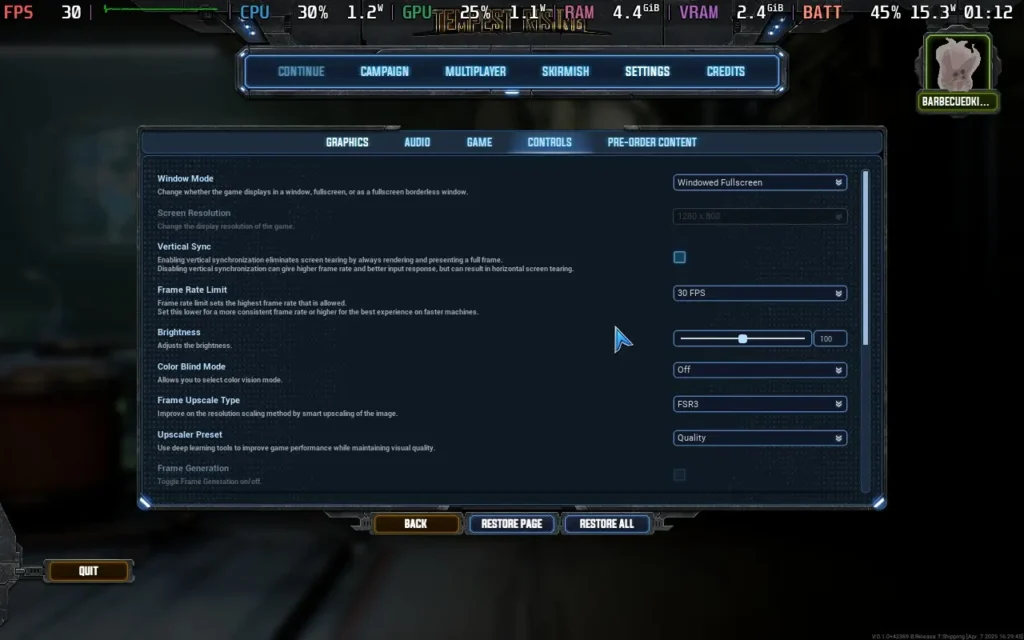
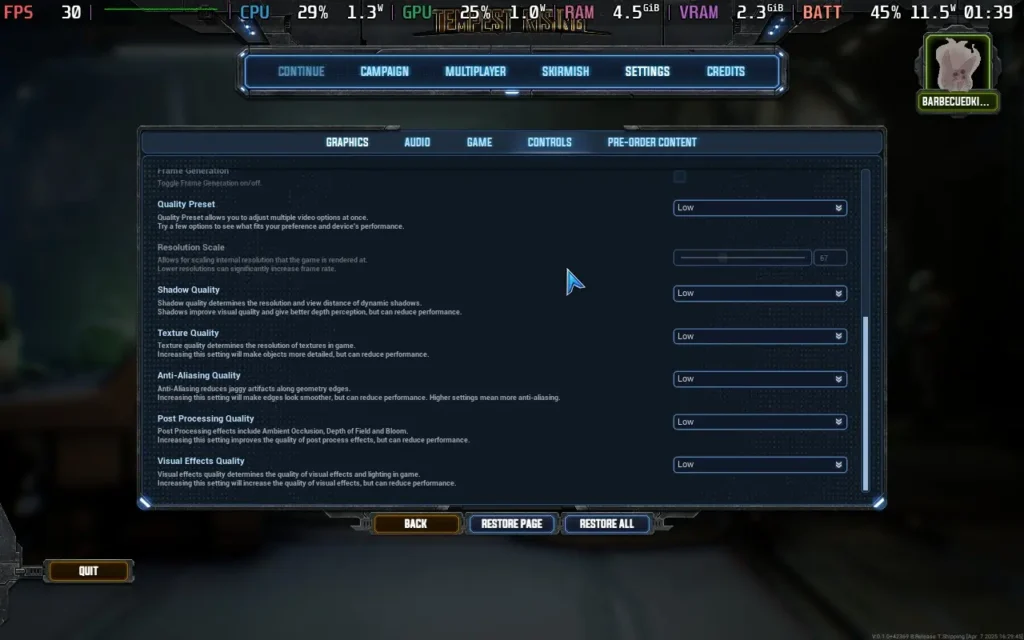
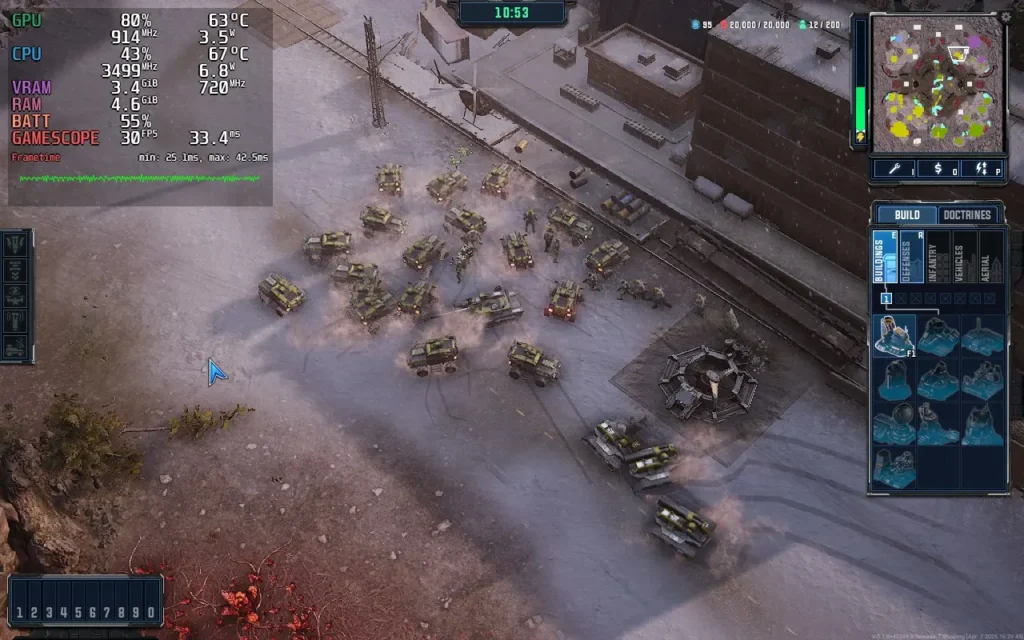
As far as performance goes, Tempest Rising is quite hungry for resources, taxing both the CPU and GPU. Running the game at 1280x800, Lowest Settings, and then putting FSR3 onto "Quality" gives us a pretty good result. I've put our recommended settings in the images below, which you can click to enlarge and look at.
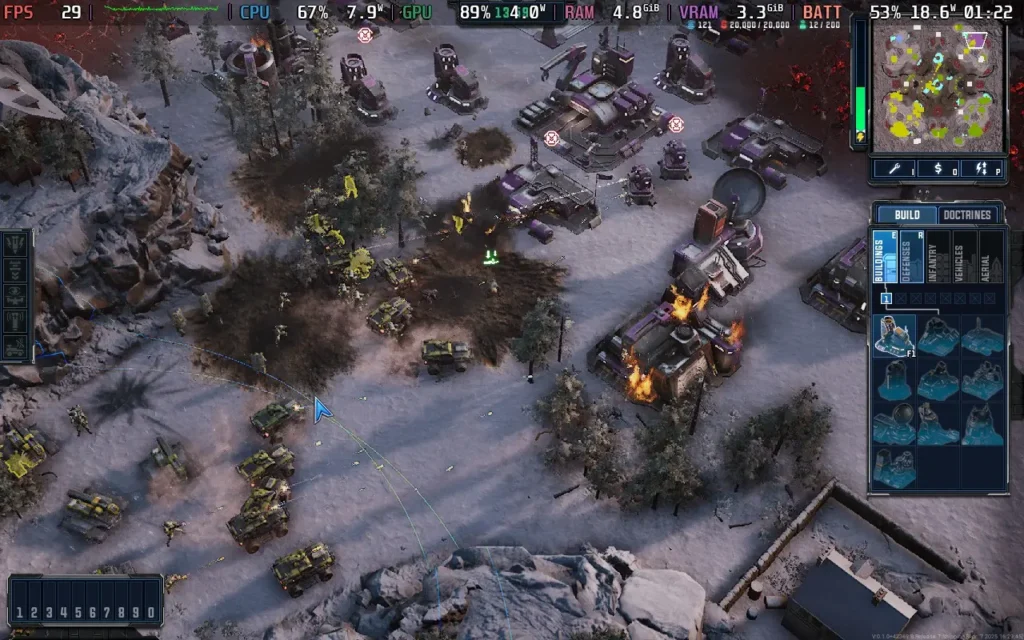
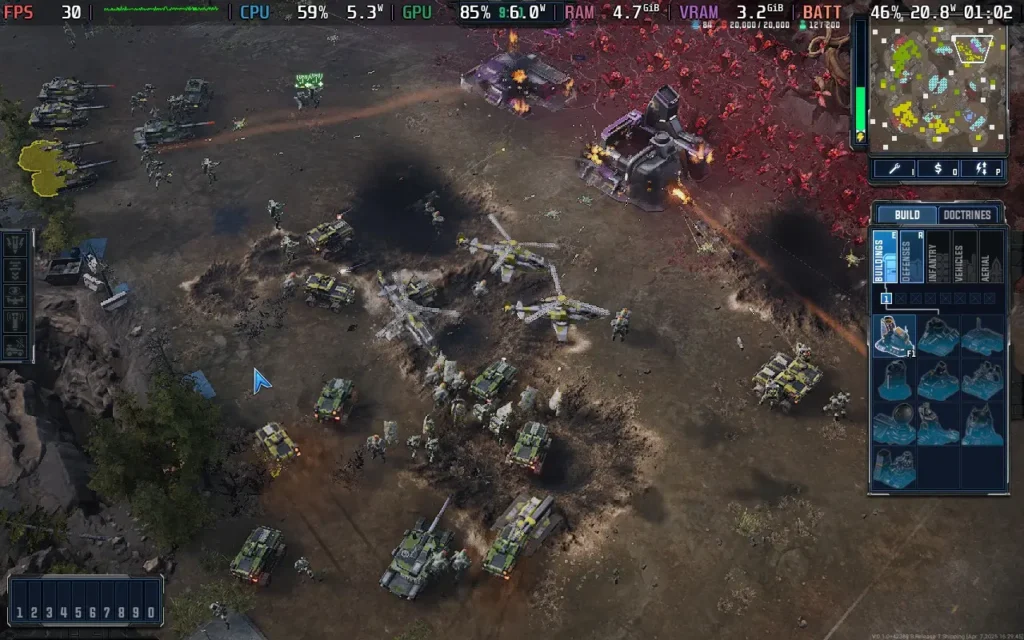
Using these settings, I had drops down to the high 20s in intense combat, large armies put a strain on the Steam Deck's CPU, and the Red Crystals (Tempest) you collect as resources put a strain on the GPU, so depending on the location of a large battle, your performance may vary. Use the in-game frame limiter to limit to 30 FPS, and most of the game should run at that.
The power draw varies, from around 15-16W when little action is taking place to up to 21W in intense scenes. So you can expect around 2.5-3 hours of battery life from a Steam Deck OLED and 1.5-2 hours from a Steam Deck LCD. Temperatures were around 65- 70 °C.
Conclusion
Tempest Rising is great for new players trying to jump into a modern-style RTS. The game plays great, sound design is good with destruction effects and soundtrack, and I like the Jukebox where you can select your favorite songs from the list to play. At the same time, you build your economy and destroy GDF (I don’t have any personal grudge, it's just that the Fire Infantry is cool on DYN). Campaign missions are repetitive, as you might play several of the same type/style of mission, but it’s still a great and fun way to learn new techniques, such as what passives are good to use, which can eventually help in multiplayer battles.
Steam Deck performance is okay. It's playable, but you will need to adjust the controls to your liking, and do expect slight dips from 30 FPS in intense combat. You may not want to play serious, ranked multiplayer on your Steam Deck, but it's decent enough for a casual game with friends.
Our review is based on the PC version of this game.
If you enjoyed this review, be sure to check out the rest of the content on SteamDeckHQ! We have a wide variety of game reviews and news that are sure to help your gaming experience. Whether you're looking for news, tips and tutorials, game settings and reviews, or just want to stay up-to-date on the latest trends, we've got your back.
Monaco 2 was provided by Humble Games for review. Thank you!
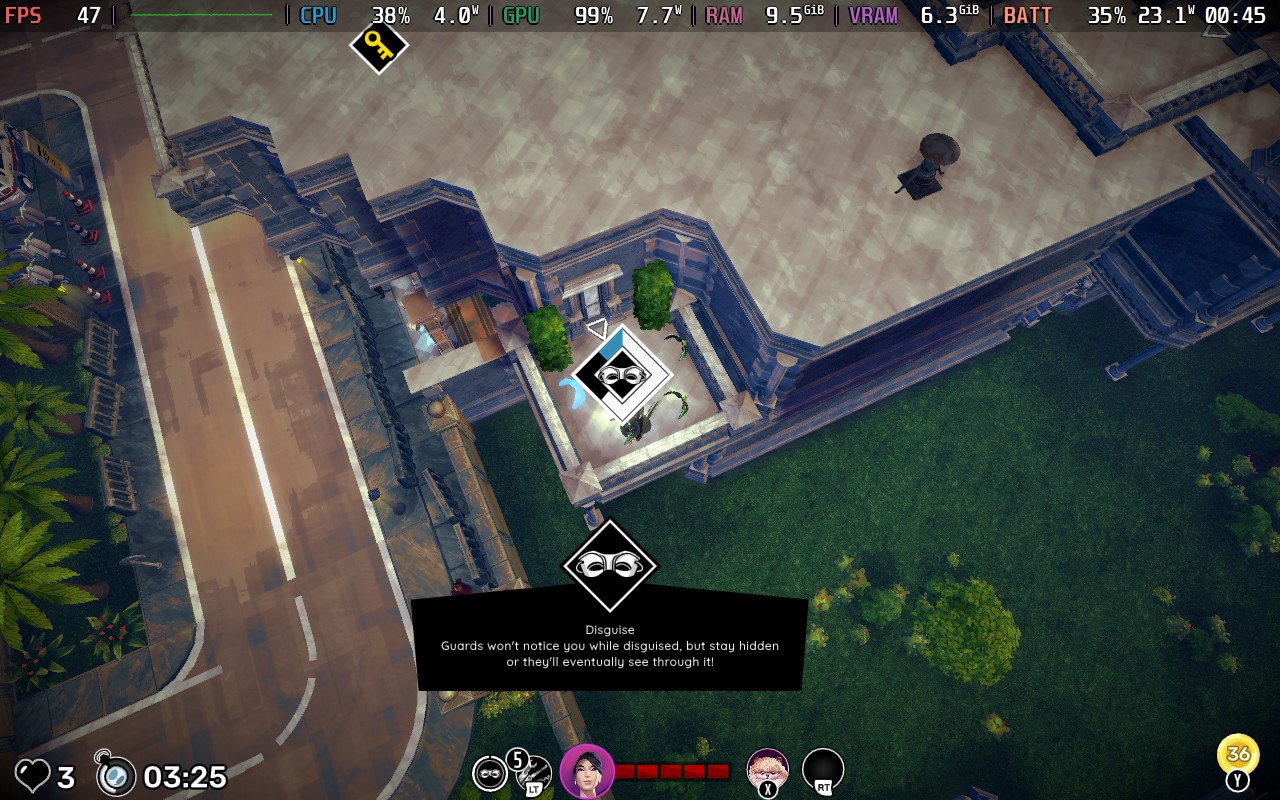
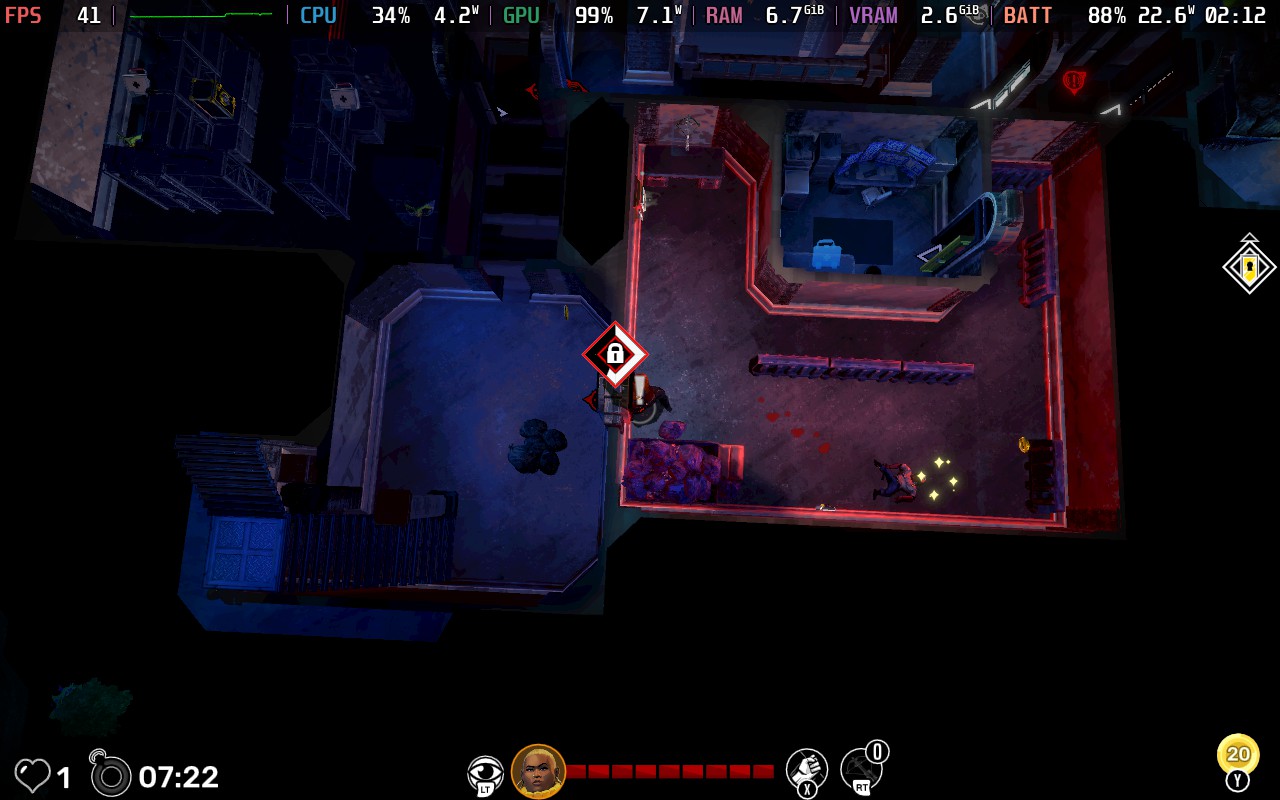
Monaco 2 is the latest entry in Pocketwatch Games’ stealth-action series, published by Humble Games. It follows up on 2013’s Monaco: What's Yours Is Mine with some striking visual upgrades, opting for a 3D isometric view instead of the prior 2D visuals. There are also plenty of gameplay upgrades, most notably, introducing procedural generation within its levels. At its core, though, this is still a game about heists, sneaking, and fast-paced getaways. Let’s see how it fares on the Steam Deck and how it elevates a well-respected and loved formula!
Like its predecessor, Monaco 2 is all about executing high-stakes heists with a colorful cast of characters, each offering unique abilities. This time around, the codename characters now have actual names, and interesting designs too. On top of this, each character is well-voiced and has some nice depth.
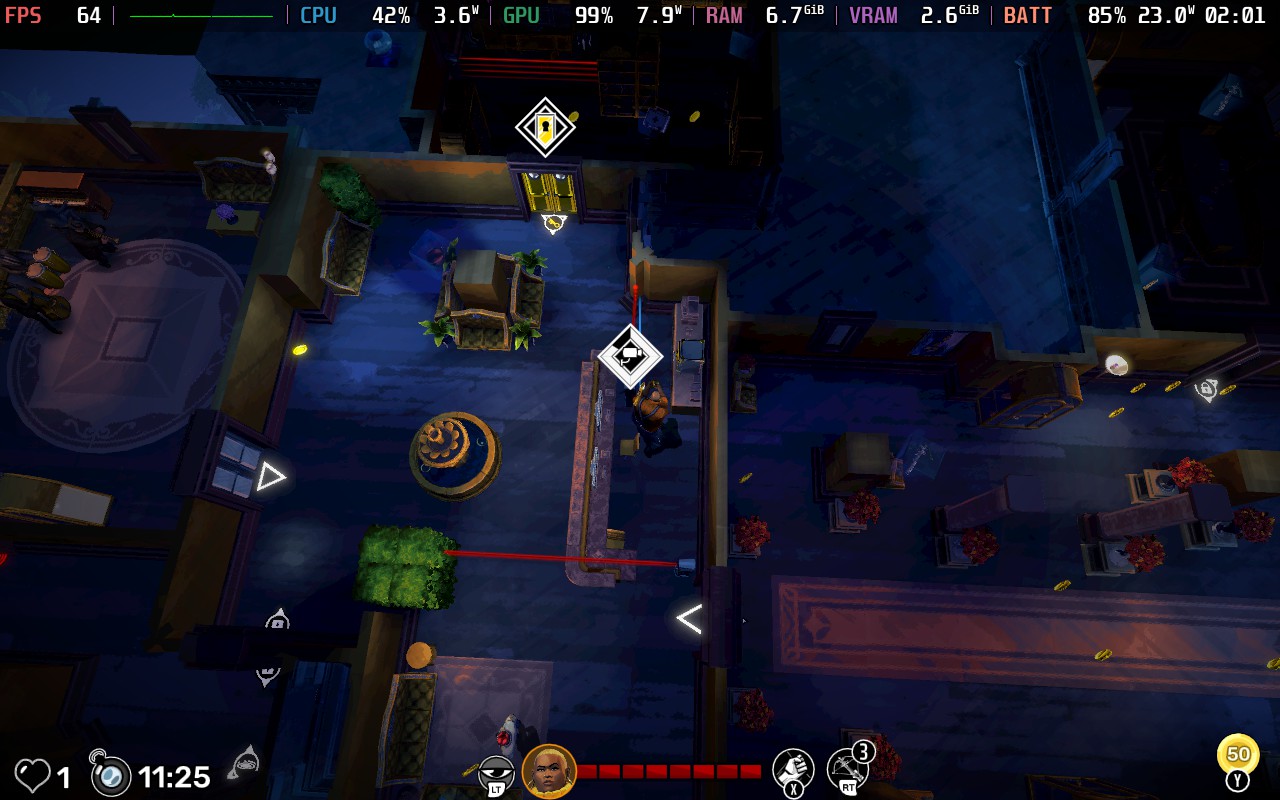
In Monaco 2, you navigate through 3D isometric environments, such as hotels, museums, and high-security buildings, to avoid guards, pick locks, and gather as much loot as possible before making your escape. However, unlike most traditional stealth games where the goal is to remain unseen, Monaco 2 seems more focused on speed and coin collecting. The game doesn’t seem to concern itself with how you do it, but essentially, get in, grab everything in sight, and get out.
With that in mind, the difficulty leans heavily toward the easier side, allowing you to pace from room to room, mostly passing guards quickly enough to prevent the guards in said room from being alerted, at least in the main story mode, it plays like that. Even when you do get spotted, you rarely feel overwhelmed and in danger, especially in the first half of the main story.
Most levels allow for quick getaways, and while obstacles like locked doors or complex layouts occasionally slow you down, as long as you keep moving (even just circling the same room until you make a choice on where to go next), you never truly feel at risk of failing. That said, if you’re the kind of player who thrives on leaderboard competition, the real challenge comes from optimizing your runs to be as fast and lucrative as possible, getting every coin, diamond, and item possible.
If you are defeated, life will be lost, and you will return to the character selection screen, requiring you to select someone new to take over and “rescue” yourself as well as complete the task at hand.
Adding unique abilities to each character on top of their default quirks is a great addition to add more reason to jump back into past levels and collect those diamonds! These abilities drastically change the way you approach each level. For example, Sake’s dash ability will help you get from A to B super fast, especially in guard-heavy areas, whereas using Uma completely flips the script and now allows you to beat up any enemies in your way and stun them.
During each level in Monaco 2, you can also pick up items such as lockpicks to help unlock doors and cases quicker, crossbows to stun enemies from afar, or smoke bombs to help you get out of a sticky situation. Adding these and deciding which to equip and when to use can help you slide by trickier portions of levels with ease. Smoke bombs especially feel really overpowered. Even if you have multiple guards on top of you, dropping a smoke bomb leaves them clueless, and you can just slip away with ease.
While there are plenty of levels, all with varying floors, layouts, and sizes, the environments don’t evolve much. This is even more prevalent on repeat playthroughs in the other game modes. The levels can be procedurally generated, but each run feels largely the same, even with minor layout shifts and different character choices. I found myself asking: beyond leaderboard climbing and grinding for diamonds to unlock cosmetics and abilities, what’s the real incentive to replay old missions? The procedural generation is a fun mechanic, but its impact on overall replayability is questionable.
Once you finish the main campaign, you unlock Daily Heists, a mode that reintroduces story levels but with a higher base difficulty and randomized enemy/item placements. It’s a great way to shake things up, but locking this mode behind full story completion feels like a misstep. It would’ve made more sense to unlock the Daily Heists for each level as you progress rather than all at once at the end. It adds much more challenge, but unless this type of game is your jam, you may be a bit burnt out by the time you reach the best mode of Monaco 2.
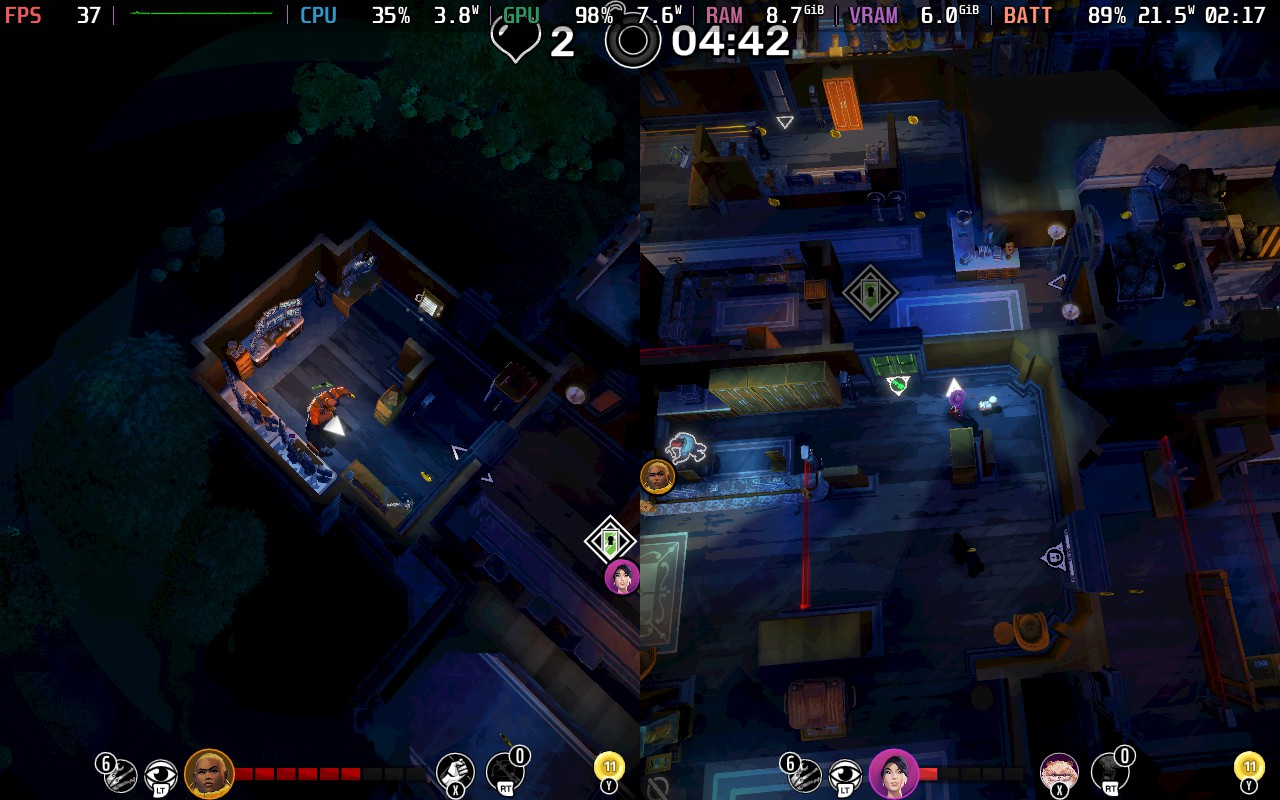
The solo experience here is fine, but I think games like this thrive in co-op. I managed to get a decent amount of time in couch co-op with my wife, which elevated the game tenfold. We picked our characters to complement each other and communicated constantly, splitting up when available and supporting each other in trickier situations. During one level, I had run out of smoke bombs and tripped a security camera. Thankfully, my wife had a smoke bomb on hand to save the day, and we both escaped smoothly. The chaos of coordinating break-ins and getaways adds an extra layer of fun, even if the overall experience remains fairly straightforward.
Monaco 2 - Steam Deck Performance
While Monaco 2 is playable on the Steam Deck, it is not the most optimized experience. The frame rate fluctuates heavily, jumping between 25-55 FPS depending on the action on screen. The best solution I found is to lock the frame rate to 30 FPS for a smoother experience, keep the Textures on Medium, and disable MSAA. You can get away with High Textures early on, but it does seem to cause issues on later stages, so you might want to stick with Medium throughout.
Each level is a complete roll of the dice on whether the Steam Deck will be able to provide a smooth performance, but with these settings, most levels were able to hold at 30 FPS, with a few dips here and there.
Alongside this, Monaco 2's gameplay just isn’t suited for the Steam Deck’s smaller screen. The game’s isometric perspective works well in theory, for the objective of the game, but in practice, smaller details like guards, items, and some interactable objects are tough to spot in its structure. This is partly by design; many elements are meant to remain hidden until within your character’s line of sight, but the small screen size amplifies the issue. Zooming in is possible, but it then restricts your view and ability to plan ahead. I think this is where the switch to a 3D isometric look has harmed the overall experience compared to its predecessor.
If the Steam Deck is your only device and you are desperate to play Monaco 2, my recommendation is to play docked or on a larger display and pray the next level you enter isn’t going to fry your frame rate.
Load times are another weak spot. They’re surprisingly long, and where the temperature tends to spike the highest (around 65-70C), especially when starting new levels. This is pretty frustrating and negatively impacts your enjoyment when you’re eager to jump back into a heist.
Battery life lasts up to and around 2.5 hours on a full charge, which is plenty of time to jump into a handful of heists, whether solo or with a friend.
Despite the screen size issues and frame rate inconsistency, everything else seems to work nicely on the Steam Deck. Controls are mapped nicely, and battery life, again, is fine. It’s just a shame that its biggest drawbacks are the biggest factors when considering if something is suitable for the Steam Deck.
Accessibility
Currently, there are no real accessibility features available in the settings. Given the game’s high-speed nature, clearer UI scaling options and customizable text sizes would be welcome additions. If you struggle with small on-screen details, playing in docked mode is suggested.
Conclusion
Monaco 2 sticks to its heist-based roots while adding procedural generation and a fresh coat of paint, but doesn’t do enough to capture my attention for more than a level or two at a time. The main story feels too easy, with little sense of danger, and while randomized modes add variety, levels quickly start to feel repetitive. Daily Heists offer a tougher challenge, but locking them behind full completion limits their impact.
On the Steam Deck, performance is mixed. Frame rates swing drastically unless locked, small details are hard to see on the screen, and long load times break the flow. It’s playable, but not very well optimized for handheld gaming. If you’re set on playing, docking to a larger screen is likely the better option.
Our review is based on the PC version of this game.
If you enjoyed this review, be sure to check out the rest of the content on SteamDeckHQ! We have a wide variety of game reviews and news that are sure to help your gaming experience. Whether you're looking for news, tips and tutorials, game settings and reviews, or just want to stay up-to-date on the latest trends, we've got your back.
Grit and Valor - 1949 was provided by Megabit Publishing for review. Thank you!
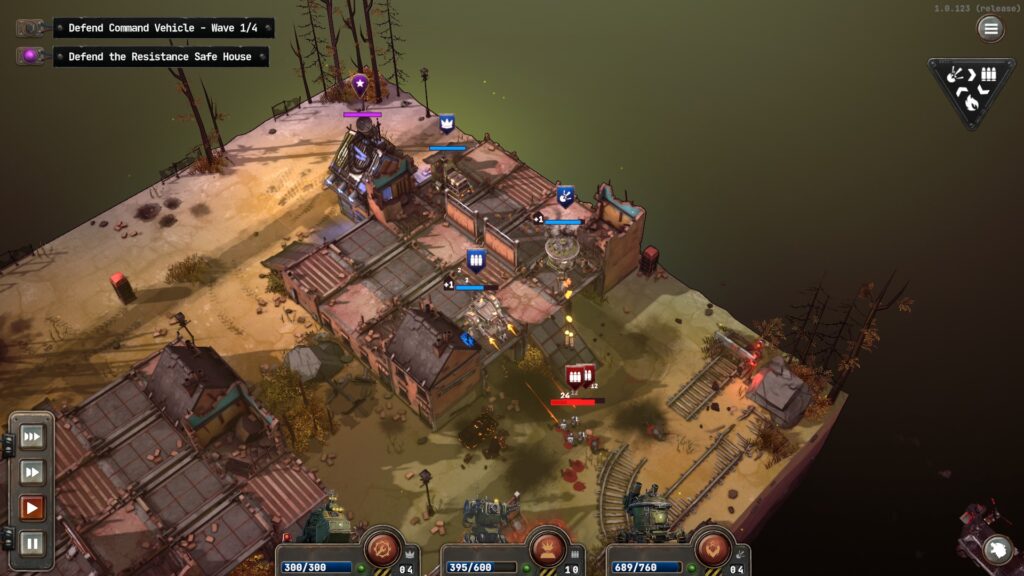
Grit and Valor - 1949, a game I’ve eagerly anticipated, is now available! My time with the closed beta earlier this year was quite enjoyable, and this tactical roguelike by Milky Tea Studios is a compelling choice for fans of the genre. Despite issues like mech control, the game's engaging tactical gameplay makes it a worthwhile experience.
Grit and Valor 1949 is set in an alternate history of Europe after Nazi Germany pioneered powerful mechs to change the course of the war. Despite the Allies being able to salvage their mech technology in time, it was too late to stop the Axis powers, and they had overtaken all of Europe and Britain. With the allies on the brink of defeat, this is where you come in. Joining a small resistance, you must take back Europe from the Axis powers across a gigantic map, starting with the UK off the coast of Scotland.
It is not the most original plot, and I found the fightback concept a little nonsensical. However, some actions made sense, like how the Allies planned to smuggle an EMP into the heart of Axis territory to crush their technological edge over outright military dominance. The enemies are all cartoony evil, as one can expect from Nazis. Still, I will never complain about having more chances to blow them up. Regardless, I wish the enemies had more personality than mustache-twirling Voldemort clones.
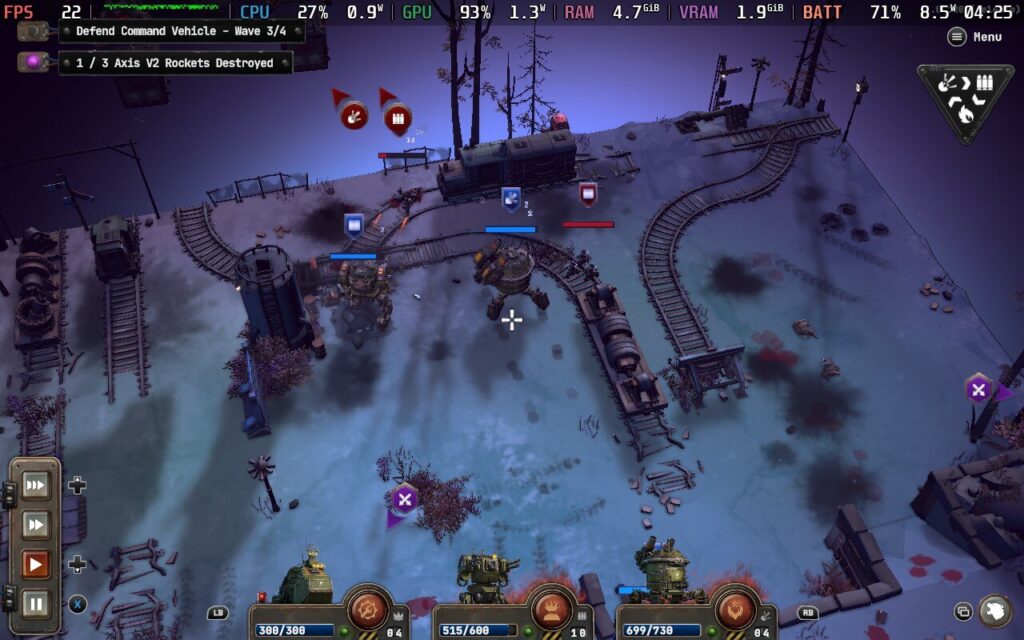
The atmosphere is just as fantastic as in the beta, and the visual design is one of the game’s biggest strengths. While the maps are tiny, they are highly detailed and full of character. The battlefields vary depending on where you are, with a good range of terrains and chokepoints. Yet you don’t get much time to bask in the scenery, and the frantic combat will keep you on your toes. You have to use your units, abilities, and whatever terrain advantages you can get because this game is no pushover.
The gameplay is reminiscent of Into the Breach, with small fields and high stakes, but Grit and Valor favors real-time combat over the slower turn-based approach. You start with your command vehicle and a couple of mechs and must hold off waves of Nazi soldiers with your limited resources. If you lose your escort mechs or your commander's vehicle, you lose the run. The game is meant to be hard and replayed constantly, and the depth of the unlocks is extensive. This constant replayability ensures that the game never gets boring, as each run presents new challenges and opportunities for improvement.
A pause function was added for this full release, which is one of the improvements I loved. While I liked relying on my reflexes to position my units in response to the growing waves of Axis forces, having a pause option is a relief. The game is pretty stressful already, so I appreciate this change.
While the mission goals are usually simple, the game throws a few optional curveballs your way. Sometimes, there are enemy towers to destroy, or the Axis will bring in more powerful foes. The resistance will also support your units through airdrops with randomized upgrades. Health carries over between missions, and while you occasionally get the chance to do some repairs, these opportunities are few and far between.
The campaign map will be familiar to those who play Slay the Spire, with branching paths and events sprinkled between combat missions. Some allow you to hire another mech, while others can bring extra salvage opportunities from markets and underground operatives. As is the case in roguelikes, death is not the end. The resistance has a hub area you return to with permanent upgrades and facilities to develop. I won’t be the only one surprised at Grit and Valor’s depth, and there’s enough content to keep players invested.
While some things have improved since I played the beta, some problems with control hamper the experience. Ordering your units around feels slippery. It is easy to misclick and order the wrong unit to a different location. To make matters worse, you cannot change a unit action until it has completed the last one. I lost a couple of runs through these accidental commands, then watched with horror as my command unit trundled into an upcoming wave of Nazi mechs and got blown up.
While this is a major issue, it does not make Grit and Valor a bad game. The gameplay and atmosphere are excellent, with enough depth to keep roguelike fans invested. The game's technical performance, while stable for the most part, could use some improvement. However, these issues do not detract significantly from the overall experience, and as long as Milky Tea Studios fixes the control gremlins, tactical game fans are in safe hands.
Grit and Valor 1949 - Steam Deck Performance
Grit and Valor - 1949 is rated as Verified by Valve, and despite the control problems I mentioned, this is a solid overall experience on the Steam Deck.
Full controller support is available out of the box. Despite the current issues, you can easily navigate all the essential controls. Grit and Valor lack custom graphical options and the ability to change controller key binds. Hence, it is fortunate that the game plays reasonably well. Unfortunately, the game cannot hit 90FPS on the Steam Deck OLED even with a full TDP, but it’s easy to lock the frames to 60FPS and go from there. At 60FPS on stock settings, Grit and Valor play smoothly and look good.
Recommended Settings
The only settings you can tweak in graphics options are screen resolution and a simple texture preset between Low, Medium, and High. There’s no way to know what these presets change because the game does not tell you. Still, I found Medium settings to be the best balance between visual quality and performance. High saw very little in the way of visuals from what I saw and bumped up the power drain significantly, so for my recommended settings, Medium is the way to go.
While the game is a smooth experience, the stock TDP preset will cause a high power drain, especially during combat sections. A lot happens on screen, with waves of Axis soldiers bearing down upon your outnumbered resistance and all the death and fire effects. Without tinkering with TDP, you’ll see an average power draw of 15 watts. While this is pretty high, you will still see around three and a half hours of battery life on the Steam Deck OLED.
Battery Saver Settings
Grit and Valor - 1949 scales reasonably well with a low TDP, and I was pleasantly surprised at how much battery life it can squeeze out of it. If you are like me and want to get as much juice out of the Steam Deck as possible, you can work wonders with our limited tools.
I found that a 30FPS/60hz lock, low graphics preset, and a 4-watt TDP saw the best results, finding that perfect balance between battery life and performance without sacrificing too much on visuals. The graphics are a little blurrier on Low settings, but the game still looks decent. I saw a couple of dips in framerate during some combat animations, but otherwise, the performance is decent.
Of course, the main draw of this setting is the battery life gains. The average power draw dropped significantly to around 9 watts, even during combat scenes. I frequently saw it drop below that. That is an impressive gain of over 90 minutes on the OLED Steam Deck.
Accessibility
Grit and Valor - 1949 is available in English, French, Italian, German, Spanish - Spain, Japanese, Portuguese, Simplified Chinese, Traditional Chinese, Polish, Russian, Korean, and Ukrainian.
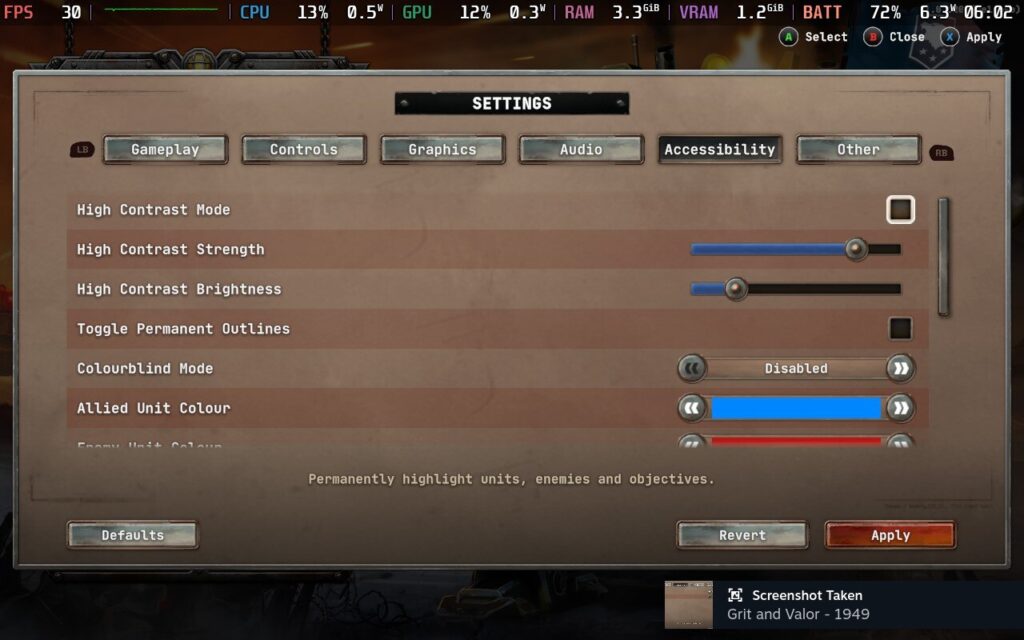
Grit and Valor - 1949 has many accessibility features. There is a colorblind mode, a high contrast mode with strength and brightness sliders, and the ability to customize allied and enemy unit colors.
You can also change v-sync, display subtitles, invert camera rotation, adjust the camera sensitivity, toggle helpful tooltips, and auto-skip loading screens. The only accessibility issue is the lack of gamepad customization; otherwise, this is an impressive showing.
Conclusion
Grit and Valor - 1949 is an interesting tactics roguelike that packs much more depth than it seems on the surface. The alternate history setting, while nothing new, is interesting enough with the cool mechs you get to wield in combat, and the standard gameplay loop is solid. It looks great with a solid sound design, which is another thing in its favor.
However, some things need a lot of improvement. The odd control issues make things much more frustrating than they should be. It should be a simple enough fix, although the cartoon evil of the Axis in the campaign is not. The latter problem is my nitpick over genuine gripes with the controls. Overall, Grit and Valor - 1949 needs some fine-tuning, but the tactical gameplay with a staggering amount of content is on point. For its base 20$ price tag, you are getting a lot of bang for your buck.
Our review is based on the PC version of this game.
If you enjoyed this review, be sure to check out the rest of the content on SteamDeckHQ! We have a wide variety of game reviews and news that are sure to help your gaming experience. Whether you're looking for news, tips and tutorials, game settings and reviews, or just want to stay up-to-date on the latest trends, we've got your back.
Sid Meier's Civilization 7 was provided by 2K for review. Thank you!
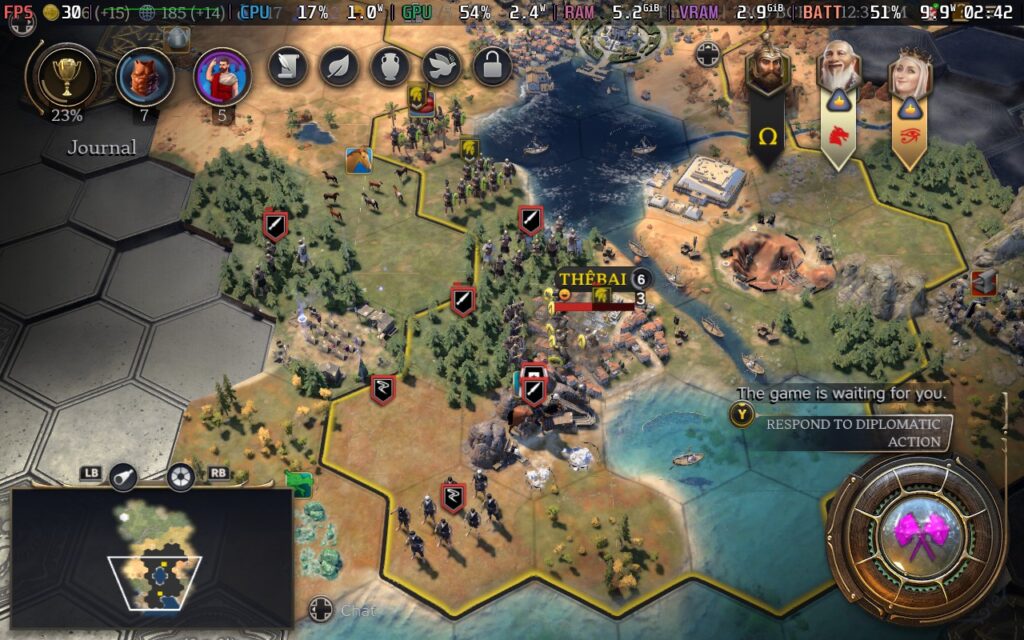
After what seemed like the longest wait in history, Sid Meier's Civilization 7 has finally launched. While everyone knew that this new entry to the series would bring many changes, it's quite hard to overstate just how much Civilization 7 shakes up the formula for Civilization games. While some core elements, such as the way units function in the game, remain largely unchanged, the rest of the game has seen a pretty dramatic overhaul in how things are done.
Civilization 7 is based around 3 ages: Antiquity, Exploration, and Modern. In a standard game, players will progress through all 3 ages, and gameplay will shift dramatically as you advance between them. The Antiquity Age is all about founding your core cities, making initial contact with your neighbors, and perhaps even conquering them to lessen the competition later on. The Exploration Age opens up the full world map by having ships that can navigate the oceans, and the Modern Age encourages players to confront each other by having little land left to seize while giving players a high city limit.
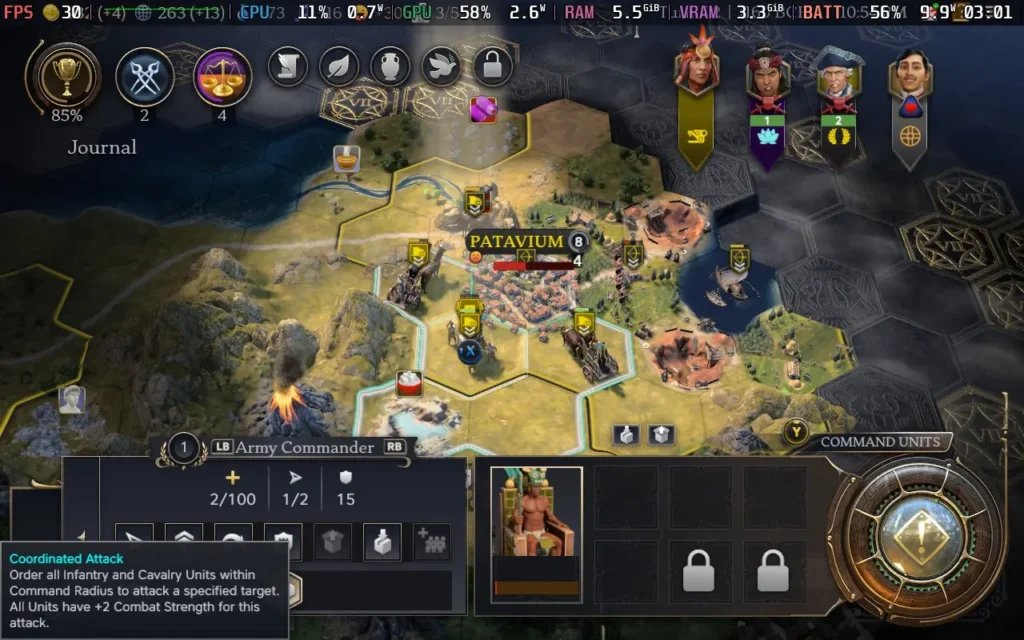
When the current age ends, which is determined by a set number of turns that can be decreased if a civilization is very technologically advanced, everyone's cities (besides their capitals) will revert to towns, meaning you can only purchase units/buildings there, not produce, becoming more reliant on your capital. Civilizations may also lose a large amount of their army if they don't have enough Army Commanders available to support them between ages, and all units are transported back to their cities. Thus, the ages function like phases in the game, sort of a soft reset where Civilizations will somewhat start afresh. Still, with the territory and bonuses they accumulated in the previous age.
Wars also won't carry on between ages, although if you were previously at war, you'll start the age with a relationship penalty with any AI states you were at war with.
Does this system work well? It depends on your approach. In my initial games, I didn't understand the Age system, nor was it very well explained in the game, which became a bit of a theme with Civilization 7. Therefore, I found the age system a little frustrating at first. Once you understand that you need Army Commanders to keep your army between ages and that the Legacy Points system counts towards your final victory and carries over between ages, it makes much more sense.
Therein lies the issue I have with Civilization 7. I think the actual mechanics of the game are pretty interesting and, for the most part, work well. The problem is that the game just isn't explained or presented in an understandable fashion. I've spoken to a couple of others who have played, and they also didn't understand the Legacy Points system on their first game or even knew how to view what points they had. In a Civilization 7 Livestream hosted on the Firaxis Twitch channel, a player pointed out that there is no way to check what bonuses you have previously selected for your civilization in some cases.
Once you've played a few games and understand how it all works and how you need to play the game to win, I quite like this new direction that Civilization 7 goes in. It just needs to explain itself to the player better. Right now, it's treating players like they should know how all these mechanics work, but even if you are a Civilization veteran, these mechanics are brand new, and you won't understand them. This can be exacerbated by tutorials seeming to be disabled in multiplayer matches.
In a game like Civilization 7, players need to be given data clearly and understandably, and the UI isn't the best at providing the info needed. Right now, you go in assuming it will be like the other Civilization games, and the game doesn't tell you that it's any different at first, it's something you don't realize until later on when you realize you've fallen behind the competition.
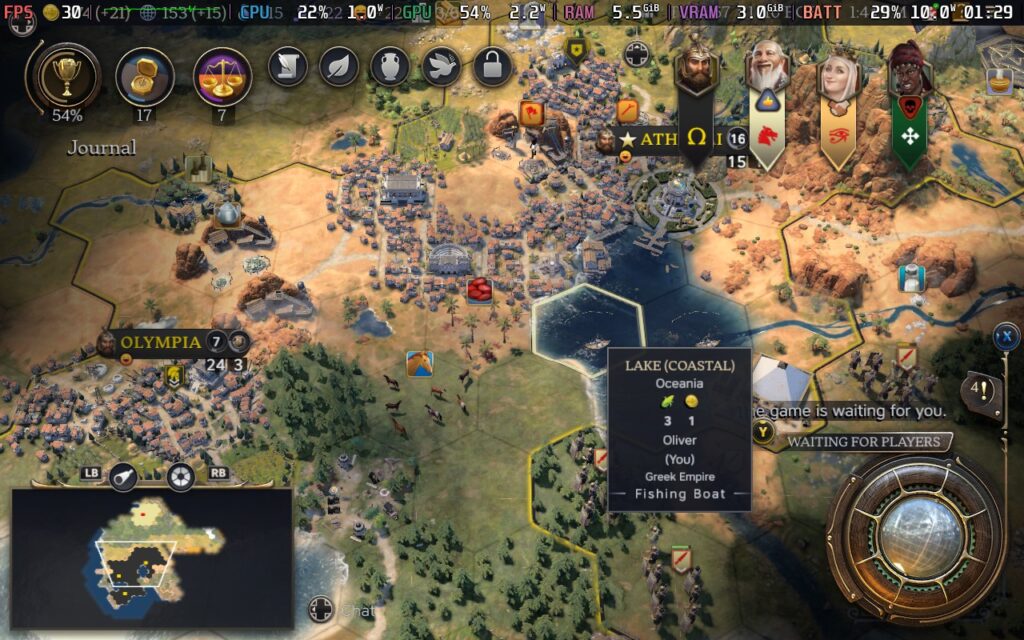
The greatest pleasure I had from Civilization 7 was expanding and growing my empire. As cities grow, each population gained lets you claim another tile around the city, both giving that tile's resource yield and visually constructing buildings on that tile. It makes the game take on an almost city-builder aspect at points. Roads are now automatically constructed between cities, and "worker/builder" units are a thing of the past, with the city growth mechanic instead being how you improve tiles and their yield, and I like that change.
Presentation-wise, Civilization 7 feels like a step up. The game board is presented well, with varied biomes, with cliffs and coastlines looking nice. The expansion of cities across the world map makes the cities feel much more realistic and grand compared to the single-tile cities of the past. The music is also a plus point, as in classic Civilization games, it changes depending on your civilization, so it's always nice to hear a mix of cultural music.
There are some bugs right now in Civilization 7, and unfortunately, they mostly seem to plague the already-troubled UI system. Occasionally, tool-tips won't display, windows are sometimes displayed in the wrong order, and a couple of times, the controls on my gamepad entirely stopped functioning for a few seconds. We also had some issues with certain icons and in-game assets taking a long time to load, such as a city not visually appearing for several seconds or technology icons not being present for a while. I razed a city, and the name stayed on the map for the rest of the game.
Diplomacy with the AI has always been an issue in the Civilization games, and while I feel like the AI in Civilization 7 is a bit more measured in their approach, and you can understand why they take certain actions now, there are still some issues. When I was fighting the Romans for example, they offered me a city in exchange for peace, I accidentally took the city off the table, but when I re-added the city to the table, the game said the AI would reject the offer. Sure enough, when I attempted to propose the offer, it was rejected, even though it was the offer the AI had made me.
We also had several issues with multiplayer matches, where players were getting desynced and crashing to the desktop. While it was generally fine with two or three-player matches, once we added a fourth, someone always had an issue at some point.
Is Civilization 7 a bad game? By no means. It's fun, and some aspects feel improved by the game's slightly faster-paced, streamlined nature. But I can't help but feel that if the game had been given 2 or 3 more months in the oven, it would have launched to a much better reception. There are things that are straight-up missing from the UI that would be good to know. The new mechanics are not explained properly to newcomers or veterans of the series, and the bugs that crop up from time to time just exacerbate the situation.
Civilization 7 feels like it was designed with the Steam Deck in mind, and that might not be so much of a surprise if you remember that the game is also on the Nintendo Switch. It supports 1280x800 as a resolution, so there are no black bars. It has the best controller support of any game in the series, and the text and UI are legible throughout.
Although I do have some problems with the UI, as I mentioned above, its layout is perfect for a handheld experience.
In SteamOS, I limited the frame rate to 30 FPS and the TDP to 8W.
When it comes to the graphical settings, the game defaults you to pretty decent settings, it seems as though Firaxis fine-tuned the settings for the Steam Deck themselves, which I decided to stick with for this one. Pushing the visuals higher makes it stutter when trying to zoom in and out, and going lower is possible with higher frame rates but drains the battery unnecessarily. The default settings are already low for battery drain, and moving to 40 FPS isn't as beneficial for this kind of game.
Click images to enlarge
At these settings, the game pretty much runs at 30 FPS the vast majority of the time. Zooming into the cities will cause stuttering and slowdown, which can't be avoided. But as long as you play at a standard zoom level, you shouldn't see performance problems.
The power draw on my Steam Deck OLED was steady at around 9W- 11W, and temperatures were around 55C- 60C. So you can expect around 4.5 hours of battery life from a Steam Deck OLED and around 3.5 hours from a Steam Deck LCD.
Accessibility:
Sid Meier's Civilization 7 has a few accessibility options, such as rebindable controls, colorblind assistance, adjusting the font size, and displaying subtitles in cinematic scenes.
Conclusion:
Sid Meier's Civilization 7 is a good game at its core. When you're deep into playing the game and you understand the concepts and mechanics of it, it all works quite well together. Still, while you're learning the game, it can be a pretty unpleasant experience, plagued with unexplained game mechanics and UI issues that make the whole thing more confusing than it needs to be.
One thing you can't deny about Civilization 7 is that it runs beautifully on the Steam Deck. The graphics look good, the battery life is long, the performance is mostly smooth, and the controls are surprisingly well-adapted to a controller. You can play just as well on the Steam Deck as you would on a desktop PC.
Our review is based on the PC version of this game.
If you enjoyed this review, be sure to check out the rest of the content on SteamDeckHQ! We have a wide variety of game reviews and news that are sure to help your gaming experience. Whether you're looking for news, tips and tutorials, game settings and reviews, or just want to stay up-to-date on the latest trends, we've got your back.
Knights in Tight Spaces was provided by Raw Fury for review. Thank you!
I never played Fights in Tight Spaces when it first came out, but after playing a bunch of Knights in Tight Spaces, I really wish I had. The game is a thoroughly enjoyable experience with great gameplay mechanics, an interesting art style, and a good amount of content to keep you busy. There are a couple of issues here and there, but there are way more pros than cons.
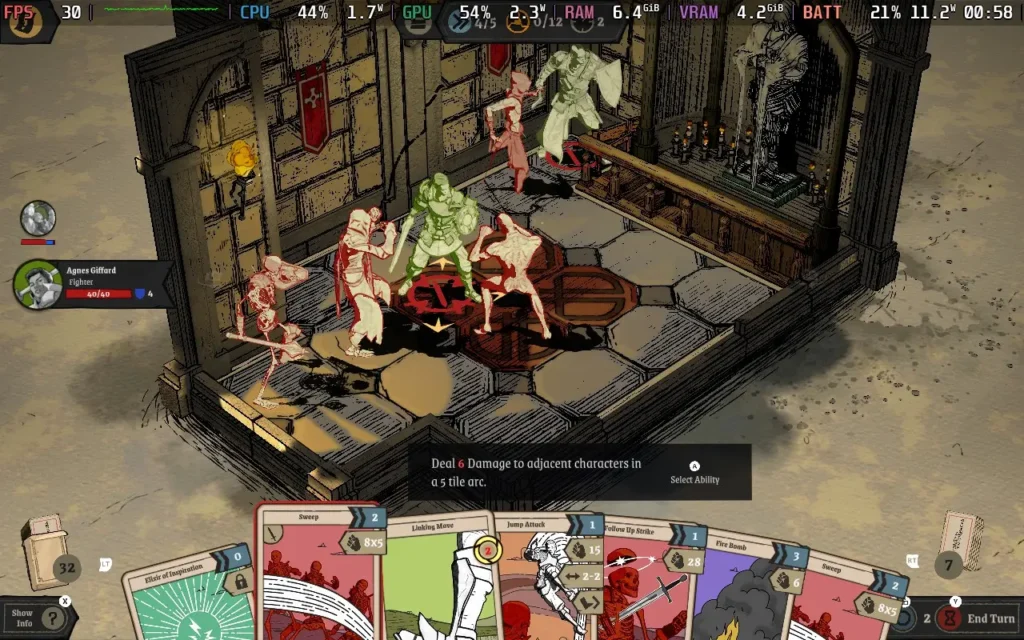
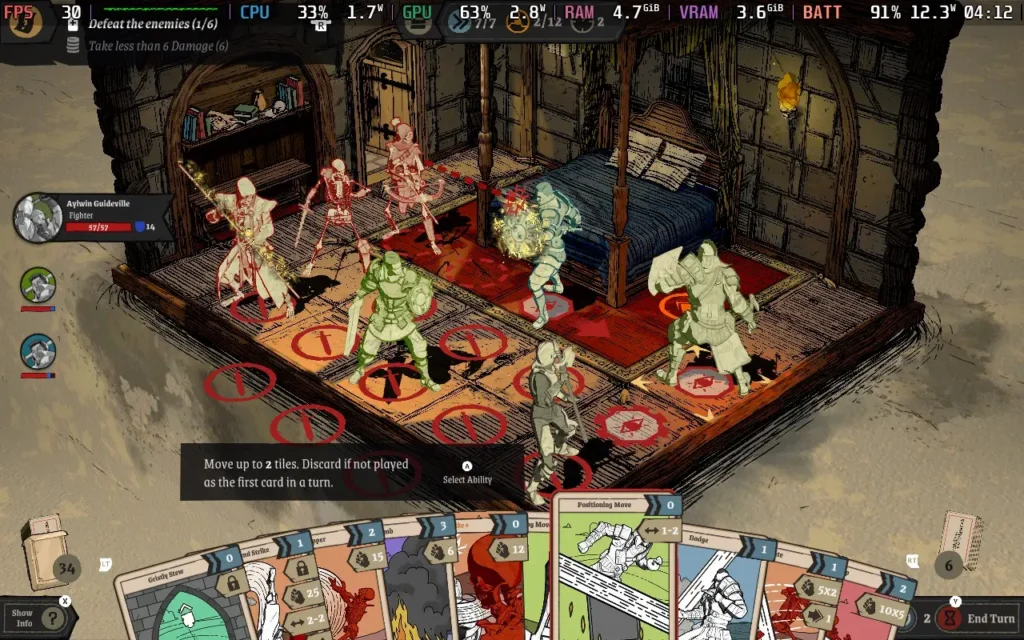
The basic premise of Knights in Tight Spaces is essentially a tactical battler, where your party is placed on a grid on a small map, and the actions you can take are dictated by the cards you hold in your hand. Each map might have specific objectives, but generally, you aim to defeat all enemies on the map or survive a certain number of turns. The entire gameplay is based on this battling system, so it has to work well, and it surely does.
The cards you can get are varied and allow you to set up some great combos that feel satisfying to pull off. All movement and attacks have to be done by playing a card, so you have to strategize which party member should use which cards to maximize the effectiveness of your turn. For example, one card might let you advance a space and attack, while another could make your character attack and retreat a space. Using these 2 cards in succession could allow you to make an attack on an enemy and then a further attack and pull your party member back to safety for the end of your turn.
You are also alerted to what attacks your opponents plan to take on the next turn, allowing you to try and position your party in a way that protects them from damage by playing your cards right, similar to games like Into the Breach.
Whether or not you can use a card depends on either your "momentum" or "combo" points. Momentum is granted at the start of each turn, and the combo is built by performing successive actions. If you've planned your moves well, you could play every card in your hand for a truly devastating turn. Your hand gets wiped after each turn, and new cards are drawn, so it's best to plan to use as many as you can.
Yes, there is a degree of RNG to all this gameplay, and on one specific occasion, I found the card system frustrating. Namely, it kept giving me attack moves when I was against a boss that could teleport my character around the map, meaning I needed a lot of movement cards to get close to the enemy. This resulted in about 7-8 turns in a row where I couldn't attack my opponent. My character also had enough "block" stat that the boss couldn't deal enough damage to hurt me, resulting in an endless stalemate if the enemy AI had chosen to keep teleporting me.
But generally, the game does a good job of rewarding your strategic skill, and if you lose a battle, you'll probably realize the turning point or action you took that put you in the losing position. There are also many difficulty settings to choose from, so you should be able to find the setting that suits your skill level and is enjoyable for you.
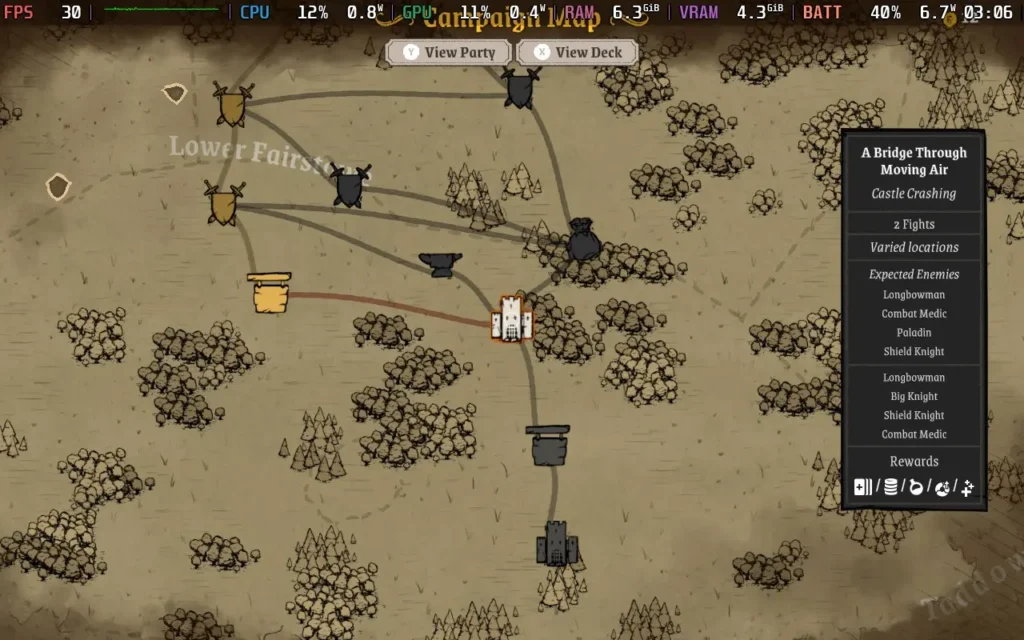
The overworld is where you'll decide what path to take. Most paths result in a battle, but some might result in a tavern where you can heal and recruit additional party members or a blacksmith where you can upgrade or buy new equipment.
Knights in Tight Spaces does have a storyline, which takes place in the form of written dialogue in the overworld as you navigate between certain battles. It's fairly generic as storylines go. Essentially, an unlikely hero is drawn into the action by forces beyond their control, and you now have to protect the kingdom from various threats that are posed to it. It's nothing special, but it serves as a purpose for the battles to take place.
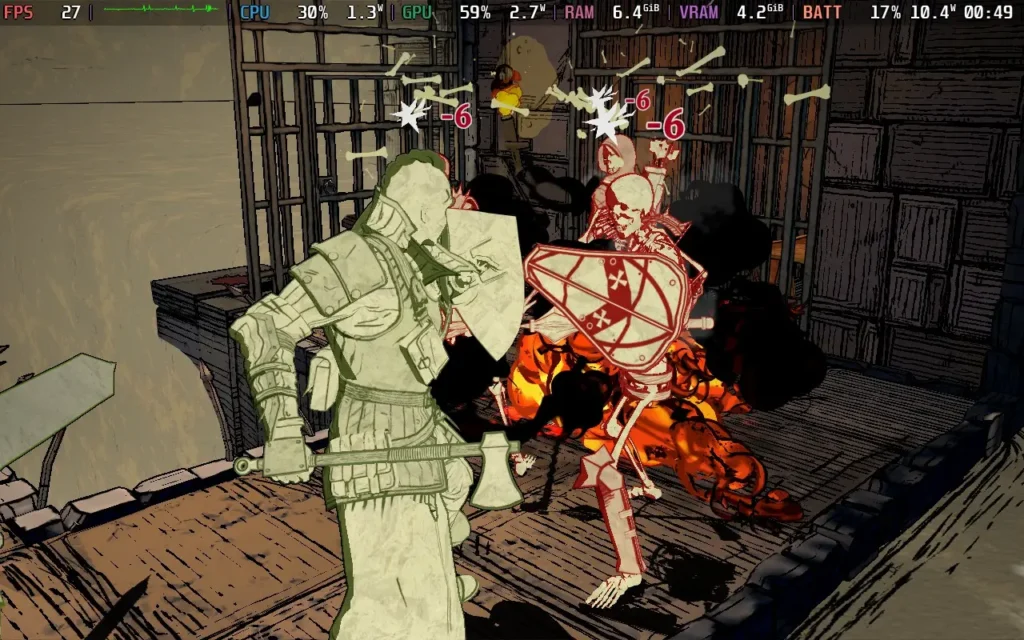
Visually, the game prefers to make clear distinctions for characters rather than flesh them out with detail. The members of the player's party will be in green, neutral parties will be in yellow, and various factions you fight against will be colored red or purple. I much prefer this way of handling it, as it helps you as a player to see the situation and who your targets are immediately, making mistaken identities very unlikely. The environments are fairly detailed but stylized and kept on the more basic side.
Knights in Tight Spaces is an excellent tactical deck-builder. The story mode isn't too long, and if you beat it on your first attempt, it'll likely only take you about 4-5 hours, but there are other modes to try out as well, such as the Endless mode to test how far you can go, and the "Daily Play" mode to compare yourself against others. The balance of the card system and the feeling of satisfaction as you pull off a combo of moves to devastate your enemies or beat a battle without taking any damage is hard to beat.
Knights in Tight Spaces - Steam Deck Performance
Knights in Tight Spaces has excellent controller support and supports 1280x800 as a resolution, so there are no black bars around the screen.
There is, unfortunately, some very small text in the game that is hard to read, but it's generally not crucial text, so you can play just fine without it.
There isn't really much in the way of graphics settings. Aside from the resolution, there's just a tickbox for "High-End Graphics," which seems to improve some lighting. However, it also impacts performance quite a bit, so we have to keep it off on the Steam Deck. With those settings, we must limit the game to 30 FPS with the SteamOS Frame Limiter and run a TDP Limit of 11W.
Knights in Tight Spaces holds a steady 30 FPS at this point. While earlier maps and battles can run at 40 FPS, I found that once you reach "Quest 2", the game gets more intense and struggles to hold 40 FPS in battles.
The power draw was around the 10W-13W range, although some maps towards the end of the game can hit 15W, and temperatures were around 55C. So expect around 4 hours of battery life from a Steam Deck OLED and 3 hours from a Steam Deck LCD.
Accessibility:
Knights in Tight Spaces isn't very accessible, besides disabling blood and making certain environmental hazards stand out more.
Conclusion:
Knights in Tight Spaces does pretty much everything right for a tactical deck-builder. It has many cards, presents information clearly to the player, and has various difficulty options to make the game balanced for everyone. The RNG of drawing cards can be a little frustrating, but it's all part of the game and is a small issue compared to the fun that can be had here.
Performance on Steam Deck isn't the best considering how the game is presented, but it's still perfectly playable, and if you can overlook some small text, you can have a great time playing Knights in Tight Spaces on your Steam Deck.
Our review is based on the PC version of this game.
If you enjoyed this review, be sure to check out the rest of the content on SteamDeckHQ! We have a wide variety of game reviews and news that are sure to help your gaming experience. Whether you're looking for news, tips and tutorials, game settings and reviews, or just want to stay up-to-date on the latest trends, we've got your back.
Two Point Museum was provided by SEGA for review. Thank you!
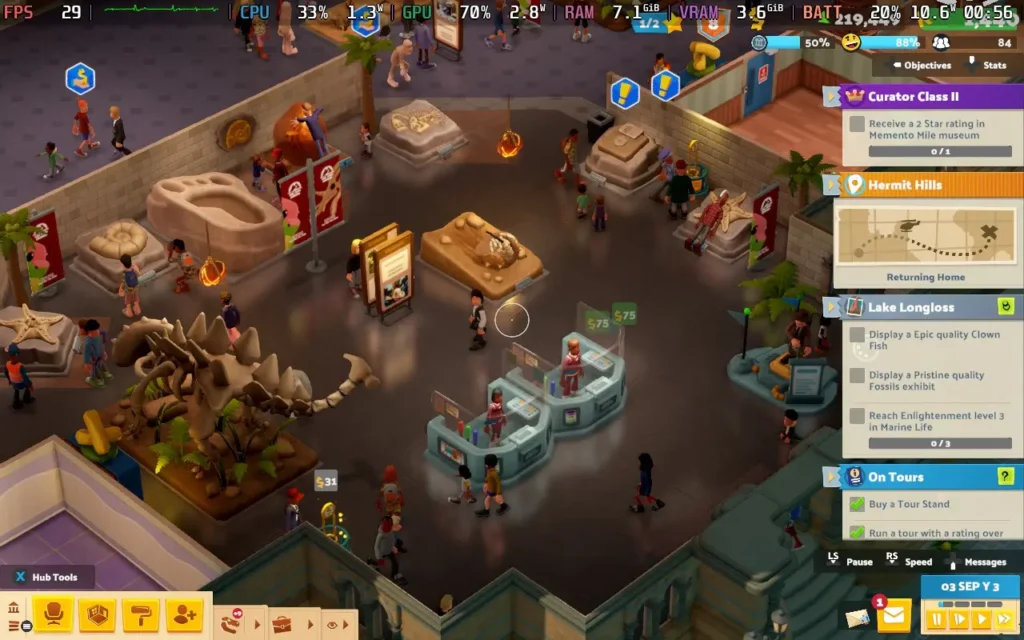
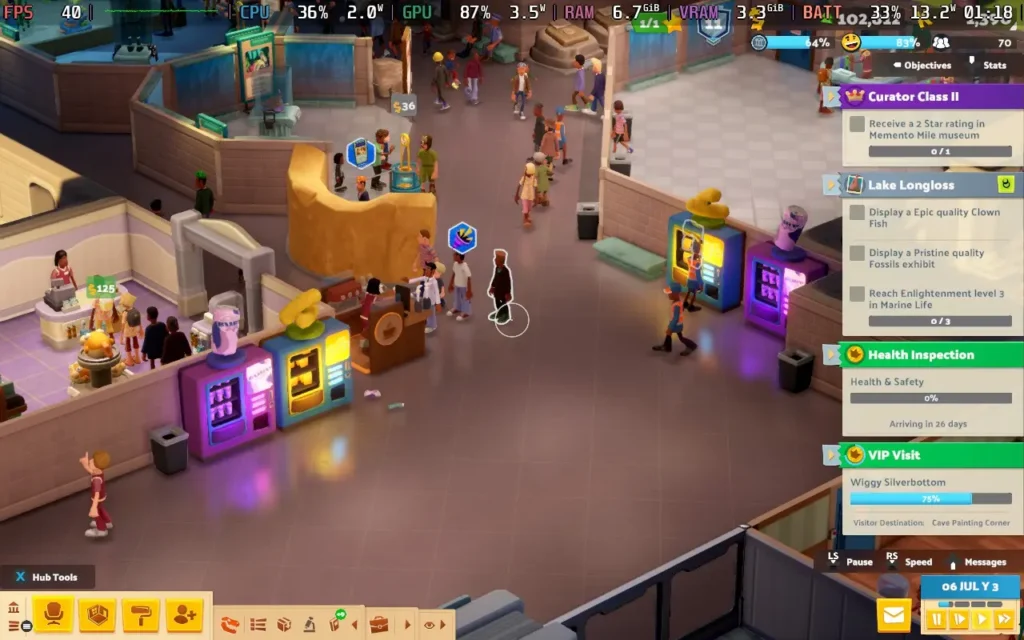
Two Point Museum joins other Two Point games, such as Two Point Hospital and Two Point Campus, in the strategy management genre. As the name would suggest, in this one, you're taking charge of Museums, aiming to provide your visitors with the ultimate curated experience. That inherently comes with a problem, though, as museums are stereotypically dull. So, how do you make a game about running a museum have some excitement? Two Point Museum tries to answer that question.
Two Point Museum follows in the footsteps of its predecessors like Two Point Hospital, whose objective is to build up a successful museum by presenting exhibits and designing your museum efficiently. During the campaign, you'll be running several museums, and the game will ask you to jump between them at various points to advance them further and obtain higher star ratings.
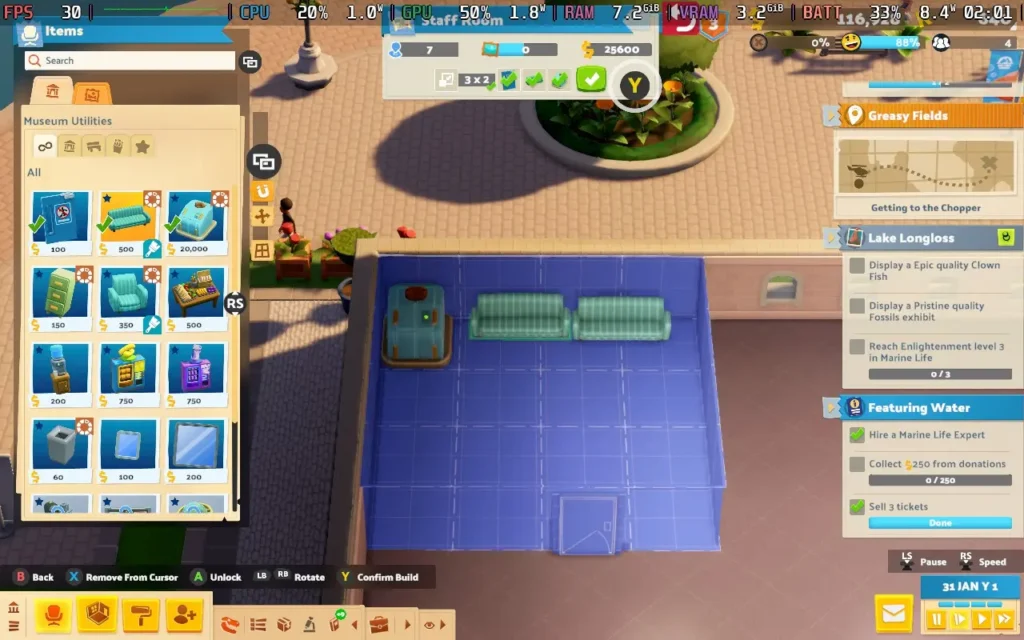
Just like Two Point Hospital (and Theme Hospital before it), Two Point Museum brings back the "room" system, but it's a bit different here. "Rooms" aren't the focus anymore. You're running a museum, so you focus on organizing spaces that flow naturally and provide enough space for some rather huge exhibits. The room system here is pretty much reserved for souvenir shops, private staff areas, and toilets.
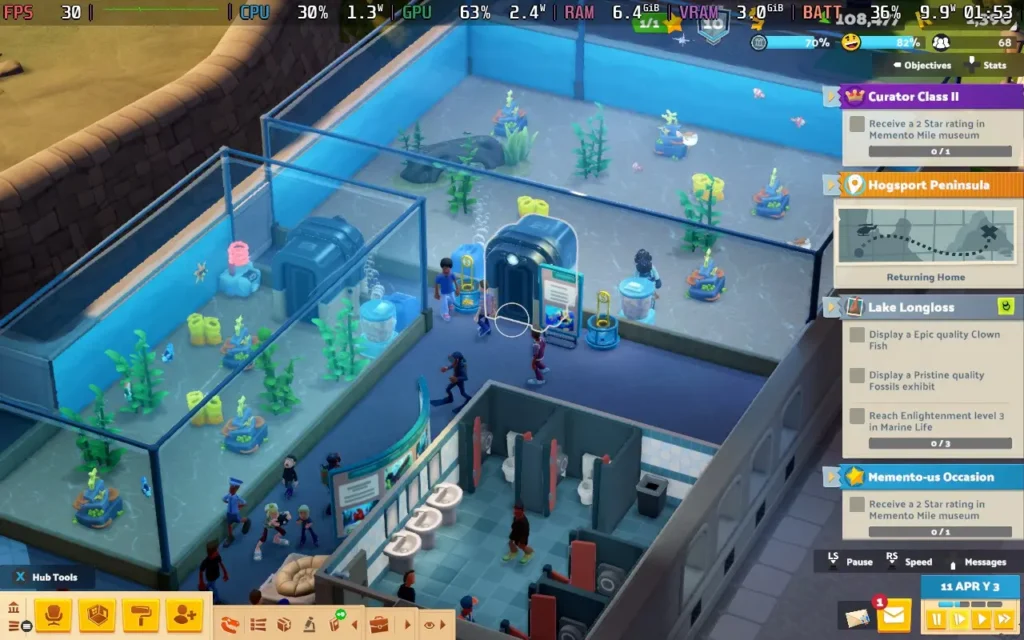
This change does, however, work in this game's favor. You aren't always organizing your available space into squares or rectangles anymore, so you can be much more creative when presenting your exhibits. You could even remove most walls and have a large open exhibition center if that's your style, or simply use some basic rope partitions to guide your visitors.
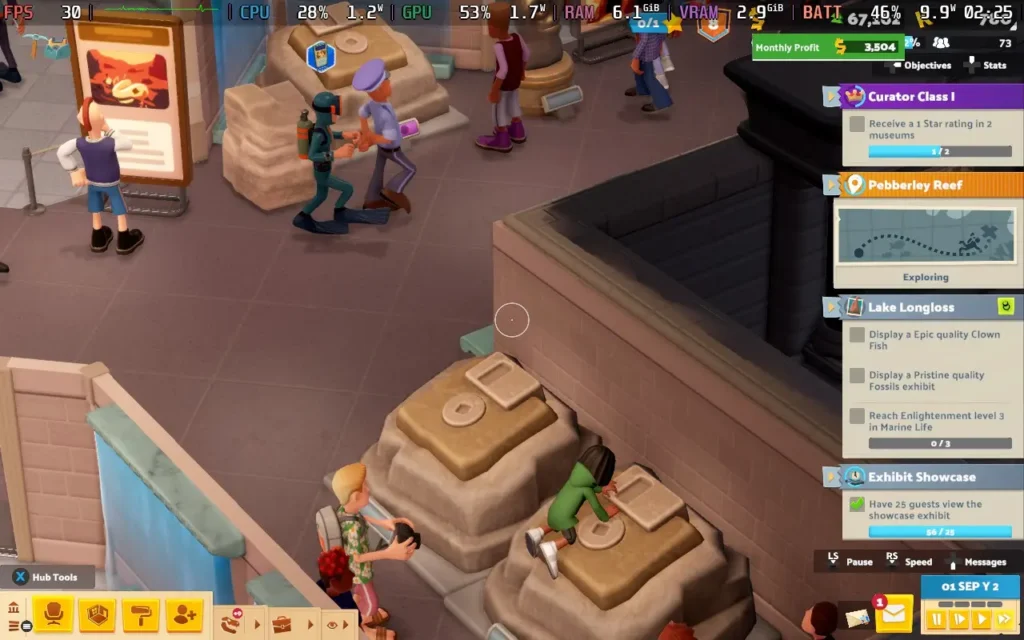
The strategy element of the game comes from placing "Info Boards" and other decorations that can create "Buzz" around your exhibits, effectively leveling them up and making them more appealing to visitors. This means that you'll have to plan where your exhibits are placed and where you can place info boards to get the most effective placements. It's not the end of the world if you aren't "optimal", as the Info Boards and decorations are cheap, but it's cool that the mechanic is there to promote some form of organized building.
Perhaps the most intriguing part of Two Point Museum is the expedition system. New exhibits to display don't just show up at your doorstep. Instead, you'll need to hire experts in various fields, as well as other staff, to go out in search of the next big thing to show off in your museum. Random events can happen during expeditions that can affect the outcome, and you can use items to enhance the outcome or protect your crew from any unexpected surprises.
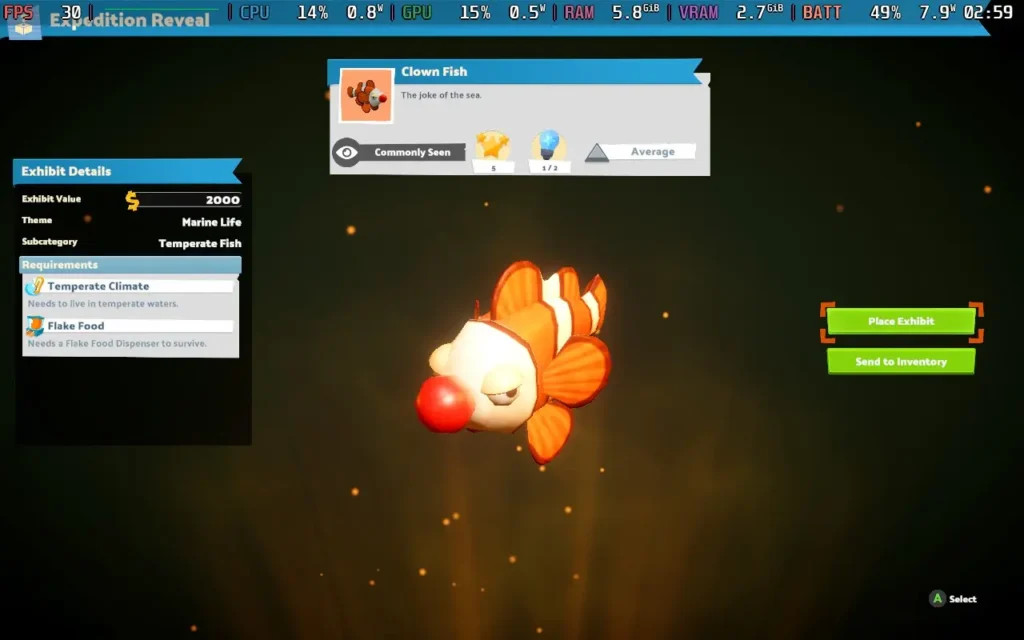
At the end of the expedition, your crew will return with a crate containing an exhibit. It could be an extra part of an existing exhibit, such as another part of a skeleton, or a smaller, stand-alone exhibit. Either way, the game enters a "lootbox-esque" opening cutscene when you reveal what's in the crate, which aims to build some excitement, and it does a decent job of doing it, although it can sometimes be hard to muster up excitement about finding a tail.
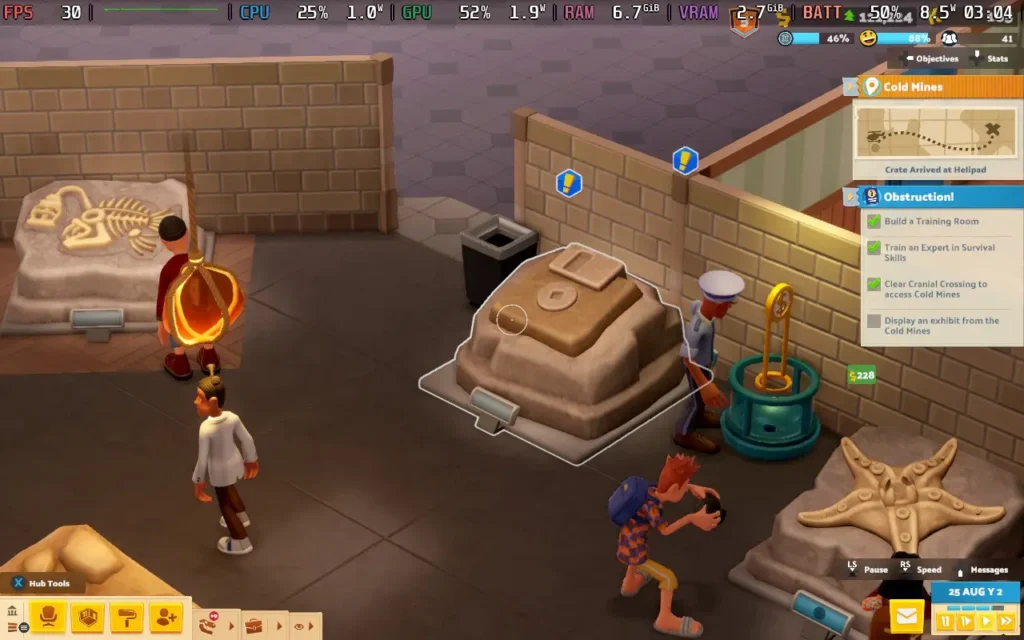
The game has a decent number of exhibits, and it can be interesting to see what you get each time. You can send your experts off to different areas, which will yield different results. Some will give you prehistoric exhibits, others botanical and marine life. Unfortunately, many of the exhibits are "joke" exhibits, such as the "Disk Fossil," which is just a floppy disk embedded in some dirt. Clownfish have actual red clown noses on them, and Starfish wear sunglasses.
While I get that the Two Point games lean into being humorous, the whole thing just feels like they're trying too hard, and it feels out of place in a museum environment to have all these comical but silly designs mixed in with real ones.
Unfortunately, the "humor" of the game let me down. While games like Theme Hospital kicked it all off by having tannoy announcers make humorous quips about situations in the hospital, Two Point Museum attempts to carry this forward into the museum environment, and it just falls a bit flat.
The announcer and radio DJ make fairly constant jokes that quickly get repetitive and just aren't very funny anyway. They might appeal to some, but I found myself disabling the voices in the game pretty quickly. Thankfully, the voice volume is separate from all other volume sliders in the game, so you can disable them without affecting the rest of the game.
The game also seems to be incredibly easy. There are no difficulty options, and I never encountered a point where I was actually losing money. I found myself pretty much not paying attention to the money I had while I built my museums, as cost never really became an issue for me.
I also ran into a couple of bugs while I was playing. For example, at one point, another staff member came to take over a ticket stand, and the staff member they took over from got trapped in the ticket stand and couldn't leave because the other staff member was in the way. This led to them being unable to fulfill their needs and threatening to resign. It could be resolved by simply picking up and moving the staff member manually, but I shouldn't have needed to do that.
Two Point Museum is an interesting concept. It's a brave move to take something stereotypically dull and make a game out of it. Do I find it as interesting as a hospital simulator? No, I don't. But the museum angle does open up some new gameplay mechanics, and for those who have been yearning for a museum simulator, you finally have one.
Two Point Museum - Steam Deck Performance
Two Point Museum works really well on the Steam Deck, with full controller support and support for 1280x800 resolution, removing any black borders. It's also pretty easy-going with requirements, with the CPU being the main issue rather than the GPU here.
As we have some flexibility in the settings for this one, I'm offering two presets: one focused on battery life and the other on visual fidelity.
Prioritize Quality Settings - 40 FPS
If you want your floors to look extra shiny and your displays to be gleaming, then you might want to take a look at these settings. They're more demanding on battery life, but do give you a nicer presentation.
In SteamOS, you'll want to set a 40 FPS Frame Limit and set your TDP Limit to 10W.
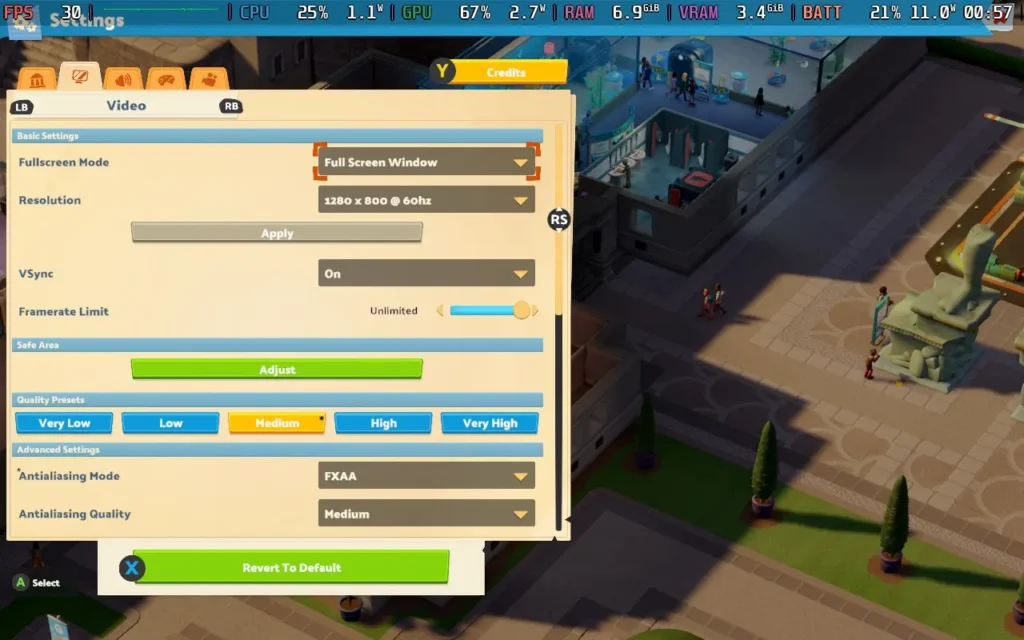
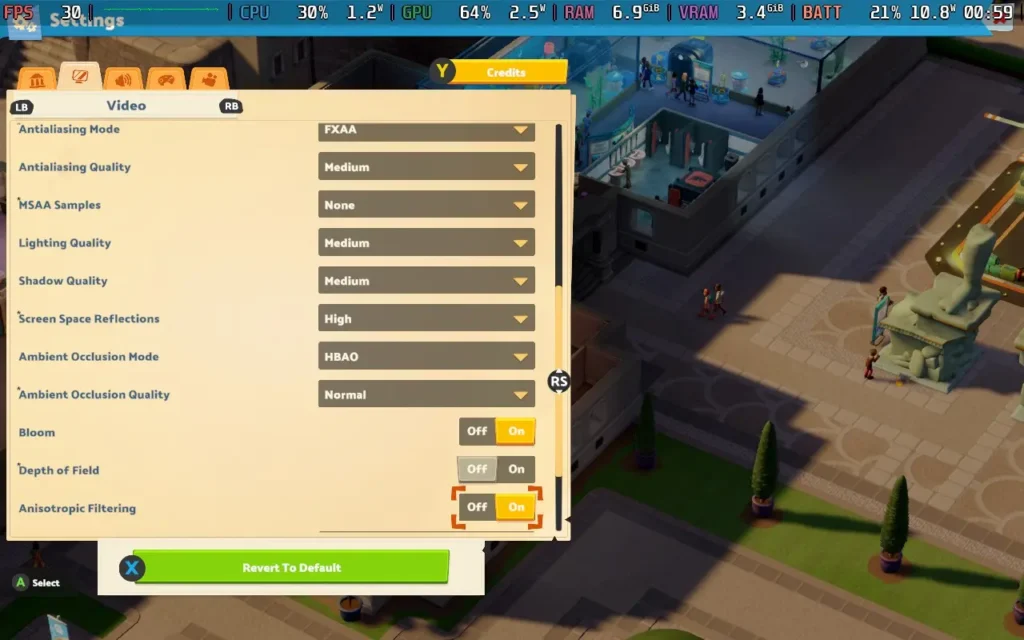
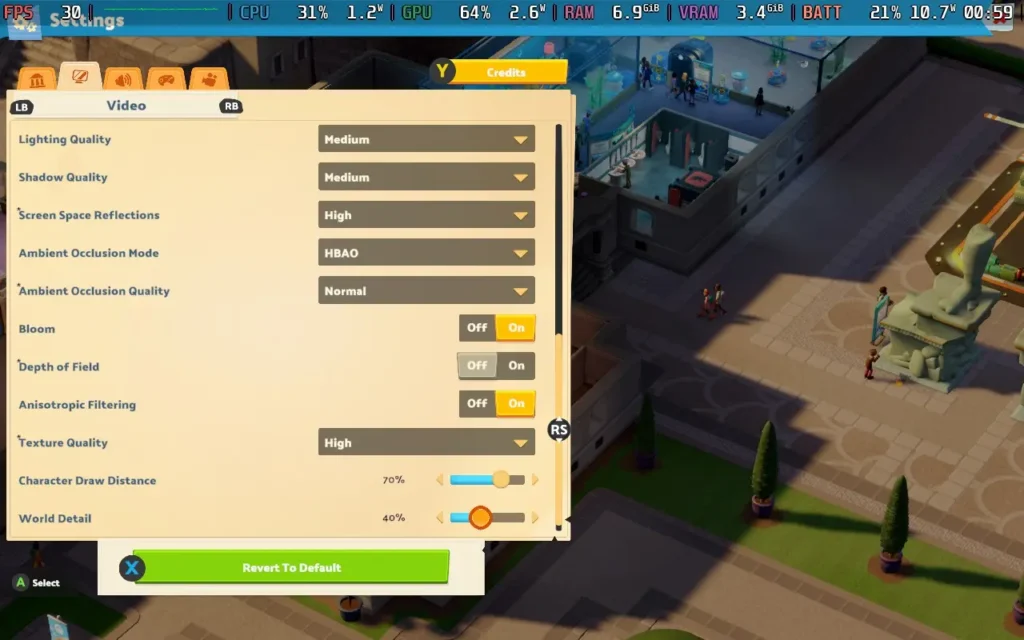
For graphical settings, you can see the side panel or click the images below, but we are sticking pretty close to the Medium preset here.
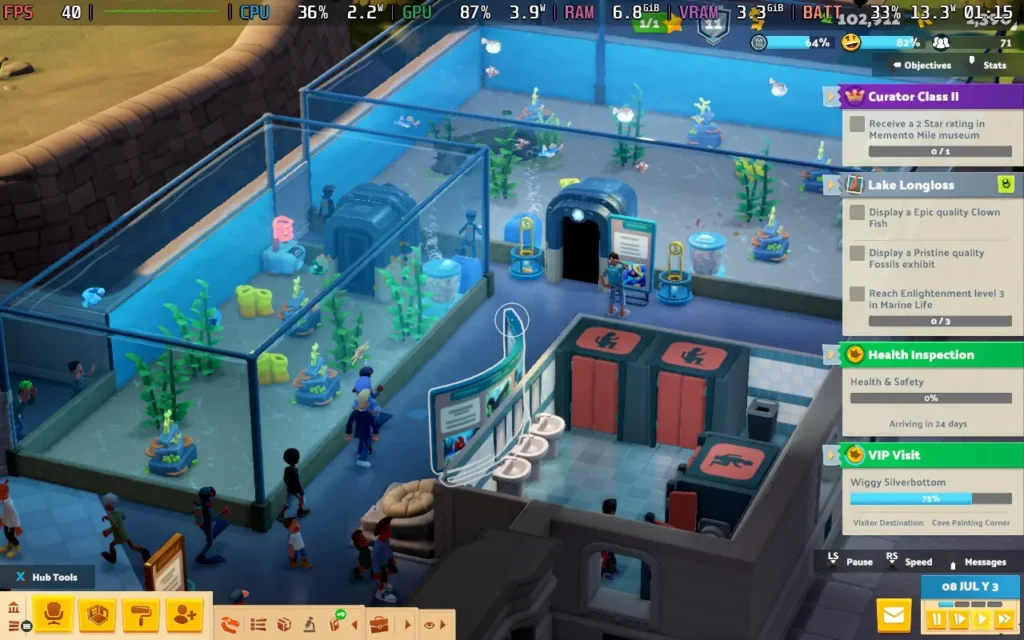
We can hold a steady 40 FPS with these settings and we get some pretty nice visuals to boot. We do have the occasional stutter, but it's not anything that's particularly noticeable or affects the gameplay.
Power draw with these settings goes up a notch, so expect around 12W-15W drain on the battery. Temperatures were again around 60C-65C. You can expect about 3.5 hours of battery life from a Steam Deck OLED and around 2-2.5 hours from a Steam Deck LCD.
Battery Life Build - 30 FPS
To maximize your battery life, you'll want to set a 30 FPS Frame Limit in SteamOS, along with a 7W TDP Limit.
For graphical settings, we keep the same as those in the settings above, with the exception of setting Screen Space Reflections to "Off."
At these settings, the game pretty much held 30 FPS. There could be occasional frame drops when something new loaded and a few stutters here and there, but general gameplay was stable.
The power draw for this one was around 10W-11W, with temperatures of about 60-65C. Expect around 4.5 hours of battery life from a Steam Deck OLED and 3 hours from a Steam Deck LCD.
Accessibility:
Two Point Museum has some accessibility options. Importantly for Steam Deck, it has a UI Scale option, which you should set to large, making some difficult-to-read text slightly more legible. You can also disable camera shaking and certain flashing light effects in the game.
Subtitles can be enabled for certain flavor text, like the tannoy announcer.
Conclusion:
Two Point Museum is brave in that it takes aim at an industry that is usually not regarded as all that interesting and tries to make a fun game out of it. Unfortunately, this was attempted by injecting a lot of "humor," which just didn't pay off for me. I'd have much preferred a more authentic museum experience with real fish and exhibits rather than being hit with a joke-a-minute, which rarely pays off. If you can tolerate the comedy, the gameplay works well and there's still an enjoyable experience to be found here.
That being said, Two Point Museum does run great on the Steam Deck, so if you have had your eye on this one and a bit of silliness doesn't put you off, you shouldn't hesitate to get it to play on your handheld.
Our review is based on the PC version of this game.
If you enjoyed this review, be sure to check out the rest of the content on SteamDeckHQ! We have a wide variety of game reviews and news that are sure to help your gaming experience. Whether you're looking for news, tips and tutorials, game settings and reviews, or just want to stay up-to-date on the latest trends, we've got your back.
Heart of the Machine was provided by Hooded Horse for review. Thank you!
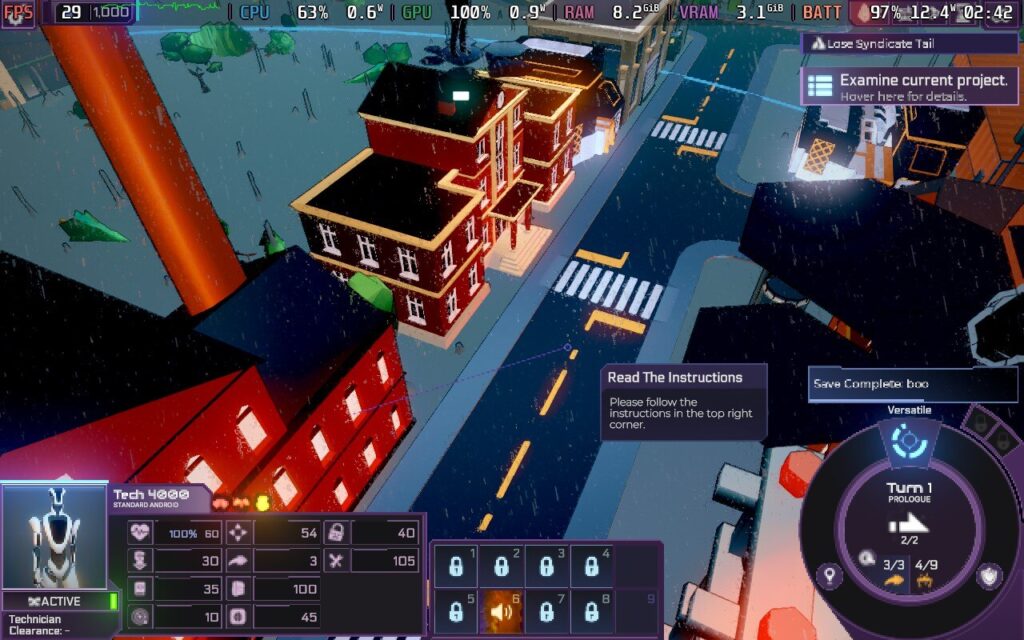
This review was created using an LCD Steam Deck. OLED testing will be carried out at a later date.
As an Early Access title, gameplay and performance is subject to change.
Indie publisher Hooded Horse is one of my favorite game publishers, and Heart of the Machine is another fascinating title under their umbrella. Developed by Arcen Games, Heart of the Machine is surprisingly ambitious for a turn-based 4X title. I love games that push boundaries and the genre they represent, and while that endeavor comes with a steep learning curve, I am enthralled by this game.
Set in a brutal cyberpunk world, Heart of the Machine takes place in a crumbling city filled with criminal gangs and ordinary folk trying to survive. Players take on the role of an illegal sentient AI who escapes their lab and is forced to take shelter in the city.
With unimaginable potential and learning what it means to be alive, Heart of the Machine guides players through an extensive narrative. Early Access can mean many things in the industry, with launch builds ranging from a barebones experience to a ‘fully playable’ game needing further polish. For this title, players can play the prologue, Chapter One, and a large chunk of Chapter Two. It might not sound like much content, but this is an incredibly complex game that will make the content worthwhile.
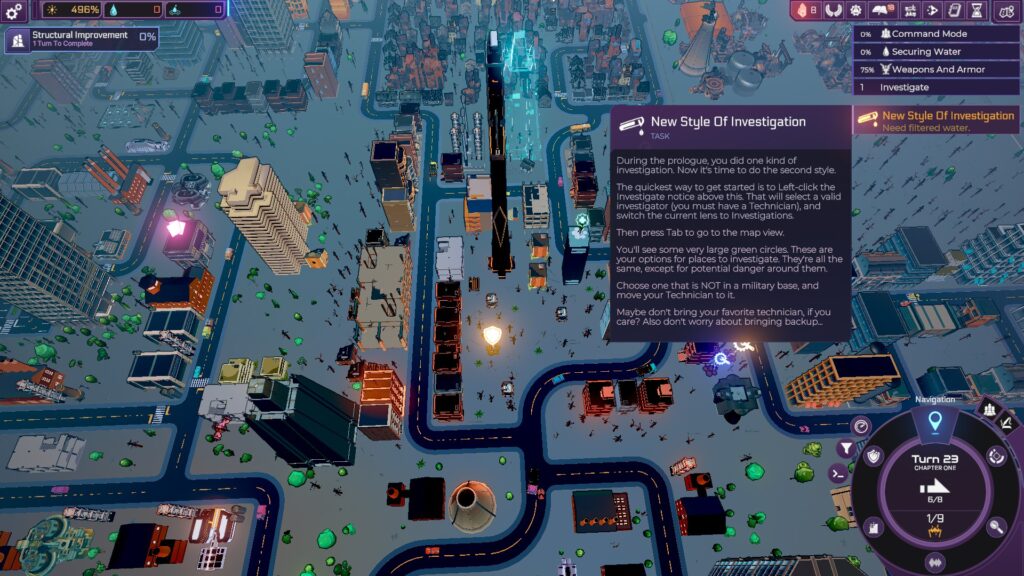
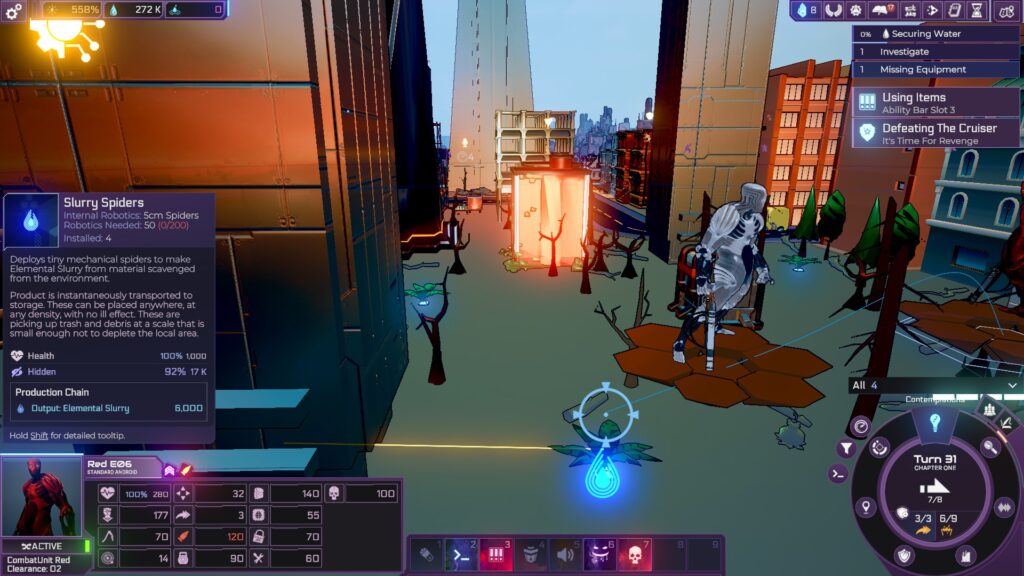
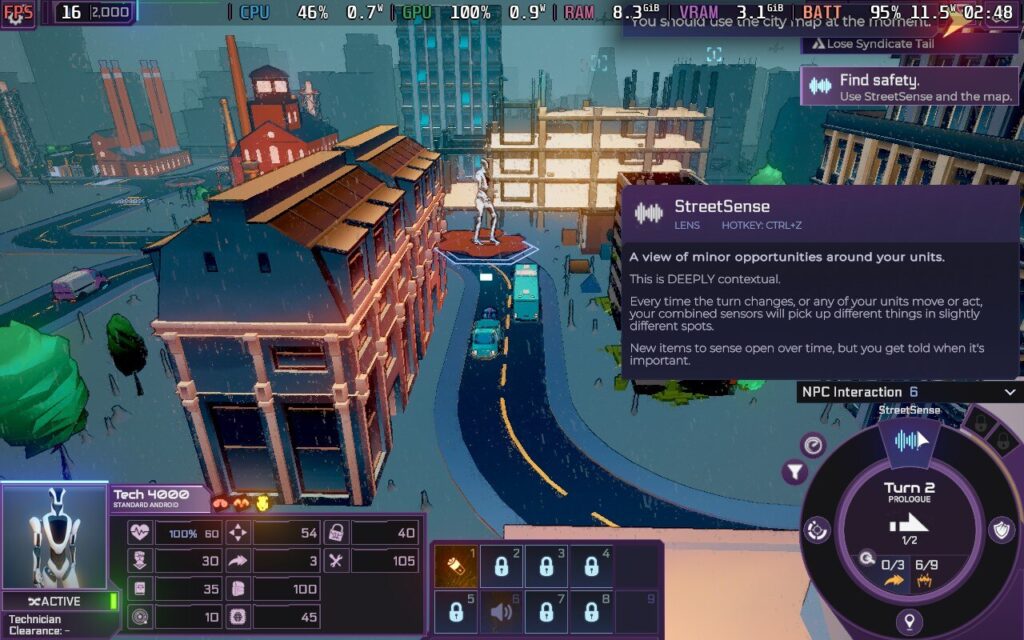
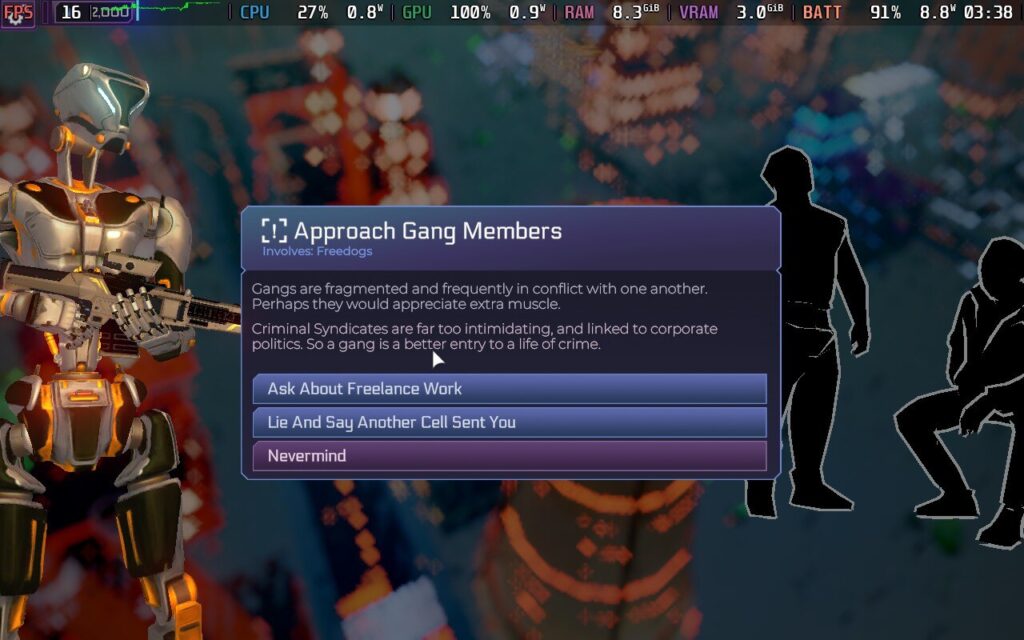
Chapter One is an extensive tutorial, and the gameplay loop gradually reveals itself to the player. You set up a Network Tower as a base of operations and develop structures to bolster your processing power while recruiting androids you find in the procedurally generated city. Androids can be used to scout and find spots to investigate to further your growth, but be warned that Gang Members around the city can attack and steal their gear.
All units have a movement point system that replenishes every turn, but I like how everyone shares the action point system (mental energy in this game), so you have to be cautious when planning. Moving androids around the map also uses up an action point, and in the beginning, you have limited power while trying to survive.
I recommend playing the tutorial. It guides players through the gameplay loop, but it took me a while to scratch the surface, even with the in-game codex. Despite its complexity, Heart of the Machine is one of the more accessible 4X games I have played. It takes time to learn the tricks, but it is fairly easy to wrap your head around. I appreciate how Arcen Games also eases you into the gameplay, with mechanics and abilities gradually opening up the more you play so you don't get overwhelmed.
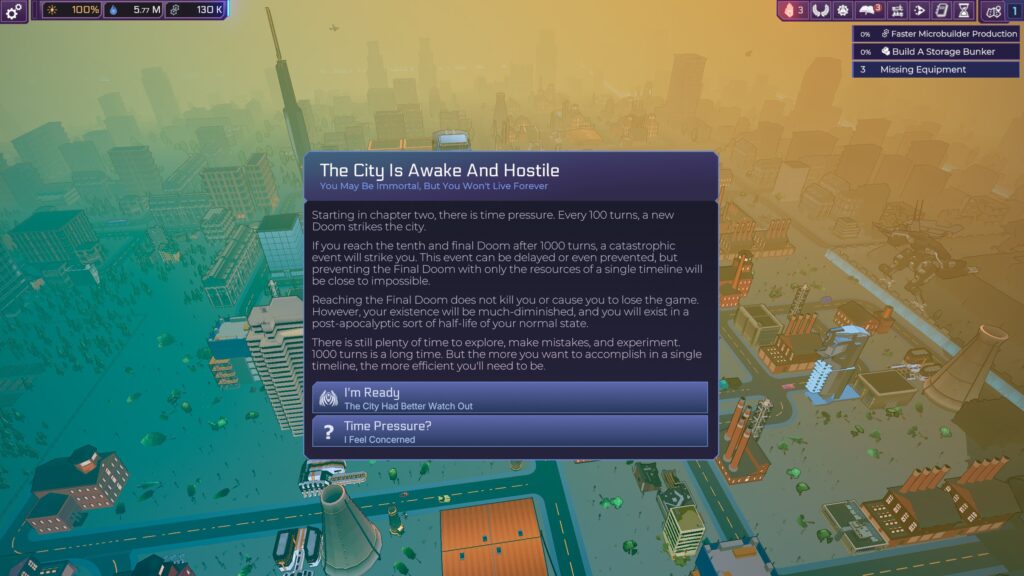
Chapter Two is when the game takes the training wheels off, and the full scale of the game sinks in. Even while you’re scrambling about developing your city, there are devastating Doom events that will strike the city and must be prepared for. The default mode gives more time to explore and experiment, but there are higher difficulty modes if you fancy an even more significant challenge. A Final Doom is the ‘endgame’ to fight against, but it is not the end even if you fail.
The difficulty ramps up after the first power grid is built and you receive your first narrative decisions. Many choices are offered to you that shape the narrative, and it is deeply compelling. It is around this time that the first severe attack on your Network Tower begins, and it initially caught me completely off guard.
Buildings get destroyed quickly, and after a certain amount of damage, they will stop working until they are repaired. My first significant battle with enemy forces became a hilarious struggle as I desperately moved my team of androids back to the Network Tower to protect my fledgling empire. I got pasted, so I had to reload a save from a few turns before moving more androids back to my base in preparation. Lesson learned!
I appreciate the visual design. The sprawling city might lack finer details; you won’t see the streets crawling with people going about their lives, but the cyberpunk ambiance is fitting. Cars trundle down roads and fly over the city, and military forces occupy fortified map sections. It does not sound imposing, but Heart of the Machine looks nicer than many 4X games, and the soundtrack is great, too.
The number of things to keep track of in Heart of the Machine is immense, and the game’s complexity will not be for everyone. If the tutorial were not as intuitive as it is, I would find the game too obtuse, even for veteran 4X players. For example, I spent hours wondering how to increase my Android capacity until I discovered forming a Shell company did that, and I found nothing in the tuition that mentioned it. However, I can happily say it isn't like that, and it was digestible enough to understand the mechanics.
Heart of the Machine - Steam Deck Performance
Arcen Games has paid much attention to making Heart of the Machine work on the Steam Deck, and the overall experience is solid. However, a couple of things hold it back.
While full controller support is not yet implemented, Arcen Games has set up a default controller profile that works well. The interface is also surprisingly easy to read with how many menus you can access, but the amount of information available on screen can make navigating challenging.
Recommended Settings
The number of graphical options you can tweak in the Heart of the Machine is enormous. However, there is a dedicated Steam Deck graphics preset already in the game, and this is the one I used. With stock settings and an untouched TDP, the performance was stable across the board.
This is quite the ambitious 4X game regarding controls and visuals. In this game, you can adjust the camera in many angles, and the city has a lot of action going on in default mode. While the game stayed at 60 FPS most of the time in standard settings, I saw a couple of frame dips when zooming out or during combat with several enemies simultaneously. These drops weren’t frequent and happen on more powerful hardware, regardless. I lowered the FPS cap to 40 with a 40hz refresh rate and found that to be the most stable profile.
With all the effects happening on screen, I should not have been surprised by the power draw, but it did nonetheless. With these settings, I found an average power draw of 17 watts, especially when you progress further in Chapter One and beyond. It often spiked as high as 20 watts during more cluttered scenery. When playing with my recommended settings, you should expect roughly two and a half hours of battery life on the LCD Steam Deck.
Battery Saver Settings
There are some ways to improve battery life. Reducing the number of vehicles that roam the map on screen helps, but we can do more. Turn-based games usually get away with a lower framerate than other titles, so I experimented with TDP settings.
With a 40hz refresh rate, Heart of the Machine still requires some power to run smoothly. Even when I changed the graphics preset to Very Low, I needed at least a TDP of 5 to maintain stable frames. At minimum settings, the visuals are rather blurred and muddy, but it lowered the average power draw to 13 watts, which is a significant drop.
Until we see some performance patches during Heart of the Machine’s post-launch, this is probably the best we can manage for battery life. By sacrificing framerate and some visual quality, you can gain an average of an hour of battery life while maintaining acceptable performance.
Accessibility
The game is available in English, German, French, Spanish, Brazilian Portuguese, Simplified Chinese, Traditional Chinese, Korean, and Japanese.
Usually, we list all the accessibility settings available, but there are so many options that I barely know where to begin! There is colorblind support through high-visibility unit colors, larger NPC hitboxes when targeting, toggle screen shake, freely change and toggle all the interfaces on and off, change camera sensitivity, and toggle Vsync.
You can also change the font size, toggle a few different font styles, and change the line spacing. There is more than what I have listed here, but Heart of the Machine’s accessibility settings should be the golden standard from now on.
Conclusion
Heart of the Machine’s ambition and complexity is a breath of fresh air for better and worse. Whenever I thought I had scratched the surface of what was on offer, the game opened up further. The bigger surprise is how well all these mechanics blend, and I have not had this much fun learning a 4X strategy game in years.
However, this is not a game for inexperienced players. The learning curve is steep even for a 4X game, and I have struggled despite my experience with strategy titles. The tutorials and codex go a long way towards making the game not feel obtuse, but it is still a ton of information to digest. The Steam performance is good, but watch out for the high power consumption. This is one early-access game to be excited about, and I can't wait to see how it develops!
Our review is based on the PC version of this game.
If you enjoyed this review, be sure to check out the rest of the content on SteamDeckHQ! We have a wide variety of game reviews and news that are sure to help your gaming experience. Whether you're looking for news, tips and tutorials, game settings and reviews, or just want to stay up-to-date on the latest trends, we've got your back.
We use cookies on our website to give you the most relevant experience by remembering your preferences and repeat visits. By clicking “Accept”, you consent to the use of ALL the cookies.
This website uses cookies to improve your experience while you navigate through the website. Out of these, the cookies that are categorized as necessary are stored on your browser as they are essential for the working of basic functionalities of the website. We also use third-party cookies that help us analyze and understand how you use this website. These cookies will be stored in your browser only with your consent. You also have the option to opt-out of these cookies. But opting out of some of these cookies may affect your browsing experience.
Necessary cookies are absolutely essential for the website to function properly. These cookies ensure basic functionalities and security features of the website, anonymously.
Cookie
Duration
Description
cookielawinfo-checkbox-advertisement
1 year
Set by the GDPR Cookie Consent plugin, this cookie is used to record the user consent for the cookies in the "Advertisement" category .
cookielawinfo-checkbox-analytics
11 months
This cookie is set by GDPR Cookie Consent plugin. The cookie is used to store the user consent for the cookies in the category "Analytics".
cookielawinfo-checkbox-functional
11 months
The cookie is set by GDPR cookie consent to record the user consent for the cookies in the category "Functional".
cookielawinfo-checkbox-necessary
11 months
This cookie is set by GDPR Cookie Consent plugin. The cookies is used to store the user consent for the cookies in the category "Necessary".
cookielawinfo-checkbox-others
11 months
This cookie is set by GDPR Cookie Consent plugin. The cookie is used to store the user consent for the cookies in the category "Other.
cookielawinfo-checkbox-performance
11 months
This cookie is set by GDPR Cookie Consent plugin. The cookie is used to store the user consent for the cookies in the category "Performance".
CookieLawInfoConsent
1 year
Records the default button state of the corresponding category & the status of CCPA. It works only in coordination with the primary cookie.
viewed_cookie_policy
11 months
The cookie is set by the GDPR Cookie Consent plugin and is used to store whether or not user has consented to the use of cookies. It does not store any personal data.
Functional cookies help to perform certain functionalities like sharing the content of the website on social media platforms, collect feedbacks, and other third-party features.
Cookie
Duration
Description
loid
2 years
This cookie is set by the Reddit. The cookie enables the sharing of content from the website onto the social media platform.
Performance cookies are used to understand and analyze the key performance indexes of the website which helps in delivering a better user experience for the visitors.
Analytical cookies are used to understand how visitors interact with the website. These cookies help provide information on metrics the number of visitors, bounce rate, traffic source, etc.
Cookie
Duration
Description
__gads
1 year 24 days
The __gads cookie, set by Google, is stored under DoubleClick domain and tracks the number of times users see an advert, measures the success of the campaign and calculates its revenue. This cookie can only be read from the domain they are set on and will not track any data while browsing through other sites.
_ga
2 years
The _ga cookie, installed by Google Analytics, calculates visitor, session and campaign data and also keeps track of site usage for the site's analytics report. The cookie stores information anonymously and assigns a randomly generated number to recognize unique visitors.
_ga_VF6TNG7YS7
2 years
This cookie is installed by Google Analytics.
_gat_gtag_UA_232930512_1
1 minute
Set by Google to distinguish users.
_gid
1 day
Installed by Google Analytics, _gid cookie stores information on how visitors use a website, while also creating an analytics report of the website's performance. Some of the data that are collected include the number of visitors, their source, and the pages they visit anonymously.
CONSENT
2 years
YouTube sets this cookie via embedded youtube-videos and registers anonymous statistical data.
Advertisement cookies are used to provide visitors with relevant ads and marketing campaigns. These cookies track visitors across websites and collect information to provide customized ads.
Cookie
Duration
Description
__gpi
1 year 24 days
Google Ads Service uses this cookie to collect information about from multiple websites for retargeting ads.
edgebucket
session
Reddit sets this cookie to save the information about a log-on Reddit user, for the purpose of advertisement recommendations and updating the content.
IDE
1 year 24 days
Google DoubleClick IDE cookies are used to store information about how the user uses the website to present them with relevant ads and according to the user profile.
session_tracker
2 hours
This cookie is set by the Reddit. This cookie is used to identify trusted web traffic. It also helps in adverstising on the website.
test_cookie
15 minutes
The test_cookie is set by doubleclick.net and is used to determine if the user's browser supports cookies.
VISITOR_INFO1_LIVE
5 months 27 days
A cookie set by YouTube to measure bandwidth that determines whether the user gets the new or old player interface.
YSC
session
YSC cookie is set by Youtube and is used to track the views of embedded videos on Youtube pages.
yt-remote-connected-devices
never
YouTube sets this cookie to store the video preferences of the user using embedded YouTube video.
yt-remote-device-id
never
YouTube sets this cookie to store the video preferences of the user using embedded YouTube video.