Yerba Buena was provided by Focus Entertainment for review. Thank you!
As a California native, Yerba Buena immediately spoke to me. It was the name for San Francisco, and it still has a little spot in the city. I lived near San Francisco for some time and went there frequently, so I was quite intrigued to see the name also be used as a name for a game. And that game turned out to be nothing like what I expected, diving deep into sentient NPCs and an evil plot to take over that world.
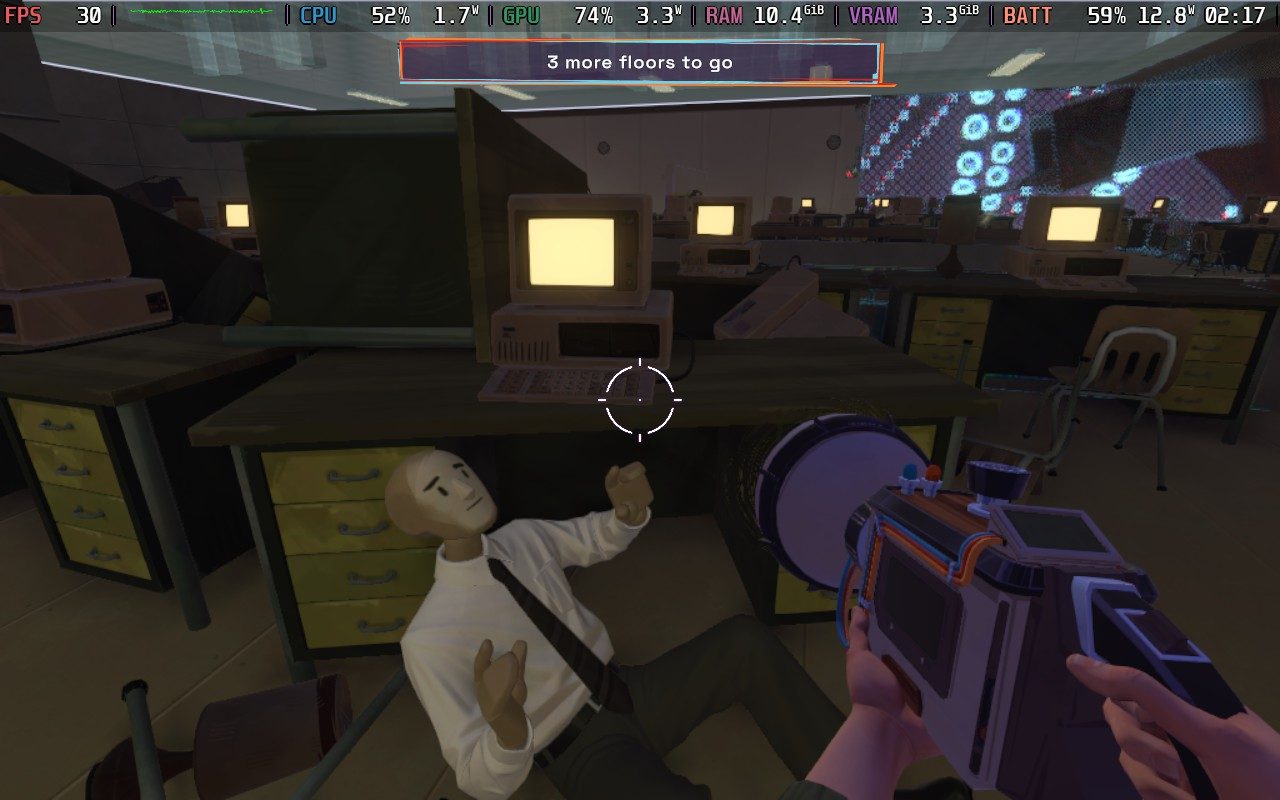
In the game, we control Barbara (Barb), a jobless woman who has just missed a job interview. As she is driven around by her best friend, Russell, they get hijacked by a biker, and Russell is taken hostage. Barbara finds a suitcase, and inside it, there is a weird-looking gun called The Oscillator. With it, we can move glitching objects around, which we will need to do if we’re going to foil an evil plan to enslave 1970s San Francisco.
The opening act of Yerba Buena was slow, and I’ll say it’s quite boring up until the 30% mark. Once we start getting into what is truly going on and confirming suspicions from the story's first acts, it gets much more interesting. I don’t want to spoil any plot points, but I like the meta angle that developer Mad About Panda went with. It was an interesting way to convey the overall plot and what is really going on. Most people who play video games will probably have their biggest suspicions in Chapter 2, and it was quite obvious up until the confirmation, but it was still interesting.
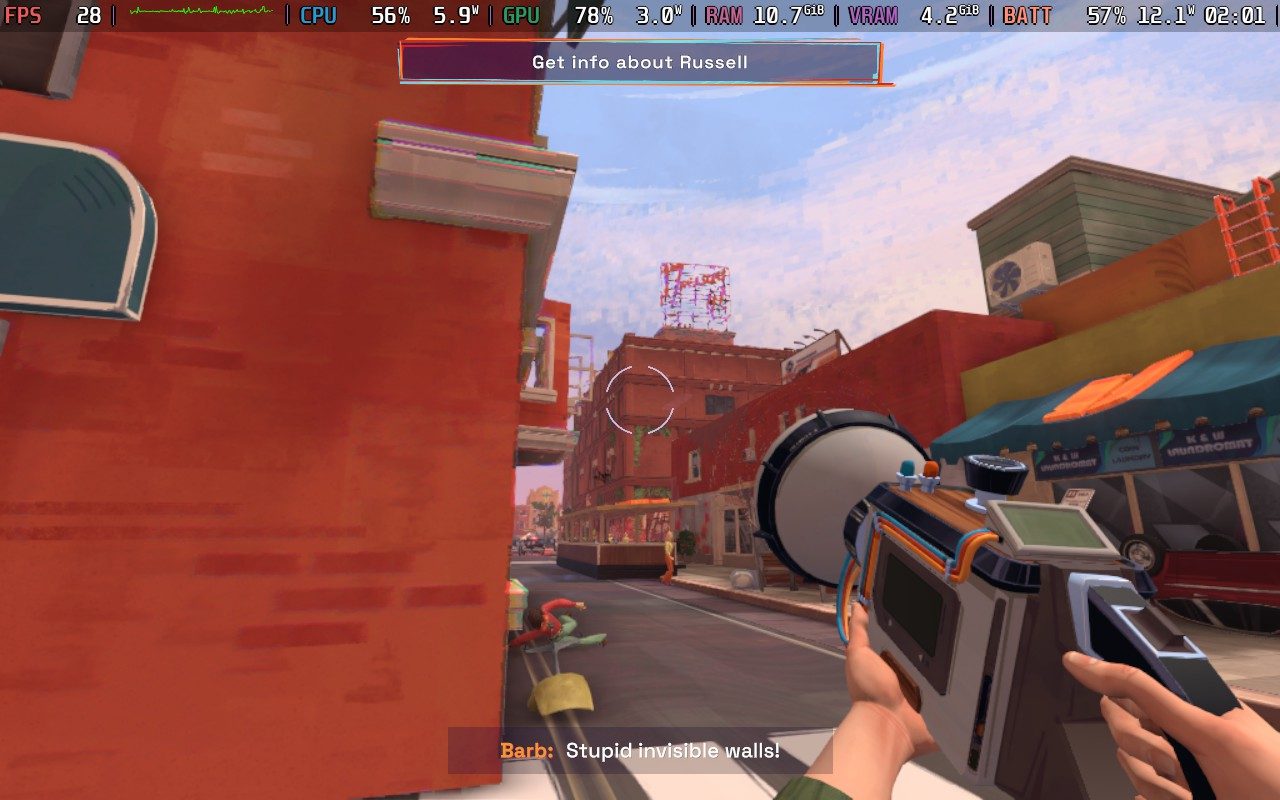
I also love how they used collectibles to give background information about the world and companies behind what’s going on. It’s all very meta, but it’s presented in a way that moves away from cringe. It’s all done well, and it helps make sense of the 1970s San Francisco world.
However, I just couldn’t connect with Barb. In almost every scene with her, I just saw her as dull. She didn’t have much personality to her, mostly just going with the flow and being confused. I’m sure that’s part of what makes her special, because she is jobless, but it made it very hard for me to get invested in her. The voice acting was okay, and I liked some of the other characters, but Barb was difficult. It just felt like she was a blank slate with little personality and predictable reactions, just refusing to be interesting or unique.
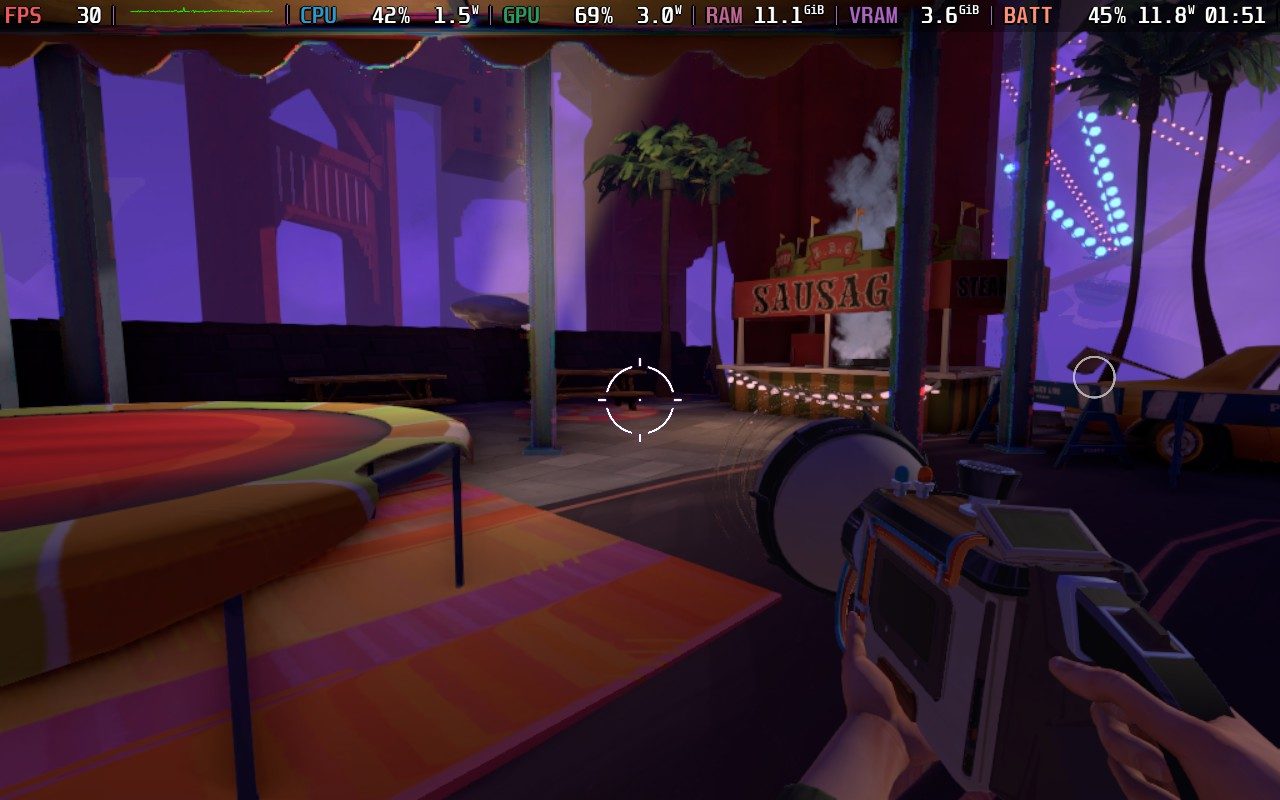
I appreciate the levels themselves. There's a good variety in locations, going from the town to a crazy carnival to an office space and a bunker just in the first half of the game. I like the change in setting without giving up the core 1970s vibe spread throughout.
Just like the story, the gameplay took a little bit of time to get fun. At its core, Yerba Buena is a puzzle game where you will complete objectives by moving objects around using the velocity of others. It starts off with only being able to use velocity to move objects around, copying the direction of an object, and applying it to a glitched one. It gets a little old pretty fast, with some solutions being so obvious that it took no thought to finish.
Then, our Oscillator gets upgrades, and that’s when the gameplay truly shines. Figuring out the right combination of moving objects along with the other new powers requires more thought and ingenuity, and it becomes significantly more enjoyable. There were some puzzles, like the Basketball one, that I had to really think outside the box to complete, and once I figured them out, it was so satisfying. Even just figuring out one step of the process to complete the puzzle felt rewarding. There are also hidden collectibles to get by modifying the world in certain ways, which is like an extra puzzle in itself.
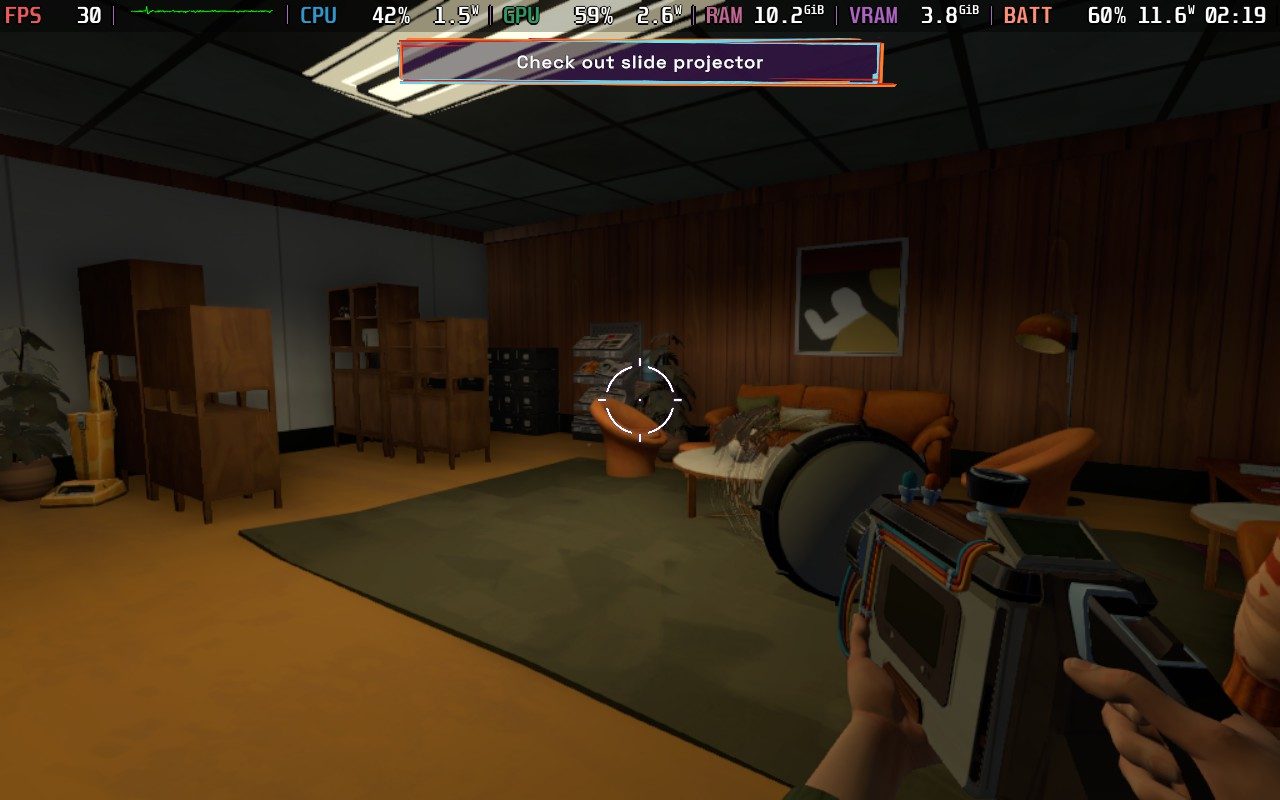
There are some puzzles that feel a bit too difficult, and it can be a bit frustrating. Some of this was due to not fully scanning the environment, which I highly recommend, but there were some puzzles that had too many parts that needed a specific type of movement to copy/paste, and it wasn't easy to find. Being able to scan and highlight which parts can be modified and which can be copied does help, but some were a little too hidden to make out easily.
Yerba Buena is quite playable on the Steam Deck, but there are one or two concessions that we will have to make. The game defaults to the high-quality settings, and while it runs decently well, there are moments where the frame rate will drop. Luckily, it sticks above 30 FPS most of the time, but there are enough drops here and there to feel noticeable.
Because of that, I actually recommend playing at 30 FPS lock on medium settings. This is going to keep the game at a stable framerate while looking decent. There’s only one graphical setting to change, which is the low/medium/high preset, so there isn’t a lot to customize in detail. Low doesn’t look great, so medium with 30 FPS is going to be the middle ground that stays stable and looks good.
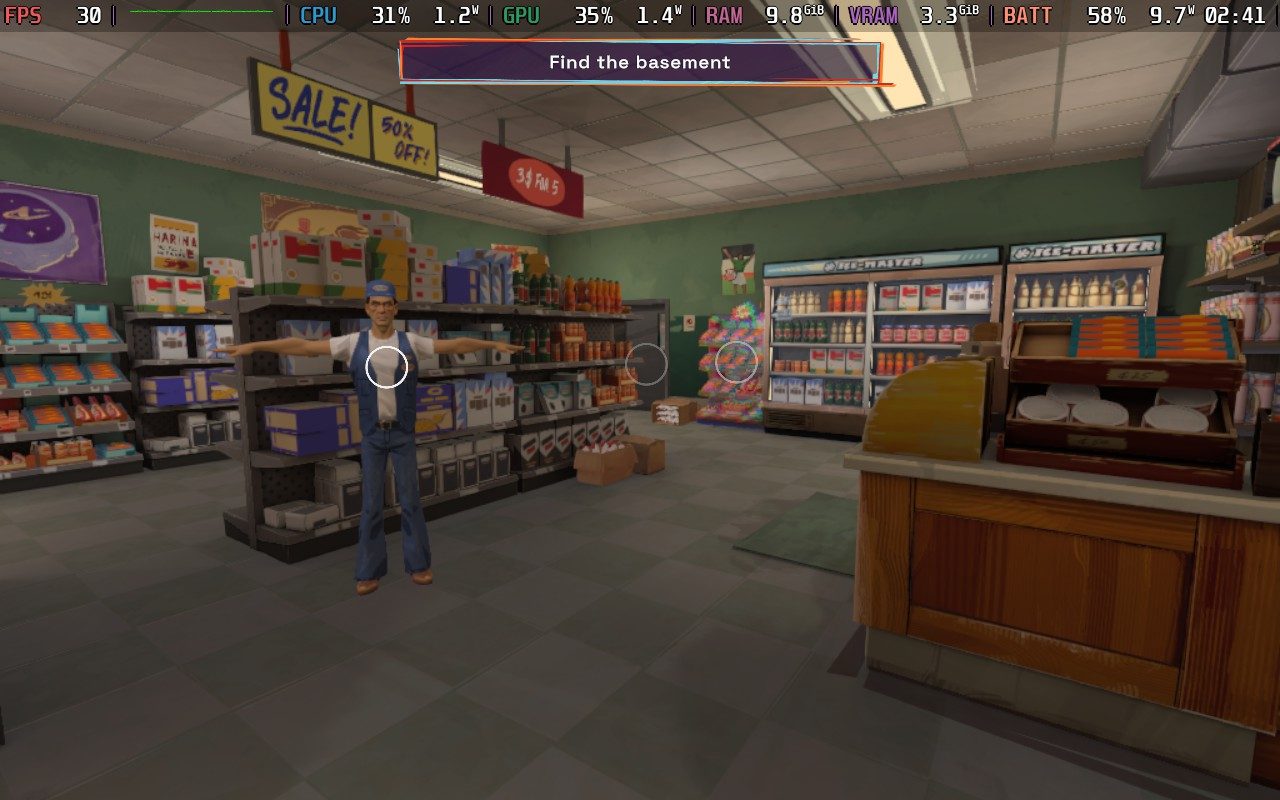
It would have been nice for it to run at a stable 40 or 60 with good visuals, but this is one of those games that doesn’t feel like there’s much being sacrificed at a lower framerate, so I didn’t mind much. The gamepad controls look great, and it does support the 16:10 aspect ratio, so it is comfortable to play on the Deck.
Yerba Buena is an intriguing experience that gets better after its opening. The story and gameplay get significantly better after the opening act, expanding in gameplay depth and with plot points that keep me interested. I couldn't really connect with our playable character, and that did make it hard to enjoy her perspective in the story. Some of the puzzles can be a bit too difficult, but apart from that, it's a great puzzle game that will keep you hooked.
It's also very enjoyable on the Steam Deck. It will need medium settings for a solid 30 FPS experience, but for this type of game, it fits very well.
このレビューはPC版に基づいています。
このレビューをお楽しみいただけたなら、SteamDeckHQ の他のコンテンツもぜひご覧ください!あなたのゲーム体験に役立つゲームレビューやニュースを幅広く取り揃えています。ニュース、ヒントやチュートリアル、ゲーム設定やレビューをお探しの方も、最新のトレンドを知りたい方も、ぜひご利用ください。
Lumines Arise was provided by Enhance for review. Thank you!
There are many iconic games from the PSP era, and some I still adore and play today, but Lumines was a cut above the rest. It is a Tetris-like puzzle game filled with flashy, psychedelic visuals. It was an easy game to fall in love with, and I was elated to see a new game in the series being released. Lumines Arise continues the series with its incredible gameplay and hypnotic visual style that makes it feel unmatched in a sea of unique games.
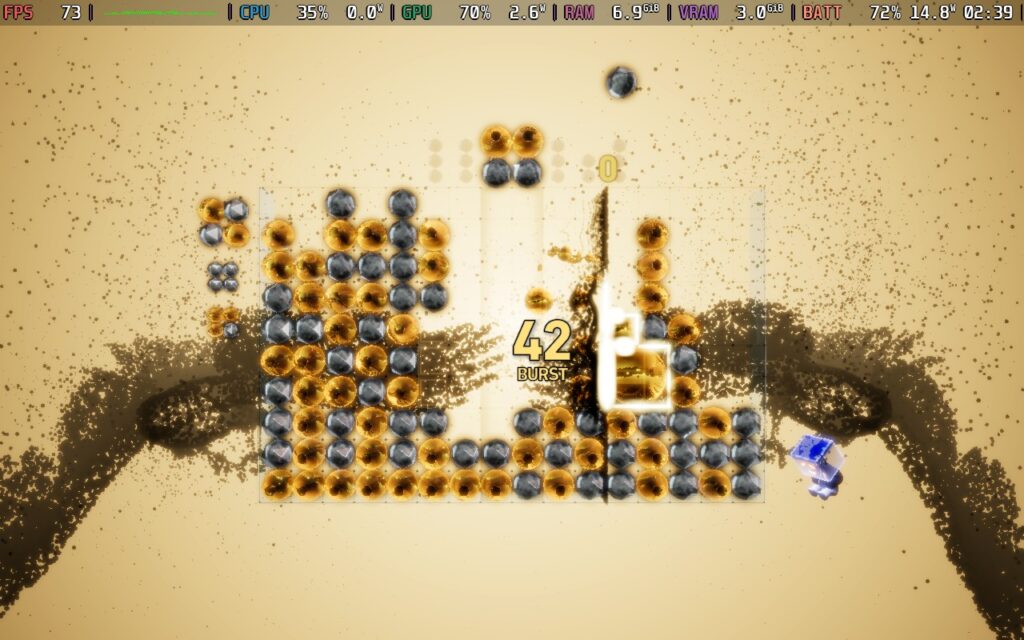
The Lumines gameplay largely remains largely unchanged from Remastered, and I couldn’t be happier for it. We will be raining down 2x2 blocks of two different colors to try creating combinations of 2x2 similarly colored squares to keep our grid as clear as possible. There will be a wave that passes through, which will consistently remove blocks that we put together correctly and add to our score. Once we get a certain number of combined squares, we move on to the next scene.
There are multiple ways to add to our scores to get the highest possible. We can further add to our combined squares, utilizing more of the same color, to increase our score and get rid of more of the grid. And if we get in a pinch, there are chain blocks that can fall and lock onto other similar colors, even if they aren’t in a square, and get rid of them to clear up the grid. This doesn’t add to our score directly, but it can free up some extra space to place more blocks and make the second color blocks fall into each other, creating more combined squares that can contribute to the score.
We also have the new Burst mechanic, which can be used to both dramatically increase our score in a huge combo and get us out of sticky situations. While the special chain can get rid of blocks, Burst essentially pauses how fast your blocks can fall by themselves, giving us a little extra time to plan where we put down our blocks. As we do, we can continually create more and more combos to increase our Burst level, which will ultimately explode with extra points. We have a Burst bar that can be activated once it reaches 50%, but it will last longer if you can hold out until it reaches 100%.
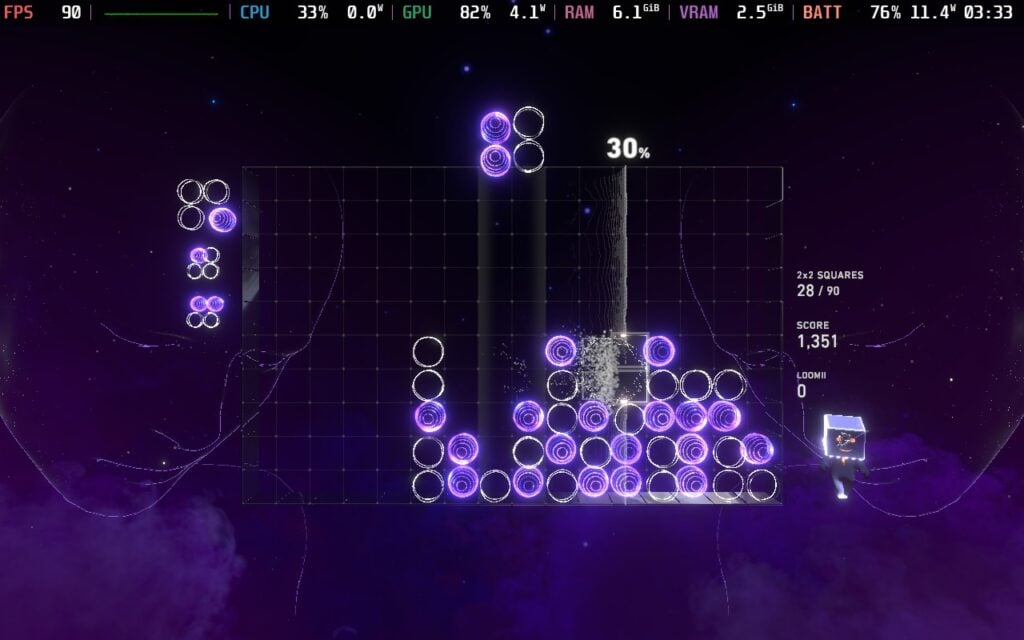
All of these mechanics work together to create one of the most engaging puzzle games I have ever played. It feels like a simplified Tetris that requires us to act fast and keep moving to constantly get rid of that grid as much as we can and increase our score. However, what really makes Lumines Arise stand out and go far above is its incredible visual feast.
The visuals, effects, and overall aesthetic just shine in almost every aspect that they possibly could. The backgrounds are vibrant and unique, and every single level has completely different designs in the backgrounds and the blocks themselves. The variety of visuals, mixed with the gorgeous effects and incredible soundtrack composed by Hydelic, this is just such a fantastic sensory experience. There is really nothing like it. Even with developer Enhance's other games, like Tetris Effect, they have clearly mastered a style that no other game has come close to touching.
There is an assortment of modes to enjoy this game, ranging from single-player content like Missions and a stage-based experience, to multi-player modes to compete against others in quick battles or try to get the highest score on the leaderboards. There's a solid amount of content to enjoy, especially with 35 fantastic stages/songs to play through, and it was hard not to love them all.

The stage-based mode, Journey, is structured kind of like a narrative mode, packed with difficulty levels and a Survival mode, and while it isn't groundbreaking, it is a nice touch I didn't expect for a game like this. It's also pretty friendly, allowing you to continue the entire level where you lost instead of making you redo everything, though your score will suffer.
We also have Playlists we can create with up to 12 tracks of our choice, and play through them as we please. Missions, on the other hand, are just curated smaller experiences where you have to complete a goal that isn't score-based.
And all of these modes earn us currency we can use to customize our character, known as the Loomii-Pon, in Lumines Arise. We can use the currency to unlock new heads, expressions, designs, unique motions, symbols, and objects that are placed inside our head. It's another example of something that isn't necessary, but I do appreciate the option. We do see our Loomii-Pon while playing sometimes, so our customized character will show up to some degree.

There should be no issue playing Lumines Arise on the Steam Deck, and honestly, it's the best way to play it. Enhance does recommend setting the text size to 120% in the accessibility menu, but the default 110% should be okay. The game also defaults to the "Low" quality setting, but I ultimately didn't see a huge difference between this and higher graphical quality. There are some stages where framerate can drop at Very High, but since the Low quality keeps the rendering scale at 100%, I felt it was best to just keep it there.
It does drain more battery than I would expect, but it isn't egregious either. The game itself is so vibrant and beautiful that I am happy to put up with some extra drain as long as the spectacle for my eyes isn't harmed.
There is an accessibility menu specifically, which allows us to change camera distance, transparency, bonus arrows, background motion, some effects, text size, and some filters. We can also toggle some HUD options like the Timer, Time Limit, Drop Guide, counters, and gameplay vibration. There are options for keybindings, audio, and whether we want cross-platform multiplayer.
このゲームは16:10解像度、クラウドセーブ、コントローラーをサポートしている。HDR設定はない。
Just as I thought I had moved on from the addiction that is Lumines, Lumines Arise pulled me right back in. The fantastic gameplay style remains easy to comprehend and hard to master, feeling just as good as it did in previous iterations. Enhance not only added a great new mechanic with Burst, but it also went overboard on its visuals and created something so mindblowing to see that it just stuns with each level. With the new single-player content, missions, customization, and multiplayer modes, this is going to be a game I can't see myself putting down.
On top of that, it's a joy to play on the Steam Deck. It does have a little bit of higher battery drain than I would have liked to see, but it's still fantastic to play and looks great on the Steam Deck OLED screen, even on the lowest quality. This is going to be an amazing game to have in your portable library, and I highly recommend it.
このレビューはPC版に基づいています。
このレビューをお楽しみいただけたなら、SteamDeckHQ の他のコンテンツもぜひご覧ください!あなたのゲーム体験に役立つゲームレビューやニュースを幅広く取り揃えています。ニュース、ヒントやチュートリアル、ゲーム設定やレビューをお探しの方も、最新のトレンドを知りたい方も、ぜひご利用ください。
Escape Simulator 2はPine Studio様よりレビュー用にご提供いただきました。ありがとうございました!
友人と一緒に遊べる素晴らしい協力プレイゲームを探し求める私の中で、ひときわ目を引いたゲームがあった:脱出シミュレーターだ。閉ざされた場所で友達と協力し、互いに何らかの関連性を持つ複数のパズルを解き、間一髪で部屋から脱出するのは、ここ数年で最も好きな協力プレイ体験のひとつだった。だから、『エスケープ・シミュレーター2』が発表されるやいなや、私は大賛成だった。明るい漫画のようなビジュアルから、よりダークで忠実度の高い美的感覚への転換は意外だったし、それでやる気をなくすことはなかったが、開発元のPine Studioがこの新作をどこに持っていくのか興味津々だった。彼らのゴールは、より大きなパズルと、より見栄えのする環境を作り出し、そのすべてを愛さずにはいられないパッケージにまとめることだったことがわかった。
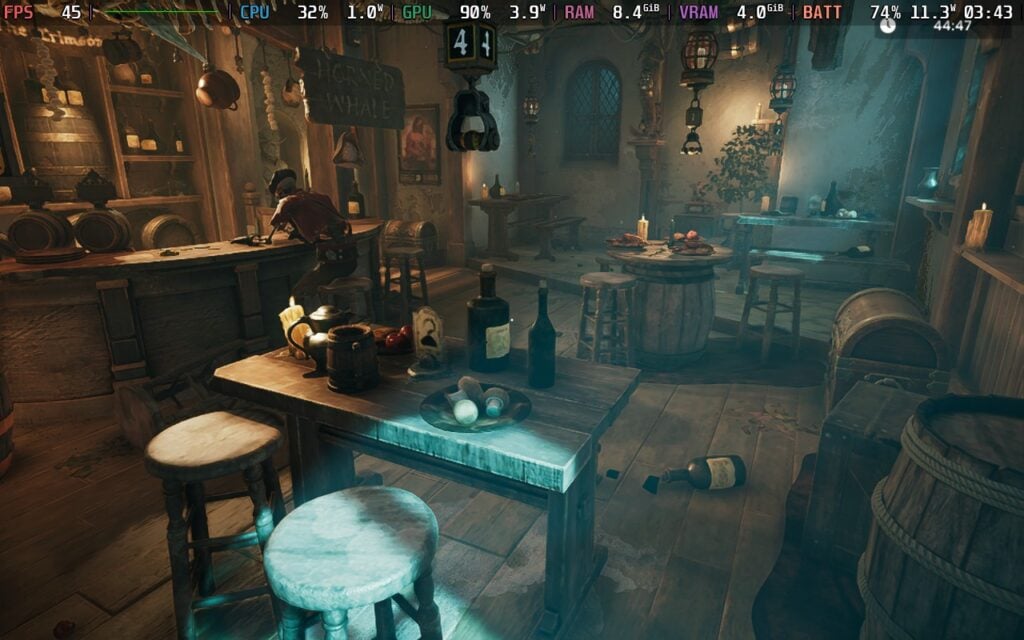
初代『エスケープ・シミュレーター』のオリジナル・レベルでは、もっとこじんまりとした感じだった。15分という制限時間のある小規模なレベルでは、すべてが簡単にたどり着け、パズルを素早く解くことができた。無料の追加レベルやコラボDLCのいくつかで、チームはより大規模なレベルの実験を始めたが、小さな部屋のメカニズムから進化したようには感じられなかった。
エスケープ・シミュレーター2』は、チームが前作から学んだことをさらに推し進めている。レベルが格段に大きくなり、より深く、よりクリエイティブなパズル、さらに面白い状況になっている。前作同様、ただ部屋に座らされるだけのレベルもあるが、脱出しなければならないシナリオから始まるものもある。冬眠ポッドから抜け出して船の名前を当てたり、クリプトで逆さまになったロックから抜け出す方法を見つけたり、中庭で閉じ込められた馬車から協力プレイの友人を助け出す方法を見つけたり、いくつかのレベルは、そのレベルにリアルに感じられるユニークな状況で始まる。
大きなレベルを歩き回るのは、特に前作からの流れで、最初は少し圧倒されたが、すんなり戻ってパズルをひとつひとつ解いていった。各パズルはよりクリエイティブで、今いるレベルに合わせて作られている。環境を見たり、耳を澄ましたり、本を読んだり、オブジェクトとインタラクトしたり。また、パズルは互いに関連しているように感じられた。あるパズルの部屋で見つけたアイテムが別のパズルで使えたり、そこらへんに転がっているアイテムが思いがけない形で役に立ったりする。

Escape Simulator 2』では、本当に困ったパズルが1つか2つあった。何をすればいいのかまったくわからなかったからだ。それ以外では、解決策を見つけるのはそれほど難しくはなかったが、間違いなく思考が必要で、終了までに45分の新しいタイマーが必要だ。前作と違って、各レベルを15分で解き終えるのは無理だった。各レベルのパズルの数が増え、より詳細でクリエイティブに感じられるので、もっと時間をかける必要があった。
パズルにはランダムな要素がないので、一度解いたパズルをもう一度プレイする理由はほとんどありません。しかし、これを解決し、すべてのパズルを終えた後に戻ってくる理由を追加するために、いくつかの機能が用意されています。各パズルにはコレクターズアイテムがあり、パズルをクリアすると、より難しいパズルの別バージョンに挑戦することができます。

カスタムパズルにも対応していて、エディタもあるので、コミュニティでパズルを作ってアップロードすることもできます。エディターはしっかりしていて、ちゃんと直感的に操作できます。私はプレイする価値のあるものは作れませんでしたが、他の人がパズルを作れるように門戸を開いてくれています。最初のEscape Simulatorでもそうでしたが、コミュニティが作ったパズルをプレイするのが大好きでした。この点はコミュニティに大きく左右されると思いますが、パインスタジオがオリジナルゲームと同じスケジュールで進めてくれれば、発売後も楽しめるパズルが増えるでしょう。
このゲームには12のパズルが用意されている。ゴシック風の「ドラキュラの城」、宇宙をテーマにした「失われた宇宙船」、海賊風の「呪われた財宝」などがある。各テーマの4つのレベルは、全体的な装飾や雰囲気を共有しているだけで、他のレベルとはまったく異なっている。
ビジュアル面では、よりカラフルでカートゥーン的な美学が好きだったので、チームがクールな見た目のレベルやエリアを作れるかどうか少し心配だったが、『エスケープ・シミュレーター2』をさらにプレイした結果、私の考えは間違っていたと言える。より忠実でリアルなスタイルはゴージャスで素晴らしく、当初予想していた以上に好きになった。

一般的なゲームプレイ以外では、キャラクターを少しカスタマイズすることができ、体型、髪型、目の色、服装を変えることができる。変更できる項目はそれほど多くないが、友達と一緒にプレイするときに自分の見た目を思い通りにするいい方法だ。
Steamデッキで『Escape Simulator 2』をプレイするのは、私にとって奇妙なことだった。うまく動かないからというわけではなく、実際、このクオリティレベルで予想以上によく動くのだが、設定がゲームにどう影響するのかが不可解だった。設定に関係なく、可能な限り低くしても、ゲームは特定の状況でフレームレートをスロットルする。時には60FPSになることもあるが、もっとフレームレートが高くなる余地があるのが明らかなときでも45FPSに落ちることもある。
それでも、Steamデッキでは非常にプレイしやすいゲームだと思う。最高画質設定では、ゲーム内のフレームレート制限をうまく使って45FPSでプレイでき、なかなかいい感じだ。ちょっとした不具合や吃音はあちこちにあるが、それは避けられないし、関係なく起こることだ。しかし、バッテリーの消耗が激しく、放っておいて特定の方向を見ると22Wになることもある。平均すると、この方法でプレーする場合、ほとんどのレベルで15W~17Wのバッテリー消耗が予想されますね。
個人的には、ダイナミック解像度を変更し、0.5で "固定 "にします。これは悪いように聞こえるが、ビジュアルにあまり影響を与えることなく、バッテリーの消耗を22Wから13Wに下げることができる。最初は、小さい画面では違いすら分からなかったが、ビフォーアフターの写真を見て初めて本当に違いが分かった。遠くの物体が少しピクセル化したり、地面のディテールが消えたりすることはあるが、一般的には、美的感覚と視覚的忠実度は十分に高く保たれており、高級感を感じることができる。
アンビエントオクルージョン、ボリューメトリック、スクリーンスペースリフレクションなどのエフェクトをオンにして、すべてを最高にしておくのがベストなプレイ方法だ。

ゲームをテストし始めた当初は、パズルの必要なピースを操作できないなど、コントローラーの問題がいくつかあったが、今日配信されたアップデートで修正されたようで、大喜びしている!
設定のAdvancedセクションで変更できるアクセシビリティ設定がいくつかある。酔い止めの有効化、移動速度の変更、レベル内のUIオーバーレイの無効化、チャットの冒涜フィルターのオン、アイテムヒントの非表示、カメラの反転、コントローラーの感度の変更、オーディオバーの変更が可能だ。
このゲームは16:10解像度、クラウドセーブ、コントローラーをサポートしている。HDR設定はない。
Escape Simulator 2』は、私が期待していた『Escape Simulator』の進化版だ。レベルはより大きくなり、パズルはよりクリエイティブで、レベル内に非常にうまく収まり、新しく、ダークで、より忠実度の高い美的感覚は、歩き回るだけで楽しい。コントローラーに関する小さな問題があちこちにあり、レベルをクリアした後にゲームに戻る理由のいくつかはコミュニティに基づいているだろうが、全体的には素晴らしい続編で、特に一緒にプレイする人がいれば、時間を費やす価値は十分にある。
Steamデッキでの動作も良好で、外出先でのプレイも問題ないだろう。最適なプレイのためにいくつか変更したい点があり、パフォーマンスが少しおかしい時もあるが、最終的には素晴らしい。コミュニティが作ってくれる新しいパズルをプレイするのが待ちきれない。
このレビューはPC版に基づいています。
このレビューをお楽しみいただけたなら、SteamDeckHQ の他のコンテンツもぜひご覧ください!あなたのゲーム体験に役立つゲームレビューやニュースを幅広く取り揃えています。ニュース、ヒントやチュートリアル、ゲーム設定やレビューをお探しの方も、最新のトレンドを知りたい方も、ぜひご利用ください。
The Talos Principle: Reawakened was provided by Devolver Digital for review. Thank you!
In February and March, it felt like I was reviewing JRPG after JRPG, and this month, I am feeling like puzzle games are going to be my focus. I just reviewed an incredible game called Blue Prince, which I highly recommend, so of course, it means I am able to go directly into another fantastic puzzle game, The Talos Principle. However, instead of playing the original version, I had the pleasure of going through The Talos Principle: Reawakened, the definitive version of one of my favorite puzzle games I've ever played, and it's definitely a worthwhile reason to return to the virtual world.

The Talos Principle was originally released in 2014, and while it still holds up today, this new version of the game improves upon it. The visuals have been completely updated and rebuilt with Unreal Engine 5, a chunk of quality-of-life updates, a new versatile puzzle editor, and brand new content, called In the Beginning, that goes over the origins of the simulation, while still containing the original and Road to Gehenna DLC content. It's a great reason to dive back into one of the best puzzle games out there, and for those looking into diving in for the first time, this will be an experience to remember.
The Talos Principle really stands out thanks to two key factors: its straightforward gameplay and its story. The puzzles in the game are all to the point in their concepts, and what makes them so enjoyable is how you have to utilize the tools given to you. These can range from jammers and laser benders to motion recorders and fans. There aren't any specific gimmicks to the puzzles you encounter. Everything has a purpose and reason for existing; you just have to figure out how to use them.
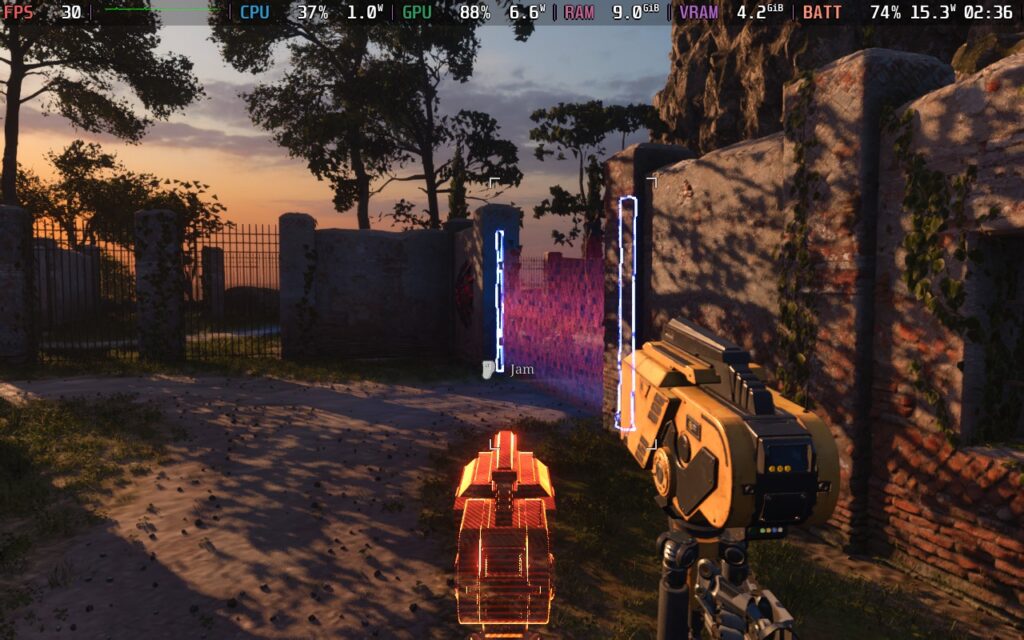
The puzzles can range from being more on the easy side, very much so in the beginning, to quite difficult. I was able to complete most puzzles without worry, but there were some later on and in the new content that were head-scratchers. However, when I was able to figure these puzzles out, it was so rewarding. Maneuvering jammers to bring down force fields and bend specific colored lasers to reach their corresponding colored locks to get the Tetris-like piece I needed to unlock the next door just felt so good.
While they are on the harder side, the new puzzles added from In the Beginning are fantastic. I had a great time trying to figure out the intricate solutions to these new problems, and even if I had trouble, it still felt so rewarding to complete.
Gameplay-wise, there isn't much else going on. When you finish puzzles, you get those Tetris-like pieces, which are used to unlock doors by combining them into perfect squares or rectangles. It's another little puzzle to complete, but that's what the entire game is about! Luckily, the maps you will be running around to go to the puzzles in are just stunning, and even while the original game's visuals still look great, these new assets, textures, models, and lighting all look incredible.
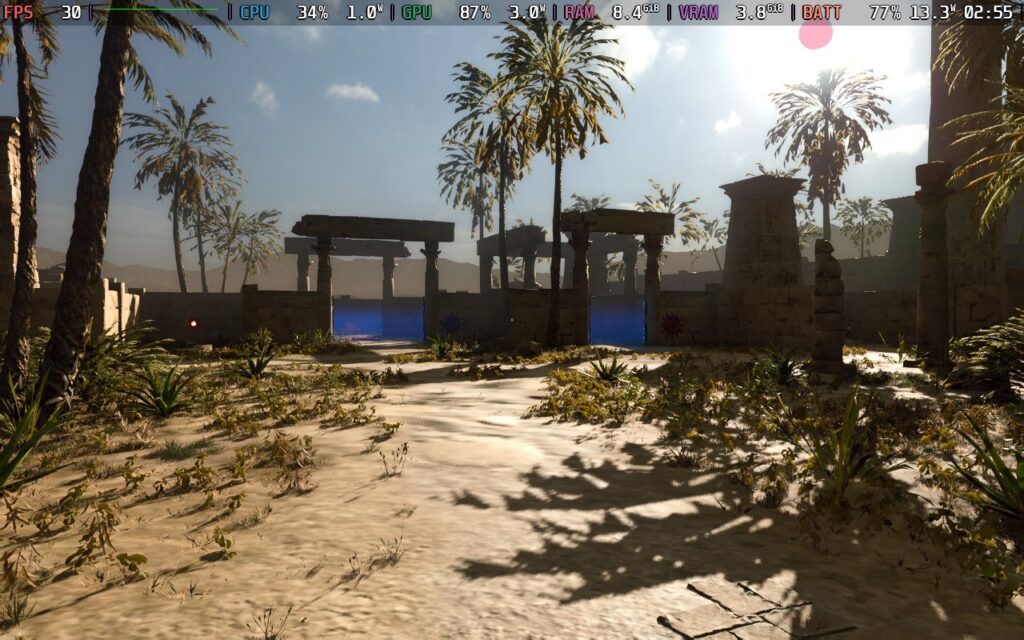
The other key aspect is the story. I won't go into detail about this, since it's so important, but I love it. The whole idea about the virtual world you are in, and why, and the philosophical questions that revolve around what it means to be human, make it so great. Throughout the original game's story, you will be directed by a mysterious god-like voice called ELOHIM (which means god in Hebrew) to complete puzzles and not go up the large tower in the middle.
The twist at the end got me, and the philosophical undertones feel impactful as we question the world around us and why we are here. The Road to Gehenna DLC rounds out the story nicely as well, offering more insight into the operations of the virtual world and what else is going on inside. Throughout the game, you will find QR codes as well, which offer more insights from others who have been there before you, making it feel more like a lively place, and you are retracing steps from those before you.
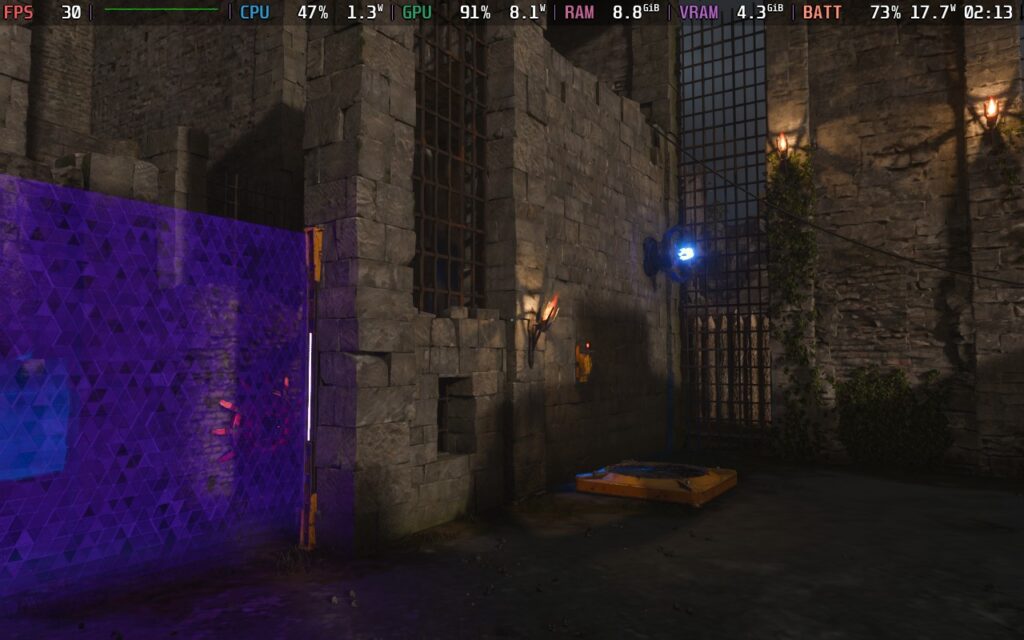
I enjoyed the new story introduced with the In the Beginning DLC, which feels different from the rest of the game. This section takes place in the virtual world that is actively being worked on by other humans, so there are different interactions than what is in the main game. Instead of QR codes, you will find bug reports and voice notes from those working on this virtual world, and while there are some really heavy moments, it all comes together and creates a worthwhile prequel to the main campaign.
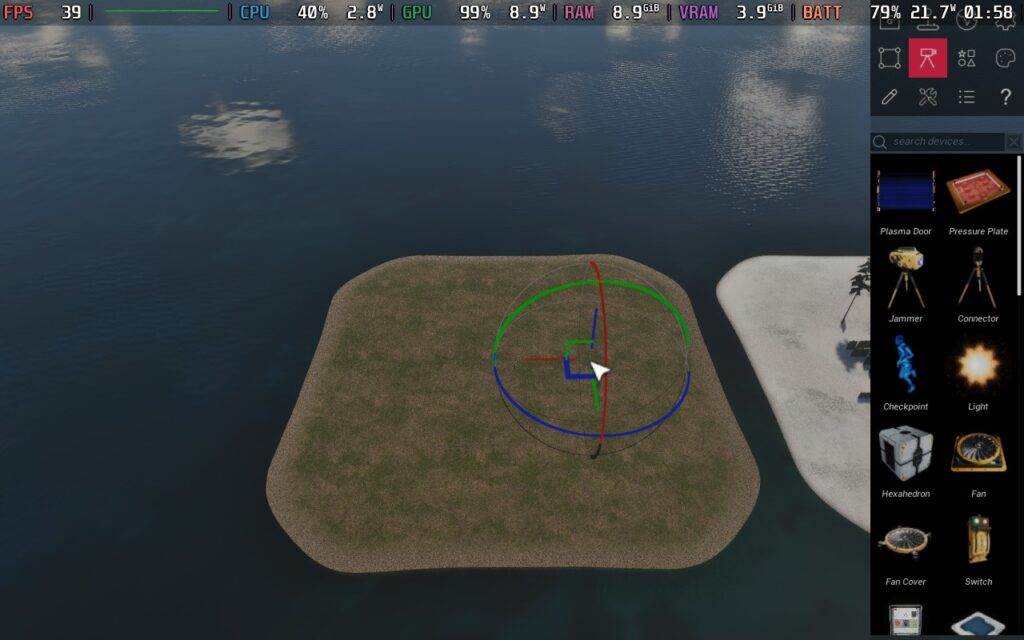
The new level editor is also quite fantastic. It's easy and intuitive to put puzzles together, and I think it will only be a matter of time before the community grows with its own custom-made puzzles. This will keep the game alive after the campaigns are done. I tried it out a bit, and the only complaint I can think of is there's no gamepad support. This is intentional and makes sense due to how puzzles are built, but I was hoping I would be able to easily make puzzles on my Steam Deck. Otherwise, it's a fantastic editor that streamlines the process of making community maps, and I love it.
The Talos Principle's 2014 release is a joy to play on the Steam Deck, so I was hopeful that Reawakened would be as well. While it is a bit more performance-heavy due to the new technology and improved graphics, it can still be played on the Deck. And while it does have the Playable rating, I was told that the game isn't certified for the Steam Deck. Still, I would consider it a good time to play on the go.
Because of the higher system requirements it needs due to switching to Unreal Engine 5 and improving the visual quality, I can't recommend playing this higher than 30 FPS. The default settings go to the lower end, and I would say this is where it should stay, for the most part. However, there are a couple of changes I recommend making.
I would switch the upscaling method from FSR to XeSS on Quality. I found that XeSS looks significantly better in darker lighting, especially with lasers, and has better visual quality overall. It is especially obvious when running around or in rainy weather that XeSS looks monumentally better. I would also set the View Distance to Medium so there isn't as much pop-in. We will need as much power as possible since there are some more demanding areas. The battery drain still averages around 12W-14W, but it's better to be safe just in case for later parts of the game.
With these settings, we can get a near-stable 30 FPS, with only some sections running fast through the map, going below the 25 FPS range. There are some visual compromises to make when playing on the Deck, especially when it comes to shadows and trees further away, and watching them quickly get more detail as you get closer can be jarring, but it's still looking great and is very playable this way:
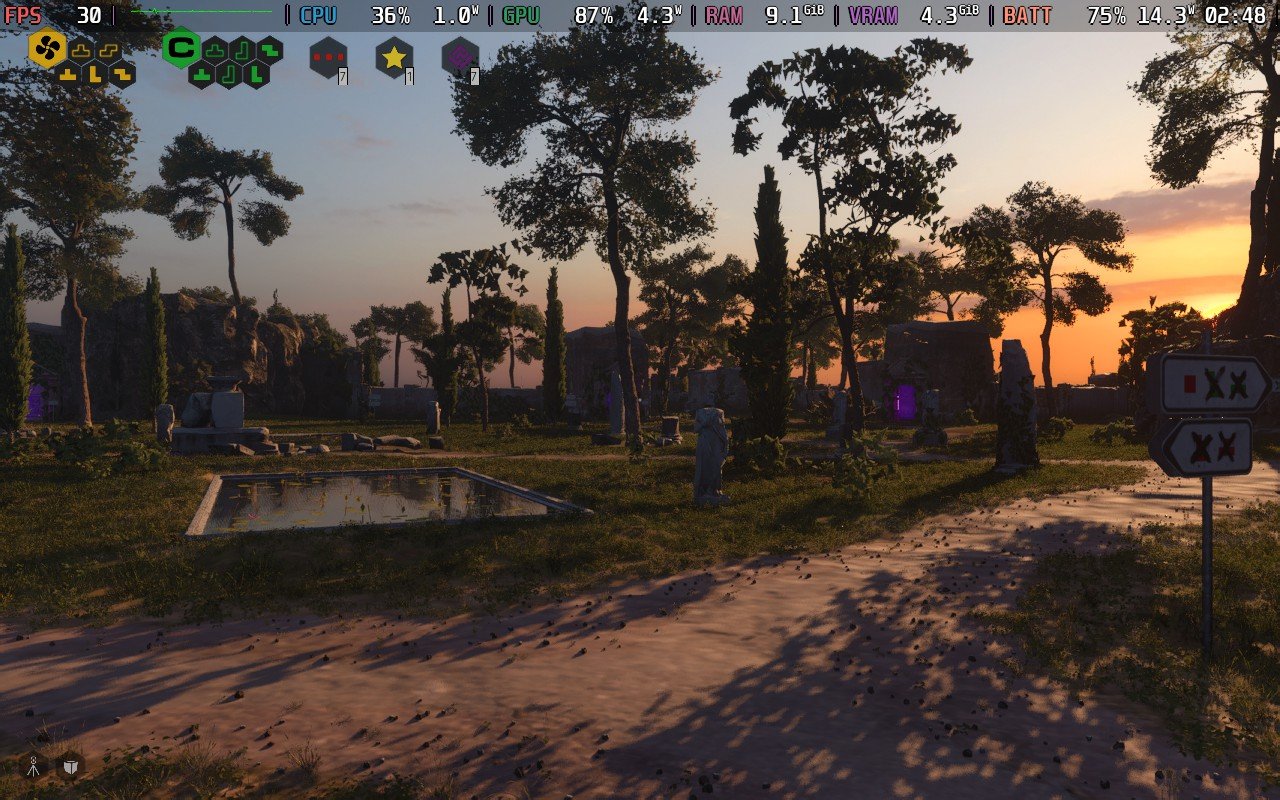
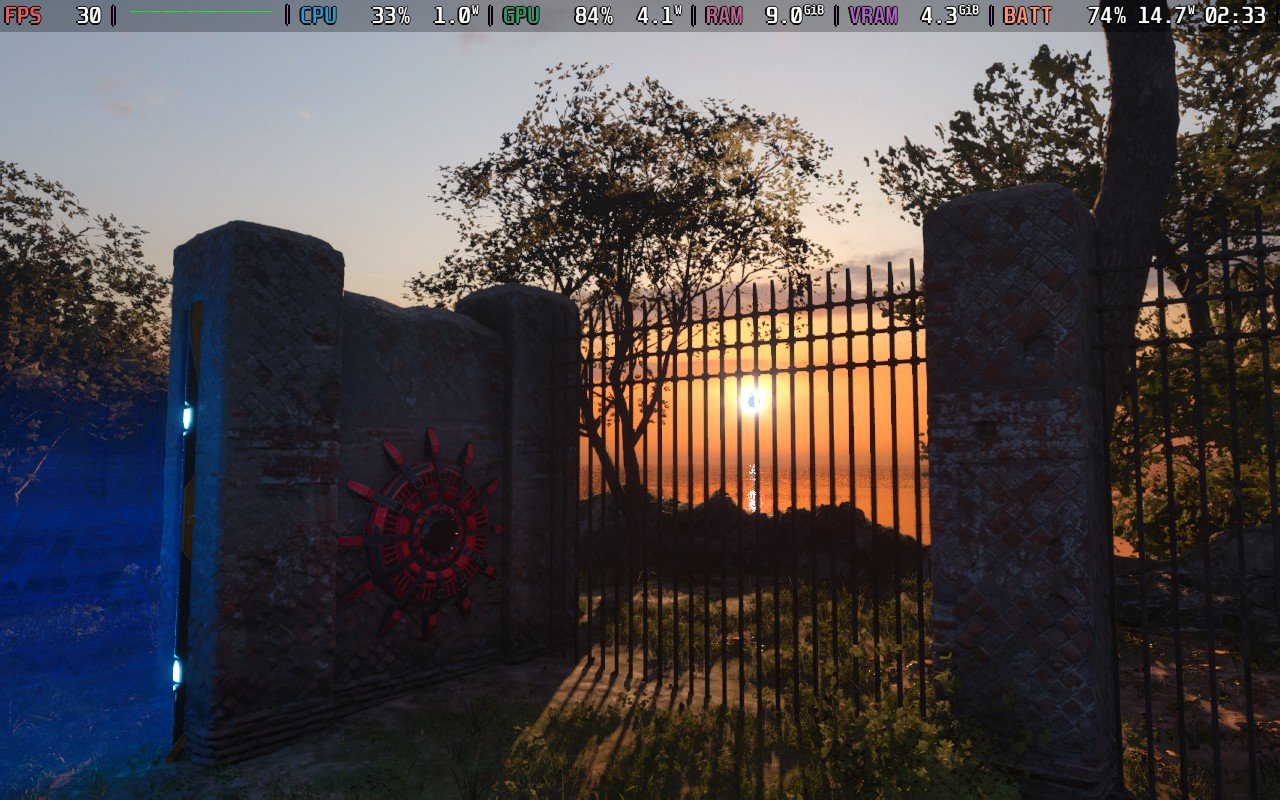
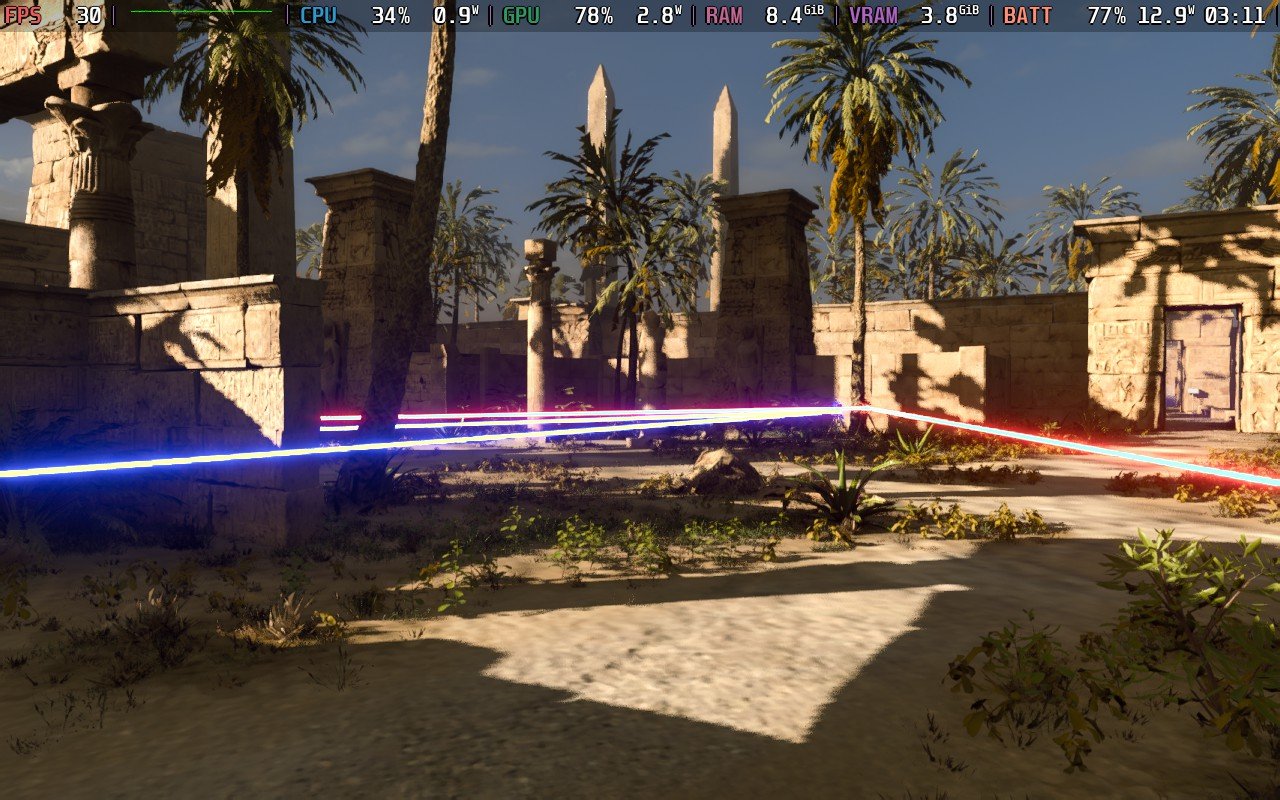
There are some great accessibility settings to change when playing the game! You can change your field of view, motion blur strength, preferred view type (first vs third person), view bobbing, the player speed, gameplay rewind animation and time, subtitle size and thickness, toggling crosshair and changing its type, and toggling input and tool hints.
The game does support 16:10 resolutions, and has good controller and cloud save support. The Steam Deck OLED screen does support HDR for this title, and you can enable it in the video settings.
The Talos Principle: Reawakened is the definitive edition of one of the best puzzle games around, and it still holds up today. The simple to learn, hard to master puzzle mechanics and philosophical story still feel fresh and hit just as hard as they did over 10 years ago. Some of the puzzles later on are a bit on the hard side, which can teeter on frustrating, but with fully updated visuals, great new content, and a wonderful puzzle editor, there's no better way to experience this classic!
It may not be certified for the Steam Deck, but it's great to play on the go. Even with the compromises here and there, I would still say this is the way to experience The Talos Principle. Hopefully, the puzzle editor gets updated so we can use it with a gamepad, but even still, I am happy with the results.
このレビューはPC版に基づいています。
このレビューをお楽しみいただけたなら、SteamDeckHQ の他のコンテンツもぜひご覧ください!あなたのゲーム体験に役立つゲームレビューやニュースを幅広く取り揃えています。ニュース、ヒントやチュートリアル、ゲーム設定やレビューをお探しの方も、最新のトレンドを知りたい方も、ぜひご利用ください。
Mudborne was provided by Future Friends Games for review. Thank you!
Mudborne is an interesting title, and before we begin, it would be good to set expectations as to what exactly Mudborne is. Mudborne is not a "pet" simulator where you grow and care for and raise frogs. It firmly falls under the "Puzzle" genre of games, where the whole aim of breeding frogs is to create the right genetic "key" in order to unlock various pools around the game world that will open up new areas for you to progress the story.
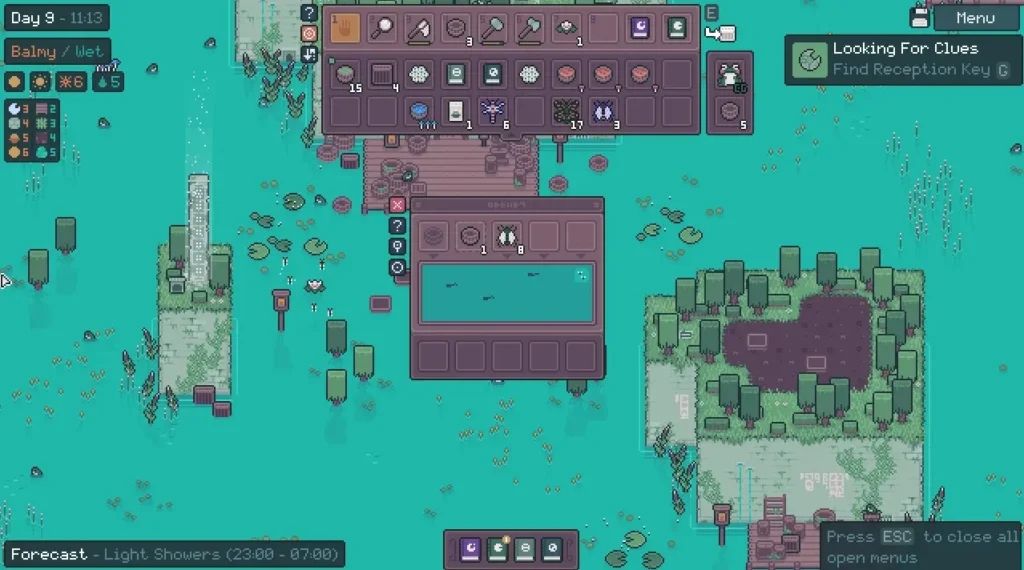
The game starts with you being awakened by a... Frog god? Who then tasks you with restoring the pond (the world map) to its former beauty. What follows is a pretty lengthy tutorial that runs you through basically all the game mechanics at play, such as gathering the resources needed to breed frogs, and then talking you through the process of breeding frogs and modifying their genetic code.
During the breeding process, you're required to add mushrooms to the mix to alter the genetic sequence of your frogs. Each "pool" in the pond has a certain genetic sequence that must be matched, and so it's up to you to figure out what frogs and mushrooms you need to use in combination with each other to get the correct genetic sequence.
It's a pretty interesting game idea, and while the game imposes no time limits on you, I found it somewhat overwhelming. It can become frustrating to figure it out in your head. There is a tool in the game called a "Predictor" that can help out, but I still found the game difficult to wrap my head around. You might be best off writing down notes to figure it all out if you're struggling to do it in your head.
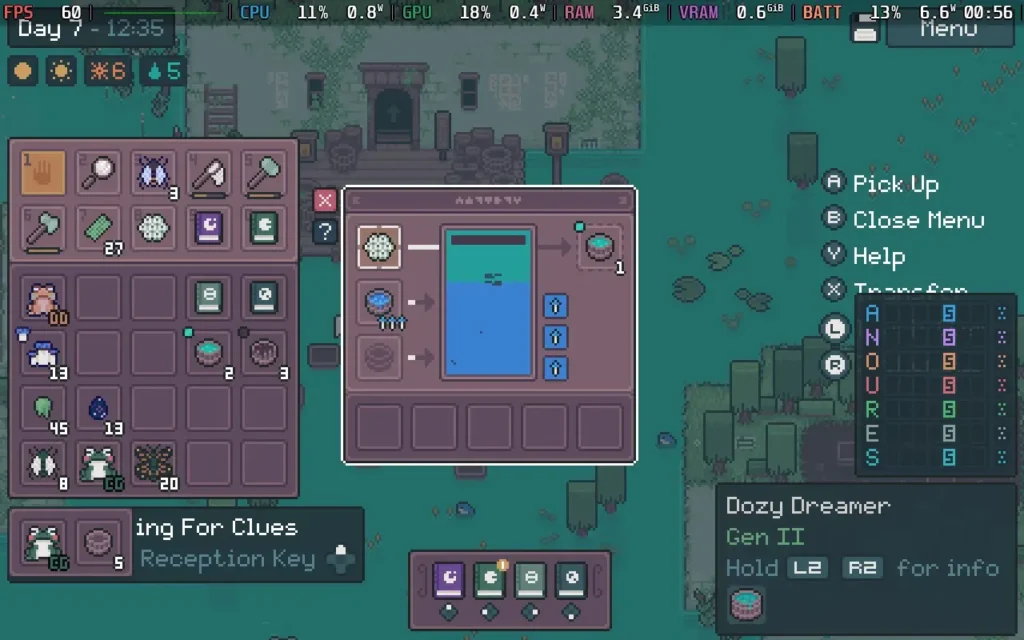
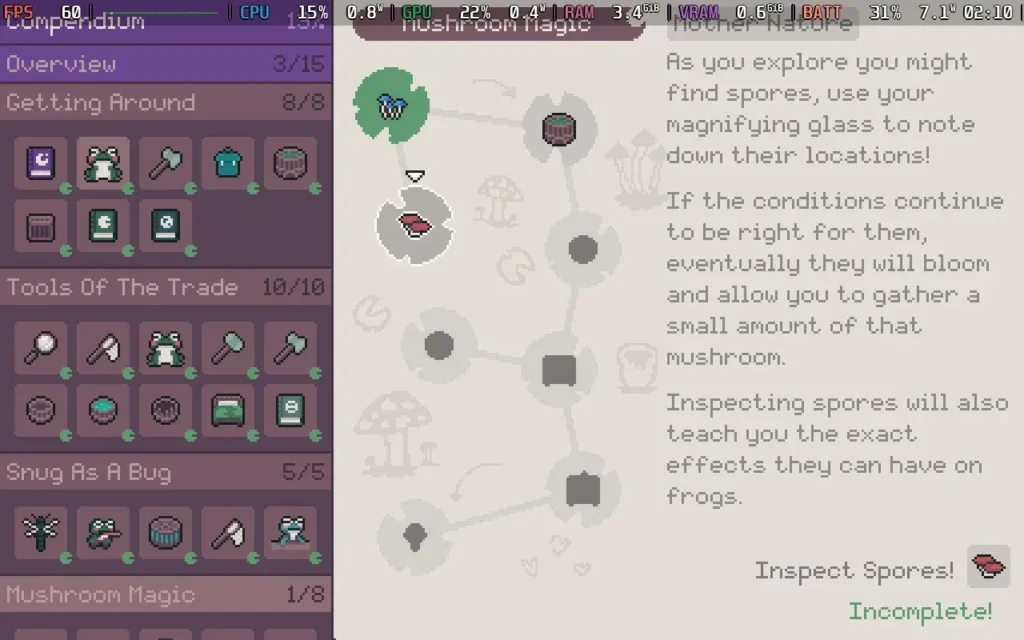
Because of this puzzle element, I didn't find myself very relaxed playing Mudborne. There is no reason to breed frogs other than to crack the key sequences, and getting it wrong is a pretty big headache. That alone made me feel pretty... empty? I thought there would be more to do in Mudborne than simply trying and retrying to get the correct sequence to progress the story, but that's about all there is to it, and there's no respite from it either. The best part of the game is finding new species of frog and discovering new types of mushrooms, but filling up your encyclopedia only goes so far when you realize that half of the frogs don't really seem to serve any purpose or function. It's just puzzle after puzzle.
Once frogs have been bred, if they don't match the sequence you want, you just release them and forget about them. They're a waste of space and offer no benefit. There's no interaction you can have with them other than petting them and they serve no purpose except as scenery, and that's a real shame.
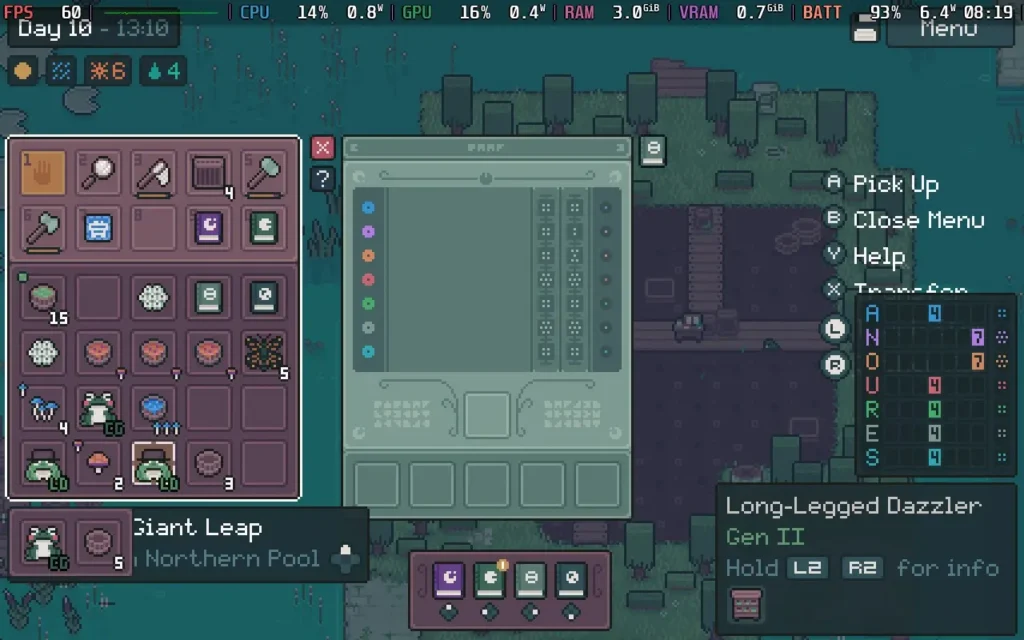
While I feel like Mudborne is intended to be a relaxing game, I didn't find that to be the case for me. My brain quickly got overloaded with figuring out the correct combinations to get the desired results. As the game progresses, it adds more puzzle mechanics such as "Ancestry," to the mix, requiring you to not only have the correct frog but also to make sure its ancestors came from the correct place.
Mudborne's cute pixel-art graphics have a certain charm to them, and the ambient sounds are peaceful, if a little repetitive. The maps may also be a little too big. I felt like I wanted to sprint so I could get between places quicker, but you instead have to walk everywhere. You don't even hop!
As long as you approach Mudborne with the right attitude, you'll probably find it to be an interesting and engaging time. The game bills itself as a "Frog Management Sim," but I would say it's closer to a puzzle game. It's a Frog Breeding Sim, where the purpose is to breed the specific correct frog to progress. There is no "management" here, and the frogs can be discarded as soon as you have progressed and don't need them anymore.
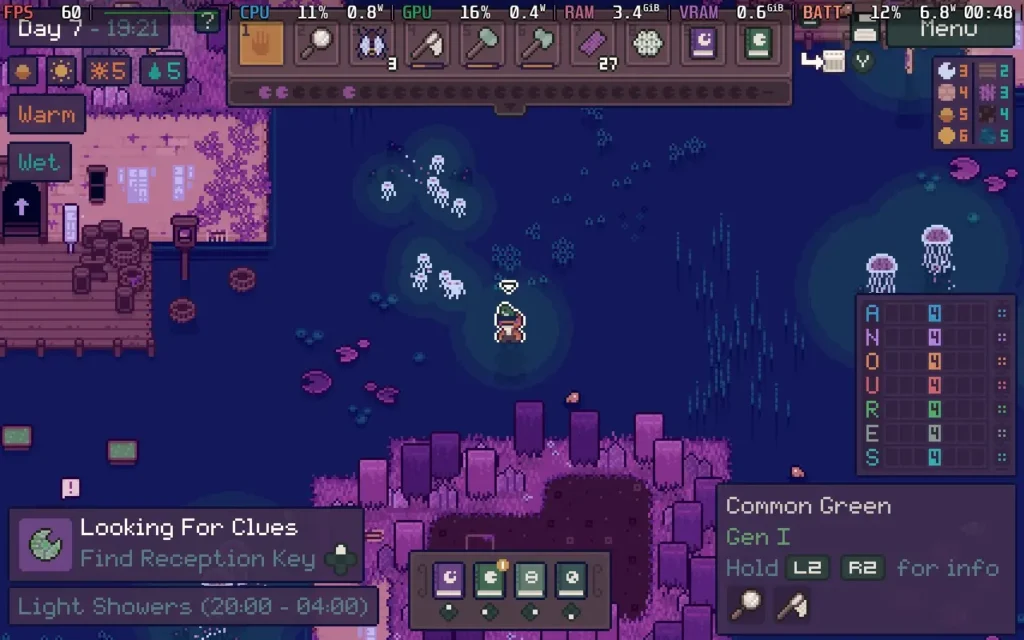
While Mudborne might not be my cup of tea, I can't deny that it runs great on the Steam Deck. The controller support is great, and the game fills the Steam Deck's display with no black borders. There are also no graphical settings to adjust. The game also has large UI elements, meaning there is nothing difficult to read on the Steam Deck.
I recommend running the game with a 60 FPS Frame Limit and applying a 5W TDP Limit in SteamOS. This kept the game pretty stable at 60 FPS the entire time, and as there are no graphical settings to adjust, this is how I would leave it.
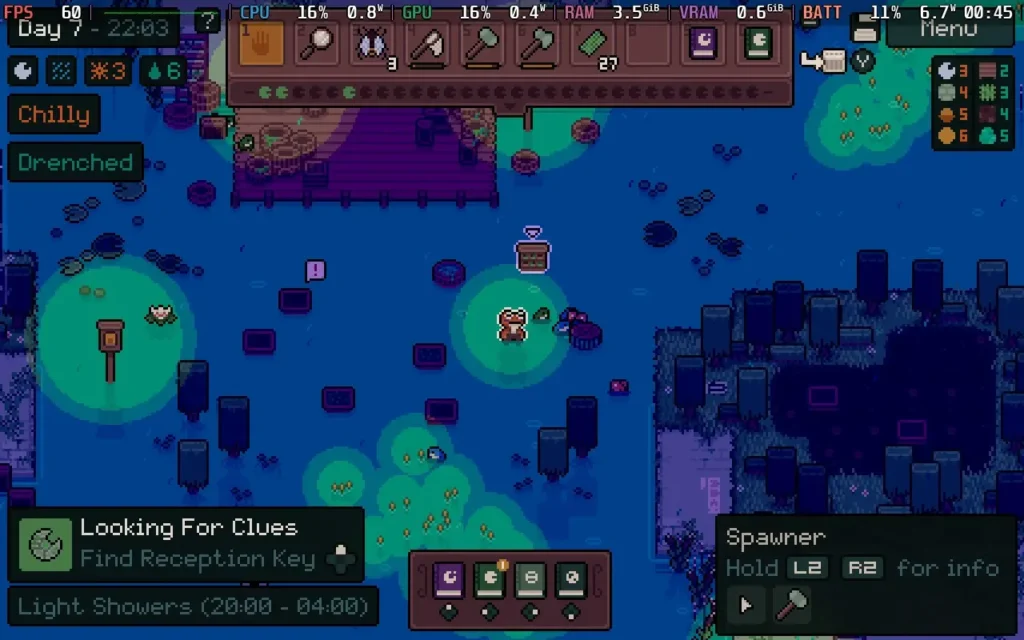
The power draw sticks largely around 7W, and temperatures around 60C or so. Expect about 7-8 hours of battery life on a Steam Deck OLED and around 5 Hours on a Steam Deck LCD.
There are some accessibility options to simplify puzzles, such as showing you the correct mushrooms you'll need to use for that pool, meaning you just need to find the correct frog and amount of mushrooms to use at that point. You can also make the game highlight certain objects more clearly.
Mudborne is a fairly complex puzzle game. If you're after a game that requires plenty of logical thinking and some planning, then you'll probably enjoy your time with this one. But if you're after a relaxing game that lets you settle down on an evening and enjoy some downtime, this probably isn't a game for you.
It does, however, run beautifully on the Steam Deck, requiring no configuration to get working. With a low TDP Limit required for 60 FPS, you can't ask for much more.
このレビューはPC版に基づいています。
このレビューをお楽しみいただけたなら、SteamDeckHQ の他のコンテンツもぜひご覧ください!あなたのゲーム体験に役立つゲームレビューやニュースを幅広く取り揃えています。ニュース、ヒントやチュートリアル、ゲーム設定やレビューをお探しの方も、最新のトレンドを知りたい方も、ぜひご利用ください。
Paper Trail was provided by Newfangled Games for review. Thank you!
When I first saw its trailer, Paper Trail looked like such a unique game, so I was delighted when I received a copy to test on the Steam Deck. The developers specifically mentioned that the game had been tested on the Steam Deck and that you could use a variety of control methods to play it intrigued me, so let's dive into our review and see just what Paper Trail is and how well it runs on the Steam Deck!
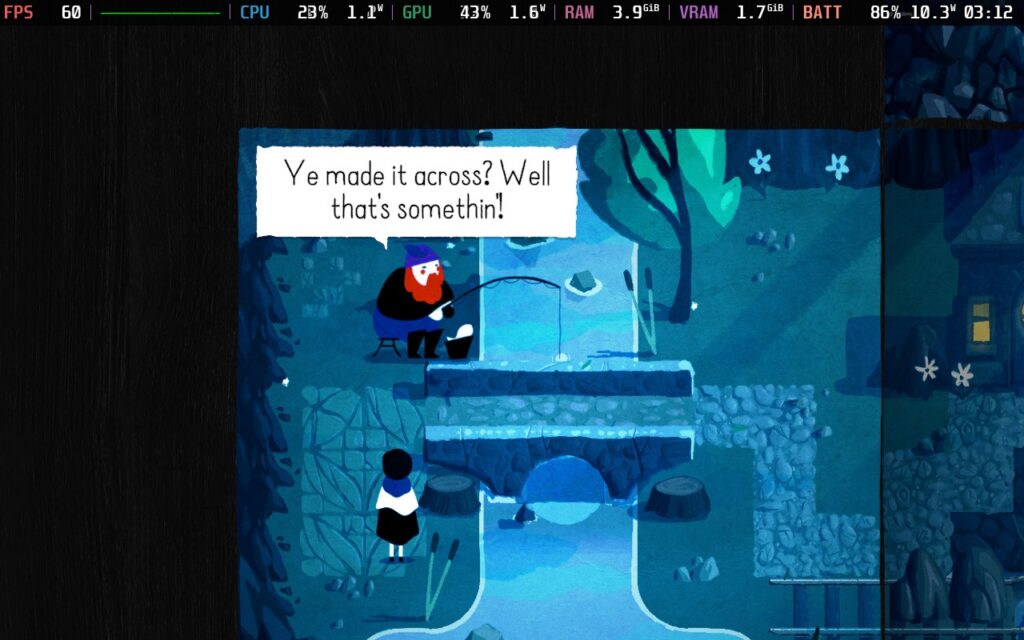
Put simply, Paper Trail is a puzzle platformer that makes use of, well, paper for its puzzles. The game is separated into rooms or pieces of paper, which you can fold in various ways to manipulate the world around you, thus creating new paths and revealing the solutions to the puzzles. Paper Trail starts you off with some basic tutorials teaching you about some of the techniques you'll need to be familiar with to progress, and it does a good job of showing you how to manipulate the paper. The controls are also quite simple and shouldn't be a problem.
In relatively short order, you'll find yourself confronting some pretty tricky puzzles in Paper Trail, within 30 minutes you'll be in the thick of it, trying to create new paths to move boulders around, matching up numbered blocks, and perhaps taking a little extra time to get some collectibles too! Each world introduces new puzzle elements for you to contend with, so the puzzles always stay fresh.
Collectibles take the form of little origami figures that are usually a secondary puzzle to solve, separate from the puzzle needed to progress.

Paper Trail is very lenient with you, though; if you do find yourself struggling to solve puzzles, you can simply press the Y button, and you can see that the next step you need to take is to progress the puzzle along a little. You can choose whether you see the whole solution or the next fold you must make. I love the fact that this accessibility feature is here. Puzzle games can get frustrating, and although the challenge is there with Paper Trail, if you are getting despondent about the puzzle or are here mainly for the story, it offers you a way to always progress. You forfeit a Steam achievement by using hints, though.
I'll admit I did use the hint system a fair bit. Puzzle games always stump me, and even with the hints, you still need to figure out where you need to be and where the objects in the game world need to be when you decide to fold the paper, so it doesn't solve it all for you. It was a nice compromise for someone like me who isn't the best at logic puzzles.
The story follows a teenage girl, Paige, who has grown up in a secluded place with her parents. However, she wishes to pursue her dreams against her parents' wishes and, therefore, decides to run away from home, with the player helping her on her journey to the "big city." The game is broken up into 9 worlds, which essentially serve as different environments, with each new environment bringing further narration on Paige's story. While I found the story somewhat intriguing, it did fade into the back of my mind when playing, and I didn't find myself on tenterhooks waiting to hear the next part of Paige's backstory that explains why she's running away.
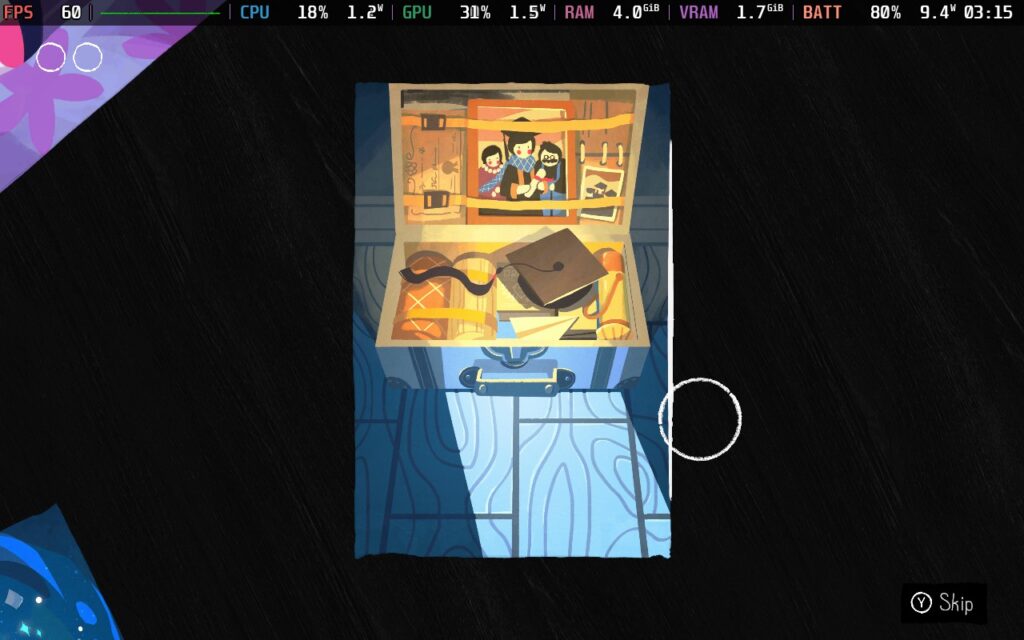
In terms of presentation, Paper Trail is very pleasant. The world is largely designed to look like a watercolor painting, and it pulls it off quite well. There are vibrant colors mixed in with a sort of slight noise to simulate the world being made of paper. The background music is rather subtle, as are the sound effects, with a constant but quiet background track playing at all times and sound effects mostly occurring when you do certain tasks. All of it combined makes for a rather relaxing time.
As for the length of the game, it's hard to pinpoint exactly, as it'll largely depend on whether you use hints or not and how good you are at solving puzzles, but I would say if you're going in blind. You're "average" at puzzling. There's probably a solid 6 hours or so of content here, not including any extra time spent going for collectibles. There is a Steam achievement to finish the game in 4 hours or less, but I think that's mostly for players doing a second playthrough and effectively "speedrunning" the puzzles.
So I think Paper Trail is a solid little puzzler, but how does it perform on the Steam Deck? Let's find out!
The developer clarified that they had tested Paper Trail on the Steam Deck and designed control options specifically for it, so you might have a good idea of how this will go, but I'll cover it anyway.
Paper Trail gets pretty much everything right. It has 16:10 aspect ratio support, including 1280x800, the Steam Deck's native resolution. It has full controller support that automatically maps all the controls for you. You can modify the text size in the game, but the default ran fine for me. The only settings adjustment you'll be making is lowering your TDP Limit to get some killer battery life out of your Steam Deck.
The only issue I did have is that, for some reason, clicking the right touchpad defaults to the X button, which shows the other side of the paper, and it did annoy me a couple of times as you use the right touchpad a lot and accidentally pressing it stops your cursor. I would personally unmap X from the right touchpad and just use the X button when I need to use it.
So, let's dive into the very complicated process (sarcasm) of optimizing Paper Trail for the Steam Deck!
In your SteamOS settings, set an FPS Limit of 60 FPS / 60Hz, and you'll want to set a TDP Limit of 5W.
The default graphical settings are fine. It defaults to 1280x800, V-Sync On, and High quality. All of this is fine. You can raise the FPS a little and lower the power draw by having it on Low quality. Still, the difference is about 1-1.5W. I'd prefer having all the visual niceties for the game rather than gaining a few minutes of battery, especially when your battery life is quite significant anyway.
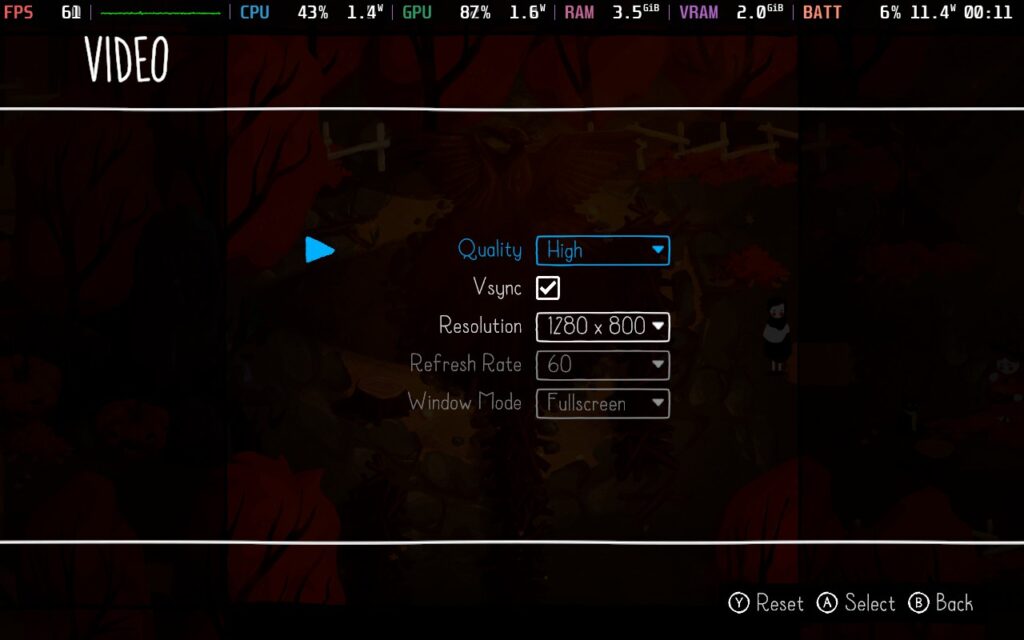
With the 5W TDP limit, we get a very stable 60 FPS out of the game, with the frame time graph being pretty much flat the entire time. The only area I saw some variation in the frame time was in a couple of scenes during the Autumn area, likely due to some extra visual effects in that environment. However, it is a short section that experiences frame time drops, and upping the TDP limit to 6W eliminates them if it really bothers you.
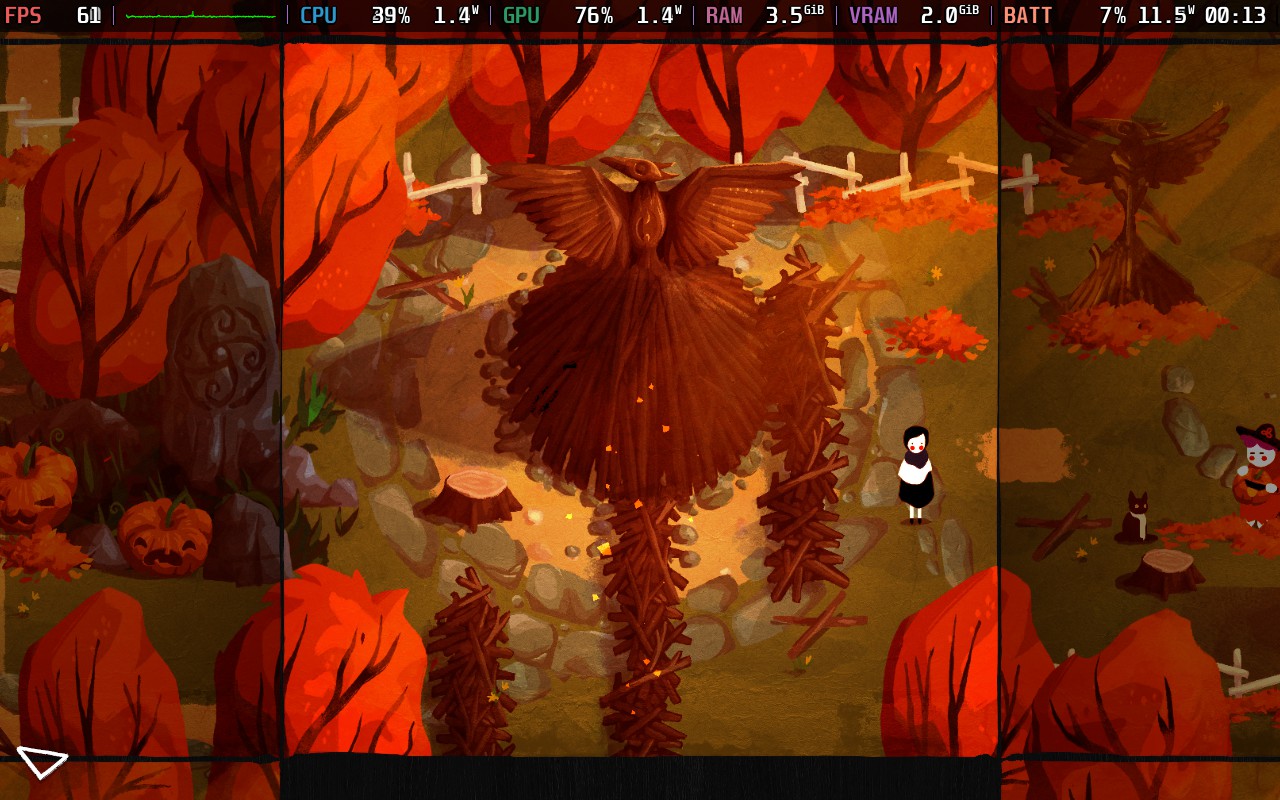
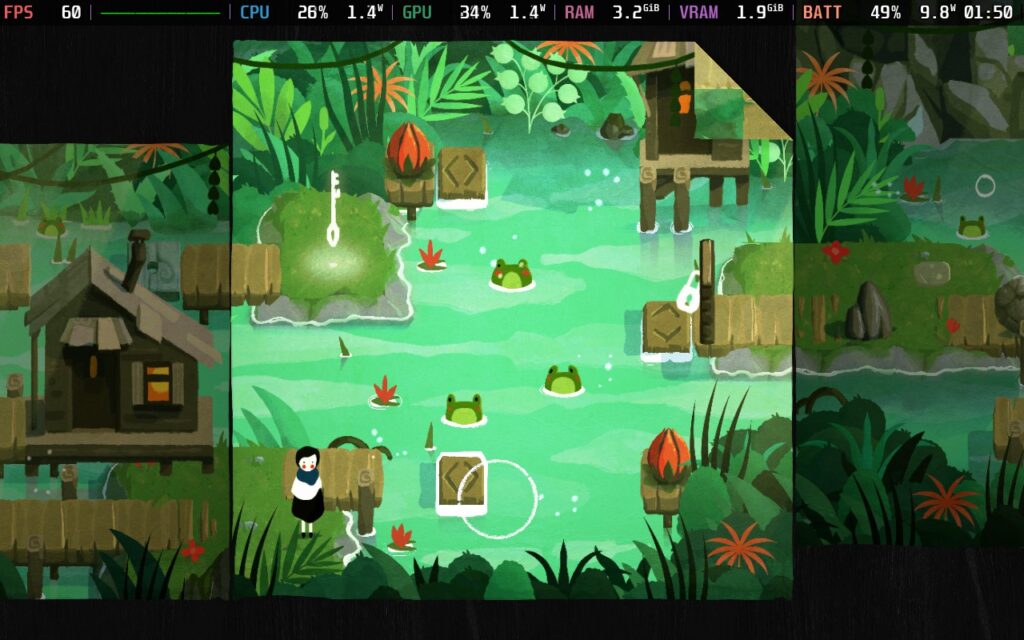

Power draw using these settings varies between 10-12W depending on your environment. During the narrated puzzles between each world, it often stays around 9-10W. During the Autumn world, it often stays nearer 12W, for example. Regardless, Steam Deck LCD owners should expect around 3.5 hours of battery life, and Steam Deck OLED owners about 4.5 hours.
Temperatures held around 60C for almost the entire time of playing.
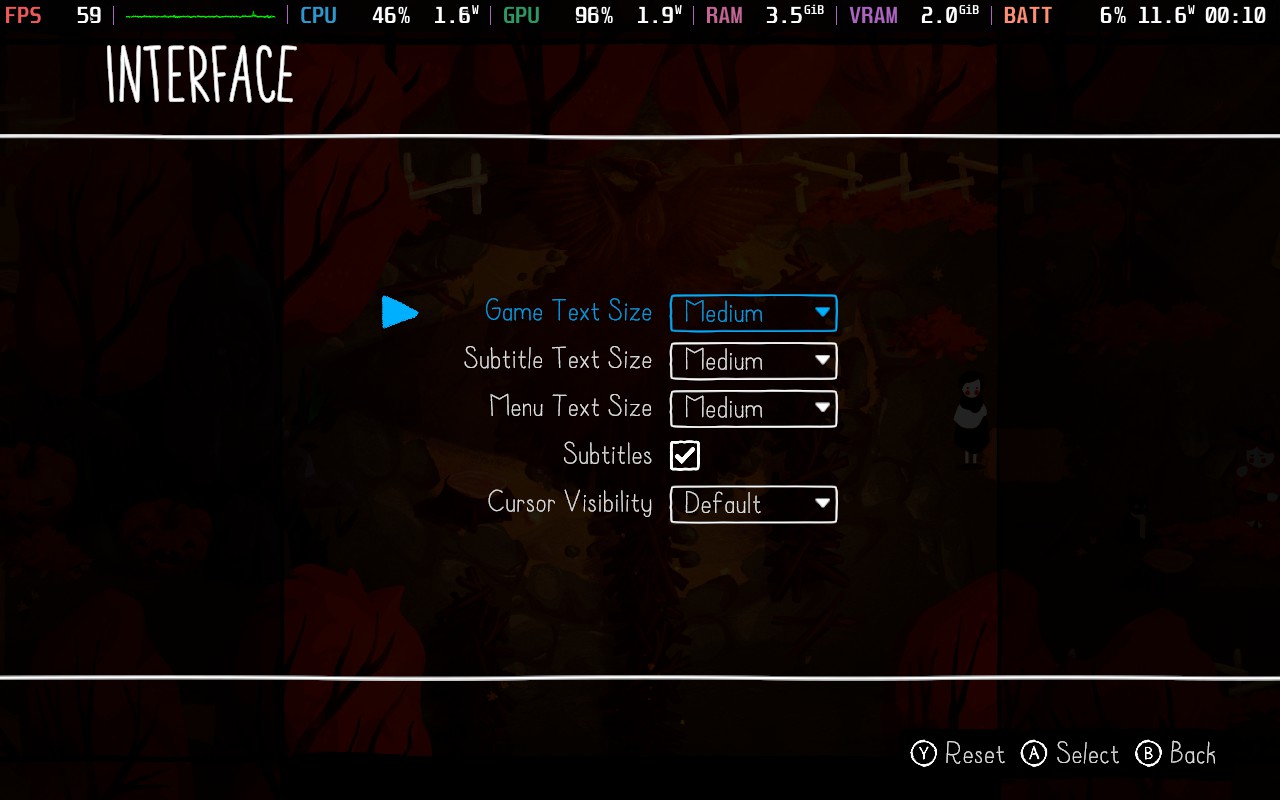
Pleasantly, Paper Trail offers a decent selection of accessibility options, from removing camera shake to making it so the camera doesn't smoothly travel between rooms but instead instantly jumps, likely to counter motion sickness. You can also adjust the size of the text in the game and enable a grid if you're having difficulty working out where things are positioned.

Paper Trail is a delightful little puzzler, in my opinion. It offers a decent challenge for anyone out there looking for one but also makes the story easier to enjoy via the hints system. The story is interesting, but for me, it mostly fades into the background as a means of giving a reason for Paige's journey and not much else.
The puzzles themselves are kept fresh by the fact that each new world introduces new puzzle elements to the game, and with there being 9 worlds to work through, with most lasting roughly 30-45 minutes, the puzzles switch up a bit before you get too used to them. I didn't find myself rolling my eyes at having to solve a similar puzzle at any point in my playthrough.
Finally, the way the game plays on Steam Deck is excellent. The graphics are pleasant and easy to run, the power draw is low, and the controls work wonderfully. There's really not much going against Paper Trail as far as Steam Deck compatibility is concerned. If you've had your eye on this game, you can buy it with confidence that it'll work just as well on the Steam Deck as anywhere else!
このレビューはPC版に基づいています。
このレビューをお楽しみいただけたなら、SteamDeckHQ の他のコンテンツもぜひご覧ください!あなたのゲーム体験に役立つゲームレビューやニュースを幅広く取り揃えています。ニュース、ヒントやチュートリアル、ゲーム設定やレビューをお探しの方も、最新のトレンドを知りたい方も、ぜひご利用ください。
ViewfinderはThunderful Publishingからレビューのために提供された。ありがとうございました!
The Talos Principle 2をレビューして以来、私は頭を使うパズルゲームに復帰している。プレイしたいゲームを探しているとき、Steamデッキでプレイしたお気に入りの1つである「Superliminal」を思い出した。自分のニーズに合わせて現実を歪ませ、曲げ、各レベルを解決することに重きを置いていることを実感した最初のゲームで、とても気に入った。Viewfinderはその意味でとても似ていて、大好きだった。
写真を使って現実を操作し、通路を完成させ、今までできなかった場所にアイテムを持ち込む。これらの写真の中には、撮影してくれるものもあれば、カメラを使って写真を撮らなければならないものもある。これらのパズルのいくつかは一般的に簡単だが、いくつかは完全に私をつまずかせ、私はボックスの外に考えるために時間を取らなければならなかった。ゲームプレイは気に入ったが、最大の不満は長さだ。そこにあるものは素晴らしいが、短すぎると感じた。オプションのパズルはいい感じだが、ゲームをクリアして、もっとやりたかったという思いが残った。
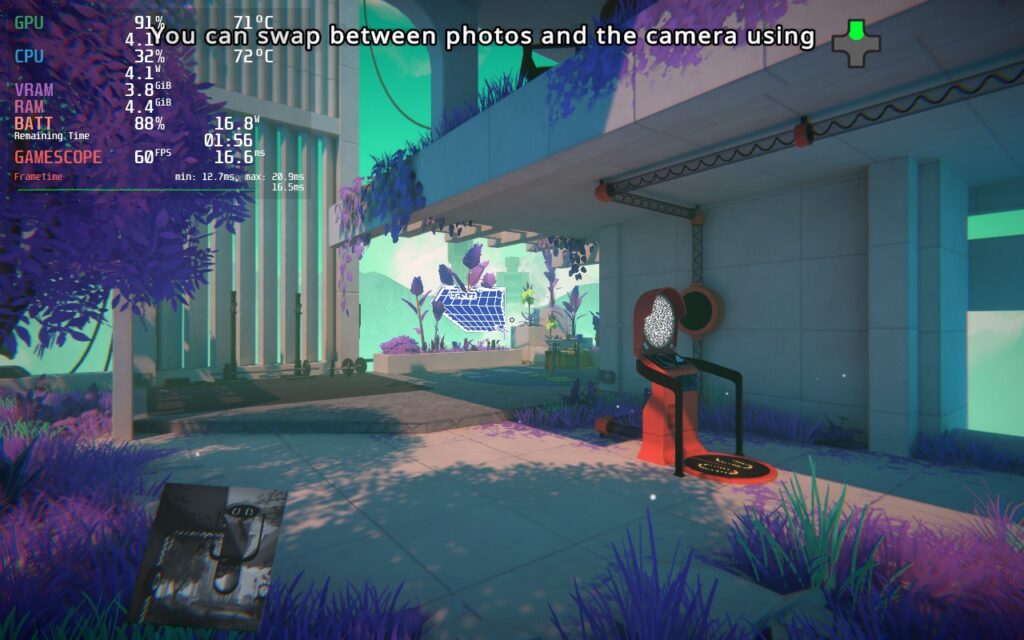
ストーリーは、滅びゆく世界を救う方法を発見しようとするあなたを中心に展開する。ナレーションや、道中で見つける手がかりを通して語られるデジタルな風景は非常に美しい。どのモデルにも色彩が浸透しており、さまざまなスタイルの写真やフィルターがあるため、ほとんどのレベルは歩いているだけで驚かされる。レベルを収容するハブワールドはそれぞれユニークで、独自のデザインを持っており、場所を移動するにつれてまとまりが感じられた。これはSteamOS 3.5でさらに強化されたもので、Steam Deck OLEDではさらに美しくなると確信している。そういえば...
スチームデッキでViewfinderをプレイするのは非常に簡単で、ほとんどの場合、ほとんど問題は見つからなかった。最初のうちは、シャドウが原因だと思われる激しい落下が見られるエリアがいくつかあった。これを "ULTRA "から "High "に切り替えると、ビジュアルにほとんど変化を与えることなく、これらの大部分が修正された。通常はハブ・ワールドにあるのだが、いくつかのスポットでは、より大きな変化が必要だった。
幸いなことに、これはレベルにはあまり影響しないので、60FPSでのプレイがより快適になる!新しいハブワールドに行くときや、ゲーム序盤でデジタルワールドに戻るときに、大幅な低下があるが、ロードが終わればすぐに解消される。
それらを考慮すると、ゲームのシャドウ設定を変更し、60FPSを維持することだけが、楽しむための最良の方法だとわかった。ほとんどのパズルはより凝縮されたエリアなので、14W以下のバッテリー消耗でフレームレートを保つことができました。ハブには若干のスローダウンがありますが、アンチエイリアシングを2倍にして解決しました。それでもまだ少しバッテリーは消耗しますが、視覚的な違いは見られませんでした。このゲームは、何にも増してスムーズさを優先したゲームのひとつで、幸いなことに、多くの妥協を必要とするものではなかった。
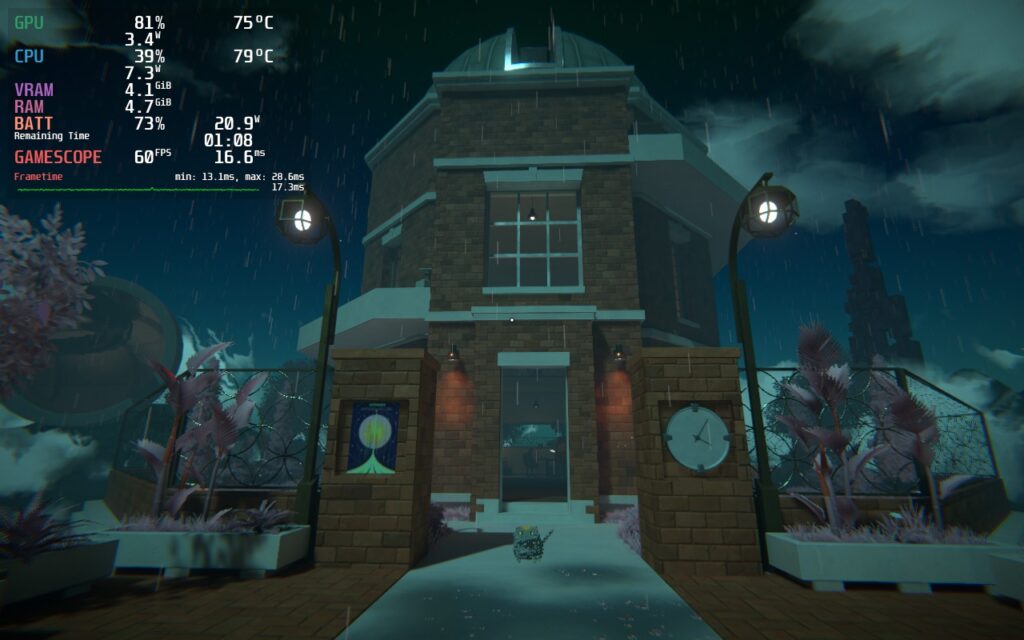
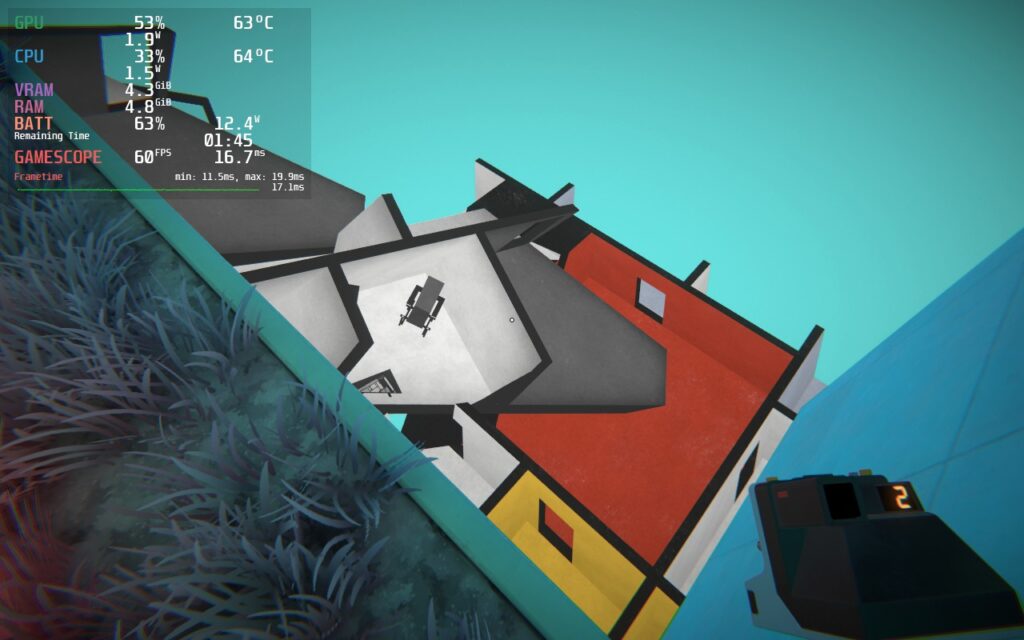
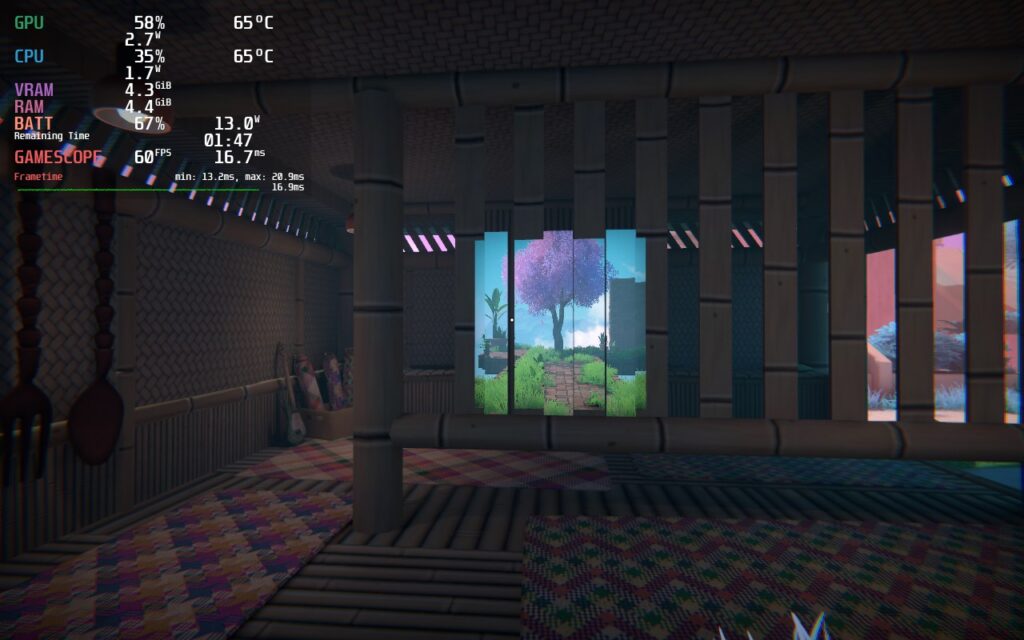
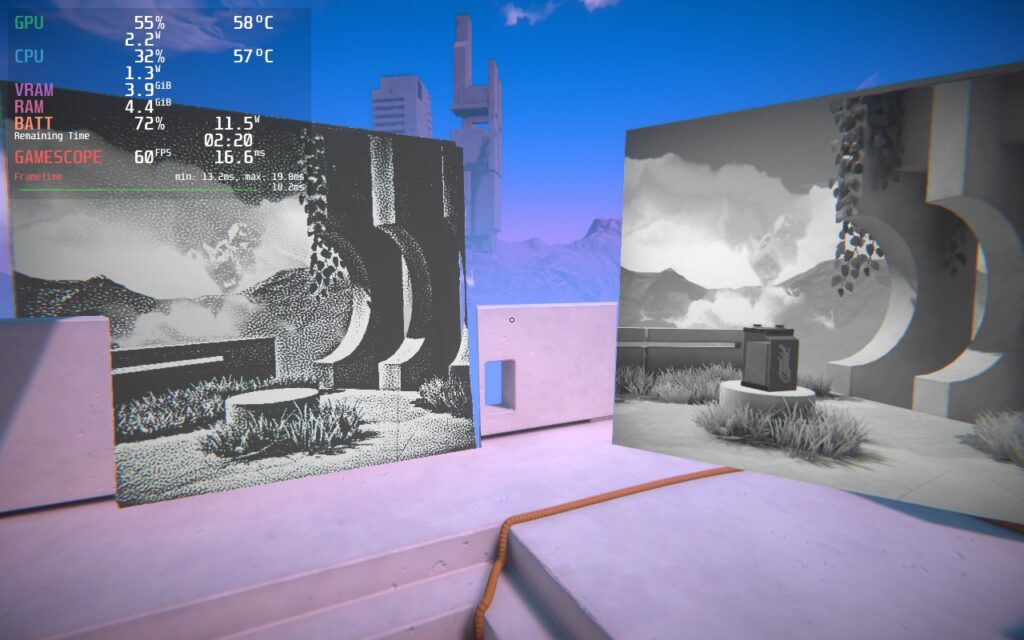
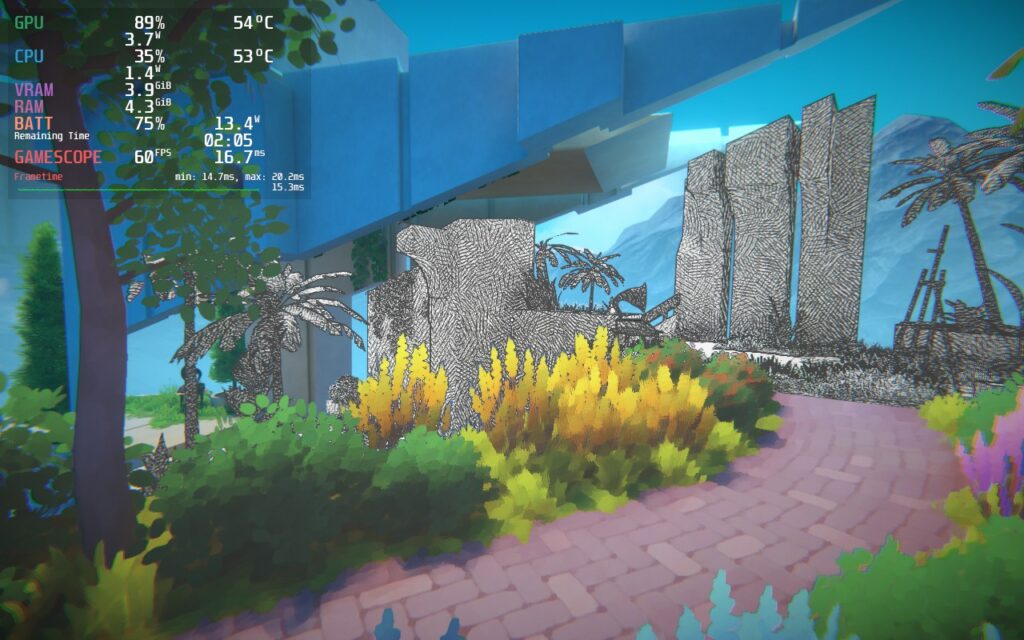
解像度スケールを下げてバッテリー寿命を延ばしたり、より良いビジュアルを得る方法もあるが、私はそれに見合う価値を感じなかった。60FPSで100%の解像度スケールは、ビジュアルクオリティ、スムーズさ、バッテリーライフのバランスが完璧だった。
アクセシビリティに関しては、Viewfinderにはアクセシビリティのためのオプションが用意されている。言語の変更、読みやすくするためのフォントの上書き、ディスレクシアの人のためのフォントの上書き、字幕のフォントの色や位置の変更、話している人の名前を含めるかどうかの変更、ハプティクスをオフにしたり、レベルにタイマーがあるかどうかの設定ができます。また、フォントサイズの変更、感光モードのオン、視野の変更、十字キーの設定、オーディオスライダー、インバートコントロールも可能です。
ゲームは16:10の解像度をサポートし、コントローラーもフルサポートしている。クラウドセーブのサポートはないが、ゲームが短いので、追加する必要はないと感じた。
Viewfinderは、その演出が格別に感じられるパズルゲームだ。世界そのものがとてもゴージャスで、パズルを達成すると、目標達成のために世界を操作する必要があるため、頭が良くなったように感じるだろう。少し短めで、少し簡単なパズルもあるが、全体的な体験は素晴らしい!
このレビューはPC版に基づいています。
このレビューをお楽しみいただけたなら、SteamDeckHQ の他のコンテンツもぜひご覧ください!私たちはあなたのゲーム体験に役立つこと間違いなしの様々なゲームレビューやニュースを取り揃えています。ニュース、ヒントやチュートリアル、ゲーム設定やレビューをお探しの方も、最新のトレンドを知りたい方も、ぜひご利用ください。
The Talos Principle 2 was provided by Devolver Digital for review. Thank you!
Do you know that feeling and sense of accomplishment you get when you complete a Rubix cube? Or when you figure out the solution to a math problem you have been stuck on for hours? There's this incredible wave of relief and triumph as it's completed. Now, imagine that, right after, you get to have a minor existential crisis where you question not only your existence but the reality of more advanced individuals who lived before you. This may not seem like a great time, but The Talos Principle 2 makes it one worth living through.
The sequel to The Talos Principle picks up where the prequel ended but kicks things up to an eleven with its new themes, world, and puzzles. Unlike the first game, where we explored the individual, we are now diving into the philosophical ideologies of the collective and civilization. At the beginning of the game, you embark on a mysterious island that is filled with technology and architecture that hasn't been seen before. Who built it, why, and how? That is something you will have a damn good time discovering as you question your existence and if your community is making the right calls.
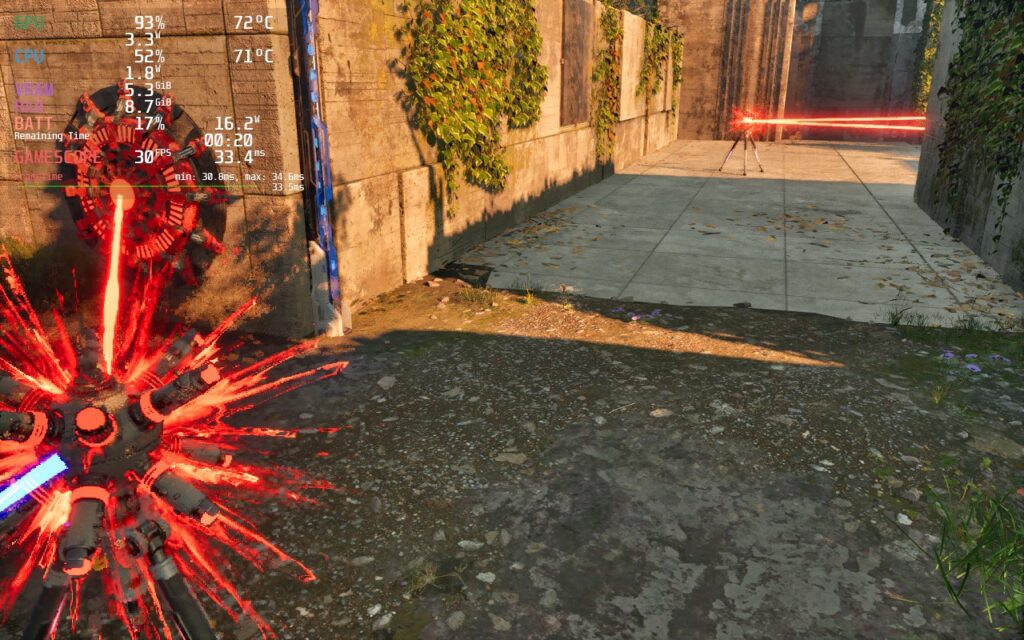
The Talos Principle 2 is made up of multiple open segments where you can complete the puzzles you need to, compete in other unique challenge puzzles, or walk around and enjoy the scenery. The world is gorgeous, and I often found myself running through sunset-lit levels or the forests just to take everything in.
Then we have the puzzles, oh the puzzles. That feeling of satisfaction when completing is unlike any other. I don't think I have ever felt as smart as I did when figuring out which holes to drill through and how the color beams can connect. The mechanics in The Talos Principle 2 are still as crazy as the prequel, but takes it up a step. There were a couple of them that really got me frustrated, and I had to take a step back, but that sense of accomplishment afterwards was worth it.
And with all of this, it can play on the Steam Deck too, but it is a compromise.
The Talos Principle 2 is a gorgeous game, but the trade-off is it takes a lot to run. The Steam Deck is up to the task, but it has its compromises and some drops here and there. On the lowest settings, with the built-in FSR 2, I got fluctuations depending on which open areas we are in. Some have a ton of trouble and can dip to 25 when turning around fast, while others can go up to 40. For a balance, I went for a 30 FPS lock for stability with FSR 2 on Balanced. It does show some pixelation when moving around fast, but with how slow you will take it when completing puzzles, it isn't that noticeable and still looks great on the smaller screen.
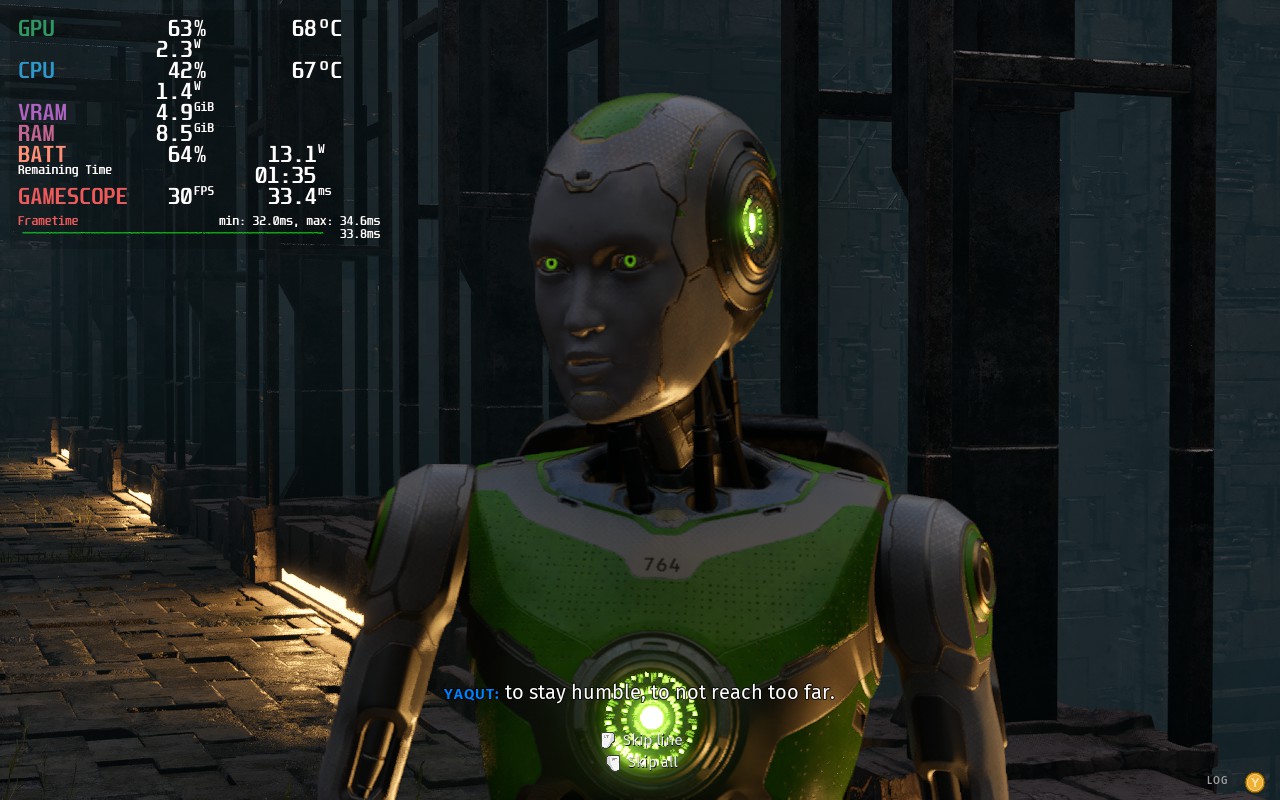
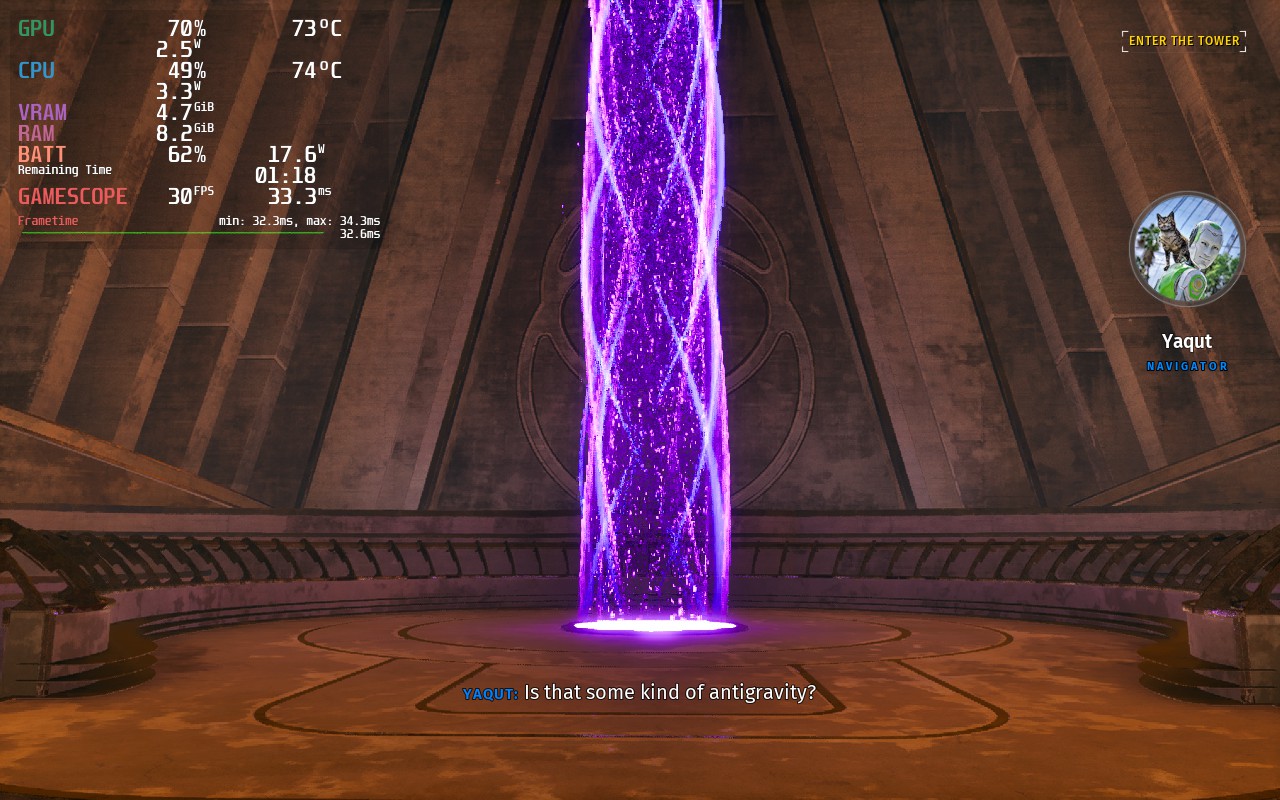
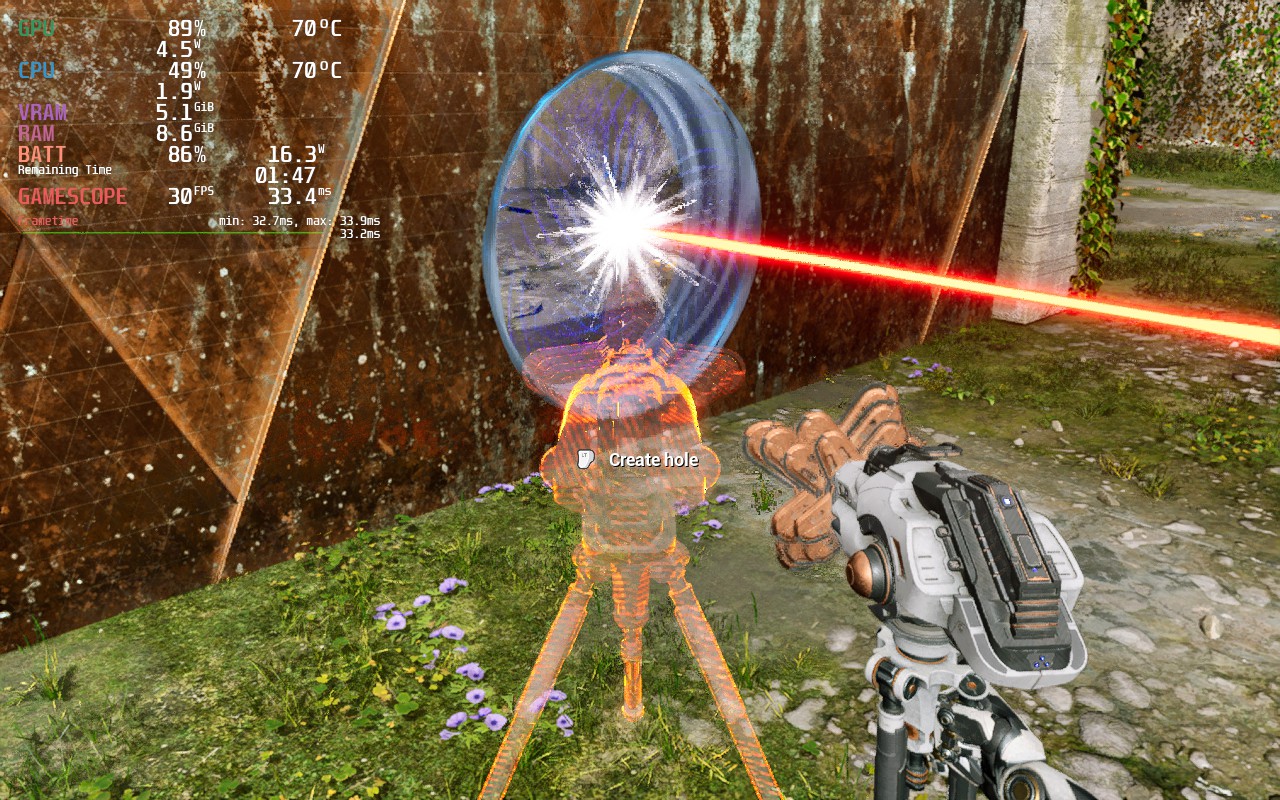
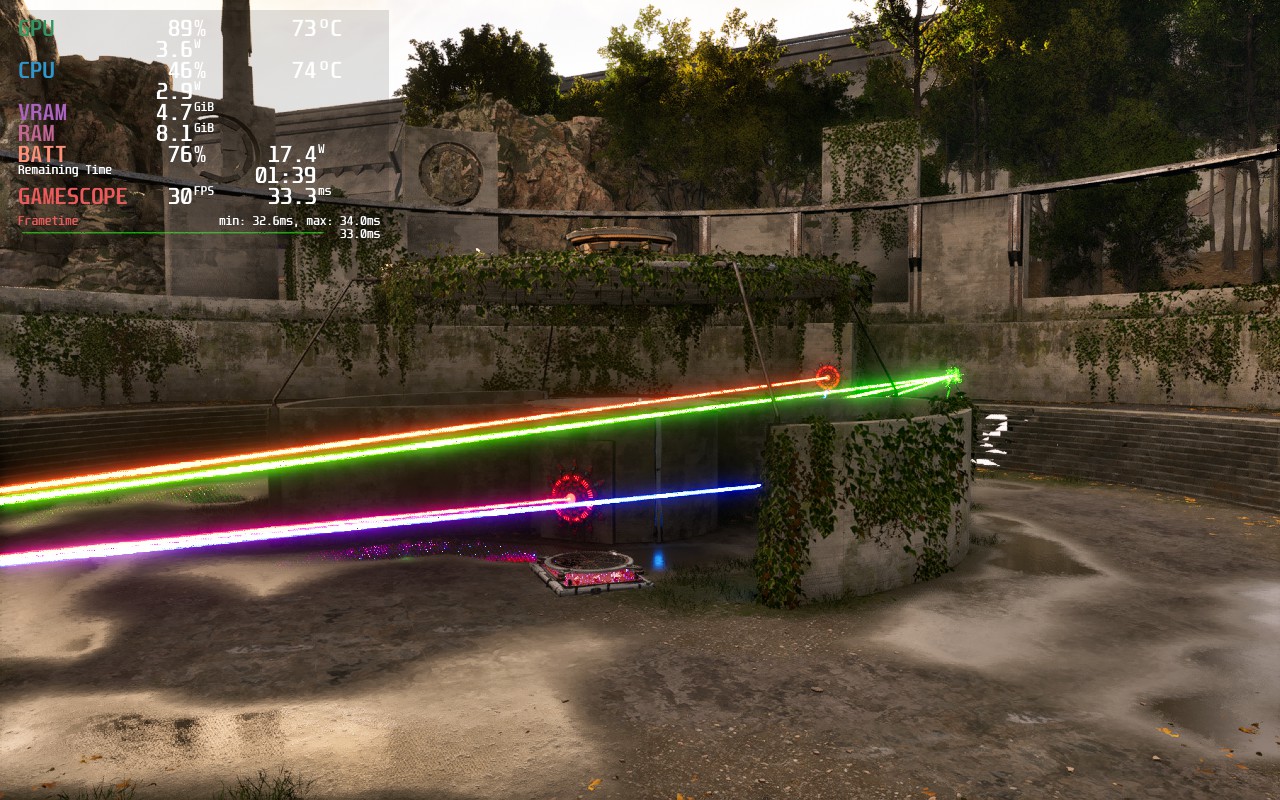
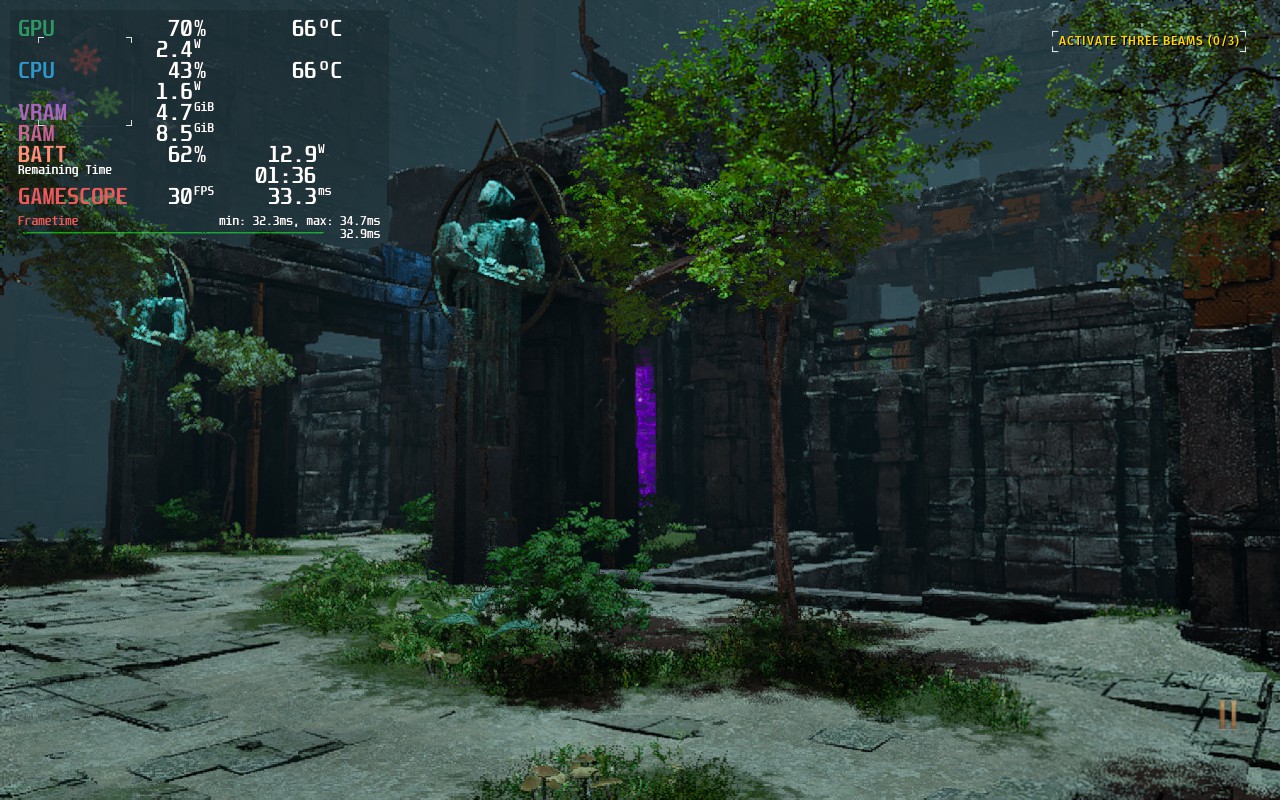
As for options for accessibility, we do have a solid amount to go through. We can change subtitles, crosshair, toggling parts of the interface, and changing sound sliders. There is also a whole section for motion sickness controls, where you can change field of view, toggle bobbing, and set a preferred view type, and color blind settings. You can also edit keybindings, sensitivities, and toggle inverted access.
The game does support 16:10 resolutions, so we won't need to worry about any black bars, and it supports controllers and cloud saves.
The Talos Principle 2 is an incredible follow-up filled with invigorating puzzles and beautiful sites. The challenges are great here and did cause some aggravation, but that feeling of victory and solace after completing them makes it all worthwhile. The story is also fantastic and I love the shift from the individual to the collective. And even though I had a couple of existential moments, the pay off was even more valuable. I do wish it ran a bit better on the Steam Deck, but even with its dips, it is playable thanks to the pacing of this type of game.
このレビューはPC版に基づいています。
このレビューをお楽しみいただけたなら、SteamDeckHQ の他のコンテンツもぜひご覧ください!私たちはあなたのゲーム体験に役立つこと間違いなしの様々なゲームレビューやニュースを取り揃えています。ニュース、ヒントやチュートリアル、ゲーム設定やレビューをお探しの方も、最新のトレンドを知りたい方も、ぜひご利用ください。
Lego Bricktales was provided to us by Thunderful Publishing and Plan of Attack for review. Thank you!
It's time to embark on an epic adventure across the world of Lego. Lego Bricktales will take you across gorgeous unique biomes where you will have to solve puzzles by building your solutions...brick by brick. Journey across the worlds with your robot buddy and help the people so you can gather energy and help your grandfather fix up his rundown amusement park. These puzzles will test your skills in various different ways, including taking physics into consideration, and provide you with a sandbox mode to test the builds you make. With that in mind, let's get to building!
If you are looking for a relaxing game that will challenge your mind while giving you the chance to be creative, look no further! Lego Bricktales will have you walking around gorgeous different overworlds tackling head-scratching puzzles that range from being decently easy to pretty challenging. One moment you will be building a bridge, the next you will have to copy a statue, and then you'll need to build a branching support to hold a platform up, all taking objects and physics into account...and I am all for it.
I love games like this, and with new content updates on the way (Easter is around the corner), now is a great time to check it out! The puzzles sometimes feel weird to control with a controller due to controlling the mouse cursor, but it is something I got used to. Overall, the experience was a good one and luckily, this is a fantastic game to play on the Steam Deck!
With no changes at all, Lego Bricktales runs at 60 FPS with no slowdowns whatsoever at an average of 10W - 12W battery drain. I encountered the game stuttering for a split second a couple times, but this didn't happen often enough to derail my experience, which was near flawless. I also noticed one time where the game spiked battery drain to almost 13W, but this calmed itself down almost immediately and again, didn't change my experience at all.
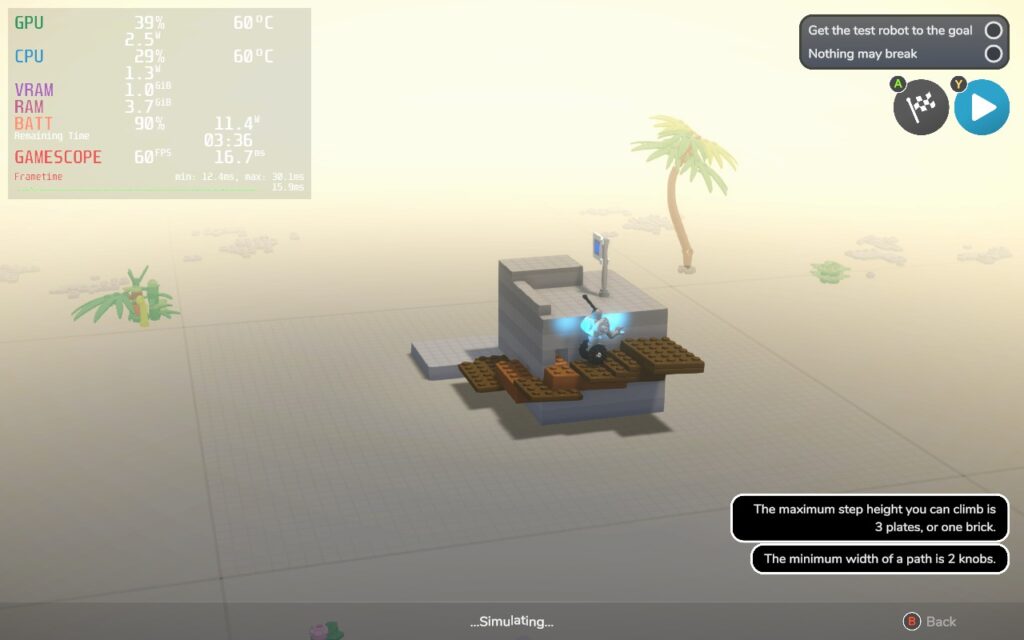
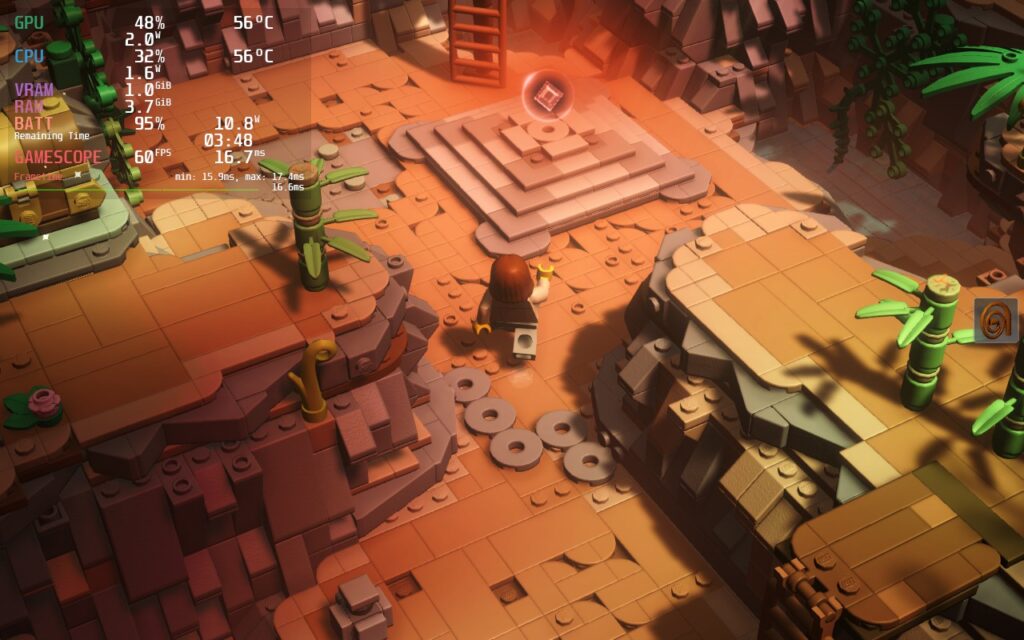
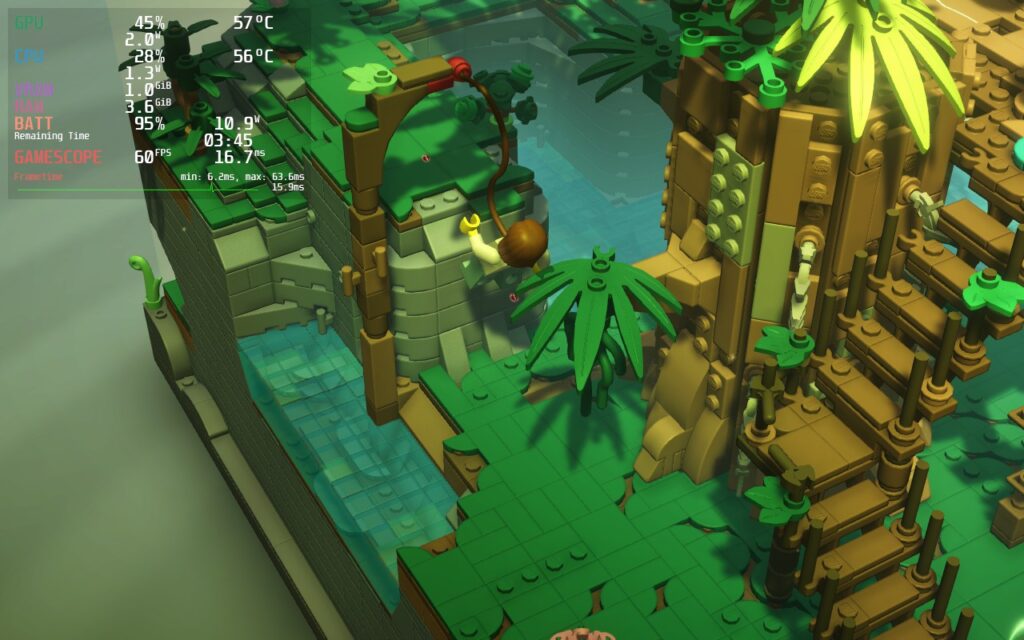
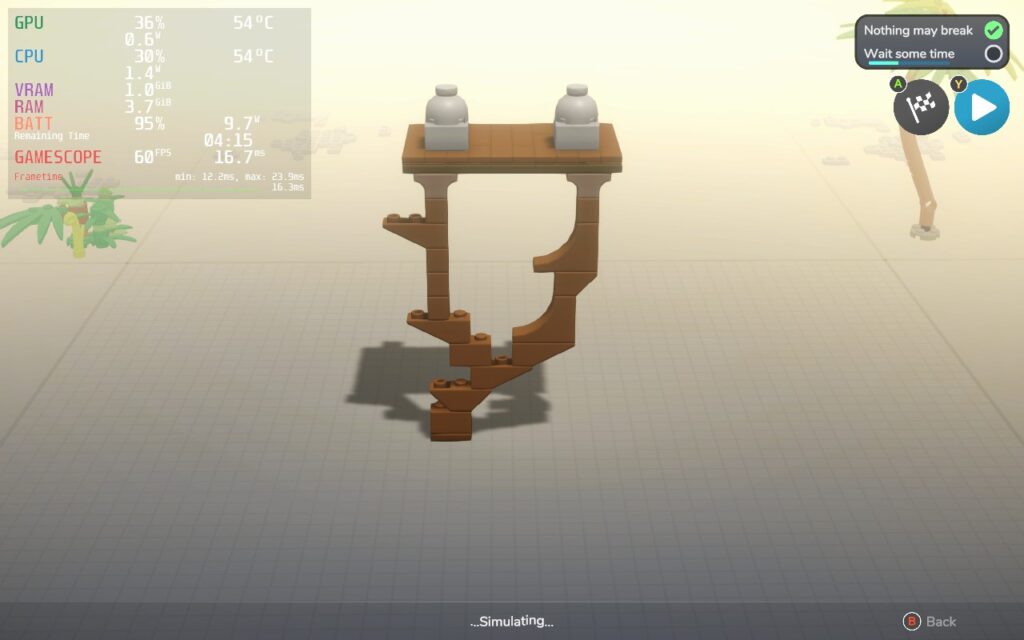
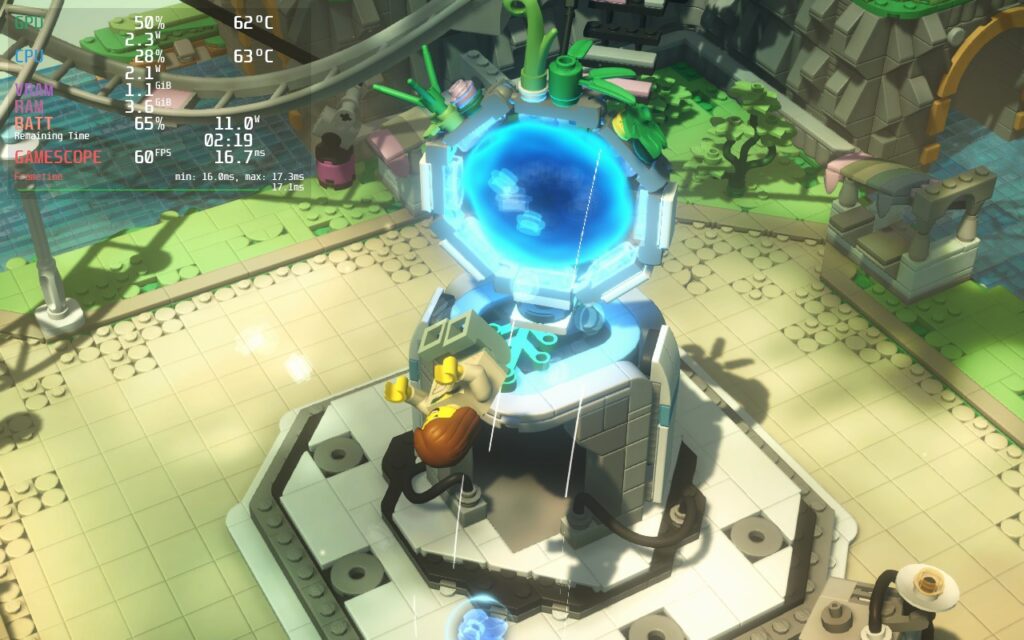
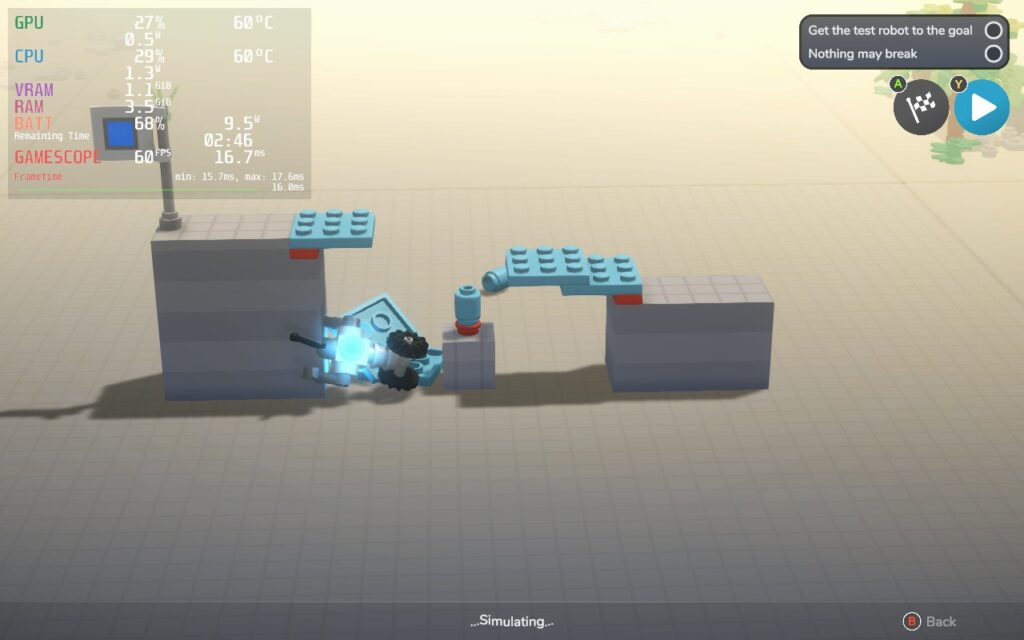
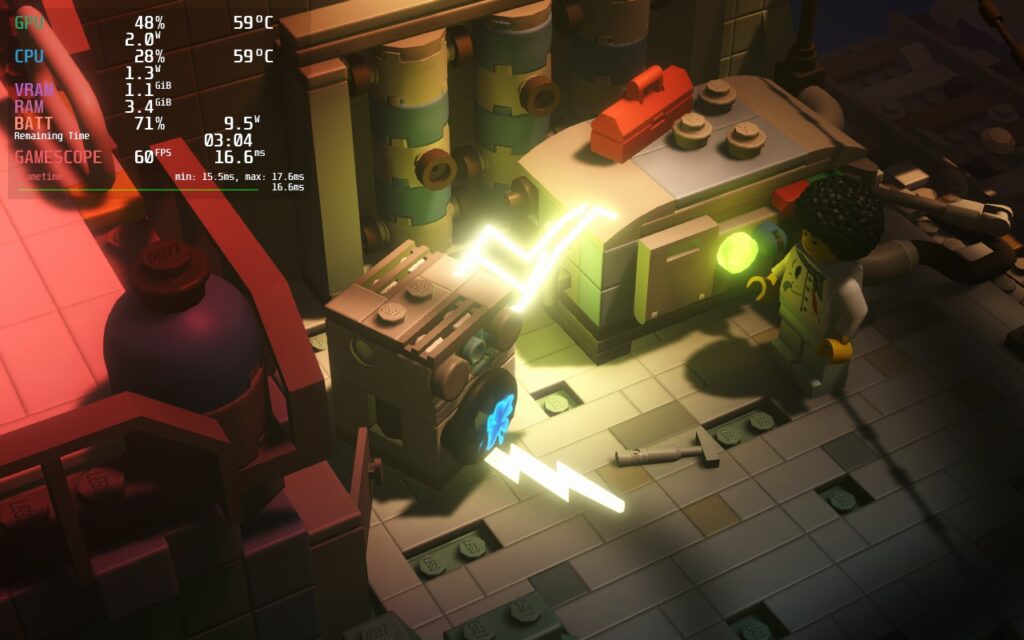
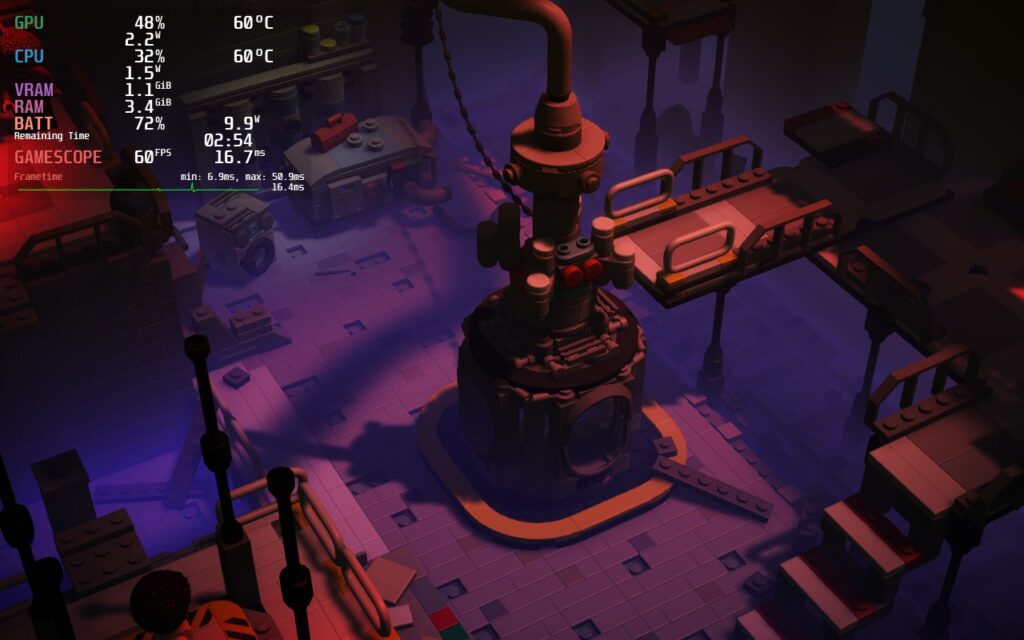
The controller/gamepad support worked great and I had no visual issues whatsoever. I will say that some of the icons at the bottom during the building screens were a bit small, especially the ones showing the shoulder buttons of the controller, but otherwise, everything else was fantastic.
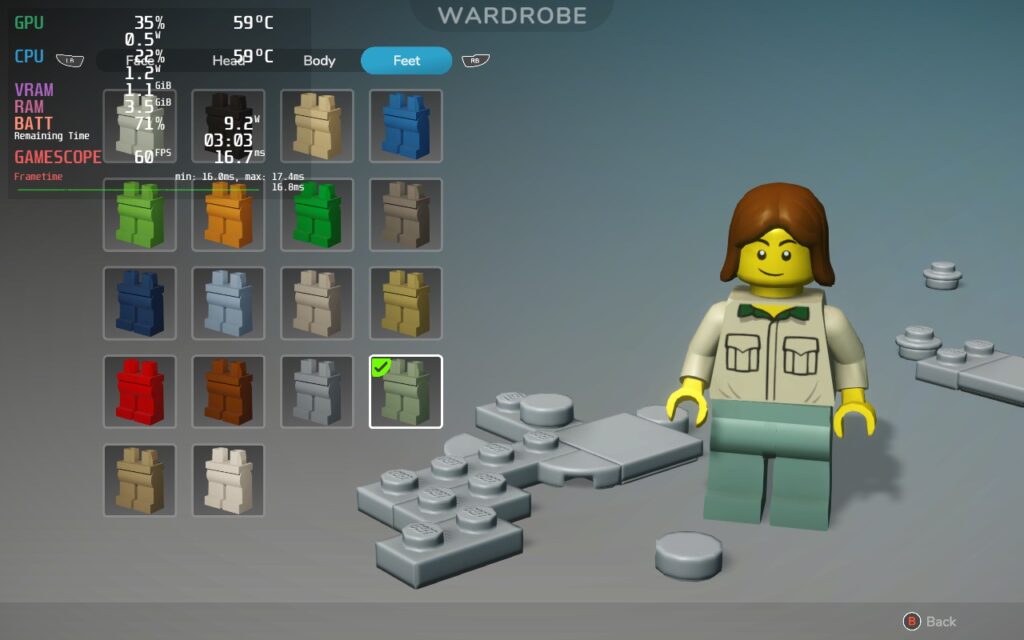
Lego Bricktales is a wonderful game to sit down and relax with. It doesn't bombard you with time limits or action sequences, its just about taking your time with calming music to build what you need to solve puzzles and help the citizens around you. At times, this feels like a Lego builder's dream, being able to create how you want and even customize it. And with how well it runs on the Steam Deck without changing a thing, this is an easy Best on Deck game!
このレビューをお楽しみいただけたなら、SteamDeckHQ の他のコンテンツもぜひご覧ください!私たちはあなたのゲーム体験に役立つこと間違いなしの様々なゲームレビューやニュースを取り揃えています。ニュース、ヒントやチュートリアル、ゲーム設定やレビューをお探しの方も、最新のトレンドを知りたい方も、ぜひご利用ください。
10 years ago, Toxic Games released a physics-based puzzle game which took us by surprise. Q.U.B.E. has a simple concept, solve puzzles by moving, you guessed it, cubes. You had different colored cubes that all interacted differently. Red cubes could move outwards incrementally, yellow created stepping stones, blue became a bounce pad, and so on. There was originally no story to it, but one was developed 2 years later with the Director's Cut.
Now, 10 years and 1 sequel later, the original game has been remade Q.U.B.E. 10th Anniversary includes both the original and director's cut, a new chapter with new puzzles, and developer commentary. The game looks more beautiful than ever, giving off a dystopian alternate reality Portal vibe. Now, with all these upgrades, one has to ask, how does it run on the Steam Deck? Well let me tell you...
Q.U.B.E. is a little bit odd when it comes to running at max settings. It can actually run very well in 60% of the game, but that other 40% drains the battery. The biggest parts we saw the most dips was in-between puzzle sections, where the battery drain would hit a high of 22W and 80c temps, or in certain puzzle chambers when looking at specific angles. The game can be playable like this, but it isn't as consistent as I would like. I know we can do better!
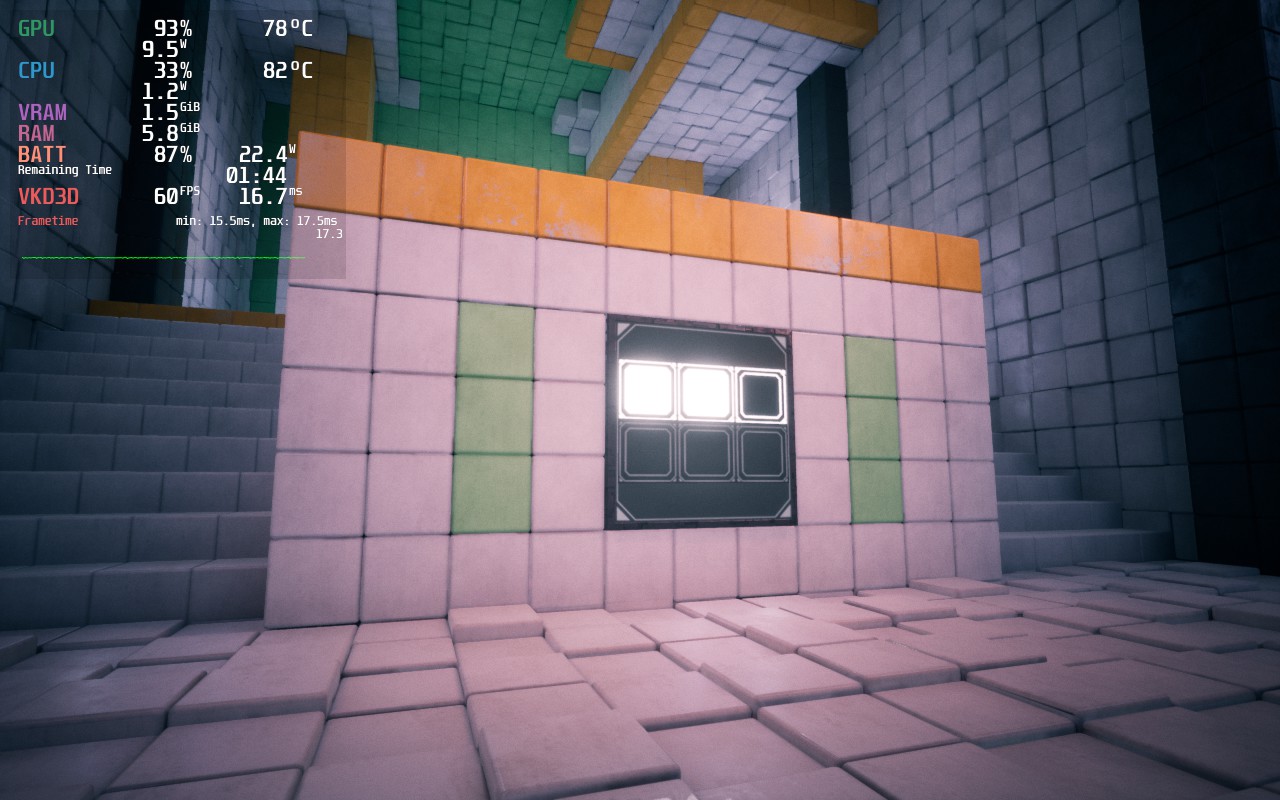
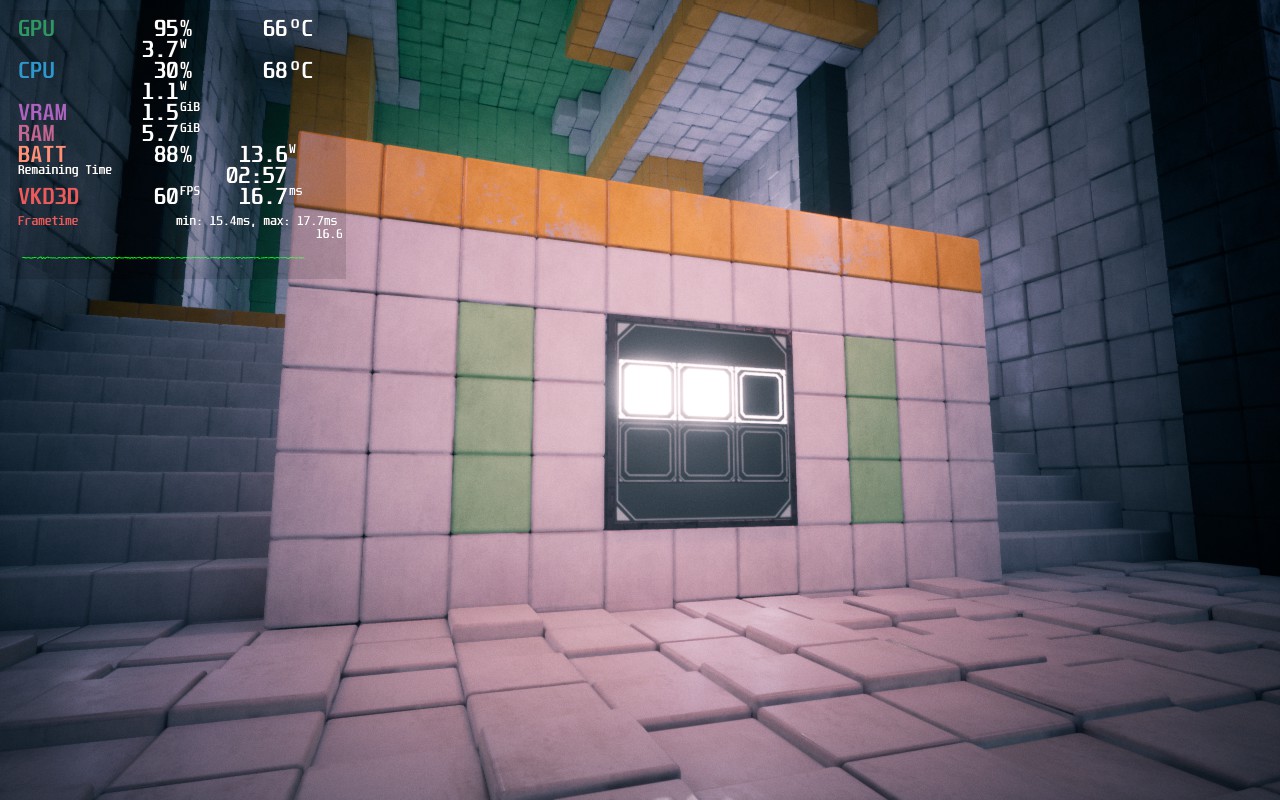
This is a spot in-between puzzle sections. As you can see, battery drain and temps are WAY higher than they need to be, especially compared to our recommended build and with almost no change to visuals.
Luckily, once some of the settings are changed, this game is very playable on Deck. Due to the way the game looks, I have a mix of medium and high settings to keep a stable 60 FPS the entire time, while dropping the resolution to 1152x720 with FSR Sharpness 0, I was able to get a consistent 60 FPS with a 14W drain for 3.5 hours of battery. This regularly dipped to 12.5W though, so hitting 4 hours is very achievable too.
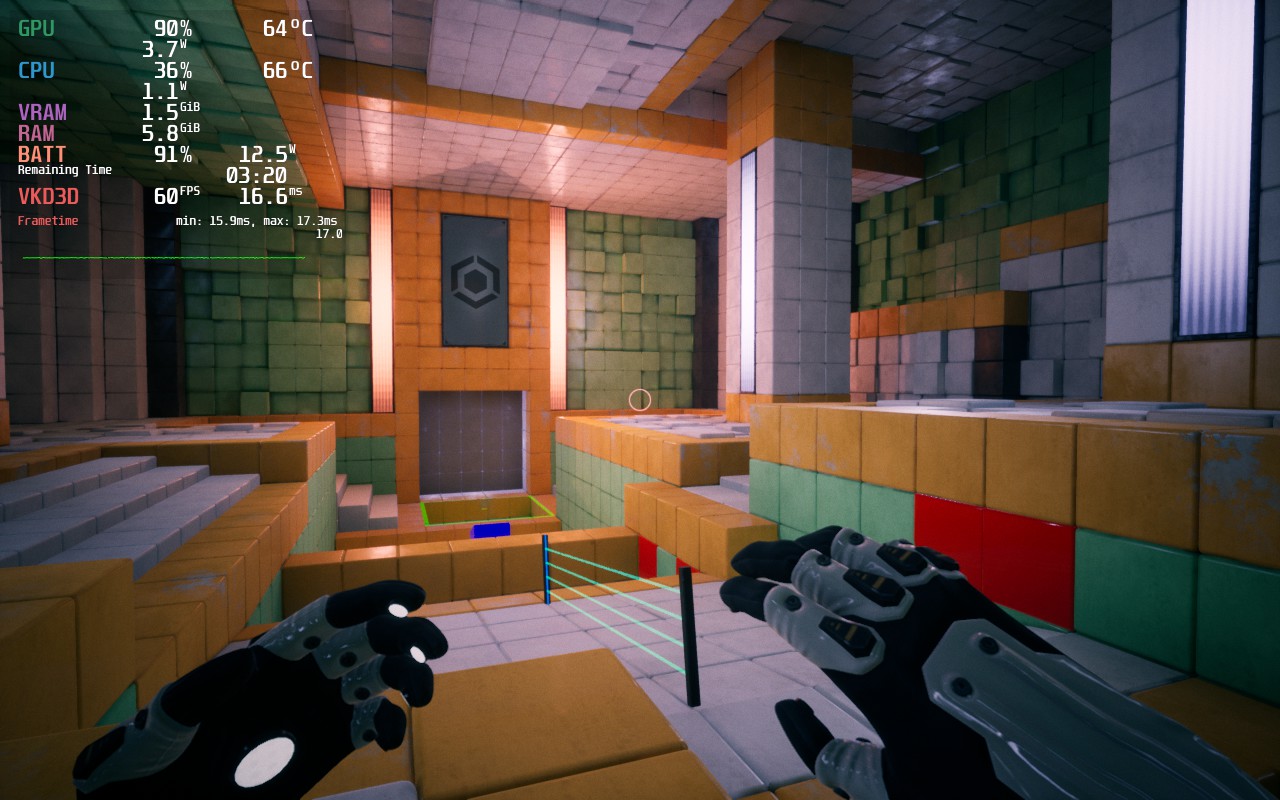
I love the game at these settings and I believe it is not only perfect for battery life, but to keep a consistent 60 FPS. And with temps under 70c, the Deck stays cool the entire time. But, for those who want pure quality, we were able to get it working at near-max settings to keep you satiated!
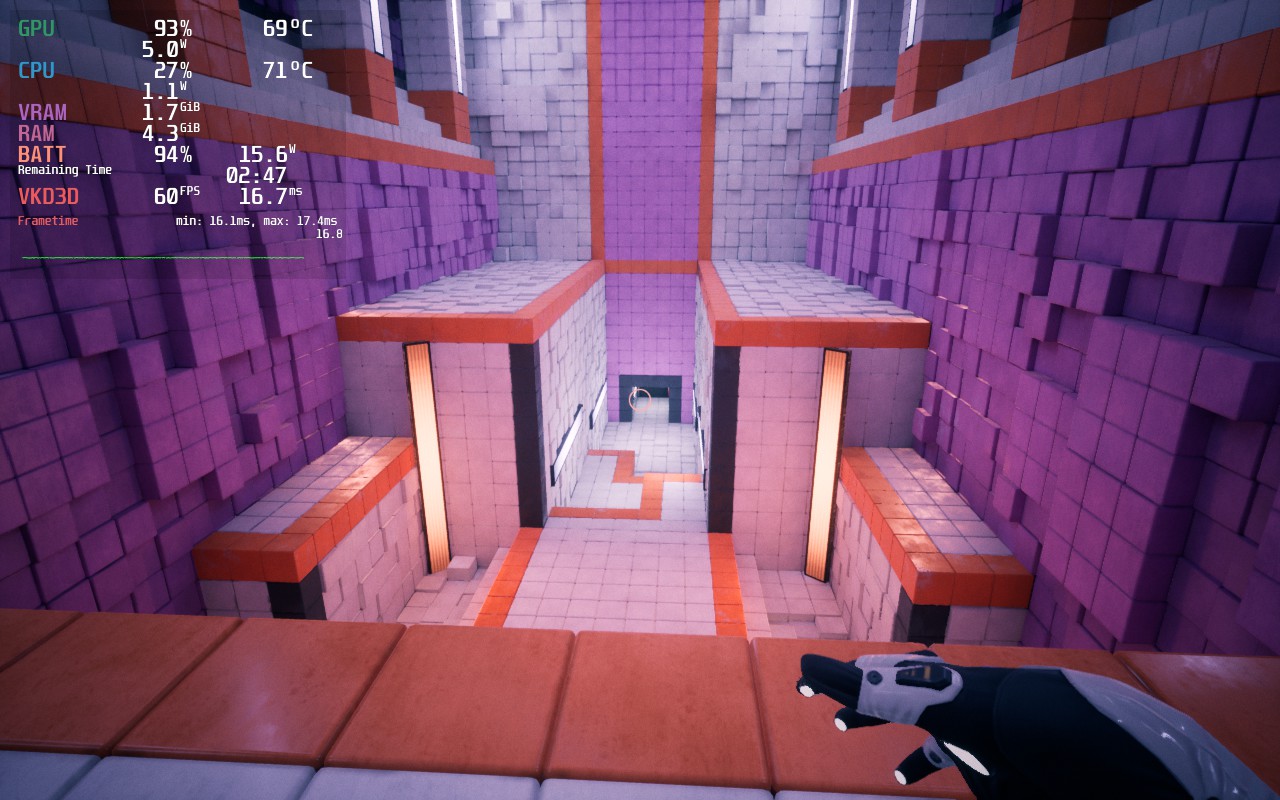
Luckily, there are pockets in the game where battery drain and temps go down. These aren't often, but they exist!
While I didn't encounter any bugs, I did find changing the in-game settings to be a slight nuisance. The settings don't auto-apply when you are done setting them, so you have to scroll down and hit apply for them to take effect. There were multiple times I forgot to hit apply as it wasn't super convenient. But otherwise, I had no negative experiences with any bugs.
It was really nice to go back down memory lane. I remember buying this game when it originally released and loving it, especially since I was obsessed with Portal 2's aesthetic at the time. Q.U.B.E. 10th Anniversary looks beautiful and runs like a charm on the Steam Deck, fitting right at home where it should be!
このレビューはPC版に基づいています。
このレビューをお楽しみいただけたなら、SteamDeckHQ の他のコンテンツもぜひご覧ください!私たちはあなたのゲーム体験に役立つこと間違いなしの様々なゲームレビューやニュースを取り揃えています。ニュース、ヒントやチュートリアル、ゲーム設定やレビューをお探しの方も、最新のトレンドを知りたい方も、ぜひご利用ください!



