Legacy of Kain Soul Reaver 1 &2 Remastered was provided by Aspyr for review. Thank you!
Before heading into this review, I didn't actually know anything about the Legacy of Kain series other than seeing a couple of trailers here and there and hearing about it when it first launched over 20 years ago. Heck, I didn't even know what genre these games were. But as it turns out, these are actually pretty competent 3rd person action-adventure games, and I understand why they gained a cult following when they were first released. But how do they hold up now, 25 years later? Do the remasters do the games justice? Let's find out.
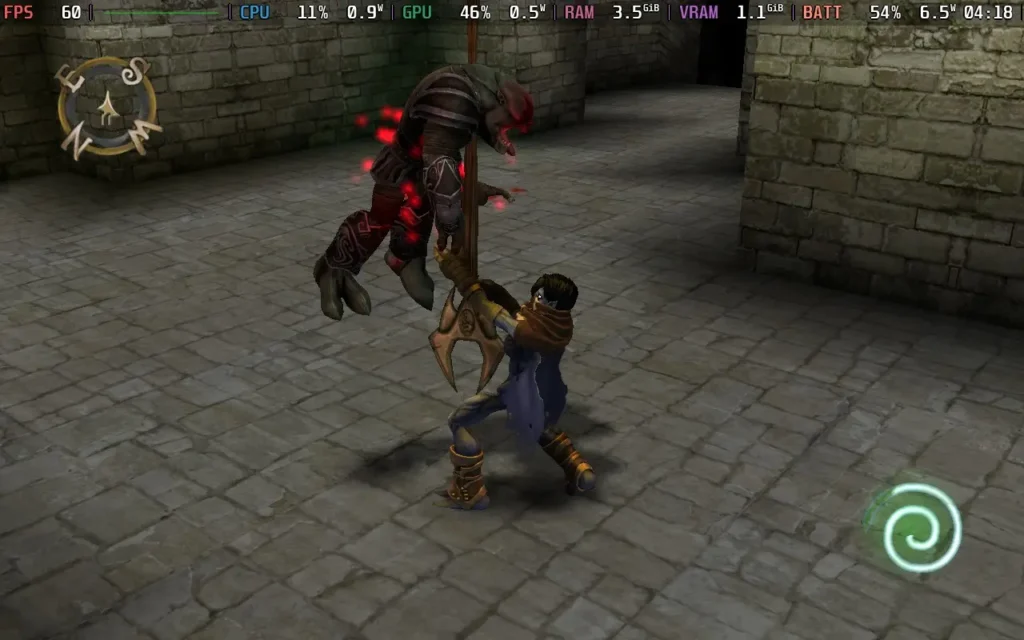
To start with, calling these games a "Remaster" might be a little generous. There are higher-resolution textures and slightly enhanced models throughout, with some improved lighting too, but overall, the game remains very similar. Essentially, it looks like a 1999 game got upgraded to a 2004 game. Visually, the games are not very impressive and still resemble PS2-era games.
The second game benefits even less from the visual upgrade, presumably because it's newer, and the textures were already slightly higher quality than the first game. However, some textures are not upgraded at all in the second game, and others just have a mild uplift in resolution. The models are a better upgrade than the textures, though. While some are smaller upgrades, others are rather big facelifts, which become obvious if you toggle between the two modes in a cutscene, for example.
A simple click of the right thumbstick switches the game between the classic visuals and the "remastered" visuals, which changes textures, models, and even the resolution of the menus. So, if you do want to go on a nostalgia trip, you can play the games entirely in their classic guise.
I'm also unsure if the sounds have been updated from the originals, having never played them. Still, the voice acting is pretty decent, considering I wouldn't think most people would play this game for the storyline, which is also passable.
Gameplay-wise, the games appear identical to the original releases, so if you did play the original release, there's probably a good deal of nostalgia here. Still, if you didn't, you might find some of the gameplay to be a bit frustrating, with a somewhat dodgy camera that doesn't handle vertical movement too well and somewhat stiff movement, especially when you're airborne or swimming, which can result in a few missed jumps or frustrations.
Combat in the game isn't your typical run-of-the-mill affair in Legacy of Kain: Soul Reaver though, the enemies you fight are fellow undead creatures, and because of that, they're technically immortal, generally speaking. That means you'll need to use different methods to defeat your enemies, either bringing them into the light, setting them on fire, impaling them, or throwing them into the water.
At first, this unique mechanic helps prevent the game from devolving into a button-mashing session. When you enter a room, you're searching the environment for potential weapons or ways to dispatch your foes, not just running up to them and mashing the X button to defeat them. That will just stun them, so you can use your environment more easily to finish them for good. Unfortunately, this mechanic sort of goes by the wayside as you progress through the game, and by the second game, you can just button mash.
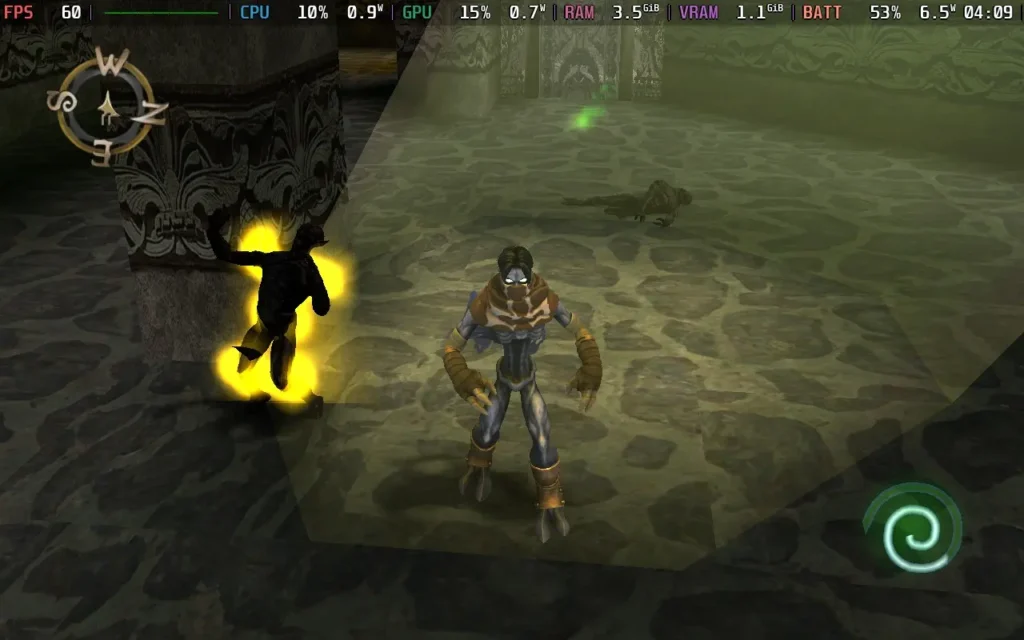
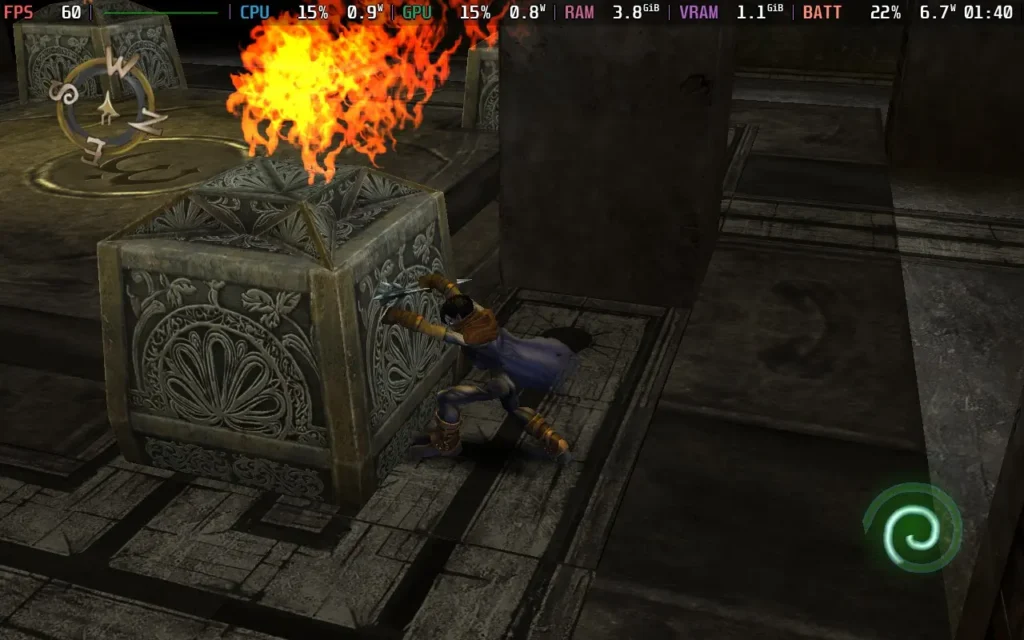
There is also some puzzle-solving, but it usually involves pushing a crate or some other object to a specific place so you can either access a new area or activate a mechanism to access a new area. You might be scratching your head at first, but once you get the hang of it, you'll start recognizing what the game wants you to do in certain places.
The biggest puzzle I found in both games is where to go! The world design is quite akin to a 3D Metroidvania, with various interconnected areas that you can end up looping around and going back through, and that's pretty cool, but it can also lead to some confusion. Both games have a map that lets you see key points, but those areas can be quite big, and there's no local map, so if you've taken a break, it can be a little confusing figuring out which way is forward and which is backward. Fortunately, the second game is a little more linear and easier to follow, but the first game is quite maze-like.
The games allow you to switch between your physical and spectral state to explore the same area in the two worlds and progress. Unfortunately, it doesn't always do a great job of communicating when that's necessary. I often kept forgetting to change, and you can't always change whenever you wish, so it can be a bit of a headache.
The first game also has portals for fast travel, where you choose a symbol representing a place to go to, which means checking the map and then memorizing the correct symbol for the area you want to teleport to and keeping it in mind. At the same time, you scroll through the painfully slow portal selector. This whole thing could have been solved by showing the actual name of the portal you're teleporting to on the screen.
It may sound like I hate Legacy of Kain: Soul Reaver 1 & 2 Remastered, but I think these games are quite enjoyable. If you have played these games in the past, then the remasters are a good way to experience them again.
It's just that not much has changed here. I don't think anything regarding coding/mechanics has changed; the slightly updated textures and smoother models are appreciated, and the price tag is reasonable for the two games that should provide you with at least 15 hours of gameplay each. It's not always easy to go back and play a game from the 1990s, and with me having no nostalgia for these games, Legacy of Kain: Soul Reaver hasn't aged tremendously well.
Legacy of Kain Soul Reaver 1 & 2 Remastered runs almost perfectly on the Steam Deck. The game fills the Steam Deck's display correctly, so there are no black bars to worry about. Controllers are fully supported, so there are no issues there either.
The main issue I found is that the map screen in Soul Reaver 1 was oddly zoomed in, meaning the edges of the screen were cut off. I would guess that this is an issue with the Steam Deck being a 16:10 display, and it doesn't harm the game's playability, but it's worth mentioning.
Set the SteamOS frame rate limit to 60 and a TDP Limit of 5W.
There are no graphical options in either game, so there's nothing to configure here. With the 5W TDP limit, you should have a constant 60 FPS throughout both games, with a slight traversal stutter on occasion.
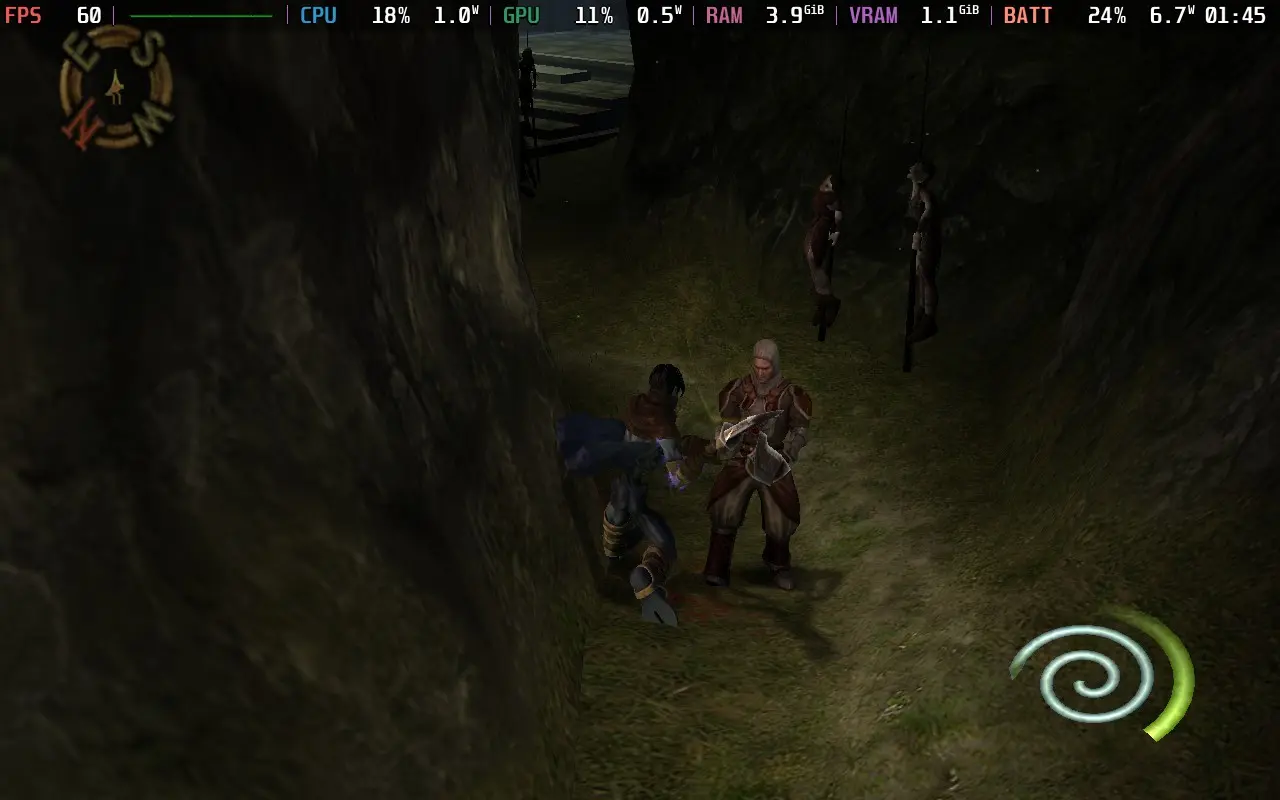
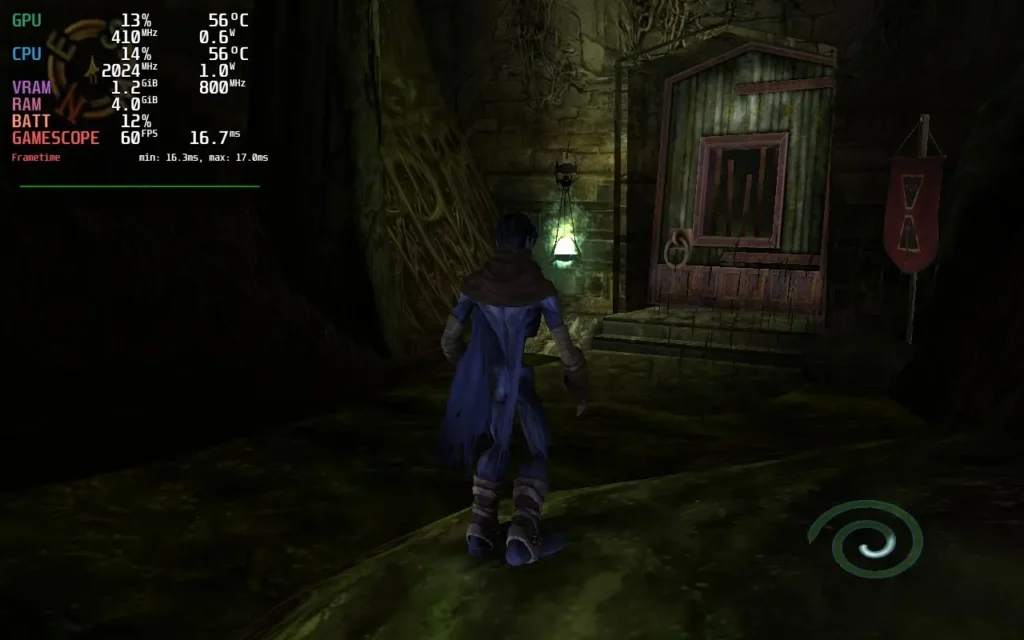
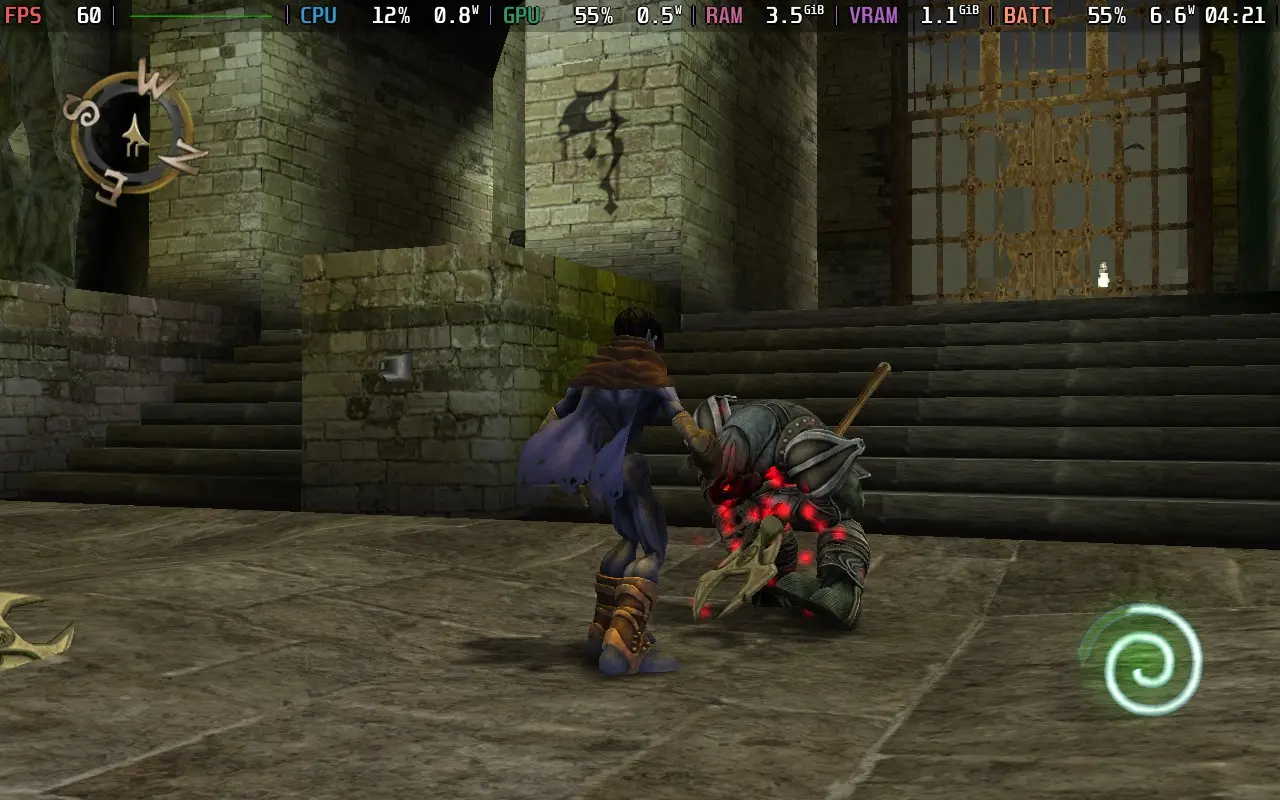
As you might expect, both games' power draw is incredibly low, around 6-7W in my playthrough. This means Steam Deck LCD owners should expect about 5 hours of battery life, whereas OLED users can expect a good 7 hours.
There was no fan noise, as expected, and temperatures stayed very low, not exceeding 60C.
The only accessibility options in these games are rebindable controls and subtitles for cutscenes.
The Legacy of Kain: Soul Reaver 1 & 2 Remasters should scratch that nostalgic itch you have for these games, but if you didn't play them when they were new, you might want to give these games a miss. They're products of their time and don't hold up too well with antiquated gameplay, lack of quality-of-life features we've come to expect nowadays, and visuals that still belong 20 years ago.
However, the games perform flawlessly on the Steam Deck. They require very little power draw to achieve 60 FPS and have good controller support. The only flaw I found was that the map is too far zoomed in on the first game's map screen, but aside from that, everything works as you would hope.
このレビューはPC版に基づいています。
このレビューをお楽しみいただけたなら、SteamDeckHQ の他のコンテンツもぜひご覧ください!あなたのゲーム体験に役立つゲームレビューやニュースを幅広く取り揃えています。ニュース、ヒントやチュートリアル、ゲーム設定やレビューをお探しの方も、最新のトレンドを知りたい方も、ぜひご利用ください。
Funko Fusion was provided by 1010 Games Ltd for review. Thank you!
When I first saw Funko Fusion's announcement, I had mixed feelings about the game. While it looked like it was gunning for LEGO's crown in the well-known IP with a comedic take, it also looked a bit... Well, flat and unpolished. Now, having played through the game, those first impressions were confirmed.
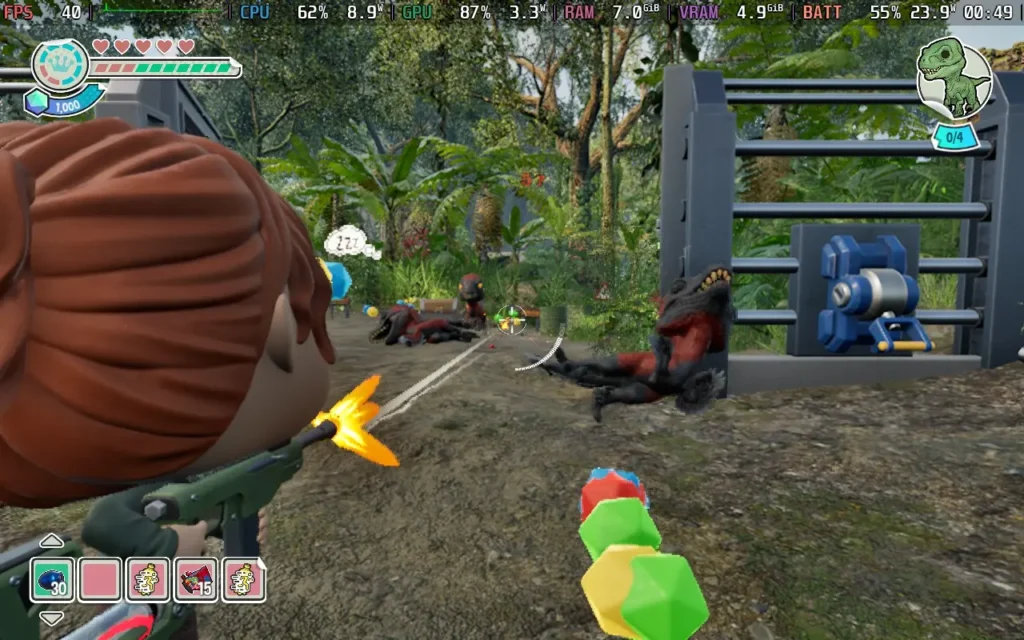
To set the scene, Funko Fusion starts with a prologue, where an evil entity (known as Eddy) has arrived in WonderWorld, using his powers to corrupt all the worlds. You'll now need to play as various characters from famous IPs to cleanse your worlds of this infection and restore them to normality, largely consisting of playing through scenes in the respective movies. These include Jurassic World, Scott Pilgrim, and Battlestar Galactica.
You might think this is a setup for a great adventure with plenty of nostalgia and neat little easter eggs. Well, it is, but unfortunately, I think the developers missed the mark on this one. Many characters just parrot lines directly from the films they were in (in text, there are no voiced lines in Funko Fusion). And the cutscenes, often a highlight in the LEGO games, just feel rather bland and uninspired here. There are some attempts at humor, but they often fall flat and seem hastily thrown in to try and get a cheap laugh.
While the plot's premise is solid, the execution leaves little to be desired. There is a wide array of characters from various franchises, along with a wide array of weapons, they all play pretty much the same. Some characters, like Scott Pilgrim, have unique weapons, but others have some form of gun. Sometimes, they have an automatic gun where you can hold a button instead of mashing it, and then you can also collect other "guns" like a crossbow or grenade launcher. Sadly, all the guns lack weight and a feeling of impact, with pretty poor sound design and almost no feedback.
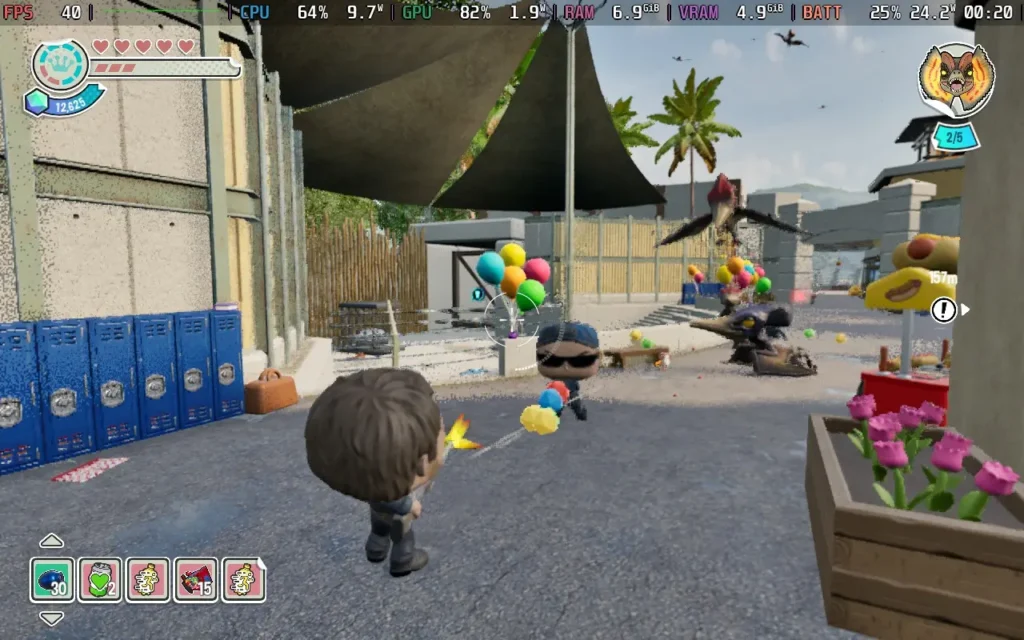
The same, sadly, goes for the mission format. Although the environments are varied due to being based on different IPs, the missions feel pretty lackluster in their designs. They often take the form of "hunt down this enemy" and let you scour the map for them, with little indication of where they might be, which I found to be a recurring problem with Funko Fusion.
The game gives you an objective in the bottom right corner, but beyond that, there's often no on-screen indication of where to go or how to achieve that objective.
Funko Fusion falls into an odd space where it feels like it should be a game designed for kids but is based largely on franchises that appeal to adults. The combat difficulty is more kid-friendly, but the lack of direction would frustrate a child. If I gave this to a 5-year-old, they'd give up in a few minutes, frustrated about the lack of clear instructions. The "tutorial" is largely non-existent, teaching you some gameplay mechanics, and then it's up to you to figure out the rest.
What doesn't help is that the game worlds, while not large, are quite open and non-linear, meaning you can walk around for a while trying to figure out where you're meant to go. Objective markers often don't appear until you pick up the relevant object. You may get told to unlock a door, for example, but you aren't told which door or where the key is. Only when you find and pick up the key will a marker appear telling you where to take the key. Because of this, it feels like a puzzle game and not a good one half the time you're playing it.
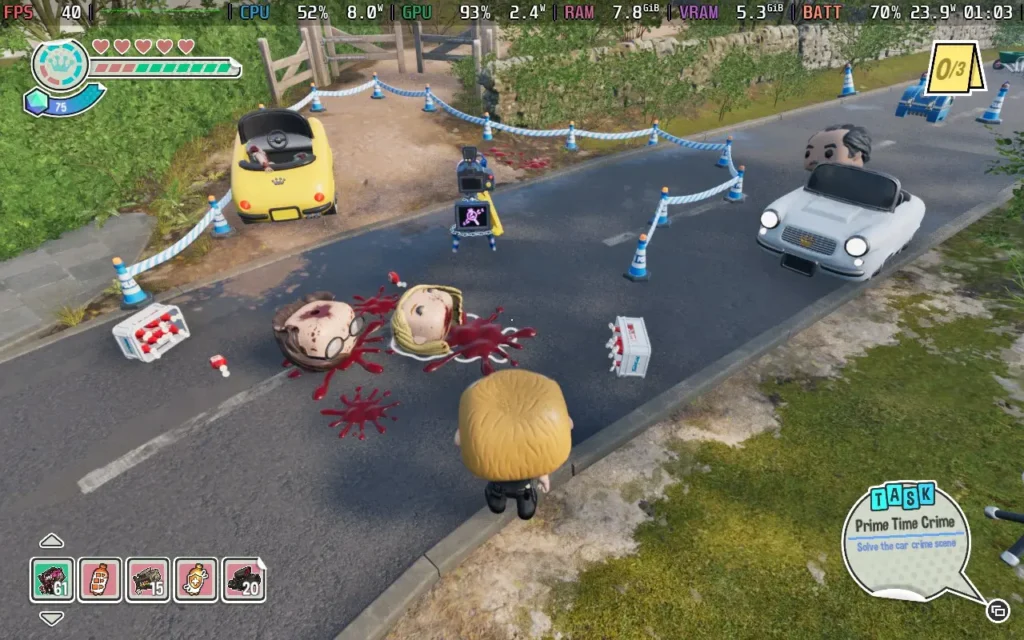
There's also a mismatch in how the game portrays violence. Humans can be killed at will, and shooting them will cause their heads to pop off, the game loves featuring the decapitation of humans, and nearly every enemy you kill and in a few cutscenes heads will pop off, and not always in the cutesy way that LEGO does it. In most worlds, it is like LEGO, but in The Thing world specifically, killing humans is associated with blood splatter. I don't know why, but the developers obviously decided to have gore in that world, not the rest of the game.
In the "Jurassic World" world, for example, it shows all the dinosaurs as being tranquilized and sleeping, even if you just exploded them with a grenade. Heck, you break open the rib cage of a boss in the world so you can shoot its heart, but don't worry, it's just tranquilized at the end of the fight. However, in the Hot Fuzz world, there are rather gruesome and gory moments of humans being murdered. There are even censored swear words in other places, such as twice where "F**k" appears in the game. If you're portraying violence and allowing us to blow humans apart with blood spray, just use the F word.
Funko Fusion feels like it was a game made by a team that knows how to program and develop a game but didn't have much of a focus on what they wanted to create. It's part puzzle game, part action game. It is a game that initially looks and feels like it was built for kids but with adult themes. It ends up leaving the player quite confused as to what the developer's aim was. There are different standards per world, and that's just strange. There seemed to be no consensus on how the game should handle situations between worlds.
The technical aspects of Funk Fusion are fine. It looks quite good, with the movement and aiming mechanics working just fine, in my opinion. However, almost every aspect of the game's design, from the weapons to the missions, just seems poorly thought out. Unfortunately, graphics don't make a game.
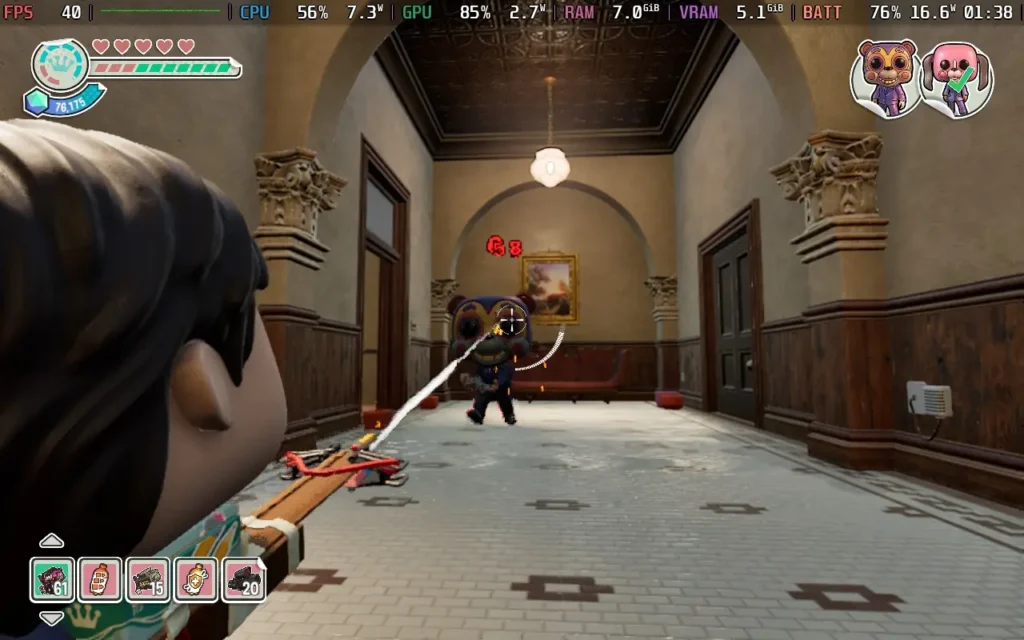
Funko Fusion is its own worst enemy. I wouldn't recommend this game for children because, although that is promised, there's no multiplayer or co-op functionality to help them figure the game out when it gets a bit directionless. Also, some scenes in the game aren't really appropriate for very young players, as there is some blood and gore and half-heartedly censored swearing.
But at the same time, I wouldn't recommend this game to adults either; due to the low difficulty of the combat and rather repetitive nature, it is probably not suited to your average adult gamer. As you progress through the worlds, you realize that all the puzzle elements are the same and usually involve finding a valve or a fuse to power something. Likewise, the mission objectives are to hunt down minibosses or rescue animals.
Funko Fusion will encounter a Visual C++ Runtime error upon first boot. To fix this, follow the steps in this article. Of course, in Step 3, you should select Funko Fusion instead of the Pacific Drive Demo, and I also used VCRun2022 instead of VCRun2019. You can also run the game with Proton GE.
Funko Fusion has many visual settings that we can adjust, but it's also a surprisingly difficult game to run. So we're having to run the game at low settings. I recommend sticking to 40 FPS here, with the option to drop down to 30 FPS if you want to save some battery.
It's worth noting that the cutscenes are pre-rendered, and if you don't run them at 60 FPS, they play in slow motion, resulting in some audio glitches, so you may want to manually disable the frame limit each time a cutscene plays if it bothers you. There are no voice lines in the game, though, so it's not a huge deal if you miss the cutscenes.
While the subtitles themselves are easy to read, sometimes characters in worlds speak through speech bubbles above their heads, which can be hard to read on the Steam Deck's display. There is also no way to adjust their size.
For this, we will set a frame rate limit in SteamOS of 40 FPS and a TDP Limit of 15W.
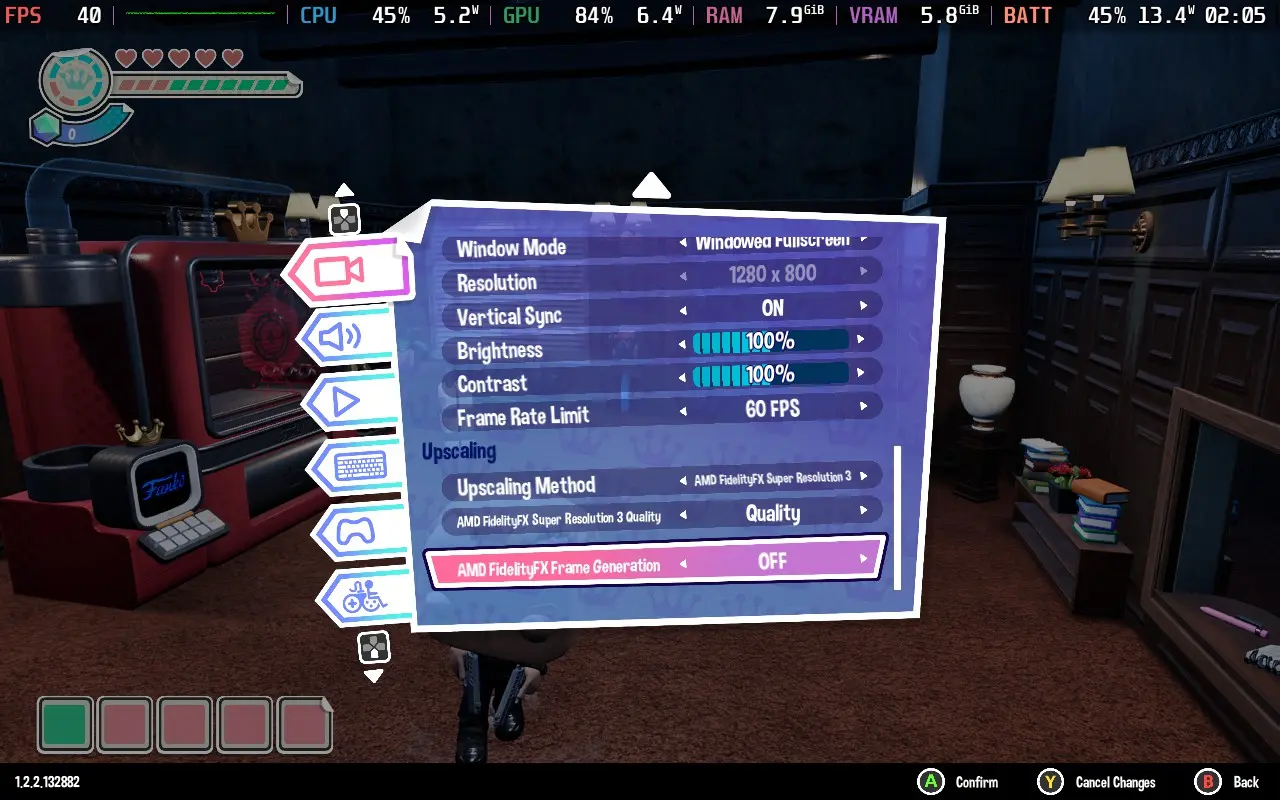
You'll want to set all in-game settings to the minimum possible, set the upscaling method to FSR3, and use the Quality setting. I did try TSR because I thought it looked better, but I ended up running into issues with excessive GPU usage when using it.
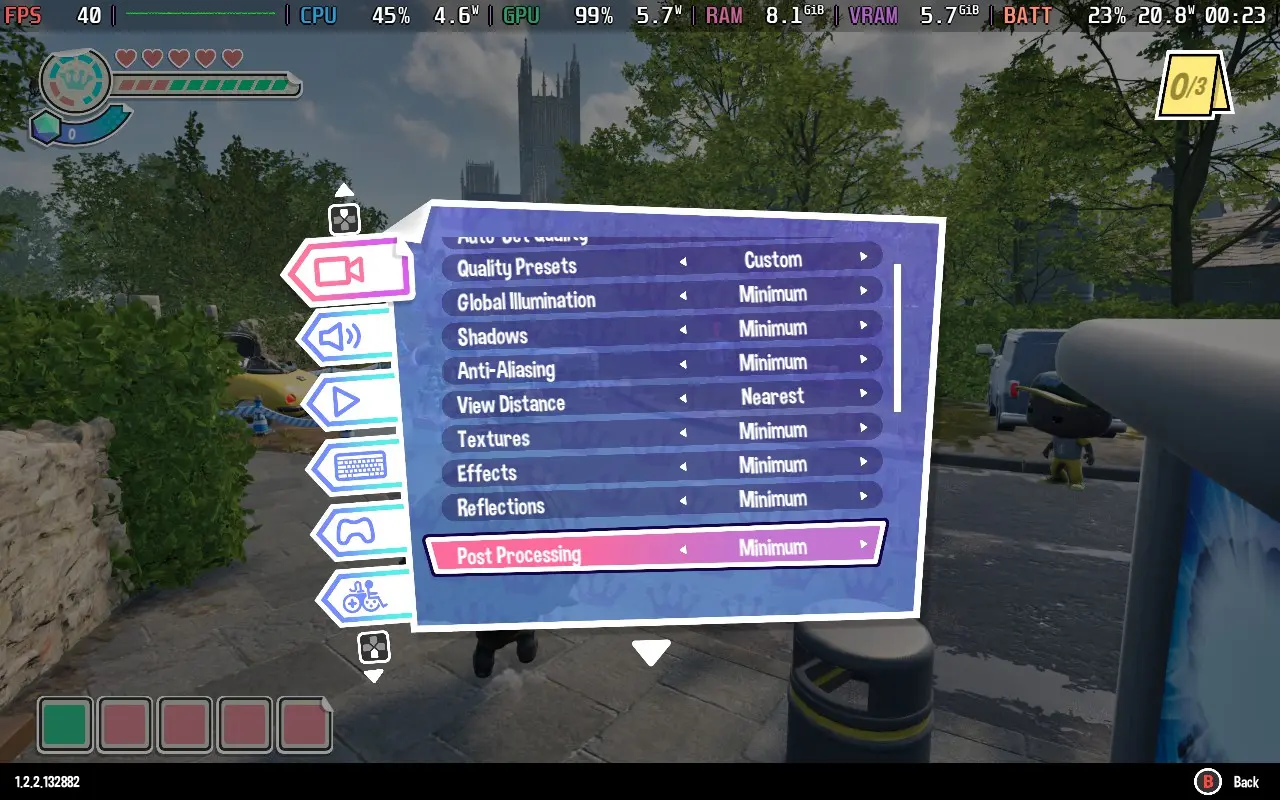
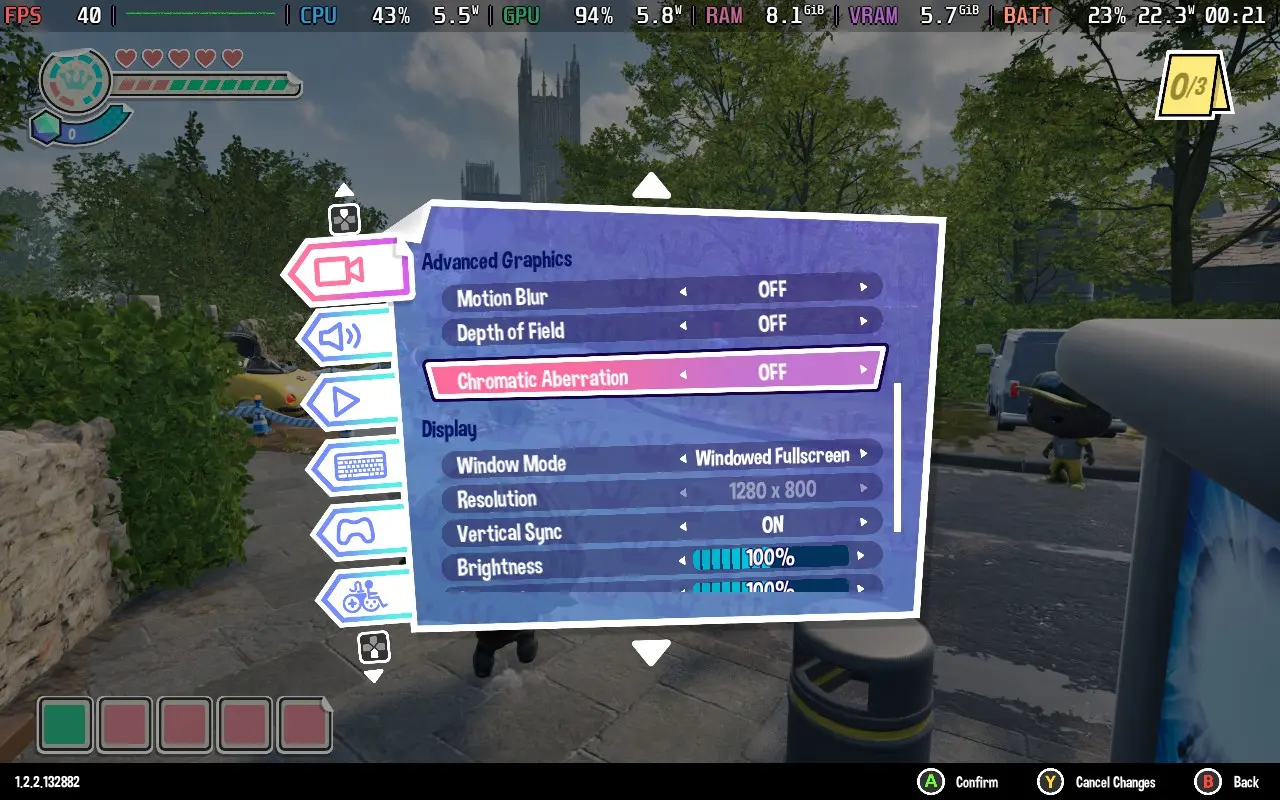
With these settings, you should see a pretty stable 40 FPS for most of the time. There are dips in some areas, such as when an explosion happens, a lot of smoke on screen, or looking through a portal in the Masters of the Universe world. Also, the hub world will gradually worsen performance as you unlock more worlds, so by the end of the game, expect the FPS to be in the low 30s while in the hub world.
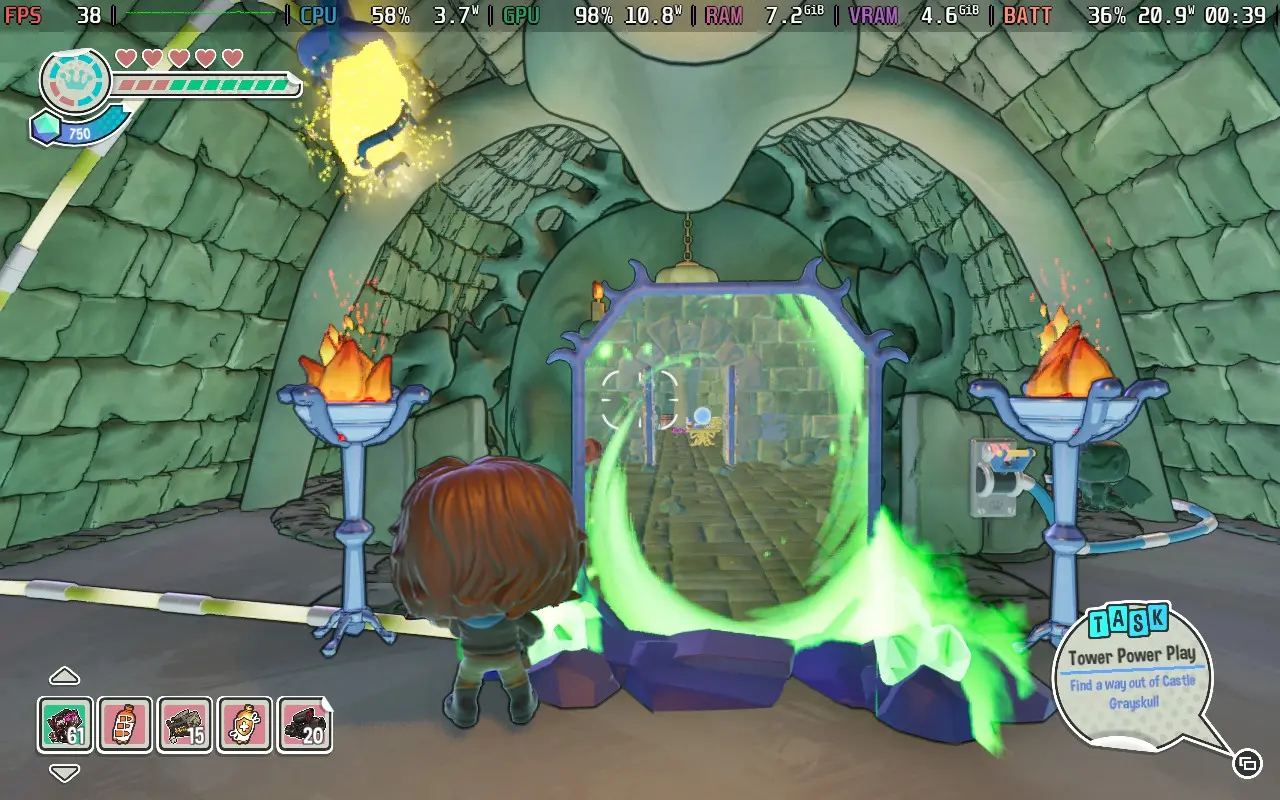

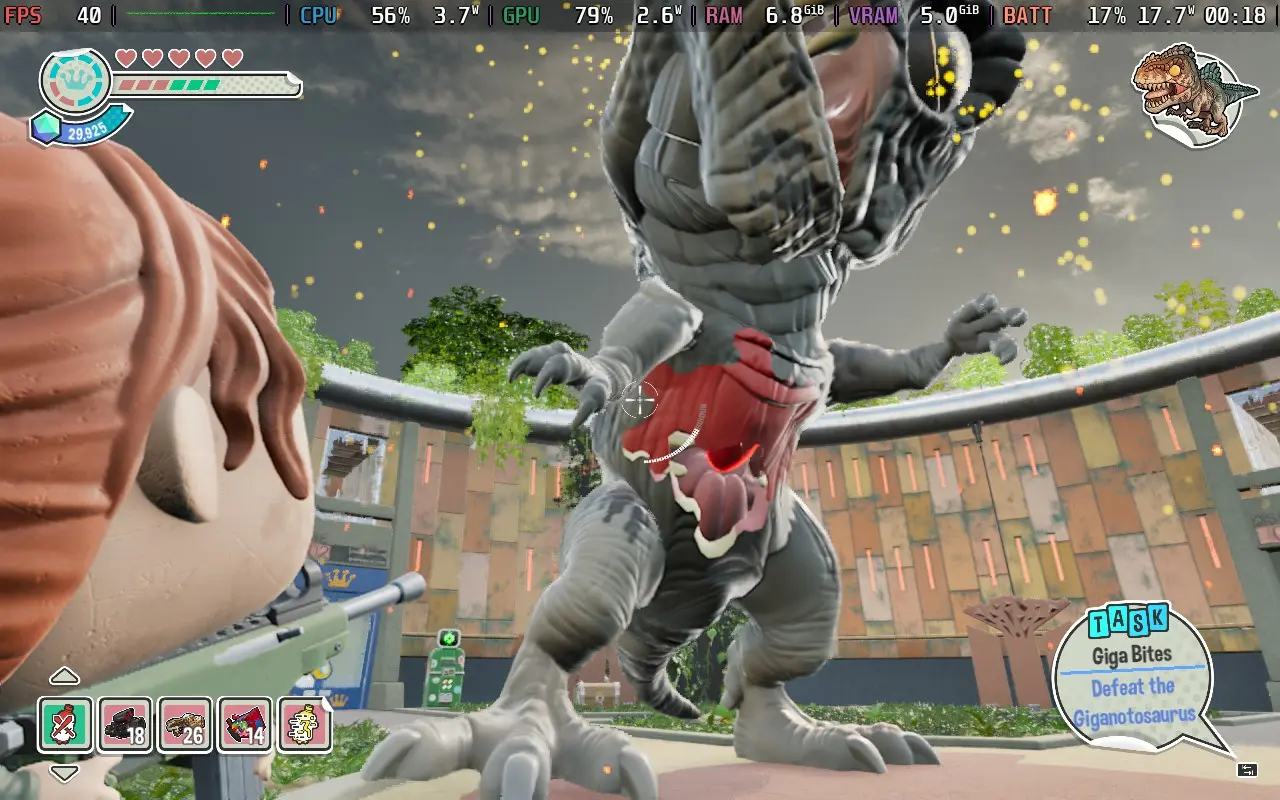
Depending on the world you're in, the power draw can vary wildly, from as little as 15W in indoor areas to around 25W in worlds like Hot Fuzz or The Thing.
The game runs hotter, around 70C indoors and 75-85C in more intensive areas. The fan noise is pretty constant, although this does depend on what world you're in.
To save some battery, you can lower the FPS Limit in SteamOS to 30 FPS, which can reduce power draw to around 16-18W even in outside areas. However, the power can still spike above 20W, and I didn't enjoy the game at 30 FPS.
Funko Fusion has an accessibility menu with a few options. You can disable camera shaking, adjust controller sensitivity, and aim assist. There are also colorblind filters and adjustments to the size of subtitles in the game. It's worth noting, though, that subtitle size doesn't affect the size of subtitles in speech bubbles, just in the text that appears along the bottom of the screen sometimes.
My primary feeling about Funko Fusion is confusion. Funko Pops and their design often appeal to children, and Funko Fusion feels like it should be a kid's game by its design. The game seems to tiptoe around the area of violence in some worlds, and then straight up lets you blow people's heads off with a shotgun and blood splatter a few moments later in another world.
At this point, I wonder if Universal dictated to the developers what was and wasn't allowed to be portrayed concerning certain IPs.
While this isn't a dealbreaker in itself, it highlights a problem throughout Funko Fusion: the game seems to have many half-baked ideas. Still, the dev team lacked the time or imagination to carry them out. The visual presentation and the technical aspects, such as movement and mechanics, work fine. The problem is that the puzzles are repetitive and tedious, the combat feels hollow, and many missions worldwide are variations on finding lost animals or defeating a series of minibosses.
The lack of any form of multiplayer is also pretty disappointing. The developers stated at launch that the game would receive multiplayer in October 2024 but that it would be launched in stages, not supporting the entire game, and so far, we haven't heard much more about it.
Performance on the Steam Deck is at least decent. You can play Funko Fusion at 40 FPS if you run the lowest settings, with the option to go down to 30 FPS to save some battery life. The controllers also work great, although some of the text in speech bubbles may be hard to read sometimes.
このレビューはPC版に基づいています。
このレビューをお楽しみいただけたなら、SteamDeckHQ の他のコンテンツもぜひご覧ください!あなたのゲーム体験に役立つゲームレビューやニュースを幅広く取り揃えています。ニュース、ヒントやチュートリアル、ゲーム設定やレビューをお探しの方も、最新のトレンドを知りたい方も、ぜひご利用ください。
SWORD ART ONLINE Fractured Daydream was provided by Bandai Namco Entertainment for review. Thank you!
SWORD ART ONLINE is a franchise that has divided many. I remember when the anime aired its first episodes, which had a great response. But since then, the franchise has had ups and downs, no more so than in its video game adaptations, which often receive a mediocre response from players. But Fractured Daydream may be a big step up for the series.
It should be noted here that Fractured Daydream is primarily an online title. While you can play offline, you'll only have the game's story mode and miss out on the extra multiplayer-only modes. Also, suppose you choose to play in online mode and lose connection, such as by being inactive for some time or by putting your device in sleep mode and waking it up again. In that case, you will be sent back to the main menu, losing that current mission's progress, even in the single-player story mode.
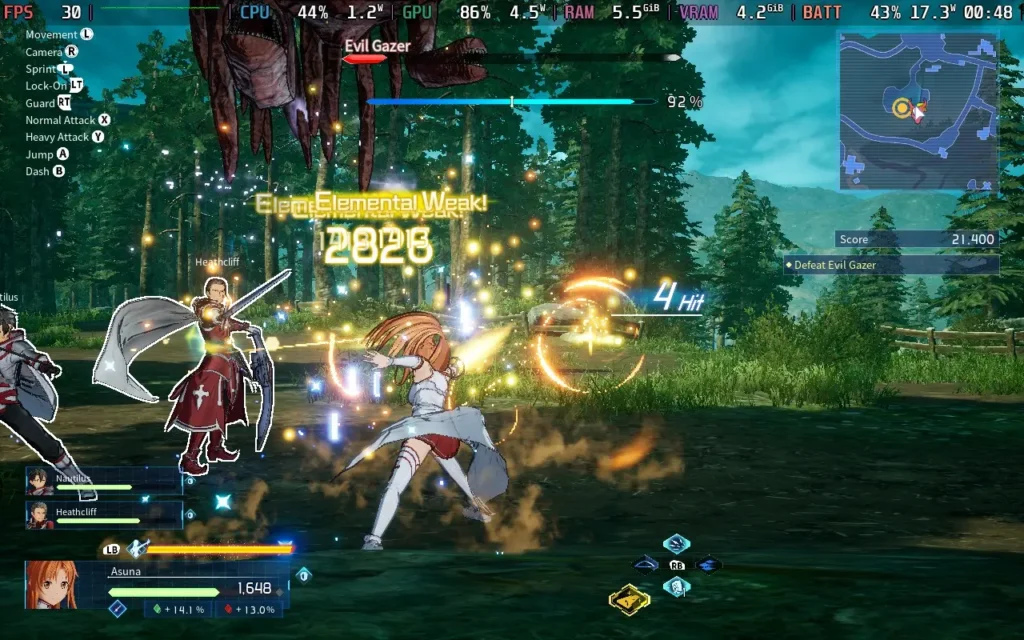
Approaching Fractured Daydream's story from the viewpoint of someone with minimal experience with SWORD ART ONLINE is a little daunting. The game is designed for fans of the series, and because of that, you'll see references to other pieces of media that you likely won't understand if you aren't versed in the lore. Notably, characters are not introduced, and players are expected to know who they are and their relationship with Kirito, the primary protagonist of the franchise and this game's protagonist.
The game's story mode is structured into many short and sweet missions. They tend to be pretty dialogue-heavy and range in length from around 5 minutes to around 15 minutes. Some are more cutscene than gameplay, but the story is interesting and well-voiced. There is only a Japanese dub available, so there is no English voice acting. The average player will probably take 7-8 hours to play through the story mode.
The storyline involves a new feature being added to the virtual world that has caused a glitch, resulting in mass confusion for the players in the game (including amnesia because this is anime). Odd events begin occurring, such as virtual entities appearing that shouldn't be able to exist in this world. It's up to Kirito and his party to find out what happened and how to fix it.
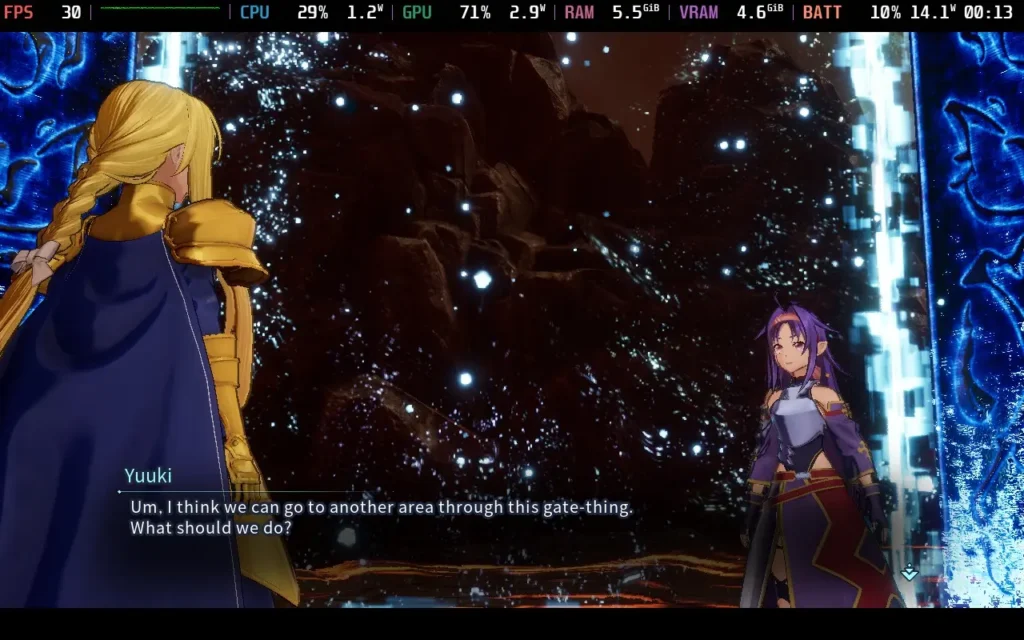
There are 2 difficulty options, "Normal" and "Easy." However, selecting Easy will limit the kind of loot you can get. Normal is easier anyway, so I wouldn't worry about it. I played through the first chapter of the game without coming close to death, and I'm not exactly an expert at these types of games.
The combat in Fractured Daydream is pretty decent. It follows your usual hack 'n' slash formula, and you can abuse button mashing if you want to. There's no requirement for learning combo moves here. To spice things up, you can alternate between light and heavy attacks with your melee characters, and every character has special abilities that you can fire off by using RB + 1 of the face buttons. You can also use an ultimate ability by pressing RB + R3, which deals massive damage.
The variety here really comes from the different characters in the game. While you may have your favorites, you are forced to play various characters throughout the story mode (you can choose which you want in multiplayer modes). Some characters are ground melee and fight as you might expect a normal warrior to fight. However, other characters can fly, while others use ranged weapons instead, turning the game into a 3rd-person shooter.
All these combine to keep gameplay fresh, which could sometimes become monotonous button-mashing. The story mode constantly switches between weapon types, movement styles, and environments, which keeps things interesting, especially since the game's mission structure is fairly similar throughout. Thankfully, the variety of characters, weapons, and environments, plus the frequent story cutscenes/dialogue mixed with the repetitive mission structure, ease the blow.
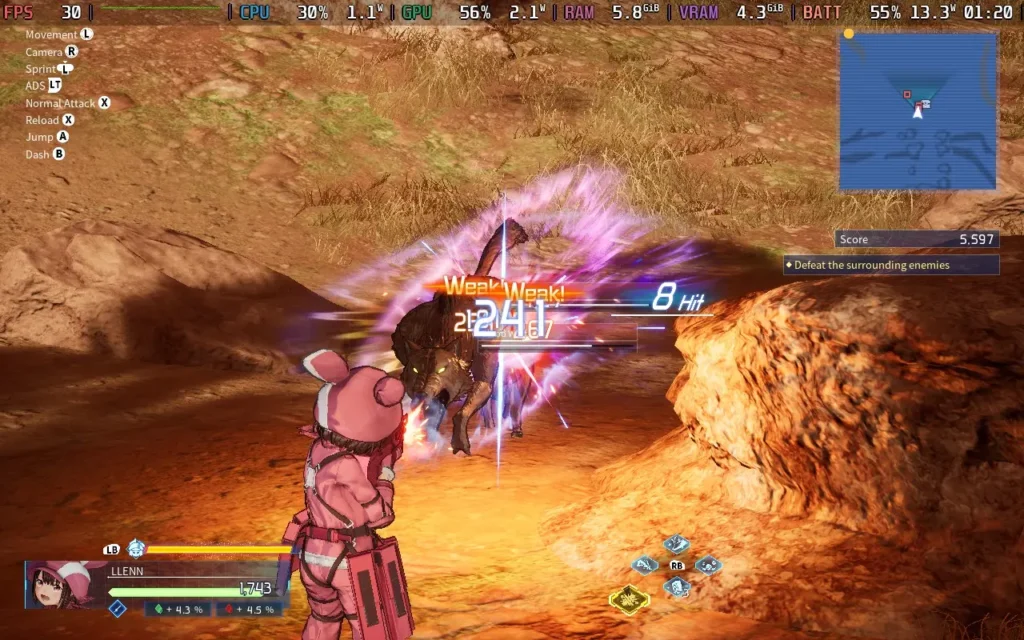
The visuals of Fractured Daydream hold up because of its well-translated anime art style. Even at lower settings, the game maintains clarity and appeal. This, combined with well-mixed sound effects and good voice acting, means the presentation leaves a good impression.
The downside to the story mode is the friendly AI. This is one of those games where your NPC allies are there to draw fire from the enemy rather than do anything useful. The damage they deal to enemies and the damage they take is negligible. Don't expect them to do much fighting for you, but on the flip side, you don't have to worry about them dying on you, either. They are also terrible at pathfinding, so they'll usually teleport to you after a while. This means you can be alone in a combat situation until they teleport.
But all we've talked about so far is the story mode. A big feature touted for Fractured Daydream pre-release was its 20-player online battles.
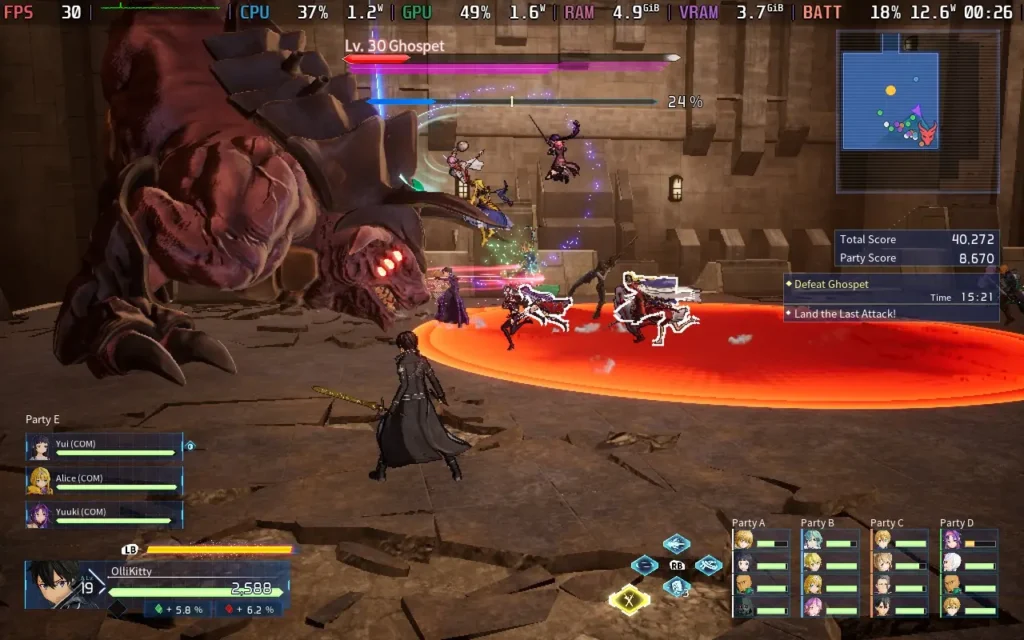
The online play of Fractured Daydream was a lot of fun for me. There are a few different "Quests" that you can embark on, of varying difficulty and location, and on these quests, you'll initially be in a party of 4. Gradually, you'll meet up with 4 other parties to make a combined total of 20 players, at this point, you'll need to face off against the final boss.
It all creates a great sense of cooperation and camaraderie. Even though each party has its score and at the end of the quest, a party will be rated as the "best" party, and you're all still working together to complete the objectives and defeat the boss. It's just plain and simple fun at the end of the day, with no stressing, and no worrying about toxic teammates, this is my kind of online experience. Even if another party member falls, any of the 20 players can revive them, which lets the true cooperative nature shine through.
The only downside to the online game I found was that sometimes the game is overzealous and puts you in a match without 20 human players. Once, the game was matchmaking for nearly 2 minutes, and a full 20-player lobby was found. However, most of my subsequent games only waited around 20-30 seconds, and the player count was usually 5-8 players, meaning some parties were just 1 player. Fortunately, bots will fill empty player slots, and the bots in multiplayer are more competent than the NPCs that "help" you in the story mode.
If you want an even more casual experience, you can go into "free roam" online, which lets you explore a couple of the game's maps with other players. There is also a boss raid mode if that's your cup of tea, although you'll need to play a bit of multiplayer before that unlocks.
Fractured Daydream gets off to a good start. We have proper 1280x800 resolution support, meaning no black bars on the Steam Deck's display, and the game has excellent controller support, which is my preferred way to play it.
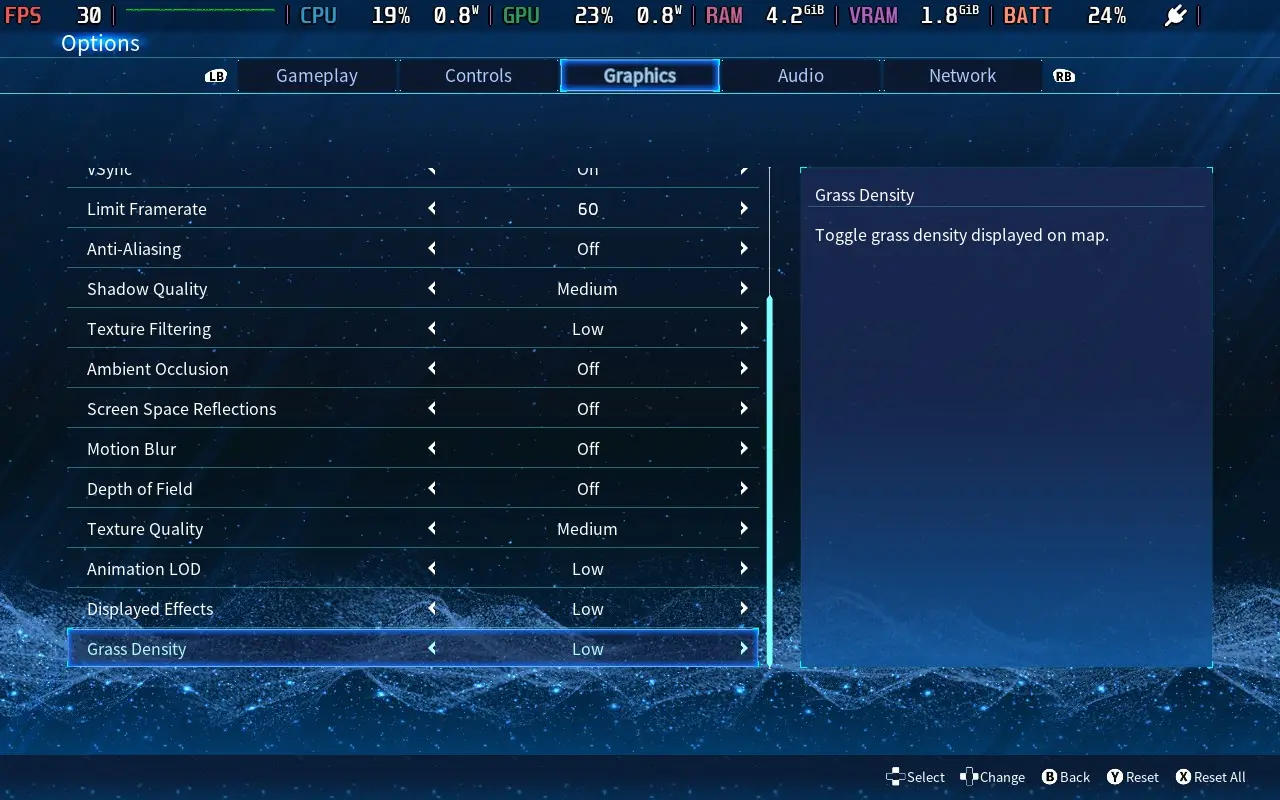
We can play with many graphical settings to get the game running as we want, so let's look at my recommended settings.
It's also worth noting that my settings never seemed to save, and when I rebooted the game, the settings would always default to the lowest. I'm unsure if this is a Steam Deck issue where the game is set to always run on the lowest settings on the Steam Deck, but it is annoying.
In SteamOS, I applied a 30 FPS / 60Hz frame limit; there is no TDP limit. As for the in-game settings, we have a solid mix of medium and low across the board to make it look as great as possible while getting as close to a stable 30 FPS.
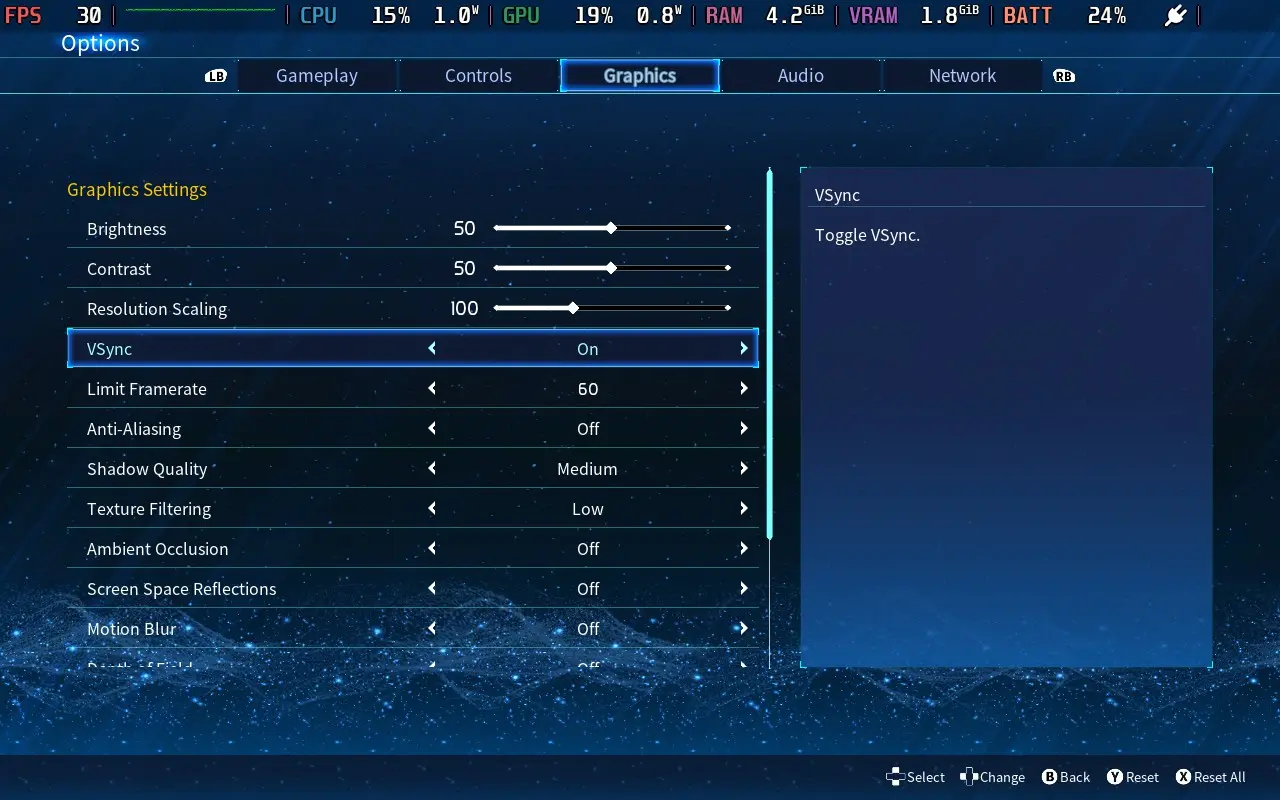
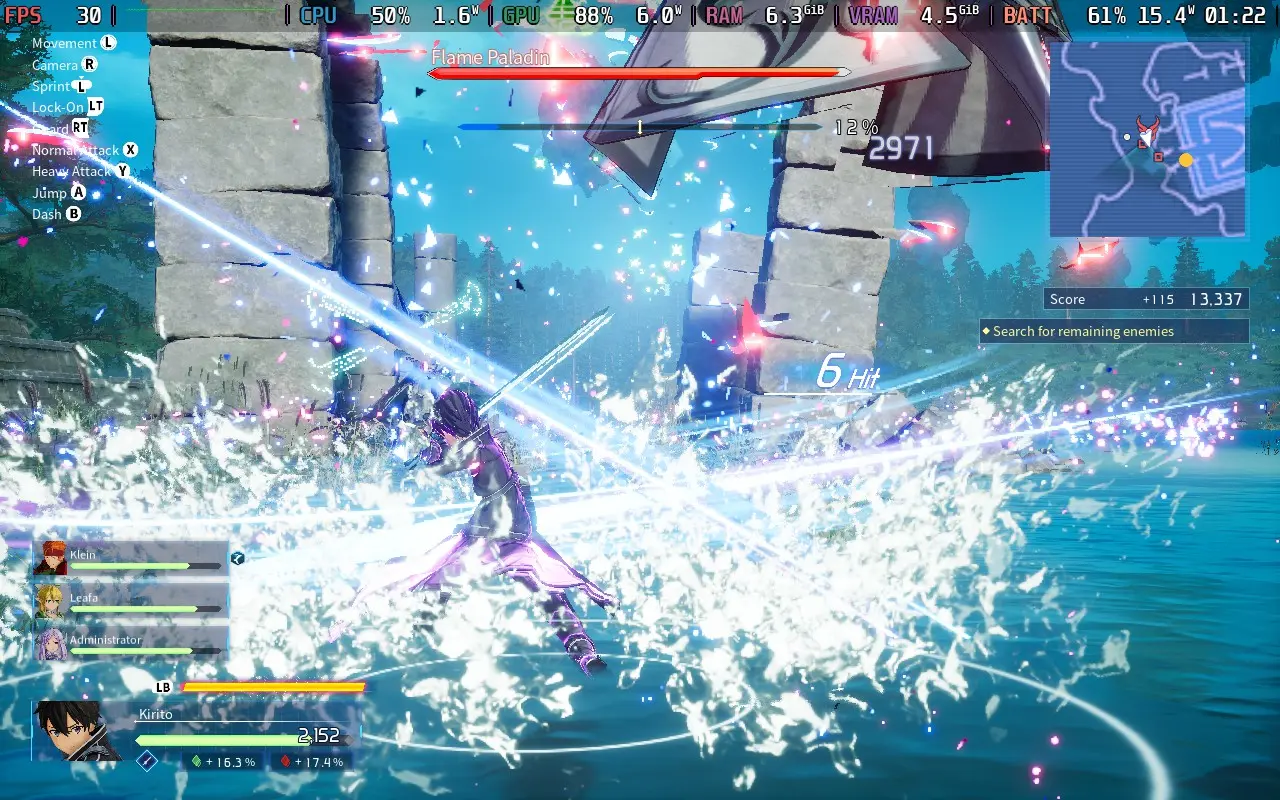
With these settings, we can have an almost completely stable 30 FPS in story mode. Some levels, such as those with dense foliage or lighting effects, have slight slowdowns. For example, an environment appearing in Chapter 2 drops to 27 FPS a few times during battle, but most environments will not drop from 30 FPS.
One problematic environment appears in Chapter 3. It has fog, which lowers the frame rate to the low 20s. Fortunately, it's a rare environment, and the combat areas tend to have less fog. However, this environment does appear in online play in some quests, which can cause issues there.
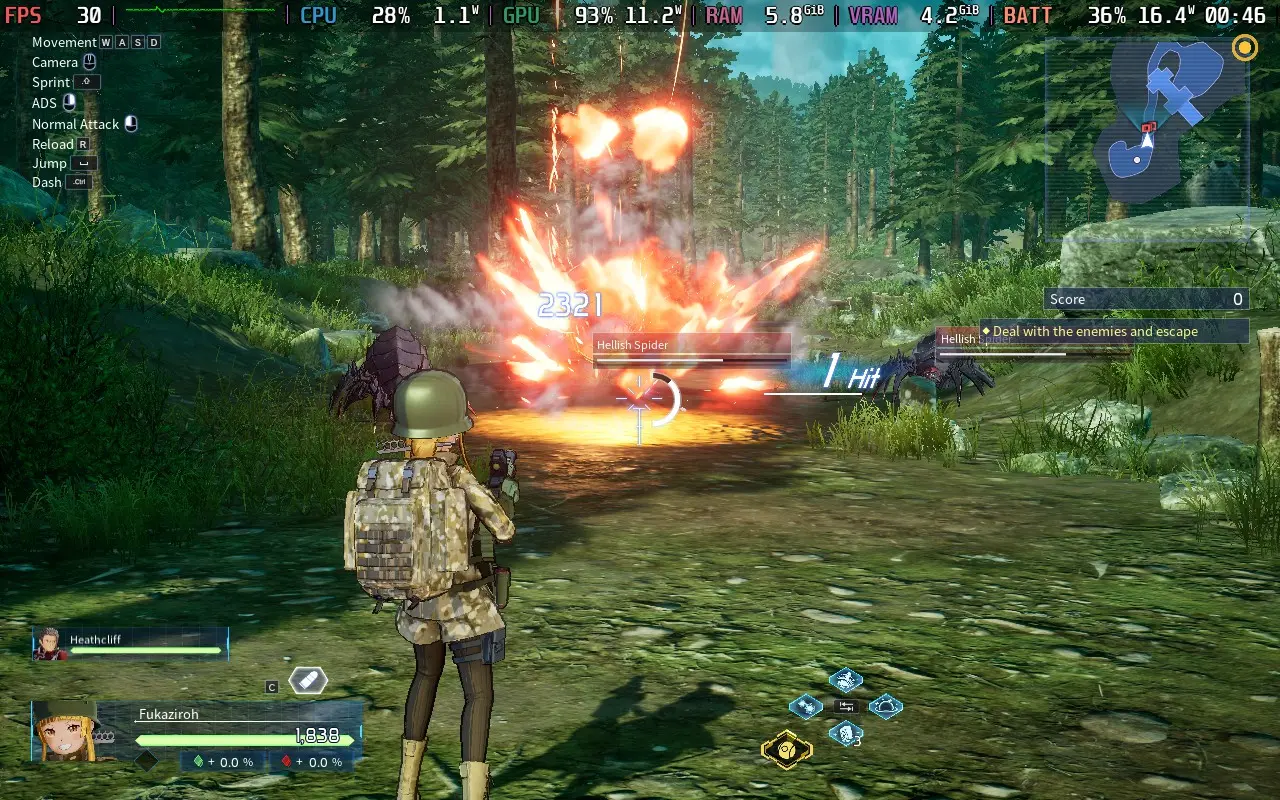
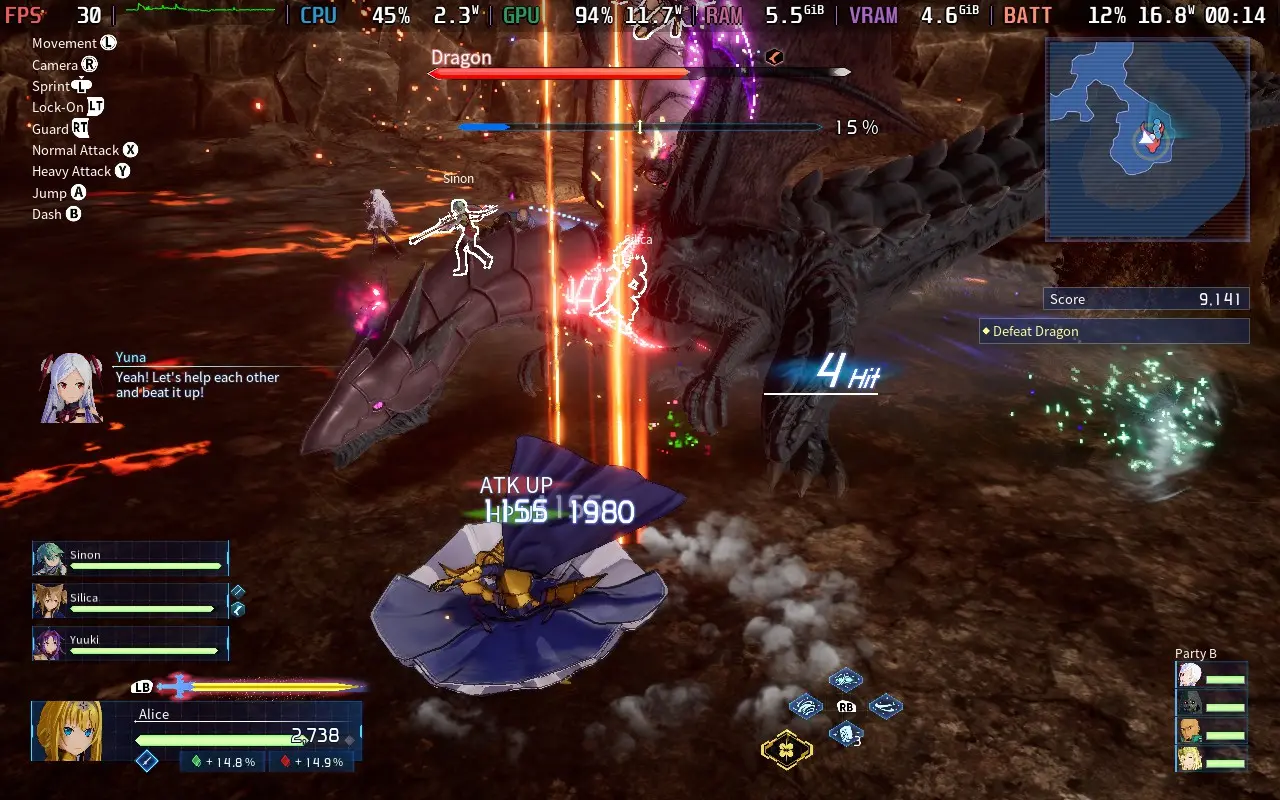
Sadly, my favorite part of the game, the online part, is the worst performing, and you'll want to turn Shadows down to "Low" to disable them. I also set my Resolution Scaling to 80%, which mitigated most of the dips in the frame rate. Even with shadows off and the 80% Scaling, you'll still see dips into the mid-20s when all 20 players are fighting a common enemy.
The saving grace here is that Fractured Daydream is not a game you "try hard" at. It's a reasonably casual experience, so even if you drop some frames, it isn't the end of the world, and it's unlikely to cause you to mess up or miss an attack, as the game is fairly forgiving.
Also, note that this isn't every map. The forest maps are often intensive. However, other maps, especially indoor ones, run at a constant 30 FPS, even online.
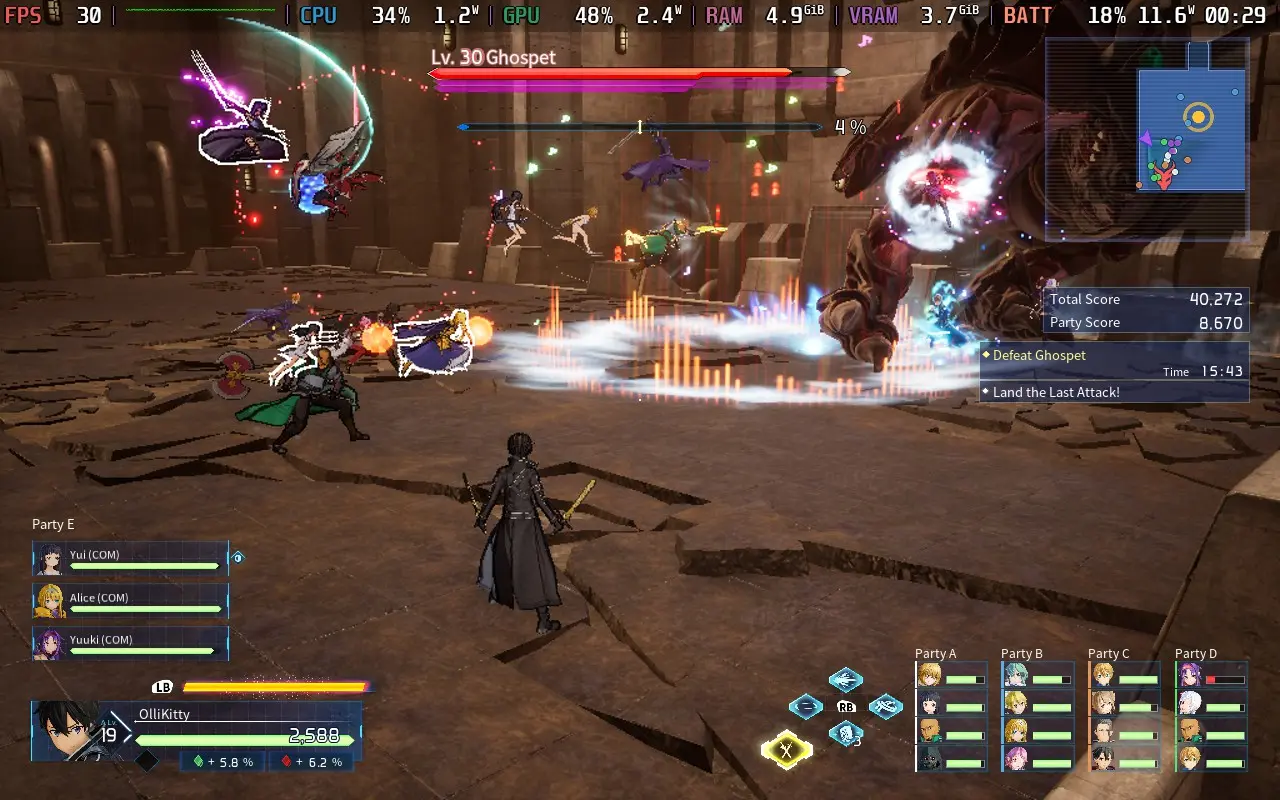
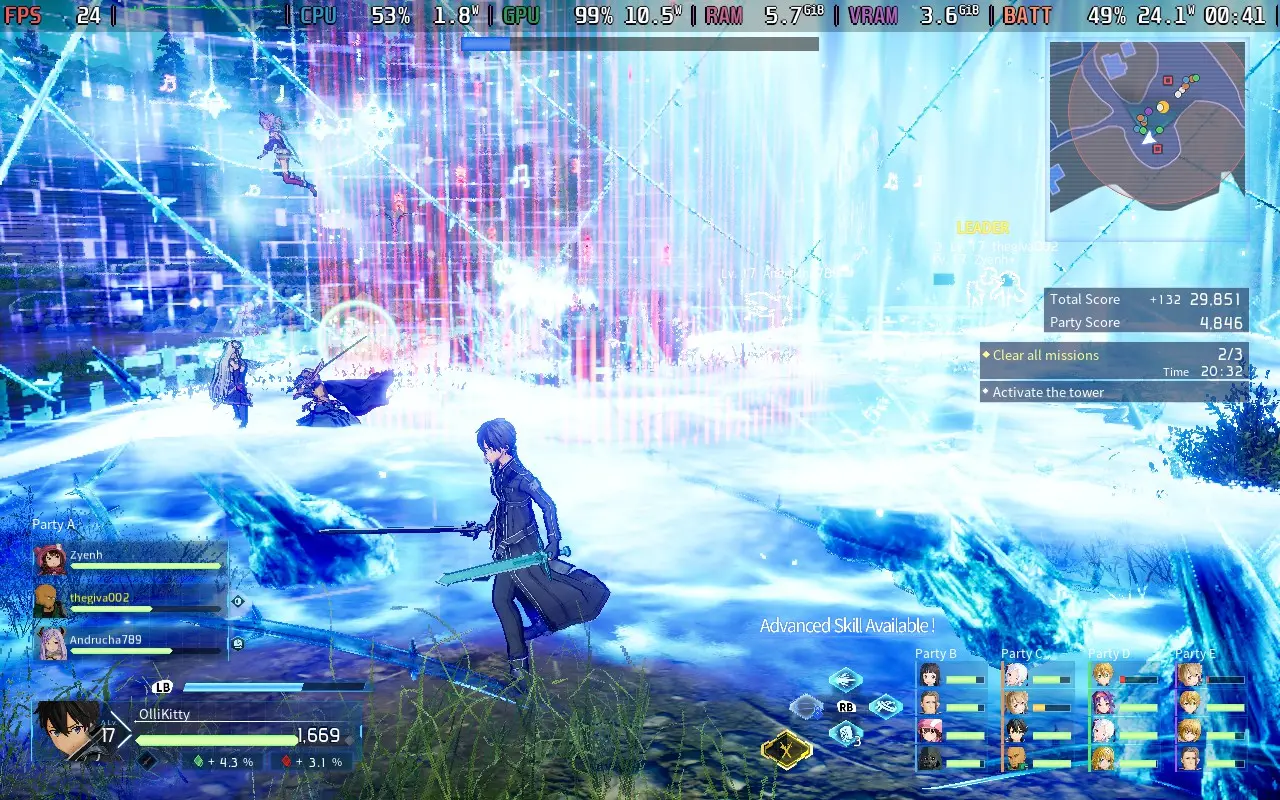
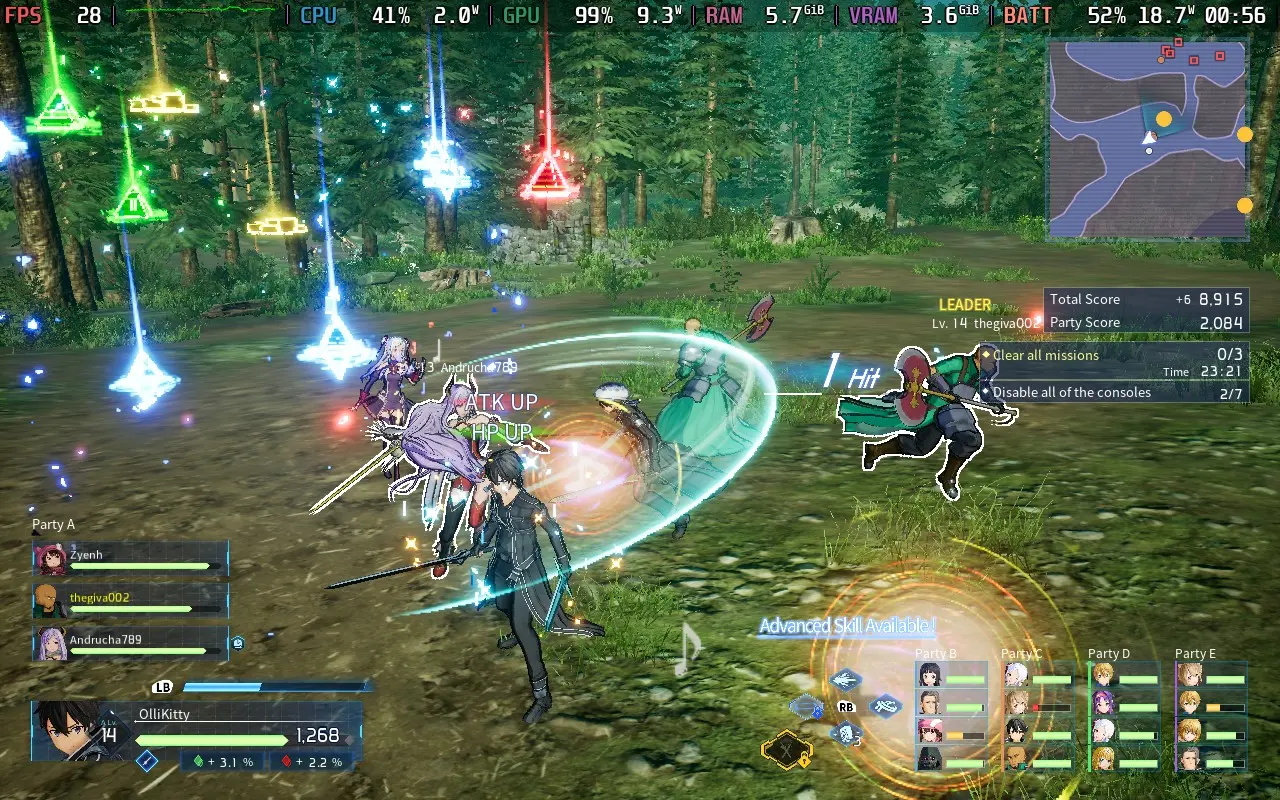
Power draw in the story mode often ranged between 13-18W, with some maps hitting 20-22W on very intensive moments. The online mode tends to stick towards the top end of these ranges. I saw mostly 16-22W during online play, with spikes to 24W. If you're playing story mode, expect 2.5 hours of battery from a Steam Deck LCD and 3 hours from a Steam Deck OLED. Online, you can knock 30 minutes off of each of those.
Temperatures are generally around 65-75C. In the environments that tax the Steam Deck, you can see temperatures up to 80C. The fan occasionally ramps up, but it isn't too bad.
You have a few accessibility options in Fractured Daydream. Namely, you can have an aim assist for ranged weapons, disable the screen shake, adjust camera sensitivity, and whether the camera controls are inverted.
You can also enable English Voice-Overs when players use quick commands in multiplayer, like pinging. This will ensure that the characters speak in English instead of Japanese when giving instructions.
SWORD ART ONLINE Fractured Daydream has a crowd that it caters to and caters to that crowd well, in my opinion. The story mode is designed with SWORD ART ONLINE fans in mind, with references to numerous anime story arcs and characters appearing with sound cues that signify that their presence is significant. Sadly, why their presence is significant isn't conveyed in the game, so your poor reviewer (who isn't an SAO fan) had to go look at a wiki to find out why this person appearing is such a big deal!
Fortunately, for non-SAO fans, the storyline is generally decent, the concept of SAO is easy enough to grasp, and you can sort of figure out what's going on as the story progresses. The gameplay also doesn't disappoint, with over-the-top visual effects firing off in every direction, making you feel like you're using weapons of mass destruction on that spider-looking thing about the size of a large dog.
Performance on Steam Deck is middling, and while the story mode largely runs well, you do have to put up with some pixelation due to the resolution scaling if you want somewhat stable performance in online play. However, the game is fully playable on the Steam Deck, with great controls and acceptable performance.
If you are a SWORD ART ONLINE fan, I don't think it would be a stretch to say that Fractured Daydream might be the best SWORD ART ONLINE video game yet.
このレビューはPC版に基づいています。
このレビューをお楽しみいただけたなら、SteamDeckHQ の他のコンテンツもぜひご覧ください!あなたのゲーム体験に役立つゲームレビューやニュースを幅広く取り揃えています。ニュース、ヒントやチュートリアル、ゲーム設定やレビューをお探しの方も、最新のトレンドを知りたい方も、ぜひご利用ください。
Akimbot was provided by PLAION for review. Thank you!
Akimbot is a third-person 3D Action Platformer, and it takes inspiration straight from the greats. If you have looked at Akimbot in the past and thought, "That looks like a Ratchet & Clank game!" well, you wouldn't be far off. Ratchet & Clank is clearly an inspiration for this game, but that's not bad.
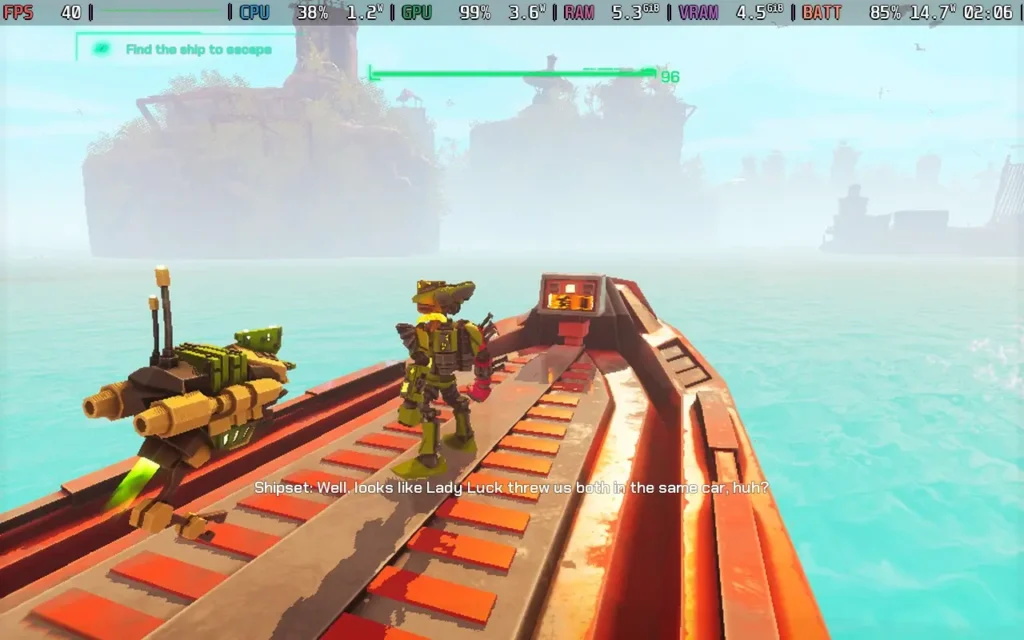
Without delving too much into the story and spoiling it, this is your fairly standard plotline. It feels like it's taken straight out of an animated movie 2010. An evil scientist has gone predictably crazy and is trying to acquire a vaguely named "Artifact" that gives its bearer ultimate power, which he will use to rule the universe. The "Algorithm," essentially the ruling power of the galaxy, has enlisted our two unlikely protagonists to defeat the scientist and protect the Artifact. The voice acting is on point here, with the characters sounding perfectly villainous in that cheesy way and others doing their part to fit in with these aesthetics.
The storyline is mostly predictable, but despite you pretty much anticipating where the storyline goes at each twist and turn, the relatively carefree and cartoony atmosphere the game creates around galactic annihilation makes you forgive it for following established tropes.
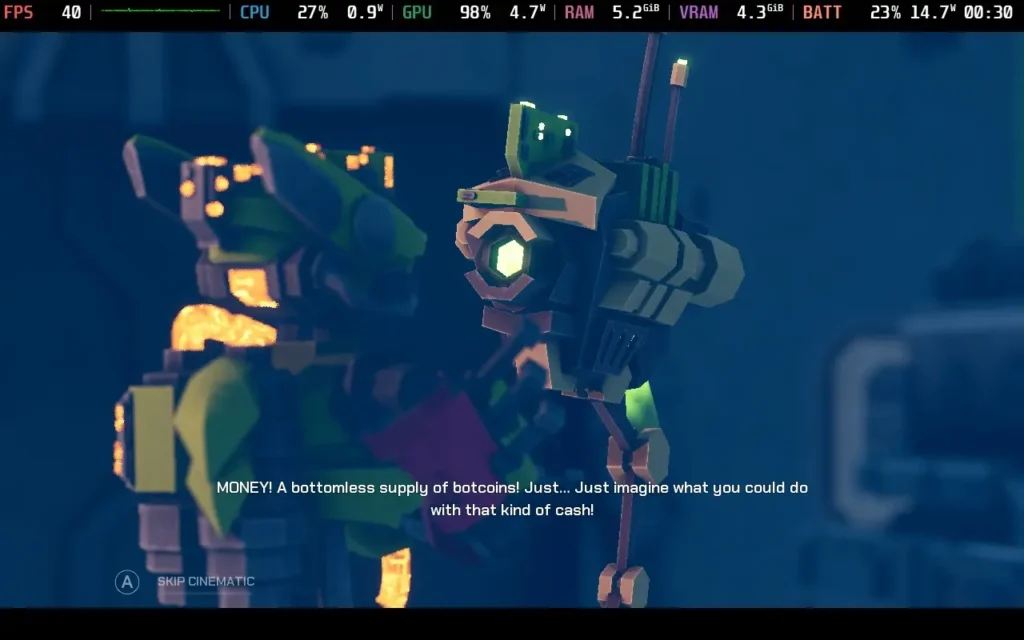
Our protagonists Exe, a mercenary with a wide array of skills, and Shipset, a drone that has decided to follow Exe everywhere (probably hoping to get money), with his main weapon being his sarcastic wit. The dynamic between the two characters is pretty decent, although 90% of the funnies will come from Shipset, whereas Exe can be frustratingly serious and angsty, you'll soon get tired of hearing him preface every sentence with "tch". But having someone serious to offset the vibes from Shipset is a requirement.
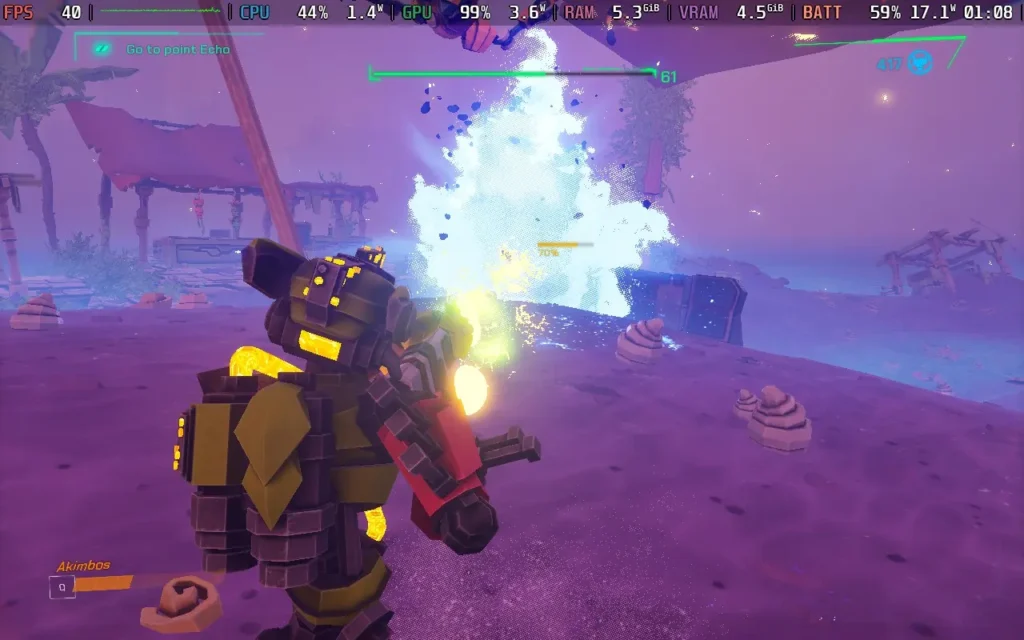
Movement is a key part of any platforming adventure, and Akimbot nails this down pretty well. You can double jump, dash, and make a melee attack, gaining extra height as a "triple jump." The game fully uses this set of moves, and you'll be required to use them all to navigate the perilous planets you'll encounter on your journey. It's pretty satisfying to make some difficult jumps later on. However, there were some odd collisions involving tree branches at several points.
The combat is perhaps just as important as the movement for a game like this, and luckily, it doesn't disappoint either. There are 8 weapons to choose from in total, with 4 "less powerful" weapons that are available on-demand, such as an assault rifle or sniper rifle, and 4 more powerful ones that require ammo, such as dual pistols and a laser. You can only have 1 of these equipped at any time, requiring you to find a shop in the game to equip another.
The "less" powerful weapons aren't far off the power of the more powerful ones, and ammo is rather scarce, with you only getting a handful of shots from a full ammo bar, so I barely ended up using my more powerful weapons, reserving them mainly for boss fights or very difficult battles. The more powerful weapons can be upgraded in the shop, but I feel like ammo usage should have been lower, or at least an upgrade to increase ammo capacity should have been on the cards here.
Fortunately, the less powerful weapons are still fun to use, and with the movement system being good, it enables fast and fluid combat. Enemy variety is perhaps a little lacking, with many enemies on the ground remarkably similar to each other, mostly standing still and firing periodically at you, with shielded ones appearing later on. Flying enemies spice things up a bit when they are introduced, though, and tend to be more mobile, requiring you to maneuver out of their way more often.
Akimbot presents itself quite beautifully. I wasn't expecting this level of graphical fidelity from the game, but it makes good use of Unreal Engine's features and can deliver a very pleasant result. While we can't quite take advantage of all of this on the Steam Deck, the game still comes away looking decent despite the compromises we have to make.
The sound design also works well. The game is often quite busy, and the sounds help to immerse you in the world. The voice acting is also good most of the time. There are a couple of odd-sounding lines, but generally, the voice acting gets a thumbs up from me.
Akimbot feels like a Ratchet & Clank game that has stripped some of its non-linearity. The usual 15-hour adventure is condensed into a 6-hour one. It is very linear, essentially mission-based, with no free-roaming or choice, but because of this, it can keep the action and story always on the move, which works well for it.
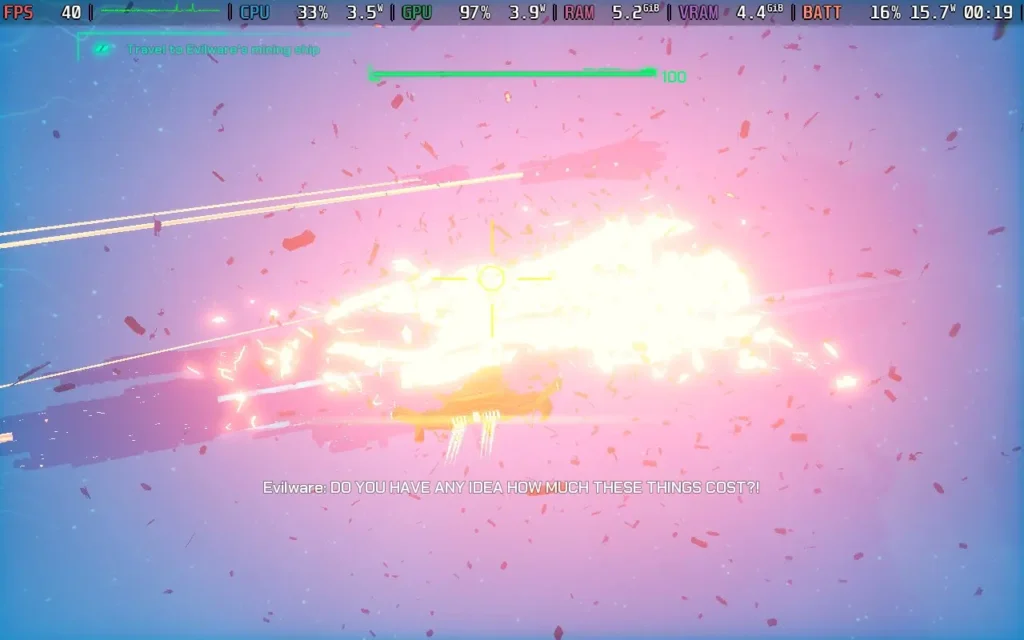
While most of the gameplay is on foot, you'll periodically be put behind the wheel of a car, in the cockpit of various spaceships, or even just manning a turret. While these set pieces break up the gameplay a little, they sometimes feel like filler. The car physics is pretty awful, with the car stopping after every jump. The spaceship sections can be needlessly long. After 10-15 minutes of flying through asteroids, you'll begin to realize that these vehicle sections are largely here to lengthen the playing time, which is a shame.
Also, water damages everything. This is a robot civilization, but the first planet is nearly all water. Why has the robot civilization built a holiday resort here?! Heck, even dipping the car wheel in the water destroys it. It's a bit overzealous and led to at least a couple of deaths just from accidentally stepping into a puddle that went above my waist.
Akimbot had a couple of oddities on the first boot, such as the Resolution setting being set to "Value," but thankfully, changing the resolution fixes that. It does support 1280x800 as a resolution, so Steam Deck users won't get any black bars around the screen. The game also has excellent controller support, so you shouldn't have any difficulties controlling it.
There isn't a huge array of settings, but there's enough flexibility to make the game playable on the Steam Deck. This is a pretty intensive Unreal Engine title, which surprised me, but luckily, with resolution scaling, we can get a decent experience from Akimbot.
In SteamOS, you'll want to apply a Frame Rate Limit of 60 and no TDP Limit.
In the in-game graphics settings, we're keeping the resolution at 1280x800, disabling V-Sync, Anti-Aliasing, and HDR. We are setting the framerate cap to 40, the render quality to 60%, the post-process quality to low, the shadow quality to high (the lowest), and the texture quality to very high. I disabled the depth of field and motion blur.
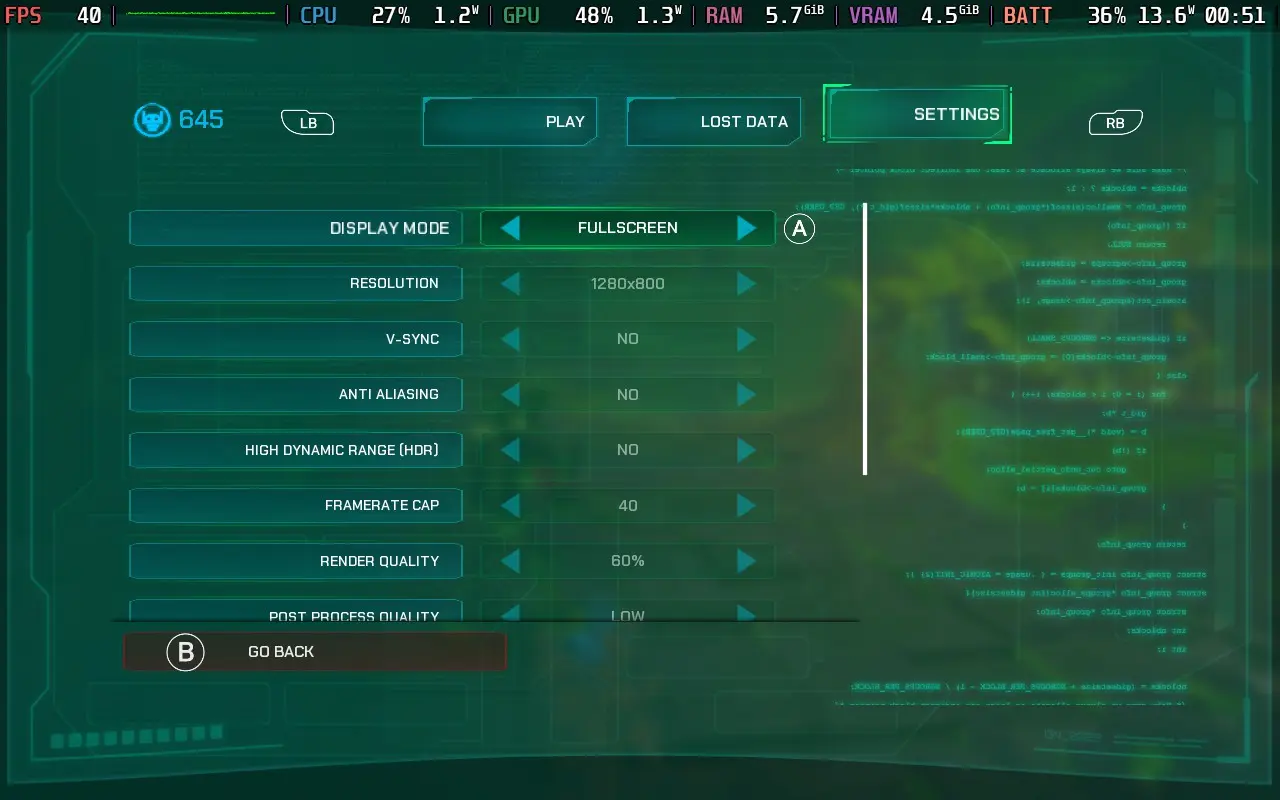
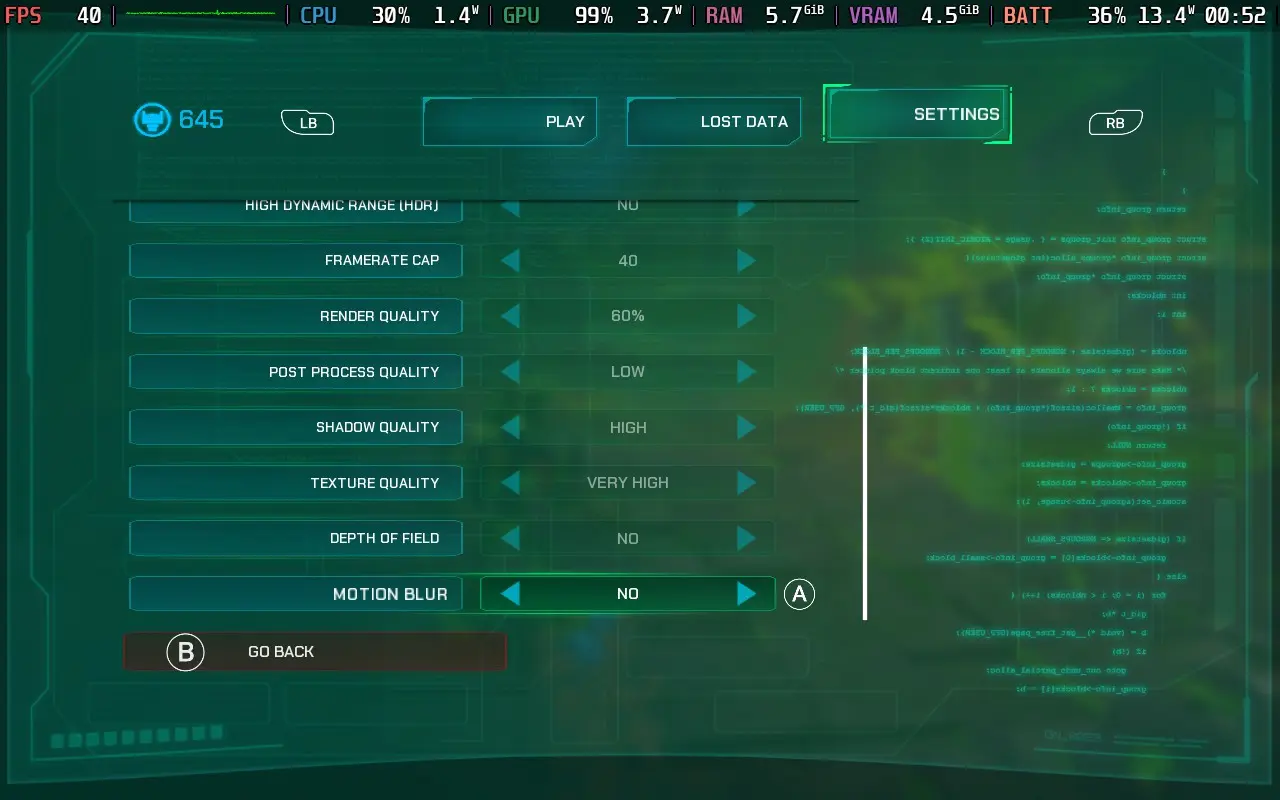
Akimbot still looks pretty good at these settings. I feared the 60% resolution scaling would cause the game to look pixelated and rough, but it actually looks decent. You can enable TAA to smooth out the edges, which has a minor performance impact, but I didn't like the soft image it produced, so I kept Anti-Aliasing off.
The frame rate holds 40 FPS most of the time; however, there are occasions when it will drop. Walking very near foliage can cause drops into the low 30s, and vehicle sections where you go near explosions can drop into the teens, as do some cutscenes. There's a short stealth section later in the game that frequently drops below 30 due to the visual effects, but we cannot do anything about that. Fortunately, these represent a minority of cases, and general gameplay is fine.
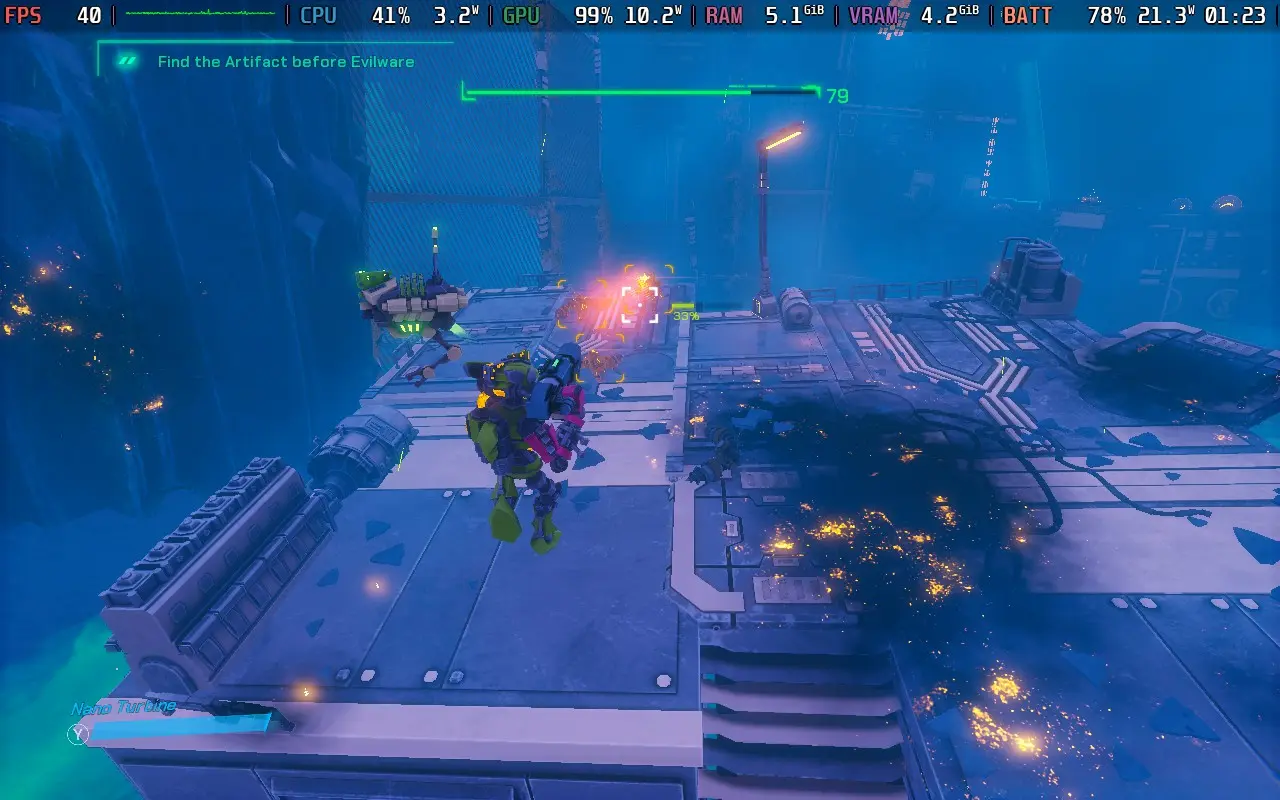
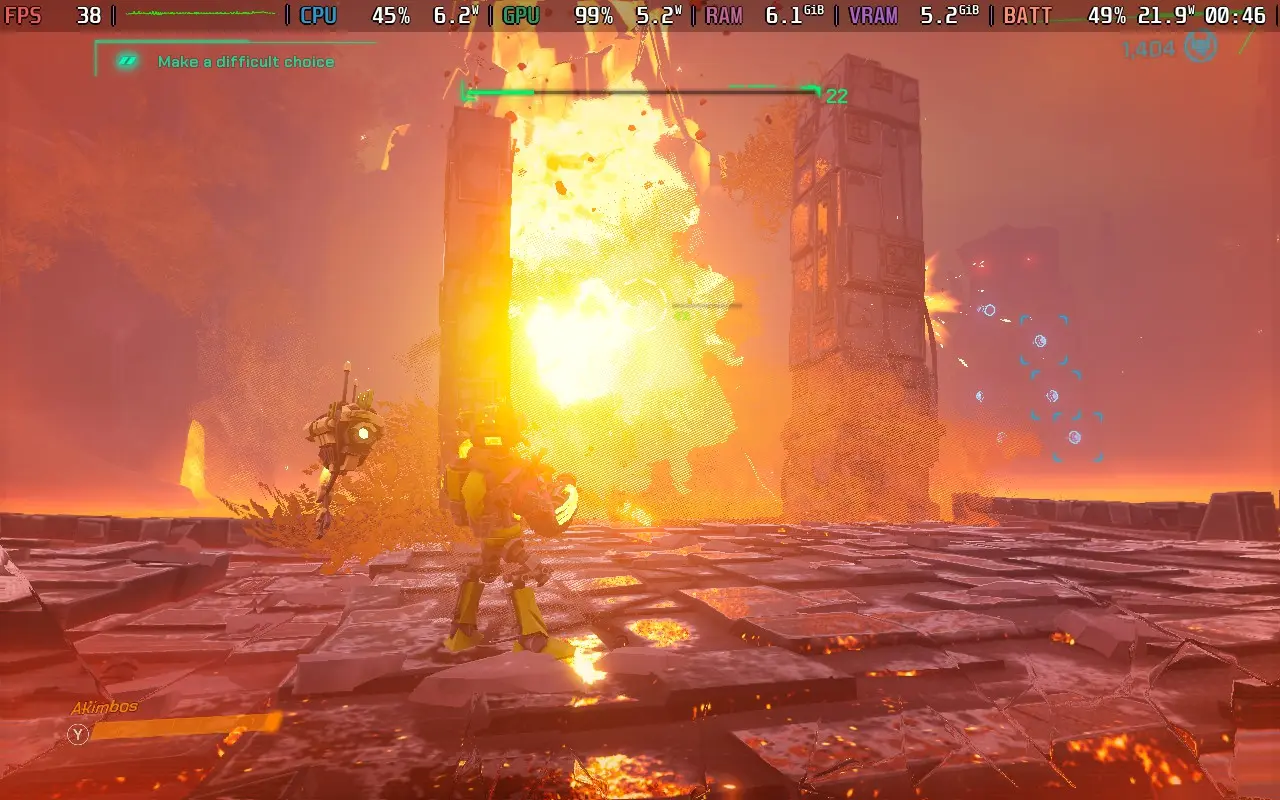
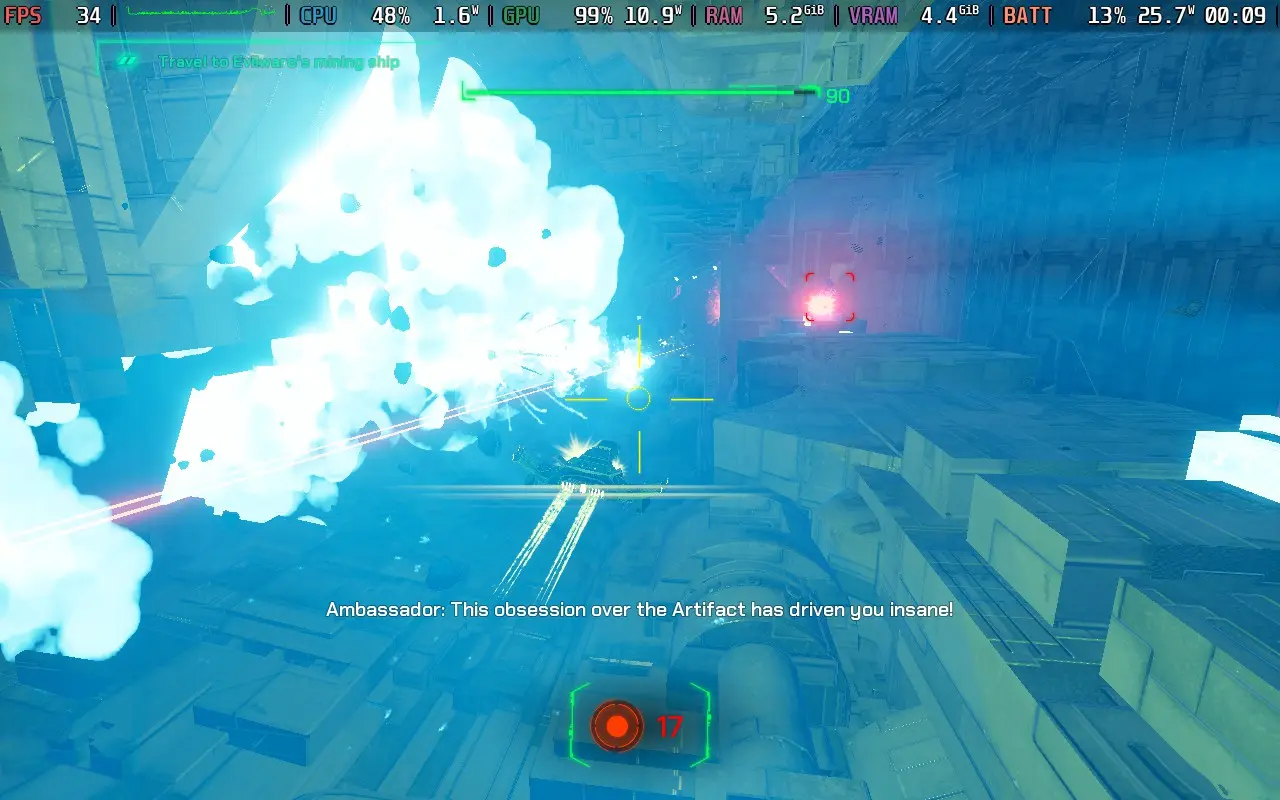
Power draw varies quite a bit depending on the enemies and the environment you're in. If things are quiet, the power draw is usually around 15W, but it can go up to around 25W in very intensive situations. Steam Deck LCD users can probably eke out 2 hours. Steam Deck OLED users might manage 2.5 hours.
Temperatures are generally around 70-80C, but in intensive areas, expect them to reach 85C briefly. There's always some fan noise, but it ramps up when a lot of particles are on screen.
There are some accessibility options in Akimbot. For one, all dialogue is subtitled, so you can enjoy the story without sound. There's also some gentle aim assist and the ability to invert controls. There are also 3 difficulty levels to choose from. Playing on the middle difficulty, I found it just about right for someone with experience playing a Ratchet & Clank-style game.
As a side note, the combat music stops playing when all enemies are defeated, as it isn't always obvious. However, the game also briefly turns slow-motion on the defeat of the last enemy that has spawned, which is a good signifier for those with hearing impairments or just playing with the sound off that the last enemy in the area has been defeated and you can relax.
As I said earlier, Akimbot feels like a condensed form of a Ratchet & Clank game, and that's great. The game is short, and most players will be done here in less than 10 hours. While there are collectibles in the form of data logs, they don't add much to the game besides backstory, so I don't think this is the kind of game you'd play through more than once. However, the shortened length keeps the story going, meaning things are interesting.
Good, fluid movement backed up by a solid combat system means Akimbot is a game I can recommend to any 3D action-platformer fans looking to embark on a new adventure. The dynamic between our 2 protagonists is good, even if it does take some time for Exe to lighten up a little.
As for Steam Deck performance, we are kept to 40 FPS and will still get frame rate drops occasionally. We're also running on low settings with resolution scaling, so the visual fidelity isn't particularly great. Still, the game remains perfectly playable, and at no point did I feel I died due to performance issues or lack of clarity. So I can give Akimbot the thumbs up to be played on the Steam Deck.
このレビューはPC版に基づいています。
このレビューをお楽しみいただけたなら、SteamDeckHQ の他のコンテンツもぜひご覧ください!あなたのゲーム体験に役立つゲームレビューやニュースを幅広く取り揃えています。ニュース、ヒントやチュートリアル、ゲーム設定やレビューをお探しの方も、最新のトレンドを知りたい方も、ぜひご利用ください。
Towerborne was provided by Xbox for review. Thank you!
The game is in early access, so there may be changes as the game develops. Treat this more as a preview of the launch state of the game, and we will review once it launches into 1.0.
I wasn't sure what to expect when starting Towerborne. Having seen the trailers and a 2.5D beat 'em up, a genre I have little experience in, I was excited to see what was on offer. For better or worse, I was pretty surprised when I eventually got into the game. And I'll preface this review by saying Towerborne is an online-only game. You need to be connected to the internet to play. This means you can't pause the game, even in solo play, and you may experience network lag, even when playing alone.
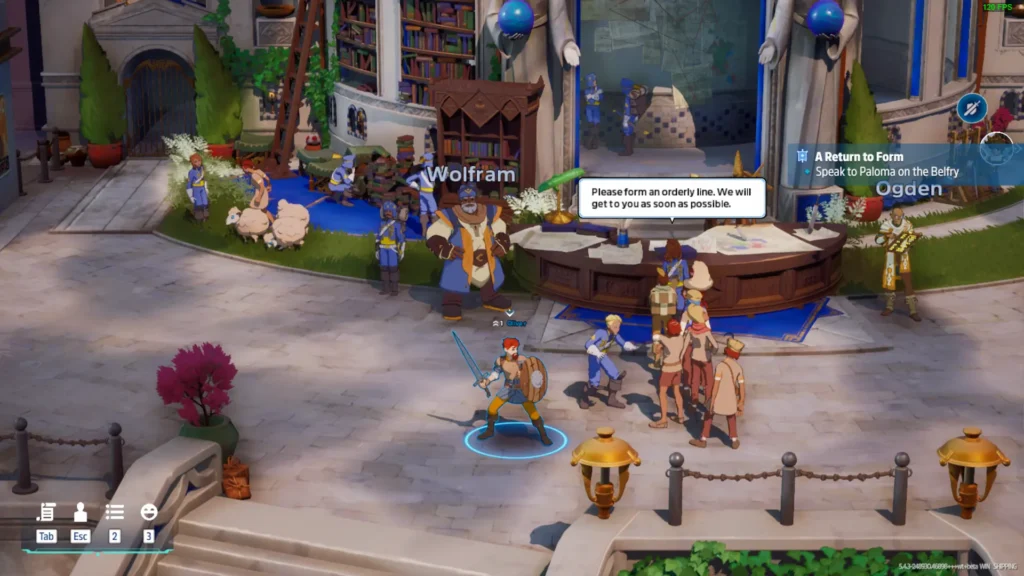
The basic storyline is that monsters have invaded the realm and destroyed the primary city of mankind, causing its residents to flee to the "Belfry," a large tower now acting as a haven for humanity. As an "Ace," you will protect the people of the Belfry from the encroaching monster forces and take back the realm.
After playing the prologue, you'll end up in the game's lobby/hub. From here, you can see what jobs are available. These are generally secondary tasks you complete during missions. You can also find the game's characters here, accept their main story quests, and upgrade your weapons and gear at the forge.
The Belfry is also an online lobby; you're still technically in an online lobby, even traveling to the world map. Unfortunately, and very strangely, I couldn't find a way to communicate with other players beyond the emote system the game has. Towerborne doesn't appear to have voice or text chat support in the game, which is baffling for an online-only game with a heavy co-op focus. Whenever you start a mission, it prioritizes playing in a group over the option to play solo, so it's a little confusing that you can't communicate with your team.
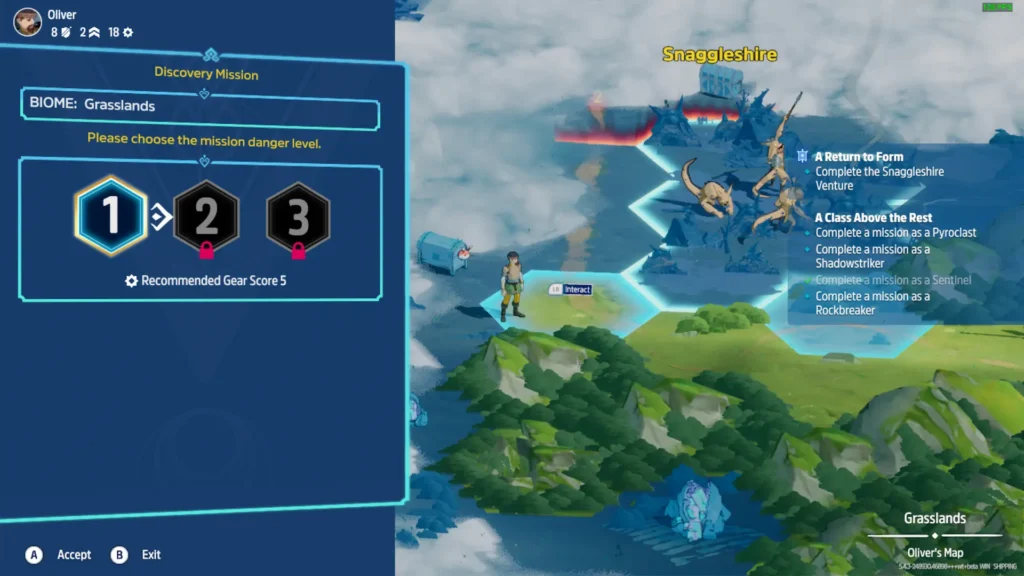
Once you leave the Belfry and go to the world map, you'll be placed on a hexagonal map, with each tile representing a mission. They are all largely similar in how they play out. Once you select a tile, you can choose the difficulty mission you want. The basic tiles aren't repeatable, but the boss tiles, such as Snaggleshire shown below, can be replayed multiple times.
The combat is perhaps Towerborne's strongest point. With different classes to choose from, various weapons to equip, and upgradable gear, you're always on the lookout for that next piece of equipment to give you the edge in a tough combat situation. The game starts pretty difficult, but once you get some good gear, it falls into the range of challenging but not tough. Different gear can have different traits, and I tried to keep gear equipped that gave me life regen and life stealing, which meant I could stay alive much easier.
As the Sentinel class, one of 4 available to you, you'll have a light and heavy melee attack and the ability to dodge and block with your shield. This was my favorite class to play. With my life-regen/steal build, I could heal between battles, which was invaluable since there was no other way to heal. Taking hits early on in a mission can be a death knell, leaving you vulnerable if stronger enemies emerge later.
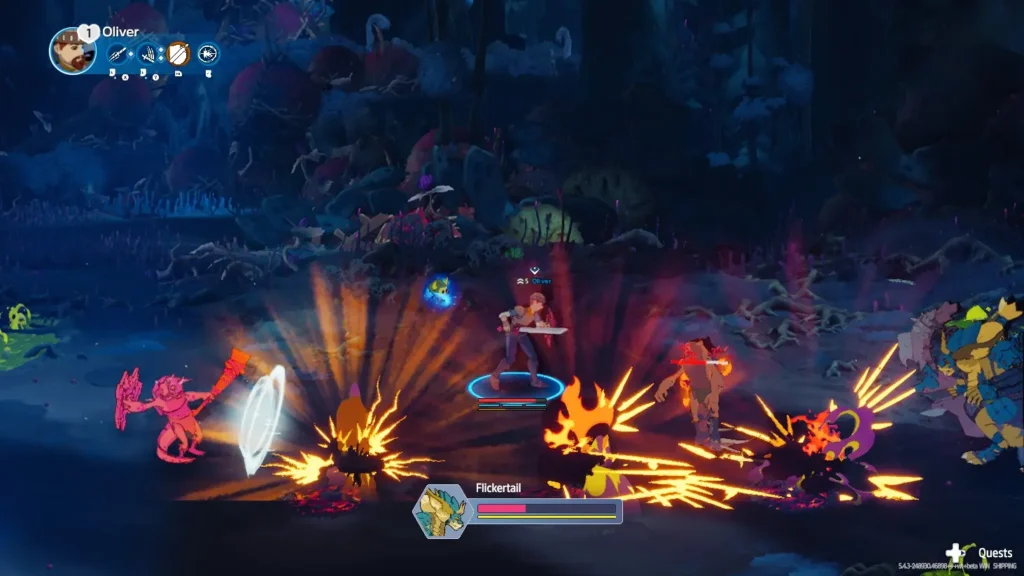
You can also hit enemies into the air with certain moves, allowing you to "juggle" them. However, I am no fighting game player and was terrible at this. I found that putting myself in the air, which stops you from being able to dodge, was a death sentence, and I died attempting to juggle. I also discovered that if you get knocked down when a large group of enemies is nearby, you'll get stun-locked into oblivion and die. Fortunately, you do get extra lives to respawn.
Aside from your weapons, you'll be followed by a creature known as an Umbra with special abilities. Your starting Umbra will fire a bolt of energy at an enemy you are facing, which can be a good way to deal that extra bit of damage or help control the crowd, especially if you've just been knocked down. The second Umbra I got was able to deploy a static orb that dealt massive damage to enemies that walked into it.
Enemy AI is what you'd expect from a beat 'em-up. They do their job well enough, and I can't say I noticed them doing anything "stupid."
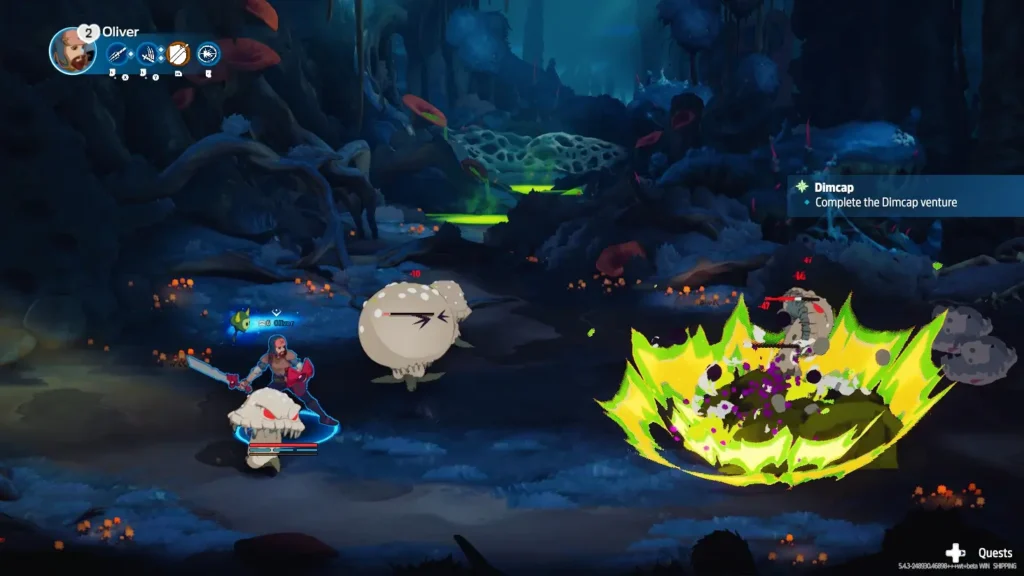
Towerborne is very much built around its gear system. Not only do you have your character level, but you also have a gear level, showing how good the gear you have equipped is. As you explore the world, missions you take on will have a recommended gear level, which increases the further you are from the Belfry, so you must always be finding or upgrading gear. Gear can also have traits that make building a set that suits your playstyle interesting.
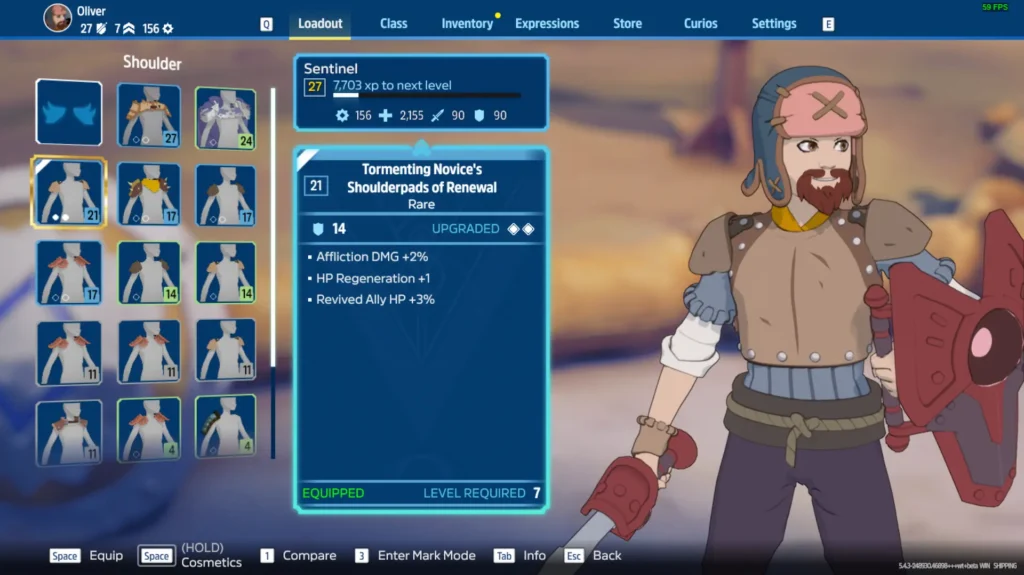
Although Towerborne will launch as a paid game, the aim is to make it Free-To-Play and fund the game via micro-transactions, which are already in the game but are largely just emotes and cosmetics right now. Buying a founders pack gives you access to the game now, while it's in early access, as well as some cosmetics.
I can see Towerborne as a game that, upon its final release, will be intended to be played for 100+ hours, with an ever-increasing amount of content to keep players involved, similar to how Hoyoverse runs games like Genshin Impact. This "live service" game has promised seasonal content and a changing world map.
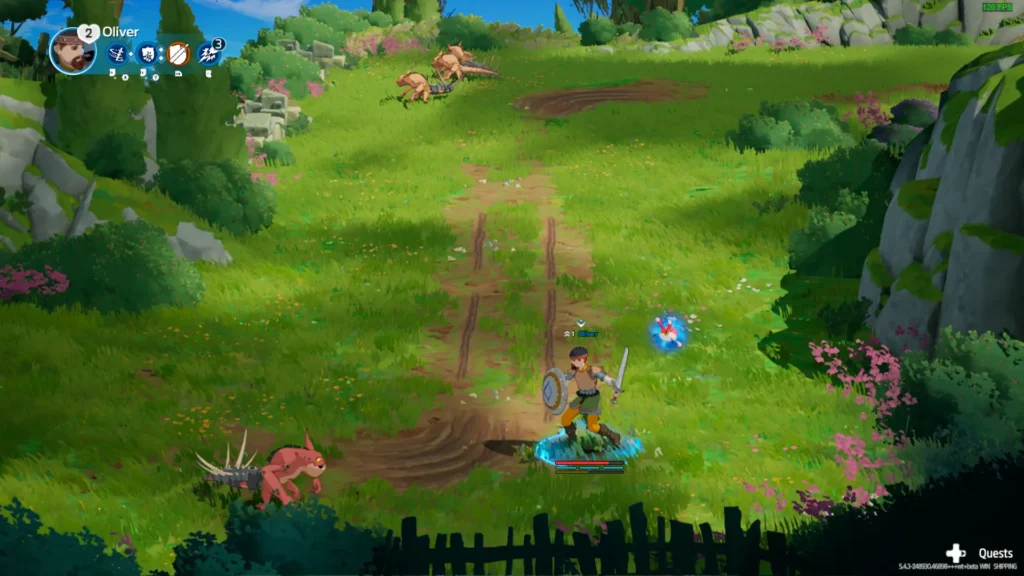
Visually, the game has a nice art style, mixing an almost anime-like look with 3D elements. It works pretty well, and new equipment does reflect your character's appearance, which is always a nice touch. The game's music is also pleasant, ranging from calm piano music in the lobby and world map to tense battle music when on a mission.
Towerborne has some good potential, and I enjoy the combat and the gear system. I'm just worried about the game that surrounds these two things. It's a little rough around the edges, with strange UI and control decisions for keyboard players, no local map for the Belfry, which can take a little getting used to. The game sometimes tells you to speak to a certain person but does not tell you *where* that person is. The game's content is also repetitive, with environments and enemies staying the same long before you find something new.
But, if you're using a gamepad and you have some friends to bring along with you and a better way to communicate, such as Discord, Towerborne should probably keep you entertained for a while.
Sadly, the game does not boot on the Steam Deck right now and crashes as it attempts to load the main menu. I contacted the developers, who said the game had worked correctly on the Steam Deck, but a recent update had broken compatibility. They couldn't offer a timeframe on when the game might be fixed on the Steam Deck but did say that they want to achieve Steam Deck compatibility.
Strangely, Towerborne has an accessibility button right on the main menu. When you click on it, you get taken to the accessibility menu, which has two options: the font size and the ability to disable the camera shake. It's oddly prominent, considering there isn't any accessibility in the game. The font size was a bit smaller, even on my PC, so I would bump it up a tad.
Towerborne has the potential to be a mainstay title, with an increase in the variety of content, such as different mission types and objectives, perhaps some improvement to the multiplayer communication method, and some polish, such as adding certain missing quality-of-life features.
I did enjoy the game for the first few hours. Still, after playing solo for all that time, I started to wish I had friends to play with me, and I quickly started just trying to beeline progress so I could explore something new rather than taking my time finishing the world map missions. In a group of friends, I imagine the game is more enjoyable for longer, with you and your friends discussing the new loot you got at the end of the mission and trying out different combinations to see what works well together.
You can't fault Towerborne's amount of content, and I just question whether the variety of content is enough to keep players hooked for the amount of time the game wants from you.
Sadly, the game doesn't function at all on the Steam Deck, crashing during the opening sequence of logos, so, at least for now, this is one you'll need to play on another device. I tested it on the ROG Ally, and the game is perfectly playable at 60 FPS with a 15W TDP in lower graphical settings.
このレビューはPC版に基づいています。
このレビューをお楽しみいただけたなら、SteamDeckHQ の他のコンテンツもぜひご覧ください!あなたのゲーム体験に役立つゲームレビューやニュースを幅広く取り揃えています。ニュース、ヒントやチュートリアル、ゲーム設定やレビューをお探しの方も、最新のトレンドを知りたい方も、ぜひご利用ください。
Creatures of Ava was provided by 11 bit studios for review. Thank you!
このレビューではLCDスチームデッキを使用した。OLEDの詳細は後日掲載します。
Creatures of Ava is an interesting game in terms of gameplay mechanics and premises. I haven't played one like this before, and there are both positive and negative aspects. But I think Creatures of Ava is a game everyone should check out to see if it will be their kind of game.
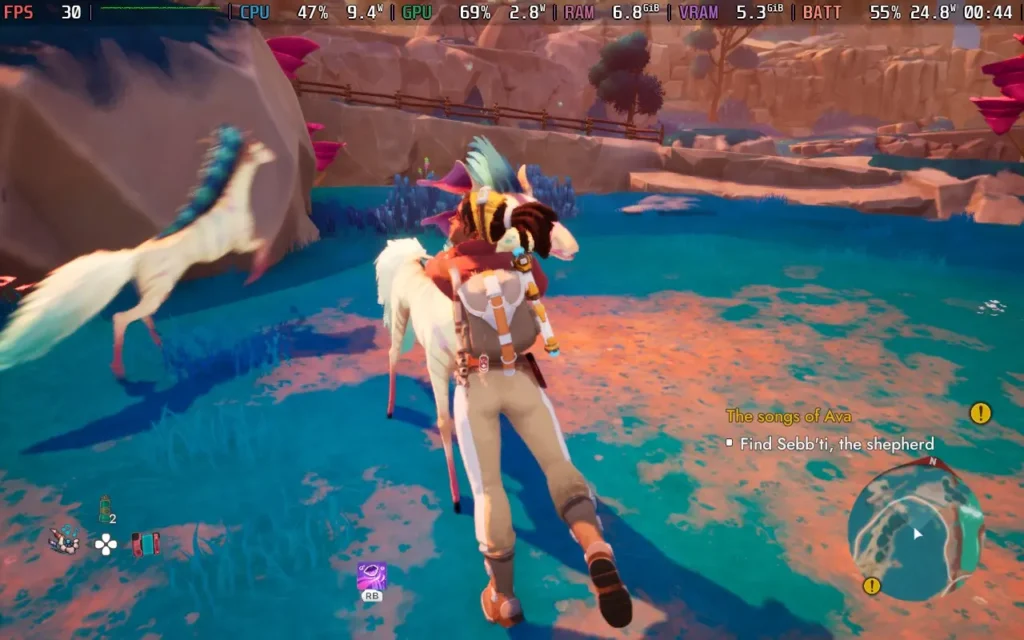
To cut out a lot of the exposition, the basic story is that the planet of Ava is dying, slowly being taken over by an infection known as the "Withering." As an employee of a corporation, our protagonist, Vic, is sent to the planet to rescue as many creatures as she can, transporting them to the "BioArk" before the Withering takes over completely.
This puts her at odds with the Naam, Ava's Indigenous sentient species, who have mixed opinions. Some take the threat of the Withering seriously, others plead ignorance of the danger, and others are aware but believe it is the natural course of things and should be allowed to run its course. Regardless, you will be tasked with carrying on Vic's mission, rescuing the creatures of Ava while teaming up with a Naam Archaeologist who is studying an ancient race that existed before the Naam.
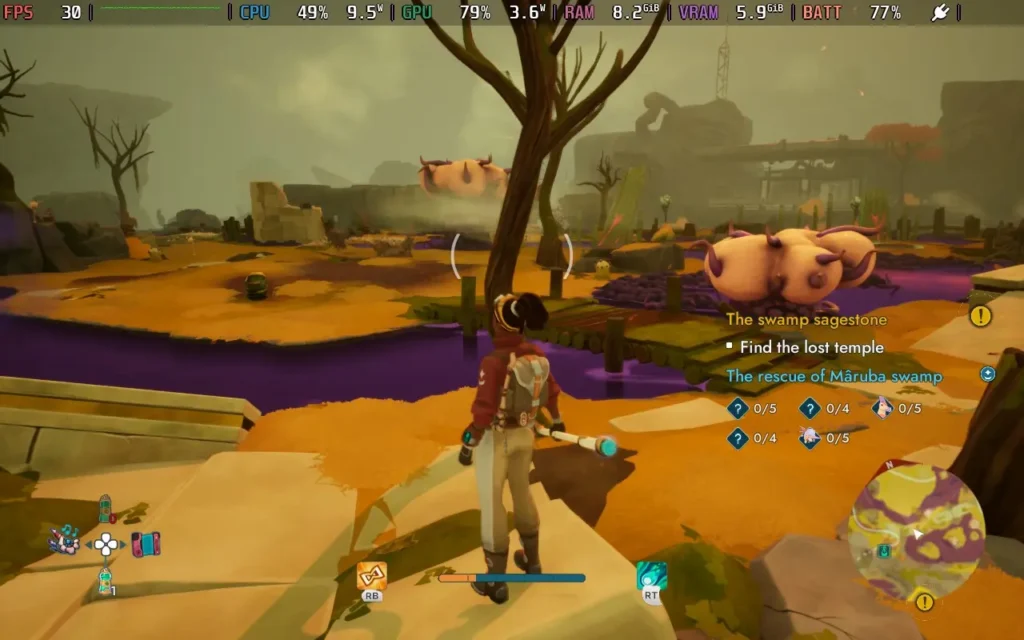
Unfortunately, Fetch Quests seem to be one of the ways you'll attempt to save Ava. When you aren't directly capturing animals for the BioArk, you'll probably be running back and forth around the map collecting seeds, delivering items, or doing something else that's fairly mundane for one of the Naam whose planet seemingly has hours left to live. I'm used to quests like this in an MMO or even a regular RPG, but it grates on me a little more in an Adventure game.
If you can look past that, the gameplay loop in Creatures of Ava is OK. You'll mostly be exploring the region you're currently in, finding collectibles, using your staff to destroy the Withering, as well as healing infected animals in what is the closest this game gets to combat, which is essentially holding LT and occasionally pressing RT while dodging their attacks. It plays somewhat similarly to a Souls-like, except your attack is having a button constantly, and it's not quite as brutal.
The difficulty can be adjusted to be easier or harder than the Normal I played on, so I think the game is fairly accessible regardless of how difficult you want it to be. Normal will pose a challenge for most players later in the game.
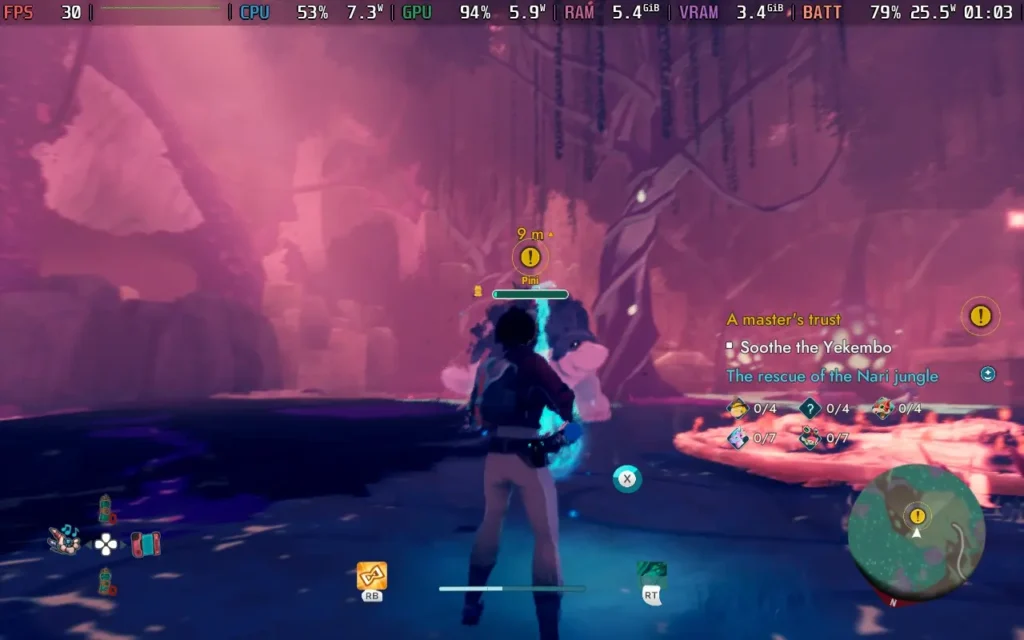
Once an animal is cleansed, it calms down, and you can use your flute to guide it to a rescue-bot in a pied-piper style. If the animal isn't infected, you'll have to play a music/rhythm minigame for each type of animal to calm it, where you must play simon-says but with musical notes. They start pretty easy and gradually get more difficult.
I wouldn't say a deaf gamer wouldn't be able to play Creatures of Ava, but I did notice that when playing with my sound off, I found it harder to follow the on-screen prompts. Towards the end of the game, you can play around 10 notes you must memorize, although there is an accessibility option to show you the next note to play.
Puzzles also form quite a bit of the gameplay. However, they are pretty basic. Vic has 2 or 3 powers through her staff at her disposal, which she must use at various points to progress, and it's very apparent which skill you must use at each point. Perhaps the most difficult puzzles are those that require you to calm creatures. Using the correct creature's abilities, you can open up additional rescue points and new areas with more collectibles.
These vary from using a horse to charge down vines, using a wolf-like creature to bite through vines to lower bridges, and using a frog to jump over... vines so you can access an area... Yeah, there's a lot of vines in Creatures of Ava.
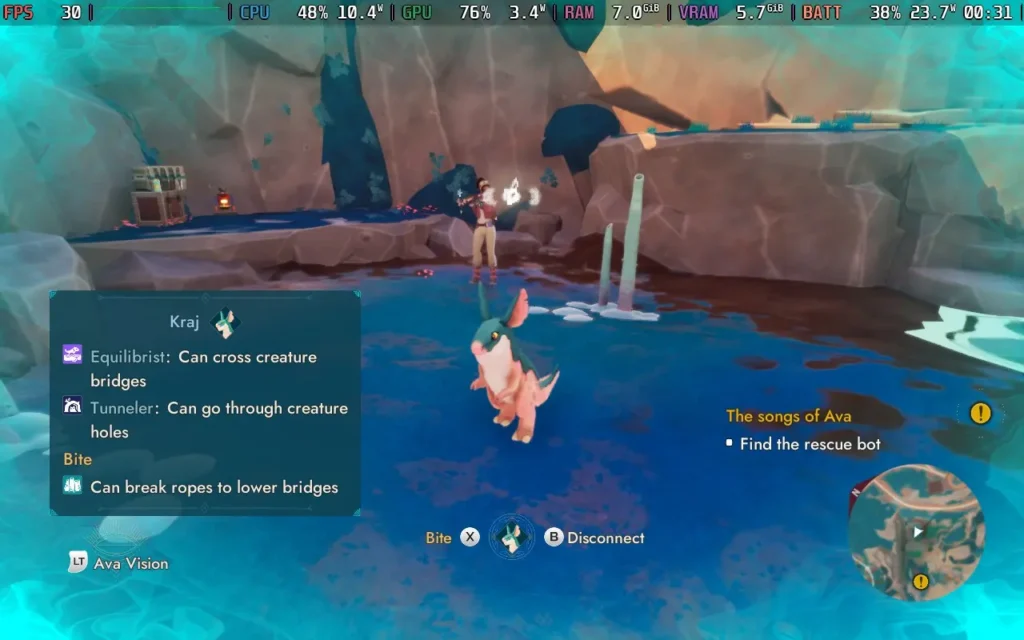
This, unfortunately, brings us to another problem I have with Creatures of Ava. As you rescue creatures from the planet, they will disappear from the game world permanently. So, if you rescued all of one species before doing a task that requires one of those species, then you just won't ever be able to do that task. The developers have stated this can never happen for story/main quests, but side quests and certain collectibles can become unobtainable if you rescue a species too soon.
So unless you are playing with a walkthrough guide, or you are checking every nook and cranny, don't expect to get 100% on Creatures of Ava on your first playthrough, you'll very likely be missing some collectibles, skills, and achievements by the time you finish the game. The game world is also broken up into 4 reasonably sized regions. However, once you leave a region, you can never return to it.
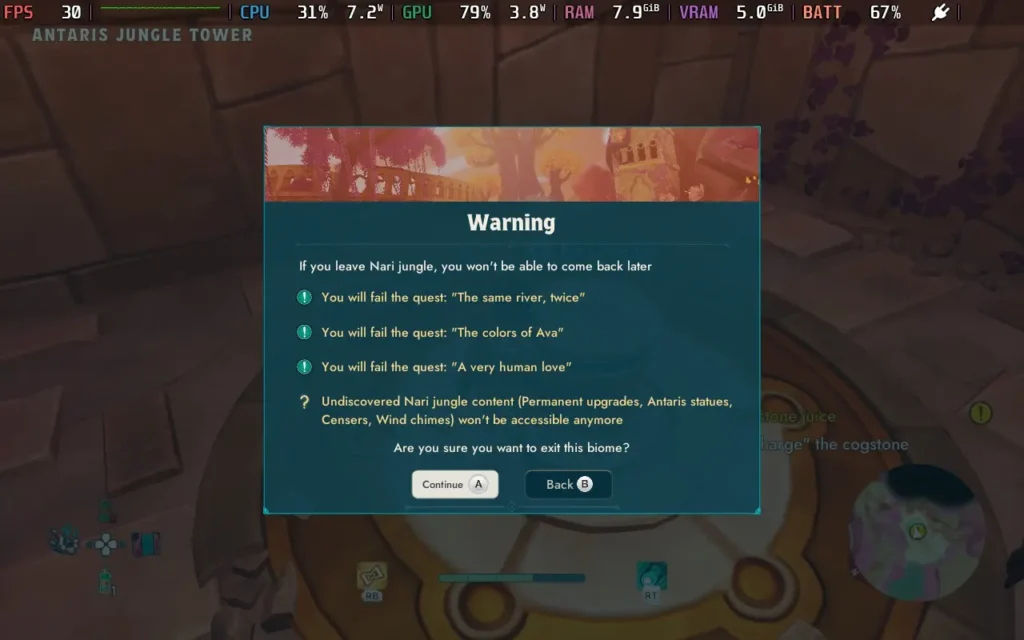
This, the developers say, is unavoidable because of the game's narrative, which I understand. Still, issues like these were overcome a very long time ago by a simple reworking of the timeline, such as the "point of no return" many RPGs have, where after the final boss, you are returned to a previous time to finish any side quests.
The game does warn you that once you leave a region, your progress for that region will be locked forever, but it's still frustrating that you have to stay in that part of the game until you find everything before you can progress if you want to 100% the game.
The main saving grace here is that Creatures of Ava is fairly short, like most games where the focus is on the narrative. You can finish the main story in about 7-8 hours, depending on if you beeline the main story quests or not.
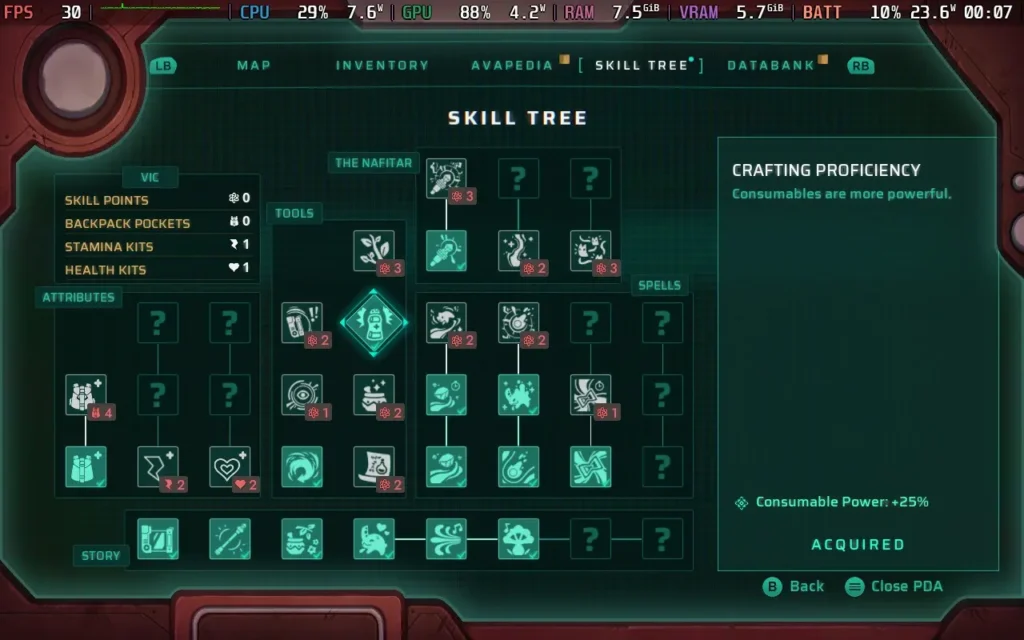
There's also a skill system in the game, allowing you to improve Vic's abilities and stats, but I'll be honest: I largely found myself forgetting about it. It's nice to have and lends some extra sense of progression to the game, but it almost feels out of place in such a short game. The key skills are gained through story progression, so skill points are mostly spent enhancing your wand skills and making healing potions heal slightly more than usual.
While I have been quite negative about the game in some aspects, Creatures of Ava does have its charm. Its creatures are unique and cute, you can pet them all, even accidentally at times if they get in the way of another prompt! And the narrative world-building, for the most part, works well. Sometimes, voice acting has some oddities, but it doesn't take you out of the game. The visuals aren't impressive, but they're good enough and won't distract you. Music-wise, the game has good and calming ambient music that fits the game's theme quite well.
Creatures of Ava feels like a comment on Human arrogance to me. How humans arrive and come to "save the day," but their methods of doing so are misguided, or perhaps not even wanted at all, and the game does a good job of portraying that. The story itself is quite beautiful, and if you can focus on that aspect and aren't bothered with "completion," then you'll probably get a good amount of enjoyment.
Creatures of Ava starts off mostly positively. It supports 1280x800, so there are no black bars around the screen, and it has good controller support throughout the menus and gameplay.
By default, however, Creatures of Ava has all of its graphical settings disabled on the Steam Deck, with the developers opting to create and enforce their own graphical settings for Deck users. This is often a bit of a double-edged sword, as it can simplify things for many users, but it can also remove that flexibility that makes PC gaming so interesting.
I'm only offering 1 preset for Creatures of Ava, as it pushes the Steam Deck hard.
In your SteamOS settings, set an FPS Limit of 30 FPS / 60Hz, but we won't have a TDP Limit set.
You can disable the enforced graphics settings by using SteamDeck=0 %command% as a launch option for Creatures of Ava in Steam. However, upon further investigation, the default settings the developers have put in place for the Steam Deck are the lowest settings available anyway, which is wise, as the Steam Deck struggles to get beyond 30 FPS in this game. The only way to improve performance is to switch from TSR to FSR3 and enable Frame Generation, but as we're running at such a low frame rate, the input lag becomes unbearable.
Sadly, Creatures of Ava has performance issues on Steam Deck. The 1st region runs well, with a constant 30 FPS throughout and little to no stutters. However, once you reach the 2nd region, certain areas will drop to 23-25 FPS, and traversal stutter kicks in quite badly at points. The later regions of the game are more stable but still suffer from an occasional stutter.
So, ultimately, my advice is to run with the default settings chosen by the developers and deal with the frame drops and stutters that begin in the second region. There are performance issues on desktop PCs, so hopefully, the game will receive some optimization.
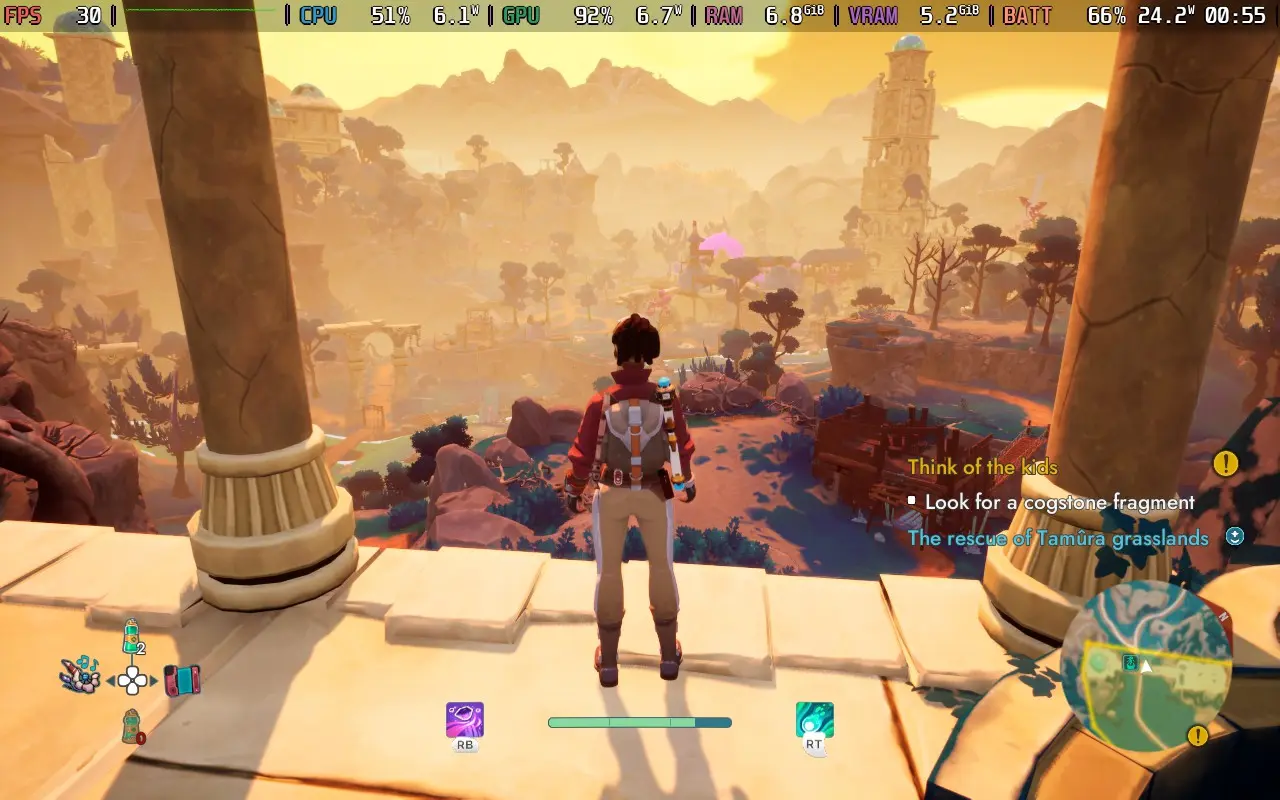
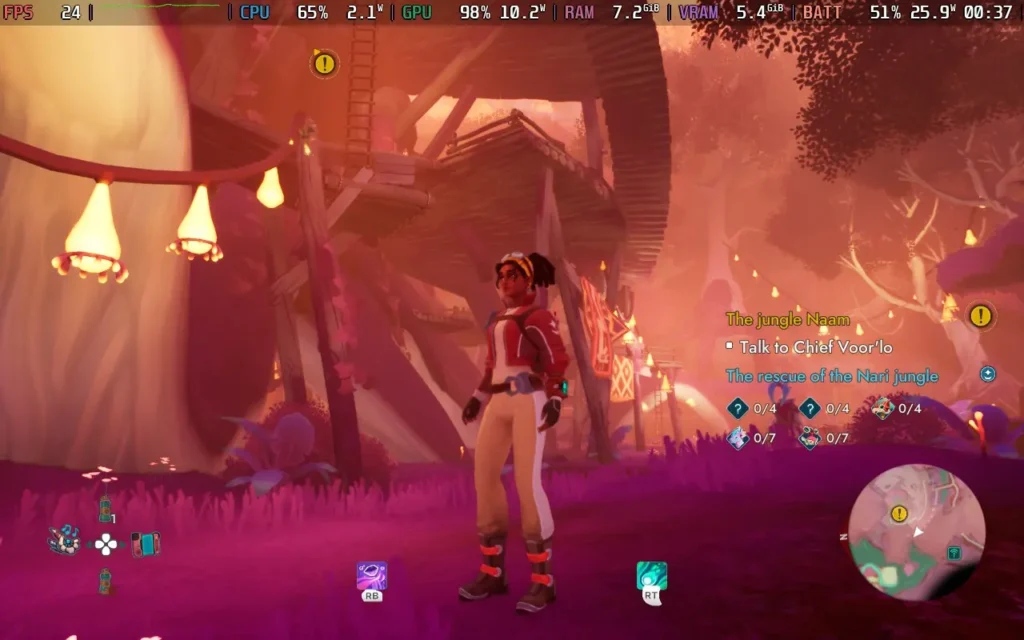
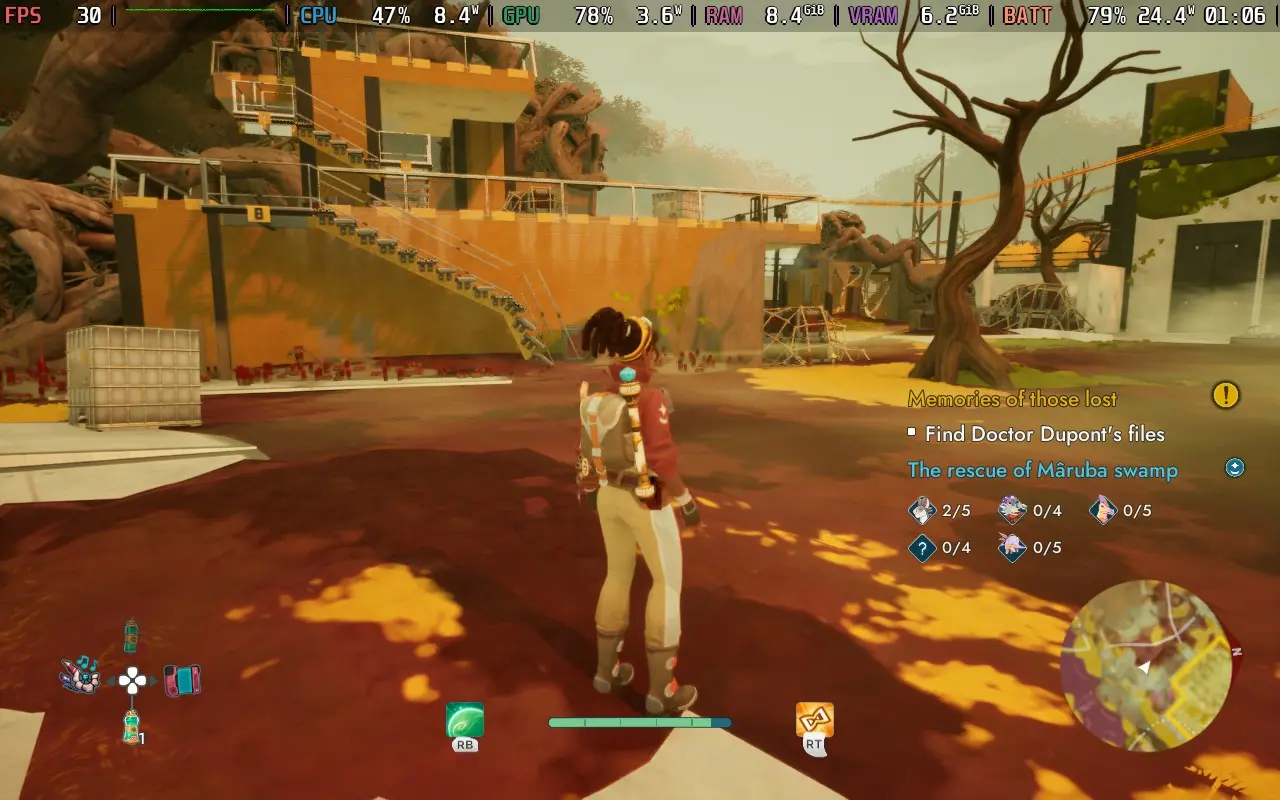
Creatures of Ava is greedy for power, and your Steam Deck will likely be drawing around 23-26W nearly all the time. Steam Deck LCD owners should expect no more than 1.5 hours of battery, and Steam Deck OLED users might just squeeze 2 hours if they're lucky.
It also runs the Steam Deck pretty hot, ranging from 75 to 85C. The fan spins up and is noisy throughout the game.
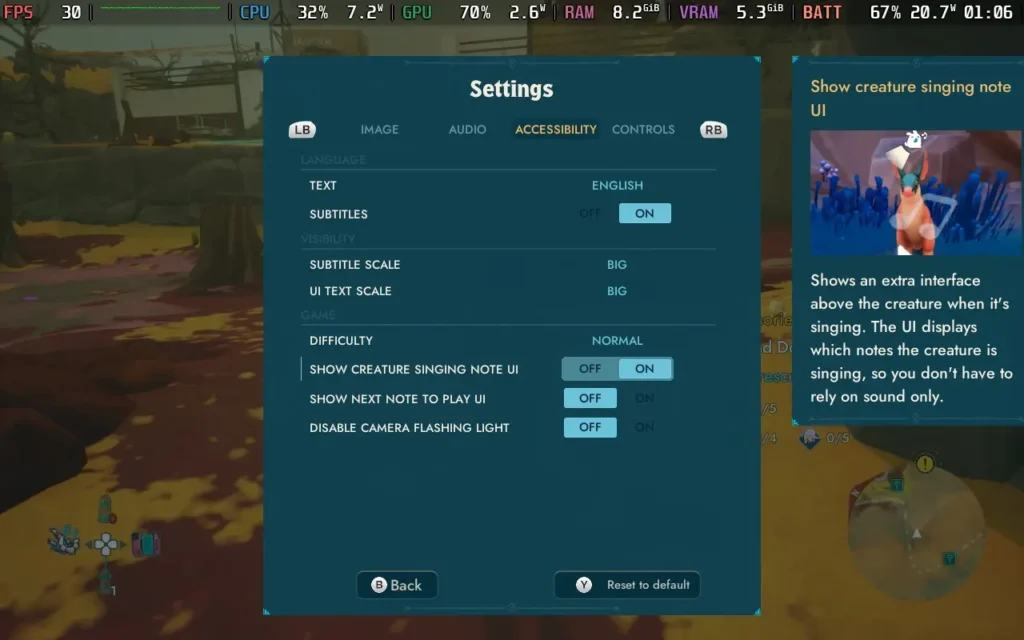
Creatures of Ava has some accessibility options, largely to help with the note-playing minigame, especially for those who are hearing-impaired. Letting you see the note to be played visually, and you can even enable seeing the note to be played next as well, to help your memory. All voice lines and dialogue are subtitled; by default, they are set to a large, readable font.
Creatures of Ava is a unique game. It aims to tell a conservation story from multiple standpoints, from a species coming in from the outside thinking they have all the solutions to the problem and a species who is perhaps prepared to let nature take its course and thinks these things should not be meddled with.
Creatures of Ava makes you think about things a little, even if certain aspects of the game attempt to distract you from the narrative that the developers seem desperate for players to follow. If you can overlook some of the things that are rough around the edges, such as dodgy collisions and some odd design choices, Creatures of Ava has an enjoyable narrative. I just wish it didn't come at the cost of some gameplay conveniences.
Performance on Steam Deck is a little disappointing, the game doesn't look good enough to be as challenging as it is to run, but those are the facts right now, be prepared for some frame drops and stutters that do tend to increase as you progress through the game. Is Creatures of Ava a great experience on the Steam Deck? No, it's not. Is it a playable one? Definitely.
このレビューはPC版に基づいています。
このレビューをお楽しみいただけたなら、SteamDeckHQ の他のコンテンツもぜひご覧ください!あなたのゲーム体験に役立つゲームレビューやニュースを幅広く取り揃えています。ニュース、ヒントやチュートリアル、ゲーム設定やレビューをお探しの方も、最新のトレンドを知りたい方も、ぜひご利用ください。
Dungeons of Hinterberg was provided by Curve Games for review. Thank you!
このレビューではLCDスチームデッキを使用した。OLEDの詳細は後日掲載します。
I wasn't thrilled about Dungeons of Hinterberg when I saw a trailer a few months back. It seemed like a generic game without much charm or anything to make it stand out. Even the frame rate seemed a little off in the trailers. Well, I'm pleased to say that my initial impressions of Dungeons of Hinterberg were well off the mark, and having gotten the chance to play it, I am thoroughly enjoying my time with this fairly easy-going and fun adventure.
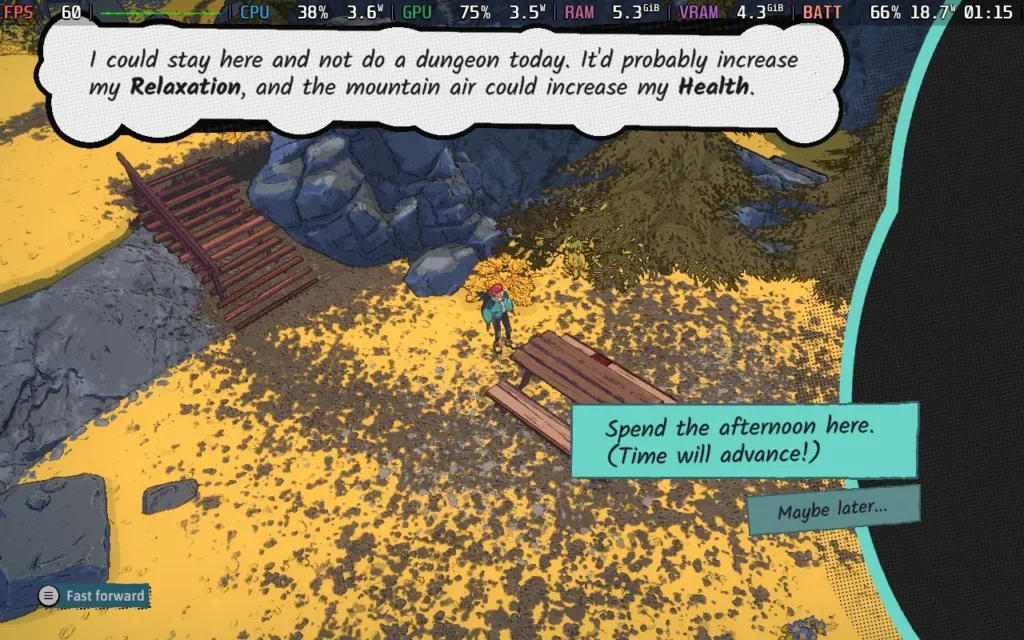
Dungeons of Hinterberg takes place in, you guessed it, Hinterberg! This fictional Austrian mountain village is where two worlds collide: the human world we're all used to and a magical world filled with monsters and the unknown. Enter Luisa, the game's protagonist, who, tired of her everyday routine, is off on holiday to Hinterberg to become a monster Slayer.
What follows is largely up to you. Days in the game are broken up into 4 sections. These are Morning, Noon, Evening, and Night.
During the morning, there's usually a short introduction to the day, often a conversation with one of the many characters in the game. Then, at Noon, you will explore one of the four regions of the game, dotted with dungeons and scenic views, both of which offer rewards. Then, time will advance to the Evening, where you can wander the town of Hinterberg and chat with the locals to boost your friendships and social stats. At night, you can either go to sleep or take a penalty to your HP for the next day and boost your social stats.
While Dungeons of Hinterberg is fairly linear in its layout, the exploration of regions and choice of what to do gives you a much-appreciated sense of freedom. The social stats you gain from spending a chunk of your time at a scenic view or talking to a villager can boost you to certain weapons or armor and relationship perks you get often give you the upper hand in combat with buffs to Luisa and her abilities.
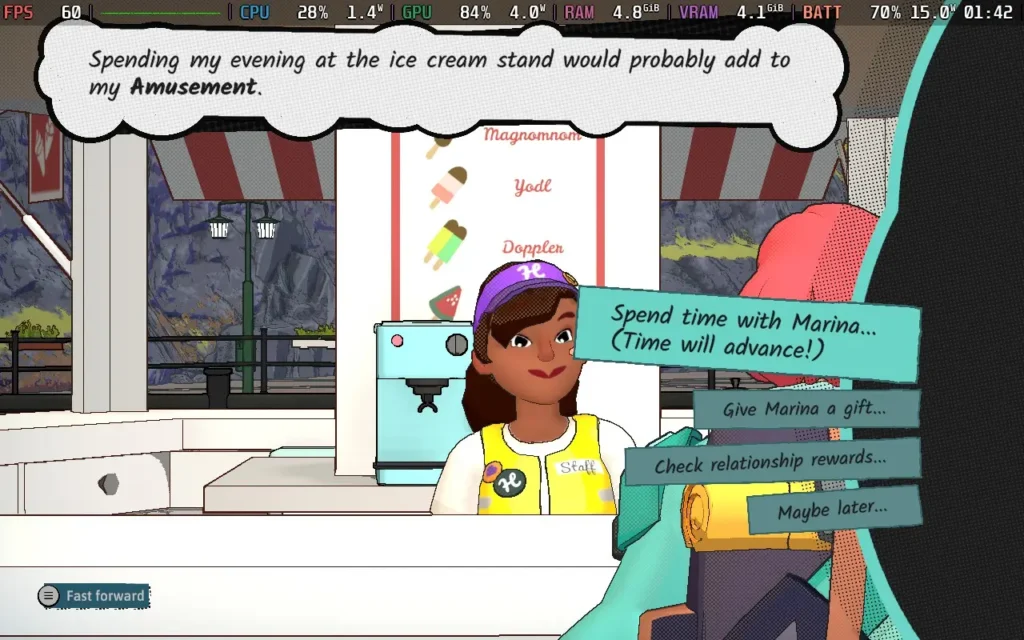
The hub worlds are quite pretty and generally relaxing places to explore. You occasionally fight the odd group of enemies, but they are less dangerous than you will face in the dungeons. There are also plenty of things to find and loot, so it pays to spend a few minutes each day looking around.
You'll also find both dungeons and scenic views, which are the 2 main ways to advance time and spend your day. However, dungeons tend to progress the story, give you equipment, and earn you that lovely dollar bill. Scenic views boost your stats, much like socializing with the villagers, which could make a difference for you if you're struggling with a particular dungeon. You can also do little puzzles and objectives in the hub worlds, which can snag you some nice loot if you figure them out.
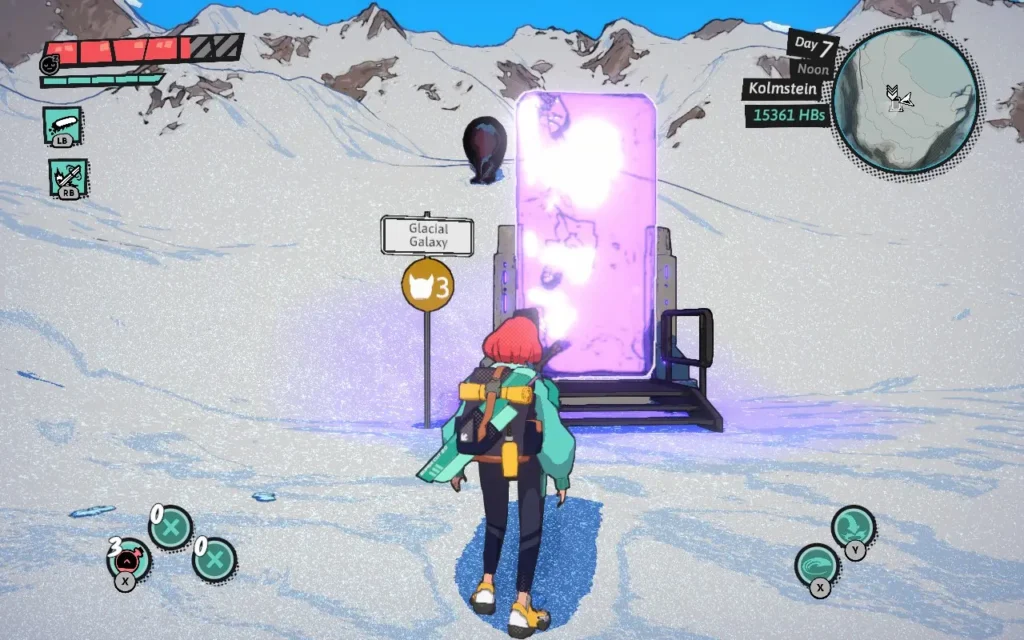
The dungeons themselves are usually fairly confined spaces, and the vast majority of the time, you will either be figuring out puzzles or fighting enemies. It is a fairly even 50-50 split in the dungeons. The puzzles aren't too complex, and what you're aiming for is often quite straightforward. There were a couple of times when I was confused, but I never got to the point of feeling frustrated with the puzzles given to me. The game does a good job of giving you a puzzle with only a couple of ways to solve it, so if you get it wrong, you can probably realize your mistake and get it right the next time.
The combat in Dungeons of Hinterberg feels pretty good as well. Luisa can use light and heavy attacks with her sword, as well as 2 special attacks, which can be swapped out depending on what you have unlocked, and can let her unleash shockwaves, absorb health from projectiles, and much more. Finally, you will have 2 magical abilities, which change depending on which of the 4 regions you are in.
This switch-up of magical abilities is fairly ingenious. It keeps the gameplay fresh, and it can be used at any time. The game makes liberal use of these abilities to solve puzzles, as well as to fight foes. Whether you're throwing a projectile to rotate a crank, summoning a magical ball to activate a pressure plate, or catching yourself up into a tornado to traverse areas you normally couldn't, there's a bunch of ways Dungeons of Hinterberg makes use of this change in abilities.
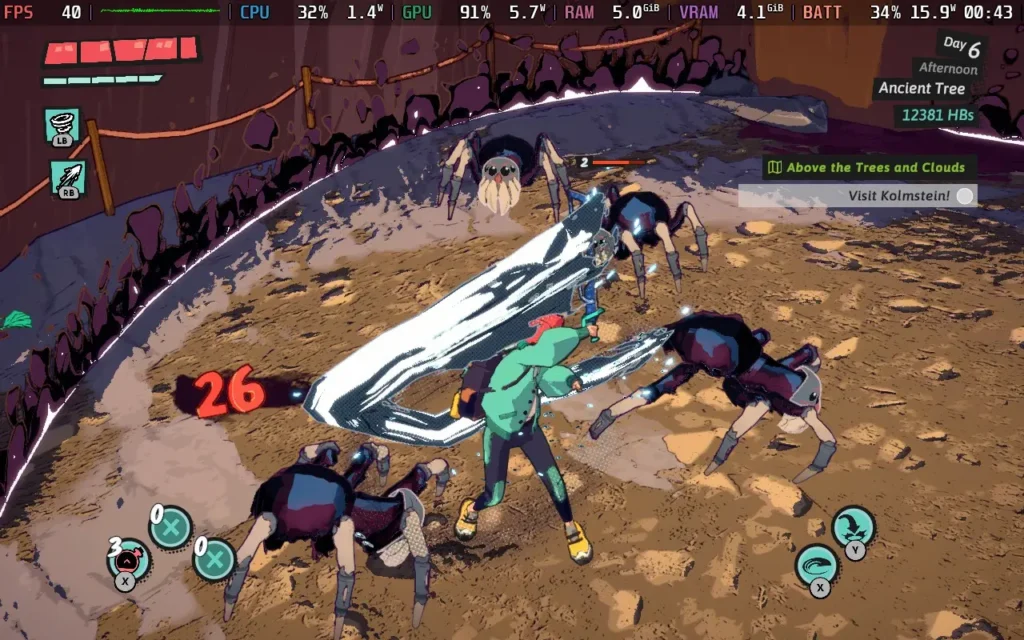
That being said, difficulty isn't the name of the game here. While there are different difficulty settings, I played on "Normal," and I found the game pretty easy, both in terms of puzzles and combat. You will have to dodge some attacks from more powerful foes and use magical abilities to break down the shields of some enemies, so although it is on the easier side, it isn't just mindless button-mashing when you're in combat.
If you want a challenge, there is "Tough Mode," and for those who truly want this game to be a relaxing experience that they can wade their way through, there is a "Vacation Mode," too. I imagine that's very easy, considering the Normal mode isn't challenging. The puzzle difficulty is also easier in Vacation Mode.
Dungeons of Hinterberg is a solid little game. It's oddly relaxing, with the game world and its characters exuding a very "carefree" attitude towards life. Your protagonist is on vacation, and the game does a pretty good job of making you feel like you're joining her on that vacation.
Dungeons of Hinterberg doesn't offer much variety in its graphical settings, but we can adjust the game to optimize for visual quality or a higher frame rate. There's not too much to say regarding anything Steam Deck-specific; the controls work great, the UI is scaled well, and I have no complaints.
In your SteamOS settings, set an FPS Limit of 60 FPS / 60Hz and then a 10W TDP limit.
We basically run the minimum graphics settings in-game. Visually, it doesn't actually change much from higher settings. The main difference is the lack of shadows, but in a game with this visual style, the lack of shadows isn't too jarring.
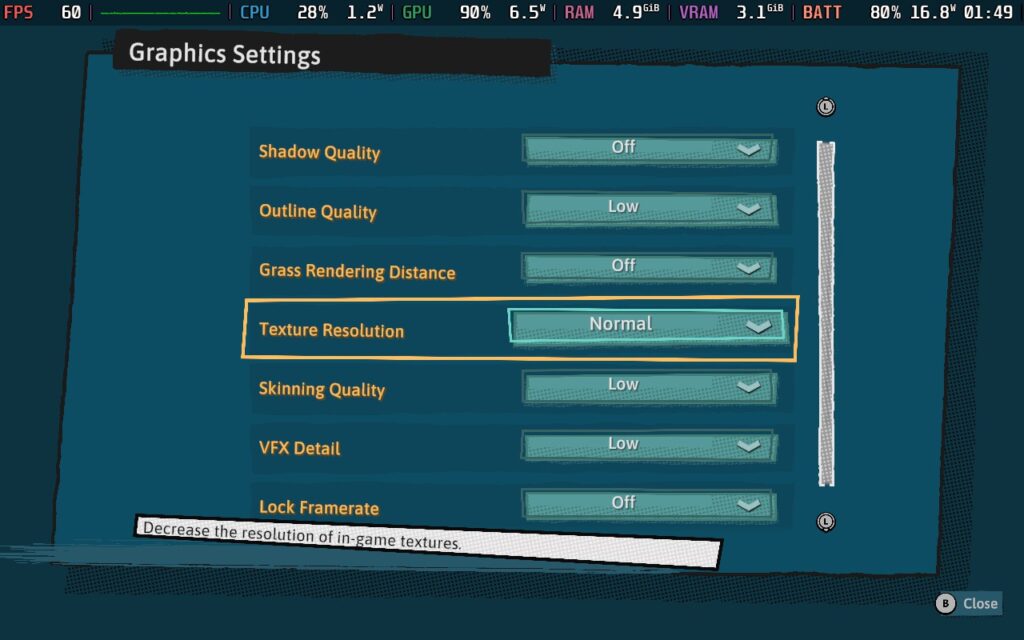
These settings will let you run at 60 FPS almost the entire time, except in very specific areas and a couple of cutscenes when you enter an area that will drop the framerate a bit. Fortunately, the game's dungeons are easier to run than the hub worlds, so when in more intense combat, framerate drops are unlikely.

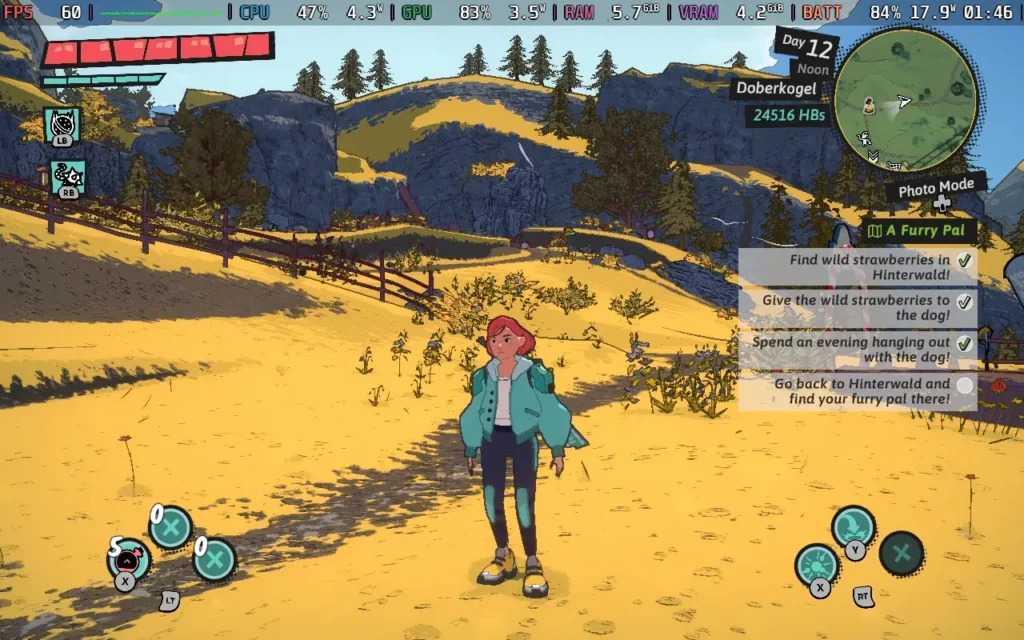
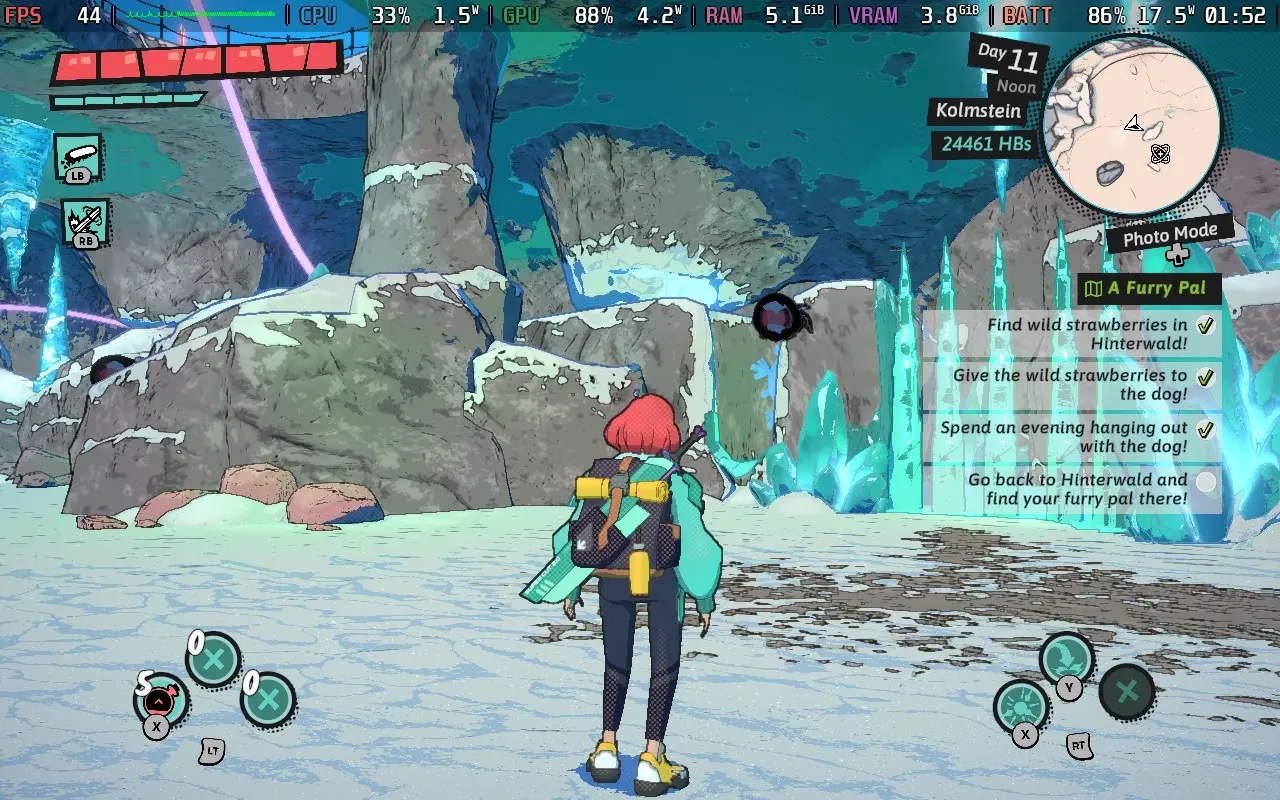
Using these settings, the device will draw around 16-19W of power, so Steam Deck LCD owners should get 2 hours of battery life, and Steam Deck OLED users at least 2.5 hours.
Temperatures don't get too hot and tend to hover between 70-75C. There is some fan noise, but it doesn't tend to ramp up too high.
If you want to preserve battery life, use these settings but with a 40 FPS limit. The power draw will be around 12-14W then, which might net you an extra hour of battery life.
If you want the best visual quality the Steam Deck can offer, these settings are for you.
Set your SteamOS Frame Limiter to 40 FPS and 40Hz/80Hz, then apply a TDP Limit of 12W.
We can run with the settings much higher now. We're only aiming for 40 FPS, and every setting is as high as it can go, except Shadows, which we only set to "Low." Unfortunately, we can't even manage 30 FPS with Shadows on Normal.
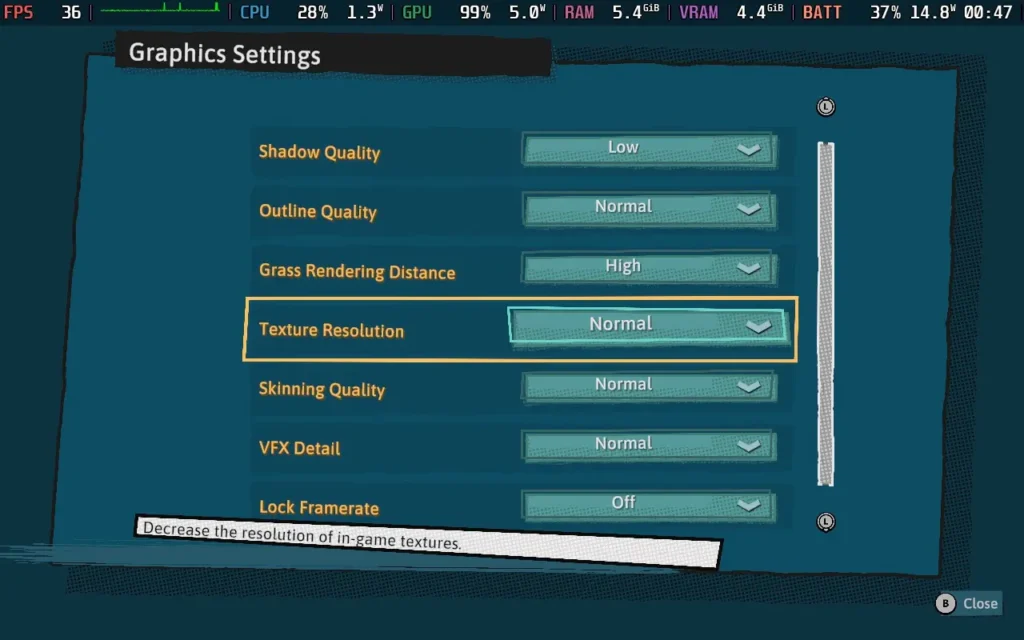
I found the stability to be much the same as the recommended preset above, with a solid framerate, with the exception of some specific places and the cutscenes, which don't really affect the gameplay at all.


The power draw is similar to the Recommended preset, hovering around 15-18W. So again, expect a little more than 2 hours of battery from the Steam Deck LCD and about 2.5 hours from a Steam Deck OLED.
Likewise, the temperatures also hover around the 70-75C mark.
Dungeons of Hinterberg doesn't offer much accessibility. You can disable camera shaking and place a border around the UI designed to prevent motion sickness, although I'm not sure why that would be an issue. You can also entirely disable the player being able to die, which I guess would make "Vacation Mode" even easier. All dialogue is subtitled in the game.
Dungeons of Hinterberg is a delightful little adventure. It oozes more charm than I thought it would and is a genuinely relaxing experience. I think it'd be the perfect game to cozy up with on a Winter's day and just enjoy life in this tranquil, albeit quirky, Austrian village.
The game isn't too difficult, but I don't think it's meant to be. The puzzles are enough to get you thinking without being frustrating; the combat is simple yet not boring, and the number of abilities available and the variety of people to talk to keep the game fresh even several hours in.
Dungeons of Hinterberg plays well on the Steam Deck, too. Depending on the settings you use, you can play at 60 FPS or 40 FPS with some visual upgrades. The controls are perfect for a gamepad, and the UI is scaled very well; you shouldn't have any difficulty reading text.
I can recommend this game to someone looking for an adventure game that doesn't put too much pressure on the player and has a nice mix of character-building and adventuring.
このレビューはPC版に基づいています。
このレビューをお楽しみいただけたなら、SteamDeckHQ の他のコンテンツもぜひご覧ください!あなたのゲーム体験に役立つゲームレビューやニュースを幅広く取り揃えています。ニュース、ヒントやチュートリアル、ゲーム設定やレビューをお探しの方も、最新のトレンドを知りたい方も、ぜひご利用ください。
Surmount was provided by popagenda for review. Thank you!
このレビューではLCDスチームデッキを使用した。OLEDの詳細は後日掲載します。
If I had to describe Surmount in one sentence, I would probably say: It's like Getting Over It with Bennett Foddy but with more checkpoints and less infuriating controls. The checkpoints and easier-to-handle controls of Surmount! By using the shoulder buttons. Your character can grab onto various elements in the scenery or background, thus allowing you to navigate the mountain with a surprising amount of control. It also opens up a large amount of techniques that you can use to reach your objective.
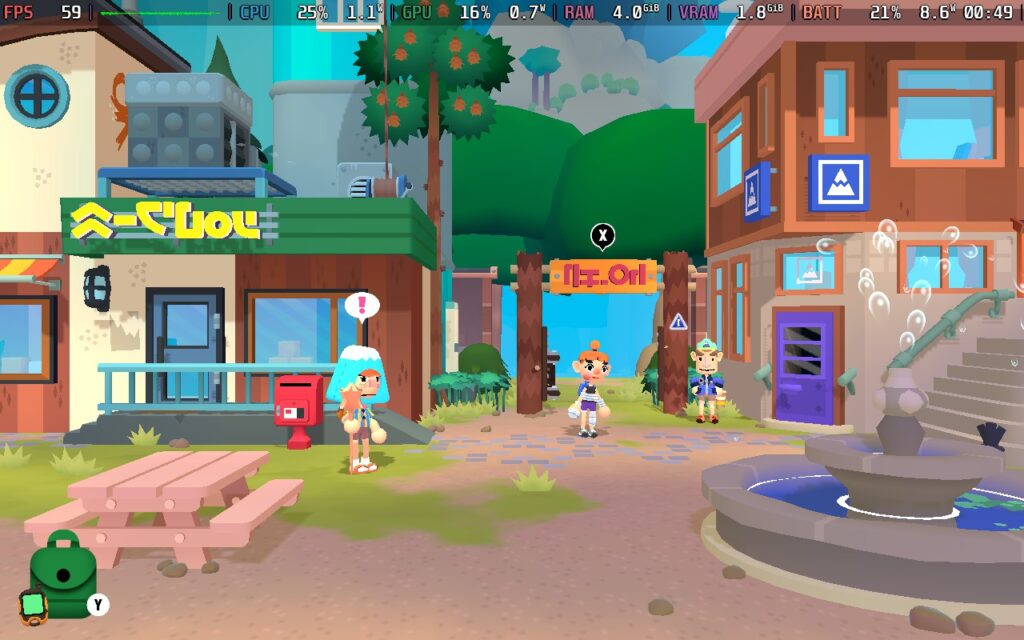
But let's go back to why you're climbing in the first place. Surmount takes place in a village at the foot of Mount Om, a mountain that no one has ever summited, the tallest in the world. And as you seem to be some sort of climbing guru straight from the get-go, you're here to climb to the top before anyone else. There are plenty of quests to find at the village and points along your journey up Mount Om.
Mount Om is procedurally generated, so every player will have a different experience when climbing the mountain. However, when you accept quests, I believe the quest maps are hand-made, so everyone should be on the same level when it comes to those.
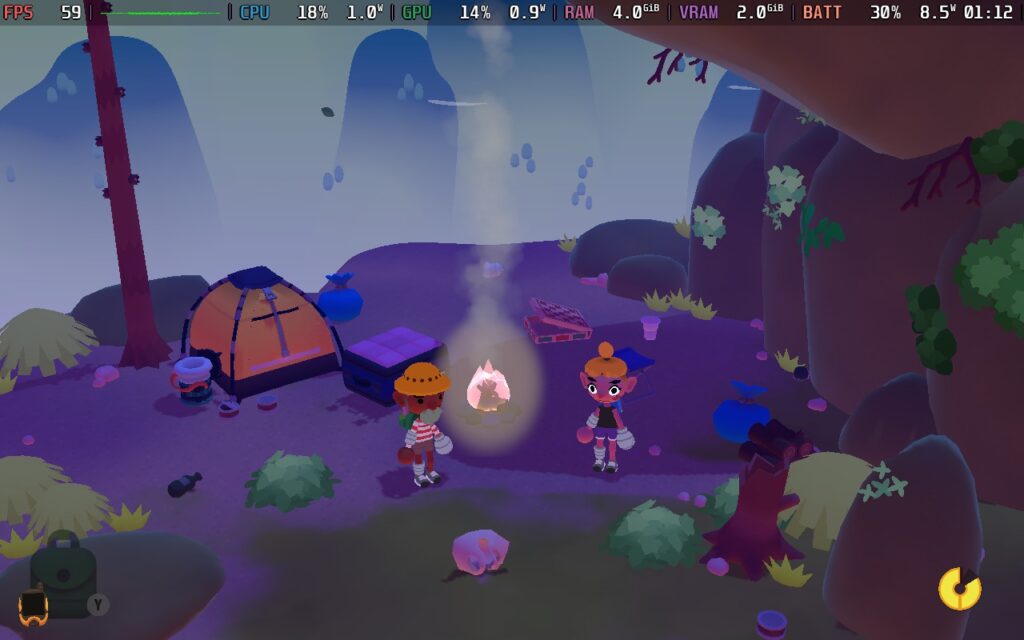
While the procedural generation is a nice touch, it can lead to some issues. At launch, the generator sometimes created impossible levels. This seems to have been fixed at this point. But while I was playing, some oddities still existed, such as water being generated in mid-air. It can also make different "runs" up the mountain vary greatly in difficulty.
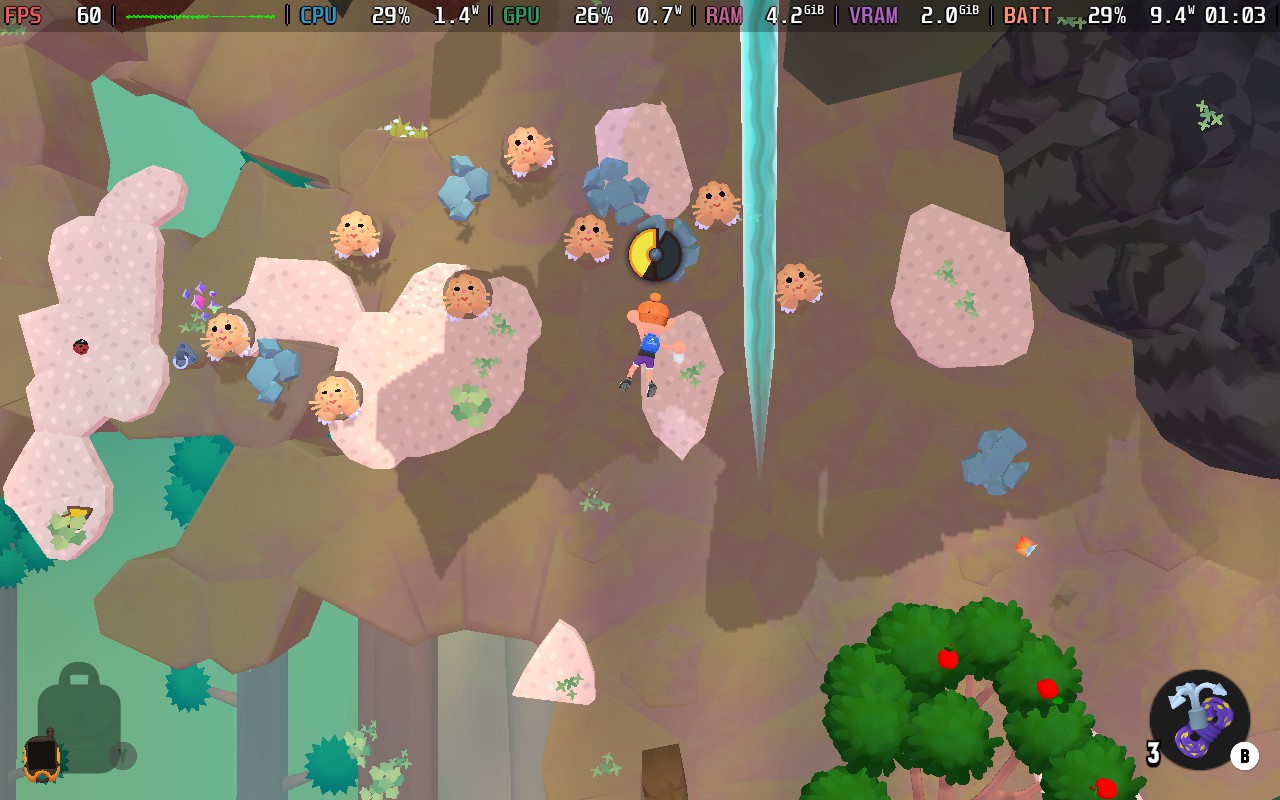
The climbing itself does feel good and is satisfying when you pull off a good move. Using the LB and RB buttons, you can grip the mountain with your left and right hands. By gripping with just one hand, for example, you can rotate the left thumbstick to start swinging your character in circles, and then letting go of the rock allows your character to use momentum to jump to another surface that you can grab onto, provided you swung correctly, of course.
The swinging technique was my most used move, and I think it's intended, as it's what the game teaches you to use in the tutorial levels, but there are other ways you can use momentum to scale the mountain.
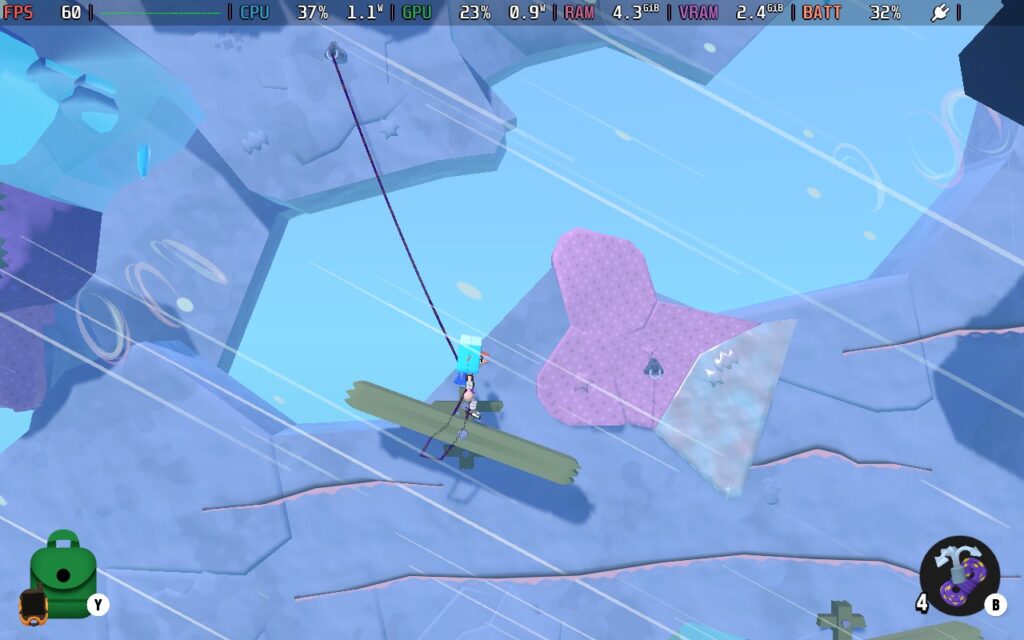
This all can get a little infuriating if you mess up, though; you might lose a lot of progress. Although the game features handy little anchor points placed around the map, protecting you from most falls. Without these anchor points, the game would have frustrated me too much. As you can see in the image below, I'm attached to an anchor point, so if I were to fall off the platform, I wouldn't drop to my death but be able to suspend in mid-air and retract the rope to gain height.
Your health and stamina in Surmount are the same. While you start with a full bar, falling from too great a height, swinging too hard into a rock face, or hitting obstacles like thorns or a mountain goat will cause you to take damage, lowering your max stamina and making it much harder to progress. Stamina gets used by holding onto objects with your hands, so less stamina means you have less time to make your moves and think things through. However, you can forage in trees and bushes to get food that restores some health.
You'll also have items to help you on your way. A grappling hook can help you traverse an area without easily climbing points. Chalk can help you grip onto passing climbable points when falling and help you stop quicker when you grab them. You can even use a rocket boost to propel yourself in a direction when you use it.
I'll be honest: Surmount isn't really my kind of game, and after playing it for a few hours, I still feel the same way, but if you're up for a tough challenge, climbing up the mountain using various techniques and items, or you just want a game like Getting Over It where there's a point to the game, then Surmount should be on your radar. It's pretty, and it would be a relaxing time if I didn't despair every time I messed up a swing!
Now, let's take a look at how Surmount runs on the Steam Deck because it's interesting.
Surmount doesn't have a great deal of settings available for you to mess with, but it also doesn't need there to be a great deal of settings.
The game has excellent controller support, and all the menus and gameplay can be controlled with your Steam Deck. I imagine playing with a gamepad is much easier than playing with a keyboard in this case. We also have support for 1280x800, so we can run at the Steam Deck's native resolution.
I'm providing 2 settings presets today, both of which will target 60 FPS.
In your SteamOS settings, set an FPS Limit of 60 FPS / 60Hz, and we'll set a TDP Limit of 9W.
In the in-game graphics menu, we're setting Video Quality to High and resolution to 1280x800. We're also removing the FPS limit and V-Sync, as they seemed to cause uneven frame times when I tested them. (You can set OLED to 60 FPS/Hz for these settings).
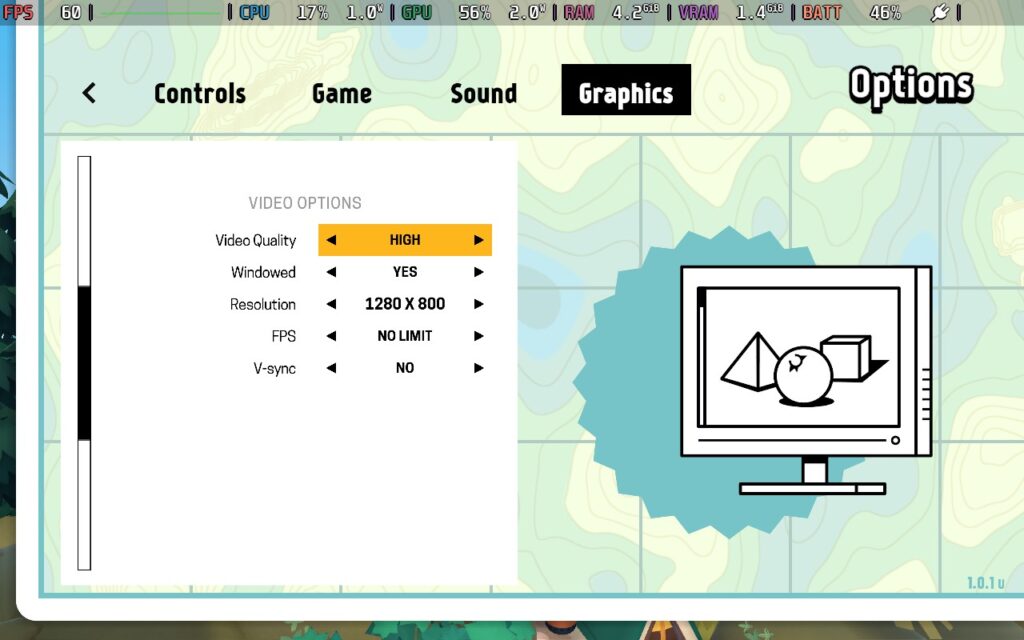
Using these settings, the game was a fairly stable 60 FPS, there were a few bumps in the frametime graph, but overall it was pretty stable, and the experience was good considering that this lower TDP limit actually gives us a pretty nice battery life.
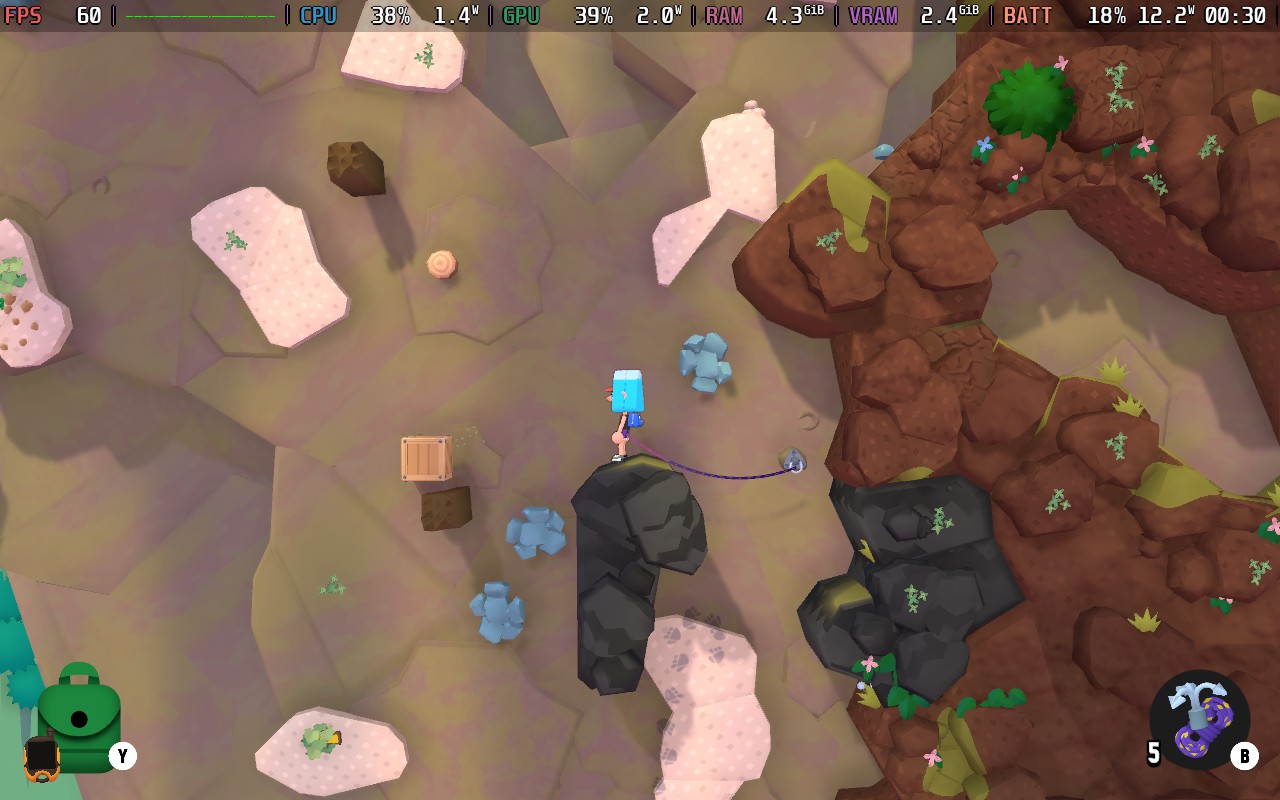
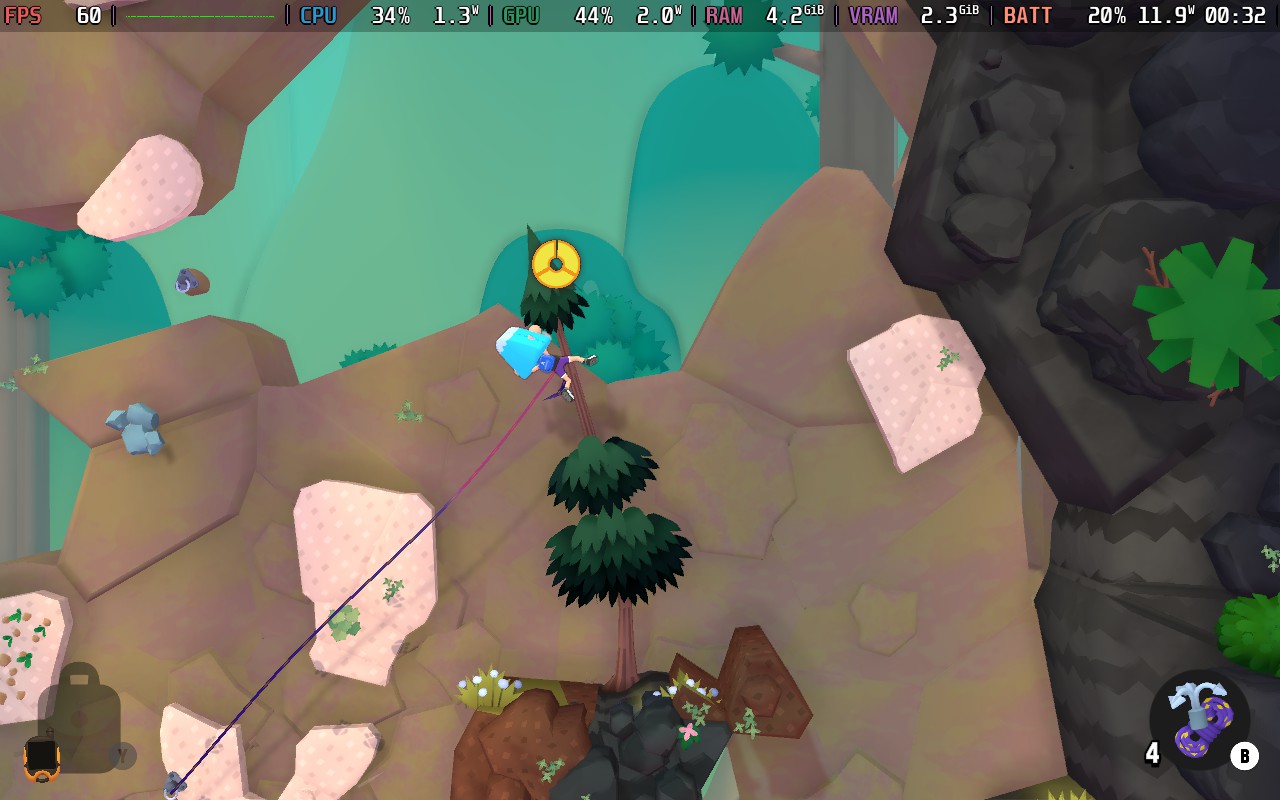
Power draw hovers around the 12W mark with these settings, so Steam Deck LCD players can expect a solid 3 hours of battery life, and Steam Deck OLED users could see 4 hours.
Temperatures were a non-issue, being around 60-65C, so the Deck stayed relatively cool and quiet.
In your SteamOS settings, set an FPS Limit of 60 FPS / 60Hz, and the TDP limit we're lowering to 4W.
For this preset, we're lowering the Video Quality to Lowest, keeping the Resolution at 1280x800, and removing the in-game frame limiter and V-Sync. (You can set OLED to 60 FPS/Hz for these settings).
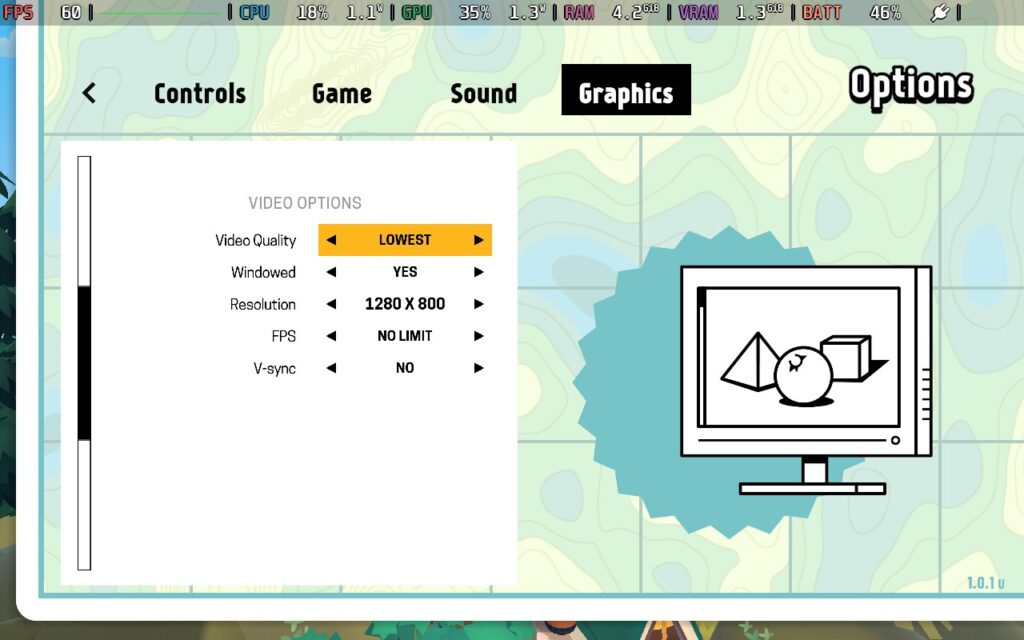
Performance is similar to the Recommended preset above, if slightly less stable. But for the most part, you will be seeing 60 FPS. We lose some shading and finer details, but the game still looks pretty. We only save a little bit on battery life regarding wattage, but that does make a big difference to battery life at the end of the day.
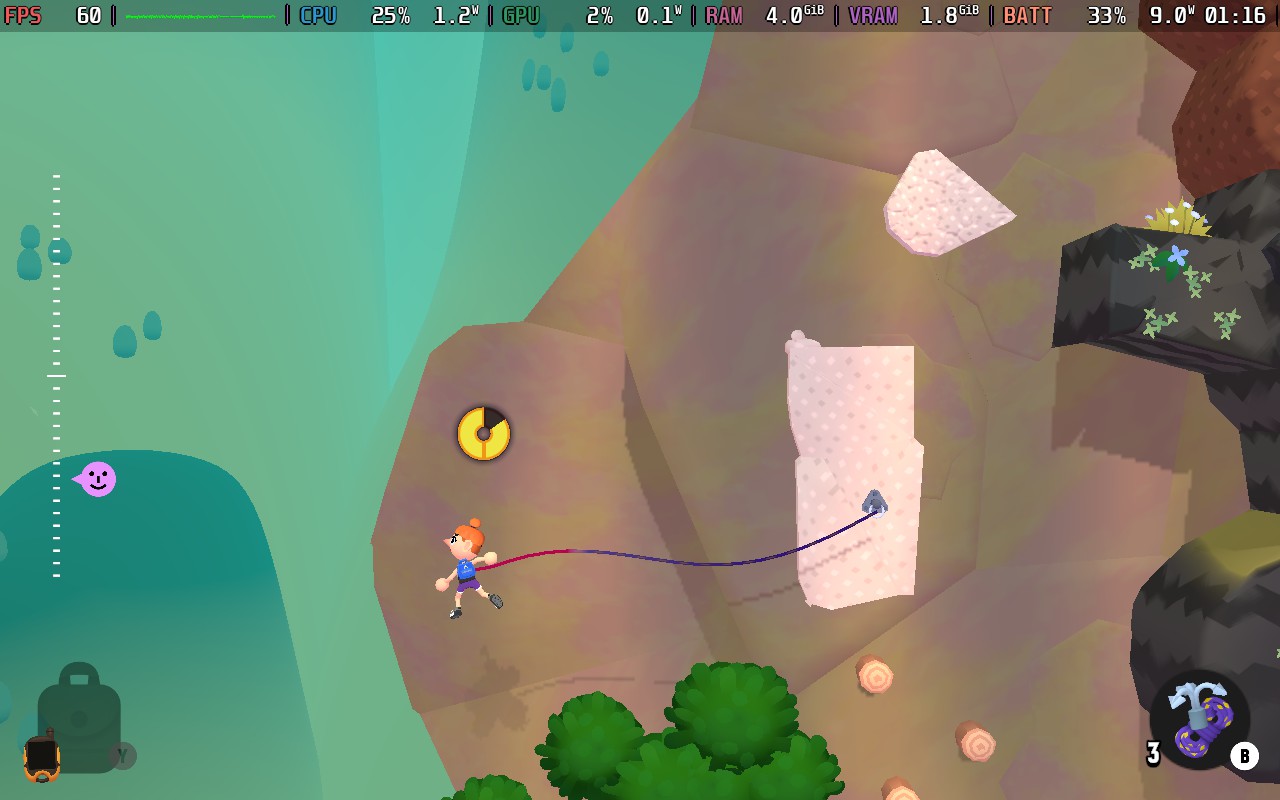
The power draw is down to 8-10W now, which means Steam Deck LCD users could easily see 4 hours of battery life, and Steam Deck OLED users in excess of 5 hours.
Temperatures also dropped down to around 55C, meaning the Deck's fan is hardly running to keep the device cool.
While the settings above kept the game at 60 FPS 90% of the time, there was one occasion where there were quite severe performance issues that meant I had to remove the TDP limit on the Recommended preset and raise the TDP Limit to around 11W on the Battery Saver preset.
This was on a randomly generated map, so I'm unsure if something generated was causing issues. Still, the CPU usage was very high, drawing a constant 7-8W of power from the Steam Deck's CPU on this particular map. It was also raining, and the only map I played was raining, so there may be an issue with the rain causing high CPU usage. If you encounter a map like this, you should turn your TDP limit off and then reapply it back to the recommended setting after passing the level.
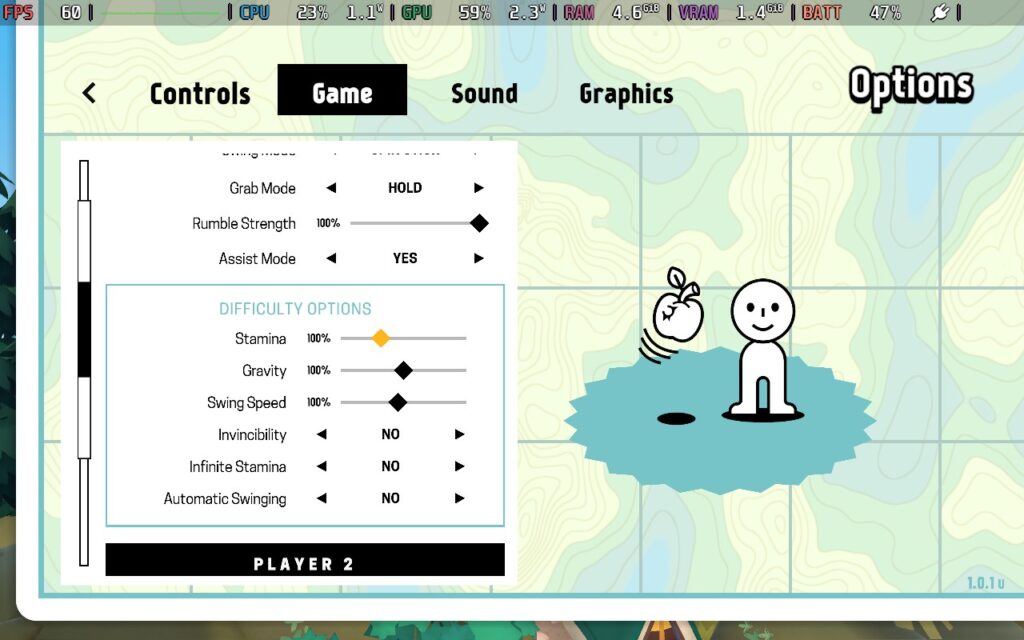
Surmount doesn't offer too much general accessibility, but it does offer climbing assists if you're struggling with the game mechanics. I didn't use these to test them out, but they're there if you want an easier time. They can range from disabling gravity, preventing damage, and swinging slower so you can time your swings better. I'm sure these will make the game less frustrating if you want a more relaxing time.
I feel like Surmount is a game targeting a specific group of people. If you're into a challenge and want to have the satisfaction of pulling off precise moves to summit a mountain with little room for error, then this game will likely appeal to you. If you're a more casual video game player or can get frustrated with difficult games, you'll probably want to play this game with the assists turned on or give it a miss. Don't let the somewhat cartoonish look of the game fool you. Surmount is a difficult challenge.
Aside from the single performance issue mentioned above, Surmount runs very well on the Steam Deck, with the option of running at high settings for nice visuals or low settings for some great battery life. The controls are also as good as they will get on the Steam Deck, so I can't fault how the game plays on the device.
It's also worth mentioning that the game has a two-player local co-op mode, which I did not try. That could ease the game's more frustrating/difficult parts if you are playing through it with a friend.
このレビューはPC版に基づいています。
このレビューをお楽しみいただけたなら、SteamDeckHQ の他のコンテンツもぜひご覧ください!あなたのゲーム体験に役立つゲームレビューやニュースを幅広く取り揃えています。ニュース、ヒントやチュートリアル、ゲーム設定やレビューをお探しの方も、最新のトレンドを知りたい方も、ぜひご利用ください。
Tiny Terry's Turbo Trip was provided by Super Rare Originals for review. Thank you!
このレビューではLCDスチームデッキを使用した。OLEDの詳細は後日掲載します。
One of the perks of being a video game reviewer is the chance to play games you perhaps wouldn't normally interact with. Tiny Terry's Turbo Trip fits that bill for me. While at first glance, it may look like a silly, perhaps even childish, attempt at a driving adventure title, it's an awful lot of fun once you've settled down to enjoy it. So, let's buckle in and see what Tiny Terry's Turbo Trip is all about. Plus, that name is quite fun to say out loud...
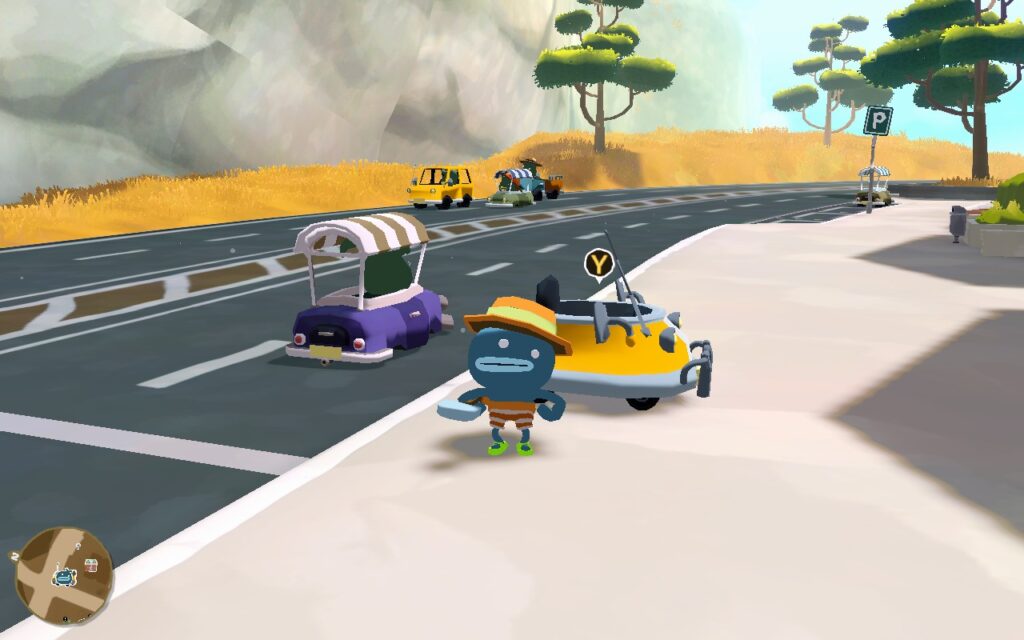
Terry is a peculiar fellow—or should I say child, as it appears that our protagonist is still in elementary school despite being left alone for the Summer by his parents! But all this opens up the opportunity for our little protagonist to go off on an adventure not soon forgotten. Somehow, he applies for a job as a taxi driver, but not to ferry passengers; he just wants a car to ride up the Sky Tower and get to space!
This pretty much sets the scene for Tiny Terry's Turbo Trip, it's a whimsical and often humorous adventure of a child, struggling in school, who wants nothing more than to go to space and leave everything behind. The game somehow manages to evoke emotions with few words, with you quickly feeling sorry for Terry and the situation he finds himself in, despite Terry seemingly not feeling sorry for himself at all. He's on a mission, and it's your job to help him.
The car the taxi company gave him won't get him up the Sky Tower, so it's your job to explore the island and find junk that he can use to upgrade his turbo boost and get him to space. You'll meet a cast of quirky and interesting characters, go on quests to find hidden treasure, commit crimes (which aren't crimes in this city, apparently!), and even play some sports!
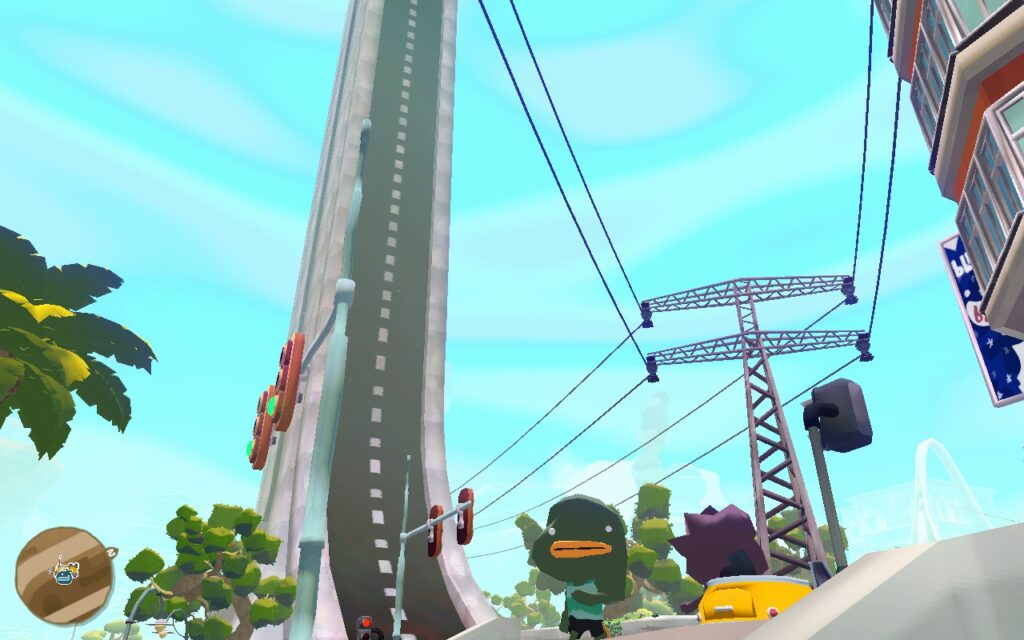
While you can walk around the entire map on foot, much of your game in Tiny Terry's Turbo Trip will be spent driving around in your car. The closest game I can equate the physics to is The Simpsons: Hit & Run, or Crazy Taxi. It's quite arcadey, there's no punishment for crashing, and it's easy to drive. It's nothing special, but how much can you do with a car?
The dialogue in the game is often humourous. Terry hardly speaks at all, often saying just 1 or 2 words in reply to a long question posed by the other participant, which often made me chuckle. The quests are as out there as the game's premise, and at times, the game almost has a Goat Simulator vibe with the random things you're asked to do.
Much like Goat Simulator, exploration is the word of the day here. The key resources you're after are junk to upgrade your car and money to make getting junk easier. You can find both of these dotted around the map; some are in plain sight, and others require you to use your "weapon" to smash open crates or your shovel to dig up treasure. There are also other collectibles you can find throughout the map, which all add to the list of things to do. Not to mention, many of the buildings in the game are accessible, often housing an activity or a shop, such as hats!
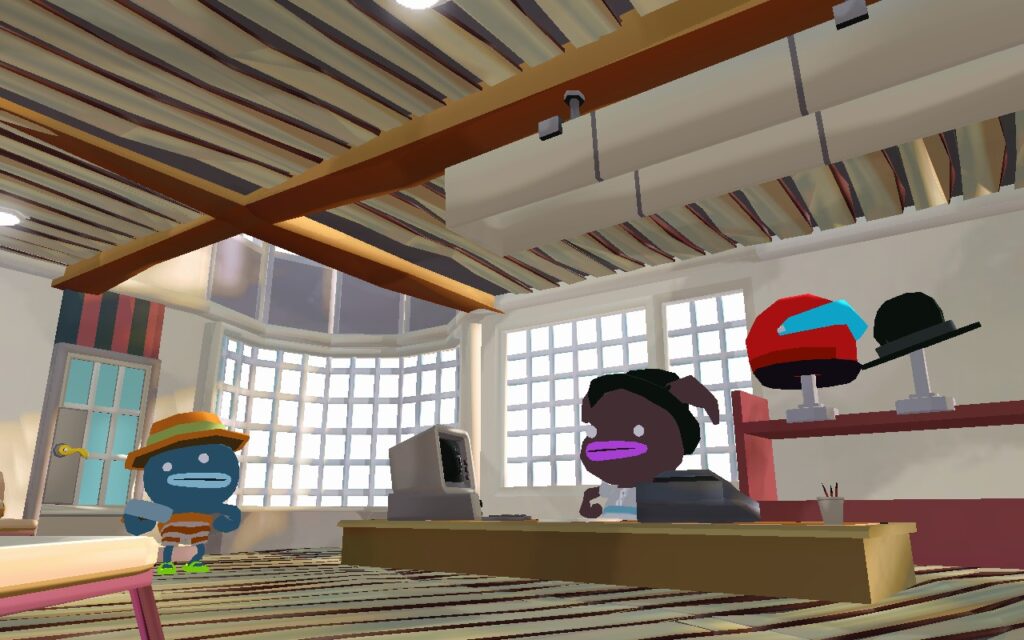
The game's presentation airs on the simple, perhaps basic, side of things, but it gets across what it needs to and has its unique charm. The sound follows the same suit, fitting well with the game, with no sounds that stand out as "annoying". It just does the job it has to do.
Tiny Terry's Turbo Trip is not a long game, and you will likely have finished at least the main story in less than 10 hours. If you want to collect everything, you'll probably want to add a few more hours unless you're using a guide.
However, as the "Overwhelmingly Positive" reviews on Steam (as of this review) indicate, Tiny Terry's Turbo Trip is a short but very sweet adventure. It oozes charm and is funny and lighthearted while occasionally dealing with situations that might seem upsetting. Seeing Terry power through and stubbornly reach for his dreams no matter what is just a wholesome thing to see, and I'm glad that the world he inhabits permits him to do so.
Tiny Terry's Turbo Trip gets off to a great start. The game defaults to 1280x800 and does have some preset settings. However, they're a bit too intense for the Steam Deck, and you can't play at 60 FPS with them.
The controls function just great on the Deck, and there's nothing to say here other than that using a controller feels like the way to go in Tiny Terry's Turbo Trip.
With all that in mind, let's look at our settings presets for TIny Terry's Turbo Trip. I have one focusing on Quality and Framerate, which runs at 60 FPS with nice visuals, and one focusing on Battery Life, which runs at 40 FPS, and sacrifices some visuals, but greatly improves your playing time.
In your SteamOS settings, set an FPS Limit of 60 FPS / 60Hz. This preset does not have a TDP Limit.
You'll want to set your Texture Quality to High, Crowd Density to Ultra, LOD to High, Anti-Aliasing to None, and Shadow Quality to Medium. Then, enable Full Screen and Vsync and disable Bloom and SSAO.
While the Target Framerate setting seems to work fine for the most part, if you constantly see uneven frame times, you can try changing it to Unlimited instead of 60. I had this issue a couple of times.

For the most part, we can run at a stable 60 FPS with these settings. The one exception I found is that the game's grass taxes the Steam Deck. If you go into an area with a lot of grass, the framerate can easily drop to the low 50s, especially if you're walking/driving in the grass. Fortunately, the grass isn't too common, and for 80% of the map, you can hold 60 just fine, just expect some unavoidable drops in rural areas of the map.
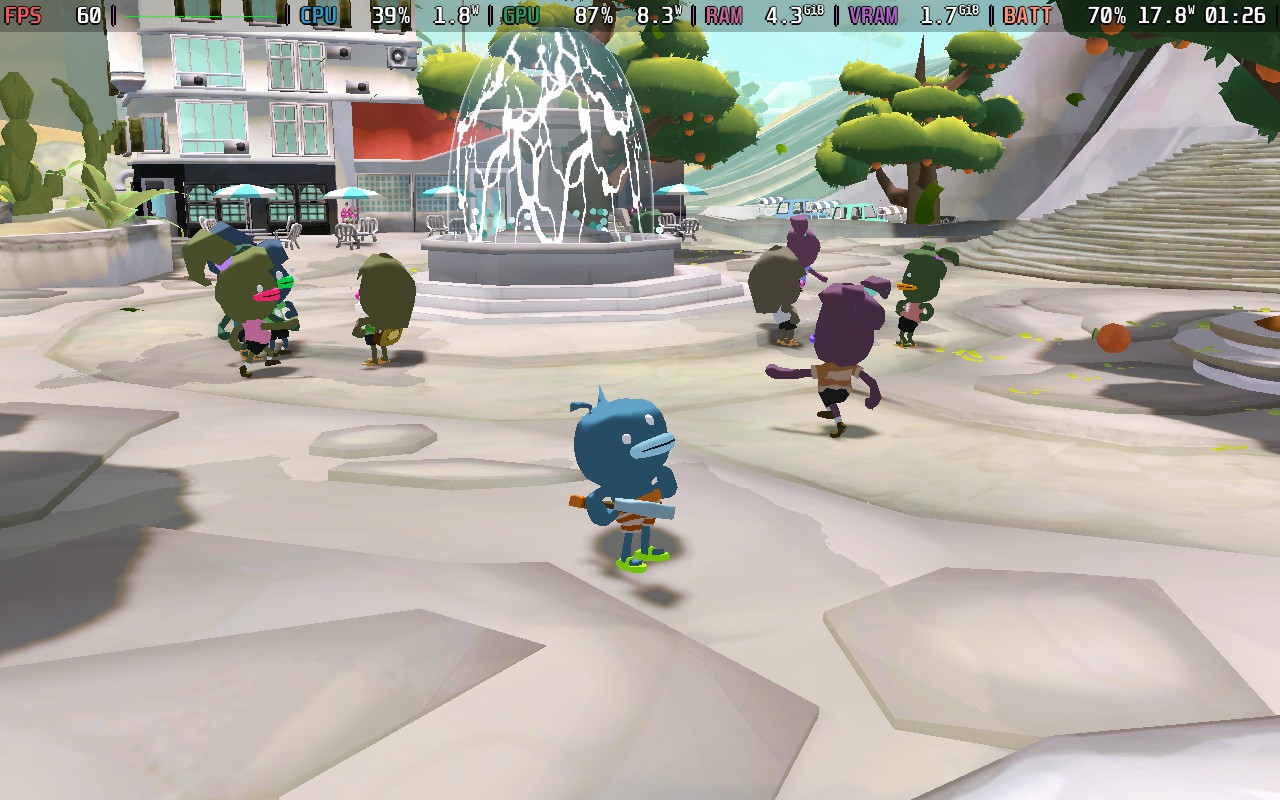
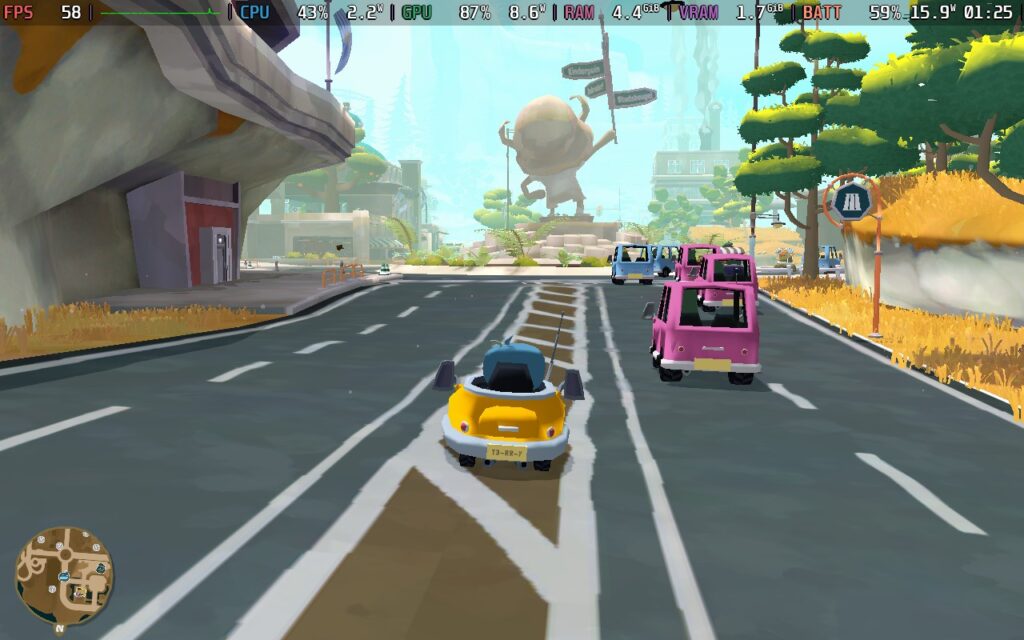

The power draw stays around 16-20W, meaning Steam Deck LCD owners can expect around 2 hours of battery life from this preset and Steam Deck OLED users around 2.5 hours.
Temperatures varied from 70 to 80C, with the higher temperatures occurring more in areas with grass, which can cause the fan to ramp up and make a bit of noise.
Fortunately, Tiny Terry's Turbo Trip offers flexibility, allowing us to bring the power draw right down as long as we make some visual sacrifices. You can set your SteamOS framerate limit to 40 FPS / 40Hz here and your TDP Limit to 6W.
For the graphics, we're setting Texture Quality to High, Crowd Density to Low, Resolution to 1280x800, LOD to Low, Anti-Aliasing to None, Shadow Quality to None, Full Screen to On, Vsync to On, Bloom Off, and SSAO Off.
The Target Framerate issue doesn't apply here, as we're not getting close to the 60 FPS limit anyway.
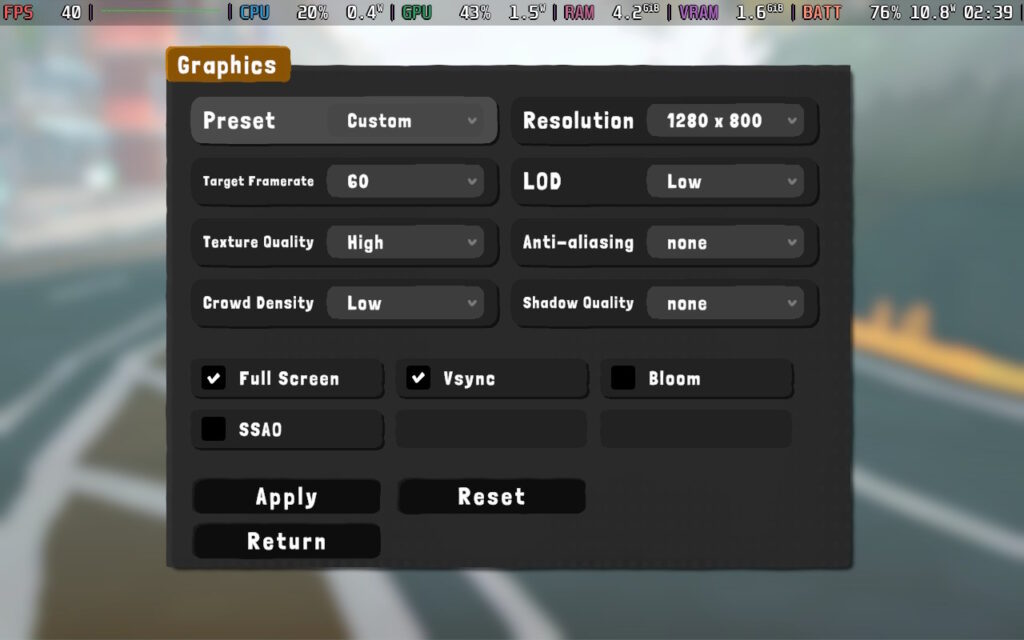
Stability is similar to the Quality Preset, with the game holding 40 FPS for most of the time, but you can see drops around the grassy areas, which are a killer for the Steam Deck. The game always stays above 30 FPS and remains perfectly playable.
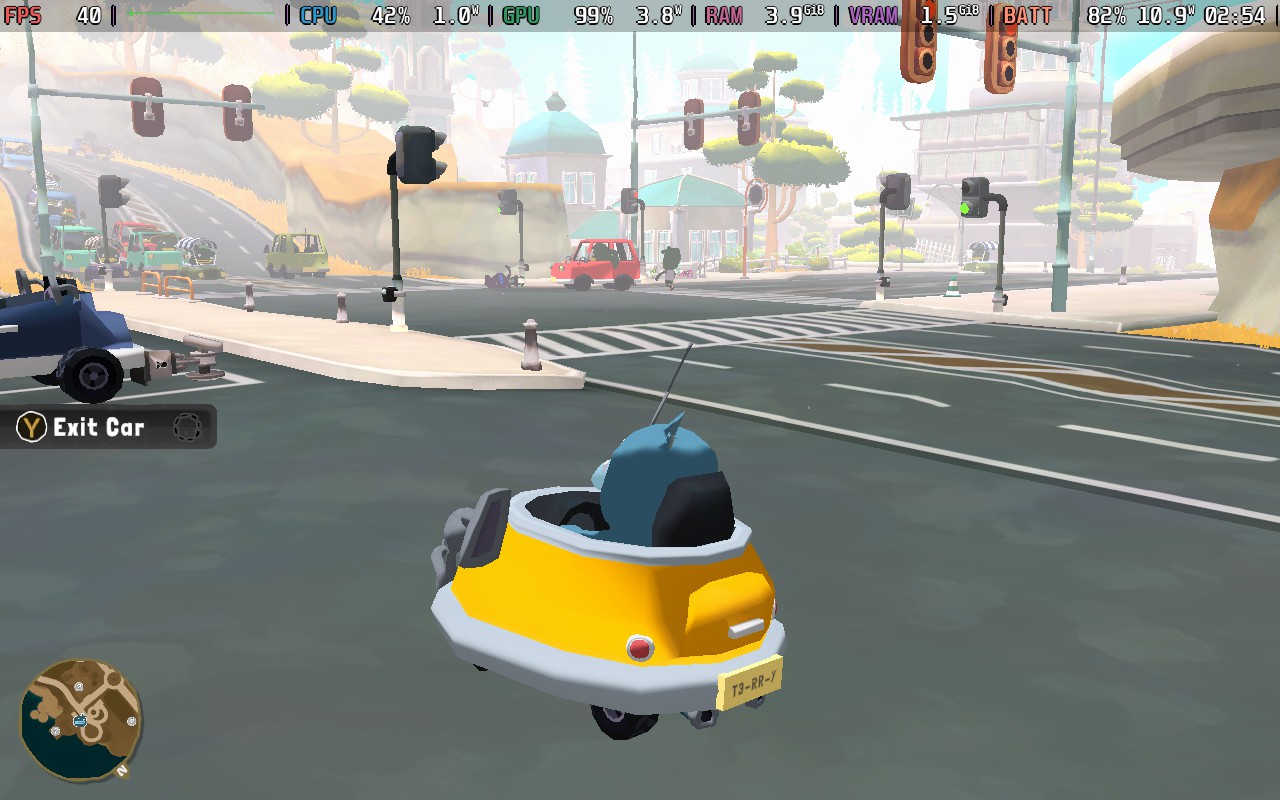
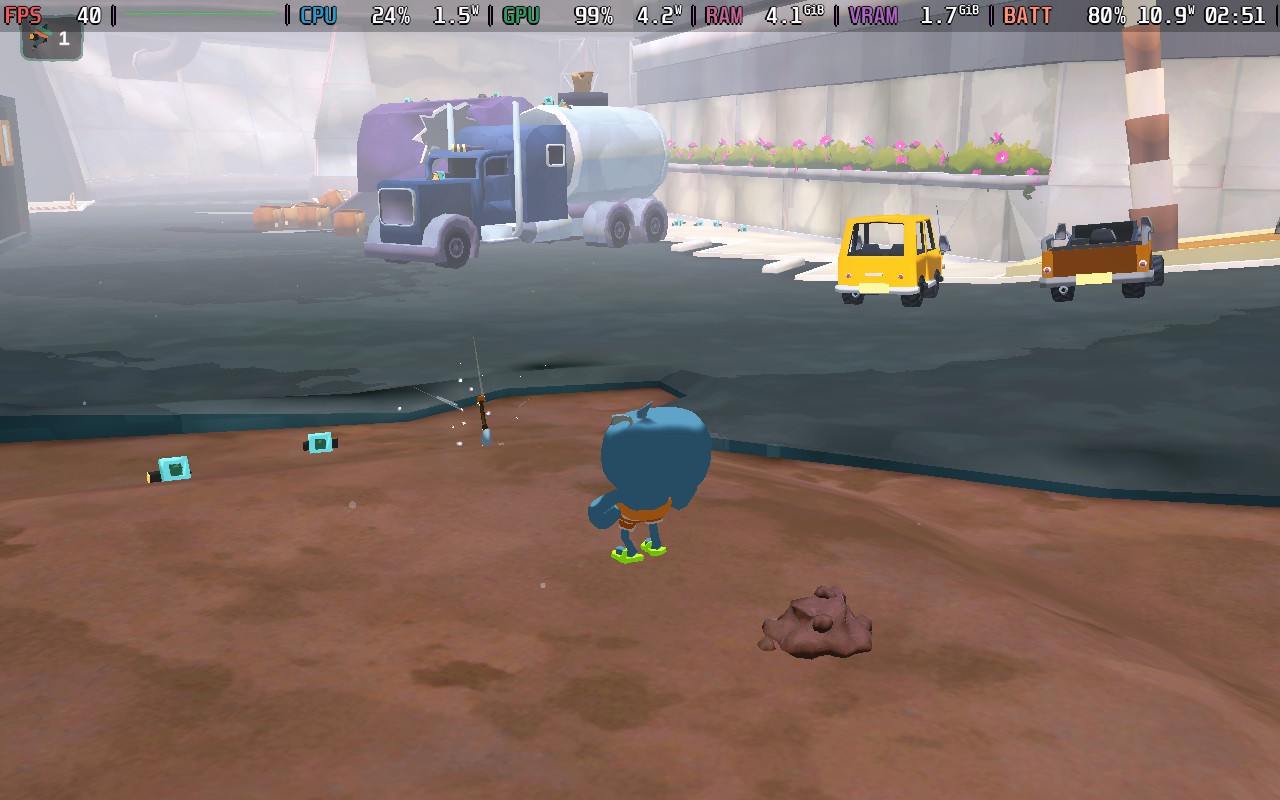
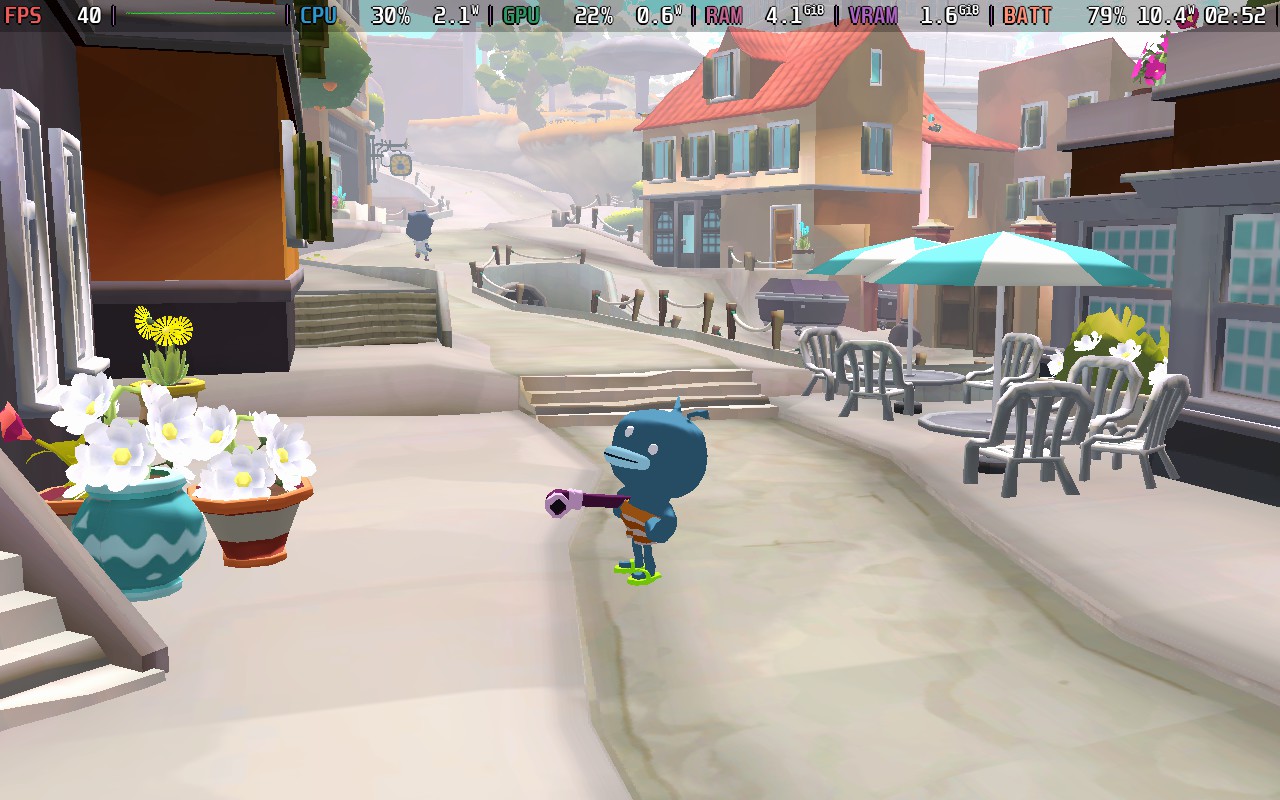
These lower settings drastically reduce the power draw, putting us at about 10-12W most of the time. Steam Deck LCD users should easily see 3 Hours of battery life, and Steam Deck OLED users at least 4 Hours, which is pretty nice.
Temperatures held around 60-65C for this preset. The fan noise was pretty quiet for the majority of playing.
Tiny Terry's Turbo Trip doesn't offer much accessibility, although whether it needs many options is debatable. The game doesn't have voiced lines, so there's no need for subtitles. While the sound is nice, there are no parts of the game where hearing something is essential. There are camera sensitivity options, the ability to disable camera shaking, and UI scale and FoV sliders, but I found the scaling to be fine by default.
Tiny Terry's Turbo Trip is a delightful adventure that will give you a few days of enjoyment, depending on how hard you go at it. It's been priced reasonably ($20 at the time of writing), and I think it's well worth the purchase if you're looking for a game with no pressures or time constraints being placed upon you. From what I played of the game, no mistake has any lasting penalty, and you can quickly retry any challenges within a few seconds of failing.
Terry is a mostly silent but endearing protagonist, and it's great to be able to help him achieve his dreams. I would love to see him feature in another game in the future.
Performance on the Steam Deck isn't perfect, but it's pretty close, and we have some flexibility to increase battery life or go all out on the visuals. It's just that pesky grass that gives us issues! Controls are perfect on the Deck; there are no issues there.
このレビューはPC版に基づいています。
このレビューをお楽しみいただけたなら、SteamDeckHQ の他のコンテンツもぜひご覧ください!あなたのゲーム体験に役立つゲームレビューやニュースを幅広く取り揃えています。ニュース、ヒントやチュートリアル、ゲーム設定やレビューをお探しの方も、最新のトレンドを知りたい方も、ぜひご利用ください。
Outcast: A New Beginning was provided by THQ Nordic for review. Thank you!
This game was tested with a Steam Deck LCD. OLED testing is coming soon.
I had pretty low expectations for Outcast: A New Beginning when first setting out. Having covered the game and keeping an eye on it pre-release, I wasn't sure how the quality of the game would hold up. It seemed like an arcadey shooter that would fail to hold up to its promises, with weak combat and grating dialogue. Having played the game and giving it a fair shot, I think I was both right and wrong about it.
Let's cover the basics of the game, movement, and combat. The movement feels quite nice. Your character is maneuverable and gains more maneuverability as you play through the start of the game, gaining a jetpack, which lets you jump higher and dodge, both adding a new dimension to your movement. The jetpack is also upgradable, allowing even more flexibility. While I did find it somewhat difficult to control at times, I think that's more down to how the game runs on the Steam Deck, but more on that later.
The combat of the game is more satisfying than I expected. When looking at the trailers for the game, it seemed as though firing a weapon would feel weak and offer little feedback, whereas the opposite is true. Although there's a pretty hefty auto-aim in the game, lining up your shots and ensuring your hit is vital. Headshots do count here, and enemies die in a few shots, provided you've got the right equipment for the job. I am happy that enemies aren't bullet sponges.
In terms of visuals, the world of Outcast: A New Beginning is quite beautiful, and largely based in forested areas with plenty of foliage and dense tree cover. The game makes use of this to create subtle lighting effects of dappled shade. Other areas in the game are more open, however, such as grassy plains, beaches, and some mountainous areas. Regardless of where you are, there are probably lots of trees or lots of grass. The downside of all this foliage, however, is performance. The trees cast shadows, and a lot of the foliage is interactable, too, moving when the player character gets near; all of this undoubtedly has a toll on the game's performance.
While I don't feel that Outcast breaks any new boundaries in terms of graphical fidelity, I do feel that the choice of location/environment greatly helps Outcast look its best, even on low settings.
When it comes to character visuals and design, there's nothing too much to complain about here. The animations and visuals do the job they have to do, although I will say that at times, the player character's animations do look a little stiff and stilted. Jumping while standing still looks a bit... odd to me.
In addition to satisfying combat and a beautiful game world, Outcast also has an upgrade system in place, where you can use resources found in the game world to upgrade your weapons, equipment, and jetpack. Weapons, for example, can have modules fitted to them, and your jetpack and general combat skills can be upgraded by finding resources/crystals in the game world and collecting them. This helps to keep the game from becoming monotonous. You're always on the lookout for those crafting and upgrading resources so you can better yourself. As it happens, the guns in the game also use certain crystals as ammunition, so it's good to keep scanning so you can find any that are nearby.
In terms of storyline, Outcast: A New Beginning has a reasonable story that punctuates gameplay with cutscenes from time to time. It is technically a sequel to the original Outcast game, but at the same time, a reboot. I wouldn't say you need to be familiar with the original to enjoy this game's story. Long story short, you are resurrected back to life on the planet you originally visited in the first game. However, much has changed, and a robot army is invading Adelpha, a planet of the mostly peaceful Talan race. In the original game, you were hailed as a "Messiah," so you again take up the mantle to protect the Talan race from the robot invaders and find out who is behind this invasion.
You aren't just doing this for the Talans' sake, though, and you are in danger of running into more cliches. You also have amnesia. You get glimpses into your past as you play through the game, which is centered on you and your family relationships. Your main aim is to help the Talans, with the belief that this will help you return to Earth and find out what happened with your family.
The dialogue can be a little grating, and Cutter Slade (the player character) is a little irksome at times. I think the game tries to pass it off as him being dead for a while, so his vocabulary is a little dated, making him an "old-school Navy SEAL," but I could have done without it.
But now we get onto the real killer: performance on the Steam Deck.
When booting Outcast: A New Beginning, you'll be asked if you want to boot in DirectX 11 or DirectX 12 modes. Make sure you pick DirectX12, as in my testing, DX12 tended to offer about a 3-5 FPS performance improvement depending on where you are in the game.
The game does get some basics right. It supports 16:10 resolutions and has pretty solid controller support, covering both the menus and the gameplay. However, the occasional menu is still controlled via a gamepad-controlled mouse cursor, which is very odd and does actually cause some issues.
Shockingly, the game has no upscaling support, there's no integration of FSR, XeSS, or even DLSS here, very strange for a fairly demanding title in 2024. Because of this, we'll need to use the FSR1 built into the Steam Deck when setting up our Deck for the game.
There's also no support for going below 720p when using the in-game resolution selector, so we'll need to force a lower game resolution in the Steam Game Properties.
In the Game Properties, force a Game Resolution of 800x500. Please note that forcing this resolution does cause some oddities, such as the cursor not reaching the whole screen. This doesn't matter for most menus, as they use the gamepad for controls, but a couple of menus use a gamepad-controlled cursor, and these menus do not work if we force the resolution this low.
In your SteamOS settings, set a 60 FPS/ 60Hz limit and your TDP limit to 15W or Off. Make sure your scaling filter is set to FSR and the FSR Sharpness is set to 5.
In the in-game graphics settings, you can go ahead and select the "Low" Preset. This sets everything as low as it can go, and that's what we'll need. You'll also want to set the "Max FPS" to "30." We're using the in-game FPS cap rather than the Steam Deck's, as it introduces less input lag, and we need to minimize that as much as possible.
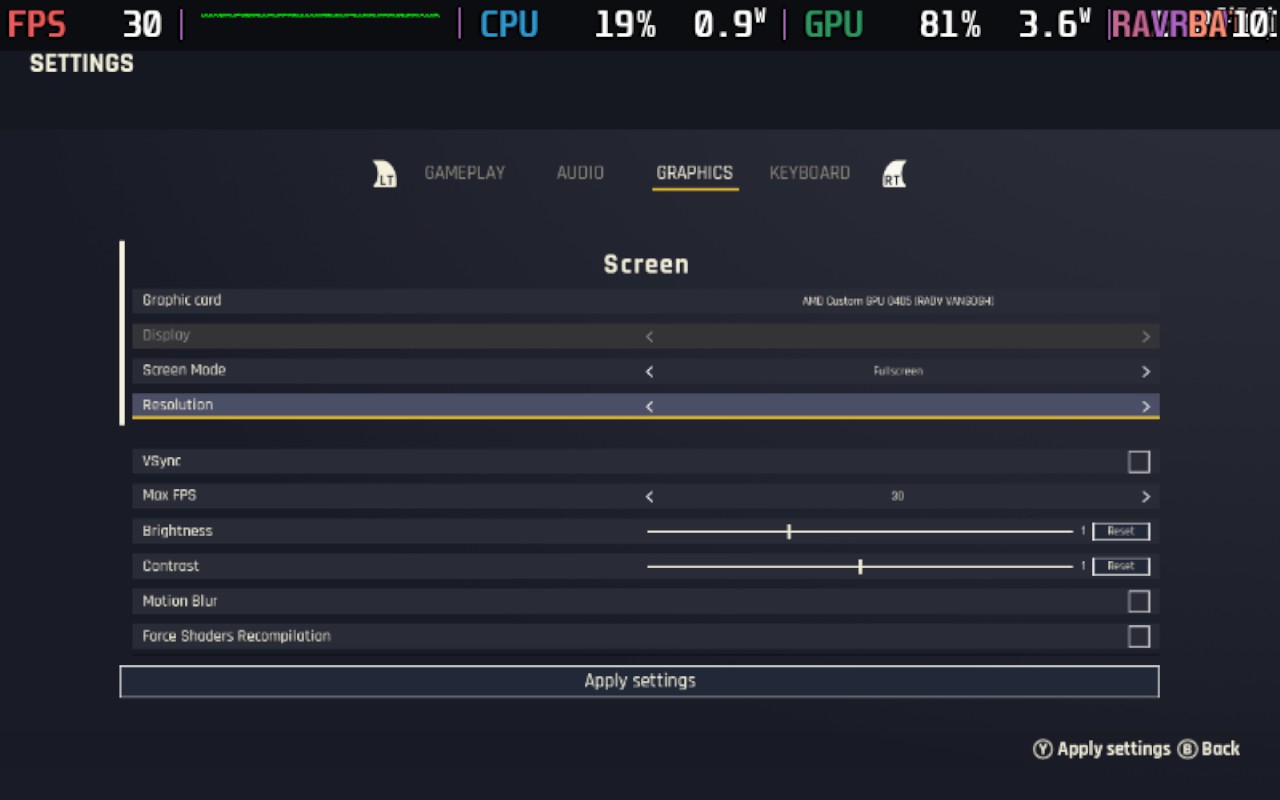
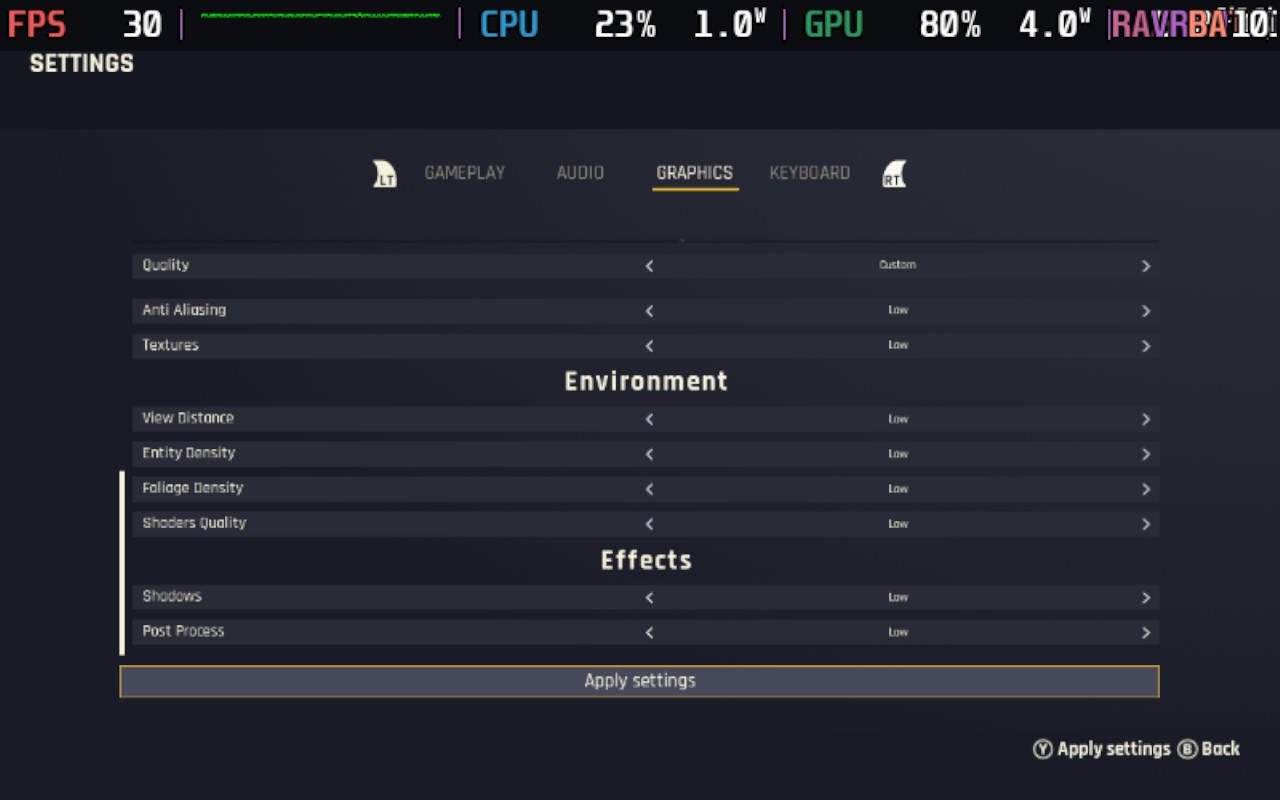
Using these settings, we can hit 30 FPS at points in the game, often in the open plains or when overlooking a vista. Unfortunately, a lot of the game takes place in dense forests or places with lots of close vegetation, and in these places, the game will typically run around the mid-20s in FPS. Any areas with a great deal of NPCs, such as villages, will also tend to run closer to 20 than 30 as the CPU starts to take more power away from the GPU.

As you can see from the screenshots above, the game is both CPU and GPU-bound, which results in the game almost never achieving a fully stable 30 FPS, regardless of where you are. The game heavily leans on single-thread performance, a weak point of the Steam Deck. Often, one of the threads is almost locked to 100% load.
Unfortunately, these low frame rates introduce some input lag, which can make the game's combat a little difficult. The low frame rate can easily cause you to miss shots or overreact to movement, not to mention making combat difficult in the first place.
Outcast maxes out the Steam Deck, even in menus, so battery drain is around 25-26W the entire time, which puts your expected battery life at around 80-90 minutes at best. Temperatures can vary, but generally expect 80-90C, with the CPU being more towards the higher end and GPU towards the lower end of that range. In short, your Deck will get hot.
There isn't too much accessibility in Outcast: A New Beginning. You can have subtitles, although they are a little difficult to read, given the low resolution we need to use on the Steam Deck. You can also change the basics like sensitivity and FoV, as well as the contrast/brightness and re-bindable keys. Sadly, there's no UI scaling, which could have benefitted the Steam Deck or other handhelds. There is, however, a filter for different types of colorblindness. Presumably, this would alter things like blips on the minimap and icons for resources to be different colors.
I think Outcast: A New Beginning is an enjoyable game at its heart, far more enjoyable than I first thought when I was watching the trailers for the game. However, the Steam Deck isn't the place to enjoy this game.
If you have a decent gaming PC, laptop, or maybe even a higher-end handheld running an AMD 7840U or 8840U, I think Outcast: A New Beginning could be a great third-person Shooter with RPG elements. It's not a game to be taken too seriously, but to pick up and play in 30-minute stints, I think the game has the potential to be a good bit of fun. The upgrades keep things fresh, and the game world is large, but there's usually something to do, so it doesn't feel sparse or empty.
All-in-all, I would recommend the game itself, as long as it's played on the right hardware.
このレビューはPC版に基づいています。
このレビューをお楽しみいただけたなら、SteamDeckHQ の他のコンテンツもぜひご覧ください!あなたのゲーム体験に役立つゲームレビューやニュースを幅広く取り揃えています。ニュース、ヒントやチュートリアル、ゲーム設定やレビューをお探しの方も、最新のトレンドを知りたい方も、ぜひご利用ください。



