



This game was provided to us by Team17. Thank you!
Sunday Gold is a point-and-click adventure game that features a rag tag trio of criminals, an evil mega-corporation, and a malevolent billionaire all wrapped into one incredibly stylish package. Taking place in a dystopian London, your group will work to expose and stop Kenny Hogan from his corrupt ways. Using turn-based combat to deal with your foes, you will have to manage your composure to keep your allies sane while upgrading their skills and leveling them up. Will you be able to bring justice while keeping yourself sane?
Personally, the gameplay of Sunday Gold is right up my alley and generally the type I really enjoy, but the artstyle steals the show. The game is so visually interesting and appealing with wonderful animations and, paired with the solid voice acting, is a joy to experience. As a game, I believe Sunday Gold is a fantastic one that I will be enjoying for quite some time, but we are here to discuss how it plays on the Steam Deck, and I definitely have a couple things to say.
Because of Sunday Gold's artistic direction, the intensity of the game on hardware is on the lower side. This shows most since playing without any setting changes works perfectly fine with a FPS cap! After testing with the settings, I felt out of the box performance was the best coupled with the visual fidelity. The biggest question for me in terms of performance was framerate. Due to the way the game is animated, a higher framerate isn't necessary, but I felt 40 FPS was better than 30. Even though the battery drained a little more, I felt selecting items was more responsive and animations were slightly more fluid. Both of these together made it a much more enjoyable experience for around 3 hours of battery.
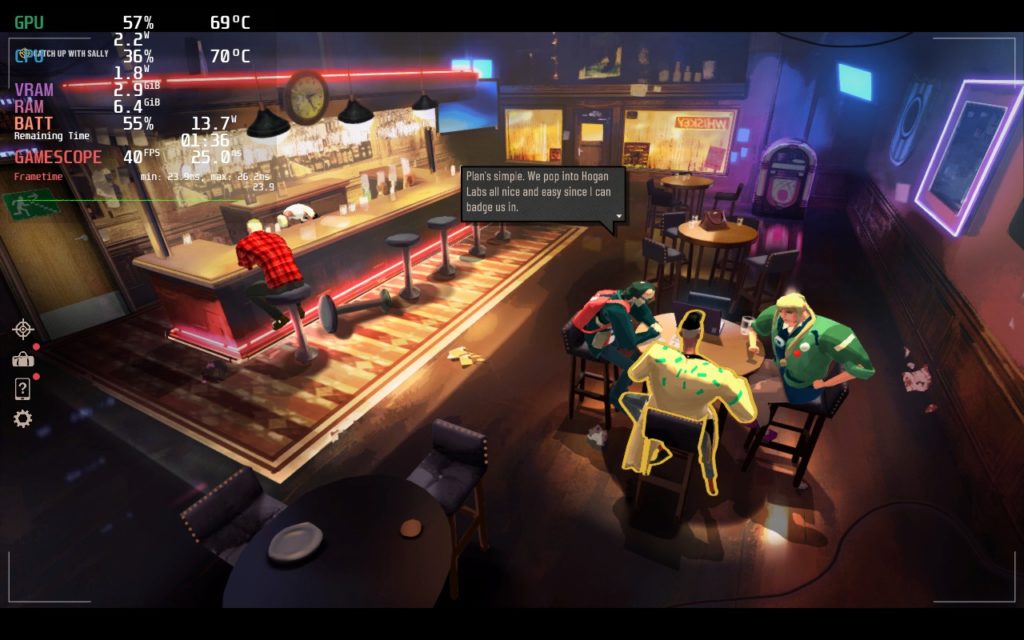
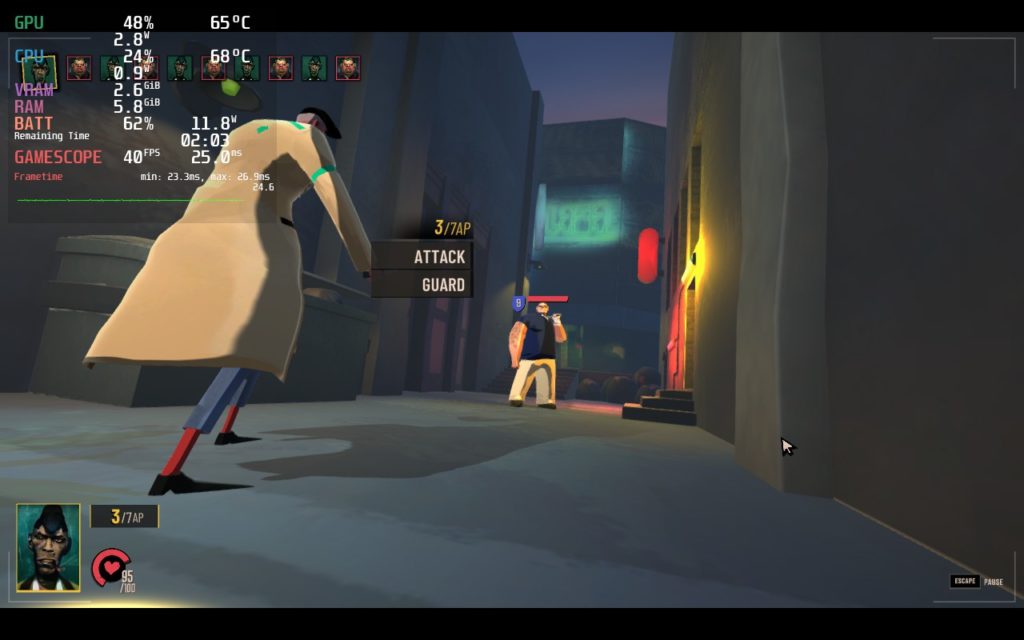
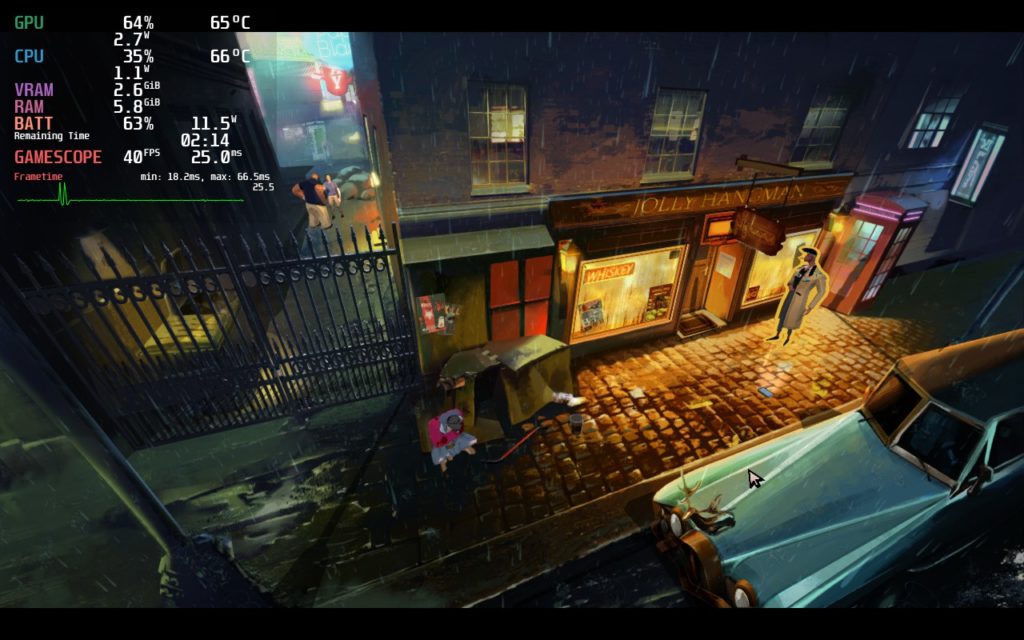
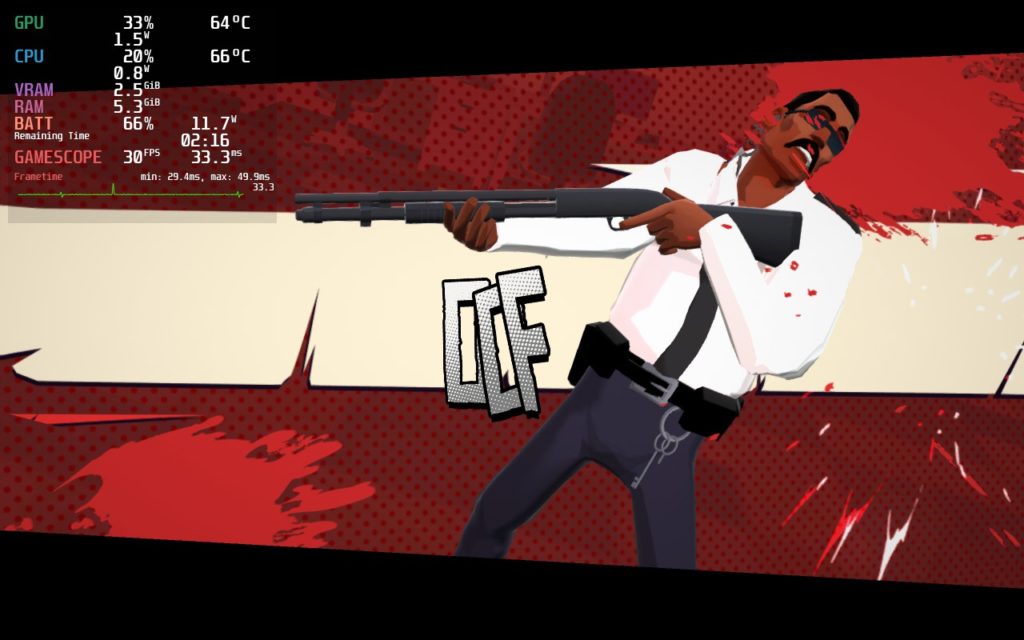
A framerate of 30 was quite nice to have to conserve battery when needed though. Other than the item selecting, the game still felt great at this framerate and would add around half an hour to an hour of battery life. This was great for when I forgot my charger and was able to maximize my game time with a simple framerate switch.
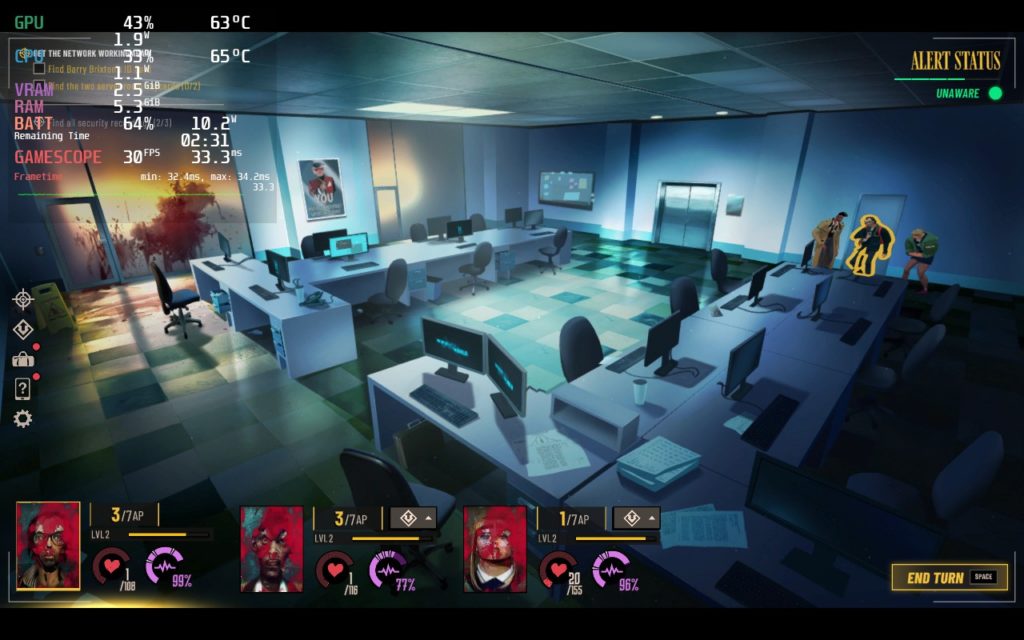
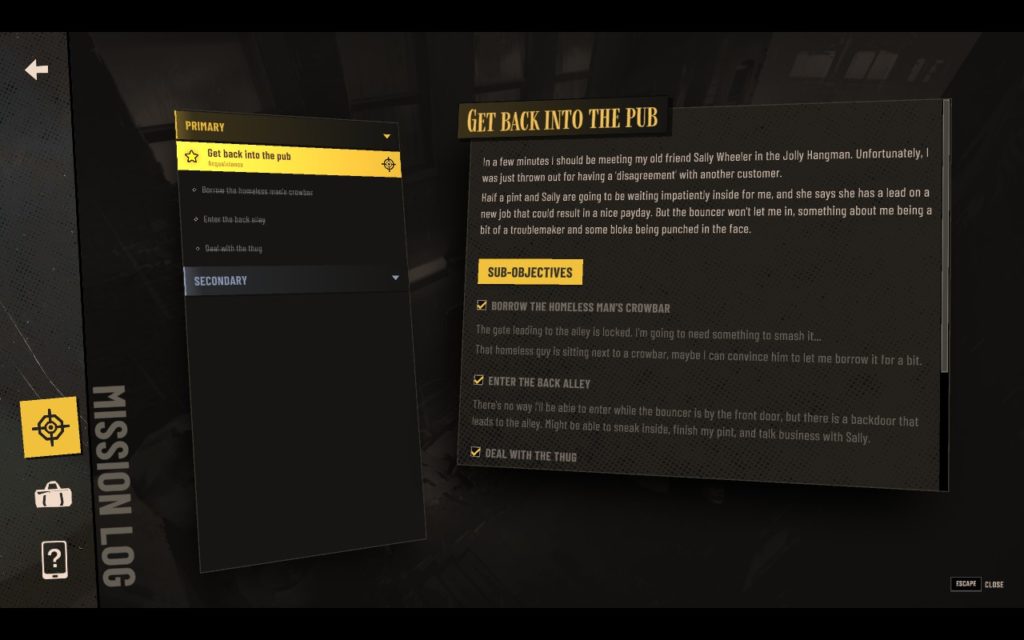
Sunday Gold is a near perfect experience on the Deck, but two big things hold it back from being a Best on Deck game. First, there is no native controller support. For some games on Deck, using Steam Input and the gamepad works great, but unfortunately, it can't account for everything. In this case, navigating menus is a little bit of a chore which, if implemented, native controller support would fix. It would be awesome to have better navigation selecting items and some better support for the minigames, except the hacking one, but using the right touchpad or touchscreen of the Deck to control isn't as bad.
The other issue I believe would need to be addressed is small text. Now this isn't apparent in the entire game, but in some dialogues, menus, and the overworld, the text can be very small. You can use the magnifier tool (Steam button + L1) but it comes out blurry without actually making the text readable. Having an option like in Pentiment or Disco Elysium would be very useful here.
I believe those are the only two issues I have with the game on the Deck. I have emailed the publisher, Team17, regarding these and asking if they will be added to Sunday Gold in the future. I will update this review when I hear back.
Sunday Gold is such a damn good game with an intriguing story, interesting characters, great gameplay loops, and a unique artstyle. On the Steam Deck, the game runs very well without needing any tweaking except for a framerate cap with optional TDP limits to keep the game from pushing the battery too hard. If there was native controller support and text resizing, this would easily be a Best on Deck game. Hopefully, it is something that will come in the future and I can happily upgrade this!
このレビューはPC版に基づいています。
このレビューをお楽しみいただけたなら、SteamDeckHQ の他のコンテンツもぜひご覧ください!私たちはあなたのゲーム体験に役立つこと間違いなしの様々なゲームレビューやニュースを取り揃えています。ニュース、ヒントやチュートリアル、ゲーム設定やレビューをお探しの方も、最新のトレンドを知りたい方も、ぜひご利用ください!
Sunday Gold is a gorgeous and great game that would be perfect on the Steam Deck with proper controller support and text resizing.
SteamOS:
リフレッシュレート60で30FPSの上限
ハーフレートシェーディングOFF
TDPリミット6
リニア
プロトン・バージョン
強制的な互換性はない
ゲーム設定:
No Setting Changes Needed
バッテリーの使用量/時間
9W〜12W
Around 62c - 67c temps for CPU and GPU
Around 3.5 - 4 hours of gameplay