
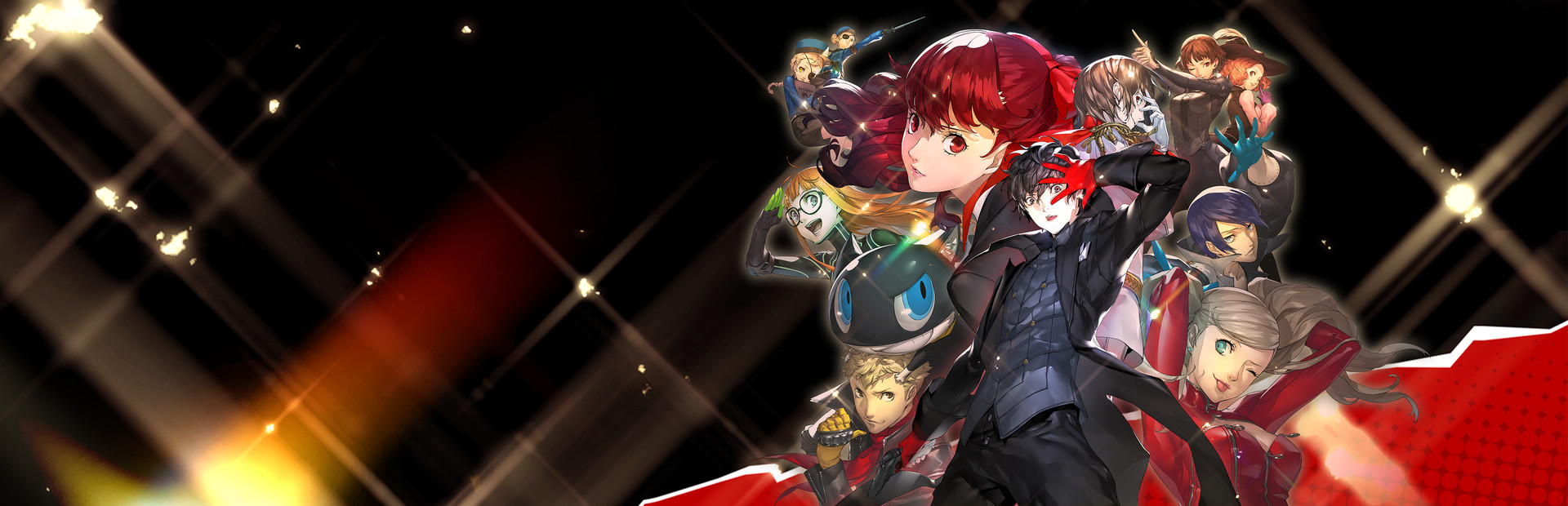

Persona 5 Royal is the extended and upgraded version of the newest mainline game in the well known JRPG series. Forced to transfer to a new school in Tokyo, you and your friends band together as the Phantom Thieves to infiltrate the minds of the corrupt and make them change their ways for the better. Alongside the exciting turn-based combat, you will sneak around grand locations manifested by these wicked individuals with your crew. But when the day is done, you will be walking around the town, going to school, and improving different aspects of yourself to become as powerful as possible with your team.
Persona 5 Royal on Steam includes over 40 items of previously released DLC, as well as the upgraded version of the original game with tons of added content. Persona 5 is one of my favorite JRPGs so being able to review it like this feels like a dream come true. I also had my fears of how it would run. I ran into a lot of people claiming 60 FPS at highest settings works like a charm, which makes me skeptical for a game like this. But regardless, I was happy to dive in and I am glad I did.
So at max settings, with the rendering scale set to 100%, Persona 5 runs at 60 FPS around 70% of the time. This generally is in smaller areas and corridors, but any bigger or open areas tend to buckle under the pressure. This leads to framerate drops below 50 FPS and battery drain that can go up to 22W. Bringing rendering scale to 200% only makes it significantly worse, but we can improve it all and give the game a 4+ hour battery life with stable and smooth gameplay!
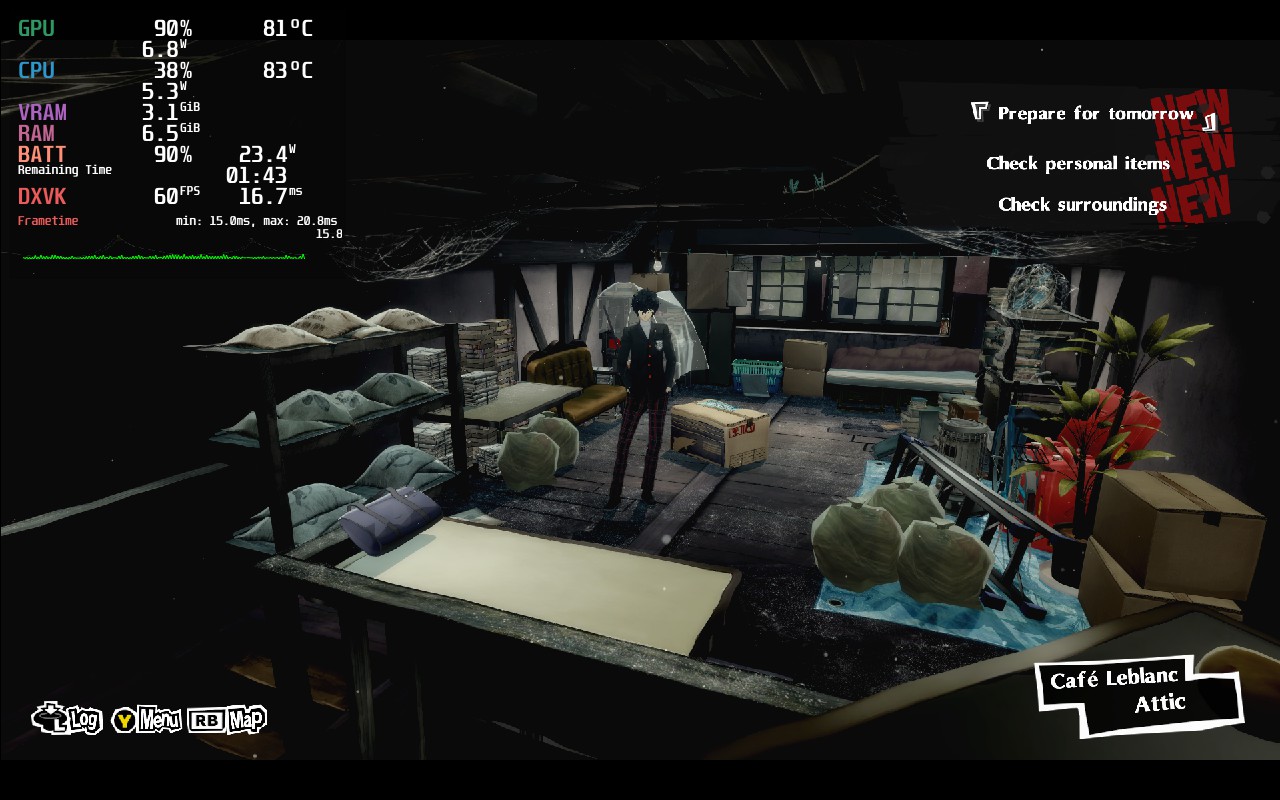
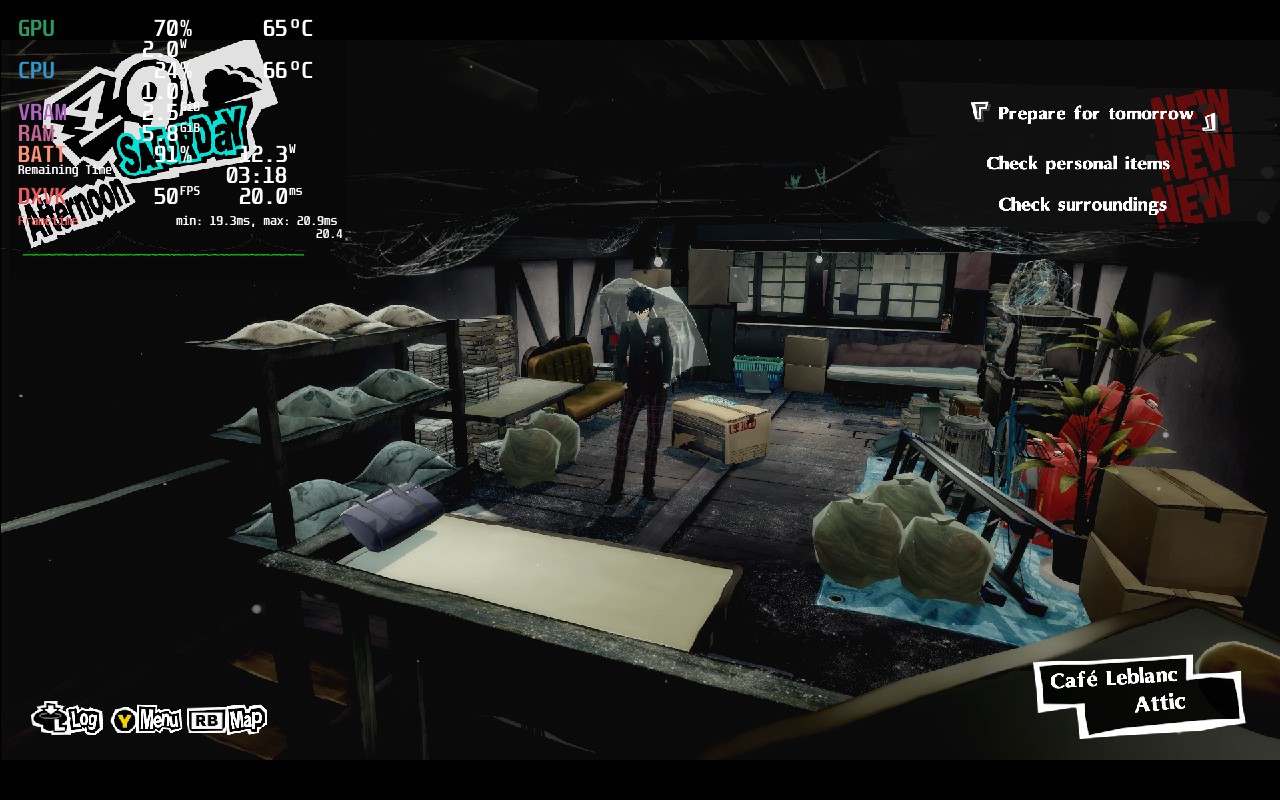
As you can see, very little change graphically, but a couple setting changes completely change the landscape of the game!
By bringing shadows down to medium and setting the framerate limit to 50, I was able to set a TDP of 7 for comfortable stability and feeling incredibly smooth. This allowed me to stick below 14W, usually hanging around 10 - 11, for an incredibly long battery life. The shadow quality option didn't seem to change much either, but it definitely helped Persona 5 Royal keep a stable 50 FPS. There are some areas in the larger open ones that still slow it down, but playing at 50 instead of 60 meant these slowdowns didn't show as much.
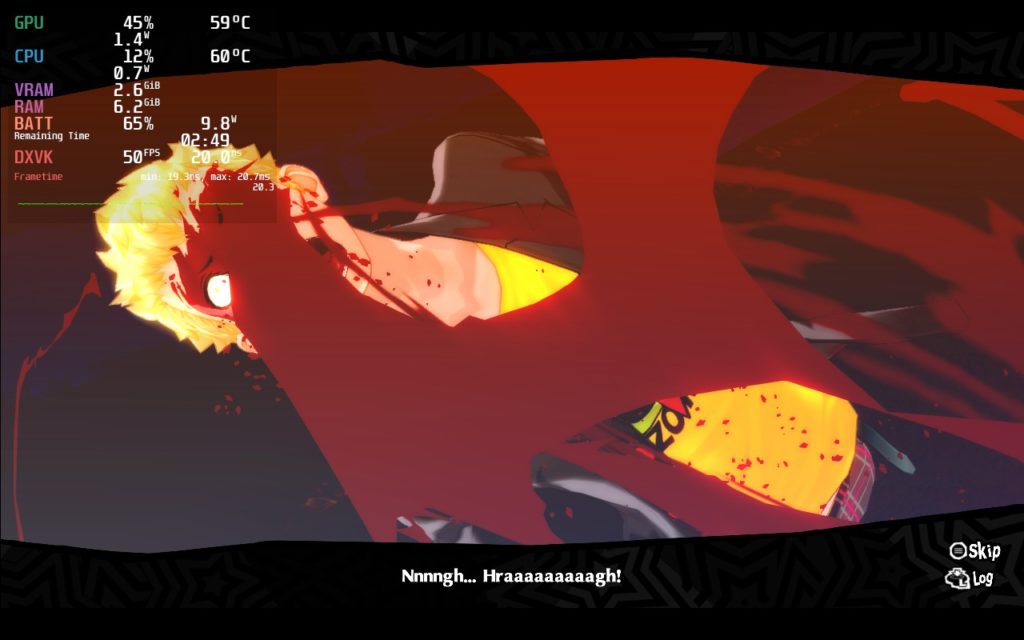
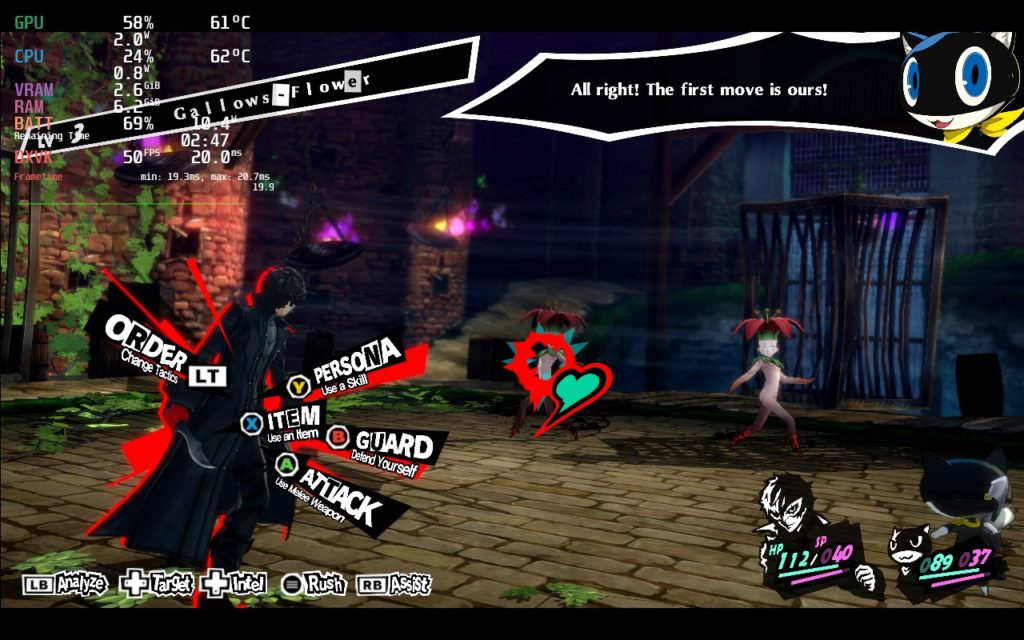
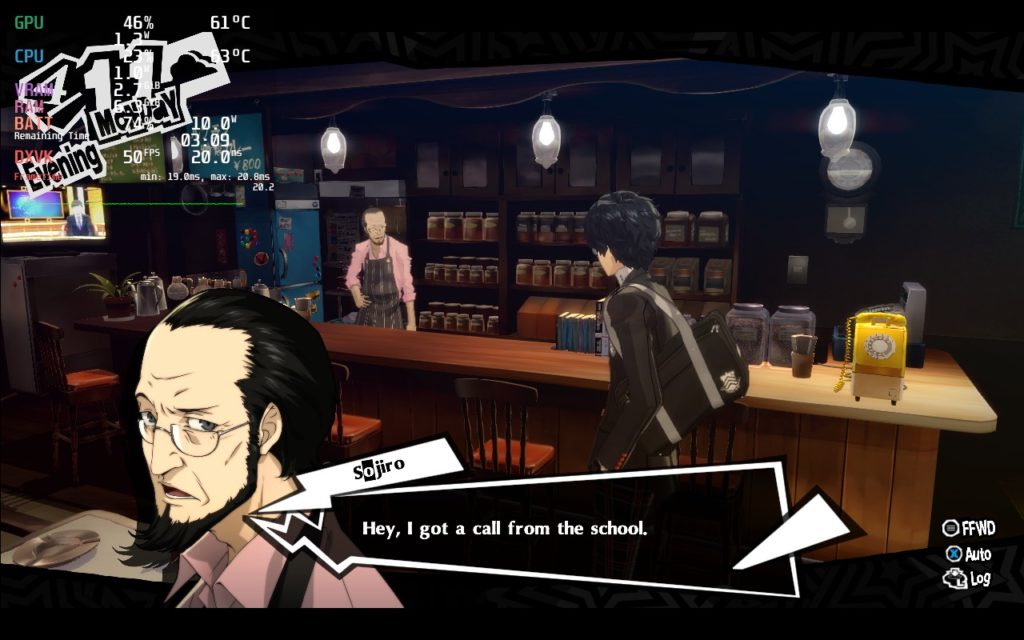
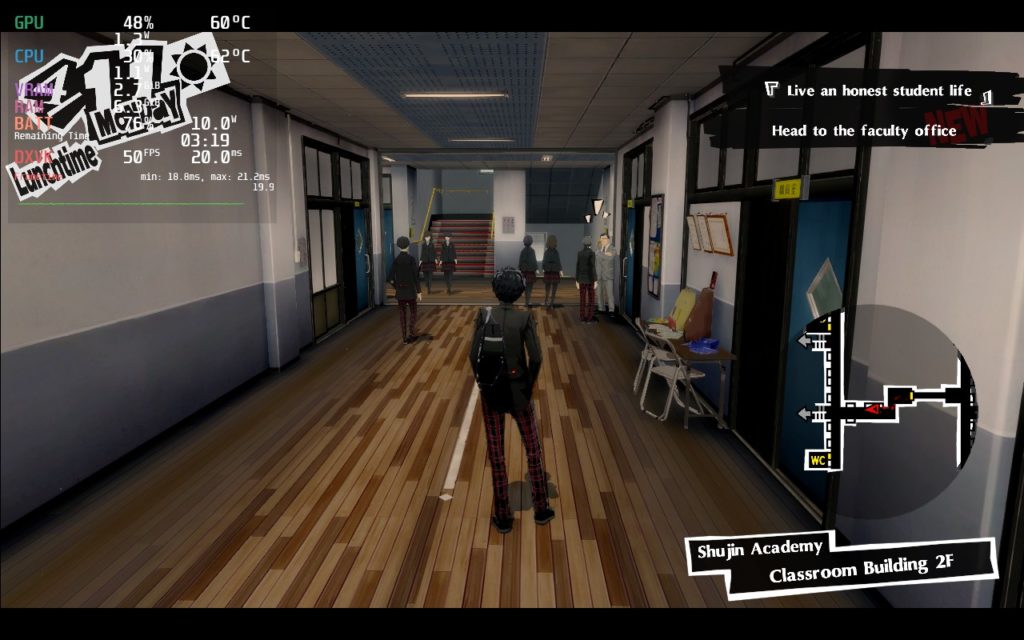
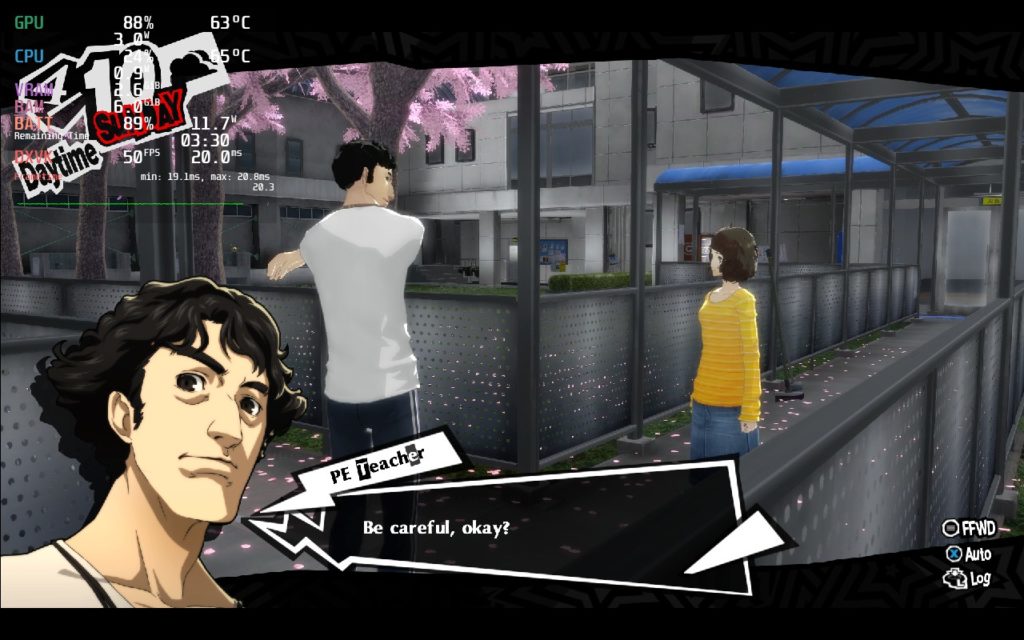
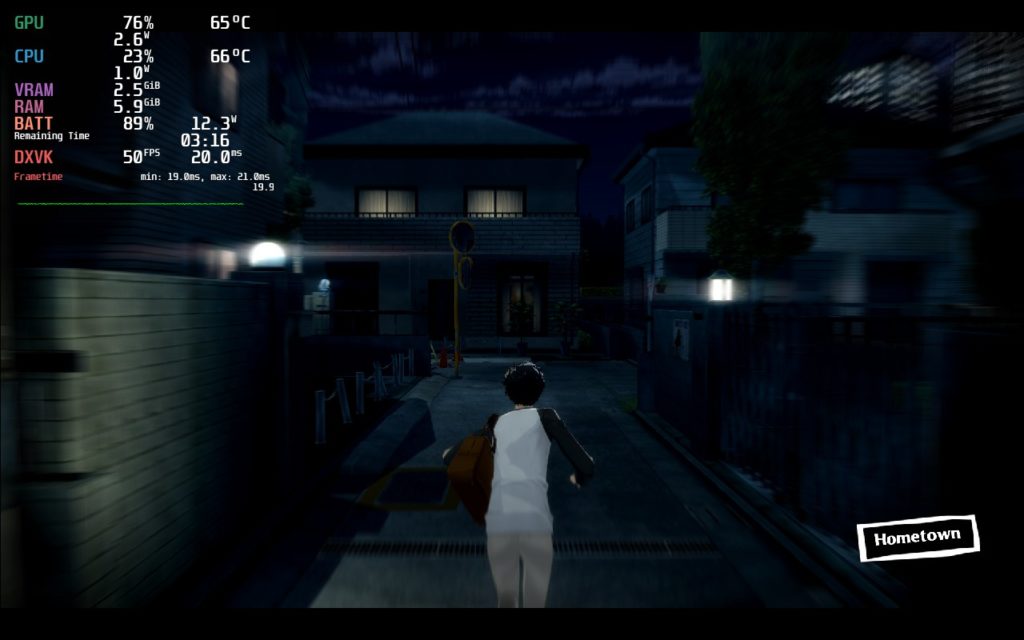
Though once I saw the 200% rendering scale option, I was curious if I could create a quality build that incorporates it. Thankfully, the game is very well optimized! With a 40 FPS cap, we can get a 95% stable framerate with a TDP of 11 to keep battery under 20W drain. And since there are chunks of the game that take place in smaller areas, the battery drain goes down and you'll probably get around 3 hours of battery!
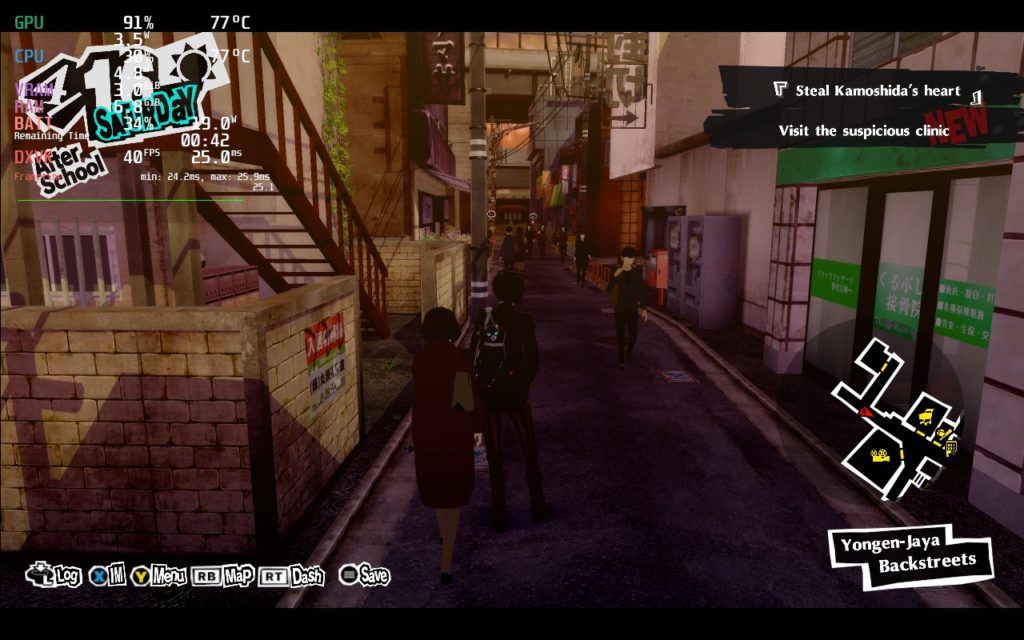
While it doesn't happen all the time, there are parts where the drain will go way up. The 40 FPS is still stable, but drain will increase pretty high. This does go back down relatively quick when leaving the area.
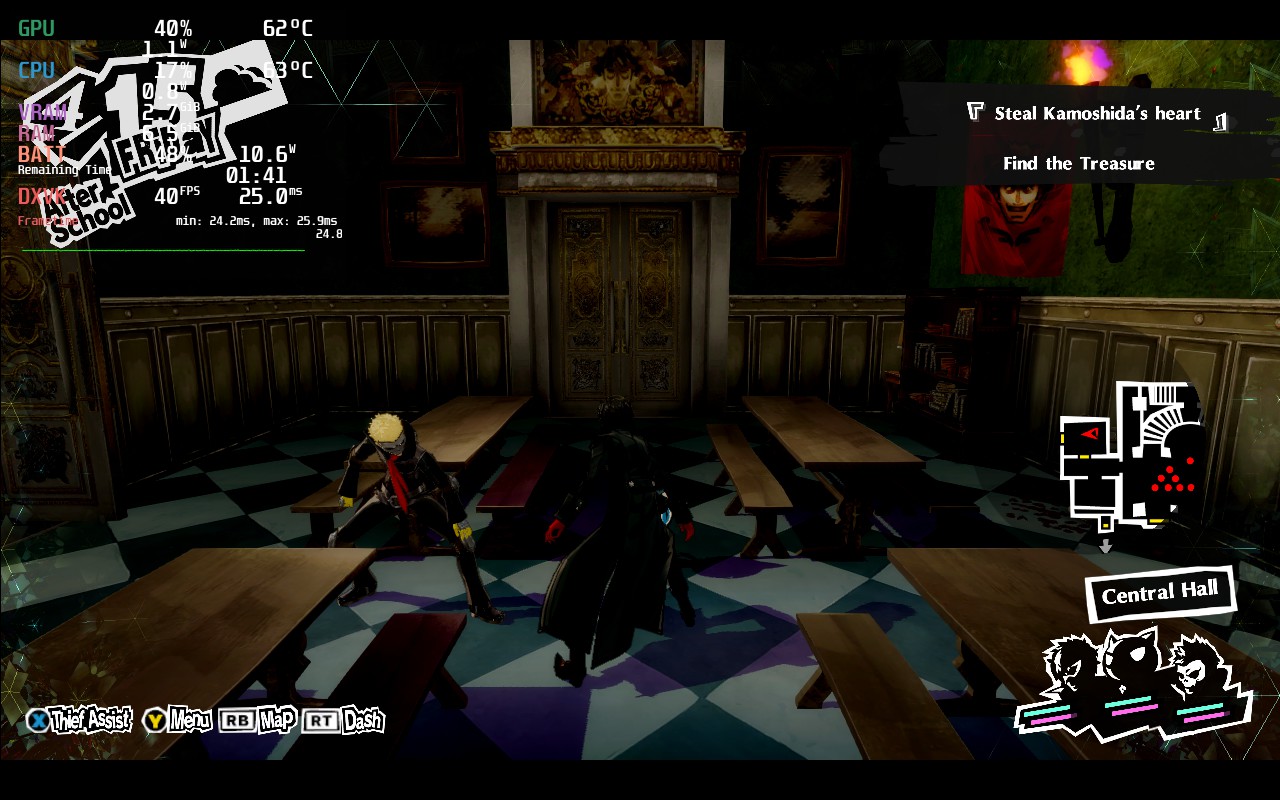
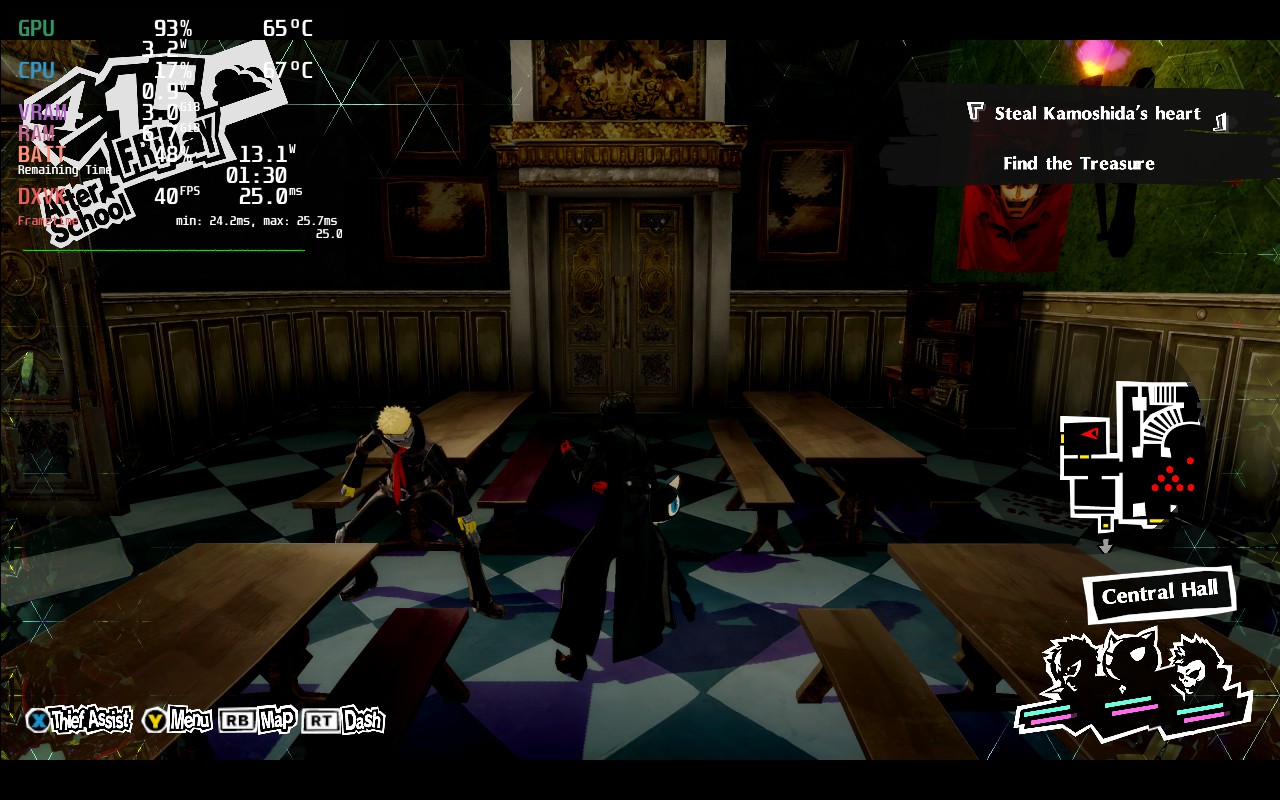
There isn't much noticeable change at first glance, but the image is much sharper at 200% rendering scale. It definitely drains more battery though!
The reason I decided to have the 40 and 50 caps for each build respectively is due to the parts in the game where you are in a more open and populated area. These caps not only account for that, but also keep the battery from draining too much.
Apart from that, I didn't experience any bugs or issues when playing. It was a wonderful and smooth experience!
Persona 5 Royal is an incredible JRPG that tells a fantastic story with engaging gameplay and tons of content. And the cherry on top, it runs like a charm on the Steam Deck. With a low battery drain, smooth, stable gameplay, and near max settings, Persona 5 Royal is a gem on deck. If you enjoy JRPGs, story-driven experiences, or even just video games in general, check out this game!
このレビューはPC版に基づいています。
このレビューをお楽しみいただけたなら、SteamDeckHQ の他のコンテンツもぜひご覧ください!私たちはあなたのゲーム体験に役立つこと間違いなしの様々なゲームレビューやニュースを取り揃えています。ニュース、ヒントやチュートリアル、ゲーム設定やレビューをお探しの方も、最新のトレンドを知りたい方も、ぜひご利用ください!
Persona 5 Royal is an incredible game in itself and a must have on the Steam Deck!


強制的な互換性はない
Graphics Settings:
Rendering Scale: 100%
影の質:ミディアム
Framerate Limit: 60
Anti-Aliasing: SMAA
Depth of Field: High
Display Settings:
解像度1280x800
Screen Mode: Fullscreen
SteamOS:
40 FPS Cap with 40 Refresh Rate
ハーフレートシェーディングOFF
TDP Limit 11
リニア
プロトン・バージョン
強制的な互換性はない
ゲーム設定:
Graphics Settings:
Rendering Scale: 200%
Shadow Quality: High
Framerate Limit: 60
Anti-Aliasing: SMAA
Depth of Field: High
Display Settings:
解像度1280x800
Screen Mode: Fullscreen
バッテリーの使用量/時間
13W〜19W
Around 70c - 76c temps for CPU and GPU
約3時間のゲームプレイ







I only get 2 hours not 4 like you Say
Have you set a TDP limit of 7?
Yeah
Do i Need to use powertools ??
Best I can get Is 3 hours btw i have this game installed on an esternal hard disk d'ora that matter ?
It shouldn't, and you shouldn't need power tools either. Hmm...would you be willing to join our Discord so I could provide more feedback with visuals?
Of course
Just send me the link
Ok
I can get a much smoother UI and visuals with 60fps following this guide by switching to windowed, dropping to 1152x720 which is only slightly below native resolution, and enabling FSR upscaling to smoothen the edges. This to me is the perfect compromise, as the resolution is only slightly below native resolution, but allows you to achieve 60fps and use FSR scaling to smooth things out beyond what you get in native resolution!
Hi there! I will try this out tomorrow. I have a couple reasons for choosing a lower framerate including battery preservation and some areas I noticed that dip.
I would strongly recommend using 1080p resolution instead in order to avoid weired pixelated text. This improvement is even more noticeable than the 200% rendering scale.
We will test this out, though I can't say I felt there was a glaring issue with the text when playing.
Game changer tbh
Thanks for the review. i've been loving the game but maybe im just crazy but does the game look kind of narrow for you at 800P? I dont know, its weird, feels like everything became kind of narrow on that resolution, but great time either way!
You aren't crazy. The black bars at the top and bottom indicate the game is being played at 720p and not 800p.