Fallout: New Vegas is the follow up to the third entry in this open-world RPG series that and the second to go full 3D. Developed by Obsidian Entertainment, you must survive the harsh Nevada deserts and make your way across the Mojave wasteland. Level up, upgrade your skills, and use a multitude of special weapons to take down mutated creatures, power-hungry factions, and more to hopefully crown yourself the King of New Vegas.
While New Vegas does have mod support and it is heavily encouraged to try it out, we are testing the vanilla experience. You can find the mods for it on Nexus Mods.
When maxing out Fallout: New Vegas, the game can hit and keep 60 FPS in most areas. This makes sense due to how old the game is, but there are still areas where the game drops down. This is primarily in larger fights which, while they aren't the most common, still happen often enough and can drag framerate down to 42 FPS. Due to this, a max quality is possible as long as the framerate is capped at 40, but what if you want to play at 60? Well, it is possible to fix!
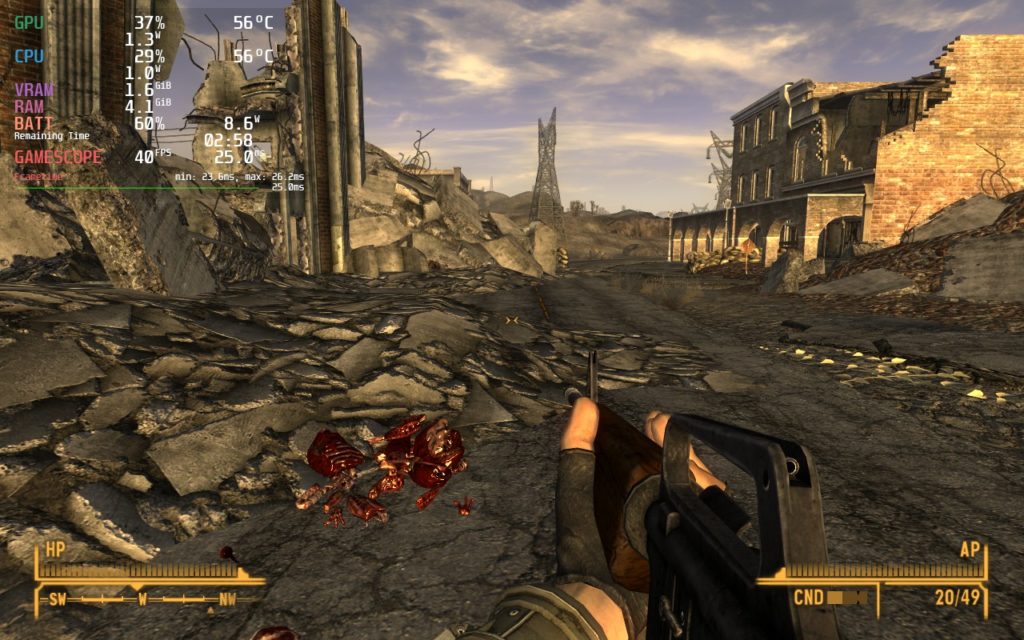
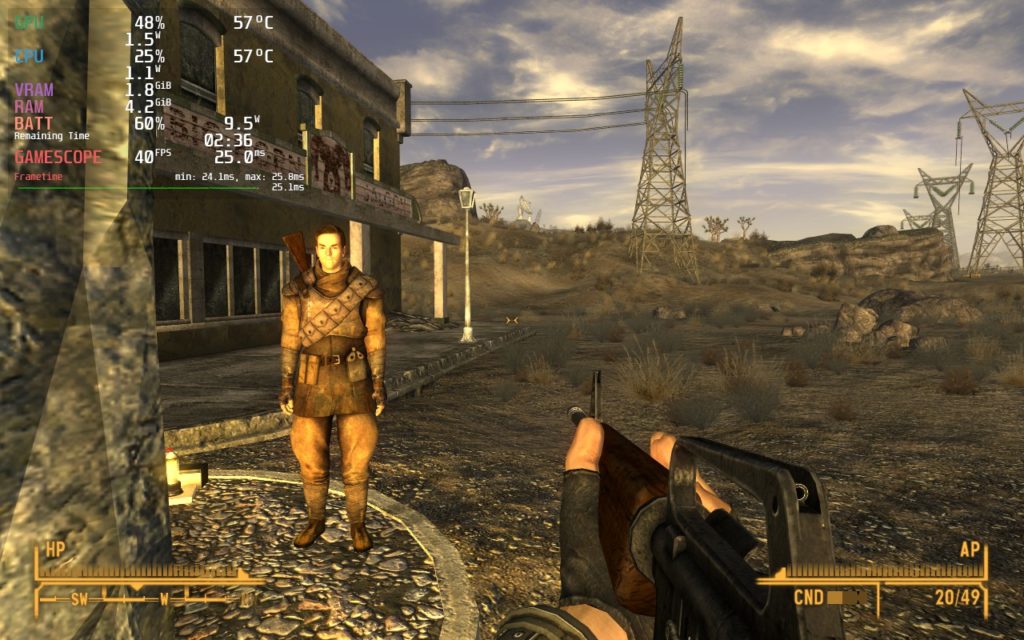
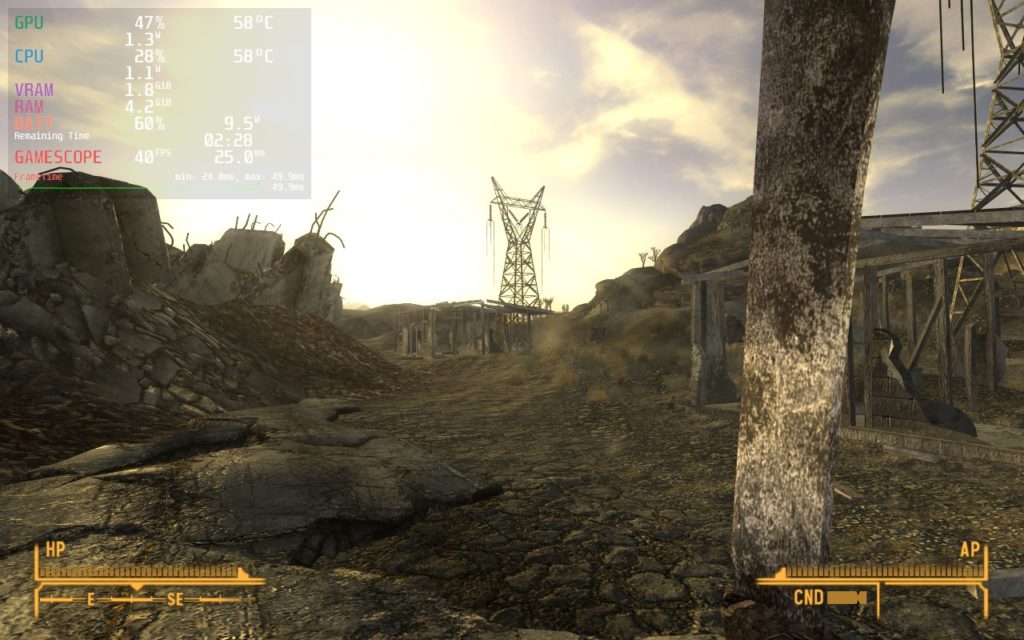
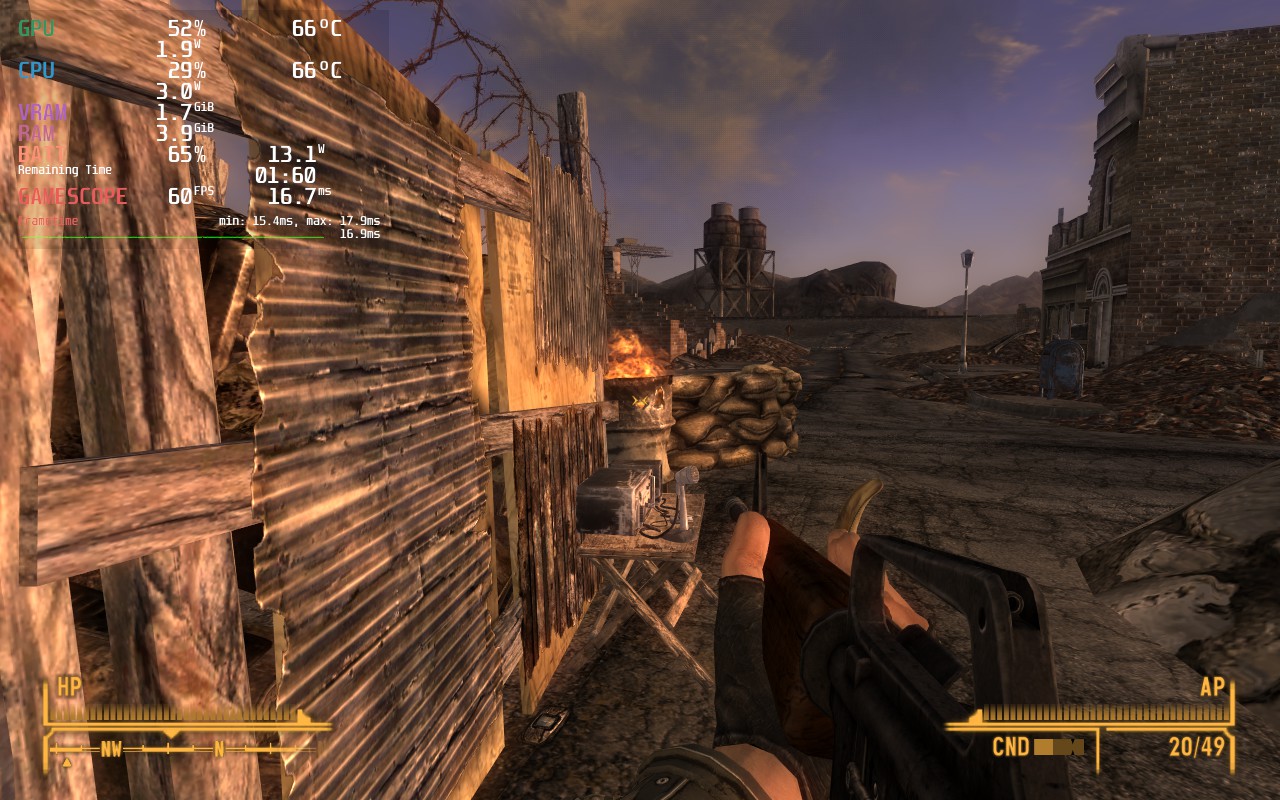
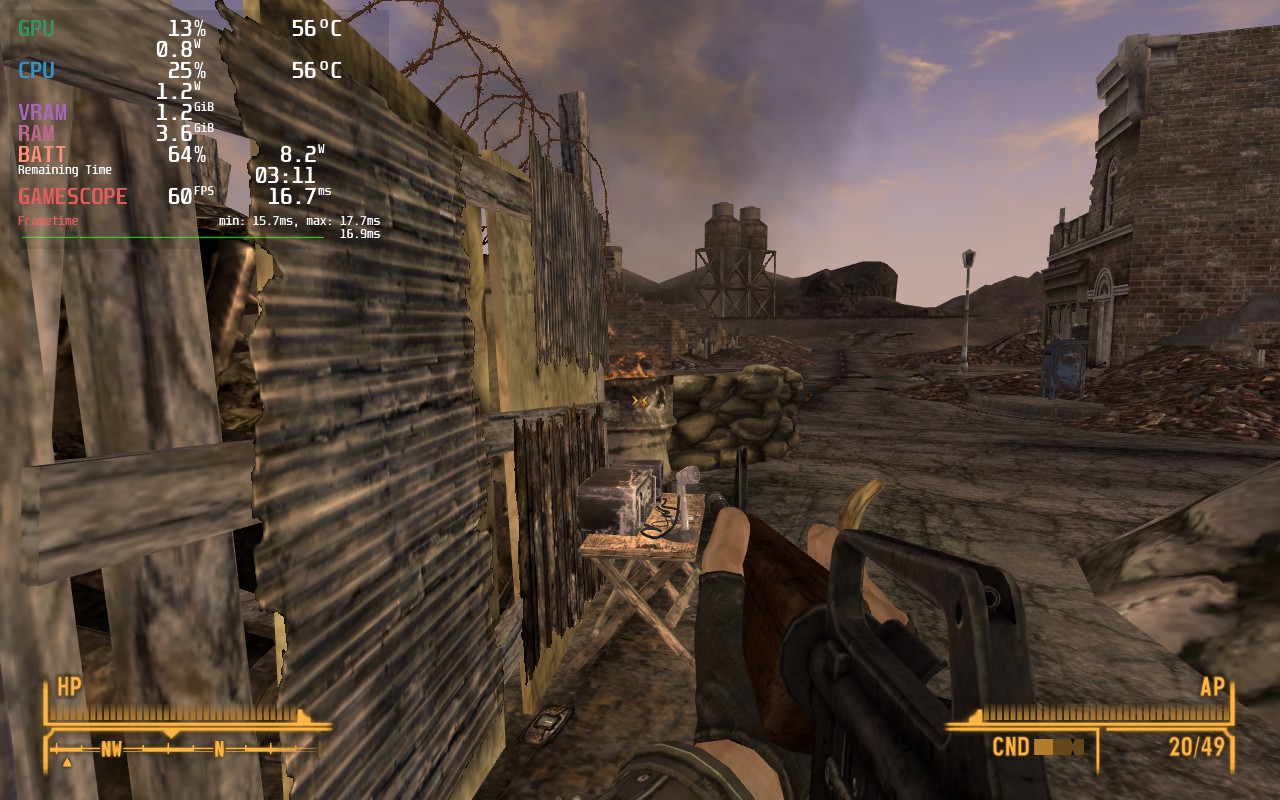
In these larger fights, you will have to bring the preset down to Low, but you can keep shadows, anti-aliasing, and anisotropic filtering on. With these changes, the game will stick to 60 FPS much more easily and the lowest I encountered during these fights was around 57 FPS. This is much more stable with a similar battery life to the max settings build at 40.
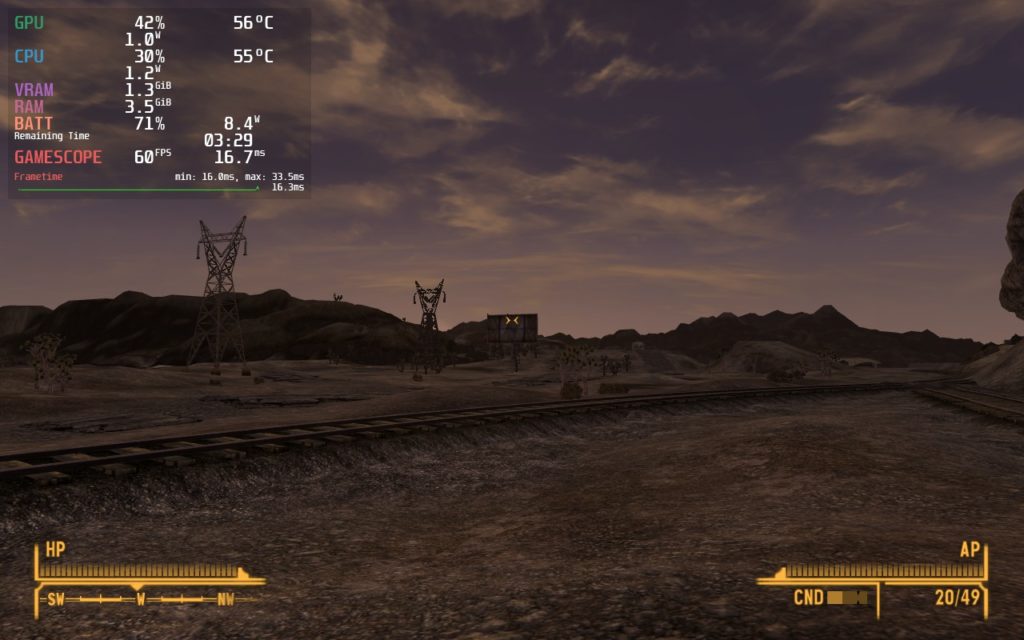
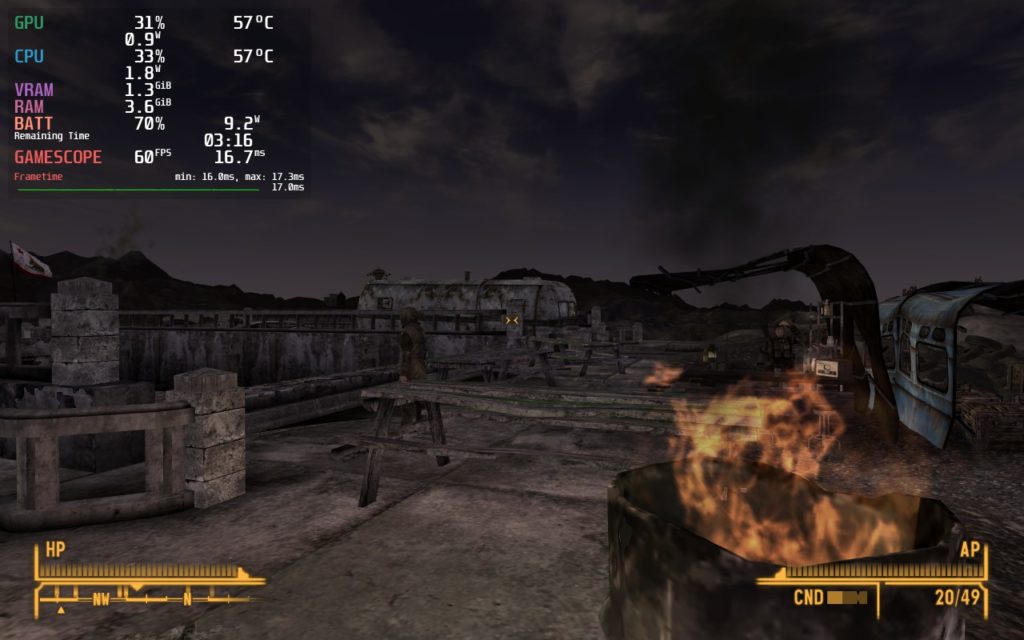
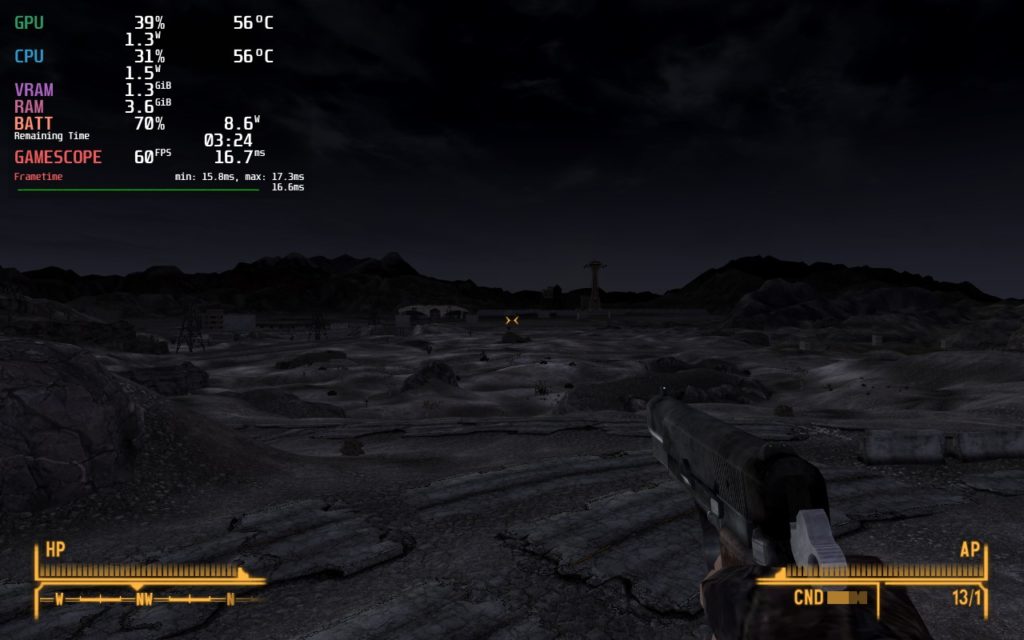
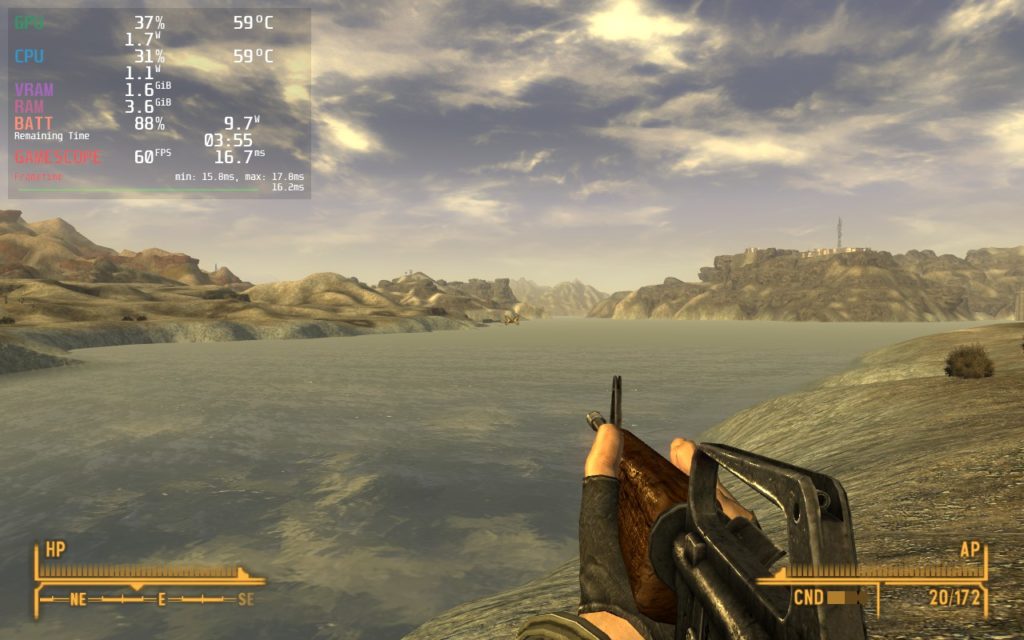
When playing. I noticed that there were small stutters when roaming around and loading in new places. This happened regardless of the settings I chose, but it didn't impact the overall experience of playing the game. There are also some reports of audio crackling when waking the Deck up from sleep mode while in-game, though I didn't encounter this myself. I did, however, encounter one time where I had an endless loading screen going from the main menu into the game. I had to restart the game to fix this.
There is also a third party launcher that you will have to go through each time you launch the game. This is the only way you will be able to change the in-game settings we are providing and you will need to use the touchscreen, unless you configure the touchpad to be used as a mouse. Once this is done, you can hit play and boom, you are ready to go!
Fallout: New Vegas is one of the best games in the series and one of my favorite open-world RPGs. While it was released in 2010, this still holds up as a fantastic example of a great RPG with an incredible story. On the Steam Deck, this will be a wonderful experience that, with some minor compromises, is a near-perfect experience. Even with some minor stuttering, it is made up for with how well the game performs overall!
このレビューはPC版に基づいています。
このレビューをお楽しみいただけたなら、SteamDeckHQ の他のコンテンツもぜひご覧ください!私たちはあなたのゲーム体験に役立つこと間違いなしの様々なゲームレビューやニュースを取り揃えています。ニュース、ヒントやチュートリアル、ゲーム設定やレビューをお探しの方も、最新のトレンドを知りたい方も、ぜひご利用ください。
Fallout: New Vegas is an incredible RPG game with wonderful mod support. And with some compromises, it is a great experience on the Steam Deck.

SteamOS:
40 FPS Cap with 40 Refresh Rate
ハーフレートシェーディングOFF
TDP Limit OFF
リニア
プロトン・バージョン
強制的な互換性はない
ゲーム設定:
Ultra Preset
Antialiasing: 8 Samples
バッテリーの使用量/時間
8W〜11W
Around 55c - 65c temps for CPU and GPU
Around 4 - 4.5 hours of gameplay