Enshrouded was provided by Keen Games for review. Thank you!
This game was tested with a Steam Deck LCD. OLED testing is coming soon.
Enshrouded is a curious game. It seemed to launch into Early Access with a bang, and yet I had somehow never heard of the game before it launched and was suddenly being mentioned everywhere. The privilege fell to me to try and get this sudden sensation running well on the Steam Deck, and I couldn't wait to see it for myself.
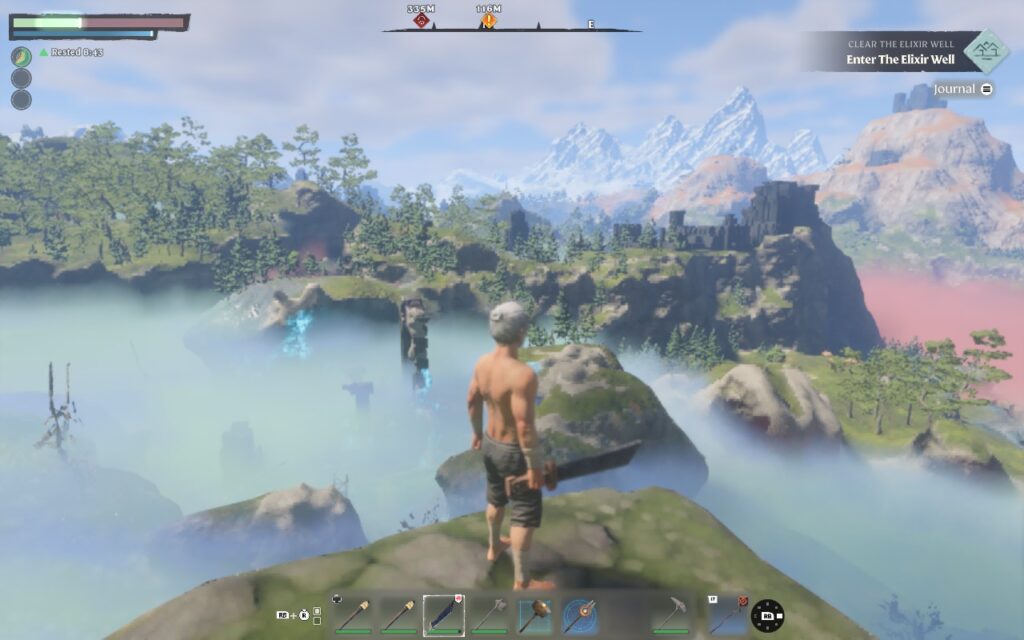
At first glance, Enshrouded seems like a more visually detailed version of Valheim, and in some ways, it is. It takes place in a very large open world, with the ability to construct bases out of various materials and building parts you scavenge, go exploring, craft furniture, weapons, and armor, and defeat various enemies throughout the many biomes.
I like the building system. You can choose from only a few building blocks for each material type, but you can also choose what size you want. This allows you to create structures with more intricate details in them. The structures also snap together well and can alter appearance slightly depending on what structure pieces are placed next to them, making it all fit together.
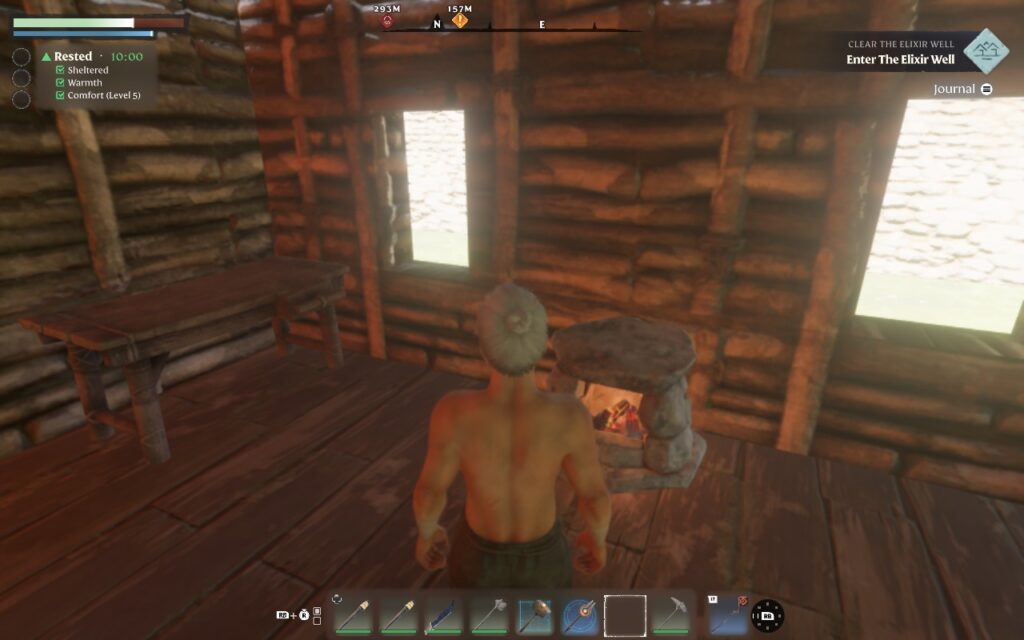
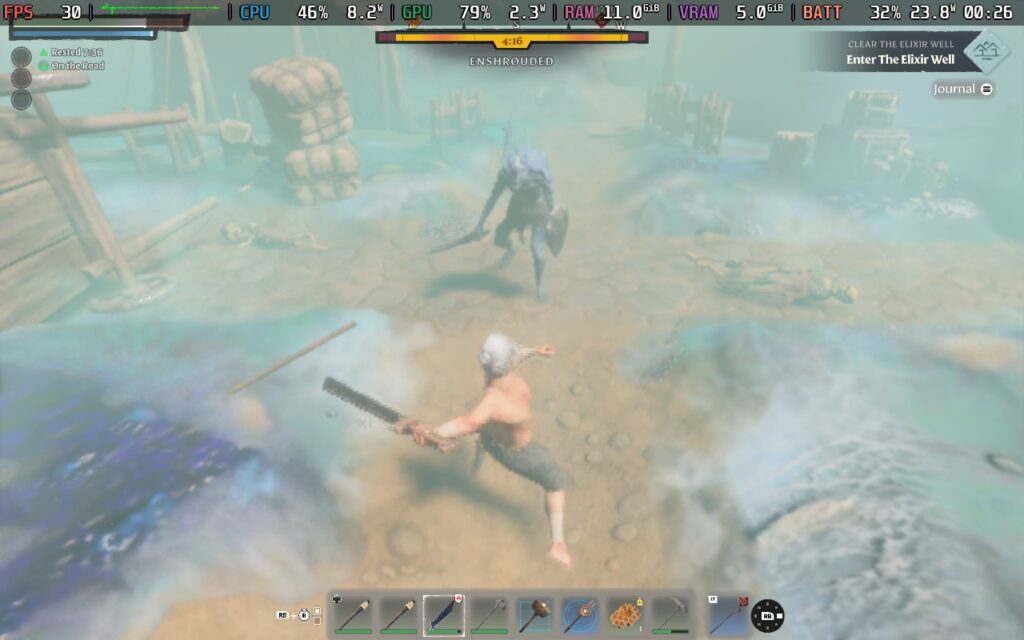
The combat is another plus point and is probably the most fleshed-out part of the game so far. The combat leans more towards the tougher side, and when you're at a low level, most enemies will kill you in 2-3 hits. This means learning to dodge and parry attacks is essential. The movement system allows you to maneuver fluidly while engaged, feeling similar to soulslike combat.
You have a variety of weapons you can use, from melee to ranged, and although it's frustrating when you die to an enemy and respawn at your base, the penalties applied aren't harsh.
Enshrouded is still in Early Access, and it's fairly obvious to see why. Although the open world is vast and sometimes beautiful, the world is quite empty. There are specific places you are guided to when on a quest, but a lot of the world feels barren currently. While playing, I didn't encounter any friendly NPCs besides ones that can work on your base. It feels like a shame that there aren't friendly villages/towns you can encounter, and I hope something like that is planned for the future.
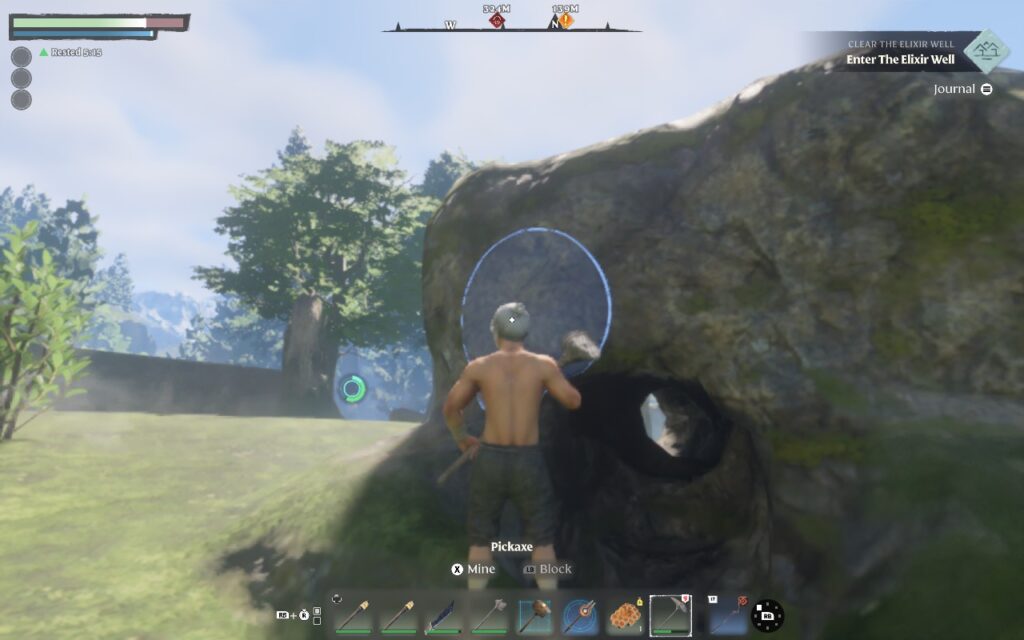
Another thing that frustrated me is that digging with a pickaxe, for example, can alter terrain by mining. I thought, "Wow, what an awesome feature," but when I quit the game and reloaded my save, all the terrain editing and rocks had returned to their previous state. I understand this might be done to create infinite resources for players, maybe even to prevent grief, but having the feature present and not permanent makes me think they might as well not have had it present.
This is a bit of a common theme, sadly. Whenever you log off and back on, all the enemy and neutral animal spawns restart. Enemies always appear to spawn in the same locations, meaning there's no sense of surprise. You KNOW a wolf will spawn over by those trees, that a group of enemies will be by that ruin. It would make sense if this was a single-player RPG, perhaps, but on a game designed to be played on a dedicated server for 16 players, it feels very strange at how "scripted" and static it can feel.
Enshrouded is an Early Access title, and features can change. From a fairly empty open world to some curious design choices, the game has its issues. But does it have potential? Given that the developers have created a game engine from the ground up to make this game, they're in it for the long haul, and Enshrouded could become a fantastic title once it gets fleshed out with more content and polish, a game to watch for sure!
Enshrouded gets the basics right for the Steam Deck, it has full controller support for both menus and gameplay, and it supports 16:10 resolutions, including 1280x800 which is the Deck's native resolution.
However, things start to fall apart a little when we get to performance. The developers have stated that optimization is one of their key concerns right now, as even players using GPUs such as the RTX 3080 have reported difficulties playing the game at decent graphical settings. Unfortunately, that means, for now, at least, Steam Deck users need to make heavy compromises to make Enshrouded "Playable."
Start by setting a 30 FPS lock in your SteamOS settings, and removing any TDP limit, we'll need all the power we can get.
In the in-game display settings, set your resolution to 1280x800 (Native), adjust the Resolution Scale to 65% (520p), and then select the "Max Performance" Quality Preset to set all other settings to their lowest. Ensure FSR2 is your selected Anti-Aliasing method and FSR2 Quality is set to Performance.
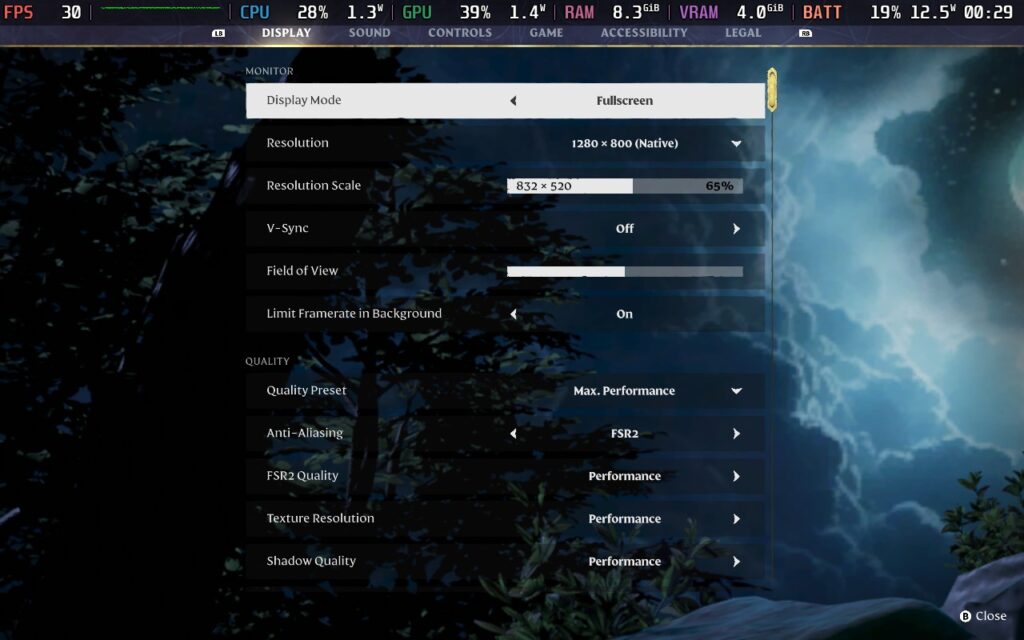
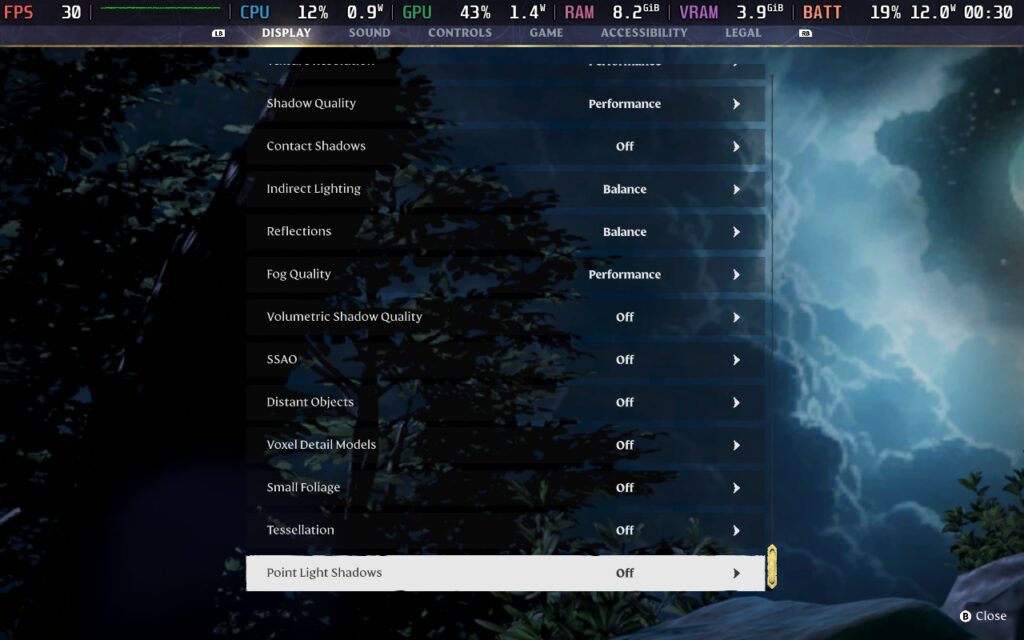
Because we're able to run at 800p and just use the resolution scale, we get to keep a crisp UI with readable text, only the gameplay is reduced in resolution. Performance is mostly steady, often holding 30 FPS, with occasional dips into the high 20s, usually in combat or heavily forested areas, with some minor stuttering.
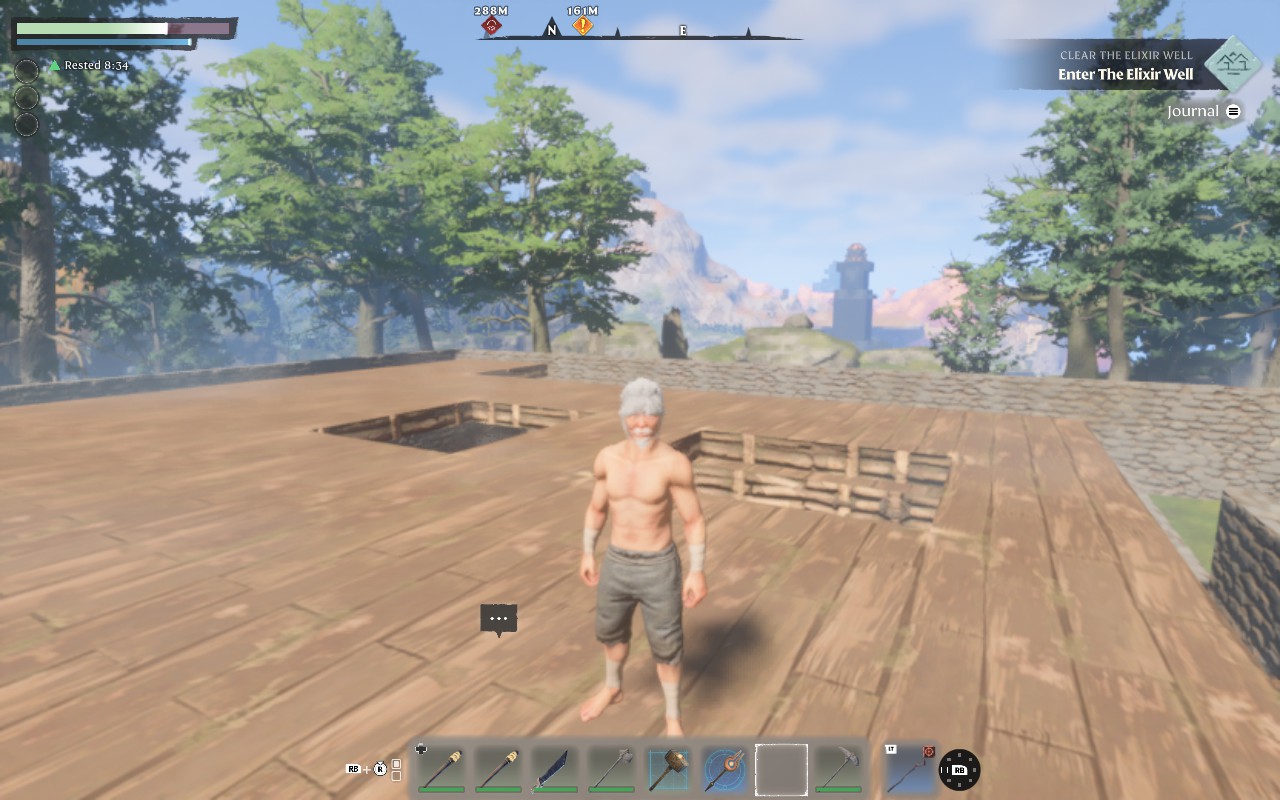
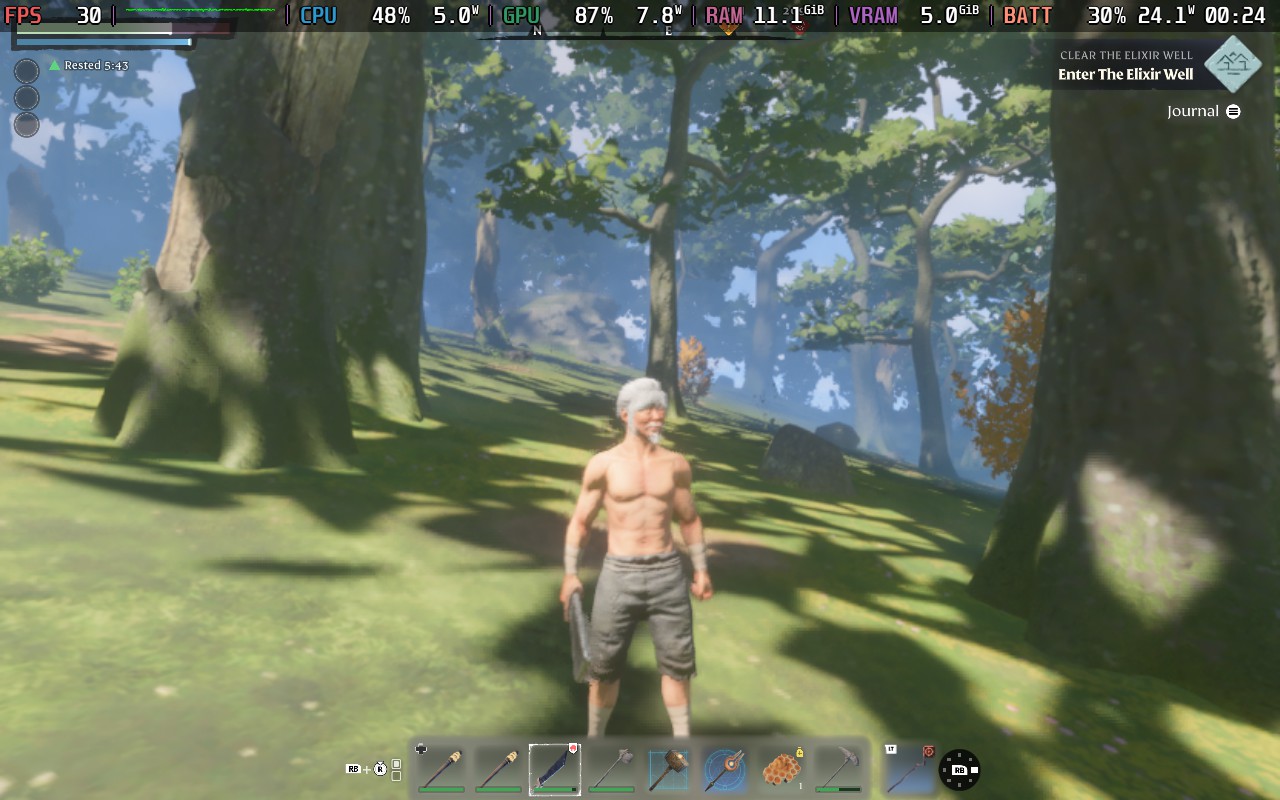
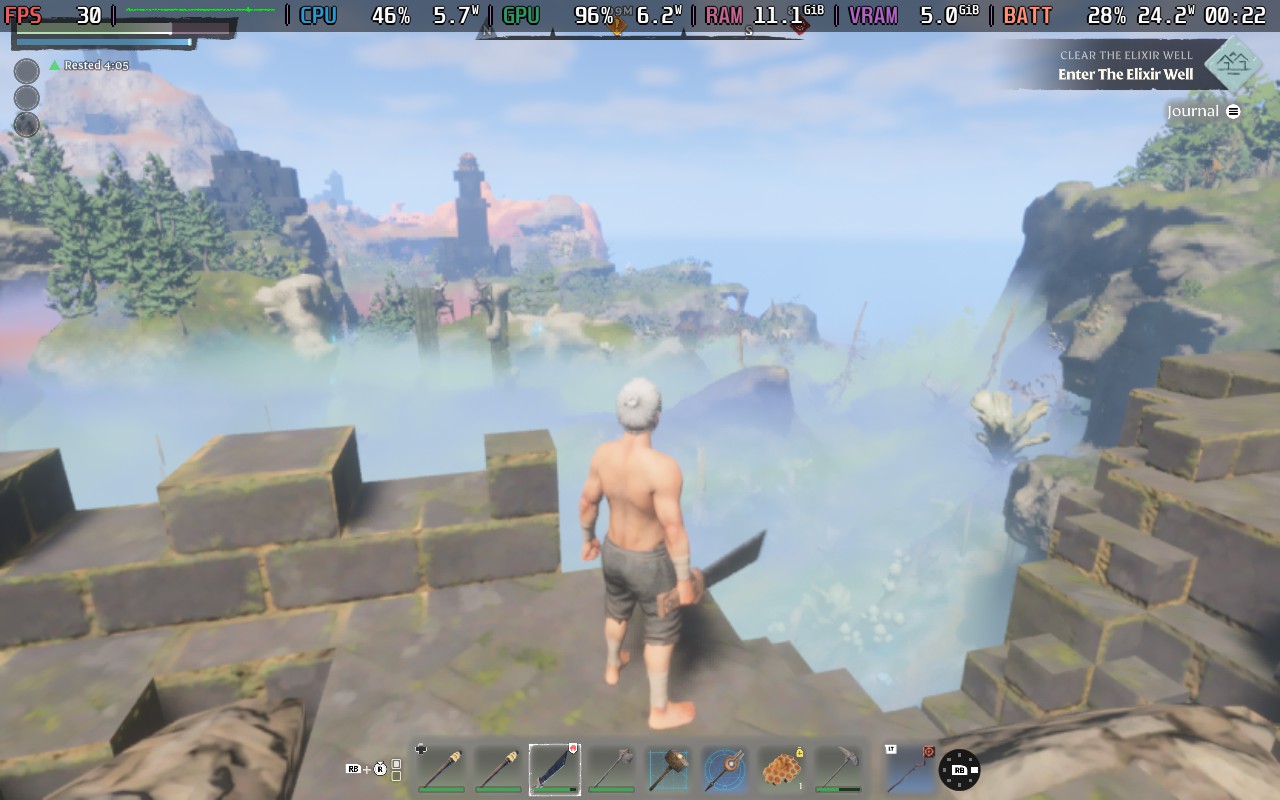
Battery drain depends on where you are. It can be anywhere from 20-24W but tends to lean towards the higher end of that range. As such, I wouldn't expect more than 90 minutes of battery life while playing Enshrouded. Temperatures tended to stay around 75-80C, so it runs a little on the hot side, but that's to be expected given that this game pushes both the CPU and GPU.
Whether this represents a "playable" experience is up for debate. As you can see from the images, the low-resolution scale makes for a very soft image. I would use the Deck as a "secondary" device, where I can log on and do some quick resource gathering or base building but not take on major quest lines or serious combat, as a sudden drop in performance could easily lead to unnecessary death and frustration.
Enshrouded doesn't offer too much in the way of accessibility. There are a few options in the accessibility menu. Most of these are related to how the camera moves, such as removing camera swaying and shaking. There's also an option to add symbols to item rarity, so the rarity isn't just defined by a color, which would be helpful for those with color blindness.
Enshrouded is a bit rough around the edges as of writing this review, but it has the potential to be one of the best survival sandbox games out there. Given the effort the developers have put in to lay the groundwork and the positive reception they've already received, I'm hoping they'll stick by this game and keep improving it until it's a great experience. The combat and base building are pretty much there, but exploring the world feels a little unrewarding right now, and some elements of the game feel very static when a more dynamic approach would have been appropriate.
As for how it runs on the Steam Deck, I'm undecided as to whether or not this is a "playable" game. Before this review was written, Valve declared the game as "Unsupported" on the Deck due to performance issues. Perhaps the game receiving this grading will encourage the developers even more to optimize the game. With a little optimization here and there, we could easily achieve a solid 30 FPS experience and maybe up that resolution, scaling a notch or two.
This game is one to watch, but I'd skip it now if you want to play primarily on the Deck.
Our review is based on the PC version of this game.
If you enjoyed this review, be sure to check out the rest of the content on SteamDeckHQ! We have a wide variety of game reviews and news that are sure to help your gaming experience. Whether you're looking for news, tips and tutorials, game settings and reviews, or just want to stay up-to-date on the latest trends, we've got your back.
This game was tested with a Steam Deck LCD. OLED testing is coming soon.
After reviewing Yakuza 4 Remastered, I went right into Yakuza 5 Remastered. Initially released for the PS3 in 2012, this is an updated version of the game, released in 2021 for PCs. Even though visually it doesn't quite hold up to newer titles, it still passes by, and to be honest, the game not having all the visual features of a newer AAA game does benefit the Steam Deck's limited hardware.
Before getting into this, I highly recommend playing the earlier games in this series, starting with Yakuza 0. The games constantly reference past events, and all play into each other, so to get the most out of the game, I would go back and start from the beginning. It's a heavy time investment, but if you're looking for a franchise that can be both serious and humorous and provide you with an emotional rollercoaster, then this series is the one you want.
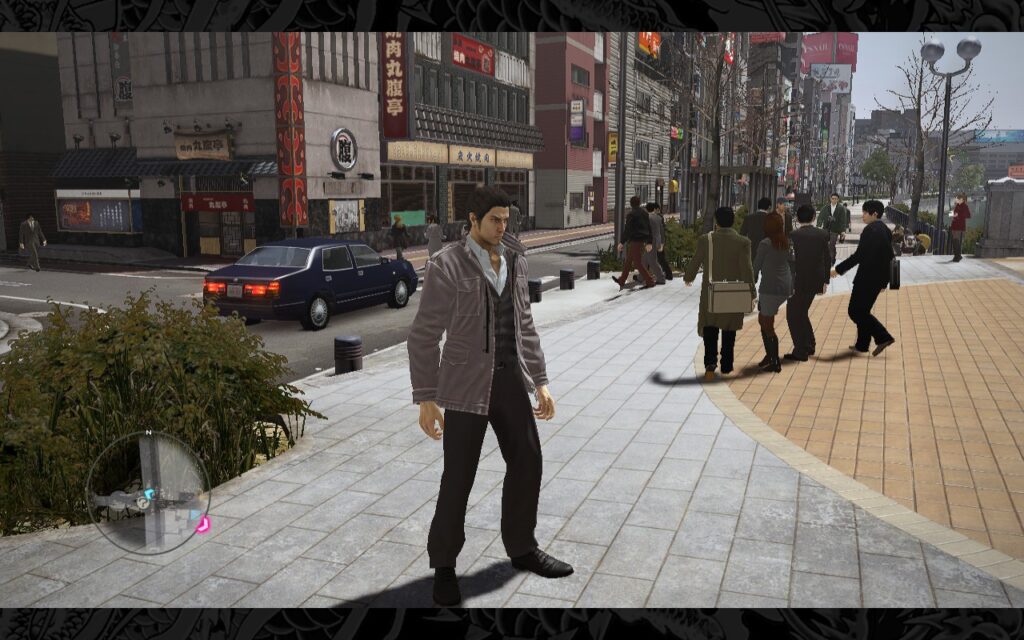
The story again begins with our lovable protagonist, Kazuma Kiryu, desperately trying to keep his nose clean since leaving the Yakuza behind. It seems that trouble follows him everywhere, and through a series of circumstances, he's soon back into the Japanese criminal underworld. I won't spoil the storyline, but you're in for some of the usual Yakuza drama here, much like previous entries in the series.
Dotted between the serious story missions, we have Yakuza's famous minigames and sub-stories that often find their way onto the internet in funny clips. One of my favorites in Yakuza 5 Remastered is the Taxi Driving minigame. In his bid to escape the criminal life, Kiryu is working as a Taxi Driver. You get a neat little minigame to play, essentially a Taxi Driving Simulator, and I love these mundane simulator-style games! It was quite a surprise to see such a game in Yakuza, but I quite enjoyed driving for a change.
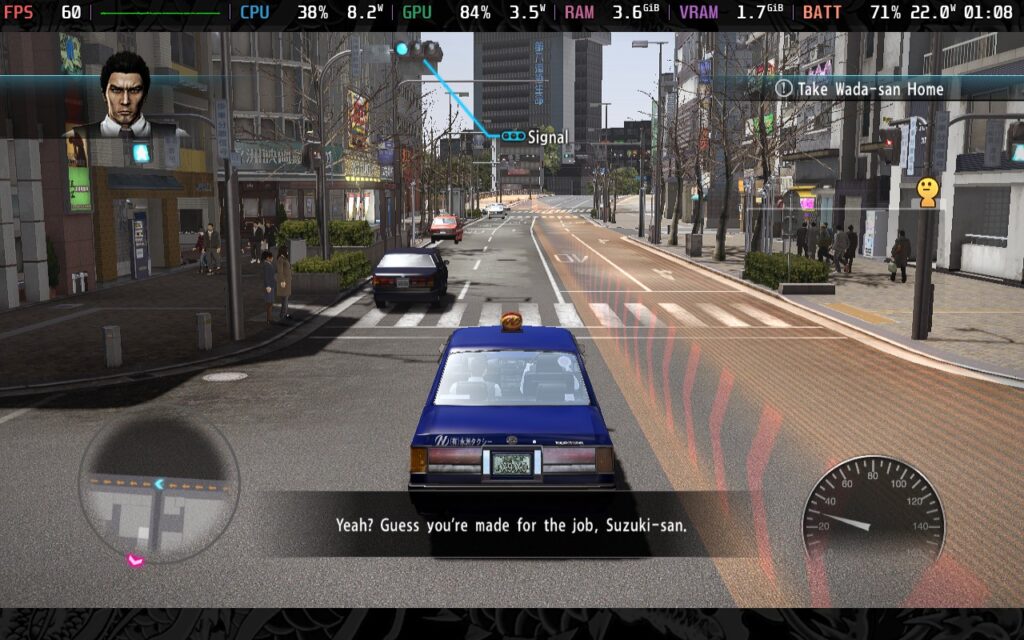
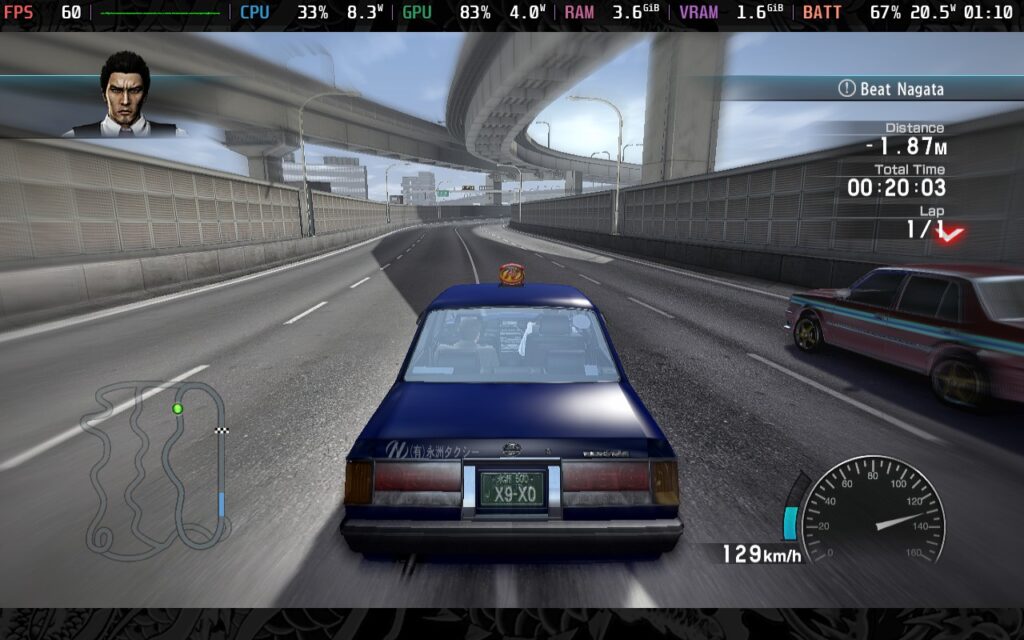
Like Yakuza 4, which featured four playable protagonists, Yakuza 5 features five playable protagonists. Wow, I wonder if there's a theme building here? Regardless, Yakuza 5 gets split into fairly evenly-paced parts, each representing a different protagonist in a different area of Japan. This helps keep the game from feeling stale and opens up new areas and opportunities as you play through the game's storyline.
Combat is, as always, a staple of the Yakuza series. Yakuza 5 Remastered has identical combat to Yakuza 4 Remastered. It's fluid and satisfying, giving you that sense of power without feeling too powerful. Building up your heat gauge and unleashing a powerful, sometimes comical, attack on your foes is one of the most satisfying moments in a Yakuza game. The combat system hasn't quite reached the heights of what it had before Yakuza became a turn-based game (Like a Dragon), but it's still a solid system nonetheless.
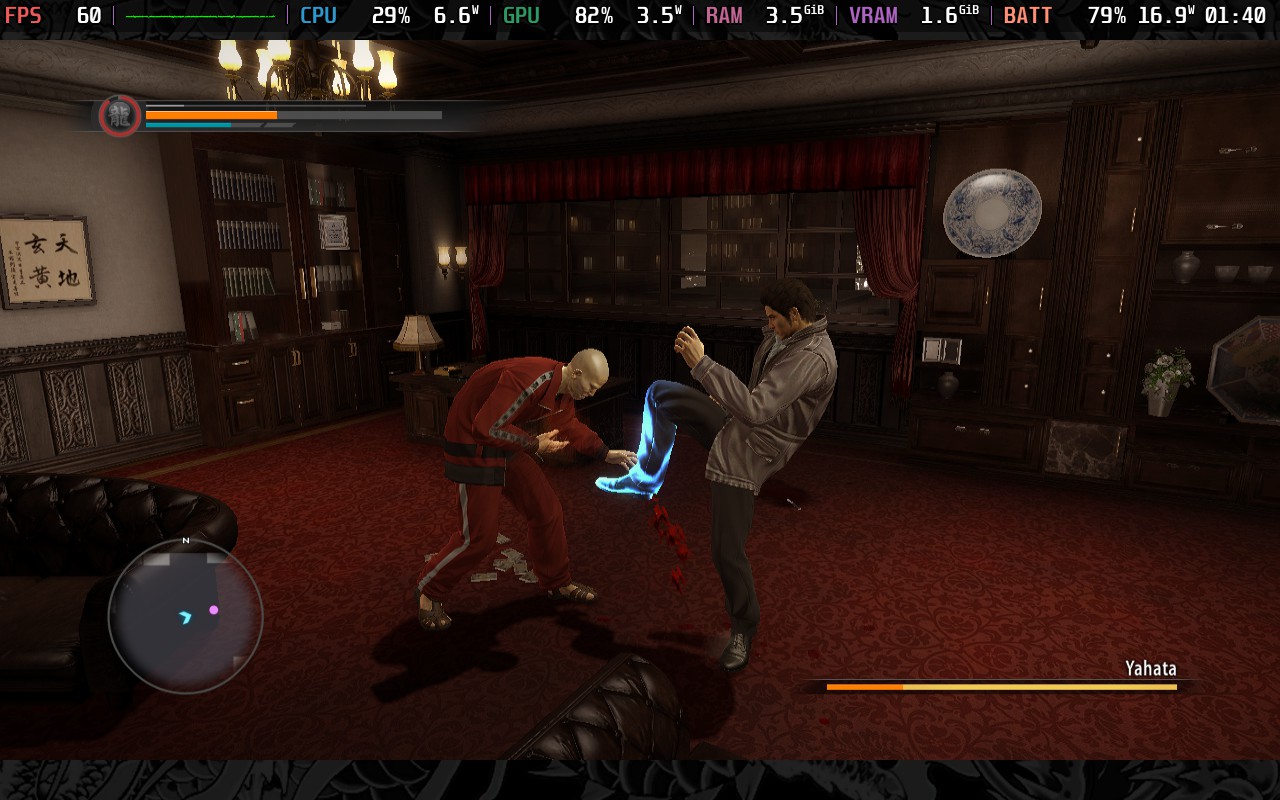
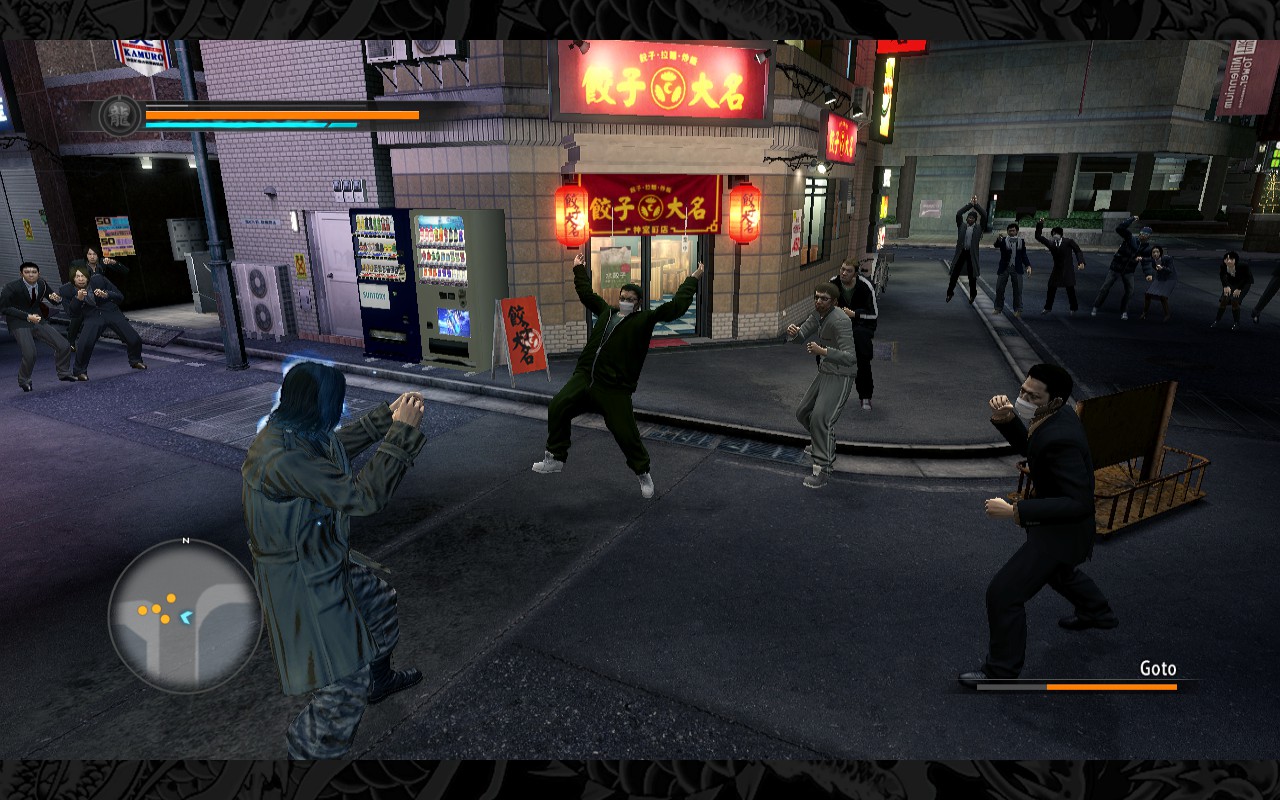
I love the series, so this game continues that trend and feels extremely satisfying. Now, if you've read the Yakuza 4 Remastered review, you'll know how it runs on the Steam Deck, but Yakuza 5 Remastered does differ in a couple of ways.
Please Note: While the game does run fine using the default Proton, cutscene audio and some cutscenes themselves won't play correctly. You should use Proton GE 8-24 or later to play this game. You can follow our guide to get Proton GE on your Steam Deck.
Like Yakuza 4 Remastered, when booting Yakuza 5 Remastered, you're greeted with 16:9 menus. And just like Yakuza 4, you can select 1280x800 as a resolution in the graphics menu. But unlike Yakuza 4, you do not get a 16:10 playing area when you're in gameplay. For whatever reason, Yakuza 5 is permanently 16:9 with border art, even though the previous game in the series did support 16:10 when in the game.
We do, however, have full controller support, with the game even recommending that "Real Yakuza Use Gamepads." I can't interview one to find out if that's true, though...
We have some graphical options to choose from, much like its predecessor. This allows us to create a quality and battery life preset for you today!
The same as Yakuza 4, there's a basic graphics menu, but I will only be changing things in the "Advanced" menu for the two builds I will discuss. Here is what the basic menu looks like:
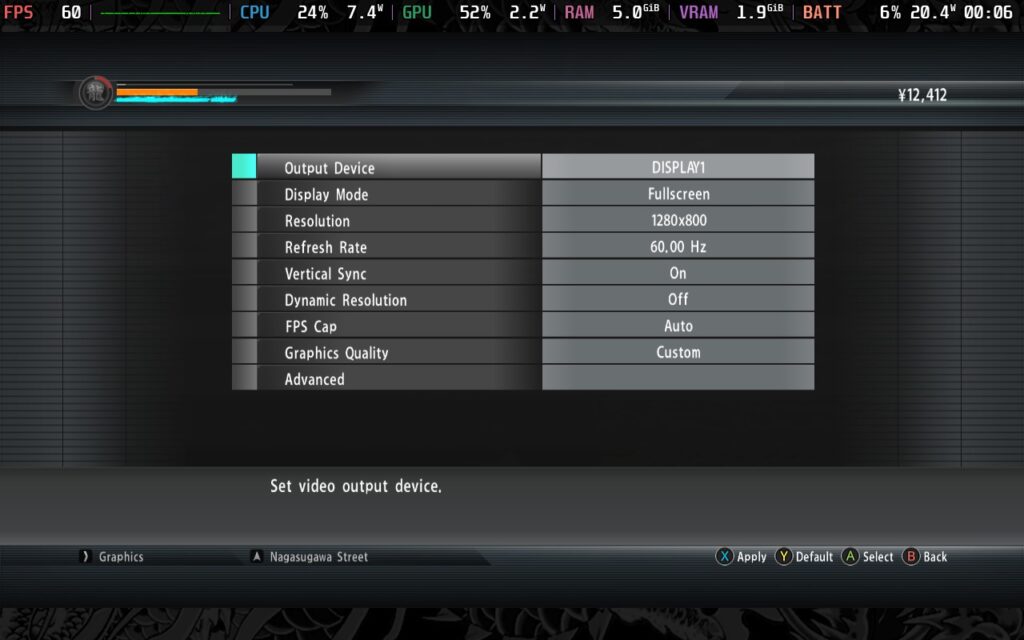
Much like Yakuza 4 Remastered, if you wish to lock your frame rate in SteamOS to 30 FPS, you must change the FPS Cap in-game to 30. If you keep it at 60 or Auto and lock it to 30 FPS, you'll play at 50% speed.
First, we'll set a 60 FPS/Hz lock in our SteamOS settings, we can set a 7W TDP Limit here and still maintain an almost constant 60 FPS. For the in-game graphics settings, choose the "Low" preset and apply it, then go into the "Advanced" menu and set the Texture Quality to "High," Texture Filtering to "16x", and the LOD Distance to "Mid."
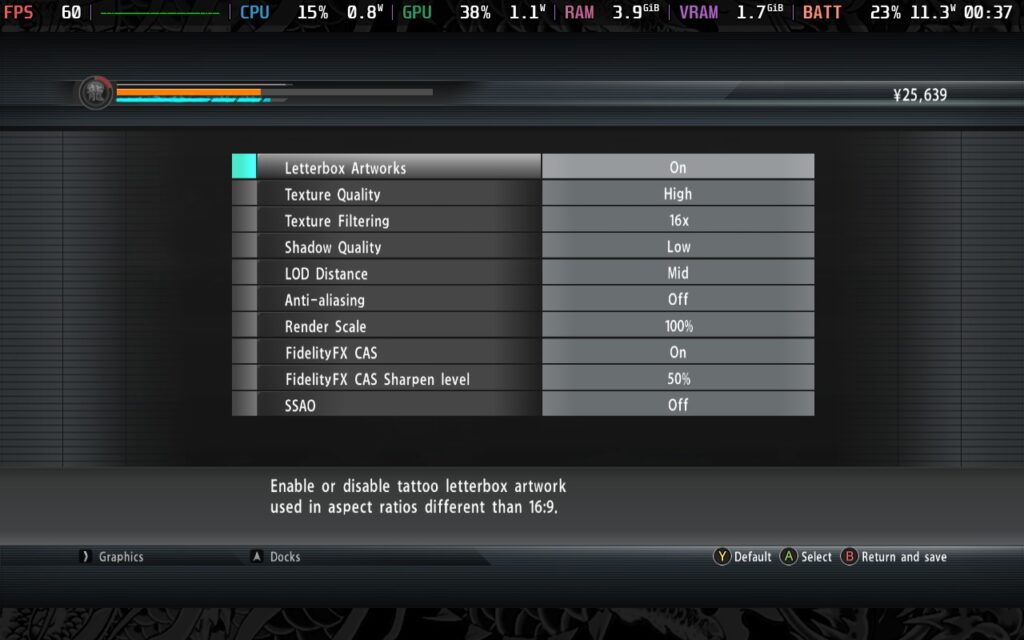
With this TDP limit, we get a power draw of around 12W - 14W, translating roughly into two and a half hours of battery from a full charge. You can expect an almost constant 60 FPS from these settings, other than occasional drops from scene transitions and camera cuts. Even in a huge battle, as shown in the 1st screenshot below, the game holds 60 FPS pretty well.
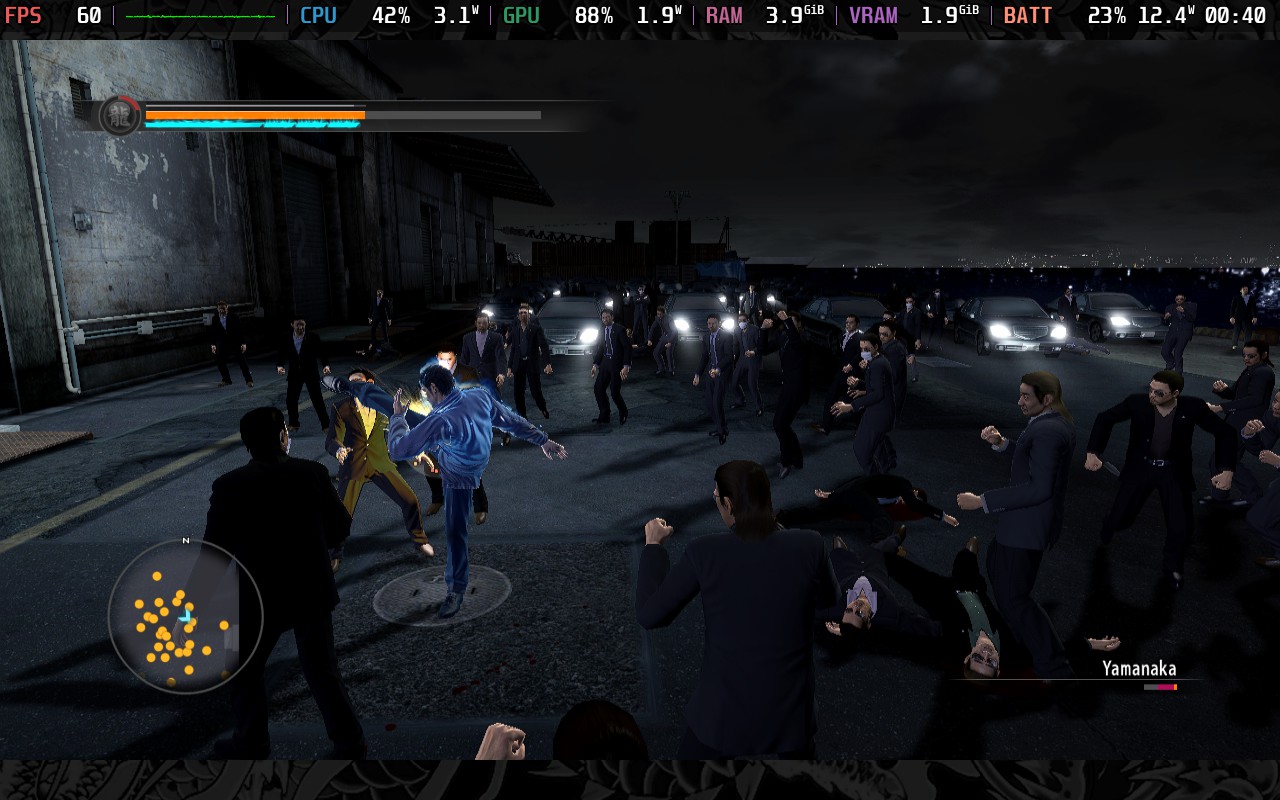
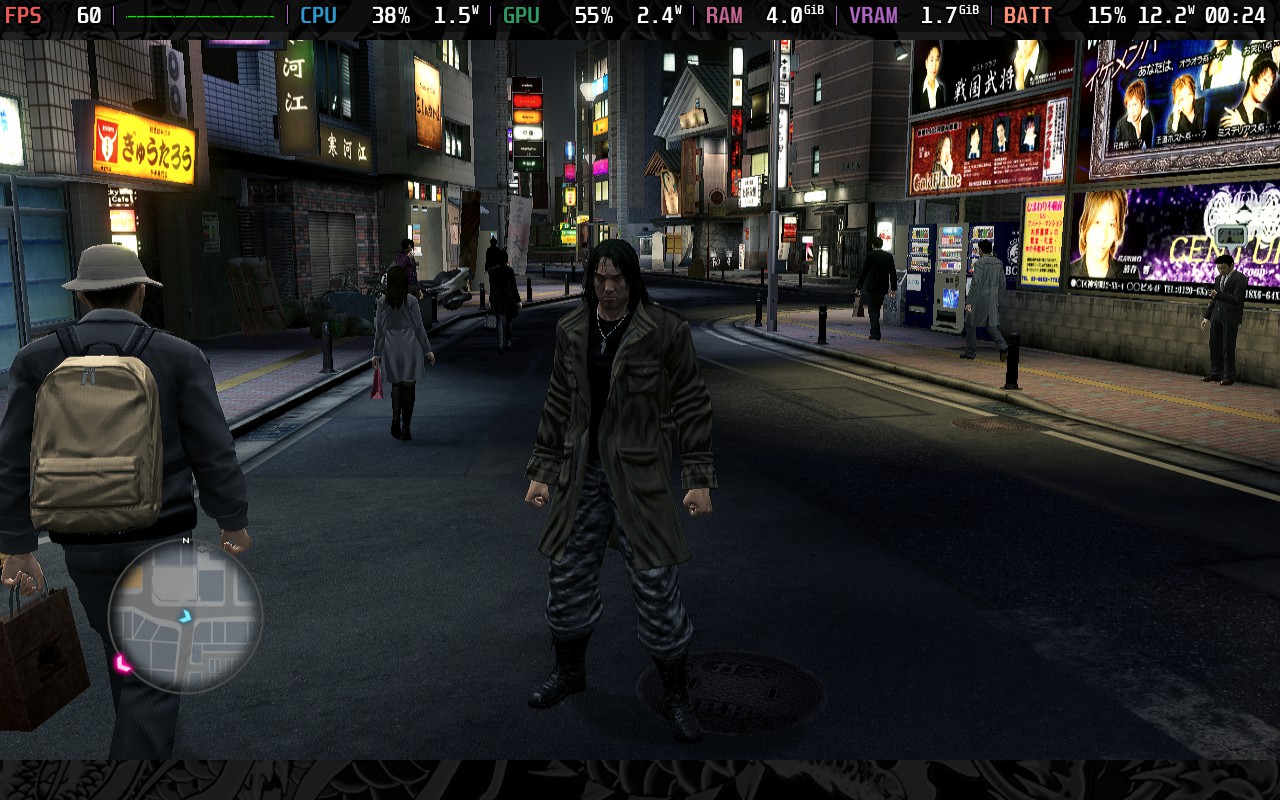
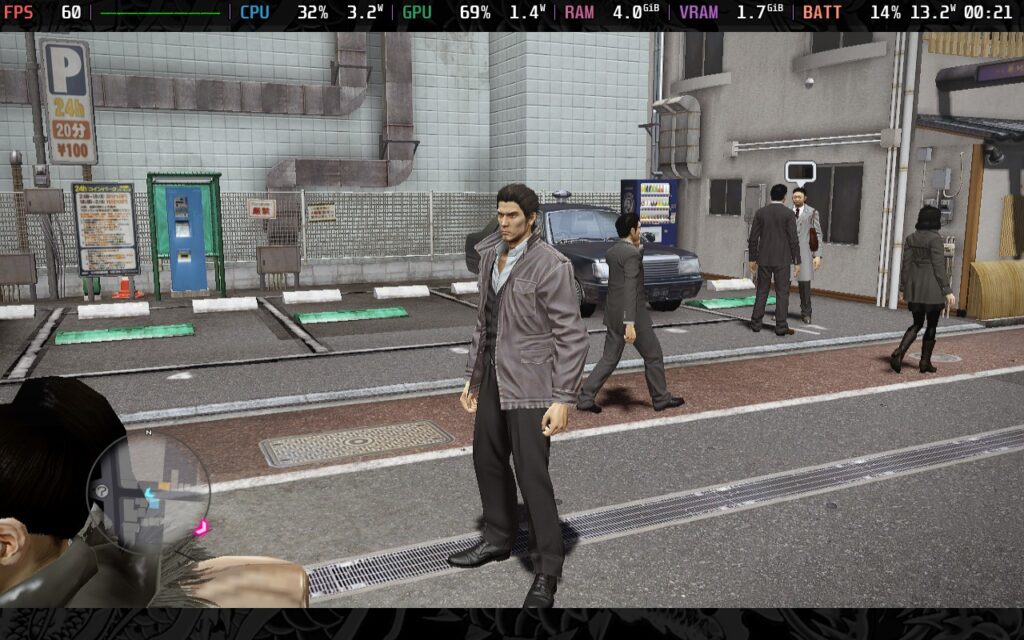
Much like Yakuza 4 Remastered, you can't just save whenever you want in Yakuza 5 Remastered, so having a decent battery life is essential. Getting caught in a cutscene or a story sequence is deadly, and if you can't get to a place to charge, say goodbye to any recent progress you've made. So, just a friendly reminder to keep your battery level topped up when playing Yakuza 5 Remastered.
For those of you wanting the best experience on the Steam Deck, these settings are for you.
In SteamOS, make sure your FPS Lock is set to 60 FPS/Hz and disable your TDP Limit; go to your in-game settings, select the "Ultra" preset and apply it, then go into the "Advanced" menu, lower Shadow Quality down to "High" and turn Anti-Aliasing to "Off."
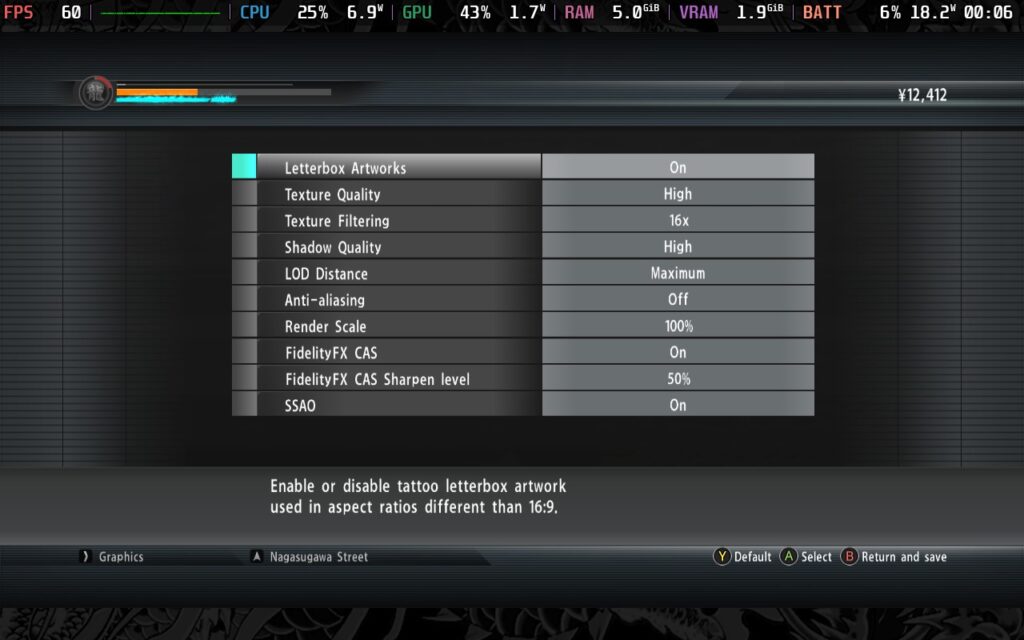
Running with these settings costs us a lot of battery life, sadly. We are now drawing around 21W - 24W from the battery, meaning you can't expect more than 90 minutes from a full charge. Much like Yakuza 4 Remastered, you could lose progress if you get into a story sequence where you can't save and your battery is running low. Your best bet, then, is to suspend your game and try to find a place to charge before resuming.
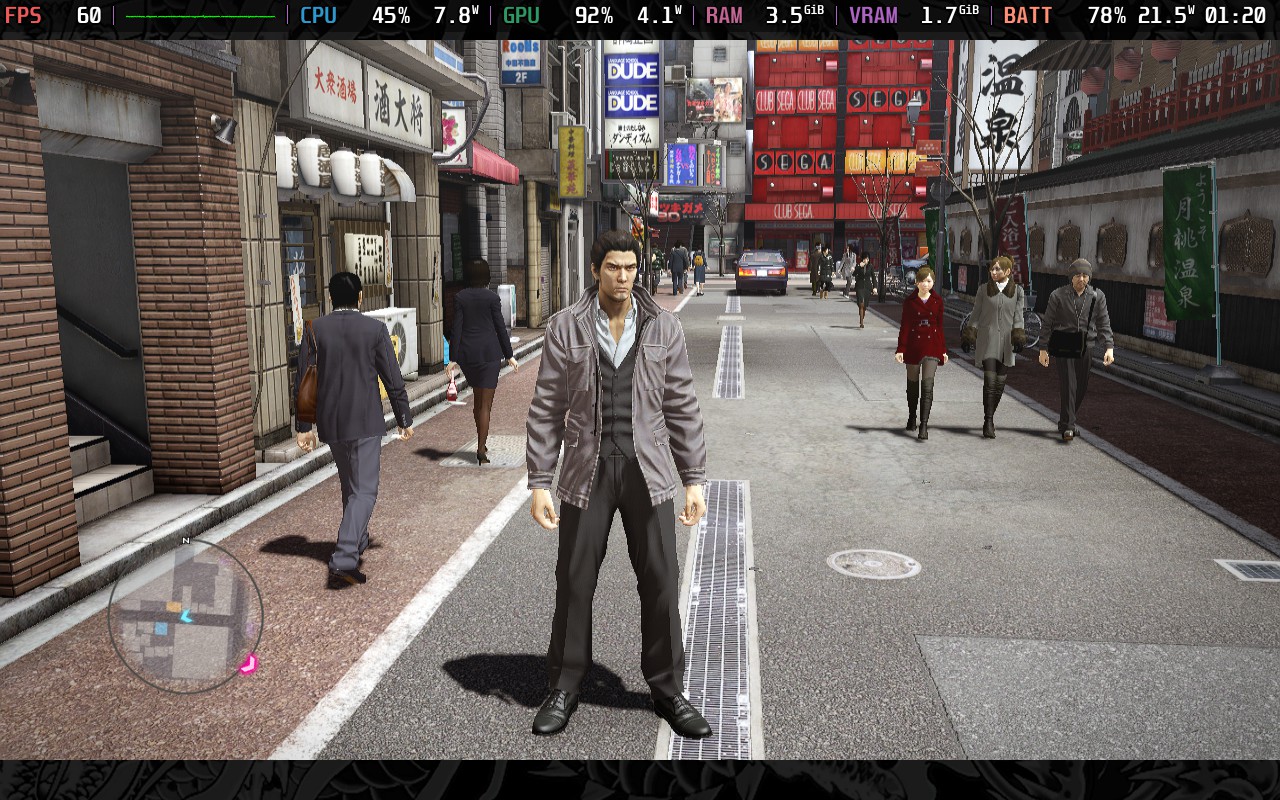
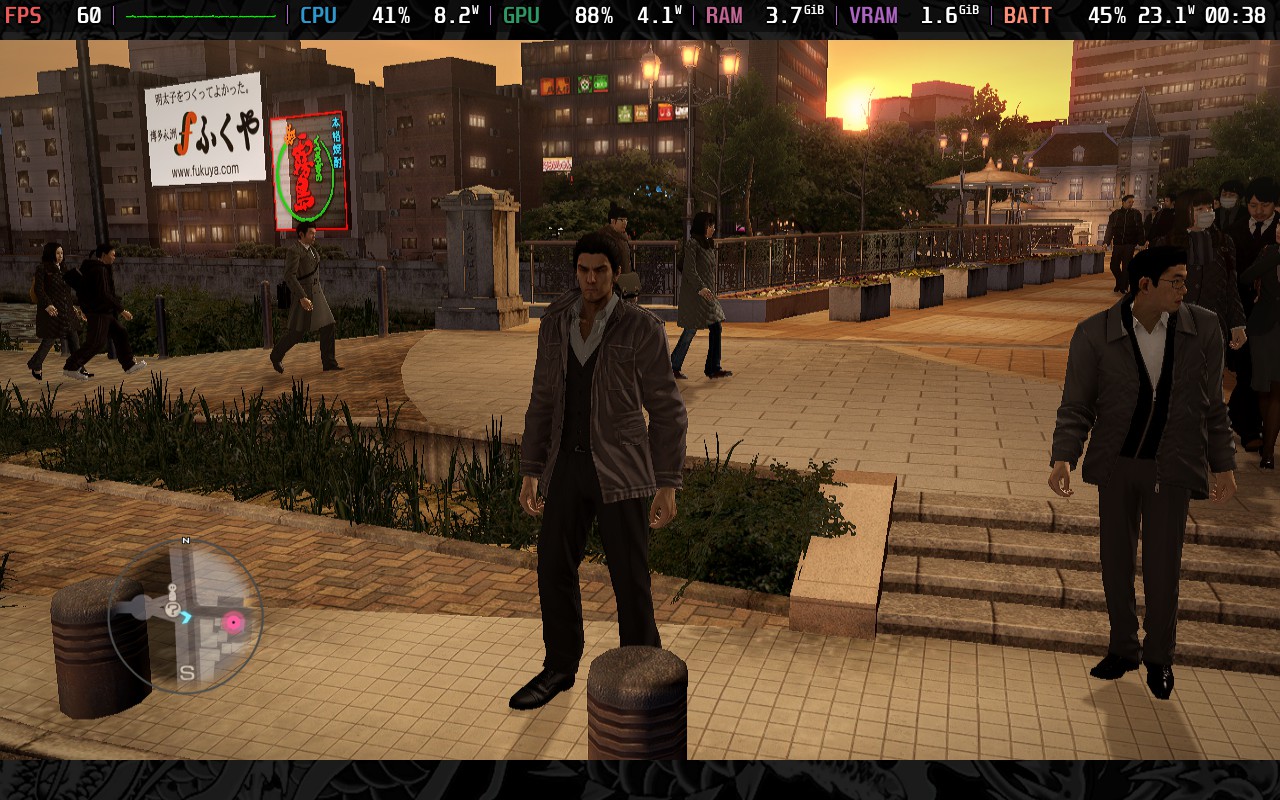
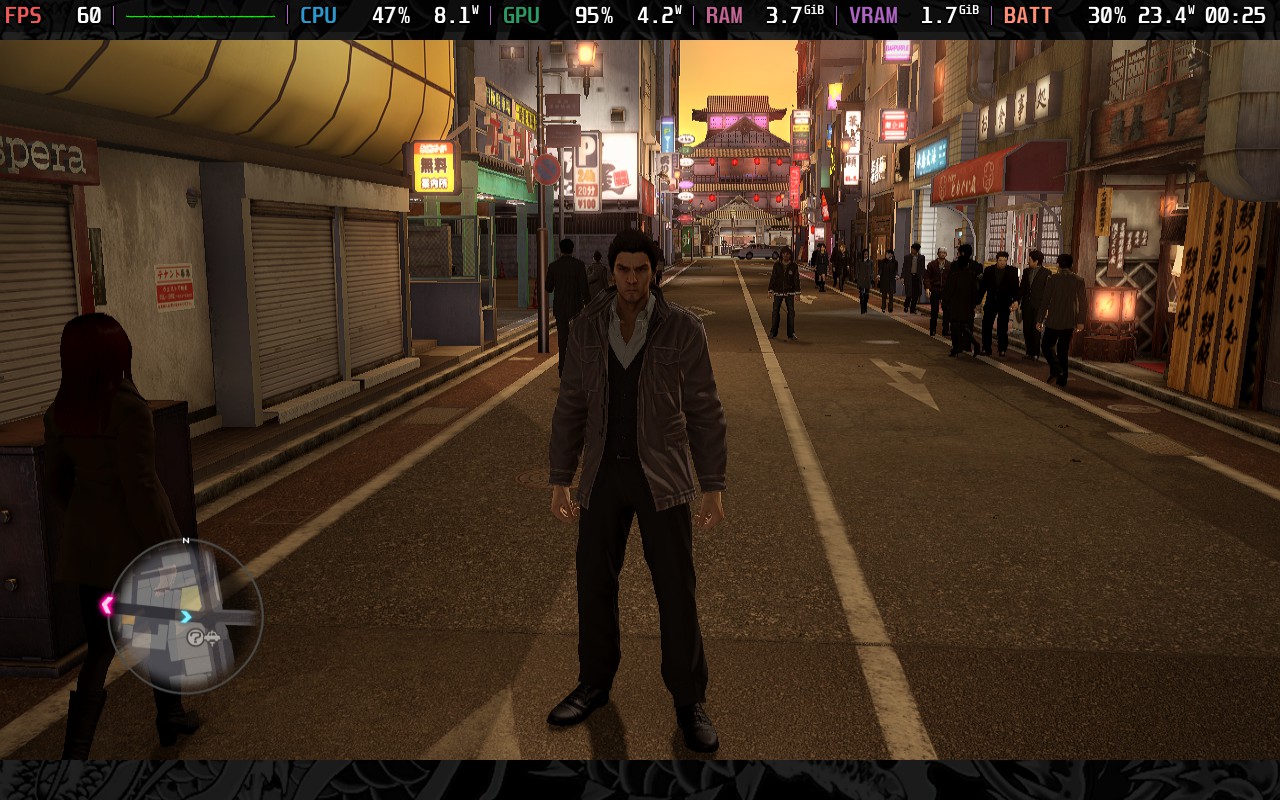
Accessibility isn't Yakuza 5 Remastered's strong point. Just like Yakuza 4 Remastered, your only real accessibility option is subtitles. The game again features QTEs, which are mandatory to succeed, and the combat system is the same, meaning you will need to pull off combo attacks to be effective in combat. However, lower-difficulty choices are available to make combat winnable mostly by button mashing.
Yakuza 5 Remastered continues the run of solid but not exceptional Yakuza games. It progresses the drama unfolding from the beginning, and it does it reasonably well. The graphics on the Steam Deck are still pleasant, and it controls beautifully. Aside from the disappointing lack of true 16:10 aspect ratio support, I couldn't ask for this game to run better on the Deck than it already does.
Performance-wise, regardless of which of the above presets you use, you should expect a fairly locked 60 FPS experience, with the quality settings allowing us almost to max out graphical settings and the battery settings sacrificing some visual quality to get a reasonable battery life.
Yakuza 5 Remastered holds a "Very Positive" rating on Steam and is currently graded as "Unsupported" on the Steam Deck compatibility rating, but, like Yakuza 4 Remastered, the game runs perfectly fine as long as you're using a new version of Proton GE.
Our review is based on the PC version of this game.
If you enjoyed this review, be sure to check out the rest of the content on SteamDeckHQ! We have a wide variety of game reviews and news that are sure to help your gaming experience. Whether you're looking for news, tips and tutorials, game settings and reviews, or just want to stay up-to-date on the latest trends, we've got your back.
Worldless was provided by Thunderful Publishing for review. Thank you!
This game was tested with a Steam Deck LCD. OLED testing is coming soon.
Worldless is an interesting game. It is a Metroidvania-style 2D Platformer kind of affair, with a focus on solving fairly simple puzzles and executing timed commands in a turn-based combat system. It can feel a bit minimal when it comes to the visuals, but this is a great experience nonetheless, with its enjoyable combat.
The game adopts a fairly minimalist approach, not only in terms of visuals but also its story. Dialogue is limited and always shown via text. Ultimately, you're put into the game world with basically no direction, so you're free to explore as you wish, which means you can also end up in areas with very strong enemies without any warning from the game.
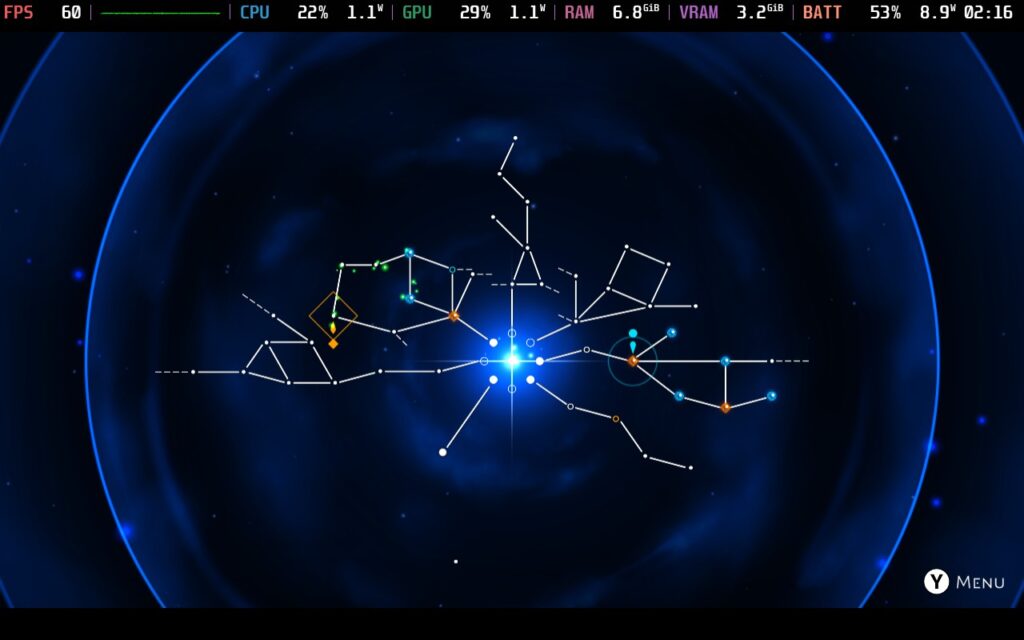
My experience with the game's "puzzles" was a bit bland. They seemed to always consist of the same basic idea of using the "Y" button at certain points to make platforms or jump pads appear, but the game's combat is what makes this worth playing.
The combat utilizes turn-based, or perhaps more accurately, time-based commands to fight. When your turn begins, you have a few seconds to execute your attacks and combos, using a mixture of physical and magic attacks, to break through the enemy's shield and attack their life directly. When your turn is over, the enemy will try to do likewise to you, but you can press a button at the right time to defend against their attacks.
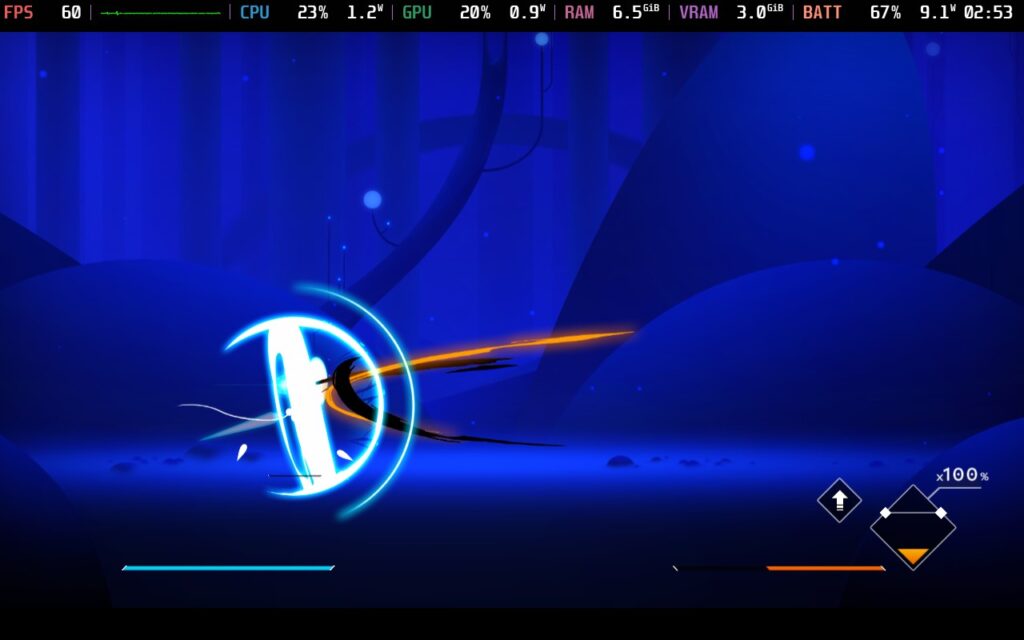
This creates a very skill-based combat system that greatly rewards reaction timing and the ability to read enemy attacks as they are about to happen. It's very satisfying when you get it right and execute what the game calls a "perfect guard," which can give you bonuses and means your shield stays strong under the enemy's attacks.
Speaking of skills, the game has a rather extensive skill tree, considering the length of the game itself. This allows you to strengthen your shield, unlock new attack combos, or give you more time to execute your commands. This helps keep the combat feeling fresh throughout the playthrough and is a nice addition.
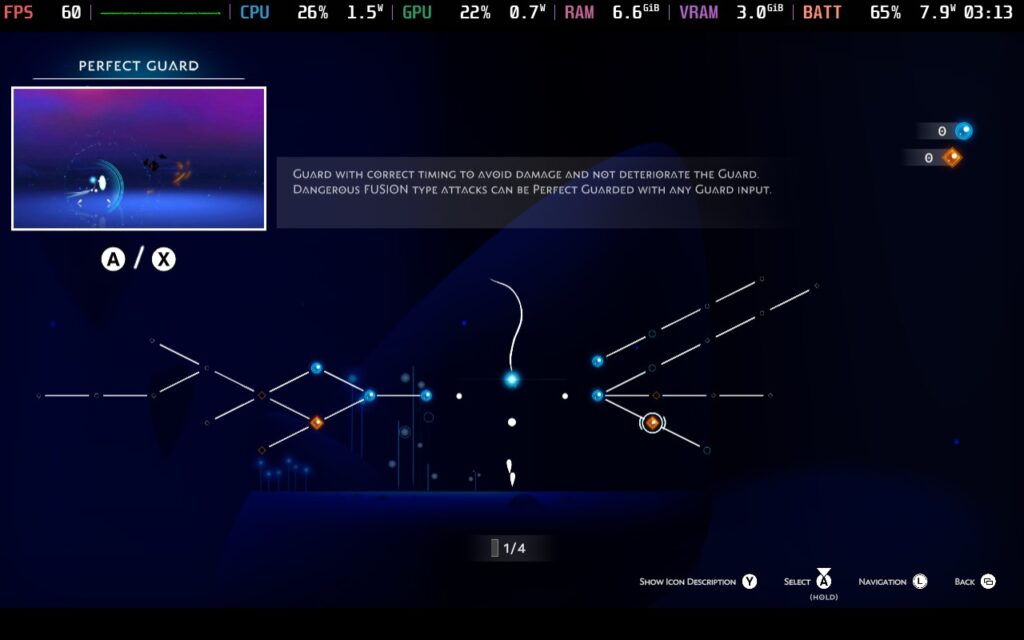
The visuals are minimalist and pleasantly styled, in my opinion, they do their job and make it easy to discern points of interest from general scenery. I'd hesitate to call it "beautiful," but it's certainly appealing at points. And I would never describe it as "ugly."
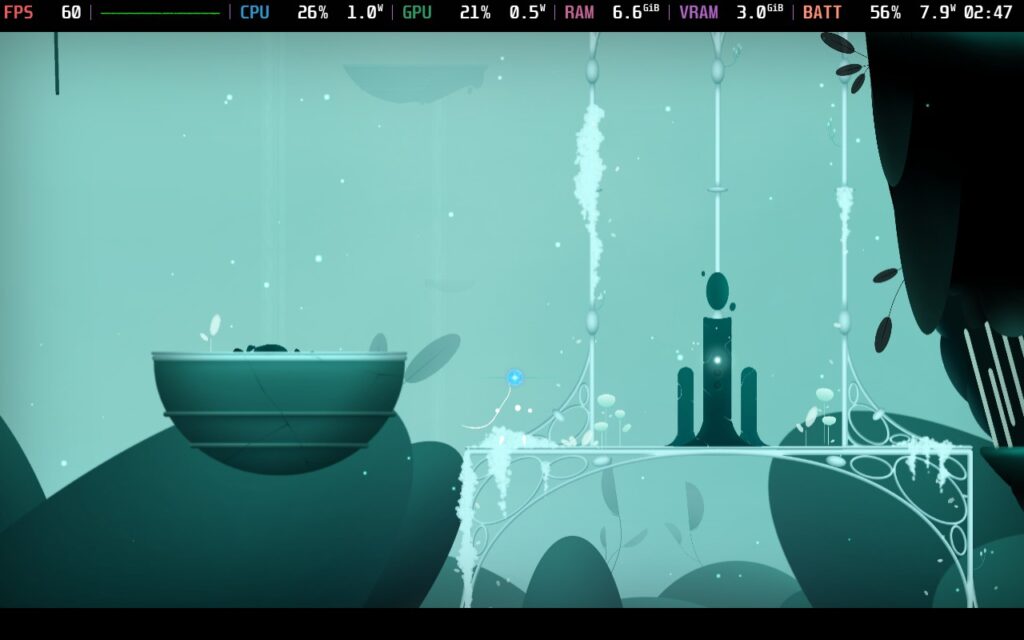
I liked this foray into the Metroidvania genre. The combat is the highlight here for me, and pulling off combos and executing perfect timing is well-rewarded. The skill tree adds variety to your combat options over time and helps the game feel fresh throughout.
But how does it run on the Steam Deck? We've got some good news for you!
Worldless starts quite well on the Deck. The game boots with a 16:10 resolution, and there is a nice notice that the game is best played with a controller. And we can confirm that this is the case, the game plays beautifully on a controller and was designed with it in mind.
There are no graphical options here aside from resolution, which we don't want to touch, so we can't "optimize" the game itself. All the settings that we adjust will be in the SteamOS Quick Access Menu.
First, we'll set a 60 FPS/Hz lock in our SteamOS settings, then put a 6W TDP limit on. Worldless is a very lightweight game and can often hit 60 FPS with a lower TDP limit than 6W, but in combat or when many particles are in play, it causes drops. A 6W Limit holds us nicely at 60 FPS for 99% of the time, and the odd dropped frame during combat wasn't really noticeable since the visuals are pretty busy anyway during those points.
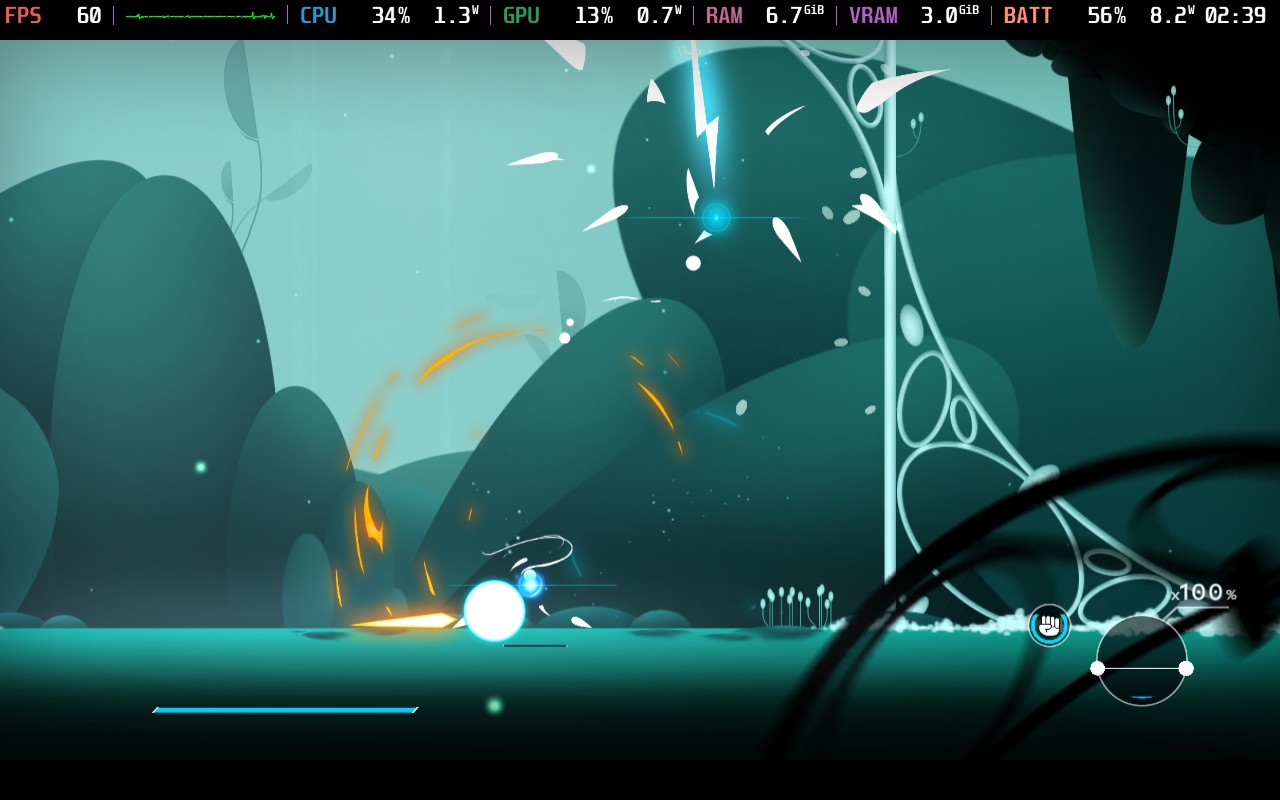
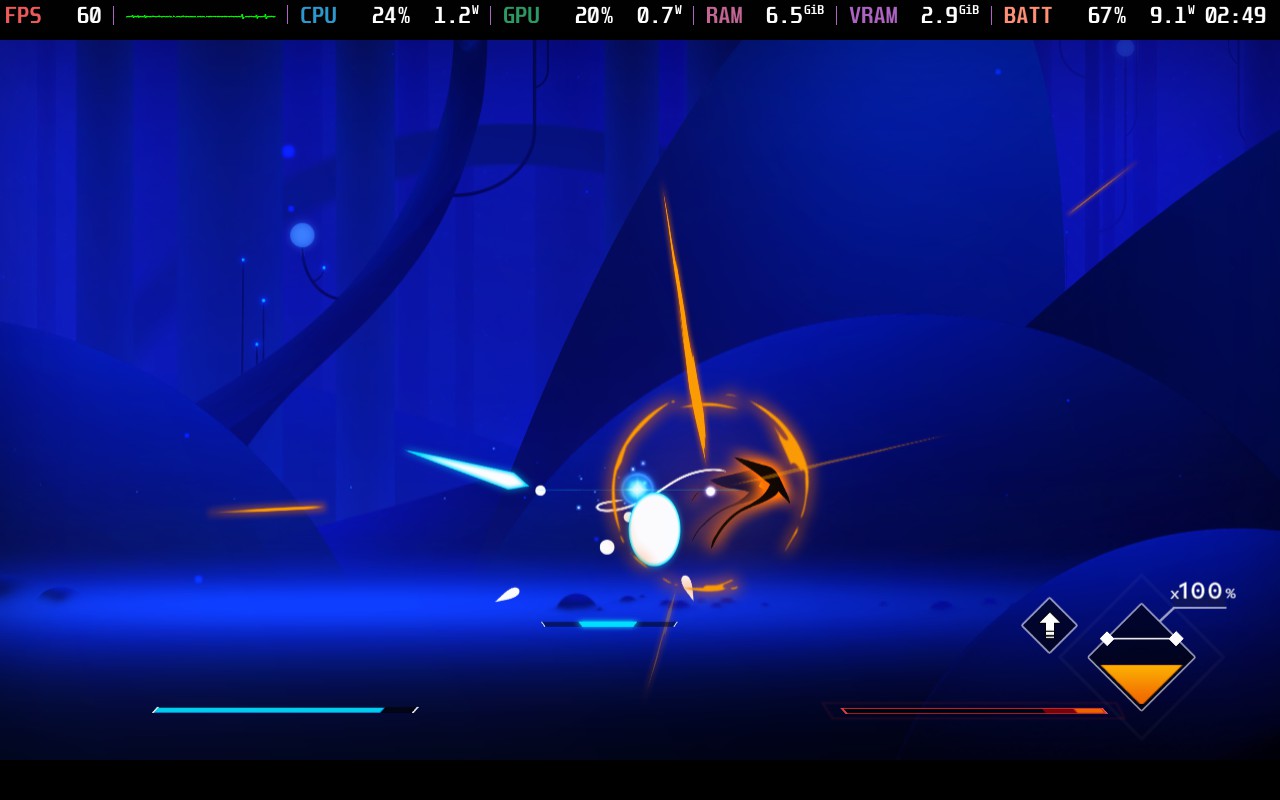
With such a low TDP limit, we can squeeze close to 5 hours from the Steam Deck's battery here. Because of that, I recommend just playing this game at 60 FPS. Battery draw varied between 7W and 9W. When doing platforming elements and exploring the world, the battery draw stays pretty low, and when in combat, it tends to edge up towards 9W of usage. Regardless of what you're doing in the game, you should expect at minimum 4 hours of battery life from a full charge.
I did a test at 3W TDP Limit to see if that would help improve battery life, too. In this setting, we had to drop the FPS Lock to 40 FPS; however, the battery draw remained similar with maybe only an extra few minutes added on. Given the timing nature of combat, 60 FPS is the way to go here.
Ultimately, I found that when you're running this low of a TDP limit, your screen brightness will have a large impact on your battery. I always play at 100% brightness, but if you drop to 50%, you can save a good 30 minutes of battery life, if not more.
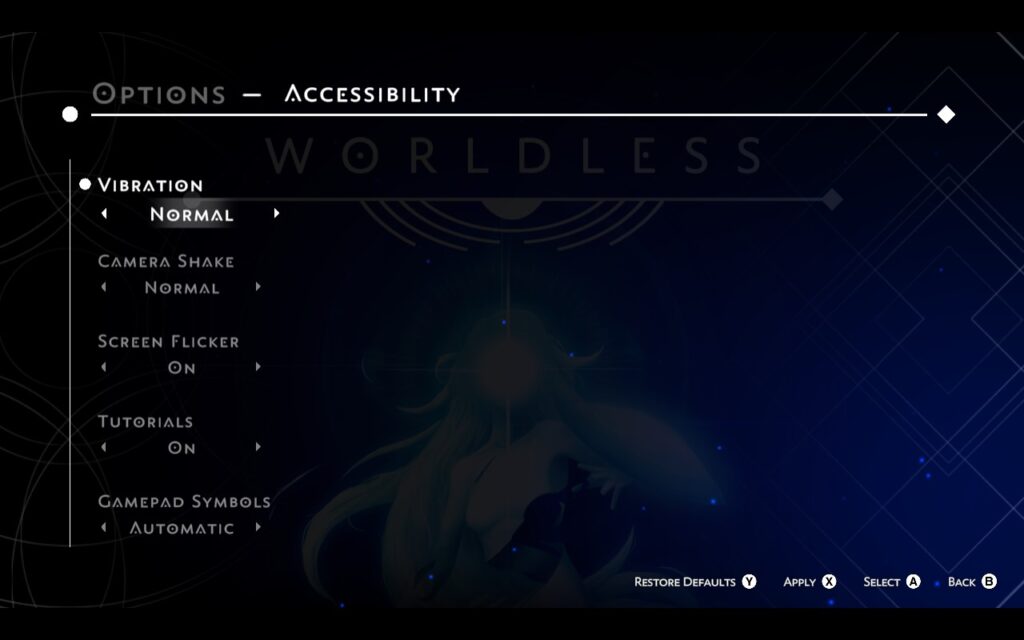
Worldless has a menu just for accessibility and has a few options to help people enjoy the game.
You can adjust controller vibration, the amount of camera shaking, and "screen flicker," which we presume is for the benefit of those with photosensitivity. You can also disable tutorials and adjust the gamepad symbols between Xbox, PlayStation, and Nintendo.
The last option is a bit of an odd one, but it does make sense, as the game uses on-screen controller symbols and requires you to press them in order at points, so having the correct symbols for your controller on-screen is very helpful.
Worldless was an enjoyable experience, although the game is a bit short, seeing as I gained the majority of the skills in the game within the first 2 hours. The visuals are appealing and the combat system is great, feeling especially good when landing that perfect combo for massive damage. The puzzles are simple, but as I'm not much of a puzzler, I can't complain about that! The core gameplay loop is figuring out where you haven't defeated enemies yet and navigating your way there to defeat them. Still, as both the combat and traversal mechanics hold up well, it's a perfectly satisfying gameplay loop.
The game runs great on the Steam Deck, with no need to adjust in-game settings to achieve good performance. If you want a Metroidvania to play on your Steam Deck, Worldless may be that game for you. It holds a "Verified" rating on Valve's Steam Deck Compatibility testing, which is completely accurate here, and "Very Positive" reviews from Steam users at the time of writing this review.
Our review is based on the PC version of this game.
If you enjoyed this review, be sure to check out the rest of the content on SteamDeckHQ! We have a wide variety of game reviews and news that are sure to help your gaming experience. Whether you're looking for news, tips and tutorials, game settings and reviews, or just want to stay up-to-date on the latest trends, we've got your back.
GUNHEAD was provided by Alientrap for review. Thank you!
The game was tested with a Steam Deck LCD. OLED testing is coming soon.
With so many games launching, keeping up with it all is pretty challenging. GUNHEAD slipped me by when it first launched, but it's a Roguelike FPS game, a mix of genres I love. After playing Gunfire: Reborn and Roboquest, I've kept an eye out for other games in the genre, and GUNHEAD fits the bill perfectly.
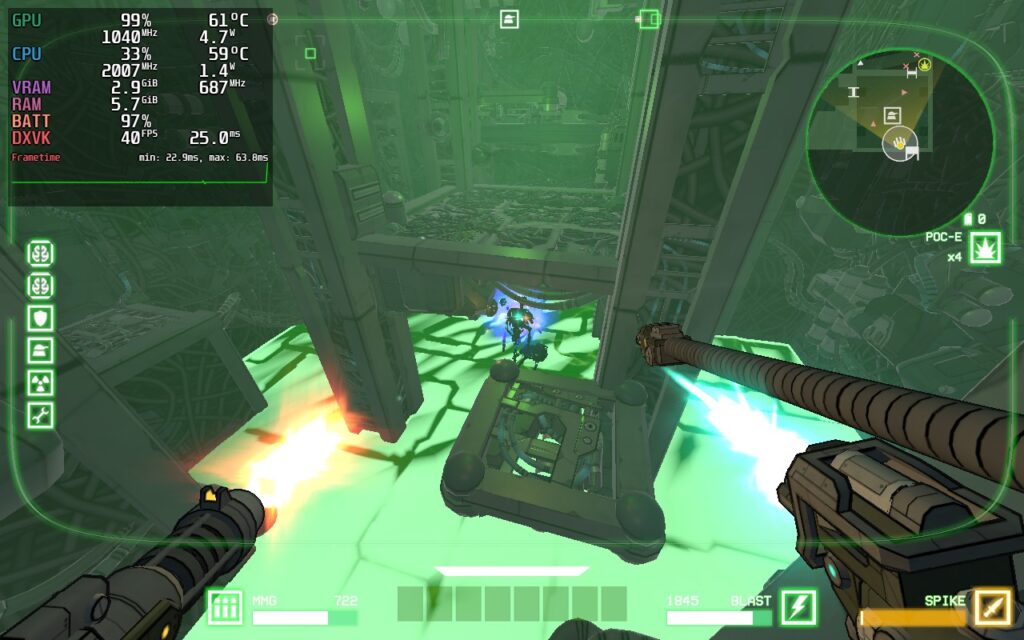
The gameplay loop starts with you deciding on 1 of 3 randomly generated destinations varying in difficulty and type. After selecting one and warping to it, you select a mech suit to use and board the enemy ship, where you are tasked with disabling its systems and, ultimately, destroying its core. These systems range from Shields that protect other systems, to repair systems that can fix the ship, alarms, or even nukes that cause an explosion whenever you disable a different part of the ship. After you have destroyed the core, you will be rewarded based on your performance. Then, the cycle continues with the upgrades/unlocks you got from your previous mission!
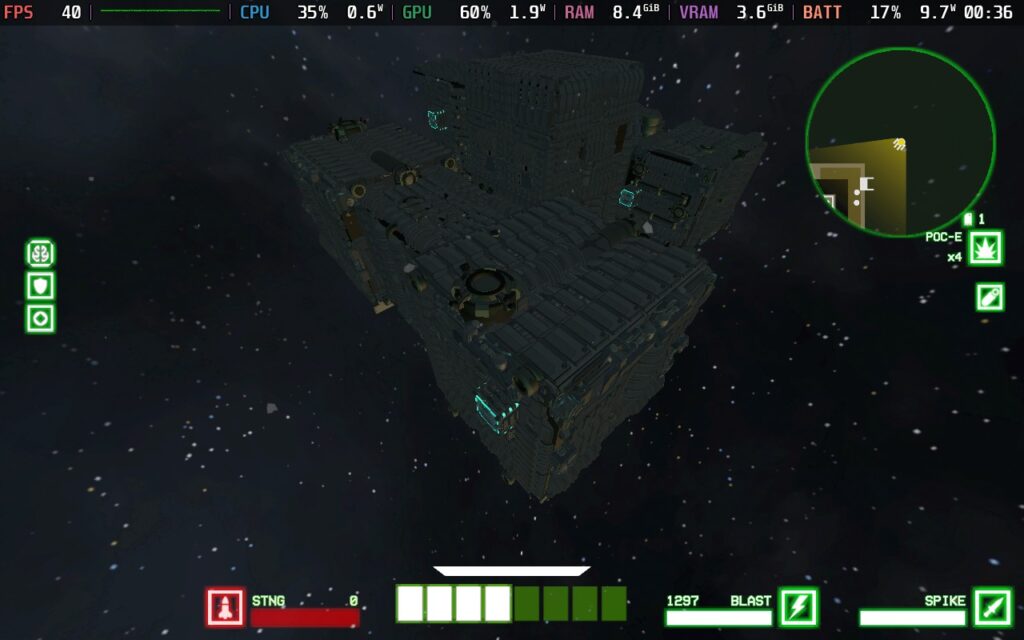
Overall, the gameplay is fluid and fast-paced. I like how you control your mech, including the ability to use a jetpack to dodge and fly around the ship's internals in all directions. It can be a little confusing initially, but I think it works well once you've got a handle on things. Your mech can have up to 4 weapons equipped at any given time and an item slot, and you can find new weapons and items on the ship. There are passive upgrades to find as well that are permanently applied to your mech (until you die). These upgrades reward exploration and ensure that you thoroughly clear out each ship you've boarded in the hopes of finding that perfect buff.
GUNHEAD has a cel-shaded visual style that, while I usually enjoy this style, I did find it somewhat difficult to distinguish enemies from the background on occasion. This may be why the developer has added a "radar" feature to the game, showing enemy positions by putting a rectangle around them, showing them on the map, or showing them on the game's 3D Compass. All of this makes me think the developers knew there was an issue here, and they tried a lot of workarounds instead of fixing the core issue. The enemies have a similar design to the ship they're on and can easily be mistaken for just another part of the ship.
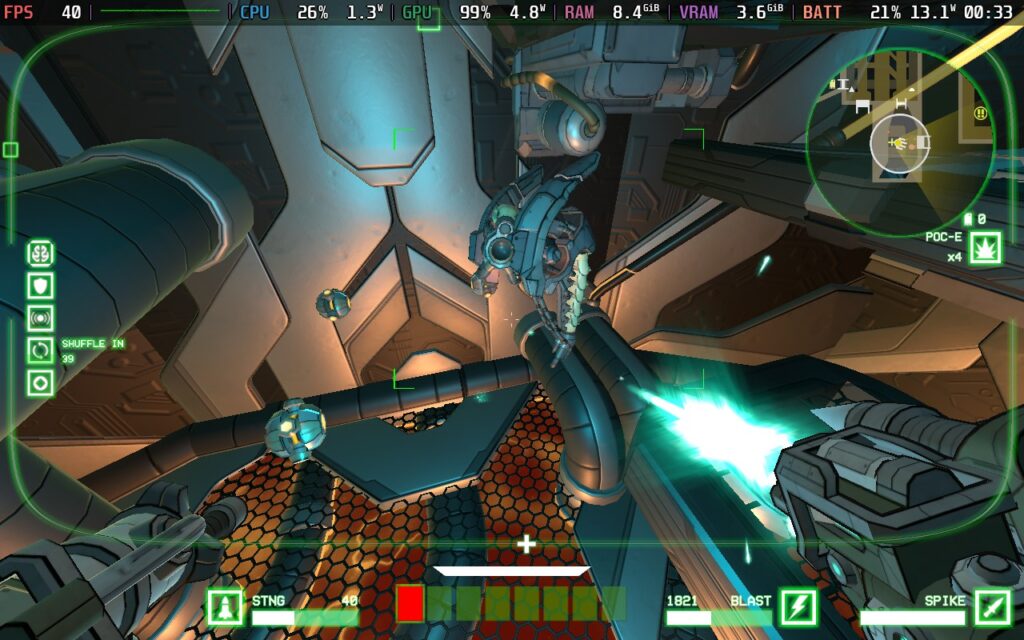
I did enjoy playing GUNHEAD, and I'd love to dive back in and try to progress further with a bit more time. It's a challenging experience, and once you learn the enemy types and how to pick them out from the busy environment, it's a good time.
GUNHEAD supports the Steam Deck's native 1280x800 resolution, eliminating any black bars we might encounter. It also has excellent gamepad support, allowing complete control of the menus and gameplay with gamepads.
One note that's worth mentioning, however, is that when I tried the game with Aim Assist turned on, the camera would often get stuck moving in a direction I didn't wish it to. I would strongly recommend disabling Aim Assist in the options if you play.
In terms of graphical settings, we don't have much choice since there's only one option to change the visual quality of the game. From "Fastest" to "Beautiful." Regardless of what I tried, running on higher settings always resulted in FPS drops when a lot of action happened, so we're stuck to relatively low settings on the Steam Deck. A surprise given the game's artistic style, I've seen games with a more detailed aesthetic run better on the Deck.
I opted out of making a "Battery Life" settings preset for GUNHEAD, as the graphics aren't too scalable, and 40 FPS is what I would consider a minimum for a game as fast-paced as this.
As GUNHEAD is an FPS title, my aim going into this review was to achieve a 60 FPS experience, and thankfully, we can just about do that!
I chose to forego any TDP limit here, but we can run at 60 FPS a lot of the time with a 12W TDP Limit, I found that stutters were more frequent and egregious with a limit on, and for the smoothest experience possible, it's best to just not have a limit at all.
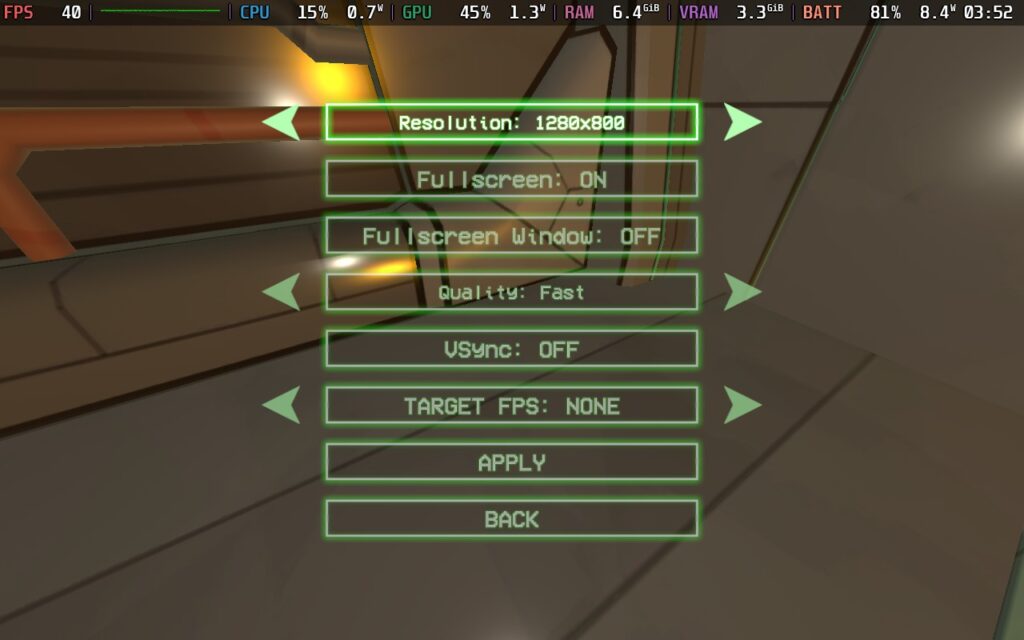
In SteamOS, we have a 60FPS/Hz lock, and we have the settings clocked in at "Fastest."
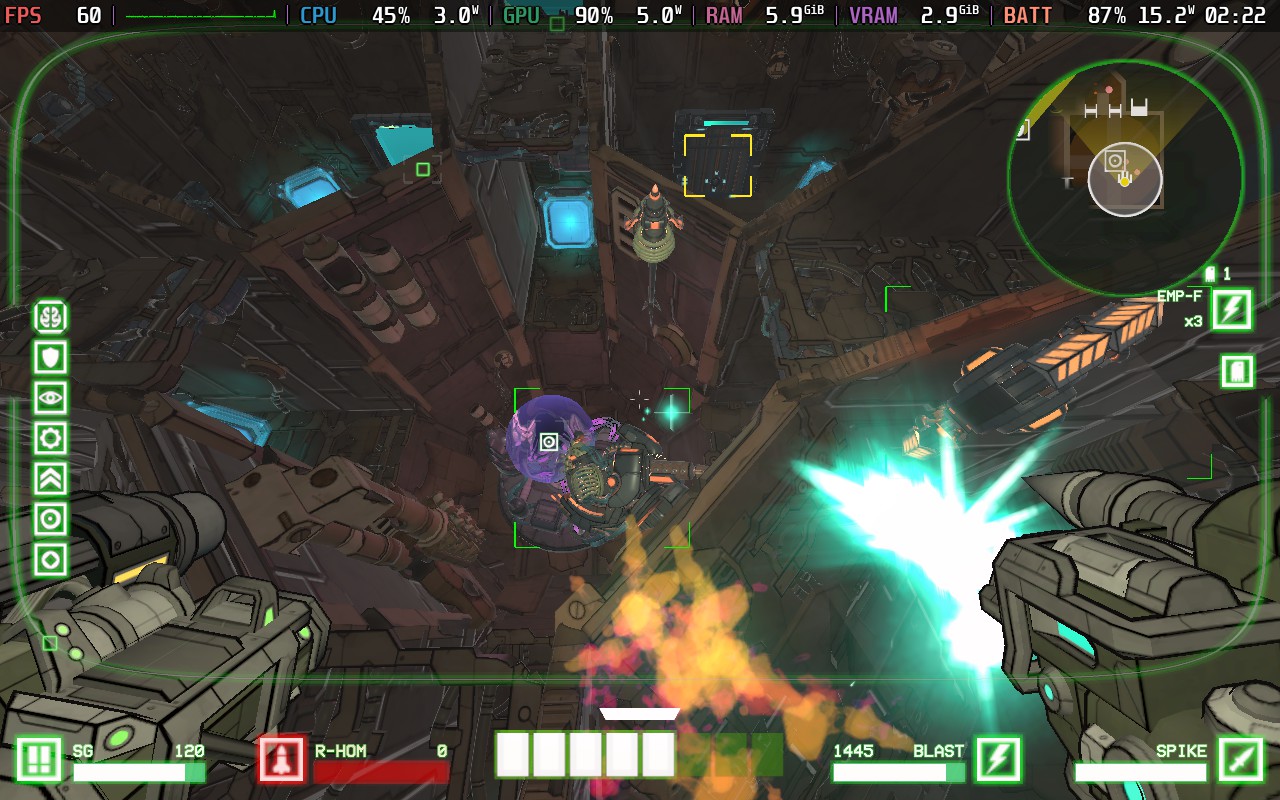
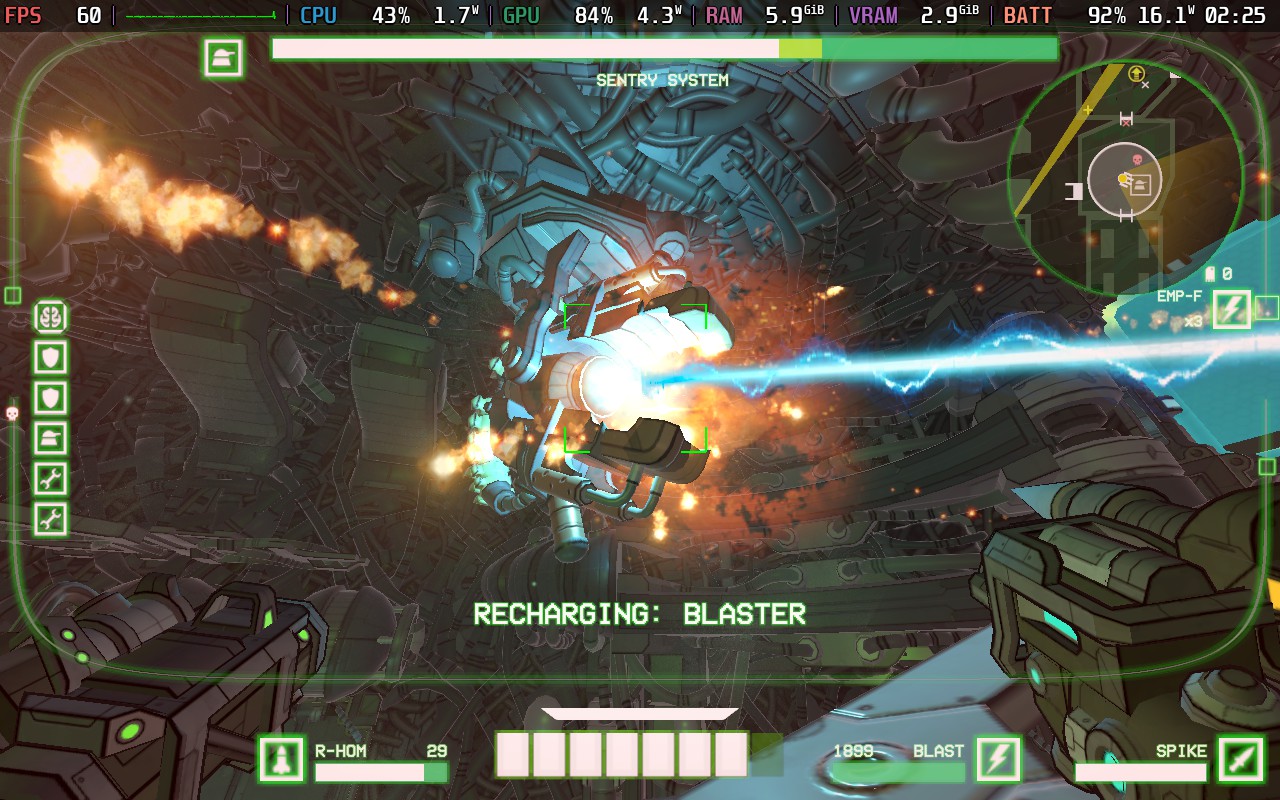
Even though we've gone without a TDP Limit here, this game is still pretty light on the CPU most of the time, so we're only pulling about 15W from the battery on average. This means we should get about 2 and a half hours of battery life, which is pretty good for 60 FPS. Temperatures also stay relatively cool at around 65c.
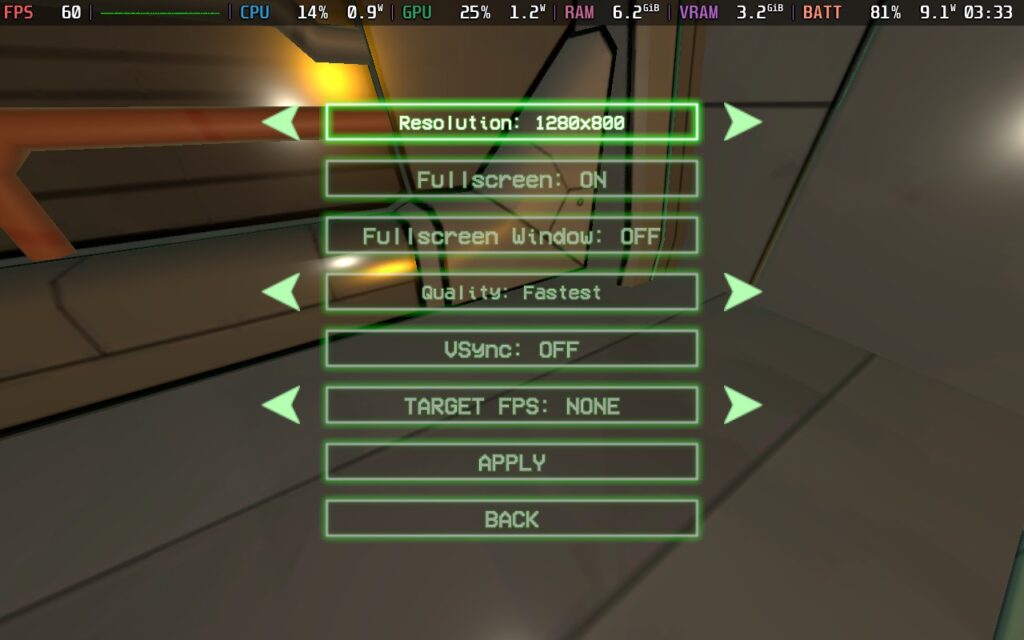
Even though this is the "Quality" setting, unfortunately, the Steam Deck can't handle anything beyond the "Fast" quality setting. Going beyond this can be fine for a lot of the game, but when action is on screen, the performance just drops, exactly when you don't want it to. So we're having to stick with the "Fast" setting here.
We can set a TDP Limit of 12W here, as the drain on the CPU is low now we're only at 40 FPS. We can set a 40 FPS/Hz lock in SteamOS, too. Ultimately, this gives us about 12W - 13W of battery drain. This means we get 3 hours of battery life out of our Steam Deck. Temperatures remain the same as my recommended settings, about 60c - 65c.
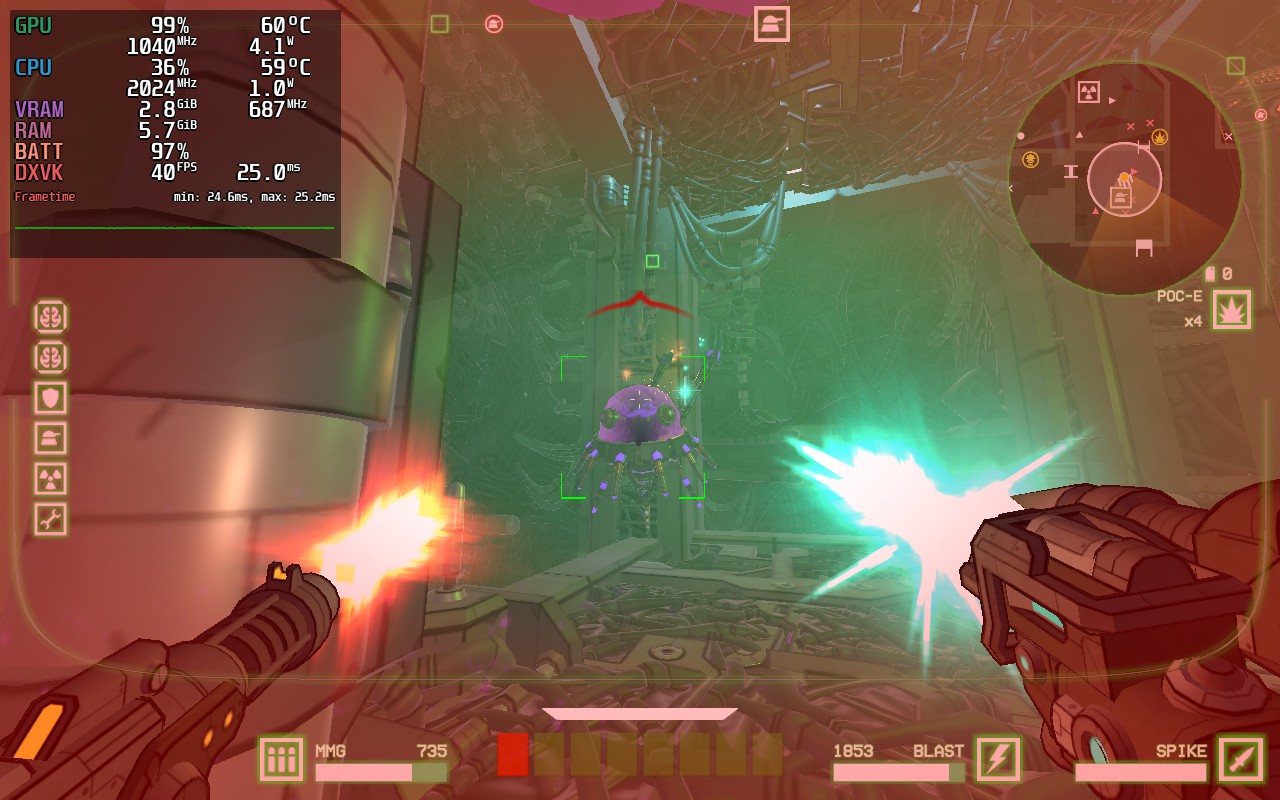
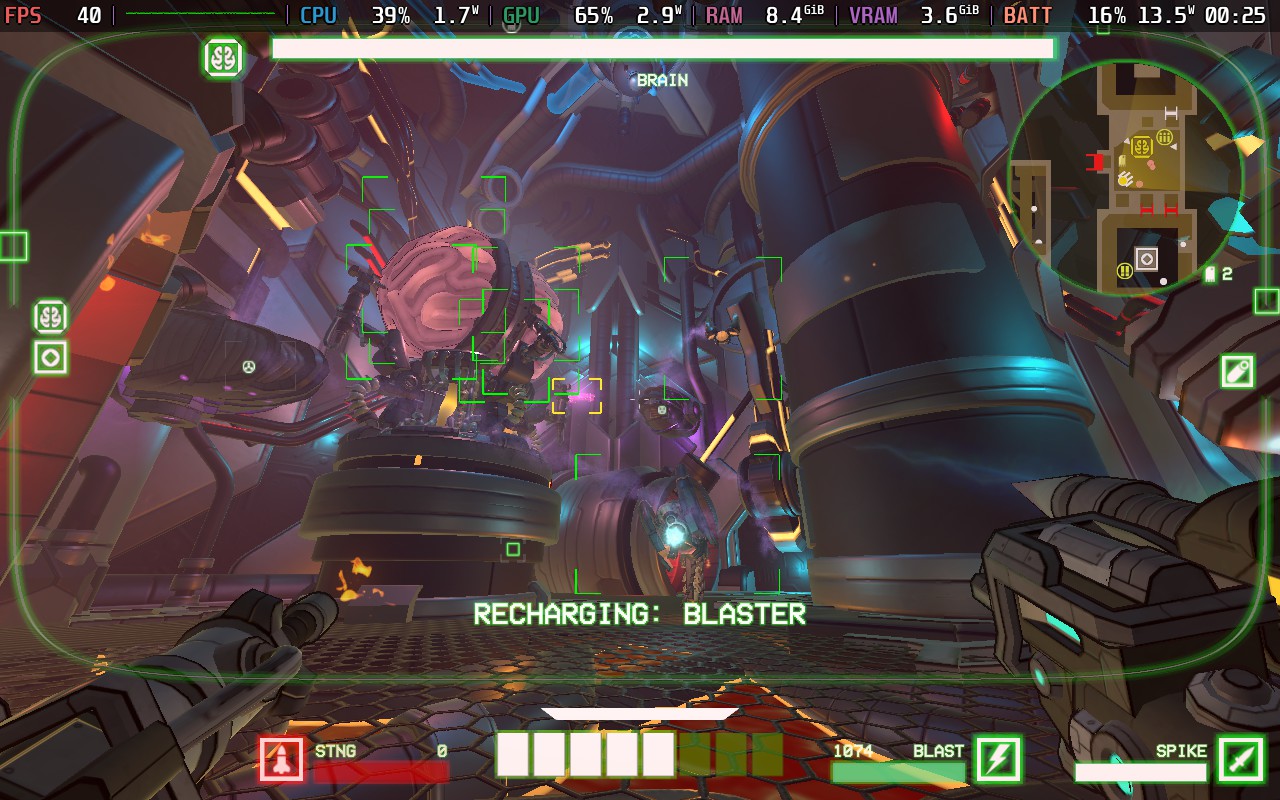
In terms of graphical quality over the 60 FPS settings, we're mainly gaining some color grading and fog effects like the green shown in the image above. These are absent from the recommended settings, but I would rather play at 60 than have these couple of added effects.
It holds 40 FPS well, with the very occasional stutter, which didn't affect my gameplay.
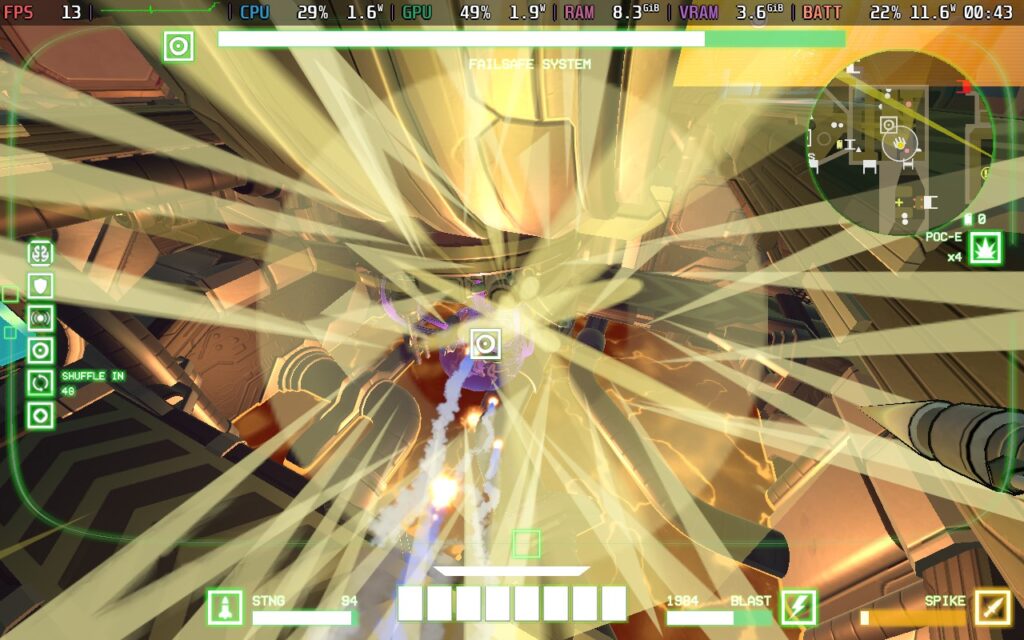
It's also worth noting that if you are immediately up against a lot of transparency/alpha effects, such as smoke or transparent lighting, the FPS will drop extremely low, into the low teens. This is unavoidable on any graphics setting I tested. Fortunately, it only lasts for less than a second each time, but if you have something like a rocket launcher that fires several rockets, each leaving a smoke trail, this FPS drop can affect you more frequently and be annoying.
Here's a screenshot of an effect that the Steam Deck doesn't like. You can see the sharp FPS drop at the top left:
GUNHEAD has almost no accessibility options. You can disable camera shake, make some UI elements larger, and the voiced dialogue lines in the game do have subtitles at the top left of the screen, but that's about it. Given the often convoluted nature of navigating the enemy ships, the fully 3D playing space, and the game is fast-paced at times, this one might be best to avoid if you aren't able to react quickly or are visually impaired.
GUNHEAD is a fun, single-player roguelike FPS that ticks most boxes for me. Once you get the hang of navigating the ships, you can enjoy the fantastic progression and combat systems.
With four difficulty choices, I feel like most players will be able to find a challenge here. I chose the Normal difficulty since I don't play many FPS games. Even still, I found the game rather difficult and would struggle to win more than three missions in a row. In hindsight, perhaps "Easy" would have been my better choice.
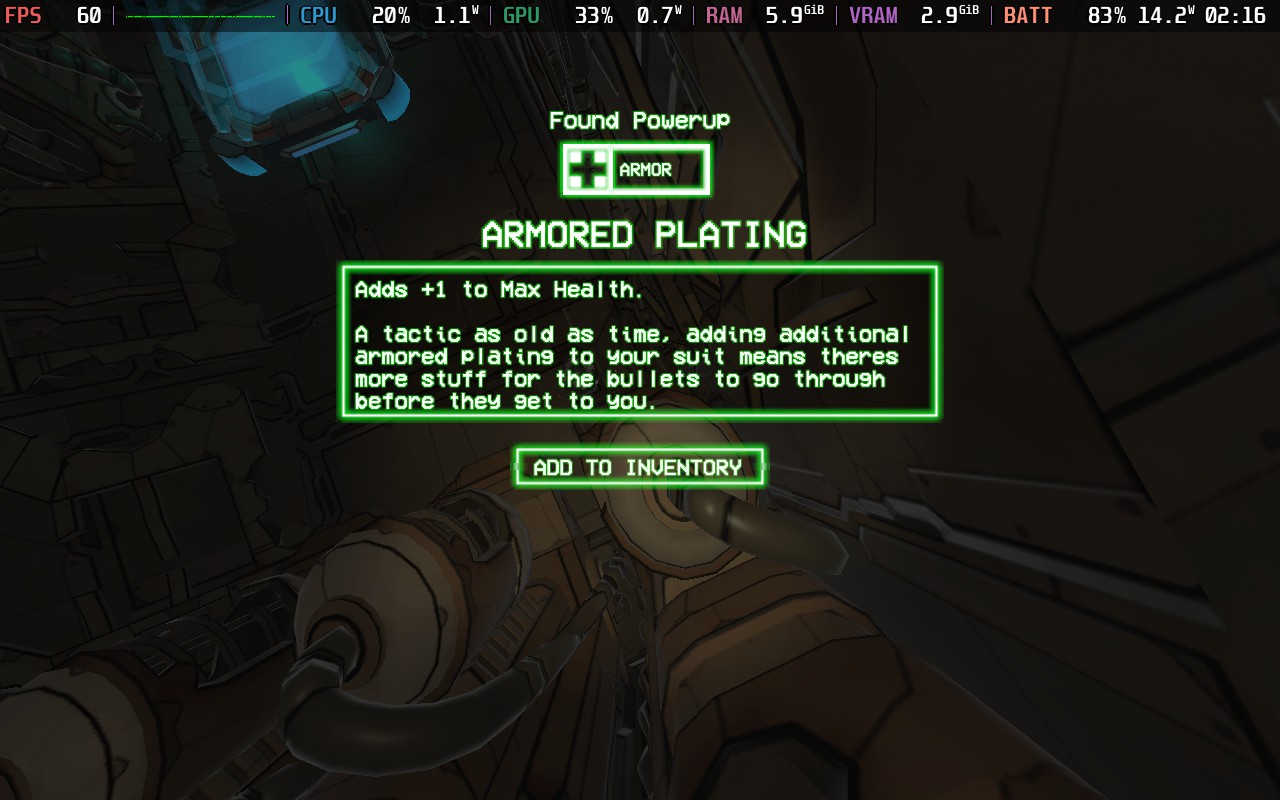
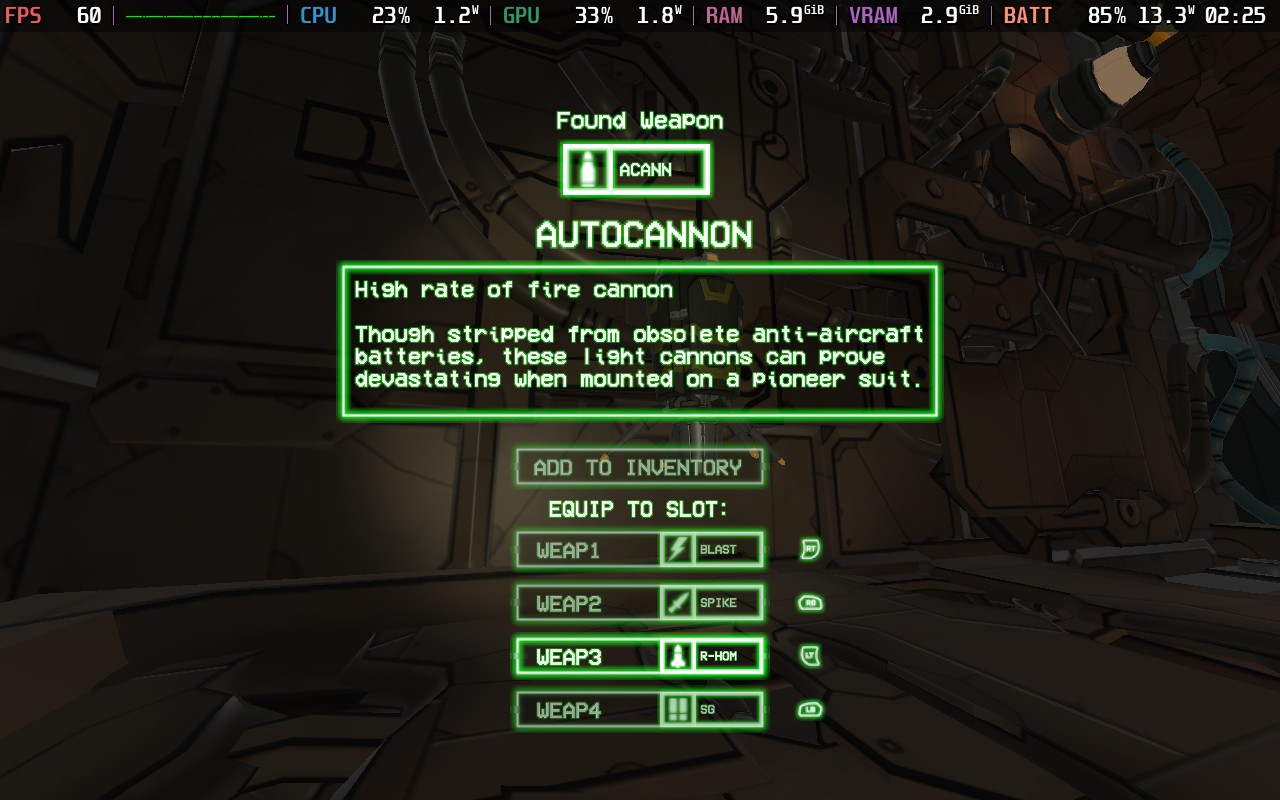
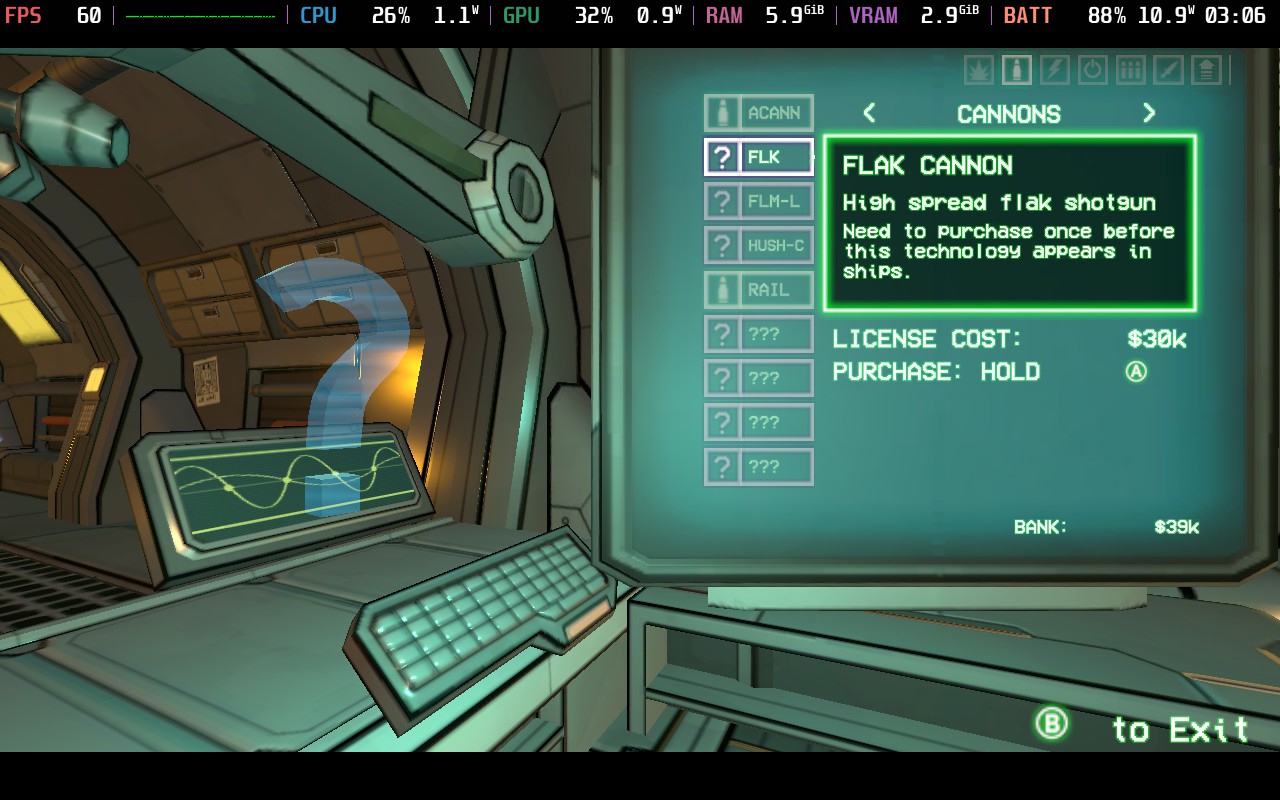
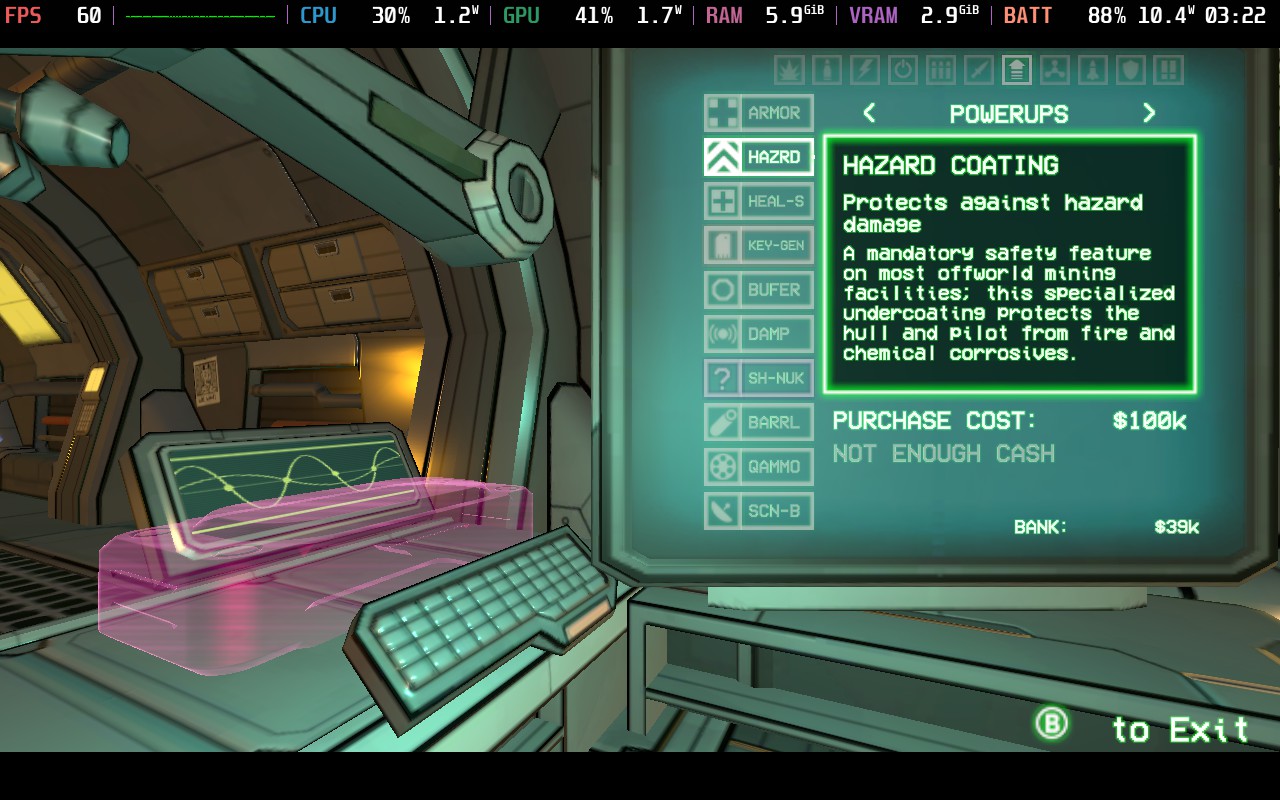
I barely scratched the surface of all the unlocks, and I am intrigued to see just how crazy things can get if you get far into a run. Here's just a look at some of the weapons and upgrades you can find in the game:
GUNHEAD plays well on the Steam Deck, being able to hold 60 FPS quite nicely, as well as drop to 40 FPS for a slight graphical improvement. The control scheme is also as good as you could hope for, so it rightfully holds a "Verified" Steam Deck compatibility rating. It currently has a "Mostly Positive" review rating on Steam, which I think is fair given some of my difficulties, but overall, I would recommend it if you're looking for an enjoyable roguelike FPS experience.
Our review is based on the PC version of this game. Information was correct at the time of writing.
If you enjoyed this review, be sure to check out the rest of the content on SteamDeckHQ! We have a wide variety of game reviews and news that are sure to help your gaming experience. Whether you're looking for news, tips and tutorials, game settings and reviews, or just want to stay up-to-date on the latest trends, we've got your back.
Whisker Squadron: Survivor was provided by the publisher for review. Thank you!
This game was tested with a Steam Deck LCD. OLED testing is coming soon.
Somehow, upon receiving this game to test, I didn't clock the "Survivor" tagline, and I went into it thinking it would be a traditional on-the-rails shooter. But lo and behold, there it is! Whisker Squadron: Survivor is part of the "Survivor" genre that has recently blown up in popularity, meaning you earn XP for enemies defeated, level up, and gain new abilities or weapons to keep surviving for as long as possible. I love survivor-like games, and it was a nice surprise when I started this game.
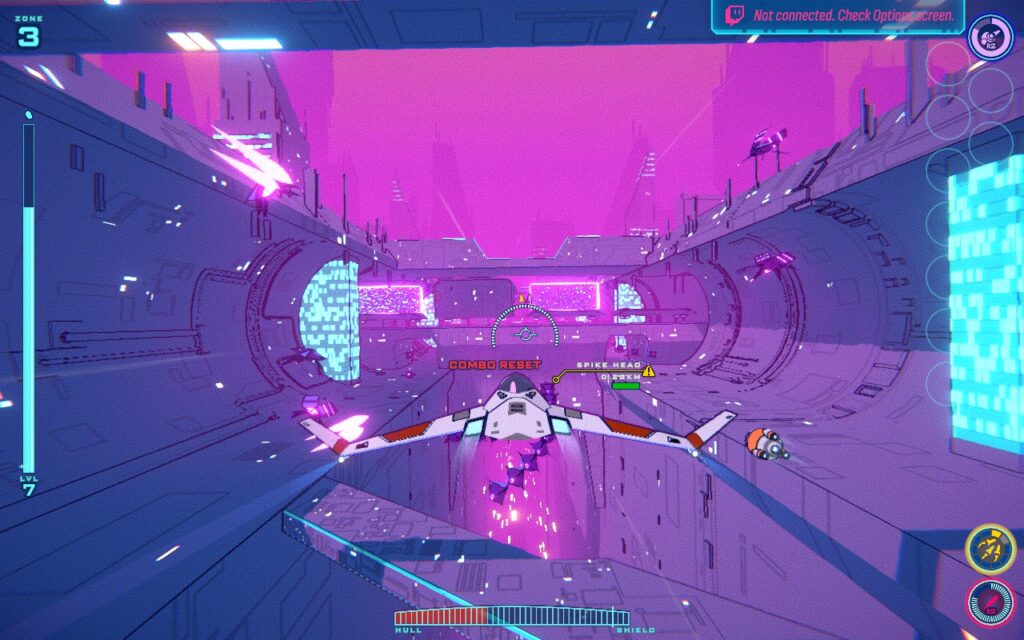
The gameplay is much as you would expect; you fly a ship down a narrow tunnel/passage with enemies and obstacles appearing before you. Think Galaga, but in a 3D environment. Defeating enemies allows you to level up, get new/upgraded weapons, repair your ship, or do many other things. It's a simple concept but works well and is pretty enjoyable. You can choose 3 maps to play through, each broken into 10 zones. With each zone getting progressively more challenging.
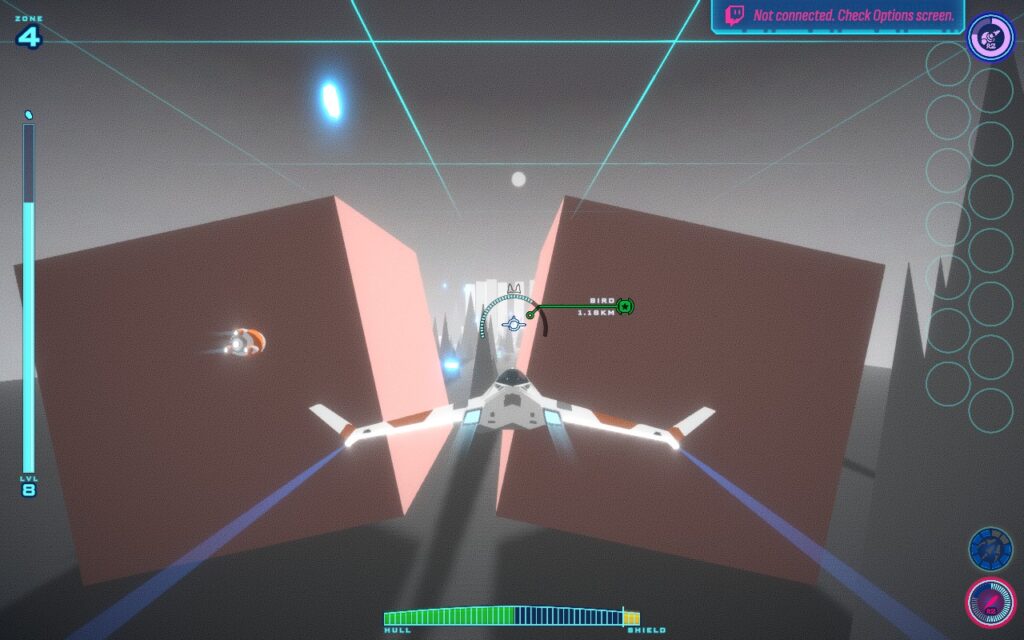
Aside from the upgrades you get during a run, there are also "Mods" you can enable at the start, which will change the experience. From starting your ship with less health to enemies being stronger, or being able to deal double damage but also receive double the damage, these mods aim to make your run harder and more rewarding. I found the game difficult enough, but it's here for you if you want that extra challenge.
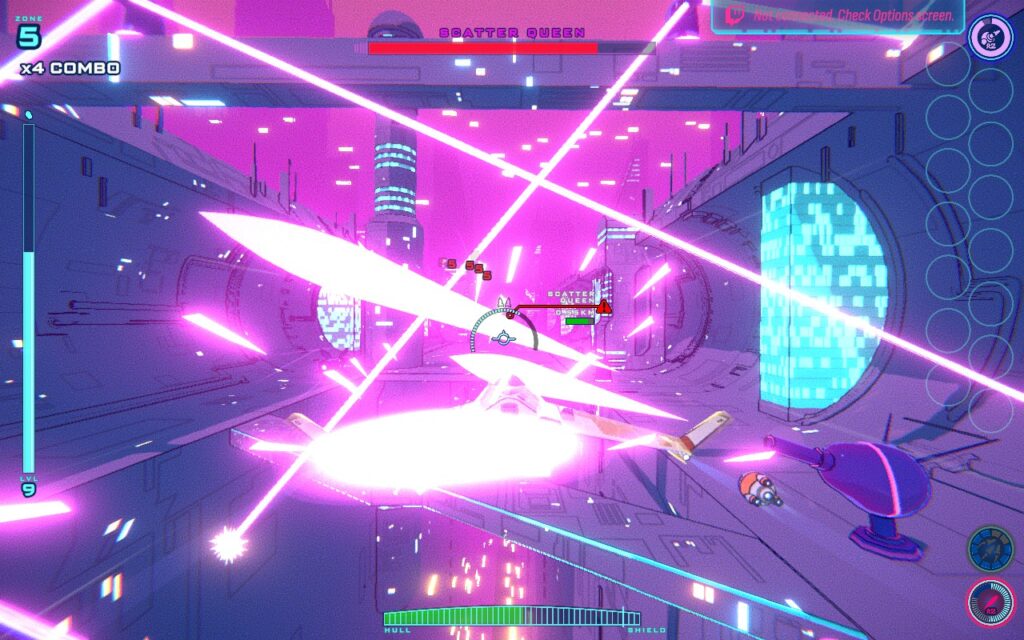
The visuals are very stylized and appealing. I struggled to distinguish enemies from the background, but I liked the aesthetic overall. The 3 maps you can choose from all have different color schemes and obstacles that you will face, and you unlock the other 2 maps reasonably quickly, so it's nice to switch between them after each run for a bit of variety while you play.
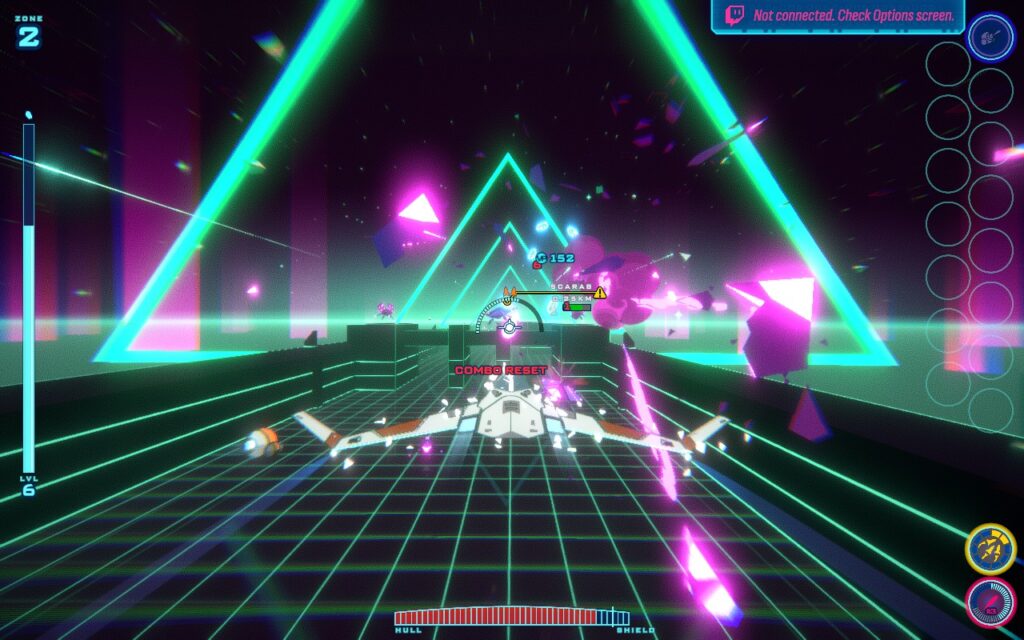
This is a good entry into the survivor-like genre, which ticks the "Can I do better next time?" box. It always pushes you to reach the next zone and try new strategies with the available unlocks. I had a great time playing, but let's consider how worthwhile it is to bring the game wherever you go.
The game supports 16:10 resolutions, so we can run at the Steam Deck's native 1280x800 resolution. We also have full gamepad support in both menus and gameplay here, and it feels so great that it would be my preferred method of playing, even on a desktop PC.
Whisker Squadron: Survivor doesn't have many graphical settings; it is simply a low/medium/High-quality setting. The difference between the 3 modes is pretty marginal, in my opinion, and so, to get the best out of our Steam Deck, though the higher graphical settings are heavy on the device, both of my presets use the "Low" setting.
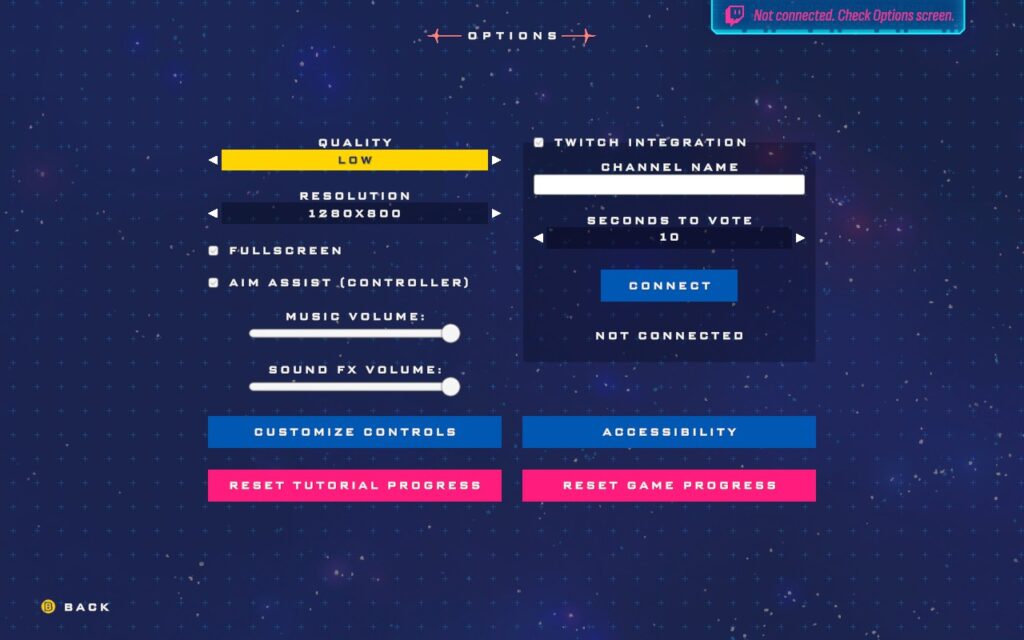
Unfortunately, I could not get the performance overlay to appear in screenshots, even when using an override command. However, I am providing the statistics in text form, and the performance is essentially locked at the frame cap for both settings.
The "Low" setting allows us to keep our TDP limit down to 10W, putting the battery drain at about 15W - 18W, depending on your zone and how many enemies there are. It's an almost locked 60 FPS using SteamOS with occasional stutters when leveling up. You can expect around 2 hours of battery life from it. Temperatures varied between 65C and 75C.
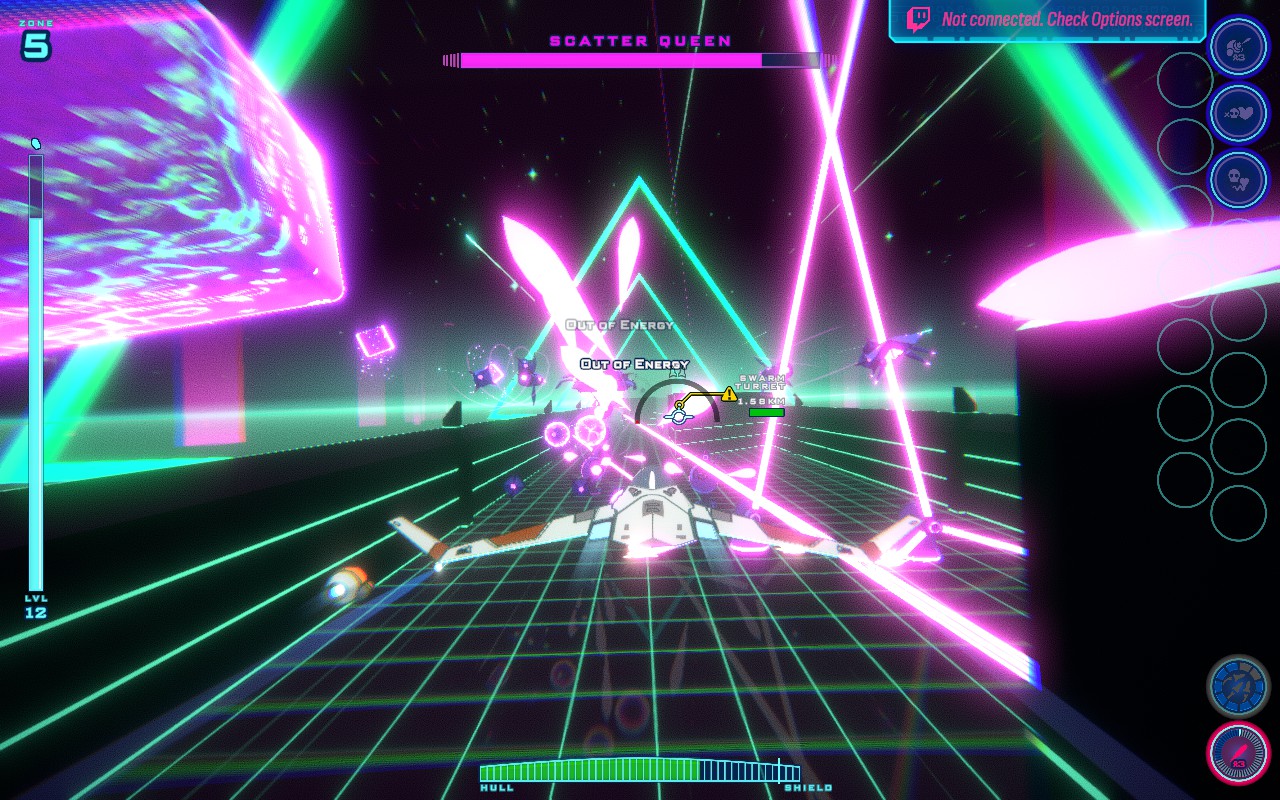
While the battery life of 2 hours is pretty low, the 60 FPS settings get my recommendation because this is a play-and-set-down game. You likely aren't going to spend more than 2 hours on it in one sitting, and the 60 FPS is nice when playing a game as fast-paced as this.
We opt for a 40 FPS/Hz lock on the battery-saving settings instead of 30 FPS. Whisker Squadron: Survivor is a pretty fast-paced game, and it just doesn't feel very good when running at 30 FPS, but acceptable at 40 FPS. Plus, we barely save any battery by dropping down to 30 FPS.
By running at 40 FPS, we can lower the TDP Limit to 6W, putting our average battery drain around 10W - 12W for around 3 hours of battery life. Temperatures also drop to around 60c - 65c.
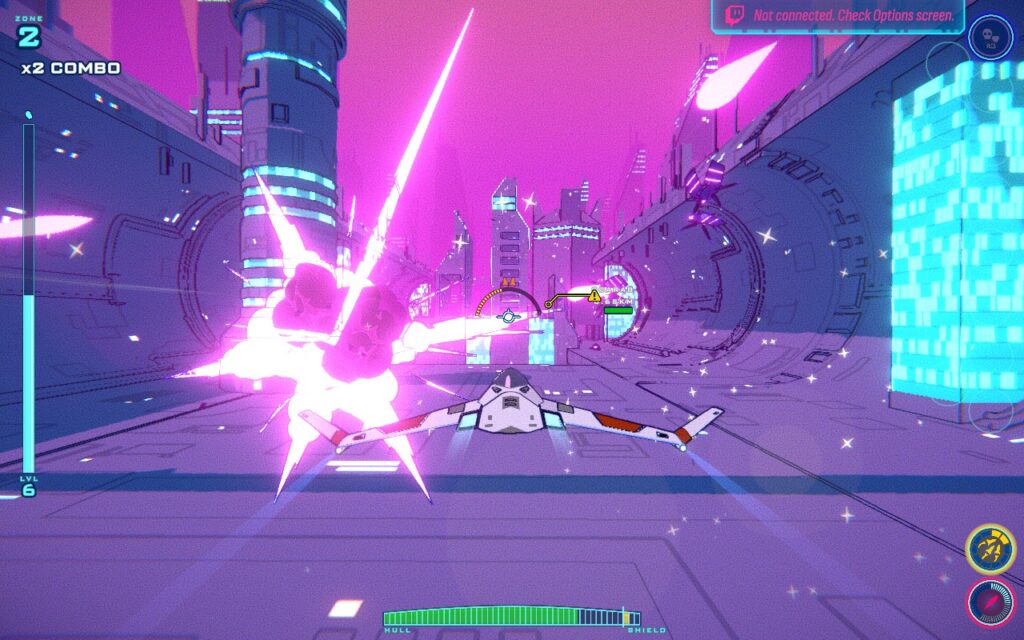
I was disappointed we couldn't get more than 3 hours of battery life out of the game while keeping the gameplay enjoyable. Given the game's stylized look and its somewhat basic nature, I thought it would be easy to run, but that doesn't seem to be the case. If you are running on the highest settings, even a 15W TDP Limit doesn't hold 60 FPS on the Steam Deck.
Whisker Squadron: Survivor has a few accessibility options in the menu. The game has no "difficulty" settings per se, but it does have the option to reduce incoming damage from enemies, as well as to make the game speed slower for more reaction time. There's also the option to disable screen shaking if that causes headaches for you.
I love survivor-like games. Their gameplay loop is satisfying and always pushes you to improve and do a little better each time. Whisker Squadron: Survivor encourages this by saving your high score and the furthest you've ever gotten on that map, challenging you to beat your personal bests. It's an easy-to-understand game that you can jump right into. The game is still in early access as I write this review, but I'm excited to see where the developers will take the game in the future.
Best of all, it plays beautifully on the Steam Deck, holding a "Verified" Steam Deck compatibility rating, and deserves it. It also has a "Very Positive" rating on Steam, which I greatly agree with.
Our review is based on the PC version of this game.
If you enjoyed this review, be sure to check out the rest of the content on SteamDeckHQ! We have a wide variety of game reviews and news that are sure to help your gaming experience. Whether you're looking for news, tips and tutorials, game settings and reviews, or just want to stay up-to-date on the latest trends, we've got your back.
RoboCop: Rogue City was provided by Nacon for review. Thank you!
My experience with the RoboCop franchise was pretty limited going into RoboCop: Rogue City, only having watched the 2014 film near the time it was released. I feel as though this put me at somewhat of a disadvantage, as this is an obvious love letter to fans of the series. I share the sentiment of many that I've seen talk about this game, if you're a fan and enjoyed the original films, you will find a lot of love here, but if you aren't, this game won't make you one.
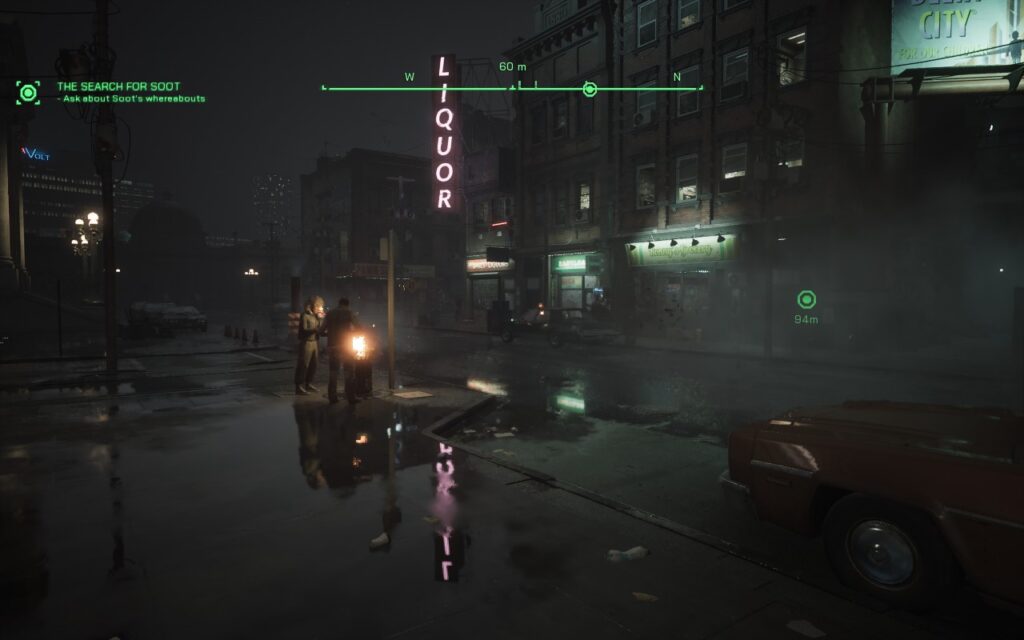
Despite being an "open area" title, the gameplay loop is linear. You're always on a "main mission," and there are sidequests or secondary objectives that you can complete. When finishing the primary objective and leaving the area, you will be warned that you will lose access to the sidequests you haven't yet completed. For better or worse, RoboCop: Rogue City is a short experience, with a casual playthrough likely lasting around 8.5 - 10 hours.
While I did find the graphics impressive, I wasn't particularly blown away by the gameplay itself. The enemies seem quite repetitive near the start of the game. In the first couple of hours of gameplay, you will only meet 1 enemy type, with them wielding 3 different weapons: a Pistol, SMG, or Assault Rifle. Then, suddenly, you'll get an influx of new enemy types, which adds some much-needed variety. The AI is quite decent, they'll take cover and throw grenades from time to time to deal extra damage. I did find the difficulty of the game relatively high, even on the lowest setting.
As for the gunplay, it feels stiff, although that was the most likely the intention, given the fact that you are an actual robot. It's somewhat difficult to do fine movements with your gun, at least on a gamepad, and you often just shoot in the vague vicinity of an NPC, letting the auto-aim assist you in accurately hitting your target. It almost feels as though there is 8-way directional aiming. Against normal enemies, it can make you feel a bit overpowered, which drives home that you are not fully human. There are a few weapons at your disposal, gained from picking them up off of defeated enemies.
One thing I did find rather annoying, however, is that when carrying a weapon, you can't simply walk over another weapon of the same type to refill your ammo, like almost every other modern FPS title. In RoboCop, you have to look at the weapon on the ground and press X on it to refill your ammo, which feels a bit jarring.
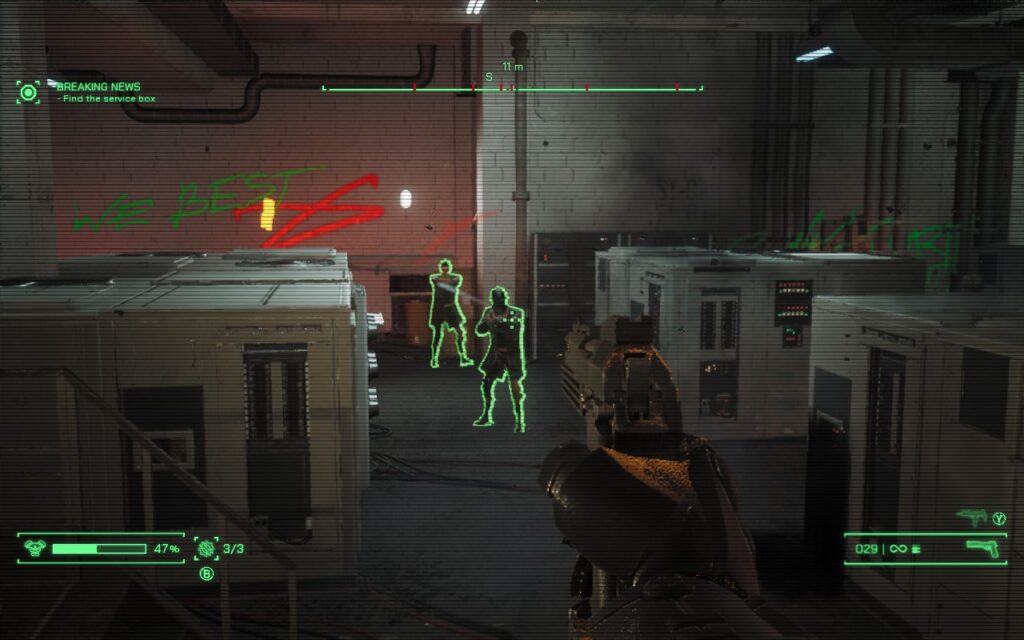
RoboCop also features a level-up system, allowing you to gain experience and spend points to gain skills you can use in a pinch. These vary from allowing you to activate a temporary shield to shockwave blasting nearby enemies to being able to interact with various objects in the environment for either gaining health or completing additional objectives.
I won't spoil the storyline here, but it's reasonably generic stuff, nothing special, but not terrible. It serves its purpose as far as the game goes, which puts the gameplay above all else.
RoboCop: Rogue City is an Unreal Engine 5 title, which are becoming increasingly popular now. Unfortunately, many UE5 titles do not play well with older hardware, particularly hardware that struggles with Ray-Tracing. Fortunately, it does give us an extensive range of settings to tweak, so we can get it to a playable state on the Steam Deck.
The menus support gamepads, making them easy to navigate on the Deck. We have support for 16:10 resolutions, so the Deck's native 1280x800 resolution is on the cards here. Sadly, there's no UI scaling in this game, meaning we're stuck with what we have when it comes to text size, which can sometimes be small.
I also experienced a crash while playing the game with some gameplay to cutscene transitions. This isn't a Steam Deck exclusive issue, though, and the game simply doesn't handle scene transitions all that well. In my case, I could simply reboot and click "Continue" on the main menu, and it placed me after the scene transition that crashed. I didn't lose any progress, but I can't guarantee that'll always happen.
Upon booting RoboCop, we're presented with a rather intensive main menu, which, on the max settings that the game defaulted me to, ran at less than 20 FPS.
The quickest way to set the recommended settings is to go ahead and put yourself on the "Low" preset, then make sure you're using FSR 2.2 and is set to "Balanced." Make sure you scroll down to the bottom and change the Reflection Method to SSR, not Lumen, as Lumen is a UE5 feature that is too intensive for the Steam Deck here. We're also upping Textures to "Epic," as we have enough VRAM to handle this.
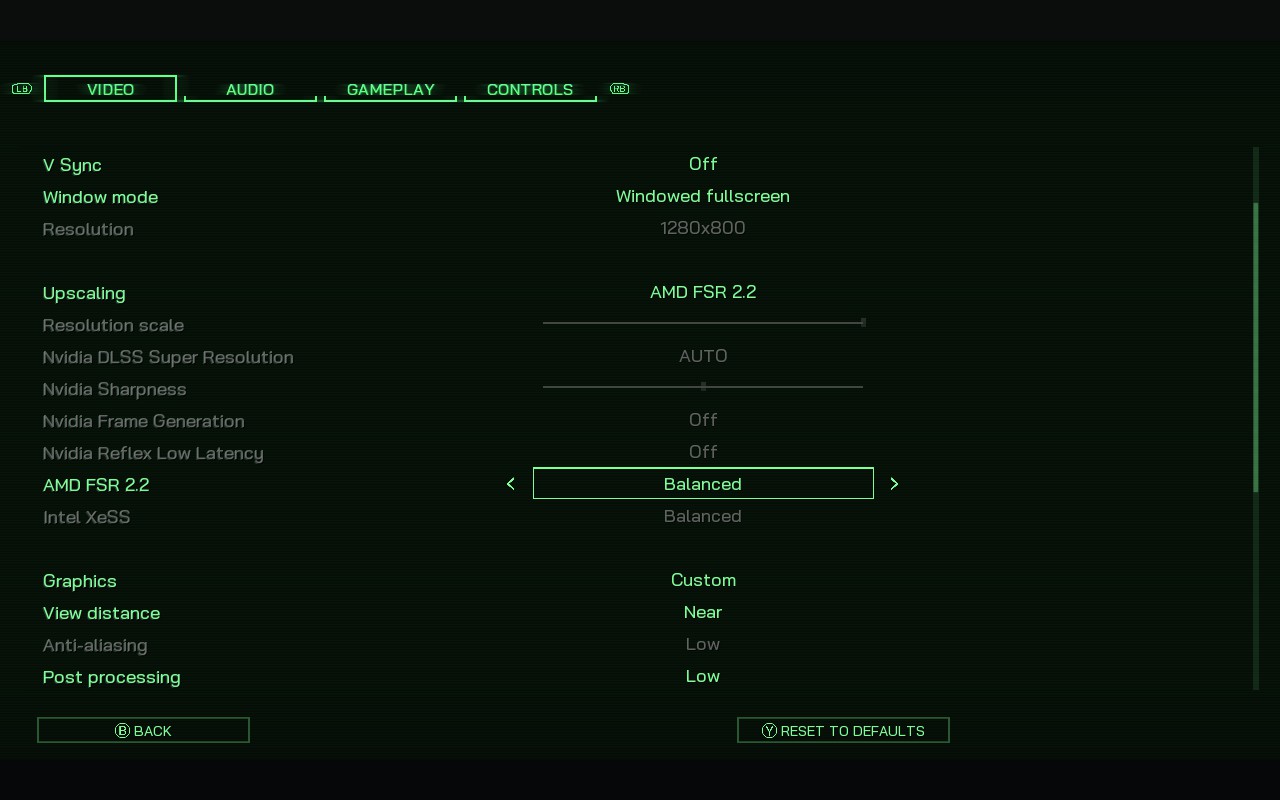
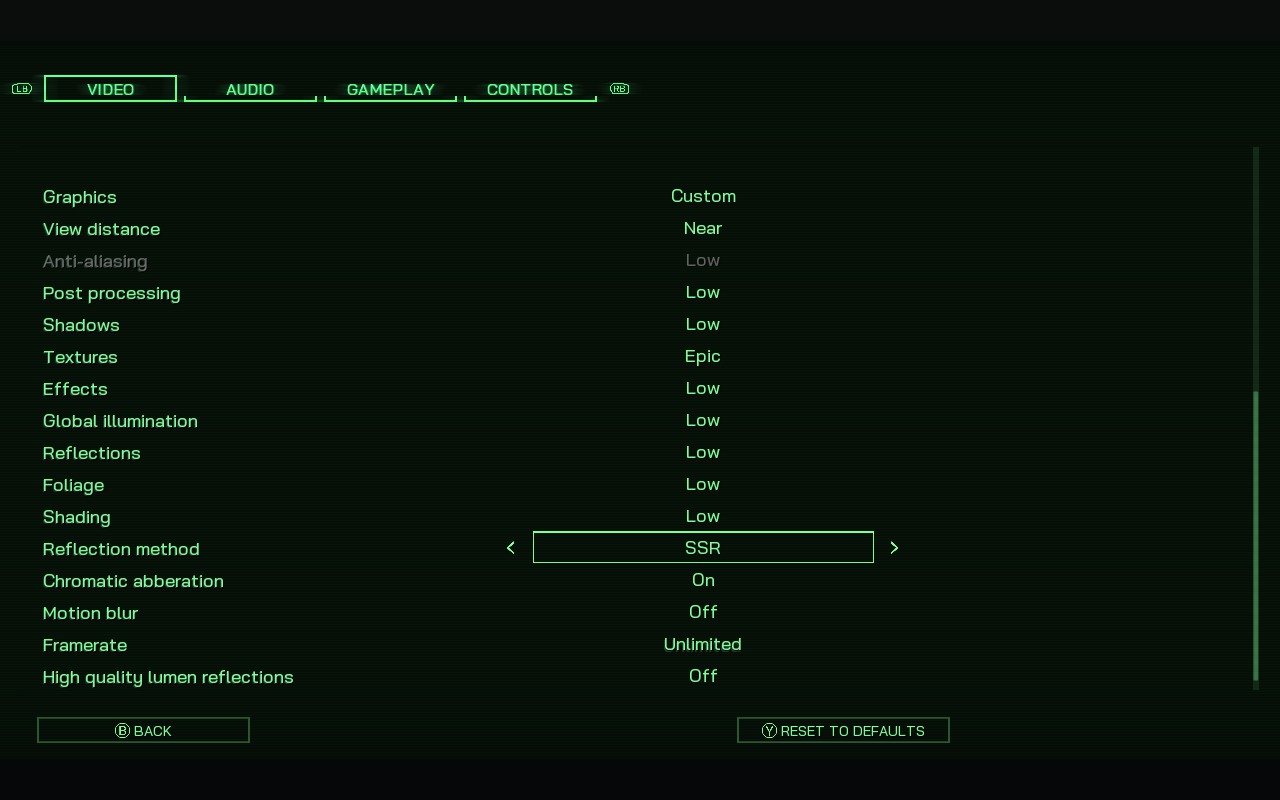
As you might expect, in SteamOS, we're locking the frame rate to 30 FPS, with no TDP limit.
RoboCop: Rogue City is a very intensive title to run, so even on these low settings, we're drawing 18W - 20W from the battery, giving us around 2 hours of battery life. And while the game does maintain 30FPS for most of the time, when a lot of action is on screen, mainly explosions and other particle effects, the FPS can drop into the mid-20s. Fortunately, these particles usually only last a few seconds, and the FPS recovers once they're gone.
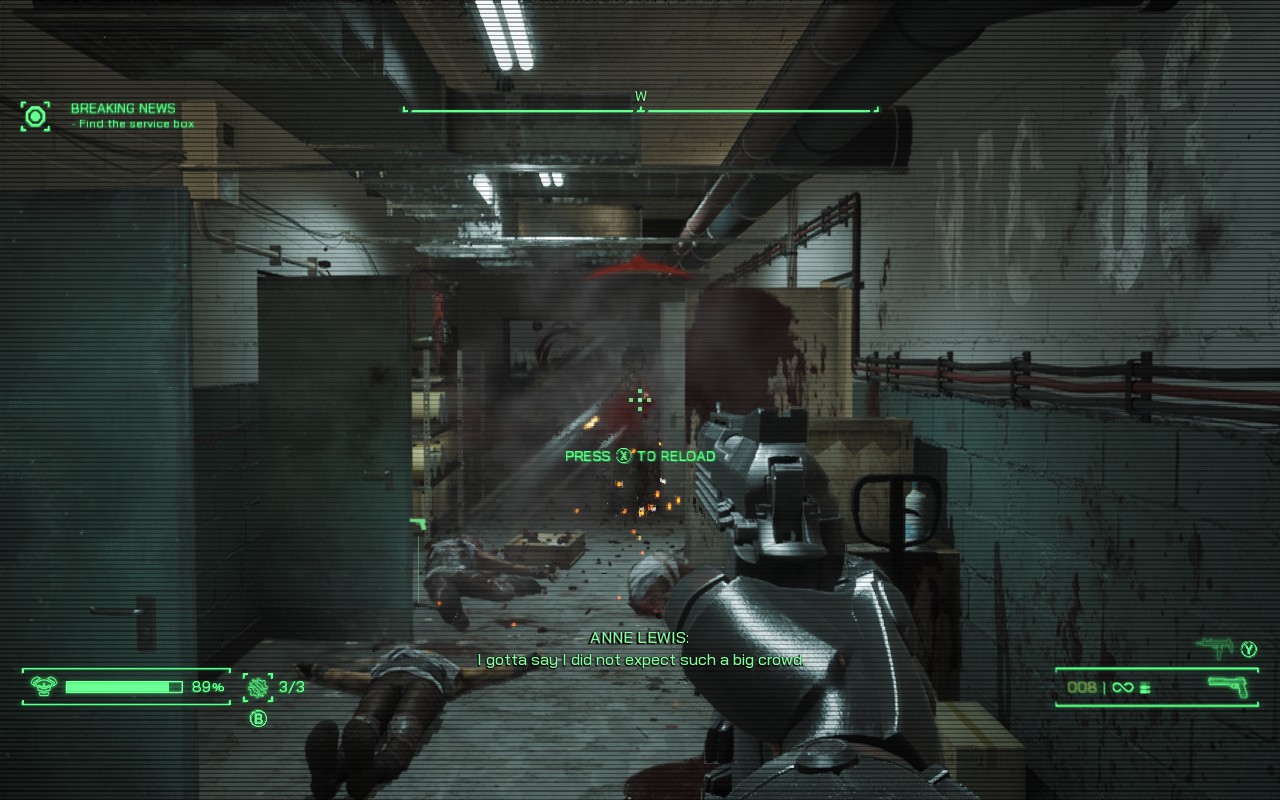
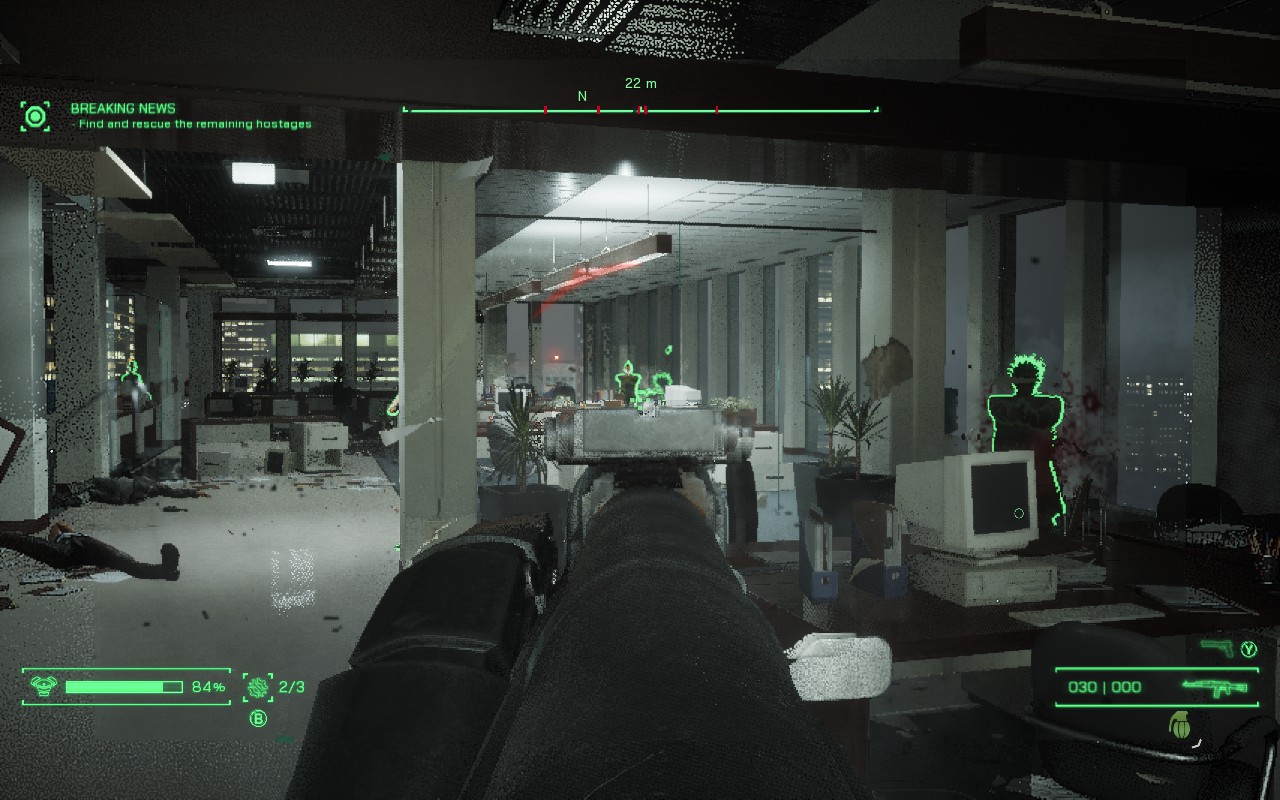
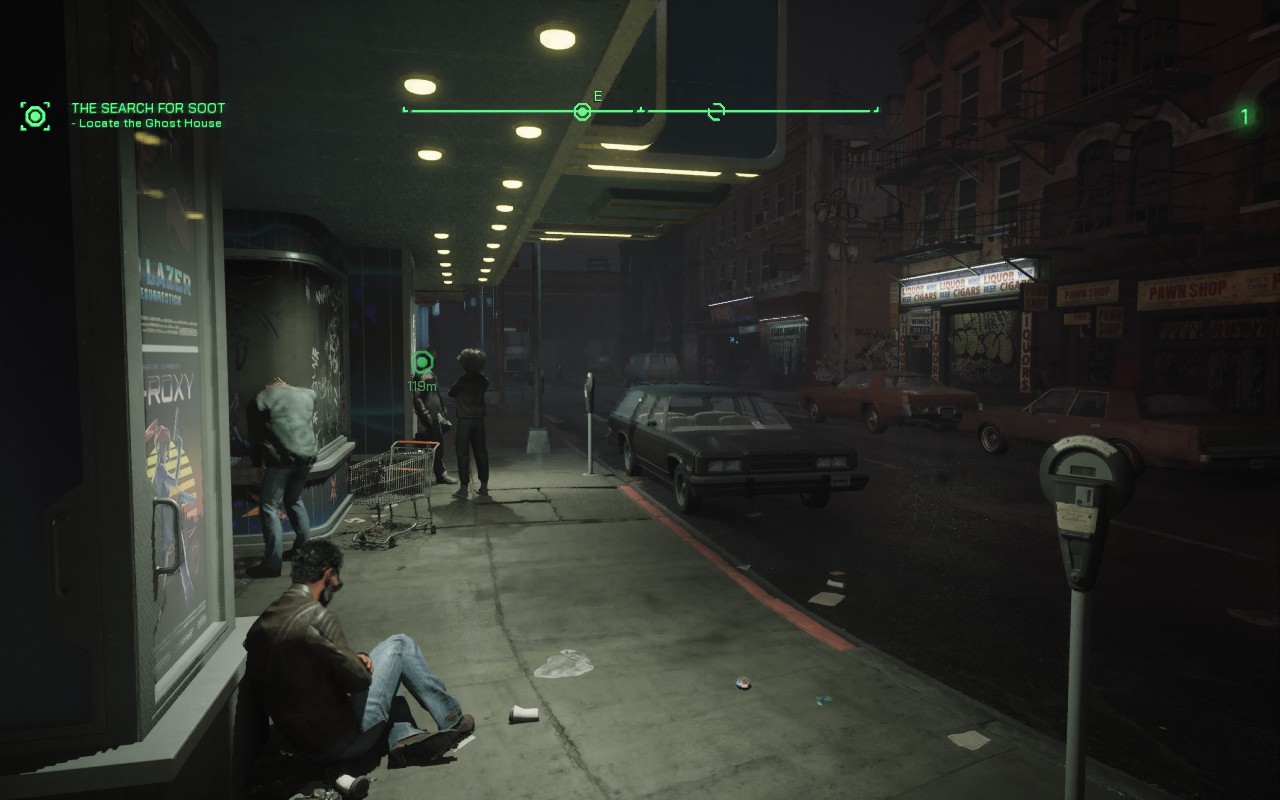
While dropping from 30 FPS isn't ideal, you could lower the FSR scaling to "Performance," but that would make the visuals look much worse. I'd rather have a decent-looking title that loses some frames here and there while quickly recovering. Given the slow nature of character movement, I feel like framerate drops in RoboCop aren't as egregious as they would be in a faster-paced game. There are more drops during cutscenes than actual gameplay though, so be prepared.
FSR 2.2 holds up surprisingly well, and even on Balanced, we get what I'd describe as perfectly acceptable image quality. The most noticeable issue is the reflections on certain surfaces which, as you can see below, can become a bit noisy when moving
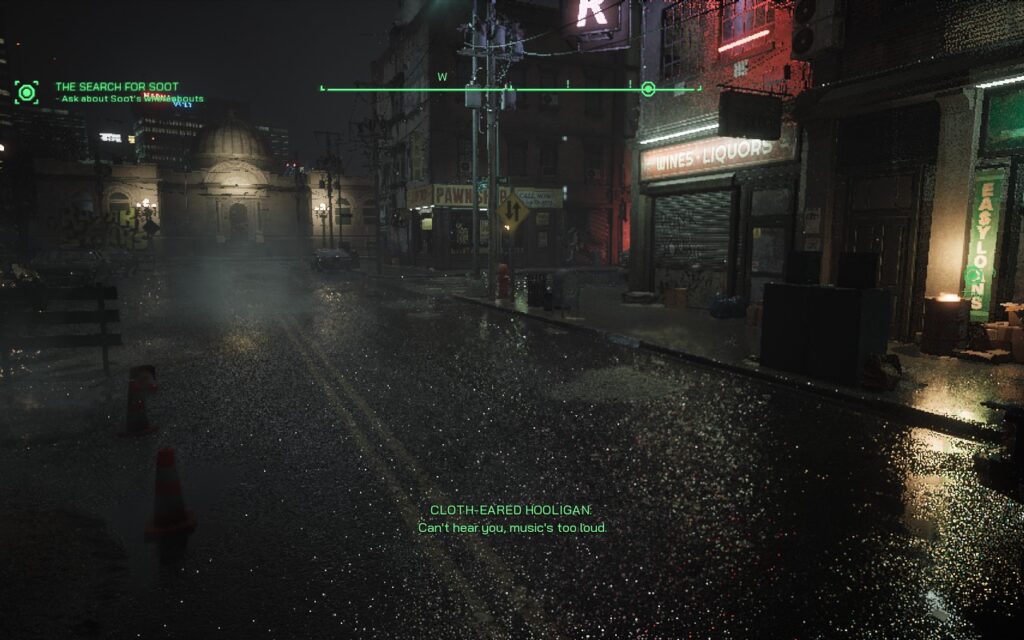
RoboCop: Rogue City has almost no accessibility options unless you count adjusting controller sensitivity and removing motion blur/chromatic aberration.
While I feel as though RoboCop: Rogue City wasn't a game that was made for someone like me, I did enjoy the fairly simplistic combat that the game offers. Walking into a room and feeling like an overpowered tank does have an appeal to it. Sadly, it lost that luster after I walked into the 50th room doing the same thing. It holds up surprisingly well visually on the Steam Deck, and despite the FPS drops here and there, I'd view it as a "playable" experience, if not an ideal one.
If you're a fan of the RoboCop universe, then this is a great game for you. If you aren't, then there may be some better options available with better overall performance or more varied gameplay. Either way, there are a solid amount of compromises to make to play on the Deck, which may be worth it depending on how much you enjoy the franchise.
Our review is based on the PC version of this game.
If you enjoyed this review, be sure to check out the rest of the content on SteamDeckHQ! We have a wide variety of game reviews and news that are sure to help your gaming experience. Whether you're looking for news, tips and tutorials, game settings and reviews, or just want to stay up-to-date on the latest trends, we've got your back.
Gangs of Sherwood was provided by Nacon for review. Thank you!
The tale of Robin Hood and his merry men is a tale I grew up with, thanks to Disney and his mission to steal from the rich and give to the poor. Even so, there is something quite intriguing about seeing the classic story I grew up with re-imagined. And with Gangs of Sherwood, I can say that it is an enjoyable experience when playing with friends, but it definitely has some issues that do make it hard to choose this game over similar ones.
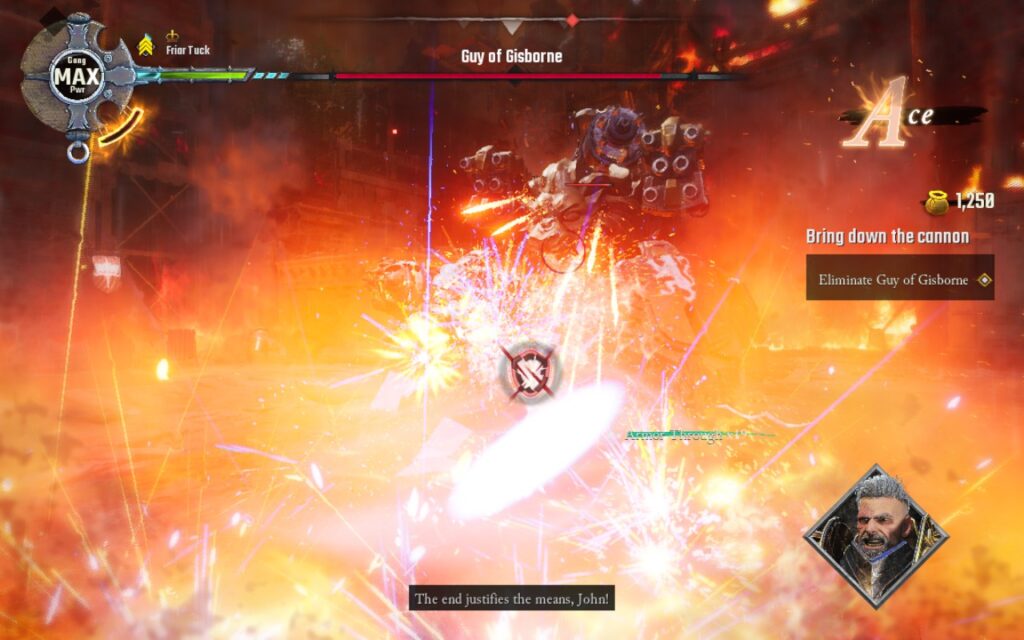
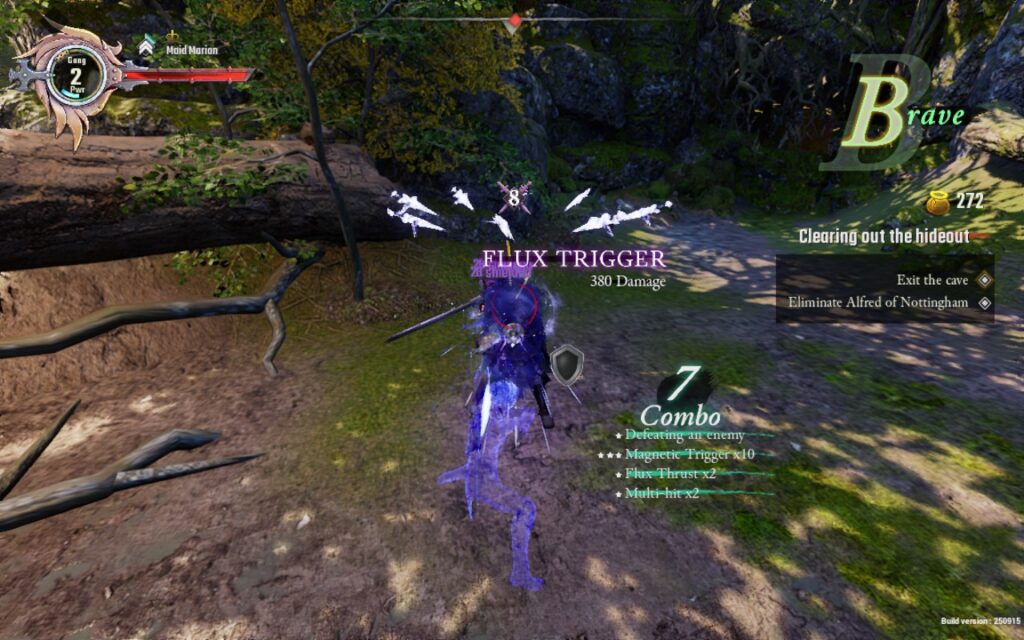
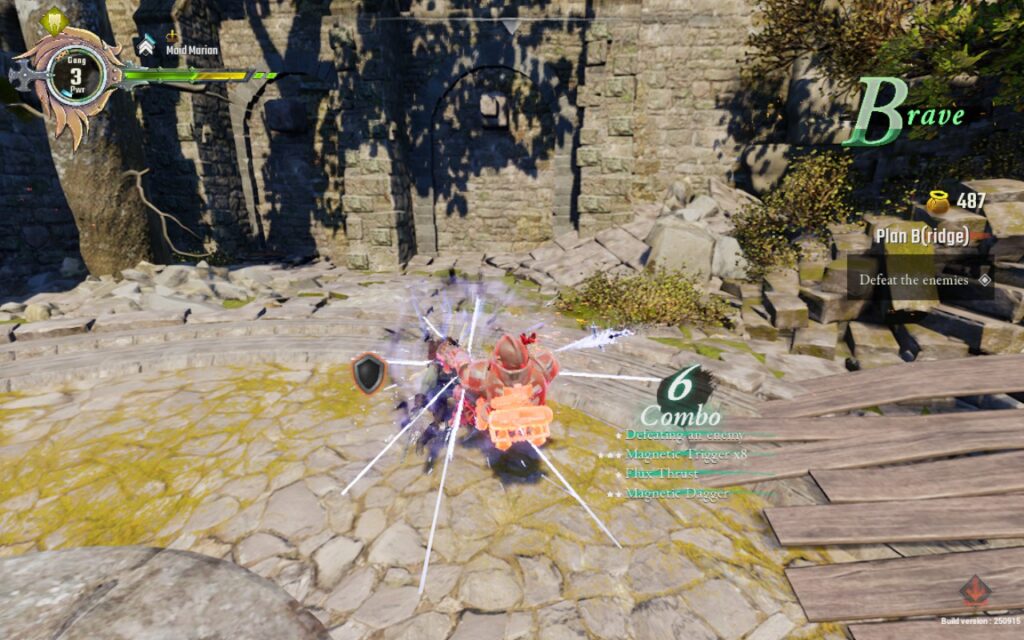
The core gameplay will have you choose one of four unique characters, the core Robin Hood team, and go through different stages to play through the story. As you progress, you will fight enemies using two different types of attacks with special abilities, get the money that will level up your team at checkpoints in stages, and explore stages. Each combat scenario has a letter grade that increases, similar to Devil May Cry's combat grading, and you can get more currency the better you do. The money can be used afterward to rank up, which will unlock new abilities and buy new skills and attacks to use in-game.
The core gameplay of Gangs of Sherwood itself is quite enjoyable, and each character is interesting, with different strategies involved in using them. For example, Robin Hood can create floating arrows you can shoot at an enemy all at once, which does massive damage, and Friar Tuck can charge all of his attacks to send projectile waves or shockwaves through the ground with flames erupting. The game itself looks phenomenal, too. The world and visuals are outstanding, and I love the new designs of the protagonists.
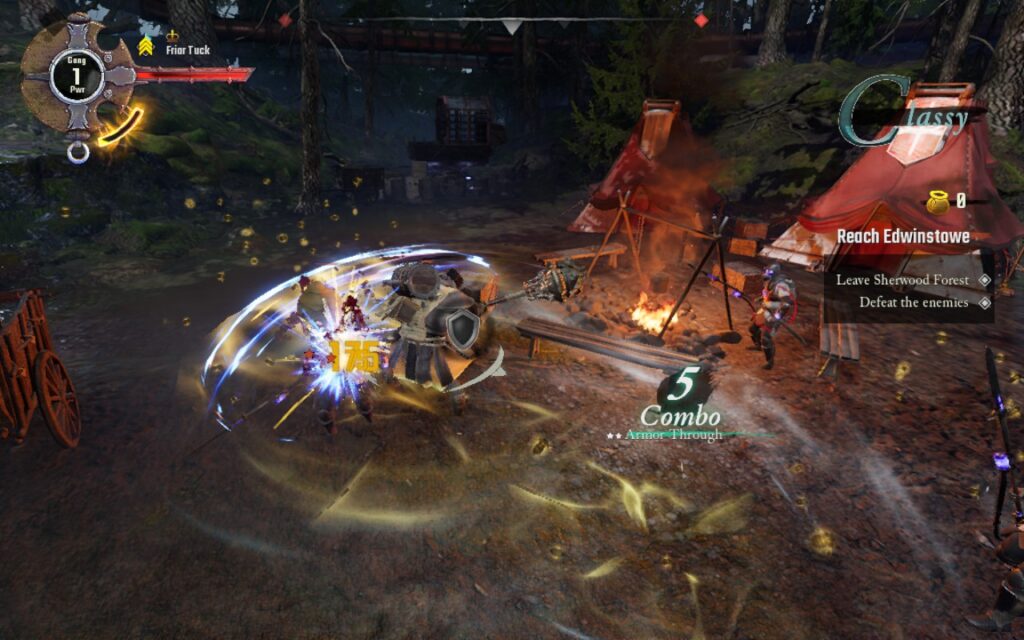
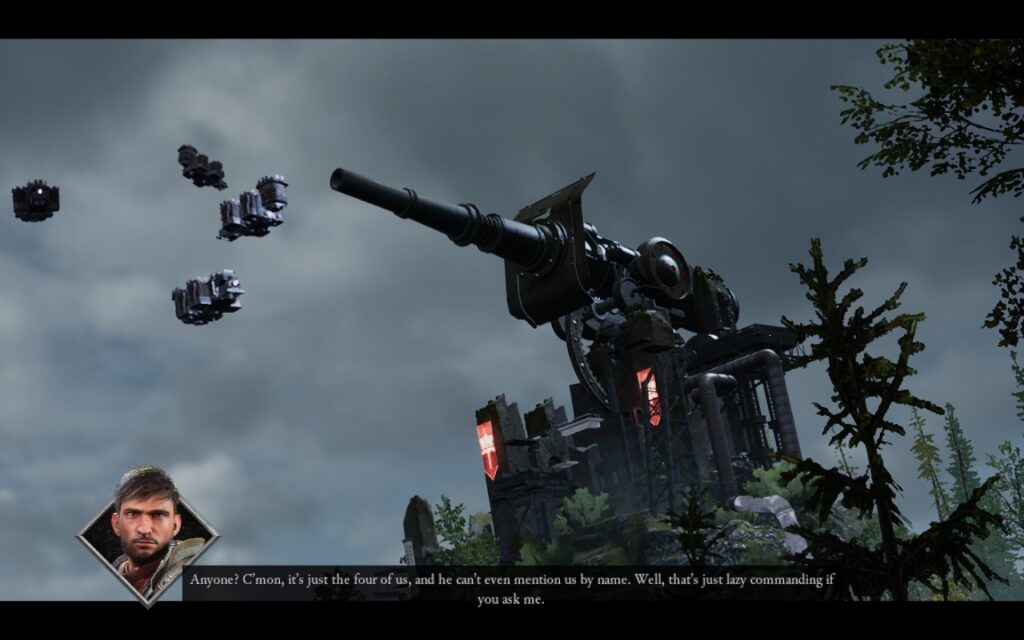
Ultimately, the game feels short, with only three acts and three missions in each of them for a total of 9 story missions. It can also feel very repetitive due to the enemies being re-used and the missions all having a similar structure. It is also quite boring to play alone, but I did enjoy playing alone when I did. And then we have a performance on the Steam Deck, which isn't the best.
Unfortunately, while Gangs of Sherwood can be fun, it won't be as enjoyable on the Steam Deck. It is a very heavy game to run, and it shows. On the lowest possible settings, the game runs between 26 - 30 FPS without any TDP limit. I did try setting a limit to see if maybe the game just drained more than it should, but unfortunately, any limit saw some decrease in performance.
I also noticed that some videos that show how certain skills are used don't play with the stable Proton version from Valve. Oddly enough, both Proton Experimental and Proton GE do fix the videos, but TDP caps at around 14W, not allowing the game to utilize the power it needs. And since the game needs as much power as it can get, we will need to stick with the stable proton branch.
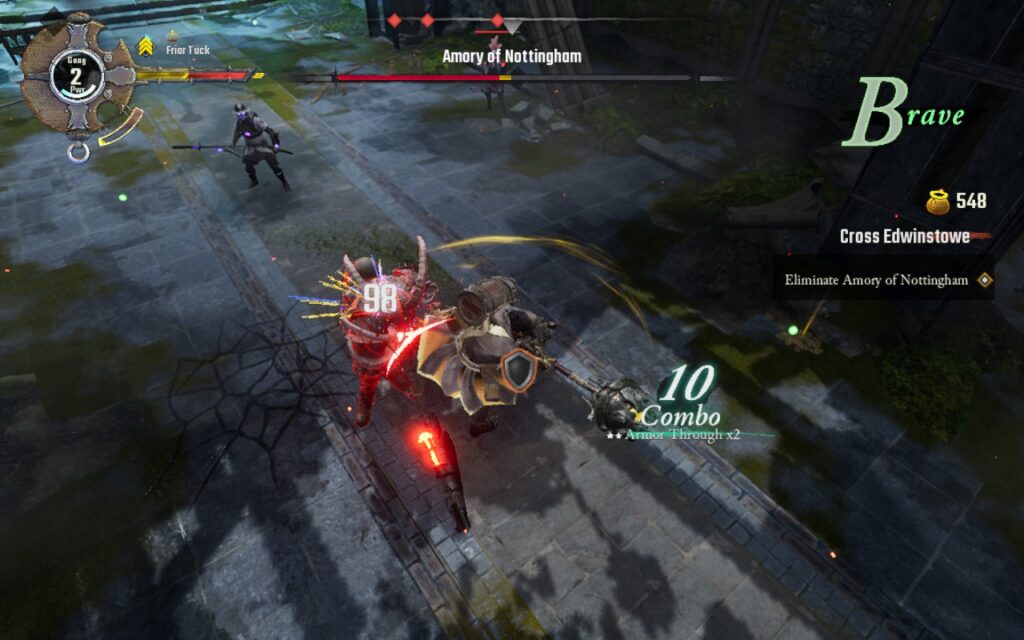
There's also a lack of accessibility features in Gangs of Sherwood. You can change language and audio settings, but that's about it. I would have loved to see UI scaling or text/subtitle enlargement, but it is still readable.
The game does support 16:10 resolutions when in-game, so there aren't any black bars, and it does have full controller support and cloud saves.
Gangs of Sherwood is a decent co-op action game that features some enjoyable combat and gorgeous visuals. Playing alone is possible and can be enjoyable, but it does have some issues with repetitive enemies and a short campaign, making me wish there was a bit more to enjoy. It is playable on the Steam Deck, but it will need the lowest settings and no TDP limit. It does dip to 26-28 FPS here and there, but I didn't notice the drops as much in the heat of the moment and still found myself enjoying the adventure.
Our review is based on the PC version of this game.
If you enjoyed this review, be sure to check out the rest of the content on SteamDeckHQ! We have a wide variety of game reviews and news that are sure to help your gaming experience. Whether you're looking for news, tips and tutorials, game settings and reviews, or just want to stay up-to-date on the latest trends, we've got your back.
After a long time of waiting, Overwatch 2 has finally arrived on Steam. So, what does this famous Free-To-Play Hero Shooter bring to the table?
There are over 30 characters or "heroes" to choose from, each with their own unique moves and playstyles, so you should be able to find one that fits how you like to play. Characters are split into 3 main classes: Tanks, Damage, and Support. My favorite is damage, but it's up to you how you want to play the game. This is a fast-paced and competitive first-person shooter, so having good reflexes and stable performance is essential. We're also treated to cross-play and cross-progression, so if you've been used to playing the game on consoles or over on Battle.net, you can carry on your progress on Steam.
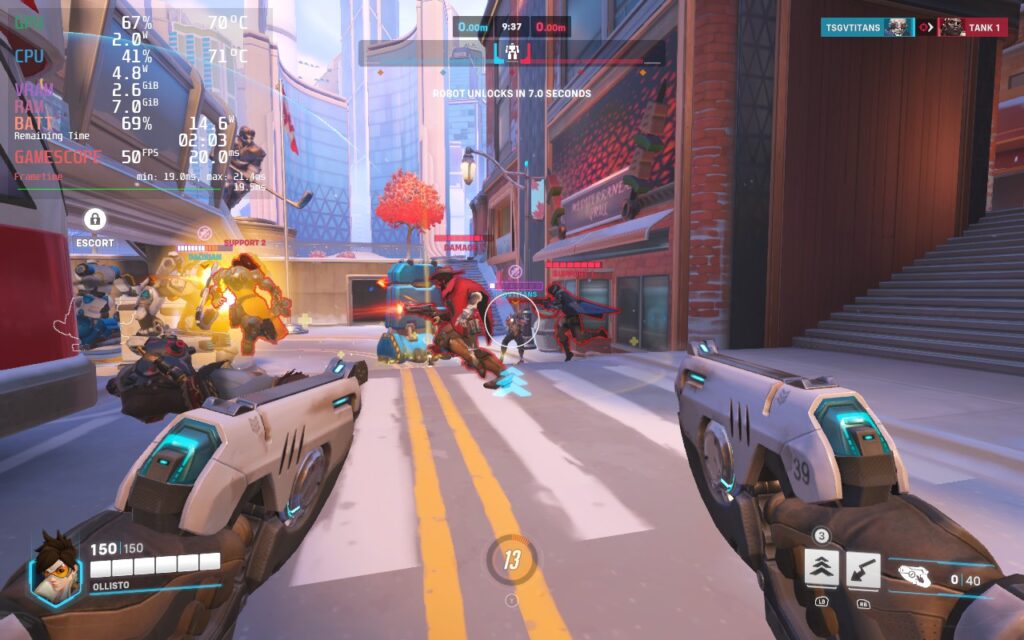
Given that Overwatch 2 is widely known as an eSports title, you'd imagine it's pretty optimized, right? Well, let's see how it performs on the Deck.
Things get off to a decent start. The default controller layout works well, and menus can be controlled with the D-Pad or Analog stick. There is native support for 16:10 resolutions, including the Steam Deck's native 1280x800, and text is also reasonably sized and perfectly readable on the Deck's display.
But how well does the game run? Ideally, we want a 60 FPS experience, and that's exactly what we can get with the Deck.
60 FPS is fairly easy to achieve on the Steam Deck. For this, we simply set the game to its "High" preset to get a good baseline. Then we change "Dynamic Render Scale" to Off, change "Render Scale" to Custom, and set it to 100%. Then set the Frame Rate to Custom, and set that to 60. In the Graphics Quality tab, we're also lowering AA to use FXAA and not SMAA. Here are the settings in screenshot form if you want to see them for yourself. You can click to enlarge the images.
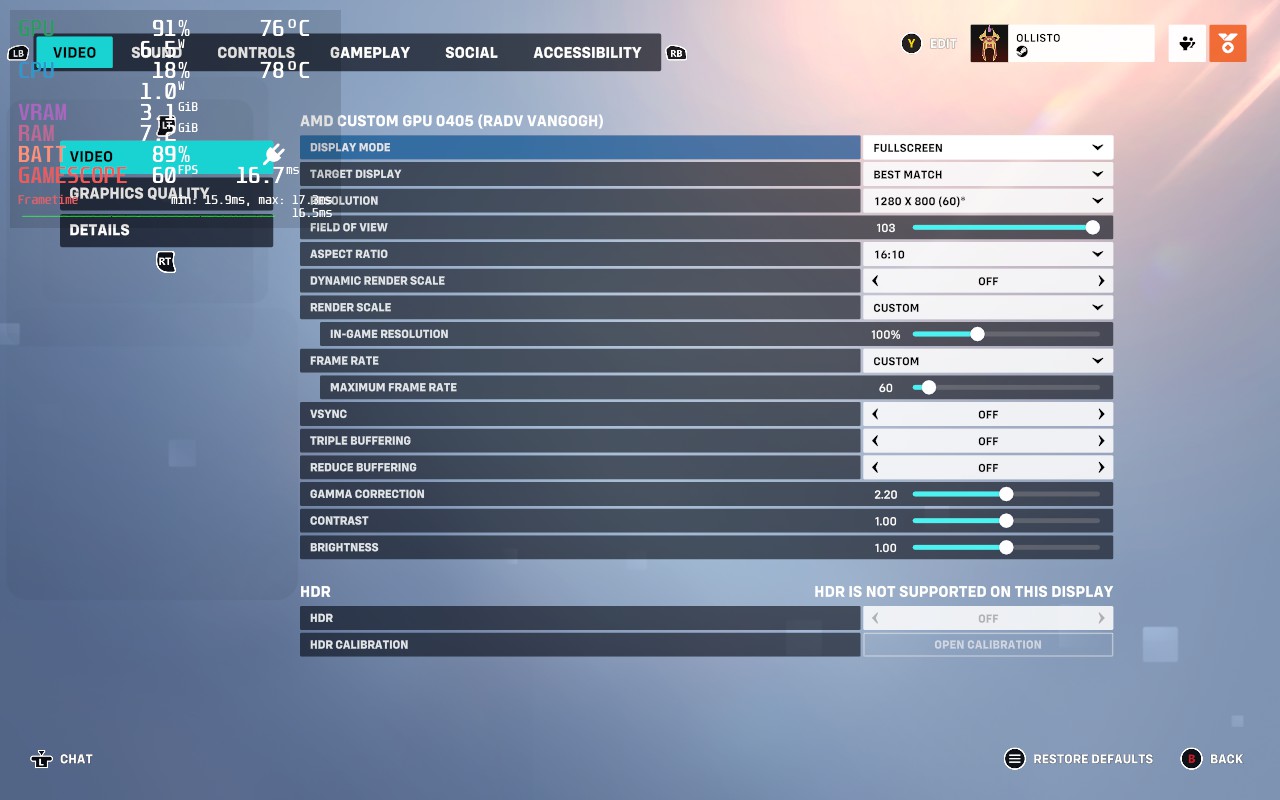
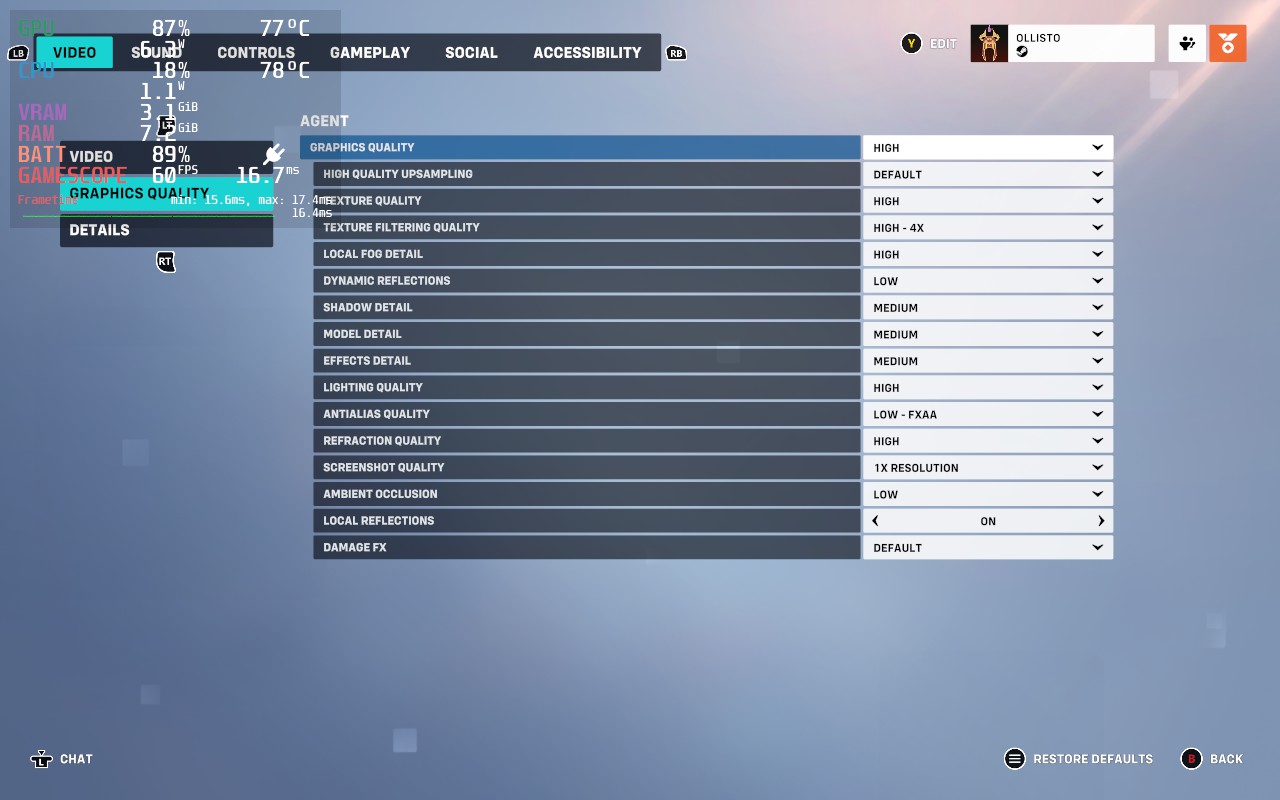
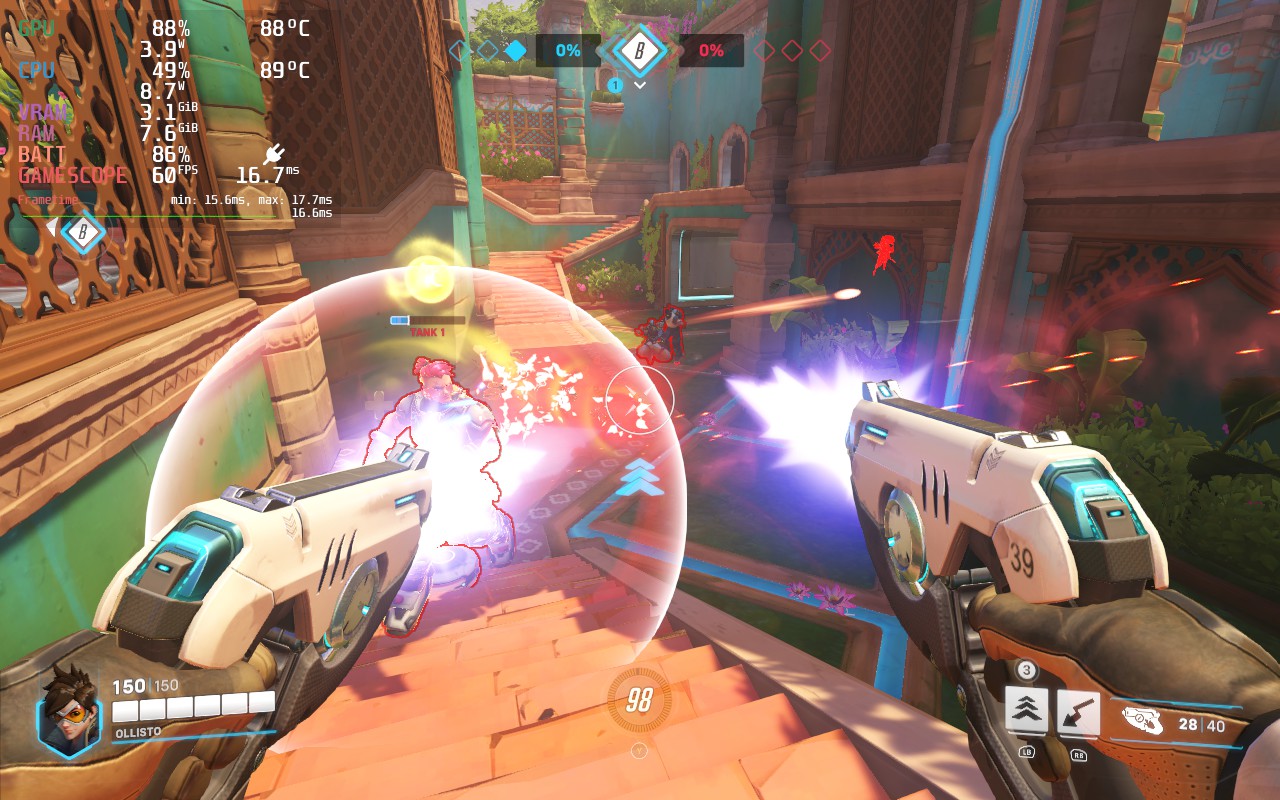
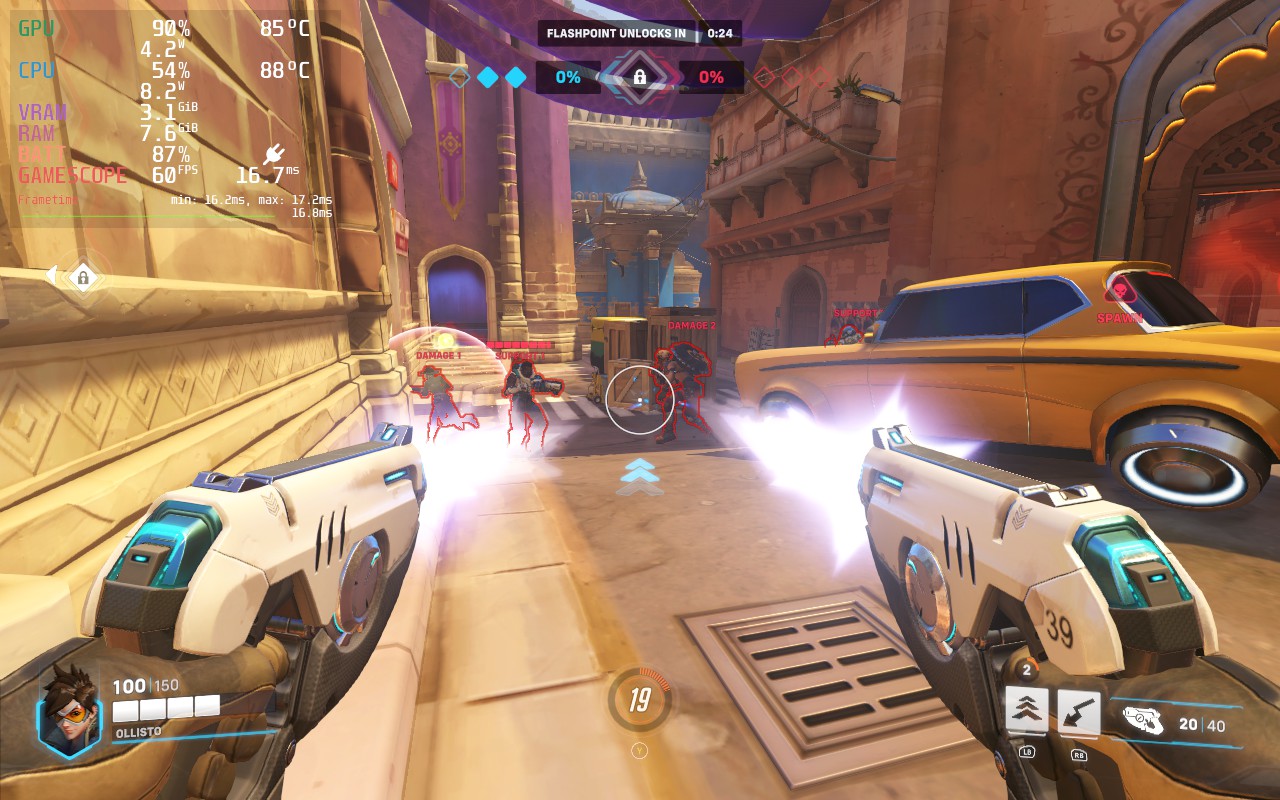
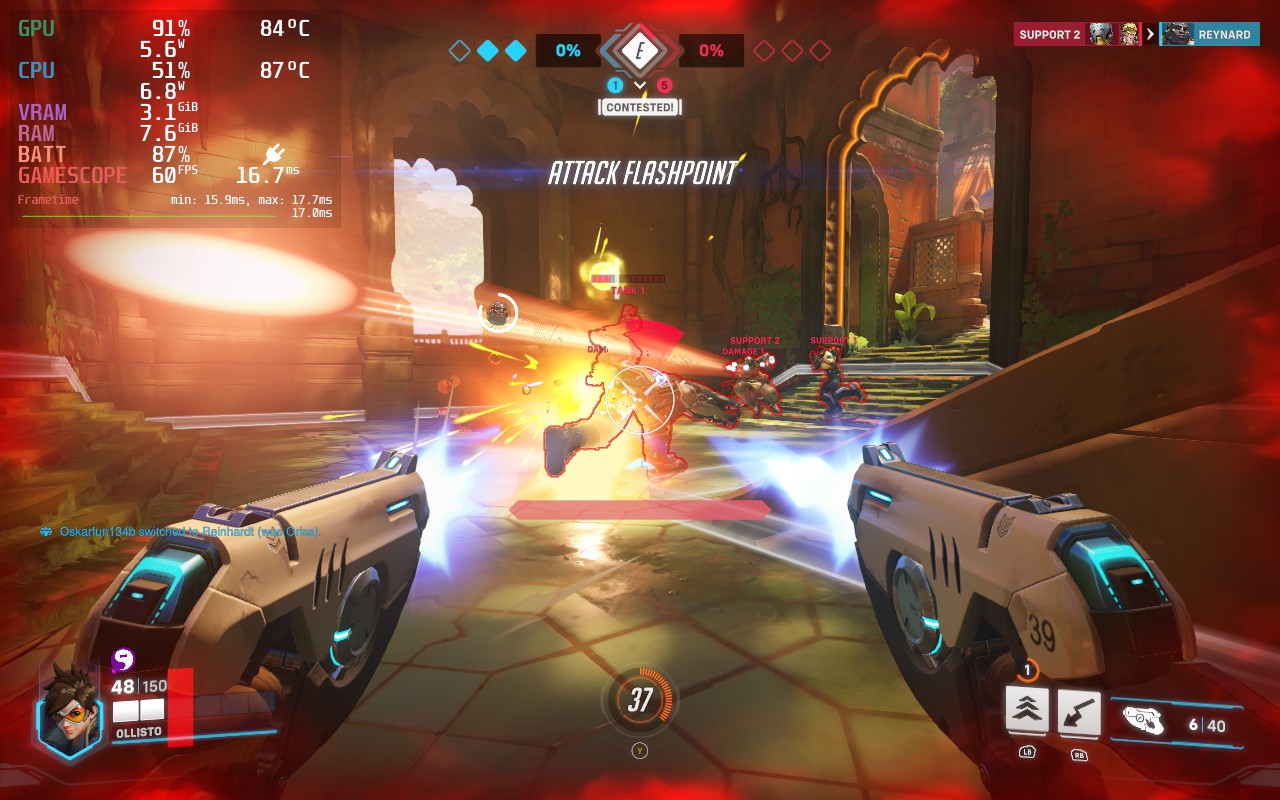
At these settings, I noticed basically no drops from 60 during 3 test matches. The downside, however, is that the battery life is very poor. You should expect no more than 90 minutes of battery life. The Deck can also feel pretty hot in your hands, reaching 90C often.
If you want settings that make the Steam Deck run slightly cooler, select the "Medium" preset, and then do the same as above: Dynamic Render Scale Off, Render Scale to Custom, 100%. Frame Rate to Custom, 60. FXAA is already used on the Medium preset, so we don't need to change this. The advantage of using Medium over High is that we can lower our TDP limit from 15W to 12W in the SteamOS settings. This buys us up to 30 minutes extra battery life, meaning you can possibly squeeze out 2 hours of gameplay. It also keeps the Deck cooler and more comfortable to hold, with temperatures usually holding around 80C and not 90C.
As this is a competitive game, we don't really want to drop the framerate too much. However, a drop to 50 FPS isn't too bad, and we can get some extra battery life out of the Steam Deck with these settings. In a similar fashion to the recommended build, select the "Low" preset, then set "Dynamic Render Scale" to Off, "Render Scale" to Custom, and set it to 100%. Then set the Frame Rate to Custom, and set that to 50. You'll also want to set your SteamOS Frame Rate lock and display to 50 FPS. Here are the settings again so you can copy them exactly. You can click to enlarge the images.
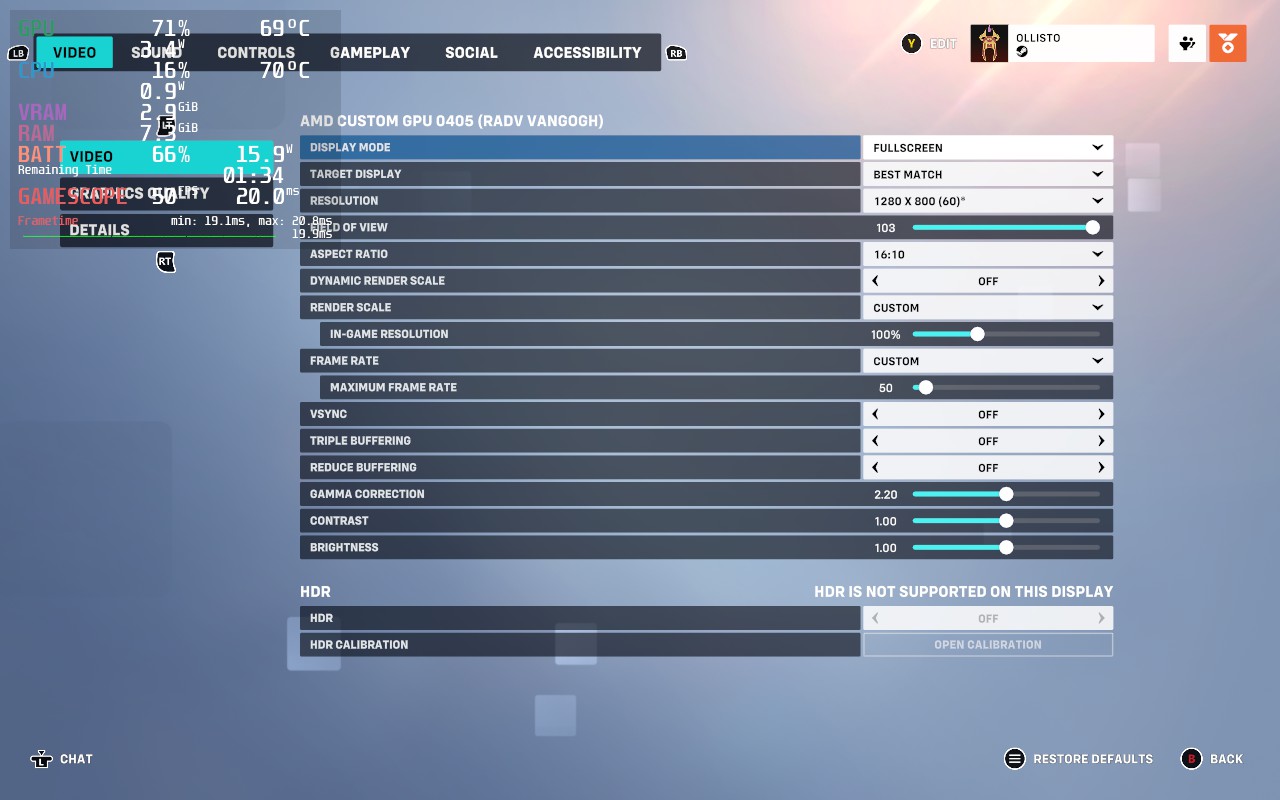
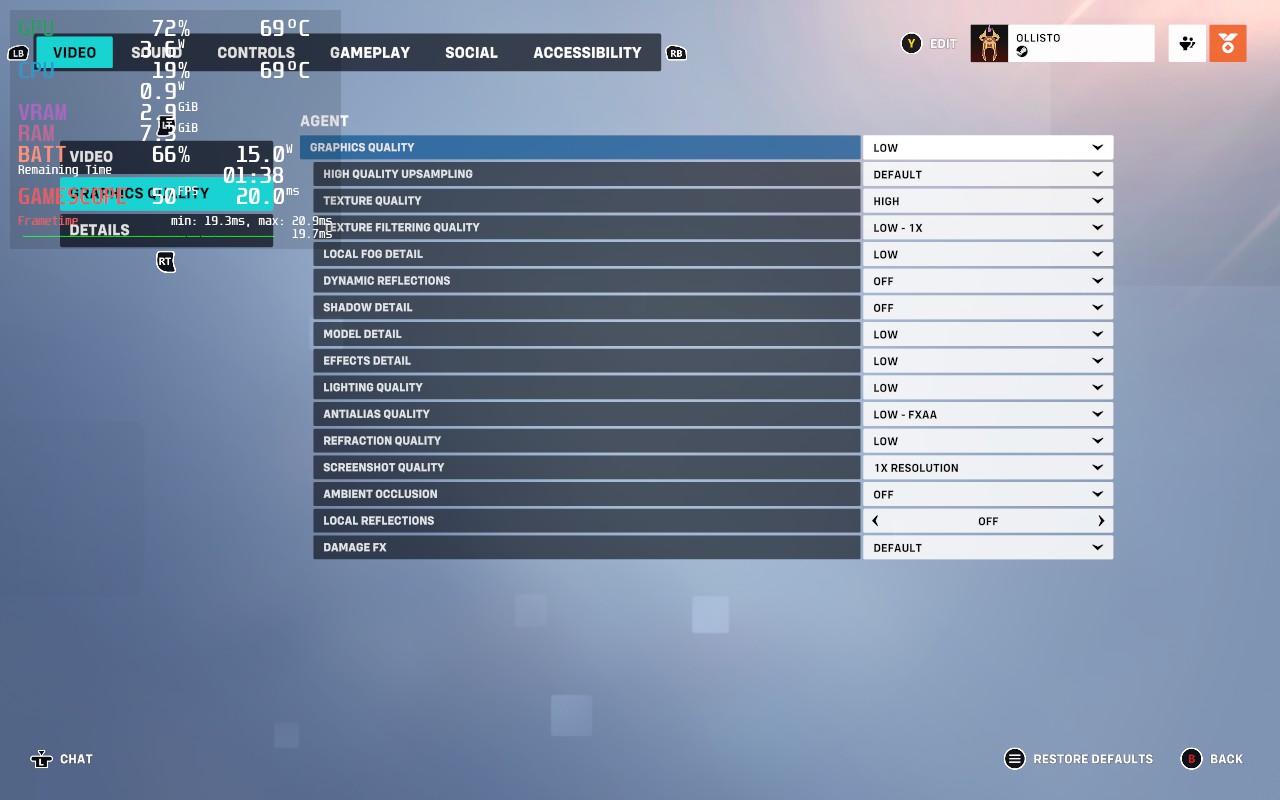
To get the extra life from our battery, we'll also be lowering our SteamOS TDP Limit to 9W. With these changes, the game may look a little worse, but we're increasing our battery life from about 90 minutes to almost 3 hours, close to doubling our battery life.
These aren't the absolute lowest graphics settings. We could lower the resolution or remove the FXAA. However, at this TDP, the Deck becomes CPU-limited rather than GPU-limited, so lowering our graphics wouldn't make the game smoother or improve battery life. Overwatch 2 seems to occasionally put a lot of stress onto a single CPU thread, so we still need a somewhat high TDP to keep the CPU happy.
Our framerate isn't quite as stable as it was with the 60 FPS build, but I struggled to notice it during gameplay. We're also a lot cooler here, running at about 70C instead of 90C.
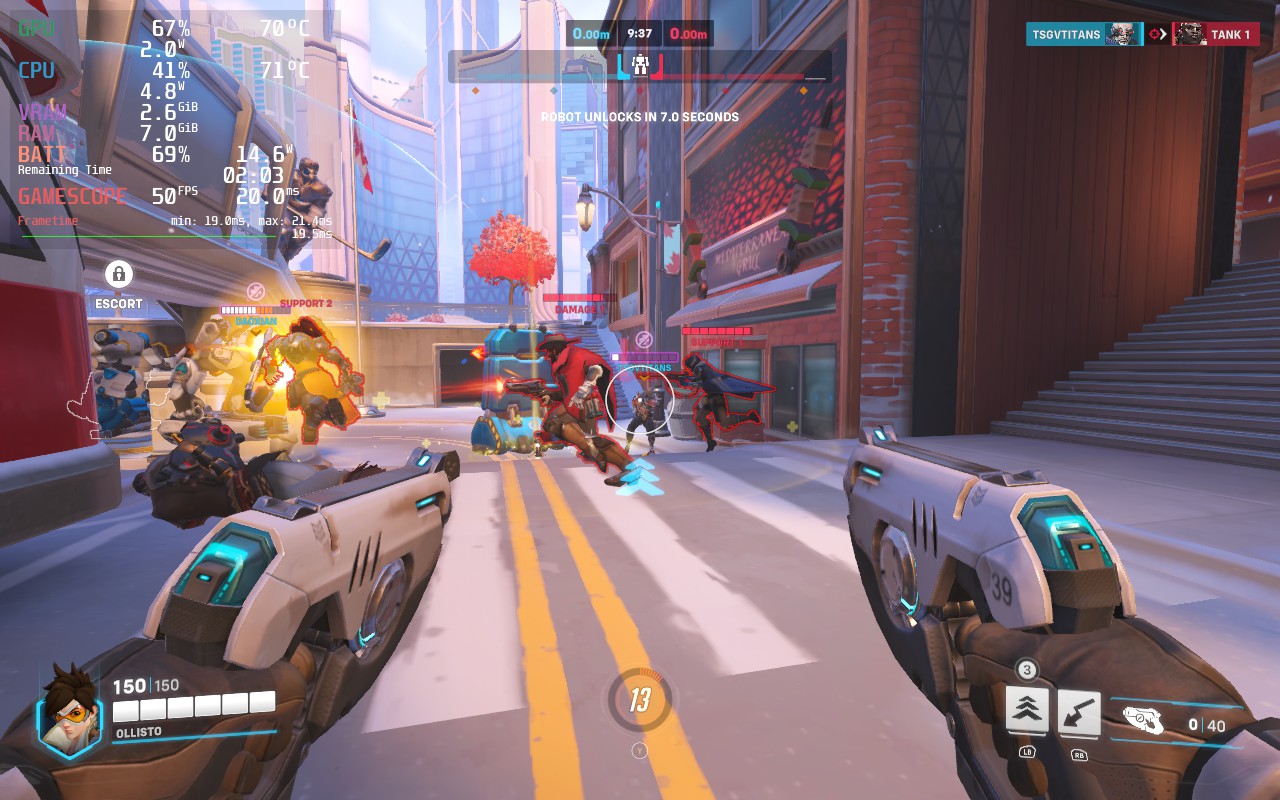
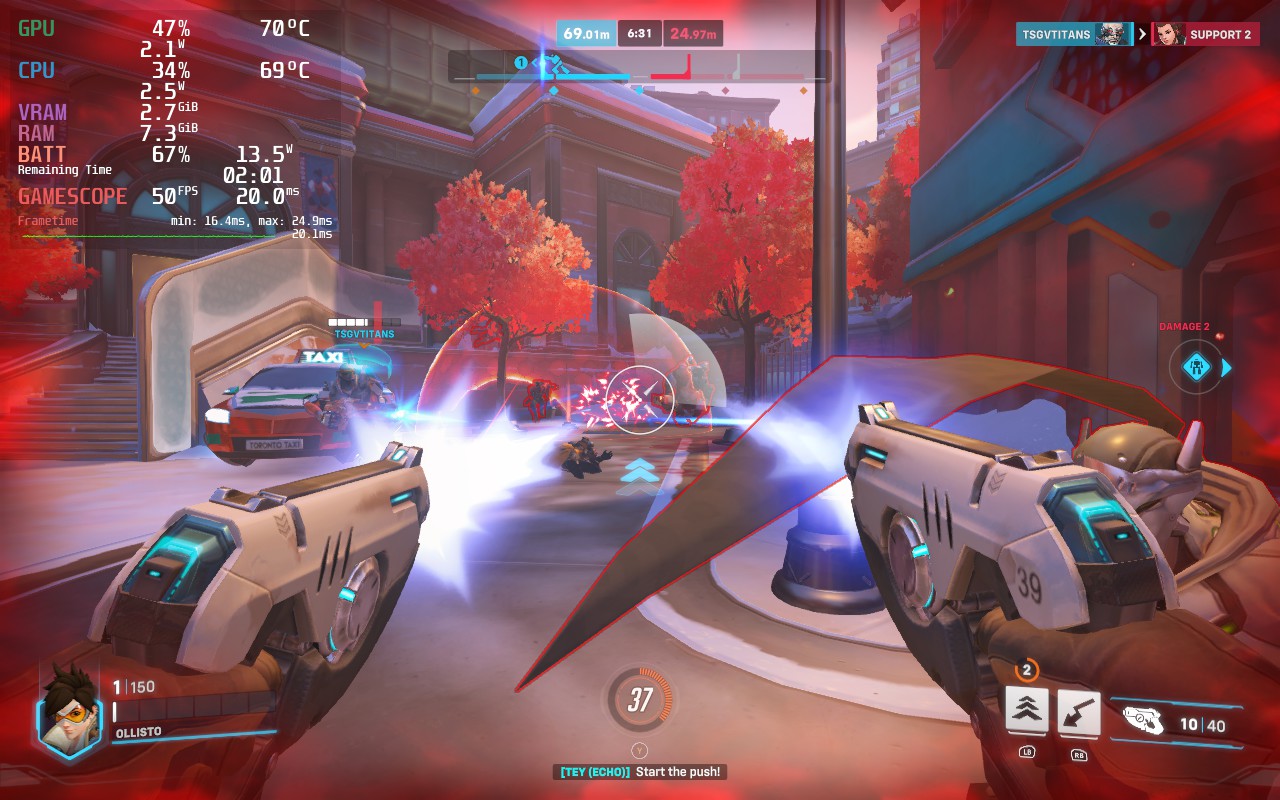
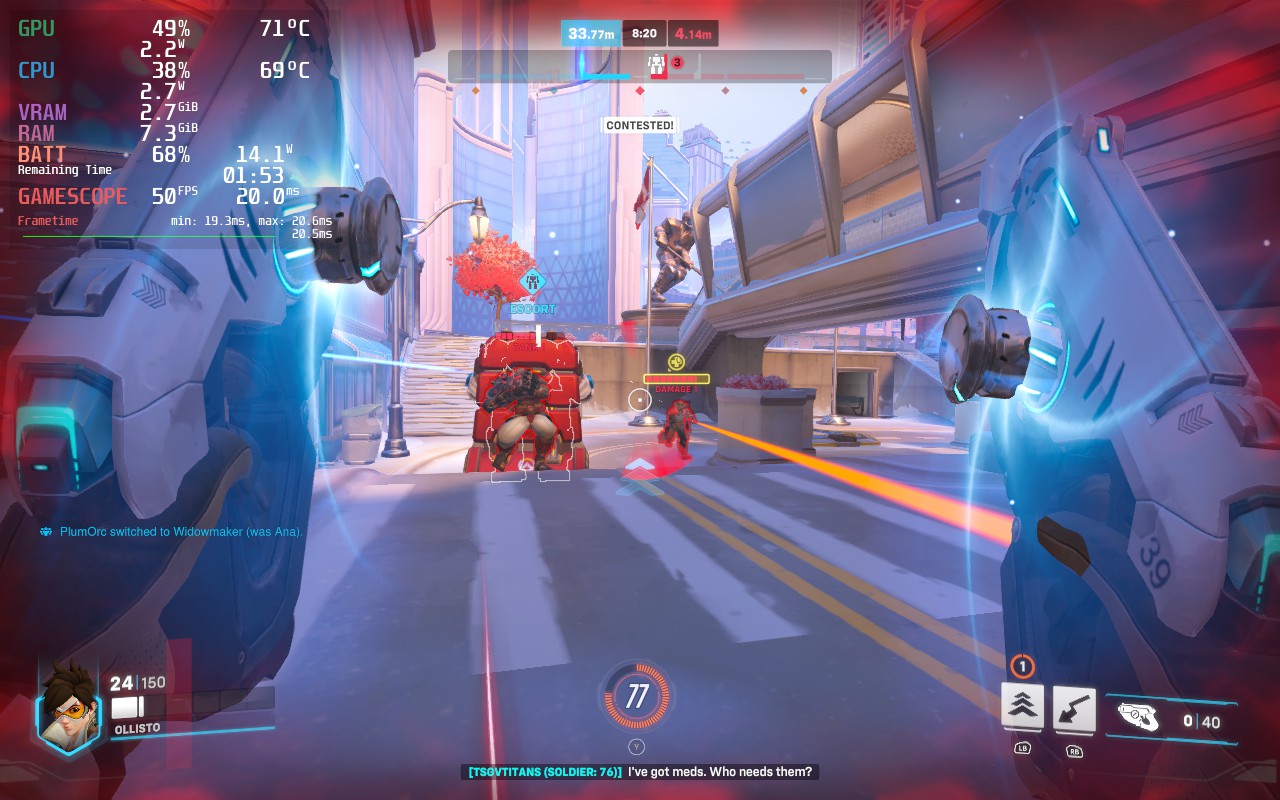
Overwatch 2 has some nice accessibility options; these include the ability to disable Camera and HUD Shaking, which can give players headaches. You can increase the size of the game's cursor and subtitles. There is also a customizable color blind filter and the ability for the game to read out text chat to you, as well as type into chat using your own voice.
Despite the "Overwhelmingly Negative" reviews that Overwatch 2 was subjected to upon its Steam launch, I think there's quite a bit of fun with the game, especially if you have friends who want to play. It's free, the base mechanics of the game are simple and fun, and it's well-optimized so that a variety of devices, including the Steam Deck, can run it at a competitive level. If you're after a team-based first-person shooter, you should give Overwatch 2 a try!
Our review is based on the PC version of this game.
If you enjoyed this review, check out the rest of the content on SteamDeckHQ! We have a wide variety of game reviews and news that are sure to help your gaming experience. Whether you're looking for news, tips and tutorials, game settings and reviews, or just want to stay up-to-date on the latest trends, we've got your back!
Armored Core 6 was provided by Bandai Namco for review. Thank you!
It has been ten long years since we last saw Armored Core, and I can't explain how good to play the third-person mech shooter again! Armored Core 6: Fires of Rubicon is a fantastic return to a franchise that has been dormant for too long. FromSoftware is known for creating the souls-like genre and, with the lessons they’ve learned creating Dark Souls and Elden Ring, they have mixed the customizability and multi-directional combat in and created something magical.
The highlight of the game is easily the combat and how you can change it through the way you outfit your mech suit. On the field, you will be able to fluidly move in all directions while automatically locking on to enemies and shooting with one of 4 weapons you equip. These can range from plasma rifles and swords to machine guns and bazookas. You can control all four weapons at the same time and you can buy new weapons and gear from the parts shop using money you get from missions. The combat is addicting and feels fantastic. And with explosions and attacks that are flashy, you create these cool-looking moments that keep you in the zone.
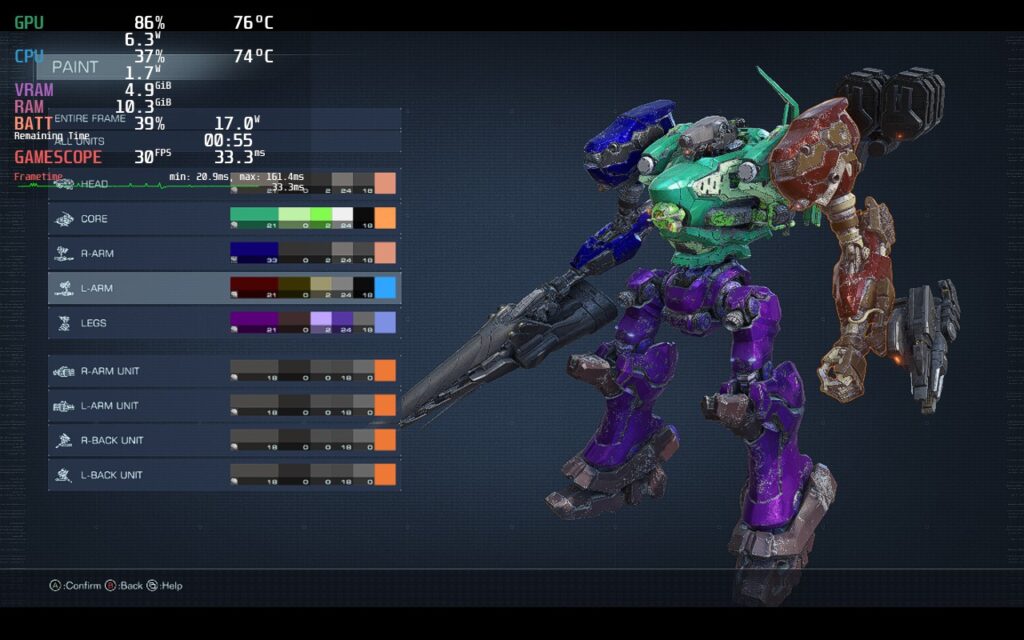
As for the story, it is primarily told through missions that are given in chapters. As you complete more missions, you unlock new ones and you can replay the older ones. Each mission either takes place in a different zone or has different objectives, but each feels really enjoyable to play with a story I felt engaged with as it progressed. You play as an unnamed merc who is fighting on the planet Rubicon, where different corporations and rebel groups are trying to secure the energy source called Coral.
Speaking of the missions, you can replay every single older mission and try to aim for a higher score or ranking. You can keep getting money from these replayed missions too, so if you gotta grind to get a specific weapon you want, you totally can. I found myself replaying missions to get money and buy specific weapons just to test out on bosses and see which builds work best on them.
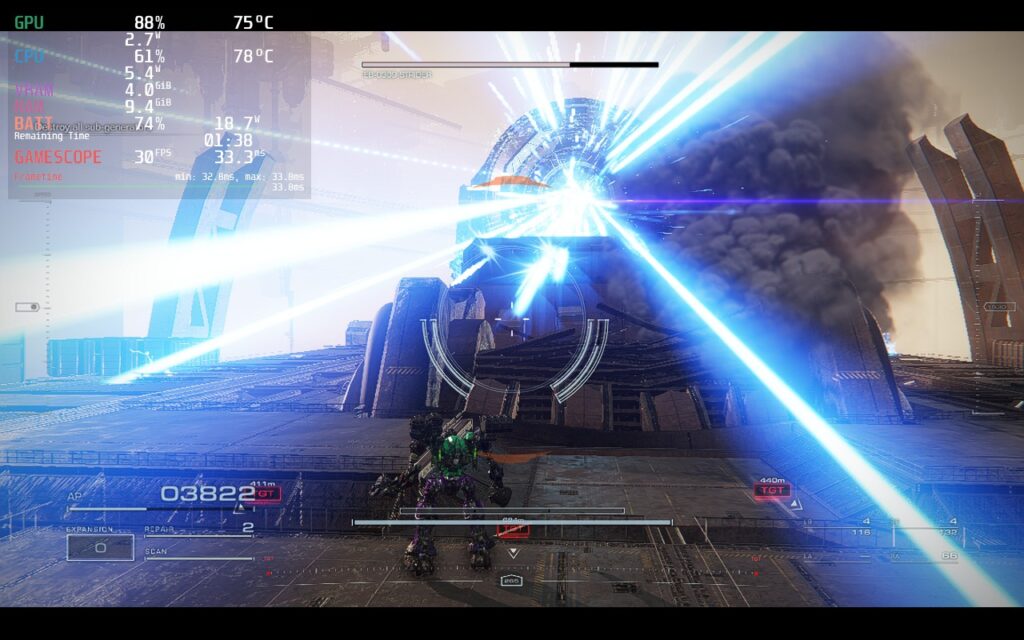
Armored Core 6 is at its best when you are flying through the air, shooting at enemies all around you, and playing around with different builds to see what weapons and armor combos work best for you. Thankfully, this is the bulk of the game. The game is streamlined to get you in missions fast with little-to-no bloat and it works wonderfully. And with the right settings, playing on the Steam Deck is a fantastic way to enjoy the fast-paced mech shooter.
Armored Core 6 on the Steam Deck is a bit of a wildcard at times, but it can be stabilized with some compromises. In some missions, and in closed areas, the game can run extremely well, hitting an almost solid 50 FPS. This is really awesome, but it doesn't hold throughout. In larger missions with open areas, the game will consistently drop down to the mid-30s, even on low settings. I went even further down and set the resolution at 800x450 with low settings and the large areas couldn't consistently break 40 FPS.
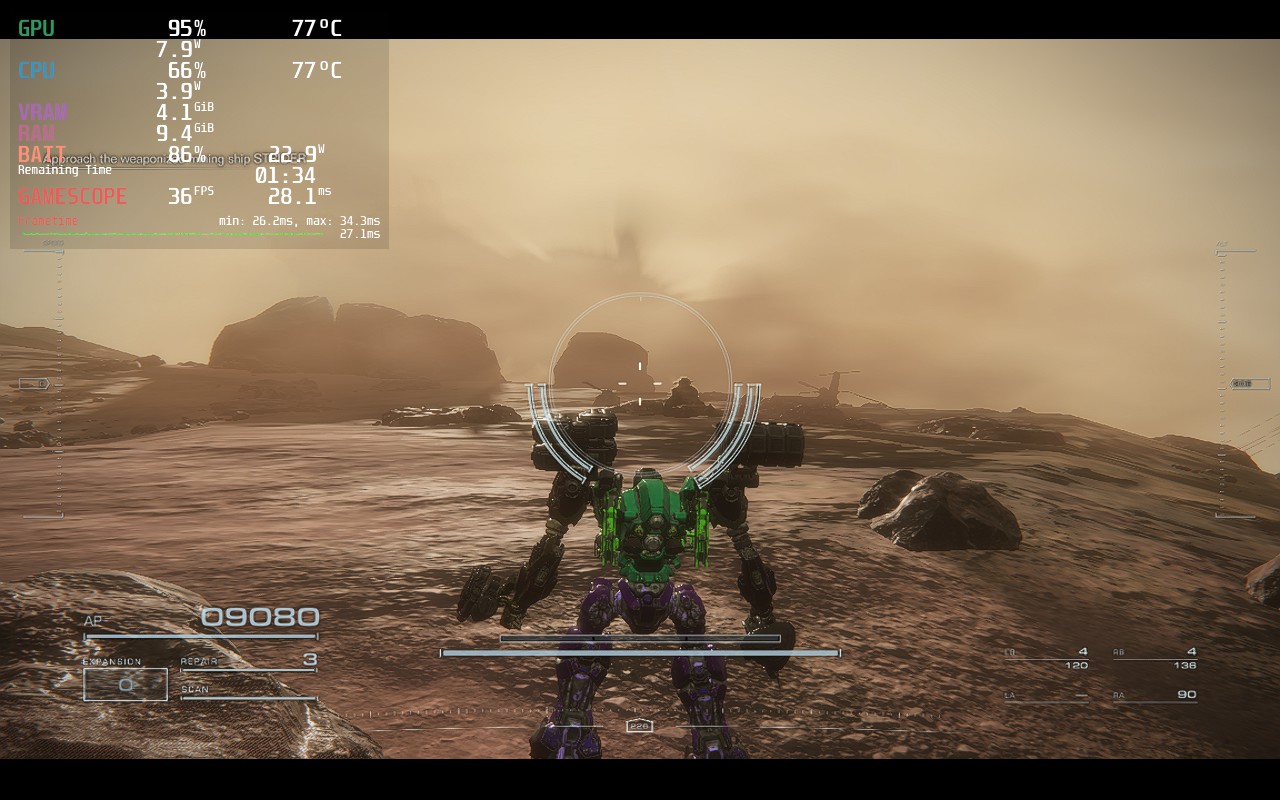
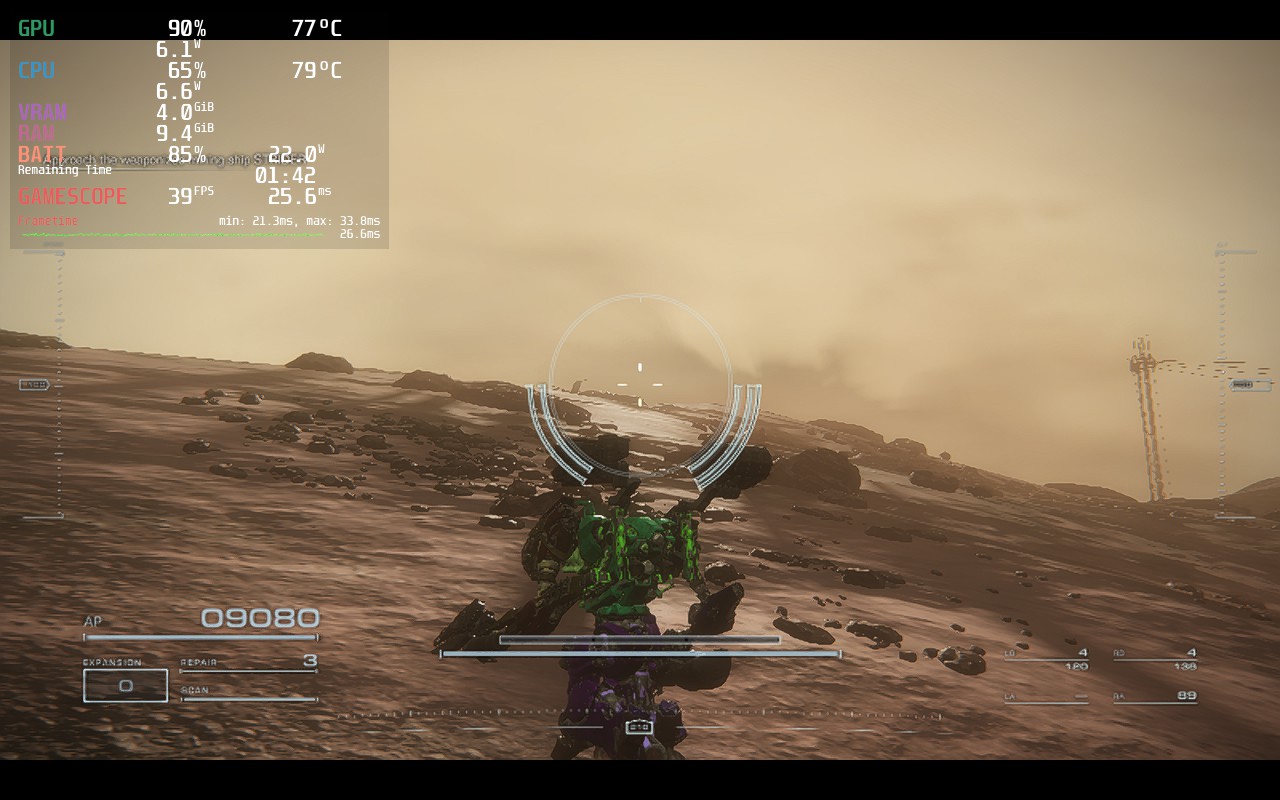
Due to this and the consistency of these missions, I elected to stick to a 30 FPS lock. For some missions, you will be able to set it at 45 or 50 FPS and be able to hit it, but for a solid experience throughout the game, 30 FPS is going to be your way to go.
With a mix of medium and low settings, 1152x648 resolution, and SteamOS FSR, we can get a near-solid experience that looks fantastic and plays well. There are a couple of drops here and there when there's too much going on near you, but these are far and few. I found that we can also set a TDP limit of 11 to make sure the battery drain doesn't drain too much.
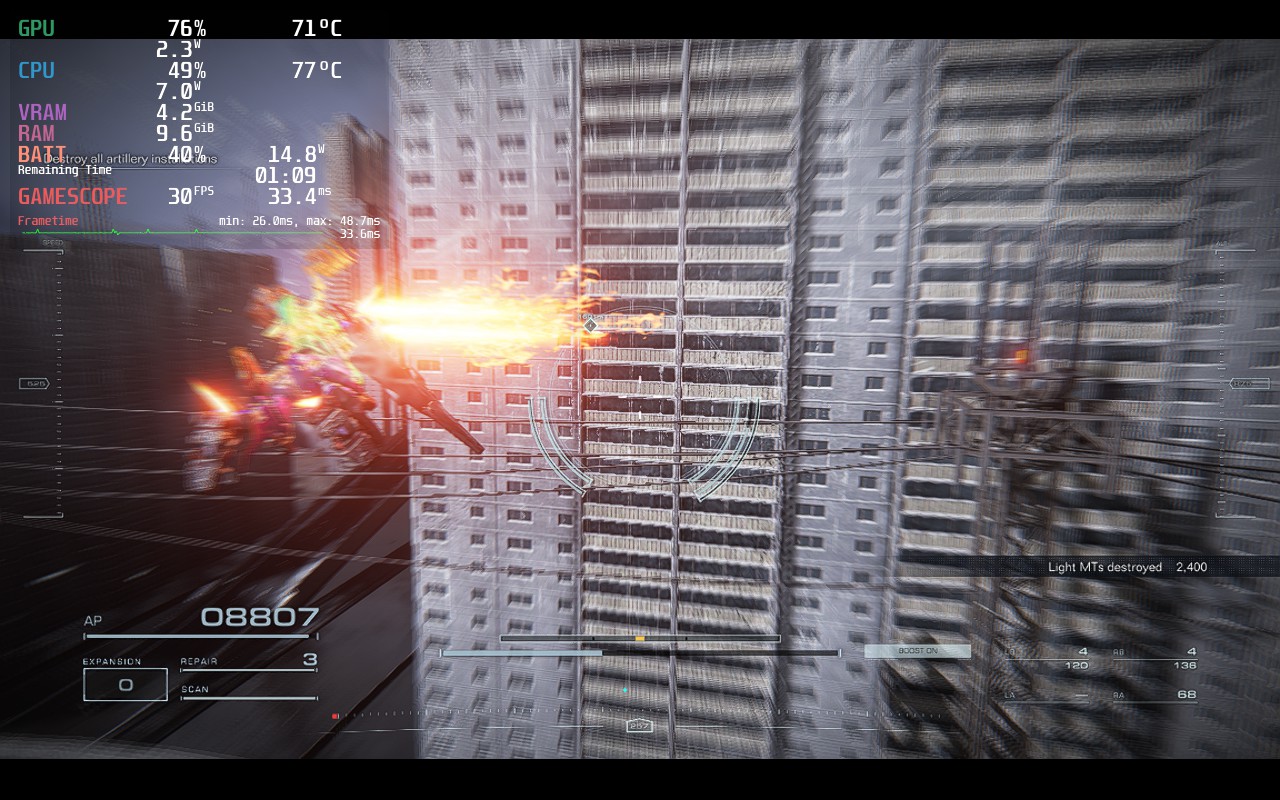
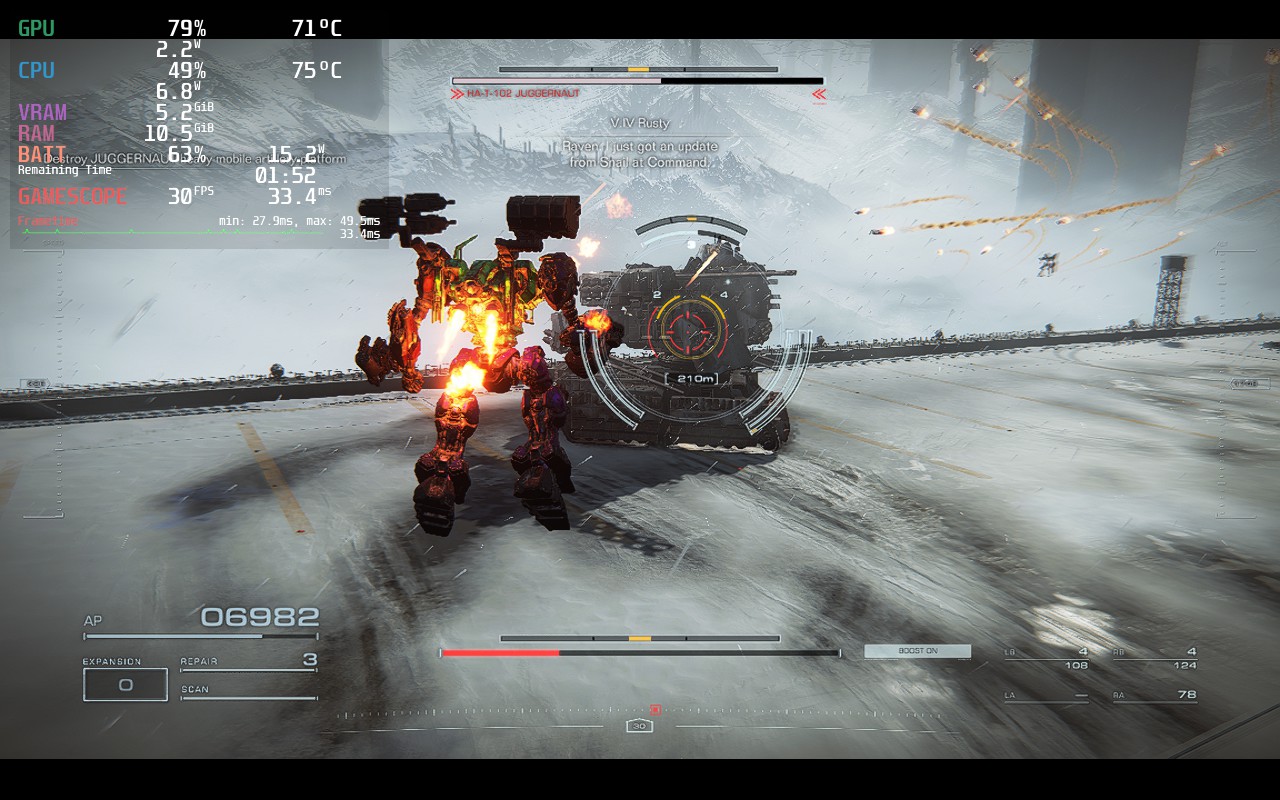
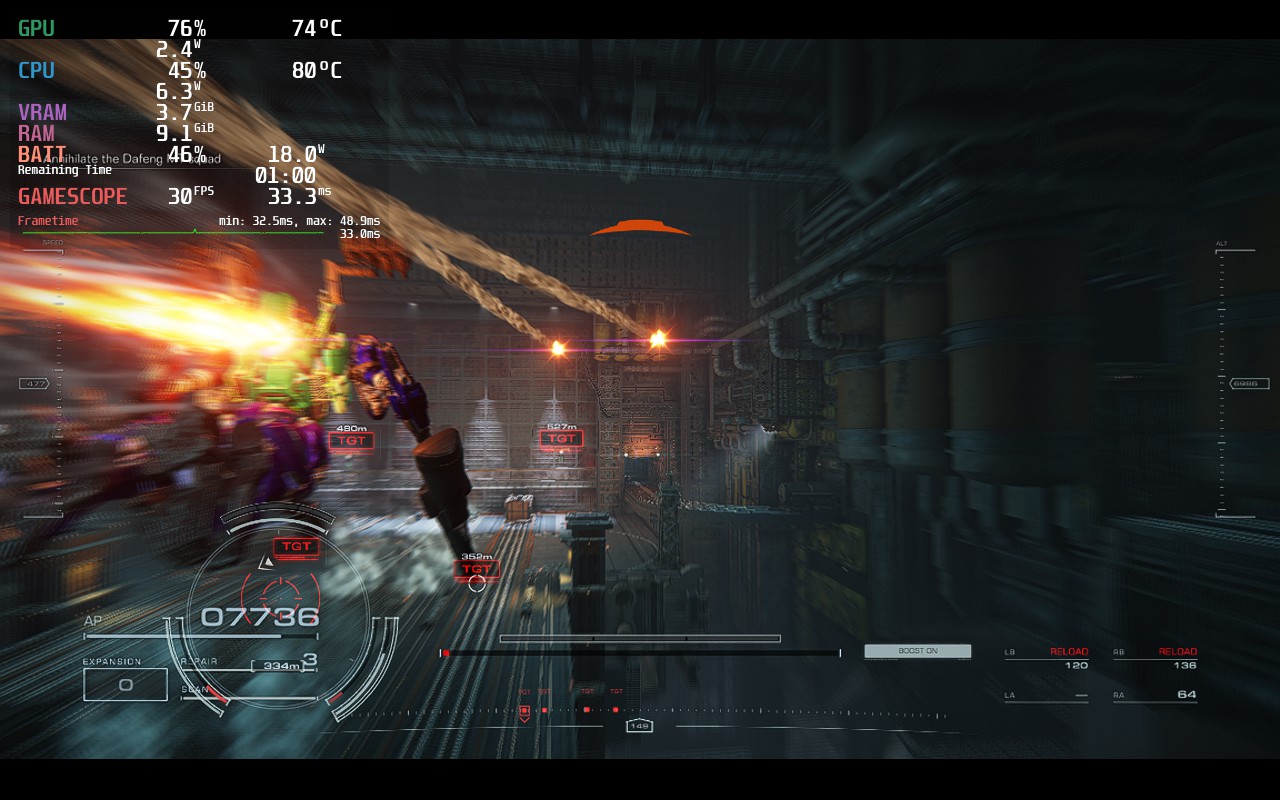
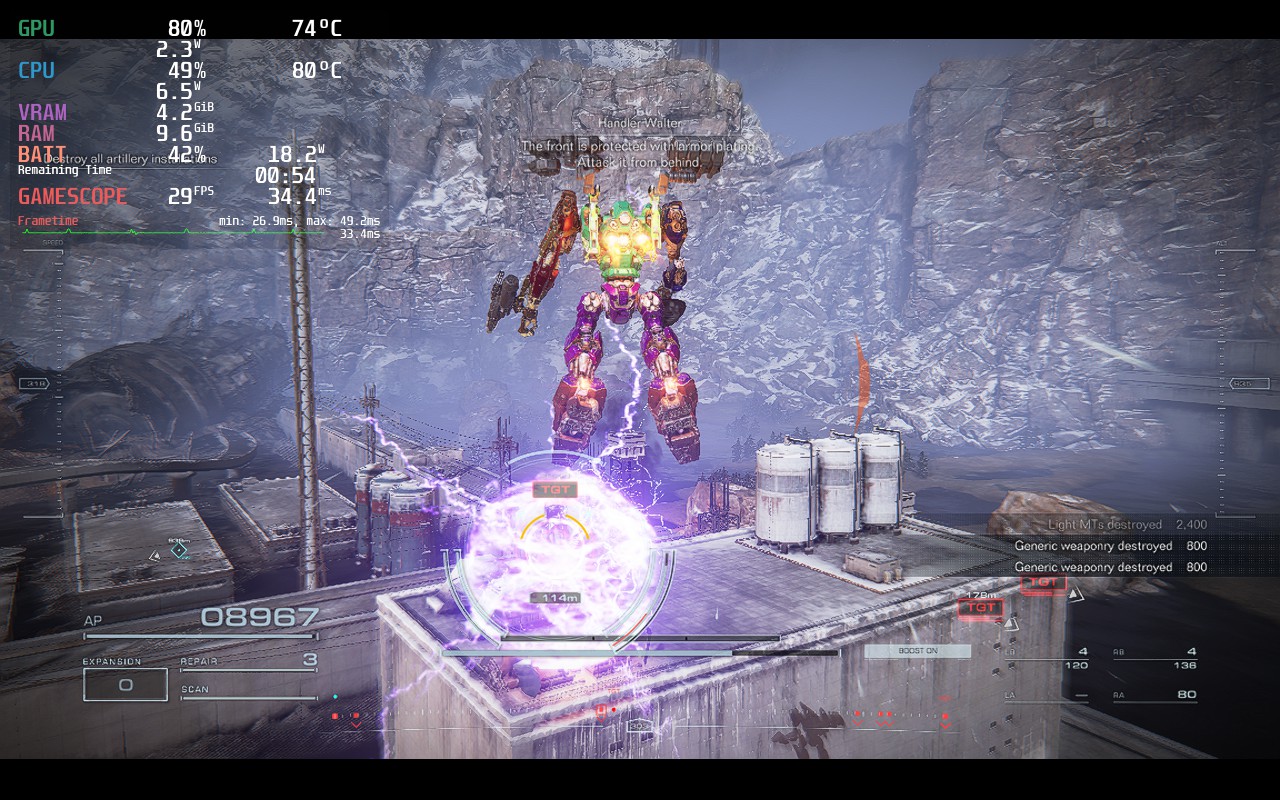
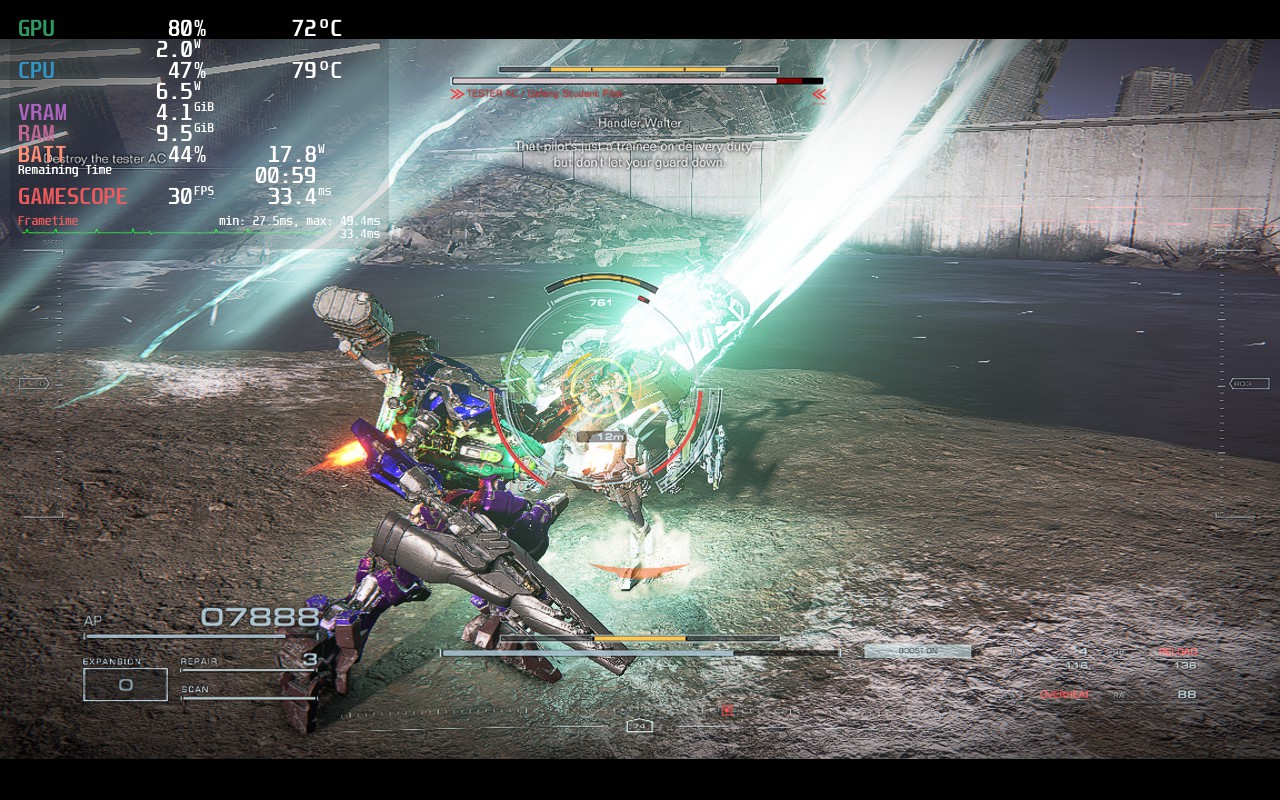
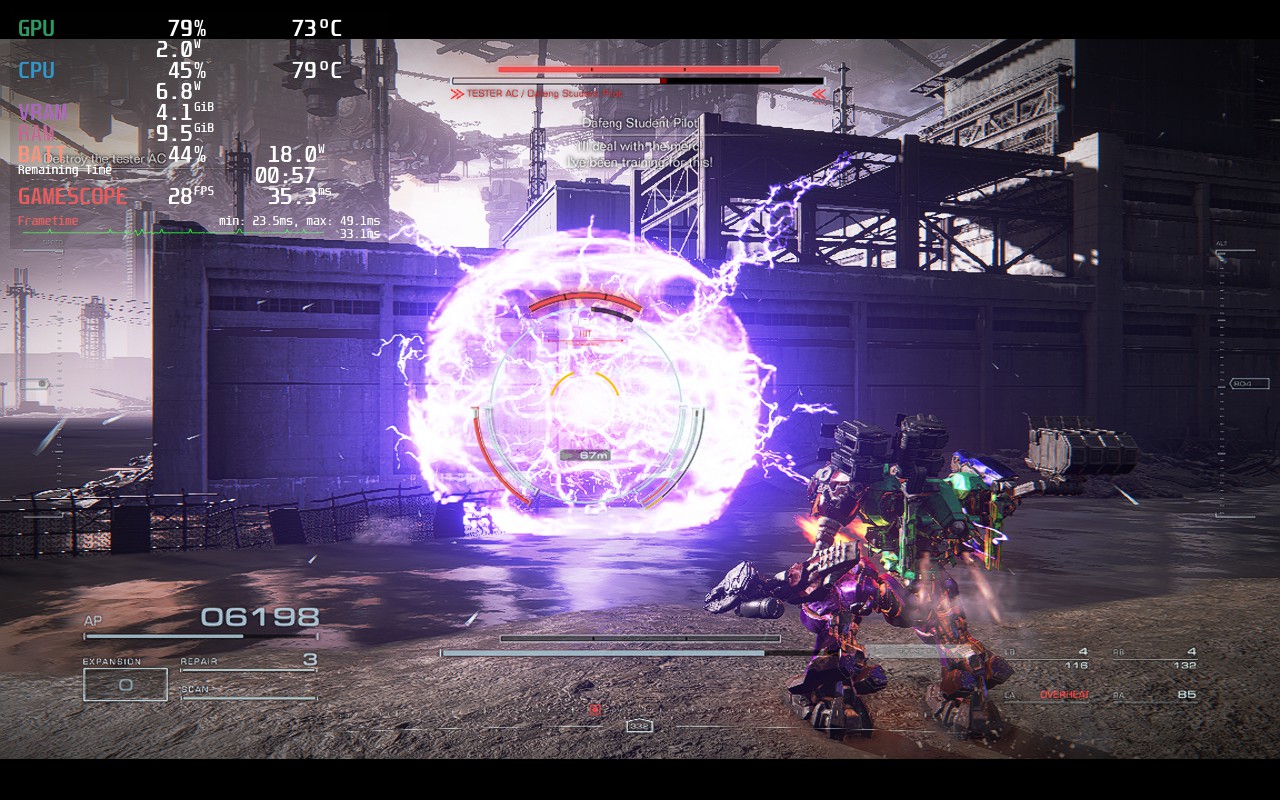
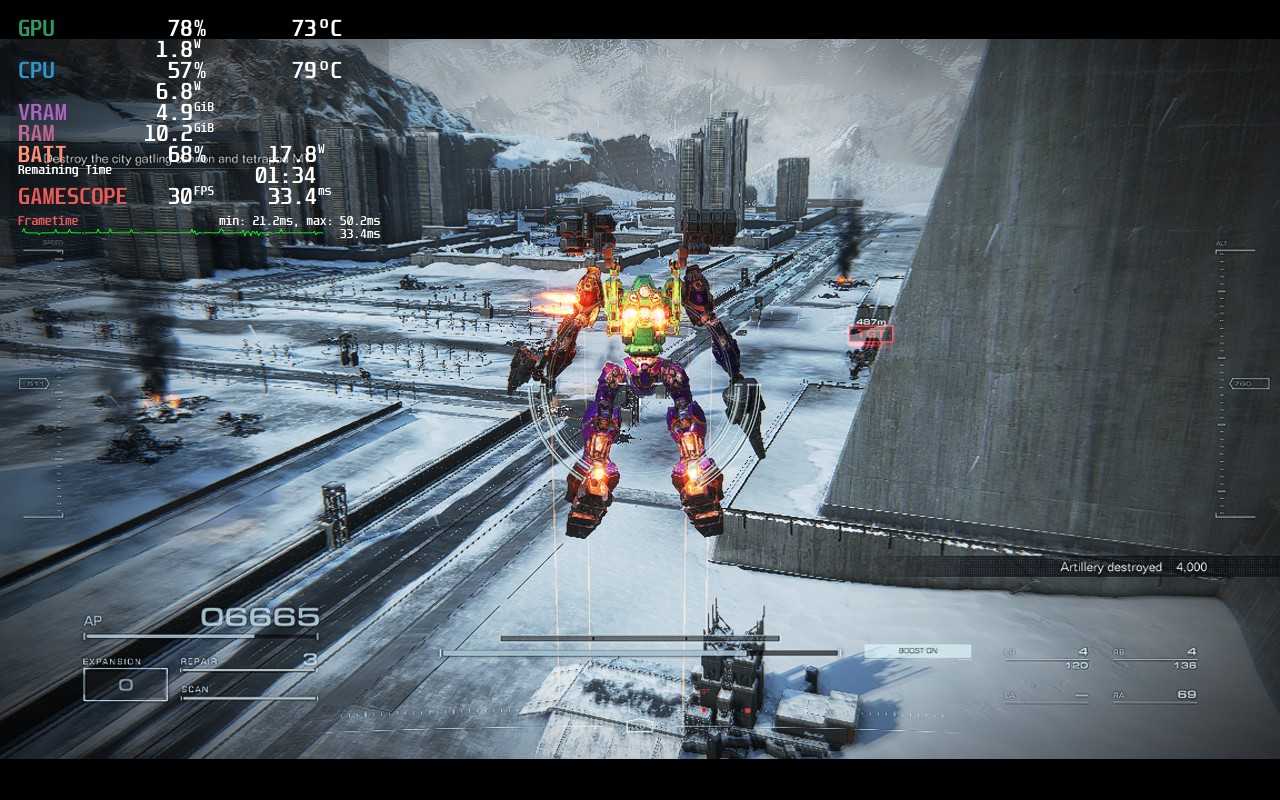
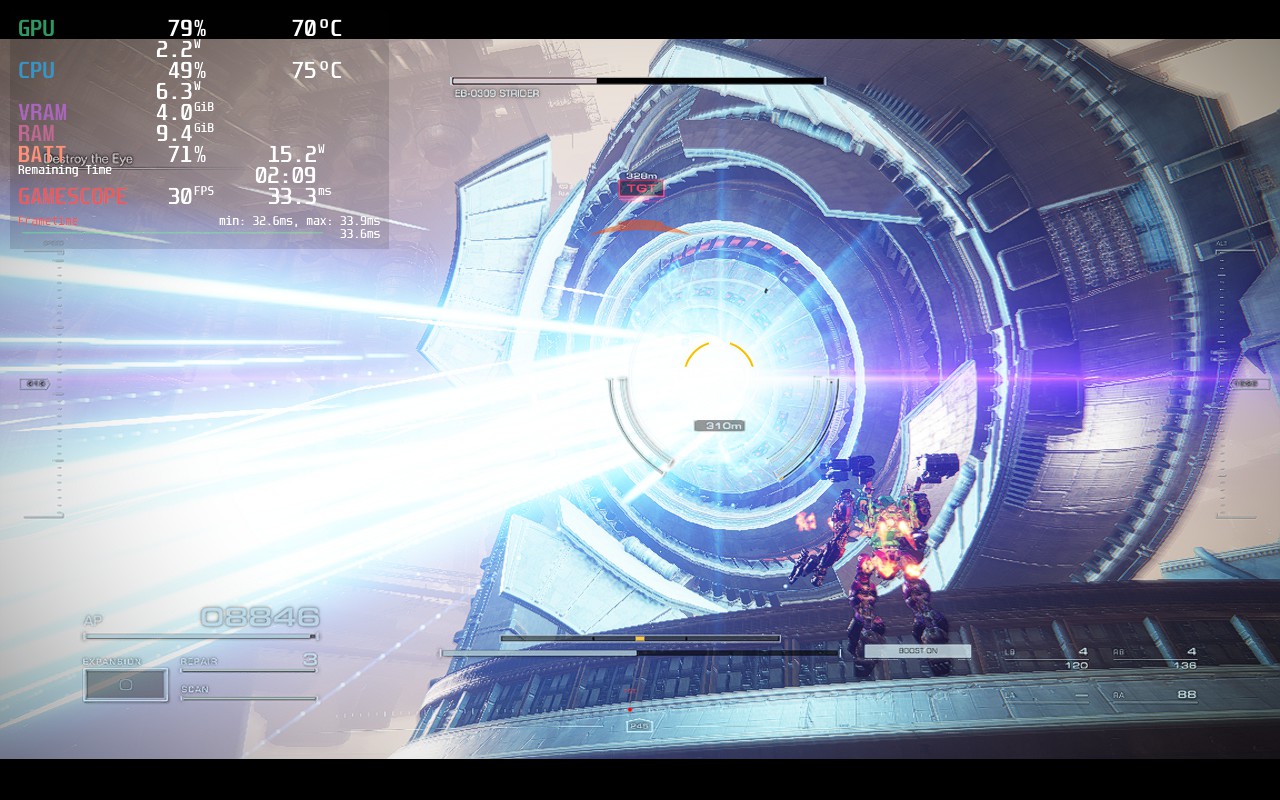
Since anything above 40 FPS isn't going to be stable throughout the game, I can't recommend a build that would include it. If you want to play at a higher framerate, I would just use this same build and remove the TDP limit. You will get a solid 40-50 in some missions, but others will drain it. I feel this build is a great balance between quality, solid framerate, and battery drain when taking into account how big of a game this is.
Armored Core 6 doesn't support 16:10 resolutions, but it does have full controller and cloud save support.
Armored Core 6: Fires of Rubicon is an incredible game that feels best when you have perfected your build and can see it in action through the combat. It’s epic to be able to fly around the battlefield in all directions while shooting and slashing the enemies. Pair it with the streamlined style to just get you in to the battles, as well as an awesome customization system, and you have a recipe for an addicting game well worth your time.
On the Steam Deck, there are some compromises that need to be made, as well as a 30 FPS lock, but even with these, the game feels and looks incredible. I was in the zone, destroying mechs, getting destroyed by bigger mechs, and customizing my suit without feeling much compromise. Overall, this is an amazing game to play on the Steam Deck and definitely worth your time.
If you enjoyed this review, check out the rest of the content on SteamDeckHQ! We have a wide variety of game reviews and news that are sure to help your gaming experience. Whether you're looking for news, tips and tutorials, game settings and reviews, or just want to stay up-to-date on the latest trends, we've got your back!
Atlas Fallen was provided by Focus Entertainment for review. Thank you!
Earlier this year, I had the incredible opportunity to go to PAX East and it was there that I played Atlas Fallen for the first time. I left feeling quite excited for the game, the action, world, and story intrigued me. There was a lot to look forward to and after talking to Deck13 and Focus Entertainment reps there, I left feeling confident that not only would this game be one to really enjoy, but also one that will be at least decently playable on the Steam Deck. Now that the game is almost here, and I had the chance to play through and review it, I have a bit more to say on the game.
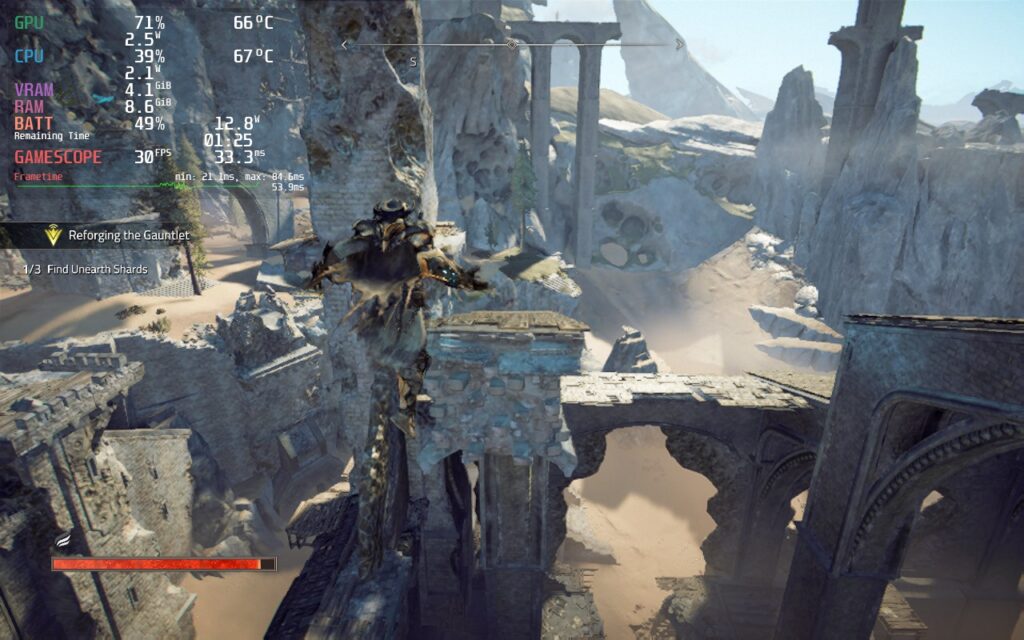
Atlas Fallen is a large-scale Action RPG where you will surf across the sands to face ancient dangers, hunt monsters, and become the ultimate champion. After playing through the game and being able to experience what it has to offer, I feel it did a great job creating an addicting and enjoyable adventure, even with a couple of hiccups.
The story of Atlas Fallen is passable. You are a random person that is able to wield a powerful gauntlet, infused with enough power to rival Thelos, the god-like antagonist of the game. The narrative is told through cutscenes, dialogue, and journal entries you find throughout traveling. While I didn't find the story to be anything ground-breaking, I did enjoy the journey. Traversing around the world is pretty fun as well and sand surfing is the real highlight of this. Finding slopes to surf down and accelerate to go as fast as possible is a ton of fun. Though at times, the world itself did seem a little bland and bare at times. Luckily, there are side quests and random chests to find, but it didn't do much to change the overall feeling of the world.
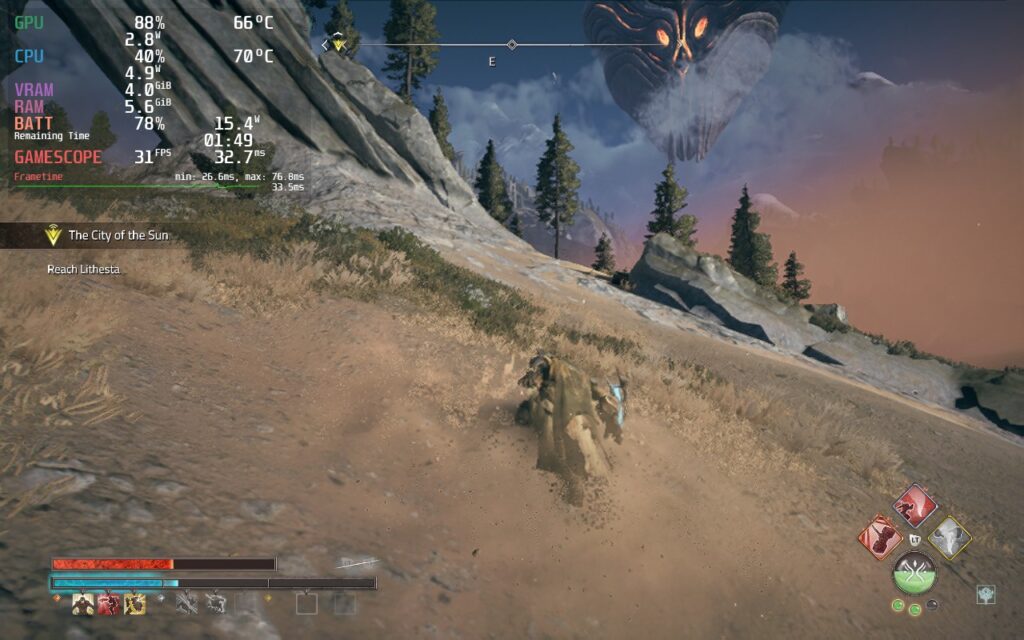
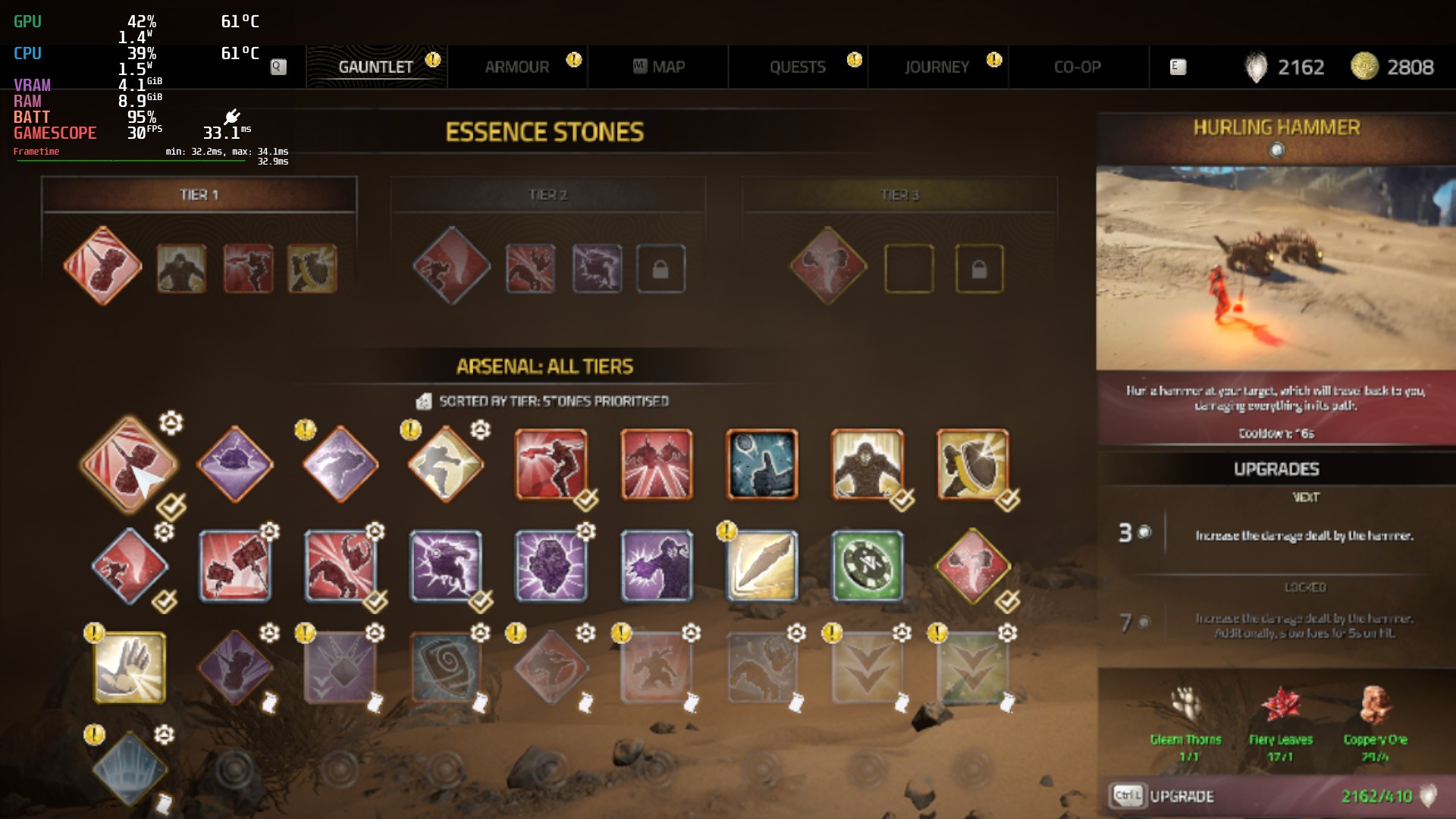
The combat is where things got really fun for me. While the fighting can feel a bit slow at times, wielding gigantic, shape-shifting weapons is a blast. I loved being able to swap between two different styles at once, with each having their own strengths and weaknesses, and watch them grow the more you fight with the Momentum Gauge, which fills up as you attack and land hits. As it fills up, you will be able to execute different special attacks and get passive bonuses, which you equip using Essence Stones. You can also execute a Shattering Strike, which drains the Momentum Gauge for an ultimate attack.
Deck13 found a nice balance of simple mechanics and deep customization here. The Essence Stones are great for fine-tuning your build, while a lot of the stats like attack power, defense, and your shatter power, are tied to your armor. Your armor can be upgraded, which gives you perk points to further passively make your character more powerful. I also really like the blocking mechanic included here. You can dodge enemy attacks, but if you block at just the right time, you can crystalize enemies and bosses, making them vulnerable to attacks for a little. Blocking doesn't interrupt the flow of your attacking either, so you can attack, block, and attack without the flow ever ceasing.
Even with the little nuisances here and there, and an ok story, I really enjoyed Atlas Fallen. It didn't break any molds or try to get too crazy, but it added some nice mechanics that gave it a nice balance between too simple and too complex. There's something addicting about gaining momentum and turning your axe into a gigantic axe that can just demolish multiple weakpoints of a big boss in one swing. I had a lot of fun playing, and while I didn't get to try it, I can only imagine playing the whole campaign in co-op will be even more fun! Though, if you're going to play on the Steam Deck, there will be some compromises that need to be made.
There are a couple things I found a bit odd when it comes to Atlas Fallen performing on the Steam Deck. First, the game settings have a couple of unique settings. For instance, there are separate window and resolution size options, as well as different intensity level sliders for post processing effects. The resolution size changes the game's rendering resolution, while the window resolution changes some of the text size (but not all). While the intensity sliders did change some of the visual effects you see, though for my enjoyment, I elected to keep them lower as it did help performance enough to justify.
Atlas Fallen also has FSR 2 that only works if both resolution and window size are 1280x800, but it doesn't help performance as much as just changing resolution size down while keeping window size at 800p. I also found that while changing resolution down helps performance significantly, it didn't change visuals as much and kept things looking relatively okay. The biggest change from this settings is text legibility for essence stones, armor details and quest text.
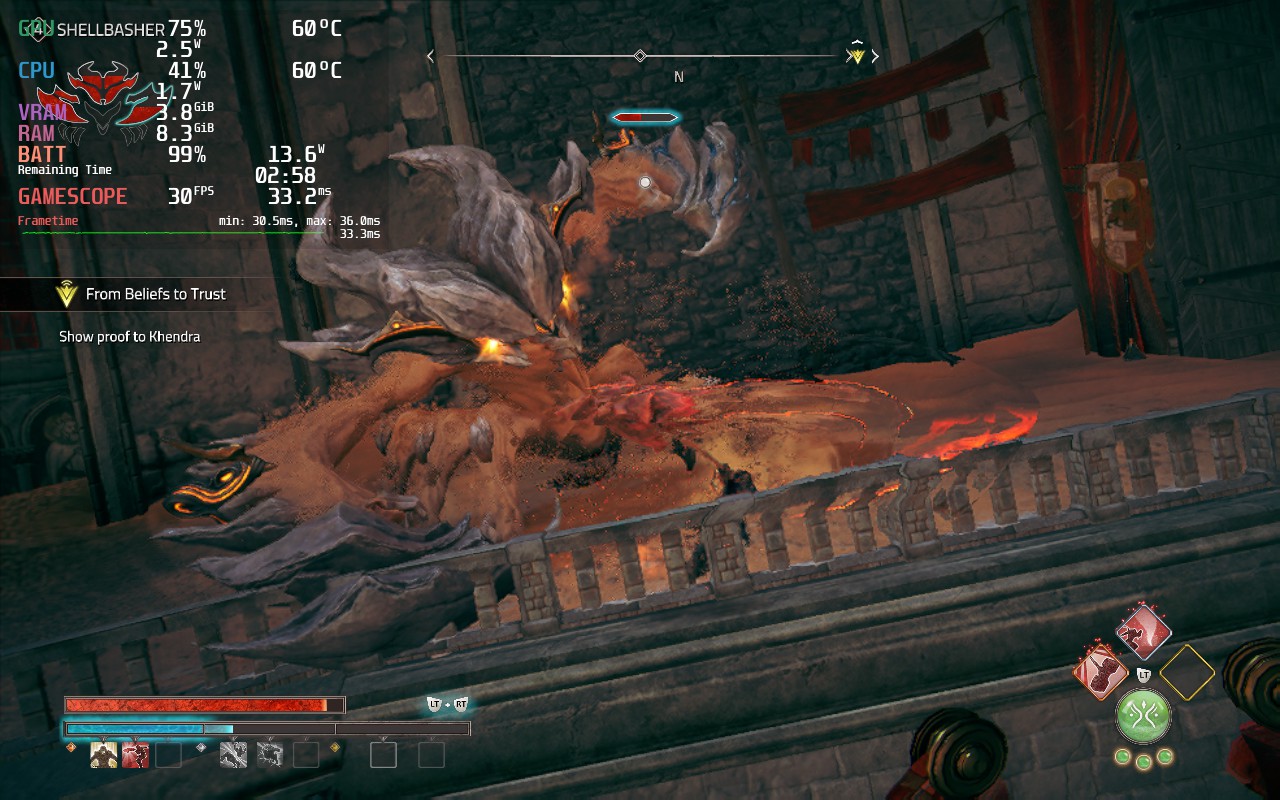
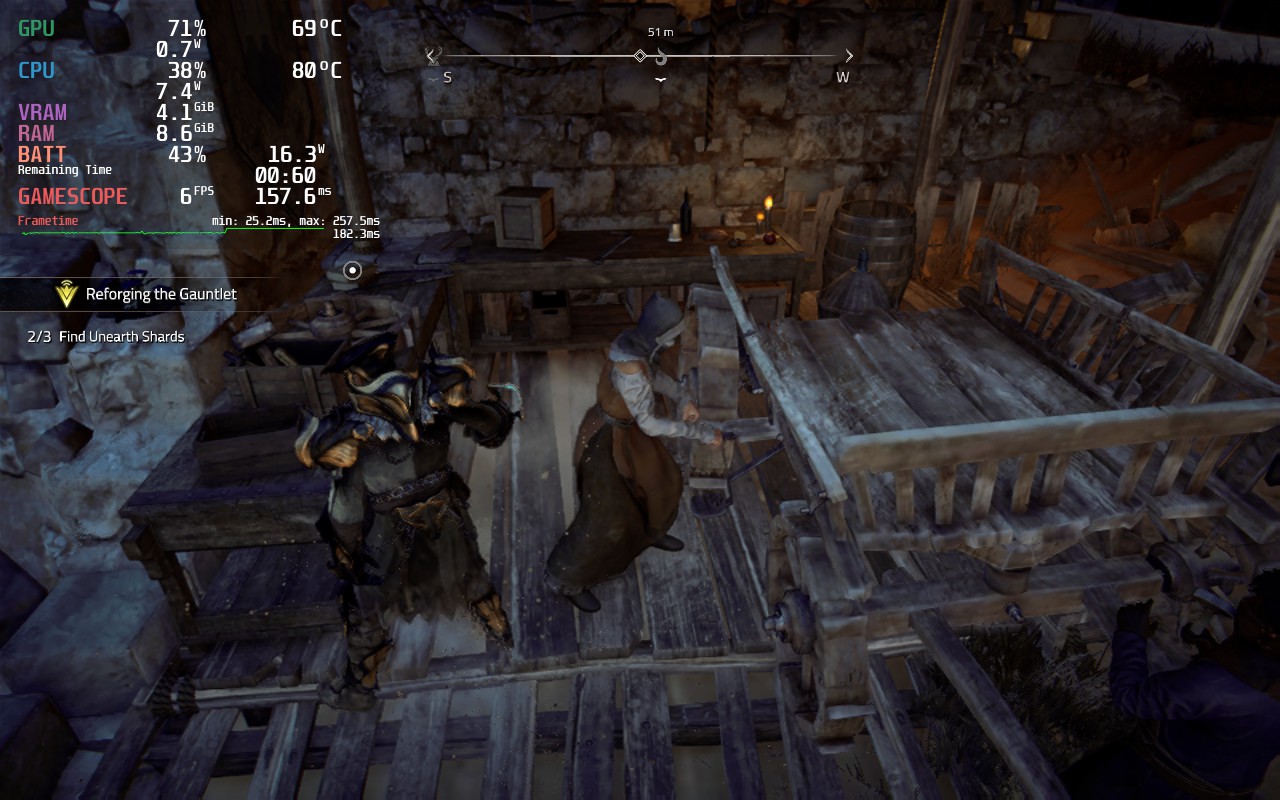
In the beginning, Atlas Fallen runs pretty okay. Keeping it at a solid 30 FPS, and even getting to 40, was very possible. But as I played the game more, and the world started to open up, it became harder to run. With this being a gigantic world that you can traverse quickly, there are some slowdowns when going around to new areas too fast. If you are running or surfing around in the immediate area, the game will keep a consistent rate, but other than that, it will slow down a bit as it loads in new areas.
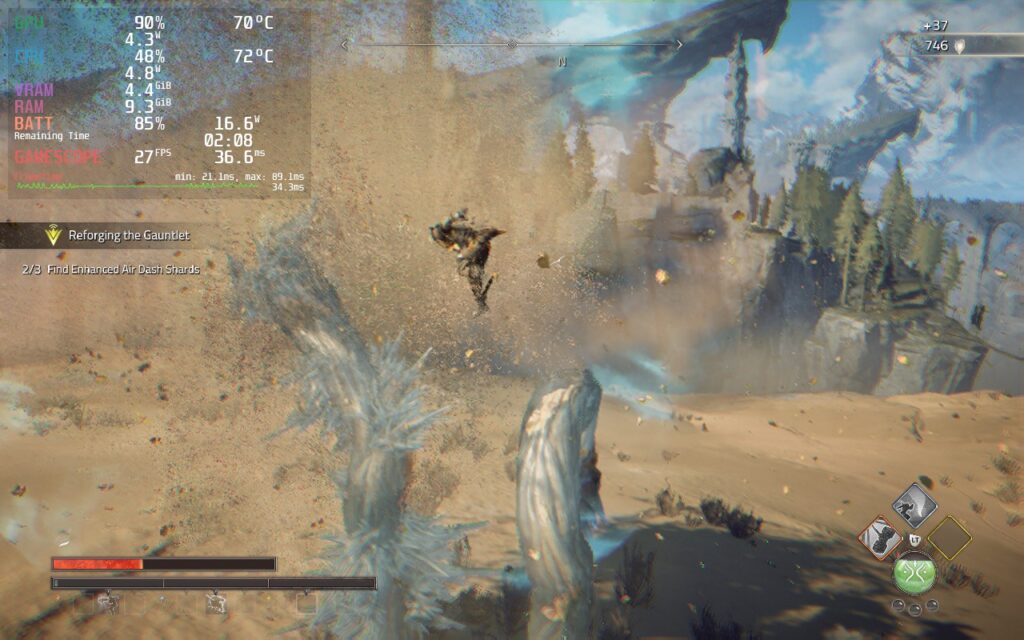
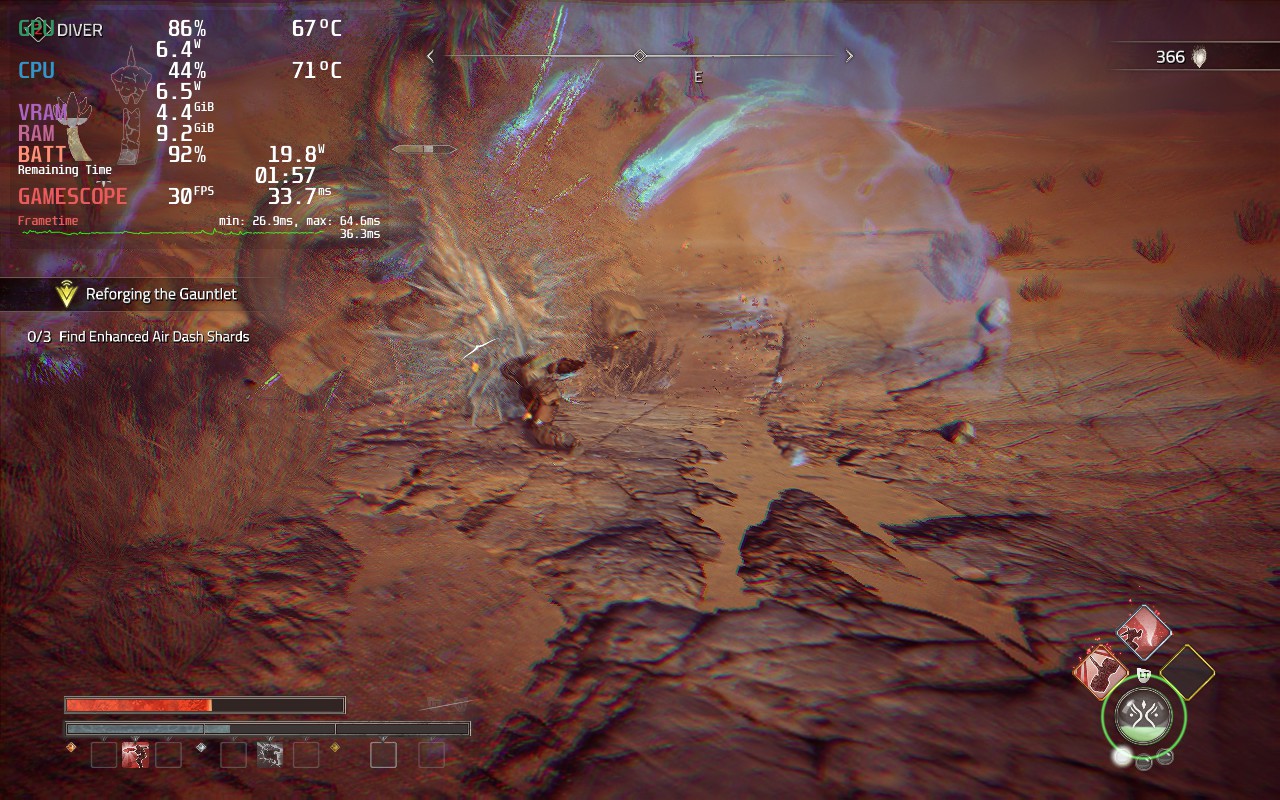
I have also seen some framerate drops when in some combat scenarios. Fighting a gigantic enemy is usually okay 1v1, but when other enemies show up, and they all start using moves that kick up sand, it can start slowing down a bit.
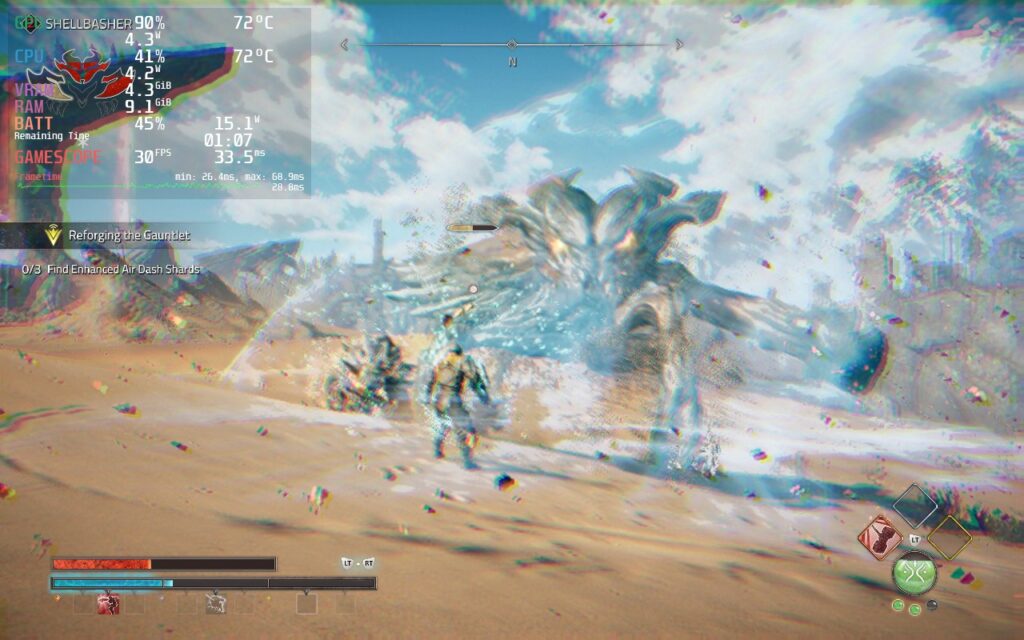
In my opinion, these drops seem to be engine or game-related and not the Steam Deck's fault. I noticed that, whenever there were drops, the battery drain of the Deck didn't spike and CPU, GPU, and RAM usage was under 99%. This leads me to believe something isn't optimized within the game, causing these issues (and I did see similar ones on the ROG Ally). I believe we could see a lot of this patched up and the shader cache could help iron out some stutters when loading in new areas, but only time will tell.
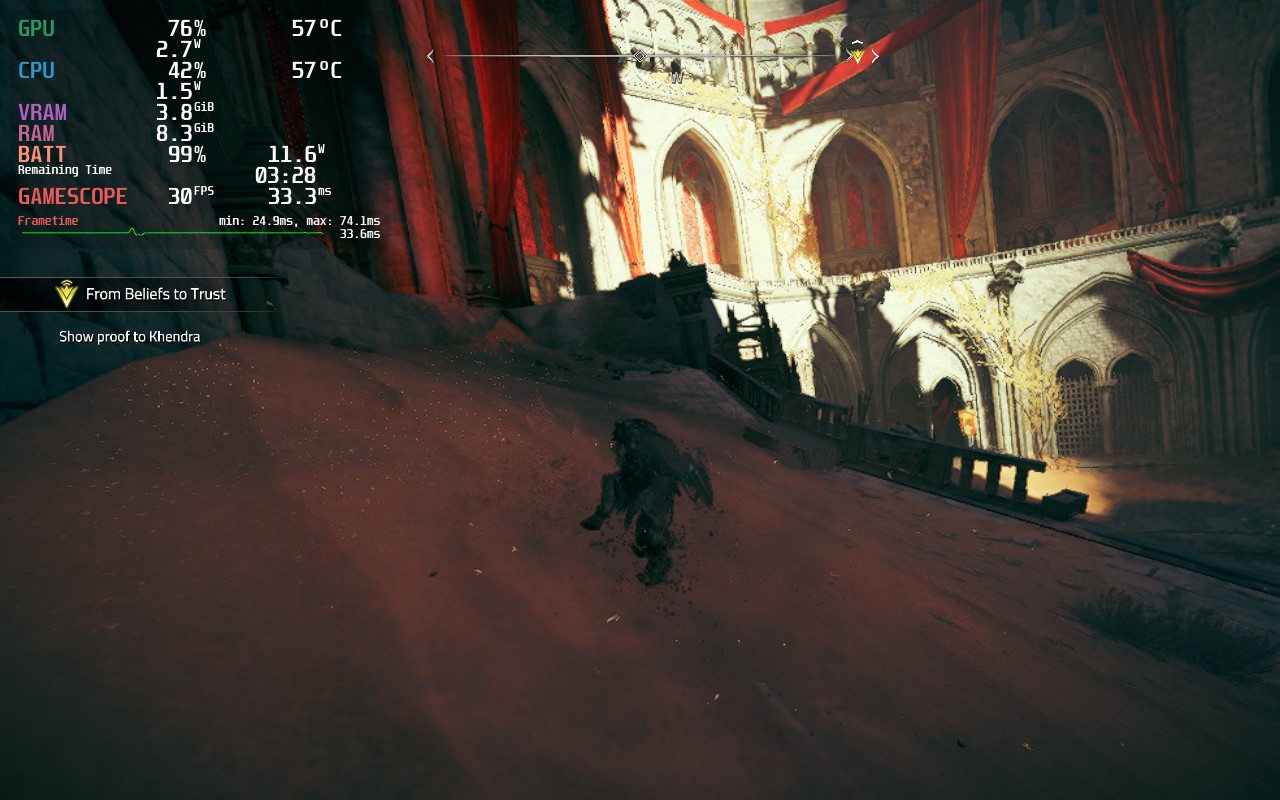
Without any caps, and everything on low, Atlas Fallen still has some trouble sticking to 30 FPS completely stable in the open areas, but when in corridors, caves, or confined areas, the game can hit higher framerates running around and in combat. So, due to this, I actually only have 1 build for the game. Hitting above 30 FPS isn't viable, so my build is a mix between battery and performance. I have the resolution set to 960x600 with the window at 1280x800, lower intensity post processing effects, and low quality settings. I do have textures set to medium as they don't affect performance as much, but do help the game's visuals a bunch.
These settings, with a TDP limit of 10, allow the game to stick around 30 FPS most of the time with a battery drain between 11W - 18W depending on the area. I also found Proton GE helped a little bit in some harder scenes to keep the framerate stable. With these settings, some text will still be small, but I found the performance improvements to be too great.
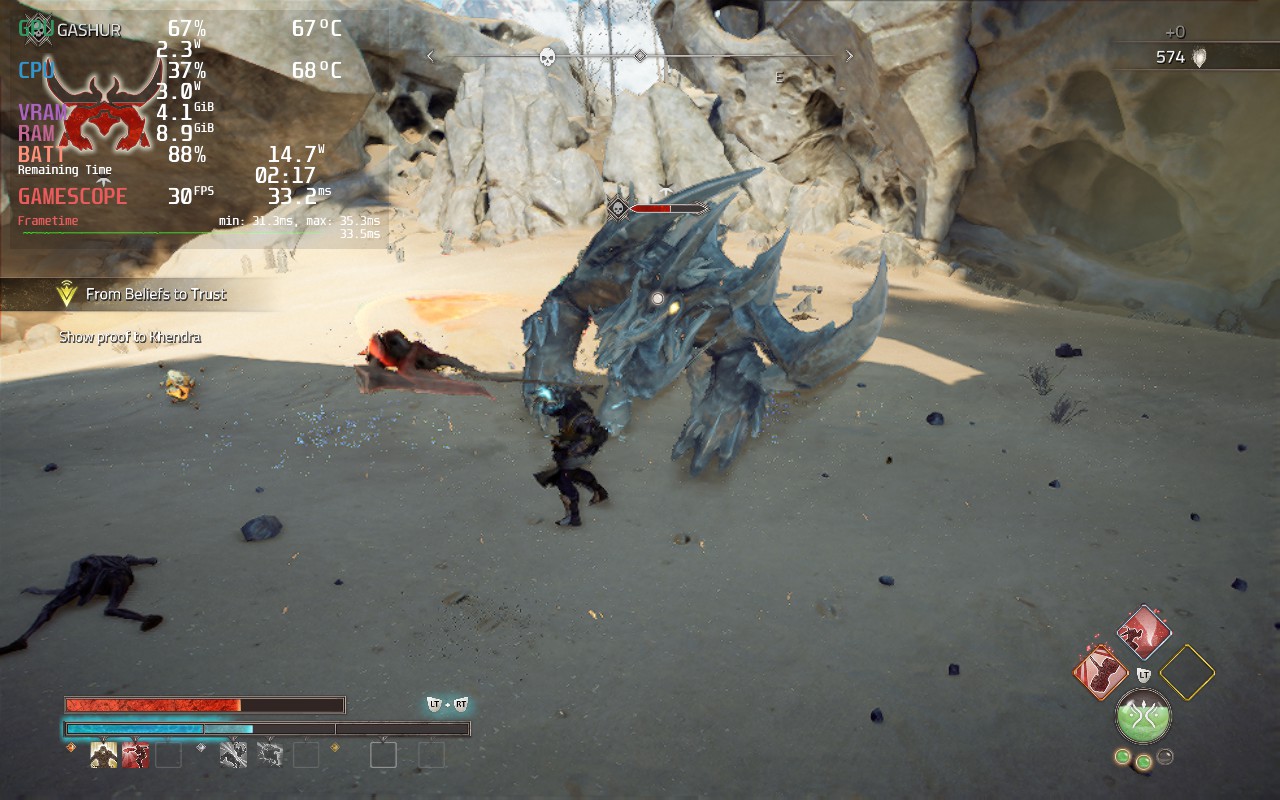
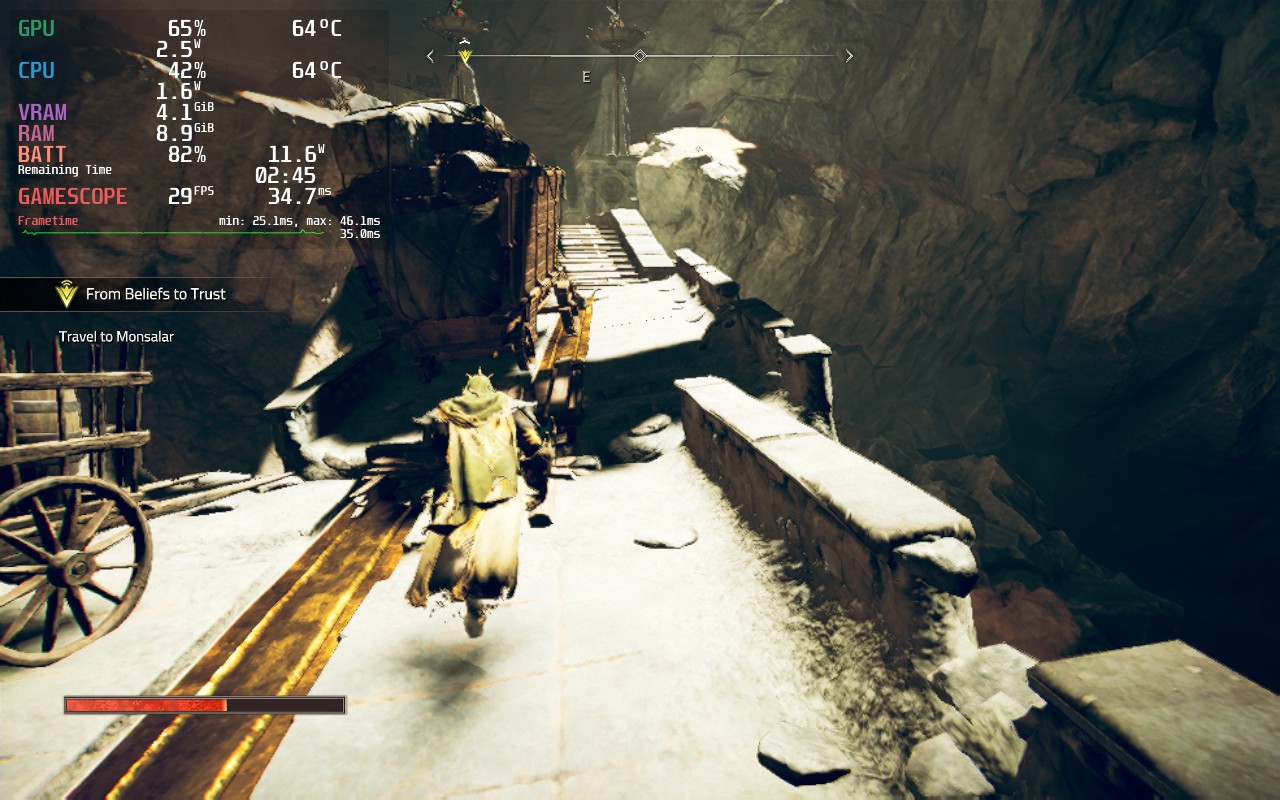
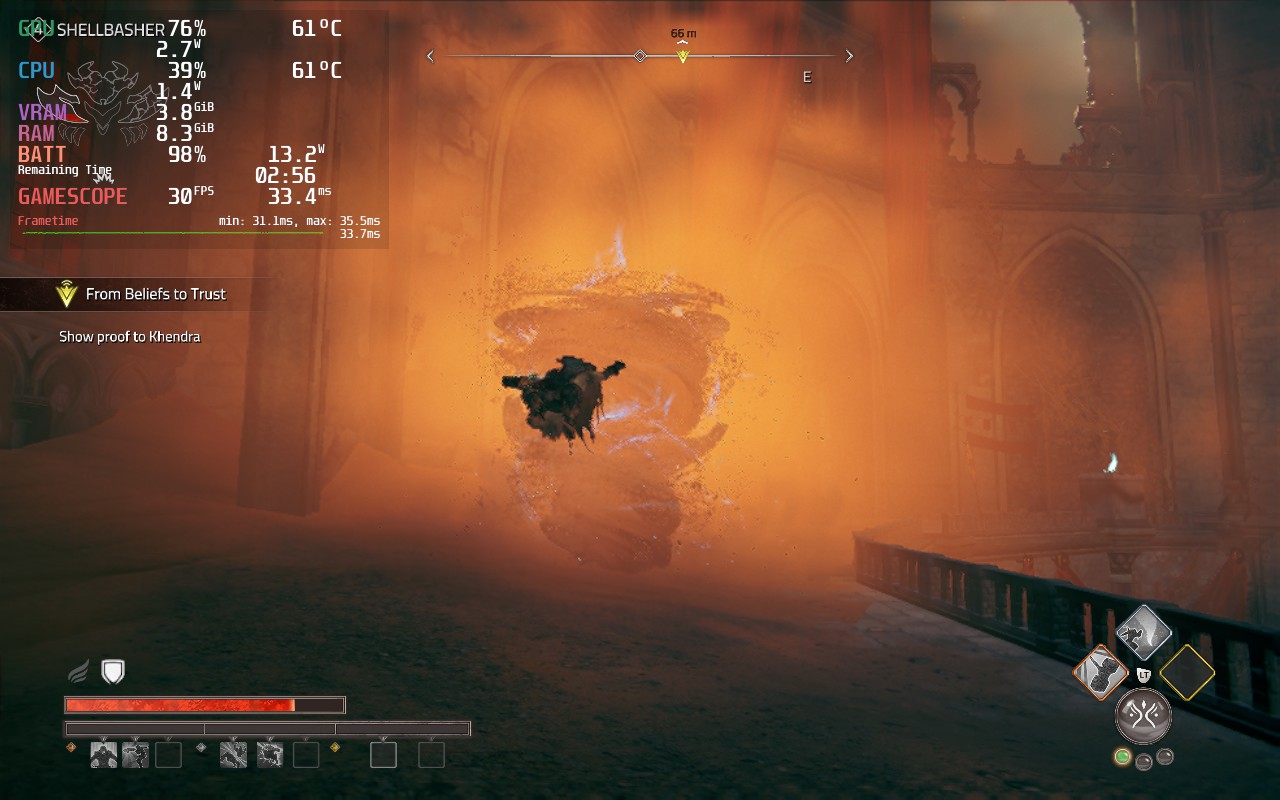
The game does have 16:10 resolution support, so there are no black bars, and has full controller and cloud save support. I did test the game with CryoUtilities and the UMA Buffer set to 4GB, but I didn't see any discernable difference with either of these changes. I did also test the DirectX 12 version of the game, but it wouldn't launch no matter which Proton version I chose.
Atlas Fallen is a solid action RPG that gave me a bit of a mixed bag at times, but I loved the mechanics. The story is alright and does have an interesting tale woven in the desert world, though it pales in comparison to other deeper stories. At times, the world can feel a bit barren and dull, but surfing and going down slopes at an accelerated speed can be really cool. Combat itself can feel a bit slow at times too, but there is something extremely satisfying when fighting bigger enemies, or many smaller ones, when your momentum gauge is filled and your weapon grows in size, hitting multiple weakpoints or enemies at a time.
I love the simple nature of the armor system, perks, and the momentum bar. Atlas Fallen does well balancing out its simple systems and makes each different set of equipment, weapon, and essence stone feel special and impactful. As a game, I really enjoyed Atlas Fallen, even with its faults.
On the Steam Deck, it was a bit hard to play due to some of the performance issues it has, but with the tweaks, it becomes a lot more playable. It isn't perfect and still has compromises, especially with some readable text, but it is playable. It is very possible some future patches and the shared shader cache can help with some stuttering going into new areas, so I will evaluate again in a couple days when the cache is built, but if you are buying or pre-ordered the game, this will be the experience you get out of the box.
Our review is based on the PC version of this game.
If you enjoyed this review, be sure to check out the rest of the content on SteamDeckHQ! We have a wide variety game reviews and news that are sure to help your gaming experience. Whether you're looking for news, tips and tutorials, game settings and reviews, or just want to stay up-to-date on the latest trends, we've got your back!



