Star Wars: Zero Company was provided by EA for review. Thank you!
Star Wars: Zero Company was a big surprise to someone with no emotional investment in the Star Wars universe, in that I enjoyed myself. That is partly because I like turn-based strategy and partly because I had fun with the characters and setting. While it is not a game I can recommend for the Steam Deck right now due to performance and technical issues, Zero Company is pretty damn compelling.
I believe it is safe to say that we have had little luck with Star Wars in the last decade, and video games are no exception. Jedi: Fallen Order was decent enough, but Survivor had a brutal launch with technical issues, and Star Wars Outlaws also had a rough start, though patches did improve that game. I had my doubts about Star Wars: Zero Company when it launched, but it took me by pleasant surprise.
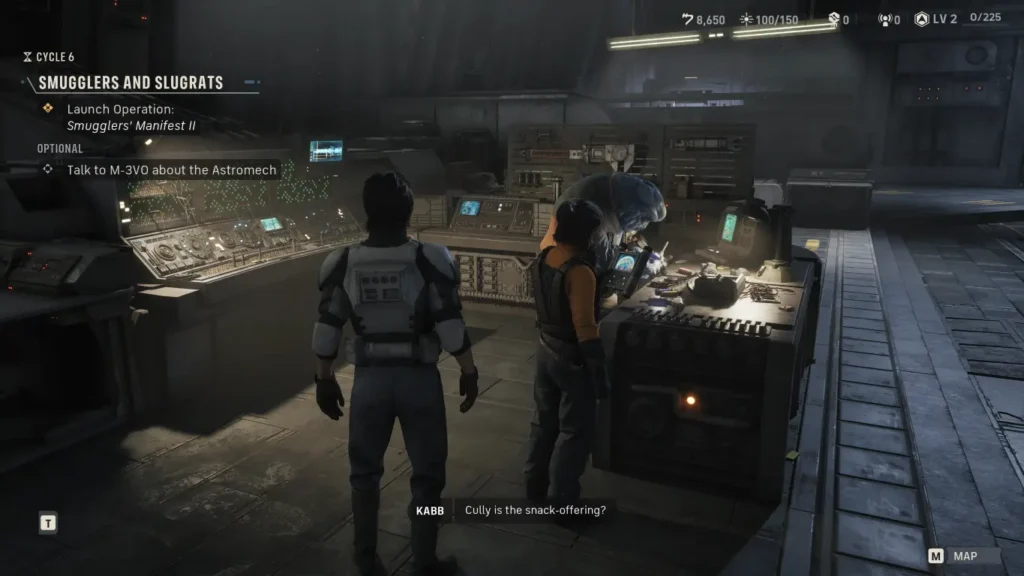
If you have played anything XCOM-like, Star Wars: Zero Company will make you feel right at home, although it is considerably less punishing. Turn-based combat is the name of the game, blended with some decent story beats and the kind of gameplay I usually dig. Players take on the role of Hawk, a distrusting and struggling mercenary captain on hard times, with his company in debt to what I nicknamed ‘Discount Jabba’. While the Star Wars universe is embroiled in its usual Republic war shenanigans, Zero Company is on the fringes of that as Hawk battles a cabal known as the Mortal Coil. The story, while nothing to write home about, was enough to keep my interest.
I ended up surprisingly attached to my little crew of characters, who have a good range of personalities and felt real to interact with. Runa started as somebody I despised on principle for being our resident accountant with a gigantic stick up her arse, but over time she grew on me. My favorite character overall is Hawk himself, and all this is helped by the great voice acting with fully mocapped cutscenes.
The early story takes you into a solid tutorial to learn the ropes of the core combat and base management, as well as teaching the dangers of overreach by killing off one of the cast immediately. I liked the guy and couldn’t save him, but it’s a great way of showing the consequences of your actions. Screw up, especially on permadeath, and your crew members might be lost forever!
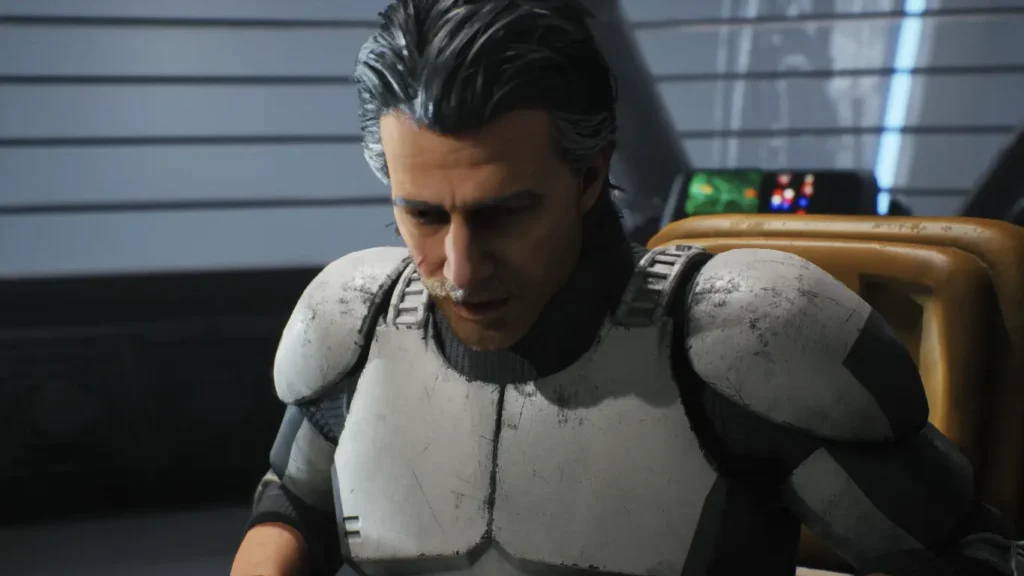
Unlike many games I’ve played where permadeath doesn’t really impact much about the narrative, Zero Company bucks that trend in that the story accounts for missing characters, and things do change. It’s still weird how few games in 2026 have consequences for your actions. I recommend playing on greater difficulties for this reason, as Zero Company needs a little work on the balance.
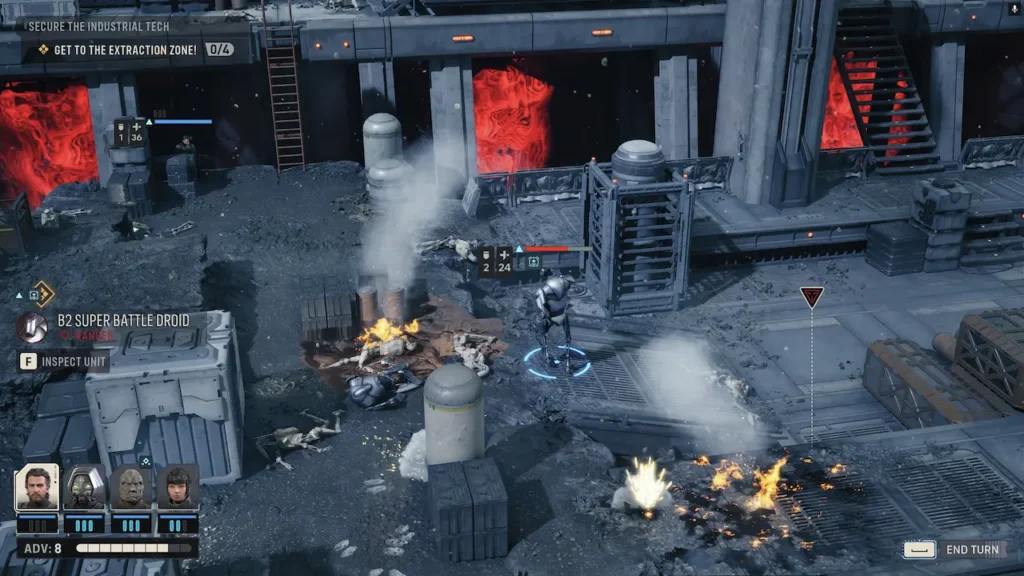
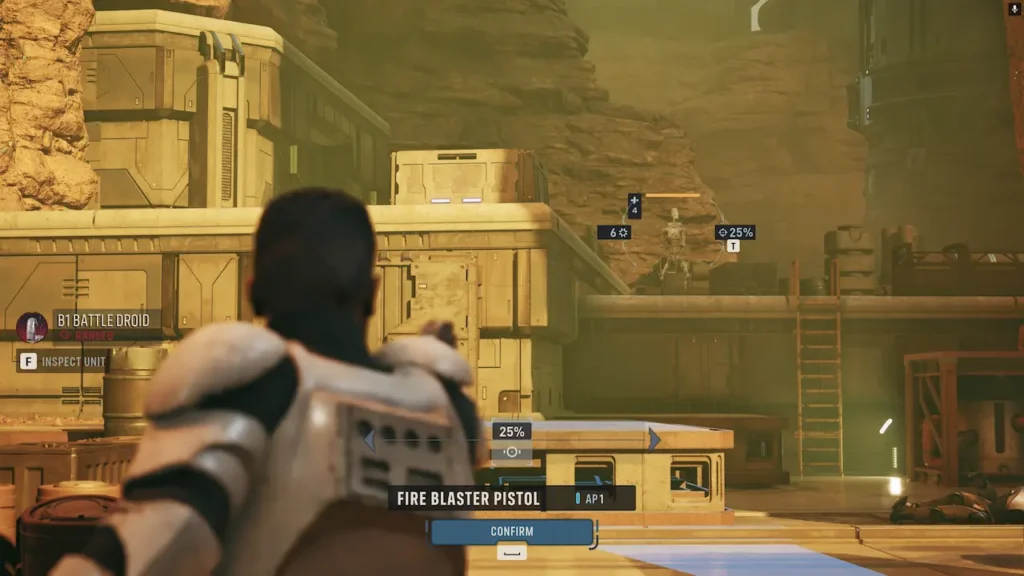
Seeing how developer Bit Reactor contains many of the people behind the XCOM games, Zero Company is essentially XCOM with a fresh coat of paint. That is a good thing, and I’ve had a blast during combat. Different operators have different abilities, with plenty of customization and weapons to unlock. I like combat systems that let me tailor units to my needs, and Zero Company does a solid job of that.
Squad members have a backup mechanic where they call on each other for assistance when attacking an enemy, which also boosts their relationship. Missions in combat usually involve dealing with waves of enemies as their reinforcements arrive, or safely evacuating after achieving a goal. The variety of missions isn’t amazing, but it does the job.
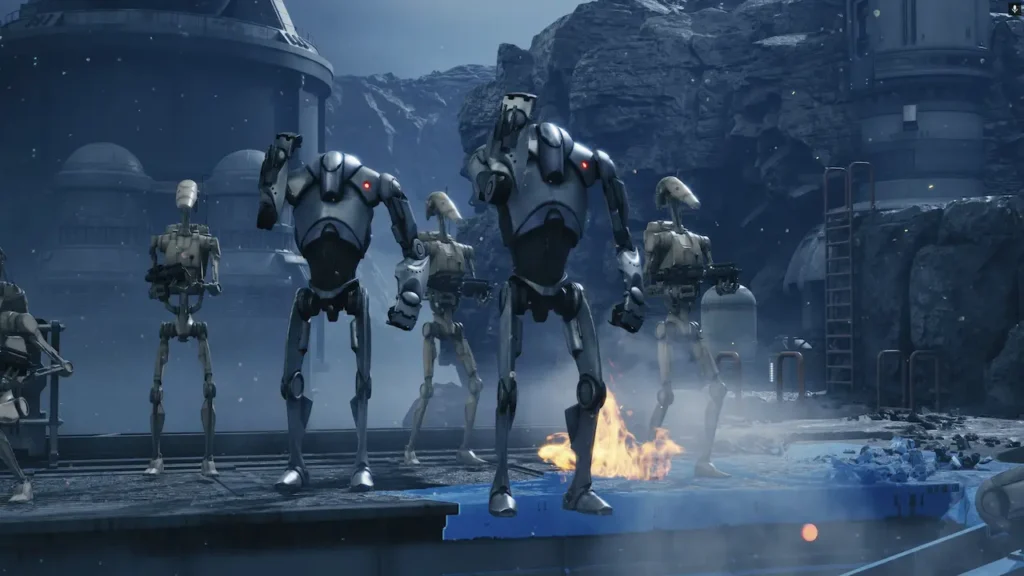
Unlike XCOM, you don’t just drop into a battle map, and usually you’ll explore an area before fighting. For example, one of the early missions is to eavesdrop on smugglers, taking you through a rough borough of seedy dockworkers. It is a good way to do some worldbuilding and set the scene, although I wish Zero Company did more with these sequences. These exploration sections feel more like corridors of environmental storytelling than active hubs that expand gameplay, and I would have preferred some side quests to improve the transitions. Not bad, but could use some fine-tuning to make these segments more exciting.
Between missions, players return to the Den, Hawk’s little headquarters that is the base of operations. There, you get to rest up, check on companions, buy new equipment, upgrade facilities, and the usual management stuff that you might expect from XCOM. I really liked these cooldown times, as they provide the juxtaposition between frantic combat and downtime that many games excel at.
I’m thinking games like Persona with its life sim/dungeon crawl gameplay, the recent launch of Pax Autocratica with base building and roguelike squad combat, and of course XCOM with base management and the turn-based missions. Magic often happens even when two separate genres might not be the most refined by themselves, but work well together. That is certainly the case with Star Wars: Zero Company.
While I enjoyed the core game plenty, there are some rough edges that hold Zero Company back from being truly great. The difficulty is a bit all over the place, and while some missions offer plenty of curveballs that make me think carefully about how to get my squad out alive, it is fairly easy to make your team insanely powerful. I recommend playing on hard mode, and permadeath turned on to make the most of the intended experience.
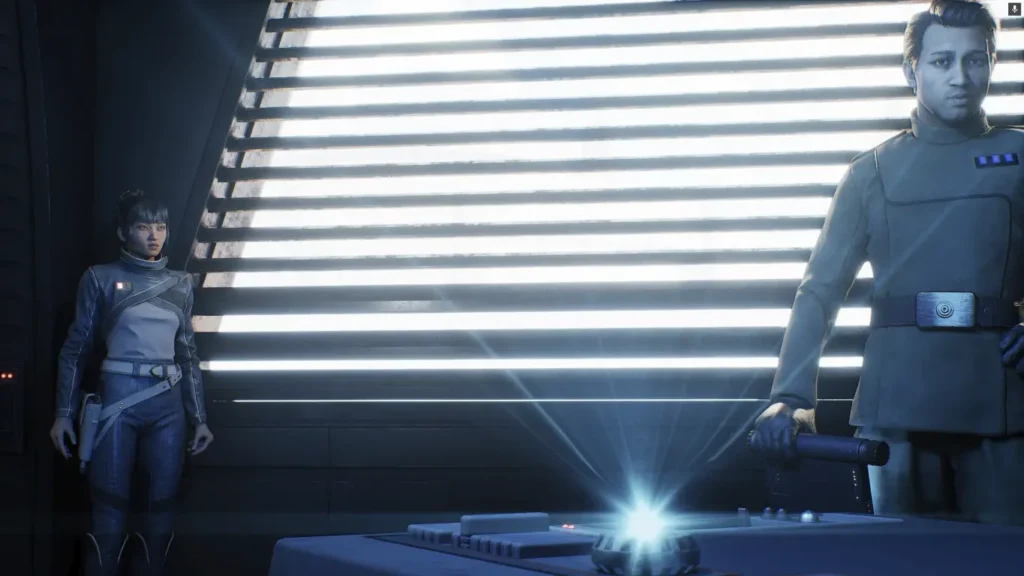
The main criticism I have for the game is, unfortunately, its technical side; I experienced my fair share of bugs, crashes, and quest softlocks. Most of these were minor, and the quest locks, while annoying, were solvable by reloading a save in most cases. The worst-case scenario was me having to restart a mission from scratch. There have been a couple of patches since launch, but with Bit Reactor’s team furloughed after release, long-term support for Zero Company is a concern.
Star Wars: Zero Company is rated Unsupported for the Steam Deck, with ProtonDB giving it a Platinum Rating. Even though the game boots on the Deck, it doesn't perform well.
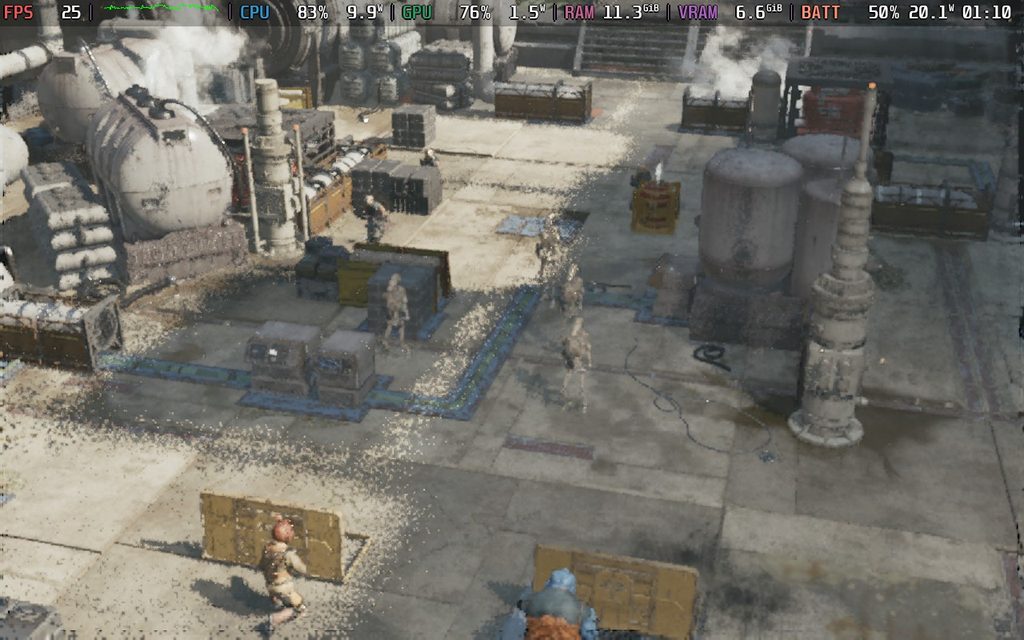
On launch, our main man Noah gave his impressions of the Steam Deck performance with some very disappointing results. We have only seen a couple of patches for the game since launch, so I was hoping for at least playable framerates in a pinch. Unfortunately, however, Zero Company is just not a pick for the Deck right now, and I found Noah’s assessment wholly accurate. There’s just no realistic way of making the game playable on the dated Steam Deck chip.
Given the steep system requirements, this was no big surprise to me, but it is a shame nonetheless. Play Zero Company elsewhere.
Star Wars: Zero Company is available in English, French, Italian, German, Spanish, Japanese, Korean, Polish, Simplified Chinese, Traditional Chinese, and Portuguese. Full audio is only available in English and German, however.
The game offers a wide range of accessibility settings that go above and beyond what is typical for a turn-based tactics game. There is full-screen colorblind filter support, extra-large text options, controller and keybind remapping, subtitle adjustments, including text-to-speech, a stabilizing dot to help with motion sickness, and four difficulty levels, with the option to disable permadeath. There’s a lot in here, and full credit to Bit Reactor for its excellent accessibility options.
Star Wars: Zero Company took me by pleasant surprise, which is the best kind of surprise in life. While I wasn’t expecting the game to be bad by any means, most things to do with Star Wars in recent years have made fans curl up and sob in a corner. Zero Company is the kind of game where you can tell it has been built with love and care, and despite some difficulty gripes and some unfortunate technical hiccups, I’ve had a lot of fun playing..
Between the solid core gameplay, decent writing, and surprisingly likable characters, Star Wars: Zero Company is a good pick for strategy fans. Just don’t expect to play this on the Steam Deck any time soon.
Our review is based on the PC version of this game.
If you enjoyed this review, be sure to check out the rest of the content on SteamDeckHQ! We have a wide variety of game reviews and news that are sure to help your gaming experience. Whether you're looking for news, tips and tutorials, game settings and reviews, or just want to stay up-to-date on the latest trends, we've got your back.
TOEM 2 was provided by popagenda for review. Thank you!
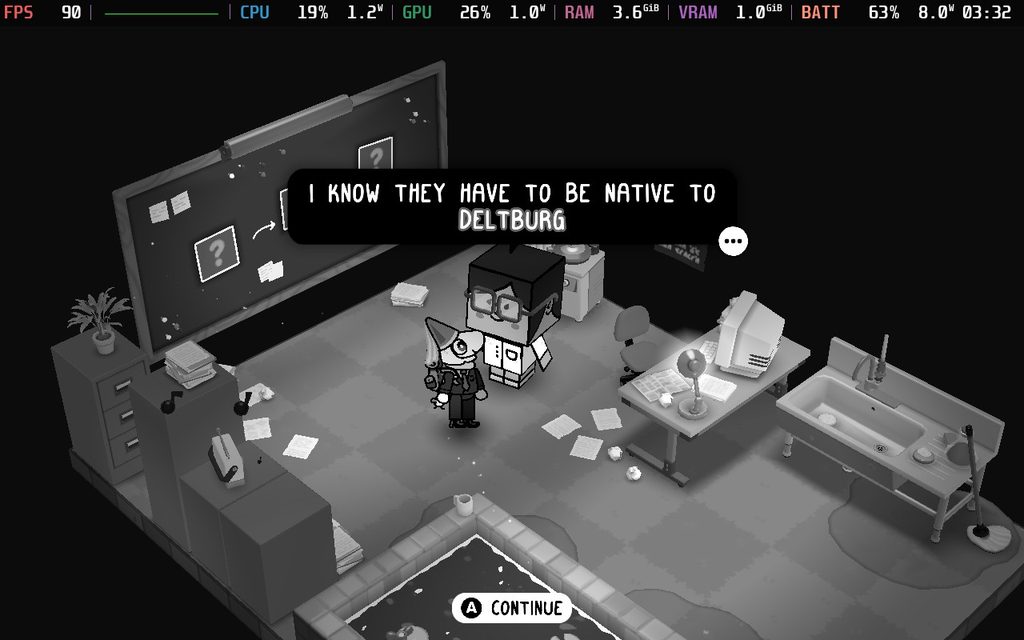
I love playing all types of games, though I’m generally used to playing the larger titles. Recently, I’ve had to play a lot of them, but the last few weeks have been filled with Control Resonant, Silent Hill: Townfall, and Fire Emblem: Fortune’s Weave. I’ve been wanting to take a little break from the large titles and get back to some awesome Indies, and I had the pleasure of playing through a short, sweet, and charm-filled experience that felt worth exploring.
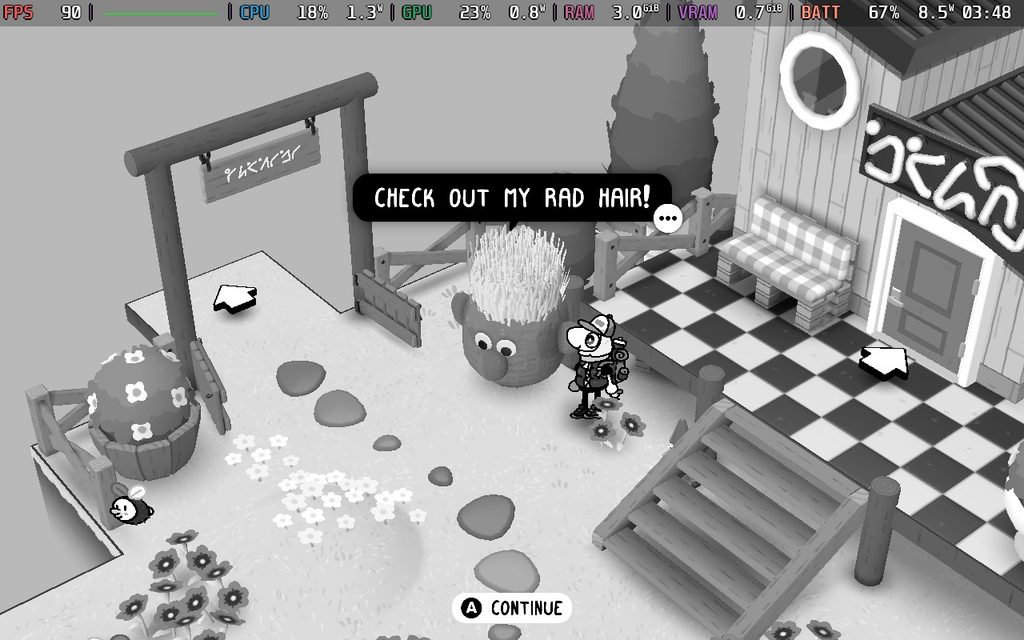
A lot of it feels very familiar if you’ve played the first game, but there are clearly some differences. Visually, TOEM 2 opted for a more 3D appearance over one that looks like the entire world was sketched. The world and characters still look great, but I will say that I do miss the sketched look. It felt more unique and gave TOEM its own identity. The new look isn’t bad, and it still does feel like it fits thanks to the black-and-white colors, but it gave me more of a generic feel, whereas the first game was very clearly defined.
The gameplay of TOEM 2 follows its prequel almost completely, with a few new additions to add some variety. We’re still going to go from town to town, completing puzzles using our trusty camera, and collecting enough stamps to move on to the next one. Along the way, we will meet a quirky cast of characters, like a piece of bread who wants to be sliced bread, or a big-headed man who is collecting smelly items. And at the end of the day, we will end up witnessing a beautiful, magical event to add to our photo books.
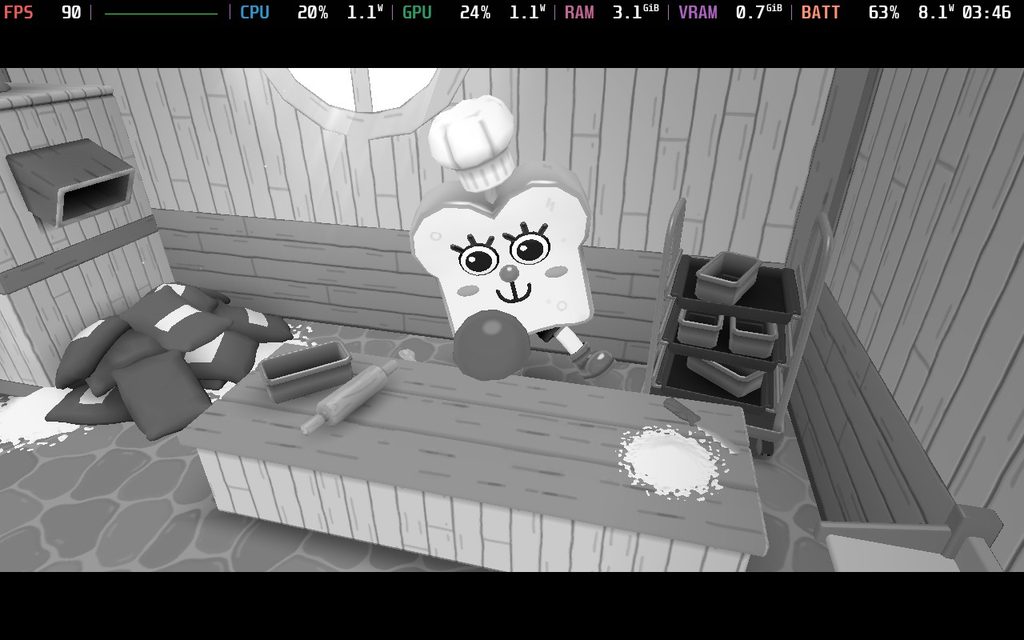
The puzzles can vary between extremely easy and solvable within a minute, while others will have us walking through these towns to find what we need to photograph. Almost all of these puzzles felt appropriately difficult and interesting, with some of them bordering on challenging. Apart from maybe one or two puzzles where I just could not find the items I needed to, despite walking around the town four times, I never felt frustrated or disappointed. A lot of times, I would go around and find different pieces of a different puzzle, interesting sites, or unique critters that I wanted to capture. So, even if I couldn’t find everything, I still found it worthwhile.
However, there are other puzzles that don’t actually involve our camera that we can complete. TOEM 2 adds jumping and climbing to the game, and there will be parkour challenges in some regions that require us to climb and find a flag or find specific items that we will need to give to the requester. It’s a nice change of pace from just taking photos and showing them to people, and I felt there was a good amount of balance to make sure taking photos was still the highlight of the game and what we would need for the majority of progression. There are also some puzzles that will require using our camera, but not taking a photo, which felt like a nice balance of both old and new ideas.
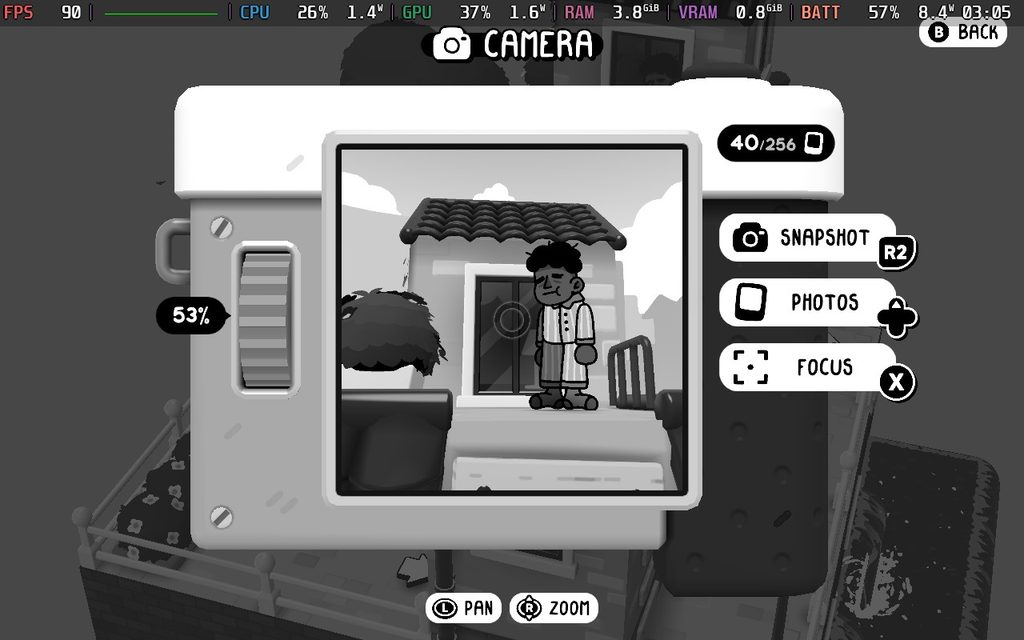
Of course, we can just take photos for fun and leave them in our photobooks to view later or put them in different frames we can find throughout the towns. We can either take photos as we walk around, or utilize a new trustee helicopter mode to take selfies. And with the ability to return to find new clothing and change our outfit at will, and new camera abilities, there will definitely be lots of opportunities to play around with it and take some memorable photos.
As I briefly mentioned before, there’s a charming cast of characters we’re going to encounter and help out, and there is a big reason why I love the game. Whether they’re crazy, weird, or downright ridiculous, I found it so enjoyable to go up and talk to everyone just to see how they were going to react. One of my favorites was this fish-like man chowing down on a snack like a madman, and when I talked to him, he was immediately defensive and asked if I’d ever seen someone chew before. Then, he just goes right back to it. It was hilarious to watch, and the world was filled with encounters like that, so it was a blast to just walk around and meet others.
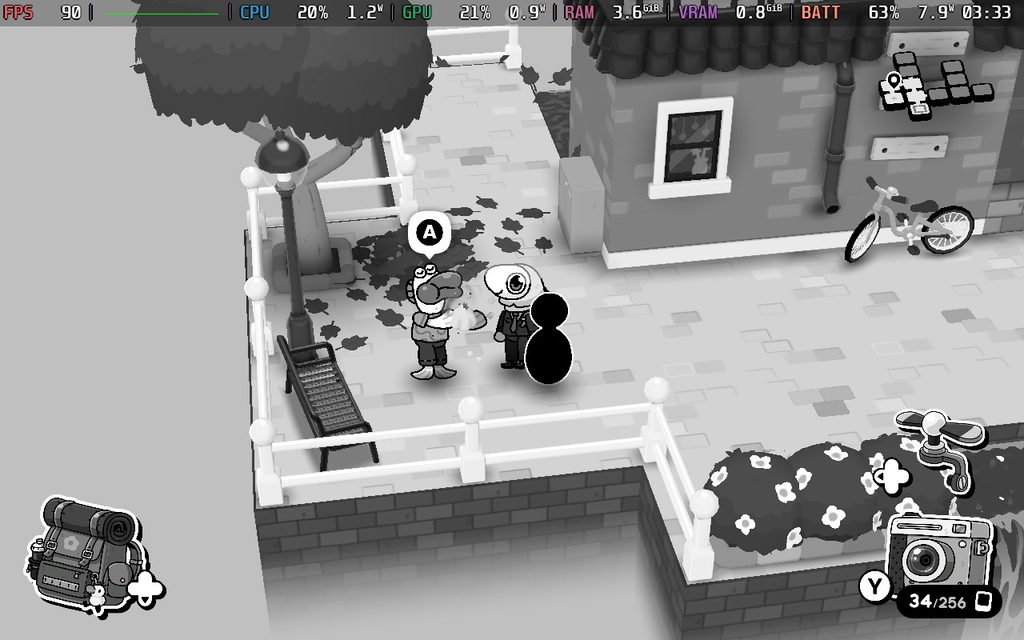
I also want to mention that the game is very short. It took me about three hours to beat the game with an 88% completion rate. If you’re going for 100%, I can’t see it taking longer than four or five hours. I’m not usually someone to harp on the length of a game; I will always prefer a shorter, quality experience like this over a longer, mediocre one, but I did wish there was more to do. It felt like it ended a little too soon, and I would’ve loved to meet more characters and solve more puzzles.
And for everyone who may be wondering, TOEM 2 is flawless on the Steam Deck. It runs at 90 FPS with a battery drain under 9W the entire time, making it a perfect experience to take on the go. I have no complaints at all; it’s just a wonderful experience on the go.
TOEM 2 is a wonderful follow-up to an Indie gem that shows why the first game was so highly regarded. The charm of the world and its characters draws you in, while the puzzles feel good to solve and will require some thought. Not all of the changes stick the landing, and it’s a very short experience, but it’s a worthwhile one.
It’s also a near-perfect experience on the Steam Deck, so for those who want to take this on the go, you won’t be disappointed.
Our review is based on the PC version of this game.
If you enjoyed this review, be sure to check out the rest of the content on SteamDeckHQ! We have a wide variety of game reviews and news that are sure to help your gaming experience. Whether you're looking for news, tips and tutorials, game settings and reviews, or just want to stay up-to-date on the latest trends, we've got your back.
Minecraft Dungeons 2 was provided by Xbox for review. Thank you!
There’s something that always intrigued me about Minecraft Dungeons. I understood that creating different types of spinoffs of one of the most popular video games in history was inevitable, but I didn’t expect one to be an ARPG. However, as someone who loves deeper ARPGs like Diablo, it never really caught on with me. I was hopeful that the sequel would start to bridge that gap and make the experience feel worthwhile. In a lot of ways, Minecraft Dungeons 2 does that, but it still feels like it’s missing the appeal that would bring over those who want something deeper.
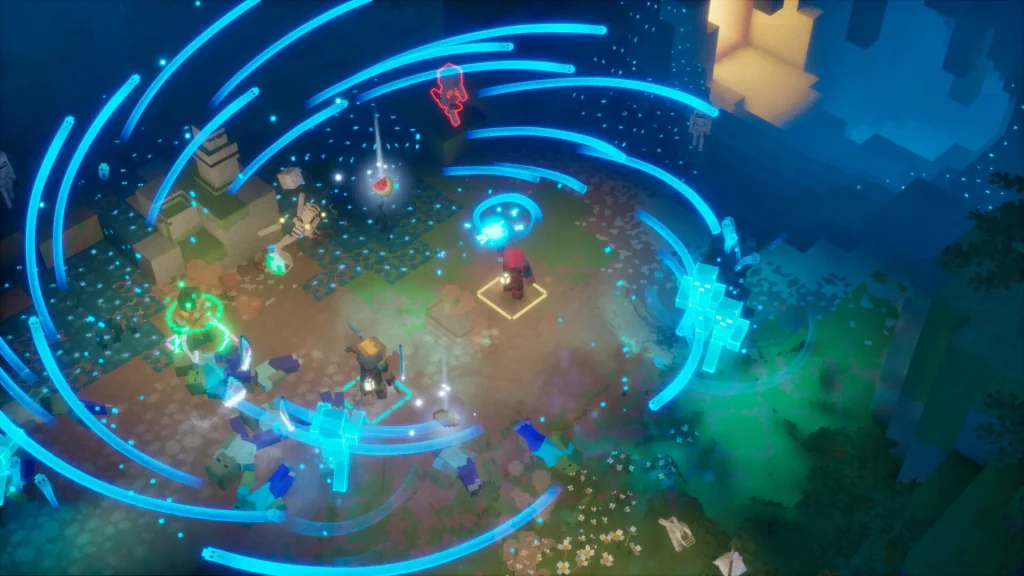
In a lot of ways, Minecraft Dungeons 2 feels like a major step up from its predecessor, adding in so much needed depth that keeps it engaging. The general gameplay loop remains the same, but with the new additions, it makes the simple loop feel more worthwhile to invest in.
Just like the predecessor, we’re going to be running around the world, using our weapons and abilities to fight leagues of enemies across the world. We have our basic attack, ranged attack, and three different equitable items that can be used as abilities. It’s a simple, yet effective loop, and it can be a lot of fun to go around killing enemies, especially with friends.
However, we do have a few changes that make combat more enjoyable. Our ranged weapons have unlimited ammo that recharges over time, so we no longer have to pick up arrows. You’re also able to jump now, which introduces slamming attacks. The unlimited arrows are quite possibly the best change, and it’s nice not to have to worry about picking them up to make sure I still have access to attacking people from afar.
But the biggest changes come from progression in the world. We can equip more armor, switching to a 4-piece system, and we can get passive buffs from Talismans. We can equip three of these at a time, and the more we fight with them equipped, the more they level up, which can increase the buffs that they provide. All the equipment we can find can now have extra effects, on top of the slots to specifically enchant them with effects. This pairs well with the incredible amount of loot that we can find, making each one feel more unique and turning grinding for loot into a push to find the best items with effects that play into our build.
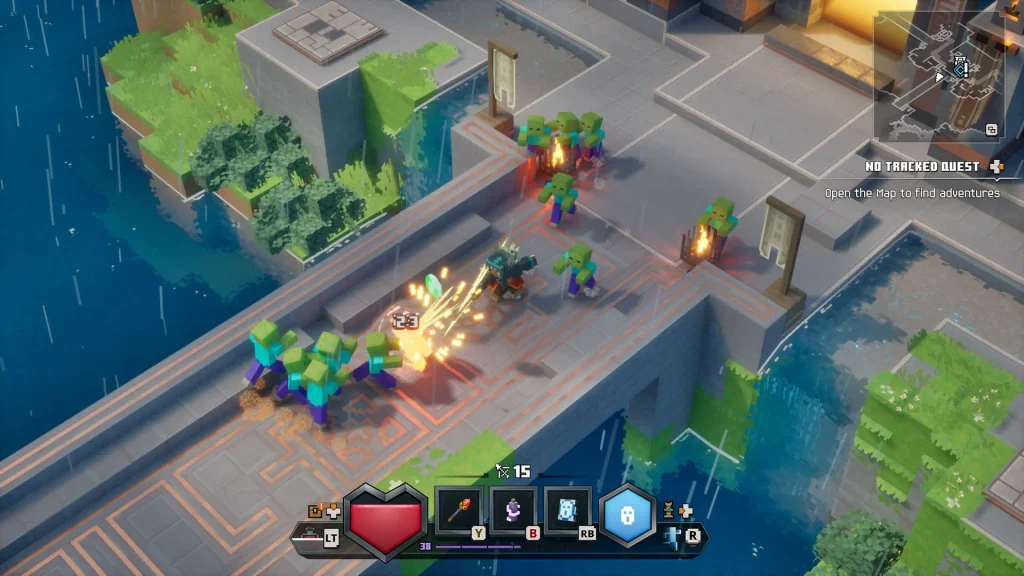
As we continue fighting, we will level up, which gives us the Enchantment points we need to enchant our gear. The more we level up, the more we can have, which allows us to enchant more and make them more powerful. We can find Enchantment Books throughout dungeons, which we can then use to enchant items with our points and Emeralds. These enchantments can be enhanced three times to make them more powerful; the effects they provide vary from offensive effects, like adding electric shocks to attacks, to defensive ones, like the chance to create a healing mist when killing an enemy. Each weapon and piece of gear can be enchanted, giving us the chance to enchant six different pieces of gear at any given time.
It didn’t really hit me how enjoyable the system was until later on, as I was collecting more books and finding the Talismans. The joy of finding the scores of loot, picking and enchanting the right ones, and seeing how it changes the way I play was what made the experience much more fun. I could spend hours just finding new gear and seeing what they do and how they will change the way I play.
Even with some of the new passive effects on gear, a lot of the depth I enjoy seeing still isn’t there. Gear doesn’t have its stats listed, and is instead shown how good it is by a singular item score. The “higher item score = more powerful” system makes sense, but I like seeing the numbers go up on the gear I like. The passive effects mixed with enchantments get much closer than the previous game, but it still falls short of the added detail I like seeing.
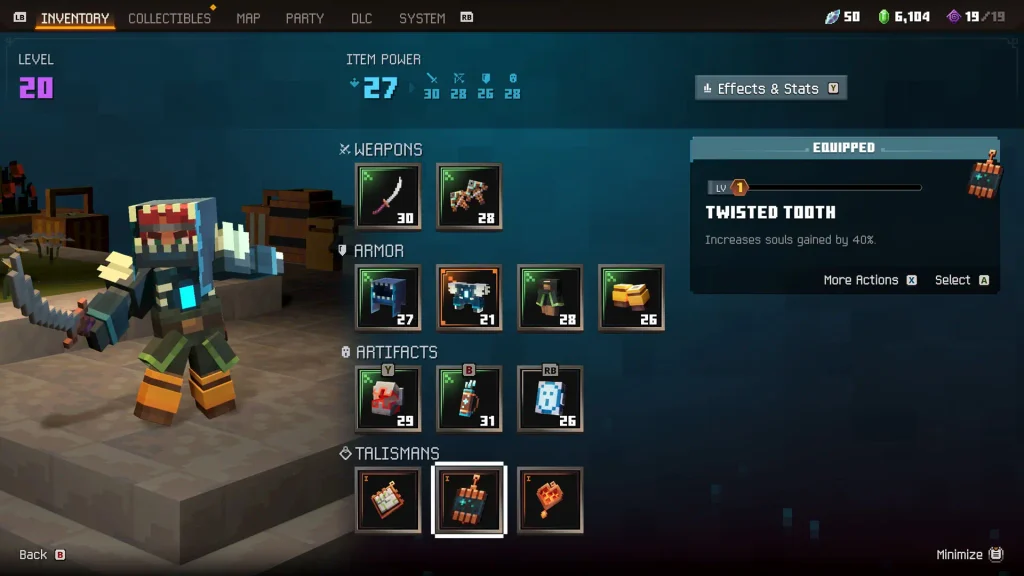
It’s something I wish was there, but for what Minecraft Dungeons 2 is made to be, it makes sense. The game feels way more mild, catering to younger audiences for a more accessible experience, and I feel that was achieved. It’s a great stepping stone for those who want to get into ARPGs but get overwhelmed with all of the small differences between gear. Here, it’s easy to see from one single number, while also starting to introduce the complexity in other titles in the genre.
As for the world, we now have a giant, interconnected world to explore freely. There’s a great variety of biomes with tons of quests to complete, along with tons of enemies and random minibosses that will pop up out of nowhere. On top of that, there are dungeons and rifts spread across the world, which we can take on to get unique equipment, new Enchantment Books, and more. There are also treasure chests scattered around, with some of them requiring some well-timed jumps to get to.
This is also where we will start to get our first look at the new Sift Dimension. This is a brand new dimension for Minecraft as a whole that will be making its first appearance in this game before it launches in the main game. We can access it through Rifts, giving us a glimpse of the aesthetic and wildlife, while also providing some great rewards. They are similar to dungeons and can give more unique gear and Enchantment Books.
The switch to one giant world over the original’s hub world is another massive improvement. The world is vibrant and full of enemies and treasures to discover, making it a treat to just walk through and explore. The fast travel system works exceptionally well, making it extremely easy to go across the map when necessary, and I feel it suits this kind of game much better than the previous game’s hub world that requires us to load into levels.
However, while the interconnected world and fast travel system are great, it does feel like it misses some key elements. One of the biggest is not being able to pin locations on the map. The world map shows dungeons and rifts, but we can’t pin the location or navigate to it. We have to essentially figure it out and go in the right direction until it appears on our minimap. I constantly went back and forth out of the map just to make sure I was going in the right direction, which was tedious.
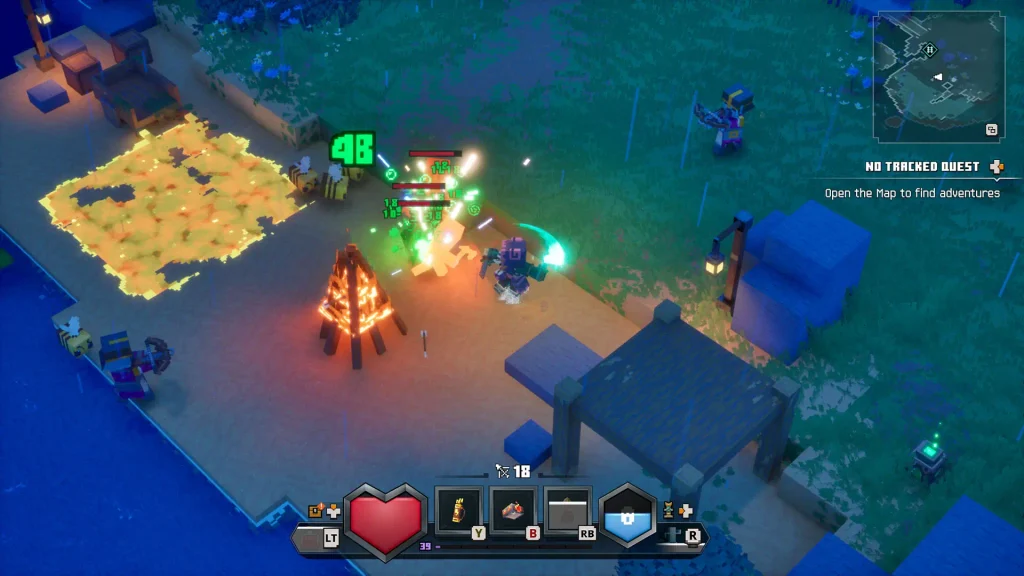
The story itself is alright, but serves more to keep the game moving along. We are run out of our home by illagers and have to start over in a new land. From there, we will rebuild and have to fight the Council of Illagers, who are hatching some grand scheme that involves the new Sift Dimension. It does its job of continuing to push the game forward and introduce new locations and the Sift Dimension, but I wouldn't say it's memorable.
Ahead of its launch, I wasn’t able to get Minecraft Dungeons 2 running on the Steam Deck. Every time I booted it up, I would be prompted to install Microsoft Game Services, but it would go to a black screen and close the game. So, I wasn’t able to test it effectively on the Steam Deck.
However, I did play through the entire game on the ROG Xbox Ally X, and I can tell it’s very well optimized. I was able to play the game at around 80-90 FPS on High settings at 1920x1080 resolution. There’s definitely some wiggle room to bring it down, which is what makes me hopeful for being able to play on the Steam Deck at a lower resolution. Even at 30 FPS, I could see it being playable at medium settings, but I’m hoping for 45 or 60.
I’ll be testing it more in depth as soon as I can launch it, but based on what I’ve played so far, I have high hopes.
Minecraft Dungeons 2 makes some welcome improvements that start to elevate the experience past what its predecessor was capable of. The revamped gear and interconnected world evolved the series in meaningful ways, making it a significant improvement. It still falls a little short of the more detailed, depth-filled ARPGs I enjoy, but it inches closer while keeping its accessibility and charm. For someone who just wants a simplified Diablo or is introducing kids to the genre, this is exactly what you should get.
Our review is based on the PC version of this game.
If you enjoyed this review, be sure to check out the rest of the content on SteamDeckHQ! We have a wide variety of game reviews and news that are sure to help your gaming experience. Whether you're looking for news, tips and tutorials, game settings and reviews, or just want to stay up-to-date on the latest trends, we've got your back.
Train Sim World 7 was provided by Dovetail Games for review. Thank You!
Another year has passed, which means it's time for the next iteration in the Train Sim World franchise. That's right, Train Sim World 7 is here, and while things are mostly the same, as we've come to expect from franchises with annual releases, there are a couple of nice extras going on here.
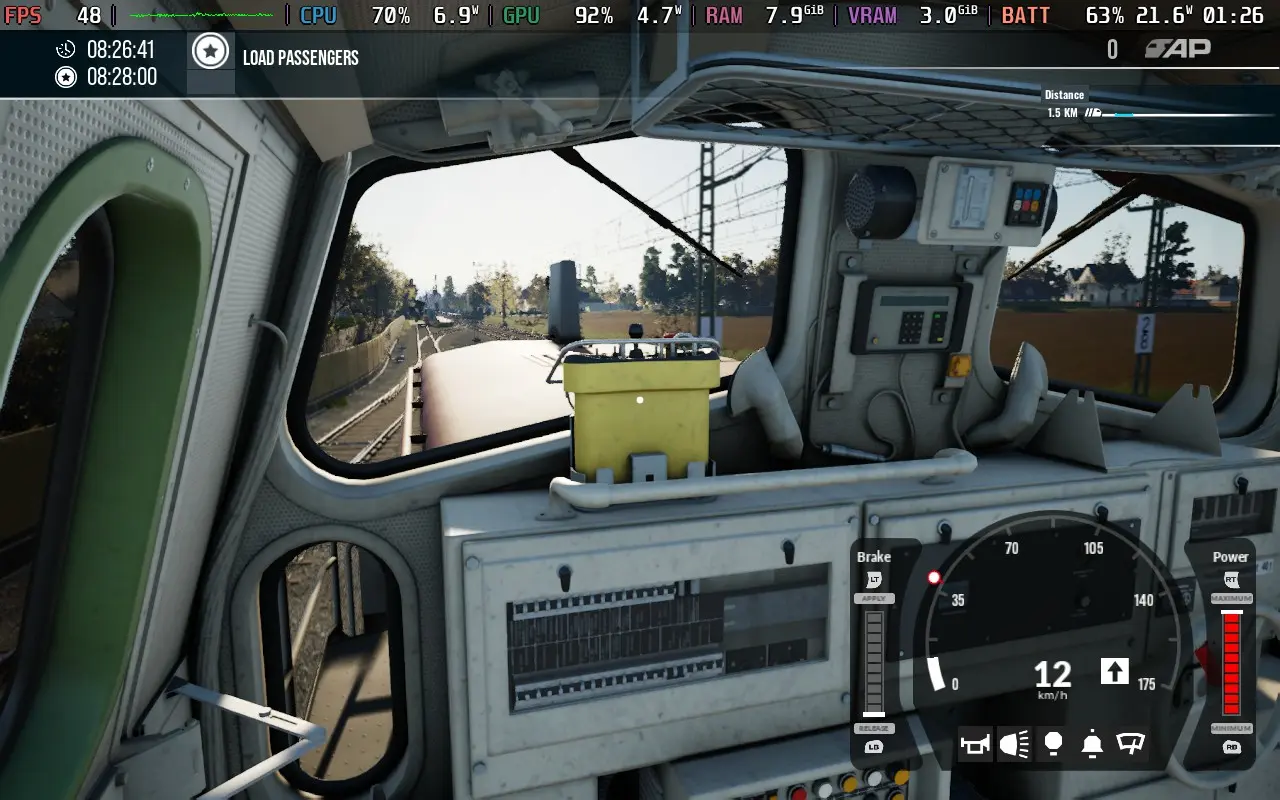
As you might expect, Train Sim World 7 feels more like a game update to Train Sim World 6 instead of a whole new game. The graphics aren't really improved, the gameplay mechanisms are essentially identical, and even the menu looks pretty much the same. The 2 key features Dovetail Games is promoting to push Train Sim World 7 are Freight Hauler mode and the ability to use live weather data for a more authentic experience.
The Freight Hauler mode almost feels like a rather relaxed minigame. Freight cars are spread throughout the map, and it's your job to drive freight trains to collect them and deliver them to their destination; it's essentially the "Free Roam" mode, but with side objectives to keep you focused on a task. I would have loved to have seen additional objectives like these added to the Free Roam mode to make the game a bit more engaging. Finding random tasks along the route, while somewhat unrealistic, would have added to my experience.
The Live Weather feature similarly worked quite well for me. I live near one of the routes featured in the game, so I tried out the feature on 2 separate days, and it produced accurate weather scenarios for both of those occasions. I'm unsure how "dynamic" it is if the weather will change in-game during a route if the real-life weather changes, but at least when you start the route, it seems to be accurate to what the weather is at the time of the route starting.
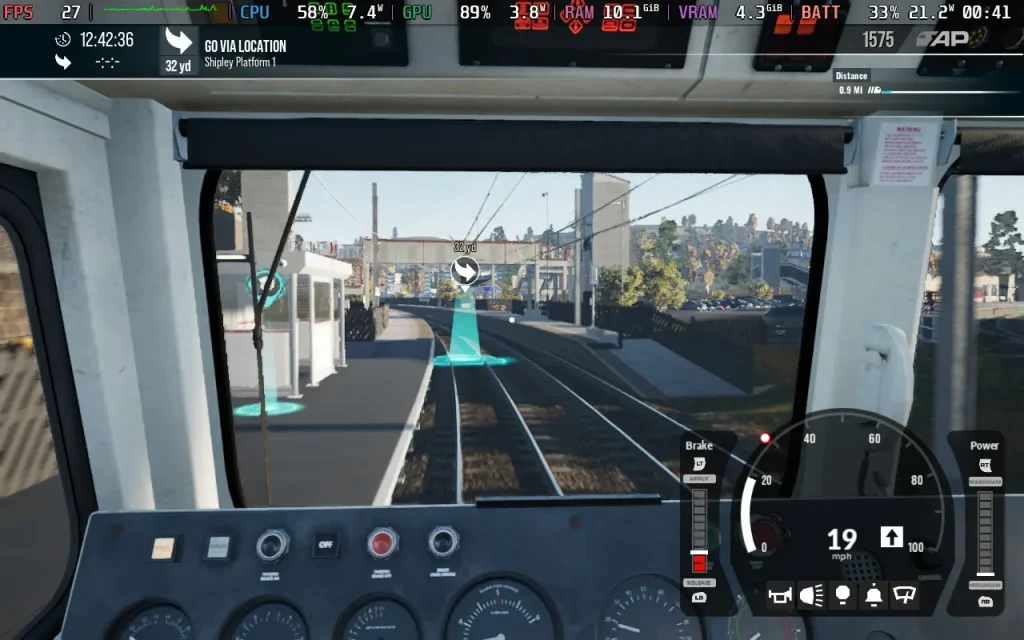
The game's detail still holds up, and the newly added trains are high quality. If you know the trains in real life, then you'll get a kick out of seeing them in the game. The stations are also fairly well designed, although there are sections here and there which are of questionable quality.
I was actually able to test out a couple of trains I'm familiar with in real-life, such as the Class 66 DB and Class 323 TTC; both are very well recreated in the game, with authentic sounds and designs, and it's great to be able to get up close and see inside the cabin of trains you see all the time on the rails in real life.
One thing I did enjoy was the sound design, although quite repetitive when driving a train at a solid speed for a long period of time. Opening windows does alter the soundscape, and when you enter tunnels and go past large objects, you get a good sense of the audio changing. It's hard to resist blaring your horn as you go through a tunnel.
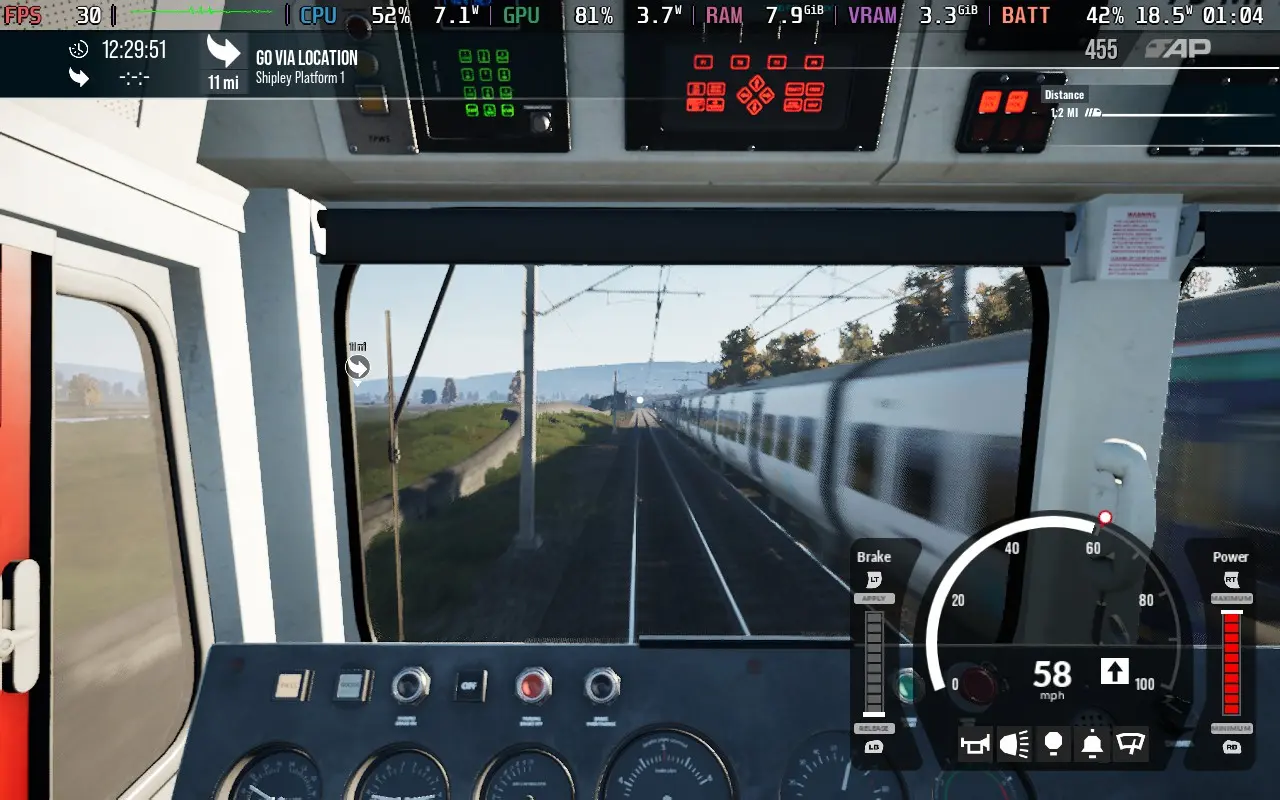
The train driving in Train Sim World 7 appears completely unchanged from Train Sim World 6. You have your more complex controls, which require you to manually adjust buttons and levers in the cabin, and the simplified scheme, which allows you to use buttons on your controller/keyboard to do certain actions like throttle, braking, horn, and lights. Random faults/failures return to add a bit of excitement, but they are quite rare.
I did encounter a couple of bugs. Once, my throttle was stuck at maximum and didn't respond to what I was doing with the throttle or brake thereafter, resulting in my train crashing and getting stuck going 170KM/H, even after the crash. It's possible this was caused by Frame Generation, though, as I did have input issues when using the technology.
Secondly, a couple of times my train just... inverted. I would be driving along just fine, and then the camera would lurch forward, and my train would become undrivable. Switching the exterior camera revealed that the locomotive was now upside down and halfway in the ground, very strange and somewhat irritating after you've driven for 30 minutes on a mission.
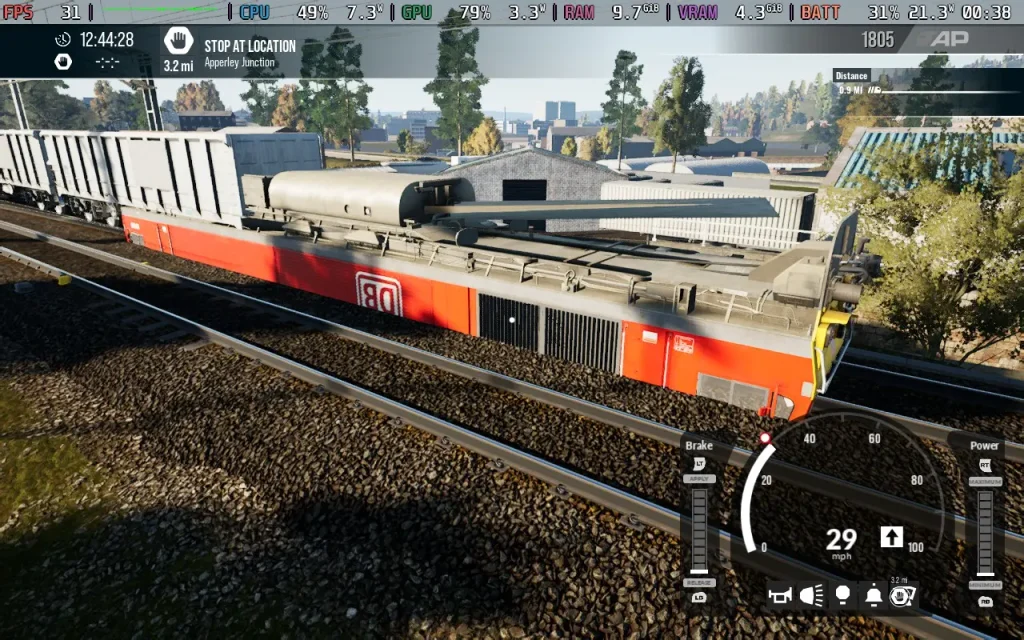
The crash physics themselves also leave much to be desired, with trains pinging off into oblivion when you crash them, much like previous entries in the franchise.
When it comes to Steam Deck performance, Train Sim World 7 performs very similarly to Train Sim World 6, likely because they use the same base game engine. Controls-wise, it's perfectly fine to play the game with a gamepad, thanks to the simplified controller options available.
The game defaults to the High preset, with FSR set to Balanced, but I found the GPU bottlenecked performance a bit, so I recommend you drop to Medium. Frame Generation is on by default, and I recommend disabling it; it caused strange controller issues for me, duplicating inputs when it was enabled.
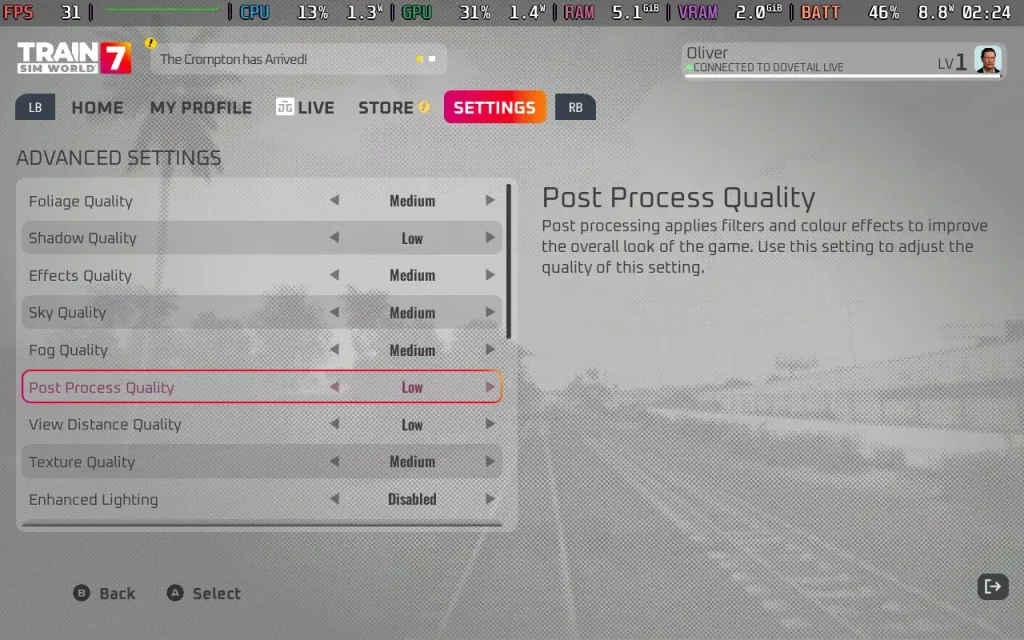
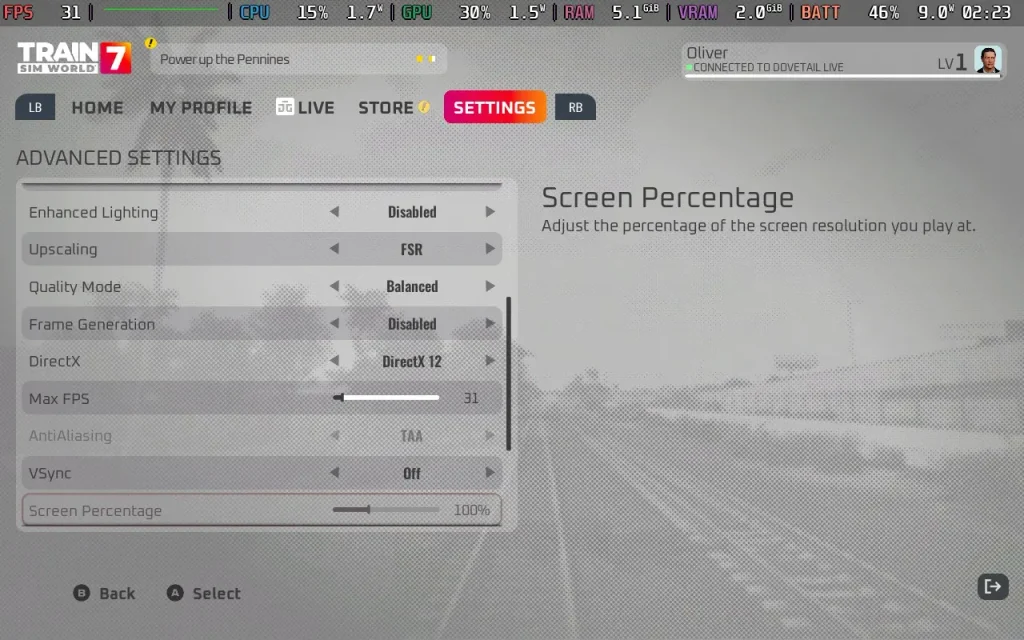
The game fluctuates a bit between 25-45 FPS, depending on where you are. As the game is fairly slow-paced, locking the game to 30 is acceptable. Just expect frame drops into the 20s near stations due to heavy CPU load.
Do bear in mind that there will be fairly consistent traversal stutter, particularly when travelling at speed as it loads in the assets, but as you tend to make decisions far in advance in Train Sim World, reaction times shouldn't really be too much of a concern for a seasoned player. You can't really do anything to eliminate this stutter, which is down to CPU load.
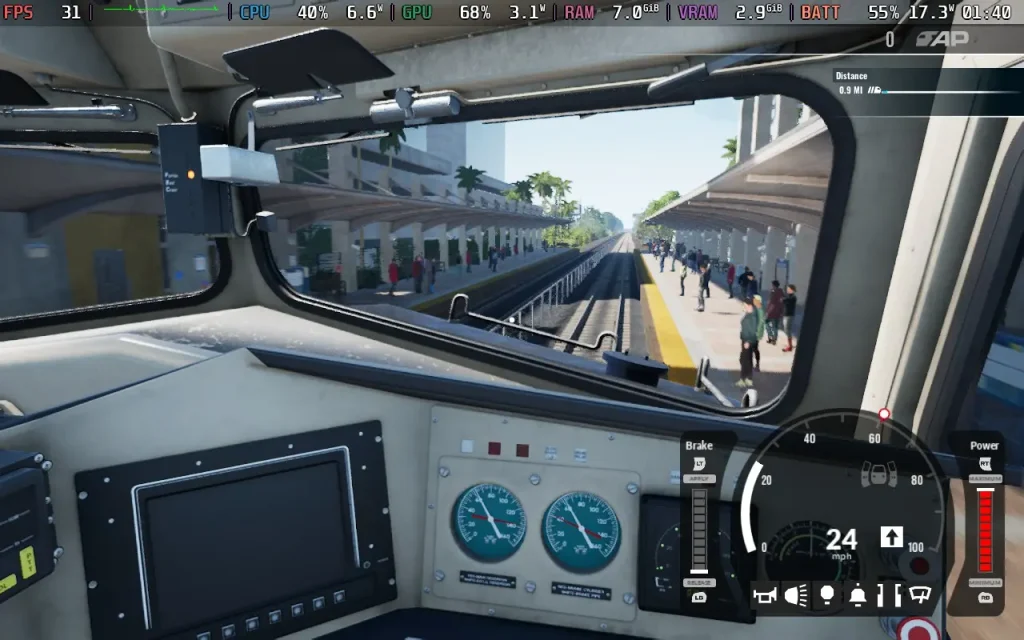
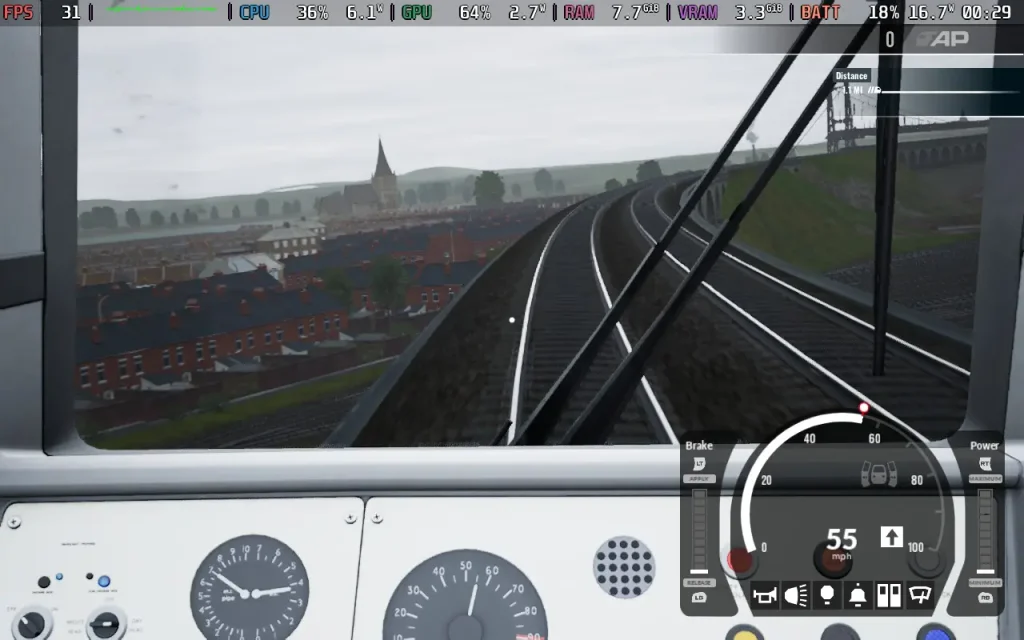
Power draw is on the higher end, using around 18-21W for most of the play, but that can drop if you're in quiet areas. Expect around 2.5 Hours from a Steam Deck OLED battery, and around 1.5 Hours from a Steam Deck LCD. Temperatures were around the 60-65C mark.
Train Sim World 7 has a "simple control" scheme, which takes a lot of the complexity out of managing the train. Essentially, you'll be controlling the train with your controller's buttons, rather than pressing buttons in the cabin to control everything. It also has other assists to handle some of the more fiddly parts of train driving.
It also has support for subtitles, UI scaling, and colorblind filters.
Train Sim World 7 offers a couple of modest features to entice players of previous games. But ultimately, it will be the upcoming TSW7 exclusive DLC that will be the main draw. The DLC remains as pricey as ever, making it hard to recommend to anyone but hardcore train enthusiasts.
Performance on the Steam Deck is fine. Yes, there are stutters and frame drops here and there, but given the nature of the game, it remains perfectly playable, and you can enjoy your time with it once you get used to the slightly inconsistent performance. The controls are adapted well if you keep things on the simpler settings.
Our review is based on the PC version of this game.
If you enjoyed this review, be sure to check out the rest of the content on SteamDeckHQ! We have a wide variety of game reviews and news that are sure to help your gaming experience. Whether you're looking for news, tips and tutorials, game settings and reviews, or just want to stay up-to-date on the latest trends, we've got your back.
Silent Hill: Townfall was provided by Konami for review. Thank you!
I may be a big baby when it comes to horror games, but there are certain ones that really speak to me. I love it when they mix fantastic action with a scary premise (like Dead Space or Resident Evil), or when they go all in on psychological horror to creep us out without relying on jump scares. I especially love the latter, and happily get behind games that truly utilize the environment, atmosphere, sound, and story to drive home just how creepy it is. Silent Hill: Townfall is one of those games, and not only does it succeed on every front, but it has also easily become one of the best horror games that I’ve ever played.
Before actually playing the game, I already had my hopes high. I was excited to see how they were going to translate the psychological horror of Silent Hill and translate it to a first-person experience. They are also sharing publishing duties with Annapurna Interactive, which actually gave me more confidence in how unique the game will be. And, after playing it from start to finish, I feel confident that this is one of the best Silent Hill experiences out there.
The narrative takes center stage, with its interesting premise and evolving storyline. We play as Simon Ordell, who is washed up on the shore of the town of St. Amelia. He has been called back by someone named Richard and tasked with finding a woman named Zoe to help him reach Richard. However, as we travel through the town, we will learn more about what actually transpired and how it has influenced the abandoned town.
I don’t want to spoil anything, but Silent Hill: Townfall's story is fantastic. It has great pacing, surprising revelations, and is told with enough nuance that it invokes critical thinking to put the pieces together as the story continues. I was completely taken back by some of the revelations towards the end of the game, and it makes some of the pieces that are revealed earlier start to make sense in an entirely different way. Even with the game having multiple endings, it all flows wonderfully.
The characters and their voice acting are done beautifully, but if I had to criticize, there were a few unbelievable moments. What’s happening is clearly unreal, but there are a few times where it just seems Simon isn’t shocked at all. It might make sense in some interpretation of the story, but it felt a little too unbelievable with all the events happening around him. However, I’d consider this nitpicky, and the majority of the story is fantastic.
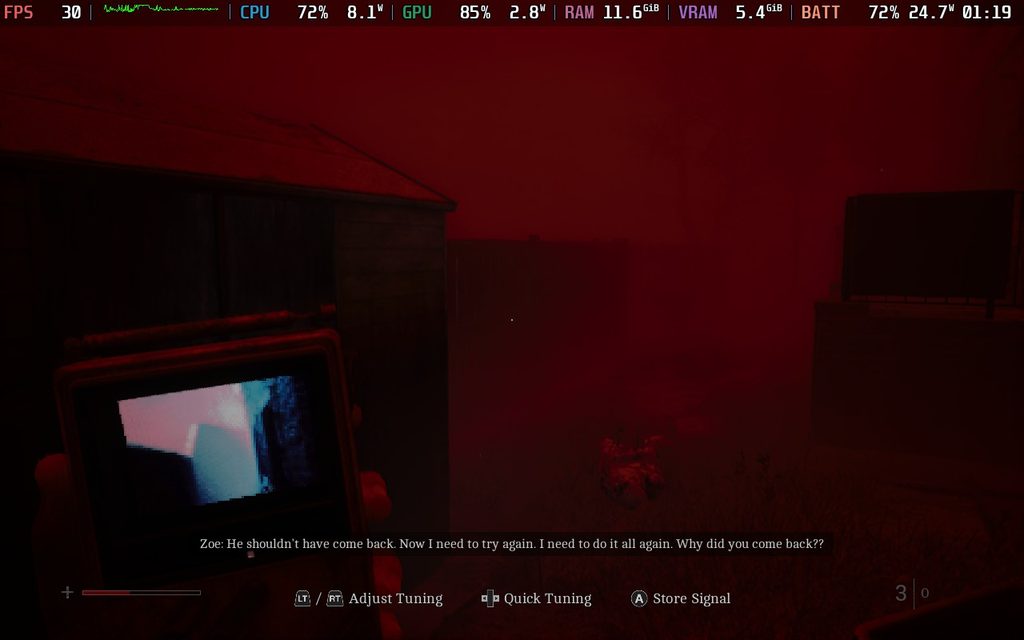
A few elements are also told through the CRTV we carry with us. We may get messages from time to time on that small screen, and we need to tune the frequency to listen in. They provide more clues as to what happened in the story, while also being told in a way that induces more horror vibes. Whether it’s the breathy voice, static sound effects, or the way the video is being shown, it all blends together to make me feel creeped out.
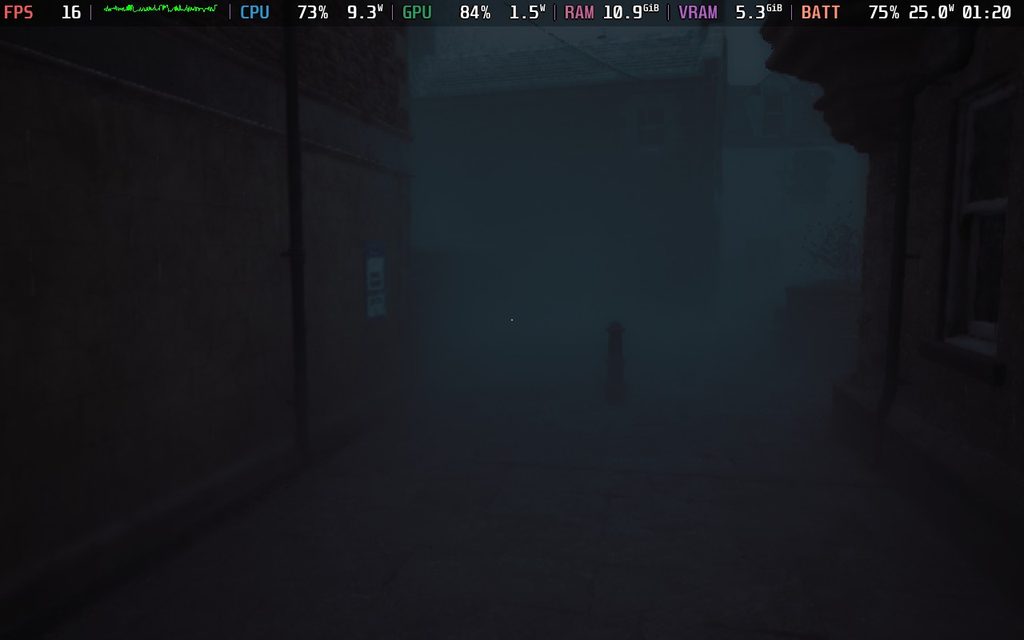
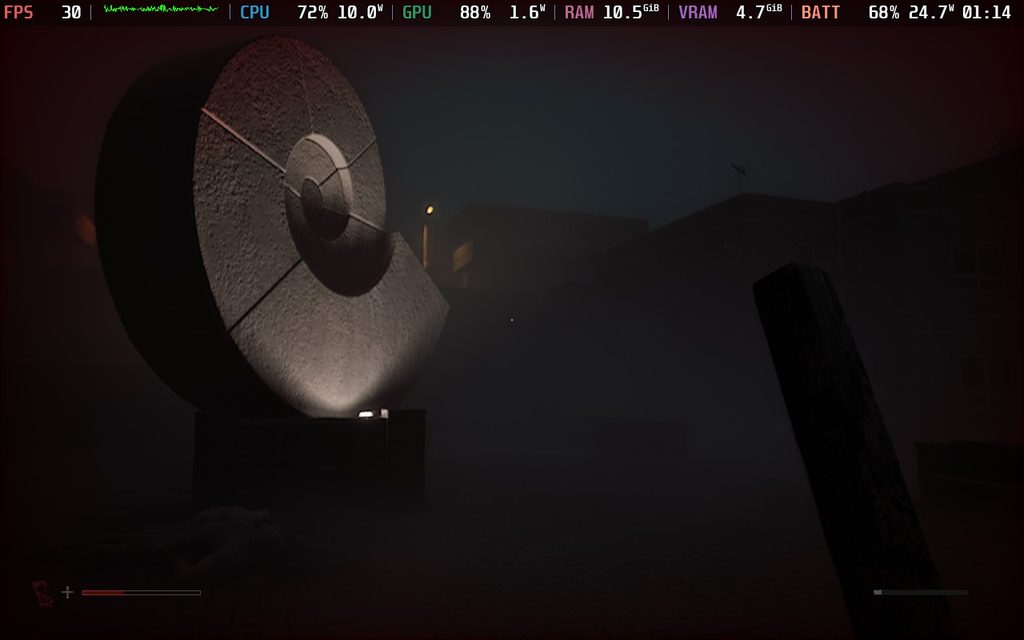
It also weaves well into what is the best part of Townfall: its atmosphere. St. Amelia has been transformed into a creepy, fog-ridden shell of its former self, and just walking around it was enough to put me on my toes. The lighting (or lack thereof) felt almost perfect at times, while the fog provided a necessary backdrop to keep me wondering if there were any monsters hiding and waiting for me to turn the corner. The abandoned town, stores stripped of their supplies, and remnants of protests all started to paint a picture of a place that nobody should be in anymore, and as the story develops, it all starts to click.
The atmosphere stunned me, but it was the sound design that came out on top. Hearing the monsters howl in the distance under the guise of the fog, or the footsteps of creatures looking for me as I was hiding near them, was nerve-racking in all the right ways, while the creakiness of doors opening, turning valves, and slamming doors open to hide all worked together to create this air of creepy uncertainty for what could happen next.
It didn’t really hit me how great the sound design was until one specific part later in the game, as we have to deal with these crawling enemies that move extremely fast towards you. You can hear the sound of them slapping their hands against the concrete, which would always freak me out as I had to get my weapon ready and find where it’s coming from immediately. I would get constantly scared, but it was moments like that which made me appreciate just how great the design is.
The majority of the game will consist of walking around the town of St. Amelia, solving puzzles to figure out what’s actually going on, and sneaking around or fighting monsters when necessary. The puzzles are intricate and interesting, and feel so satisfying to complete. There wasn’t one that I felt was too difficult, and a majority of them required critical thinking to complete. There’s a setting to make puzzles easier by highlighting the items you may need for it, but even without it, I found it relatively obvious what items were needed for which puzzle.
There’s going to be a lot of them to complete, but that’s part of why I enjoy Silent Hill. I always found puzzles to be the main attraction in its gameplay loop over action, and I love that aspect here.
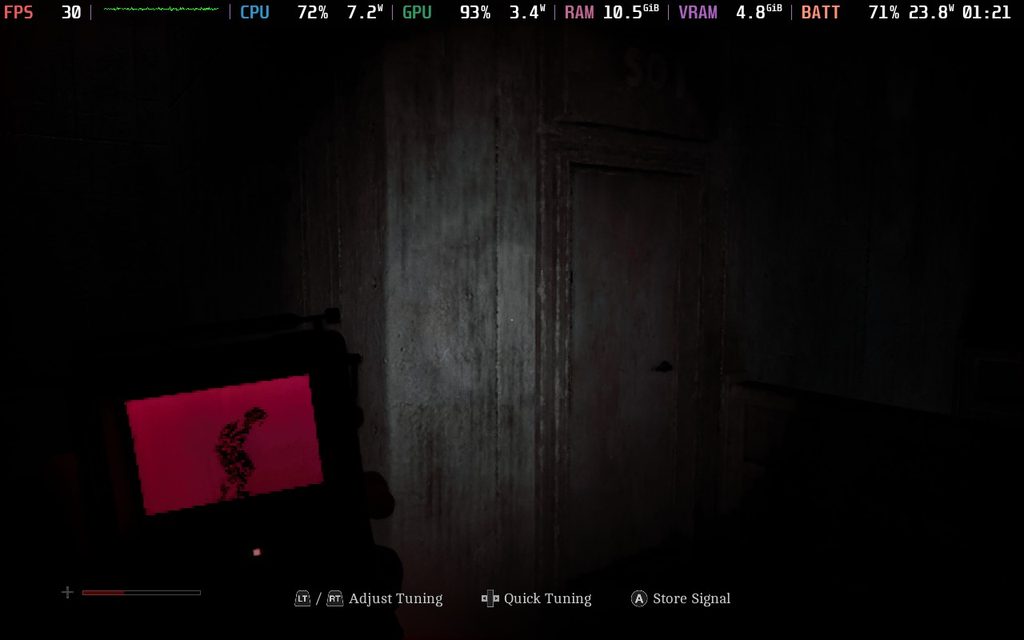
However, I have to admit that fending off monsters or getting around them fits in wonderfully. Finding ammo and weapons to defend yourself in Townfall is rare, so it’s recommended to find ways to sneak past or distract the monsters skulking around the town. Not only can we find bottles and such to throw and distract them, but we also have a CRTV that essentially locks onto the frequencies of each monster, and we can see them through walls. This gives us a major edge in finding them, but we do have drawbacks, like only being able to see one at a time, and it’s on a relatively small screen with static. It perfectly adds to the horror element with its static noises, red filter, and the stress of only being able to see one monster at a time. Some of them can turn around at any moment as well, so even though we can see them, it’s not always going to help us get past them without a scratch.
For the ones we can’t get past, we can fight. We have melee weapons that have durability, and guns that have limited ammo. Both of which can be used effectively to defend ourselves, but melee weapons are preferred since they don’t make as much noise and have less of a chance of attracting other monsters. Towards the end of the game, we do have to rely more on fighting than sneaking, but I didn’t feel like it took away from the overall experience.
What I did dislike is how some enemies know exactly where we are at all times, unnaturally. There are a couple of spots where we have to hide from certain monsters, and for whatever reason, these monsters always know exactly where I am and will patrol the area that I’m in even if I don’t make a noise. It felt a little unfair when all I would do was crouch, walk upstairs, and go into a room, and somehow the monster knows. I just entered that room, and it comes to investigate. From there, it will only patrol that area until I find a way to leave and go to a different area for it to follow me, even if I didn’t make any extra noise. There are only a few enemies that actually do this, so it’s not a common problem, but I did get annoyed from time to time when just trying to get to the exit.
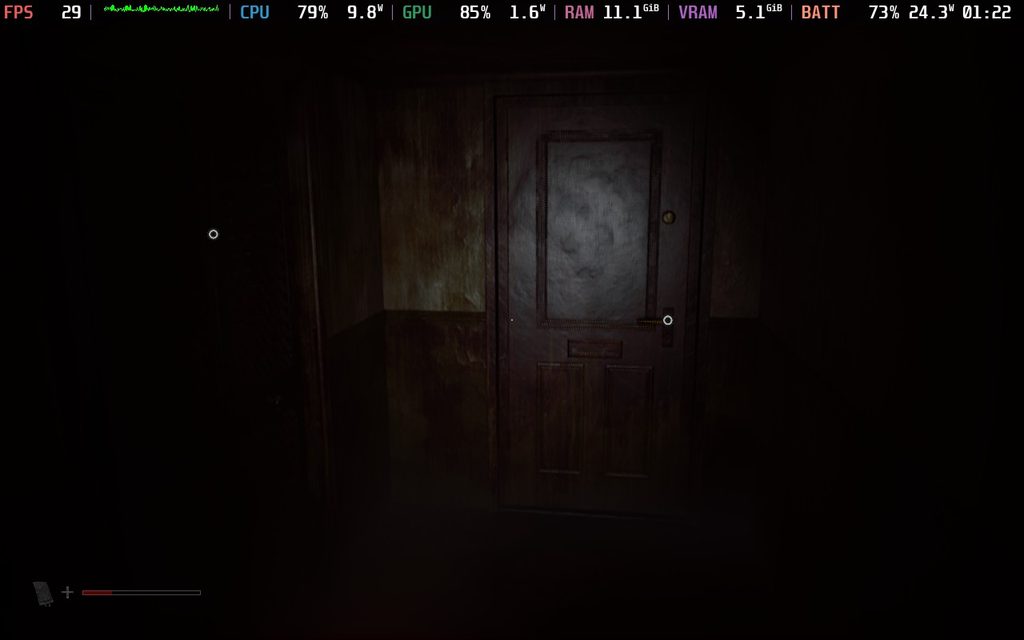
With Silent Hill: Townfall, I was hoping that it would perform decently and be fully playable on the Steam Deck. After playing and testing the settings, I would consider it borderline playable, with a major caveat that could be annoying for a lot of people who want stable performance.
For the most part, if you’re taking your time and walking around, the game will stick to 30 FPS at the low settings with TSR or FSR upscaling at Performance or Ultra Performance. It’s a pretty demanding game, and you’ll have high battery drain no matter what, but playing this way is doable, and I can only see possibly one or two areas that will drop no matter what.
TSR and FSR upscaling both felt very similar in terms of performance, but I prefer the visuals with TSR upscaling. The glistening from FSR is easily noticeable and distracting, and that glistening is pretty much eliminated when using TSR. With similar performance, I see no reason not to go with TSR upscaling in this case.
The major caveat is that trying to run through the town, or in some more complicated areas, will induce frame rate drops. It can be pretty consistent, dropping down into the 10 FPS range at times. It’s a lot of stuttering, and if we’re running away from enemies, it can feel jarring. I could see this being a CPU bottleneck or shader compilation issue, and if it’s the latter, it could be fixed with Steam’s shared shader cache a few days after it releases. However, I’m not 100% sure, so I’d err on the cautious side when getting this game to play on the Steam Deck.
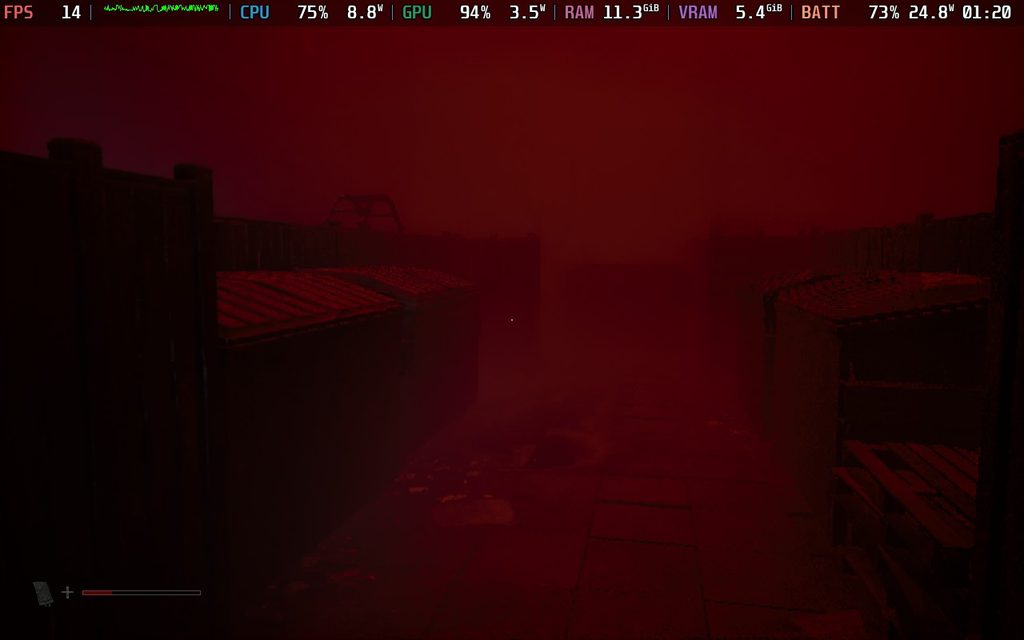
This is another one of those games that I would give 2.5 stars if we did half-stars for our Steam Deck performance score. However, I will round up to 3 stars because it is technically playable. However, expect drops that could cause stuttering often.
I also did try the game with lossless scaling and MAKO frame generation, but the result isn't great. It does feel smoother when it works, and I didn't feel much input lag, but the base framerate being erratic creates more stuttering that is worse. It
Silent Hill: Townfall is exactly the kind of horror game that I love. It focuses on atmospheric horror, creepy puzzles, and incredible sound design to keep me on my toes. The combat and sneaking around were better than I expected, and the trusty CRTV gave a nice edge while adding to the creepiness. There are some minor issues with how Simon reacts to the events of the game, and some enemies feel a little bit too obnoxious, but at the end of the day, this is one of the best horror games I’ve ever played.
It's borderline playable on the Steam Deck, and can hold 30 FPS more often than not when taking things slow and in smaller areas. However, even on the lowest settings, there are drops when running around the town or turning around in some areas. It's not the best experience, but I would consider it playable.
Our review is based on the PC version of this game.
If you enjoyed this review, be sure to check out the rest of the content on SteamDeckHQ! We have a wide variety of game reviews and news that are sure to help your gaming experience. Whether you're looking for news, tips and tutorials, game settings and reviews, or just want to stay up-to-date on the latest trends, we've got your back.
Graveyard Keeper 2 was provided by tinyBuild for review. Thank you!
Graveyard Keeper was an interesting game, and while I enjoyed myself overall, the insane amounts of grinding to progress felt like I was playing a live service game. With the sequel, Graveyard Keeper 2, I was hoping most of my grievances would be fixed. However, while it makes some improvements, it's full of annoyances that gradually brought down my enjoyment of the game.
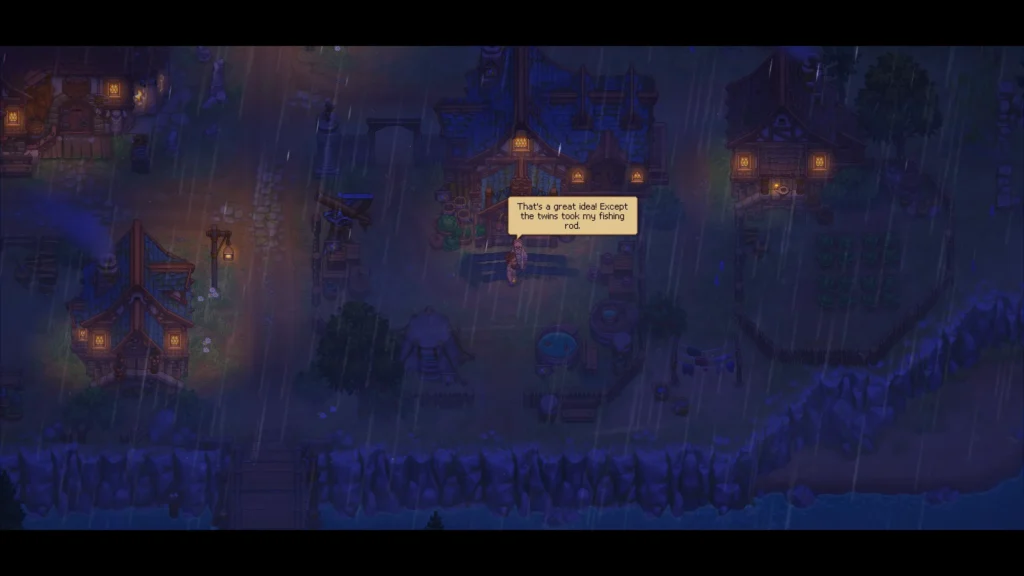
Graveyard Keeper 2 takes a while to get going, but I will admit, pivoting to a story-heavy focus with tower-defense elements is certainly creative. Players take on the role of Keeper from the first game, and again, there are some weird isekai elements where he was transported from the real world into the game world. It’s interesting, although the intro cutscene introduced me to a very annoying Zelda-like butterfly fairy ordering me to save the world I helped destroy. Lady, I would love to help, but I’m currently handcuffed to a wall in an Inquisitor prison. Very poor timing!
The first impression was not great. Between unskippable cutscenes which can’t even be paused, and being unable to save until going to sleep, it was knocking off square after square on my ‘Things in Gaming That Annoy Me’ bingo card.
Despite those gameplay annoyances, there were positive signs too. All the cutscenes are fully voice-acted, with a sarcastic skull named Larry serving as our sidekick early on and delivering some humorous dialogue. After a long, semi-interactive series of cutscenes through a town besieged by zombies, the game finally allowed me to do things. The visual presentation is rather nice, coupled with some gorgeous environments and weather effects that enhance immersion in the world.
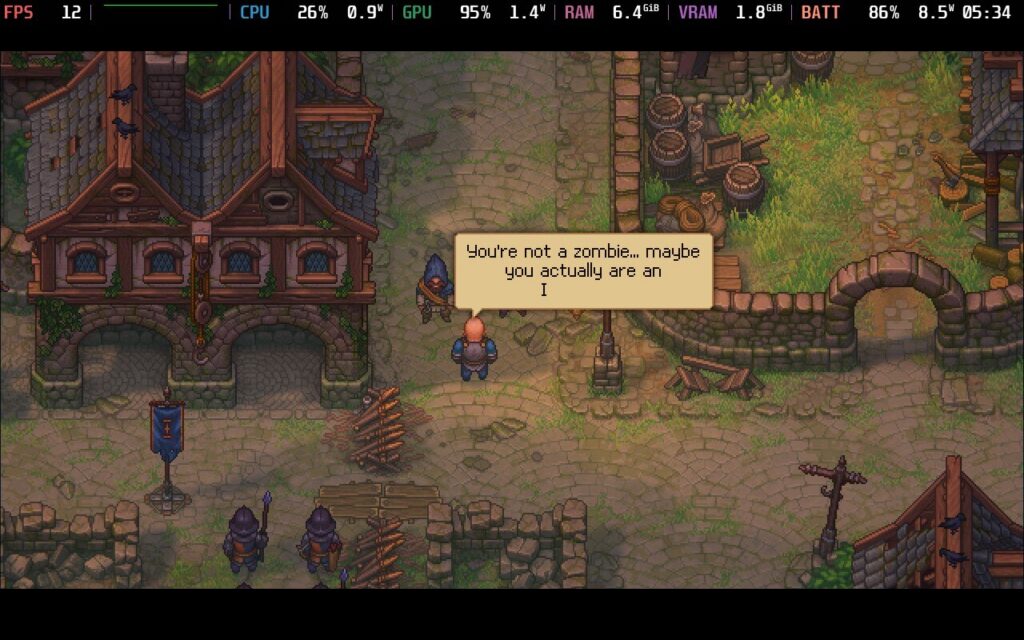
Fully voice-acted cutscenes and most dialogue add a nice edge over most 2D games in the farming/life sim category, and a lot of attention went into developing the characters. I really enjoy some of the NPCS, especially Larry. His constant, tired sarcasm with Keeper made for an amusing partnership as they navigate the challenges that await them. As time went on, I got to enjoy my time with Keeper, too. A lot of time has passed since Keeper ‘helped’ destroy the world, and his dry, sardonic wit put a smile on my face.
Big flaws from previous games such as grind and progression have improved slightly, but not by much. I still felt frustrated by the frequent roadblocks. This is a slow, pondering game with a lot of focus on telling its story at its own pace. Not a bad thing in itself, but at very least, let us pause cutscenes.
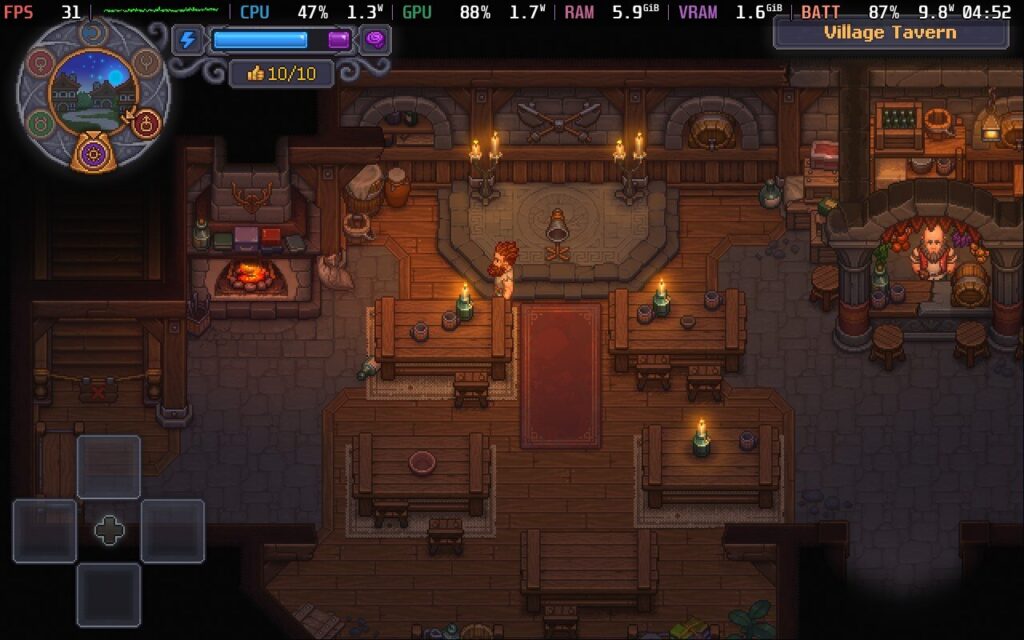
The gameplay loop of Graveyard Keeper 2 is about what you might expect. There’s tending to the graveyard, autopsies, crafting, and farming to handle, with a ton of things to unlock in the tech tree. Every action costs stamina, so it’s important to stock up on food items to replenish the bar to make progress. The night and day cycle goes by a bit too quickly for my liking, and there’s nothing in-game to tell the time. It became a slog as it felt like I was making little progress every day.
The technical state was disappointing. The game struggled to hit even 50FPS outside on the Steam Deck, and performance overall is a lot worse than what I would expect. I also ran into plenty of bugs, ranging from glitched voices not firing to full-on crashes. This, combined with the limited save system, slow pace, and unskippable cutscenes, made it deeply frustrating to negotiate at times.
Despite a good presentation, an enjoyable enough gameplay loop, and great voice acting, all the little annoyances became more noticeable the longer I played.
Graveyard Keeper 2 on paper should work, and comes with full controller support and a few graphical presets. The good news is that the game is playable on the Steam Deck, which is the bottom line.
However, the optimization right now feels woefully undercooked, and the performance on the Steam Deck is far worse than I expected. I struggled to hit 60FPS even in indoor areas, and outside in the open world, frequently saw the framerate drop to the mid-thirties. There are some good visuals and environmental effects, but nothing that should see performance vary this much.
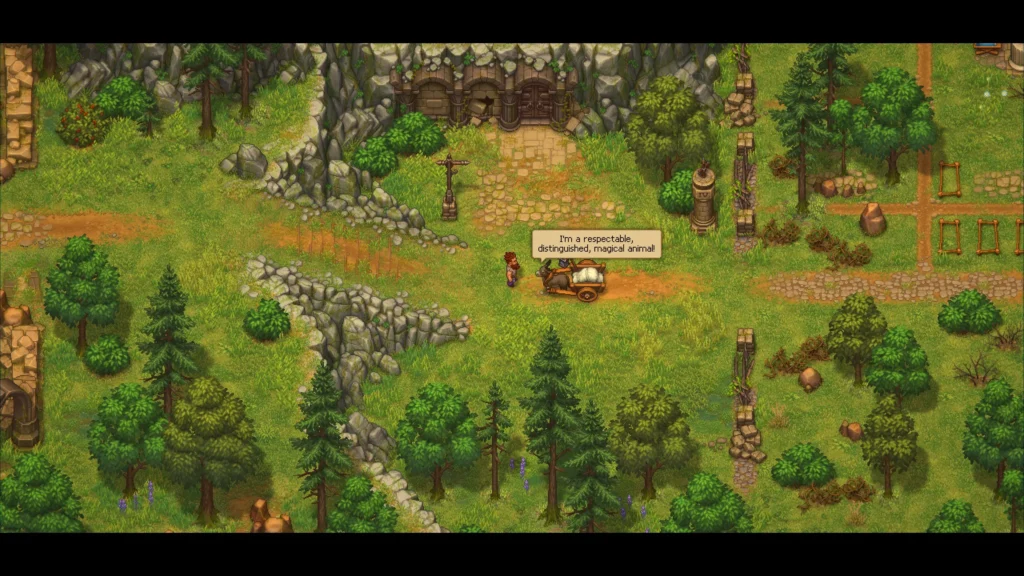
Forget about trying to play the game on a low TDP. As things are, your best bet is to play on a stock profile with a 30FPS framerate cap. This was the best I could do to keep the gameplay as smooth as possible. You need all the help you can get for battery life, as I saw spikes of up to 20 watts without capping the framerate. Even with a 30FPS lock, the average power draw was around 13-14 watts, so expect no more than 4 hours on the Steam Deck OLED on a good day. While certainly playable, the performance on the Steam Deck was a lot worse than I hoped.
Graveyard Keeper 2 is available in English, French, German, Spanish, Japanese, Korean, Polish, Portuguese (Brazil, Simplified Chinese, and Turkish. Only English has full audio, however.
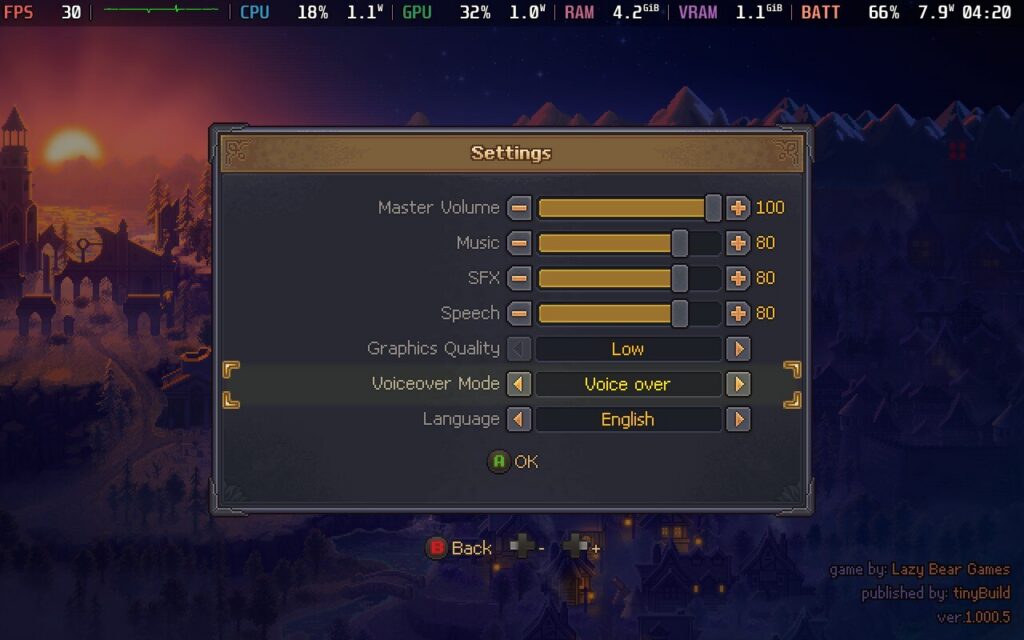
Accessibility options are thin on the ground for the game, which is disappointing. You have V-Sync and graphics quality modes, although the latter gives no details on what changes between them. There are currently no ways to change keybindings or controller buttons, and there is no colorblind support. This might get changed on release, or later down the line, though.
It has been some time since I’ve been so conflicted about a video game.
There are some great things in Graveyard Keeper 2 that make it worth checking out. Having the undead become a real threat has a great impact on the narrative of proper burials, and I appreciate the general story beats. The voice acting is also pretty funny, and the game looks great. In terms of fundamentals, I respect it.
However, the genre has expanded drastically since the first Graveyard Keeper launched back in 2018, with tons of great management sims out there in all shapes and sizes. I’ve appreciated the somewhat unique premise of Graveyard Keeper, but the sequel feels more like an expansion to the original than a true sequel. While there have been improvements, poor pacing and strange design choices remain. The biggest issue for me remains the performance.
Hopefully these technical problems can be addressed as soon as possible, because they are holding the game back. When I’m playing a game thinking, ‘this is okay, but why should I play this when more enjoyable games in the genre exist?’, that is not a great sign.
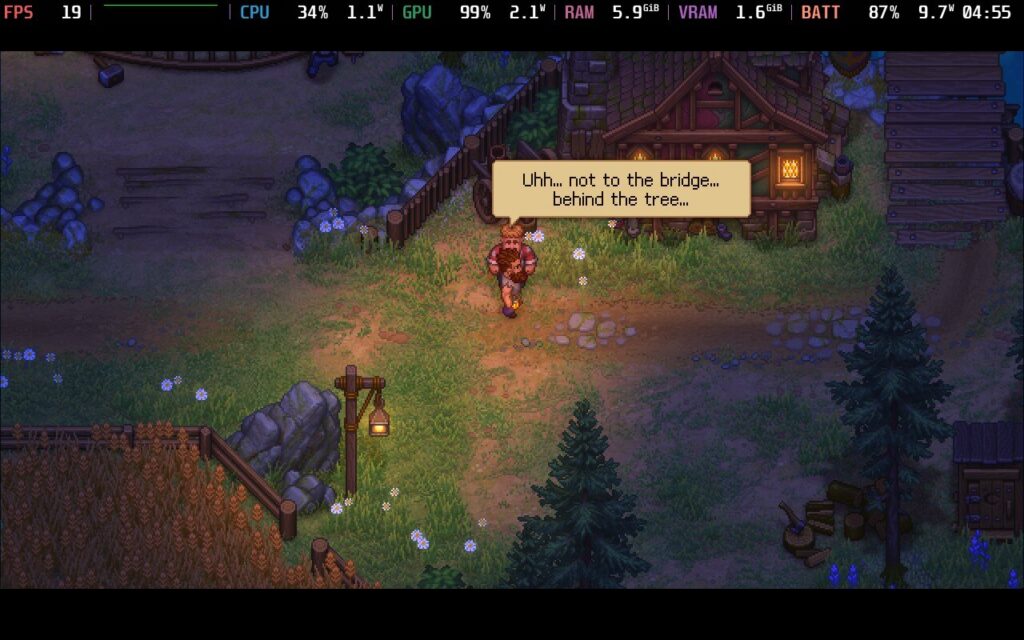
That is just how I feel on it, though, and all reviews are subjective. It might be down to me having severe management sim burnout that is having this reaction in me, so I could be wrong. As long as the technical issues get smoothed out, there should be enough for fans of the original to have a good time.
While Graveyard Keeper 2 is playable on the Steam Deck, optimization needs serious work.
Our review is based on the PC version of this game.
If you enjoyed this review, be sure to check out the rest of the content on SteamDeckHQ! We have a wide variety of game reviews and news that are sure to help your gaming experience. Whether you're looking for news, tips and tutorials, game settings and reviews, or just want to stay up-to-date on the latest trends, we've got your back.
Control Resonant was provided by Remedy Entertainment for review. Thank you!
Control was always one of the few games that I could come back to constantly to play. The crazy, supernatural world mixed with developer Remedy Entertainment’s storytelling and solid combat system created an engaging experience that I loved. So, the sequel to it, Control Resonant, had some pretty big shoes to fill. From what I played at events, I really liked the direction they were heading, but there was still so much more I needed to see. Now that I have, I cannot only say it’s a worthy successor, but a fantastic evolution of the series that takes it in new directions.
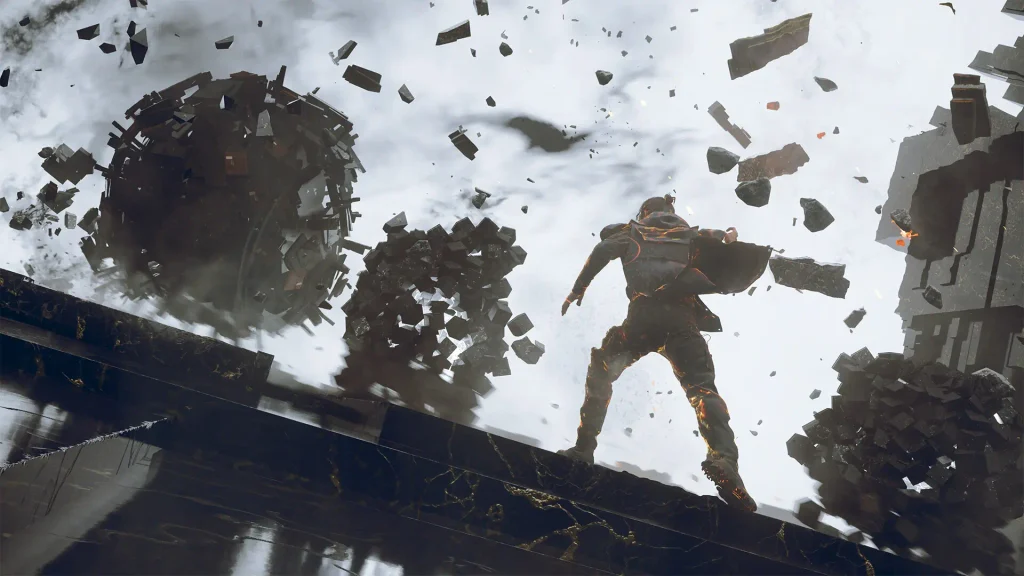
While the story isn’t as strong as Control, it’s still wonderful in its own right and starts to pick up later on. We play as Dylan Faden, the brother of the previous game’s protagonist, Jesse Faden. It has been seven years, and the Hiss have broken out of The Oldest House and are infecting Manhattan. On top of that, the acting director of the FBC, Jesse, is missing. Now, Dylan will have to help out the FBC to contain the Hiss, meet new and returning faces, and come face-to-face with the enemy that once ruined his life.
The overall story is quite interesting, and a big part of that comes from the world. I love how Remedy expresses supernatural events, and we can see them through gravity anomalies, crazy patterns, and weird designs that all come together and create this dystopian, disfigured world. This pairs nicely with the beautiful art direction, but the story does a lot of heavy lifting to keep things interesting. It was compelling to learn about what was happening, the development of the enemies they are facing, and the resolution.
It did take me a little bit of time to actually get into the story, and a big part of that comes from Dylan. I wasn’t a huge fan of him at first; he seemed like a tool that the FBC could use as they will. He seemed to have no motivation to live, other than to make up for his past mistakes. It makes sense, but I feel he was too passive. As the story goes on, he starts to grow a backbone and feel more confident that he’s doing the right thing. This evolution of his personality was great, and he ends up becoming a protagonist worth rooting for. This also helps make the secondary main storyline of finding Jesse much more intriguing.
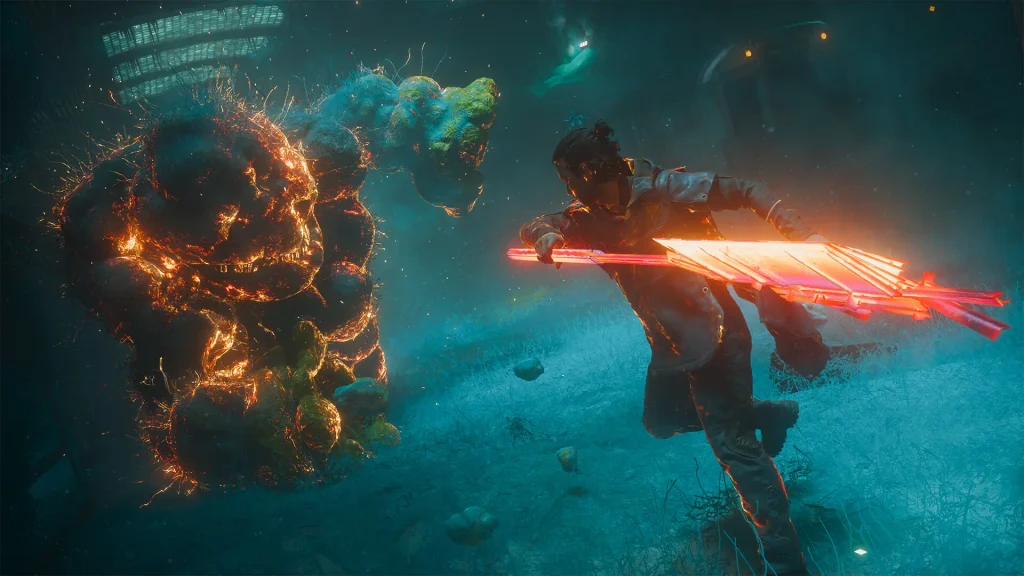
Even though Control Resonant's combat is a little more unconventional than I expected, I adored it and its progression systems. It finds a way to be dynamic and engaging, while also letting its unique systems make each fight feel more endearing than the last.
The combat itself is straightforward. We have a basic attack, heavy attack, and multiple abilities to take advantage of. Thanks to Dylan’s supernatural powers, these abilities can range from slamming the ground to using telekinetic powers to fling concrete, or even shooting fireballs at enemies. All of which can be wonderfully chained together, and ultimately feel fluid to use. The abilities are especially helpful, considering they can provide debuffs that can be chained together with our other passive buffs that can come together seamlessly.
However, because of the progression system, the goal of combat differs slightly. Instead of just brute-forcing strength to deplete their health, we will have to be a little more careful. Instead of focusing solely on depleting their health, it becomes more useful to start looking at depleting their stun bar. By doing this, we can execute them, and with the right abilities, this can provide a significant boost to our damage. This can be used in tandem with the buffs we get by performing certain actions, like executing enemies, to deal insane damage to defeat the monsters that are inherently stronger than us.
As we keep playing, it slowly starts to feel more strategic. The grunt enemies turn into a tool to activate buffs to take down the big monsters, which are the only ones that give out currency and materials we need to improve our abilities. Not only do the stronger enemies hit harder, but they become much more important to dispose of, while the grunts really are just there to help us dispose of them more quickly. With all the flashy effects going around, it can feel quite chaotic, but I was still able to understand and figure out exactly what I needed to do next to take care of all of the enemies in front of me.
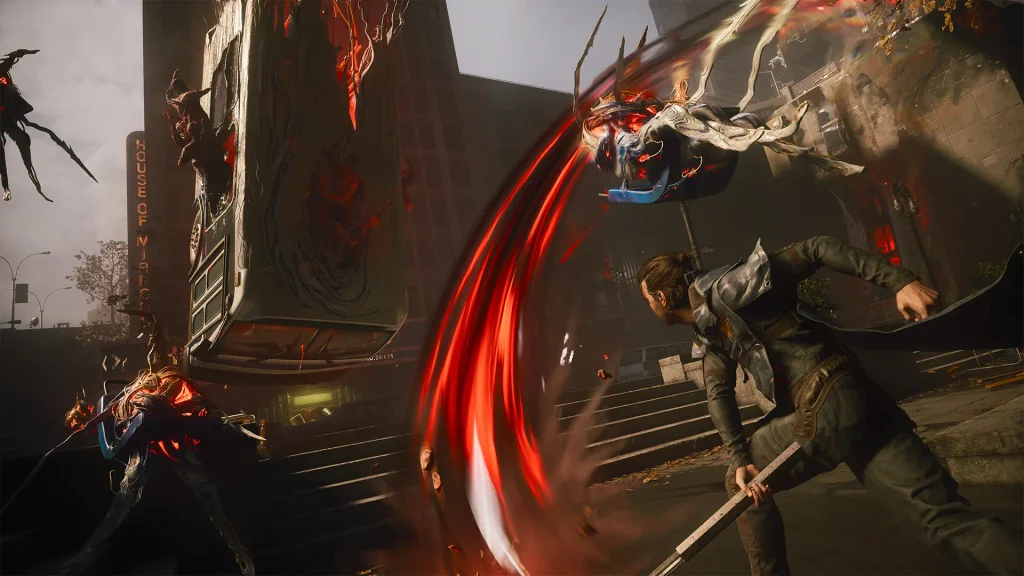
As I mentioned, the progression system is unconventional compared to other larger RPGs, but that adds a lot to the charm of what makes Control Resonant so special. Instead of straight stat boosts from leveling up, we will get Talent Points as we complete objectives across the map. Each section of the map has its own level, and as that goes up, we are able to expand our skill tree and enhance our abilities. These will usually give us ways to get those passive buffs, increase our power in certain scenarios (like when attacking from behind), or enhance specific abilities that we unlock.
Speaking of, the ways to level up the sections of the map can feel a little repetitive at times, and the enjoyment of some of those events is not as great as the others. However, I was still satisfied by the amount of variety in them. I’m also pleased that we aren’t locked into these events to level up our areas. We can fight groups of enemies, find chests of materials, or complete random puzzles to do so. I appreciate that we aren’t forced to complete these “World Feats” if we don’t want to.
I also want to take a moment to praise the lack of handholding to progress. A lot of what you’ll find across the map will be found just by exploring. There are a few quests that are handed to you, but the majority of them will come from genuinely exploring the map out of sheer curiosity. There are some relatively obvious areas to investigate, which will house necessary quests to progress in the main quest line, but it felt more rewarding to discover them on my own, instead of being told to investigate certain spots by NPCs. There may be some spots that could be easy to get lost in, but for the most part, it can all be found by just exploring.
To actually make ourselves stronger, we will have to use the currency and materials we get to enhance our attack forms and combo finishers. The more we do so, the more our power is multiplied. We can choose different types of basic, heavy, and combo finishers and upgrade each one, acting as though they are different types of weapons. I felt that there was a good amount of material drops just by regularly playing, so I never felt I was missing too much or that anything felt difficult to unlock.
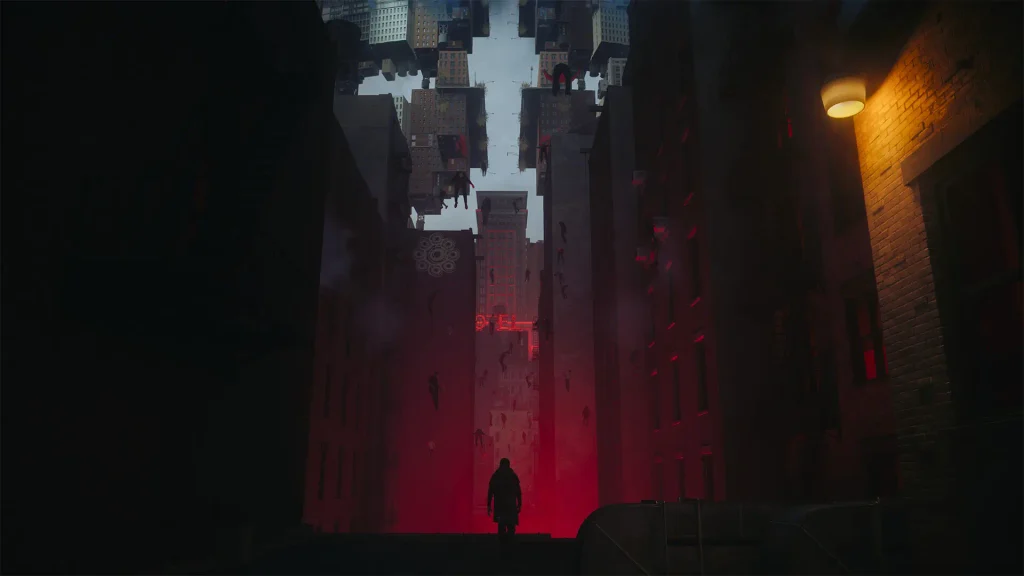
As for getting new abilities, we will do so by defeating Resonant Entities or finding Faults. Resonant Entities are large bosses that will ultimately give us new combat abilities, while Faults are where we will find new traversal abilities to navigate parts of the map that we wouldn’t have been able to before. Both of them feel appropriately spread out and make logical sense to find by just naturally exploring. The pacing of these felt appropriate and well placed.
I fell in love with Control Resonant, but despite all of my hopes, it is not playable on the Steam Deck. I really thought it would be, considering it not only has a handheld graphical preset, but developer Remedy confirmed publicly that it would be playable on the Deck. However, based on my experience, it’s not going to be enjoyable.
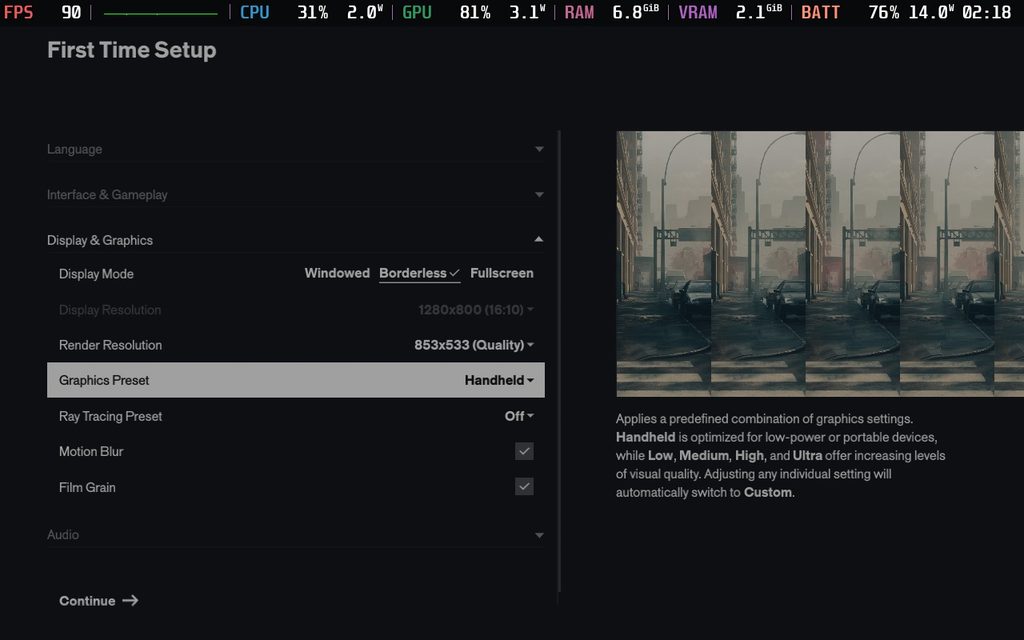
The contained areas run decently and can hit 30 FPS at this handheld preset. However, as soon as we make our way to the open world, it all goes downhill from there. The game will constantly drop into the 20s, and sometimes even the 10 FPS range when running around the open world. I saw the worst of this in the West Incursion Zone, but it really happened everywhere to a different extent.
Even on the lowest possible settings with Ultra Performance upscaling, it would still drop. The CPU usage is significantly higher in these moments, and it will bring down the experience. This seems to be a general issue, since I experienced similar drops, to a lesser extent, on the much more powerful Xbox ROG Ally X. I would consider some spots of the game technically playable, and combat stuck to 30 FPS more than I expected, but I wouldn’t consider it an enjoyable experience all the way through on the Deck.
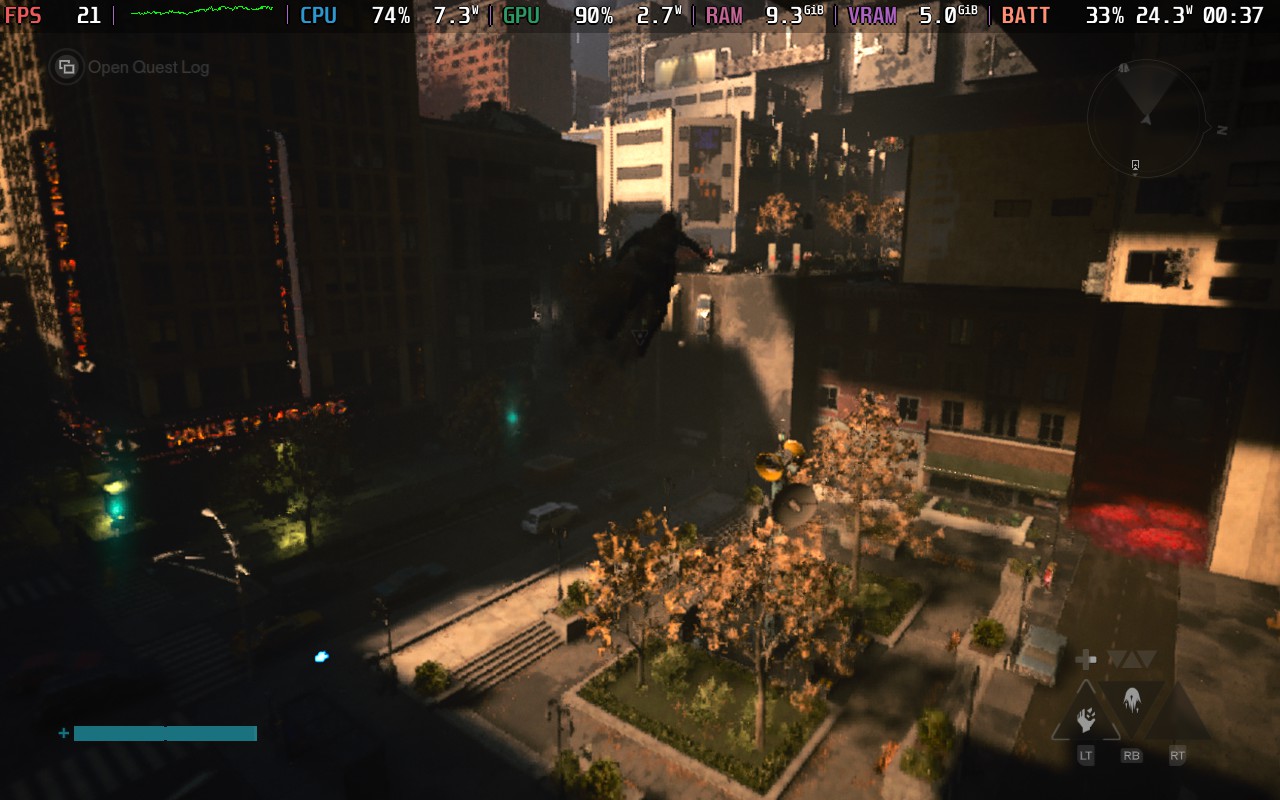
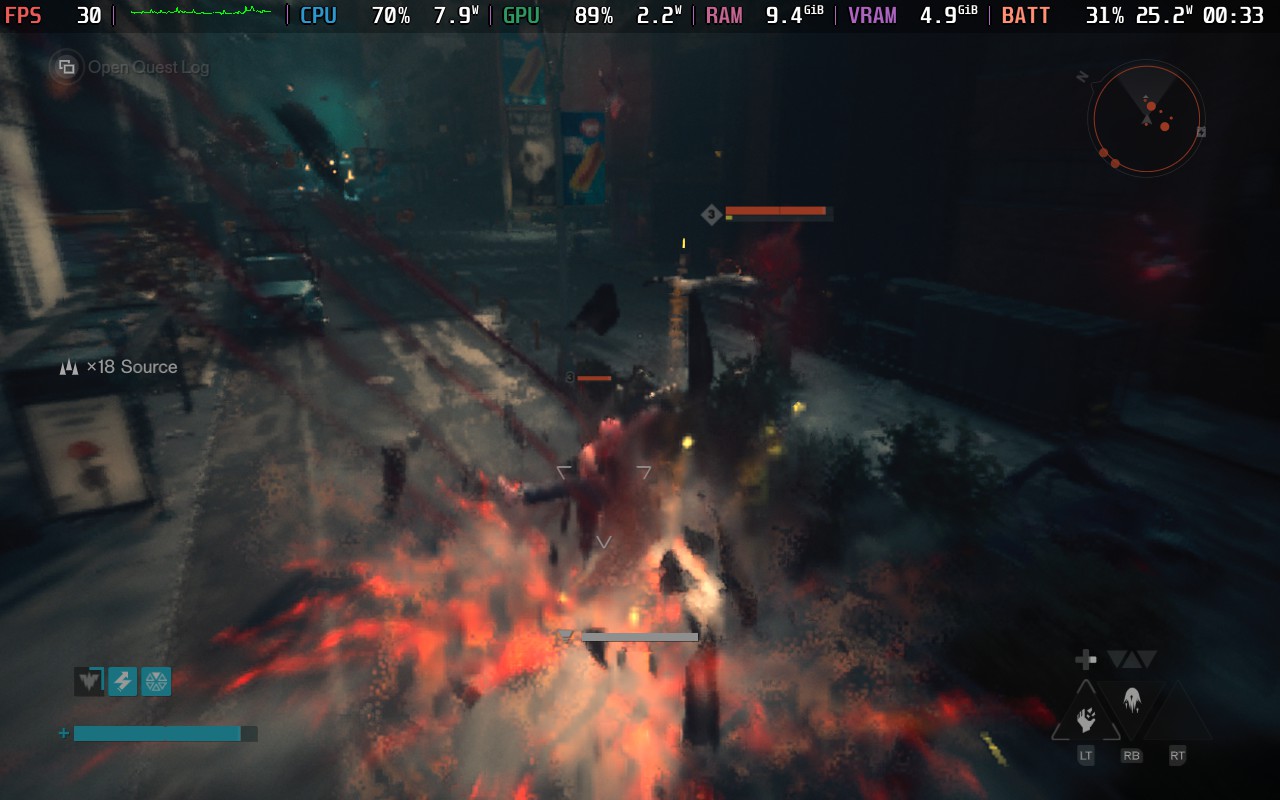
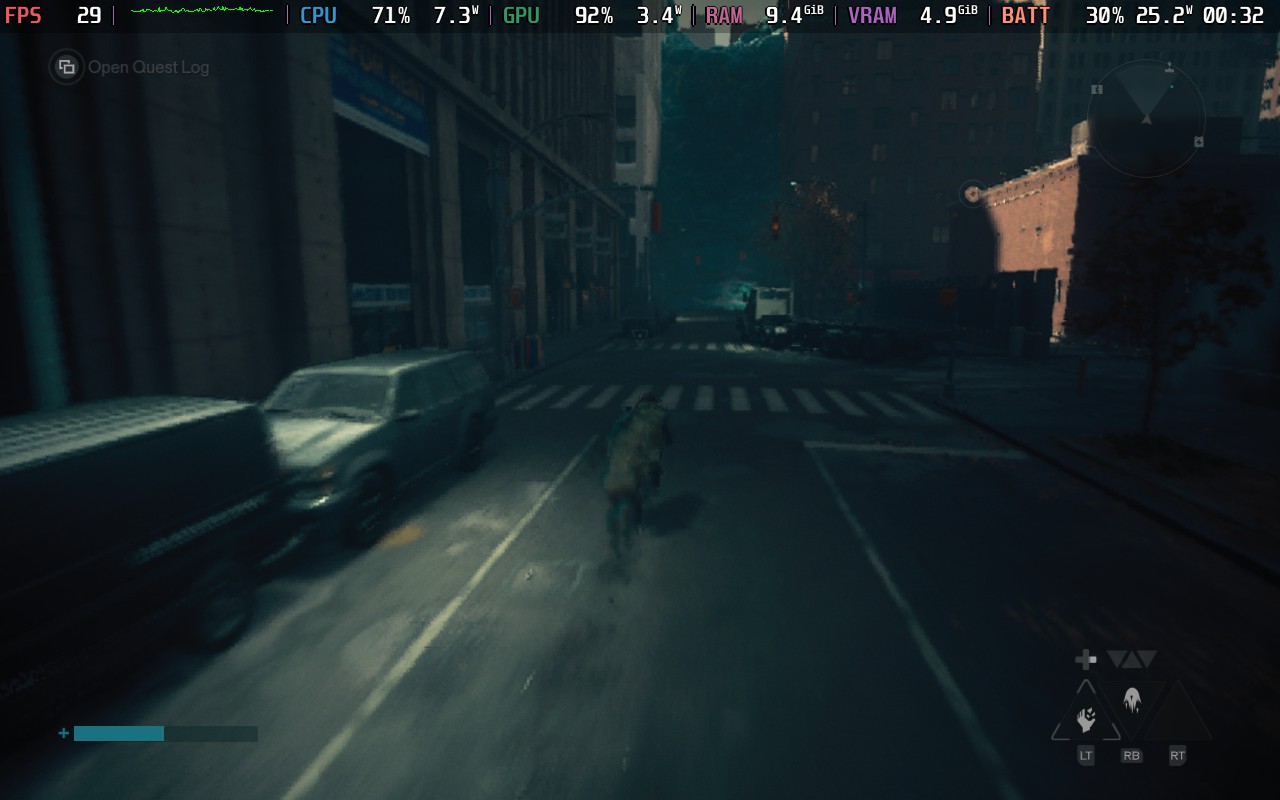
Control Resonant is a fantastic follow-up to a game I consider a classic. The story is intriguing and gets better as time goes on; the combat is exhilarating; its unconventional nature makes it more rewarding; and the incredible art direction makes it a blast to just run through the world. The minor faults in its early storytelling and “World Feats” start to fall to the wayside as the great aspects of the experience take center stage. This is easily a must-have game for anyone who loves Action RPGs.
I do wish it was able to perform better on the Steam Deck, and I regularly found drops due to CPU usage. It’s possible that future patches may make it better, but as of right now, I would avoid playing it fully on the Deck.
Our review is based on the PC version of this game.
If you enjoyed this review, be sure to check out the rest of the content on SteamDeckHQ! We have a wide variety of game reviews and news that are sure to help your gaming experience. Whether you're looking for news, tips and tutorials, game settings and reviews, or just want to stay up-to-date on the latest trends, we've got your back.
Trails in the Sky 2nd Chapter was provided by GungHo for review. Thank you!
I have long been a proponent of recommending the Trails games to as many people as I can. It’s one of my favorite JRPG series, and I’ve been so excited that Nihon Falcom has been remaking their older games in the newer style to make them more accessible to the modern gamer. Trails in the Sky 1st Chapter shows just how well this could work, so for the sequel, Trails in the Sky 2nd Chapter, I really just wanted them to give the same treatment to this title as they did for the previous one. Thankfully, that’s exactly what they did, and I had a wonderful time experiencing the second chapter of the Trails in the Sky trilogy once again.
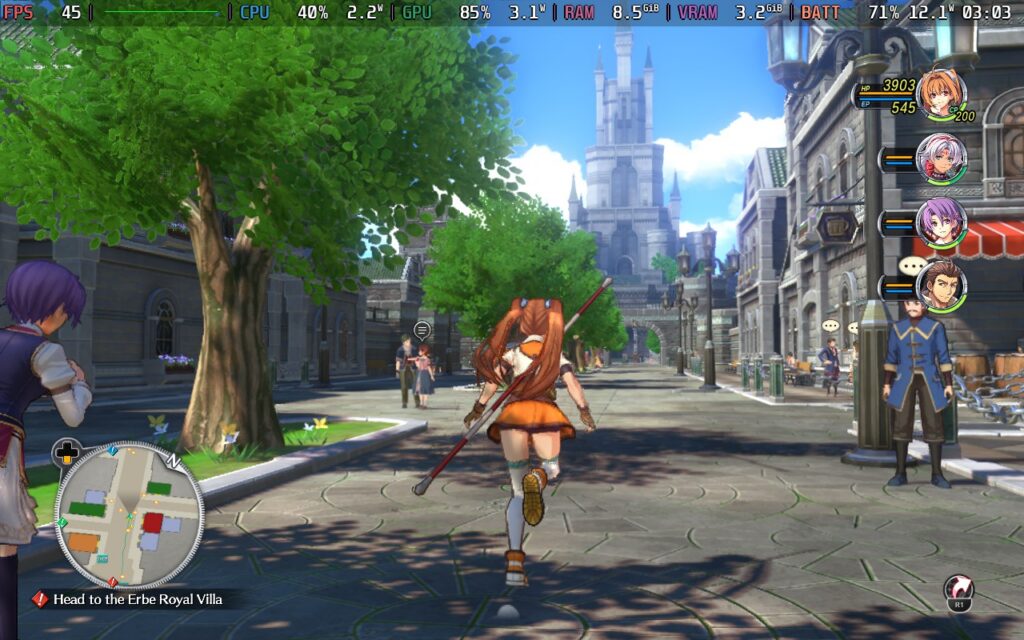
I have said it in almost all of my reviews, but I highly recommend playing the previous game before this one. There is a short flashback to summarize everything that happened in the last game, but it doesn’t do it justice. So, if you haven’t yet, play Trails in the Sky 1st Chapter before diving into this one.
Trails in the Sky 2nd Chapter picks up right where 1st Chapter ended. Joshua has disappeared into the night, abandoning his friends and family to go on his own journey. This shocks Estelle, who resolves to go on her own journey to find and bring him back. After training on her own as a Senior Bracer, she sets off to find Joshua and ends up needing to confront The Society, which is setting its own plan into motion.
This entry in the series has always been one of my favorites for multiple reasons, but for me, this was when I felt the character development shine after the cliffhanger. Estelle's growth from her own personal journey was captivating and made me enjoy her as a leading character in the series. I didn't mind her in 1st Chapter, but the way she matures and grows on her own without relying on Joshua made it all the more worthwhile.
On top of that, it really feels like the stakes have elevated in a natural and justifiable way. The threat of Ouroboros and the trickle of showcasing their power made their threats feel more credible and actually dangerous. There are some great twists throughout the narrative, and it leads to a satisfying conclusion.
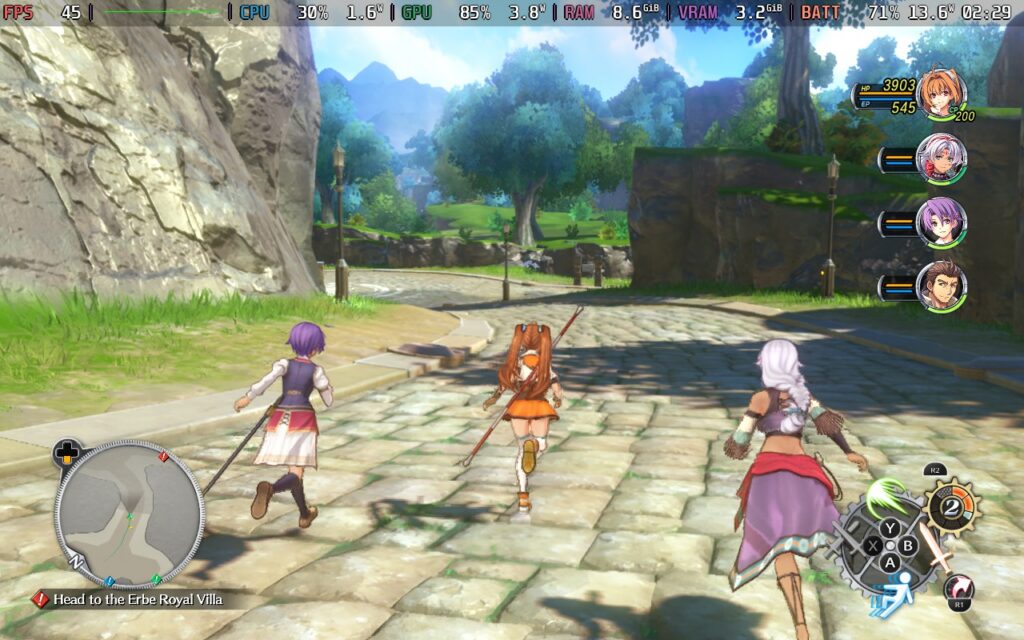
I like the voice acting and direction a lot as well, though I still dislike the selective voiced dialogue. There are some scenes where one or two characters will have voiced dialogue, while the others in the scene don't. I just wish all of the characters, or none of them, had voiced dialogue in those scenes.
A lot of 2nd Chapter's gameplay mechanics and feel remain almost identical to 1st Chapter, which are very similar to the newer games in the Trails series. We have both real-time and turn-based combat to take on enemies, though turn-based combat is much more detailed and clearly favored throughout the game. The real-time combat is a nice touch, but will primarily be used to either kill weak enemies or build up and stun tougher enemies so we can go into turn-based combat with an advantage. There are a few new moves compared to the previous game, but it doesn’t change much for the real-time section.
The turn-based combat, or Command Battles, also hasn’t changed much from the previous games, but it’s still one of my favorite combat systems in a JRPG. We have our basic attack, Arts, and Crafts to harm opponents, and we will walk around in an open field where positioning can help deal extra damage or hurt more enemies. It’s something we’ve seen in a lot of similar titles, but it all comes together quite nicely.
Arts and Crafts use two different systems, with Arts focusing more on elemental damage with extra debuffs and Crafts focusing on larger attacks that can usually hurt more enemies and/or give buffs. They both utilize their own resources, and they both have their own uses in different situations. Finding the right timing and best ways to use them are what make Command Battles so enjoyable. When I first started playing the series, I almost exclusively used Crafts due to Arts needing charging time. However, as soon as I got the hang of elemental affinities and started taking advantage of the temporary buffs that could come randomly, I started to think more strategically.
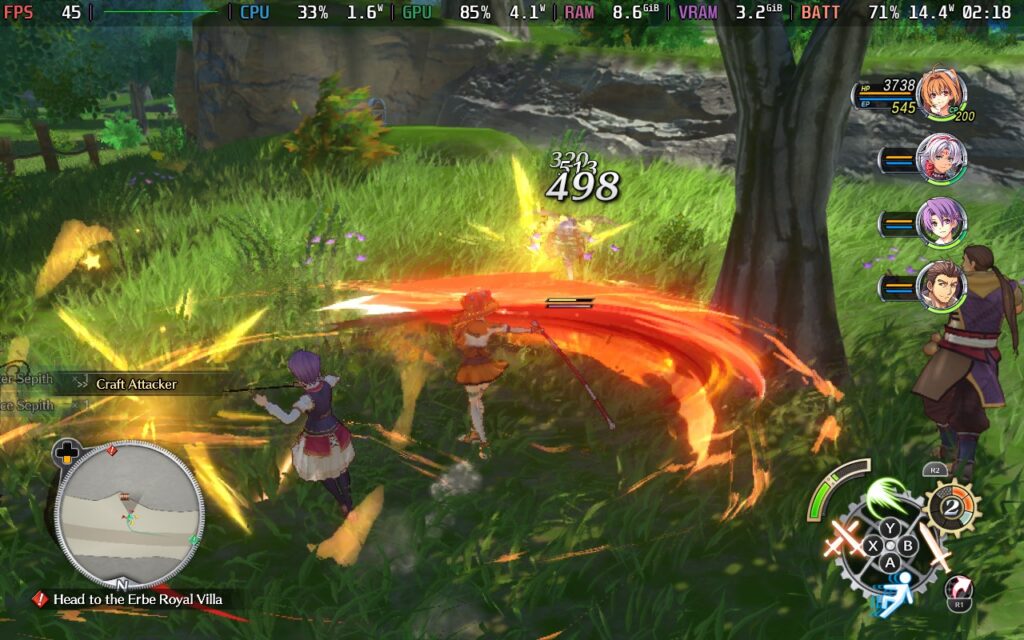
We also have our own ultimate moves called S-Crafts, which we can either activate on our turn or call upon at will whenever we have enough of the resource needed. The more of the resource we accumulate, the more damage we can deal, and because we can call upon it whenever, we can take advantage of enemies that have been stunned to continue doing follow-up attacks and deal even more damage before the enemy can fight back. And if we do this enough, we can deal extra damage when enemies are stunned using the Chain Attack to have an extra character follow up with damage, or a Burst to have every member of our party land strikes. With careful planning to make all of this happen, it can feel extremely satisfying to pull off.
And while it is a little of a learning curve, the progression system is quite fun to play around with. Along with leveling up, we can place 7 Orbments for each character that not only affect their stats, but also give them extra passive effects and access to new and more powerful Arts. The combination of these can vary wildly depending on what you want the character to focus on.
The way these orbments not only influence our stats but also the abilities we have makes each decision about which ones to equip that much more meaningful. The layers of strategy weaving over each other to make our character stronger make it all feel so much more rewarding. We can’t get new equipment and enhance it, which provides bigger improvements to our attack and critical rate, but the Orbments steal the show.
Along with the general exploration and main quest line, there are a bunch of side quests to take part in that can contribute to our bracer score, increase our ranking, and help us get more powerful Orbments. These are fairly easy to accomplish, with the bulk of them involving taking down very strong monsters, but it's worthwhile to take the time and complete them.
Trails in the Sky 2nd Chapter is a wonderful game to play on the Steam Deck, but there are a few issues. On the surface, the game runs exceptionally well and can hit 60 FPS in a lot of areas at the default settings without any upscaling. However, there are still a few things we can change to make it completely stable and, in my opinion, look better.
To find a balance with good visuals, stable performance, and decent battery life, there are a few changes I recommend making. The first of which is turning upscaling on. Don’t get me wrong, I much prefer games to be optimized without needing upscaling in the slightest, but in this case, the game just looks too sharp. Even when improving the anti-aliasing, it looked a little bit too sharp to me, especially when looking at the grassy fields. So, I recommend turning FSR 2.2 upscaling on and keeping it at a 70% rendering scale. Moving it to 80% hits battery life hard, while I didn’t feel like the reduction to 60% justified the improved battery life.
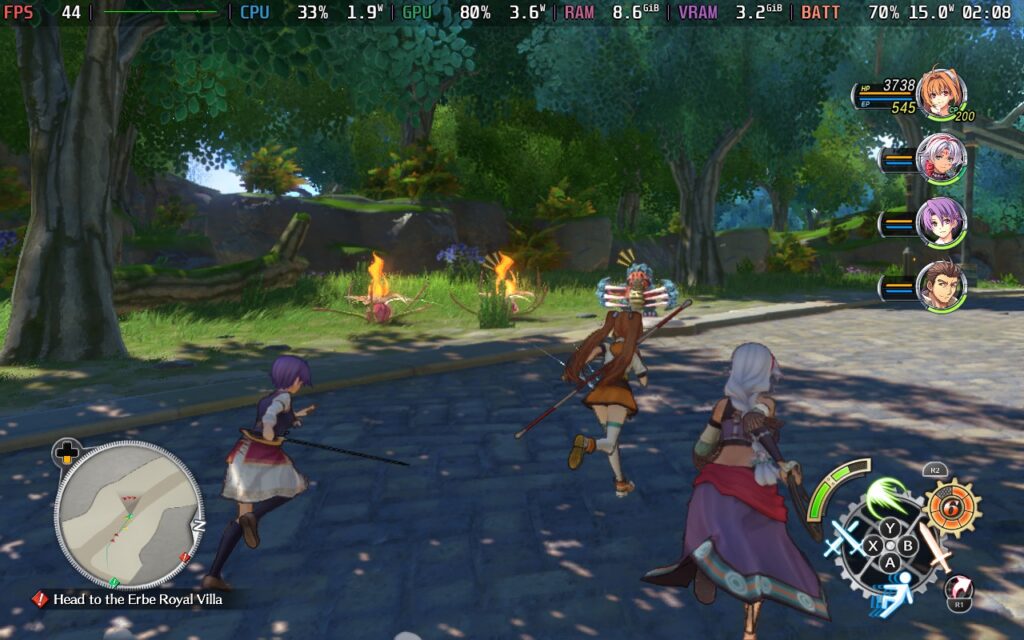
Then, because of the extra power we now have to play with, we can turn some settings up a bit. We can turn up Volumetric Lighting and SSR to Medium, as well as Anisotropic Filtering to High. So, the actual details of the game will look a little bit better, all while saving on battery life and stopping the game from looking too sharp.
This will also keep the game completely stable, even in the hardest-hitting spots of the game, like when we are on the airship going between cities. The battery drain will always stay below 18W, giving us around 3.5-4 hours of battery life on average. To me, this is the best compromise and most enjoyable way to experience the game.
If you want to play the game at 60 FPS, there will also be a good chunk of compromises to make. The default settings don't give a solid 60 FPS, and even at the lowest settings with native resolution, there will still be drops with high battery drain in a majority of spots. So, the best way to play at 60 FPS is going to be using the default settings, but switching upscaling on and keeping it at 70%. This keeps the game looking ok and 95% of the game at 60 FPS, but it will have high battery drain. So, we will only be able to play for around 2.5-3 hours on a full battery.
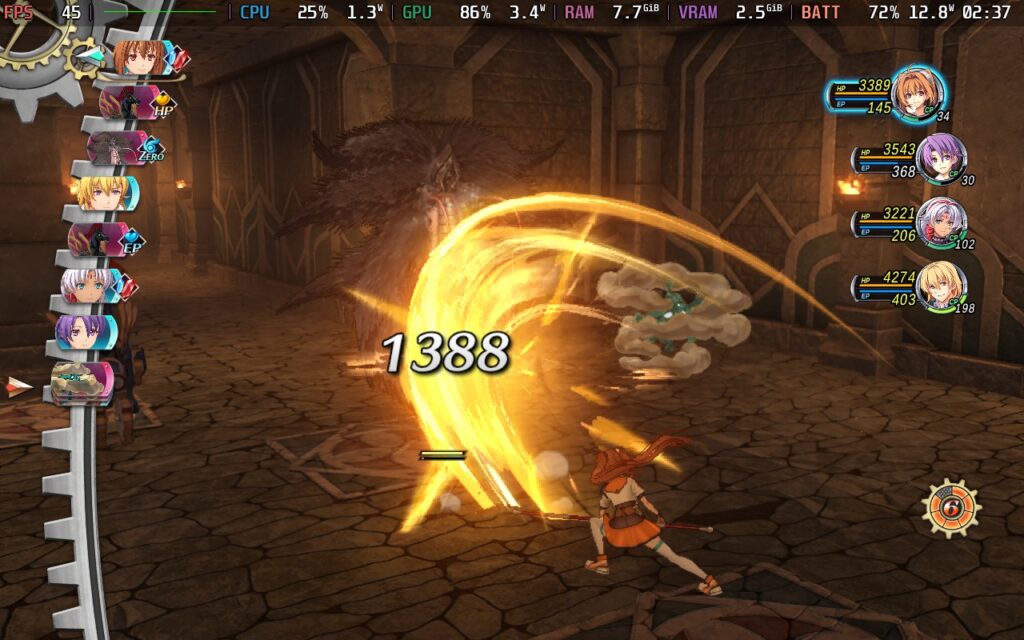
If you want the best-looking game, these are going to be the settings for you. My goal was to push the quality settings as high as I could while keeping native resolution and a stable 30 FPS. This can be achieved by setting the 30 FPS cap and bringing most Settings up to High quality. We do have to keep the Shadow Map on Low and Volumetric Lighting on Medium, but otherwise, we can push everything to the limit. We will also get similar battery life to the recommended settings, with around 3.5-4 hours on a full charge.
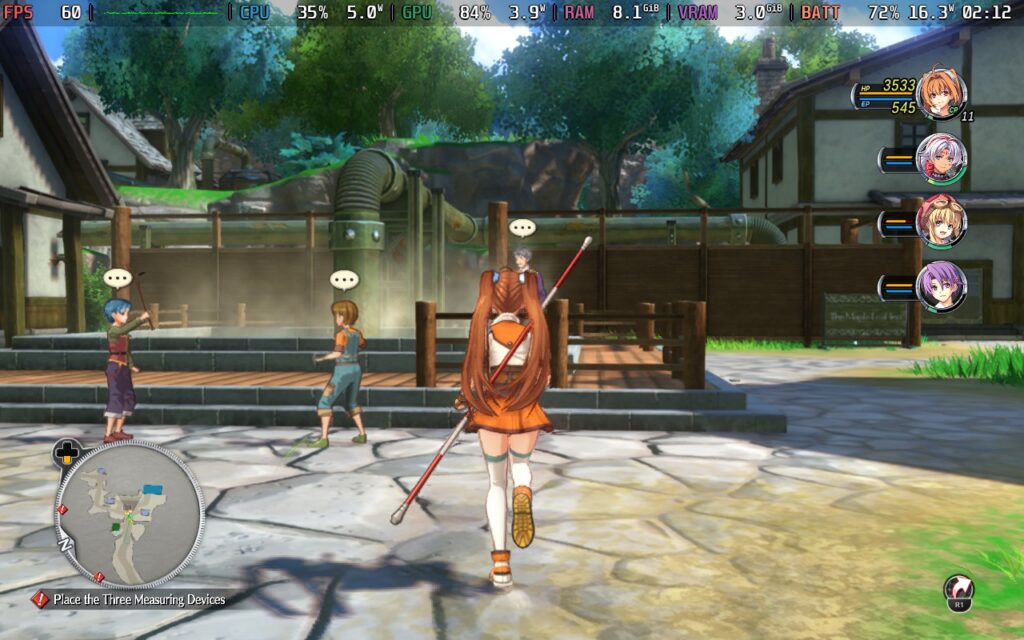
Trails in the Sky 2nd Chapter is a fantastic example of what makes this series so captivating. The incredible story takes the stakes of the previous game and goes further, while the hybrid combat system has great depth and meaning that makes every fight feel worthwhile. Nihon Falcom has done a great job with this remake, making one of the best entries in the series, accessible and fresh in ways that make me enjoy playing from the beginning again.
It’s also wonderfully optimized on the Steam Deck, but we will have to make some changes to get the most out of our experience. Still, there’s enough to play around with to make the experience all our own, and it’s one I can happily recommend playing on the go.
Our review is based on the PC version of this game.
If you enjoyed this review, be sure to check out the rest of the content on SteamDeckHQ! We have a wide variety of game reviews and news that are sure to help your gaming experience. Whether you're looking for news, tips and tutorials, game settings and reviews, or just want to stay up-to-date on the latest trends, we've got your back.
Welcome To Elderfield was provided by Kwalee for review. Thank you!
Welcome to Elderfield is one of many games this quarter I’ve had my eye on, and when our head asked if I wanted to review it, this is how it went:
The Head: Do you want to review Welcome to Elderfield?
Me: Of course! Huh, how many farming sims have I reviewed this year?
The Head: People die in this one. And we know how much you like killing things in video games.
Me: Where do I sign?
There is a possibility that I have a problem. Ahem. Moving on! We’ve got a ton of great games releasing in this all-out brawl, and Welcome to Elderfield was a farming sim I definitely wanted to play. Developed by Chris Cote, Elderfield blends together traditional farming sim gameplay with a stunning atmosphere and some welcome quality-of-life changes to create an excellent competitor for the genre.
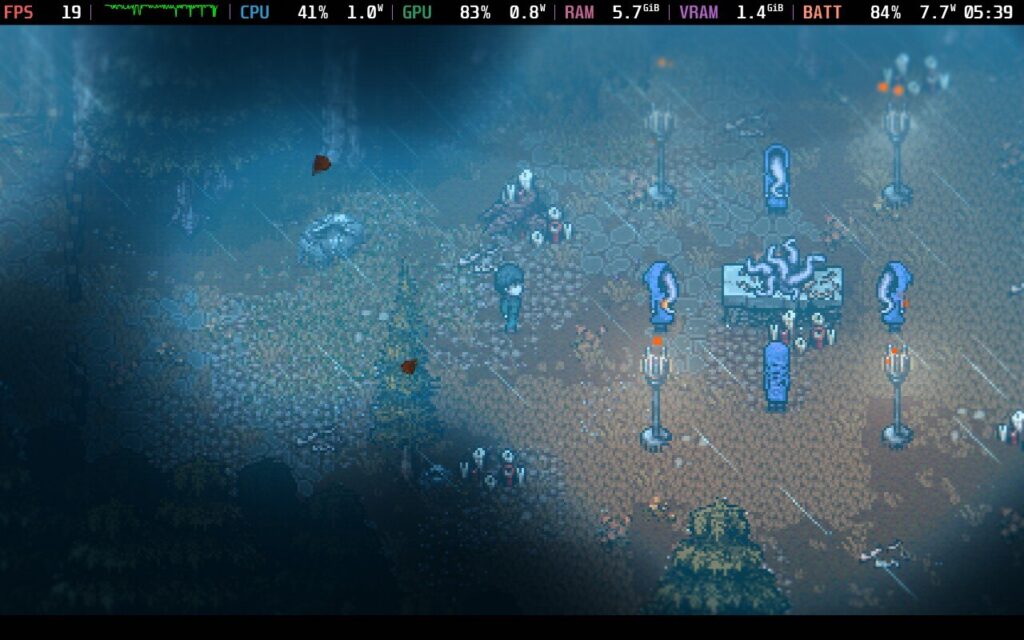
As the name suggests, Elderfield brings a darker, eldritch setting that enhances the usual gameplay of the genre. Taking place in the run-down town of Ederfield, your character runs across a strange cult that is growing in power in the area, bringing the attention of ancient, dark gods. The story is pretty interesting as the player avatar learns about the growing danger to his home and slowly restores life to the place.
There’s also some dangerous combat that follows a turn-based system rather than real-time combat, which we rarely see in the genre. The combat system is fairly in-depth with a wide range of occult monsters to fight, and it feeds into the constant danger that lingers around every corner. Even looting containers comes with a dice roll event system that can cause damage to your character, although some equipment can improve your odds.
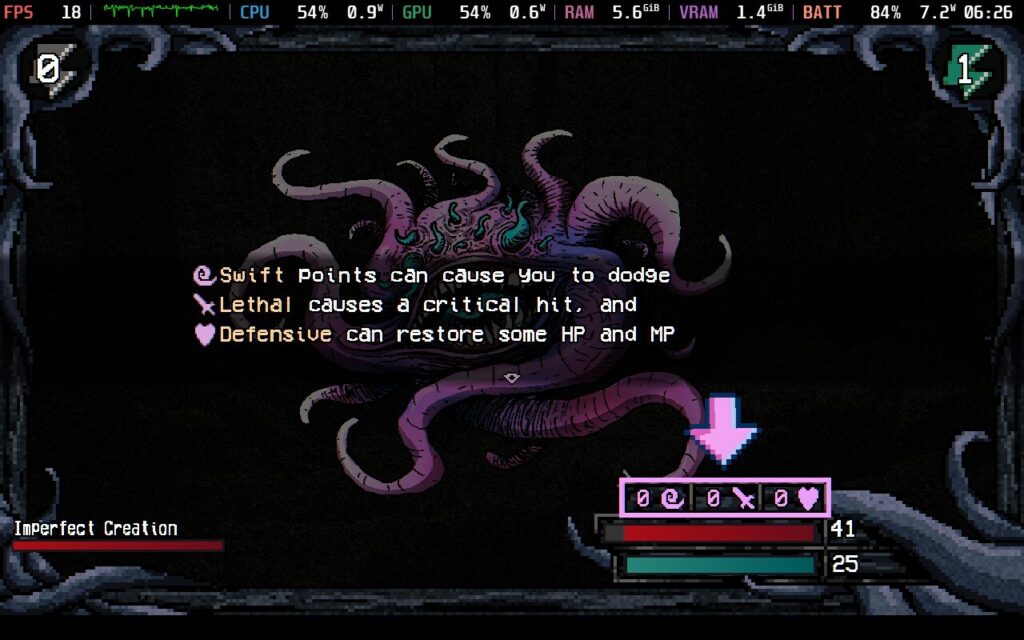
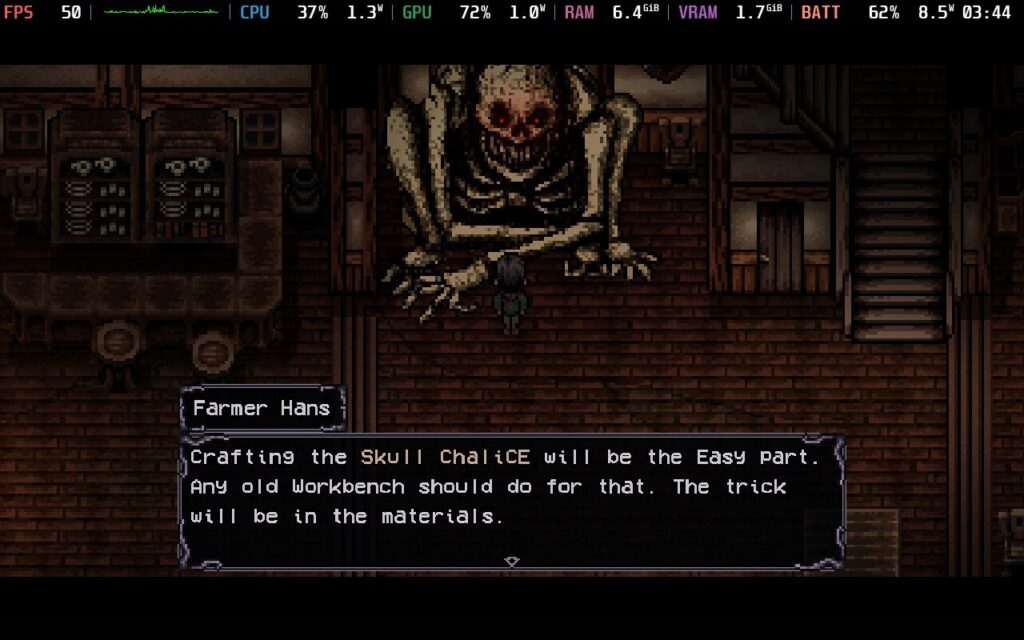
The atmosphere is the true strength of Welcome to Elderfield. We don’t get many farming sims set in such a dark, miserable place, and you can almost smell the decay through the screen. Elderfield is grim and dangerous and does not care whether you live or die. Don’t let the pixel graphics fool you because everything is beautifully animated with strong sound design to back it all up. The whole place is dripping with vibes, and exploring the world brings an awesome mix of challenge and awe. Even going to sleep at night carries risks, with tons of random events playing out that can benefit or cripple you. Sometimes little demons will steal items from you, or one night you might get lucky and have a dark god provide you with money like a demonic version of the tooth fairy.
Combined with the amazing setting, we also get a delightful cast of oddball characters and some great writing. There are some seriously deranged NPCs in this game, and they bring some quests that are certainly… let’s call it refreshing for the genre. On an early quest, I came across a lonely old man who asked me for his help in ‘building’ a wife with dark magic. I did not have that planned for my typical Tuesday night.
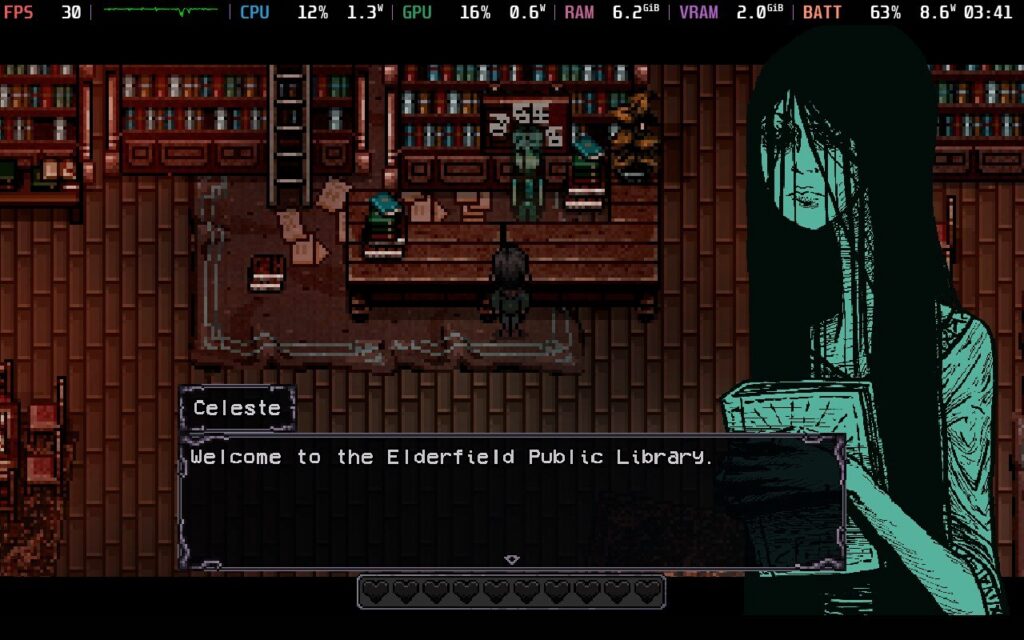
The usual farming life sim mechanics are at play here. You farm crops, you fish, you craft, and you mine resources while building up your little hamlet where you call home. There are taxes to pay with dire consequences for failing to pay, so there’s more incentive to get your act together and build up an economy. Every day, television and radio ads reveal more of the world and provide new opportunities for the player, which only adds to the amount of things to do.
I love the little quality-of-life features Elderfield brings to the table. You automatically use the tool that’s needed rather than having to constantly go into the inventory and equip the damn pickaxe again. There is also fast travel via the bus stops, a nice bicycle to ride out of the gate, and you can save at any time by returning to your bed, much like Doloc Town does. The map, while not gigantic, is significant enough that a faster way to get around helps a lot.
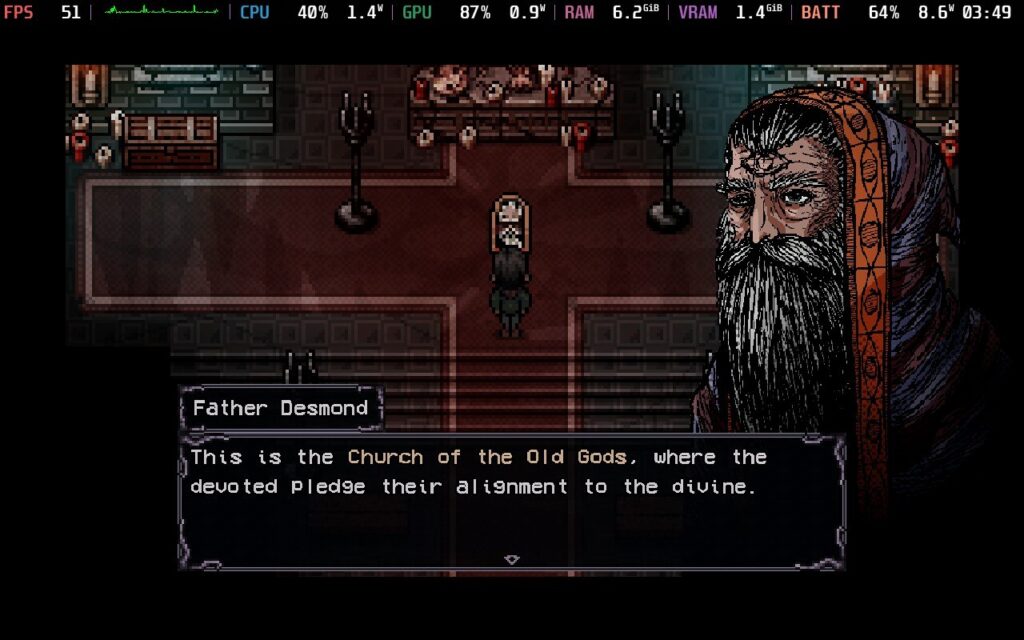
Honestly, I have very few criticisms of Welcome to Elderfield, and those I do have are more nitpicks than anything else. The game had a few bugs, which I expected given this was a pre-release several weeks in advance. When waking the Deck up from sleep with the game running, it often hung for a while before registering what I wanted. Finally, the technical performance, while fine overall, is a little heavier than I expected. Welcome to Elderfield is not the most intensive game out there, but it has some impressive lighting and weather effects, so the game is a lot more immersive than most 2D farming sims out there. Also, expect a lot of loading screens. Welcome to Elderfield, which has lots of them as you move between sections of the map.
Welcome to Elderfield is Verified according to Valve on the Steam Deck, and it's fairly playable on the Steam Deck, boasting full controller support out of the box.
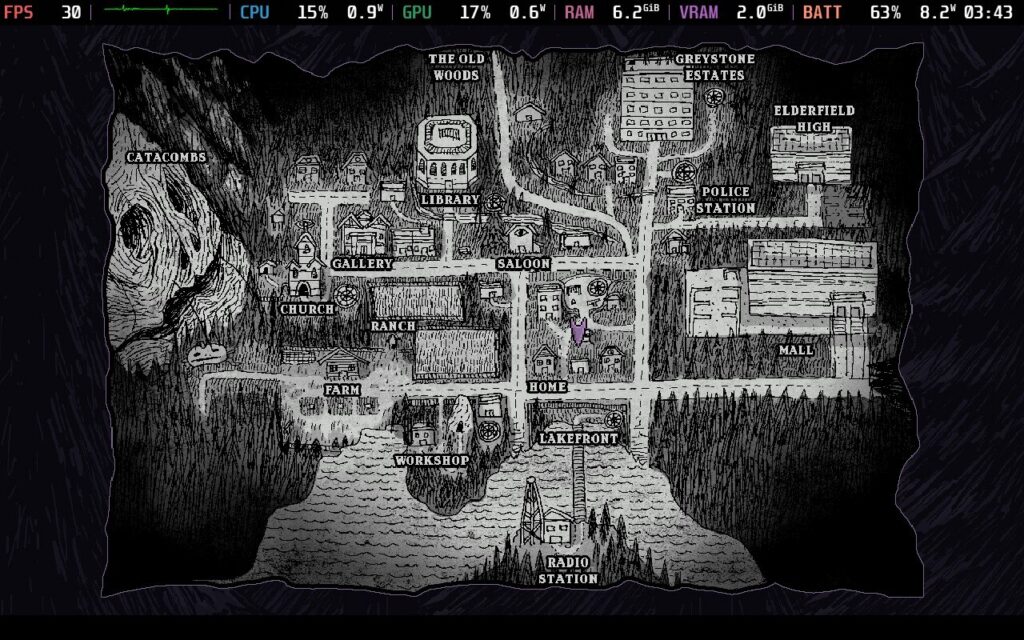
We don’t have any real options when it comes to graphical tweaks, which is unfortunate. The only thing we can do is cap framerate to 30, although for some odd reason there’s no way in-game to cap to 60. The only two choices were 30 or unlimited, which is strange. Welcome to Elderfield plays well overall, though the intensive environmental effects and lighting caused a few frame dips.
I tinkered with TDP settings to see how well Elderfield scales, but I recommend just keeping everything on default. It’s strange seeing a 2D pixel game perform like this, especially when competitors like Stardew Valley and Fields of Mistria play great at a 3-4W TDP. I kept the settings at a 50FPS/50hz framerate lock to keep things as smooth as possible while gaining a bit more battery life in the process. On power draw, Elderfield averaged 10-12 watts for me with these settings, with occasional spikes to 15 watts during more intensive scenes. Expect an average of 4 hours of battery life on the Steam Deck OLED.
Welcome to Elderfield is available in English, French, German, Spanish - Spain, Russian, and Simplified Chinese. While the game doesn’t have much voice acting, only English has the full audio in the radio channels.
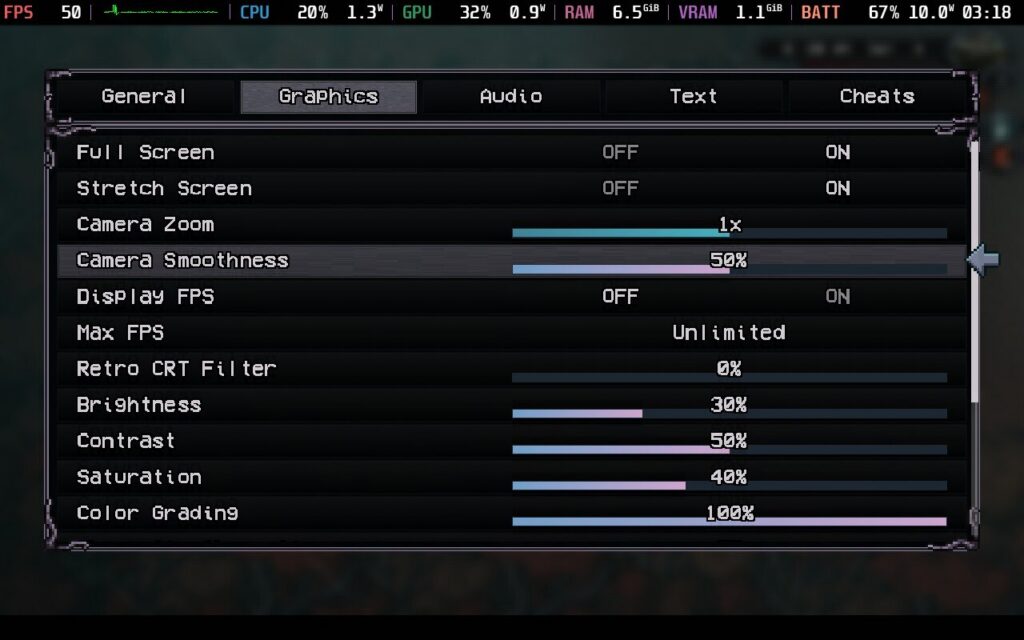
Elderfield’s accessibility options are somewhat lacking, although there are a few things of note. You can change language in-game, toggle autorun, show the sell price of items automatically, adjust brightness and saturation, camera zoom, and text speed. You can also change keybindings, which is nice, although there’s no UI scaling in the game currently.
It is very hard to stand out in video games as a whole, let alone in the farming sim genre. Welcome to Elderfield takes the main gameplay loop of the genre, dips it in grimdark horror, adds a dash of excellent sound and aesthetics, and the result is something that feels truly impressive.
The combination of great turn-based combat, challenging difficulty, an interesting world, and a slew of quality-of-life features turns Elderfield into a game that drips with atmosphere and is deeply compelling. The only drawback is that it could do with a little more optimization, but otherwise, fans of the genre are in for a treat.
Our review is based on the PC version of this game.
If you enjoyed this review, be sure to check out the rest of the content on SteamDeckHQ! We have a wide variety of game reviews and news that are sure to help your gaming experience. Whether you're looking for news, tips and tutorials, game settings and reviews, or just want to stay up-to-date on the latest trends, we've got your back.
SPRAWL zero was provided by Kwalee for review. Thank you!
Three years ago, I had the pleasure of reviewing SPRAWL, a new shooter that was heavily inspired by retro FPS titles. I fell in love with it, with the constant action, slow-motion bullet time, and sci-fi visual style enchanting me as I played. So, when I saw that a sequel was on the way, which was digging deeper into its sci-fi roots, I was intrigued, but I was left with mixed feelings after playing it.
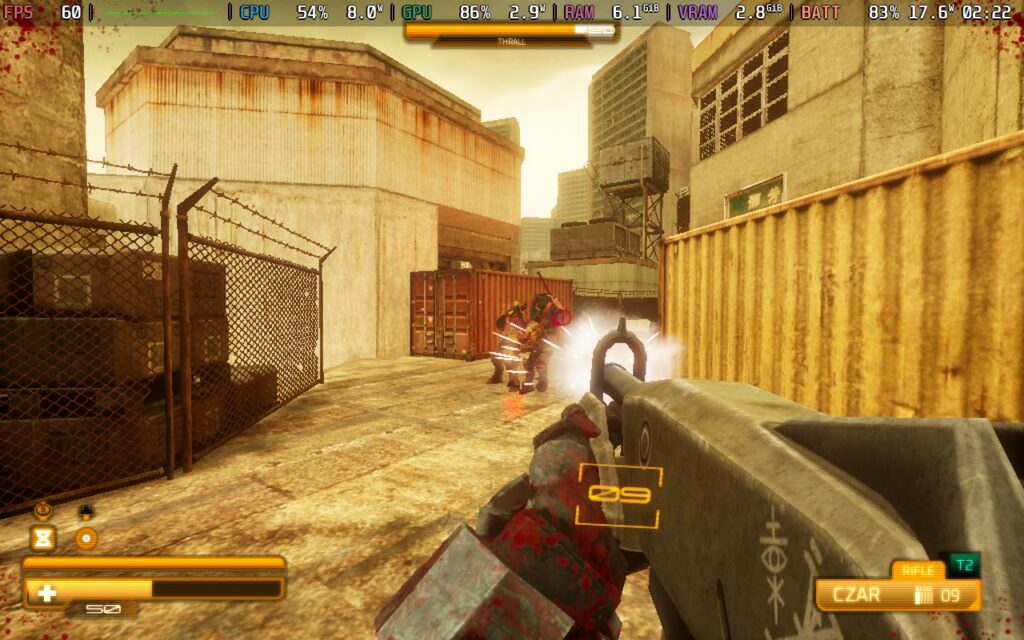
SPRAWL zero goes in a completely different direction than its predecessor. It’s still a retro-inspired FPS, but the fundamentals and focus have changed. Instead of worrying about ammo and which gun in your arsenal to use, you now have to constantly pick up new weapons and get rid of them as soon as ammo runs out. And thanks to our trusty gravity gauntlet, we can pick them up from far away and throw them at our foes when we are done with them.
When the concept works, it feels fantastic. The loop is filled with dynamic action that continuously keeps you on your toes. You have to keep track of which weapons drop, where to throw them, and it can lead to some increasingly awesome moments of grabbing guns out of the air and using the gravity gauntlet to throw environmental objects, like barrels and pieces of concrete, at enemies. It’s like if John Wick took Gordon Freeman’s gravity gun and planted it in his hand; that’s how it feels when everything hits just right.
We can pick up a wide variety of weapons, and they're organized by type and tier. We have our usual pistols, rifles, shotguns, SMGs, grenade launchers, rocket launchers, and some specialty weapons that enemies will drop, and they feel as you’d expect. However, they are also sectioned into different tiers, with higher tiers dealing more damage and being more effective. It’s easy to tell the difference because of the obvious color coding and highlights, which makes it easier to plan your next move or pick up specific guns you prefer. Even if there are tons of them lying on the ground, I never felt like I didn’t know what I was getting, as it has all the information easily readable on the screen as you’re looking at it.
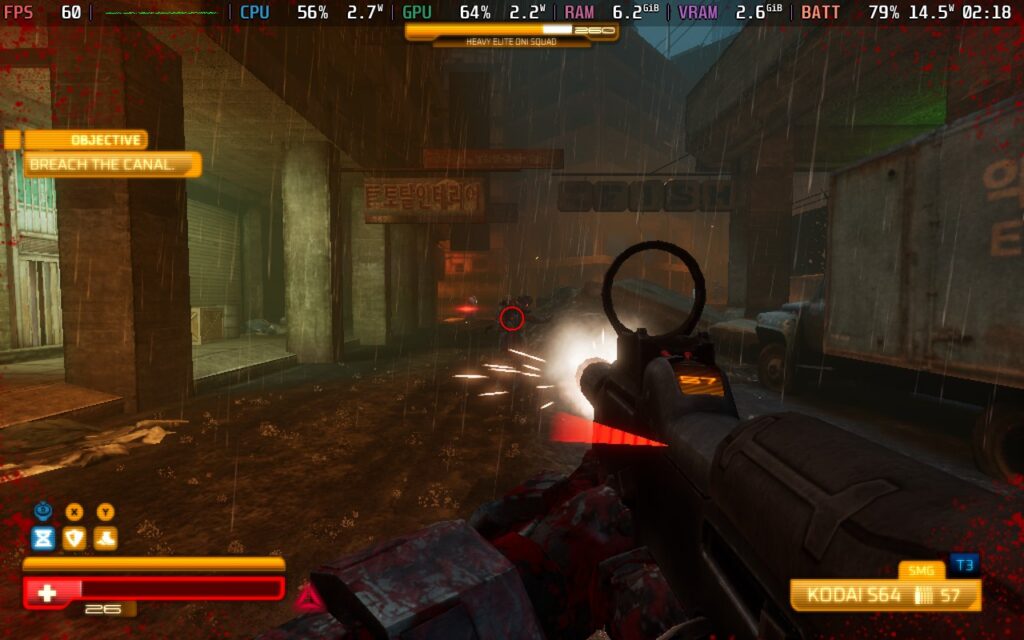
But what surprised me most was how different each weapon felt. A Tier 1 pistol felt very different from a Tier 2, which felt different from Tier 3, and so on. The difference is obvious, not just in the damage it’s dealing, but in how it behaves. Tier 1 pistols shoot in dual bursts, Tier 2 are semi-automatic, and Tier 3 are fully automatic. We see these differences across all weapons and tiers, and they keep combat interesting. I started to learn which weapons do what just by seeing their model, and I could plan accordingly.
And just like the previous game, SPRAWL zero features a few powers we can play with. Bullet Time returns, along with two new powers that utilize our new equipment. We can create a gravity shield that can catch bullets and fling them back to enemies, and we can become temporarily invincible and punch anything in front of us. All of these can be upgraded to be even more powerful, and while they all have their uses, I love the gravity shield most. Not only can you catch bullets, but when it’s flung back, it can make enemies drop more health packets for us to heal.
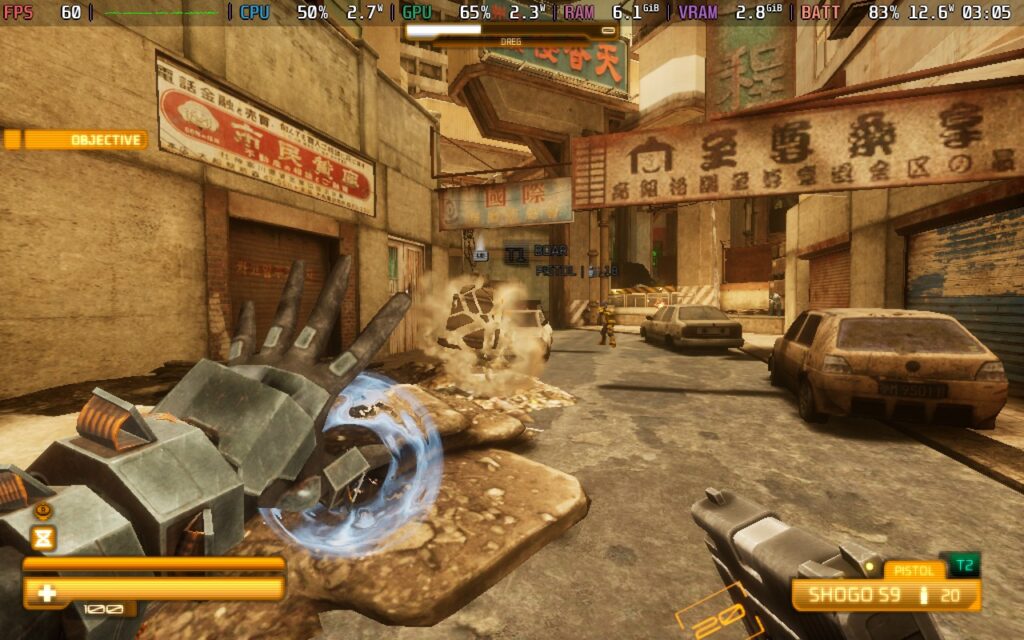
That chaos is genuinely addictive. Destroying pillars and bridges, throwing objects at enemies, sliding around and shooting guns in bullet-time slow motion before throwing those said guns to keep killing others just felt like a gift that keeps on giving. The shooting itself is tight, reminding me of older shooters like Halo, but still feels fresh and modern with a great, unique gameplay loop. It’s easy to pick up and understand; everything is readable, and I look forward to getting into gunfights as often as I could.
Most of the time, it feels incredible, but it falls short of greatness at times. In a few scenarios, I found myself with a gun with barely any ammo and no other weapons around, so when the onslaught of seven different enemies came, I was a sitting duck. There are also a few enemies that have shields, which take too long to break, and air vehicles that shoot missiles faster than you can grab and send them back. The shielded enemies are the most annoying, since we only have limited ammo for each gun, and we have to use a bunch of it to actually damage them. We can’t punch them to eliminate their shields, but we can’t do that while holding a gun, so we have to throw away the gun we have to punch them.
At some points, it feels like it can stop the entire flow of combat. Having to either waste all ammo to bring down shields or throw away our weapons just to punch the shield away ruined more fights than I can count. I actually resorted to running away from some just so I didn’t have to deal with them. Some enemies do feel like bullet sponges, but they also drop higher-tier guns to pick up, whereas the shielded ones can vary.
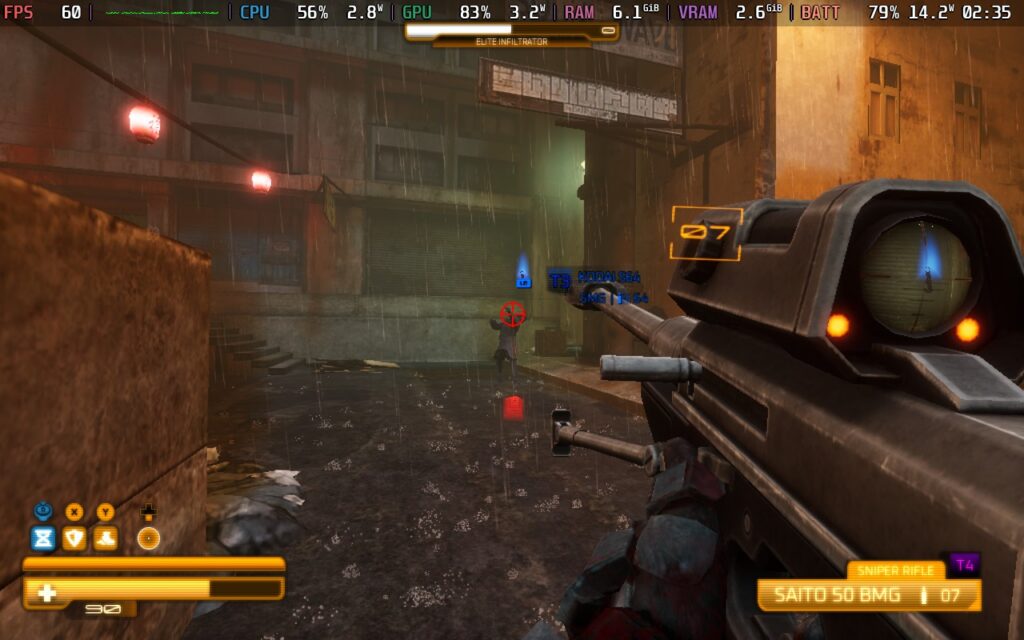
The story does its job of explaining why we do what we do, but I found it more confusing than anything else. We play as a cybernetically enhanced soldier named FIVE, aiming to eliminate the leader of a techno-religious organization to save the city.
There are some unexpected twists and turns here, but I never felt as compelled by the narrative. It has some interesting moments, but mostly felt like it was there to move the game from level to level. It does its job, but I wouldn't say it would win any awards for its storytelling.
I was also very pleased with the level design. Each level felt unique while still fitting the same apocalyptic sci-fi aesthetic. The crumbling cities, towering spires, and neon-lit alleyways kept me intrigued as I ran through each level. On top of that, there is a good chance of finding collectibles in each one, ranging from Codecs to Relic Fragments, and I had a good time trying to figure out where they all were.
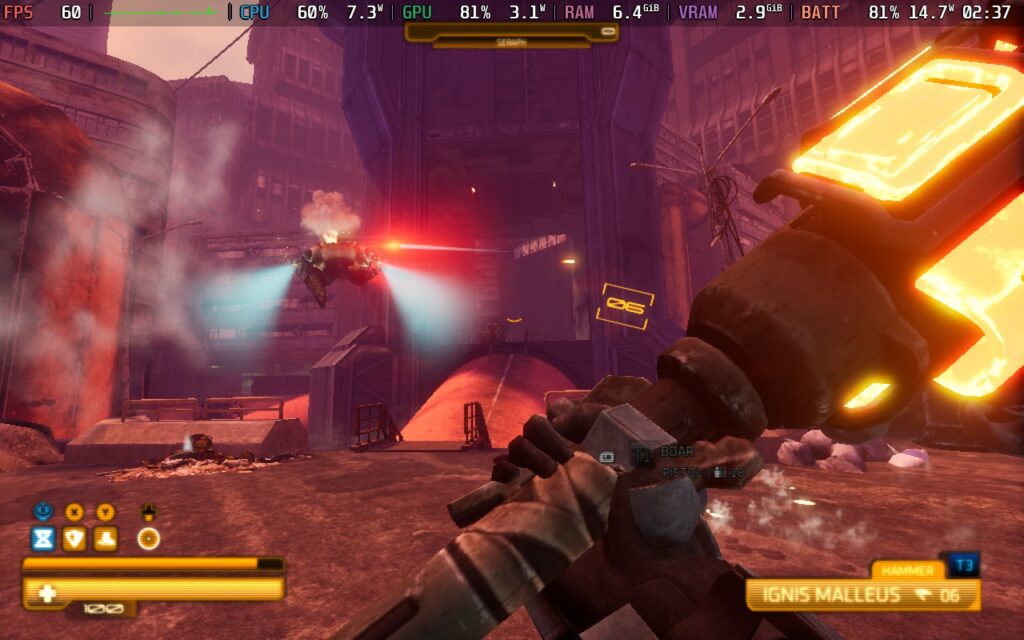
I loved playing the first SPRAWL game on the Steam Deck, and with SPRAWL zero, I had high hopes. However, it isn’t as stable as I had hoped, and there are a good chunk of moments that remind me of the limitations that the Steam Deck has.
In most stages where we fight a few enemies here and there in open areas, it runs at 60 FPS on max settings. It gave me a very good first impression, so I really thought that this was going to be an easy section to write about. That impression changed as soon as I got to the third level and looked up.
There are more moments than I expected when the CPU and GPU are fighting for resources, and that leads to stutters and framerate drops. I wouldn’t mind as much if it was only a few times, but it happened often whenever I looked up into the sky, which we need to do sometimes, and whenever we were in heavy combat with a good chunk of enemies.
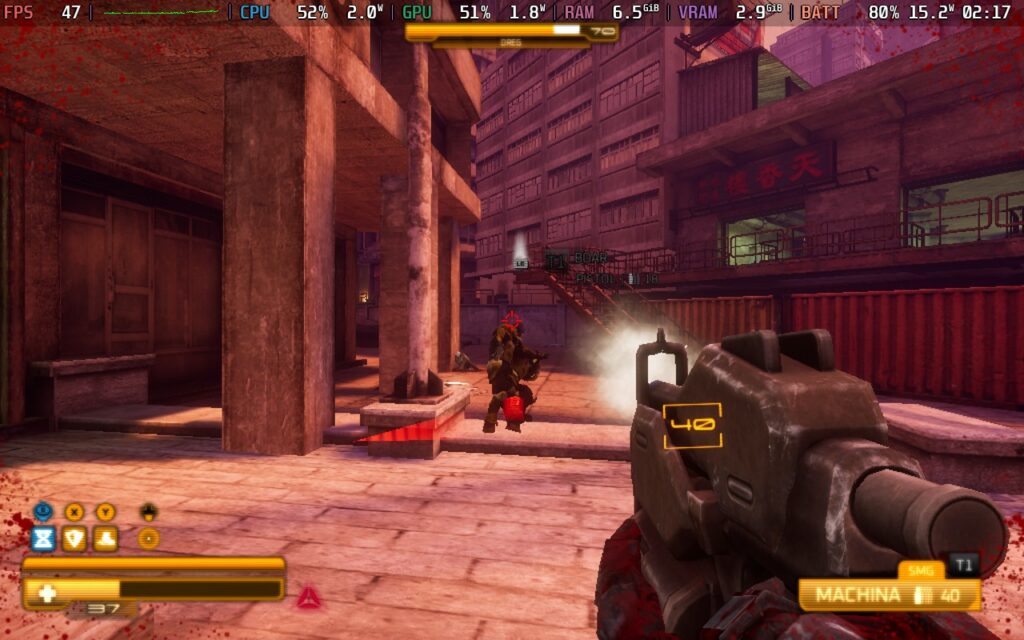
Even if we lower the settings to almost their lowest possible, there will still be drops in heavy scenes, when looking up at the sky, and when there are tons of explosions on the screen. It doesn’t happen nearly as often, but it’s unavoidable. So, if you wanna play at 60 FPS, lowering everything except for Texture Quality will be the way to go. It will still look decent, but there will still be some drops here and there.
Turning down the Texture Quality puts the game in Potato Mode, so I don’t recommend changing it.
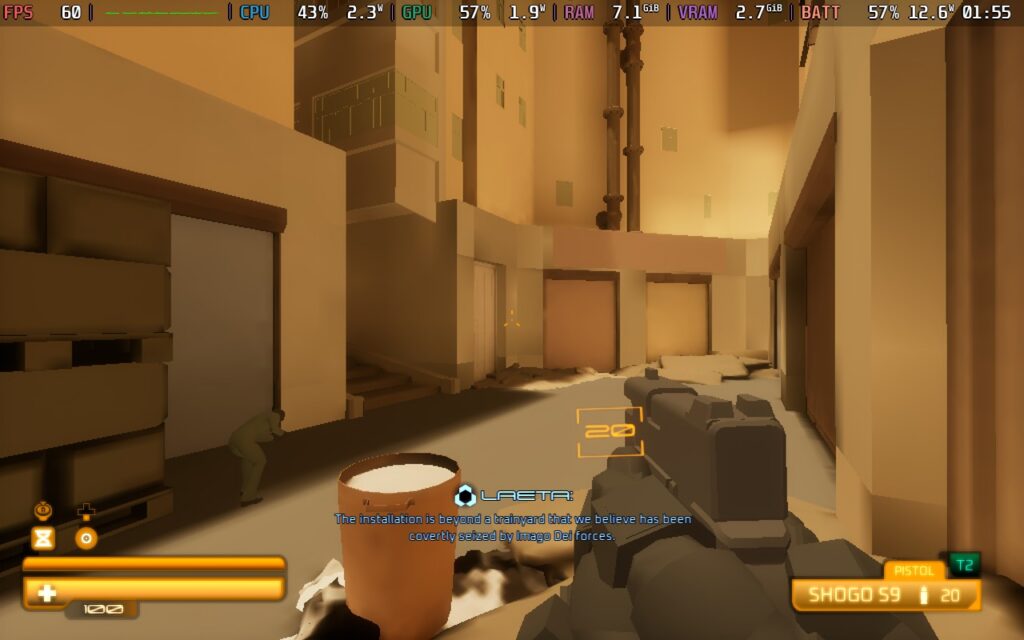
If you wanna play at the max settings and want stable performance, you will need to lock it to 30 FPS. For a game like this, 60 will be the way to go because it feels best when at its smoothest. However, if you can stomach it at a lower framerate, you can play at the highest quality with only minimal drops when there’s tons of explosions on the screen.
SPRAWL zero is another example of how developer MAETH knows what makes a great shooter. The destructive chaos that comes from having to constantly pick up new guns and use the environment to our will is addictive when it works. There are more moments than I’d like where it doesn’t, and some enemies that really stop the flow of combat, but that doesn’t change how worthwhile this experience is as a fan of retro shooters.
However, I do wish it was performing better on the Steam Deck. It can’t hold a stable 60 FPS, which I would consider a must for a game like this, and it will drop even on the lowest settings (not counting Texture Quality). It’s still playable, but expect some drops in large combat scenarios or when looking up into the sky.
Our review is based on the PC version of this game.
If you enjoyed this review, be sure to check out the rest of the content on SteamDeckHQ! We have a wide variety of game reviews and news that are sure to help your gaming experience. Whether you're looking for news, tips and tutorials, game settings and reviews, or just want to stay up-to-date on the latest trends, we've got your back.



