WARNING: This is an online-only game. You need a constant internet connection to play.
Did you ever wish Pokémon had better multiplayer and customizable features like buying and decorating your own house? Then let me introduce Temtem! This creature-collecting adventure will take you across six beautiful and diverse islands in a sprawling campaign in a fully online world. Yes, this means you will see every other person around you at the same time! With the game being fully co-op friendly in and out of battle, you can also buy and decorate your own house, customize your character with clothing and hats...or cosplaying as a Temtem of your choice, and even hardcore competitive modes. Temtem has got something for everyone, but does it have what it takes for Steam Deck gamers? Let's find out.
Temtem doesn't really have advanced graphical settings. It only has 4 options there and really only 2 control actual graphical quality, "Quality" and "Texture quality". When the game is set to ultra on both with no caps at all, the framerate goes all over the place around 30-40 while battery drain is 23W and temps reach as high as 90c. For a game like this, it makes no sense and we can do SO much better.
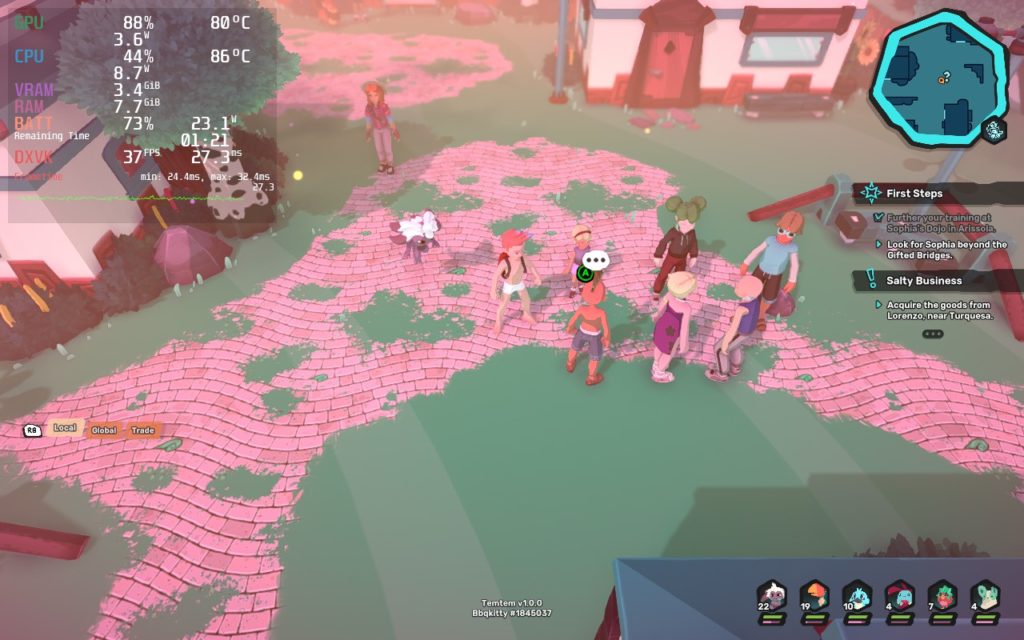
Even just standing still brings drain and temps way higher than they should be.
Due to the lack of graphical options, Temtem was super easy to optimize. I wanted to initially find a good balance, keep a stable framerate that was high enough to be smooth, but still felt great to play. I went back and forth on it though, but I decided that even though you NEED a constant internet connection to play, the stability of 60 FPS was not consistent in all parts of the game, so 50 FPS felt the way to go.
I tried initially setting the graphics quality to "Ultra" and seeing if I could mesh the 2 together, but honestly, the game looked almost exactly the same to me from "Ultra" and "Medium" quality settings, so keeping at Medium felt right at home. Otherwise, I was able to keep Texture quality at "Ultra" the entire time, which was pretty nice.
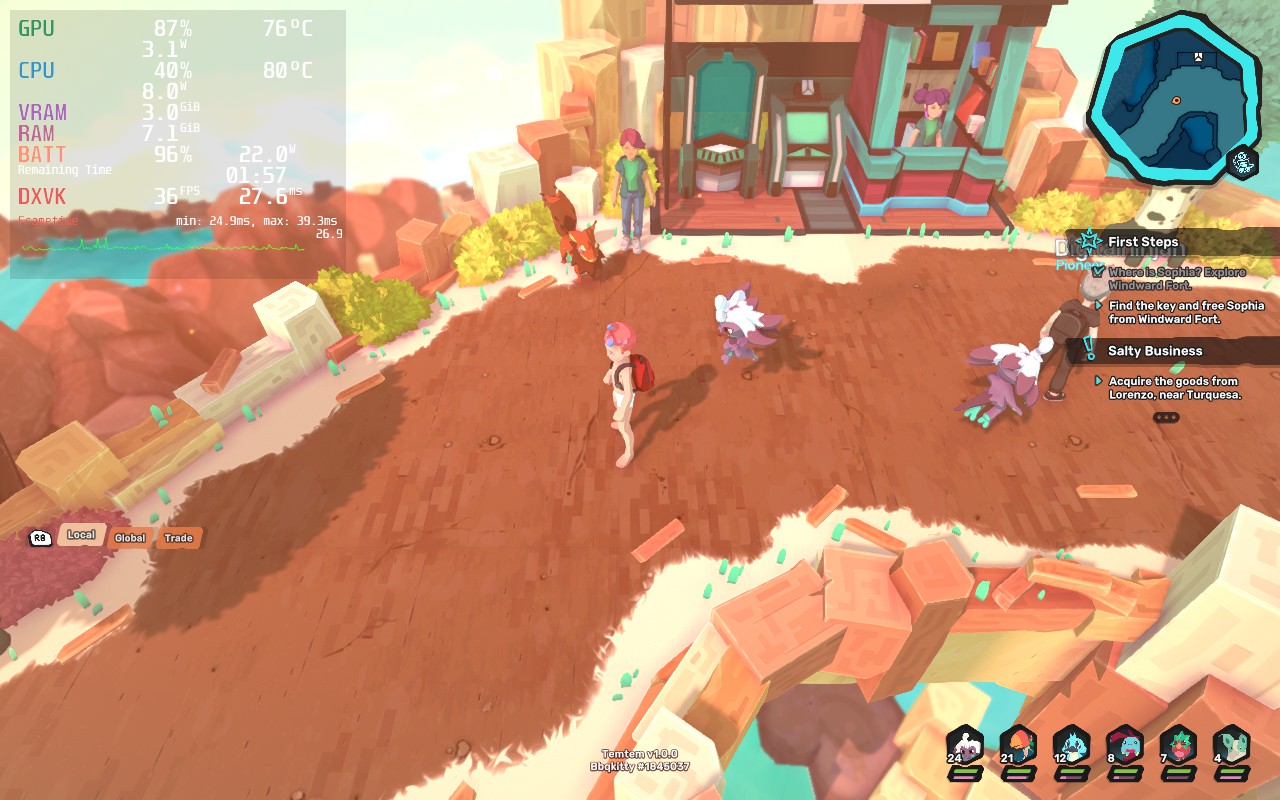
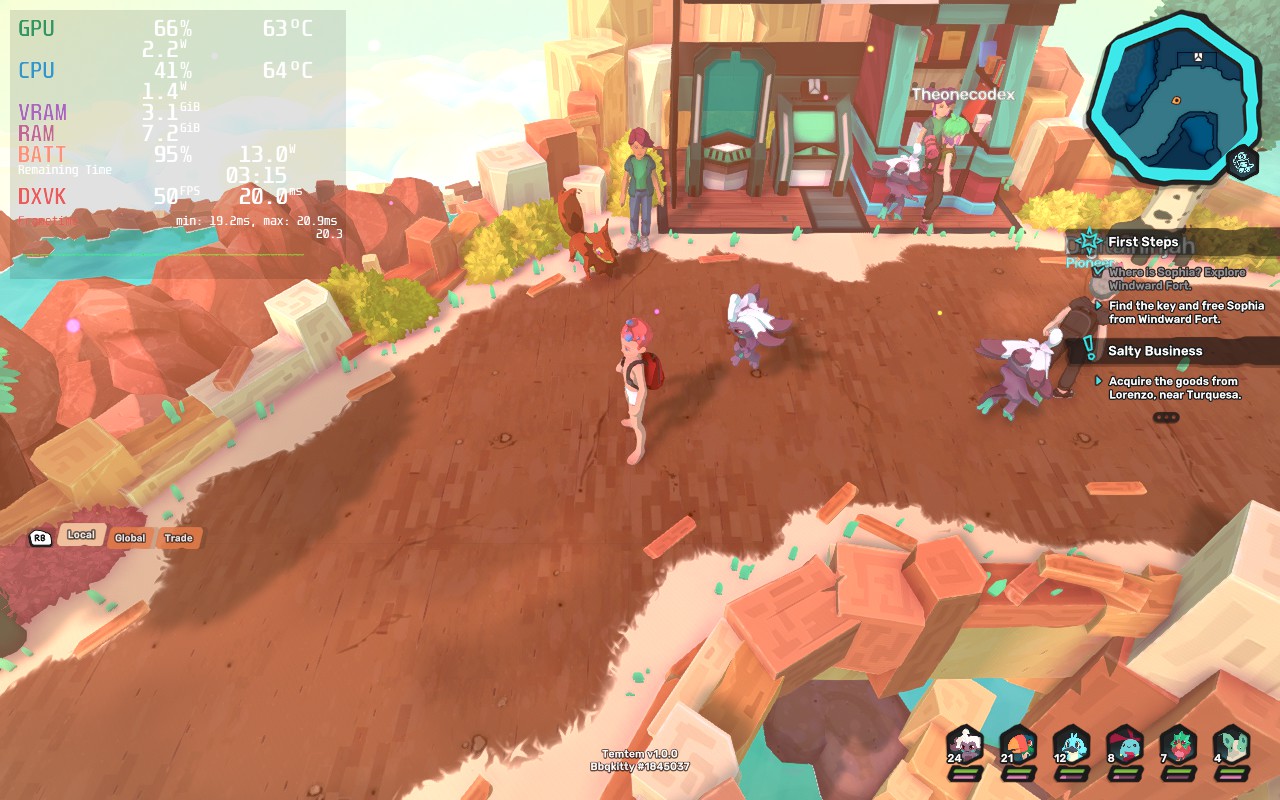
The 50 FPS compromise build held the framerate stable at all times with cool temps below 72c and a 3 hour battery life. With this, you are getting a fluid framerate that feels smooth, but saving a lot on battery in the case you are playing away from an outlet, like just on your couch in the living room.
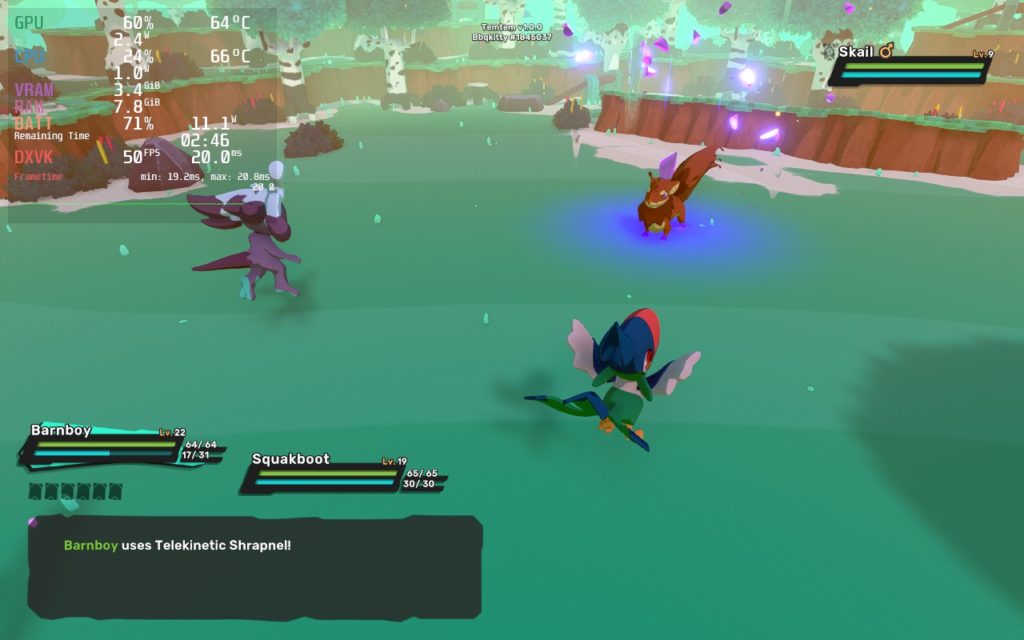
Even in battle, Temtem stood strong and stable with those sweet cool temps.
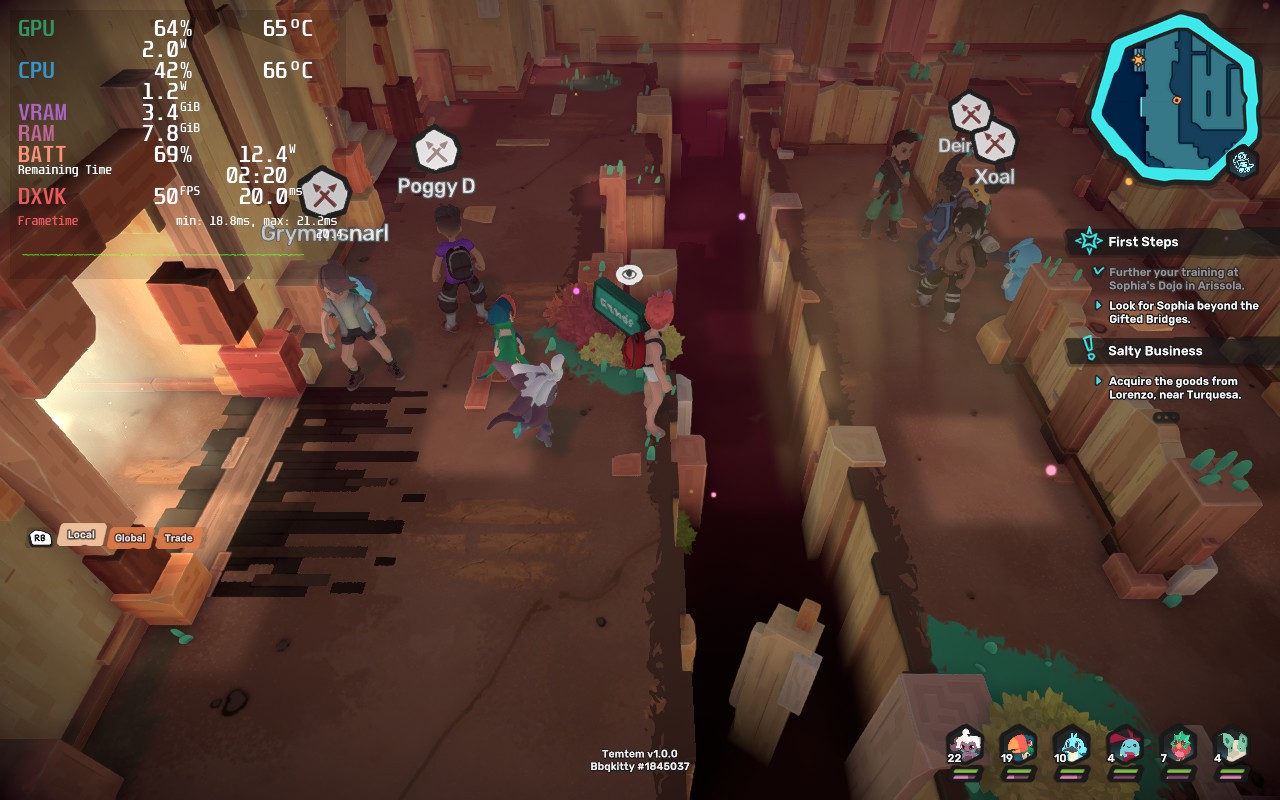
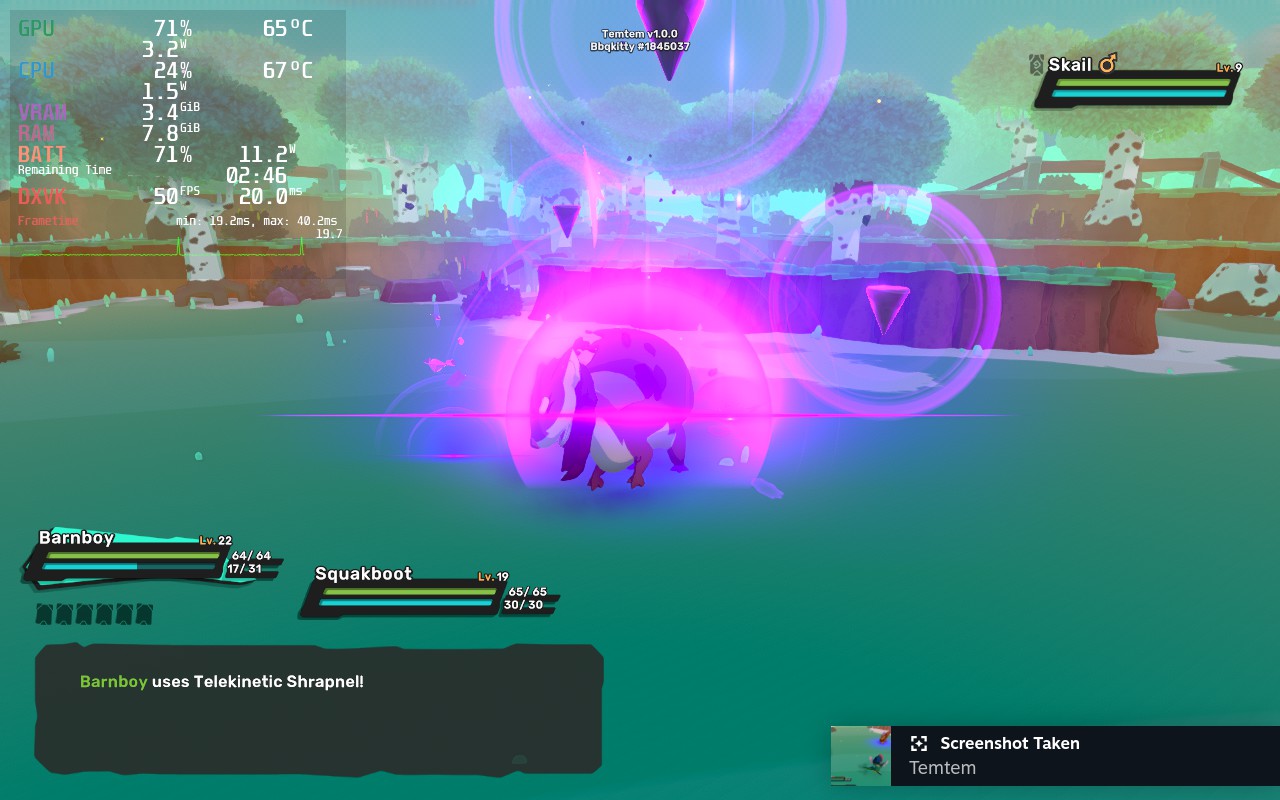
More screengrabs from the recommended build. Still holding strong!
I then proceeded to create 2 other builds, a Battery Saver build and a 60 FPS build. Both of these use the same quality settings as the recommended, due to it being the highest while looking incredible, and really only needed some TDP changes to cap the battery drain, especially for the 60 FPS build. With those, the Battery Saver build has around 4 hours of battery life, while the 60 FPS tends to hover between 2 and 2.5 hours.
I actually didn't find any bugs or controller issues when playing the game. Everything seems to be running quite well and has earned that Platinum badge from ProtonDB. But again, I must warn that this is an ONLINE ONLY game. This means that, without an internet connection, this game can't be played at all. You could use a cellular hotspot if you have to, but otherwise, it won't work. Otherwise, it should work perfectly fine!
I will admit, the online-only aspect of the game does turn me off slightly, but I have always dreamt of a Pokémon game where I could play fully with friends and have more in-depth customization. This feels like the closest to that dream and it does a damn good job. The game is really enjoyable and even better with friends and, with the right settings, runs fantastic. If I was only going based on performance, it would be a 5/5, but the online-only aspect makes it hard to fully recommend this on a portable device.
このレビューはPC版に基づいています。
このレビューをお楽しみいただけたなら、SteamDeckHQ の他のコンテンツもぜひご覧ください!私たちはあなたのゲーム体験に役立つこと間違いなしの様々なゲームレビューやニュースを取り揃えています。ニュース、ヒントやチュートリアル、ゲーム設定やレビューをお探しの方も、最新のトレンドを知りたい方も、ぜひご利用ください!
Update 9/13/22: After speaking with the developer behind the Hephaistos mod, and after reading, they have clarified and rewrote the instructions on how to get the mod working. We included a small guide on how to get it working so you can utilize a full 1280x800 resolution.
Hades is...well for lack of any other term...an incredible game. As the son of Hades himself, you have decided to defy your destiny and escape hell. Using an assortment of powers and weapons, you will hack and slash your way across gorgeous landscapes while upgrading your skills and powers. As this is a roguelike game, each death makes you more powerful with new weapons to unlock and permanent upgrades that carry with you throughout your deaths. Paired with an immersive fully voice-acted story, this roguelike game is an essential to everyone's library. And it just so happens that Hades is also an essential game for your Steam Deck.
Due to the art style, Hades is nowhere near intensive in the slightest. When opening the game for the first time, it will boot up at a solid 60 FPS with only 12W battery drain and sub 70c temps. If you ask me, this is pretty fantastic, though we can make it better! The game tends to drain a bit extra power than it really needs, so by just setting a TDP limit to 4 and GPU Clock Speed Frequency to 1100, we can dramatically lower the drain to 8.5W - 9W with sub 60c temps.
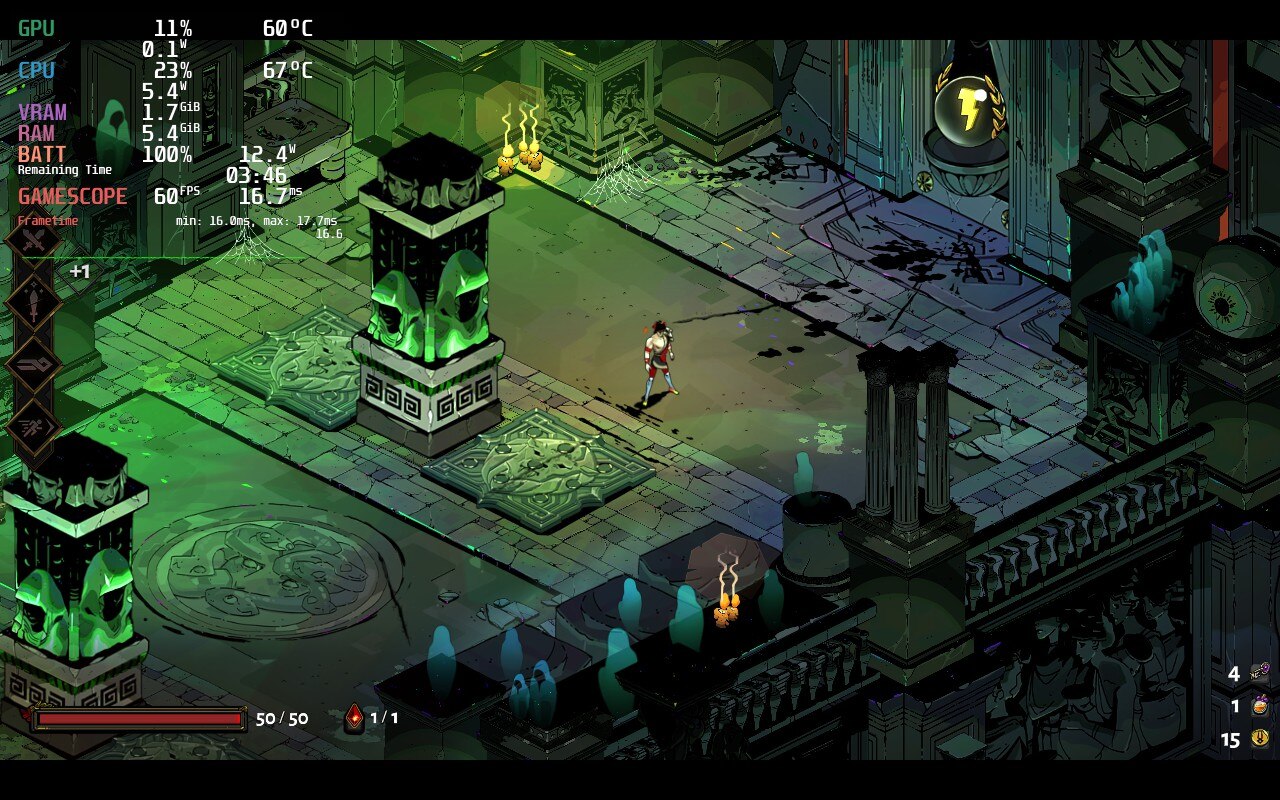
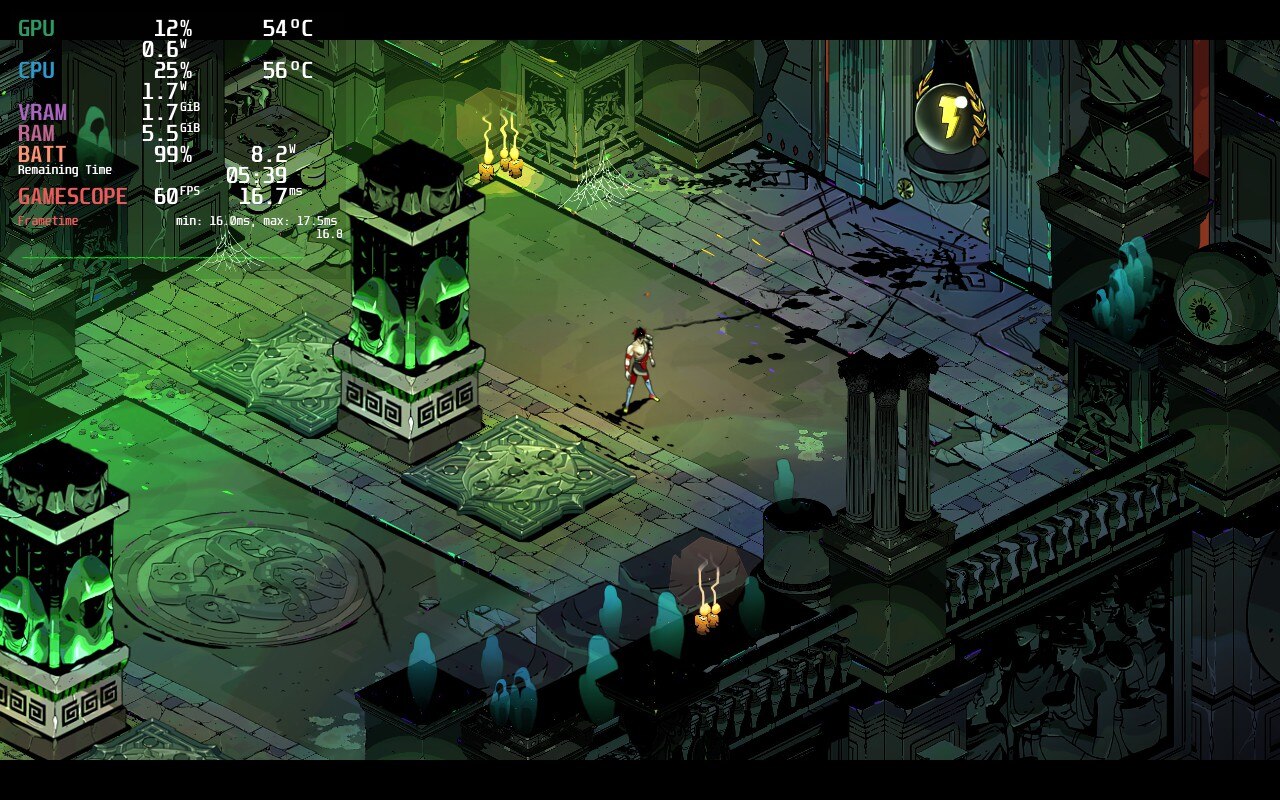
With no visual or stability difference, you can clearly see the temps and battery drain go down significantly with slight TDP changes.
This tends to bring the battery life up to 5.5 - 6 hours from 3.5 - 4 hours with no sacrifices to performance at all. This is especially helpful if you are going to be traveling, but even just playing at home, this can help significantly. Keeping temps down will increase the longevity of your Deck's hardware as it won't be getting so hot. And honestly, with a small tweak like that and no reduction in quality or performance, there really is no reason NOT to.
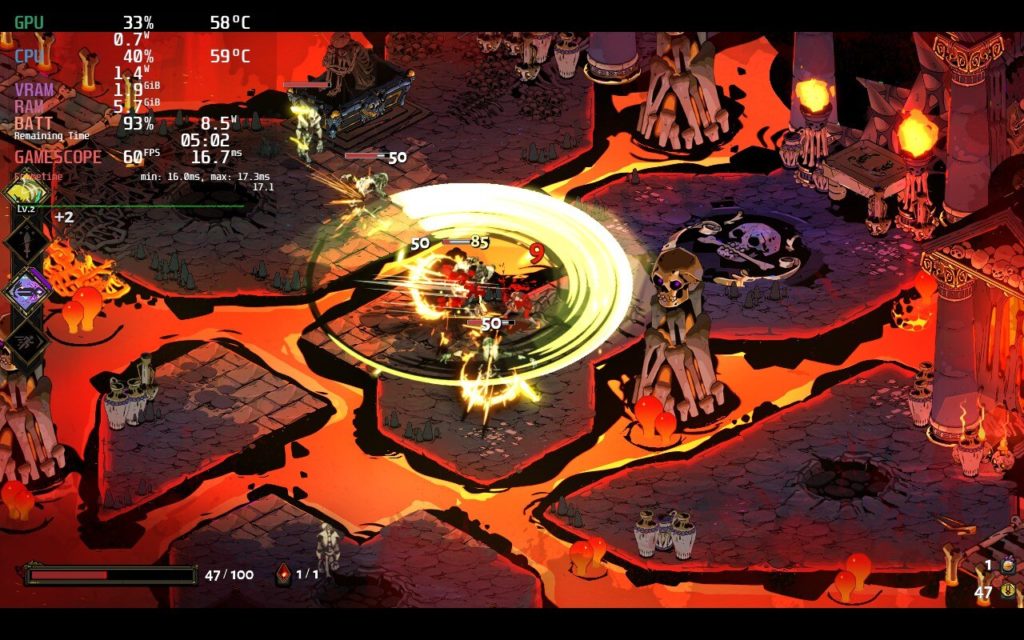
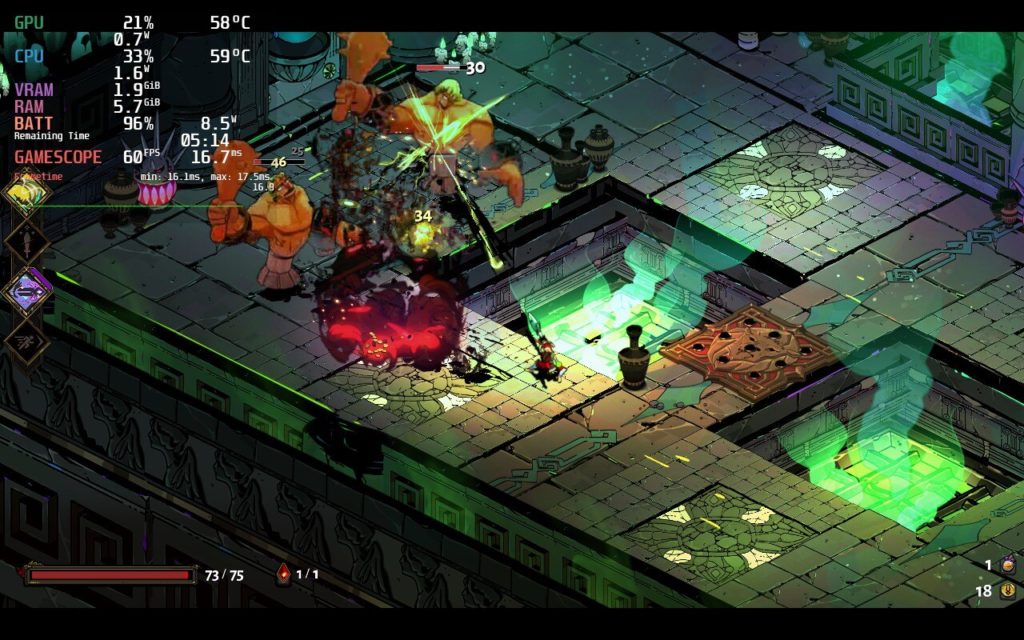
Now if I had to point out one thing, it is the resolution options. In-game, it says it supports 1280x800, but it actually only displays 1280x720 as you can see from the black bars at the top and bottom in the screenshots. While there is a way to patch this using the Hephaistos patch, it doesn't really feel necessary. The game runs and looks beautiful and I felt no reason to change the resolution. I did try to use the mod itself, but the file wouldn't execute so I couldn't patch the game. I will continue trying though and update this review if necessary.
After speaking with the developers behind the Hephaistos mod, we got it up and running. To do this, you will have to download the hephaistos-linux.zip from the release page. Then, extract the file and put it in the directory of where Hades is installed (you can access it by going to properties > local files > "Browse Local Files". Once the file is placed in the directory, right click it and select "Run in Konsole". Then, press "1" 3 times, which will patch the game to the 1280x800 native resolution on the Deck! We noticed no performance difference with the native res.
There really isn't much more I can say about Hades other than it is one of the best games I have ever played. The artwork, gameplay loop, the fine-tuning, they all work together in such harmony that it is hard to look back and not love it. Supergiant Games outdid themselves and it makes me incredibly happy to know how amazing this game works on Deck. If you haven't yet, buy this game.
Thank you for reading! If this settings review helped you, please consider supporting SDHQ by donating on Patreon. Your support will help us continue to grow and provide the latest and best Steam Deck content!
このレビューはPC版に基づいています。
このレビューをお楽しみいただけたなら、SteamDeckHQ の他のコンテンツもぜひご覧ください!私たちはあなたのゲーム体験に役立つこと間違いなしの様々なゲームレビューやニュースを取り揃えています。ニュース、ヒントやチュートリアル、ゲーム設定やレビューをお探しの方も、最新のトレンドを知りたい方も、ぜひご利用ください!
I have always been a big fan of Cyberpunk settings. I love the futuristic, technology heavy setting that encompasses a gritty future we could one day have. Now put that setting into a co-op friendly Action RPG that runs well on the Steam Deck and I am a happy camper, and let me tell you, I am pretty damn happy. With the ability to customize your character with cyberware, skillpoints, and even clothing, this explosive shooter is way too much fun to play.
There are some good and bad points when playing on the Deck, but I would say overall, it was more positive than negative. The good is the game has Cloud Save support (thank god) AND Accessibility options that include text resizing! This is especially important on the Steam Deck due to its smaller screen.
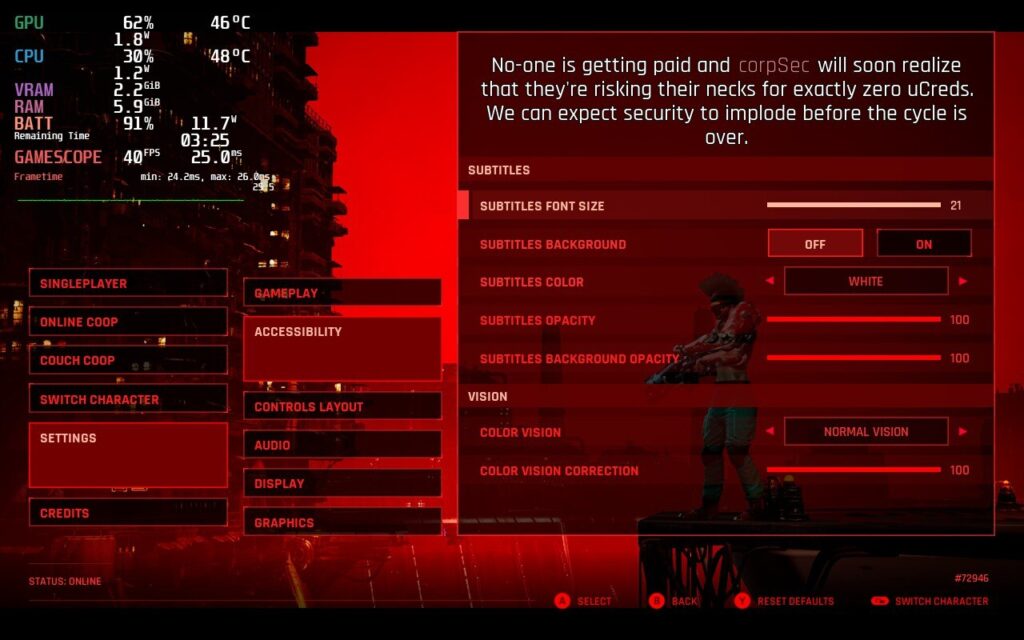
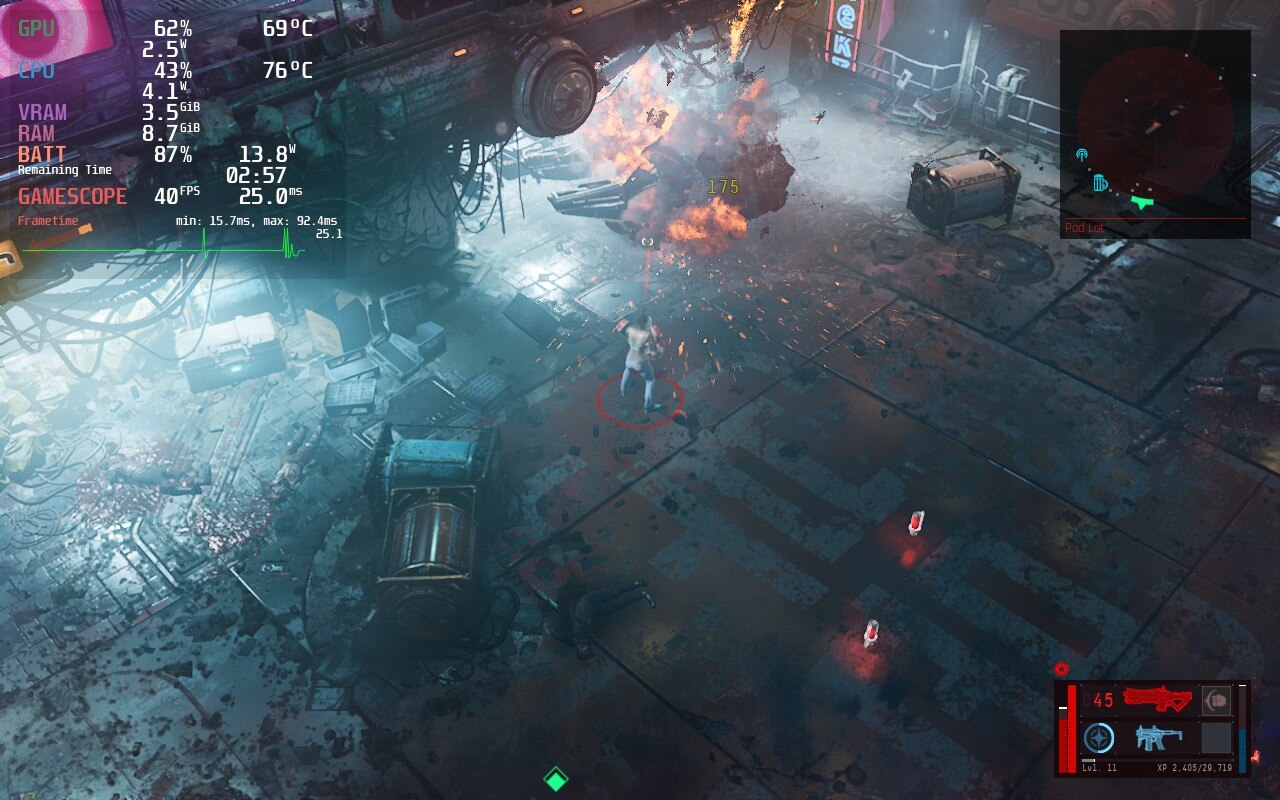
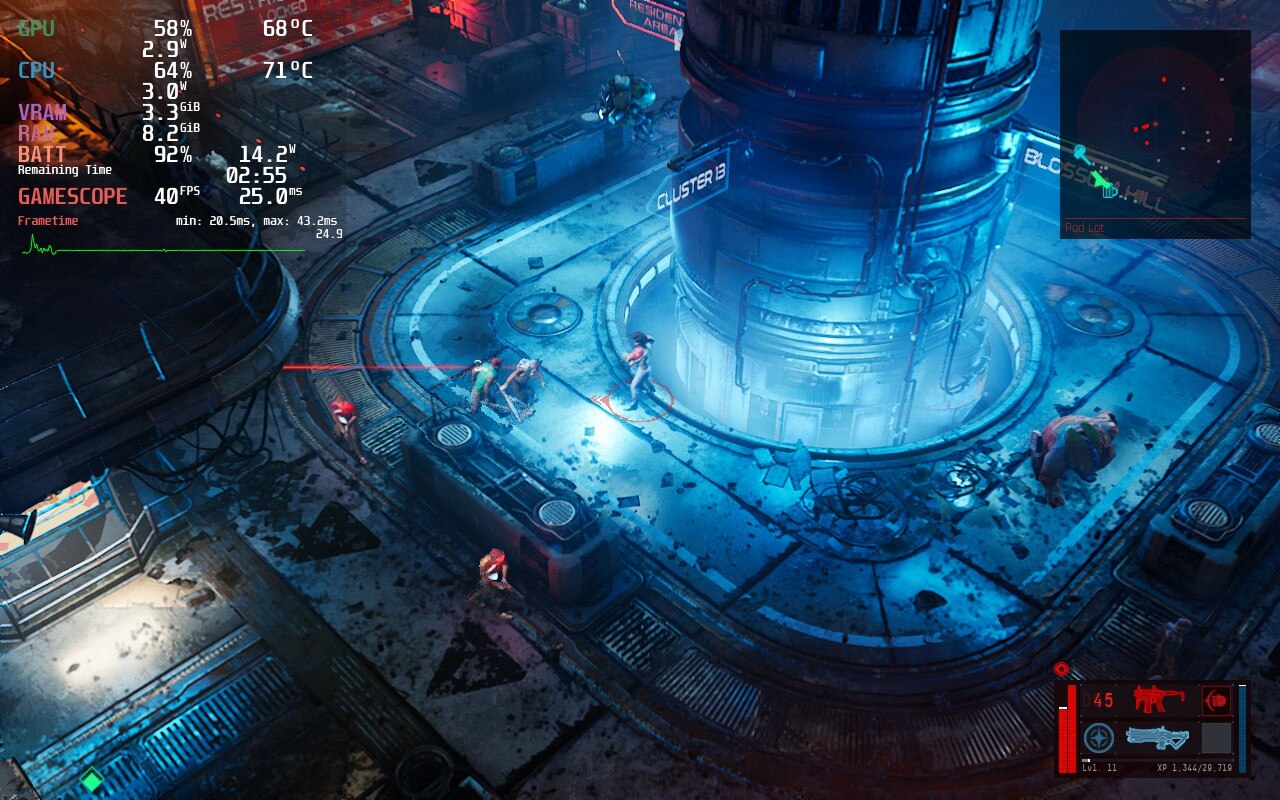
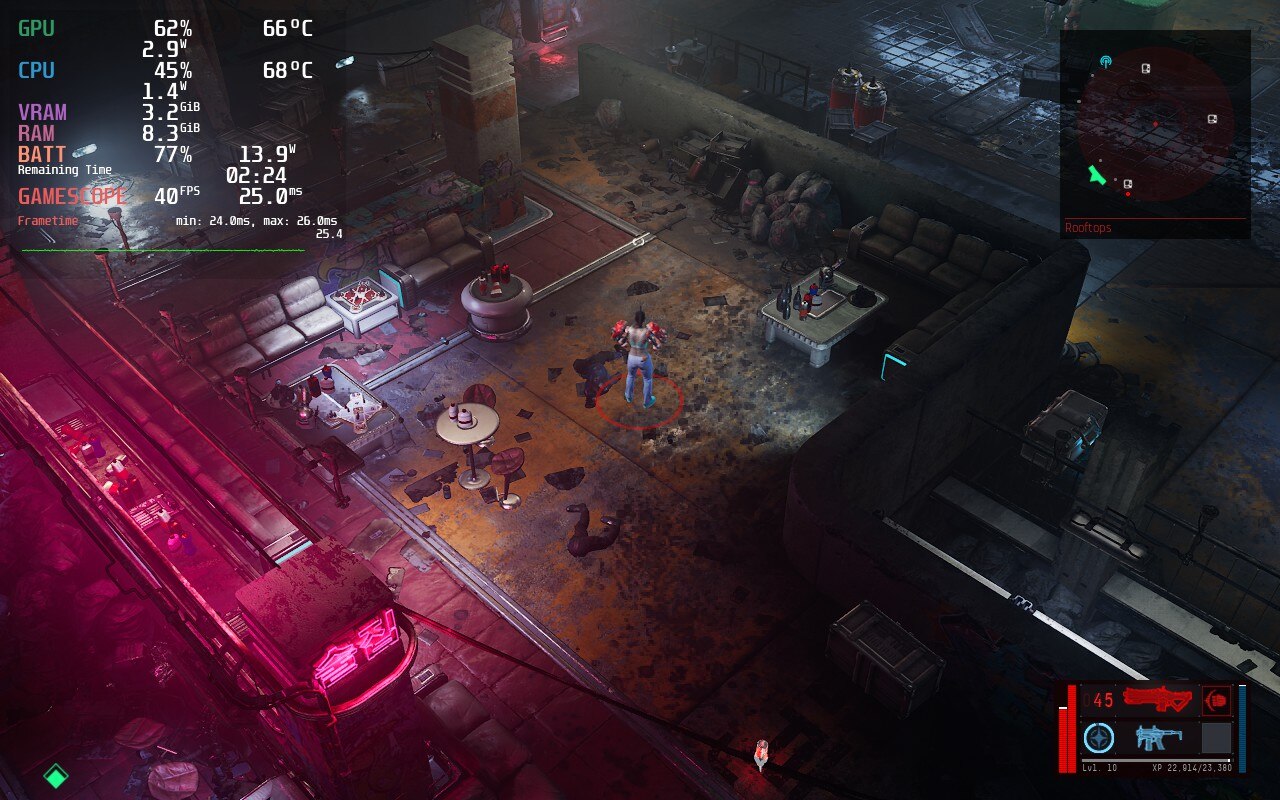
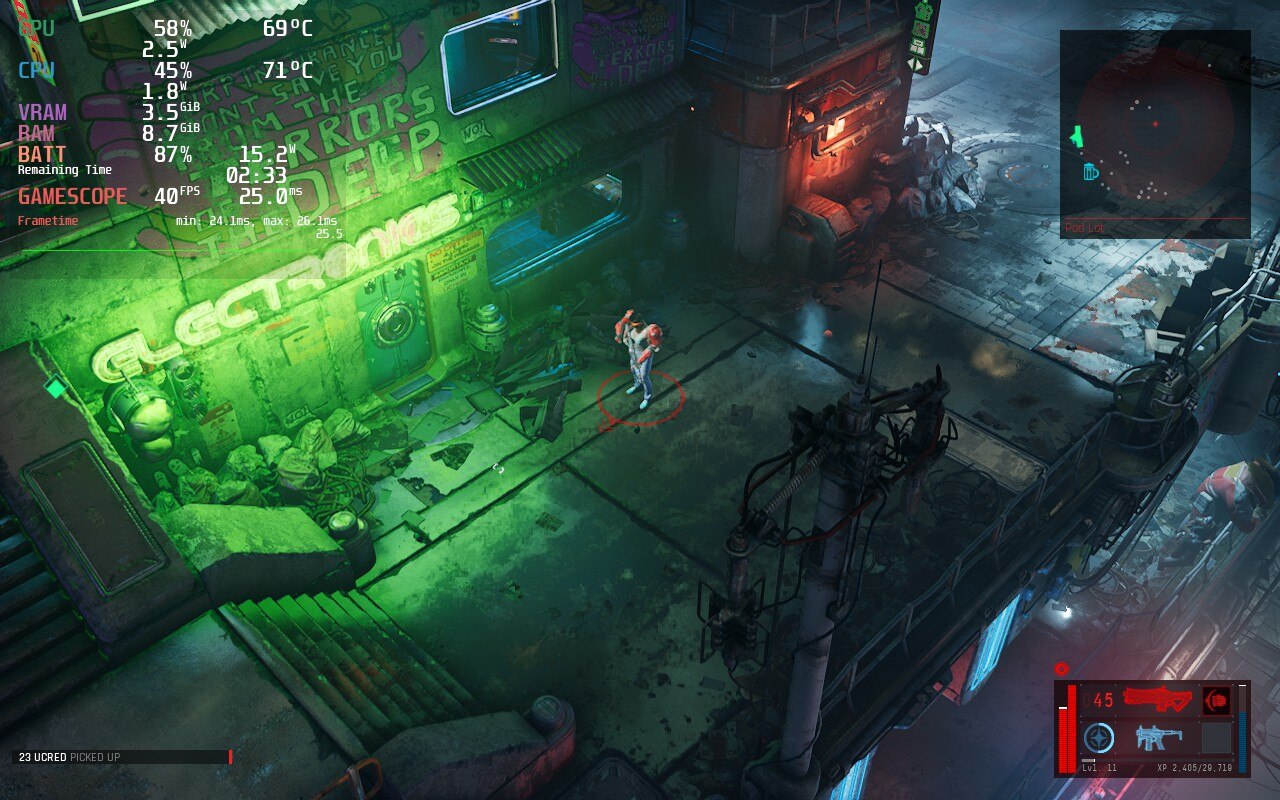
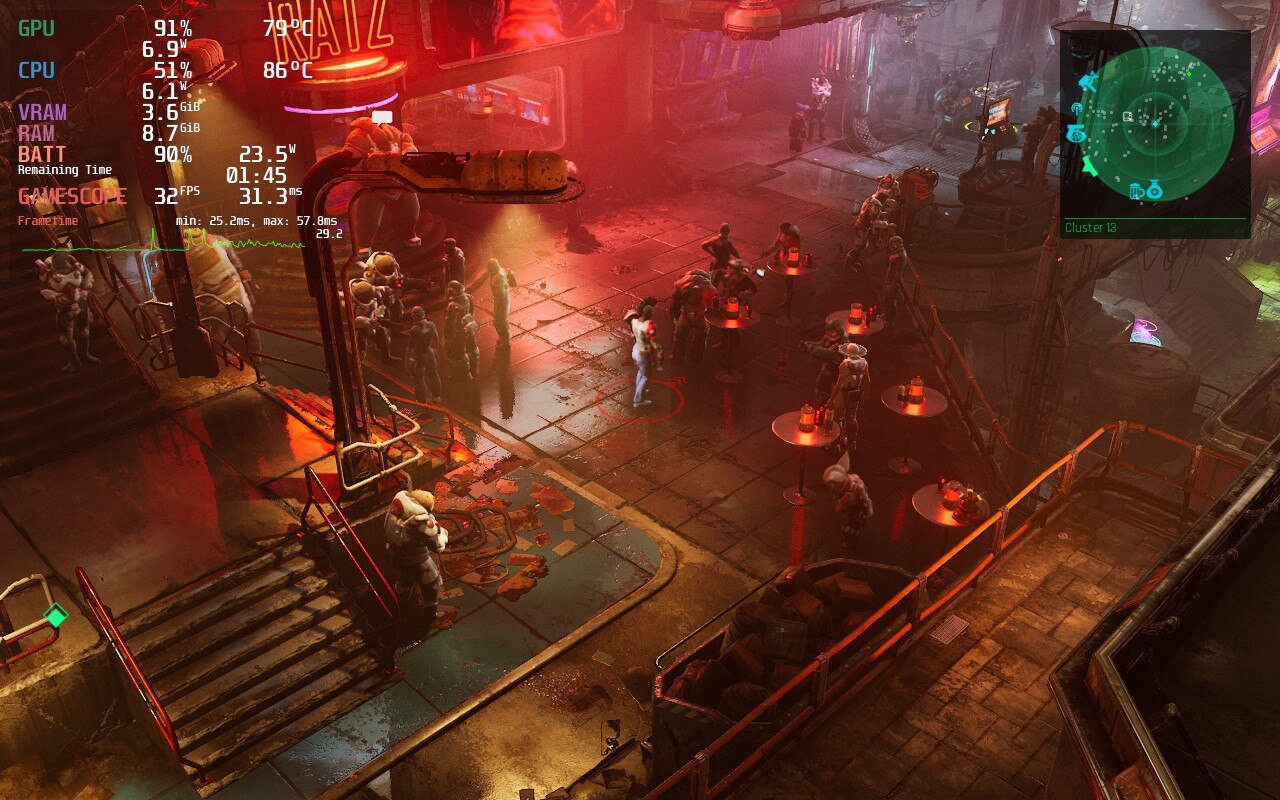
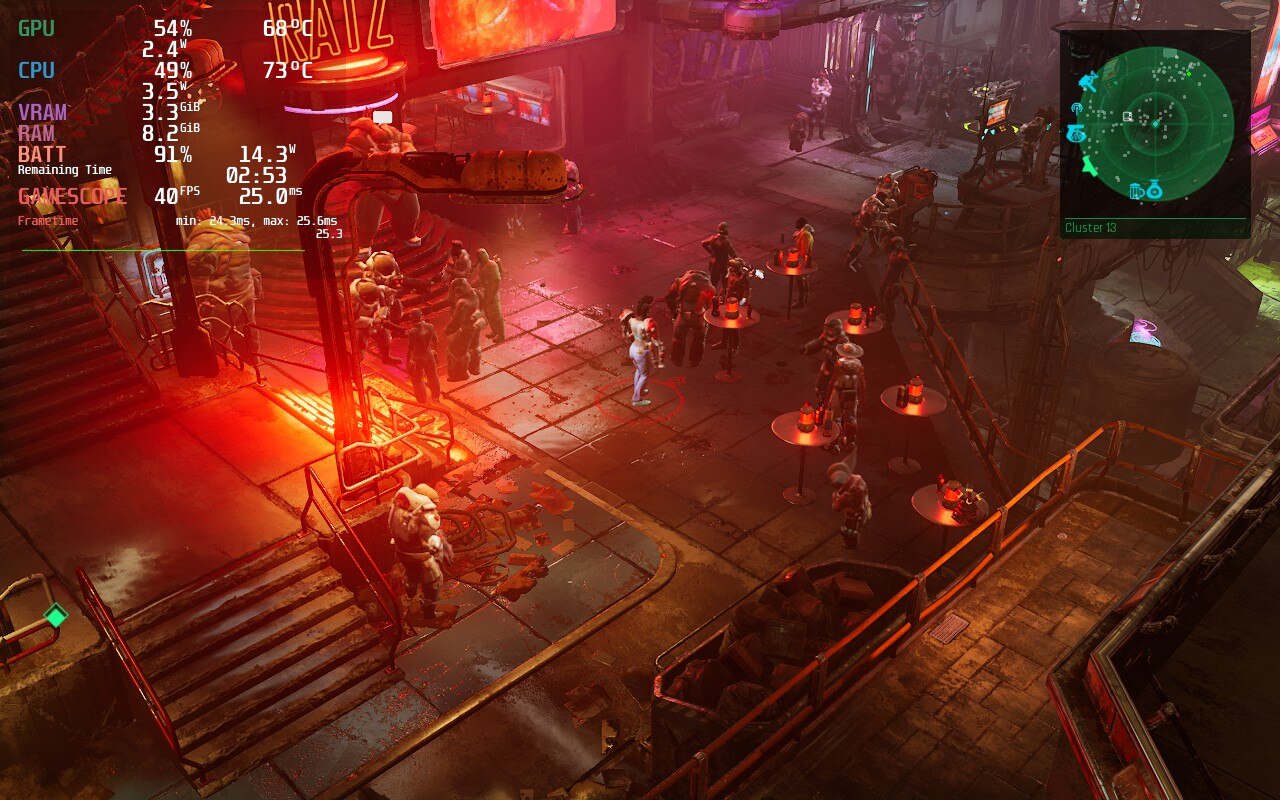
The Ascent itself also runs well in the first 2 hours I played, though there were a couple spots I noticed major dips. Luckily, this only happened once or twice and in all combat scenarios, it held a solid 40 FPS (some explosions caused minor dips that recovered immediately). The game is made with UE4, which does mean you will see dips when loading into new places, though this recovered immediately as well. I did also notice some minor ghosting, though because the camera is so far away most of the time, I didn't feel it impacted gameplay much. I will also make note that I did not crash once when playing the game. I am aware of others who report it, so if your game is crashing, please leave a comment so we can investigate!
The Ascent is also the first game that I felt Half-Rate Shading made a big difference in framerate stability, but didn't change visuals as much. Overall, from this first look, I would say The Ascent will be good to play on Deck!
このレビューはPC版に基づいています。
このレビューをお楽しみいただけたなら、SteamDeckHQ の他のコンテンツもぜひご覧ください!私たちはあなたのゲーム体験に役立つこと間違いなしの様々なゲームレビューやニュースを取り揃えています。ニュース、ヒントやチュートリアル、ゲーム設定やレビューをお探しの方も、最新のトレンドを知りたい方も、ぜひご利用ください!
Elden Ring is an open world Souls game, which features a large variety of enemies and areas with plenty to explore and experience. With many possible builds to play your way, you will trek across a unique land that makes you want to explore every inch of it. Use magic, swords, halberds, and even prayer, to dispatch a variety of enemies that can range from giant crows to giant shrimp to giant dragons...I might be seeing a pattern here. Be ready though, this game is not for the faint of heart. Plan your strategy wisely and enlist the help of your friends, though this could be your undoing. Now, how does this open-world AAA game that came out last year run on Steam Deck?
When trying Elden Ring out at max settings, it actually ran ok. It would stick above 30 FPS, which would mean capping it could be do-able. The biggest problem though was temps being around 80c just standing still and a whopping 24.9W battery drain. To me, the best way to play is a combination of high, medium, and low settings, but set to a locked 30 FPS. This was by far the smoothest and most stable way to play, while also allowing a longer battery life. Sadly, the game does have about 6 areas that I can’t list, due to spoilers, that no matter what the settings are, drop 1-2 frames. The good thing is that those frames don’t cause a noticeable stutter so gameplay felt quite smooth. I also locked the TDP to 9, making sure the battery usage doesn't go up much further than 16W almost the entire time. I also tried Elden Ring with this build while docked to my TV and thought the game was still able to look quite appealing even on the larger screen.
I really wanted to do everything I could to get a 40 FPS build up and running. Unfortunately, I couldn’t get a fully stable build for it. I was able to get very close, with framerate dips down to 36-37 that weren’t super noticeable, but it did come with a cost. Pushing the resolution down to 1152x720, and turning graphics settings to lowest, got Elden Ring the closest it possibly could to a stable 40. There is a quite noticeable difference, and the framerate isn’t stable, but it is the closest I believe is possible to hit something higher than 30 FPS without the Deck overheating and losing too much battery.
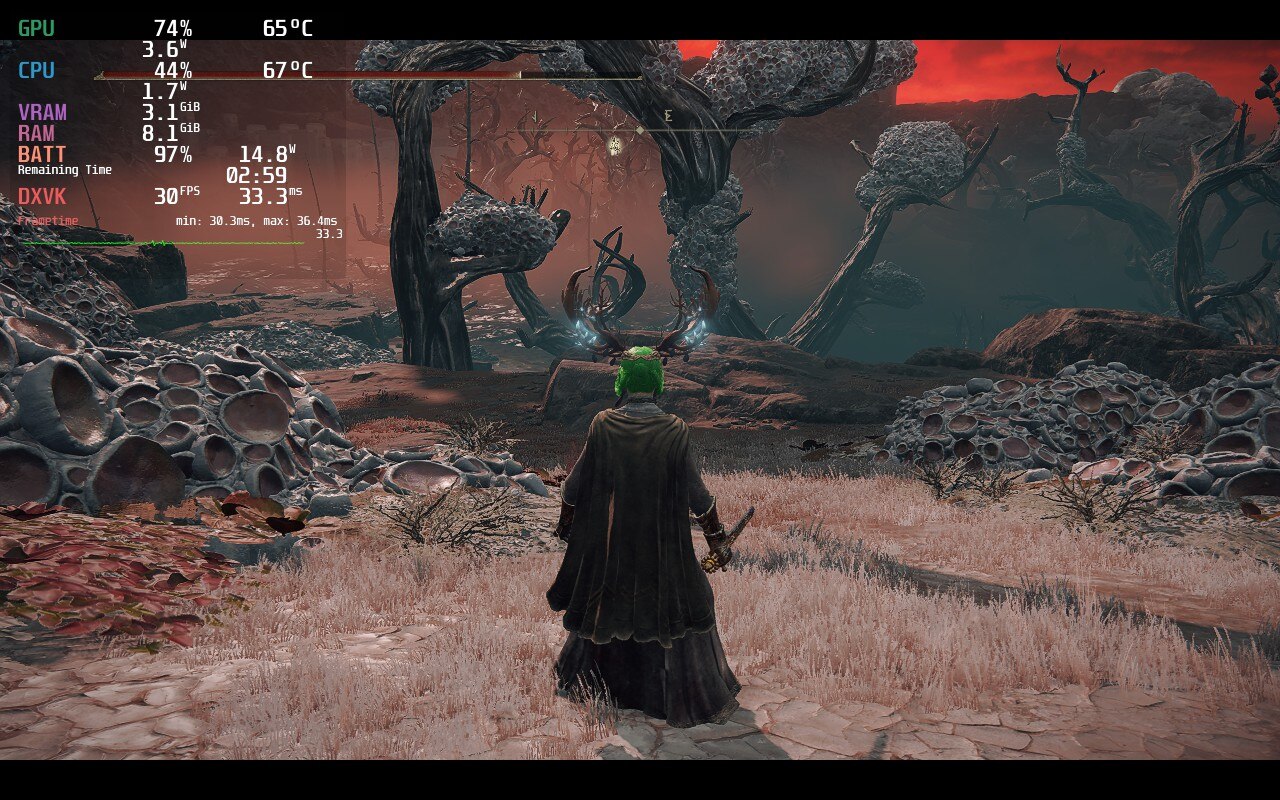
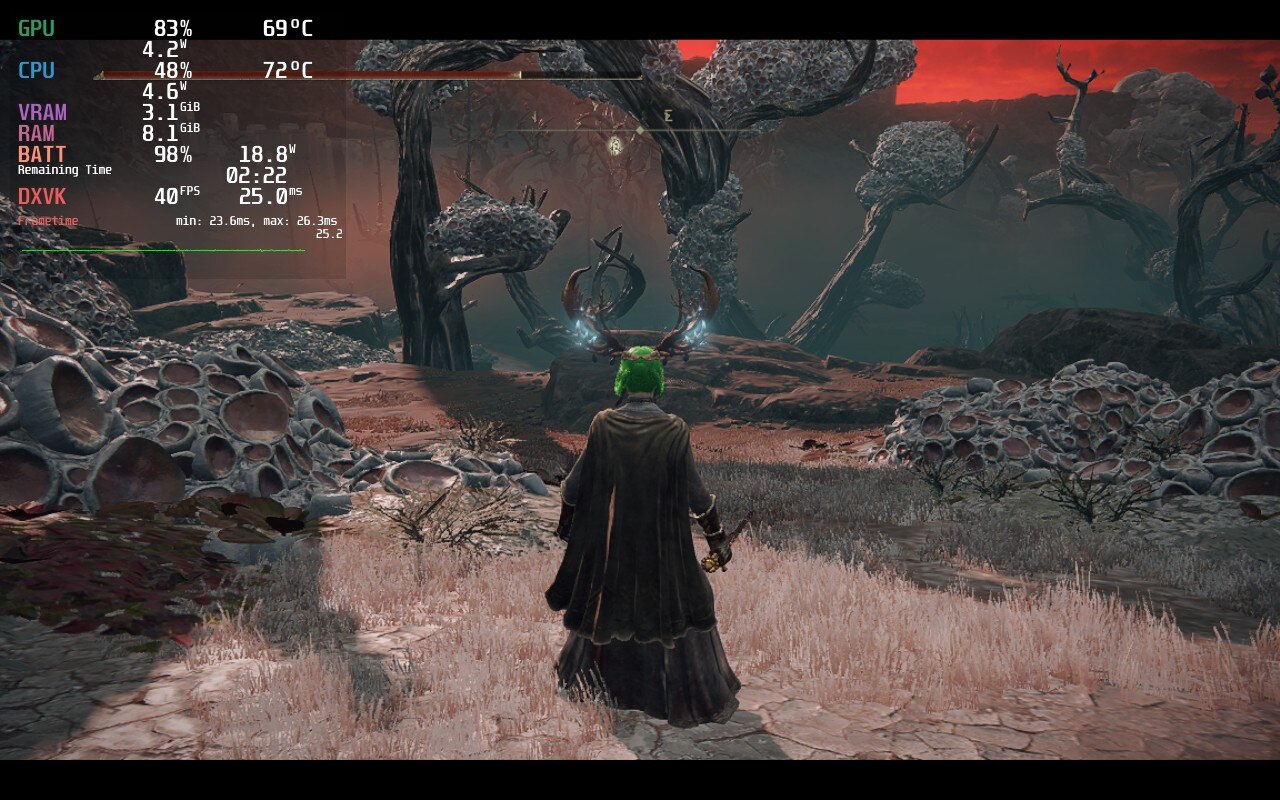
While both are stable here the recommended has much better temps and battery, while looking much more sharp.
In the end, the game finds it impossible to hit 60 FPS, but can be stable at 30 FPS and low battery usage with some compromises. Elden Ring on the deck is for people that will accept those shortcomings in exchange for portability, which still baffles me. This is a AAA open-world game that just came out and looks sharp and beautiful, but still runs at a stable rate. While it cannot hit 40 FPS, Elden Ring runs like a charm with minimal issues and will be a fantastic addition to anyone’s library for their Deck.
Liked this review? Check out our Game Review page for more reviews and optimizations!
このレビューはPC版に基づいています。
このレビューをお楽しみいただけたなら、SteamDeckHQ の他のコンテンツもぜひご覧ください!私たちはあなたのゲーム体験に役立つこと間違いなしの様々なゲームレビューやニュースを取り揃えています。ニュース、ヒントやチュートリアル、ゲーム設定やレビューをお探しの方も、最新のトレンドを知りたい方も、ぜひご利用ください!



