Duskfade was provided by Fireshine Games for review. Thank you!
I grew up during the glory days of the PS2, where we had classics like Sly Cooper, Ratchet and Clank, and Final Fantasy 10. However, my favorite game during that era was Kingdom Hearts. To this day, the series is my favorite of all time, with its flashy combat loop, convoluted story, and nostalgic worlds. So, seeing Duskfade, a game clearly inspired by Kingdom Hearts, brought back tons of memories and excitement. For the most part, it lives up to that anticipation, though I definitely needed a perspective change to really enjoy it.
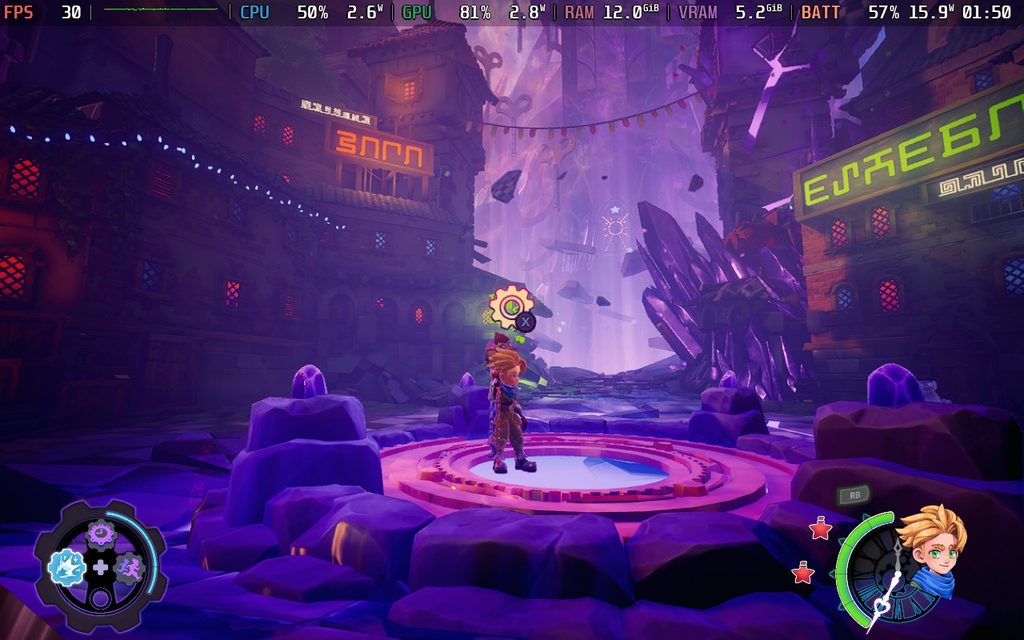
Duskfade is clearly inspired by the best games of the PS2 era, taking aspects of them to create a compelling experience. Going into it, I was hoping for more Kingdom Hearts influence, and when looking at the protagonist, Zirian, it’s very clear a lot of influence was taken from Sora. However, when it comes to the actual gameplay, it felt way more like Jak and Daxter. That’s not actually a bad thing, but I did have to change my perspective a bit once I started playing.
The basis of the story revolves around Zirian’s adventure to save his sister. Out of nowhere, a giant Clock Tower appears, locking his sister in the tower while she’s working on something huge. After meeting a mechanical bird named Cuckoo, Zirian will have to travel to multiple different locations to unchain the world and open the Clock Tower to find his sister.
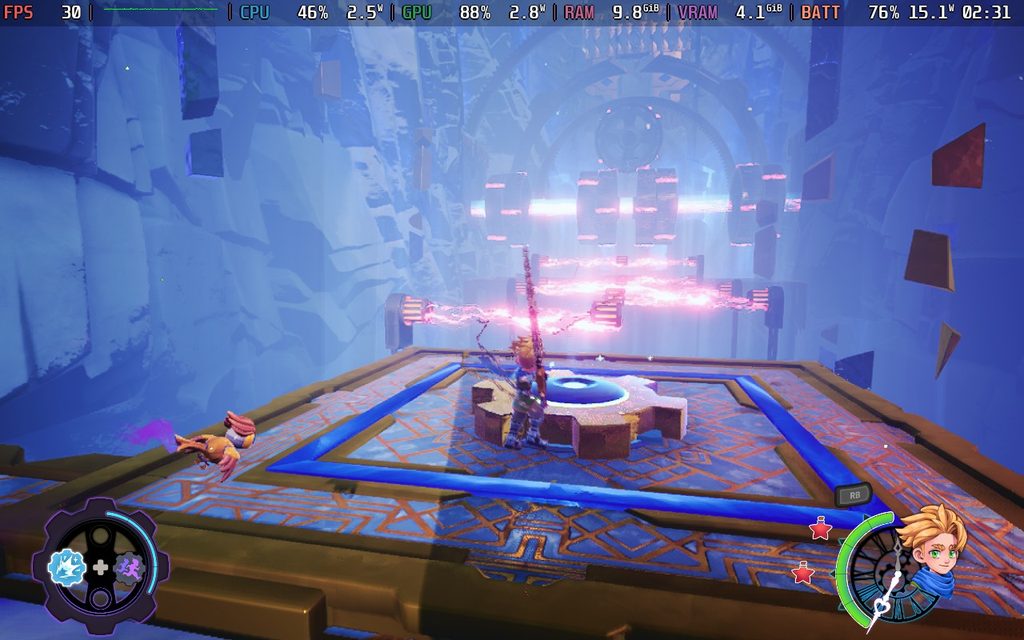
It’s a decent story that has a lot of interesting parts to it, even if it can be somewhat predictable. From the history of the Clockmakers to the stories of the individuals we come across, the lore is a nice mix of intriguing and haunting. This is accentuated by the gorgeous, wild landscape we will be traveling through, with each location feeling vast and distinct from the others. It can be a little too big at times, and I did find myself getting lost between the few spots where it would point us in the right direction, but it never took me too long to figure out where to go.
The journey itself feels appropriately long. Not overstaying its welcome, but padding it out enough to still feel fulfilling. It helps that there’s a good chunk of collectibles to find scattered throughout, and will require some sort of platforming or fighting to get to. This helps each location feel more populated instead of just big and empty, which is much appreciated.
The combat itself left me with mixed feelings, but overall, it was fun. It’s ultimately quite simple: we attack, dodge, and use special abilities to take down ink blot foes. It starts off a little boring, since a lot of the essential abilities and upgrades come later, but it starts to get a lot better once we start unlocking new moves. I would consider some of these essential, like the heavy attack and final strike. It makes the comeback feel a little monotonous at the beginning, but it really picks up with more variety as we progress and buy upgrades.
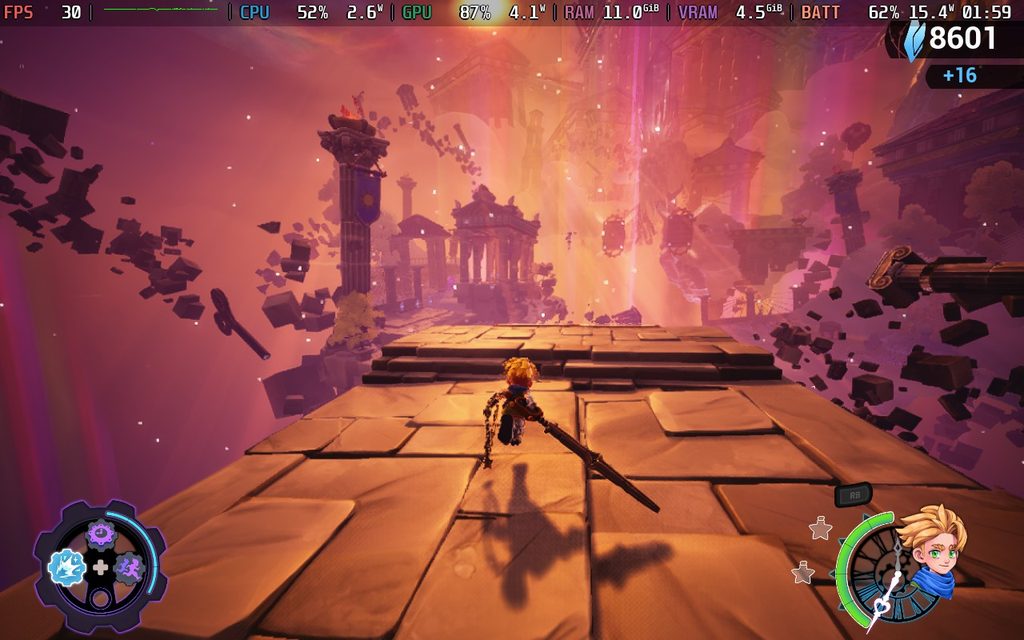
There’s a good chunk of enemy variety as well, with some that force us to move away from just spamming a button to attack. Some may be best to deflect projectiles, some may require a heavy attack, but all of them are challenging in a way that feels quite rewarding to take them down.
However, Duskfade's movement in general sometimes just feels either clunky or too floaty. Combat generally ranges between decent and aggravating, especially when dodges don’t land as they should, or there’s a slight delay that can screw it up. There are also some enemies that are a bit too vulnerable, like the little ink balls that can pop up from the ground and attack. They are easy to defeat in general, but when they come up to attack, it’s very tough to fight back. Despite that, the combat is still fulfilling once we start to gain more upgrades and expand our move set.
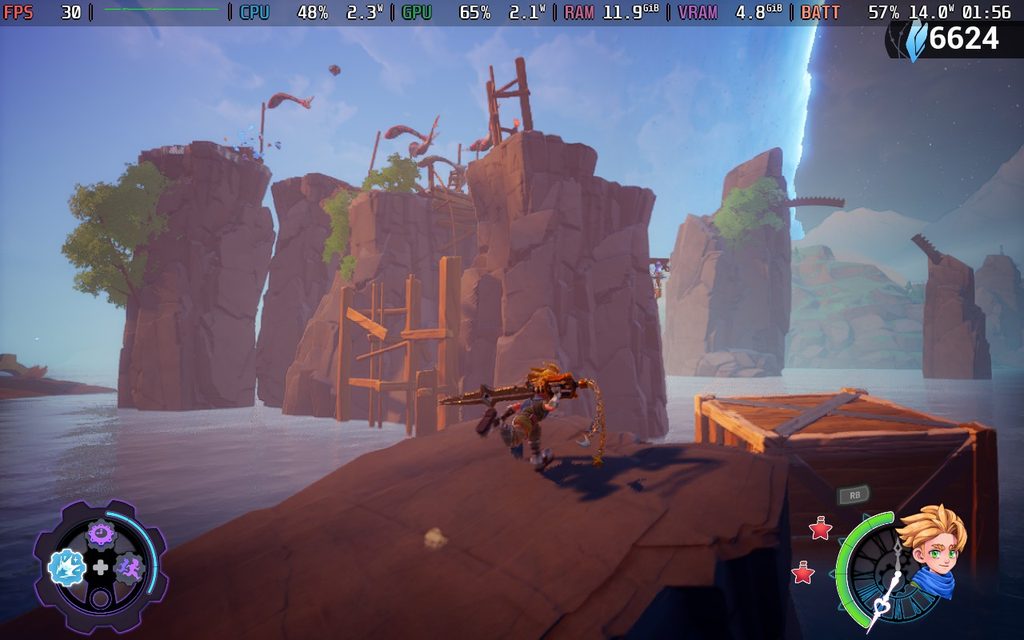
The larger issue is the platforming. There are just too many times when it can feel too floaty or clunky, to the point where it becomes more frustrating than enjoyable. It’s very easy to overshoot platforms you’re jumping to when using the air dodge, and it led to my death multiple times. There’s also a pretty high recovery time, which became a bigger issue when they were bosses that required me to jump and move around consistently. I was almost always shot by the beam of the second boss and knocked into the water, and it was aggravating.
On the other hand, jumps were more inconsistent than I’d like. Sometimes, the first jump would not go as high as usual, or the long jump wouldn’t actually go far or fast. Both of these led to my death more times than I could count, and it happened enough to feel like a consistent issue. With games that require platforming, precise movement is very important, but the inconsistency made it more difficult to enjoy jumping around and platforming to find the rest of the collectibles.
Despite this, the emphasis on platforming throughout the world can be fun. When everything clicks, and we are able to do a long jump to find shortcuts, it just feels great. I wish those inconsistencies didn’t exist, because without them, I would really love jumping around a lot more.
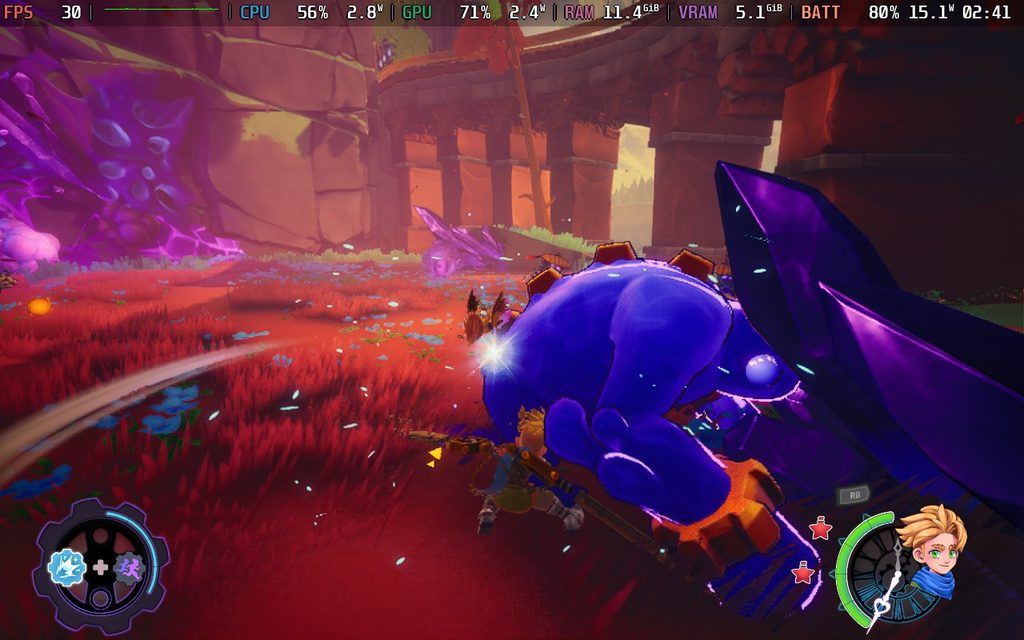
As I mentioned, there are a lot of collectibles to find in Duskfade, and some of them feed into progression. We will primarily be picking up shards, which are the currency we’re going to use for everything, but we can also find upgrade gears to unlock our abilities, and a bunch of items for our aesthetics, including yarn to create new outfits and ingots to change how our blade looks. While I am someone who prefers focusing on stuff to upgrade my character instead of aesthetics, there are enough items to find in enjoyable ways that keep me coming back for more. Some of them even require later abilities, invoking a Metroidvania-esque feel for backtracking to get everything.
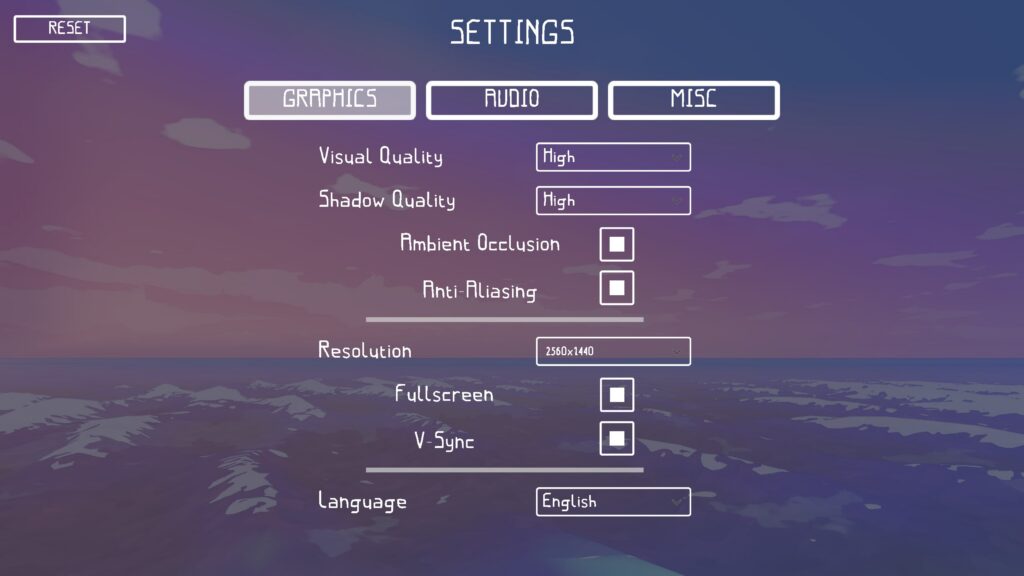
Duskfade is an interesting one on the Steam Deck. It does have a dedicated Steam Deck preset, but it didn’t default to it for me. Still, the preset is decent, with a good combination of visual quality and performance. However, it fluctuates in battle and cutscenes, so if you’re going to use this preset, you will need to lock it to 30 FPS for the smoothest experience.
And honestly, this might be the best way to experience the game. The preset seems to be resting between the Medium and High presets, and settling on the Balanced Image Fidelity setting with Medium Shadows. There are most likely some other settings that aren’t accessible and are being changed, but the Steam Deck preset has the best balance for performance. We can also bring up the Image Fidelity setting to Quality for a little boost to the image, but it does drain more.
I tried playing the game on the Low preset to see if we could push framerate, and while it does stick at 50 FPS pretty often, there are still a good chunk of areas that will drop into the 40s and 30s. Cutscenes in particular are quite heavy, so I would expect those to drop as well. Ultimately, the sacrifices to visual quality don’t justify the fluctuating performance increase, so I would just stick to 30 with higher quality.
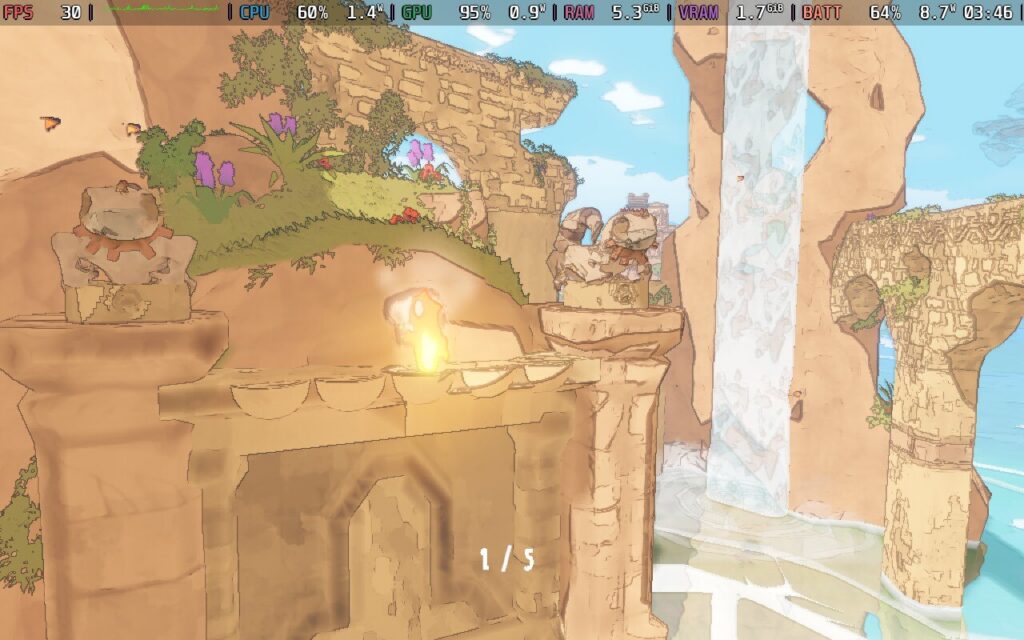
And by sticking to 30 FPS, we get decent battery life. The drain will stick below 15W, except for cutscenes that will go to 20W-22W, and we will get an average of around 3 to 3.5 hours of battery life.
Duskfade is a love letter to the classic PS2 Action Platformers, and does a great job of living up to it. While it wasn’t what I was expecting, it was definitely nostalgic in its feel, with a solid story and great combat that gets better as time goes on. The movement and platforming aren’t as consistent as I’d like, but I still found a lot of enjoyment exploring the beautiful world.
Despite the compromise that is needed, it’s quite playable on the Steam Deck, and I had a good time with it. Playing at 30 FPS didn’t bother me as much, especially with the better visuals that we have. So, at the end of the day, it’s an experience worth taking on the go.
このレビューはPC版に基づいています。
このレビューをお楽しみいただけたなら、SteamDeckHQ の他のコンテンツもぜひご覧ください!あなたのゲーム体験に役立つゲームレビューやニュースを幅広く取り揃えています。ニュース、ヒントやチュートリアル、ゲーム設定やレビューをお探しの方も、最新のトレンドを知りたい方も、ぜひご利用ください。
Bubsy 4D was provided by Atari for review. Thank you!
Bubsy has had quite a contentious time in the spotlight. It had a great run with its first few games, then started a downhill spiral with Bubsy 3D. Since then, the games have not had a chance to let the wisecracking bobcat shine, with The Woolies Strike Back and Paws on Fire being critically panned. Now, Bubsy 4D is a chance at redemption for the franchise, answering the age-old question: Can Bubsy be fun again?
As developer Fabraz has proven, yes, he can.
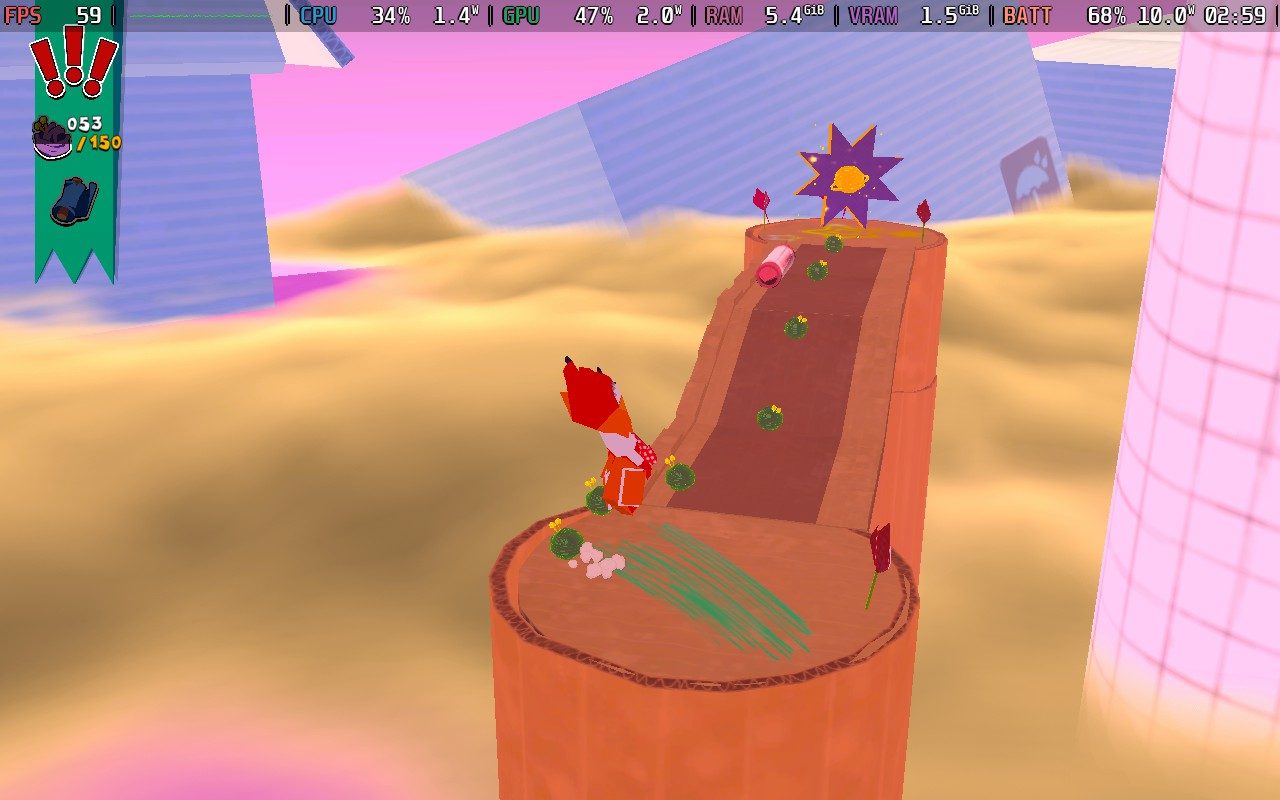
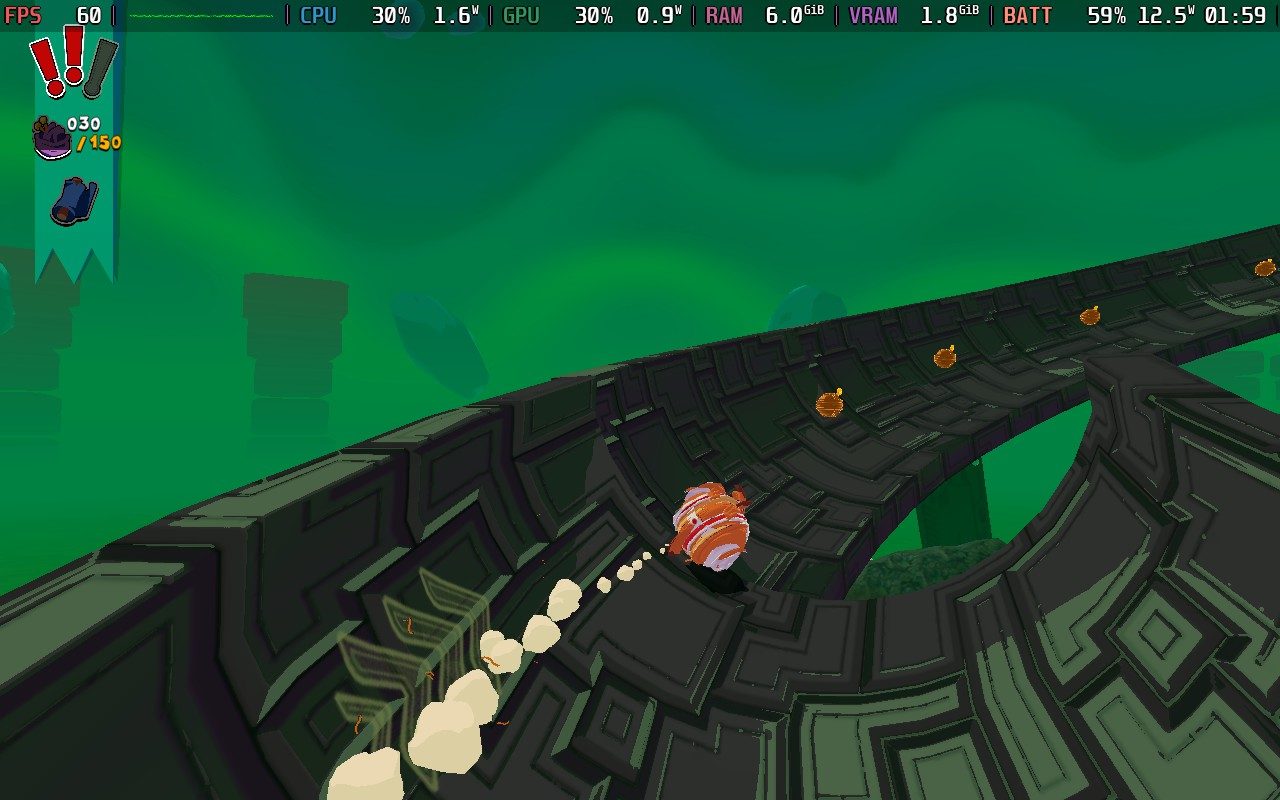
Fabraz showed their skill for 3D platforming with their recently released Demon Tides, and I’m happy to say it carried over to Bubsy 4D. Bubsy’s moveset caters perfectly to the environment, with double jumps, lunges, glides, and turning into a giant furball to roll around at fast speeds. And they can all work together seamlessly to overcome obstacles. Want to get up an extremely tall building? Jump onto it, jump off, do your double jump, lunge onto the building to crawl up it slightly, jump off again, and then glide back to the roof. And that’s only if you want to use the building alone to get up, as there are most likely other buildings or structures that you can use if preferred.
What makes it so great is how easy it is to swap between them. All of the moves really only use a few buttons, and it all feels so snappy and immediate when using a different move. It’s very important in a platform like this to have that, but with the variety of moves that can influence each other, Fabraz balances it well. Even if there are some unstable moments, like when you’re in your ball form and you veer off course, quick thinking can pull you back with lunges and glides.
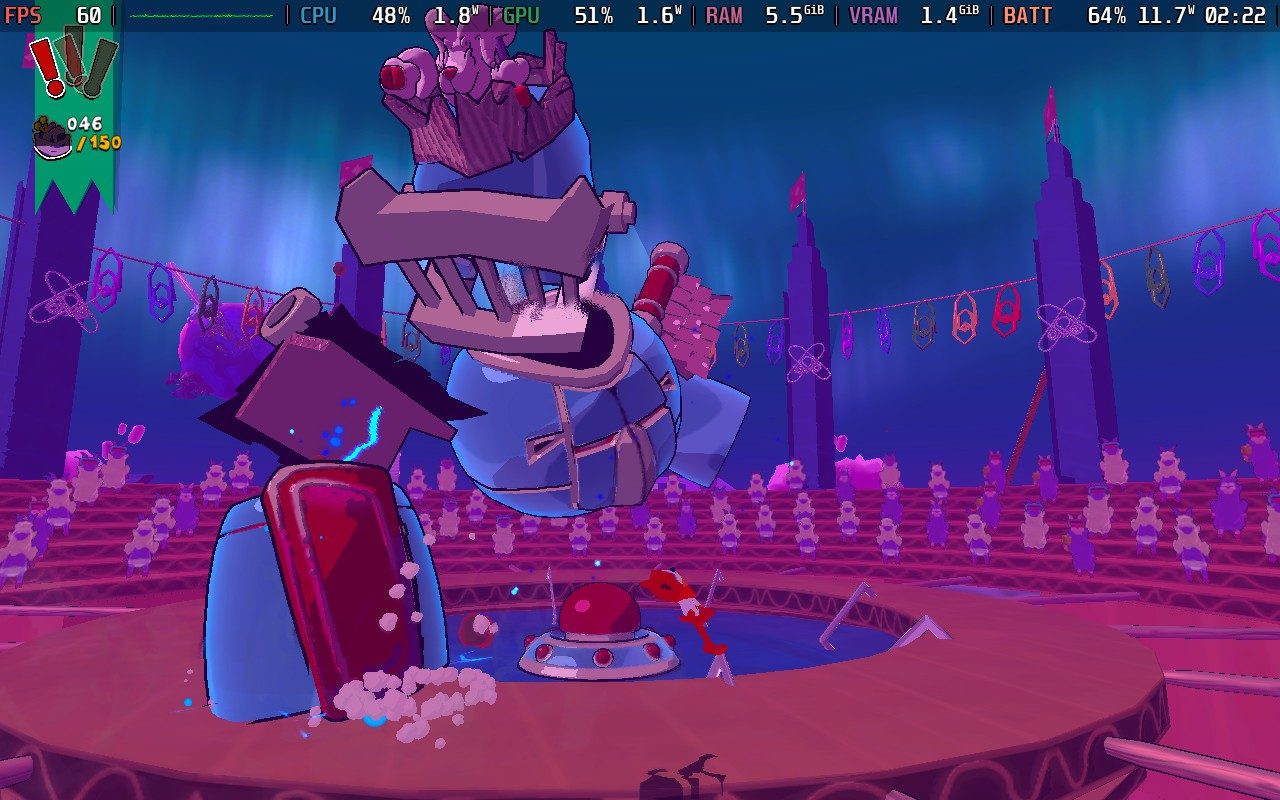
The levels are designed wonderfully, encouraging quick thinking and multiple solutions, while also not feeling overwhelming. Each level has a timer as well, so speed running in finding shortcuts, or combinations of moves, to shave off a few seconds to get to the end of the level is encouraged. However, taking time to explore the level will be beneficial, since it will usually have other collectibles or blueprints to unlock new moves. These collectibles can also unlock new outfits, including the infamous Bubsy 3D look. The levels may be short, but they are sweet and fun to experiment with.
However, it’s an extremely short game. While there is some replayability to each level to unlock all of the moves, beat the target time, and get all of the costumes, there isn’t much reason to keep playing after the credits roll. I beat the game with a 70% completion rate in 3.5 hours, and I had taken extra time to search through the 15 levels and get as much as I could find. It was fun, but with the limited scope of each level, I felt like I had seen it all.
The only things I was missing were the costumes and extra moves, but I almost never found myself using the moves that I unlocked. They were nice extras, and it was cool to expand the moveset, but I realized that at the end of the final boss, I never really used any of those moves. The OG Coyote Time move to walk off of ledges was useful to a degree, but the core moveset satisfied everything I needed to get through the levels, and I never felt like the unlockable moves changed much. The Item Sniffer will be nice to find collectibles around the levels when trying to 100% the game, and the extra life is a nice touch, but apart from those two, I didn’t feel like the other upgrades were worth it. The costumes, on the other hand, are great. Most are different jackets, but we have some of the humor in there with the Hedgehog outfit and bringing back the Bubsy 3D look.
With the scope of the game being smaller, the story ends up feeling like a means to an end, but that’s not where the team focused its efforts. The overall narrative follows Bubsy and friends as they travel to alien planets to get back their Golden Fleece that was stolen by the Baabots. It provides just enough motivation for the team to keep going, but it’s definitely not anything to write home about.
However, Bubsy’s humor is in full swing and firing on all cylinders. From Oblivia constantly getting Bubsy’s name wrong to his aversion to doing any extra work or fighting against the bosses, the comedic timing and script kept things interesting and had me laughing. The comedy is sprinkled throughout, from the one-liners to the easter eggs (try dying in the Bubsy 3D costume). These moments, including discussions with the team within levels, were the highlight of the narrative experience. I understand it technically has nothing to do with the narrative, but because this kind of humor is so intertwined with Bubsy, it still feels significant.
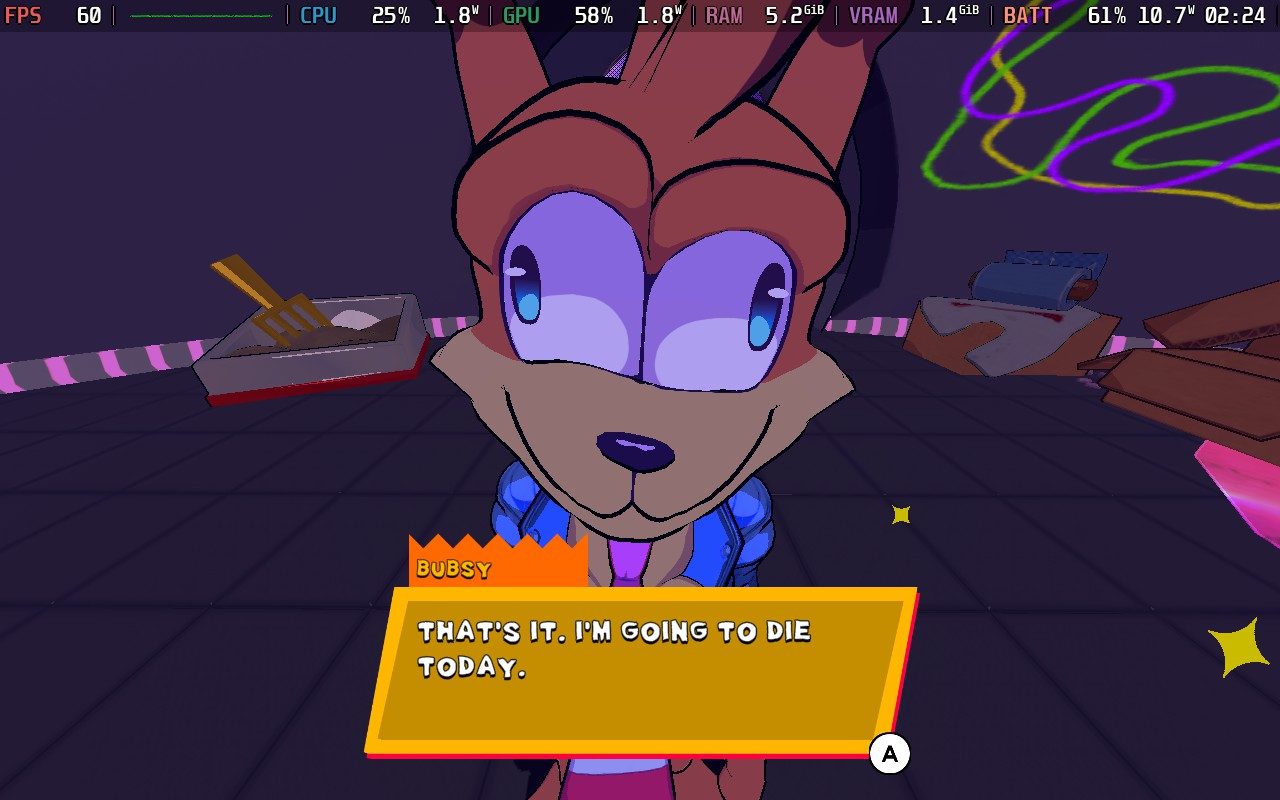
Bubsy 4D got the Steam Deck Verified badge ahead of its release, and based on Fabraz’s previous game, Demon Tides, I expected performance to be around the same. And I was right. With the default settings, we get around 60 FPS with lower battery drain, around 10W - 14W.
Honestly, I would probably keep the settings here. The most noticeable issues with the quality come from grass and terrain details popping in. However, we have to bring the entire quality of the grass and terrain up to fix this, and it’s still not completely fixed. Even at the High quality preset, the grass and terrain will still change or pop in when running around. On top of that, there are still some spots where the framerate will throttle and drop to 40 FPS. This doesn’t usually last long, so it isn’t a big issue, but it happened enough times to be noticeable.
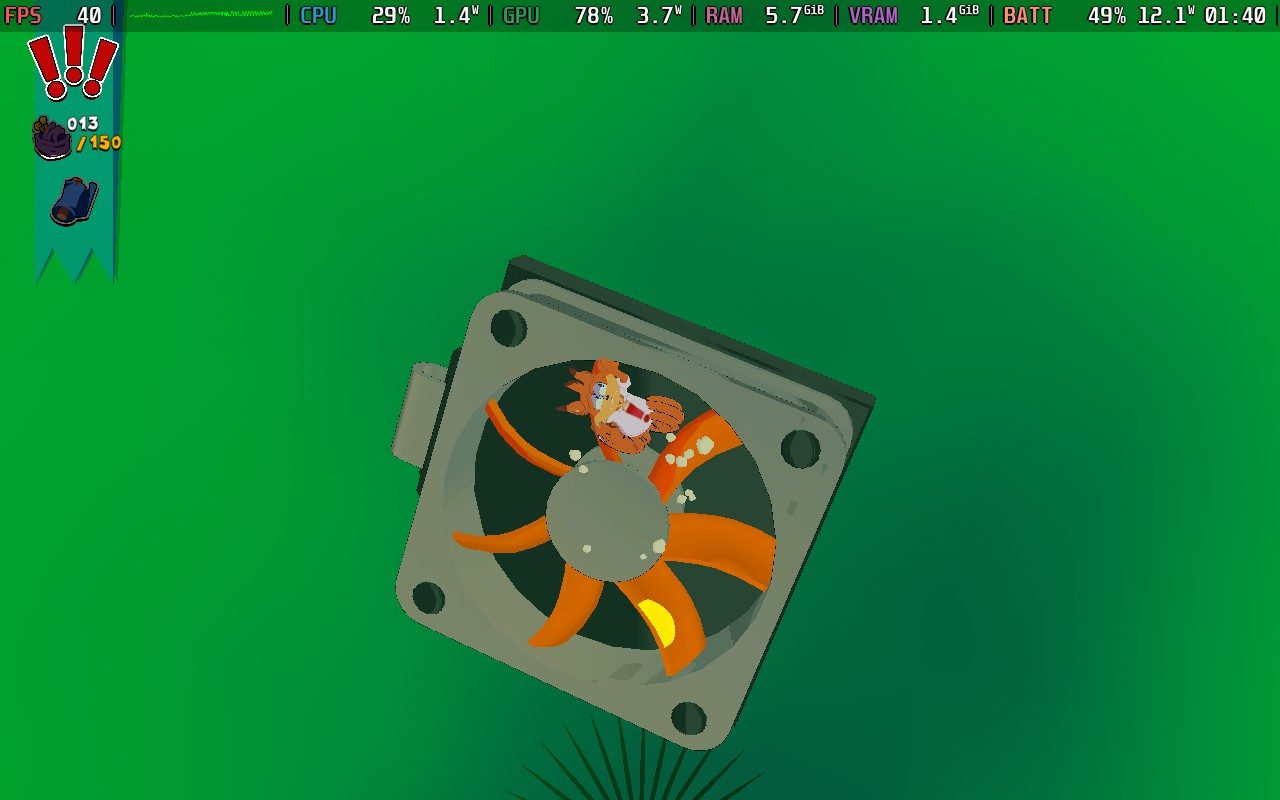
Ultimately, the default settings keep the battery drain low and the world looking great. I would prefer to fix the pop-ins, but the cost is too great and not worth the sacrifices with battery life and more constant drops. For what it is, I would consider it very playable and enjoyable like this.
When all is said and done, Bubsy 4D is a great return to form for the series. The tight 3D platforming in great level design is mixed with the humor to create something extremely fun in the moment. However, the length of the game is much shorter than I would have liked, and I didn’t find much motivation to replay, even after I finished. Still, it is without a doubt the best Bubsy game since Bubsy 3D.
And despite some minor grievances with pop-ins and drops, it’s an incredible experience on the Steam Deck.
このレビューはPC版に基づいています。
このレビューをお楽しみいただけたなら、SteamDeckHQ の他のコンテンツもぜひご覧ください!あなたのゲーム体験に役立つゲームレビューやニュースを幅広く取り揃えています。ニュース、ヒントやチュートリアル、ゲーム設定やレビューをお探しの方も、最新のトレンドを知りたい方も、ぜひご利用ください。
Gecko Gods was provided by Super Rare Originals for review. Thank you!
My lack of love and talent for puzzle and platformer games is pretty notorious, although I have enjoyed games like A Hat in Time and Big Hops for their comfortable approach to narrative and gameplay. I’m still terrible at them, though, and Gecko Gods is no exception. While I cannot say I like Gecko as much as I did those two titles, there is still plenty to appreciate.
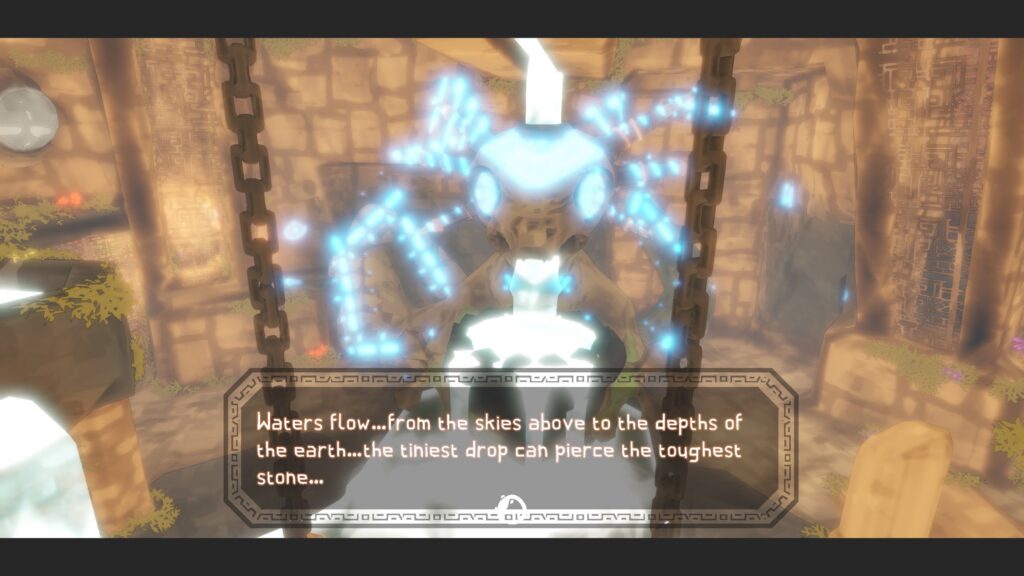
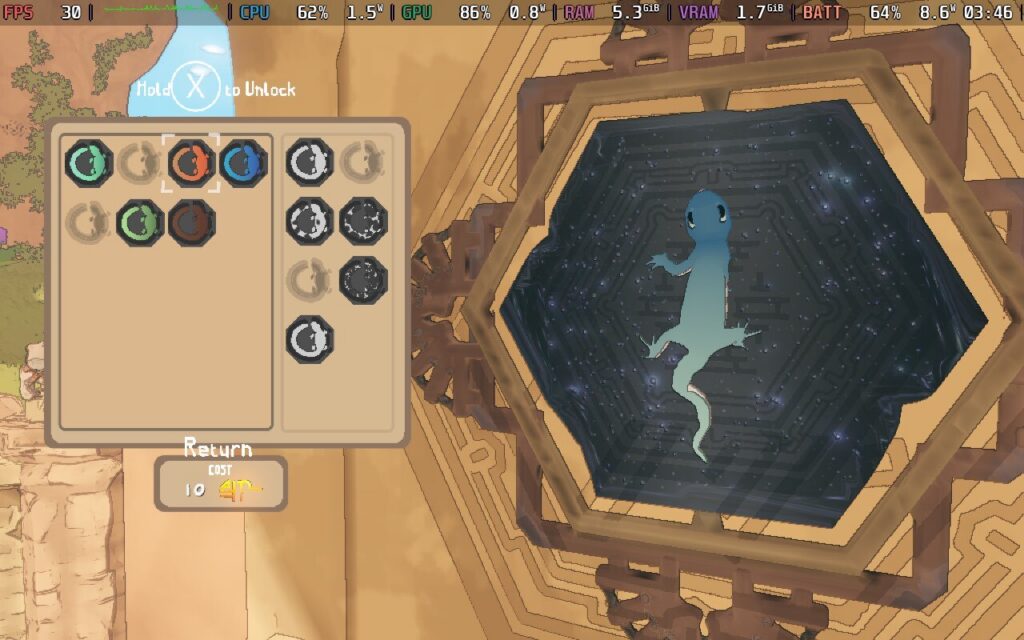
Gecko Gods is fairly light on story, favoring a more realistic design over something out of a cartoon. It is a nice deviation from the likes of blue hedgehogs that go really fast, at least! It is a game about exploration and atmosphere over anything else, with no real-time pressure or even combat mechanics to grapple with. As the name suggests, you take the role of a small, cute gecko, exploring the skeletal remains of an ancient civilization across a large archipelago.
Why this gecko cares about uncovering the secrets of this old, crumbling empire is anyone’s guess. With no dialogue from the player avatar, I can only imagine. Maybe he just wants to do his own thing. I wouldn’t expect a glowing narrative on the level of The Alters or Esoteric Ebb, but environmental storytelling and exploration are the key strengths of this game, and it does a pretty good job at achieving its goals.
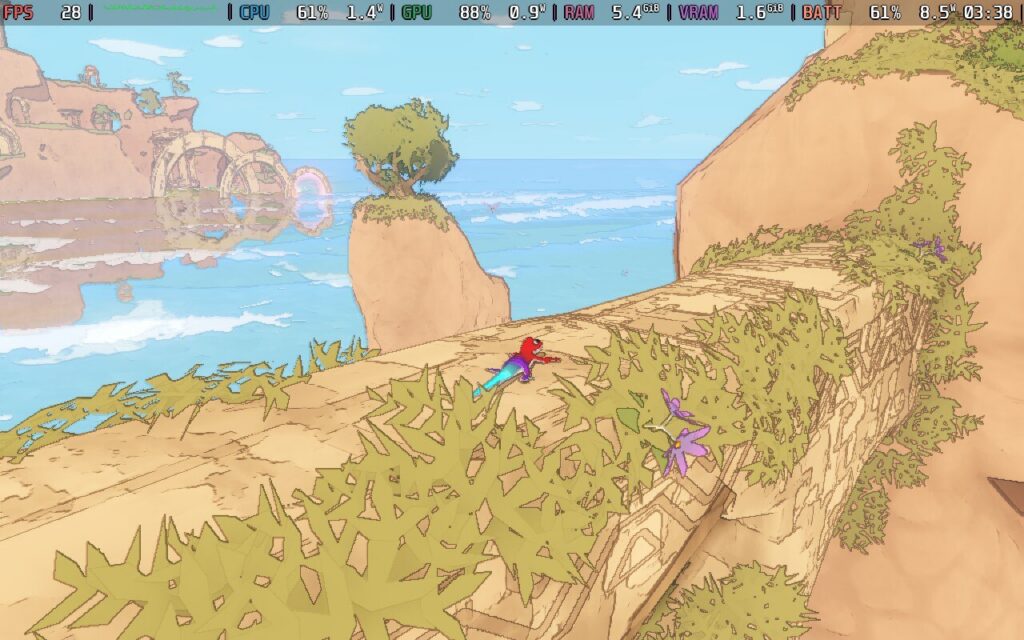
However, the biggest achievement of Gecko Gods is how it approaches movement. Being a gecko, all the usual platforming mechanics are how they should be, but you can also climb on walls. And ceilings. And pretty much everywhere. This completely changes how the platformer design works in a great way. If you cannot make a jump, so what? Just climb that wall for a little while. No wonder the developer went for a more relaxing approach to the gameplay loop, because a thing like this in Crash Bandicoot or Mario would completely break the game!
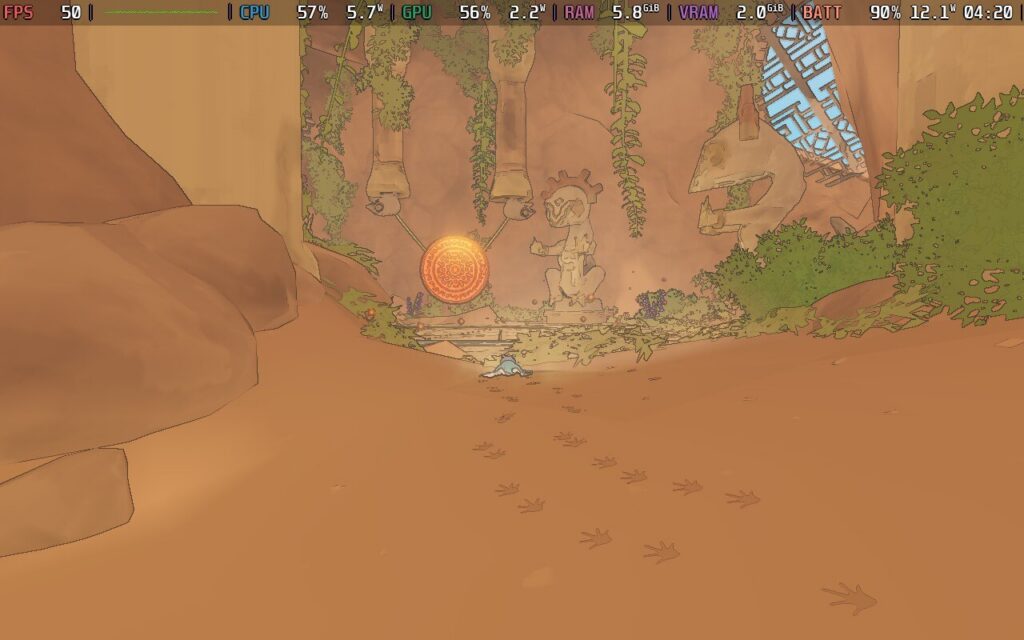
I must give them credit for how realistic everything feels, especially in how the gecko moves around, and I got completely immersed in the world. Even when I did not care for the whims of these weird gods who gave random lizards like me jobs, I did not need an excuse to explore the open world.
But that does not mean that you are completely safe. Some things can hurt you like wild animals and weird mechanical tricksters. Given that you can just scurry up a wall to escape, they are not much of a threat. There isn’t really any combat in Gecko Gods, although you can ram into enemies like a speeding train into a group of unlucky people. It is the most rudimentary battle tactic I have seen in a while, but it gets the job done. You also cannot survive in water for long. You can swim short distances, but don’t try what I did and cross to another island. Fortunately, due to plot convenience and the help of a lovely raven, you get access to a wooden raft for just that purpose!
The atmosphere in Gecko Gods is also gorgeous, with the visuals and sound design. Exploring caves and listening to the echoes of wildlife, waves crashing against rocks, and just vibing in this ancient, lost world is the main appeal for me. The puzzles are just the right mix of engaging and challenging, without being too difficult, which is exactly what I was looking for. The music is relaxing, although I found some of the beats a little repetitive. There are collectibles and artifacts in all nooks and crannies, and despite the languid nature of the gameplay, I never felt bored. You can even customize the gecko later in the game using the collectible currency, which is a nice touch.
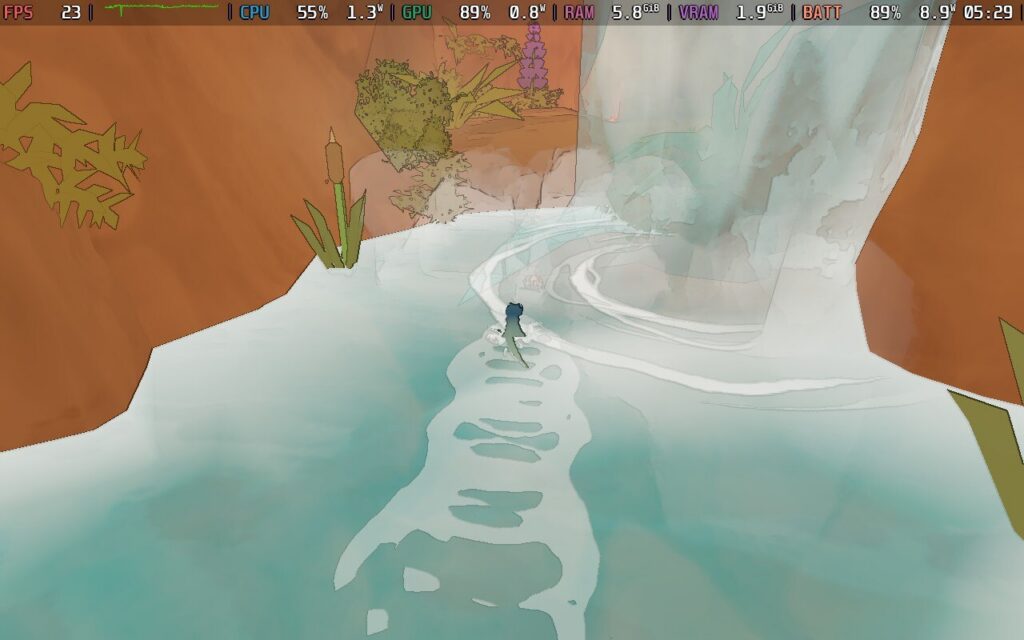
While all of this sounds amazing and most of my time with Gecko Gods is, I ran into some pretty large annoyances. With many 3D platformers, the camera can be a major bugbear, and Gecko Gods is no exception. Too often, I had the camera zoom right up my gecko’s little bottom, which usually happens when climbing an object with several tight angles.
I also ran into some nasty bugs. A few enemies in the caves also had buggy animations in their projectile attacks. Early on, I ran into a couple of soft locks, including one nasty bug during the quest to access the boat when the final gate did not open, forcing me to start another game.
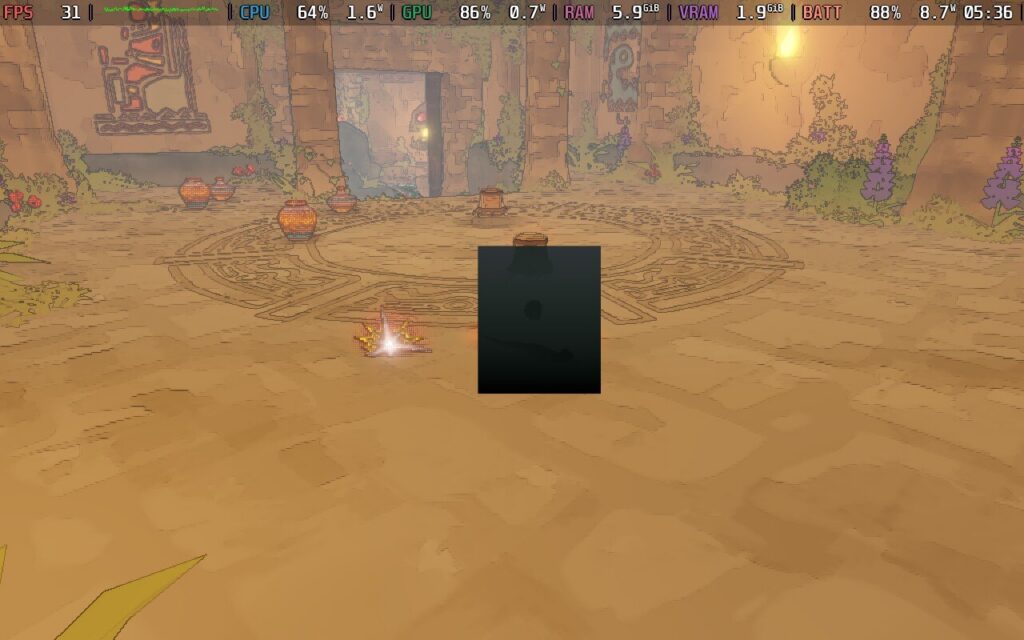
I have other gripes. The game relies on an autosave that doesn’t tell the player anything. There are obvious breather sections that look like checkpoints in normal games, but I wish it just gave me a way to save the game whenever I wanted. While there is a map, there is no way to pan across it to determine locations with the controller, which I imagine is just a bug. My biggest pet peeve was being unable to locate the raft.
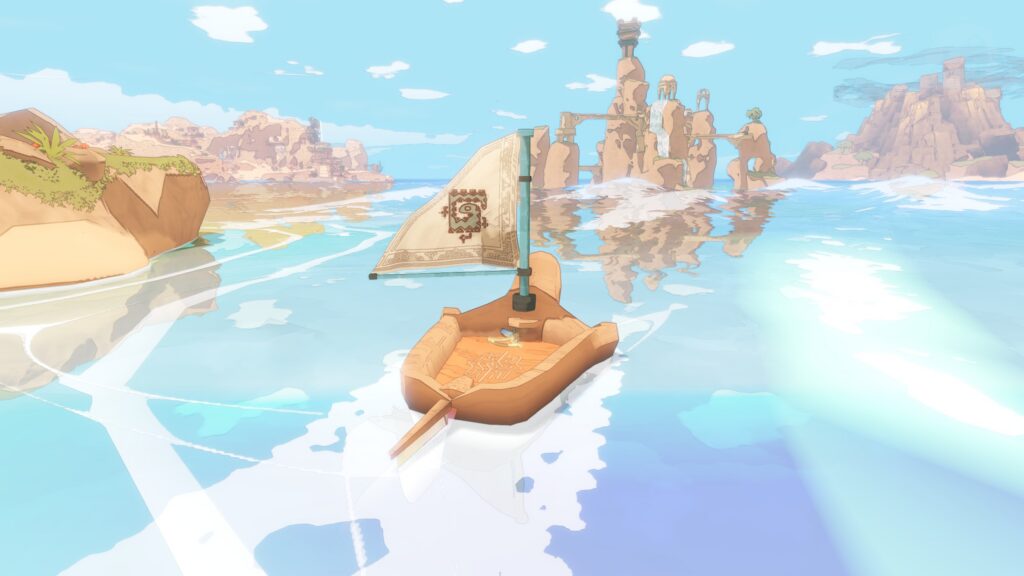
I get the immersive idea behind relying on memory and world navigation, but the seas are pretty choppy, and more than once, I found my raft had floated away from where I had parked it. As you can imagine, this isn’t good for a lizard that cannot swim very far. It is incredibly easy to lose your raft. Fortunately, you can recall the raft using a conch horn on each island, though it was tricky to locate. One time, I thought I had lost my raft permanently and wondered if I would have to start a new game. I blundered into the conch by mere chance. A new patch has added the boat recall location to the minimap, so players should not have as much trouble as I did. It is nice to see issues getting patched, of course.
With all this in mind, Gecko Gods is a mixture of extreme highs and some considerable lows. The latter are things that can be fixed easily with patches, I imagine, but they are always worth mentioning. Despite these drawbacks, Gecko Gods offers a unique and atmospheric experience that should appeal to platformer fans.
While Gecko Gods is certainly playable on the Steam Deck, the performance leaves something to be desired.
Full controller support is available out of the box, which is nice, and you can adjust graphical settings such as textures and shadow quality. Sadly, you cannot disable shadows entirely. It is always helpful to have some wriggle room, but Gecko Gods is surprisingly power hungry. Even with a default TDP, the game struggled to hit 50FPS in the more open areas, and I saw several frame drops when leaping around the landscape. This is probably down to the optimization still needing work, but it means we have a compromised experience.
Locking the framerate to 30FPS/90hz refresh rate was the best option I had to ensure the smoothest experience possible. I kept the graphics preset on medium, with shadows on medium, to strike the best balance between performance and visual quality, and it did the job fairly well. It is a shame that Gecko Gods feels compromised when it can't hit 60 FPS, but this was the best option I had. The game still looks gorgeous, and the meditative pace helps at least.
I tried messing around with the TDP to squeeze extra battery life, but you need the smoothest gameplay possible when playing any platformer. With these current settings, I saw an average power draw of 12 watts in the open spaces. The 30FPS framerate cap helped greatly with battery life, as when playing the game without it, I saw the average power draw hitting 17 watts and up on average. I got around 4 hours of battery life on the Steam Deck OLED, which is pretty solid all things considered.
Gecko Gods is available in English, French, German, Spanish - Spain, Japanese, Korean, Italian, Portuguese, Traditional Chinese, and Simplified Chinese.
There are a decent number of accessibility settings in Gecko Gods. Vsync, auto camera, X/Y camera access, and controller sensitivity are always nice to have, as well as rebindable controls on both gamepad and with a mouse/keyboard. There is no way to scale the font, unfortunately, as some text on the Steam Deck is a little small, and there is no colorblind support.
Gecko Gods is a game of contrasts for me. I love the unique transversal mechanic and the atmosphere of casually exploring the world. Being able to walk on walls changes exploration entirely, and Inresin has done a great job with the overall gameplay.
An irritating camera and some nasty bugs make Gecko Gods harder to recommend, although the game's unique mechanics still made it deeply enjoyable for me to play. Provided some of these teething issues get fixed, players should be in for a great time. The Steam Deck's performance could do with some work, but it is playable.
このレビューはPC版に基づいています。
このレビューをお楽しみいただけたなら、SteamDeckHQ の他のコンテンツもぜひご覧ください!あなたのゲーム体験に役立つゲームレビューやニュースを幅広く取り揃えています。ニュース、ヒントやチュートリアル、ゲーム設定やレビューをお探しの方も、最新のトレンドを知りたい方も、ぜひご利用ください。
Darwin's Paradox was provided by KONAMI for review. Thank you!
Darwin's Paradox intrigued me from the moment I saw it. It felt fresh and different, especially from a big name like KONAMI. We're used to larger companies playing it safe, so seeing a puzzle platformer was a nice surprise following Metal Gear Solid Delta and Silent Hill f. That being said, expectations for puzzle platformers are high nowadays thanks to indies, but Darwin's Paradox surprises.
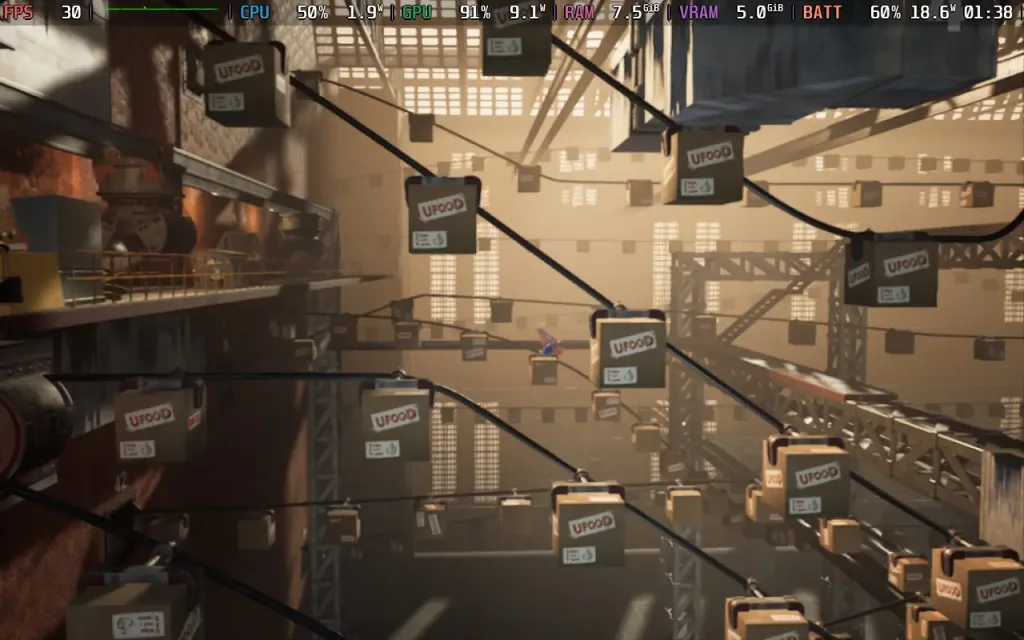
The story of the game is a basic one: Darwin is abducted by the UFOOD megacorporation (in a very Finding Nemo-esque fashion) and must escape their vast factory complex, all while accidentally uncovering a conspiracy that may well threaten the world. It's simple and predictable, but it does the job.
Darwin's Paradox is, first and foremost, a puzzle platformer. It would be hard to describe anything that happens in the game as "combat", and so the majority of your time will be spent figuring out how to progress, either by using Darwin's unique moveset or by maneuvering objects in your environment to open up a new path.
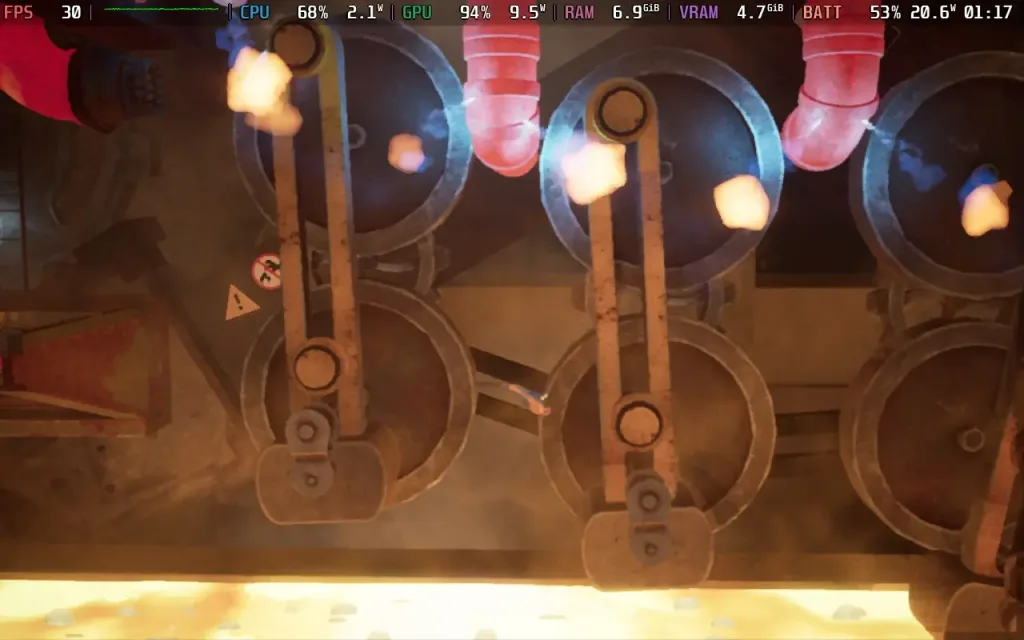
Darwin's moveset is quite unique and creates interesting gameplay opportunities. You can camouflage to avoid detection by enemies, stick to surfaces, which forces you to analyse the world differently from most other platformers to find solutions to puzzles, grab objects to reposition them, and more. As this is a platformer that places heavy emphasis on puzzles, it's a welcome sight to see all these different ways to interact with the environment, without overwhelming the player with choice.
The controls, while serviceable, I did find fiddly. Some of the puzzles require quite precise jumps, and unfortunately, Darwin does not control precisely. Small movements are difficult to do, and when you're trying to grab a barrel underwater with your tentacles, it can be a challenge to maneuver into position without overshooting one way or another. Likewise, making precise jumps between platforms can be tough, given our protagonist's somewhat skittish nature.
I did find that Darwin loves to stick to surfaces, and that can catch you off guard if you are running to the edge of a platform to jump off. Sometimes, Darwin will attach himself to the edge of the surface instead, ruining your jump. Likewise, when in a section with cogwheels, I would sometimes find myself brushing past another surface, with Darwin automatically detaching from my current one and attaching to the other; it can get frustrating.
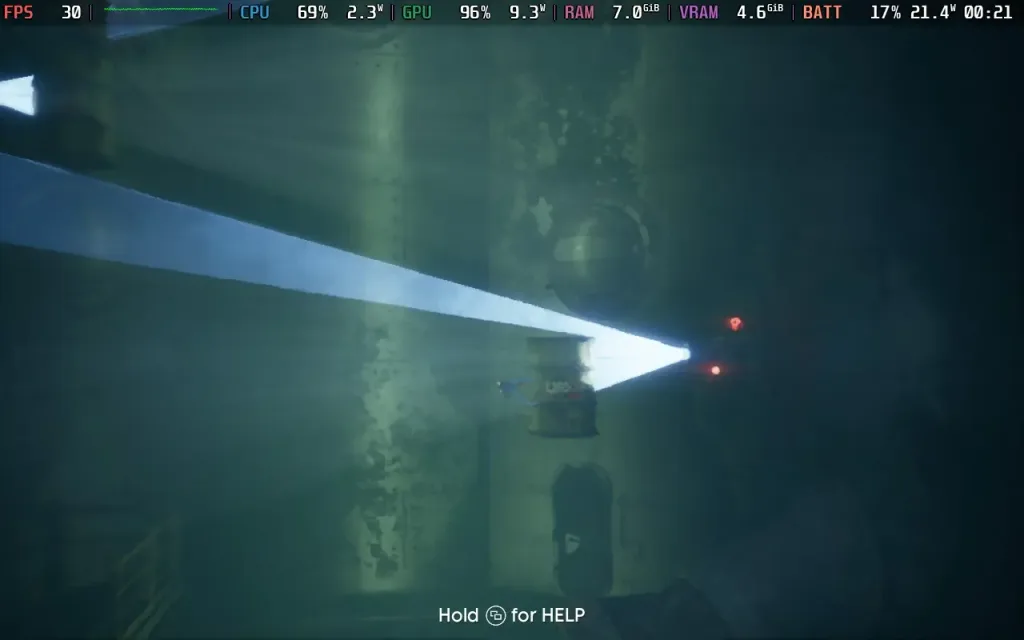
With all that being said, Darwin's Paradox has a good balance of difficulty. It requires some good platforming skills, as timing windows are tight for some puzzles, but at the same time, almost every puzzle in the game allows you to display an optional hint for it, giving you a clue as to how to proceed, but still requiring you to have the skill to pull it off.
Some later platforming did cause frustration, as well as some slight inconsistency between what was presented to the player and how the game actually calculated line of sight, which made a later part of the game a little miserable, but seasoned platformer players shouldn't struggle much.
Aside from the issues above, Darwin's Paradox appears to be a fairly polished game as well. The visuals are nice, especially the water effects, even on low settings. The environments are also detailed, albeit of a similar theme throughout. The game's audio is nothing special. I did find myself getting a little weirded out by the squelch of the tentacles at times, but the music does a good job of providing atmosphere, and the noises made by the UFOOD employees are also humorous.
The length of the game also surprised me. I thought this might end up being a short 3-4-hour adventure when I first started, given how quickly I was progressing through the chapters and the game's budget price tag, but my playthrough actually took me around 7 hours to complete. I was worried that I was learning too many of Darwin's moves and that I would only get to use them once in my playthrough, but you do find yourself revisiting old moves that you've learnt, which was a welcome surprise.
Darwin's Paradox isn't the kind of game you will find yourself going back to and playing through again, but any platforming fans out there will probably have a good time with this unique and charming take on the genre.
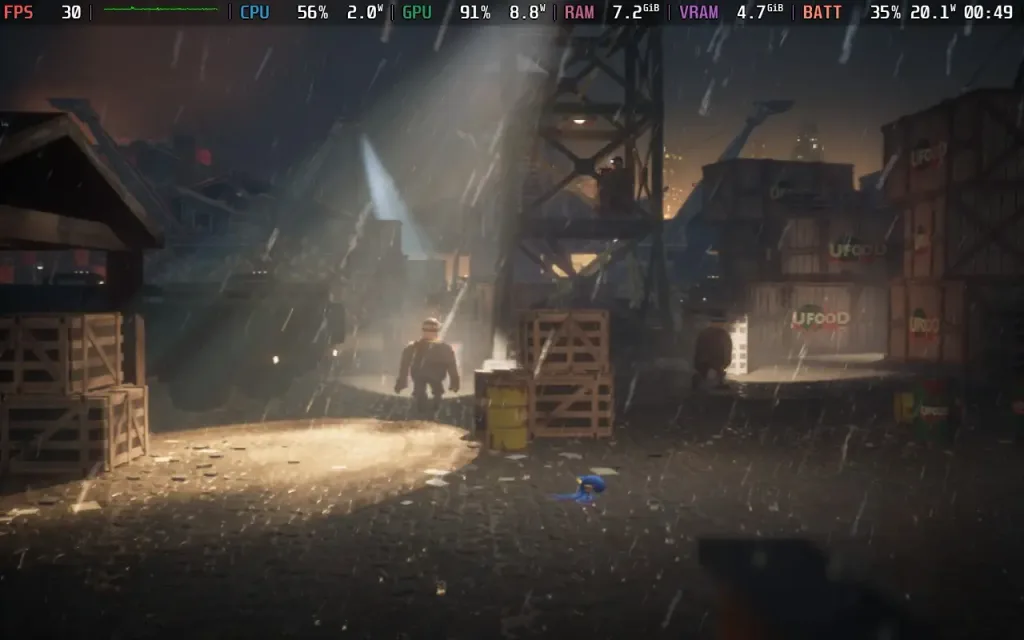
Darwin's Paradox plays well on the Steam Deck, although perhaps not quite as well as you might hope. The controls work beautifully, and the game supports 1280x800 resolution, but we are limited to 30 FPS.
Darwin's Paradox has a "Steam Deck Mode" in the options menu, which you should always use. It appears to lower the graphics lower than the "low" setting available otherwise, and it's the only way to achieve 30 FPS on the Steam Deck. I would recommend you limit the FPS to 30 in the SteamOS menu, as the game has no built-in frame limiter.
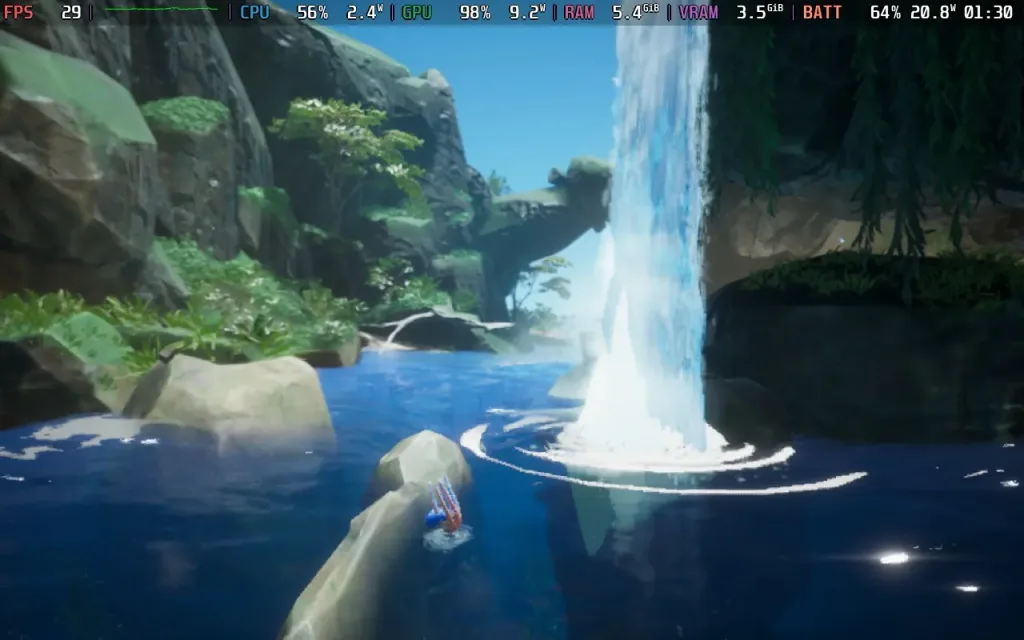
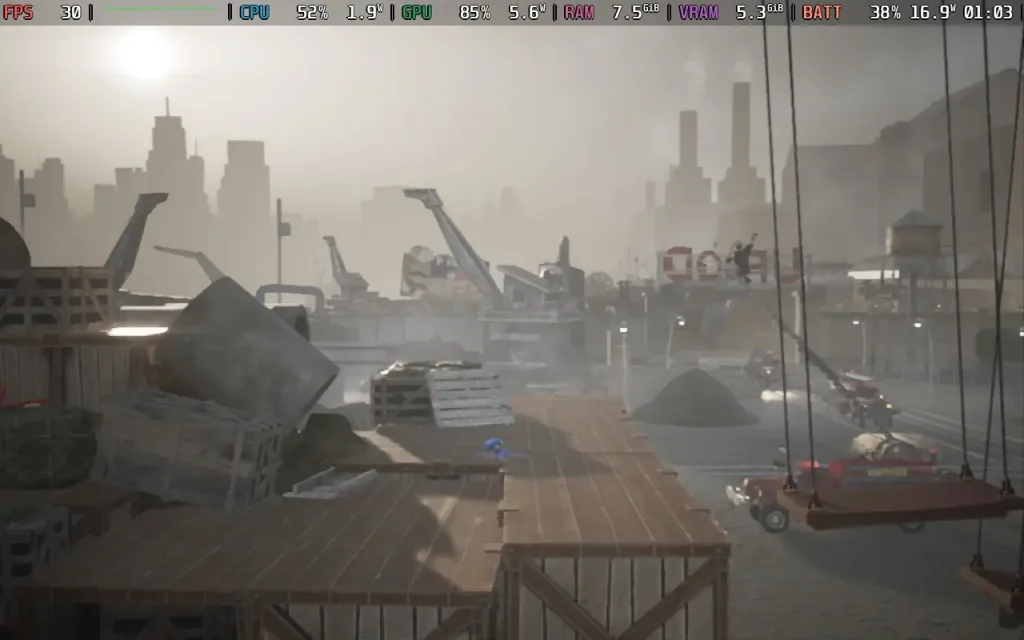
While the experience largely holds to 30 FPS, there is occasional traversal stutter, and some scenes dropped to around 27 FPS on my playthrough. But the game is definitely playable.
Power draw is on the high end, thanks to the intense GPU usage. Expect a draw of around 18W-21W, giving you playtime of around 2.5 hours on a Steam Deck OLED and around 1.5-2 hours on a Steam Deck LCD. Temperatures were around 65-70 °C.
Darwin's Paradox has some limited accessibility options. Such as aim assist for firing ink, the hint system for puzzles, and subtitles for the limited voiced dialogue.
Darwin's Paradox is a relatively short and sweet adventure, completable in a day if you really go at it. For the 7 hours it lasted, I had an enjoyable time, despite a couple of frustrations. Darwin makes for an interesting (and somewhat cute) protagonist, with a unique moveset that makes you think outside of the usual platforming box in this beautiful world.
Performance on Steam Deck is acceptable thanks to the Steam Deck mode in the game. While it largely hits 30 FPS, do expect some drops here and there. The game is perfectly playable, though, with my entire playthrough being done on Steam Deck.
このレビューはPC版に基づいています。
このレビューをお楽しみいただけたなら、SteamDeckHQ の他のコンテンツもぜひご覧ください!あなたのゲーム体験に役立つゲームレビューやニュースを幅広く取り揃えています。ニュース、ヒントやチュートリアル、ゲーム設定やレビューをお探しの方も、最新のトレンドを知りたい方も、ぜひご利用ください。
CLAWPUNK was provided by Megabit Publishing for review. Thank you!
Clawpunk is one of those games that might be just what you need after a hard day at work. You have little energy to do much but vegetate in front of a TV, and then you remember video games exist. You decide to boot up Clawpunk and spend the night ripping through destructible terrain and slaughtering enemies as a collection of mysterious cat mercenaries.
As I discussed at length during my review of Big Hop, I’m not much of a platformer guy. Clearly, our editor took pity on me for my next game to review, which is why I got to play the madhouse that is Clawpunk. It launched last year in mid-November, and after spending the last two weeks with the game, I’m amazed it hasn’t received more attention. I love hidden gems, and Clawpunk deserves so many more eyes on it. Not only is it a solid roguelike with tons of charm and depth, but it’s a great experience on the Steam Deck.

The first thing that drew me to Clawpunk is how much it lets you vibe. From the moment I booted up the game, this title’s music and aesthetics sucked me right in. The loading cutscene sets the narrative of what to expect. Feral City has fallen under the control of several nasty gangs, and it’s up to you to reclaim the city with a crack team of fearsome kitties through an action-packed series of platforming challenges.
There is a solid tutorial to learn the ropes that’s separate from the main game, and I always appreciate games that have a separate game mode that you can dive into whenever you need a refresher. You’re going to need all the help you can get with Clawpunk because this is a brutal game that’s deeper than it looks.

At its core, Clawpunk is a fast-paced hack-and-slash platformer with five worlds with multiple stages in each to navigate. What’s cool is that apart from the last stage, which is only unlockable by completing all previous areas, you can run through the others however you like, and can travel to all four from the beginning. Players start with Dash, an incredibly fast but weak cat with a katana, and unlock perks along with the other eight cats of doom from there. Environments are all destructible, and the goal of each stage is the same: to reach the safehouse at the bottom. It’s an interesting approach to the mission design because while it’s a simple plan in theory, the game throws plenty of curveballs and tools at you to achieve that.
Mortality is rampant, with common enemies and your own army of feline mercenaries possessing squishy bodies. There’s always a ton of threats to navigate from diverse enemies to environmental traps such as dynamite and pools of acid, and you will die often. Clawpunk’s core gameplay is probably its biggest strength, blending great difficulty with an interactivity that really impressed me. The game is extremely punishing, but once you’ve unlocked a couple of extra mercs, things do ease up a little. Your run only ends in defeat when all your unlocked roster dies.
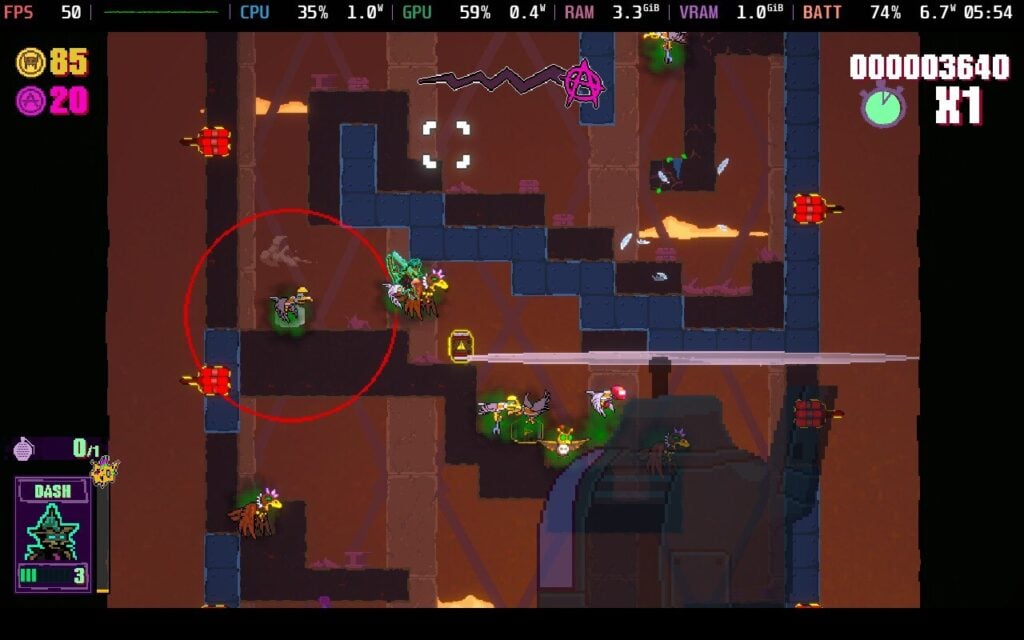
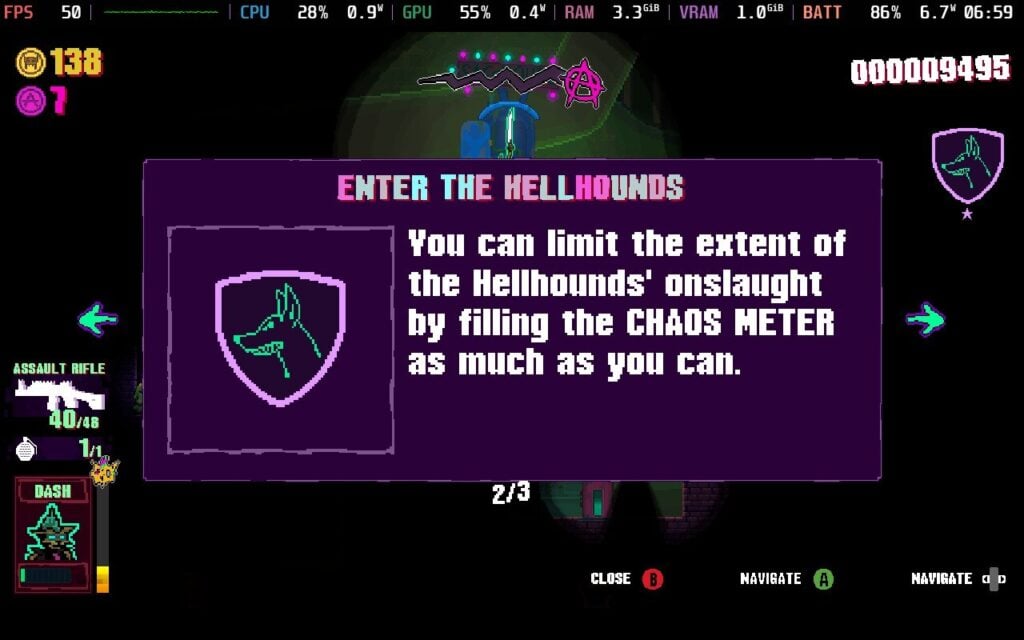
The goal of reaching the safehouse is always there, but the game rewards you for killing as many enemies as possible, rating your competition with a tier system depending on the destruction caused, how much damage you took, and so on. What I also found interesting is the Chaos mechanic. Destroying things and killing enemies all feed this meter, and if you don’t fill it before escaping the stage, your notoriety will increase. It will also increase if you get detected by security cameras.
When this meter goes up enough, the gangs in control of Feral City will send elite troops after you. These things hit even harder than the grunts, so you need to be very careful between balancing chaos and rushing to the finish line. Completing stages is important, but you are sending a message to the gangs as well. It’s an intriguing way of doing things.
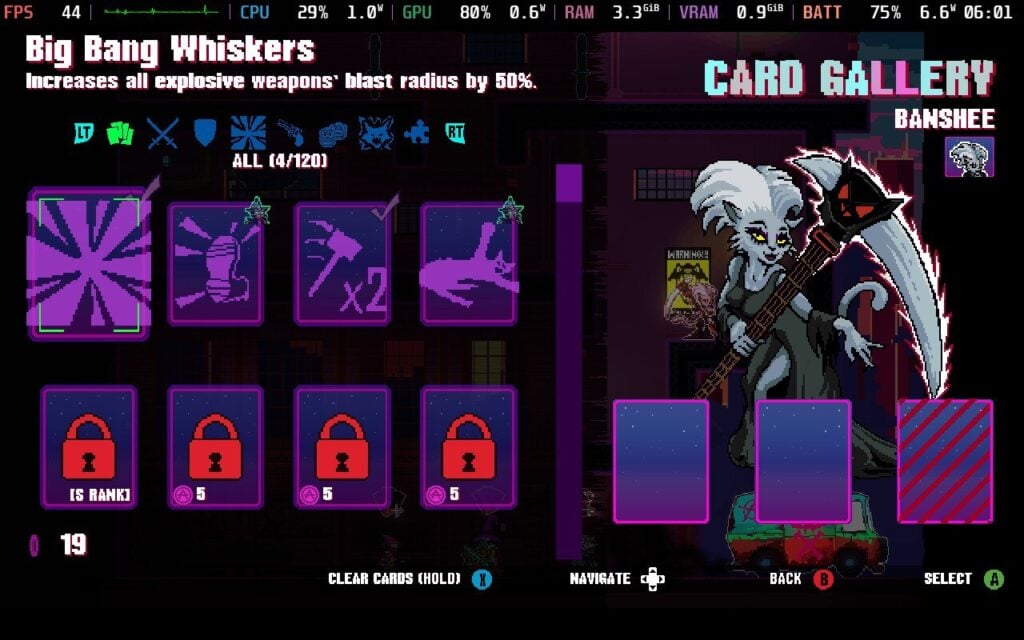
The levels are short and sweet in most cases, but despite that, there are plenty of things to do. Collecting purple coins allows you to upgrade stats and unlock new characters in the Airfield, which serves as the hub between runs. There are some things to do as new characters turn up, and you get to practice the platforming between missions, which is nice. Collectible cards can also be added to characters to unlock a ton of modifiers, which only improves the flexibility.
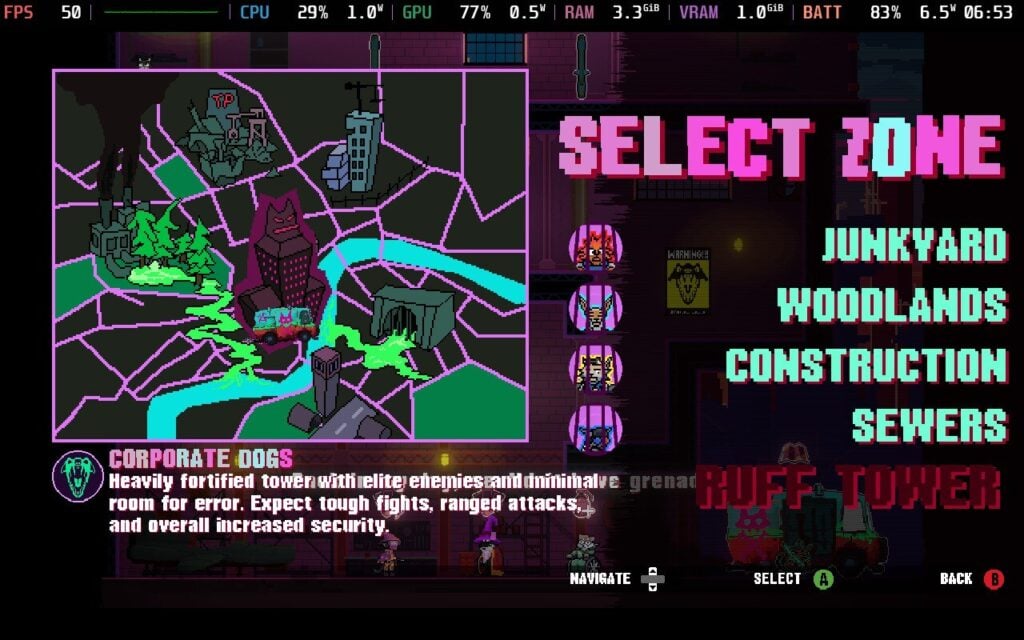
Between the gorgeous visuals, destruction physics, and fast, brutal gameplay, there’s plenty to like with Clawpunk. I have a couple of gripes with figuring out which character is who. With so much happening on screen, it can be hard working out where my feline avatar actually is. More than once, I lost track of where I was and got killed in the confusion, but this is more of an issue with the smaller characters and isn’t a dealbreaker. The difficulty curve is also pretty steep, more than in other games in the genre, which might cause some players to struggle with it. Despite these minor drawbacks, Clawpunk deserves far more attention than it currently has.
Clawpunk is rated Steam Deck Verified by Valve, and it carries an Unknown rating on ProtonDB. The latter is mainly due to the relative lack of attention the game has received in the endless ocean that is the indie game market, but Clawpunk is an excellent experience on the Steam Deck.
That’s just as well, because there isn’t any room to mess around with settings-wise. No graphical options exist, and there’s no way to really change keybindings either. Fortunately, the controller support is out of the box, and I’ve had no complaints about performance. Font size can be a little tricky to read due to the lack of UI scaling, but this isn’t a game where you have to read that much.
With our options limited, there is only one preset we can really use. With a native resolution, 60hz refresh rate, and default TDP, Clawpunk holds a steady 60FPS even in the heaviest action sequences. The controls are fluid despite having no way to adjust them as well.
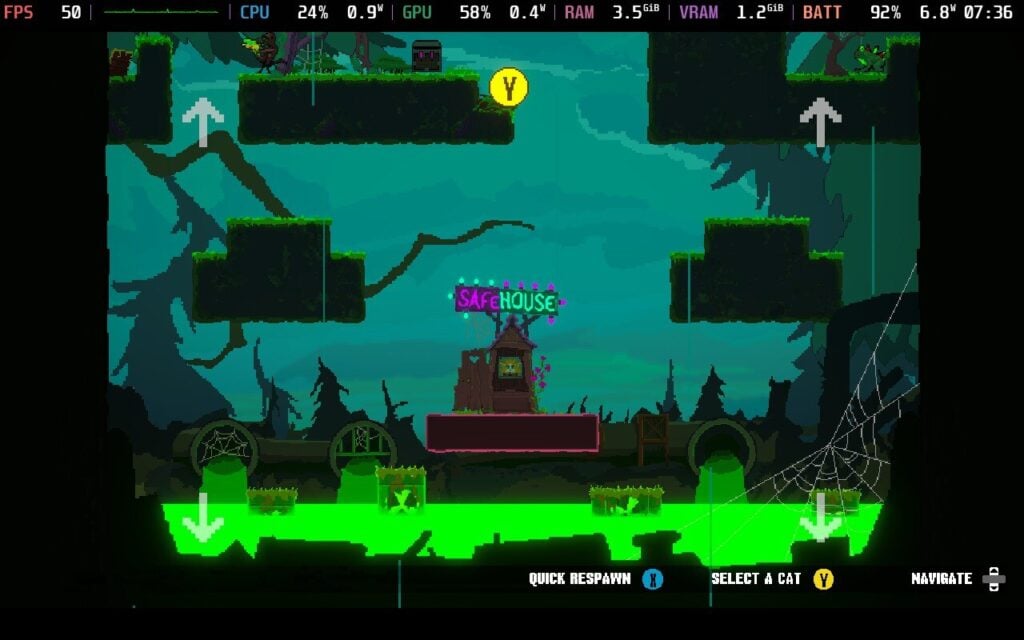
With the full TDP running, Clawpunk still does decently with battery life. Despite the low-end visuals, the full destructive terrain and screen action can make things pretty hectic. I saw an average power draw of 12 watts during these scenes, which will provide around 4 hours on the Steam Deck OLED during combat.
I tried tinkering with the TDP to see if I could improve the battery life, and a 4-watt TDP kept the framerate around 30FPS with a 7-watt average power draw. While this is a big improvement in overall battery life, I still recommend sticking with the native TDP to ensure the smoothest gameplay possible.
Clawpunk is available in English, French, German, Spanish - Spain, Dutch, Japanese, Portuguese, Traditional Chinese, and Simplified Chinese, although only English has full audio.
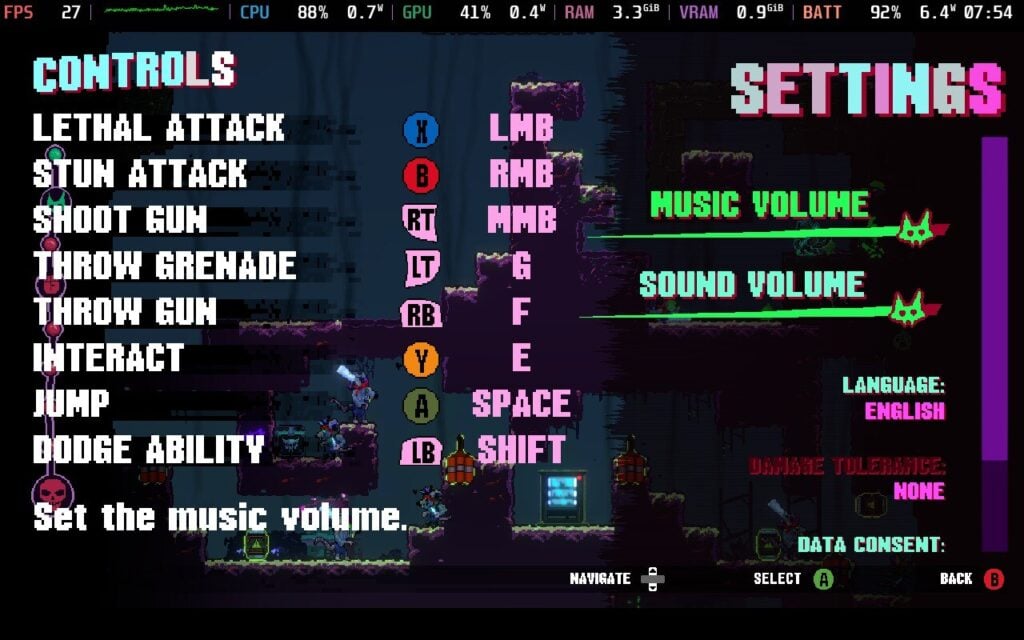
Clawpunk’s biggest problem lies with the lack of accessibility options, unfortunately. There is a lack of colorblind options, no way to change keybinds or button prompts, and a lack of graphical settings that can be adjusted right now. Players can choose to disable data collection, adjust damage tolerance, and change sound volume, but that’s about it.
Sometimes, even good games fall through the cracks due to the sheer number of titles that exist, especially in the indie gaming scene. After playing Clawpunk, I hope more people discover this. It might not do anything wholly new or unique, but it does a great job with almost everything that matters. The addictive gameplay and amount of content kept me invested, and Clawpunk has great character.
The steep difficulty curve and lack of accessibility options might put some players off, but this is a great complement to the Steam Deck library.
このレビューはPC版に基づいています。
このレビューをお楽しみいただけたなら、SteamDeckHQ の他のコンテンツもぜひご覧ください!あなたのゲーム体験に役立つゲームレビューやニュースを幅広く取り揃えています。ニュース、ヒントやチュートリアル、ゲーム設定やレビューをお探しの方も、最新のトレンドを知りたい方も、ぜひご利用ください。
Big Hops was provided by Luckshot Games for review. Thank you!
I am not usually a big fan of platformer games, largely because of my considerable lack of skill with them. 3D platformers have a habit of making me plunge to my death, or at least the furry avatar that represents me in the game I’m playing. It is certainly a skill issue on my part! However, it has been a while since I played a platformer with as much heart as Big Hops. The last one I played I was a huge fan of was A Hat in Time, so it took just over eight years to bring me another game in the genre worth playing. It was a long time coming, and although Big Hops has a couple of small issues, it's a great start to the year for video games.
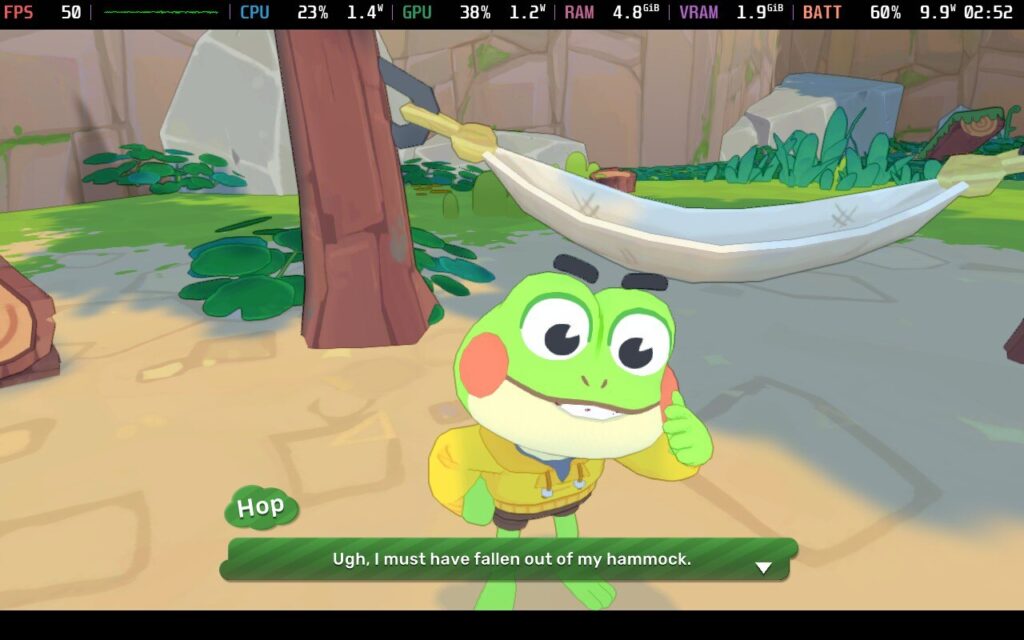
Big Hops makes a big leap forward from the get-go, and the game is easy on the eyes and fairly simple to understand. A family of cute frogs is doing typical family business when the siblings get lost. While the little sister manages okay, you (Hops) end up on a grand adventure across the world. Narratives in platformers are rarely a standout in gaming, but while it isn’t winning any Oscars for story, I liked the characters enough to stay engaged, and the dialogue and voice acting were both charming and entertaining.
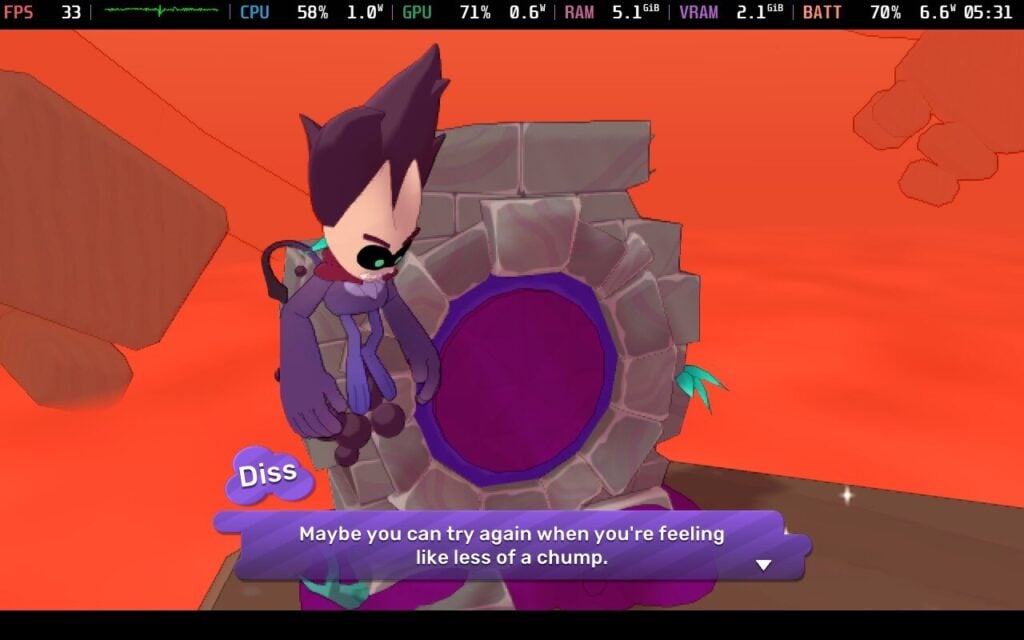
Then, things take a drastic turn into the supernatural, completely taking me off guard. Hops gets sucked into a portal by a weird spirit thing called Diss that traps him until we help him acquire these ‘Dark Balls’. It completely drew me in, and the world really opened up as we helped gather supplies for an eccentric mechanic to build an airship to get home while navigating this strange new world.
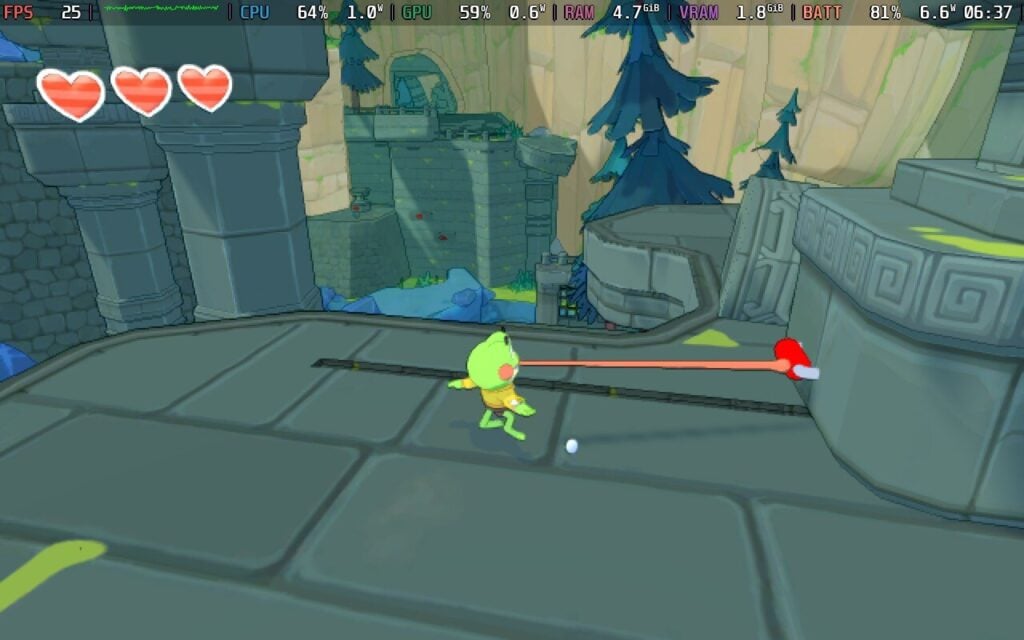
The classic platforming mechanics are all here, although Big Hops has some unique mechanics, given that the main character is a frog. You navigate all sorts of puzzles and treacherous drops by using your long tongue, and the creativity this game shows with this single mechanic is impressive. You use the tongue to grab onto objects, collect critters for the completionist records, and eat things to gain health back. I must give developer Luckshot Games a bunch of credit for how realistic everything feels, and I was pretty immersed in the world.
Big Hops rewards exploration above everything else, and the gameplay leans heavily on that. That isn’t to say the game is easy, and some puzzles will frustrate players who don’t play these games often. Despite copious swearing on my part while trying to complete some challenges, the game does not punish mistakes much. Failing a jump and falling into oblivion only takes a sliver of health, and getting health back is easy with so many consumables around the world.
Growing mushrooms and trees to navigate platforming can also be eaten to get health back, and those respawn infinitely from what I’ve tested. This might sound like the game is deliberately making things easy, but the varied puzzles make a perfect balance. I occasionally got frustrated with puzzles, but the game gives you all the tools you need. As you progress through the game, you get access to shops that offer items to improve the incredibly low stamina bar and backpack space, as well as choose perks to add to your repertoire.
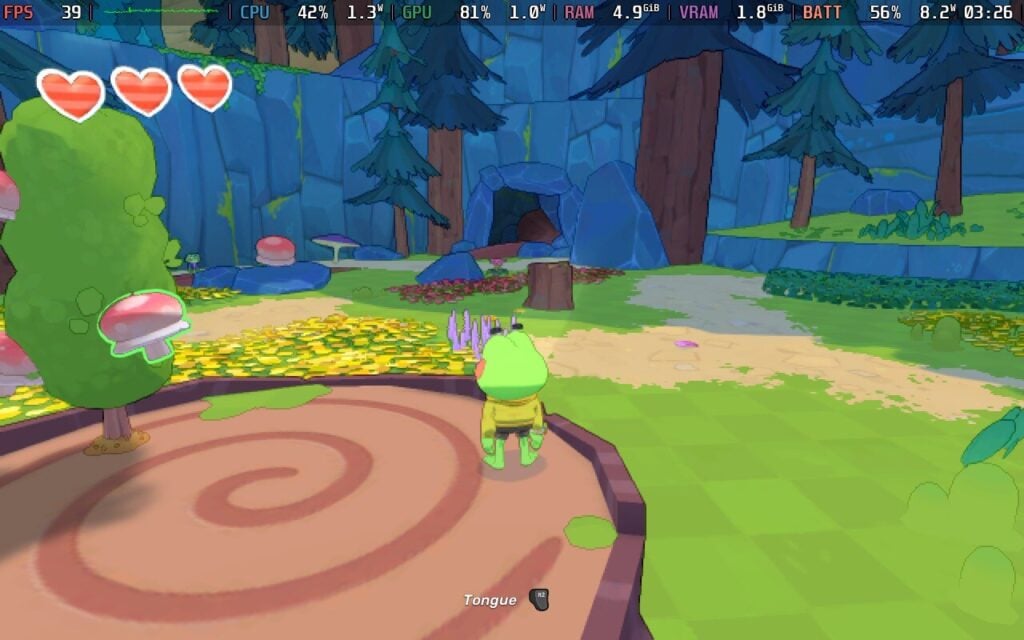
The best way I can describe the game’s presentation is that I treated it like an interactive cartoon. The graphics look great, with colorful biomes, and the music has a peppy theme that makes playing the game a joy.
I haven’t come across many bugs (the annoying video game kind, not the little ones you find in the world) apart from Hop occasionally getting caught up on a rock and the camera zooming up his bottom, but Big Hops has one major annoyance for me, and that’s the save system. The game relies on an autosave that doesn’t tell the player anything. There are obvious breather sections that look like checkpoints in other games, but I wish the game had a more reliable way to save. While I would prefer a manual saving system, I know platformers don’t usually use those.
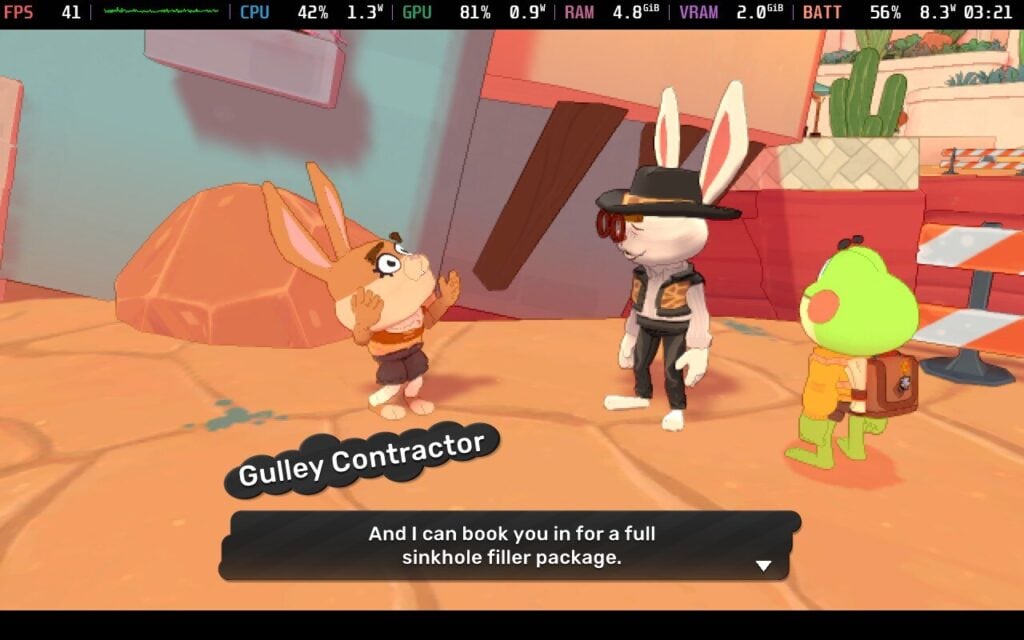
Overall, however, Big Hops carries a lot of weight on its little green shoulders. The developer's clear joy in the game is evident, and the mechanics and exploration are very attractive to platformer fans.
Big Hops has received a Verified Badge by Valve just before the launch, which is good. Hopeful fans can hop to it, because Big Hops has been a great experience on the Steam Deck overall.

There aren’t many options we can play with in the game, unfortunately. With no adjustable controls or graphic options beyond screen resolution, this is one of those games where it is one size fits all for gameplay. Fortunately, Big Hops comes with full controller support, and the game runs great overall.
With our options limited, there is only one preset we can really use. With a native resolution, 60hz refresh rate, and default TDP, Big Hops holds a steady 60FPS even in the open areas. The controls are fluid despite there being no way to adjust them. I won’t be surprised to see Big Hops get the Verified badge on the Steam Deck.

With the full TDP running, I found Big Hops draws quite a lot of power. You will see an average power draw of around 13 watts, with spikes up to 16 watts during scenes with heavy on-screen action. This got me a little under 4 hours of battery life on the Steam Deck OLED. I tried tinkering with the TDP to improve battery life, and a 5-watt TDP kept the framerate around 30 FPS with a 9-watt average power draw. While this was an improvement, I recommend keeping things at their defaults for the smoothest gameplay. As Big Hops is a platformer, you need all the reaction time you can get.
Big Hops is available in English, Spanish (Spain), Russian, Portuguese, and Simplified Chinese, although only English has full audio.

This is a strange case where Big Hops has some good accessibility settings but is woefully lacking in others. Font scaling, Vsync, and controller sensitivity are nice to have, especially with the former on a smaller screen like the Steam Deck. However, there are no colorblind options, no way to change keybinds or button prompts, and no graphical settings that can be adjusted right now.
Big Hops did something interesting today: it charmed a player who is terrible at platformers into liking it. The gameplay offers plenty of variety with its different mechanics, and I’ve found the story and characters charming. It isn’t perfect, of course, with some irritating camera bugs, a general lack of customization for game settings, and some very frustrating moments at times. None of these are dealbreakers, however, and I can heartily recommend Big Hops as a solid game in its genre.
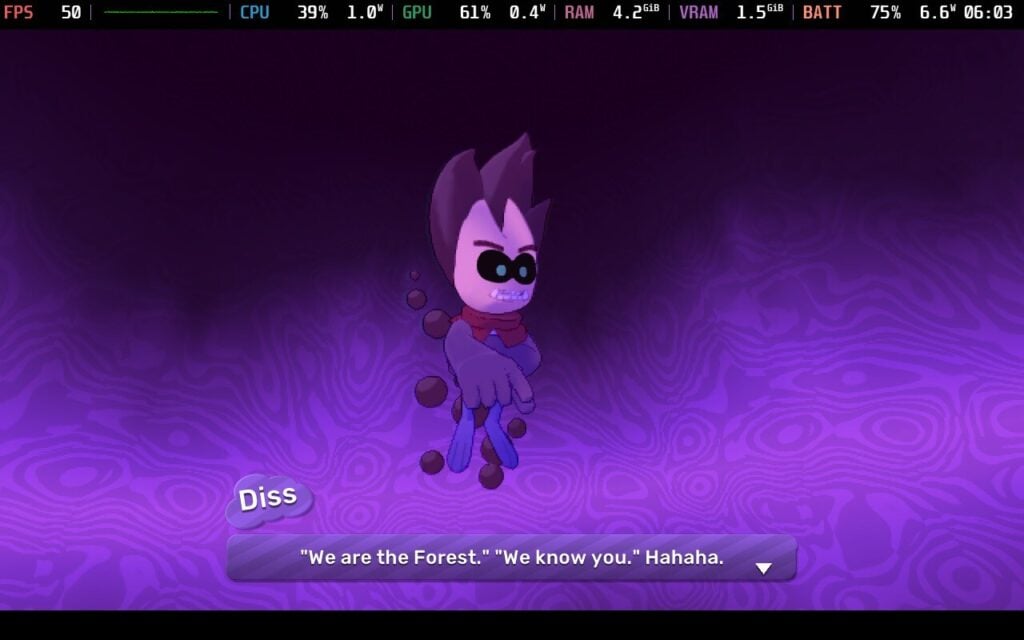
If you fancy a new platformer game with both charm and depth, and one that is a great addition to your Steam Deck library, this is a great way to kick off 2026!
このレビューはPC版に基づいています。
このレビューをお楽しみいただけたなら、SteamDeckHQ の他のコンテンツもぜひご覧ください!あなたのゲーム体験に役立つゲームレビューやニュースを幅広く取り揃えています。ニュース、ヒントやチュートリアル、ゲーム設定やレビューをお探しの方も、最新のトレンドを知りたい方も、ぜひご利用ください。
SpongeBob SquarePants: Titans of the Tide was provided by THQ Nordic for review. Thank you!
SpongeBob SquarePants has had a bit of a lull since the heyday of Battle for Bikini Bottom way back in 2003, so does Titans of the Tide bring it back around and offer a new generation of gamers some solid platforming action? Well, for the most part, I would say it does.
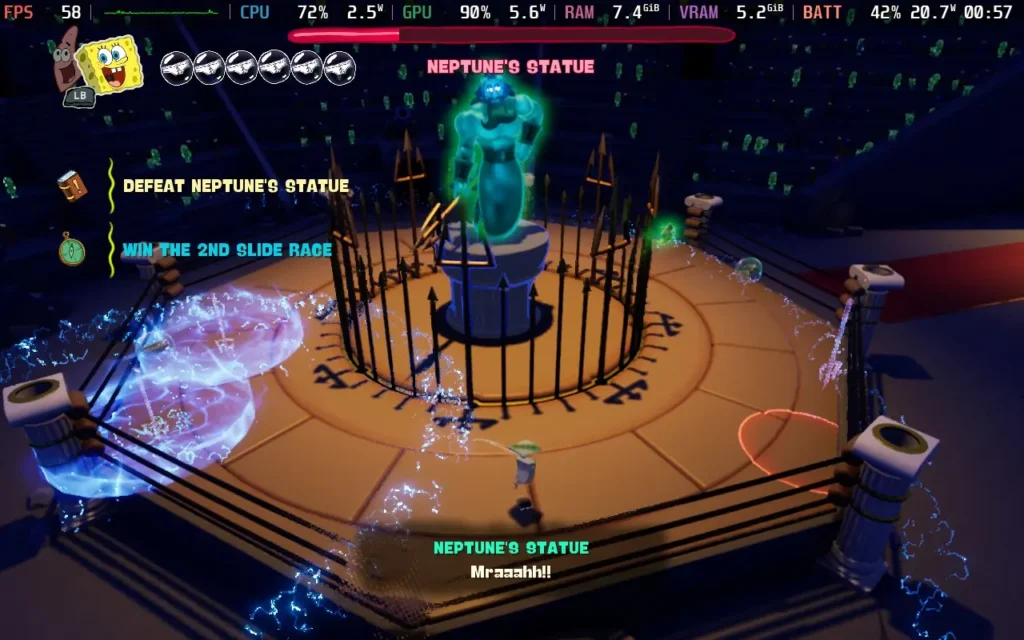
As the name implies, SpongeBob SquarePants: Titans of the Tide's story centers on a conflict between two titans: King Neptune and the Flying Dutchman. As you can imagine, the cause of the conflict is rather petty: cutting in line at the Krusty Krab. However, it eventually culminates in a battle that involves all of Bikini Bottom. The story is mostly conveyed in cutscenes at the beginning and end of each area, and while it explains why you're travelling around, it really doesn't have much impact on the gameplay at all. You could probably skip through the cutscenes and enjoy the game just as much.
That being said, the voice acting is pretty on point here, with the show's cast giving their all for this game. Some dialogue lines in-game are repeated a bit too often, but for the most part, the voices pass muster and are a welcome addition.
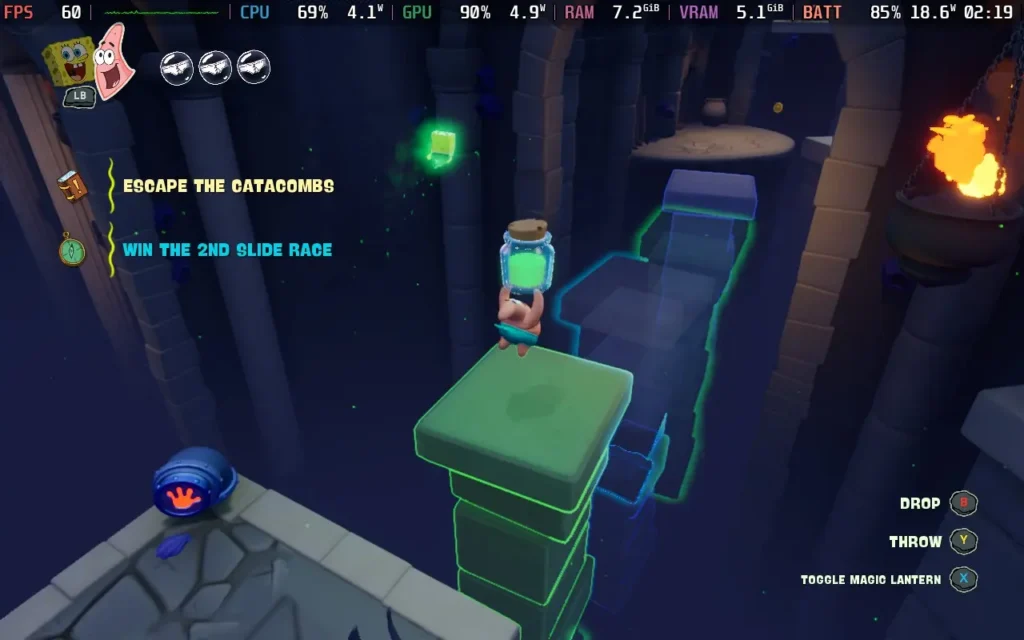
As for the platforming side of the game itself, it's pretty good. Movement feels nice for the most part, with the exception being ledge grabs, which seem rather inconsistent and led to a few deaths on my part, but thankfully, the game is super lenient when you die, and at most, you lose a couple of minutes of progress.
The game features a unique "ghost lamp" mechanic, where ghost platforms can appear when the correct colored light is shone upon them. At first, this is kept relatively simple, but later in the game, it opens up the way for some tight platforming, requiring you to jump off an existing platform and switch colors mid-air to make a platform appear beneath you. The mechanic is also used in other interesting ways for puzzles throughout the game, such as revealing hidden walls.
Thankfully, puzzles and platforming in the game are entirely reliant on two mechanics, which are consistently used throughout the game as the leading puzzle solutions, so you're not left wondering how to proceed. You're either swapping between SpongeBob and Patrick, one in ghost form and the other in material form, for their different movesets, which you can do at any time, even in mid-air, or switching the color of ghost lamps to reveal platforms or hidden areas. This consistency helps the puzzles not be too frustrating, and definitely helps the game stay more friendly to younger players.
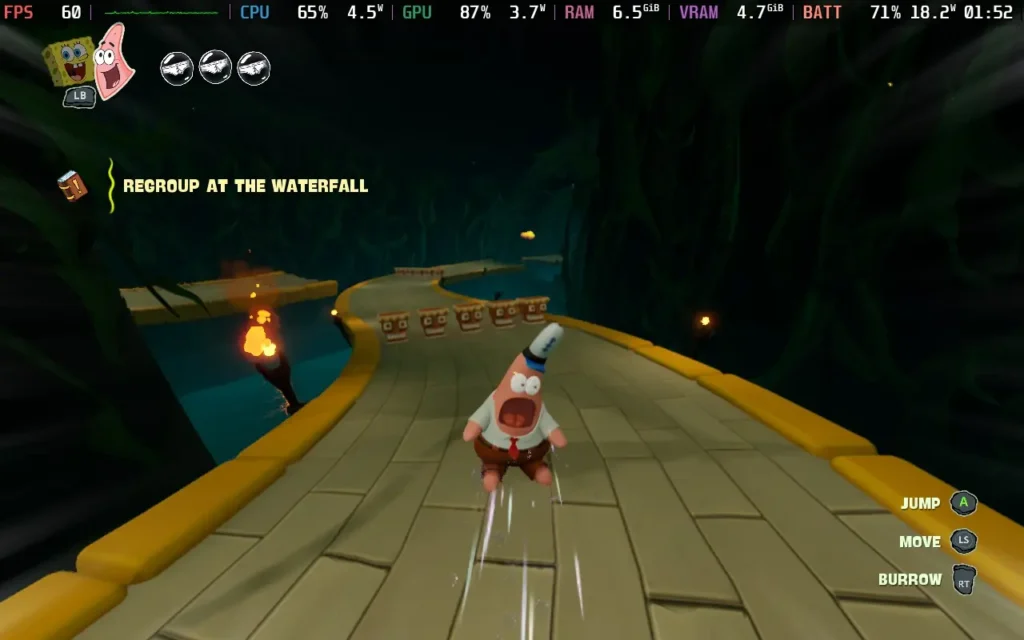
You'll also encounter other forms of traversal, such as a few "slide" sections in the game, similar to something like Super Mario 64, where you have to steer to avoid obstacles, while collecting coins; this is also combined with the "ghost lamp" mechanic for some extra challenge in later slides. Plus, a couple of the more open parts of the game let you ride on a "Ghostboard", which is essentially a surfboard that can traverse both water and land, allowing for quick movement and some neat platforming. Often, you'll find side quests in the form of races when you're on a Ghostboard, too, which can provide a little break from the main story quest.
The graphics are nothing special; they portray the characters quite well as to how they are in the show, and there's plenty of costumes for you to find and try out with the in-game shop. The cutscenes are all rendered in real-time; however, I think this may have missed out on the opportunity for some nice visual effects, as some effects are a bit lackluster in cutscenes.
SpongeBob SquarePants: Titans of the Tide does get off to a decent start, with great controller support and support for 1280x800 as a resolution, meaning no black borders.
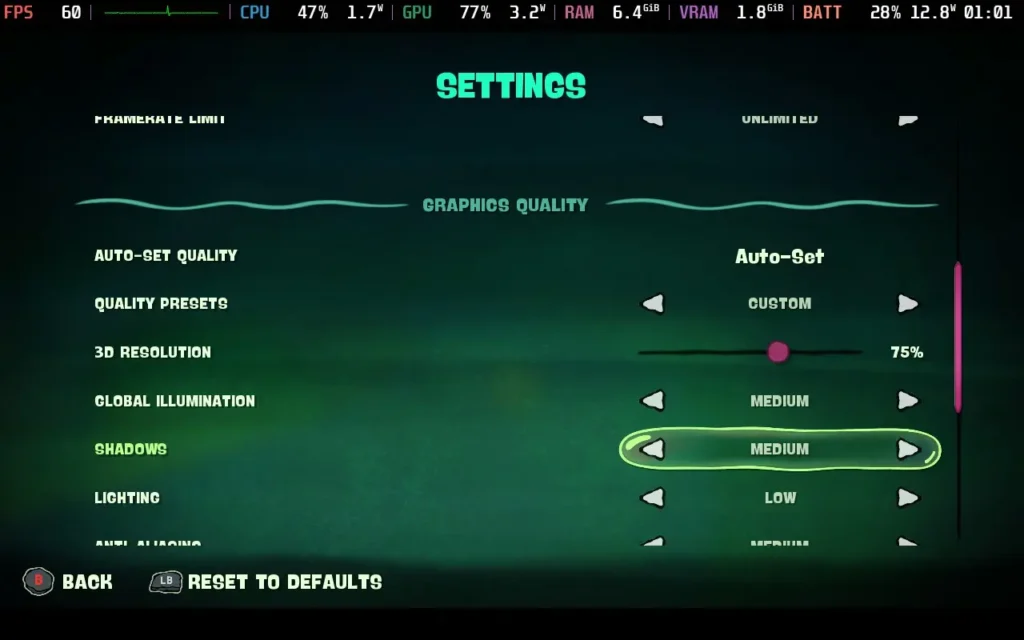
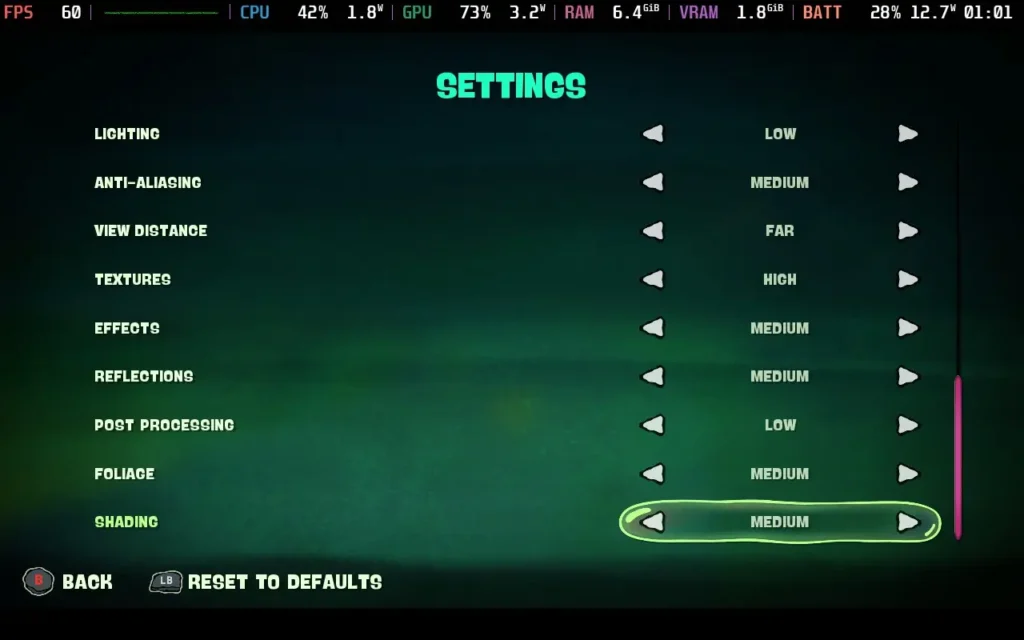
Things do get a bit iffy when it comes to the game's performance, though. I found it best to go with largely "Medium" settings, a 75% 3D Resolution Scale, and TAA antialiasing. The game can then run at a stable 60 FPS. But certain environments can drop as low as the mid-40s. You can either limit your framerate to 40/45 FPS or tolerate the dips in these areas. As most of the game runs at 60, I chose to tolerate those dips and play mostly at 60 FPS.

As I mentioned above, I wasn't a fan of the cutscenes not being pre-rendered, and this also harms the Steam Deck, as some cutscenes can drop as low as 30 FPS, mostly due to crowd density, which is somewhat disappointing.


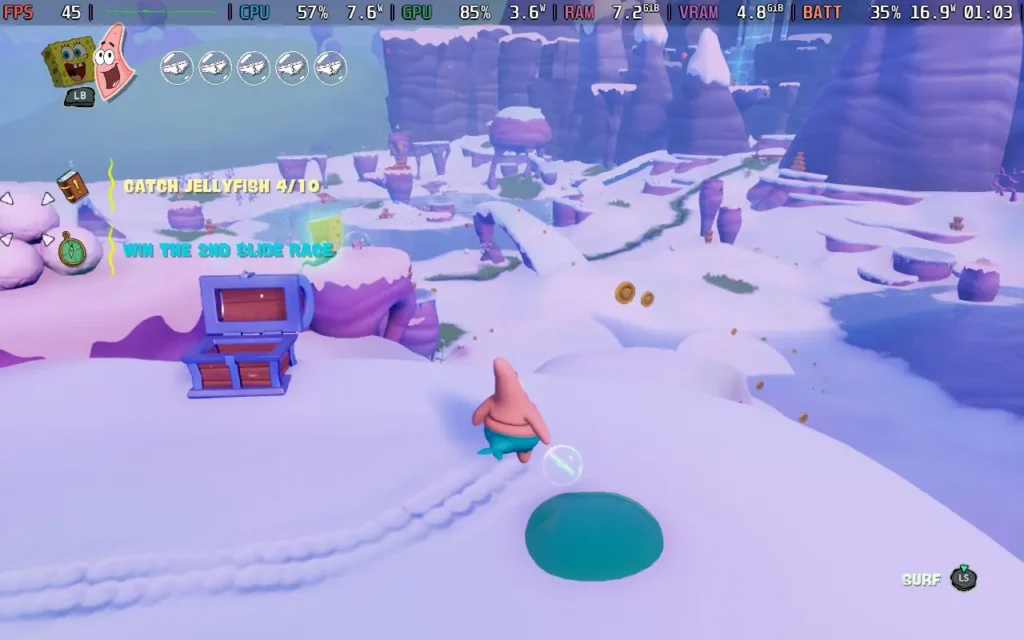
Power draw with these settings tends to be around 16W-21W, with temperatures ranging from 65 °C to 70 °C. So you can expect a battery life of about 2.5-3 hours on a Steam Deck OLED and around 1.5 hours on a Steam Deck LCD.
All dialogue in the game is subtitled, as well as the ability to disable camera shaking, a colorblind filter, and "dynamic jumping", which seemingly relates to how high you jump depending on how you press the Jump button. There are no difficulty options, but the game has very frequent checkpoints.
SpongeBob SquarePants: Titans of the Tide is a good platformer. It has some solid mechanics that keep it fun to play and are utilized in a variety of ways, which helps them not outstay their welcome. While the story backing it up isn't too interesting, the familiar characters definitely help boost it for any SpongeBob fans out there. It's also a fair price for an adventure that will last most players close to the 10-hour mark, if you take some time out to do some of the side quests.
Performance on the Steam Deck isn't as good as I'd hoped for a game like this, but most areas will run at 60 FPS. However, expect some dips in a couple of environments, particularly during cutscenes. The game remains fully playable and enjoyable, despite these dips, and I have no problem recommending it for players to enjoy primarily on a Steam Deck.
このレビューはPC版に基づいています。
このレビューをお楽しみいただけたなら、SteamDeckHQ の他のコンテンツもぜひご覧ください!あなたのゲーム体験に役立つゲームレビューやニュースを幅広く取り揃えています。ニュース、ヒントやチュートリアル、ゲーム設定やレビューをお探しの方も、最新のトレンドを知りたい方も、ぜひご利用ください。
PAC-MAN WORLD 2 Re-PAC was provided by Bandai Namco for review. Thank you!
Following on from PAC-MAN's previous 3D platforming adventure, PAC-MAN WORLD 2 is the next to get the "Re-PAC" treatment. Having never played the original, I didn't go into this one with any nostalgia, but I found it a pretty decent platformer in its own right.
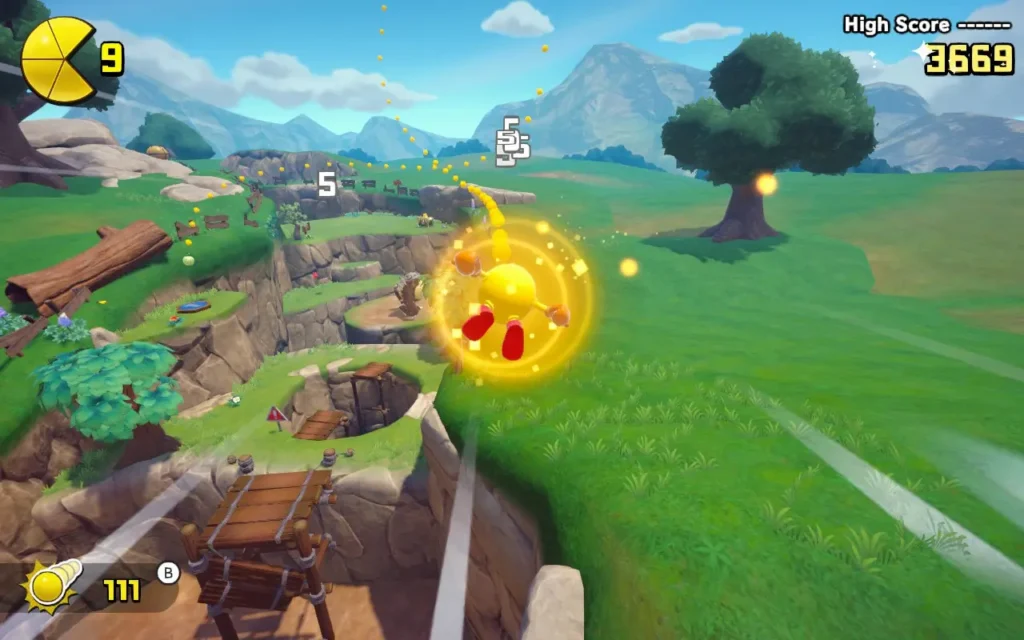
PAC-MAN WORLD 2 begins with our gang of ghosts being up to no good. Stealing the Golden Fruit from the tree in Pac-Village, awakening Spooky, a more powerful ghost who now leads the ghosts in terrorizing the land. It's up to Pac-Man to retrieve the Golden Fruits and save the day! It's about as generic as it gets, but you aren't playing a Pac-Man game for the story, thank goodness!
Sounds like the perfect setup to split the game into neat little worlds, doesn't it? Well, that's exactly what PAC-MAN WORLD 2 does, with the game taking place across six different themed worlds. This gives a nice variety to the game, as each new environment tends to introduce new mechanics and objects to interact with to keep things interesting.
To keep you engaged, Re-PAC has added additional objectives to each level, giving you challenges beyond just finishing the level. These can range from beating the level without dying, to collecting all the collectibles, to beating the level in a certain time. Given that the game is only around 4-5 hours long, it's good that we have some side objectives to encourage replaying levels if you want to get all the achievements, plus you get some in-game cosmetics and bonuses to use by completing them.
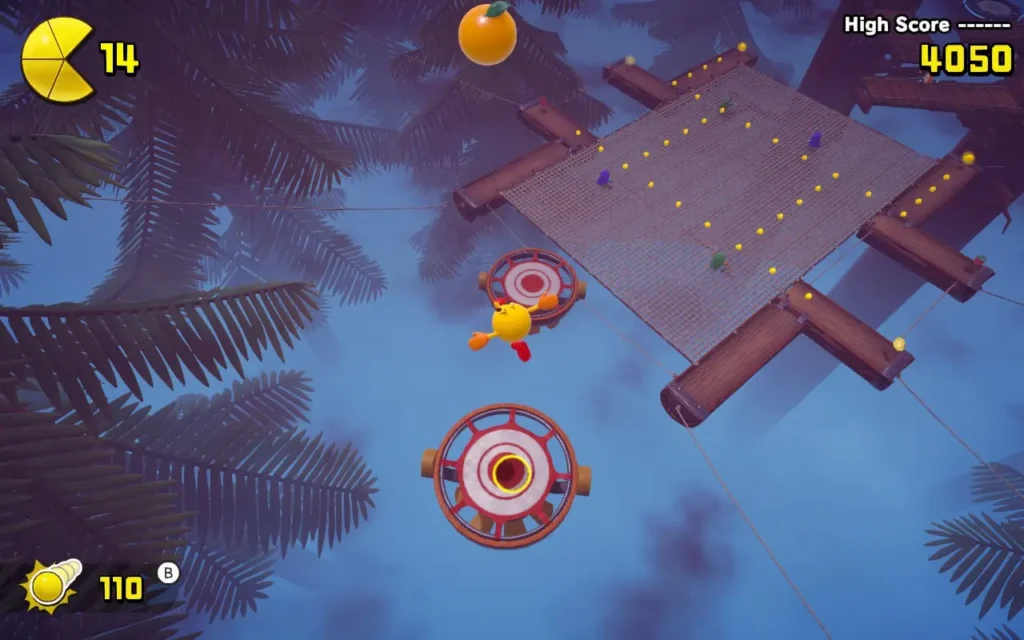
But, PAC-MAN WORLD 2 Re-PAC is a platformer, so how does the actual platforming hold up? Well, for the most part, I did enjoy it. The controls are pretty smooth, air control is great, which is important as most of the platforming involves bouncing around and jumping between floating platforms. Pac-Man also has a variety of moves, such as bouncing, rolling to gain speed, and ledge-grabbing.
Ledge-grabbing was actually my pet peeve here. Sometimes, Pac-Man didn't seem to want to grab hold of ledges, resulting in me sliding down the side of a ledge and falling to my death. It was my main source of frustration on some levels. Unfortunately, the game tends to introduce a new enemy or mechanic and then overuse it in the next few levels. If you encounter an enemy or mechanic you aren't keen on, you should expect to be dealing with it for the next few levels.
There is a reasonable variety of enemies, but many of them are throwaways. You can even easily ignore most enemies and continue with the level just fine. There are only two attack methods you'll use in the game: jumping and rolling, and many of the enemies will die in 1 hit and barely affect the game. The bosses at the end of each world are by far the most interesting enemies; the boss levels were my favorite levels in the game.

As for difficulty, the game starts easy; you might even think that it is designed for younger children during the first world. By World 4, however, the game has ramped up the difficulty, becoming more akin to other platformers of the late 90s and early 00s. It's not overly difficult, but you're quite likely to die at least a few times when platforming around environmental hazards.
Visually, the game isn't special; it's serviceable, but I wouldn't say it's technically or artistically impressive; it just does the job. The music and sounds aren't the best either. We do have some classic Pac-Man sound effects when we collect some pick-ups and beat a level, but certain sounds, such as footstep/movement sounds, just began to grate on me and get repetitive. There is limited voice acting in the cutscenes, and I found the voice acting to be pretty decent as a whole.
PAC-MAN WORLD 2 Re-PAC is a joy to play on the Steam Deck. It supports 1280x800 resolution, so there are no black bars. It has great controller support, and performance is pretty much as good as it gets.
There aren't many graphical options in the game, but for me, the game defaulted all options to their highest settings, and I recommend that you keep them there. The game could nearly always hold 90 FPS on the highest settings on my Steam Deck OLED, with only occasional stutters affecting the frametime, usually when a UI pop-up occurs or an object spawns.
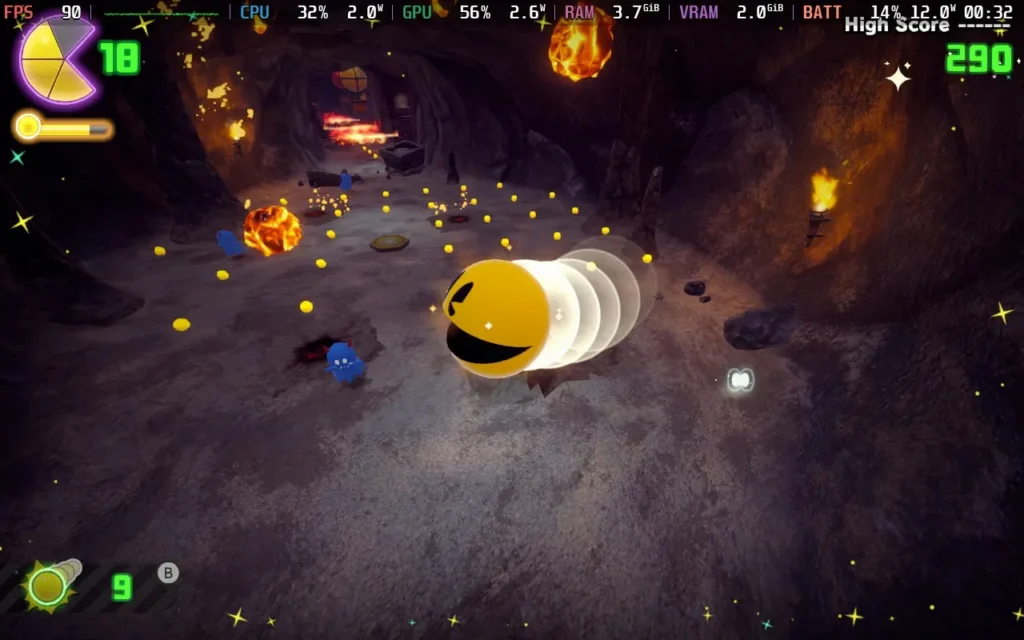
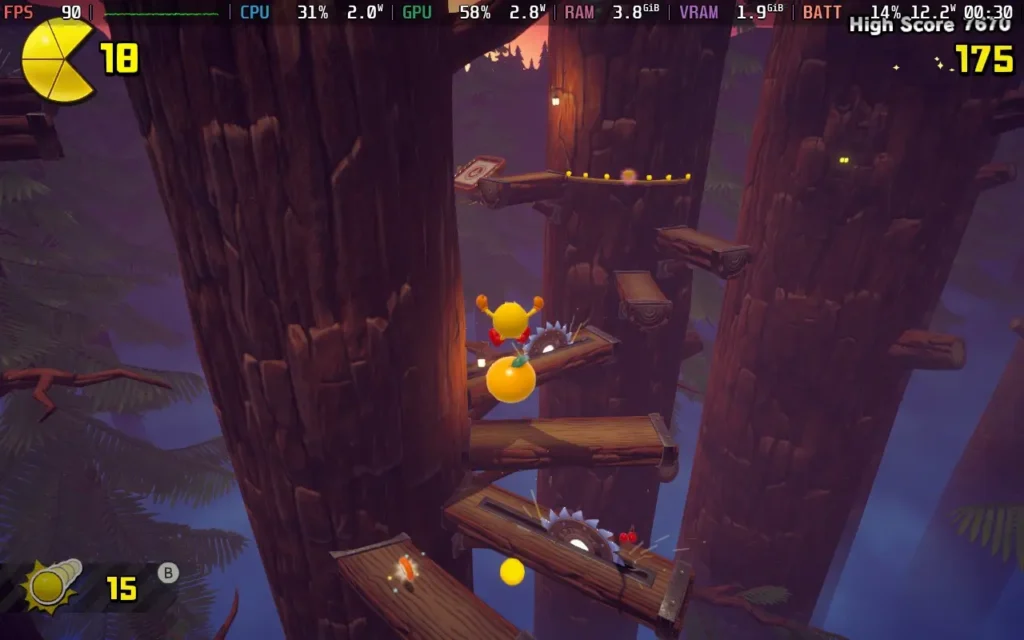
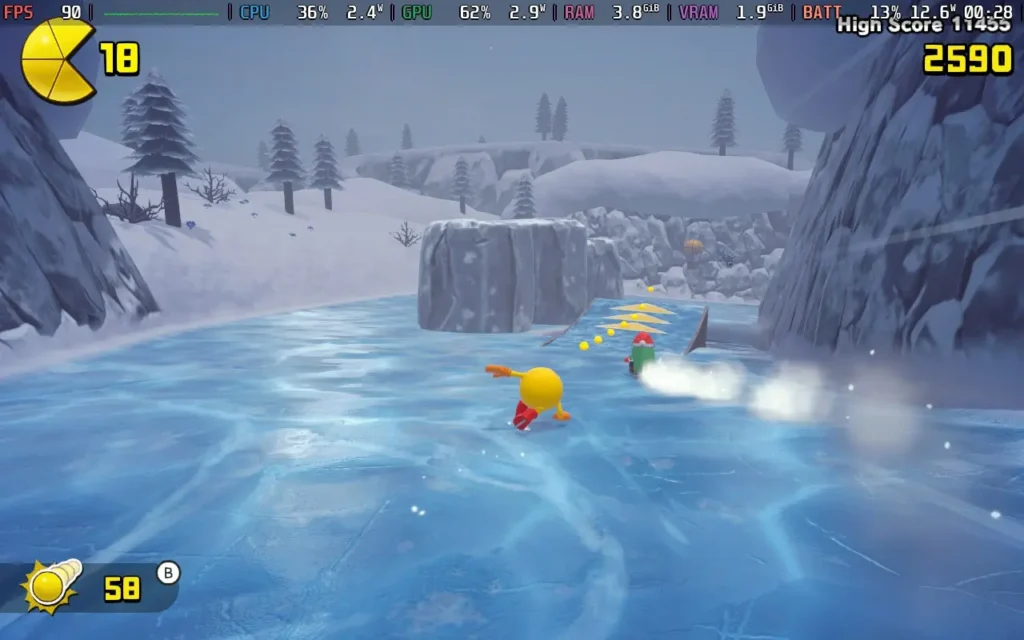
Power draw was in the 12-14W area for the most part. So even with these higher settings, expect around 4 hours of battery life on a Steam Deck OLED and around 2.5-3 hours on a Steam Deck LCD. Given the game's relatively short length, I think this is adequate.
If you do want to save some battery life on the OLED, lock the FPS to 60 in SteamOS, and you'll gain a few extra minutes.
There aren't many accessibility options in PAC-MAN WORLD 2 Re-PAC, but the game does subtitle all dialogue. There is also a "Fairy" difficulty setting, which prevents PAC-MAN from taking damage from enemies or getting game overs, and would be ideal for younger or more casual players.
It's hard to say whether I recommend PAC-MAN WORLD 2 Re-PAC. Thankfully, the game has been priced at a pretty low point, and that makes me more inclined to say that if you are intrigued by it, it's probably worth checking out. The platforming is decent for the most part, and I did enjoy the boss battles at the end of each world, but the mechanics can get repetitive, and those ledge-grabs will haunt me.
Steam Deck performance is pretty much spot-on. Even on the highest settings, the game barely budges from 90 FPS, and the controls work perfectly well. You can't really fault how it runs on the device.
このレビューはPC版に基づいています。
このレビューをお楽しみいただけたなら、SteamDeckHQ の他のコンテンツもぜひご覧ください!あなたのゲーム体験に役立つゲームレビューやニュースを幅広く取り揃えています。ニュース、ヒントやチュートリアル、ゲーム設定やレビューをお探しの方も、最新のトレンドを知りたい方も、ぜひご利用ください。
Yooka-ReplayleeはPM Studiosよりレビューのためにご提供いただきました。ありがとうございました!
舞台を4月上旬の晴れた、しかし肌寒い日にロンドンのタバコ・ドックに移そう。かつてEGX Rezzedは、小規模なインディーズタイトルに焦点を当てたEGXエキスポの分科会として定期的に開催されていた。薄暗い部屋とフレンドリーな雰囲気が充満し、情熱的な開発者とファンがそれぞれ、ゲームであれ消費者であれ、自分にぴったり合うものを探していた。PlayStation VRで初めてVRを体験し、ペルソナゲームを初めてプレイした『ペルソナ5』の40分ほどのデモに没頭し、その後、隣の部屋に移動して『Yooka-Laylee』という小さくてインスパイアされたプラットフォーマーをプレイした。
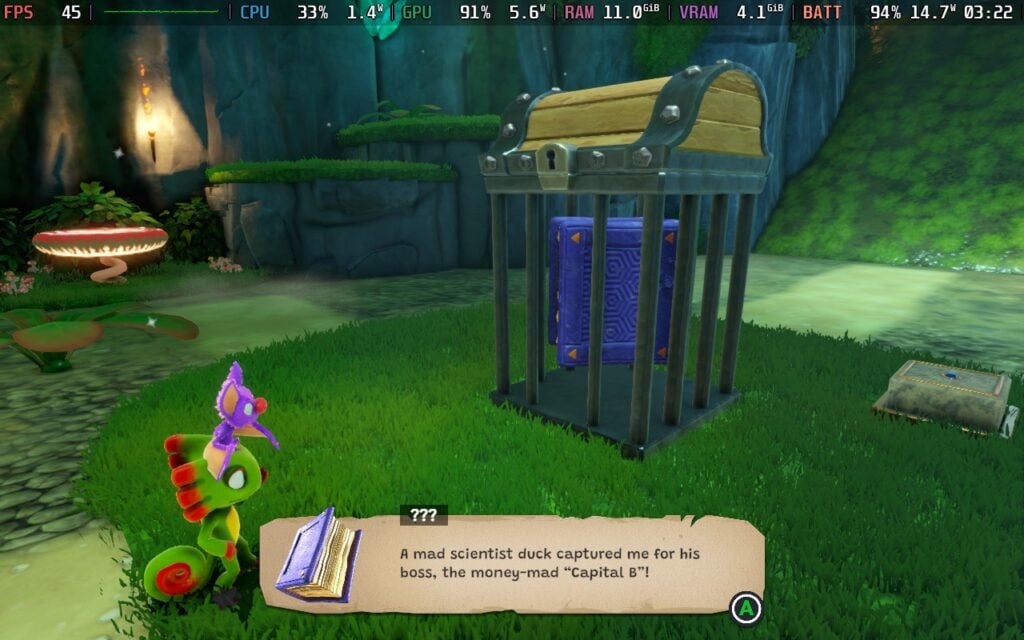
かつての3Dプラットフォーマーを現代風にアレンジしたこのような作品の存在は、2015年にキックスターターで大成功を収めた私にとってニュースではなかった。当初は£175,000を目指していた『Yooka-Laylee』の開発者であるPlaytonicは、90年代後半から00年代前半のピークにあったRare時代の元主要人員で構成され、73,206人の支援者に渡って£2,090,104という信じられないほど印象的な金額を獲得した。すでにアイコンとなっているライム色のカメレオン「Yooka」と紫色のコウモリの仲間「Laylee」を手に入れられるとあって、私はこれ以上ないほど興奮し、即座に夢中になった。
私は任天堂初期の3Dプラットフォーマーを見逃しており、2000年代後半まで憧れのNINTENDO64を持っていなかった。だから、私が失っただけでなく、尊敬していたジャンルを現代風にアレンジした作品を体験すること自体が、素敵な試練だった。

しかし、2017年に発売された『Yooka-Laylee』は賛否両論だった。そのカラフルな世界観とすぐにわかるノスタルジックな魅力は賞賛に値するが、そのノスタルジーに傾倒しすぎていて、明らかに憧れるような多くの現代的な改良が施されていなかった。カメラ操作の不便さは、ユーカやレイリーと一緒に冒険する上で圧倒的に悪い点であり、一般的なプラットフォーミングを考慮する前に、しばしば彼らと戦わなければならなかった。こうした問題にもかかわらず、このゲームはこのジャンルのファンの間で熱狂的な支持を得た。このゲームは1年後、2.5Dの横スクロールゲーム『Yooka-Layleeand the Impossible Lair』として復活を遂げた。
Yooka-Laylee』の続報をずっと期待していたので、今年初めにこのようなリマスターが発表されたときの驚きと歓喜は、(カメレオンの)天秤を飛び越えるほどだった。仮に何も新しいものが追加されなかったとしても、前述した痛い点のいくつか、つまりカメラや全般的な現代化が必要だった点を手直しするのは悪いことではないだろう。しかし、ここにあるのはそれ以上のものだ。オリジナルを再発明するのではなく、完成させるのだ。

最初から、どれだけ変わったかは明らかだ。ワールドは最初から完全に拡張されており、Yooka特有の進行を妨げるコレクターズアイテムであるPagiesを最初に集めることなく、色とりどりの隅々まで自由に探索できる。また、すべての移動が即座にアンロックされるため、昔見たはずの手の届かないわずかな収集品を手に入れるために、常に古いレベルに戻る必要はない。
また、チャレンジ、目的、キャラクターを追跡するまったく新しいマップシステムのおかげで、レベルごとの進捗状況も把握しやすくなっており、メニューに飛び込んだり、足取りを辿ったりすることなく、次の行動を計画しやすくなっている。このようなメニューの中にはさらなるクオリティ・オブ・ライフの向上が潜んでおり、例えばファスト・トラベルの追加などは、かつて『Yooka-Laylee』の予想以上に広いマップでのテンポの悪さを象徴していた、行ったり来たりをスムーズにするのに大いに役立っている。

操作感やコントロールがすぐにわかるほど改善されたおかげで、華麗なデュオを操るのがさらに楽しくなった。移動はよりタイトになり、カメラコントロールははるかに信頼できるようになった(ふぅ)。テールスピン攻撃のような新しい追加要素が、プラットフォームと戦闘に満足のいくパンチを与えている。アートディレクションは紛れもなくPlaytonicで、明るく、がっしりしていて、個性と魅力にあふれている。

とはいえ、『Yooka-Replaylee』は良くも悪くもオリジナルのDNAを受け継いでいる。世界はゴージャスで魅力に満ちているが、時折、開放的すぎると感じることがあり、特に初めて新しい場所に入るときは圧倒されることがある。さらに、このゲームのトーンは相変わらず、小生意気で安っぽい感じと耳障りな感じとを区別している。ラブレターと、『バンジョーカズーイ』や『コンカーのバッドファーデイ』で使われているトーンのコピーとの中間といった感じで、愛着を感じる人もいれば、イライラする人もいるだろうが、それはさておき、純粋に改善された点に比べれば、些細なことだ。
Yooka-Replaylee』はSteam Deck上では不思議な獣のような存在で、誰もが関係なく同じ体験ができるよう注意深くロックされている。グラフィックの設定は存在せず、このような冒険をどのように体験するかについては、箱から出した設定がすべてであり、すべてであることを暗示している。45fpsという制限も同様にアドベンチャーに課せられているが、私がプレイしている間中、ほとんどぶれることはなかった。
落下はほとんどなかったが、フレームペースに問題があるように思えた。具体的には、アニメーションの各フレームのレンダリングと表示にかかる時間が均一で、各フレームが正確に等間隔で表示されるスムーズな体験を保証している。目立つとはいえ、特に気になるようなものではなく、PS4版『ファイナルファンタジーXV』ほどひどいものでもなかった。

Yooka-Replaylee』は単なるリマスターではない。オリジナルの魅力はそのままに、注意深く後知恵を働かせながら、よりまとまりのある楽しいものに再構築し、オリジナルのビジョンを実現している。操作性、カメラの動き、テンポが改善されたことで、ようやくPlaytonicの愉快な美女が本来の輝きを放つようになった。昔ながらの戯れ言や大袈裟な魅力も残ってはいるが、それこそが本作のアイデンティティであり、本作が誇り高く謳歌するコレクターソンというジャンルの鼓動なのだ。
このレビューはPC版に基づいています。
このレビューをお楽しみいただけたなら、SteamDeckHQ の他のコンテンツもぜひご覧ください!あなたのゲーム体験に役立つゲームレビューやニュースを幅広く取り揃えています。ニュース、ヒントやチュートリアル、ゲーム設定やレビューをお探しの方も、最新のトレンドを知りたい方も、ぜひご利用ください。
Hirogami was provided by Kakehashi Games for review. Thank you!
3D Platformers aren't a hugely popular genre these days, so I'm always excited when we see a new game try something different. Hirogami is aiming to do exactly that, offering a paper aesthetic similar to Sony's Tearaway and a unique "folding" mechanic that lets you change the player character's movement and abilities on the fly.

Hirogami puts you in the role of Hiro, a master of the art of "folding", which is the game's main unique mechanic, the ability to fold into different creatures and inherit their abilities.
After the "Blight" has reached your homeland, it's up to you to fight back and restore peace to the land. There isn't too much of a "storyline" in Hirogami; the Blight appears out of nowhere after a short monologue of the protagonist hinting at his past, before quickly meeting up with 2 fellow villagers, Ruz Pappy and Shiori, in order to embark on a journey to protect the village. You'll meet the occasional animal that you save from the Blight, but they don't really have much to say, and nothing that adds to the story.
Movement is key in a 3D Platformer, and while Hirogami does feel OK, it also feels off. I can't quite focus on exactly what feels off about the movement, but it almost feels stiff or stilted, and it isn't quite as responsive as I'd like. It's serviceable, but you often feel slow or the character doesn't move the way you would hope. This is perhaps exacerbated by the different forms of Hiro behaving differently in movement and physics.
The folding mechanics are the highlight, and it is a neat feature. Being able to fold your character at will into a frog or an armadillo, even a paper plane, is always a treat. The game rarely tells you what shape you should be to proceed, but it's intuitive enough that you can figure it out pretty quickly. Some areas can be a little annoying in that they require you to switch between shapes constantly to proceed, and in these cases, I wish the level design allowed you to stick to 1 form for a bit longer, rather than every new jump or puzzle requiring a different form.

One thing I really took issue with in Hirogami, however, is the camera system. The game uses a fixed camera perspective that you can merely pan with the right thumbstick. Unfortunately, this method really does not suit a 3D Platformer. Not having a traditional third-person camera that can be rotated and zoomed in really hurts the experience, and within the first 30 seconds of playing the game, I was getting irritated.
The fixed perspectives prevent you from looking around the level as you wish, and you also sometimes don't follow the character close enough to see dangers ahead of you. This caused some problems with depth perception, which can be a struggle when walking away from the camera.

Visually, Hirogami is quite nice to look at. The stop-motion animation style might not be everyone's cup of tea, but you get used to it, and the visual style itself is well-suited to the paper theming. Sound design is also quite nice, with paper sound effects as you perform certain actions and a Japanese-inspired soundtrack that blends in nicely.
It isn't a long game by any means, and most players will probably see the end within 5 hours of playtime, but there are secondary objectives that you can aim to get by retrying each level. The game is priced at $29.99, which I think is fair given its short length.
Hirogami is best played with a controller, so we have no issues with the controls. Unfortunately, the game doesn't support 16:10 resolutions, so we do have black borders along the top and bottom, as we have to play at 1280x720 resolution.
I personally would recommend that you use the "Medium" quality setting, then the in-game frame limiter set to 60. Depth of Field I turned off, as I don't like the effect, and it does cost some performance.
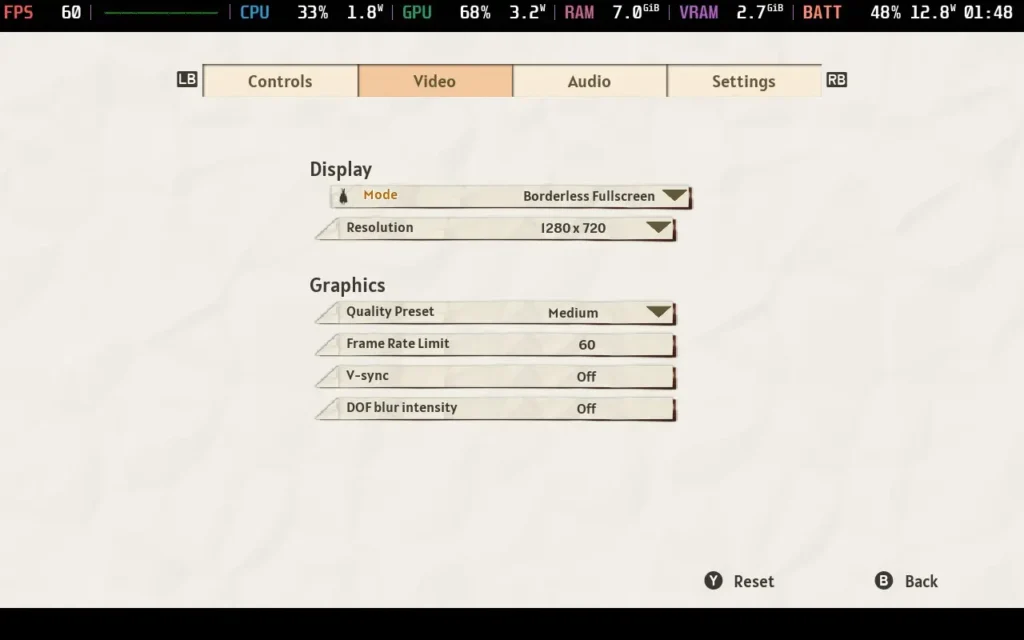
Unfortunately, even with these settings, the game struggles to hold a locked 60 FPS; some levels frequently run in the low 50s. Even more disappointing, the game's "Low" quality settings look awful, employing raw resolution scaling (No FSR/XeSS here) and eliminating most lighting/shading, making it preferable to deal with the frame drops than the poor image quality.
Strangely, the game hits the Steam Deck's CPU hard, meaning we're always drawing significant amounts of power even when nothing is happening. Expect to draw around 19W-21W from the battery, giving us about 2.5 hours of playtime on a Steam Deck OLED and about 1.5 hours on an LCD model.
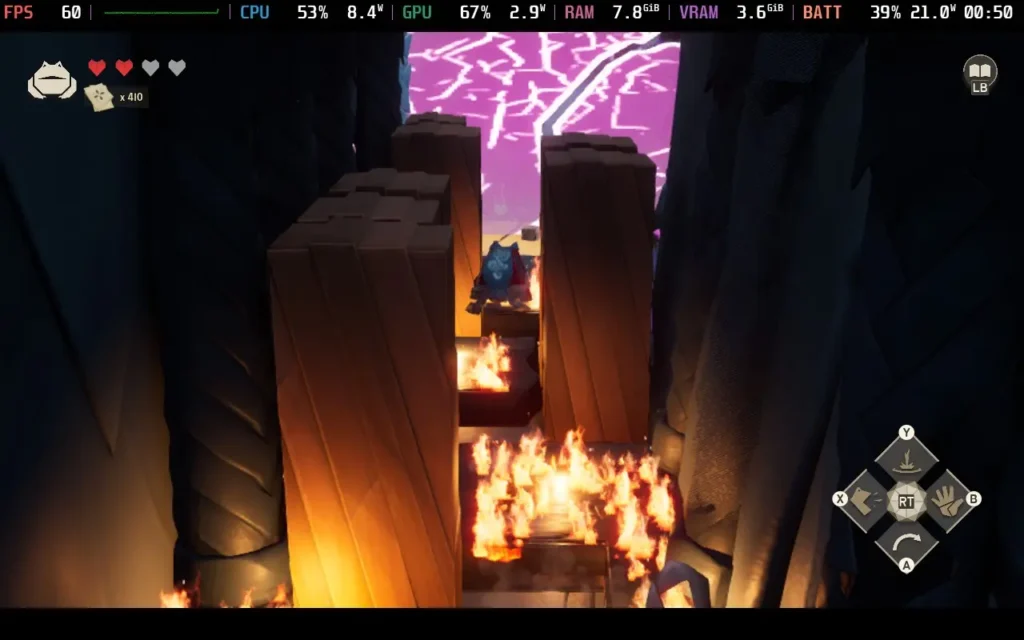
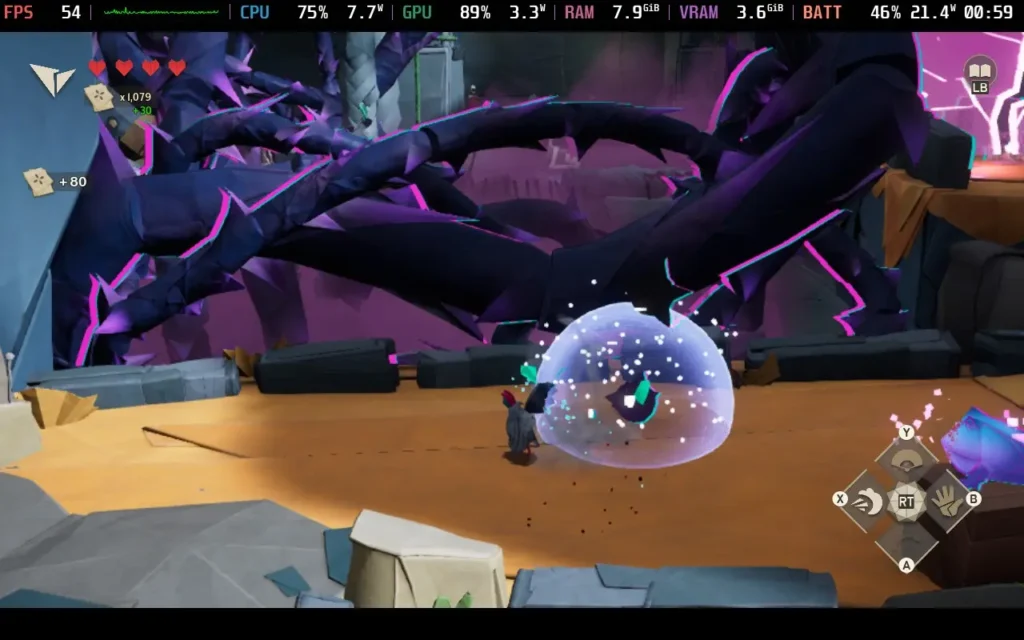

The temperatures were generally in the 65 °C - 75 °C range. The fan does ramp up in order to keep the CPU cool, which gets hammered in Hirogami.
Hirogami has no accessibility options.
Hirogami has some missed potential. If the movement was tighter, things worked a little smoother, and the game was optimized, it would be an easy recommendation for me. There are some redeeming qualities still, like how cool the folding mechanic is, but even this feels a little forced too often. However, for the price, especially considering the game's short length, I have difficulty saying this is a good buy.
As you can imagine, with the optimization issues, the Steam Deck's performance is fine but disappointing. It's certainly playable, generally staying above 50 FPS, but I was expecting to run a game like this at 90 FPS, not 50.
このレビューはPC版に基づいています。
このレビューをお楽しみいただけたなら、SteamDeckHQ の他のコンテンツもぜひご覧ください!あなたのゲーム体験に役立つゲームレビューやニュースを幅広く取り揃えています。ニュース、ヒントやチュートリアル、ゲーム設定やレビューをお探しの方も、最新のトレンドを知りたい方も、ぜひご利用ください。



