Update 6/4/23: Added configurations to play World Tour mode at 30 FPS without issues.
The ultimate fighter is back and better than ever before! Street Fighter 6, the 2D fighter, is coming back with a bang in new and exciting ways. With a roster of 18 fighters, including classics like Ryu and Chun-Li, new re-designs, and a brand new single-player experience, this won't feel like the fighters of old. Thanks to the RE Engine, the new cinematic specials and graphical style will take over, creating a game that feels fresh, yet still grounded in its roots. Rise up to the challenge and become the best fighter around!
A lot of reviews have lauded Street Fighter 6 as the best fighting package out right now, and honestly, I have to agree. This game is not only mechanically refined, but the new modes are fantastic. World Tour is a cool new single-player mode where you create an avatar, roam around an open area, and fight others to level up, get stronger, and customize your fighting style. You will encounter the main cast of Street Fighter 6 to learn and integrate their fighting styles and special moves into your arsenal.
Battle Hub is the multiplayer mode, which allows you to connect to multiple different servers and fight others in head to head combat. This is a pretty standard mode, but will be the big draw for a plethora of people, including myself, as I try to fight and win against other humans. And finally, we have the Fighting Ground, which hosts the game modes we have known to love in fighting games. These include training modes, special battle modes like "Extreme Battle", traditional online matches, and the notorious arcade mode.
Wrap all of this around with new control types, a real-time commentary feature, and the drive gauge to manage resources, and you have a fighting game where everyone can find something they love. As a game, Street Fighter 6 is amazing, but can it hold up on the Steam Deck? Well, the answer is...kind of. The one-on-one battles can run nearly perfect, but the game starts to struggle in one specific mode: World Tour.
I want to say, I love this mode a lot, but trying to play it on the Steam Deck feels like pulling teeth. The overworld that you run around in is okay and can usually stick to around 40 - 45 FPS, but the framerate carries over into the matches too. This means you are getting around 40 - 45 FPS here, making the fights feel extremely slow and it is nowhere near ideal. This is also on the lowest settings with no TDP limits at all, so increasing framerate is not really possible.
I believe this is due to this mode having seemless transitions into fights, so it's possible the game is rendering the environment around, as well as the 2D fight area, making it harder on the system.
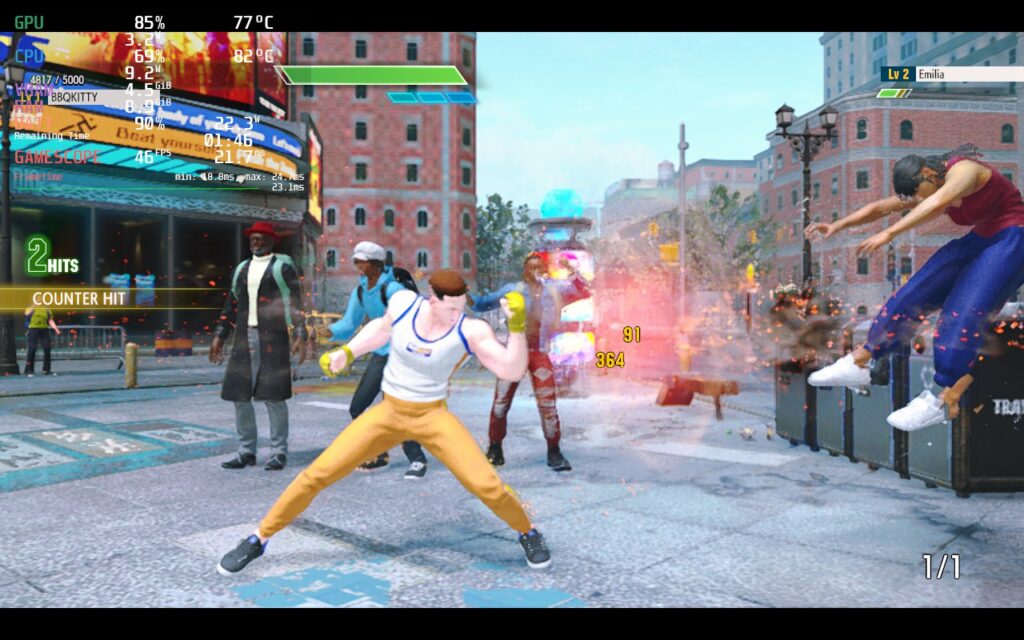
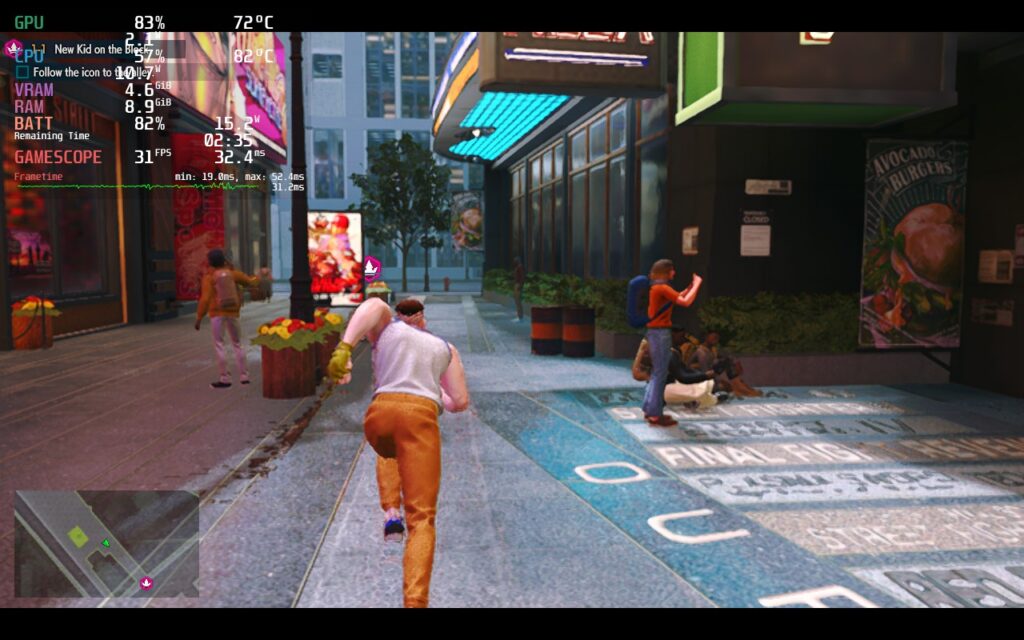
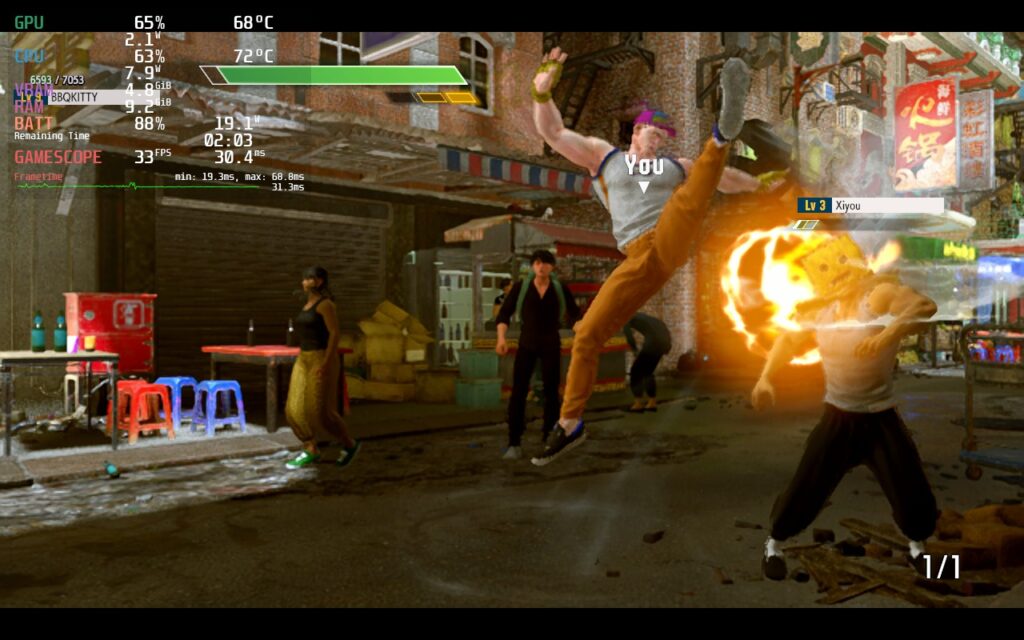
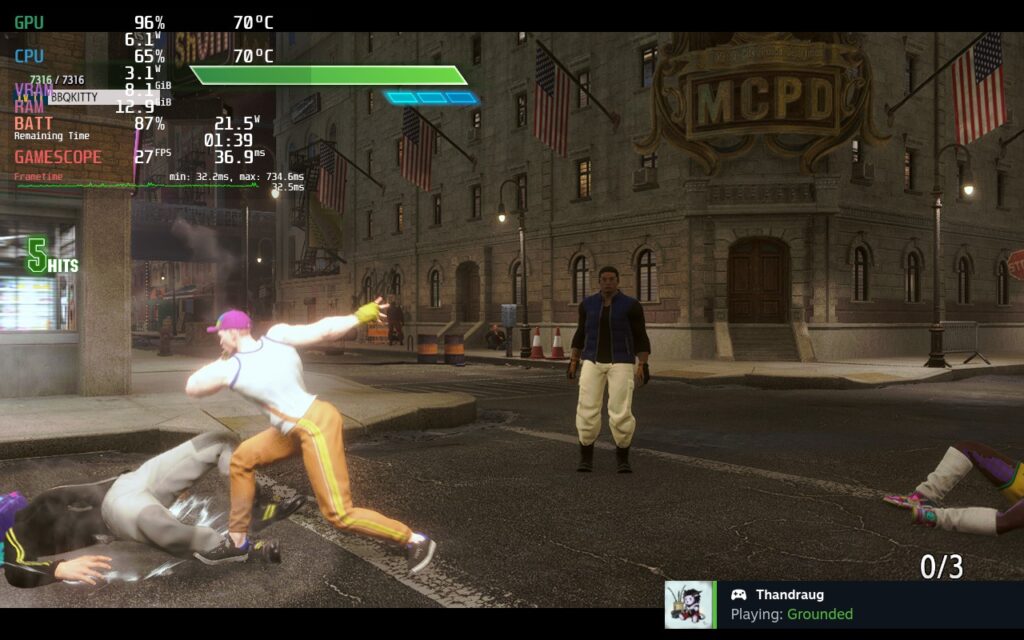
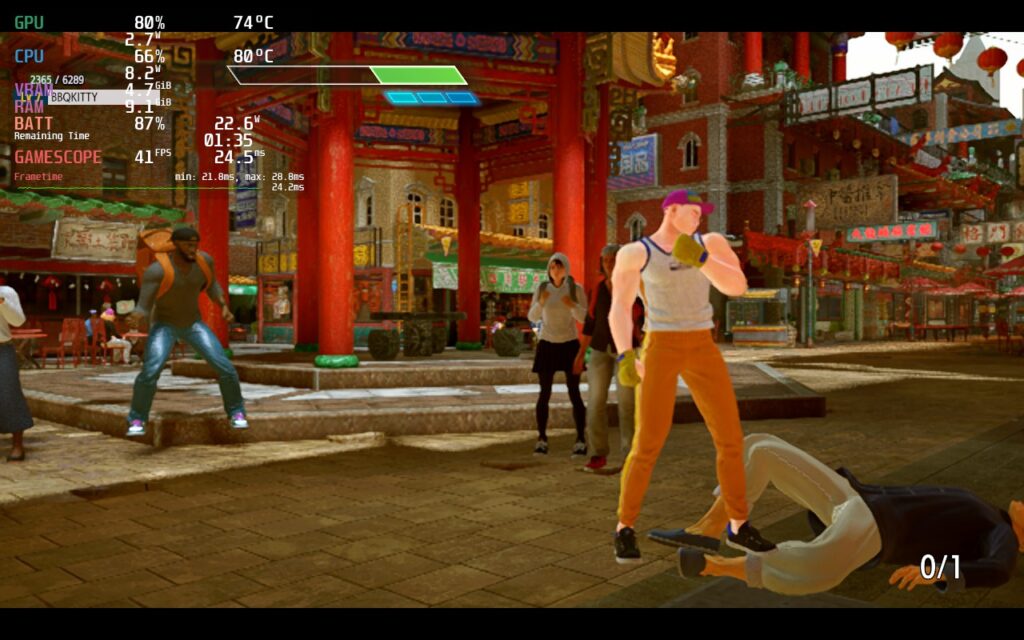

Because of this, I wouldn't recommend playing the World Tour mode on the Steam Deck. The fights are designed to be 60 FPS, so anything lower completely slows it down. This could change with the shader cache, but I don't believe it will do much for this mode.
World Tour mode can be played by setting the Limit World Tour Battles to 30 FPS on and you can play, but as soon as you start playing other modes and feel the fights at 60 FPS, playing on half that feels like something is missing. So while it is playable, it isn't enjoyable.
Luckily, the modes that most will be getting the game for can run near perfectly!
These two are the big attractions for Street Fighter 6 and running these at 60 FPS with solid visuals is very possible. For this, I am going to have two different builds: A quality and battery build. Usually, I would have one that focuses on framerate, but this is not a game that should ever go below 60, so we will be keeping it as close to that rate as possible.
For the quality build, I wanted to make sure the internal resolution was kept to the highest possible (5) and I feel I was able to do so while keeping as close to 60 as possible. After testing, I found that a mix of Medium, Low, and High settings to work best with some of the extra post-processing, like Depth of Field and Screen Space Reflections, turned off. This gave me a solid 60 with a TDP limit of 12, but for online play, I would take off the limit as keeping a smooth 60 is essential. This still gets the battery draining around 21W for most stages online and around 17W - 18W in Fighting Grounds.
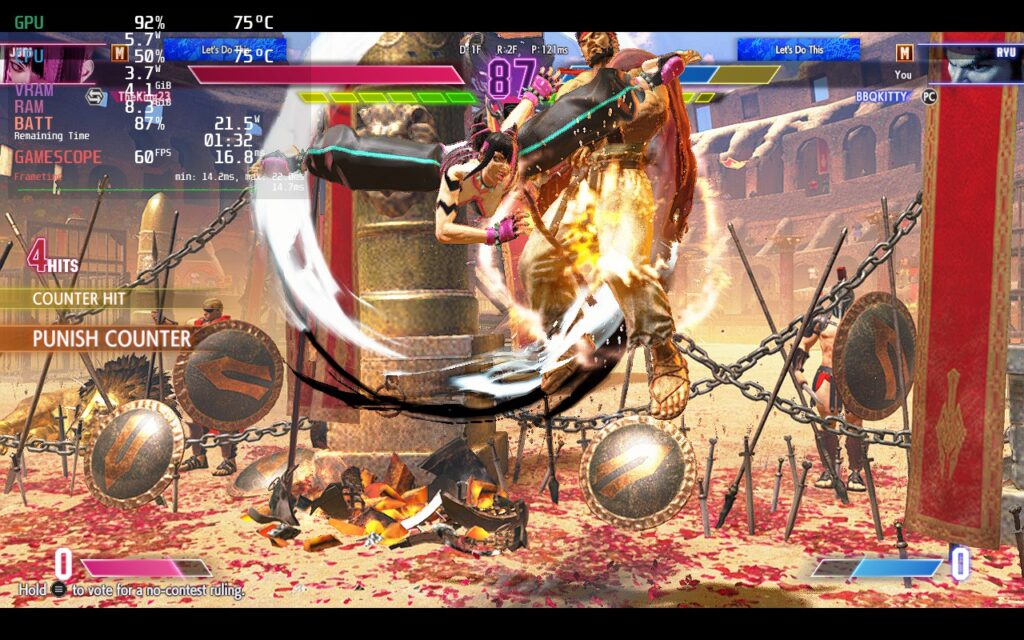
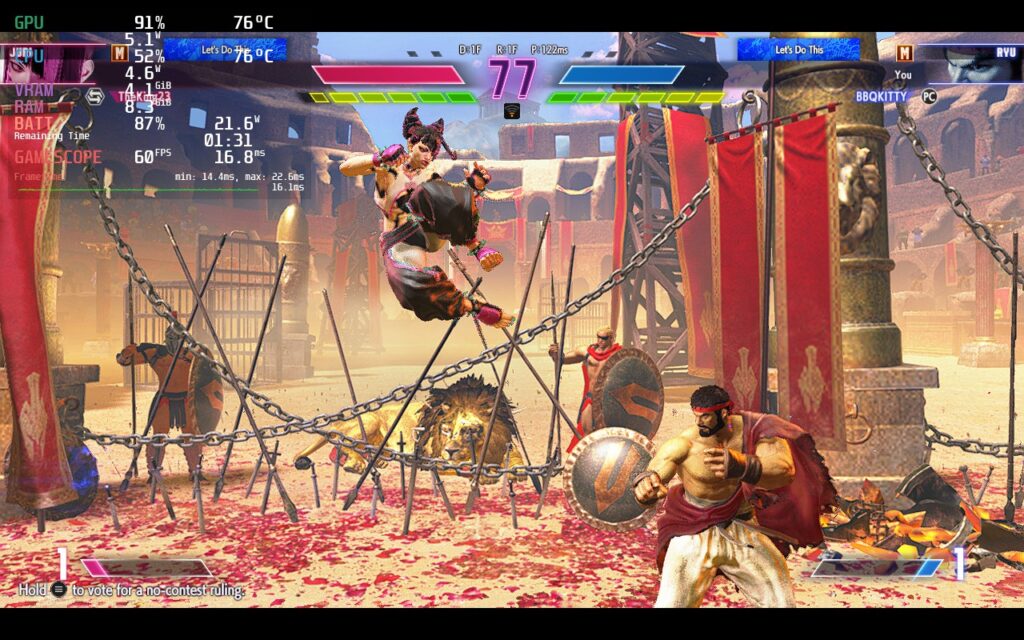
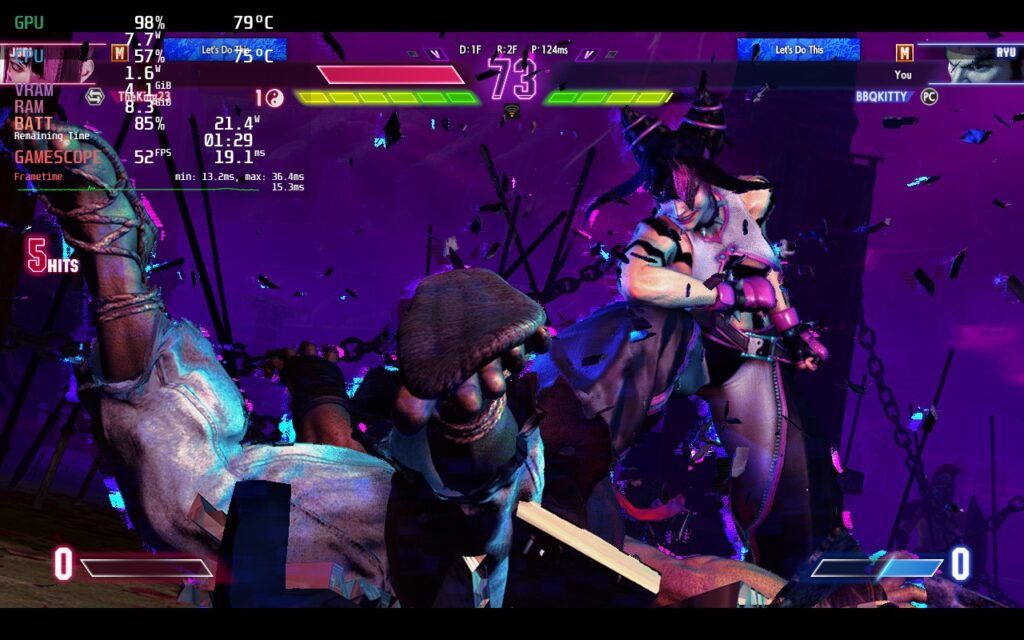
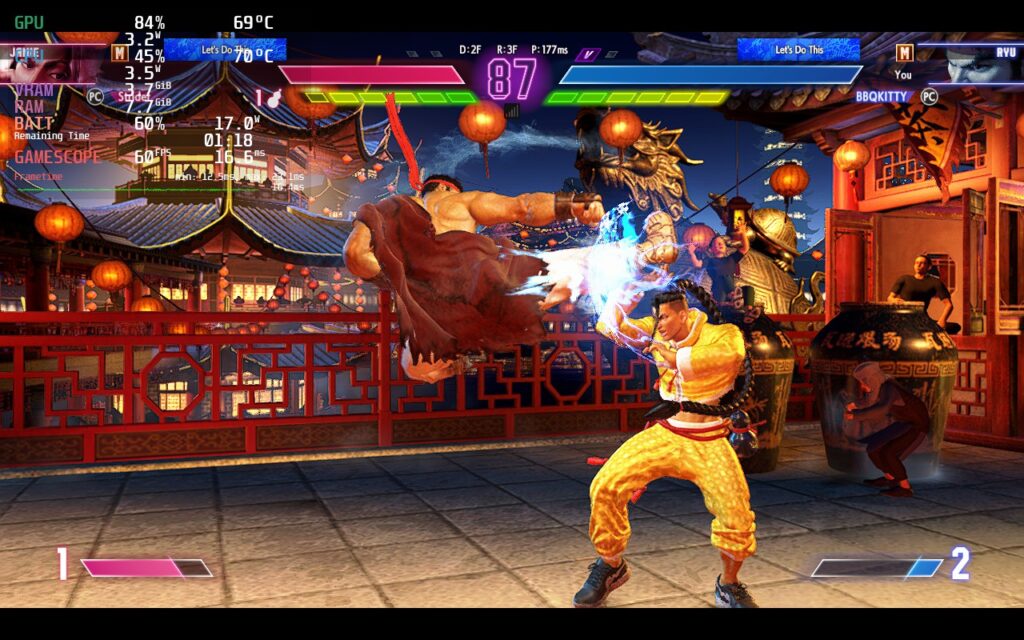
I also made the decision to keep Anti-Aliasing on. Usually, I would turn this off to help with stability, but with Street Fighter 6, I felt the visual quality was better with it on. I generally like sharper images, but with how much hair can stand out in the game, I felt it became way too sharp. In the end, turning off AA didn't help much, but keeping it on made the game look significantly nicer. Just take a look at Blanka below to see the major differences:
Then we have a battery build. Unsurprisingly, the lowest quality preset was really the best here. I was able to use it and turn internal resolution back up to 5 and I was able to keep a TDP limit of 9, making sure battery drain didn't go over 17W in Battle Hub (and 14W - 15W in Fighting Grounds). This may seem like a lot, and for a general battery build it is, but this is a brand new game that is running at 60 FPS. Optimized or not, I would consider this a HUGE win. And with keeping internal resolution at highest, the game still looks really clear.
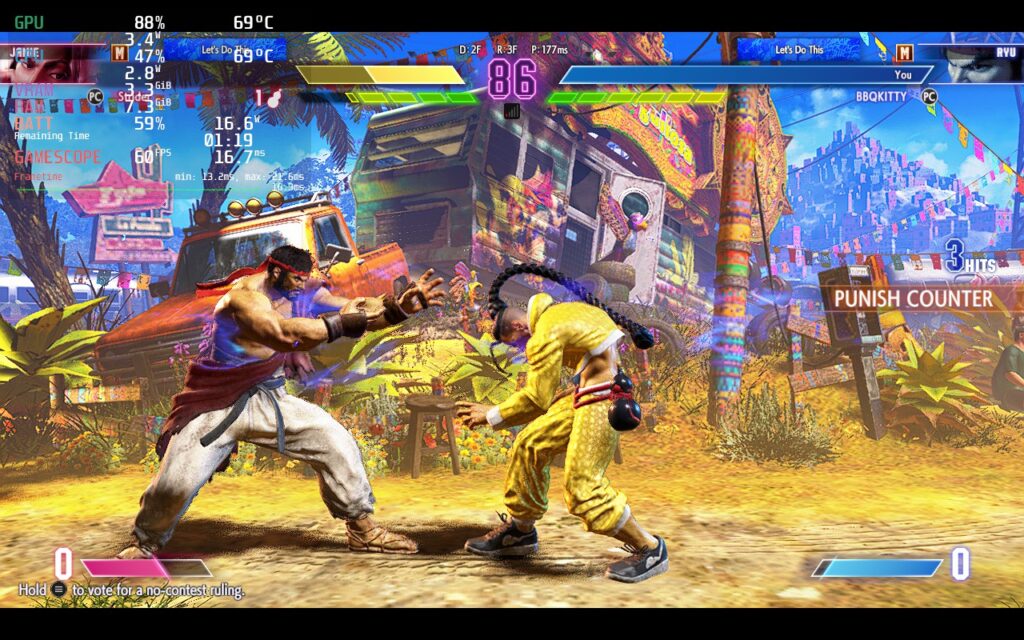
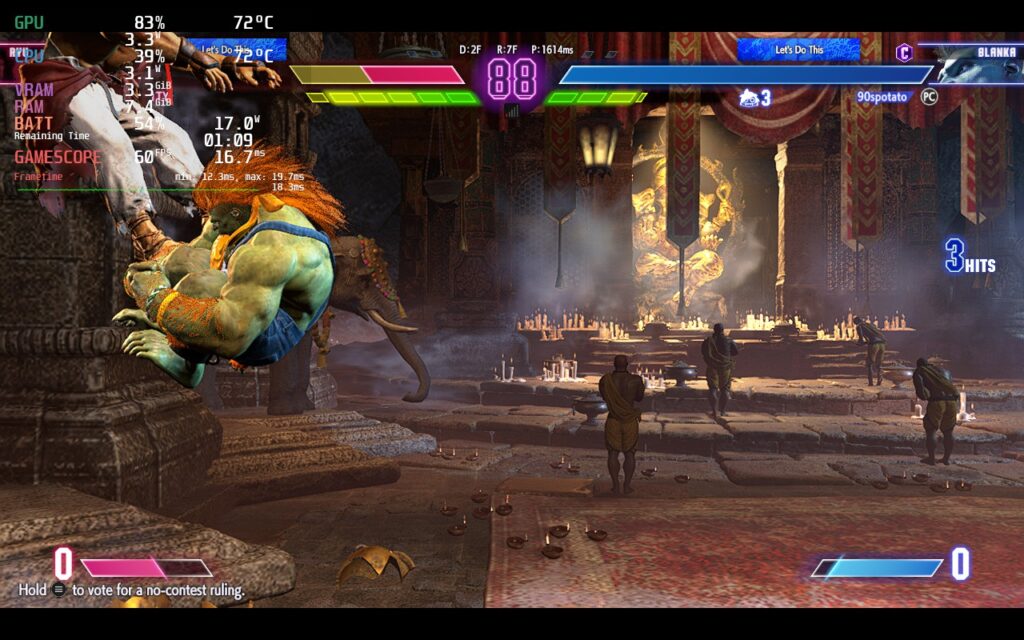
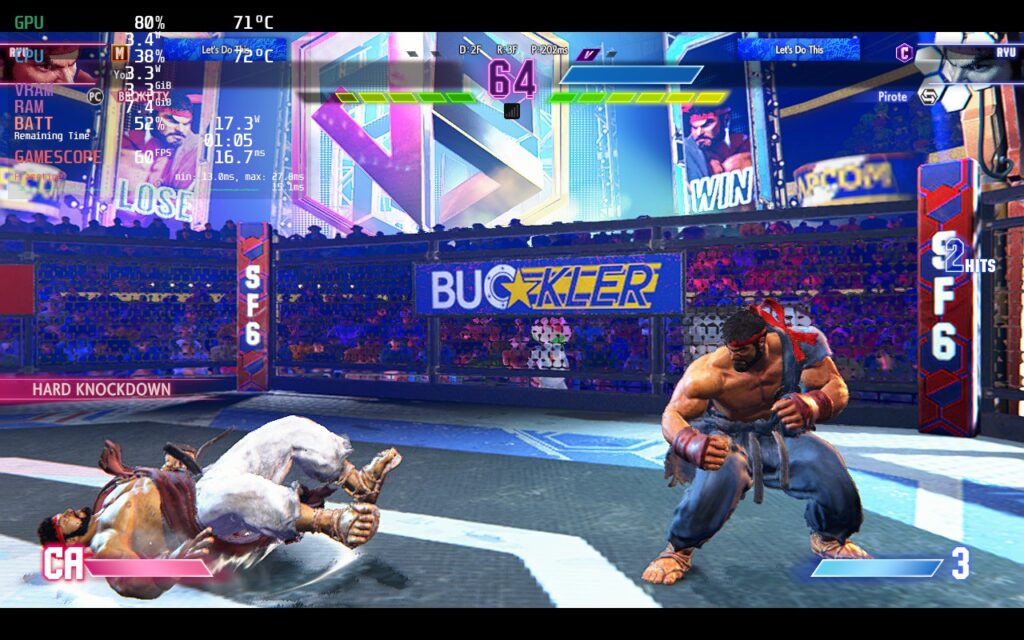
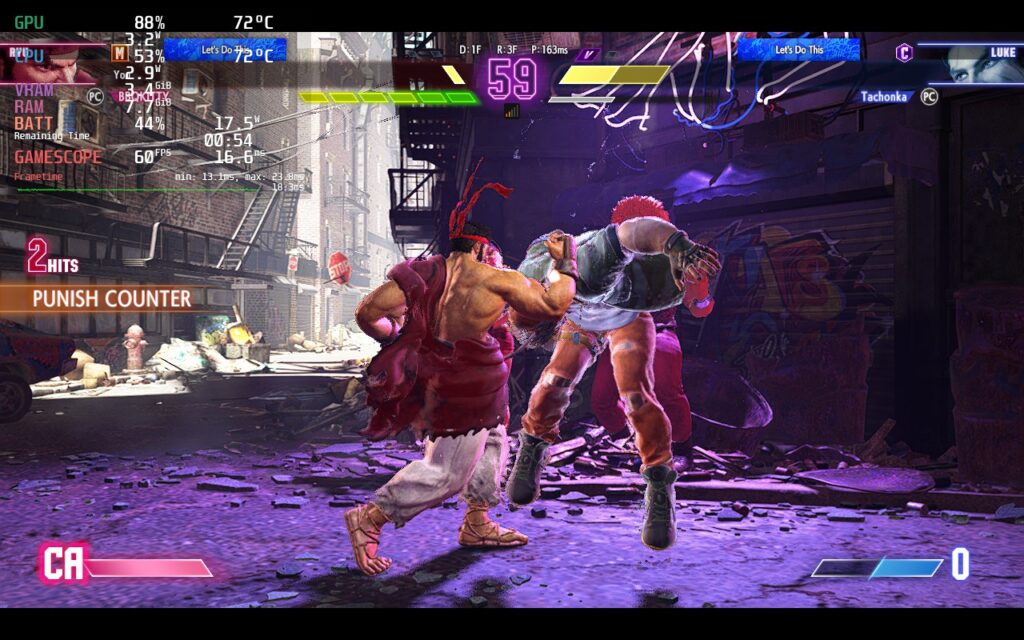
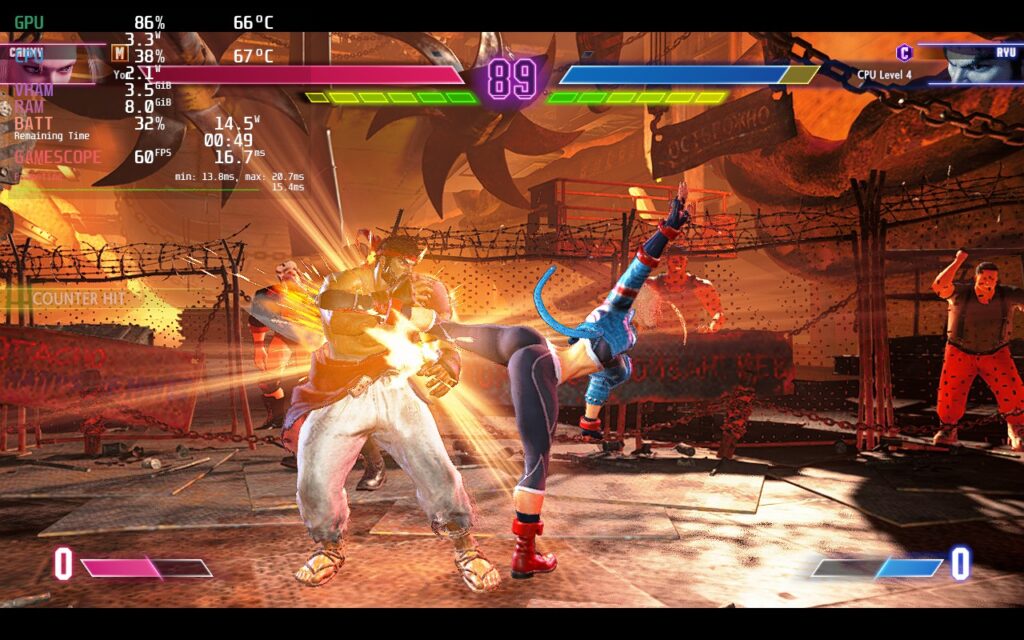
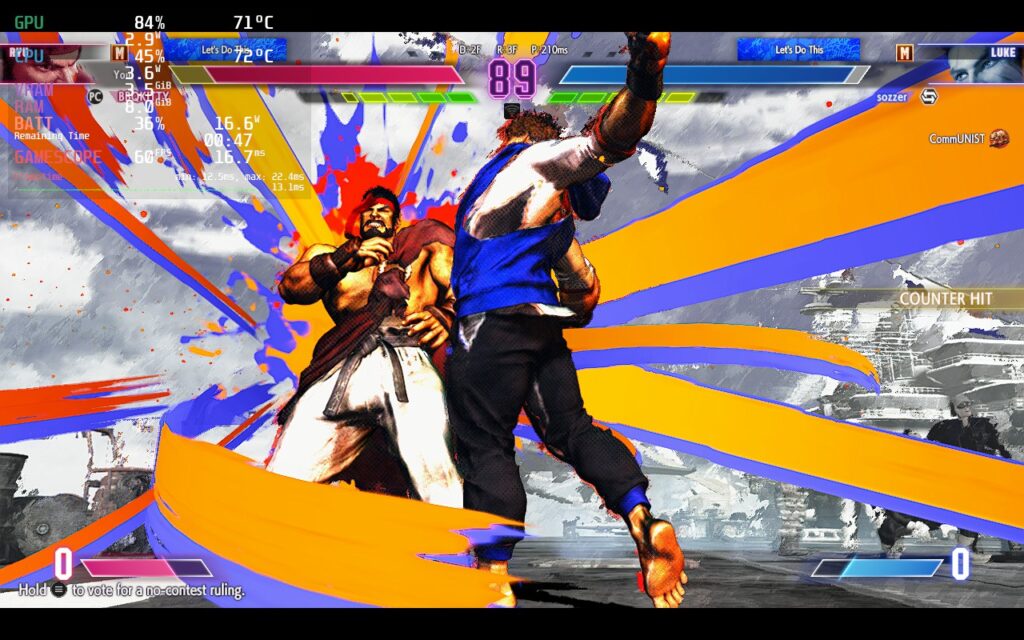
Between these two, the battery build will be my recommended. The extra power saved to make sure the game is a solid 60 FPS is a necessity when playing this game. It is possible the shader cache could help a bit, but we will have to see when it is out! Until then, the game is still very playable outside of World Tour.
Street Fighter 6 doesn't support 16:10 resolutions, so you will have the black bars, but it does have full controller support and cloud saves!
Street Fighter 6 is arguably the best fighting game that is out right now. The variety of game modes, refined combat, and gorgeous visuals are fantastic and really keep the experience one step above its competitors. The World Tour mode is a great way to enjoy a single-player experience in a fighting game while the multiple online and offline modes keep the fun going past that. Unfortunately, experiencing World Tour mode on the Steam Deck isn't the best and needs the 30 FPS limit, but every other mode works incredibly and it shocks me how well the game can run. Even without World Tour, this is a fantastic way to play and I can't wait to train for the next fight wherever I am.
このレビューはPC版に基づいています。
このレビューをお楽しみいただけたなら、SteamDeckHQ の他のコンテンツもぜひご覧ください!私たちはあなたのゲーム体験に役立つこと間違いなしの様々なゲームレビューやニュースを取り揃えています。ニュース、ヒントやチュートリアル、ゲーム設定やレビューをお探しの方も、最新のトレンドを知りたい方も、ぜひご利用ください。
Of all the anime that has ever come out, JoJo's Bizzare Adventure has got to be the craziest I have ever seen. It was all over the place, made almost no sense, and yet, was such a good time. It was only a matter of time before a fighting game was made and, in 2013, JoJo's Bizarre Adventure: All-Star Battle was released on consoles. Now, 9 years later, we are finally able to play it on PC/Steam Deck. Geared with 50+ characters, re-recorded audio, adding in hit-stops and air dashes, and more, this is the definitive edition of the game.
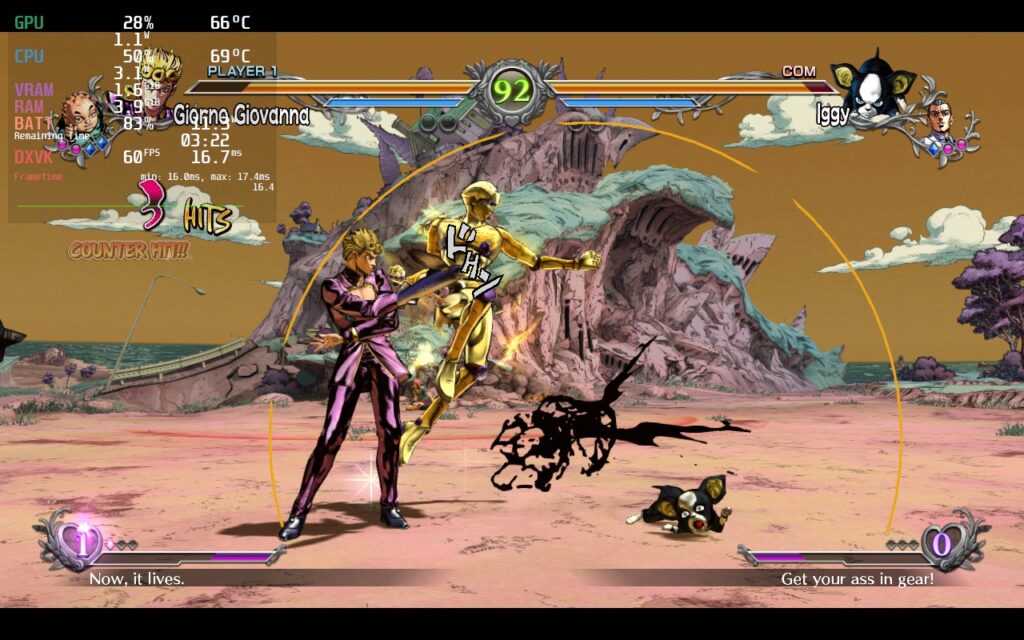
The game itself plays out like most fighting games, using X, Y, and B buttons to attack while A allows you to dodge to the left and right. You can run forward, hop back, and use ultimate moves with the Left or Right bumper when your bar is full. The game feels tight and plays well, but to me, the game modes really take the cake. JoJo sports an All-Star mode, which has special battles catered to the story from the 8 parts, an Arcade mode, that has the regular sequential and endless battles, and an Online mode, with ranked and un-ranked battles. They also have a mission mode in the online where if you complete the 5 missions for the week, you get a color change for a character!
JoJo is packed with a lot of content and if you are wondering how it plays on the Steam Deck...well...you are in luck!
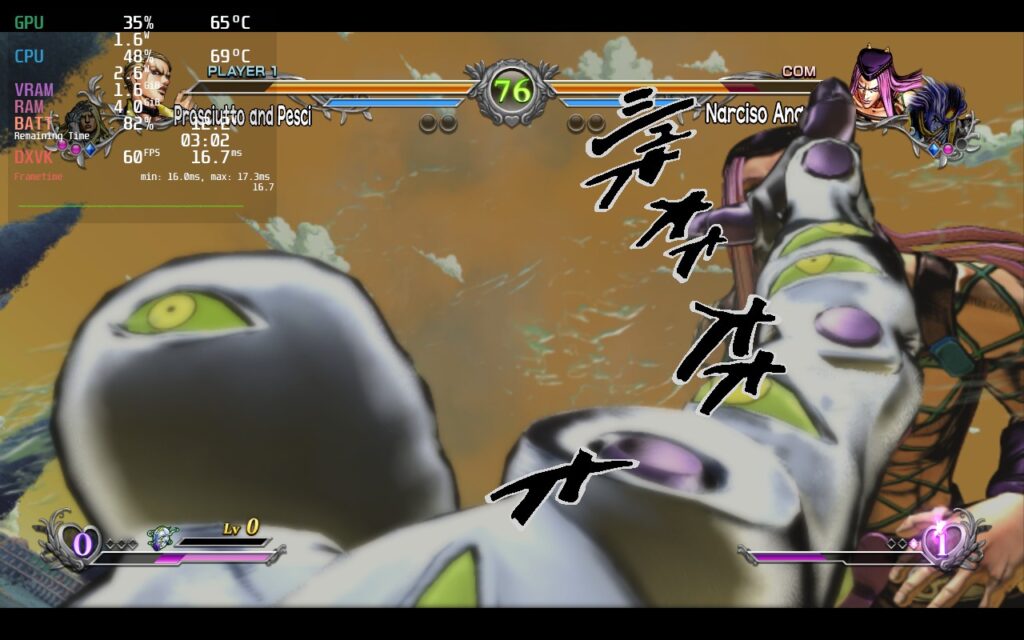
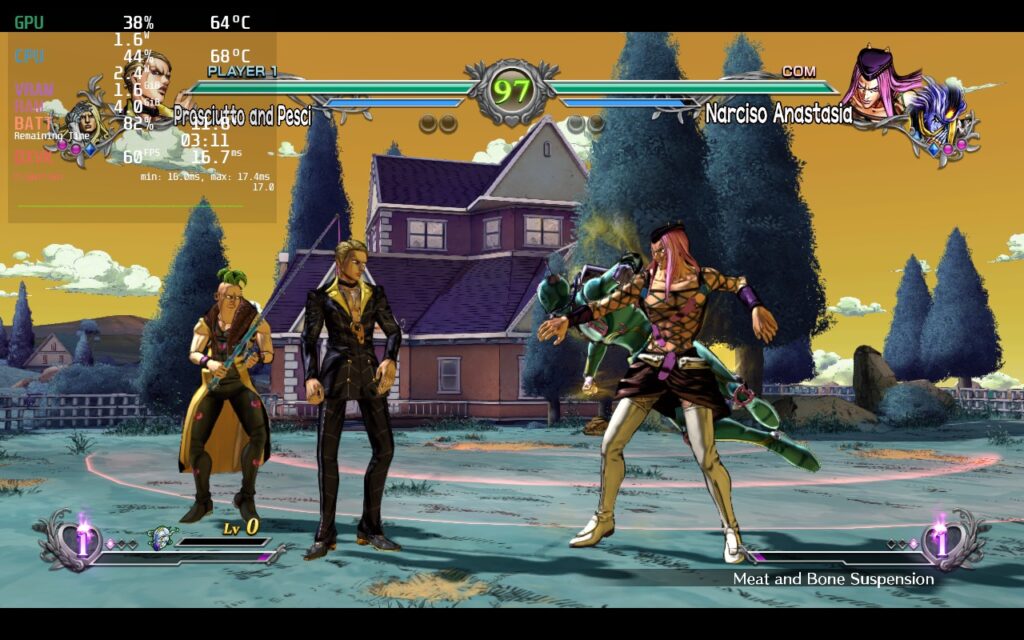
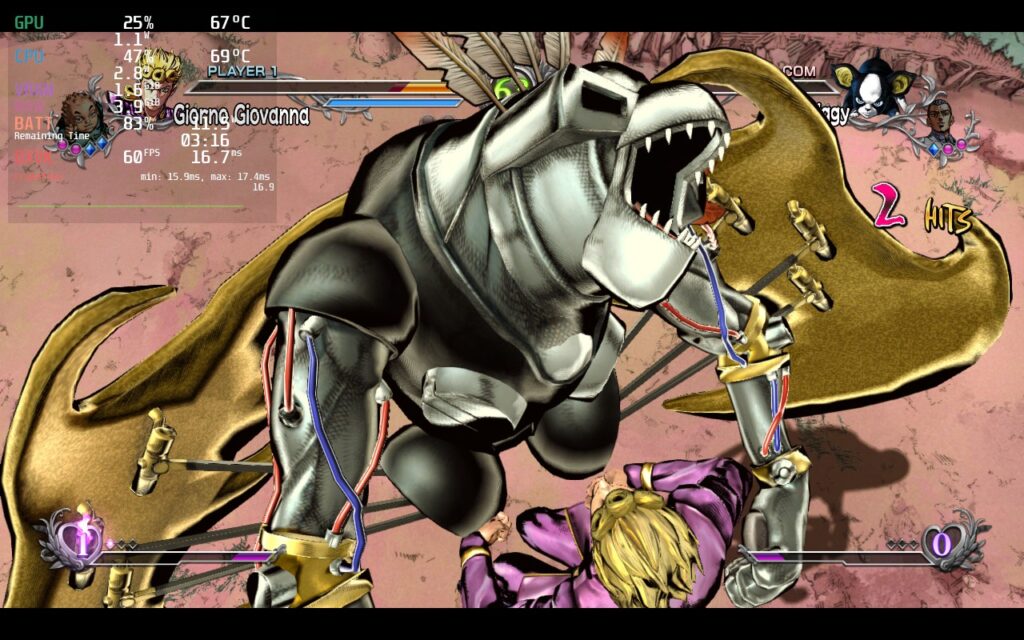
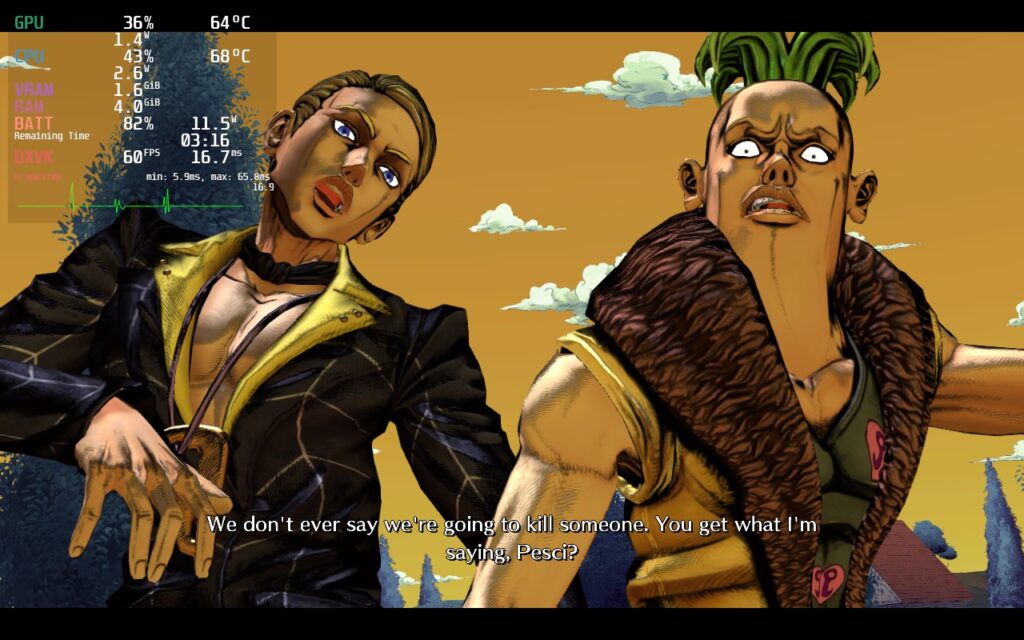
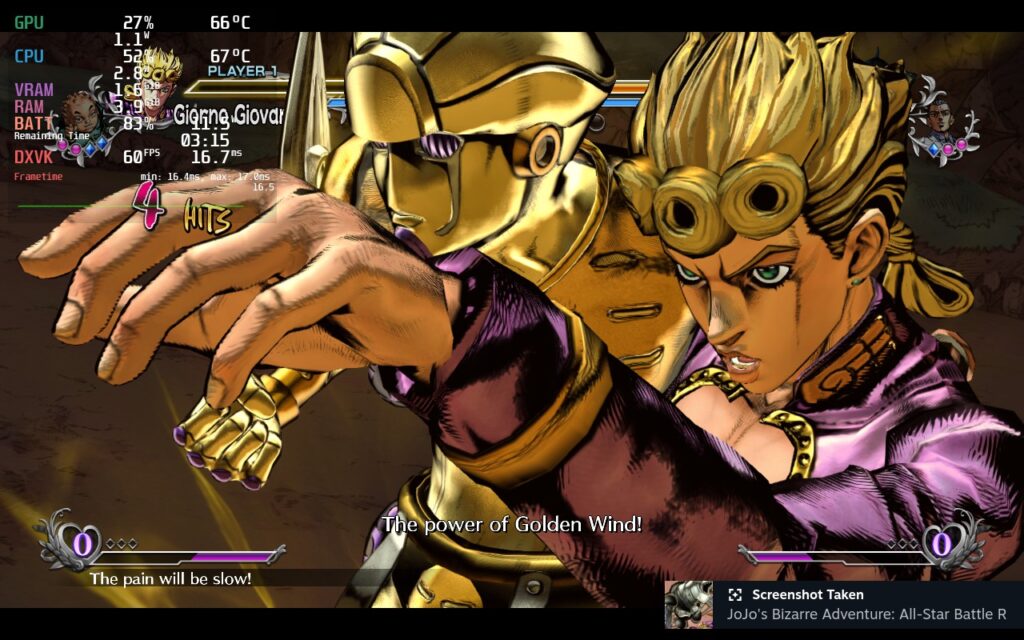
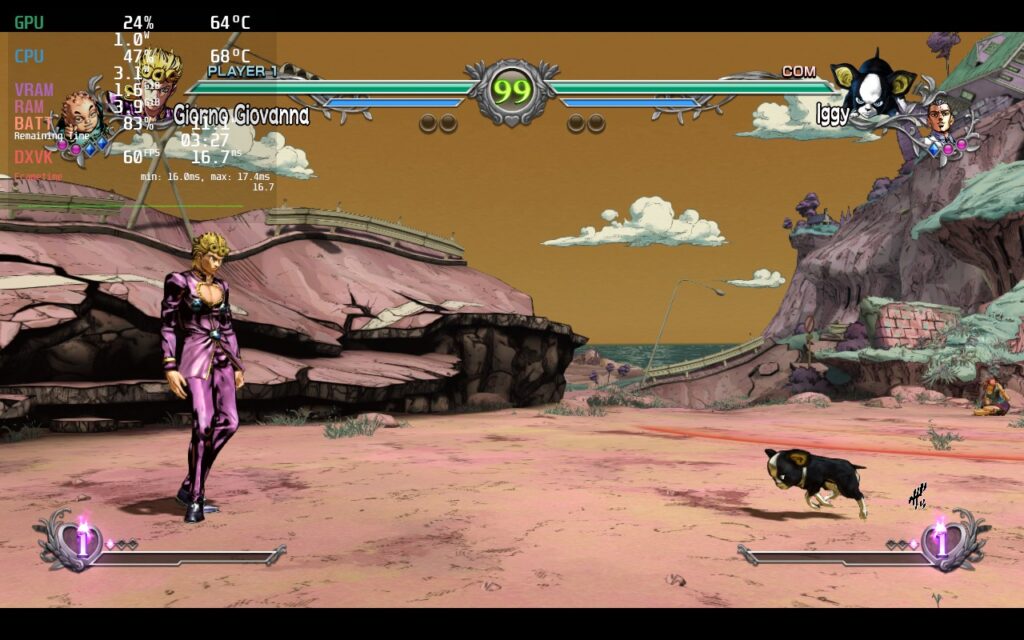
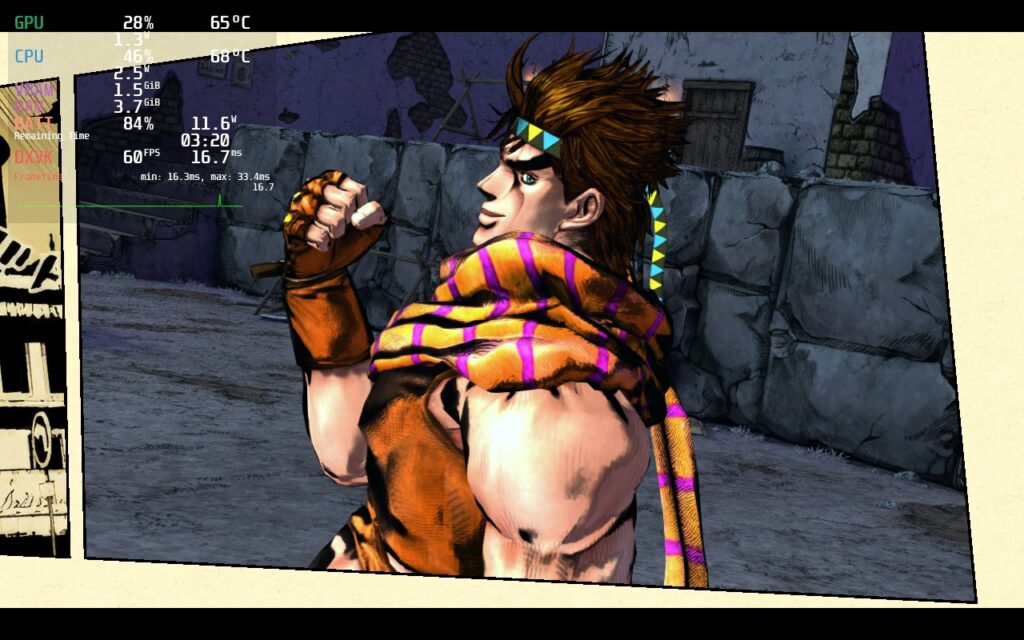
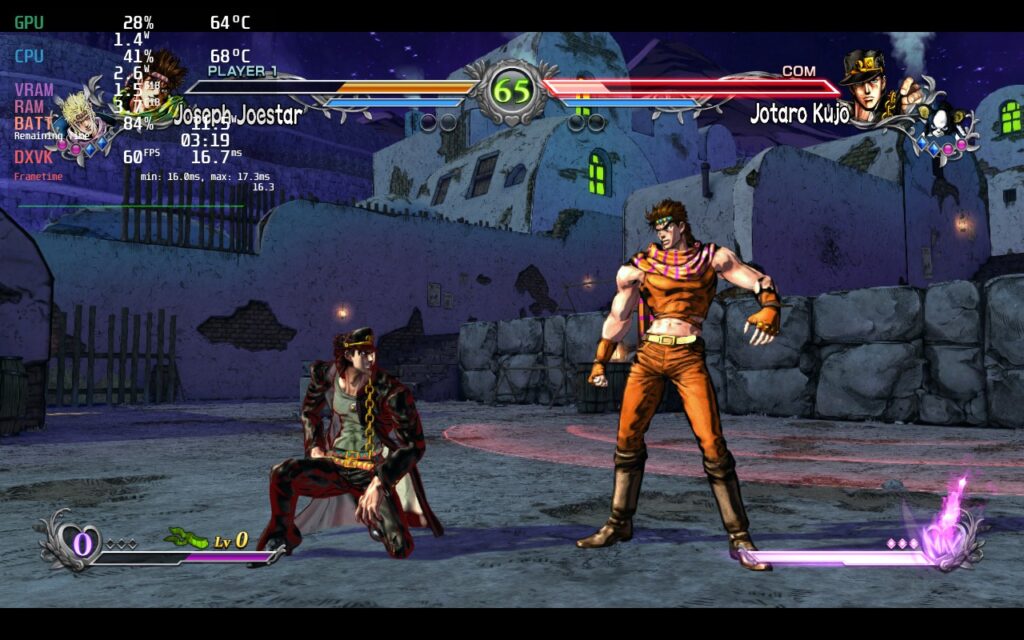
Without any changes, JoJo's Bizzare Adventure was able to hit 60 FPS and stay there flawlessly. The game looks amazing and has no issues running, but the game drains around 22W by itself.
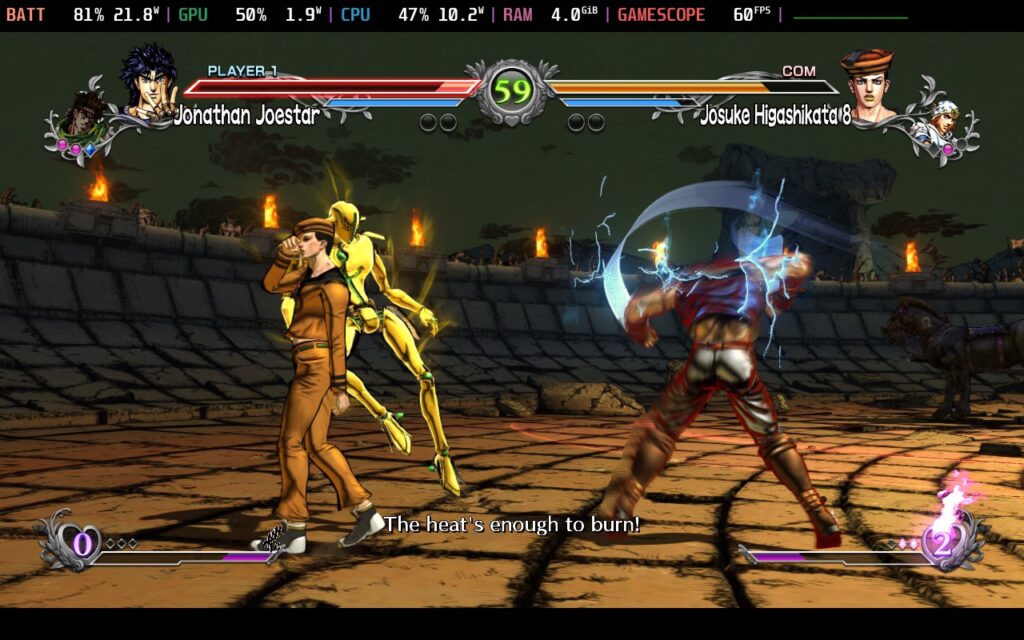
Thankfully, by setting a TDP limit of 6, this can drop drain all the way down to around 10W - 12W and keep that stable 60.
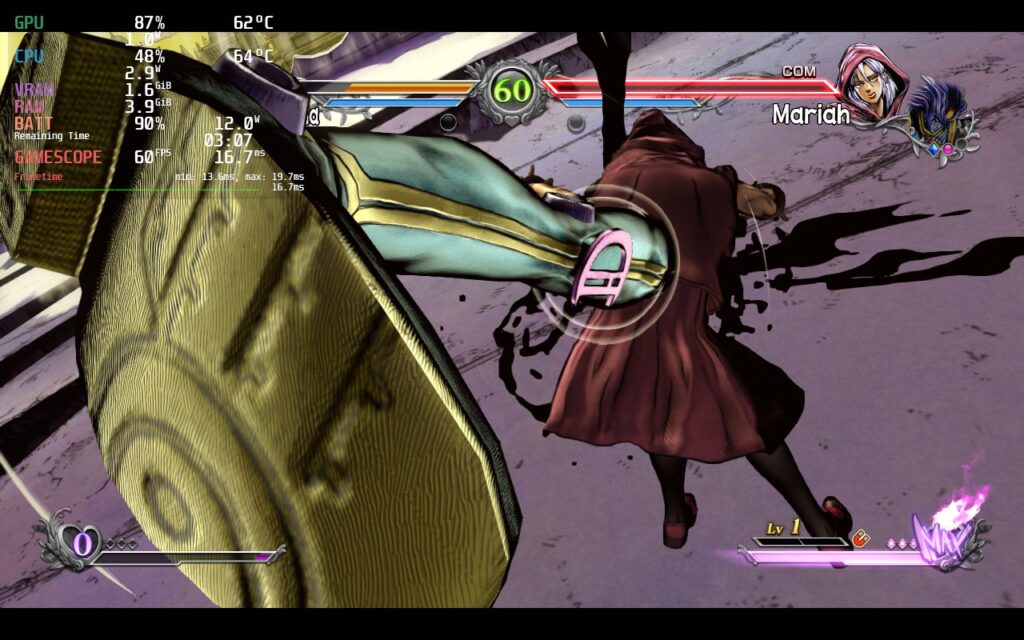
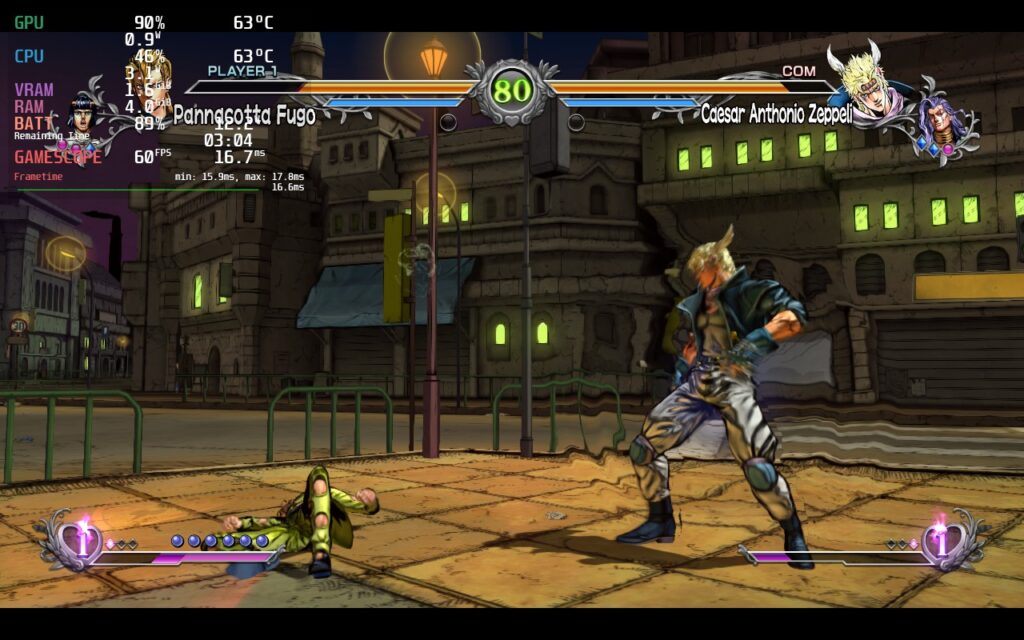
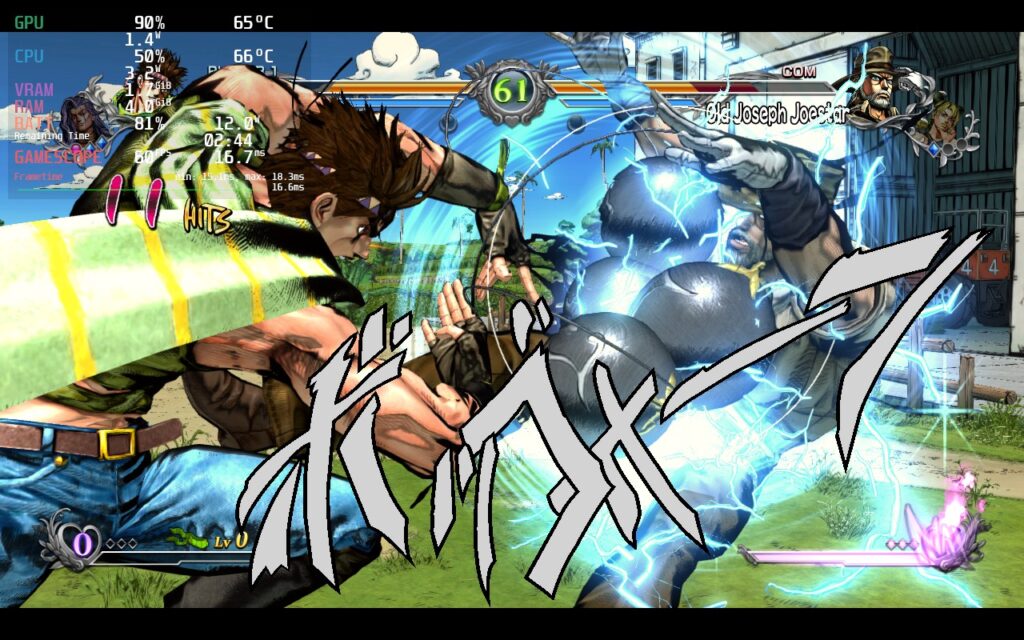
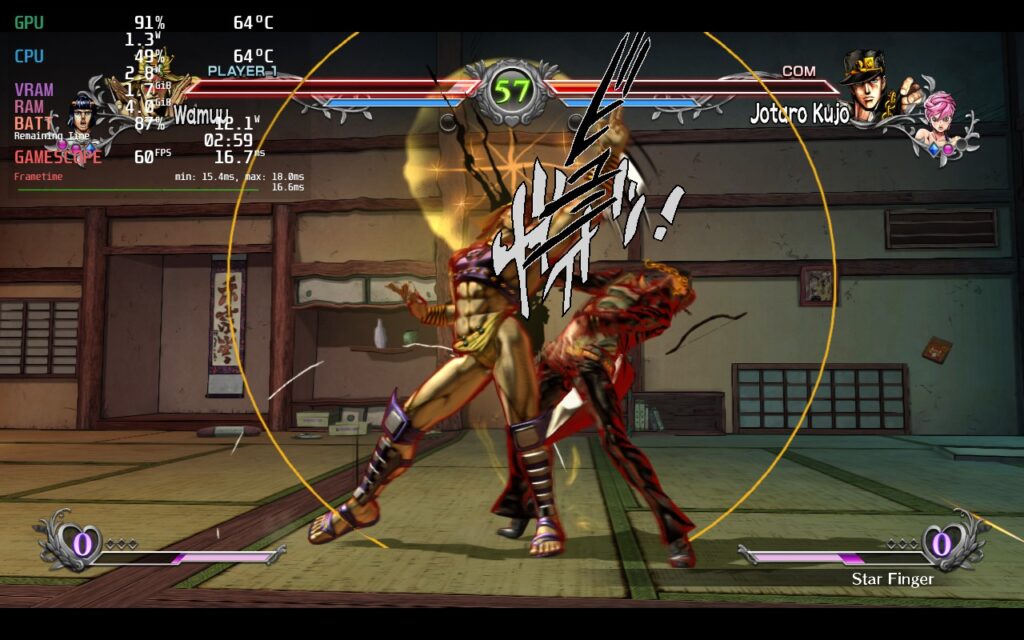
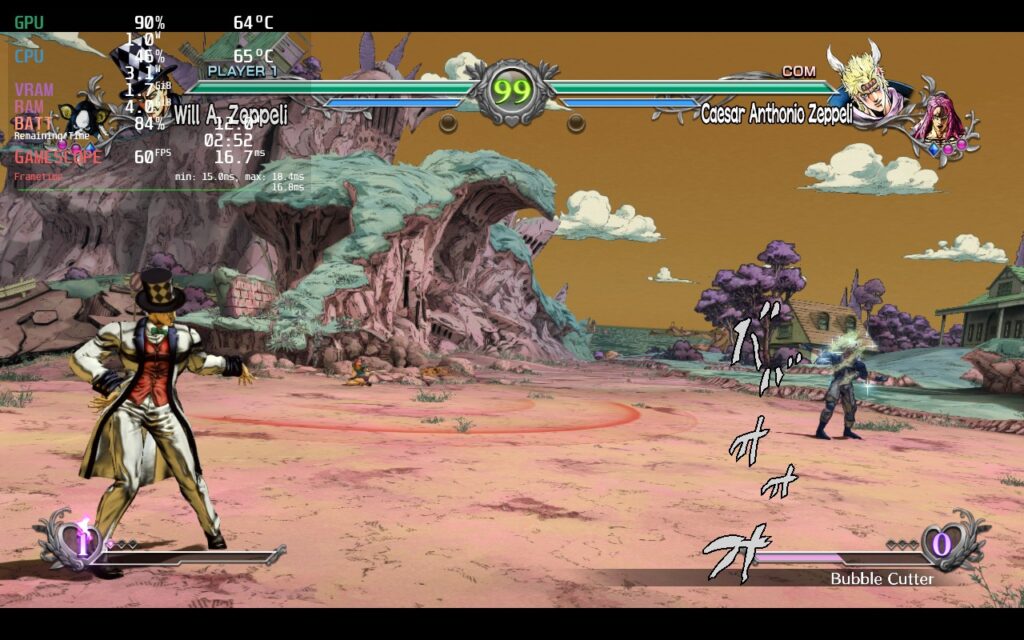
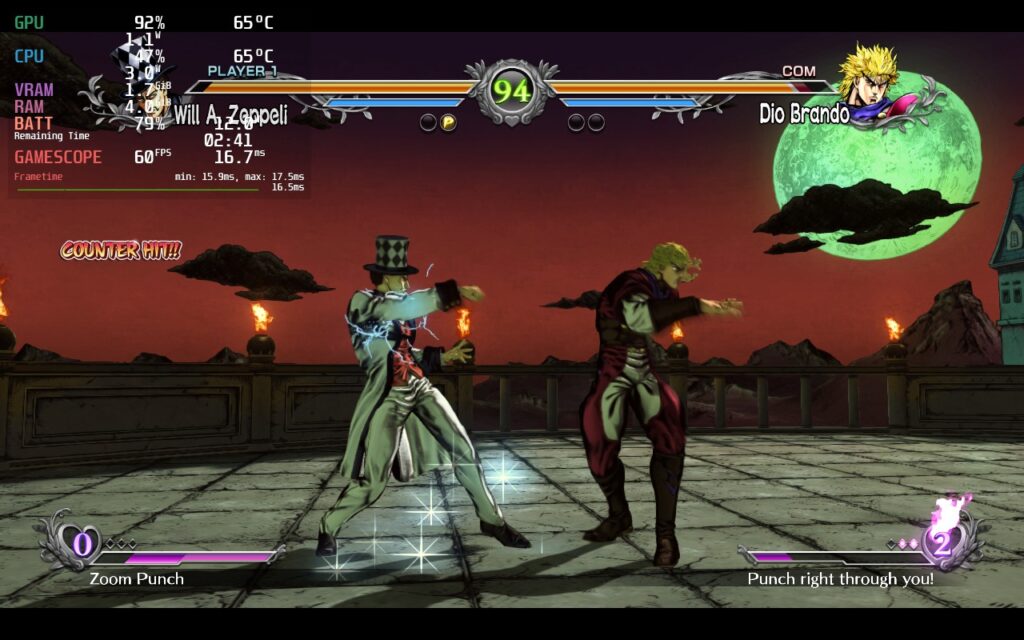
I was able to actually keep a TDP limit of 5 for most stages, but there were a couple few, like Battle Tendency from Part 2, that hit a little bit harder at times. I have not encountered any issues from the other game modes, no controller weirdness, and no visual hiccups during my playthrough.
I don't think much more really needs to be said, JoJo's Bizarre Adventure: All-Star Battle R just works. The game itself is really fun, with a variety of modes and online campaigns to keep you interested, and a large cast of characters throughout all the parts of the manga/anime. With all of that, and how well it runs on the Steam Deck with no compromises needed, this is a Best on Deck game and a go-to fighting game for some quick fun!
このレビューはPC版に基づいています。
このレビューをお楽しみいただけたなら、SteamDeckHQ の他のコンテンツもぜひご覧ください!私たちはあなたのゲーム体験に役立つこと間違いなしの様々なゲームレビューやニュースを取り揃えています。ニュース、ヒントやチュートリアル、ゲーム設定やレビューをお探しの方も、最新のトレンドを知りたい方も、ぜひご利用ください!
Local multiplayer games have been a staple of gaming for as long as I can remember and one of the greatest to ever exist, Super Smash Bros. Ever since that release, the 2.5D platformer fighting genre has tried to catch up to the high bar that was set by Nintendo. Not many have done it, lots have tried, but there is one in particular that not only does it well, but feels perfect on the Steam Deck.
Rivals of Aether is that game. Developed by Dan Fornace, this take on the genre focuses more on the mechanics and fine-tunes them to a tee. With the exclusion of items, the game forces you to learn the moves, tactics, and study your opponents to hit them out of the ring. The game features a ton of different modes, as well as local and online play, but the best part is easily the Steam Workshop integration. With that, you can download new custom stages and characters to play the way you want! Want to play as Cuphead and take on Sans from Undertale on the N64 Dream Land stage from the original Super Smash Bros? GO FOR IT! The game is incredible, but it is rated Unsupported on Steam. I am here to say...DO NOT LISTEN TO THAT RATING!
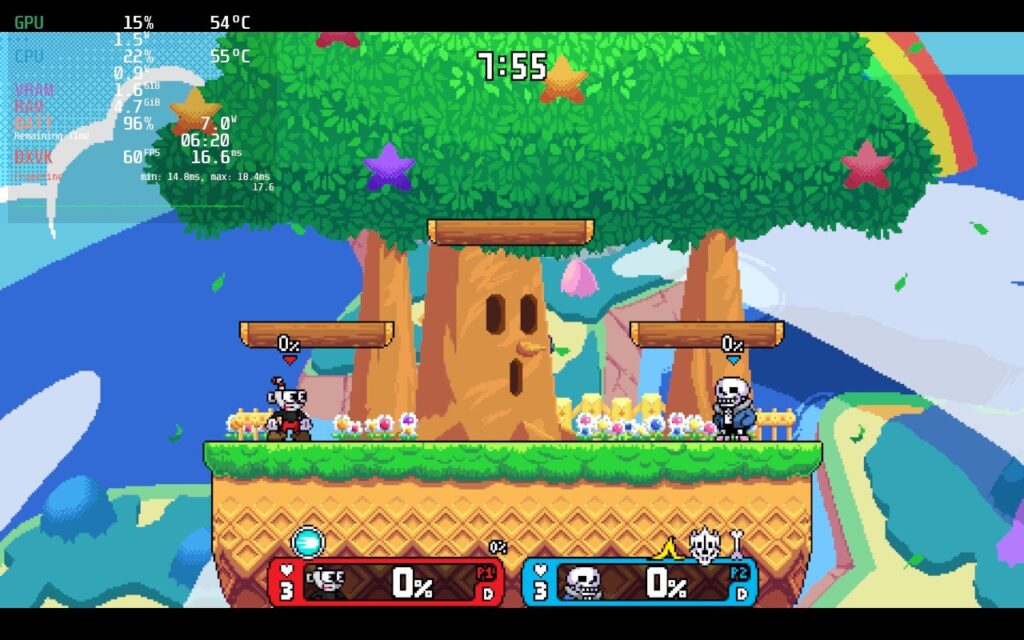
Yes, that is Cuphead vs Sans. This is Rivals of Aether.
Due to this game's pixelated graphical style, this game is not intensive in any way whatsoever. Because of that, Rivals of Aether is the perfect game for the Steam Deck. With a max battery drain of 7W, you will be getting around 6.5 - 7 hours of gameplay while temps stay underneath 55c at the highest quality settings and a stable 60 FPS. Though, for the maximum enjoyment, there are a couple settings I would change for a game as precise as this.
Make sure that your refresh rate is set to 60, FPS cap is "OFF", and the in-game Vsync is turned on. This will minimize any input lag issues you may encounter from the triple buffering of Wayland's cap. I also capped the TDP at 4, though this definitely isn't necessary. In the game's settings, you can make sure FX quality is set to high and the rest is up to you! The game's setting is at 1280x720 natively and forcing resolution through Steam doesn't fix it, but this didn't bother me in the slightest.
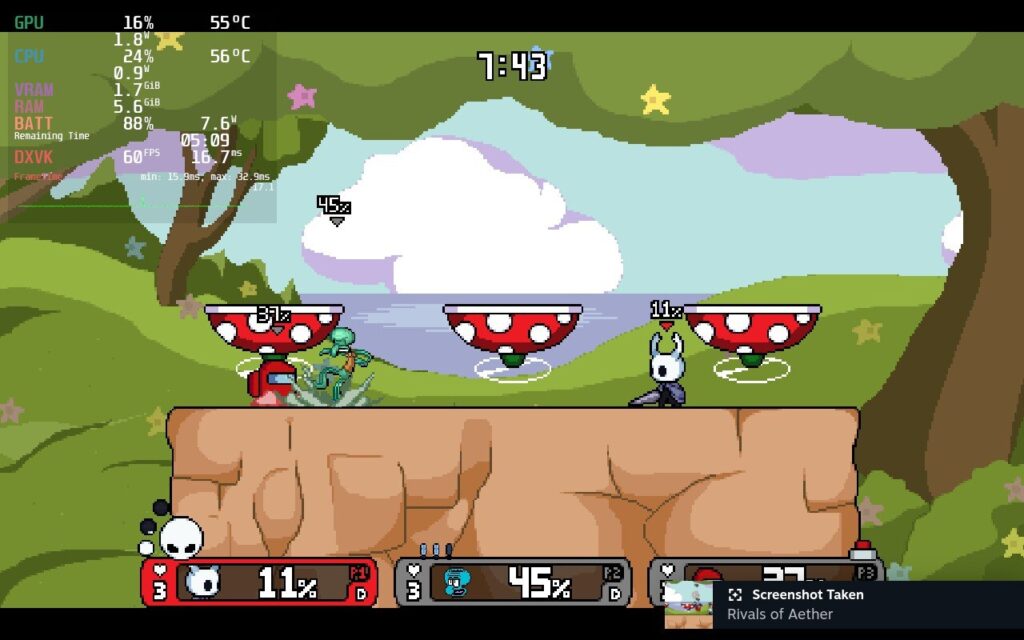
And yes. You are seeing Hollow Knight vs Squidward vs Among Us. This is also Rivals of Aether.
Oddly, when I first tested Abyss mode, I got performance issues. The main menu would shoot down to 51-55 FPS and the FPS in that mode hovered around 58-59. I didn't feel any impact in the gameplay and was able to make it to wave 11 before I got my ass kicked. I did restart Rivals of Aether and when I went back to Abyss mode, everything was working fine. I have no idea what changed, but it could just mean a quick restart of the game can fix it. Regardless, it did happen to me, so wanted to share that just incase.
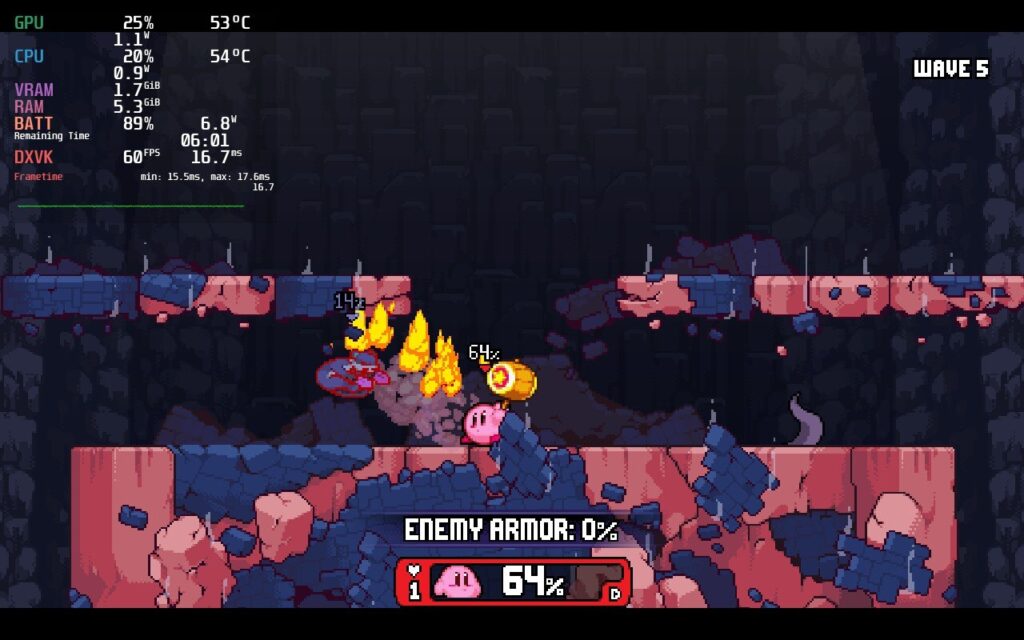
After rebooting the game, Abyss mode worked perfectly fine. Not sure what happened before.
Rivals of Aether is a damn good game and a great replacement to Super Smash Bros for the Steam Deck. With its focus on mechanics and Steam Workshop integration, the fun you can have is near limitless. And with how easy it is to run, getting a 6.5 - 7 hour battery life is near guaranteed. For some reason, this game has an "Unsupported" rating on Steam, but it works perfectly out of the box. Don't skimp out on this game if you enjoy Super Smash Bros, Multiversus, or any other platformer fighters like this!
このレビューはPC版に基づいています。
このレビューをお楽しみいただけたなら、SteamDeckHQ の他のコンテンツもぜひご覧ください!私たちはあなたのゲーム体験に役立つこと間違いなしの様々なゲームレビューやニュースを取り揃えています。ニュース、ヒントやチュートリアル、ゲーム設定やレビューをお探しの方も、最新のトレンドを知りたい方も、ぜひご利用ください!



