Plants vs. Zombies:Replanted はエレクトロニック・アーツよりレビュー用に提供されたものです。ありがとうございました!
クラシックなカジュアル戦略ゲームが帰ってきた。Plants vs. Zombies:Replanted』では、コントローラーのサポート、最新のビジュアル、そして嬉しいサプライズなど、オリジナルのゲームを現代の水準に引き上げている。この名作は時の試練に耐えたのだろうか?それを確かめよう。
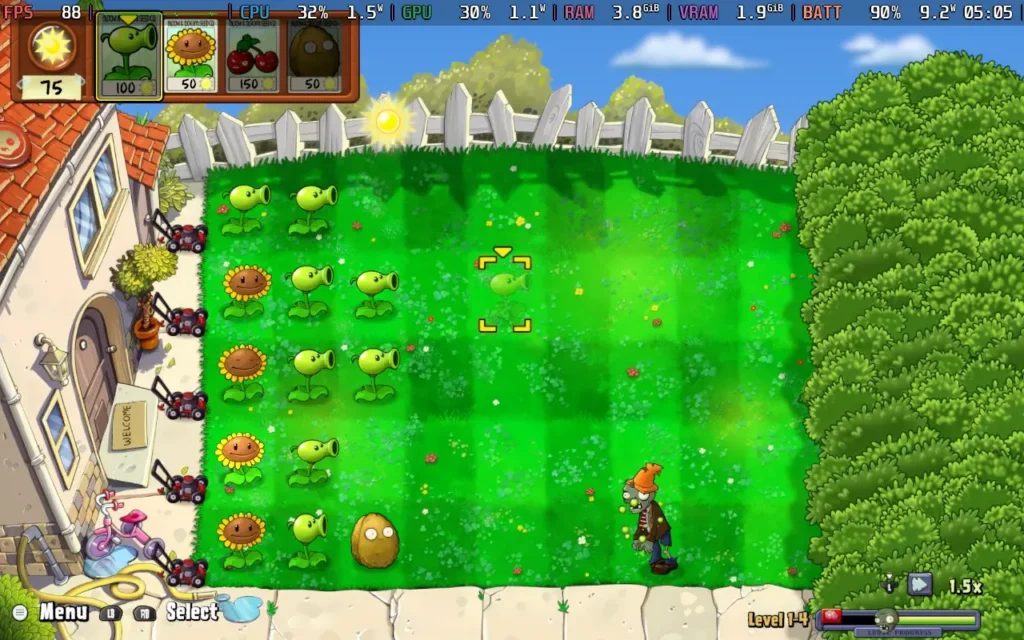
コアとなるゲームプレイに関しては、Plants vs. Zombies:Replanted』はオリジナルの方式を踏襲している。ゲームは相変わらず「レーン防衛」ゲームであり、5つのレーンが与えられ、様々な種類の植物の軍隊で防衛し、生成された太陽の光を賢く使ってゾンビを家から遠ざける。同じ戦略がほとんど毎回通用するという弱点はあるが、うまく機能している。
一度うまくいく戦略を見つけたら、それを繰り返して勝ち続けることができる。開発者は「新しい戦略を見つけるのが楽しい」と言っているが、それは残念なことだ。それは大いに結構なことだが、多くのプレイヤーは勝ち続ける戦略に固執し、同じ、あるいはそれ以上の結果を得るために別の戦略を見つけることに時間を浪費することはないだろう。

このゲームでは、他の種類の植物を大量に導入したり、夜間は資源が制限される昼夜制を導入したり、マップを少し調整したりすることで、状況を少し変えようとしているが、実際には、太陽の光を発生させるキノコのパワーが強すぎるため、夜間レベルの方が楽なことが多かった。マップが変わっただけで、最初の数回は戦略を少し調整する必要がある。私はPlants vs. Zombiesをプレイしたことがないにもかかわらず、このゲームの全レベルを一度も負けることなくクリアした。だから、戦略的な挑戦がしたい人には向かないゲームだ。
ゲームに新たに追加されたハードコアモードでは、ゲーム内のすべてのレベルを死なずに倒さなければならない。単に死なずに全レベルをクリアするだけでなく、植物の種類を制限されながらクリアしなければならないので、ゲームは難しくなっている。難点は、ハードコアモードはすでに全レベルを倒していないとアンロックされないので、「New Game+」モードのようなものだということだ。
これはこのゲームに共通するテーマだ。対人戦や協力プレイのマルチプレイヤーモードでさえ、最初の10レベルほどをクリアしないと使えない。なぜレベル1から利用できないのか、さっぱりわからない。友人とプレイするためにこのゲームを買ったのなら、その友人も参加する前に、隣に座ってあなたがゲームの最初の25%を倒すのを見なければならない。キャンペーン」自体も協力プレイではなく、1回限りの対戦ができるだけなので、一緒に進める機会を逃しているように感じる。

誤解しないでほしい。私はPlants vs. Zombiesを楽しんだ:しかし、いくつかの機能強化は、ほとんどのゲームがパッチで導入するようなものだと感じた。基本的には、ビジュアルの鮮明さのアップグレード、New Game+モード、レベルをプレイするにつれて昼夜が変わるモード、コントローラーのサポートなどだ。
Plants vs. Zombiesのファンなら、このゲームは気に入るだろう。しかし、2009年のオリジナル版で中途半端な反応を示した人なら、Replantedがまだファンでなかった人を引き込むほどの出来かどうかは分からない。プラス面では、Plants vs. Zombies:Replanted」はフルプライスのタイトルとは程遠く、20ドルあれば数時間は楽しめるだろう。
Plants vs. Zombies:Replanted』はSteamデッキでとてもよく動く。コントローラーをサポートしており、非常にうまく動作し、ゲーム中は90FPSで簡単に動作する。また、グラフィックの設定を調整する必要もない。ゲームはデフォルトで1280x800で動作するため、ゲームの周囲に黒い縁取りはない。
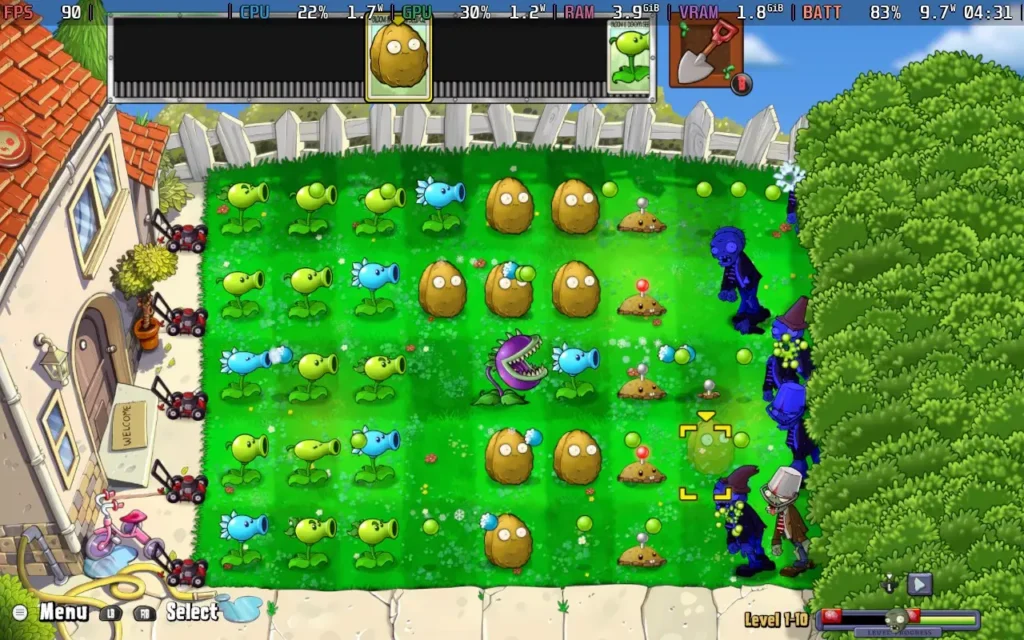


消費電力は9W~11W程度と低く抑えられている。温度は55℃~60℃程度。スチームデッキOLEDで約5時間、スチームデッキLCDで約4時間のバッテリー駆動時間が期待できる。
余談だが、このゲームはリモート・プレイ・トゥギャザーに対応しておらず、Co-op/対人戦モードはローカル専用なので、マルチプレイをするにはSteamデッキをドッキングさせる必要がある。
Plants vs. Zombies:Replanted』にはアクセシビリティがあまりない。カーソルのスピードを調整できる、それだけだ。ゲーム中の会話はすべてテキストベースだ。
Plants vs. Zombies:リプランテッド」は、ゲームに多くのものをもたらすものではないが、ゲームの「決定版」であり、非常にリーズナブルな価格を考えると、すでに「Plants vs. Zombies」ファンでゲームを再プレイしたいのであれば、再び飛び込む価値は間違いなくある。
Plants vs. Zombies:Replanted』はSteamデッキで完璧に動作する。コントローラーをうまくサポートし、1280x800で動作し、90FPSで問題なくプレイできる。間違いなくベスト・オン・デッキ・タイトルだ。
このレビューはPC版に基づいています。
このレビューをお楽しみいただけたなら、SteamDeckHQ の他のコンテンツもぜひご覧ください!あなたのゲーム体験に役立つゲームレビューやニュースを幅広く取り揃えています。ニュース、ヒントやチュートリアル、ゲーム設定やレビューをお探しの方も、最新のトレンドを知りたい方も、ぜひご利用ください。
Mudborne was provided by Future Friends Games for review. Thank you!
Mudborne is an interesting title, and before we begin, it would be good to set expectations as to what exactly Mudborne is. Mudborne is not a "pet" simulator where you grow and care for and raise frogs. It firmly falls under the "Puzzle" genre of games, where the whole aim of breeding frogs is to create the right genetic "key" in order to unlock various pools around the game world that will open up new areas for you to progress the story.
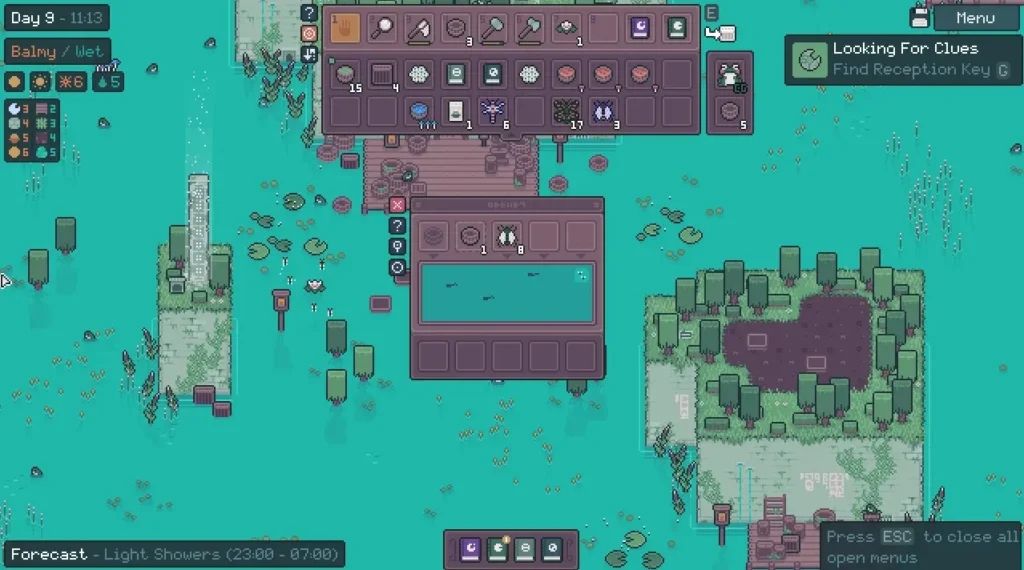
The game starts with you being awakened by a... Frog god? Who then tasks you with restoring the pond (the world map) to its former beauty. What follows is a pretty lengthy tutorial that runs you through basically all the game mechanics at play, such as gathering the resources needed to breed frogs, and then talking you through the process of breeding frogs and modifying their genetic code.
During the breeding process, you're required to add mushrooms to the mix to alter the genetic sequence of your frogs. Each "pool" in the pond has a certain genetic sequence that must be matched, and so it's up to you to figure out what frogs and mushrooms you need to use in combination with each other to get the correct genetic sequence.
It's a pretty interesting game idea, and while the game imposes no time limits on you, I found it somewhat overwhelming. It can become frustrating to figure it out in your head. There is a tool in the game called a "Predictor" that can help out, but I still found the game difficult to wrap my head around. You might be best off writing down notes to figure it all out if you're struggling to do it in your head.
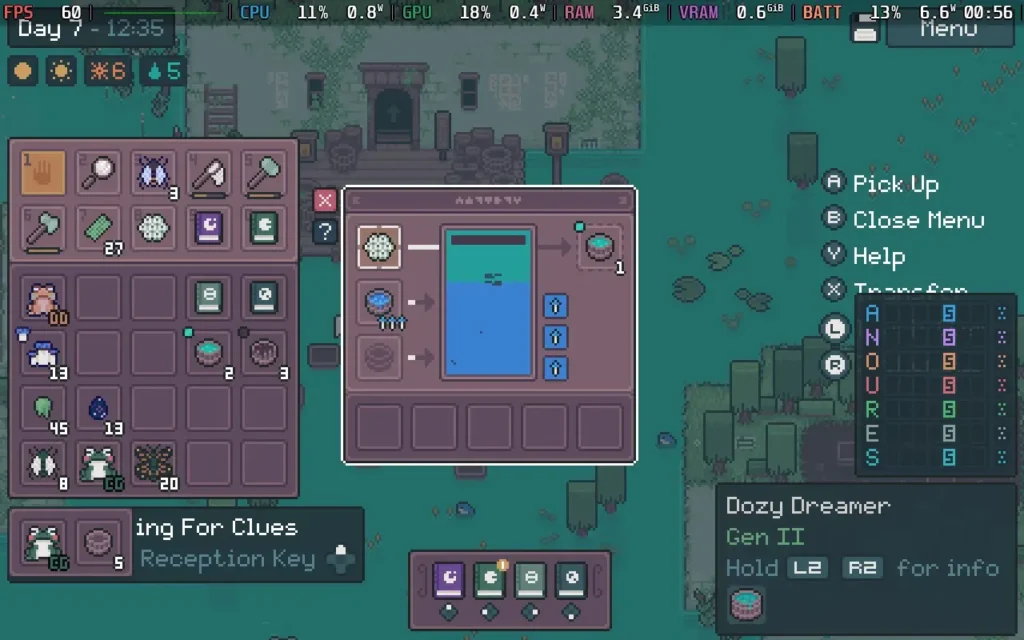
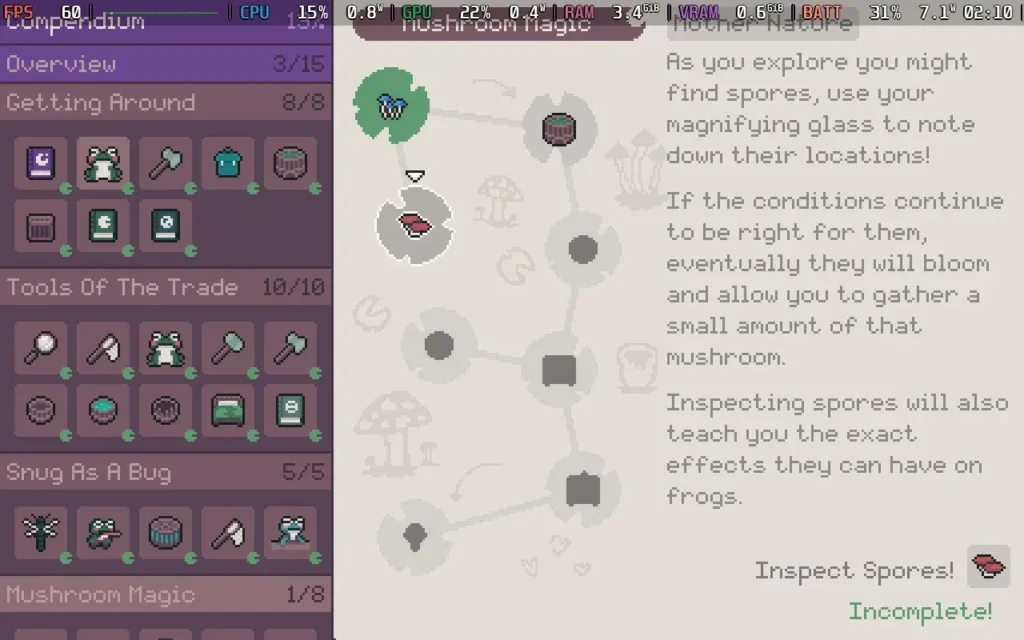
Because of this puzzle element, I didn't find myself very relaxed playing Mudborne. There is no reason to breed frogs other than to crack the key sequences, and getting it wrong is a pretty big headache. That alone made me feel pretty... empty? I thought there would be more to do in Mudborne than simply trying and retrying to get the correct sequence to progress the story, but that's about all there is to it, and there's no respite from it either. The best part of the game is finding new species of frog and discovering new types of mushrooms, but filling up your encyclopedia only goes so far when you realize that half of the frogs don't really seem to serve any purpose or function. It's just puzzle after puzzle.
Once frogs have been bred, if they don't match the sequence you want, you just release them and forget about them. They're a waste of space and offer no benefit. There's no interaction you can have with them other than petting them and they serve no purpose except as scenery, and that's a real shame.
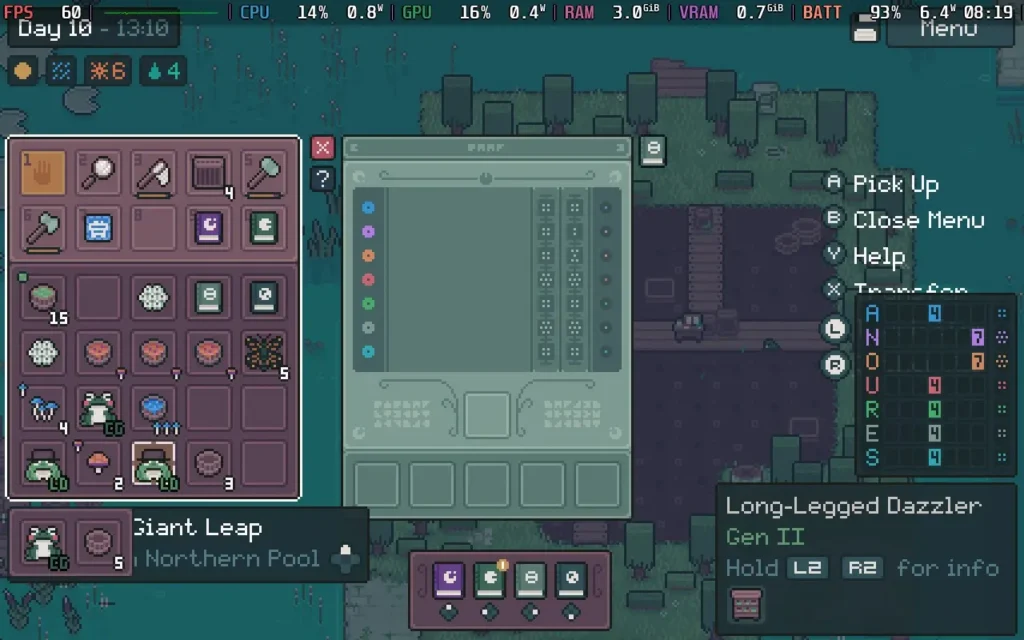
While I feel like Mudborne is intended to be a relaxing game, I didn't find that to be the case for me. My brain quickly got overloaded with figuring out the correct combinations to get the desired results. As the game progresses, it adds more puzzle mechanics such as "Ancestry," to the mix, requiring you to not only have the correct frog but also to make sure its ancestors came from the correct place.
Mudborne's cute pixel-art graphics have a certain charm to them, and the ambient sounds are peaceful, if a little repetitive. The maps may also be a little too big. I felt like I wanted to sprint so I could get between places quicker, but you instead have to walk everywhere. You don't even hop!
As long as you approach Mudborne with the right attitude, you'll probably find it to be an interesting and engaging time. The game bills itself as a "Frog Management Sim," but I would say it's closer to a puzzle game. It's a Frog Breeding Sim, where the purpose is to breed the specific correct frog to progress. There is no "management" here, and the frogs can be discarded as soon as you have progressed and don't need them anymore.
While Mudborne might not be my cup of tea, I can't deny that it runs great on the Steam Deck. The controller support is great, and the game fills the Steam Deck's display with no black borders. There are also no graphical settings to adjust. The game also has large UI elements, meaning there is nothing difficult to read on the Steam Deck.
I recommend running the game with a 60 FPS Frame Limit and applying a 5W TDP Limit in SteamOS. This kept the game pretty stable at 60 FPS the entire time, and as there are no graphical settings to adjust, this is how I would leave it.
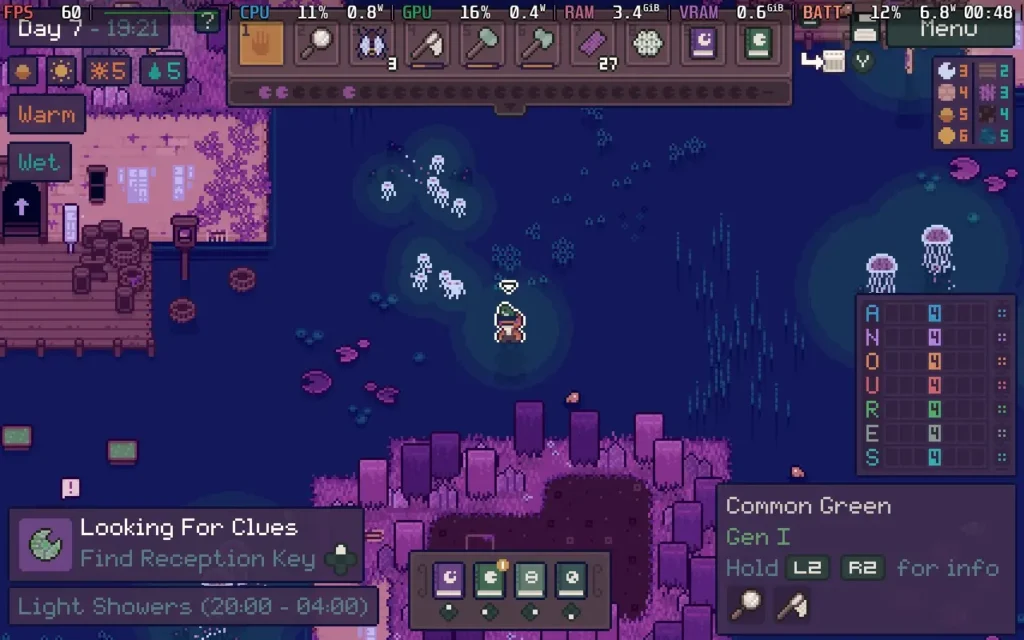
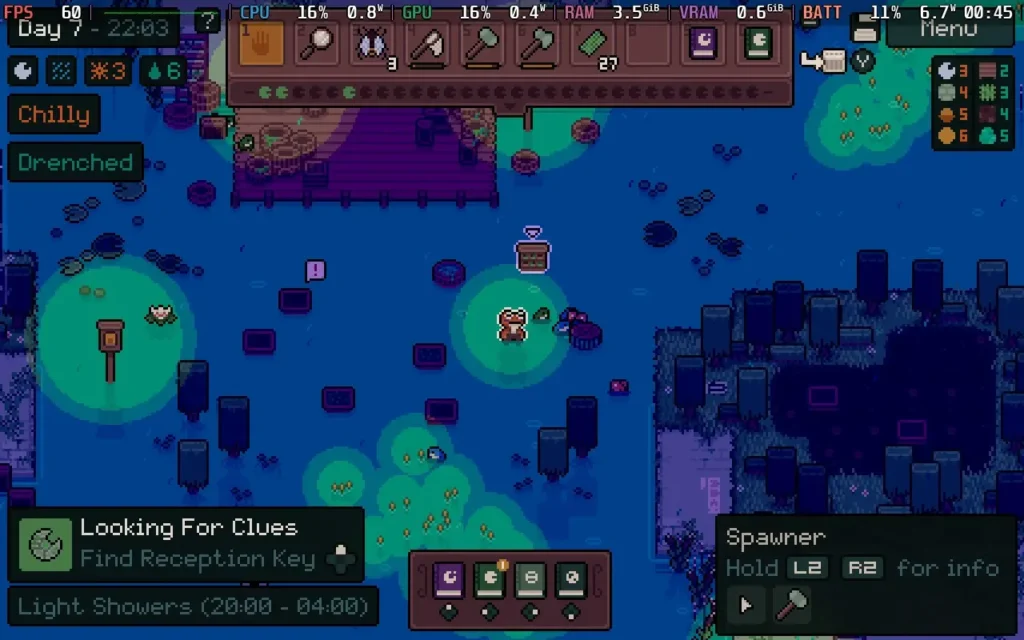
The power draw sticks largely around 7W, and temperatures around 60C or so. Expect about 7-8 hours of battery life on a Steam Deck OLED and around 5 Hours on a Steam Deck LCD.
There are some accessibility options to simplify puzzles, such as showing you the correct mushrooms you'll need to use for that pool, meaning you just need to find the correct frog and amount of mushrooms to use at that point. You can also make the game highlight certain objects more clearly.
Mudborne is a fairly complex puzzle game. If you're after a game that requires plenty of logical thinking and some planning, then you'll probably enjoy your time with this one. But if you're after a relaxing game that lets you settle down on an evening and enjoy some downtime, this probably isn't a game for you.
It does, however, run beautifully on the Steam Deck, requiring no configuration to get working. With a low TDP Limit required for 60 FPS, you can't ask for much more.
このレビューはPC版に基づいています。
このレビューをお楽しみいただけたなら、SteamDeckHQ の他のコンテンツもぜひご覧ください!あなたのゲーム体験に役立つゲームレビューやニュースを幅広く取り揃えています。ニュース、ヒントやチュートリアル、ゲーム設定やレビューをお探しの方も、最新のトレンドを知りたい方も、ぜひご利用ください。
WanderstopはAnnapurna Interactiveよりレビューのために提供されました。ありがとうございました!
ゲームプレイにそこそこ深みがありながら、リラックスできるゲームを探しているなら、Wanderstopはまさにうってつけのゲームかもしれない。このゲームをレビューしたとき、私は風邪をひいていたのだが、ストレスもなく、時間制限もなく、ただ植物を育てたり、お茶を入れたり、くだらないおふざけを楽しんだりと、体調が万全でないときにプレイするのにぴったりのゲームだった。

ご存じないかもしれないが、『Wanderstop』はアルタという名の成功したファイターの物語を描いている。まあ、今はそれほど成功していないのだが。戦闘力を取り戻すため、彼女は伝説のトレーナーを探しに森に入る。しかし、アルタは気絶してしまい、親切な茶店の主人ボロに助けられる。ボロはアルタに、最強の格闘家になるための探求から離れ、茶店の経営を手伝うよう勧める。こうして、アルタの人間としての変化を描いた物語『ワンダ・ストップ』が始まる。
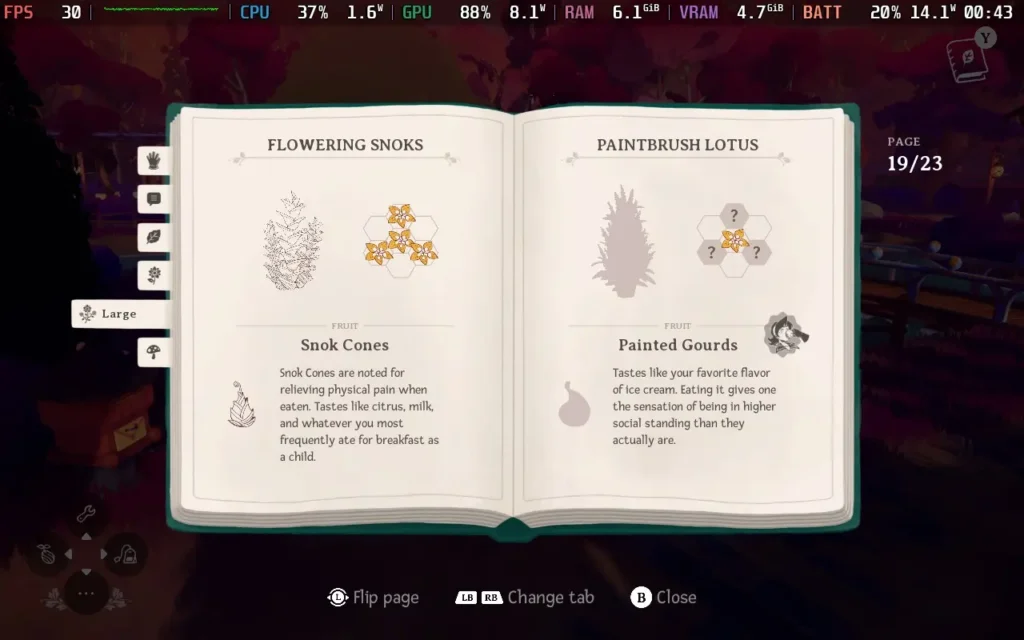
このゲームの基本は "農業シム "であり、紅茶の材料を栽培することだ。しかし、ただ碁盤の目の上で農業をするわけではない。その代わり、欲しい材料を手に入れるためには、特定のパターンで特定の種を育てなければならない。このため、さまざまな組み合わせでどんなものが育つのか、探索するうちに仕組みに深みが出てくる。
材料を育て、収穫したら、いよいよ紅茶を淹れる!紅茶屋には様々なキャラクターが現れ、様々な種類の紅茶を注文してくる。どんな紅茶をリクエストするかはあなた次第。しかし、お茶を入れるのはボタンを押すほど簡単ではない。ルベ・ゴールドバーグのような紅茶製造機を操作し、水を入れ、加熱し、紅茶と特定の紅茶に必要な材料を入れ、最後にカップに注ぐのだ。
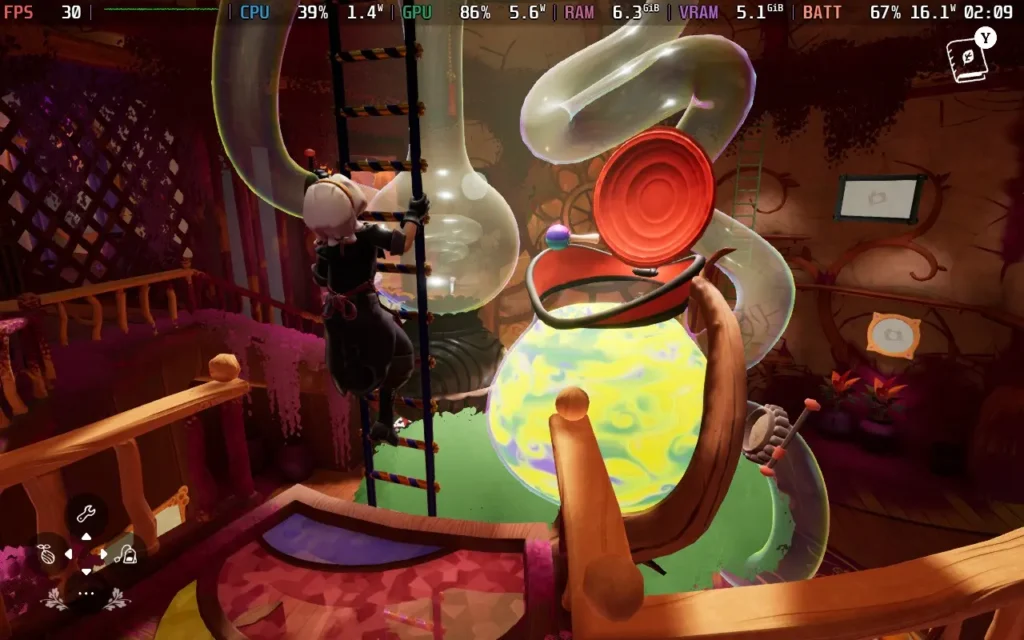
シンプルなプロセスであったかもしれないものに、またひとつ深みが加わった。お客さんからのお茶のリクエストは時間制限がないようで、手が空いたときに自由にリクエストに応えることができる。食材を手に入れるためには正しい順序で作物を植える必要があるし、お茶を作るプロセスには多少の注意が必要だが、プレッシャーやストレスを感じることはない。Wanderstopは、ゲームプレイに十分な奥行きを持たせつつ、プレイヤーに過負荷を与えない絶妙なバランスを保っている。
登場人物たちもよく書けている。彼らは「安っぽい」面もあるが、うんざりするほどではない。また、アルタ(主人公)とボロ(茶店の主人)の関係も、アルタはとても真面目で、ボロは想像以上にのんびりした人物で、とても微笑ましい。
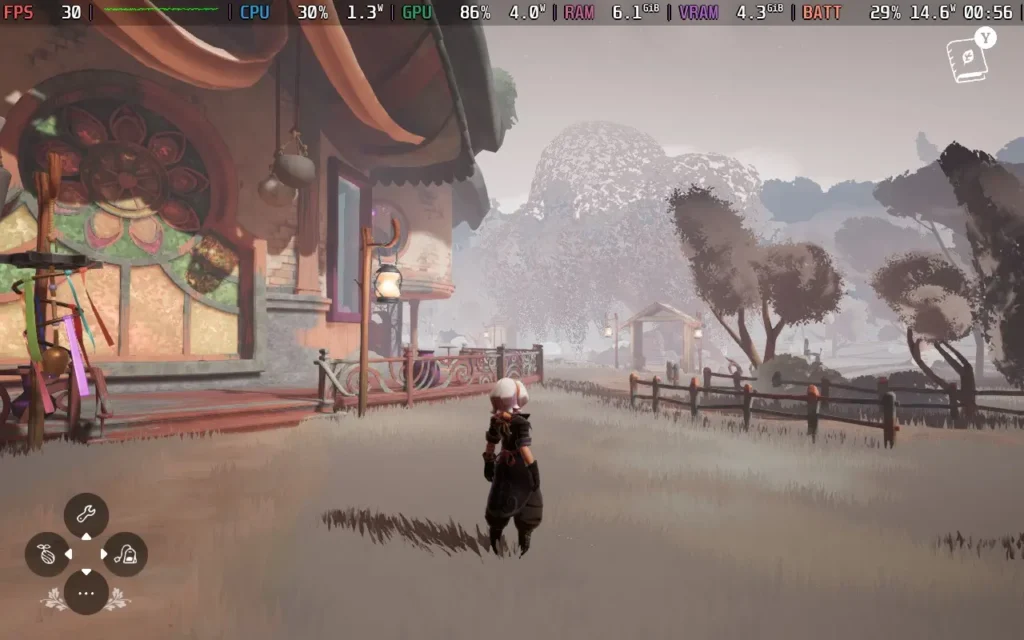
Wanderstopはファンタジーの領域にあるゲームとしてよく表現されている。メカニックの面ではかなり地に足がついているが、世界観のデザインには気まぐれな雰囲気が漂っており、特に出会うことになるキャラクターたちは、おかしな個性を放っている。色鮮やかな木々が生い茂る様式化された世界と、ファンタジーの世界を想像させるアートスタイルが、居心地の良い、それでいてクレイジーなWanderstopティーショップとうまく調和している。
それだけでなく、ストーリーを進め、アルタの旅が続くにつれ、新しい建造物、異なる作物、新しい顧客など、住むことのできるやや狭いプレイエリアが変化し、ゲームのバラエティーを増やしてくれる。
私がこのゲームで感じた唯一の問題は、お客さんが薄い空気の上に座ってしまうというバグがいくつかあったことだ。また、作物に水をやったり収穫したりするとき、ゲームはあなたが見ている場所がかなり正確であることを好み、常に対話させてくれるわけではない。
これらすべてが、Wanderstopをリラックスするのに最適なゲームにしている。最高の気分でないときや、一日の終わりにリラックスできるゲームを求めているのなら、ぜひあなたのライブラリーに。
Wanderstopはコントローラーとの相性も抜群で、Steam Deckの解像度1280x800にも対応しているので、黒枠の心配もない。
ゲームの実際のパフォーマンスに関しては、デフォルトが「Very High」になっている。今日は2つのプリセットを用意した。
ワンダーステップでの滞在をできるだけ長持ちさせたいのであれば、この設定にしてください。Texture Detail」以外のすべての設定を「Medium」に落とし、「Very High」のままでもよい。SteamOSの30 FPS制限と10W TDP制限を適用する。
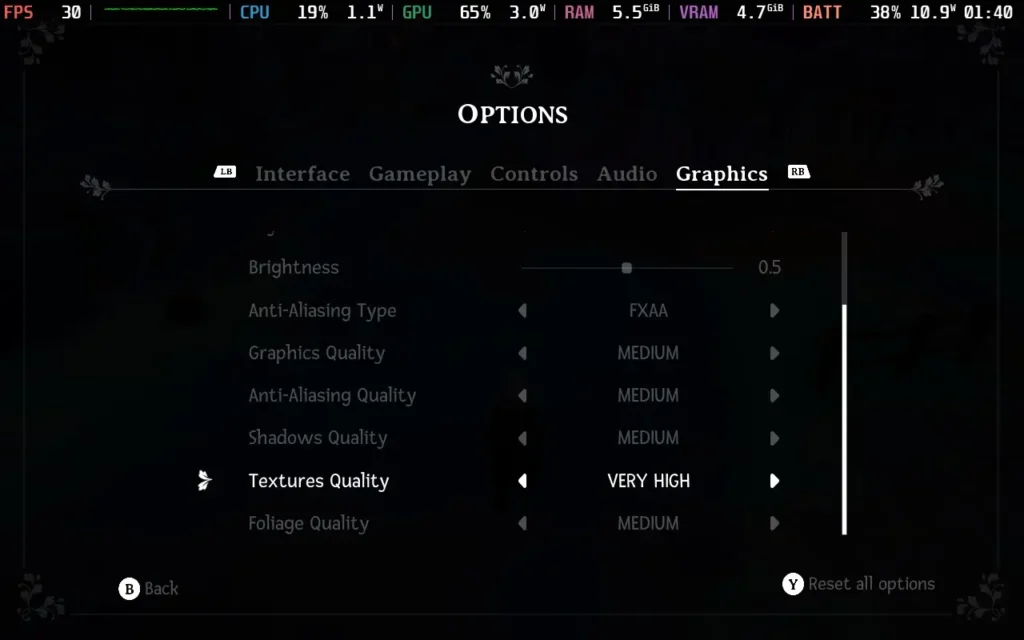
安定した30FPSを体験できるはずだ。以下の画質設定では、ライティングとシャドウのクオリティが低下し、ゲームの見た目はそれほど良くありませんが、消費電力は11W~13Wまで下がり、温度は55℃~60℃程度です。つまり、Steam Deck OLEDで約4時間、LCDで約3時間のバッテリー駆動時間が期待できる。
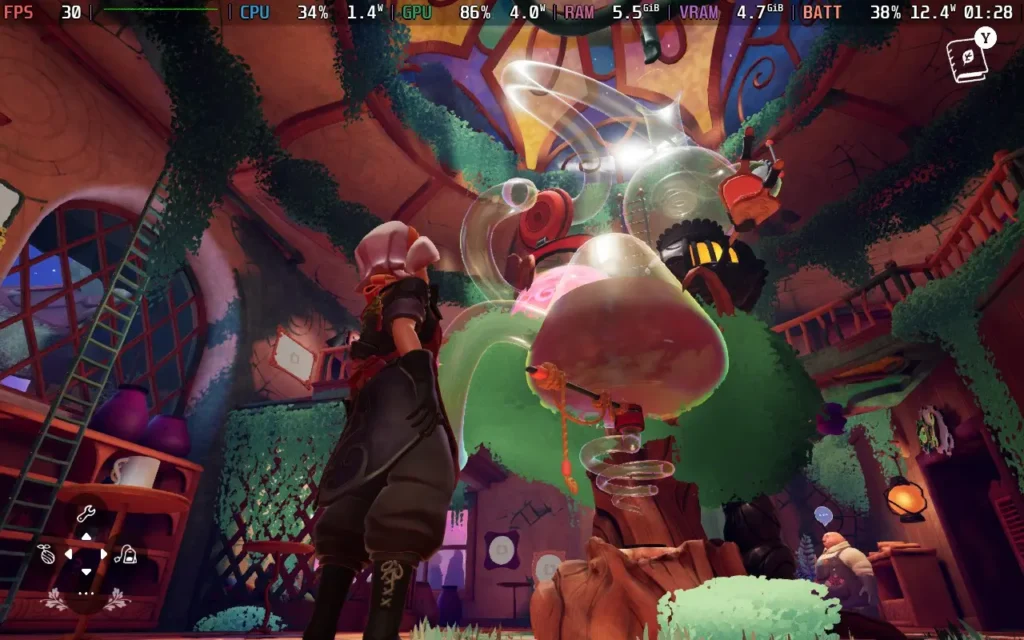

ゲームをSteamデッキでできる限り美しく見せたい場合は、Texture Detail以外の設定をすべて「High」にしてください。その後、SteamOSで30 FPS制限を適用し、TDP制限は適用しない。
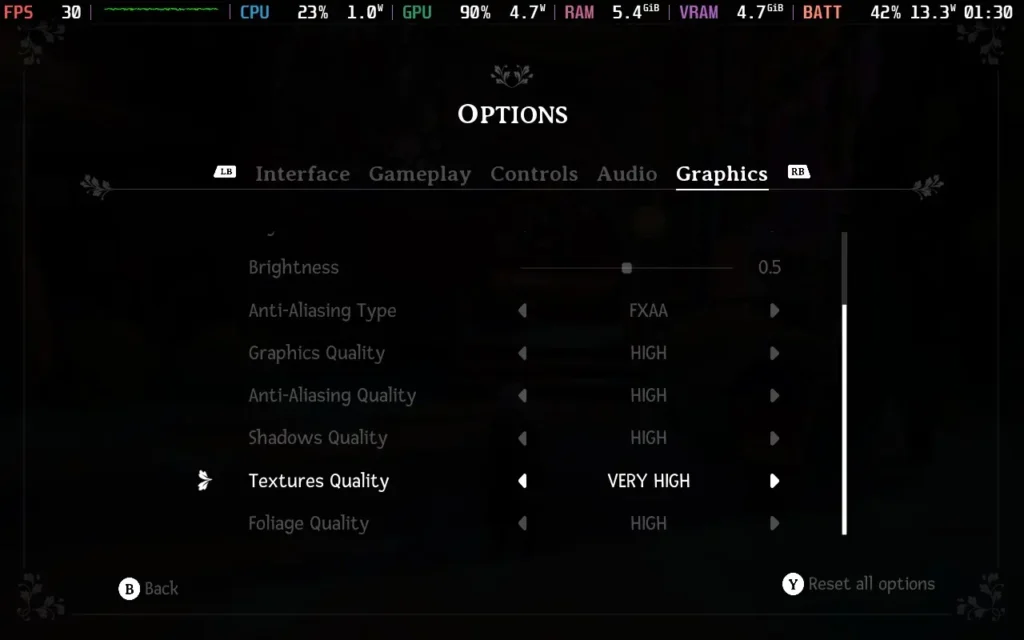
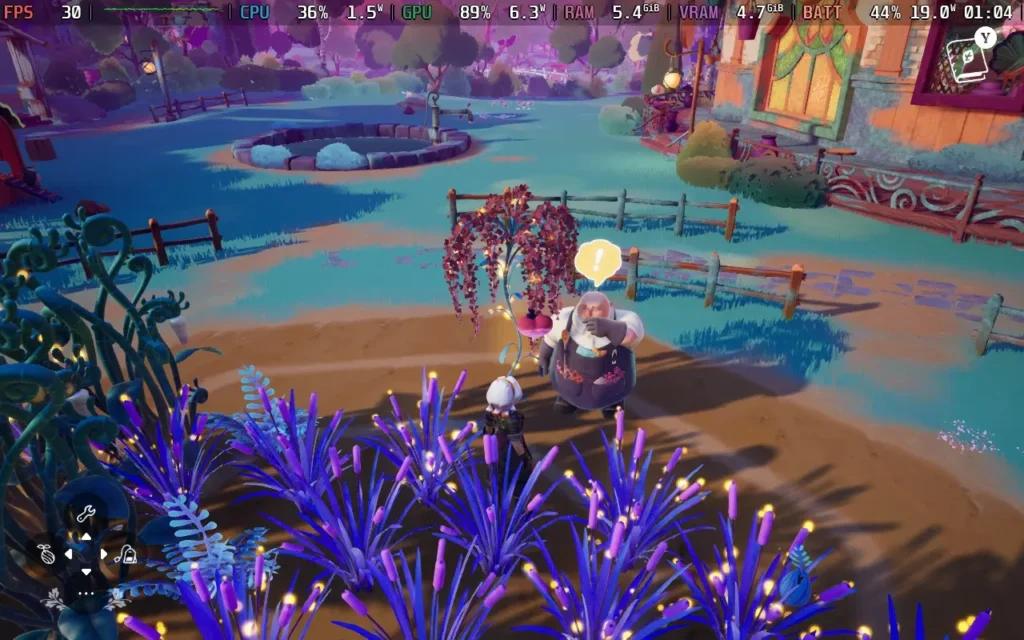
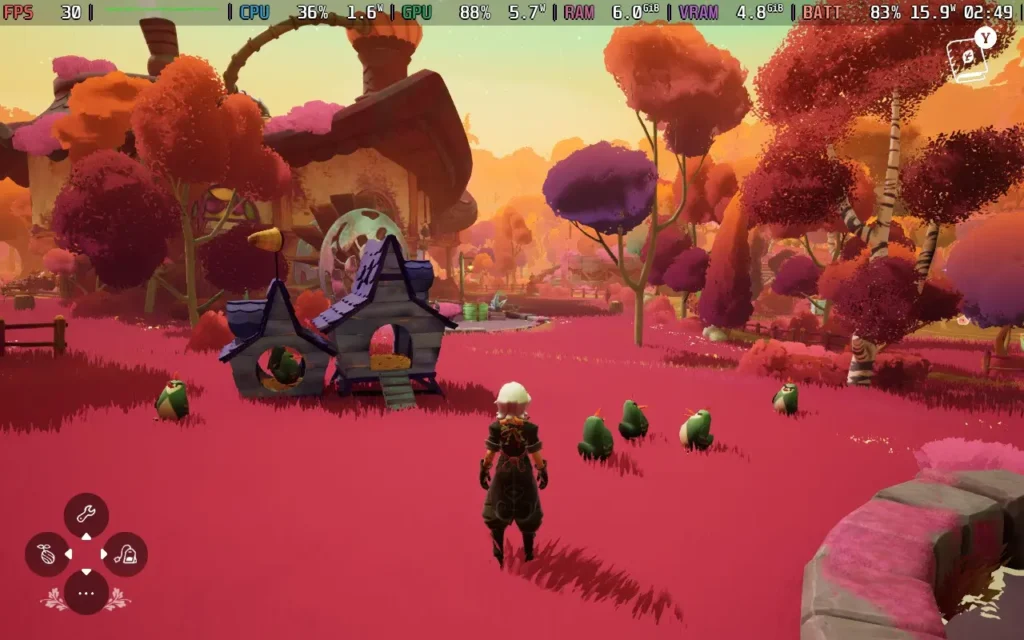
この設定で、ゲームは安定した30FPSを維持し、見た目もかなり良い。ただし、消費電力は14Wから19Wと高く、温度は55℃から65℃程度だ。バッテリー駆動時間は、Steam DeckのOLEDで約3時間、LCDモデルで約2時間と予想される。
ゲーム中の会話にはすべて字幕が付き、フォントサイズも調整できる。失読症に配慮したフォントを有効にすることもでき、色覚障がい者用のフィルターも用意されている。デバイスを切り替えてプレイする場合は、クラウドセーブにも対応している。
Wanderstopはとてもリラックスできる。アルタと彼女の人生についての物語には、シリアスな注釈も含まれているが、だからといって、このゲームが私がここしばらくプレイした中で最も楽しい「居心地の良い」ゲームのひとつであることに変わりはない。紅茶を淹れたり、お客さんと交流したりする複雑な作業は興味深く、魅力的だ。
その上、このゲームはSteam Deckで見事に動作する。ビジュアルクオリティやバッテリー駆動時間を考慮してグラフィックを調整でき、コントロールも完璧に機能し、Deckのネイティブ解像度もサポートされている。
このレビューはPC版に基づいています。
このレビューをお楽しみいただけたなら、SteamDeckHQ の他のコンテンツもぜひご覧ください!あなたのゲーム体験に役立つゲームレビューやニュースを幅広く取り揃えています。ニュース、ヒントやチュートリアル、ゲーム設定やレビューをお探しの方も、最新のトレンドを知りたい方も、ぜひご利用ください。
Hello Kitty Island Adventure was provided by Sunblink for review. Thank you!
After countless decades of game developers trying to cash in by producing a low-quality game tied to a popular franchise, you could be forgiven for rolling your eyes when you first heard about Hello Kitty Island Adventure. It may even fill you with dread if you aren't a fan of Sanrio's iconic characters. But I'm very pleased to say that this is definitely not a game just trying to cash in on the Hello Kitty name. It's a fully functional, well-made product, and if you've got kids, it might just be one of the best games to play with them.
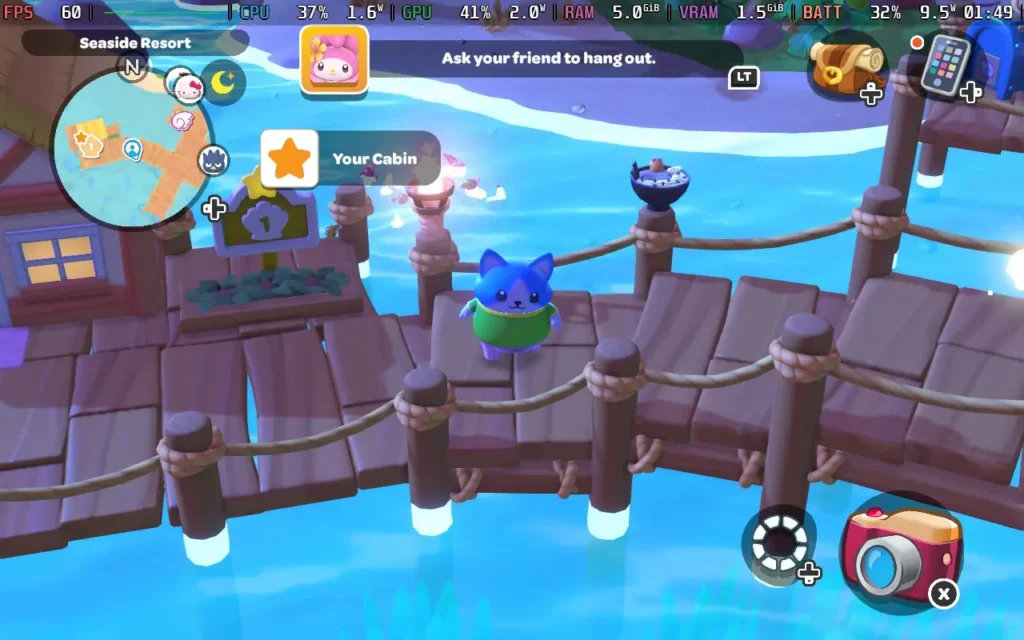
Hello Kitty Island Adventure places the Hello Kitty gang on a (mostly) uninhabited tropical island. While at first, all your favorite characters are scattered around the island, you will soon be reunited with them, and the team discovers that there are places that seem to have been built just for them on the island.
You'll get to create a character with some basic choices, namely, what species of character you want, such as making a character that's more cat-like, dog-like, bird-like, etc. Along with some choice of patterns, colors, body shapes, and clothing. You'll also be able to unlock new character customization options as you play through the game.
The core gameplay mechanics sort of fall into a blend of Animal Crossing and Disney Dreamlight Valley vibes. On the Animal Crossing side, we can fish and catch bugs with a net, and there's even a Nature Preserve where we can donate our bugs, much like Animal Crossing's Museum. Then, much like Disney Dreamlight Valley, a major part of the game is building friendships with all the other Hello Kitty characters by gifting them the items they like or helping them with things they need to do in the form of quests.
This all adds to the very cutesy feel of the game, with an emphasis on helping out your fellow residents with basic tasks such as baking a cake and more complex ones like restoring power to various parts of the island.
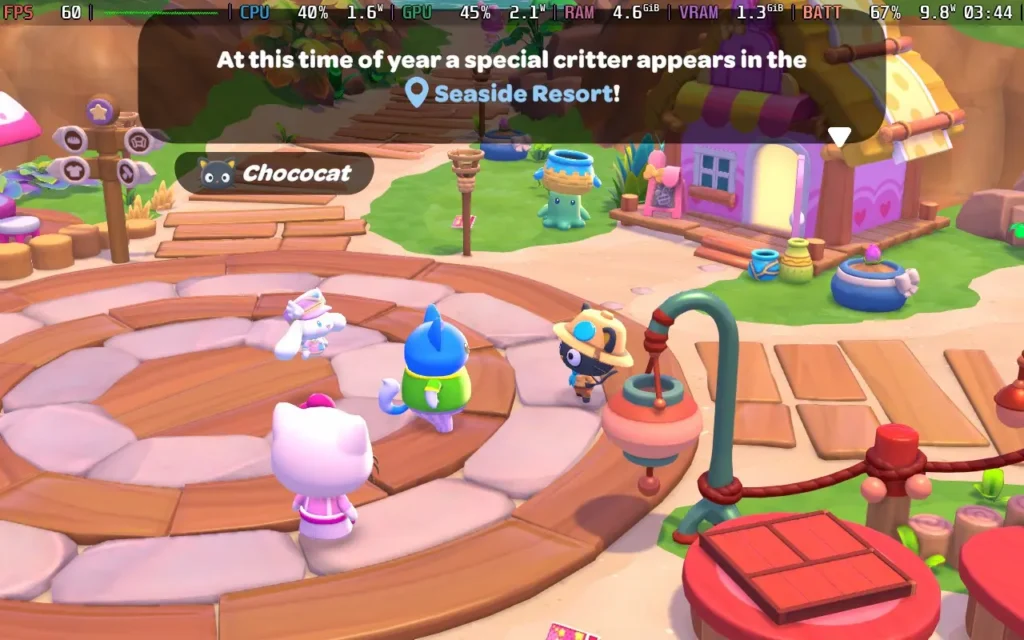
Although you're on a tropical island that largely has the sun shining, there is still plenty of variety in the environment, with a swamp biome, volcano biome, desert biome, and more, as well as a large portion of the map that contains water, in which you're able to freely swim and dive, once you've crafted some flippers for swimming and a snorkel for diving.
Invisible walls are employed around the map boundaries, but not so much in the playing area itself, so you do have pretty much free reign of the decent-sized island. It isn't overwhelmingly large, so younger players shouldn't have any trouble finding their way around and should still find the game world engaging and filled with activities to keep them busy.
The movement in the game is kept pretty simple, allowing players to walk, jump, and hold the jump button to glide. You can also climb mountains with a stamina bar ala Breath of the Wild, and as you progress through the game, you'll unlock flippers, which let you swim, and snorkels, which let you dive and explore more of the island's underwater sections.
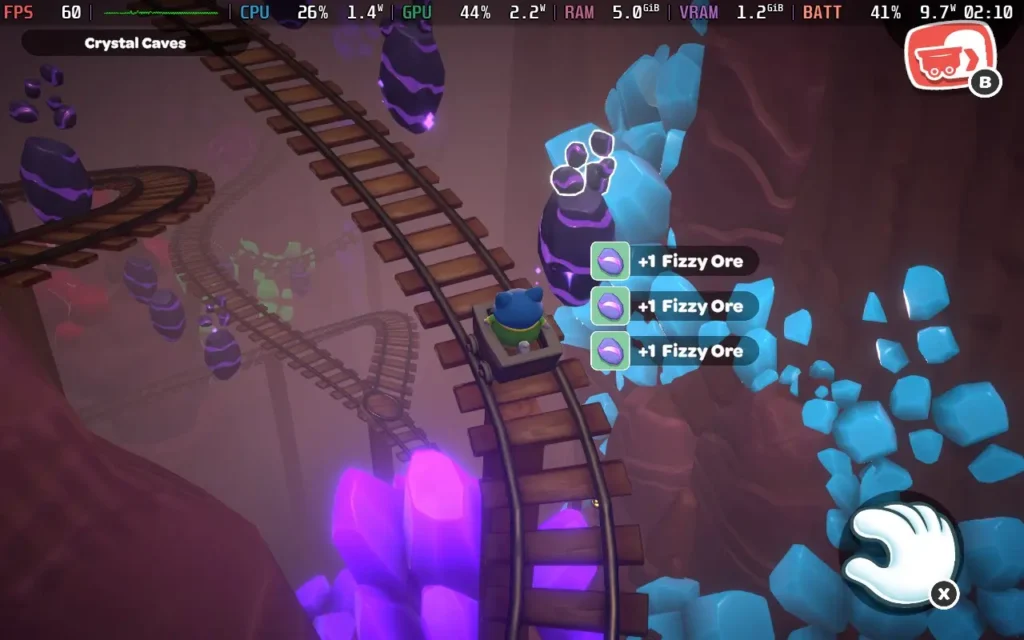
While Hello Kitty Island Adventure's progression is largely tied to you finding "Power Crystals" around the island and restoring the island to its former glory with them, there are plenty of unlocks and rewards you can get through other means, such as the aforementioned Nature Preserve donations.
Friendships are one of the key ways to get unlocks. As you give your fellow island residents gifts they like and help them with their quests, they'll gain friendship levels that can unlock new cosmetics for your character, additional quests for that resident, or even other surprises. It forms the basis for a lot of the progression in the game.
And if you were wondering if Gudetama, the lovable egg character that seemed to be all over the internet a few years ago, makes an appearance in the game, it does! There are Gudetama all over the island (over 100 in total), with the player tasked to photograph all of them to unlock rewards. It's a fun side quest, and they're in all sorts of locations, so you always have to watch for that cheeky egg!
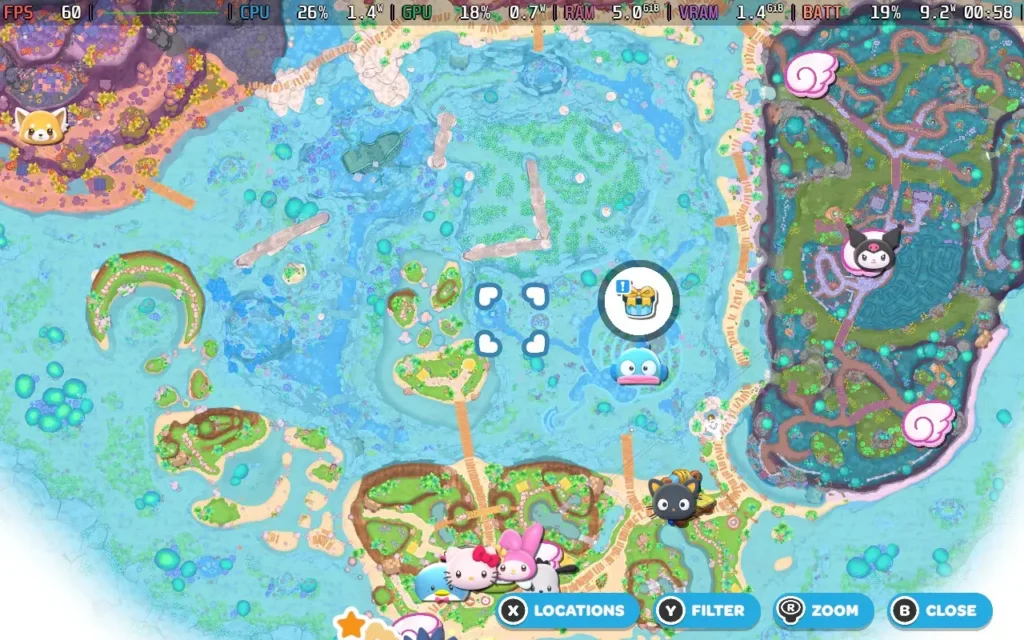
Visually, Hello Kitty Island Adventure won't be winning any awards, but it keeps things simple and cute. The world and objects are presented, and the vibrant and playful presentation makes even the "Spooky Swamp" not scary, which is good for me!
Plus, new events happen throughout the year, much like Animal Crossing. During my time playing for this review, events were running for the Lunar New Year and Valentine's Day, offering themed items you could unlock by completing in-game tasks.
Aside from a couple of issues with the camera not positioning itself well (you can't manually control it), there isn't much for me to dislike about Hello Kitty Island Adventure. Perhaps a couple of areas of the map feel a little empty and serve little purpose, but it's not always a bad thing to have some areas purely for aesthetics.
Hello Kitty Island Adventure is a great game for young children and isn't a bad shout for some adults too. The game is easy to play, has plenty of activities to keep you busy, and is just a good bit of innocent fun, and you can't say anything bad about that. The price of $39.99 is perfectly reasonable for this game, and it has online multiplayer, although we didn't have an opportunity to test this ourselves.
Hello Kitty Island Adventure was originally a mobile title, and that's evident in its ease of use. That's not to say that some enhancements haven't been made for the PC audience, though.
The game supports 1280x800 resolution, so there are no black borders, and it also has great gamepad support, meaning it controls perfectly on the Steam Deck. I'd recommend applying a 60 FPS Frame Limit in SteamOS and a 9W TDP Limit, along with higher graphical settings that I recommend:
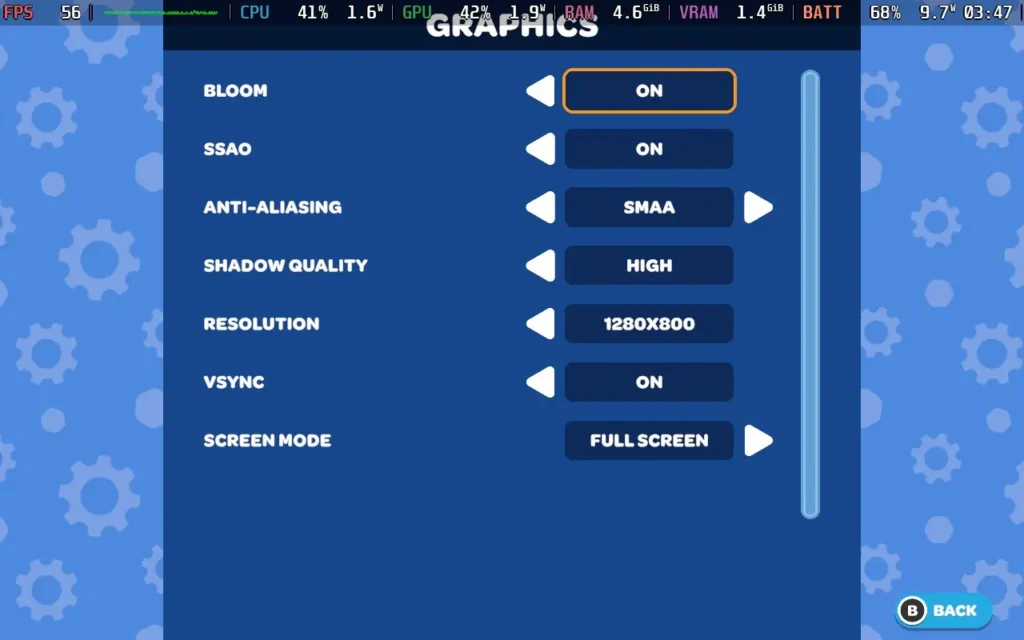
At these settings, the game holds 60 FPS the entire time. The one exception in the game world I found was at the bottom of a waterfall near the Swamp, where my FPS would drop into the mid-40s at specifically that point. Also, when opening a UI window, there appears to be a brief moment of slowdown, but it doesn't affect the gameplay at all.

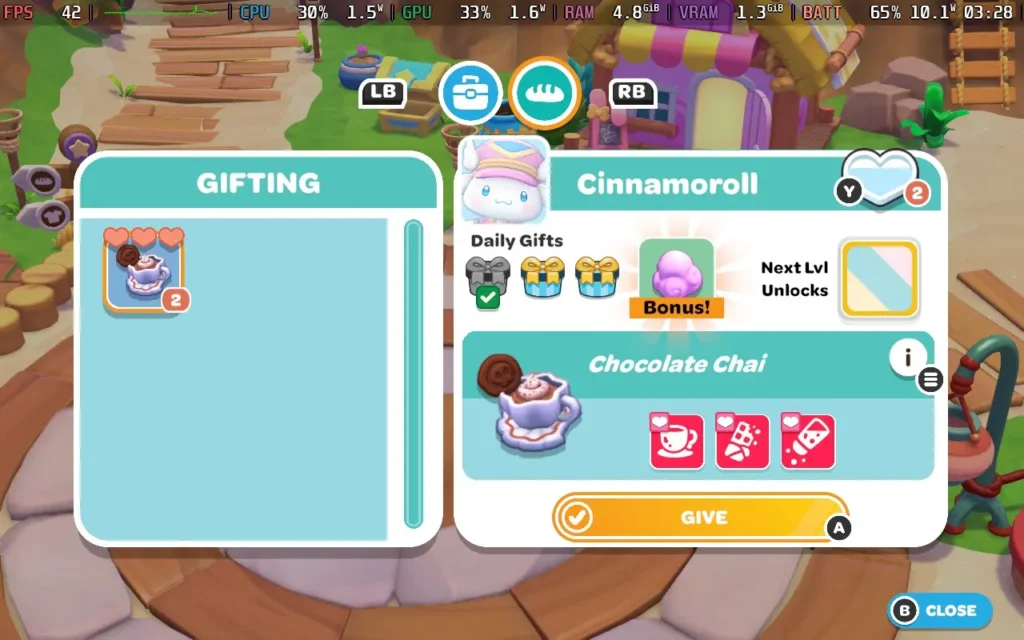
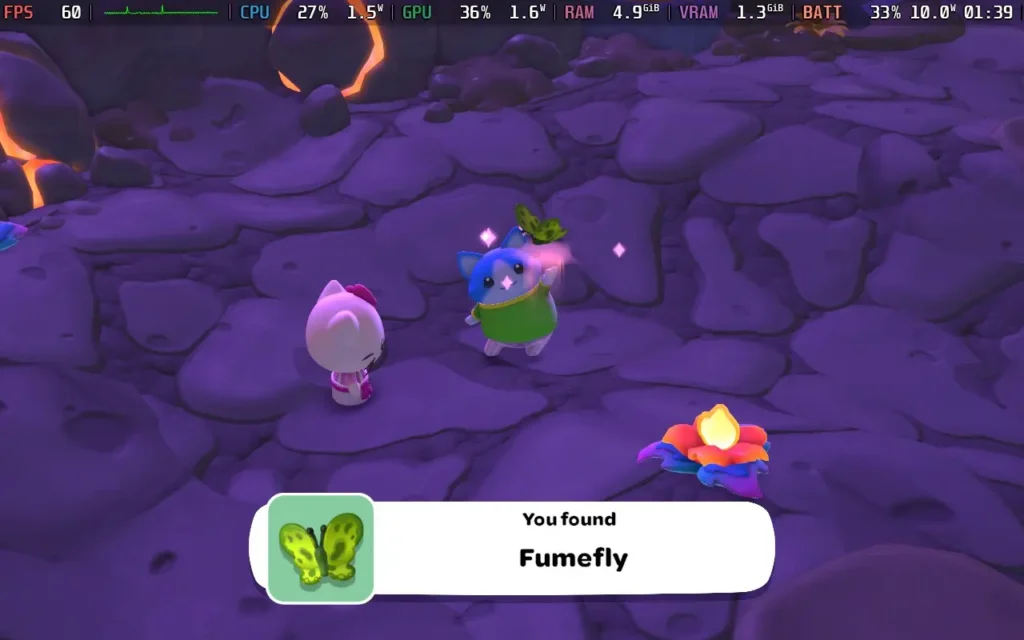
The power draw for this one was steady, around 9W-11W, with temperatures around 55-60C. So expect around 4.5 hours of battery life from a Steam Deck OLED and 3.5 hours from a Steam Deck LCD.
Hello Kitty Island Adventure has rebindable controls, although there are no other accessibility settings. All dialogue in the game is text, and for some puzzles, the game can complete them for you if you find them difficult.
Hello Kitty Island Adventure isn't just a quick cash-in on the popular IP. The game feels like it was made by a team that knew how beloved the IP was and has been careful to retain its charm while also offering a complete and competent game that's perfect for kids and that adults will likely enjoy, too.
It also runs great on the Steam Deck, with fully working controls and easy-going system requirements that mean you get plenty of battery life to explore your tropical island. It's a great way to relax at the end of the day.
このレビューはPC版に基づいています。
このレビューをお楽しみいただけたなら、SteamDeckHQ の他のコンテンツもぜひご覧ください!あなたのゲーム体験に役立つゲームレビューやニュースを幅広く取り揃えています。ニュース、ヒントやチュートリアル、ゲーム設定やレビューをお探しの方も、最新のトレンドを知りたい方も、ぜひご利用ください。
BallionaireはRaw Furyよりレビューのために提供されました。ありがとう!
Ballionaire』は、突如として現れたインディーゲームのヒット作のようだ。2024年12月に発売されたこのゲームについては、すぐにいろいろなところで耳にするようになったので、今回Steam Deckでレビューする機会を与えられて興奮した。ネタバレ:このゲームはSteam Deckで外出先で遊ぶのに最適なゲームだ。
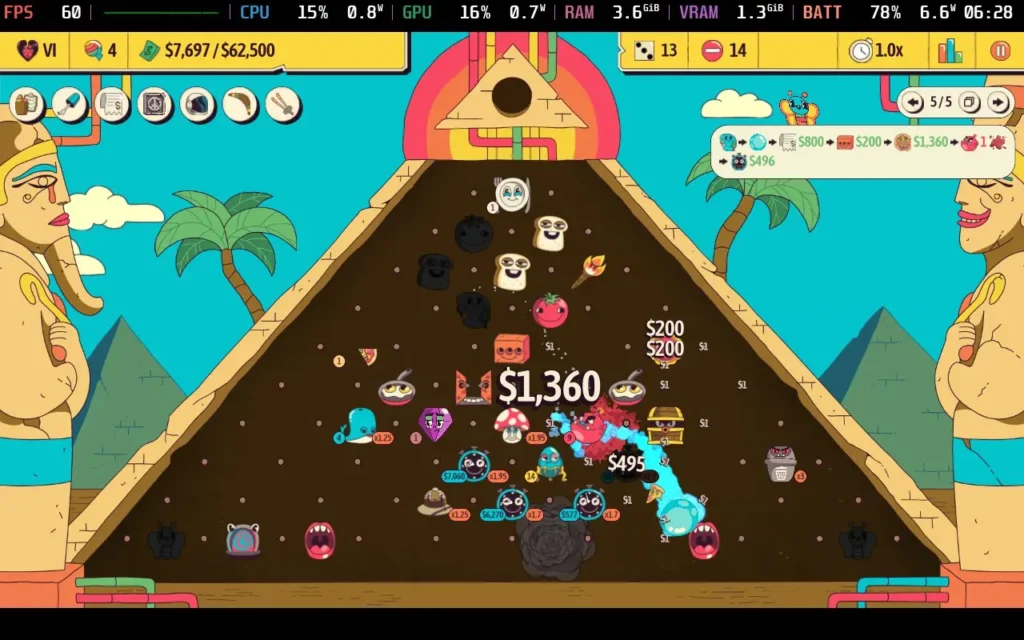
Ballionaireは、完璧なパチンコ台を作ることを目的とした「オートボ ンカー」である。各ドロップに配置する新しいオブジェクトが与えられ、そこで最高のコンボと相乗効果を生み出して、できるだけ少ないドロップでできるだけ多くのお金を貯めなければならない。
パチンコ盤面に配置できるオブジェクトは多種多様だ。単純に弾むだけで、「ボカす」ごとにお金がもらえるものから、玉が拾って盤面の別のオブジェクトに預けるとご褒美がもらえる「持ち運び可能なもの」まで。また、当たると玉が増えるオブジェクトや、玉が「老化」し、ある年齢に達するとご褒美がもらえるオブジェクトもある。
これらすべてのメカニズムが、複雑で戦略的な体験を生み出す。どのようなオブジェクトが相乗効果(ゲーム内ではシナジーと呼ばれる)を発揮するかを考えなければならない。たとえば、火の玉を産み出すキャンプファイヤーを、火をつけると周囲のオブジェクトの価値を2倍にするキャンドルの隣に置けば、確実に追加資金を得ることができる。また、イモムシを置くと、5回ドロップすると蝶に変身し、ドロップするたびにボールが1個追加される。ただし、当たらない位置に置きつつ、ドロップごとにボールに変化する便利なアイテムにする必要がある。
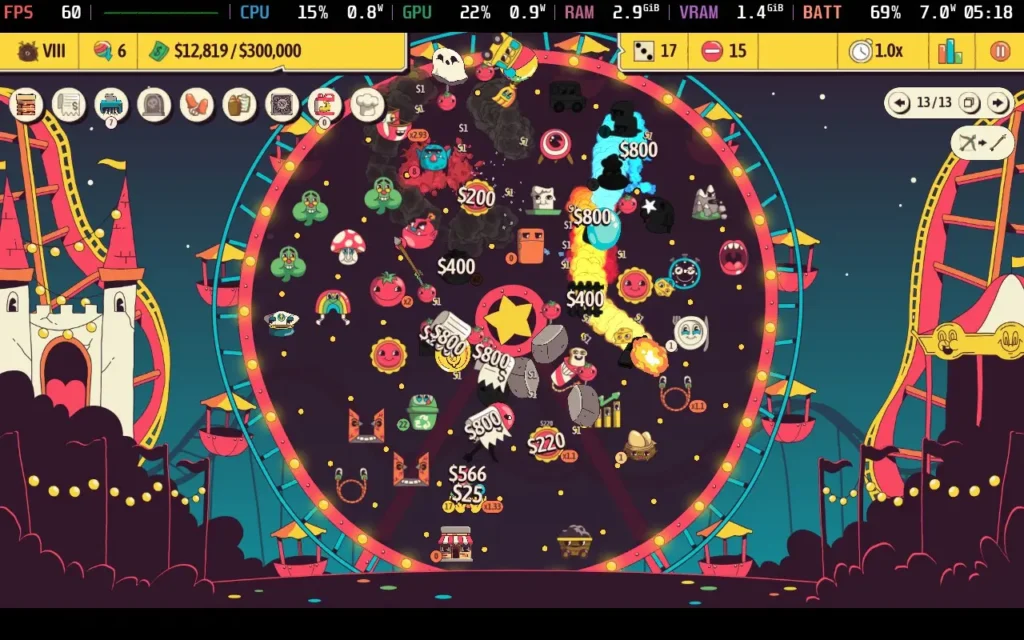
ゲームの目的は、できるだけ多くのお金を貯めること。つまり、最初は小さなコンボから始めるが、プレイが進むにつれて、彼らの要求を満たすキラーコンボが必要になってくる。ELDERSの要求を満たすたびに「ブーン」が発動し、重力が変化したり、ドロップするたびに現金が手に入ったりと、ゲームルールが変化する。
ゲーム内で使用できるオブジェクトは125種類以上、ブーンは50種類以上あり、その中には最初はロックされているものもあるが、ガチャ・マシーンでアンロックできるものもある。幸いなことに、アンロックはすべてゲーム内通貨で行われるため、マイクロトランザクションや現実世界のお金は一切関係ない。
また、シンプルなピラミッド構造から、回転ホイールやスロットマシンのような多様なレイアウトまで、5つのボードで遊ぶことができる。ピンの配置やオブジェクトの置き場所によって、それぞれ異なる戦略が要求される。
なぜなら、ゲームは数時間で終わるが、新しい戦略や収入を最大化する方法を見つける楽しみがあるからだ。残念なことに、このゲームにはオンライン・リーダーボードのようなものがないようだ。
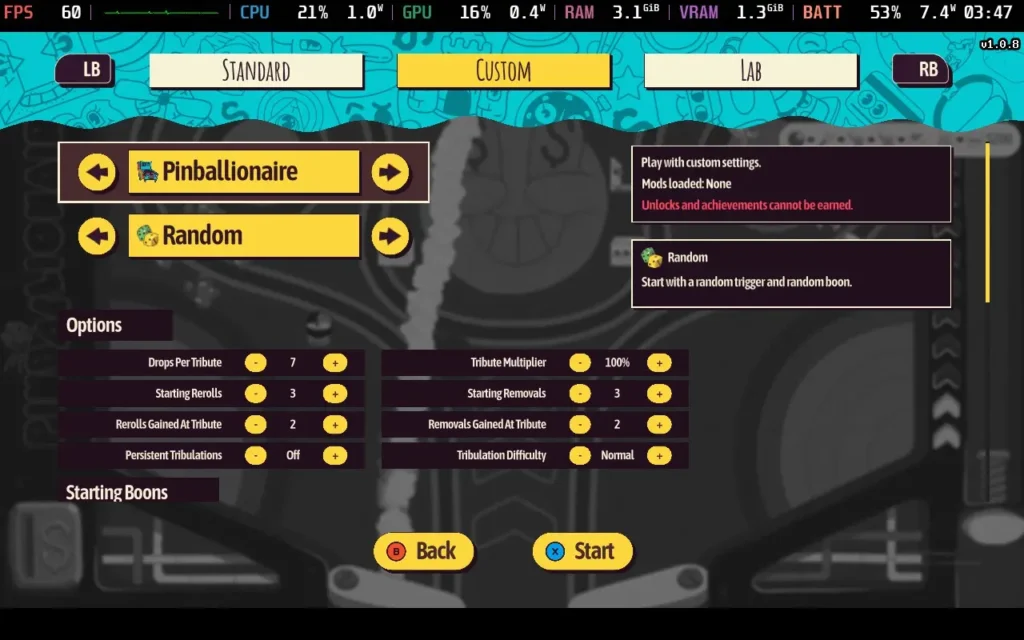
何度か、dパッドやアナログスティックでオブジェクトを置きたいピンを選択できないことがあり、操作が少し不安定だった。幸い、右アナログスティックで細かいカーソル操作ができるので、それで選択することができる。
鮮やかで、時にサイケデリックなアートスタイルで、ビジュアル的にはかなり心地よい。面白いものではあるが、決して悪くはない。サウンドはセロトニンを分泌させるのに適しており、ボールがさまざまなオブジェクトに当たったときの「ボンッ」という効果音がたくさんある。BGMは良くも悪くも忘れやすい、何の変哲もないものだ。
Ballionaireは堅実なタイトルである。パチンコが好きで、大金を稼いでいることを示す仮想の数字が画面に点滅するのを見るのが好きなら、Ballionaireは注目すべきだろう。このゲームには5つの盤面しかないが、様々な難易度とMODサポートがあり、希望小売価格12.34ドルであれば、数時間は簡単に楽しめるはずだ。
バリオネアはSteamデッキで完璧に近い体験ができる。このゲームで気づいた唯一の問題は、解像度が1280x800に対応していないことで、画面の上下に黒いバーが表示される。
コントロールは完璧で、ゲームパッドでゲームをプレイできる。Ballionaireにはグラフィック設定がない。
私のSteam Deck OLEDでは、90 FPSでゲームを動かしても消費電力は7~8W程度で、60 FPSに下げればさらに1Wほど下がる。Steam Deck OLEDユーザーは、Ballionaireで7時間のプレイが可能だ。スチームデッキLCDのユーザーは、4~5時間程度を期待できるだろう。このゲームは90 FPSの恩恵を受けないので、私は60 FPSでプレイし、TDP Limitを5Wにして動作させた。
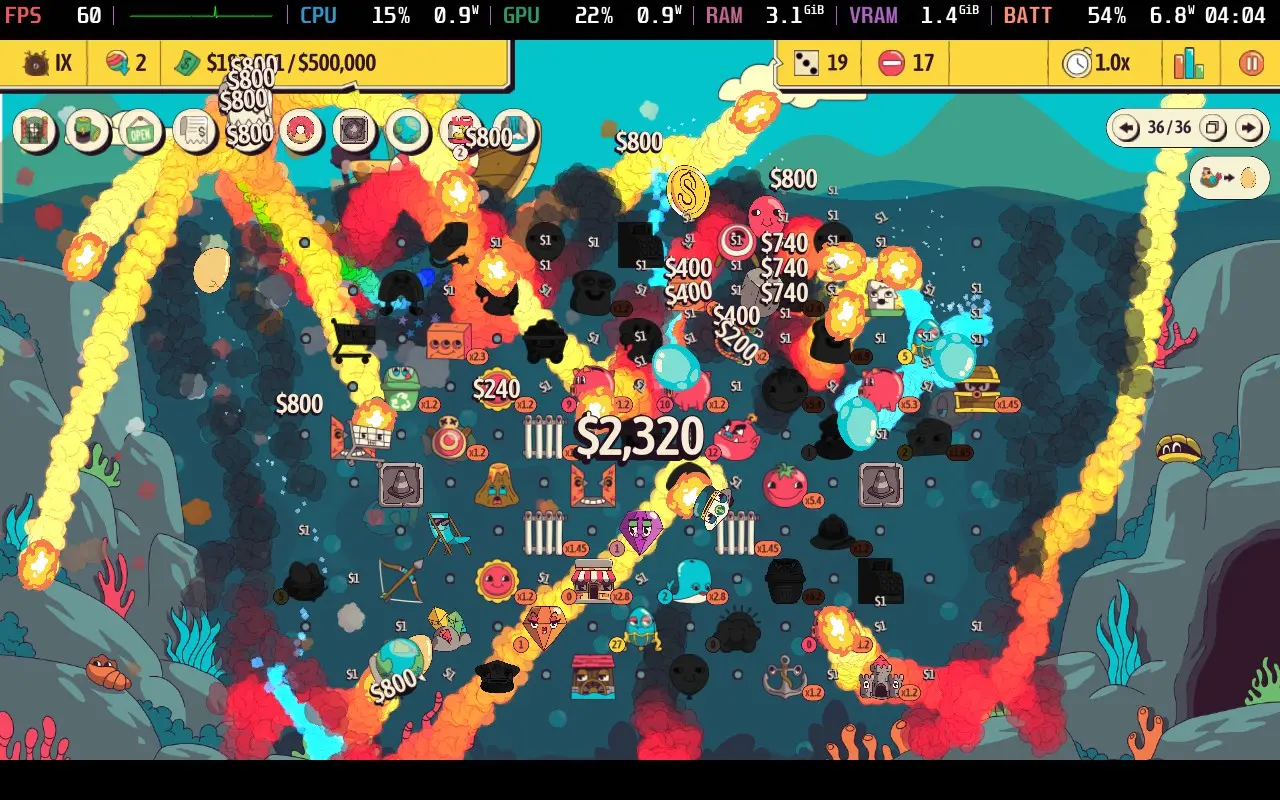
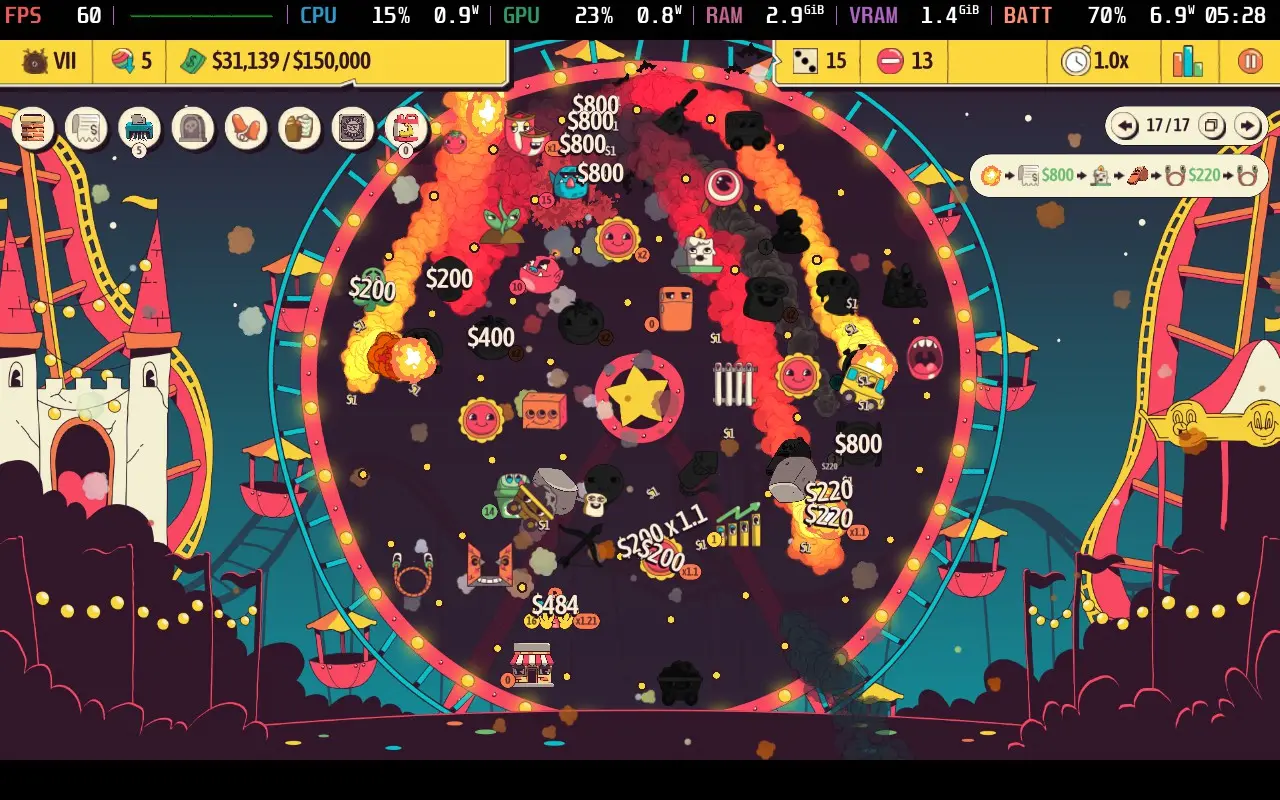
バリオネアにはアクセシビリティ・オプションがないが、その必要はないとも言える。すべてのオブジェクトは色に関係なく明確に定義され、テキストはスチームデッキのディスプレイでも非常に読みやすく、コントロールはシンプルで常に画面上に表示される。
Ballionaireは、標準的なパチンコのフォーマットに楽しいテイクです。盤面にさまざまなオブジェクトを配置できるため、戦略は無限に広がる。どのオブジェクトを配置するかは選べないというランダム性も相まって、Ballionaireは最初に想定したよりもはるかに長い時間楽しませてくれる。唯一物足りないのは、リーダーボードのサポートがないことだ。
バッテリー駆動時間が長く、スムーズで苦痛のない体験を提供するSteamデッキで、このゲームが信じられないほどよくプレイできるという事実と相まって、バリオナリーはSteamデッキでチェックすべきゲームとして、我々の「ベスト・オン・デッキ」バッジを獲得したことになる。
このレビューはPC版に基づいています。
このレビューをお楽しみいただけたなら、SteamDeckHQ の他のコンテンツもぜひご覧ください!あなたのゲーム体験に役立つゲームレビューやニュースを幅広く取り揃えています。ニュース、ヒントやチュートリアル、ゲーム設定やレビューをお探しの方も、最新のトレンドを知りたい方も、ぜひご利用ください。
Fruitbus was provided by Krillbite Studio for review. Thank you!
Fruitbus is an interesting one. Borne from the plethora of "cozy" games that have flooded the market recently, Fruitbus is worthy of this moniker. It's an unapologetically laid-back and relaxing experience, with almost no pressure to do anything. So it's right up my street, and it's the kind of game I like to play, especially on the colder nights as we approach winter.
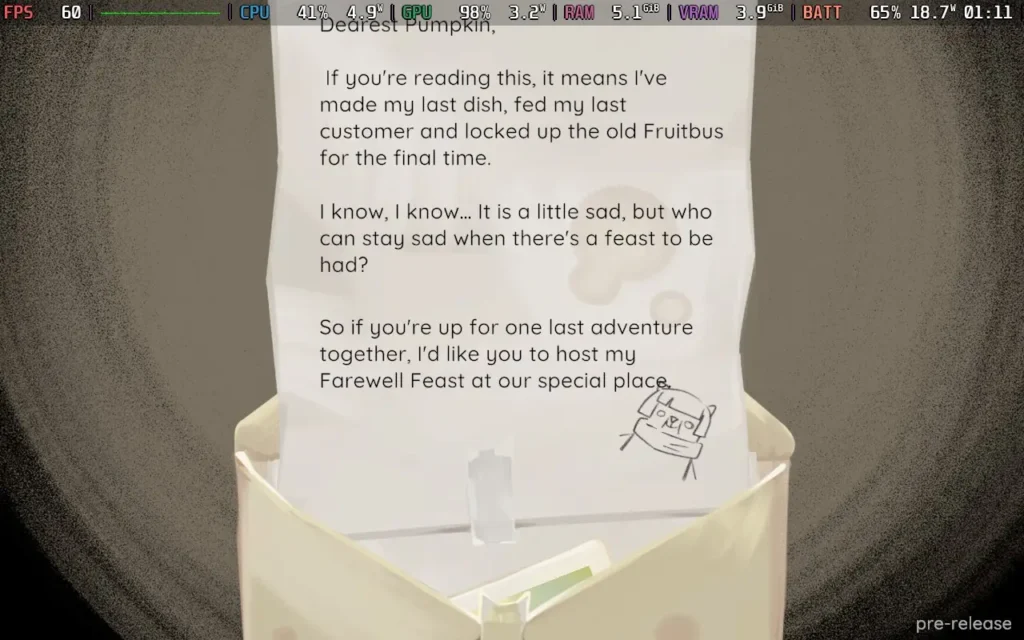
Fruitbus is basically about, well, running a Fruitbus. Although it's more of a Fruitvan...Regardless of semantics, this is the premise of the entire game. You've arrived on the Banamas islands after your grandma (the previous owner of the Fruitbus) passed away, so you're carrying on her legacy in the Fruitbus, delivering salads and joy to the island's residents in preparation for Grandma's farewell party.
The main gameplay loop of the game is collecting fruit from the trees and bushes around the island, storing them in containers on your Fruitbus, and then preparing them and delivering them to the island's residents based on what dish they request. These can range from simple Apple and Banana salads to more complex Smoothies containing other ingredients like Mango, Chilis, and Carrots.
Even if you can't fulfill a resident's request, you can always ask for a simpler recipe to make or just reject their request with no consequence, which plays into the relaxing nature of the game. Sure, rejecting a request might mean you can't advance the plot immediately, but there's no penalty for delaying progress. You can return later with the right ingredients and/or equipment and make their desired dish.
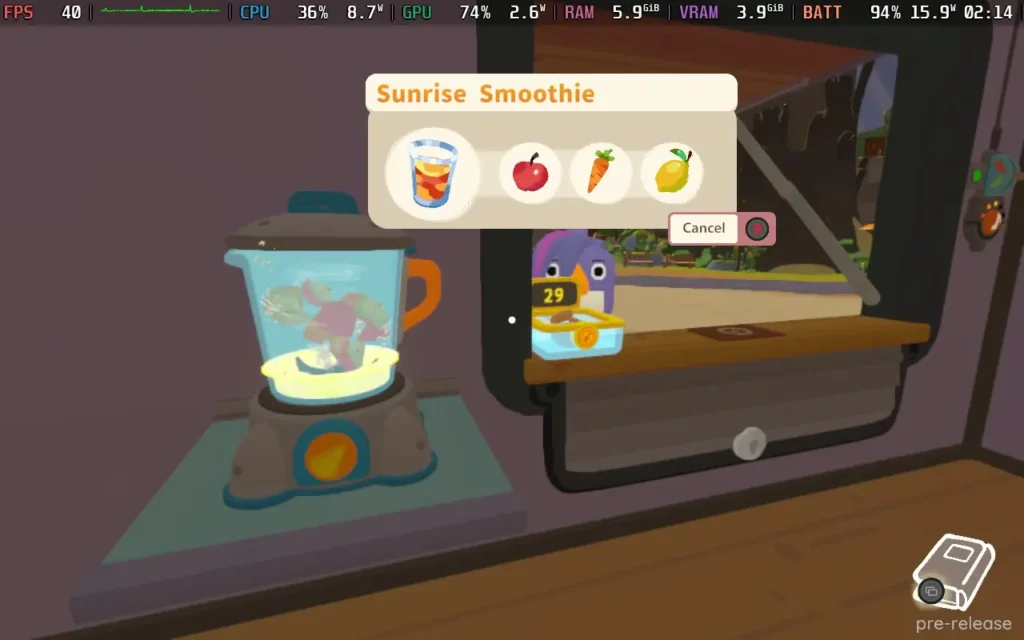
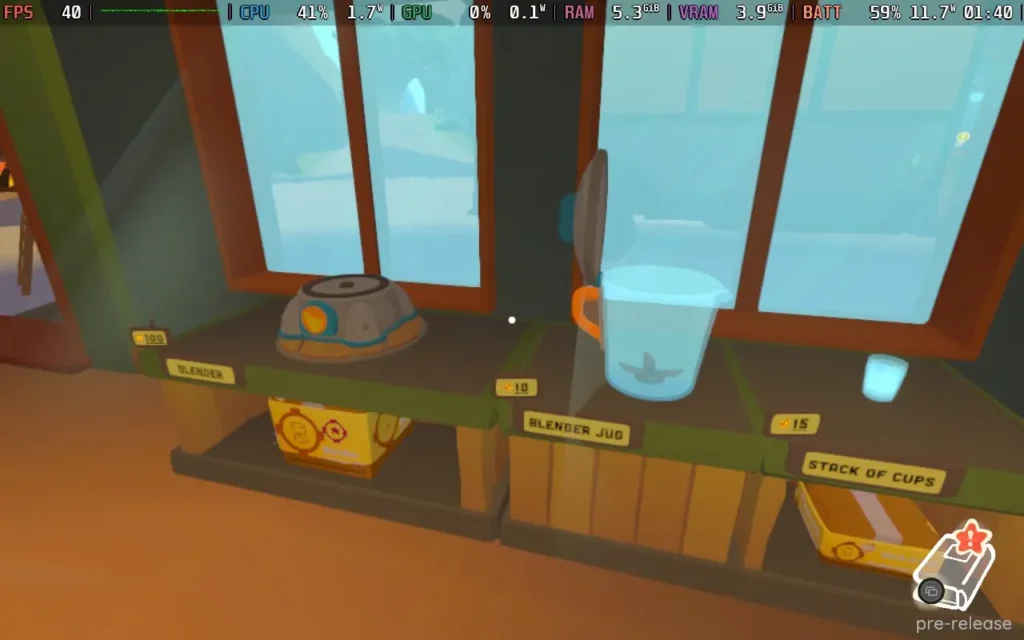
But let's talk about the actual Fruitbus! This little machine gets you around the island and stores all your delicious fruit and vegetables. As you progress through the game, you can purchase upgrades and furniture through the profits you make selling your dishes. These include functional items like extra containers for fruit, a blender for making smoothies, an oven for cooking, or even a fruit grabber for getting that hard-to-reach fruit on tall trees. You can also buy countertops to fit in your Fruitbus for additional work surface area, which is useful when storing all the bowls and glasses for your delicious dishes.
You can also get more decorative furniture, like stools or painting your bus, which serves little purpose other than to make your Fruitbus look more homely and cozy. You'll also need to fuel your little workhorse but don't worry, fuel is dead cheap, and you don't need to fill it that often. Eventually, you'll be able to upgrade the engine and wheels of your Fruitbus so it can take you places faster and traverse different terrain better.
As you explore the villages on the islands, you'll meet new residents. Some are just tourists who exist to give you money, and permanent residents of the islands who often have specific quests for you to fulfill, such as finding something that's been lost or preparing a specific (often hard to make) dish for them to advance their quest line.
While the quests to make specific dishes are fairly straightforward (as long as you have or know where to find the ingredients), some of the quests do seem to be a bit vague and slightly frustrating. For example, one of the residents wants you to find their lucky coin. I was told by the game that feeding them their desired recipe would give me a hint, but all I was told was that my grandma hid the coin from them, there is a "show on map" button in the menu for the quest, but I went to that location there was nothing there from what I could tell, stopping me from progressing.
Once you earn enough money, you can pay for a ferry to progress to the next map, which unlocks additional fruit/vegetables for you to make recipes with and new methods of creating dishes, such as using an oven. There are three maps in total for you to explore.
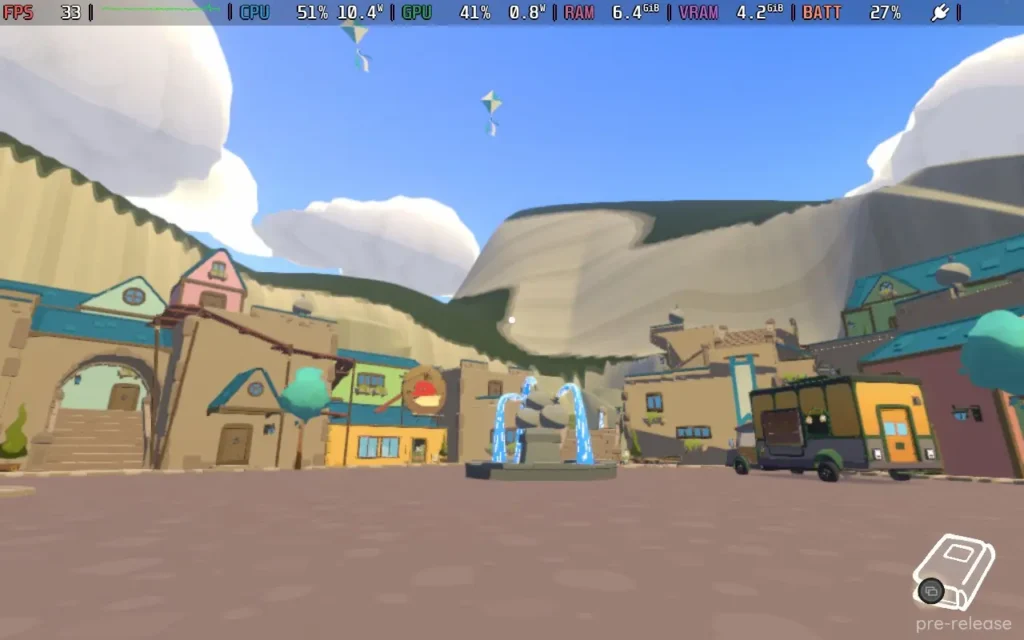
Visually, the game is OK. The developer has adopted a low-poly style with basic shading. Unfortunately, the shadows seem to struggle in this game, and there are frequent flickering and low-quality shadows, even on higher-quality settings. The visuals could use some work, especially to fix the odd shading and a couple of other visual glitches I encountered, such as the volcano lava/smoke not appearing if you save and reload a game at the volcano. Still, overall, the game's graphics are serviceable.
The music in the game is also quite pleasant and fits in with the relaxing atmosphere that the game is going for. While in your Fruitbus, there are various radio stations that you can choose from, which mostly have laidback tunes playing on them. You don't even have to be driving to have the tunes playing, so you nearly always have a background accompaniment of some island tunes. The footstep sounds incredibly irritating, though; they play too frequently, especially when sprinting.
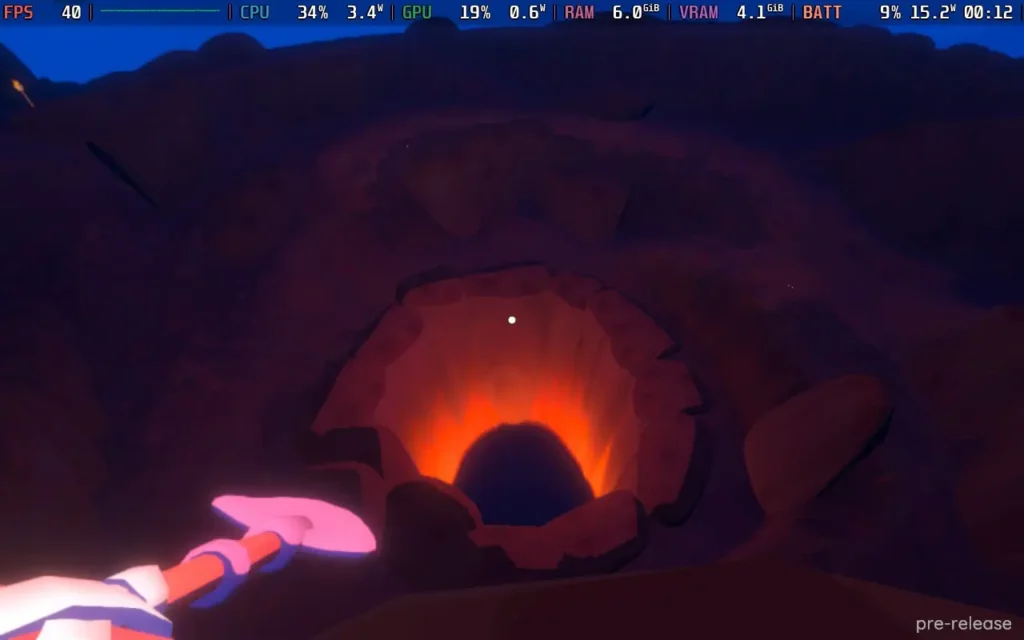
Another downside I found is that some fruits and vegetables are quite rare, and they can take a long time to respawn, so if you get some rarer fruits/vegetables like Chili Peppers, ensure you don't waste them on unnecessary recipes. I did so and waited over 30 minutes in real time, hoping they would respawn, but they didn't. They respawn after several in-game days, and there's no way to speed up time. This is by far the most frustrating part of the game, and I can't tell if my game was bugged or if the respawn timer is that long.
As it is, I think any respawn timers should be minimal. It seems like there is meant to be a solid 15-20-minute respawn on a lot of the resources, and that just seems to go against the spirit of the rest of the game. There should be no need to sit and do nothing while you wait for the necessary ingredients to spawn.
Sadly, the bugs I've mentioned seem to be a bit of a theme with Fruitbus. I encountered visual glitches like shadows flickering, lava and smoke not appearing, and characters sitting in mid-air. There were also gameplay glitches, such as the jerry can I owned seemingly filling up with extra fuel each time I reloaded the game, resulting in a jerry can with 6 bars of fuel when it's supposed to only be able to hold 3, and it had been empty previously.
There is a day 1 update that may fix some of these issues, but since they were present in my playthrough, I am leaving them in. You will most likely not experience these bugs when you play.
The world design can also feel a bit unpolished, with certain objects floating above the ground, given that the worlds aren't overly large, you would kind of expect there to be more attention to detail, but the game in general seems to lack that.
Fruitbus supports 16:10 aspect ratios and runs at 1280x800 on the Steam Deck, meaning there are no black bars around the screen. The game also has great controller support.
However, Fruitbus is quite difficult to run thanks to a strangely intensive CPU demand, so I'm just offering my recommended preset, which is a good mix of quality and battery life.
We're setting the SteamOS frame rate limit to 40, and we'll have no TDP Limit here.
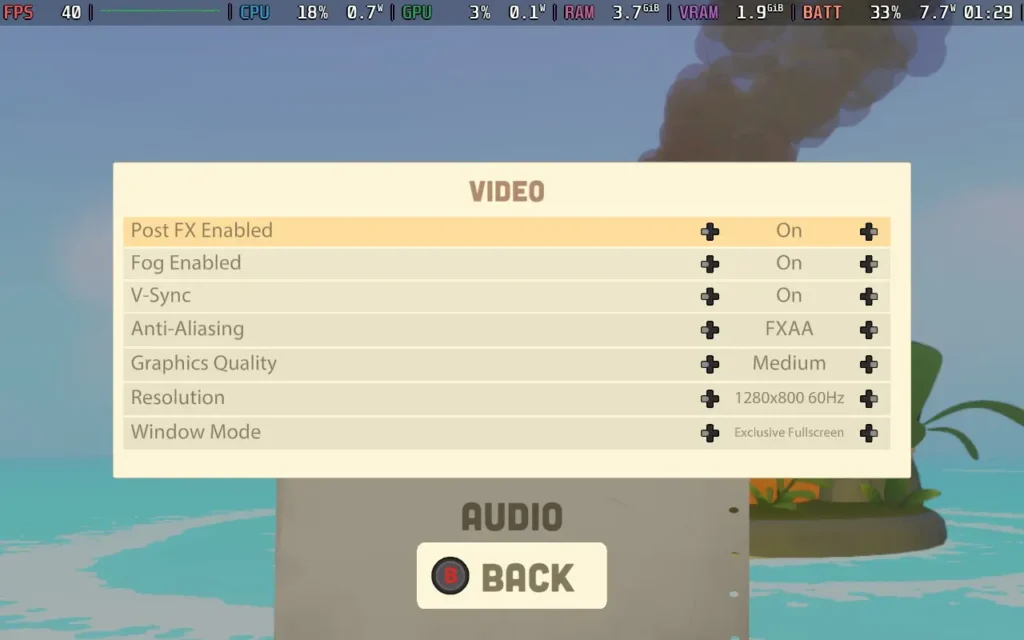
If you want the best quality out of Fruitbus at a 40 FPS frame rate, you can set the in-game graphics settings as follows: Post FX Enabled: On, Fog Enabled: On, V-Sync: On, Anti-Aliasing: FXAA, Graphics Quality: Medium, Resolution 1280x800 60Hz.
I checked the difference against a leaf on having the Anti-Aliasing on FXAA or the more intensive SMAA, but there was zero difference due to Fruitbus' art style, so we might as well use the easier-to-run FXAA for this game. The main strain on the Steam Deck comes from the bizarrely high CPU usage in Fruitbus, so we need to free up as much CPU power as possible.
With these settings, you can mostly hold 40 FPS, but at certain times of day, the performance seems to struggle more. In villages at those times of day, expect the FPS to drop to the low 30s. There will also be the occasional stutter, especially when driving around the island in the Fruitbus. Generally, Driving seems quite intensive, so don't expect to hold 40 while driving.
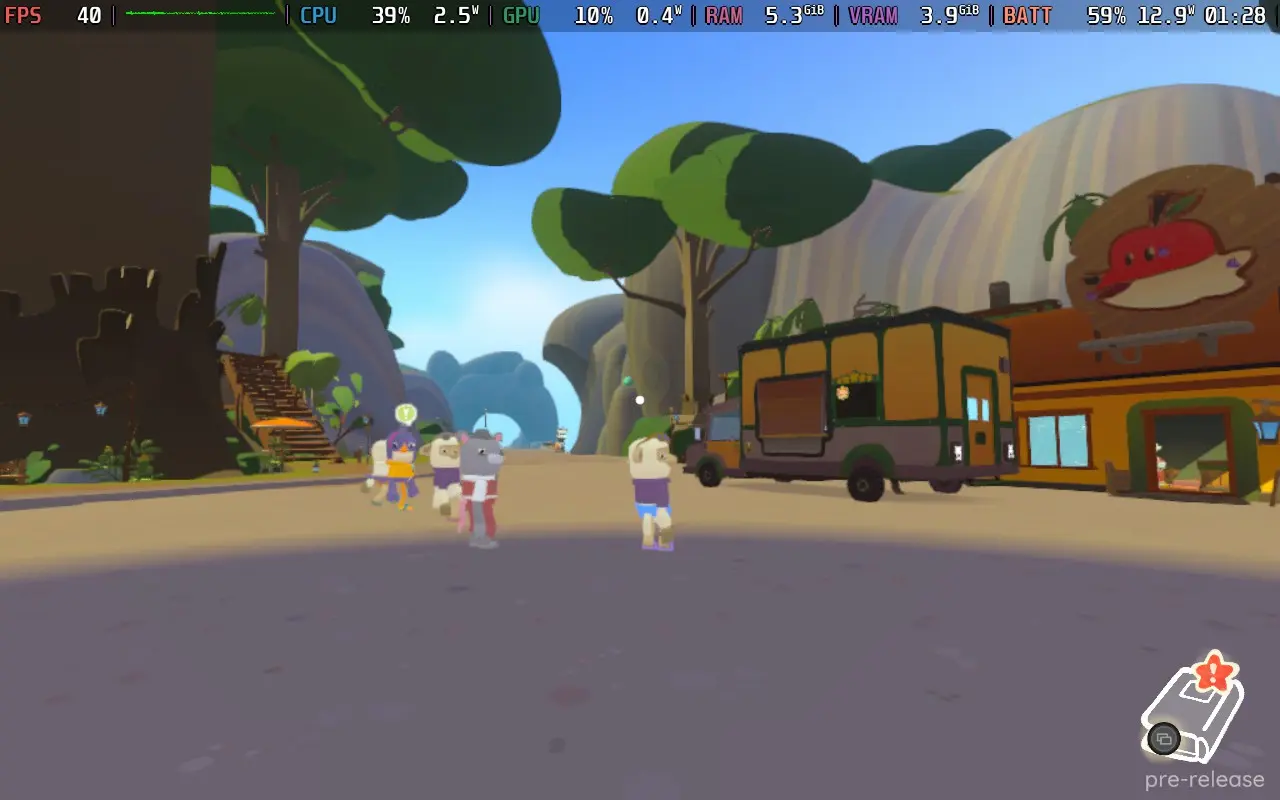
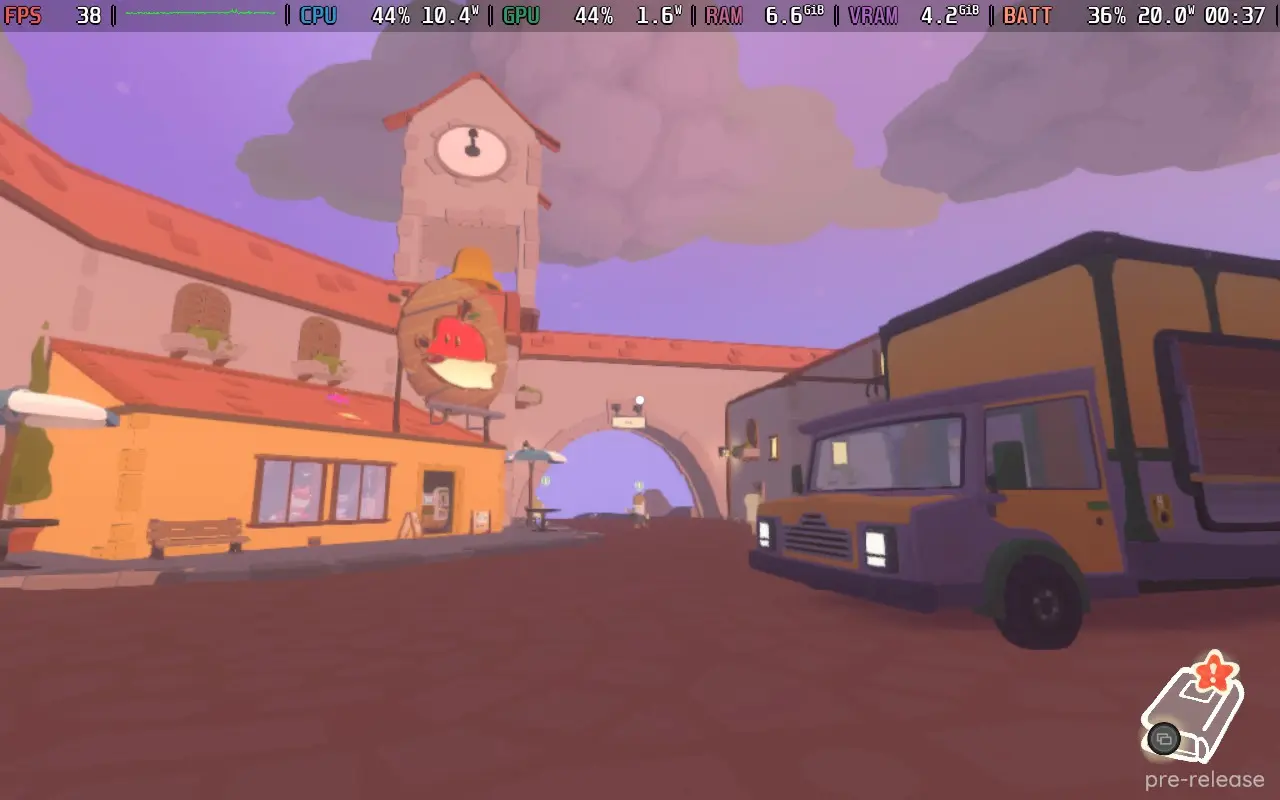
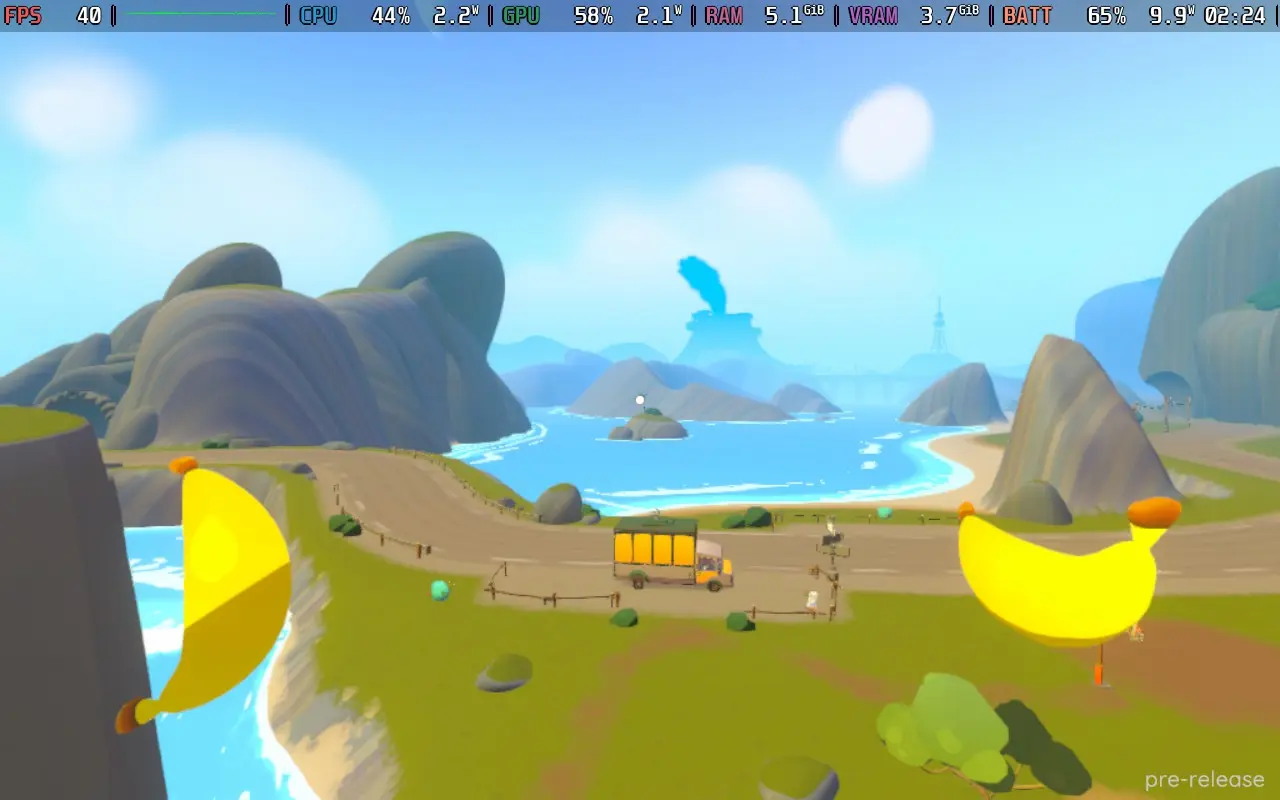
The power draw varies quite a bit depending on whether you're in a village or the countryside. For the most part, expect it to be around 13-15W in the countryside and around 16-20W in a village. I would estimate 2-2.5 Hours of battery life for a Steam Deck LCD and 2.5-3 hours for an OLED.
Temperatures can get pretty high in the villages, up to 85C on the CPU, with the fan kicking in quite hard at that point. Outside of villages in rural areas, though, temperatures tend to be around 70C, a bit higher if you're driving.
Unfortunately, even on the absolute lowest settings, the game still runs in the low-40s to mid-50s due to the high CPU usage, so there's no hope of a stable 60 FPS experience.
Fruitbus has no accessibility options, although all dialogue, whether voiced or not, is subtitled.
Fruitbus embodies the "cozy" game experience. Aside from the not-so-real worry of running out of fuel, there's no pressure to do anything here. Nothing can go wrong with Fruitbus, so if you're after a relaxing time to just chill out at the end of the day, Fruitbus is just for you.
There are some visual oddities here and there, a couple of vague quest lines, the issue with rare resources taking an age to respawn, and a few more bugs than I'd like there to be. There's also the fact that the performance is quite poor, considering how the game looks. I expect to play this game at 60 FPS on the Steam Deck, but that's impossible even with low settings. The game does control nicely, though, and remains perfectly playable on the Steam Deck.
If the bugs are fixed and some more polish and optimizations are made, Fruitbus could be a fantastic title for relaxing on the go. Right now, it's just a decent title for me.
このレビューはPC版に基づいています。
このレビューをお楽しみいただけたなら、SteamDeckHQ の他のコンテンツもぜひご覧ください!あなたのゲーム体験に役立つゲームレビューやニュースを幅広く取り揃えています。ニュース、ヒントやチュートリアル、ゲーム設定やレビューをお探しの方も、最新のトレンドを知りたい方も、ぜひご利用ください。
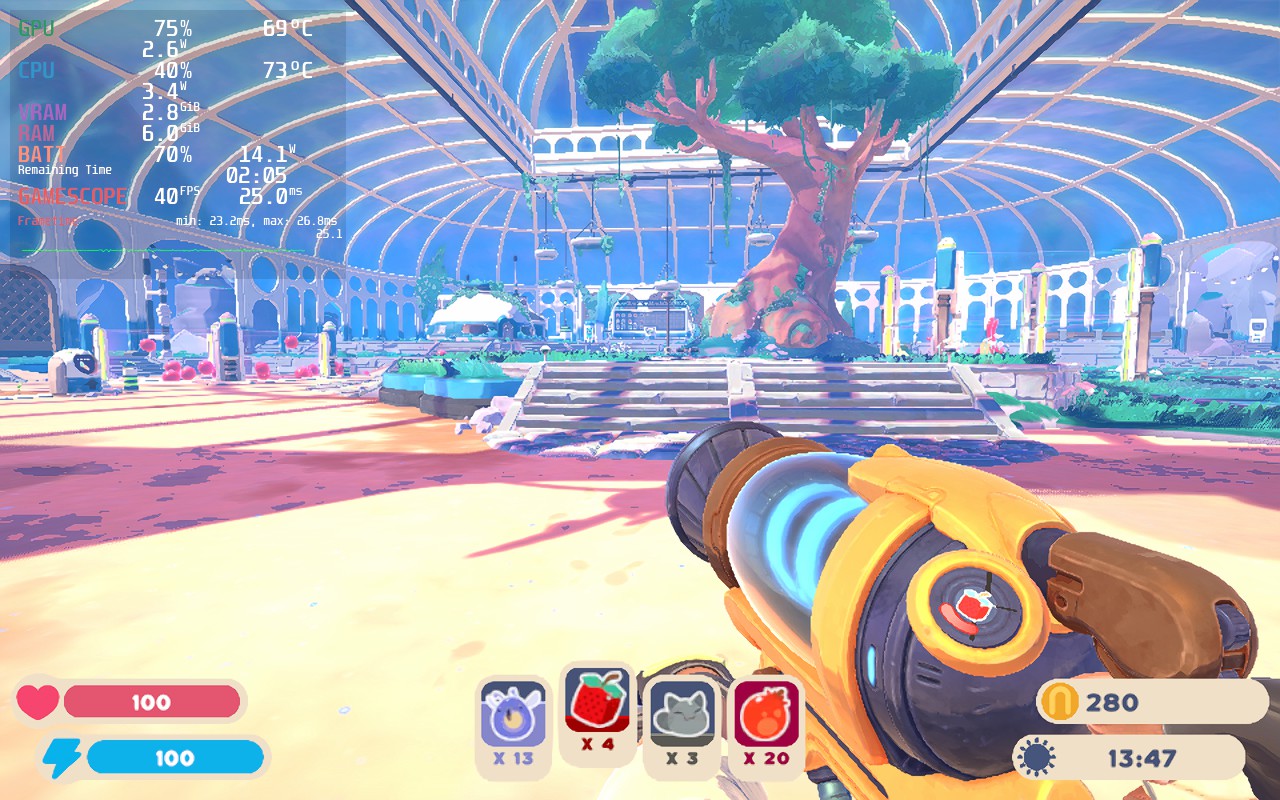
Time to continue the adventures of Beatrix LeBeau in the follow up to the smash-hit prequel. Slime Rancher 2 takes you to Rainbow Island where you will be confronted with new lands, new slimes, ancient technology, and much more. Capture Slimes, put them in your conservatory, and feed them to get Plorts to sell and upgrade your tools, build new gadgets, and expand your conservatory. And paired with the beauty of the island, it is just a fun time to walk around and see the sights.
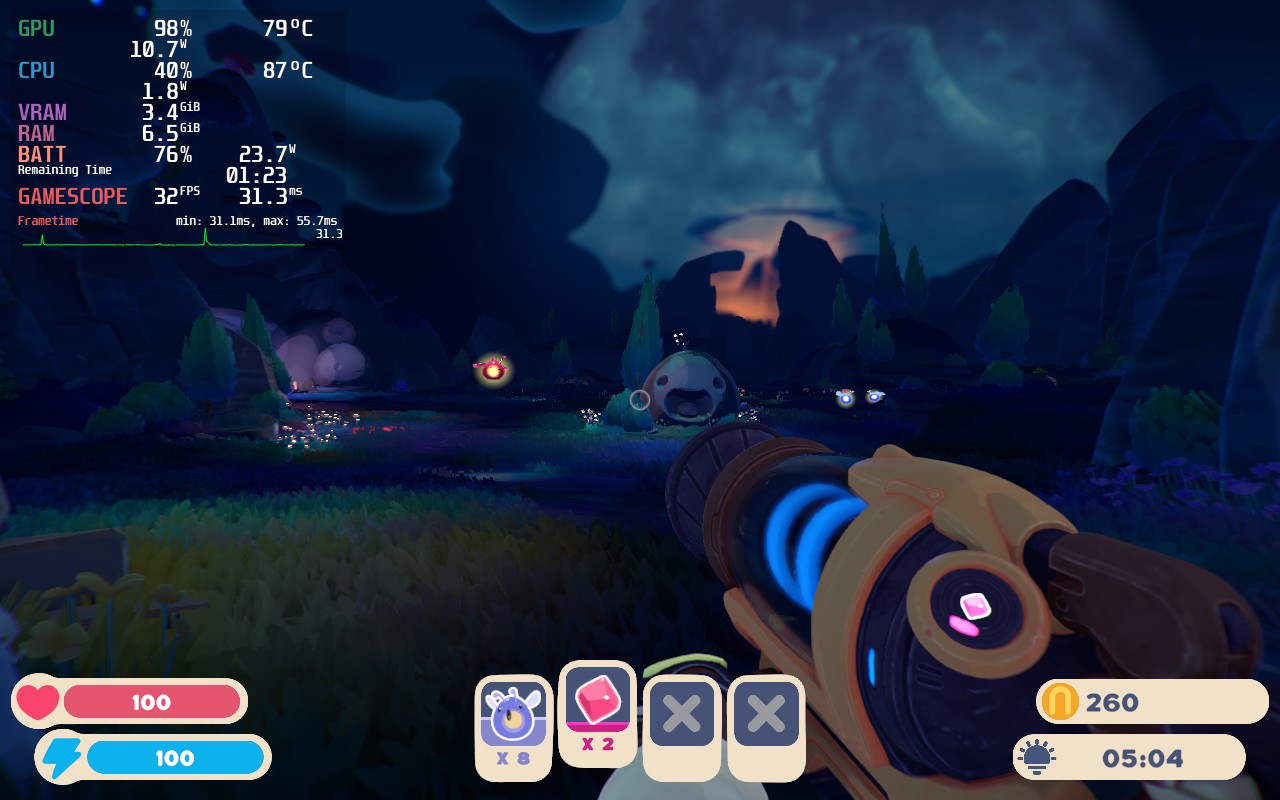
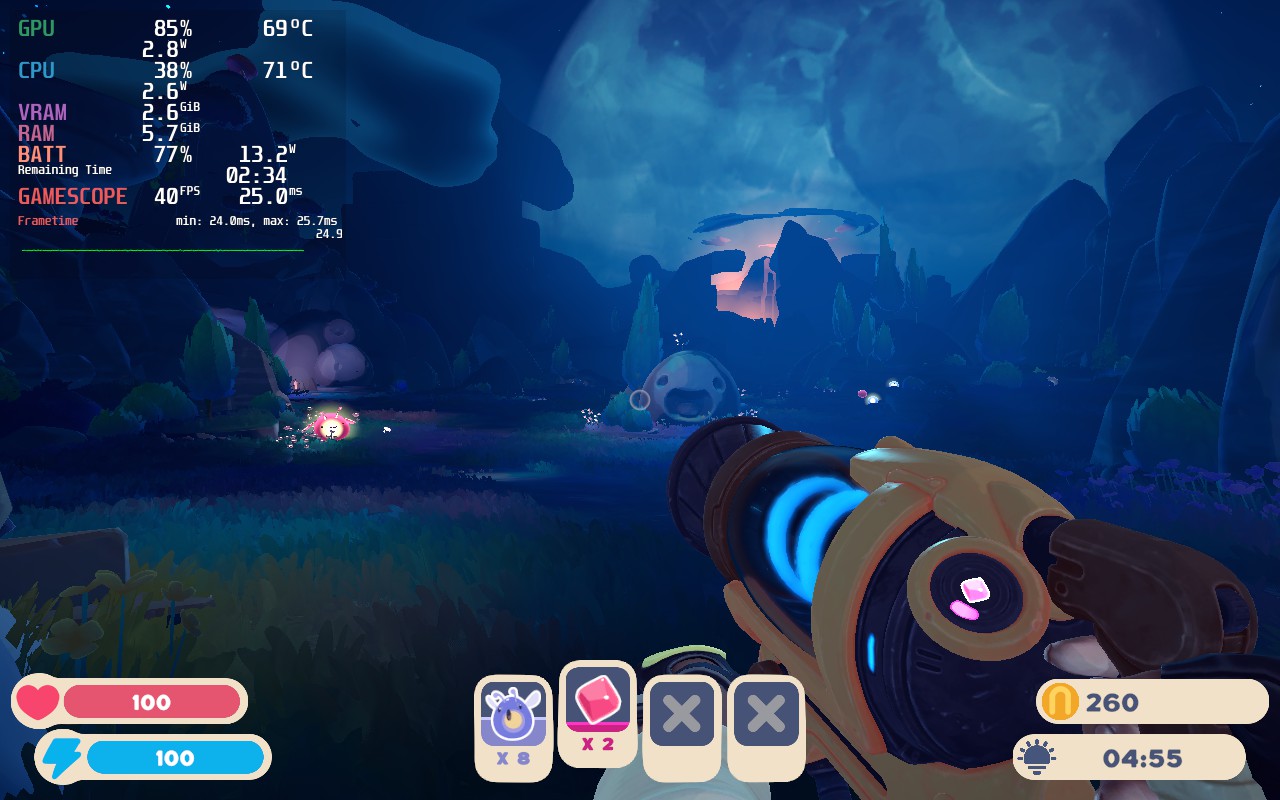
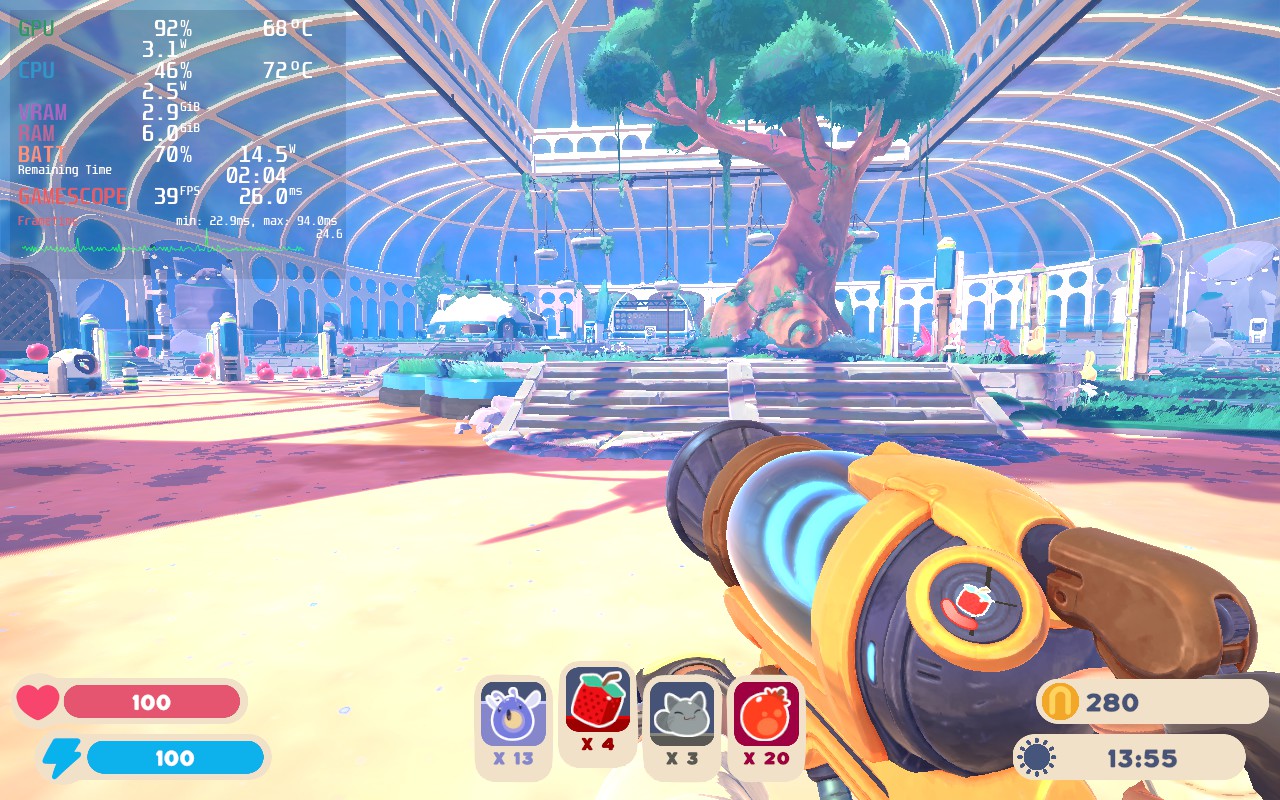
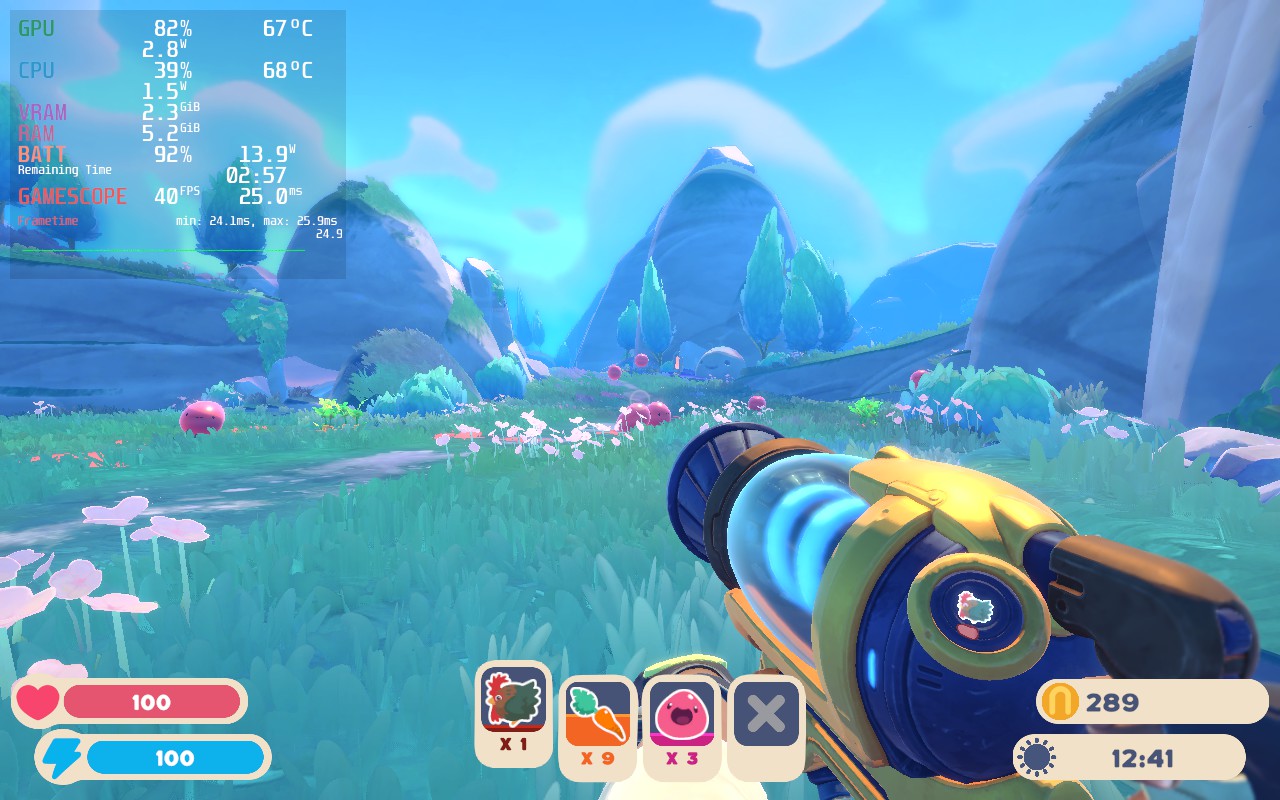
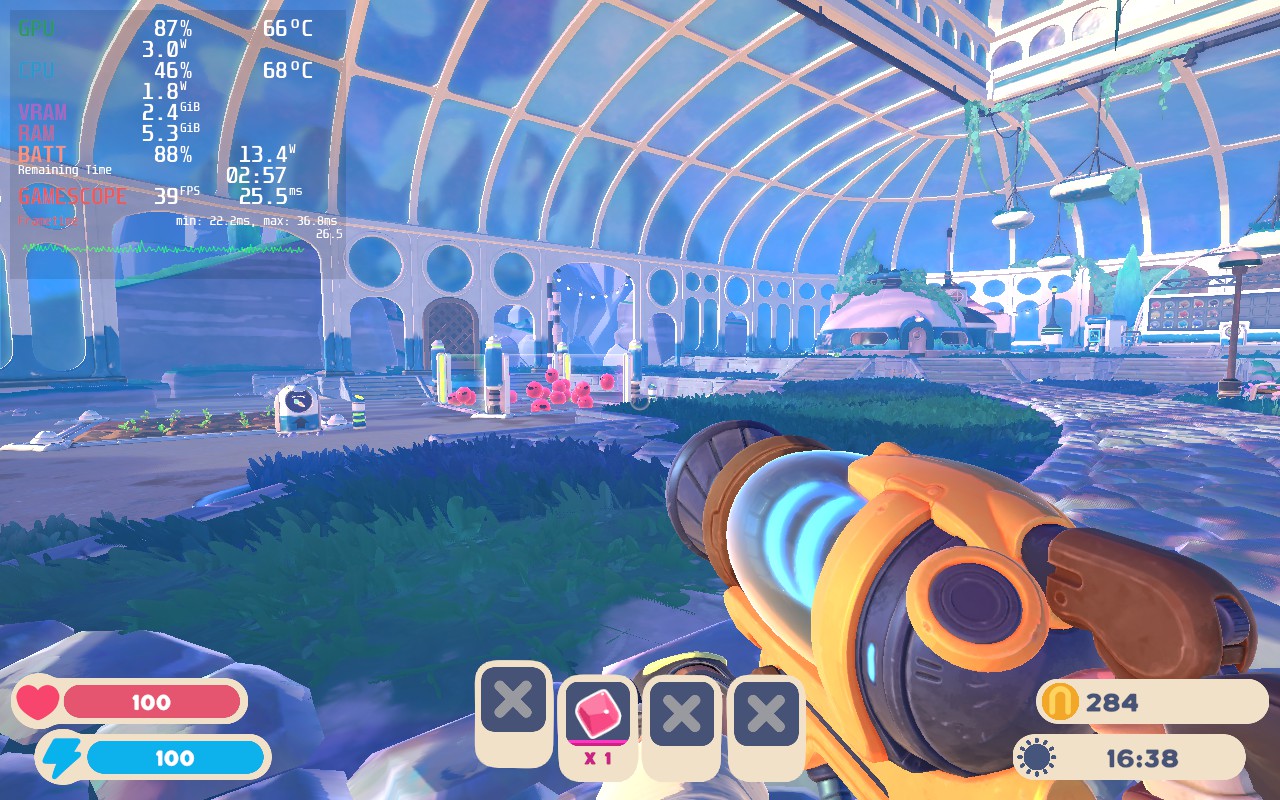
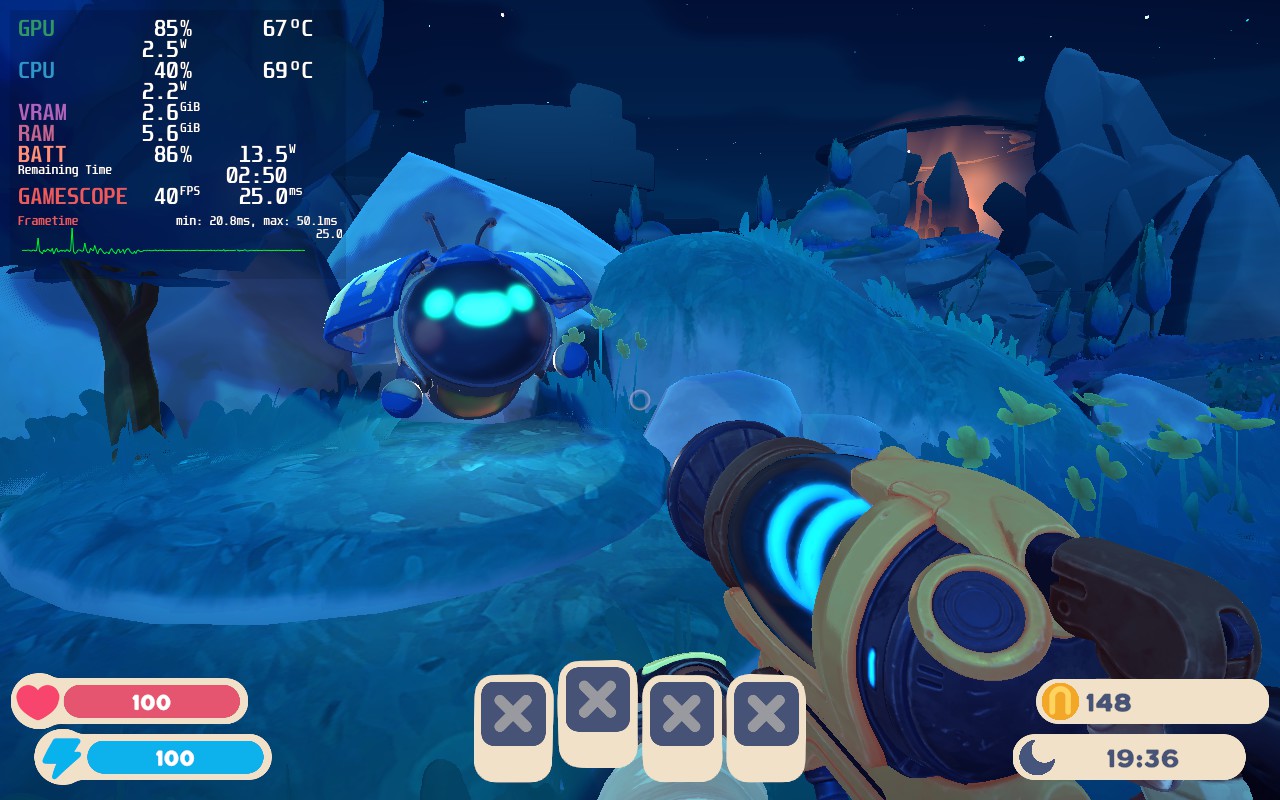
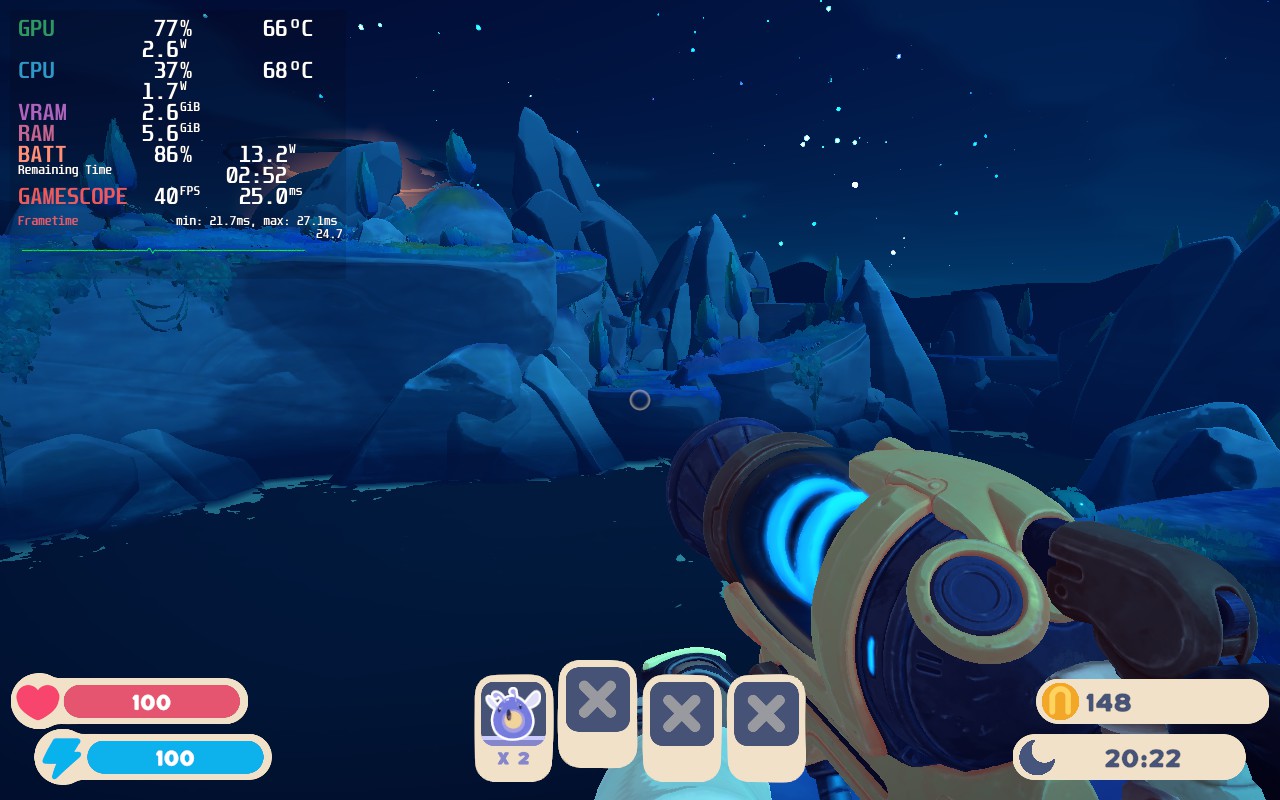
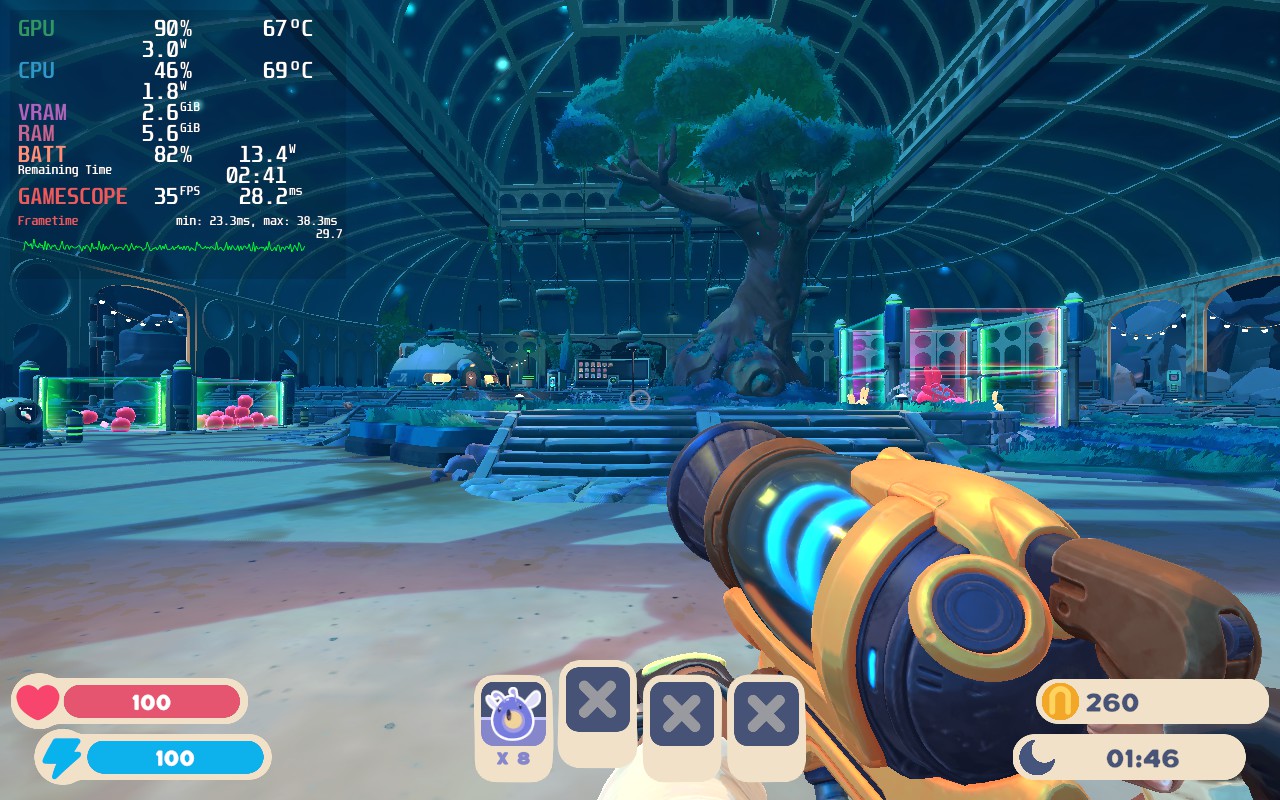
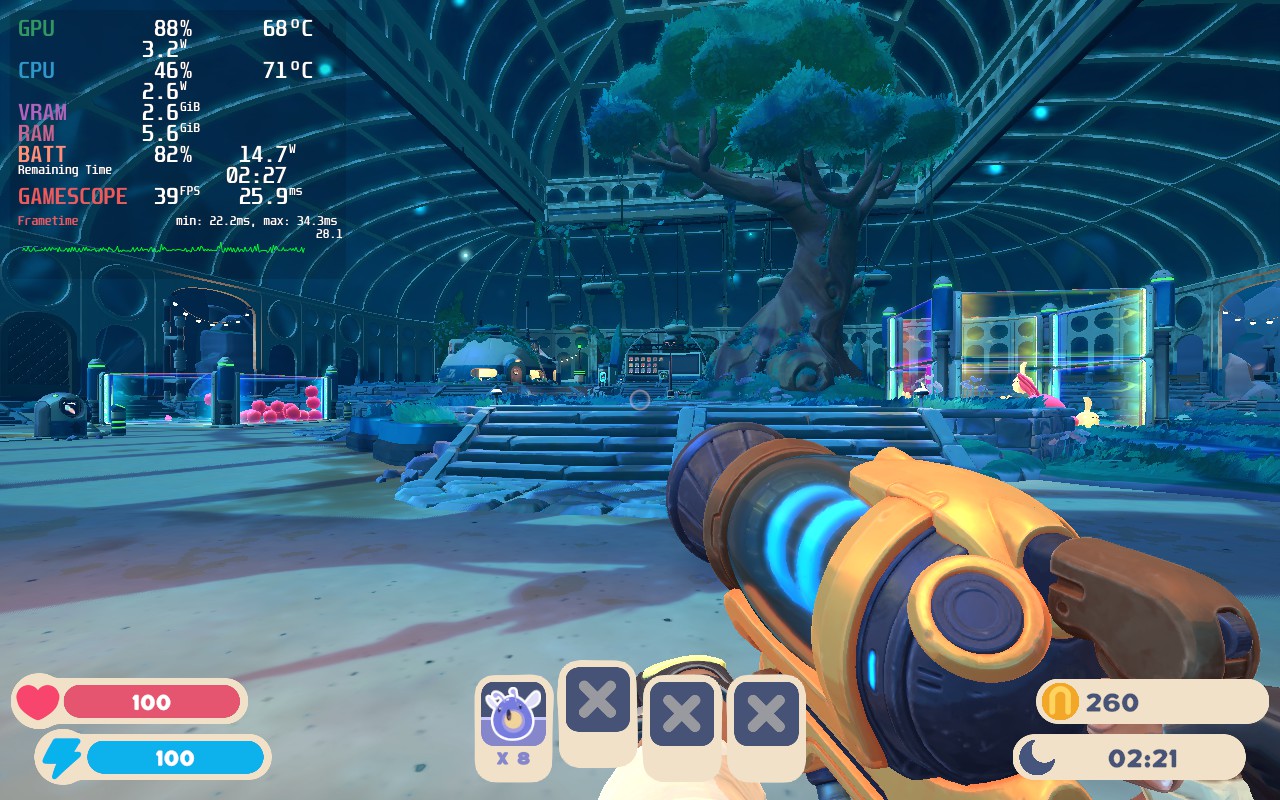
Thankfully, with some tweaking, Slime Rancher 2 can run decently well. It isn't perfect yet, but for an early access game, I am very optimistic. The game at max settings will dive bomb to 24W battery drain with 80c - 87c temps, which is definitely not viable. With the settings I changed, I was able to get a solid 40 FPS that ranged between 12W - 15W for a batter life of around 3.5 hours and staying at native resolution! Proton GE also seemed to help a little with stability, so I used Proton GE 7-35.
There are some drops when there are a ton of slimes on screen, especially in your conservatory, and turning TDP up will help with that, but I felt the drops didn't justify the change. Later in the game, going up by increments of 1 will solve that, but for a good chunk of it, sticking at around 9 should be fine.
I also did notice that the UI would be a bit weird with lower resolutions and using FSR to upscale, so I felt native resolution was much better. It also made the game a bit too sharp in the front and blurrier in the back. The intro to the game is also a little bit weird. The framerate drops significantly, but goes right back up when it is done. I was getting weird screen tearing on the intro when trying it on my PC too. Didn't affect anything after the intro, but still notable.
Overall, Slime Rancher 2 is a fantastic game to play on the Steam Deck so far! As this is early access, everything is subject to change and more optimizations, so we will hopefully see a bunch more and maybe a Linux build further down the line like they made for the prequel. This is definitely a safe game to get on Deck though!
このレビューはPC版に基づいています。
このレビューをお楽しみいただけたなら、SteamDeckHQ の他のコンテンツもぜひご覧ください!私たちはあなたのゲーム体験に役立つこと間違いなしの様々なゲームレビューやニュースを取り揃えています。ニュース、ヒントやチュートリアル、ゲーム設定やレビューをお探しの方も、最新のトレンドを知りたい方も、ぜひご利用ください!
The game was provided for free by PQube and MassHive Media. Thank you!
The town of Moonbury has long since depended on themselves since they were scorned by the capital. Now, when the residents of this small isolated community need the help, the medical association sends their most accomplished chemist to help and hopefully convince the town to trust them once again. Welcome to Potion Permit.
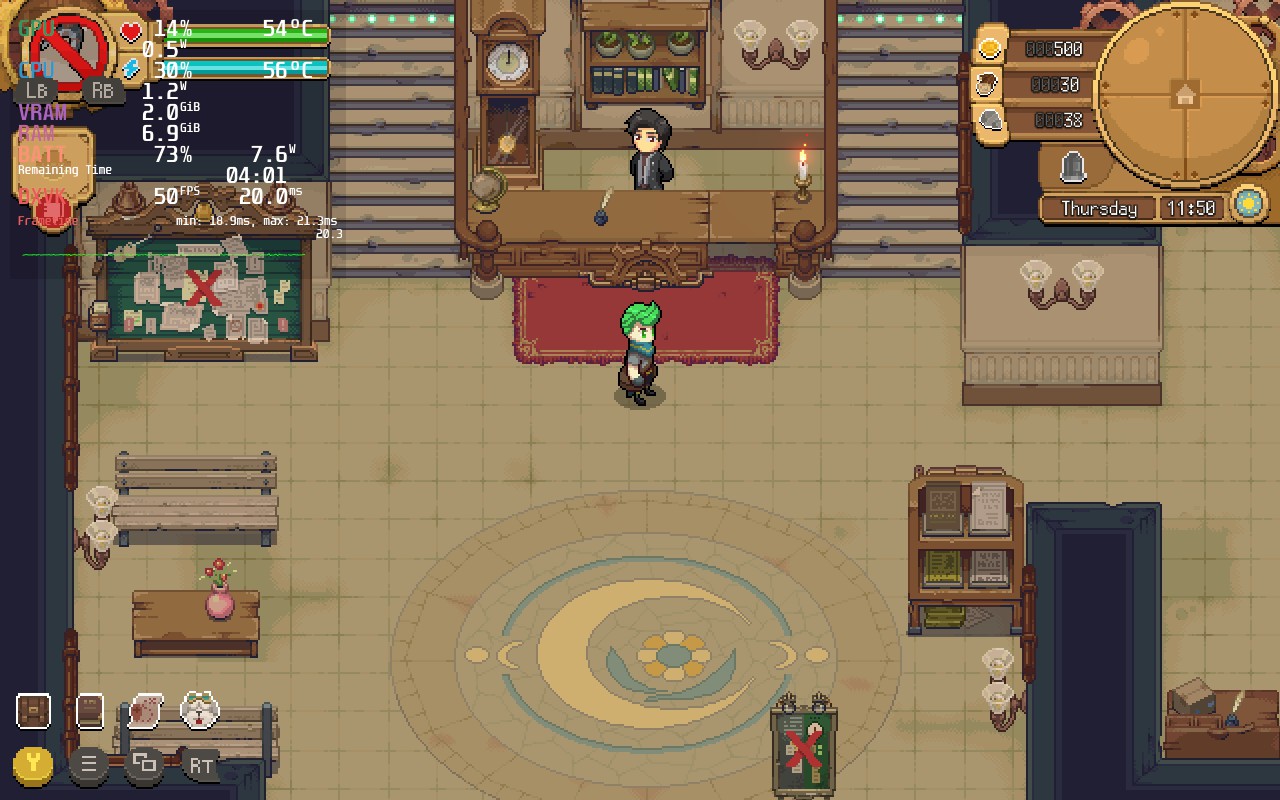
Diagnose the issues and gather the right ingredients out in the world once you have decided the right concoction for each issue, though you may have to fight in the real-time combat against foes like bears. Brew your remedies and build a relationship with the 30 unique townsfolk that inhabit Moonbury. And yes, some of them are bachelors and bachelorettes! Upgrade the town, surrounding areas, your tools, and just relax in the gorgeous vistas with your canine companion that you can pet at any time. The pixel art is gorgeous and feels wonderful to play, but we have to ask, how will it run on the Steam Deck?
The answer is it runs fantastically. I am sure most people didn't think this would be a hard one to run, but I am here to confirm it does! It plays very well with Proton and really doesn't require any changes at all. The game at default runs at 60 FPS with battery draining around 9W - 10W for around 4.5 hours of battery life and 56c-57c temps. This is really low in general, but there is a tiny catch. Potion Permit tends to have minor stuttering when running around and when loading into new areas. Luckily, we can completely solve one of these stuttering issues and give a little more battery!
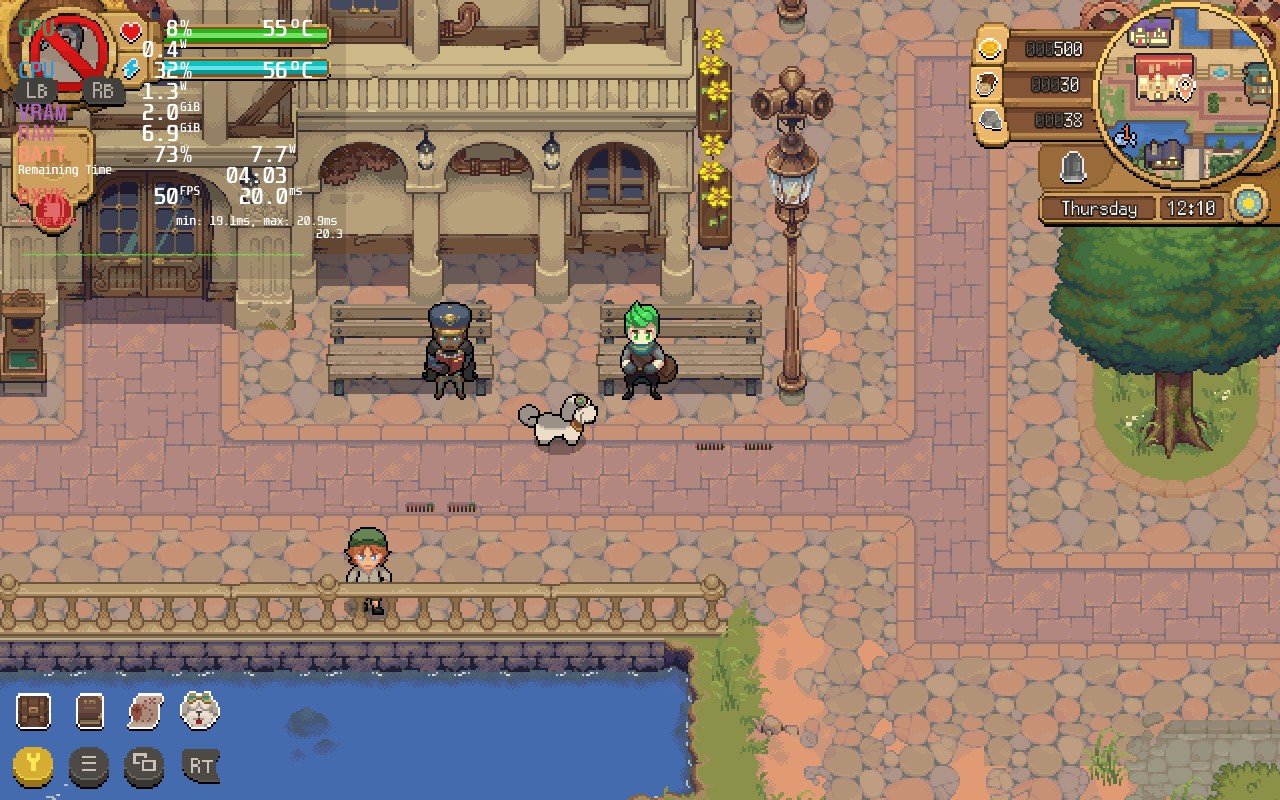
Potion Permit has full dog interactions, and it is beautiful.
By setting the refresh rate/framerate limit to 50 and GPU Clock Speed Frequency to 700, you can bring down battery drain to 8W and add on an extra 30 minutes to an hour of battery life with similar temps. Doing this also eliminates the random stutters you may encounter when running around. I also didn't experience any difference in smoothness when going from 60 to 50, so I would say this is a pretty fantastic way to improve Potion Permit even further.
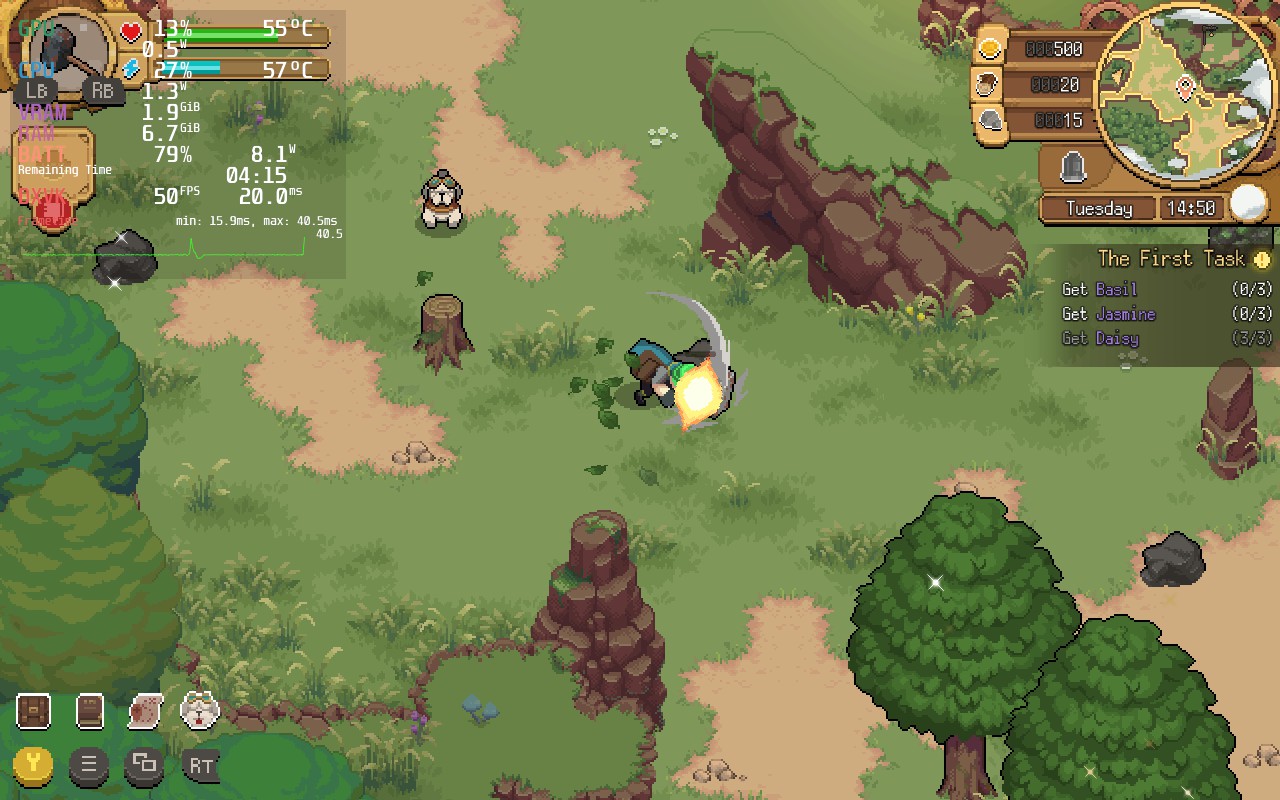
An example of the stutters in Potion Permit. While it doesn't happen often, especially at recommended settings, it can still happen. It isn't that noticeable though.
Otherwise, I didn't encounter any bugs in my time playing so far. It has been smooth sailing, which I expected from a game like this that isn't intensive at all. The game also does have cloud save support through Steam, which is always a wonderful plus.
One of the few things I felt off about the game was the colors. While they do the job, they look a little washed out. Luckily, not too long ago, a plugin came out that SDHQ covered that, when enabled, makes this game look incredible!
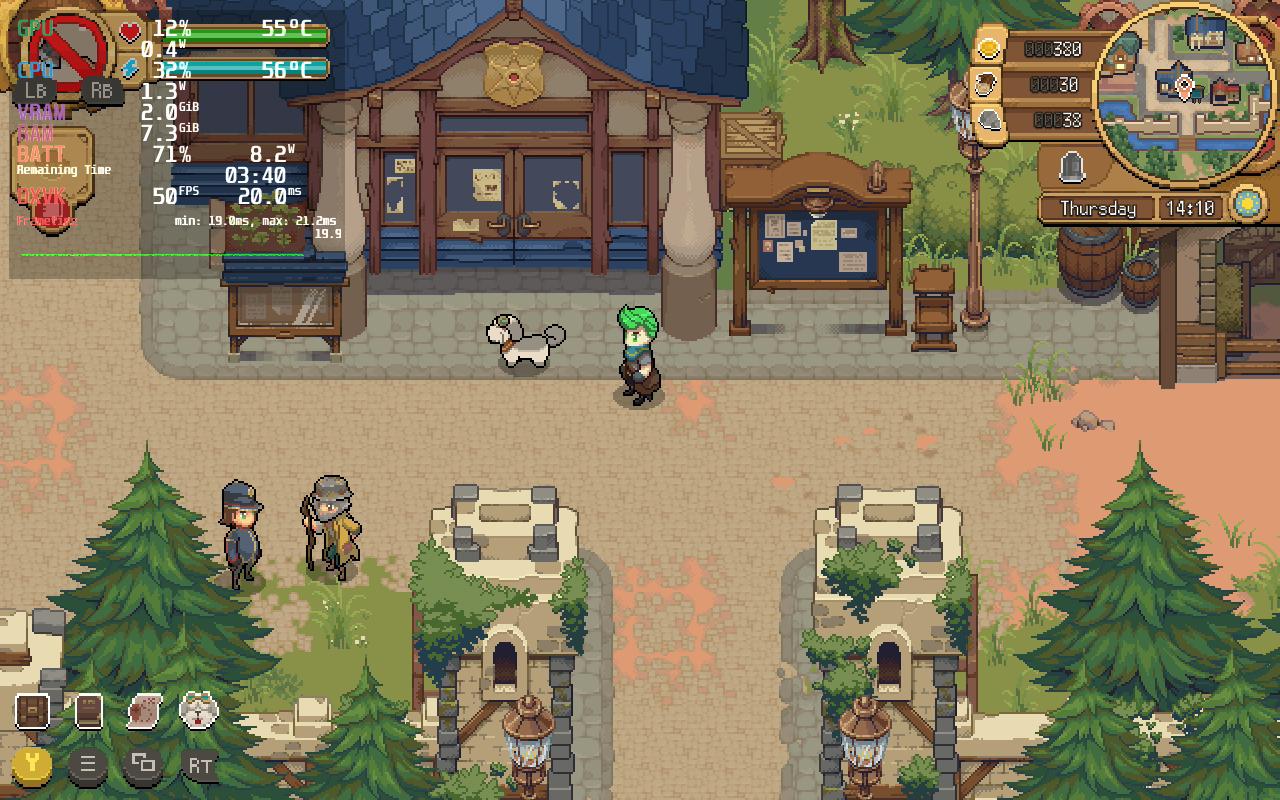
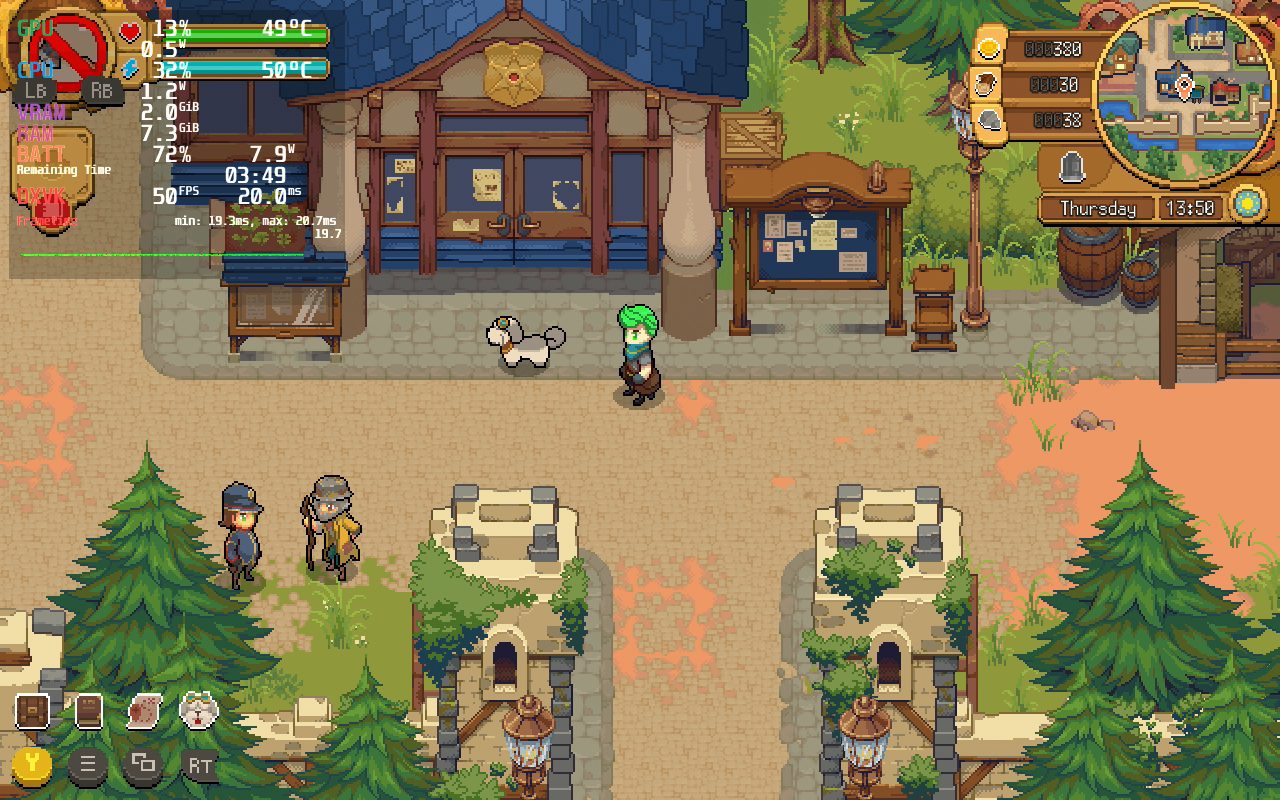
By using the vibrantCrankshaft plugin, we can very slightly alter the saturation to really make the colors shine on a screen that could use some vibrant colors. I found the sweet spot to be around 130-140 for making this game glow without it being oversaturated. Honestly, seeing it with the vibrant plugin, it is hard to go back.
Potion Permit is a game that really pleases when you are playing and if you even remotely enjoy games like Stardew Valley, I have a feeling you will enjoy this one too. The gameplay loop is enjoyable, the townsfolk are unique, and I love me some open-ended simulators. On the Steam Deck, this won't disappoint. At around 5 hours battery, cloud saves, and the ability to bring out the colors, this is one you won't want to miss. Potion Permit releases on September 22nd!
このレビューはPC版に基づいています。
このレビューをお楽しみいただけたなら、SteamDeckHQ の他のコンテンツもぜひご覧ください!私たちはあなたのゲーム体験に役立つこと間違いなしの様々なゲームレビューやニュースを取り揃えています。ニュース、ヒントやチュートリアル、ゲーム設定やレビューをお探しの方も、最新のトレンドを知りたい方も、ぜひご利用ください!
It is time to dive into the magical world of disney in this life-sim adventure game where you must save the idyllic land of Dreamlight Valley. Once a paradise of Disney and Pixar characters, this place was corrupted by the Forgetting, which threatened to sever all the grand memories associated with the territory. But thanks to you, you can save them all and bring the light and magic back!
Discover secrets and forge friendships with your favorite Disney and Pixar characters like Wall-E, while also decorating your home and putting together some awesome outfits. And hey, settle where you want to as well, whether it be on a beach with Moana or even Wall-E (I like Wall-E). In the end, you choose the way you play and the life you build is completely up to you.
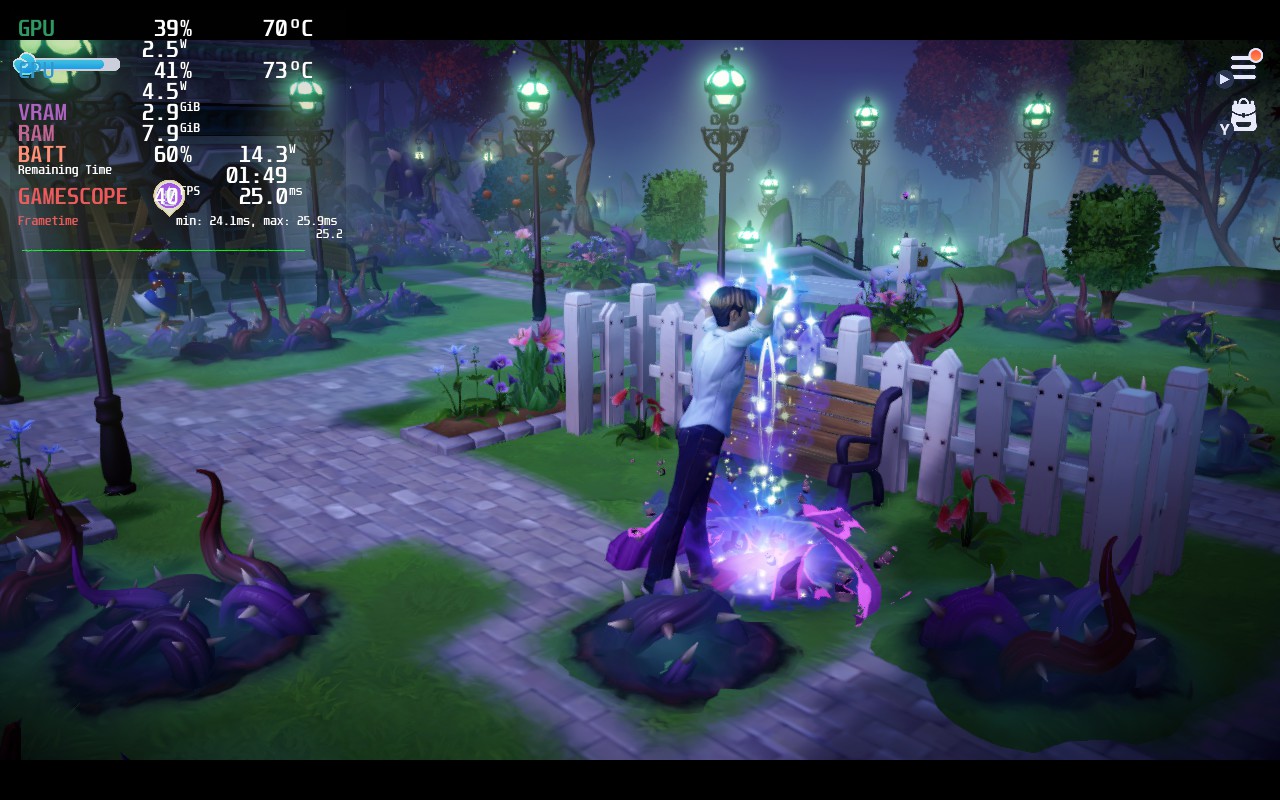
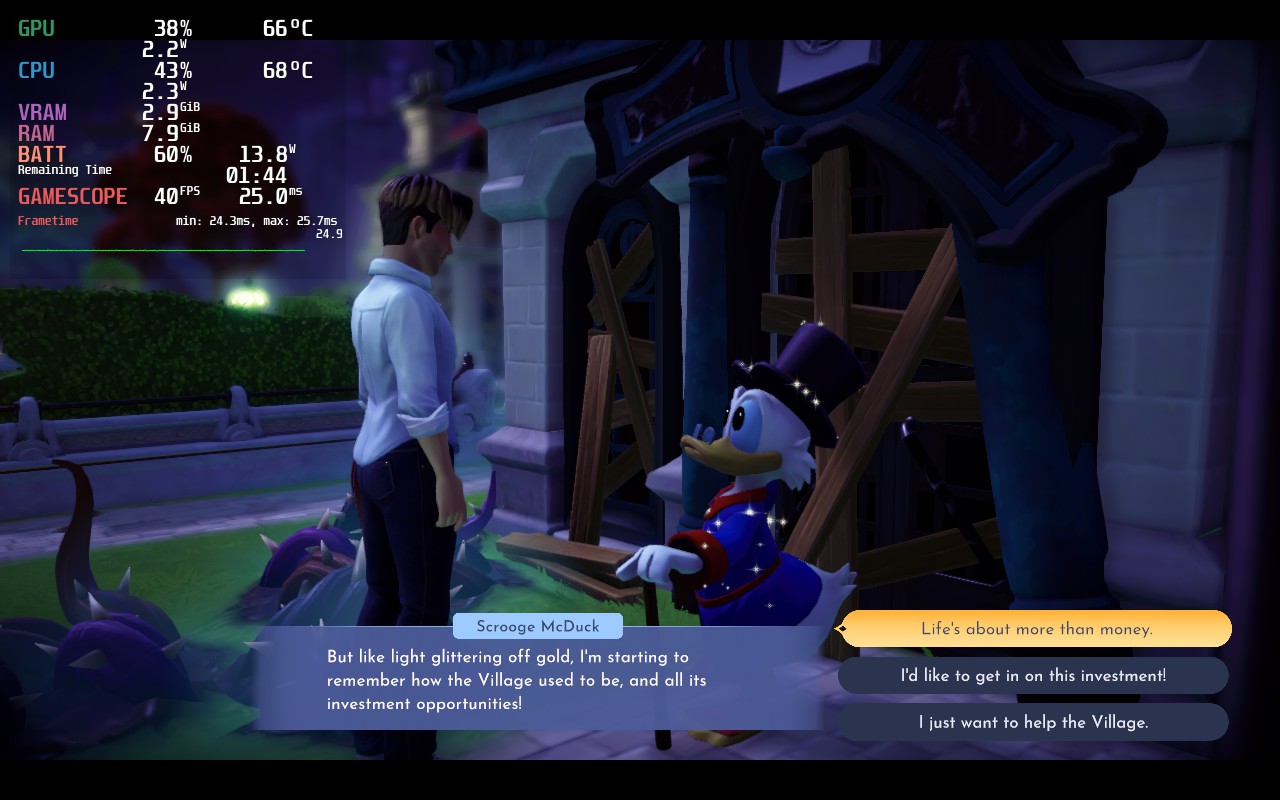
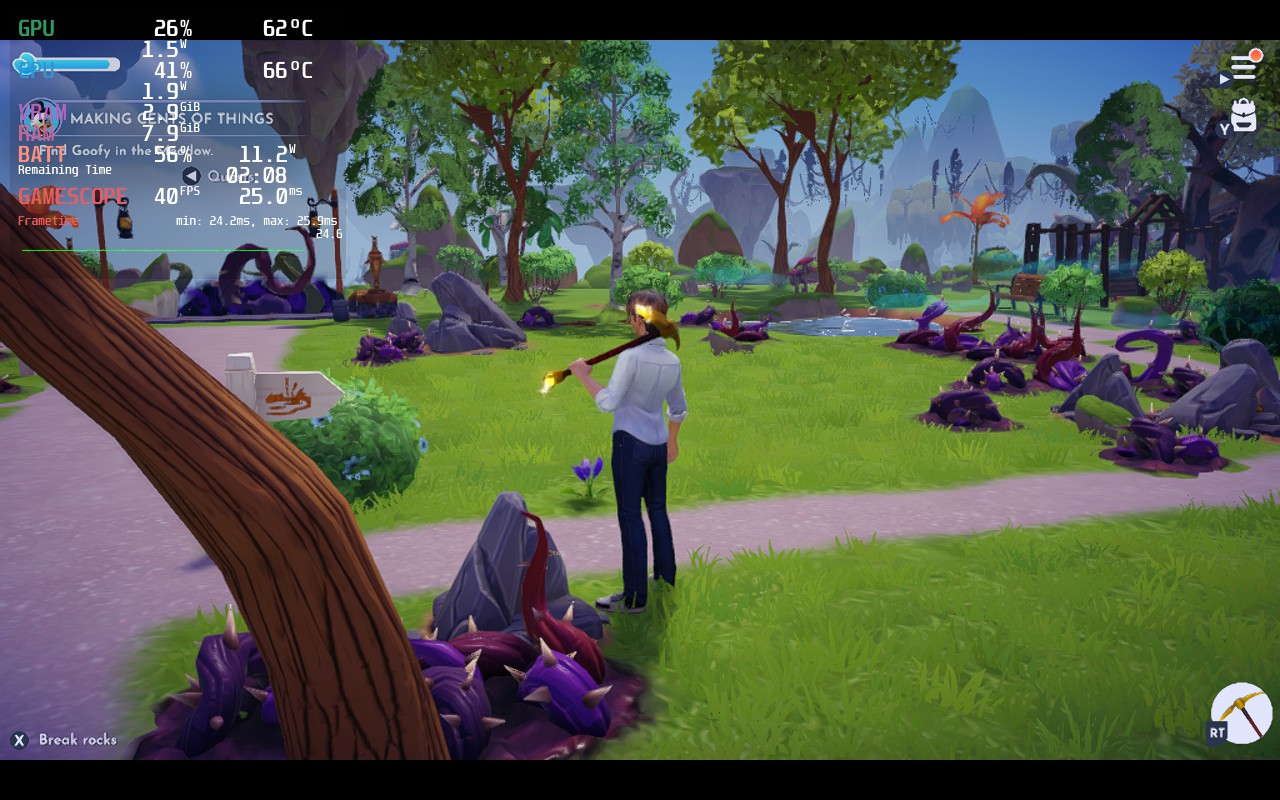
This is an early access game, so a lot is subject to change over time until it releases, but so far, it has been okay. On max settings, the game tends to hit 23W draining while temps go to 80+ and framerate stutters around 30-35 FPS, but with the right changes, we were able to get a solid 40 FPS build with around 3 hours of battery life.
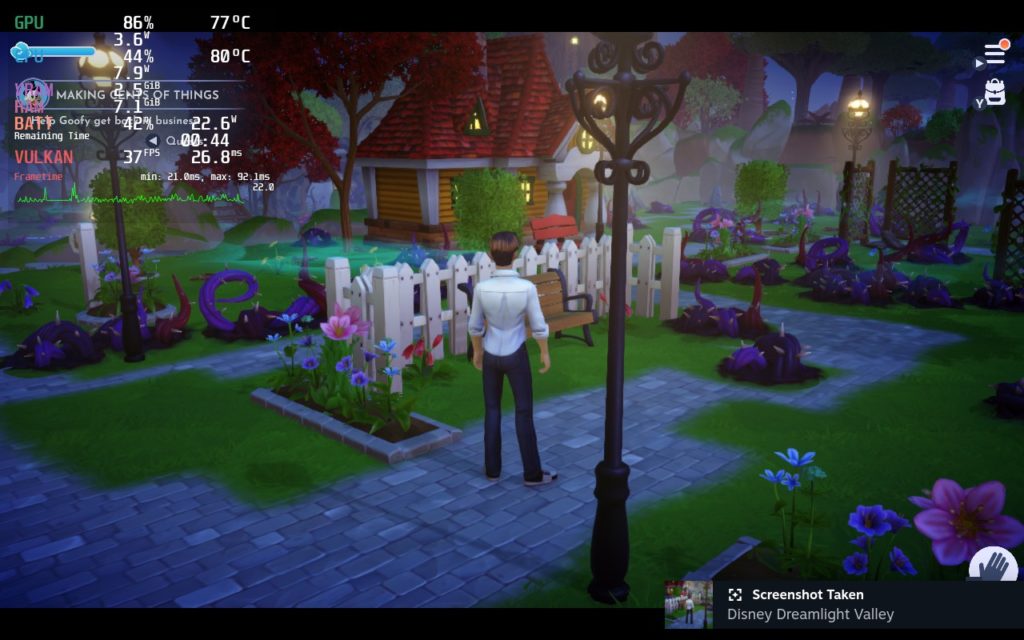
While the game looks nice at max, it is highly unstable and drains way too much. And this goes even higher when actively running around!
We also noticed that Dreamlight Valley tends to use more power based on what you see, so when in menus and not looking at much rendering in, you will have better stability and drain less battery. Unfortunately, this means running around and assets loading in can be a decent strain, so I felt setting the Distance Quality to "PC Low" solved this, keeping stability with pop-in not being nearly as bad as I would have thought. You can change this to "PC Medium" which does get rid of most of the pop-in, but there's definitely instability at the 40 FPS mark (could switch to 30, but will still see minor dips).
I also want to mention that this game DOES have cloud saves, though you need to sign into a 3rd party account to do it at this current stage, but it does go across multiple platforms. You should also use Proton GE, since the game crashed multiple times for me using regular Proton.
Overall, the game is in a pretty decent state for early access. I do wish it ran a bit better and had more fleshed out graphical options, but I am willing to give it the benefit of the doubt! So far, so good though!
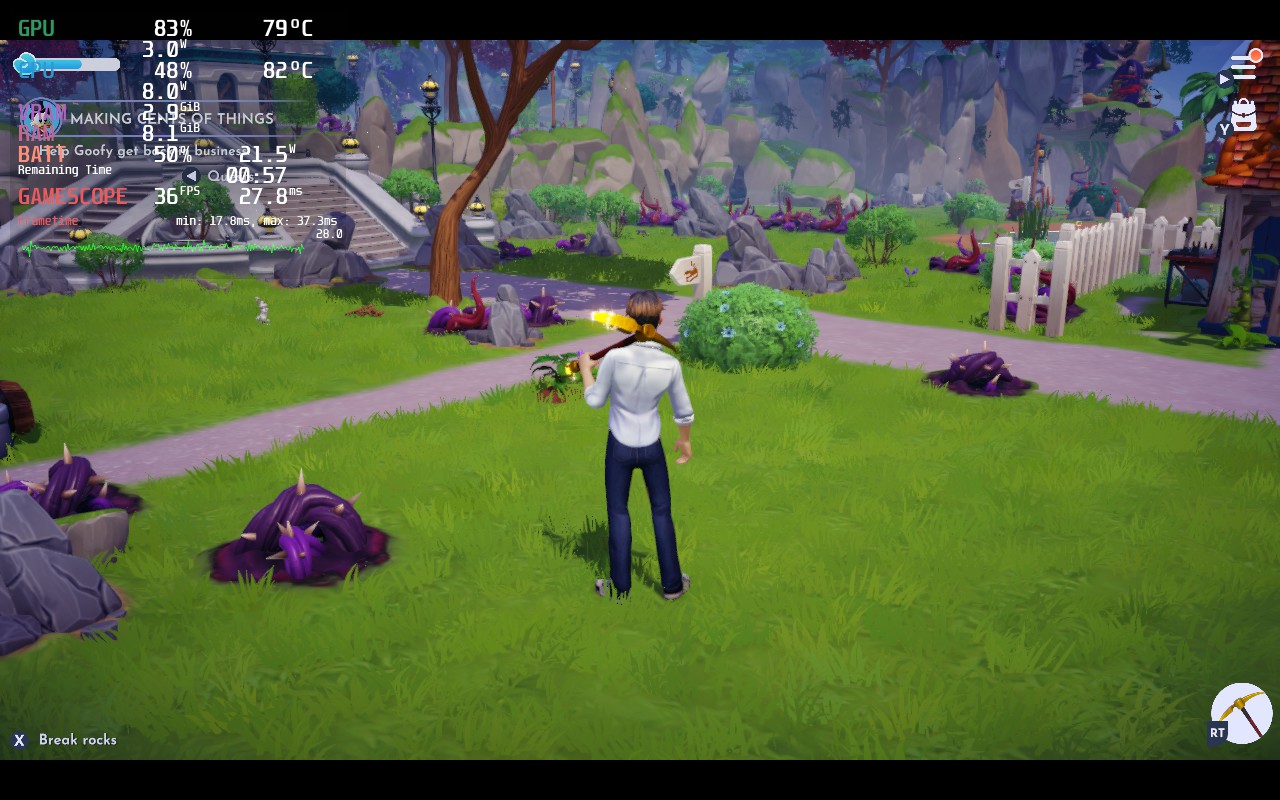
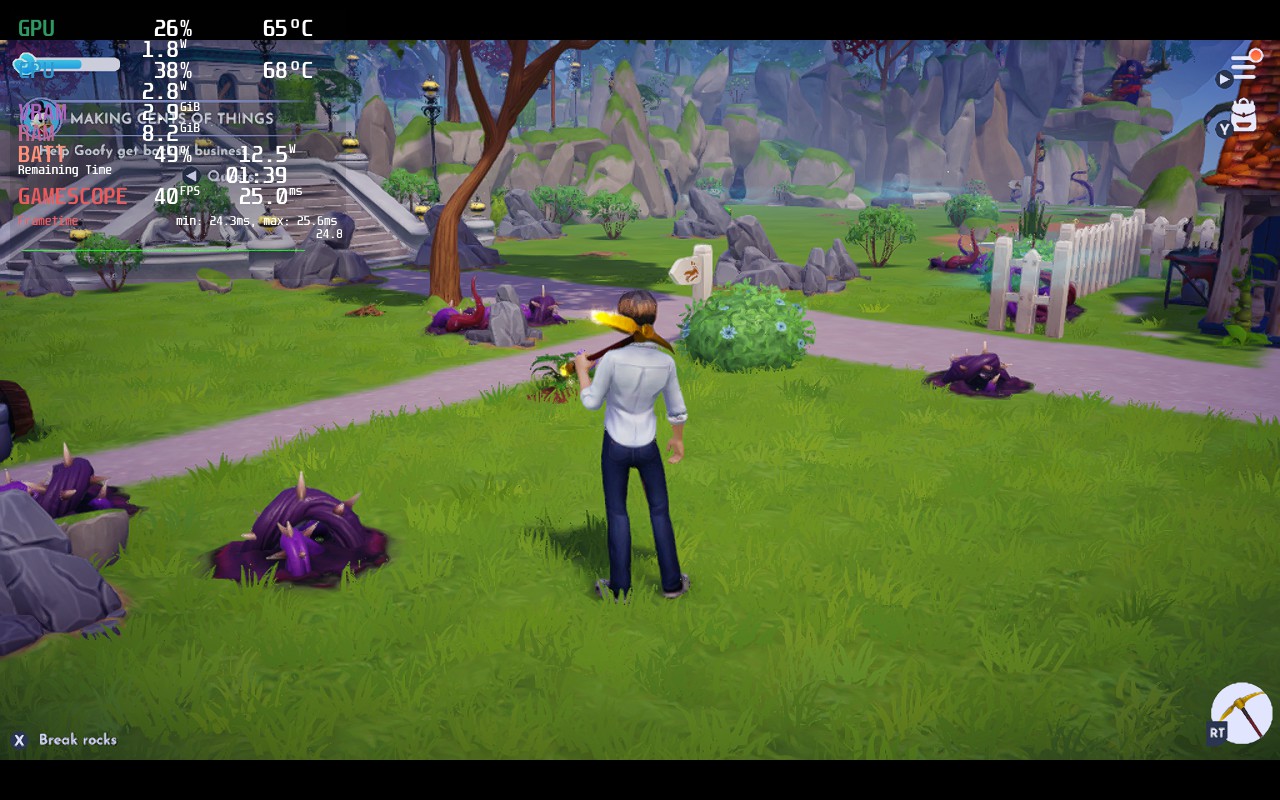
Max Settings vs Recommended. There is a decent drop in visual quality, but not enough to justify a 1.5 hour battery drain with an unstable framerate!
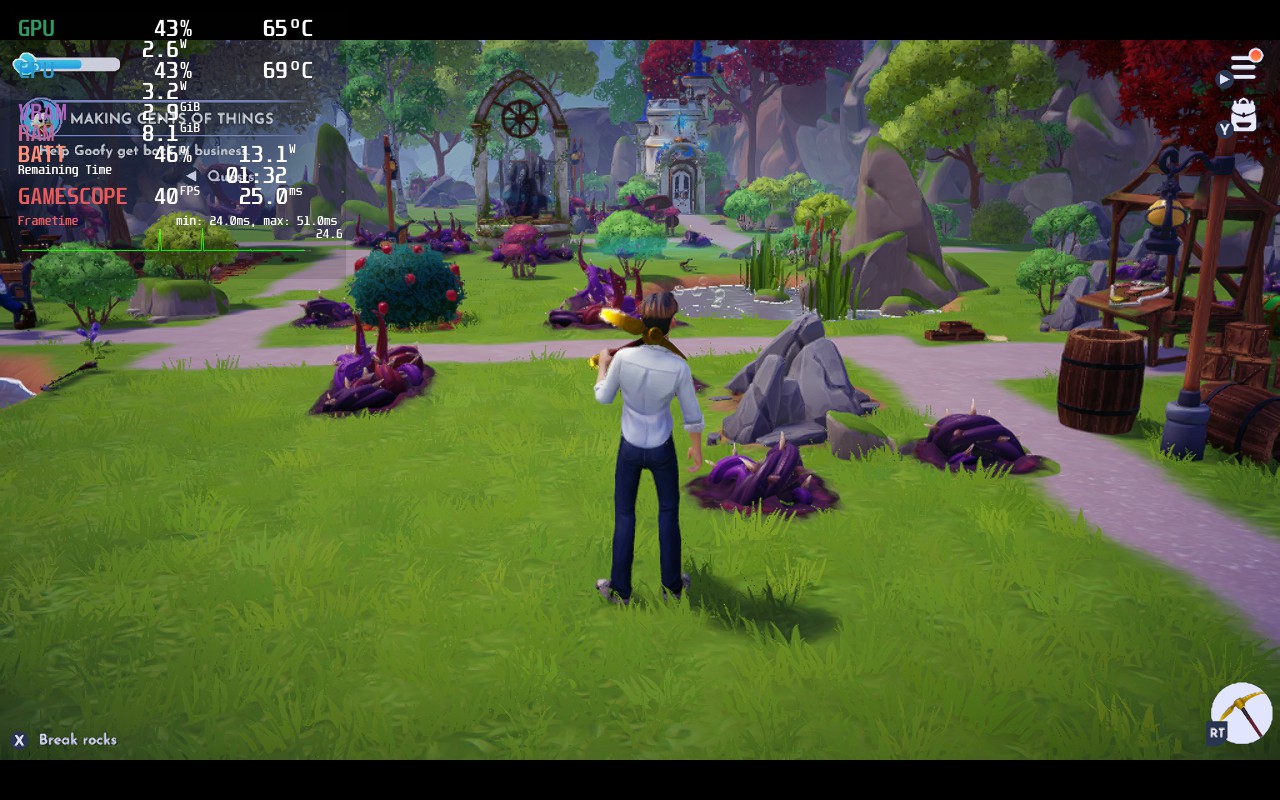
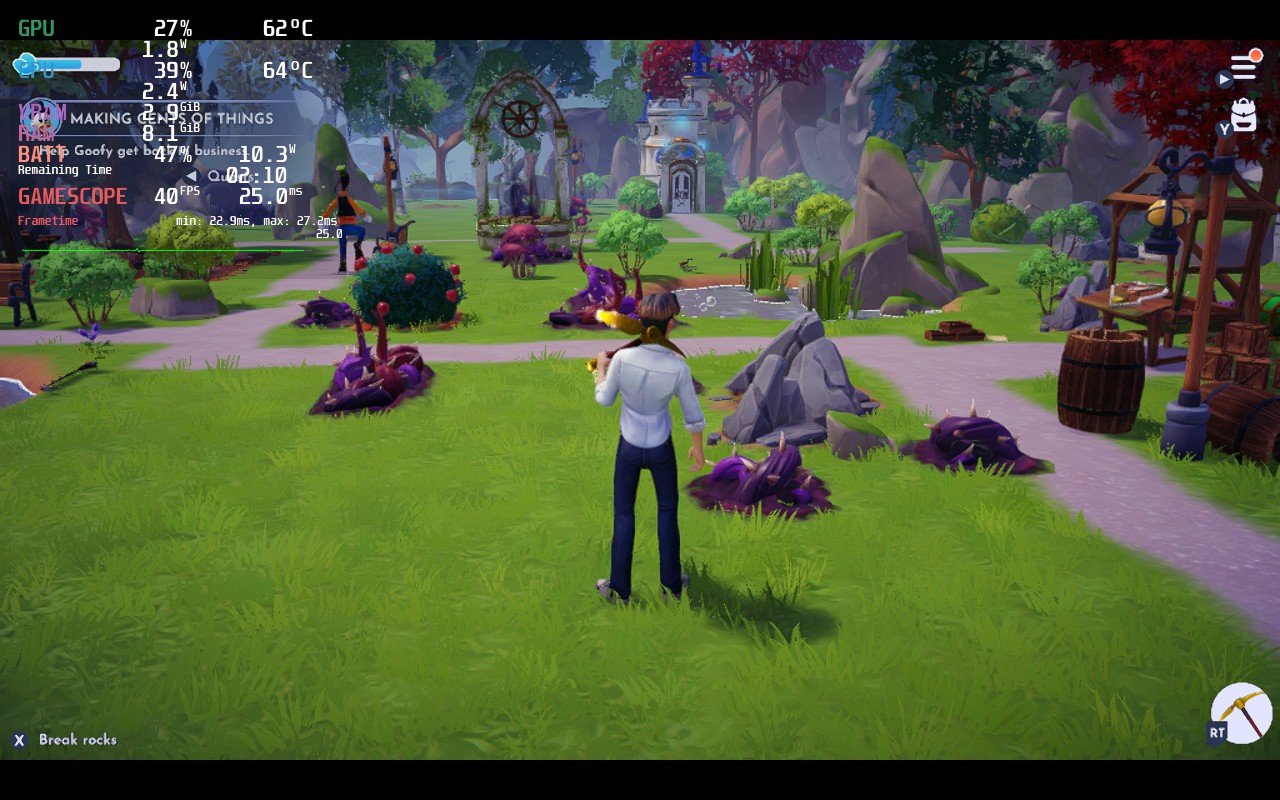
Draw/View distance here. Medium definitely looks better, but way more unstable. Just by standing there, you can see 2 little spikes on the framerate graph. Moving around makes it significantly worse.
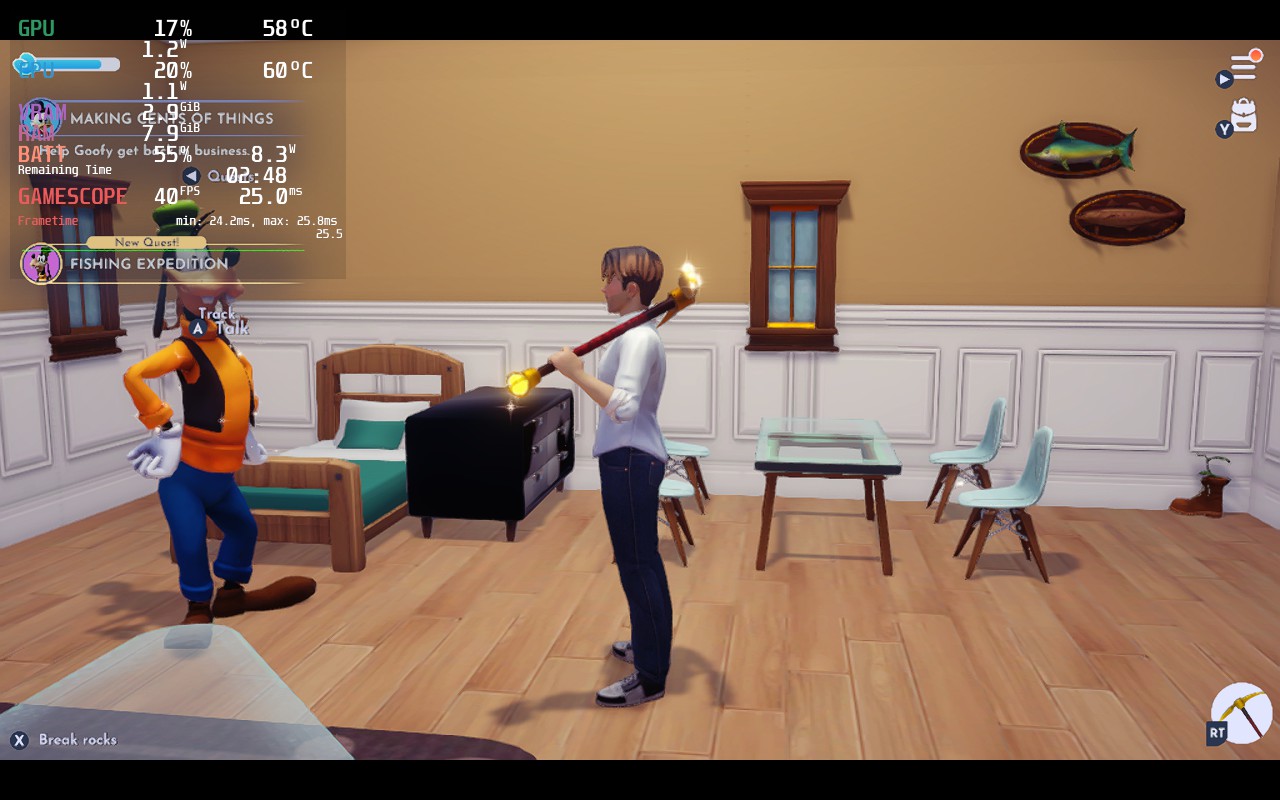
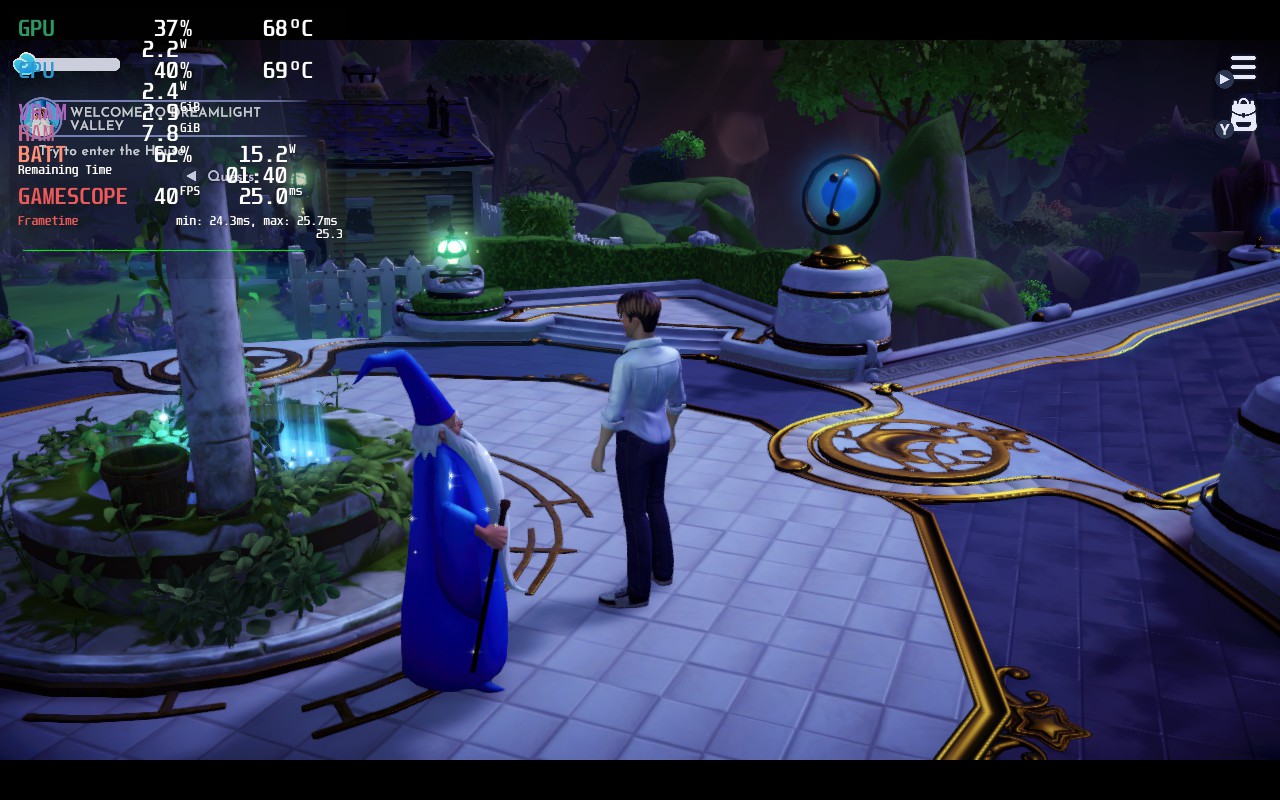
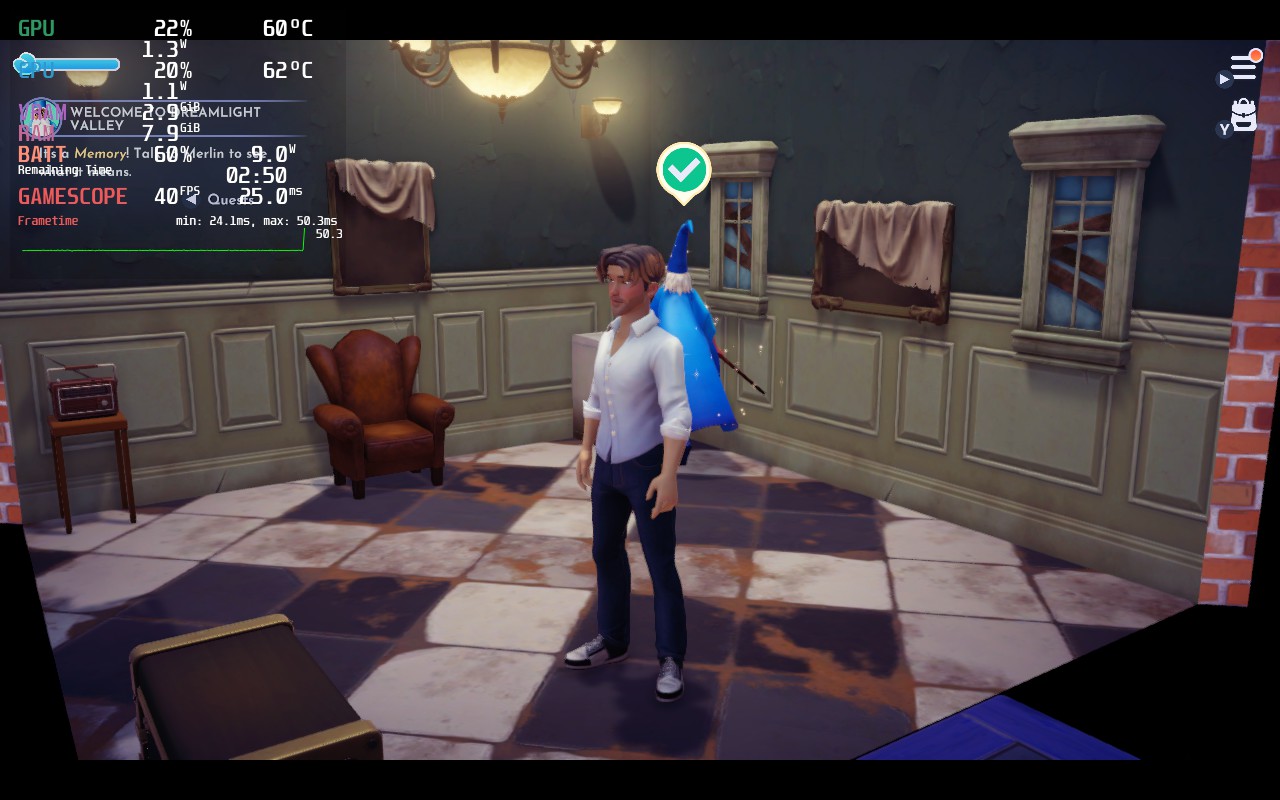
このレビューはPC版に基づいています。
このレビューをお楽しみいただけたなら、SteamDeckHQ の他のコンテンツもぜひご覧ください!私たちはあなたのゲーム体験に役立つこと間違いなしの様々なゲームレビューやニュースを取り揃えています。ニュース、ヒントやチュートリアル、ゲーム設定やレビューをお探しの方も、最新のトレンドを知りたい方も、ぜひご利用ください!



