Ra Ra BOOM was provided by Gylee Games for review. Thank you!
Ra Ra BOOM is a brand new brawler on the block. Admittedly, I don't have much experience with the beat 'em up genre, but I had an absolute blast with Ra Ra BOOM, and I think it's a great entry point for people into the genre.

By being a great entry point into the genre, I mean that the balancing is on point here. There are no difficulty options, but even as someone not overly experienced in this type of game, the game still manages to be easily accessible without being frustrating. Enemies are slightly on the "bullet-sponge" side, taking multiple hits to defeat, but it isn't egregious, and the game never floods the screen with enemies.
Ra Ra BOOM allows you plenty of both vertical and horizontal movement. It feels smooth, with jumping and dodging mechanics giving you more opportunities to try out new combos and stay on your toes.
I did find that I greatly favored using my ranged ability. Each character has a melee and a ranged option, with some characters being better at one or the other. The ranged option generally does less damage but is much safer, as the majority of enemies are melee attackers. There could have been more incentive to use melee attacks, but there seemed to be a few downsides to just holding down the right trigger and dodging enemy attacks, a bit like an old shoot 'em up.
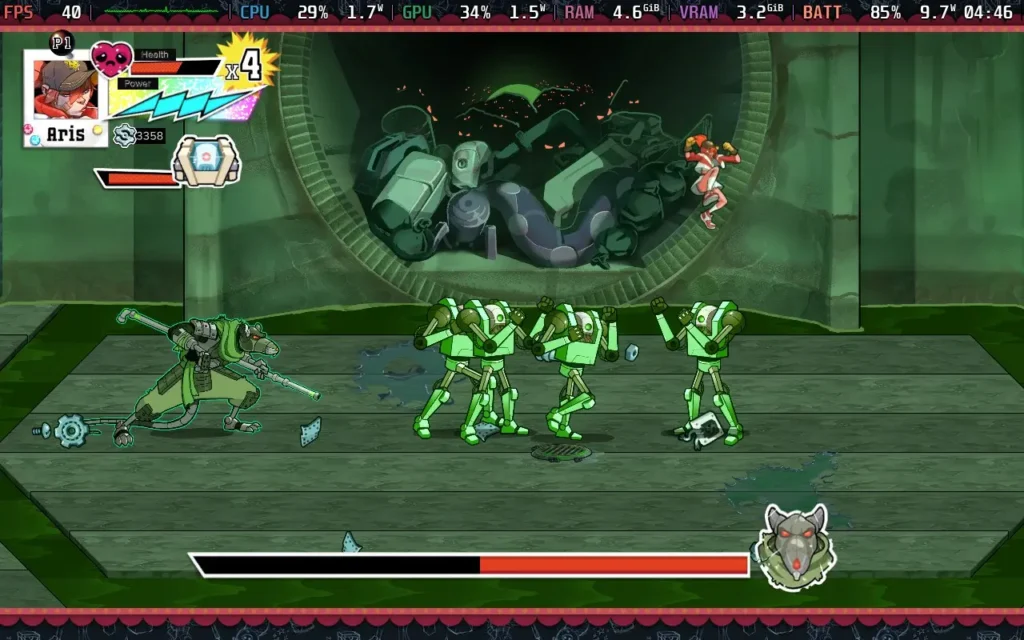
The story is generic. It's told in drawn slides between missions, of which there are nine. The general gist is that the Zoi, a rogue group of AI robots, has taken control of the Earth, and it's down to your team of four to liberate the planet. On your journey, you'll navigate through the different levels, each with its own separate environment.
9 levels isn't a lot, and with each level only taking around 20-30 minutes to complete, you can finish the game's storyline in less than 5 hours. The replayability here comes from the "challenge" objectives from repeat playthroughs. For example, once you've completed a level, you can replay the level again with a "melee only" rule.
The only problem is that Ra Ra BOOM provides little reason to go back and beat the special objective levels. By the time I finished the main storyline, I had already bought all the upgrades to stats as well as all the combo upgrades you can unlock too, so there was no more progression to be made by going back through the levels again unless you want that "Cleared" text besides each objective.
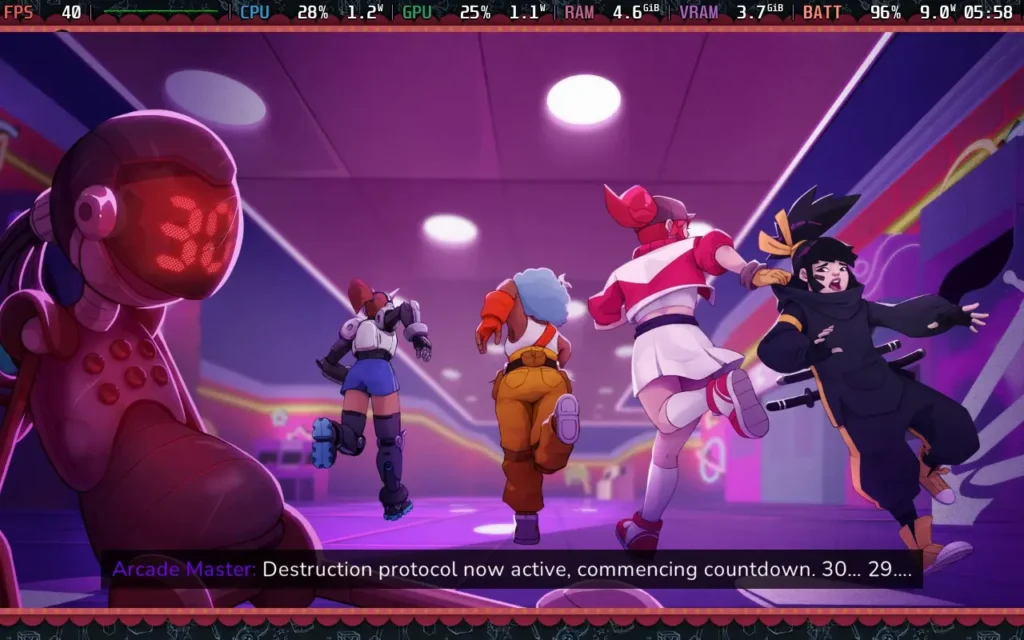
Ra Ra BOOM features a 4-player co-op, but only locally, not online, which is a bit of a shame. The game does support Remote Play Together, so you could technically stream the game from your Steam Deck to friends and play it, but that does come with the expectation of some input lag for your buddies. Alternatively, you can always dock your Steam Deck and plug in some controllers.
At one point, I did manage to fall through the world, resulting in the game freezing for about 15 seconds before the game killed me and prompted me to spawn as the next character. Other than that, I didn't notice any gameplay bugs; some issues seemed to happen on lower-resolution screens.
UI elements can get bunched up, causing things like your available currency to be shown slightly off-screen in the menus and menu controls, likewise, to overlap. Also, certain subtitles in cutscenes go off the edges of the screen at lower resolutions.
All of this being said, though, Ra Ra BOOM is a good time. It's a little on the easy side, and any beat 'em up veterans will probably breeze through this one, but it's fun nonetheless. It has a simple storyline to keep pushing you along, the game is short enough that the environments and enemy varieties mostly stay fresh, and there's also the benefit of local co-op play if you want to play with friends.
Controls-wise, Ra Ra BOOM works perfectly on the Steam Deck, and the developers recommend a controller for playing anyway. Unfortunately, performance is a bit mixed on the Steam Deck, thanks to the single-thread CPU usage.
I also had an issue with the resolution selector in the options menu. The resolution amount is not actually shown, but just select one that fills the entire Steam Deck's screen, and you should be golden.
I ran the game at 1280x800 resolution, disabling Anti-Aliasing and VSync, and turned off the in-game frame limiter. I recommend you limit the game to 40 FPS in SteamOS, as the frame rate is rather unstable.
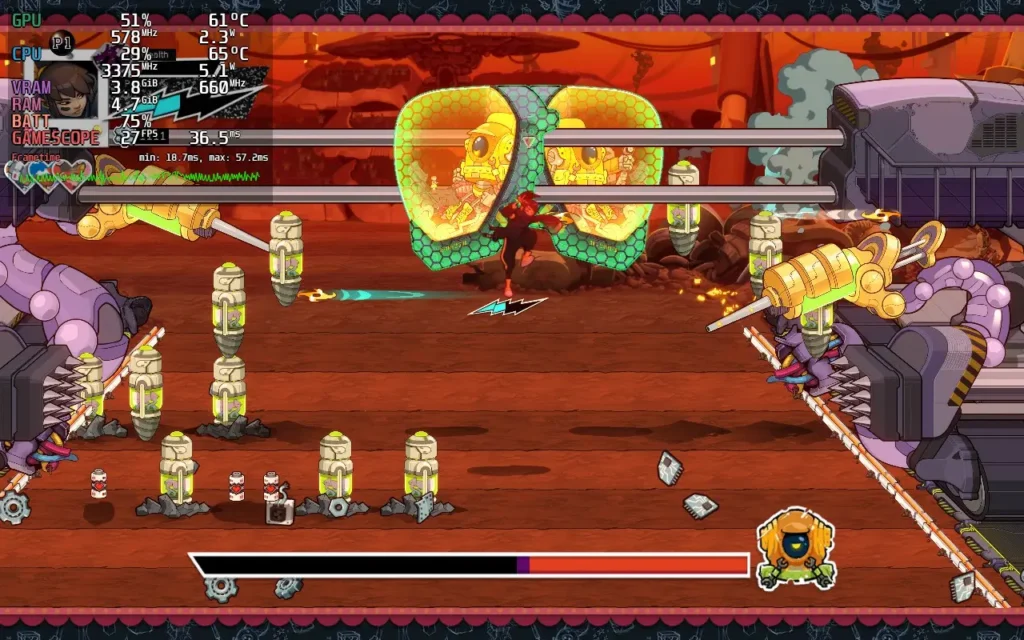
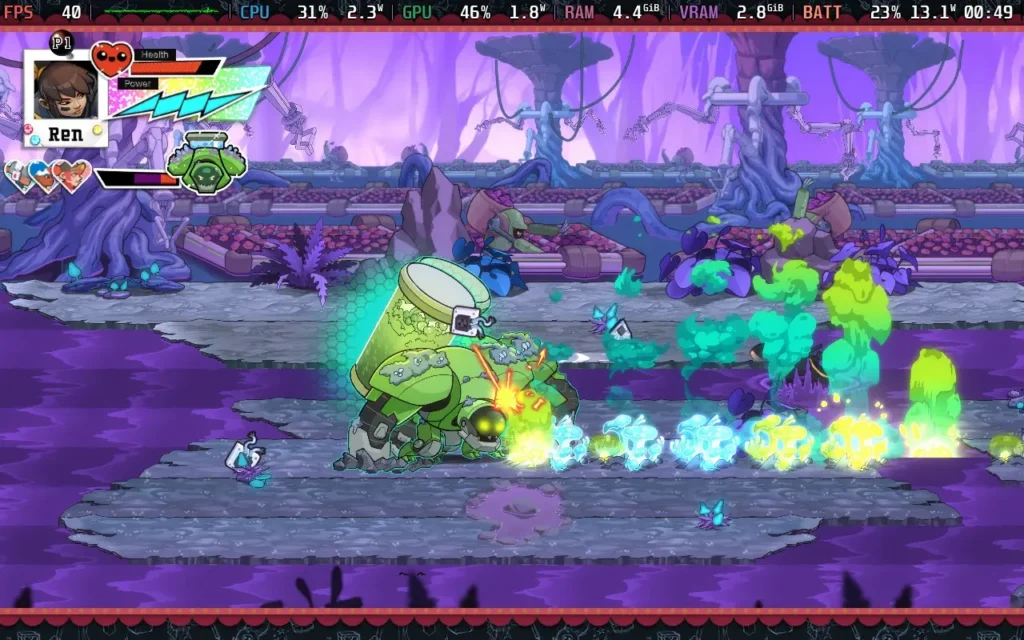
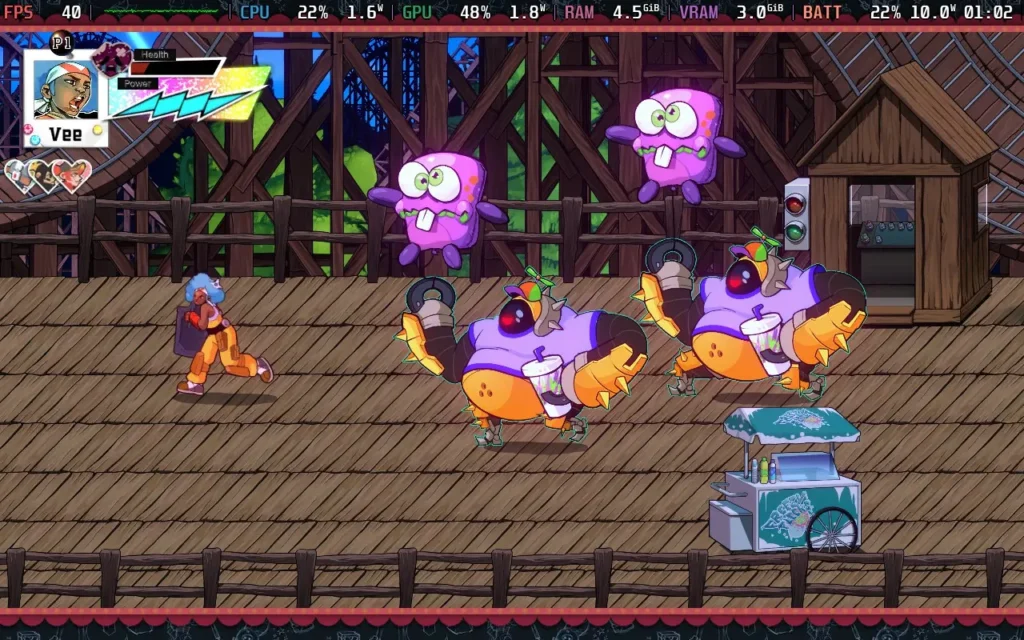
Unfortunately, the performance, as mentioned, is mixed. Quiet areas will run at 60 FPS without issue. But getting into areas with more enemies and action can drop the frame rate as low as 30 FPS, which is a pretty unpleasant experience. This is a CPU issue, so we can't improve it by adjusting settings. Hence, I recommend we stick to a 40 FPS lock and deal with the occasional drops.
The power draw is around 9W-13W, meaning you'll get a pretty long battery life: around 4.5 hours on a Steam Deck OLED and around 3.5 hours on a Steam Deck LCD. Temperatures were around 60-65C.
Ra Ra BOOM has no accessibility options. All dialogue is subtitled.
Ra Ra BOOM is a fun, albeit short, time. This fits the bill if you want a fairly short and entertaining game that you can play in 1 session with a few friends. This might not be for you if you're looking for a game with depth and replay value.
Steam Deck performance is a little disappointing. We can mostly maintain 40 FPS, and the game is fully playable, but some performance issues and UI issues detract from what could be a great experience.
このレビューはPC版に基づいています。
このレビューをお楽しみいただけたなら、SteamDeckHQ の他のコンテンツもぜひご覧ください!あなたのゲーム体験に役立つゲームレビューやニュースを幅広く取り揃えています。ニュース、ヒントやチュートリアル、ゲーム設定やレビューをお探しの方も、最新のトレンドを知りたい方も、ぜひご利用ください。
Detective Takayuki Yagami is back in the gripping sequel to Judgment. Lost Judgment drops you into another gripping tale from the developers behind Yakuza. After a police officer mentions the murder of a student teacher who bullied his son to suicide, Yagami must go undercover as a high school club advisor to uncover the truth behind the vicious cycle of bullying and the worrying increase in victims.
Master 3 different fighting styles to overcome any situation with the signature fighting the Yakuza series is known for, but that isn't all. Feel like taking a break? Join the Dance Club and dance with your students or try to challenge your ingenuity by joining the Robotics Club or even join a Biker Gang. But can you do all of this on the Steam Deck? Well, just like the last game, you absolutely can!
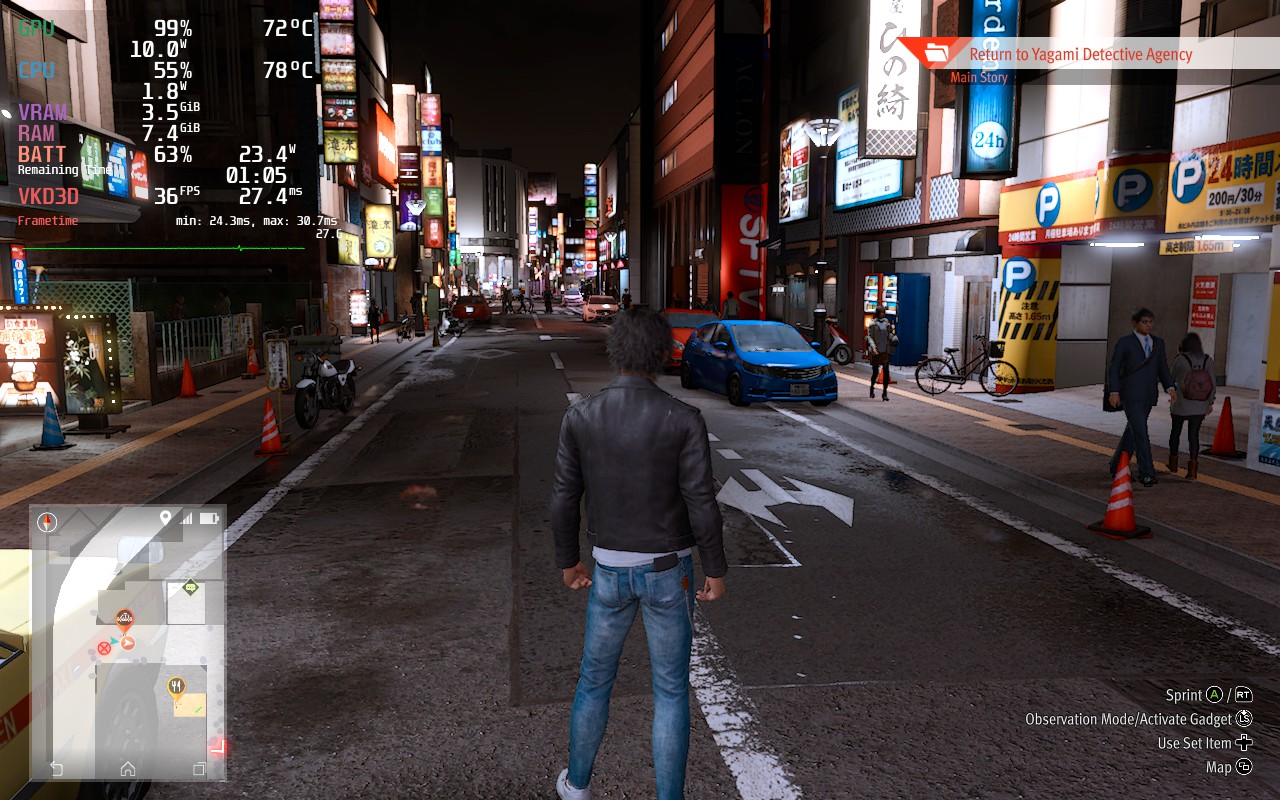
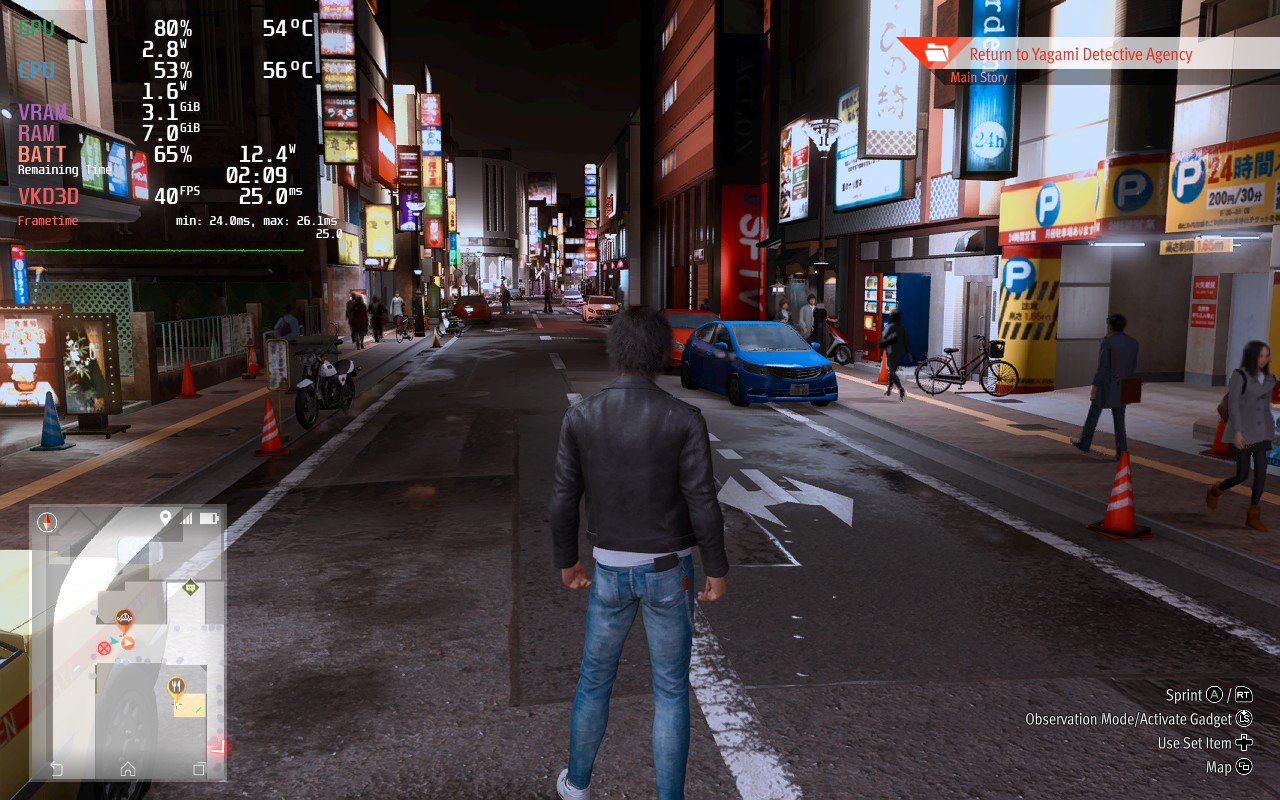
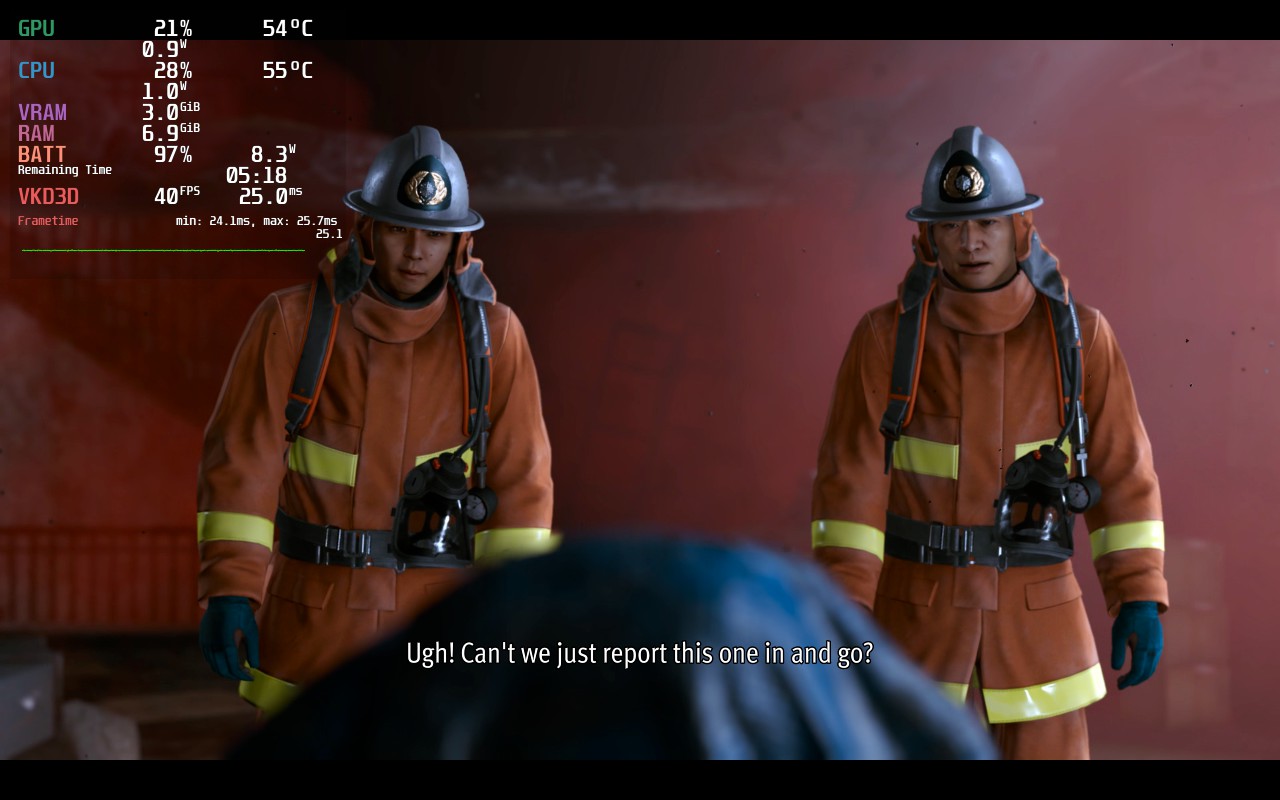
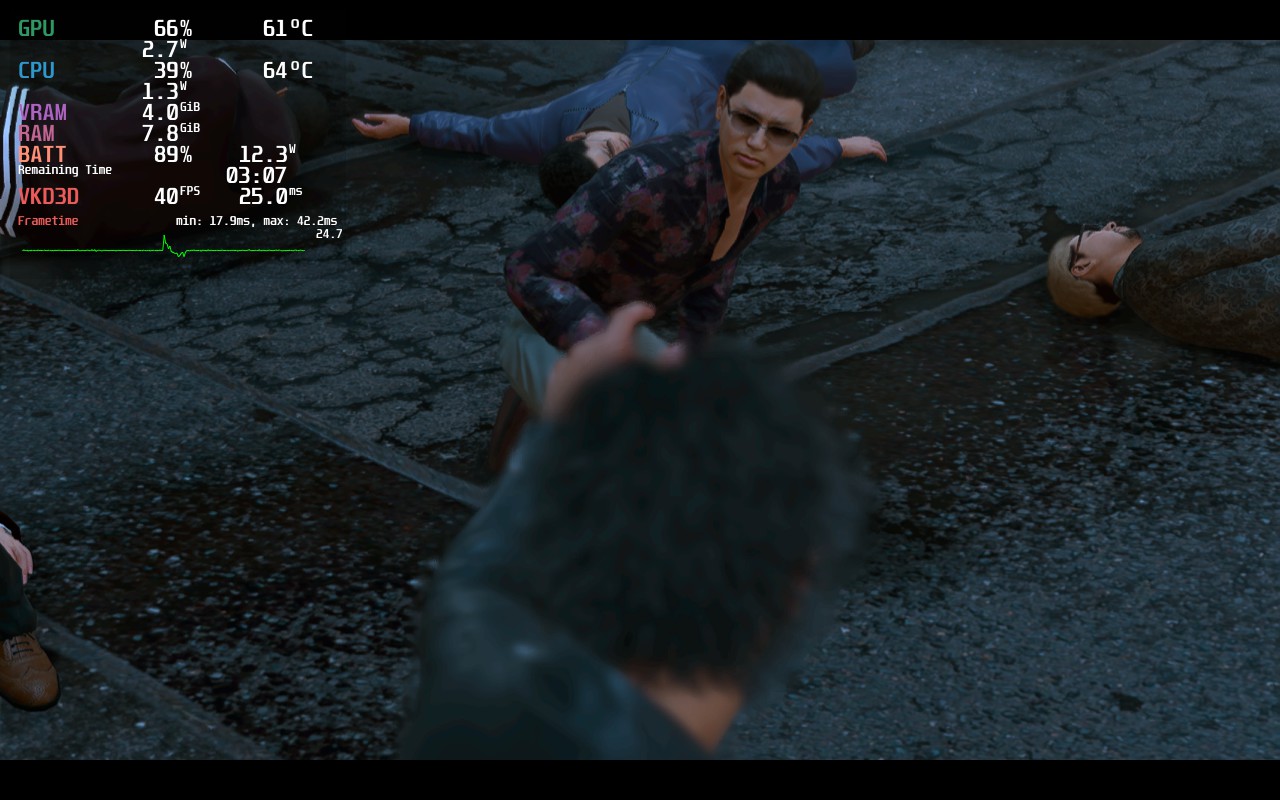
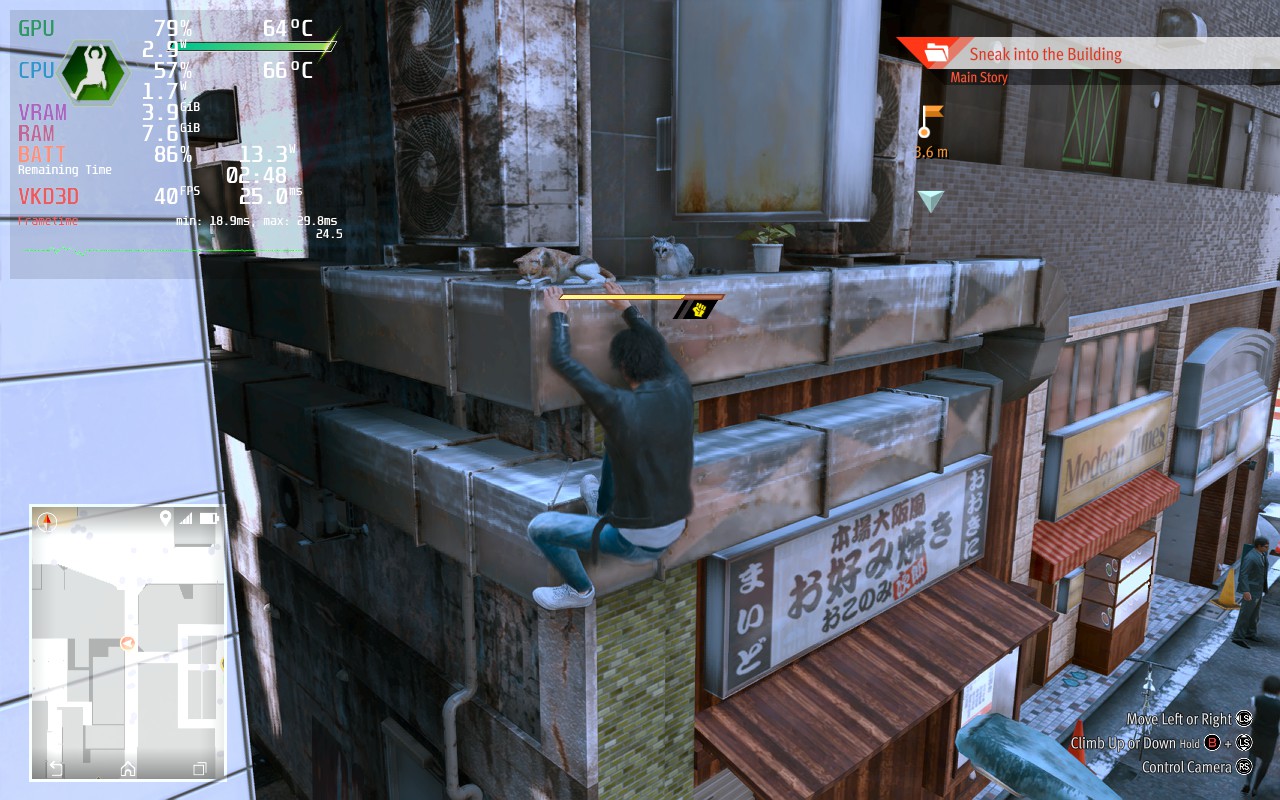
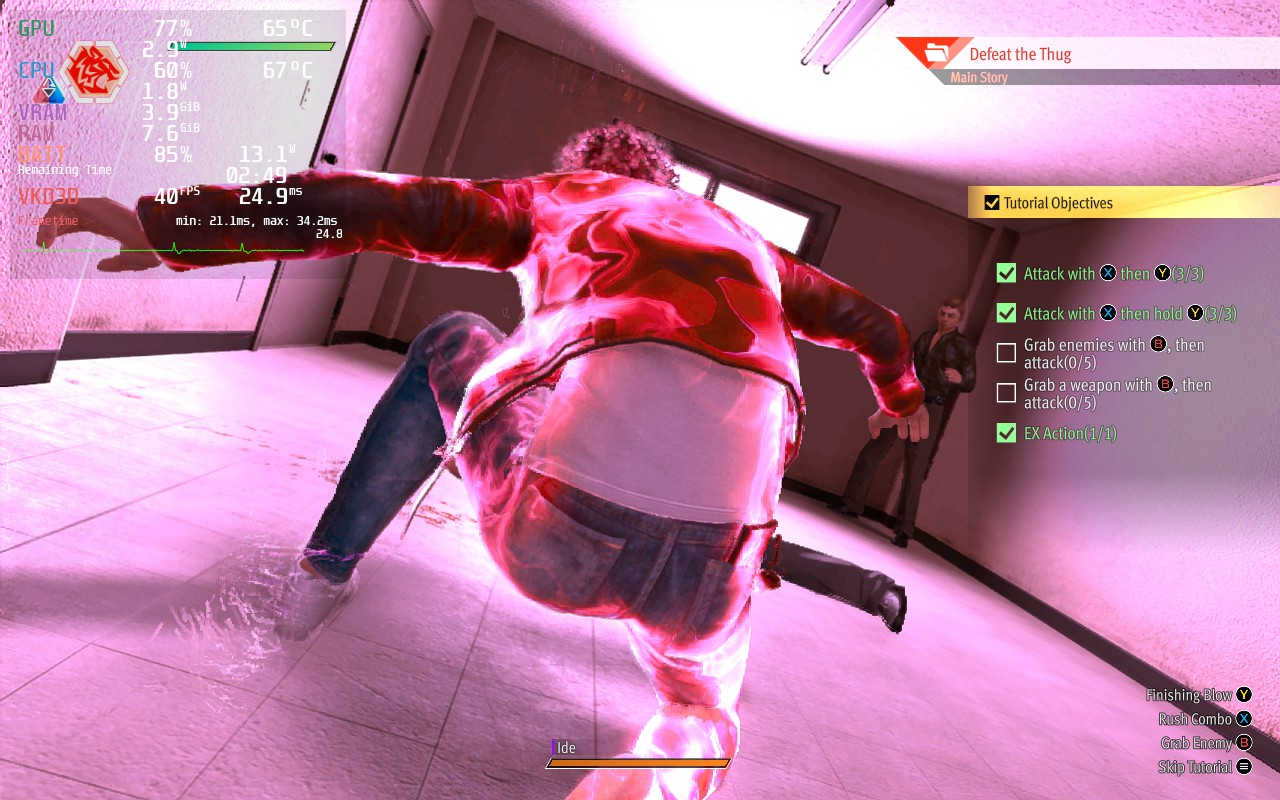
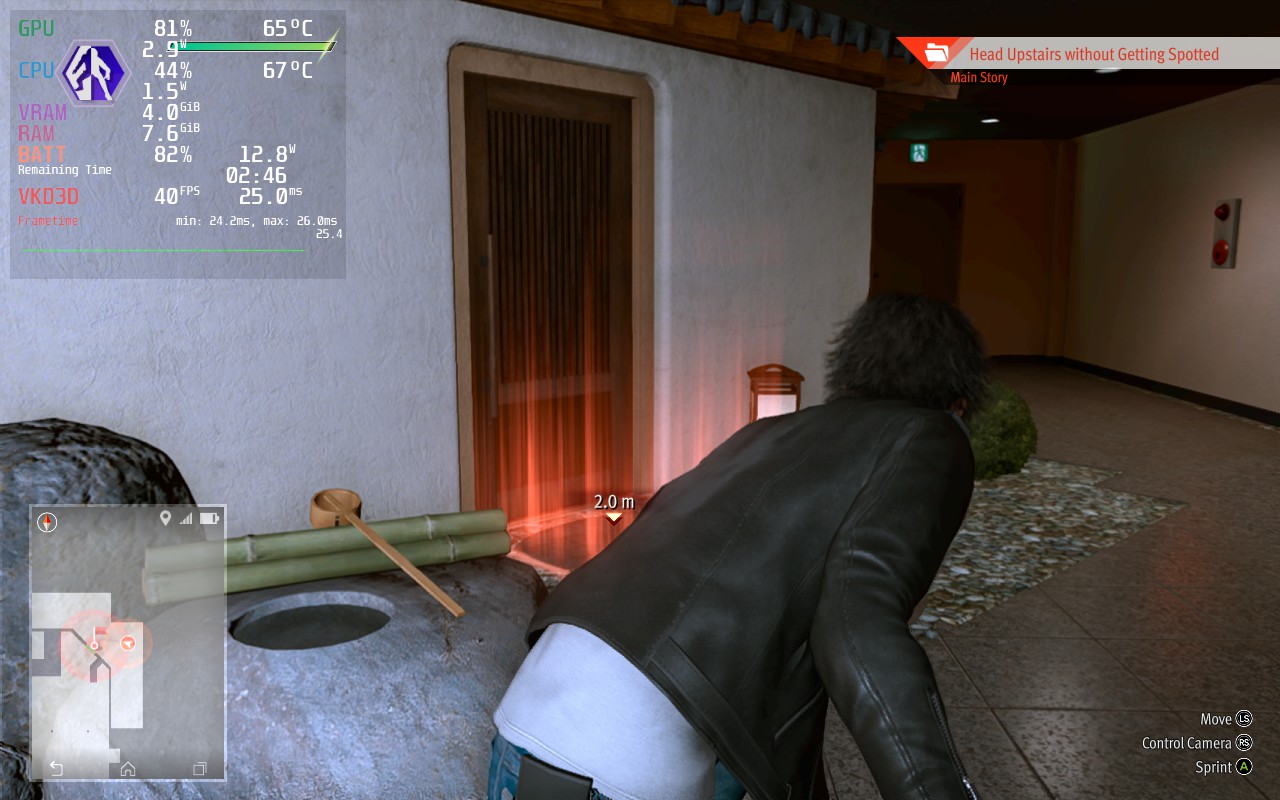
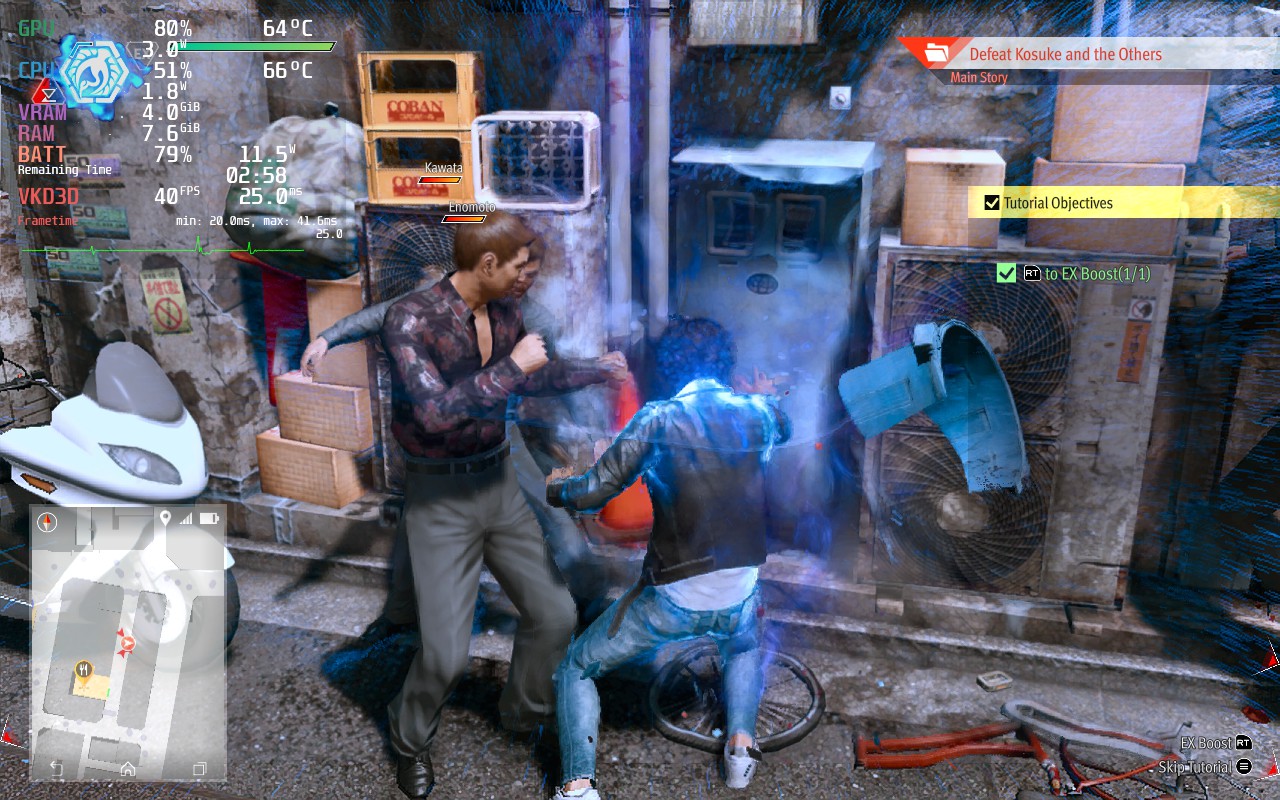
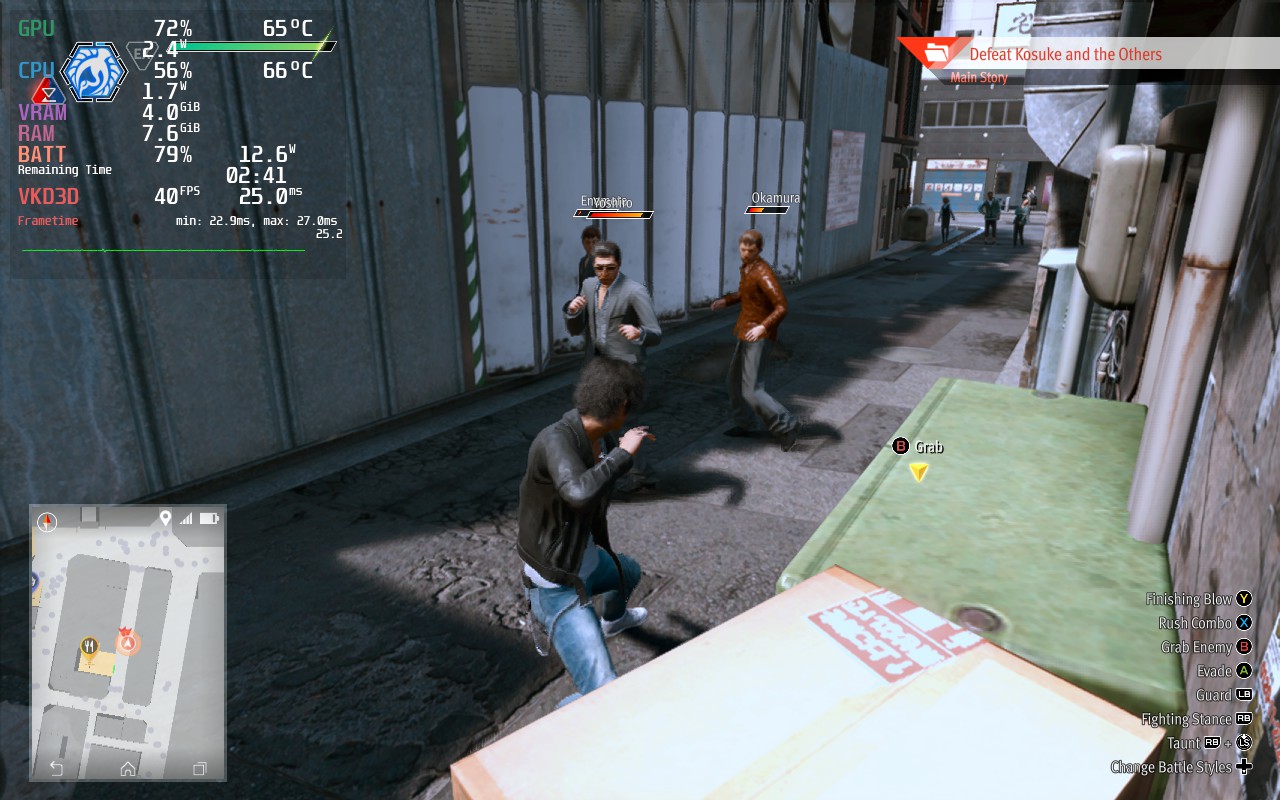
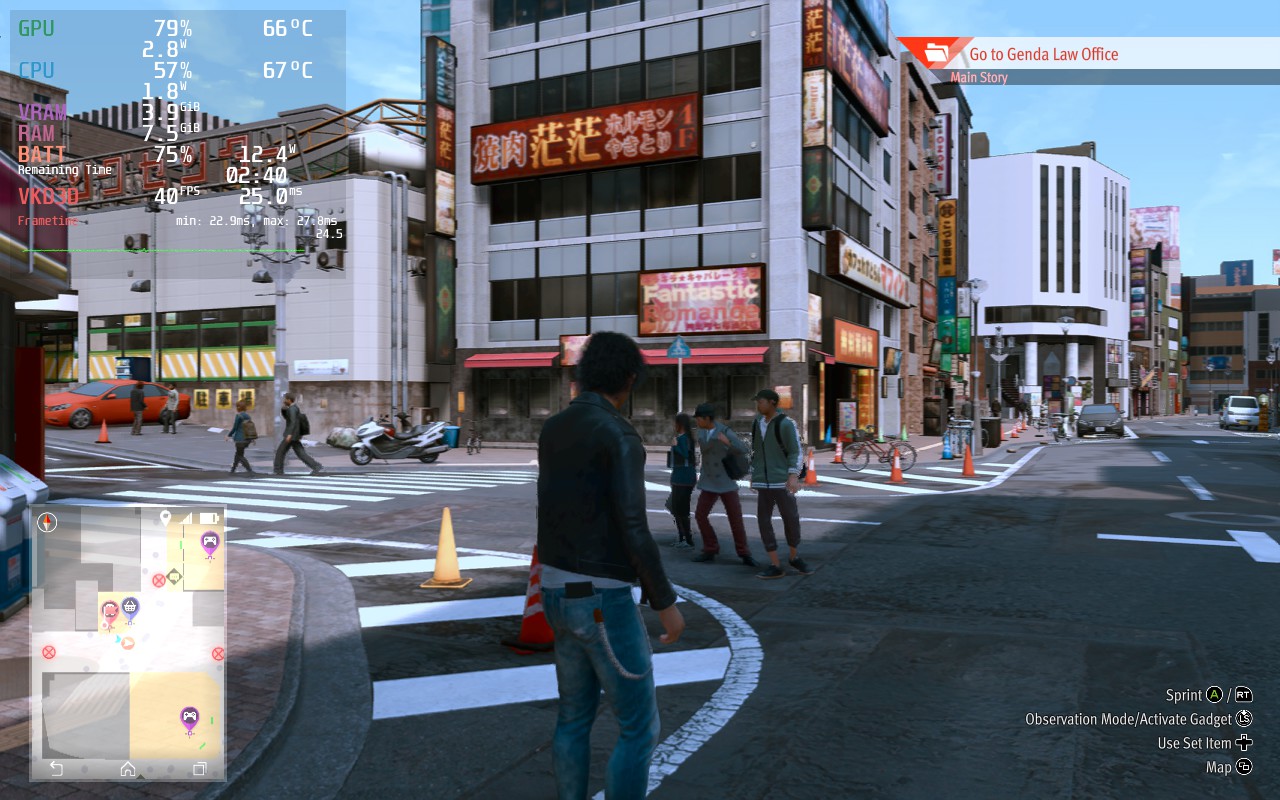
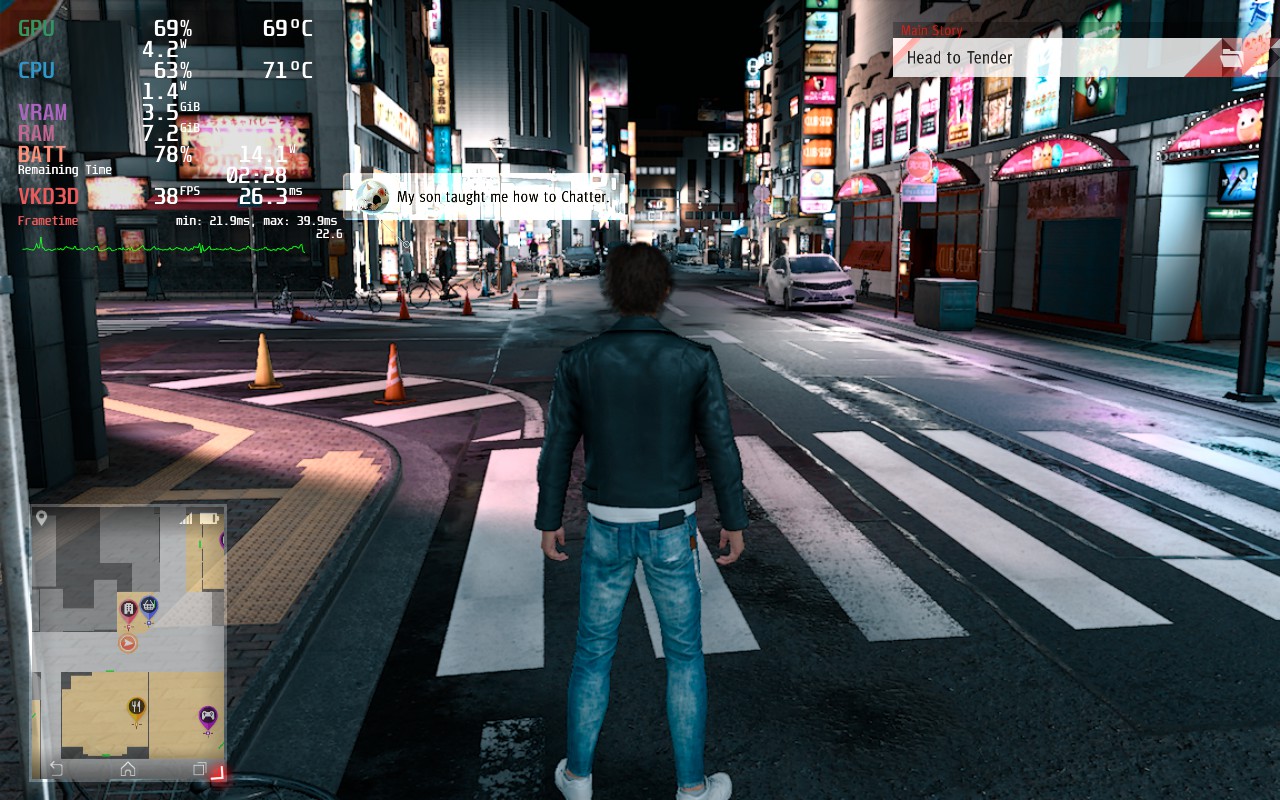
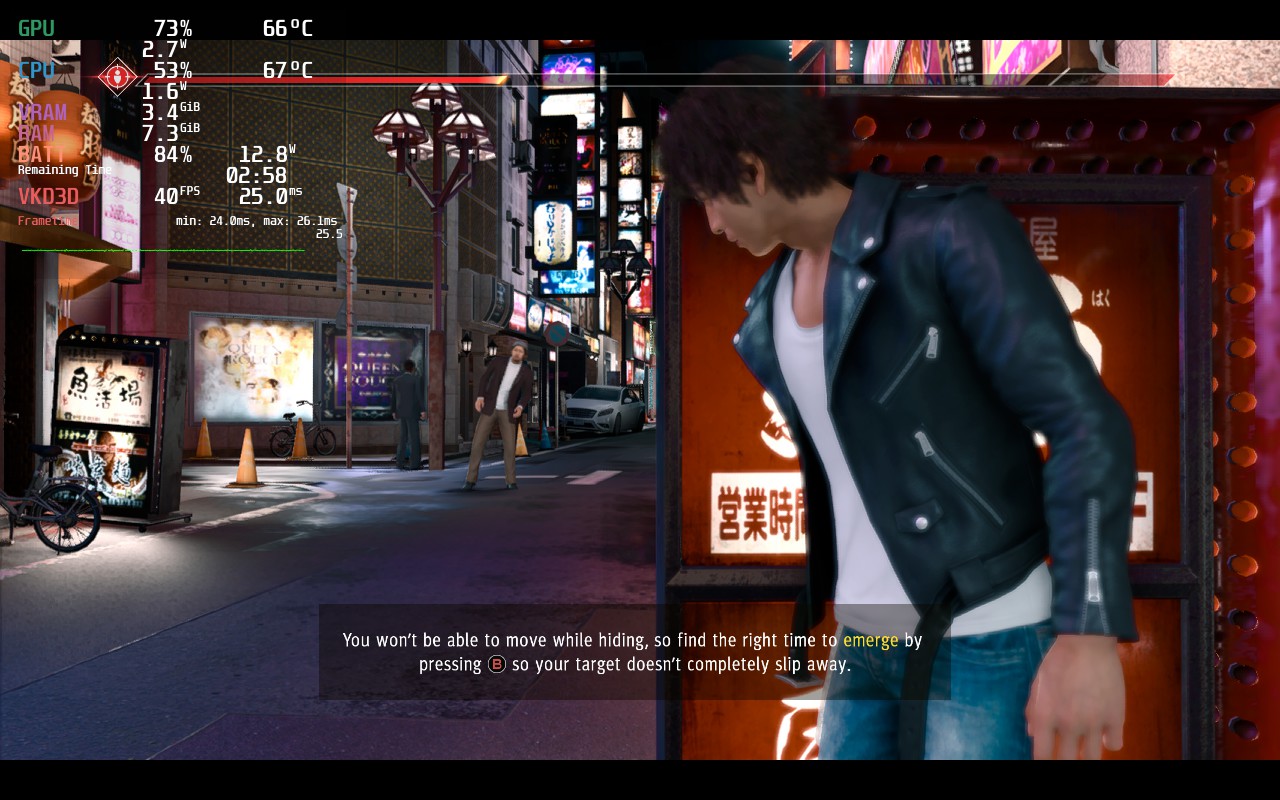
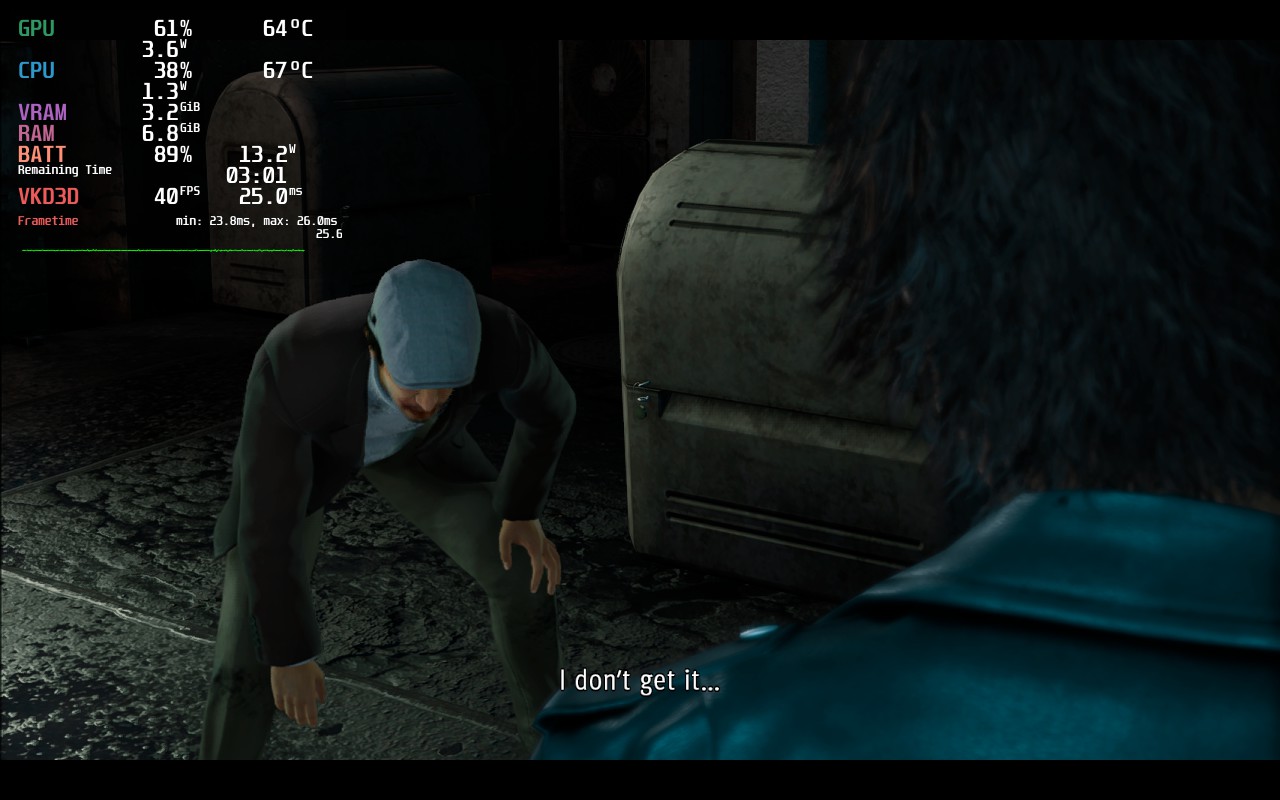
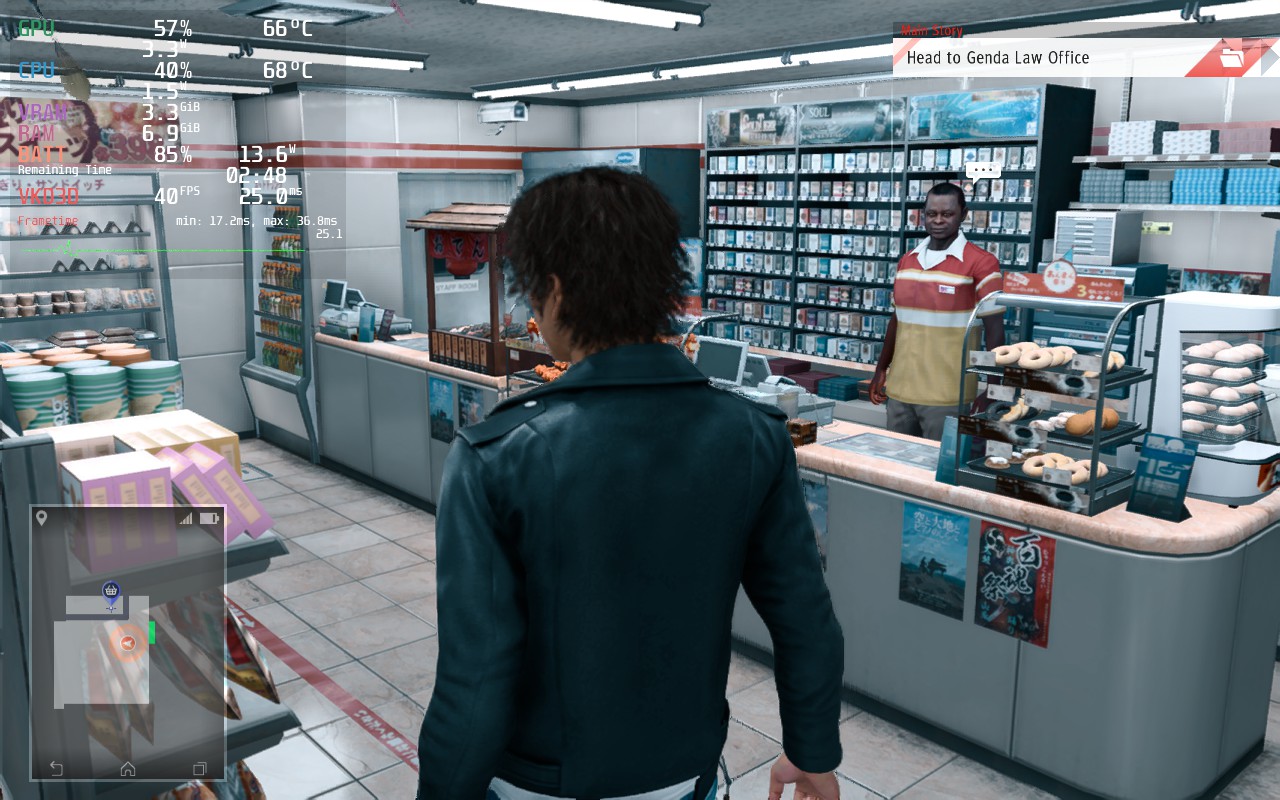
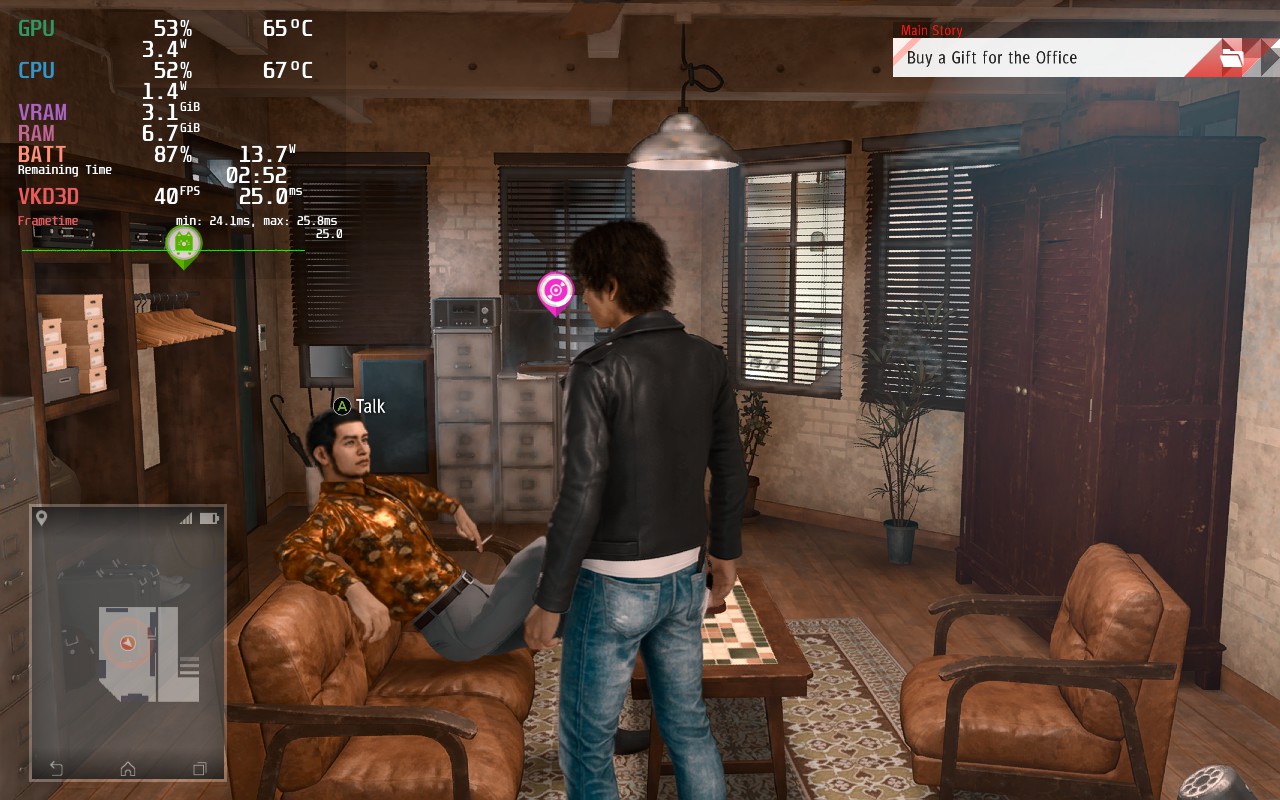
Luckily, Lost Judgment plays out similarly to its predecessor and can run just as well! With the same settings from Judgment, you can get a more stable 40 FPS with around 3 - 3.5 hours of gameplay. Compared with the max quality the game could be, which drains the battery immensely, it is a welcome change overall!
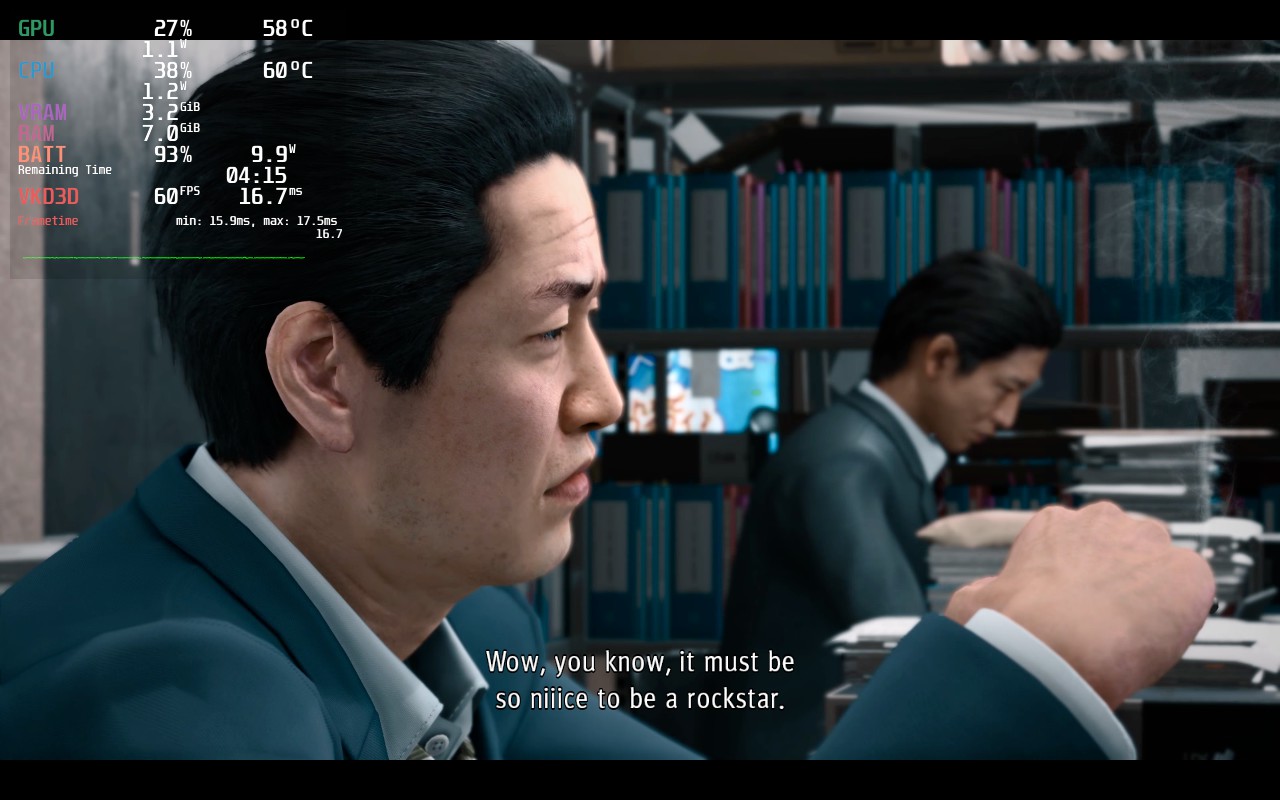
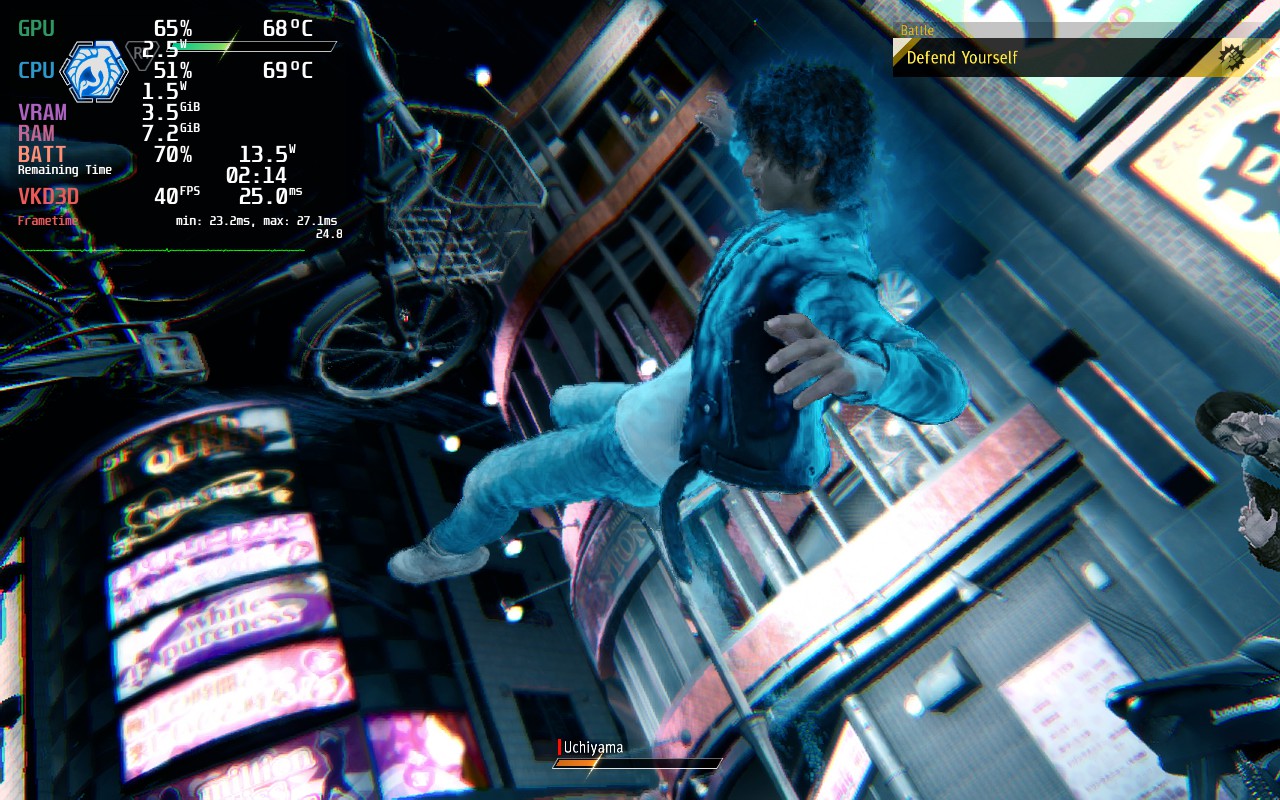
Lost Judgment also utilizes FSR 2.0, which helps it keep stable a lot, but does have a bit more of a blurring effect on the hair and faces of individuals. While I was okay with this blurriness to keep the temps and battery down with stability, it can become a bit of a nuisance.
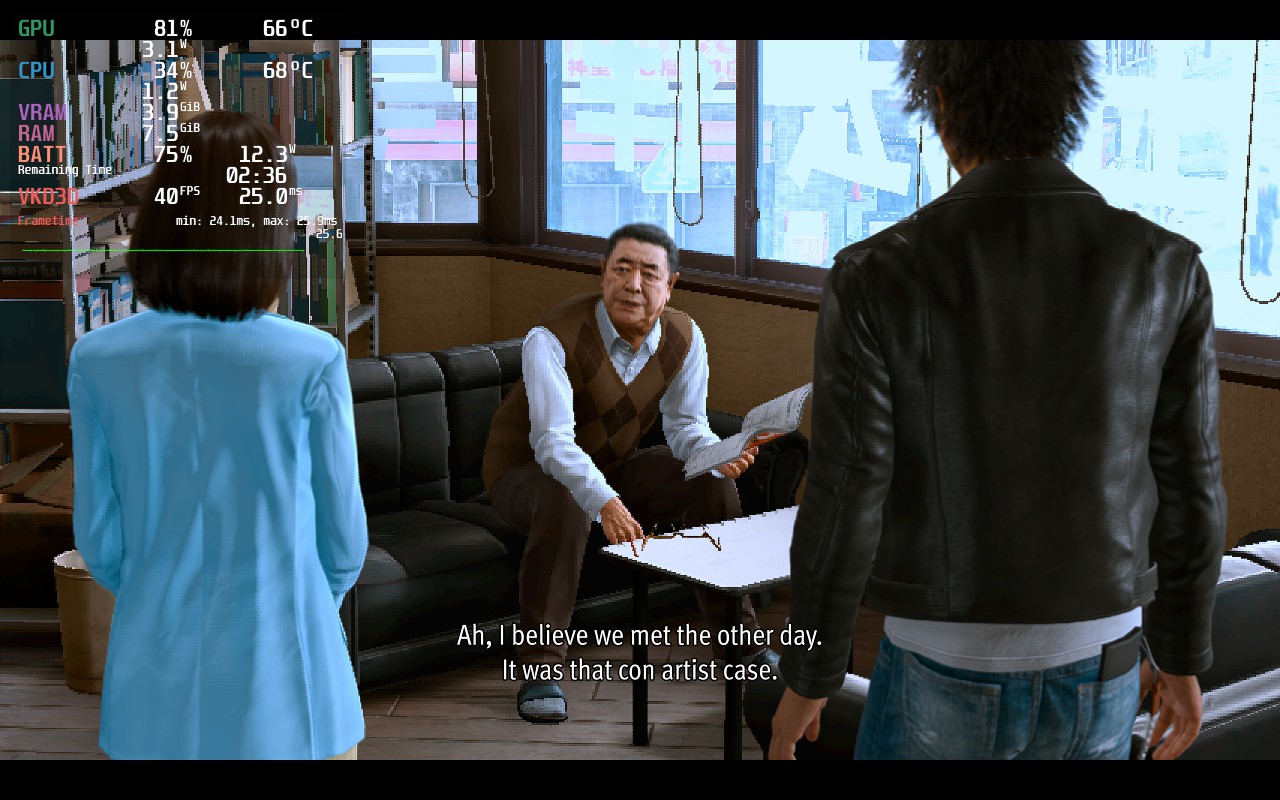
I did also notice that when the game pauses, it creates a smudging effect on any moving models on the screen. This was much more noticeable when paused in a cutscene, but it really only happens there and doesn't detract from the game itself.
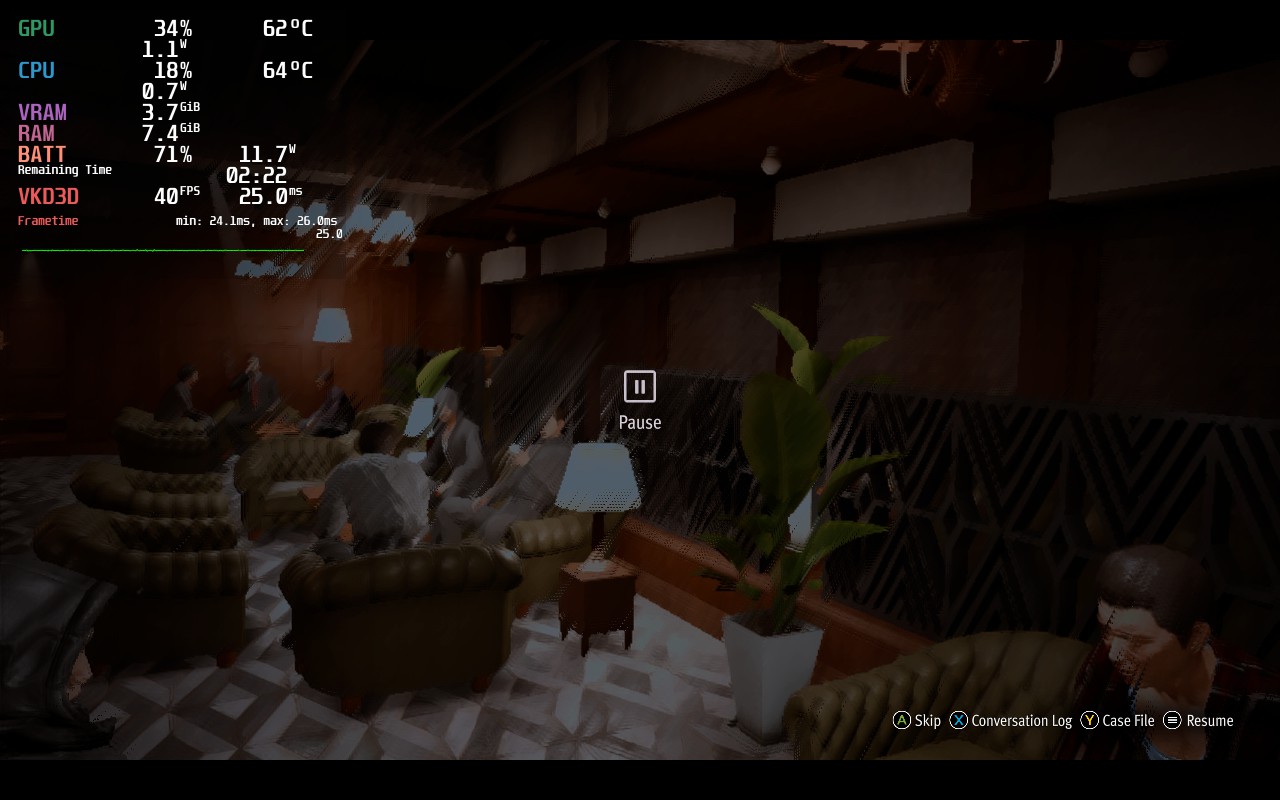
I will be looking into how both of these issues can be solved and create an alternate build to solve these issues. It will come with higher battery drain though, which I was happy to try avoiding. I also will be testing the FSR 2.1 files and seeing if I can integrate those into Lost Judgment manually which could solve the issues.
Overall, the game does run and, especially on a smaller screen, is not nearly as noticeable. While I will be making a build that will eliminate this, and try to stay at 40 FPS as much as possible, the gameplay and story itself wasn't as impacted by these for me as much as it may seem.
このレビューはPC版に基づいています。
このレビューをお楽しみいただけたなら、SteamDeckHQ の他のコンテンツもぜひご覧ください!私たちはあなたのゲーム体験に役立つこと間違いなしの様々なゲームレビューやニュースを取り揃えています。ニュース、ヒントやチュートリアル、ゲーム設定やレビューをお探しの方も、最新のトレンドを知りたい方も、ぜひご利用ください!
Fight for the truth and uncover the crime running beneath the surface of Tokyo. In this Yakuza series spinoff, you play as Takayuki Yagami, a defense attorney turned detective, who takes on whatever case he can get. As you take on more, you get sucked into working to uncover the truth in a string of horrible murders while clawing your way through the underground crime network.
As a spinoff of the Yakuza series, there are a lot of elements that translate over. The fighting mechanics are similar with 2 different styles of fighting, gaining SP to upgrade and unlock new skills, and the signature story-telling that works so well in the mainline games. Judgment offers a different enough perspective and a fantastic story that makes this spinoff a notable game just on its own!
So far, I am impressed by the performance on the Steam Deck. I expected some more hiccups than I actually ran into, but it worked quite well! I got the game running at a 90% stable 40 FPS, which I felt feels amazing in this game, though there are some compromises. Though, compared to trying to play this game on max quality settings, it is a night and day difference.
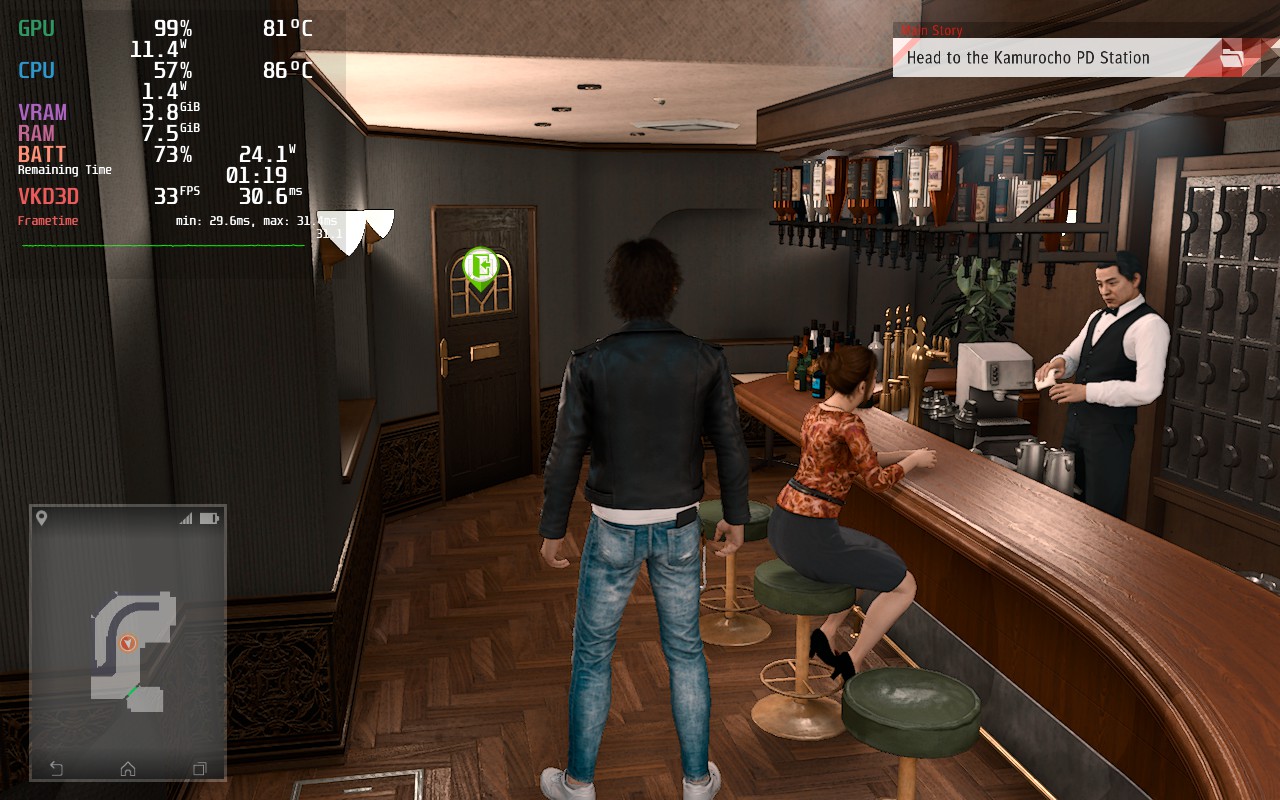
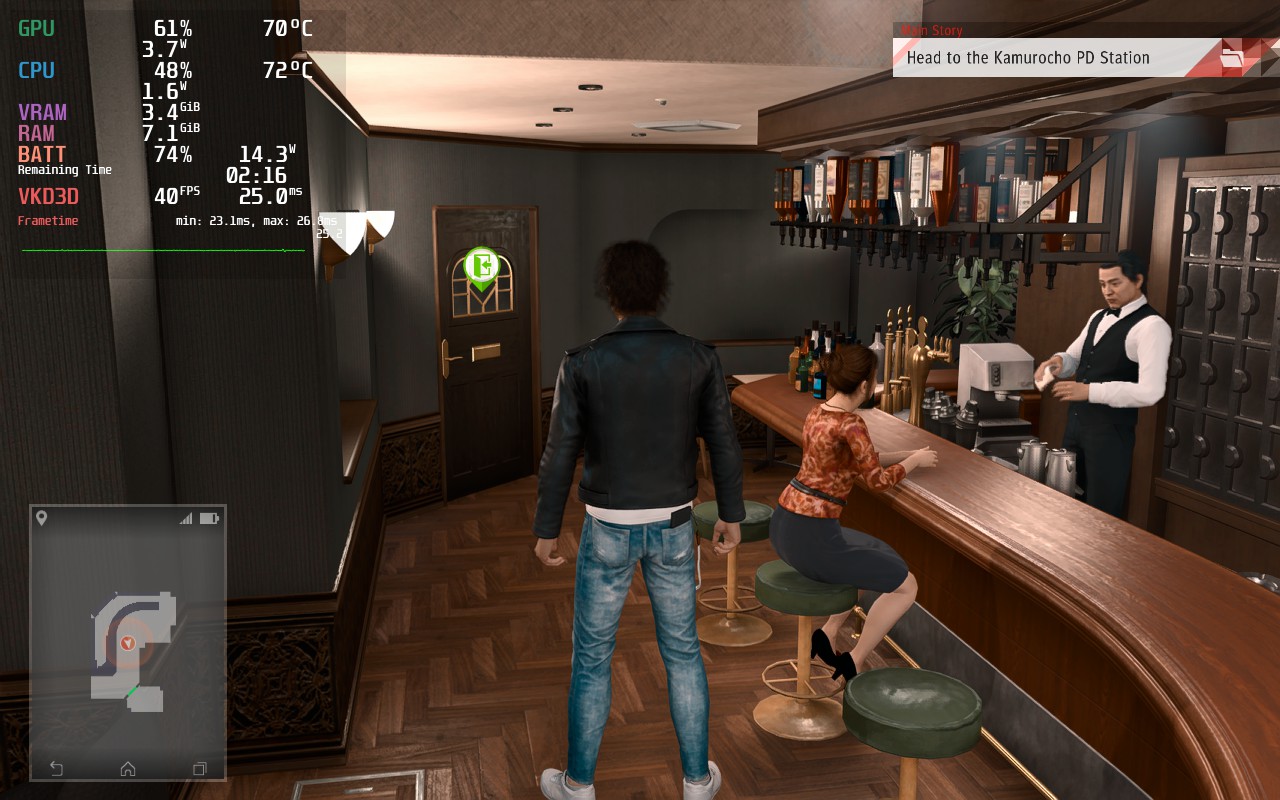
Thanks to FSR 2.0, lowering the game's settings doesn't take as much of a hit visually, even though battery and temps are saved dramatically!
Thankfully, the game does have FSR 2.0 integration, which helps significantly for stability, but there are still some slowdowns when running through the town and a lot is being loaded in. You can drop the framerate down to 30 and those drops won't feel as noticeable, but the smoothness of the game outweighs the less noticeable drops by far. I also did notice the game running slightly better using Proton GE 7-33.
Overall, I would say Judgment is fantastic on the Steam Deck. It runs at a pretty smooth 40 FPS and looks fantastic on the screen with around 3 hours of battery. The game does support Cloud Saves as well, which is always a BIG plus. If you are looking to play on the Deck, this game will definitely run and will be more than serviceable.
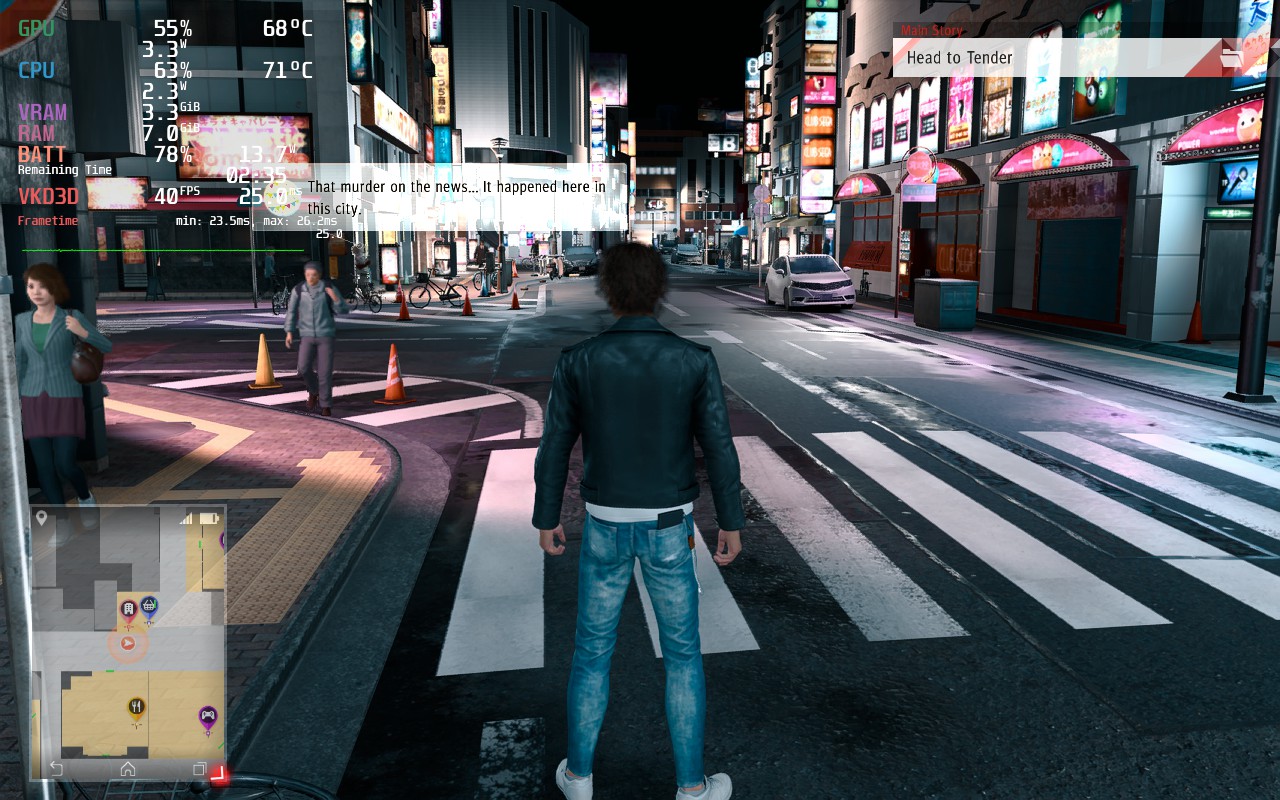
FSR 2.0 disabled and enabled. Honestly, it looks significantly better enabled and runs MUCH more stable.
このレビューはPC版に基づいています。
このレビューをお楽しみいただけたなら、SteamDeckHQ の他のコンテンツもぜひご覧ください!私たちはあなたのゲーム体験に役立つこと間違いなしの様々なゲームレビューやニュースを取り揃えています。ニュース、ヒントやチュートリアル、ゲーム設定やレビューをお探しの方も、最新のトレンドを知りたい方も、ぜひご利用ください!



