Undisputed was provided by Deep Silver for review. Thank you!
Undisputed makes it clear right out of the gate that this is a game for those who are really into their boxing. The fighting is designed to be nuanced and will overwhelm anyone unfamiliar with boxing. As will the menus, with many stats looking more like a management game than your regular sports game. If you aren't into your boxing, I wouldn't even recommend continuing with reading this review, but if you are, you are in the right place.
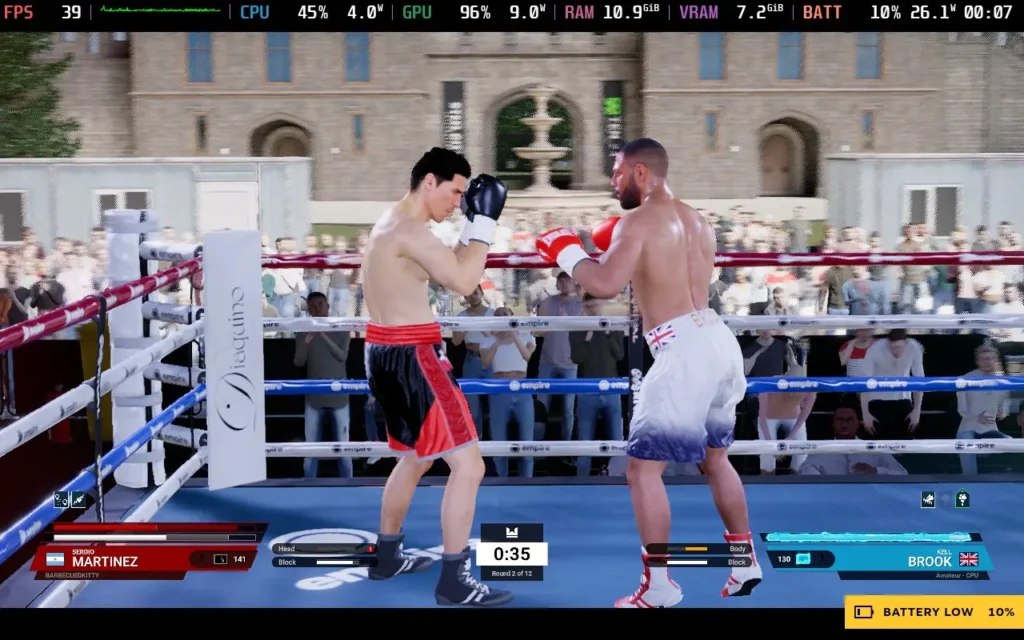
Undisputed gets you started by placing you in a practice ring to run you through your paces with a combat tutorial. It all starts fairly easy, talking you through moving around the ring with the left thumbstick before going into how to throw basic punches by jabbing the right thumbstick in certain directions. Jabbing the left thumbstick to dodge, pressing down the left thumbstick and jabbing it to slip, pressing the right thumbstick near your opponent to clinch, holding RT to block, holding RT and LB to body block, holding LT and left thumbstick to weave, then you have power attacks, stance changes, feints, headbutts.
There is a lot to learn in a very short amount of time. Even after running through the tutorial and starting up a career mode, I lost my first 3 fights before taking a break, given how frustrated I was with the game.
I couldn't tell if it was my lack of skill or just the way the game is, but everything felt rather slow, I can't say I watch boxing matches in real life, but from what I have seen, the swing of punches is usually very fast, and dare I say, somewhat precise. In Undisputed, it feels like even the fastest punches take half a second to connect, and once you've run out of stamina after 3 punches, your character moves at half the speed, which is just painfully slow.
In the end, for most of the matches, I ended up getting close to my opponent, wildly wiggling the right thumbstick back and forth to do left and right punches, and then backing off once my stamina was low, making vague attempts to block incoming punches if I saw them. I know this isn't how the game is intended to be played, but doing any form of "tactical" movement and strategic punching just seemed to get me KO'd even faster and barely put a dent in my opponent's health/stamina.
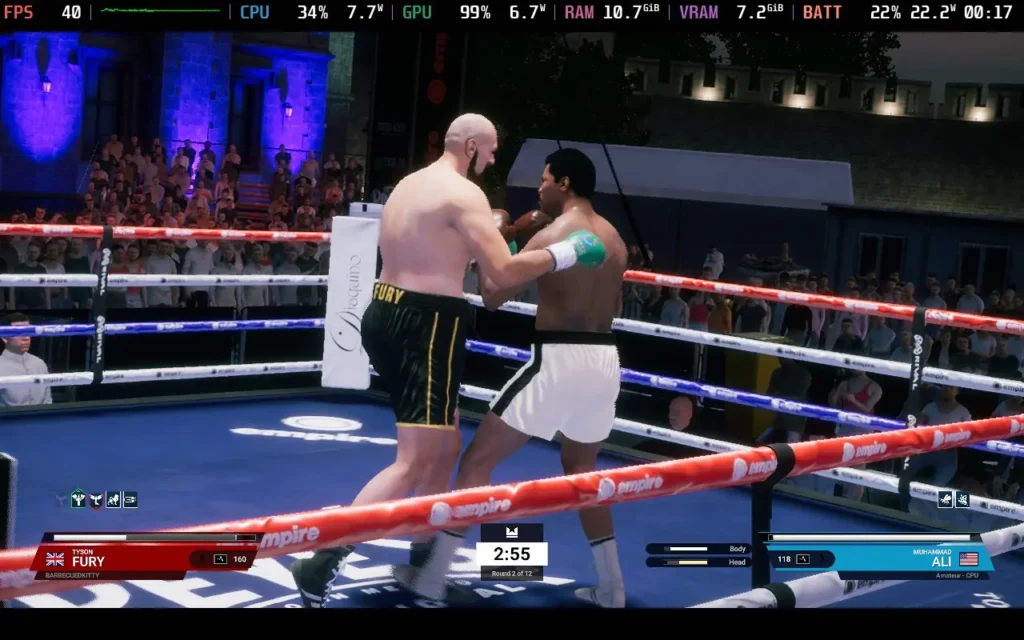
So, the combat wasn't my cup of tea. It seemed like it was trying to be a simulation with how complicated all the controls are. It also gave you 5 different options to protect yourself from attacks, which I had no idea how to read to know which to use. Sadly, the simulation-like controls didn't really match up to the gameplay, in my opinion, and it left you with a sluggish and unresponsive feeling game.
The career mode will most likely be where you spend most of your time, where you can build your character to become a champion or select from an existing famous IRL boxer to play as. Either way, you'll need to build up your team around you, train yourself, and improve your stats as you climb the world rankings.
This part of the game seems fine; you can hire a coach, cutman, and manager to handle your training, injuries, and contracts, and you can choose your training regiment to focus on which stats you want to improve. It's quite in-depth and it seems like if boxing is your thing, you'd probably have some fun specializing your skills into how you want to play. If only all of this wasn't training for the combat in this game...
Regardless, you'll be able to organize fights with other famous boxers that you'll recognize and fight across a variety of arenas. It can get a little repetitive, as this is boxing, and each fight is pretty similar. Although your opponents do seem to have slightly different personalities and tactics, some fighters are definitely more aggressive.
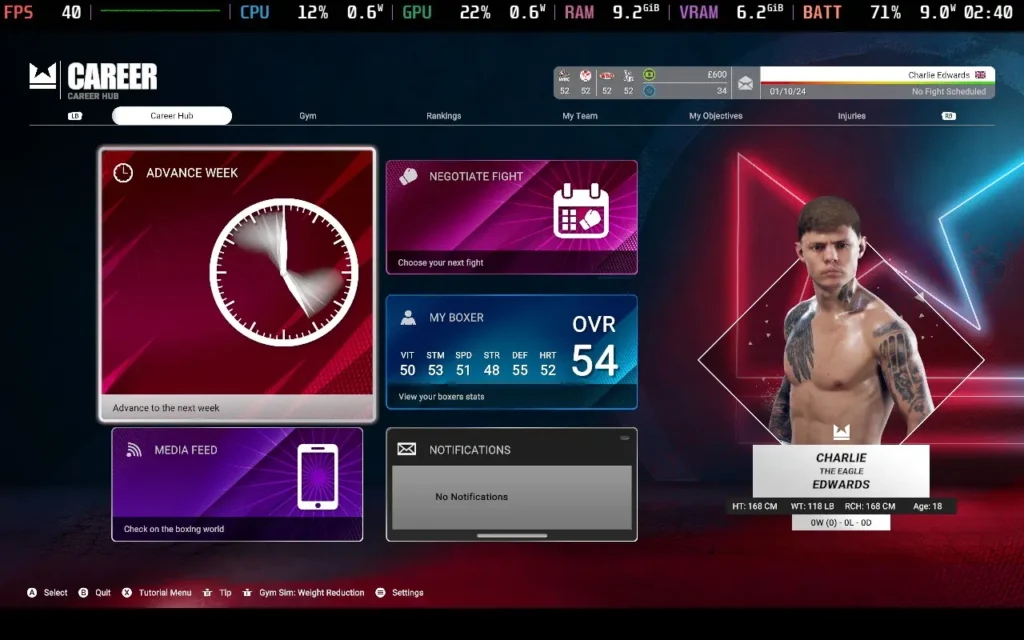
This brings us to the one area where I think Undisputed doesn't disappoint: the variety of content. Undisputed features over 100 real-life boxers from multiple weight classes and men's and women's boxing. It also features 19 different arenas to fight in, ranging from more personal gym environments to outdoor arenas and big indoor stages with spotlights and crowds.
You can't fault Undisputed for that amount of variety. If you're playing in the "quick fight" mode instead of the career mode, you can modify things such as the amount of damage dealt and the amount of stamina you have, making fights more interesting.
Visually, the game doesn't disappoint either. While I couldn't run on high settings on the Steam Deck, the game still looked appealing. You can see some details on the characters, such as more specular details on characters when they sweat, the reddening of the skin as the battle goes on, ripples on the characters' bodies when they take a punch, and the bruises and blood that you might expect. The environments also look varied and up to scratch.
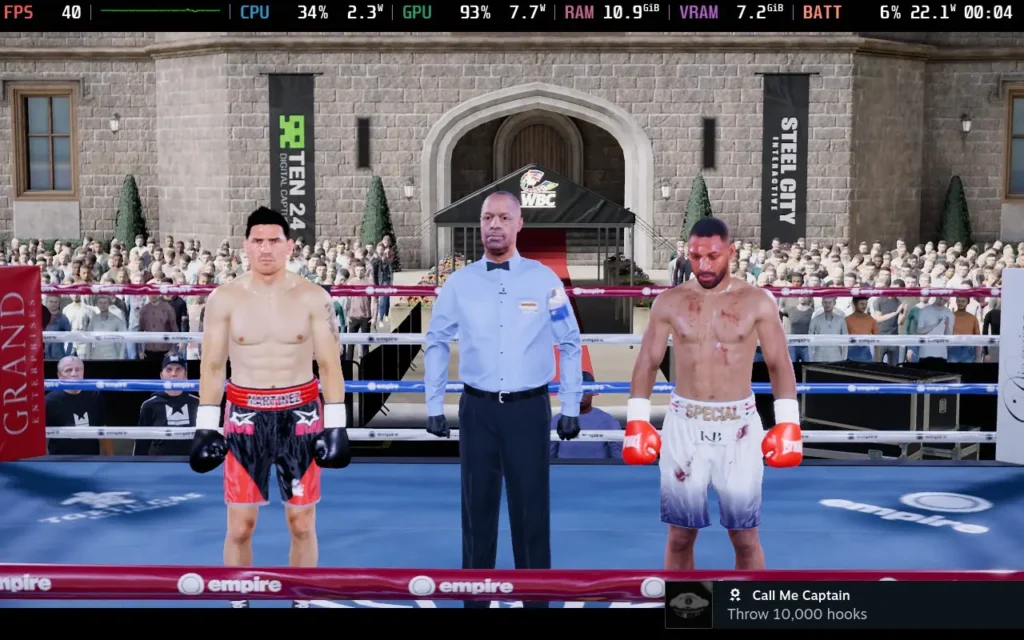
So, Undisputed isn't a game for me with its overly complex fighting mechanics and oddly sluggish feeling gameplay, but if you have been starved of a boxing game and you want to try out a modern one with good graphics and fairly deep mechanics, then Undisputed should be a game that you look into for yourself.
Sadly, Undisputed does not support 16:10 aspect ratio resolutions, so the best resolution on our Steam Deck here is 1280x720, which means we get some black bars above and below the screen. The game does have good controller support.
Performance isn't too great on the Steam Deck. You can run the game at 30 FPS with some settings turned up, but with the game already feeling sluggish, playing at 30 FPS just made it feel even worse. Also, I found that having VSync enabled caused some pretty odd frame rate issues, with the game getting stuck at 27 FPS quite often, so we have to forego that.
As a side note, Undisputed requires an internet connection for your first boot of the game, although subsequent boots can be done offline.
In SteamOS, you'll want to apply a Frame Rate Limit of 40 and no TDP Limit.
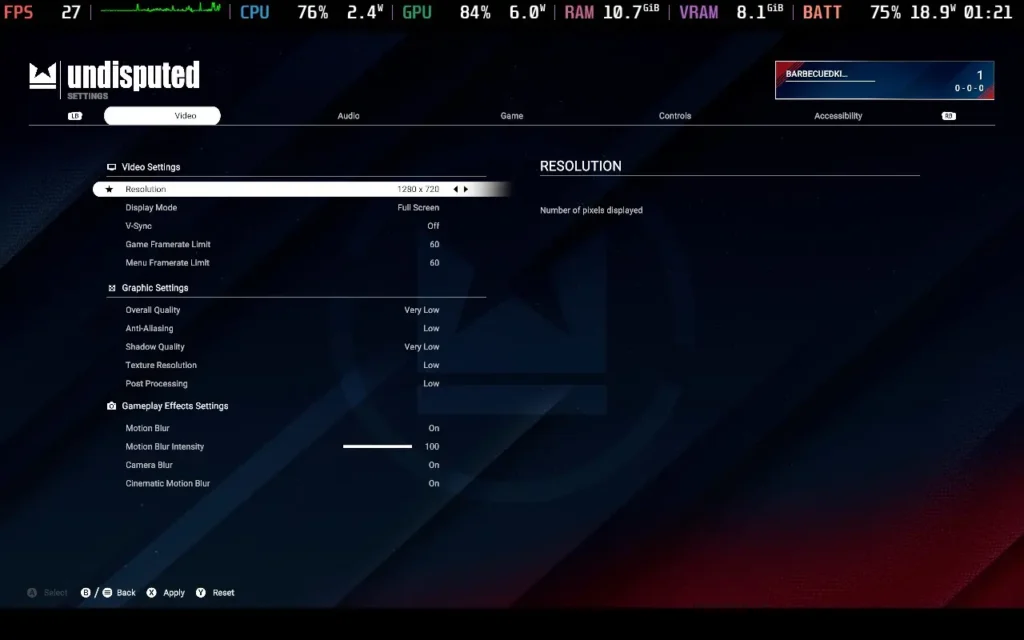
In the in-game graphics settings, you'll want a resolution of 1280x720, disable V-Sync, and set your game framerate limit to anything; it doesn't really matter. The menu framerate limit should be 60 or above; do not select 30, as in my case, it limited the game to 30 as well, not just the menus.
Set anti-aliasing to Low, Shadow Quality to Very Low, Texture Resolution to Low, and Post-Processing to Low. Motion Blur is optional, although I left it on in these tests.
Visually, the game still looks fine on these settings, and it will hold 40 FPS well on some arenas. However, do expect some slowdowns to the low 30s on certain arenas.
If the slowdowns get to you, you can enter the "game" tab in options and lower the Crowd Density setting. If you have this on 0%, you can run most arenas at a fairly stable 40 FPS, but you do lose a fair bit of ambiance.
The game also uses an enormous amount of RAM. On Ultra settings, RAM+VRAM usage combined exceeded 20GB and caused severe issues. This is one of the reasons we keep all the settings at the lowest, including texture detail, which often has no direct impact on performance.
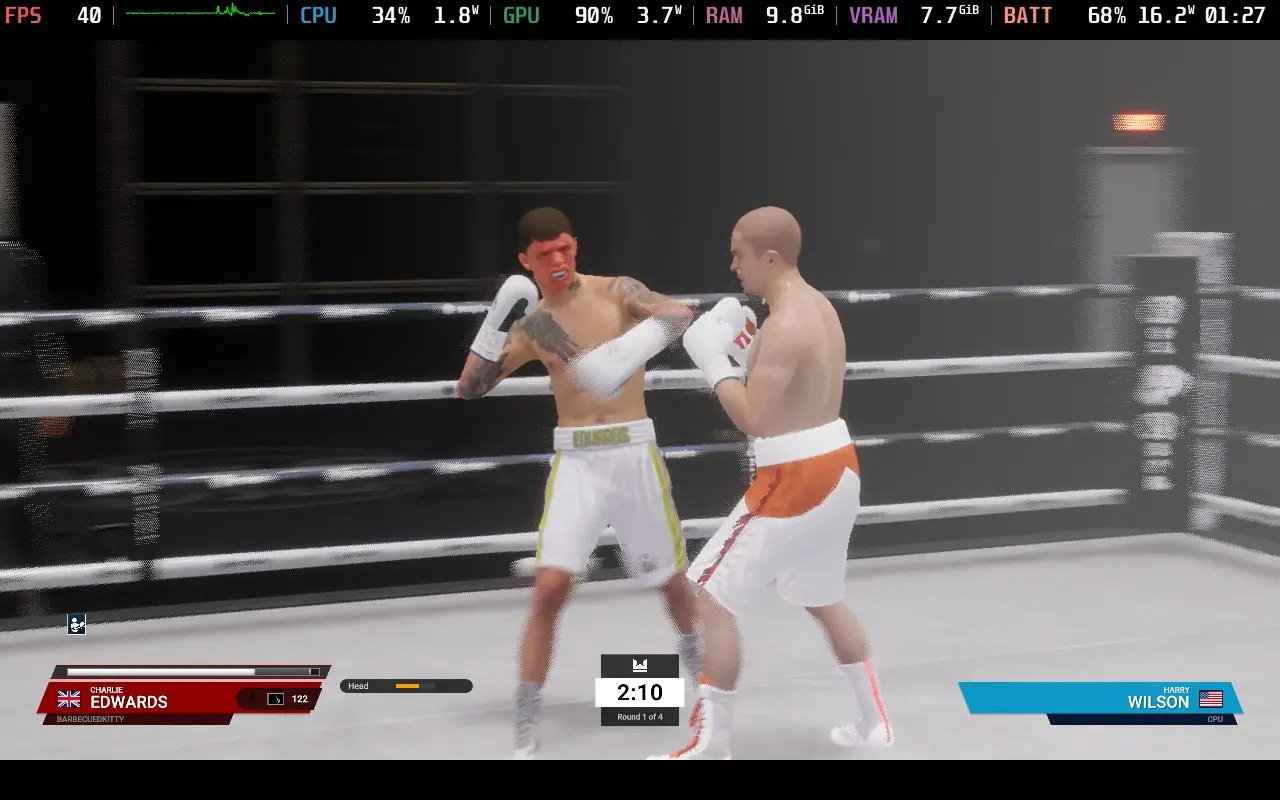
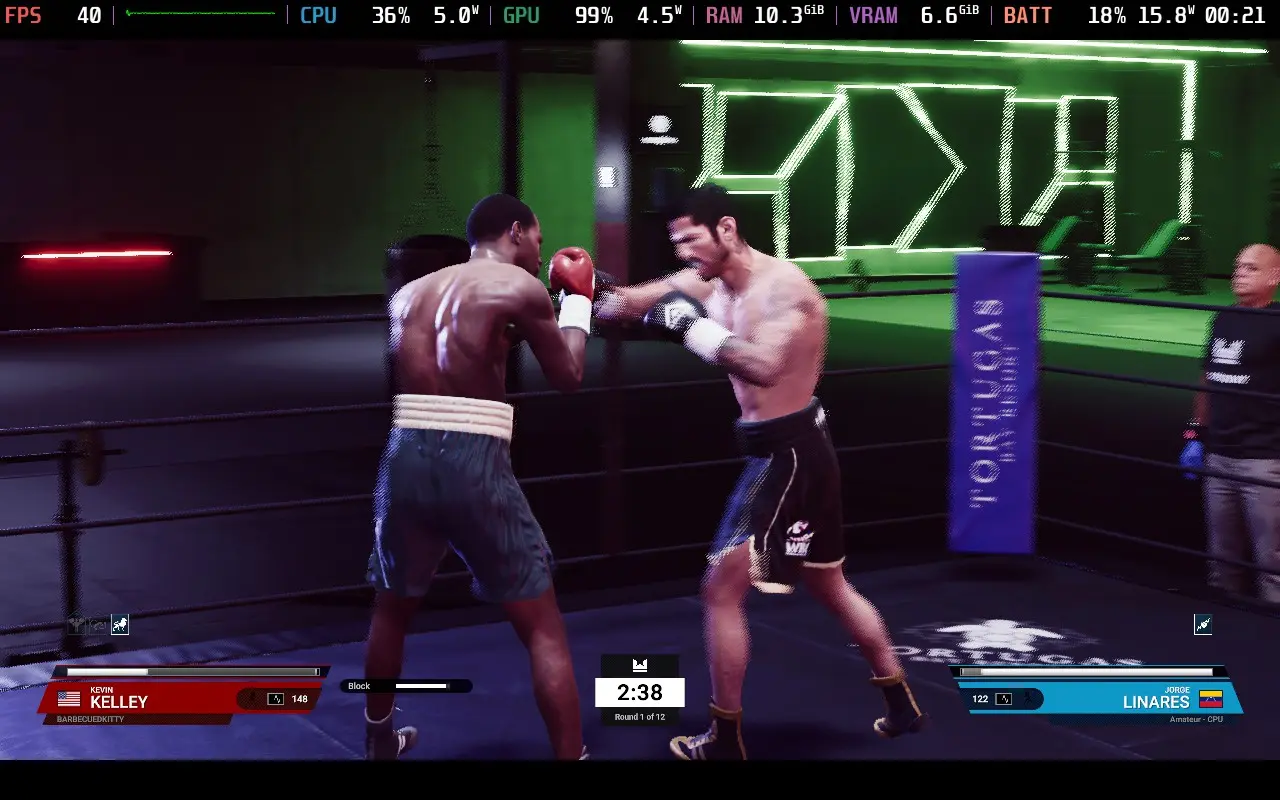
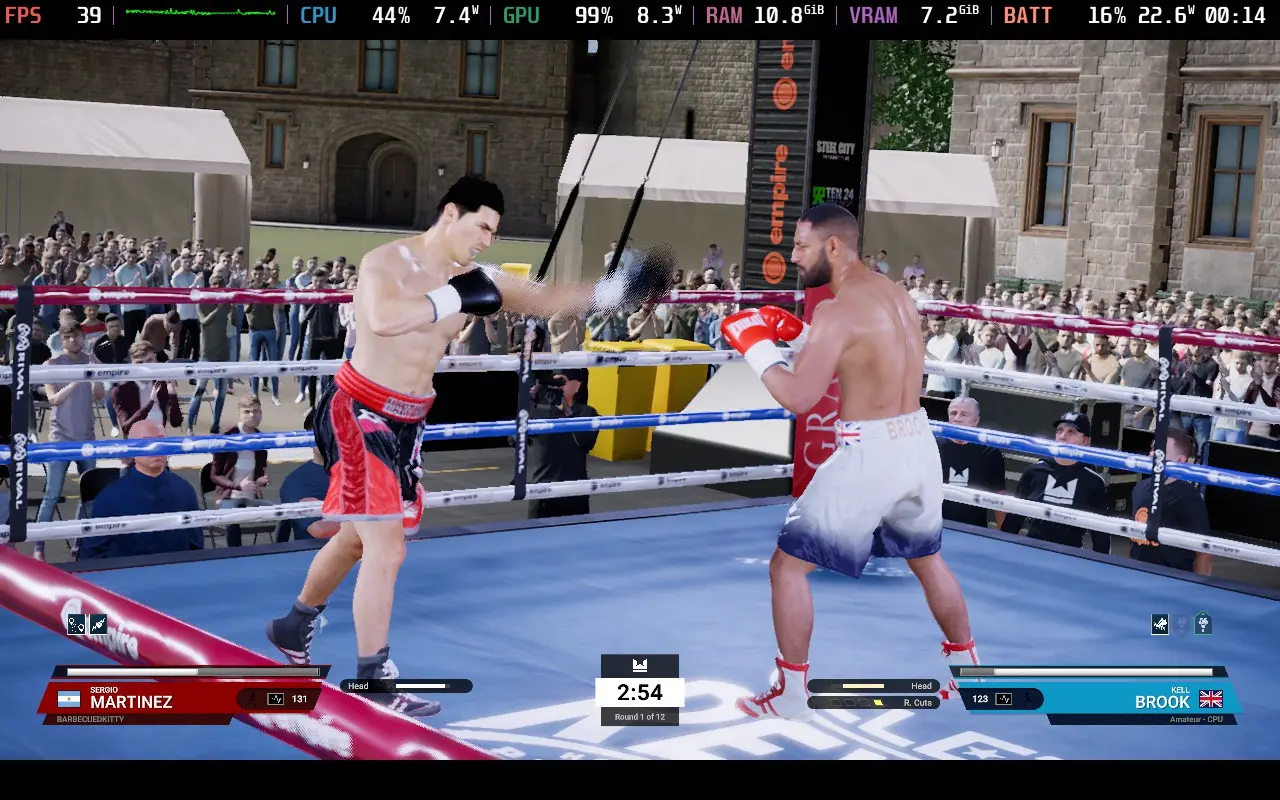
Power draw varies quite a lot in the game. It hovers around 15-20W for many matches, but some matches, depending on the arena, can reach 25W. This is primarily in arenas with many crowds, so reducing the Crowd Density setting can help here.
As expected, temperatures varied along with power draw, with 75-80C being the most common range. However, in the more intensive arenas, temperatures can go beyond 80C. At these points, the fan does become loud.
The only accessibility options in Undisputed are the ability to disable various flashing elements in the game for those with photosensitivity and disable camera shake/tilt to avoid motion sickness.
Undisputed is an unapologetically complex fighting game. With controls that will take some getting used to and AI that will proceed to beat you down until you get used to them, this isn't a game for everybody. But if you are looking for a boxing game and you've been starving for a good one for some time, Undisputed is at least worth giving a chance and seeing if it's the one for you.
The performance on Steam Deck is a little disappointing. We have to run at the lowest graphical settings to get the game up to 40 FPS, which is the minimal "playable" frame rate. Even then, we get dips close to 30 FPS on some arenas without removing all of the crowd. Undisputed can be played on the Steam Deck, but it's far from the best way to play it.
このレビューはPC版に基づいています。
このレビューをお楽しみいただけたなら、SteamDeckHQ の他のコンテンツもぜひご覧ください!あなたのゲーム体験に役立つゲームレビューやニュースを幅広く取り揃えています。ニュース、ヒントやチュートリアル、ゲーム設定やレビューをお探しの方も、最新のトレンドを知りたい方も、ぜひご利用ください。
Rogue Waters was provided by Tripwire Interactive for review. Thank you!
I'm always in the mood for some pirating adventures. While Rogue Waters might not give you the freedom of games like Sid Meier's Pirates or Sea of Thieves, it does offer a great nautical-themed adventure that should delight tactical combat and pirate fans alike!
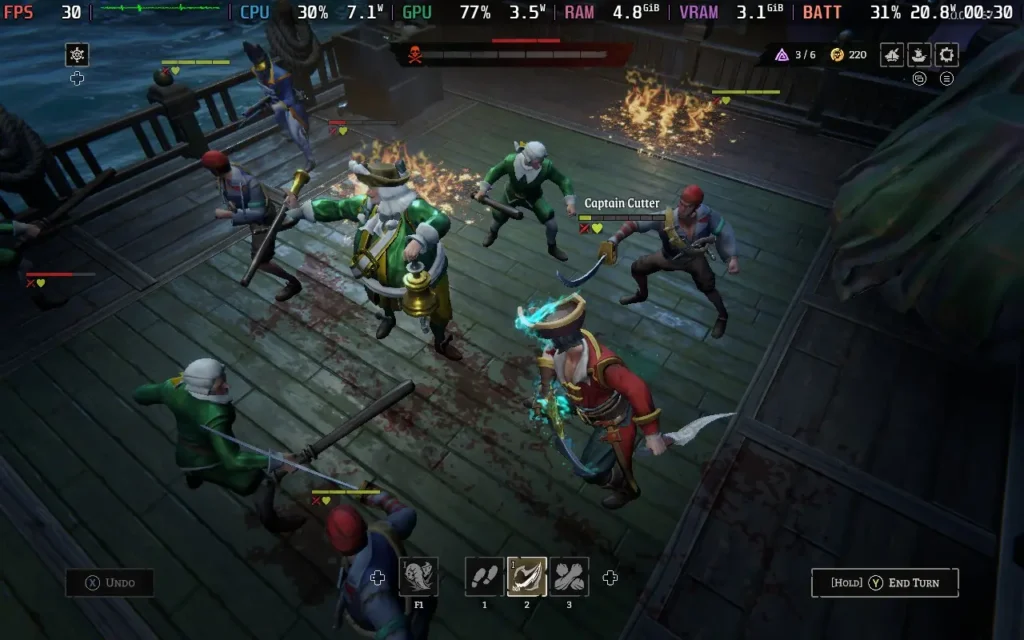
The story of Rogue Waters is one of classic betrayal, with your former captain turning against you in exchange for personal gain. Now, years later, it's up to you to form your crew and embark on a journey of revenge. Of course, when you were betrayed, you naturally gained immortality, as did the rest of your crew, so no matter how many times you fail, you can get up and go again.
This forms the basis for the "rogue" part of "Rogue Waters." In traditional Roguelite form, dying ends your run, but you'll carry over any currency you managed to loot to upgrade your ship and your crew and come back even stronger than before.
These upgrades take a variety of forms. Your ship always starts with some equipment, but using the currency you collect, you can open up additional cannon slots to begin with an advantage. You can also get more module slots to fit on your ship, which typically enhances your crew's abilities, such as giving them more HP or movement in the tactical combat section of the game.
On top of just equipment, your captain and the officers you recruit can also gain experience after each run, allowing them to level up and earn skill points. You can then spend those skill points to give your officers extra abilities and improve their stats.
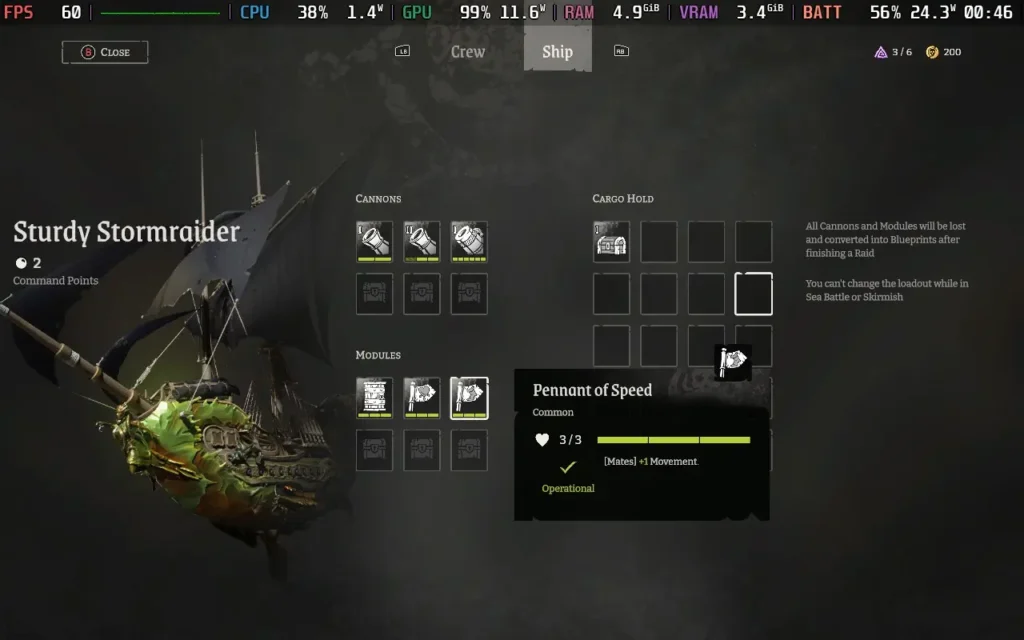
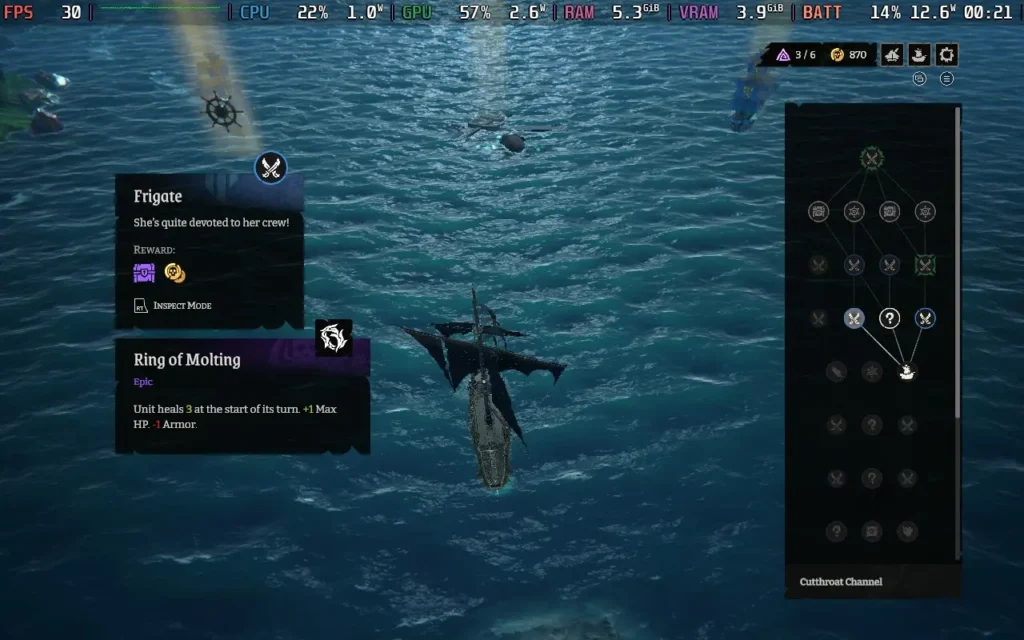
Once you've got your crew and ship kitted out, it's time to take to the seas, and the game neatly offers you three choices of "raid" to embark on. These vary in length, slightly affecting the type of loot you might find and the ships' fittings you will encounter.
The raids take the form of branching paths, allowing you to choose what you'd like your next encounter to be, although often, there isn't too much choice going on here. It's quite common to be given 2 or 3 choices, which are all ship battles. Very occasionally, you will encounter an event, which is dialogue, where there's a chance to get some free loot or heal a crew member, but 90% of encounters are ship battles. Sometimes it feels like the choice is a bit of an illusion, with the only difference between the ship battles being the lootable item at the end of it.
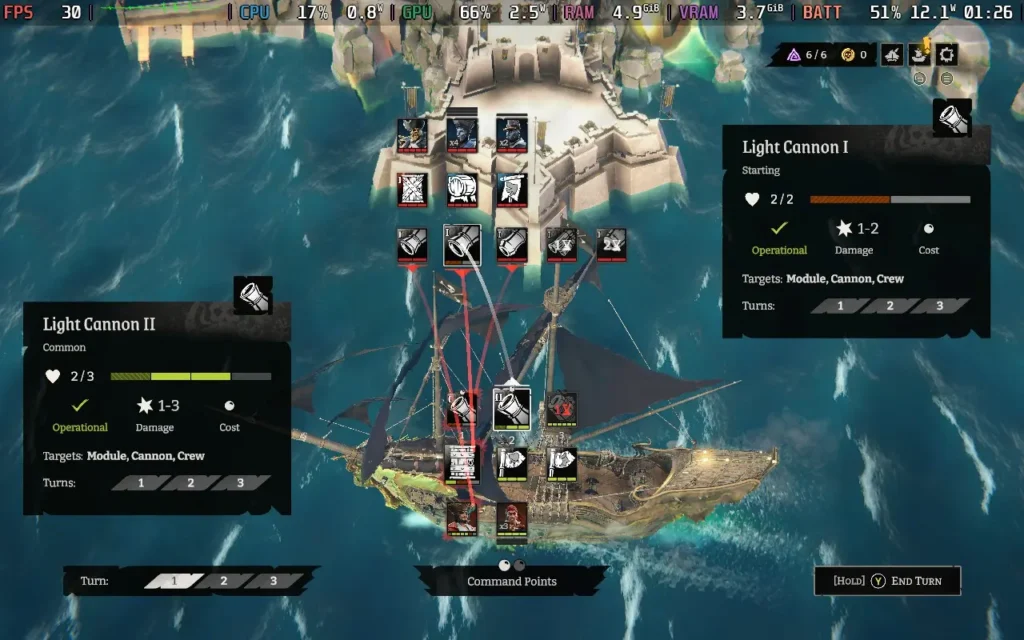
When you do enter a battle, however, things get interesting. The first stage of any battle is turn-based naval combat, where you will command your cannons to direct shots at the enemy ship or fort, damaging their cannons, modules, or crew, depending on what makes the most tactical sense to you. Certain cannons can only shoot certain parts of a ship, with Cannonbreakers specifically targeting cannons, Decksweepers targeting crew, and Shipwreckers targeting modules. You can, of course, get general cannons that can fire at anything, but these often cost more command points to fire, and you have a limited amount each turn.
In the end, I found that Swivel cannons are invaluable. These cannons can only target crew, but they cost no command points to fire, meaning you can fire them every turn for no penalty, whittling down the enemy's crew, ready for when the next phase of battle commences, the boarding battle.
The boarding battle is where most of Rogue Waters' action takes place. This is turn-based combat, although it plays more typically like a tactical RPG at this point, with a grid-based field containing both your and the opponent's crew.
Positioning is everything in Rogue Waters. When you attack an enemy, most of your attacks will cause you to "advance," which pushes the enemy back a tile and allows you to take their place. But if the enemy gets pushed back against a wall, they take additional damage, and if they get pushed back against one of their allies, both them and their ally will take some damage. This requires you to assess where you want your crew positioned to deal the maximum damage to your opponents while considering where you'll be pushed if the enemy attacks you.
All of this, combined with the ship modules at play, ropes that allow you to swing extra distances across the battlefield, and a mixture of enemy types that you'll be facing, work together to create a great tactical experience. When you've got your crew in the perfect position and start to execute your turn, taking out enemy after enemy, it's a really satisfying moment.
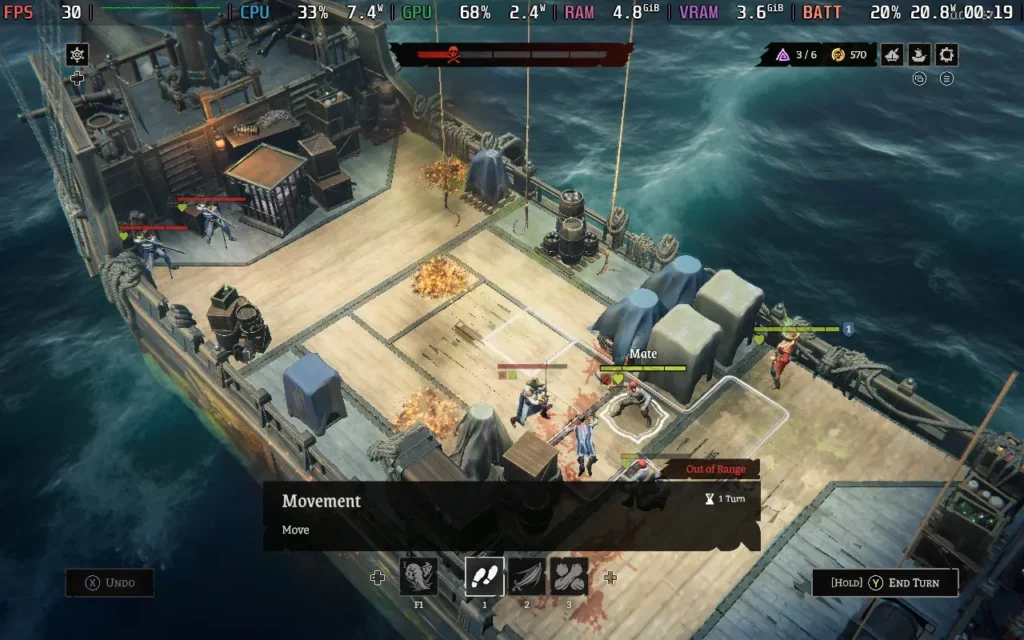
Rogue Waters is also pretty nice to look at. The ocean/water effects are well done, and there are some good visual effects when ships are firing at each other with their cannons. While most of the game is played from a zoomed-out perspective, occasionally, when pulling off a melee attack, the camera will zoom in to show a rather gruesome execution of the move, which often involves a sword running through someone and plenty of blood being sprayed.
So, Rogue Waters does what it sets out to do. It's a linear-feeling game, as games of this genre often are, and the game is nearly entirely based around combat, which is saved by the fact that Rogue Water's combat is a strong foundation for the game to be built on.
Rogue Waters runs at 1280x800 and fully supports controllers, so we're off to a good start. The game has no black bars or controls, and it's just fine with the Steam Deck's controller.
Performance-wise, we have a bit of a mixed bag. The game can't hold a stable 60 FPS no matter what you do. While the game's map and naval combat tend to run fairly well, the tactical boarding combat is much harder to run, and therefore, both the options I'm giving you today are targeting 30 FPS.
I did encounter an issue where every time I rebooted the game, it would default to the "High" graphics preset, undoing the settings I had previously put in place. Hopefully, this will be fixed for the game's launch.
I debated whether to make these my recommended or the quality settings below the recommended ones. Still, I'm not keen on running my Steam Deck at high temperatures, so I've made these my recommended settings.
We have a 30 FPS Limit in SteamOS and no TDP Limit for this one. Then, in the in-game settings, we'll have VSync On, turn Anti-Aliasing Off, the Texture Quality to High, the Ocean Quality to Medium, and the World Details to Low. We set the shadow distances at 0 to disable shadows.
We could lower Ocean Quality to "Off" to save more battery life, but it genuinely looks awful. It turns the water into a flat blue plane with no visual effects or movement.
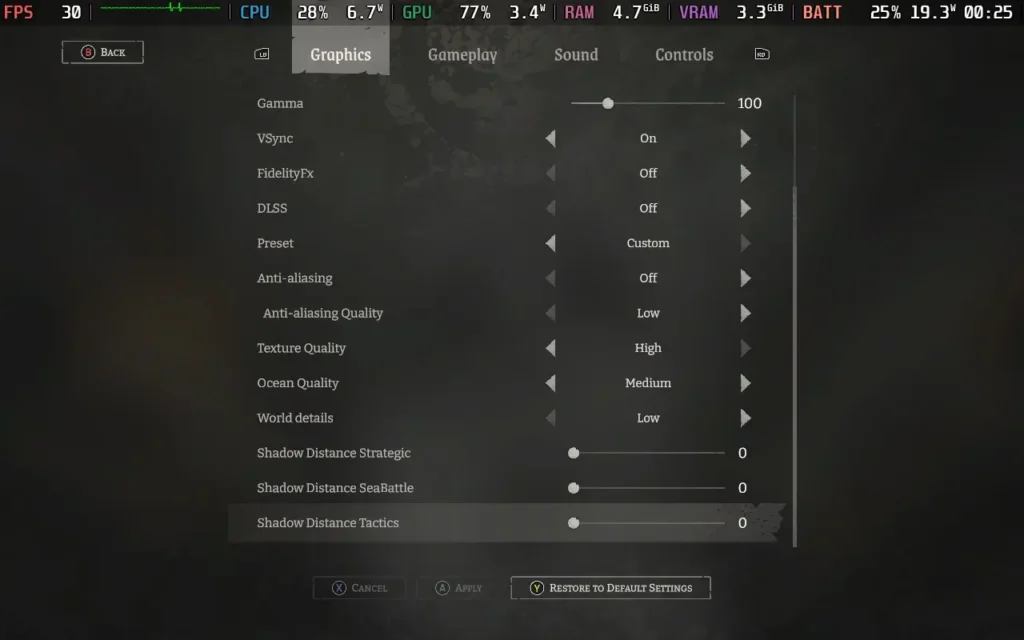
Visually, the game still looks okay. The omission of shadows is the most noticeable difference, but it doesn't make a huge impact. I think the game looks good enough, even without Anti-Aliasing or shadows.
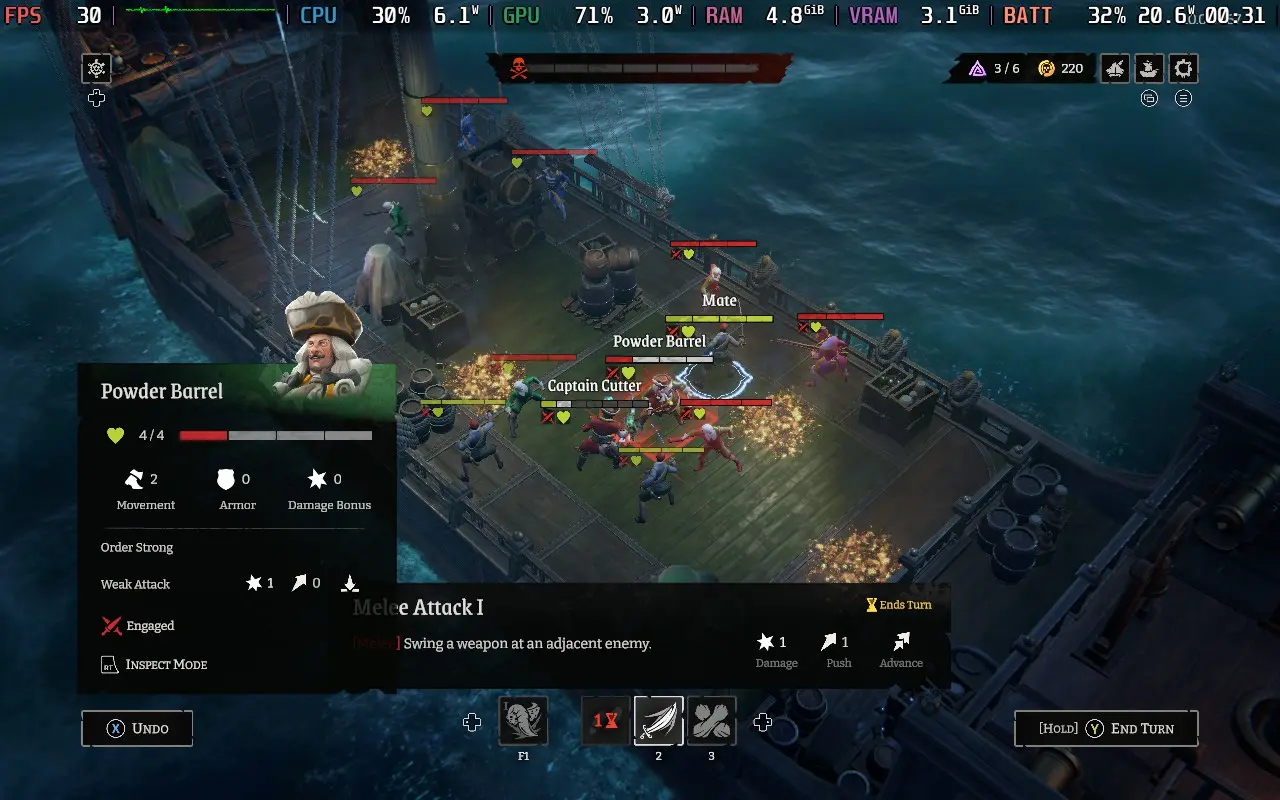
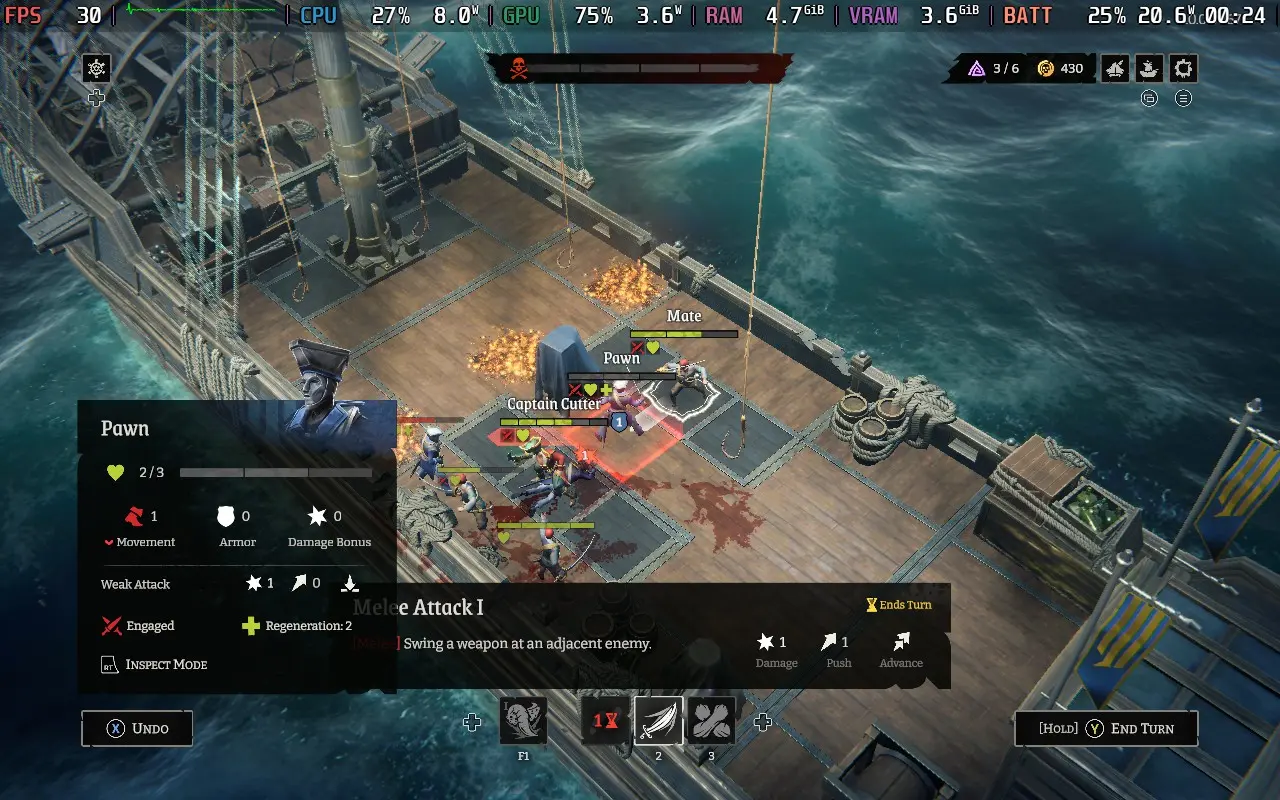
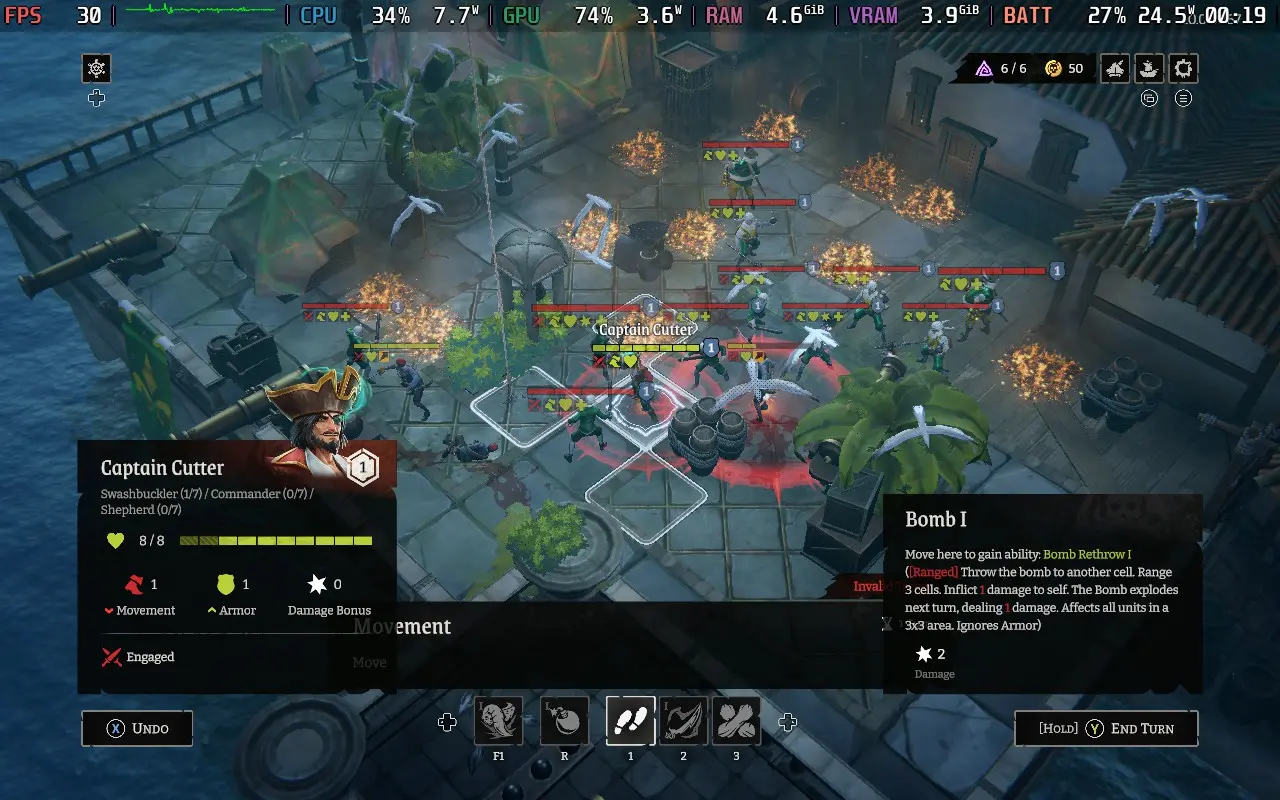
The power draw is generally around 18-21W here, but it can rise as high as 25W in intensive combat. Steam Deck LCD owners should expect around 2 hours of battery life, with Steam Deck OLED users getting around 2.5 hours. The power draw drops dramatically outside of combat, around 12W on the world map.
Temperatures were about 70-80C, with the CPU running hotter. The fan noise ramps up during the boarding combat and will quieten during the rest of the game.
For this one, I'm prioritizing visual niceties over battery life. Regardless of what you do, your battery life won't last too long in Rogue Waters, but this probably isn't the kind of game you'll play for hours on end. With a 20-30 minutes long run, this preset should give you enough battery for 3 or so runs per charge.
Apply a 30 FPS Limit in SteamOS, along with no TDP Limit. You'll want VSync enabled in the game, too, as it gets rid of the input lag introduced by the SteamOS Frame Limiter. Then, you'll want to set the Anti-Aliasing to MSAA, the AA Quality to High, the Texture Quality to High, the Ocean Quality to Medium, and the World Details to High. Then, have all the Shadow Distances at half—that's 250, 100, and 100 for those.
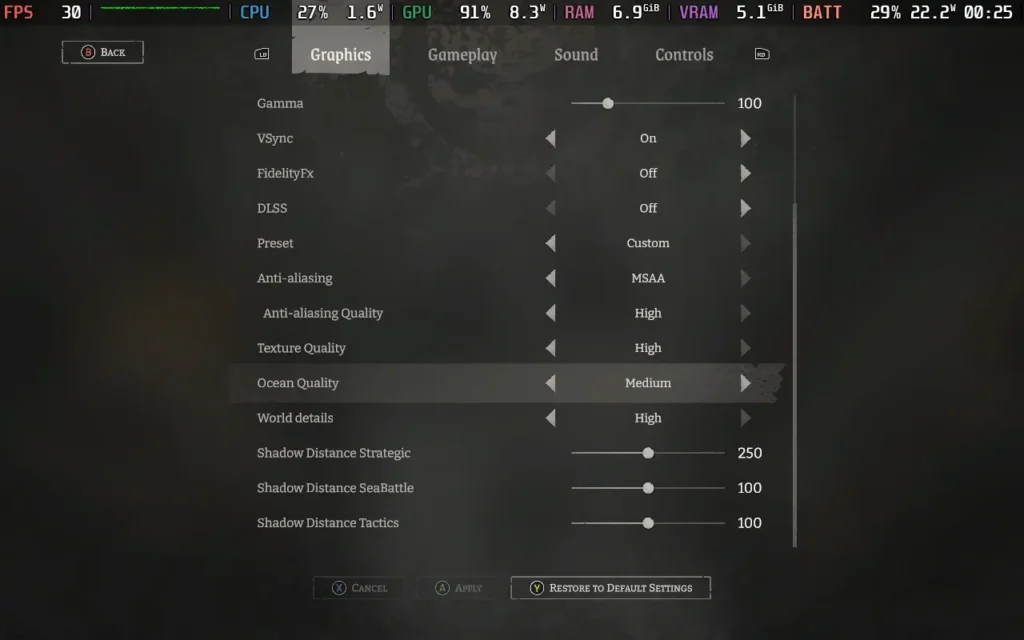
With these settings, you get good-looking water, shadows throughout the game, and a clear and sharp image. I did try running at the absolute highest, but running at those settings, especially having the Ocean Quality on High, can occasionally cause performance to dip to the mid-20s. With these settings, I did, on odd occasions, see dips to 28 or 29 FPS, but generally, we can keep 30 FPS.
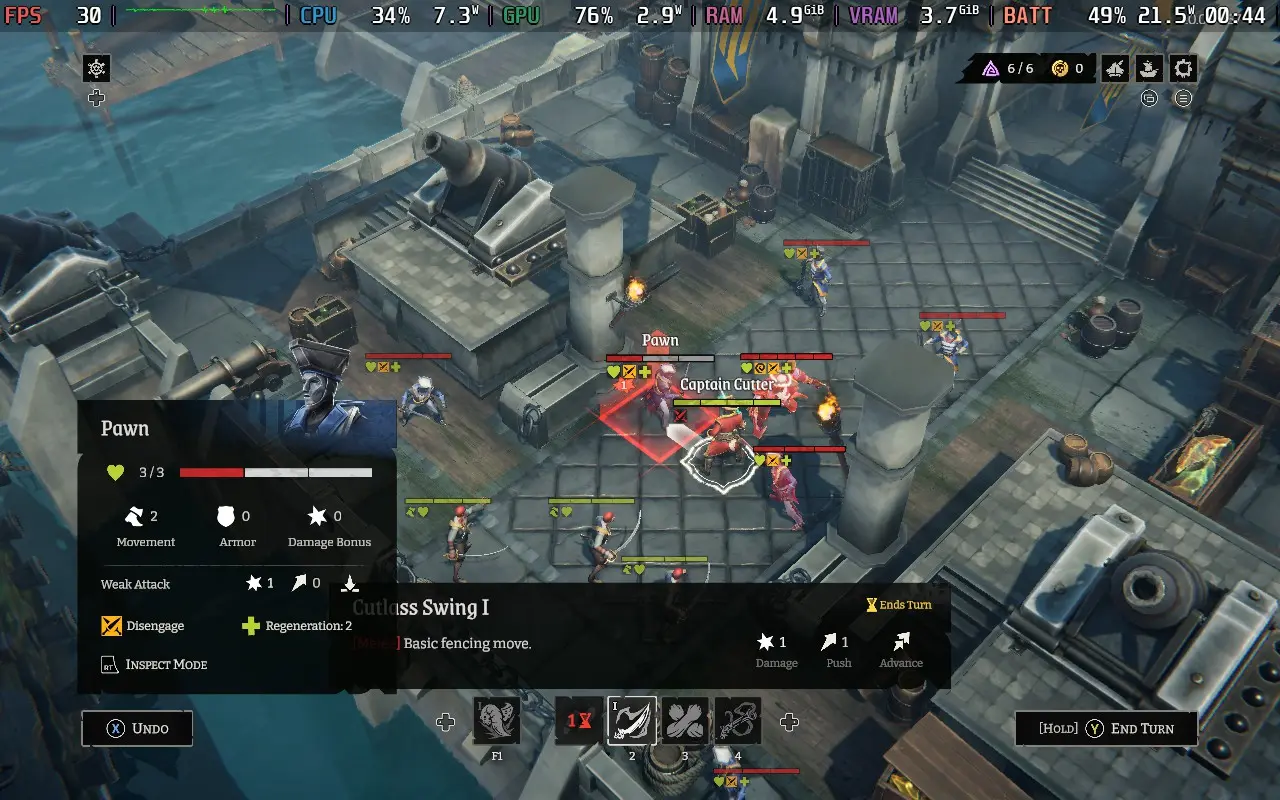
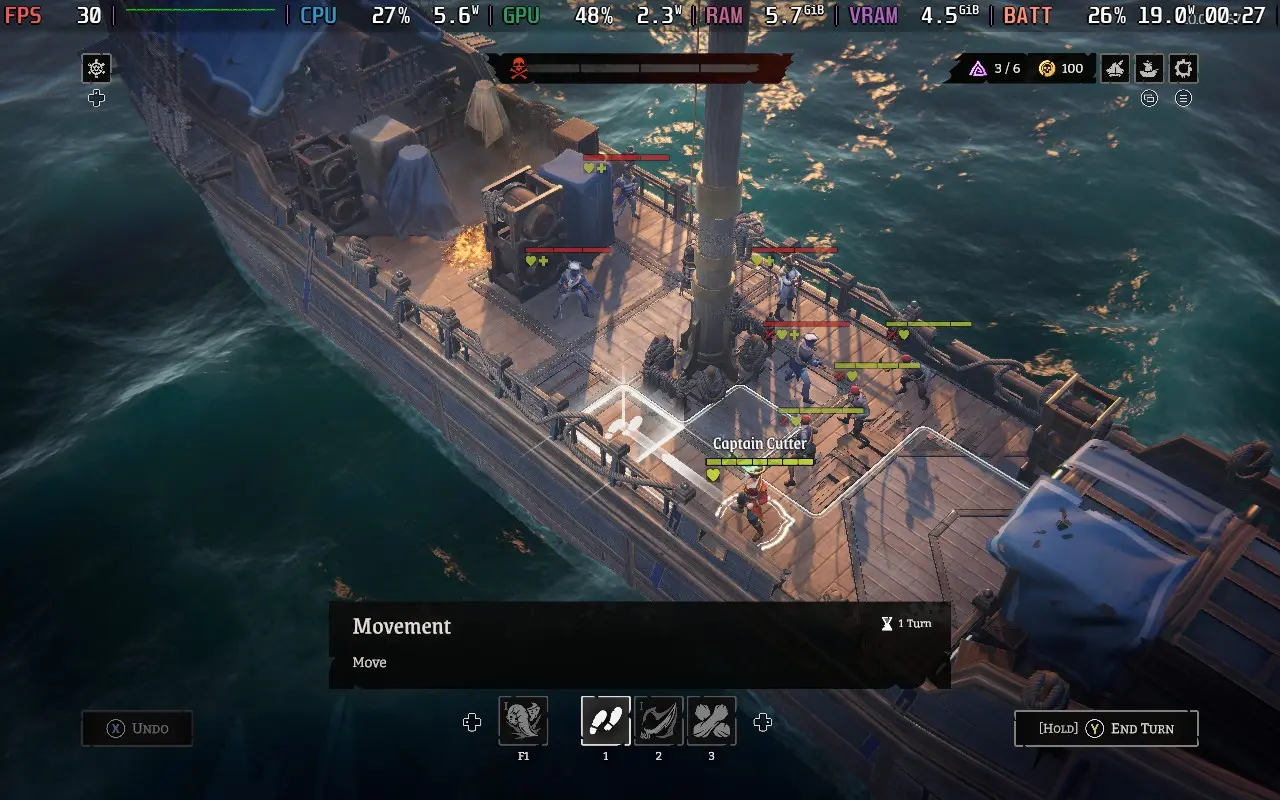
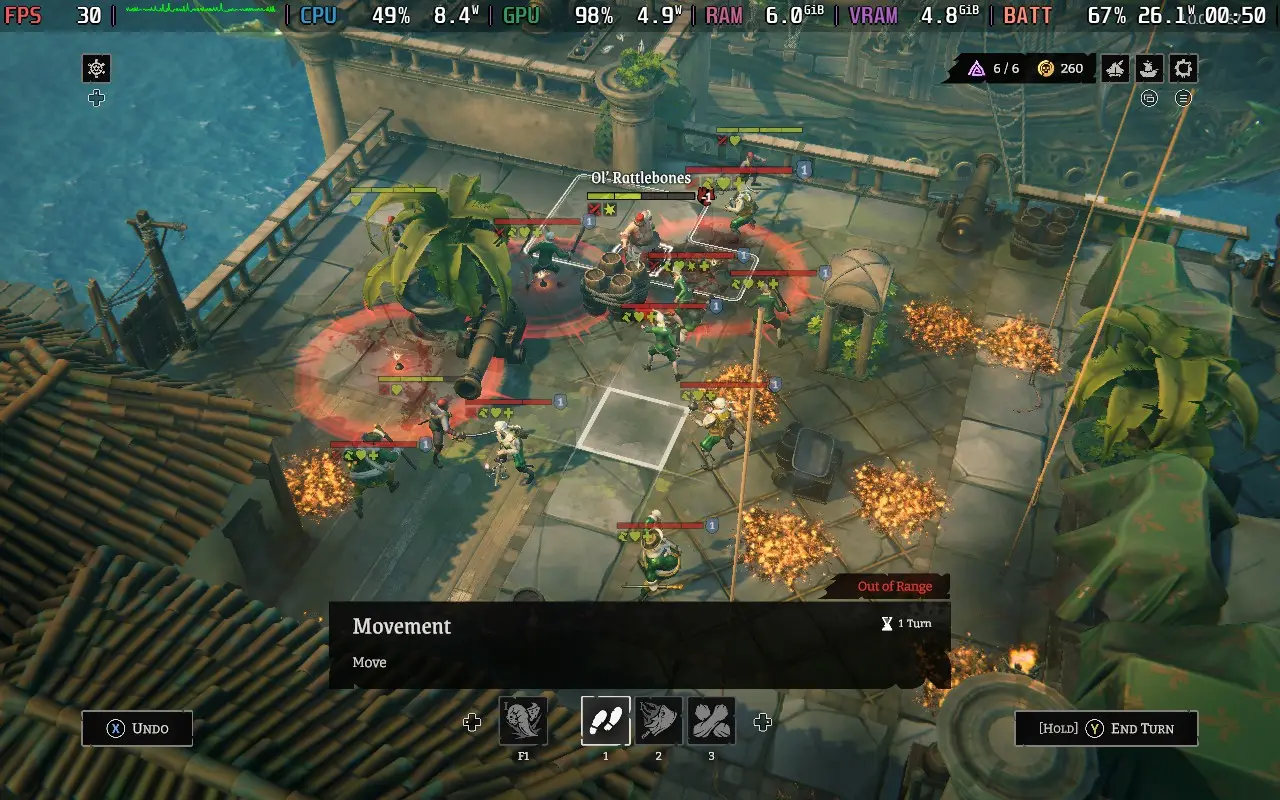
We pay the price of visual niceties with a killer power draw. However, with the game often taking around 20W-26W from the battery, don't expect more than 1.5 Hours of battery life from a Steam Deck LCD, and you might be able to squeeze 2 hours from a Steam Deck OLED.
Temperatures are very high, at around 80-90C during boarding combat. The fan will be loud during these sections, although temperatures and fan noise drop outside of combat. This is the main reason I'm not recommending these, as the CPU often creeps around the high 80s in combat, and I'd rather not stress my Steam Deck out that much.
Rogue Waters has some accessibility options. You can disable blood if that's not your thing. You can also disable camera shake and sway if prone to motion sickness. There is also HUD Scaling and Font Size, which I had set to 105 and 22, respectively.
Rogue Waters is a fun pick-up-and-play pirating adventure. It's not the open sandbox that most pirate games aim for, but it's a fun time nonetheless. If tactical gameplay is your guilty pleasure, then there's plenty to enjoy about Rogue Waters' deep and satisfying combat mechanics, and I'd recommend giving it a try.
Steam Deck performance is a little worse than I would have hoped for such a game. Graphics settings seem to have a minimal impact on performance, with the CPU seemingly the bottleneck here, so don't expect more than 30 FPS out of this game. Still, given its nature and the game's good controller support, it can play fine on the Steam Deck. The game also autosaves after every battle, so don't worry about exiting if your battery life is low.
このレビューはPC版に基づいています。
このレビューをお楽しみいただけたなら、SteamDeckHQ の他のコンテンツもぜひご覧ください!あなたのゲーム体験に役立つゲームレビューやニュースを幅広く取り揃えています。ニュース、ヒントやチュートリアル、ゲーム設定やレビューをお探しの方も、最新のトレンドを知りたい方も、ぜひご利用ください。
Sumerian Six was provided by Devolver Digital for review. Thank you!
Sumerian Six is a real-time tactical strategy game, and I went into this one with high hopes, as these types of games often play quite well on the Steam Deck, only requiring 30 FPS to be playable, and often with the ability to pause at any time being a feature of the genre. As it turns out, Sumerian Six delivered on these areas and more!
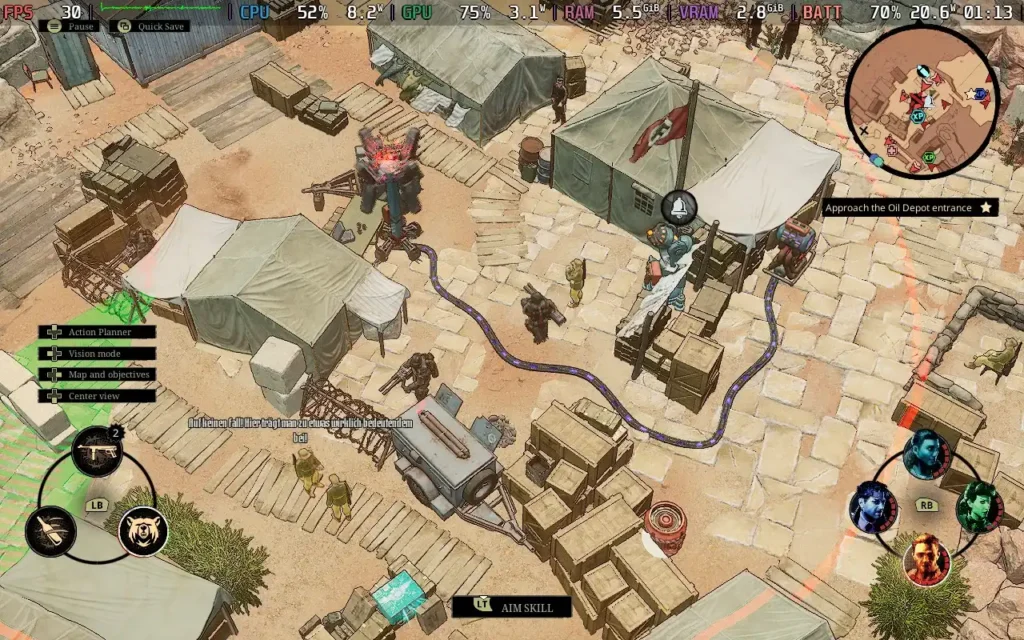
To fill you in on the basic premise of Sumerian Six, you take control of the Enigma Squad, a group dedicated to researching the effects of an otherworldly material known as Geiststoff. Meanwhile, the Enigma Squad eventually decided that the material was too powerful and should be left alone. One of their members breaks off and joins the Nazis, taking the group's knowledge about the material with them to help the Nazis build a supernatural superweapon.
The story is gradually expanded through short dialogue during missions and more lengthy cutscenes, usually at the end of missions. But the story is fairly basic and, for the most part, predictable. Most of the characters are two-dimensional, there to serve a gameplay purpose more than anything else. Although there are a couple of twists, the storyline isn't Sumerian Six's strongest suit.
The basic gameplay of Sumerian Six is your typical tactical strategy affair. With stealth being the order of the day, being detected very likely results in your death, so the entire game is based around studying enemy patrol routes, keeping an eye on the enemy's line of sight, and picking off vulnerable enemies on the outskirts of the group, or, if that's not possible, using the game's "action planner" system to allow several of your party members to act at once, thus taking out multiple enemies within a short moment of each other, so as not to raise the alarm.
The systems work very well together, with the game almost having a puzzle-like feel, as it's all about finding the right time to act and what actions to take. While there are multiple solutions to each situation, it is fun to work out how to tackle each problem, which gets increasingly more complex as the game progresses and you unlock more character abilities.
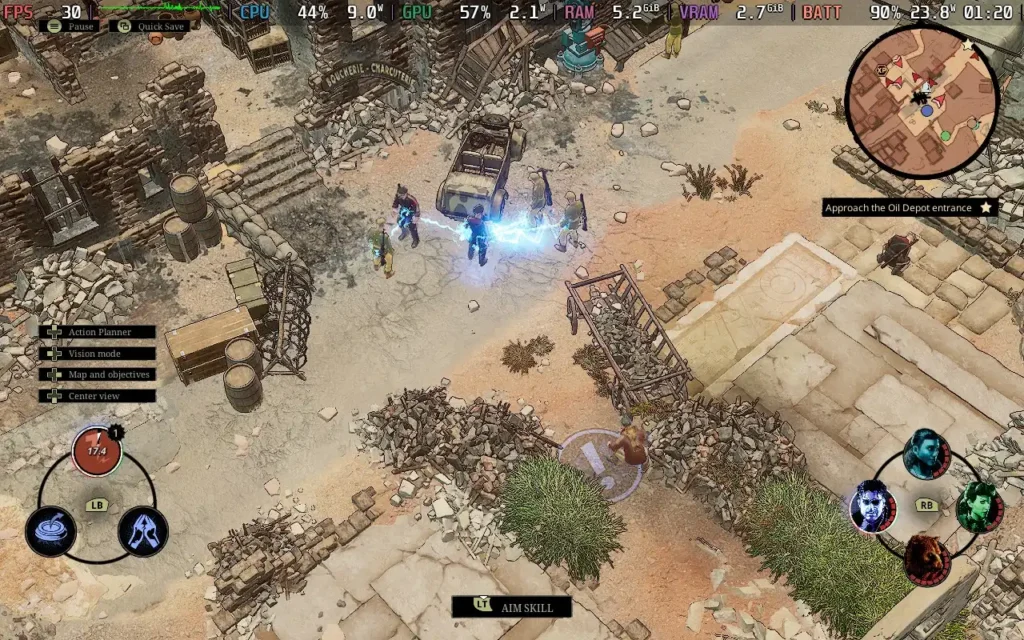
Speaking of character abilities, these form the crux of the moves you'll use to take out your foes. While all characters in your party can sneak up on enemies and take them out with a melee execution, each of your characters will also have several special abilities at their disposal, and it's up to you to decide how best to use them to tackle your current situation.
Early on in the game, for example, you'll be restricted to abilities that mainly distract enemies, causing them to either move from their current location or temporarily stun them so you can move them outside of the line of sight of their allies, or so you can take out someone they're looking at without them realizing it.
But as the game progresses, you'll unlock more abilities and encounter different varieties of enemies that will require more thought on how to handle them. Some enemies are immune to distractions, while others cannot be removed with the melee execution moves and are only vulnerable to offensive abilities. Soon, you'll be using chain lightning to take out grouped enemies, planting bombs on patrolling enemies and choosing the best time to detonate the bomb, and even using a launch pad that can displace enemies while simultaneously killing them, useful for quickly disposing of a body so their friends don't see it.
All of this keeps the game feeling fresh. New enemies will need new methods to tackle them, and the new abilities you get as you progress through the game keep opening up more doors for you to take when dealing with situations.
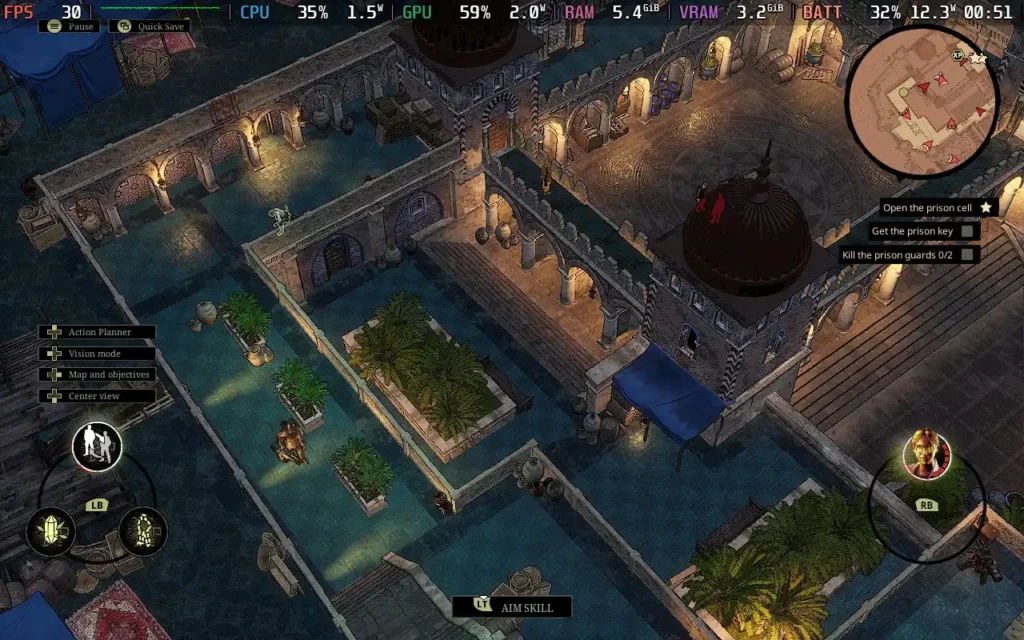
All of this combines to make a beautifully complex and yet not daunting game. I'm pretty slow when playing these games, often sitting back and analyzing the situation, deciding which enemy is the easiest to take out first, figuring out what ability I should use, and executing the plan. The game does reward you for finishing a mission fast but also doesn't penalize you for taking it slow either. Yes, it can take some time to work out how to proceed, but the game gives you that time. Plus, you can open the action planner and effectively pause the game at any point if you are in a rare situation where you need to quickly act, before say, a patrolling enemy finds you.
Visually, Sumerian Six holds up. A key aspect of these games is clarity, knowing where the enemies are, what they're seeing, differentiating enemy types, etc. And Sumerian Six executes this well. The line of sight is very clearly visible, enemy types have different models and key colors to separate them, and if all else fails, there's a minimap on the screen at all times which shows you where the enemies are and which direction they're pointing, for an easy overview of the situation.
From a technical graphics perspective, Sumerian Six won't be winning any awards, but the graphics serve their purpose just fine and are pretty pleasing to look at. No poor texturing or anything stood out to me during my playthrough, at least.
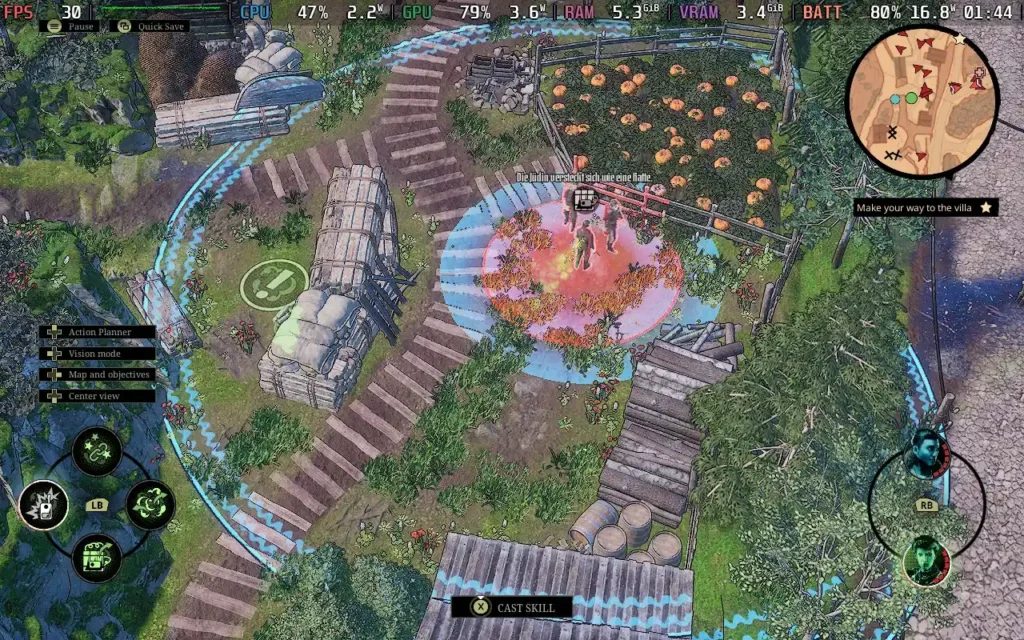
Sumerian Six is a solid tactical strategy game. While the storyline is basic, it provides a premise and intrigue about what you might face next. The gameplay shines through here though, with well-built stealth mechanics, a selection of different environments to explore, plus that variety that comes from facing new types of enemies and unlocking new abilities to defeat them. The game isn't too long, and if you're gung-ho in your approach, you can finish the campaign in less than 10 hours with the game split into 10 missions, with the "speedrun" secondary objective often requiring you to finish the missions in around 25-35 minutes each. But if you're a fan of this genre, you'll probably enjoy every minute of this adventure.
As a side note, one feature I adored about Sumerian Six is that the game autosaves every 30 seconds. This means that if you just made a mistake, you can load back up to before you made the mistake in a matter of seconds. This is incredibly useful, and I took advantage of it during my time with the game.
Sumerian Six is a pretty painless experience on the Steam Deck. The game is well-adapted to controllers, so you shouldn't have any problems using your Steam Deck controller, and the game defaults to settings that I recommend you stick with.
By default on the Steam Deck, Sumerian Six is set to Low settings, with the exception of Textures, which are kept on High. I recommend staying with these settings. The only thing I would change is enabling the in-game FPS limiter and setting it to 30 FPS.
For SteamOS settings, you won't really want to have a frame rate limit, as the in-game limiter works well and doesn't introduce input lag. You'll also want to remove any TDP Limit, as the game is quite power-hungry.
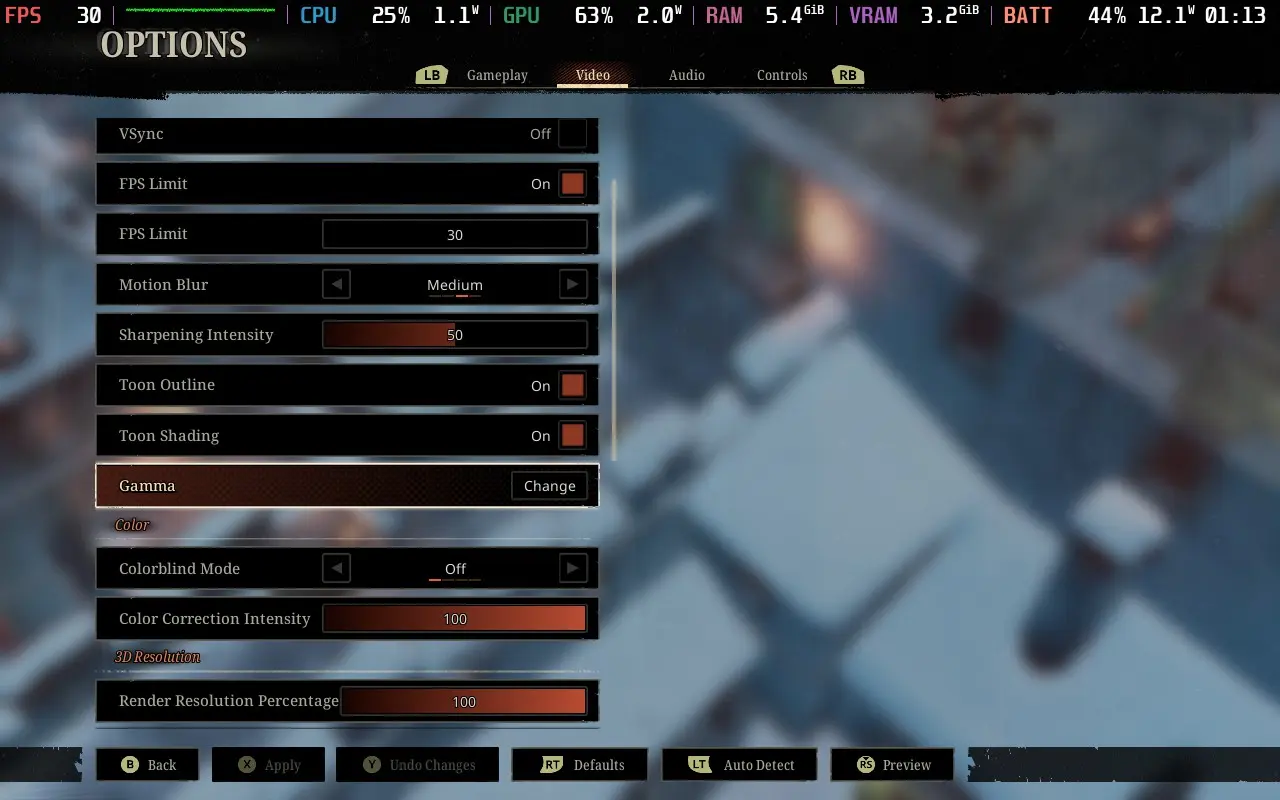
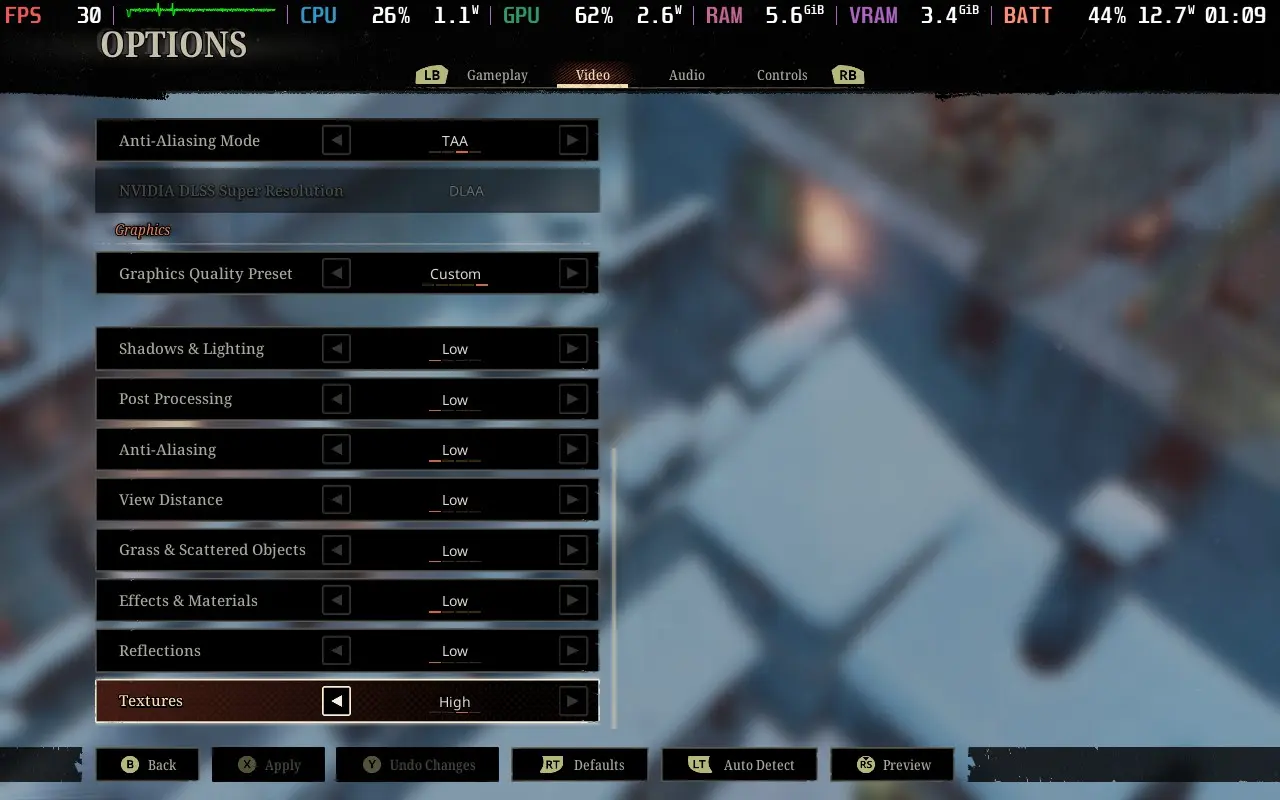
At these settings, you should be able to maintain a fairly solid 30 FPS throughout gameplay, although some cutscenes will drop as low as 20 FPS, as they have a habit of showing you an overview of the map the mission takes place on, which pans over the area. Visually, the game still holds up quite well, though.
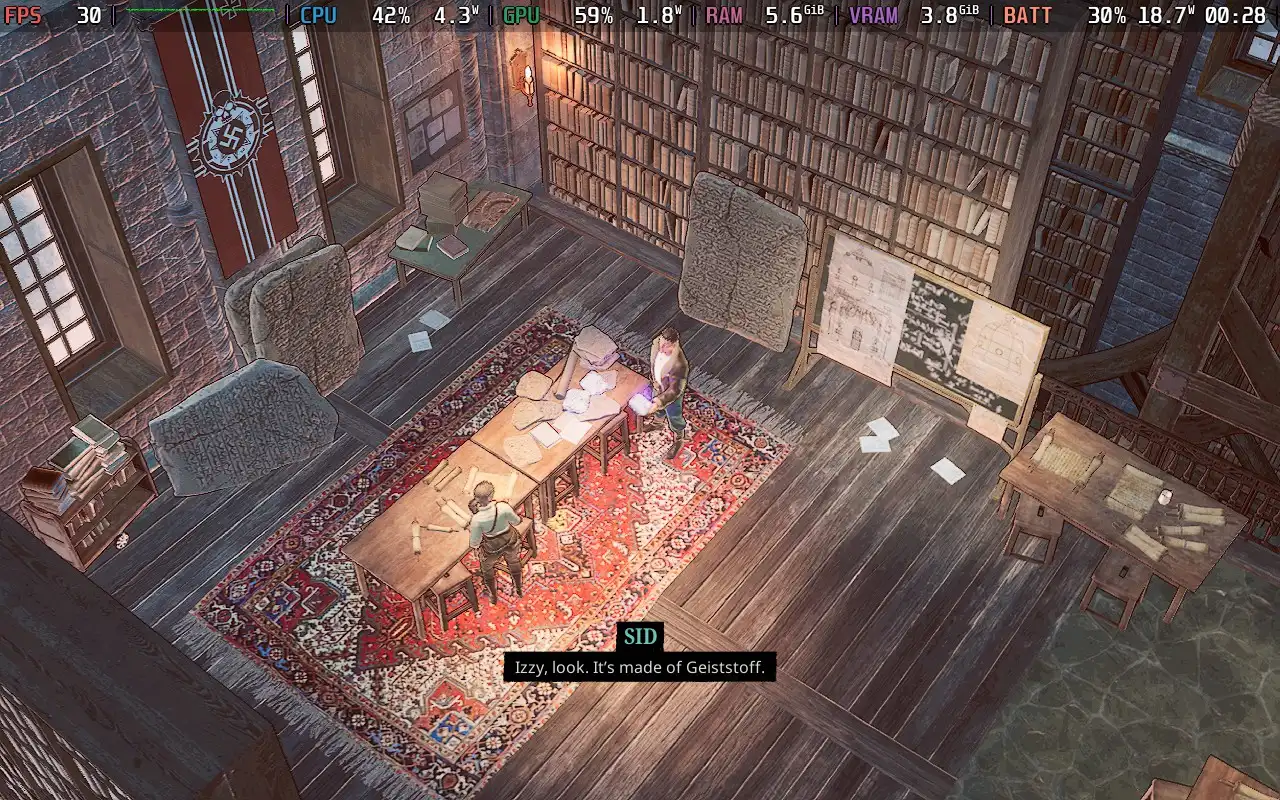
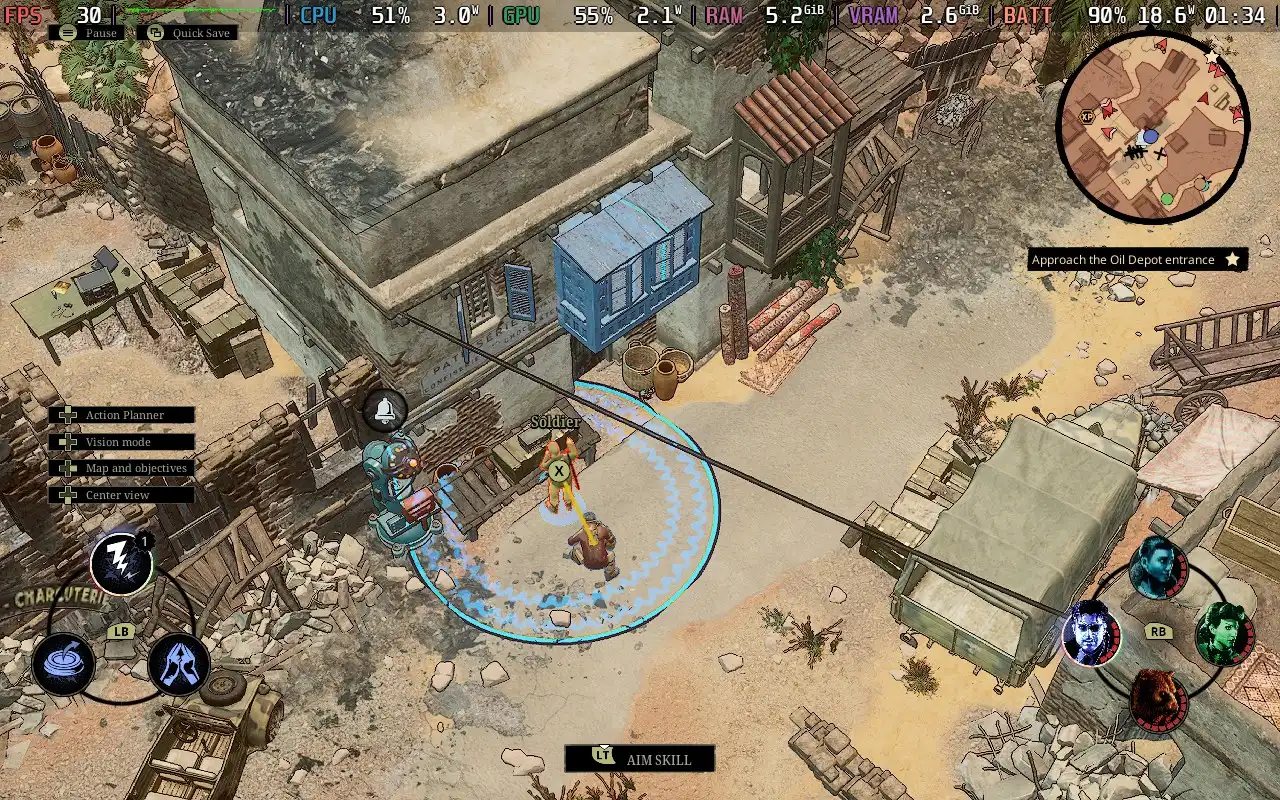

The game's power draw varies wildly depending on the environment and the enemies in your vicinity, but it stays on the higher end, ranging between 14W and 19W for the most part. I did experience power draw up to 24W on a later mission, though.
Temperatures also vary greatly, as you might expect, given the power draw situation. They are around 65C-70C on earlier and smaller missions before heading up to the 70-80C range in later missions with larger groups of enemies. The fan is largely quiet in earlier missions but becomes fairly audible later on.
Sumerian Six has some accessibility features. It has subtitles, which have adjustable font sizes and are perfectly readable on the Steam Deck. It also has constant auto-saving, which tends to save every 30 seconds, allowing you to repeat your last actions if you make a mistake and get shot! Plus, the game can go into slow-motion if you are in danger of being detected, giving you a couple of seconds to react to hide yourself if possible.
There are also some colorblind filters available.
Sumerian Six is a solid entry into the tactical strategy genre. The stealth mechanics are implemented and displayed well, the level design is varied and keeps you on your toes as to how you will tackle each situation, and the constant introduction of new enemy types and player abilities just brings even more variety to the game.
If you love the tactical strategy genre, you should definitely give Sumerian Six a play. Even if you are just curious about it, I'd recommend you give the demo a try to see if this is your kind of game. As someone who hasn't played many games in this genre, I did enjoy my time with it, so it's well worth a look.
Steam Deck performance isn't fantastic, with us being restricted to 30 FPS, but in a game like this, 30 FPS is sufficient to have a good time, and the controls work great. Sumerian Six is perfectly playable on the Steam Deck, and I don't think you'd miss out by playing it on your portable device compared to any other way of playing the game.
このレビューはPC版に基づいています。
このレビューをお楽しみいただけたなら、SteamDeckHQ の他のコンテンツもぜひご覧ください!あなたのゲーム体験に役立つゲームレビューやニュースを幅広く取り揃えています。ニュース、ヒントやチュートリアル、ゲーム設定やレビューをお探しの方も、最新のトレンドを知りたい方も、ぜひご利用ください。
Gundam Breaker 4 was provided by Bandai Namco for review. Thank you!
Gundam Breaker 4 was my first foray into the Gundam Universe, and judging from the poor reception of other Gundam games recently, Gundam Breaker 4 might be a decent entry point into the series for various reasons. Whether you're brand new to the Gundam experience or a returning player, Gundam Breaker 4 does a good job of introducing you to the world of Gundam and what it's all about.
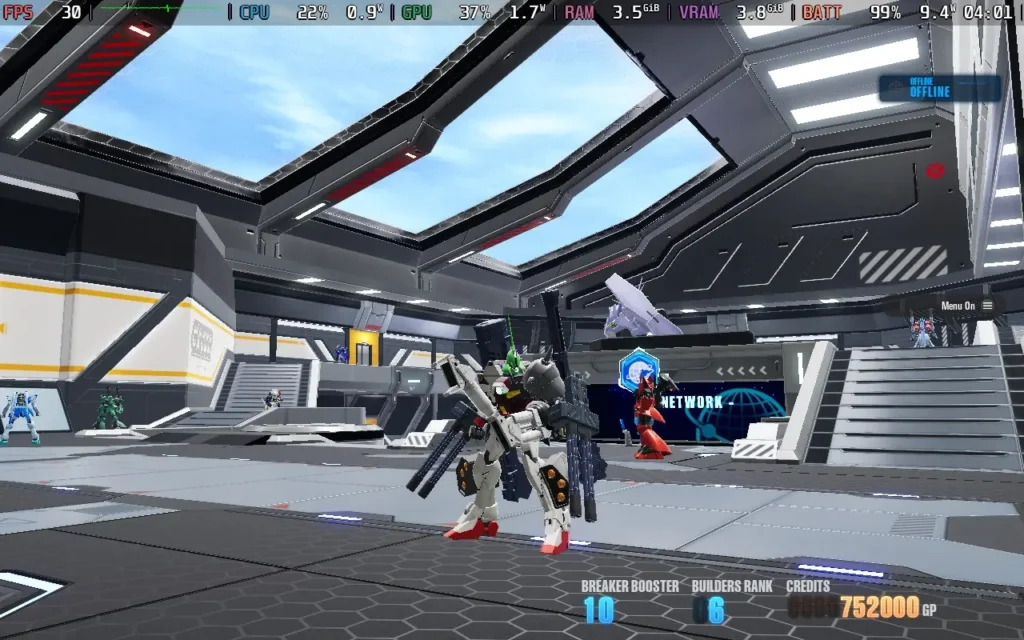
In case you aren't familiar with the premise of Gundam, or more specifically, Gunpla in this game, the aim is to build the ultimate "mech" (or Gundam) using parts you've collected in battles. You can modify the head, body, arms, and legs. You name it, and it's probably modular and can be fitted with new parts.
This is one area where Gundam Breaker 4 shines; there are many parts for you to find and equip, all with a different look and style. They usually have slightly different abilities, allowing you to separate your Gundam into a different playstyle, and you can paint/add decals to them. As far as customization of your Gundam goes, I think there's not much more Gundam Breaker 4 could do.
Parts can be obtained from battles, or you can use the coins you get from battles to buy specific parts you want from the shop.
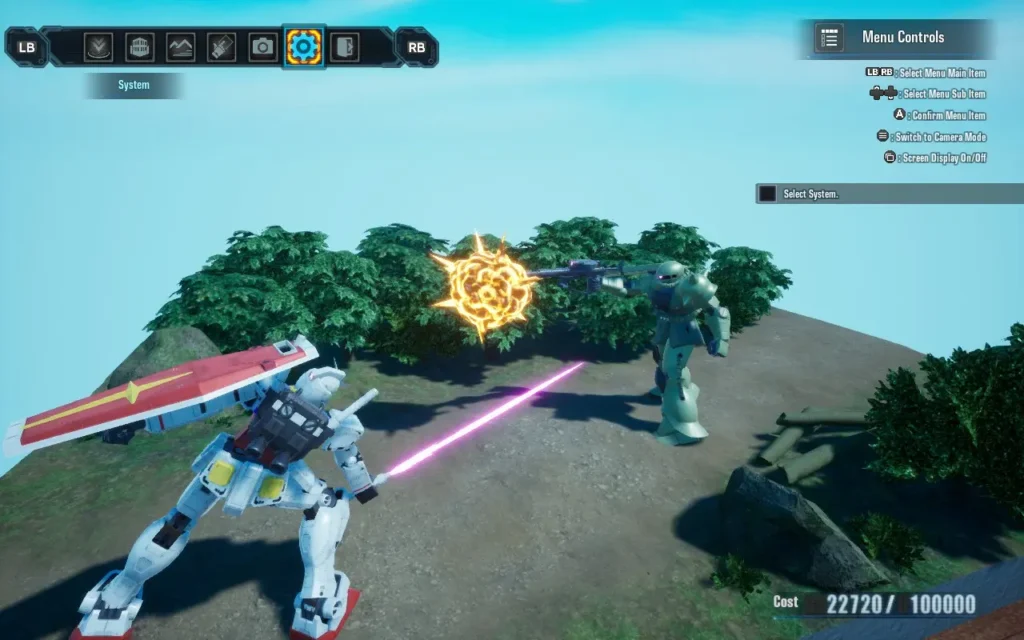
The touted Diorama mode also lets you pose various Gundams in different positions in an environment you can craft yourself using models that you've bought in the in-game shop, as well as adding visual effects such as explosions to the scene, so if you're a particularly big fan of Gundam, I'm sure you can have some fun creating your scenes and capturing them.
But let's move away from customization and onto some actual gameplay. How does Gundam Breaker 4 feel like to play?
Well, the primary gameplay mechanic in the game is the combat, as you might assume. And the combat is a bit of a mixed bag, if I'm honest. The customization helps out here; your Gundam can have 2 melee weapons, and 2 ranged weapons equipped. There's a lot of weaponry to choose from, and the combat is pretty fun for the first few missions.
But before long, you realize that the combat is quite repetitive. All of Gundam Breaker 4 sadly falls into the realm of repetition. The missions in the "Standard" difficulty are easy. I dread thinking about the easiest difficulty, so I stayed on standard for my playthrough. However, I avoided the hardcore mode, as I had never played one of these games.
You can get away with mostly sitting on top of enemies, mashing your melee button to deal massive damage; ranged weapons do far less damage and are used when closing the gap, so you can start using your melee. The first couple of bosses do pose a challenge, but I feel as though the game's balance isn't quite there, and your parts and progress seem to outpace the missions, meaning enemies are dealing less and less damage as you progress through the story chapters, and you are dealing more and more.
Depending on the parts fitted to your Gundam, you can perform several special attacks. These take the form of EX and OP moves, such as firing a barrage of machine gun fire or rockets, repairing mid-battle, or doing a combo of melee moves. However, the damage output of these moves is barely worth the time you sacrifice to pull them off, so mashing a melee attack might still be your best option.
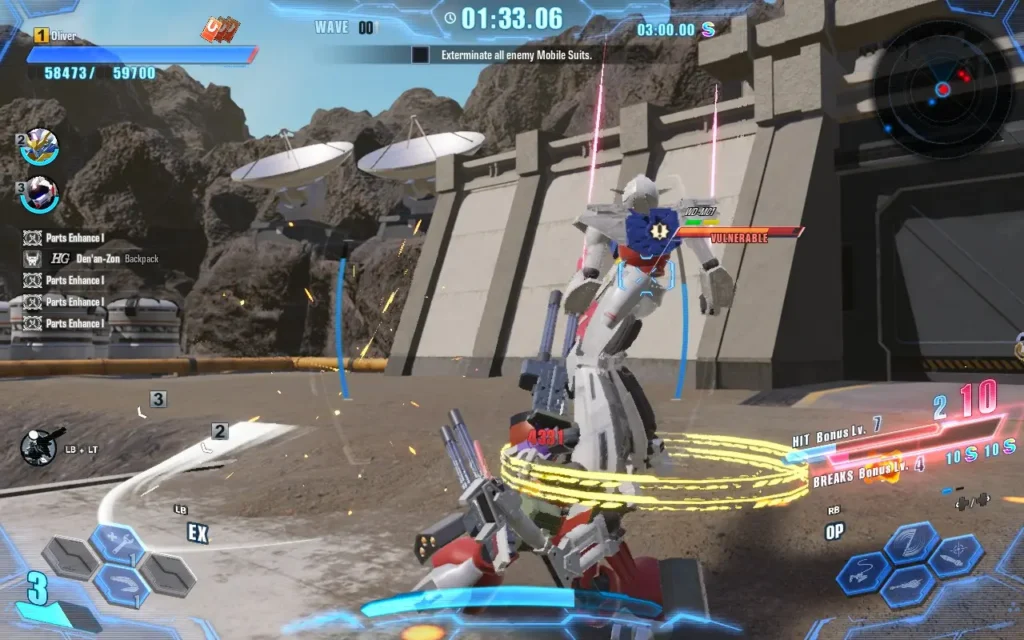
There are pretty much only two mission formats you can discern apart from each other. One is where you must protect a rocket from waves of attack until it takes off, and another is just destroying other Gundam that appear in waves... There *is* technically a 3rd "Clan Battle" mission format, but it's essentially just the destroying Gundams mission format, with some interspersed dialogue and a story cutscene. Either way, you will always fight through 3 waves of Gundam in every mission.
By the time you hit mission 20, I started getting sick of playing what felt like the same mission for the 10th time; even the maps began to repeat. It's a real shame, and you get the feeling that the budget for the game may have been pretty low, or it comes across that way.
A separate set of missions alongside the "Story" mode is called "Quest" missions. These missions are the same as the Story missions, using the same maps and often having very similar objectives but with a time limit. It does feel like the developers created a few maps and then tried to recycle content as much as possible to make it feel like the game has a lot of content when it doesn't.
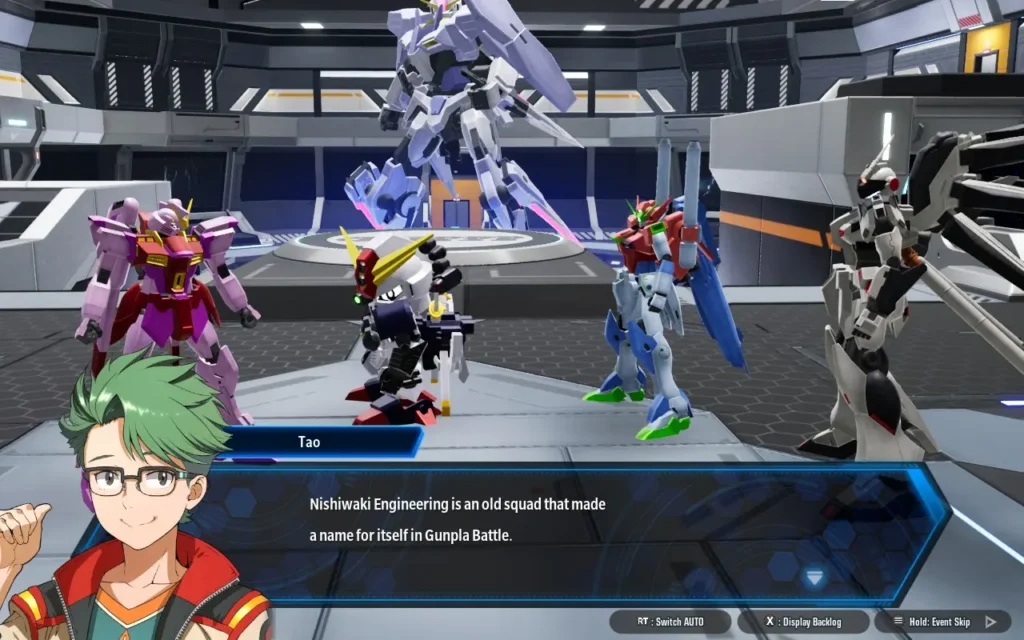
The storyline for the game falls into a somewhat "meta" area. Where everyone in Gundam Breaker 4 is... playing Gundam Breaker 4. Every NPC you meet in the game is someone with a life outside of Gundam Breaker 4, but you all meet up as online friends to escape various situations these characters face in their real-world lives.
The narrative is advanced by utilizing voiced cutscenes before and after story battles and sometimes during the battles as part of a cutscene. Some of the characters are somewhat interesting, but they fall under some fairly generic tropes, and you can figure out the characters and their personalities within a couple of missions of meeting them.
Because of this, Gundam Breaker 4 feels like a game that may have been designed with a younger audience in mind, maybe in the 10-13-year-old range. Character plotlines and their motivations are pretty simple, and we have a silent protagonist using hand gestures to convey emotions.
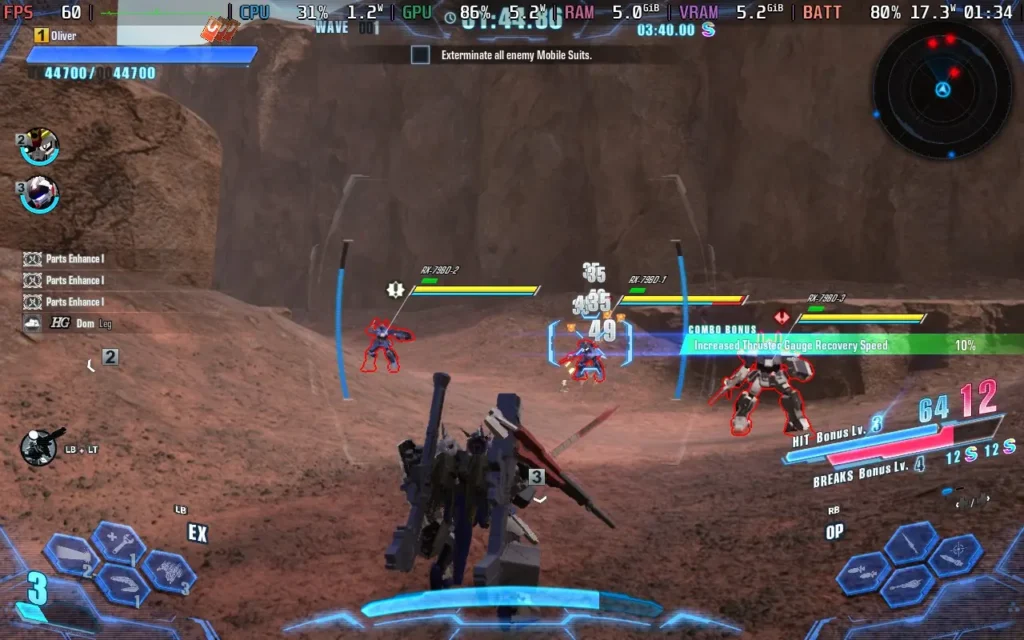
Visually, the game is okay. Nothing particularly stands out, and they do the job they're meant to do, but it isn't what I'd call a "pretty" game. The sounds likewise are fairly generic and just do the job, they can get a little repetitive when firing weapons like a machine gun or mashing a melee attack. The voiced lines of dialogue are probably the best part of the sound in the game, with the voice actors doing a pretty good job.
I couldn't test out any of Gundam Breaker 4's online features, as they weren't available to reviewers before the game's launch. The game is supposed to contain an online lobby where you can meet other players, as well as the ability to do certain missions with other players.
How does Gundam Breaker 4 handle the basics then? Quite well, actually. It has 1280x800 resolution support, which it defaults to. It also has great controller support, allowing you to control menus and gameplay with the Steam Deck's controller.
Specific text in the game is a little on the small side, specifically on the mission select screen. Luckily, this is largely unimportant flavor text. Dialogue text is of a decent size and should be quite legible.
There are a few graphical options that are laid out very simply, with the options ranging from "Low" to "Best", so I'm offering 2 presets today, one focusing on battery life, and one focusing on the best quality you can get while getting 60 FPS.
Regarding SteamOS settings, we aren't applying a frame rate limit or TDP Limit for this one.
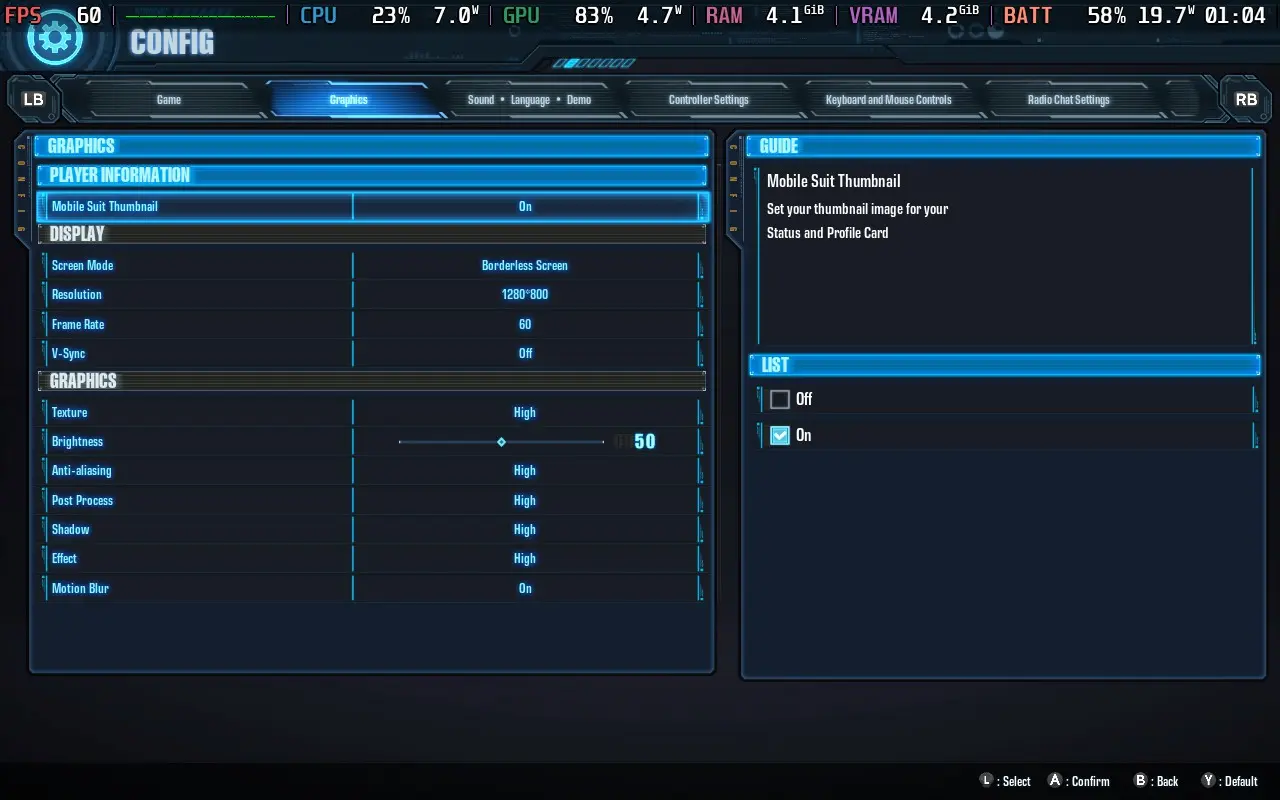
We're putting all the graphics settings on the "High" option, including Texture Quality, as the game can hog VRAM a bit. Then we're setting the "Frame Rate" option to "60" and keeping the 1280x800 resolution. These are the default settings that the game recommends you play at upon booting.
With these settings, you should see an almost constant 60 FPS throughout the game; I rarely experienced any dips. There was a mission where I experienced several stutters within a few seconds of each other, which I think was likely to do with the VRAM being full, but this resolved itself. There may be some memory leak, as VRAM usage hit 7.2GB, an absurd amount for such a game.
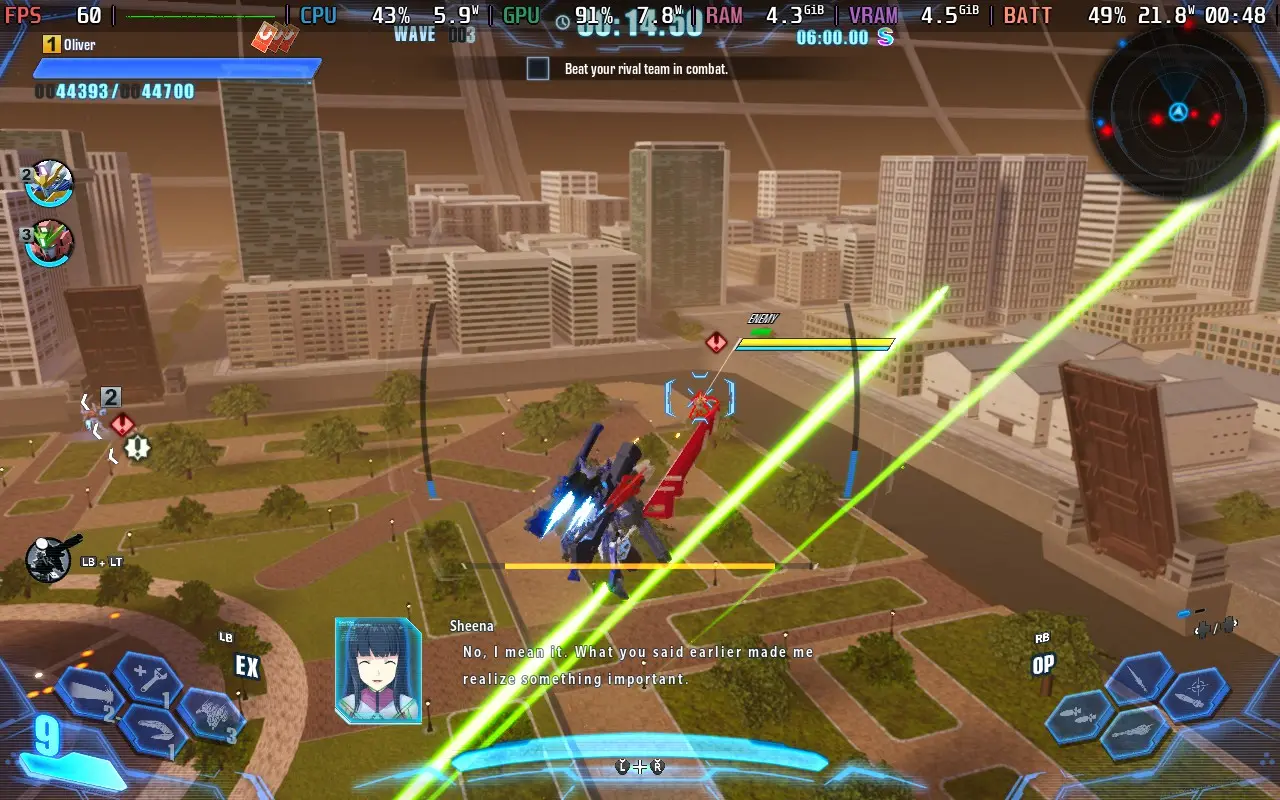
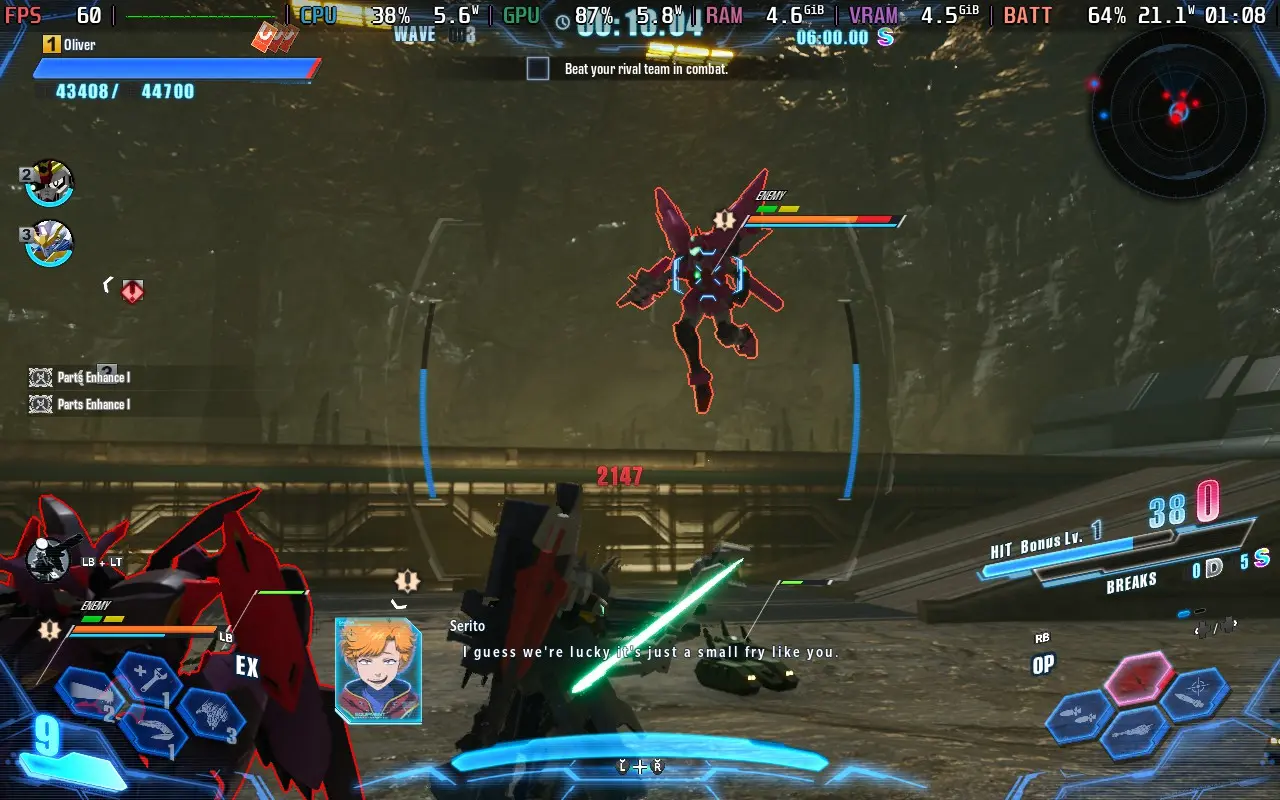
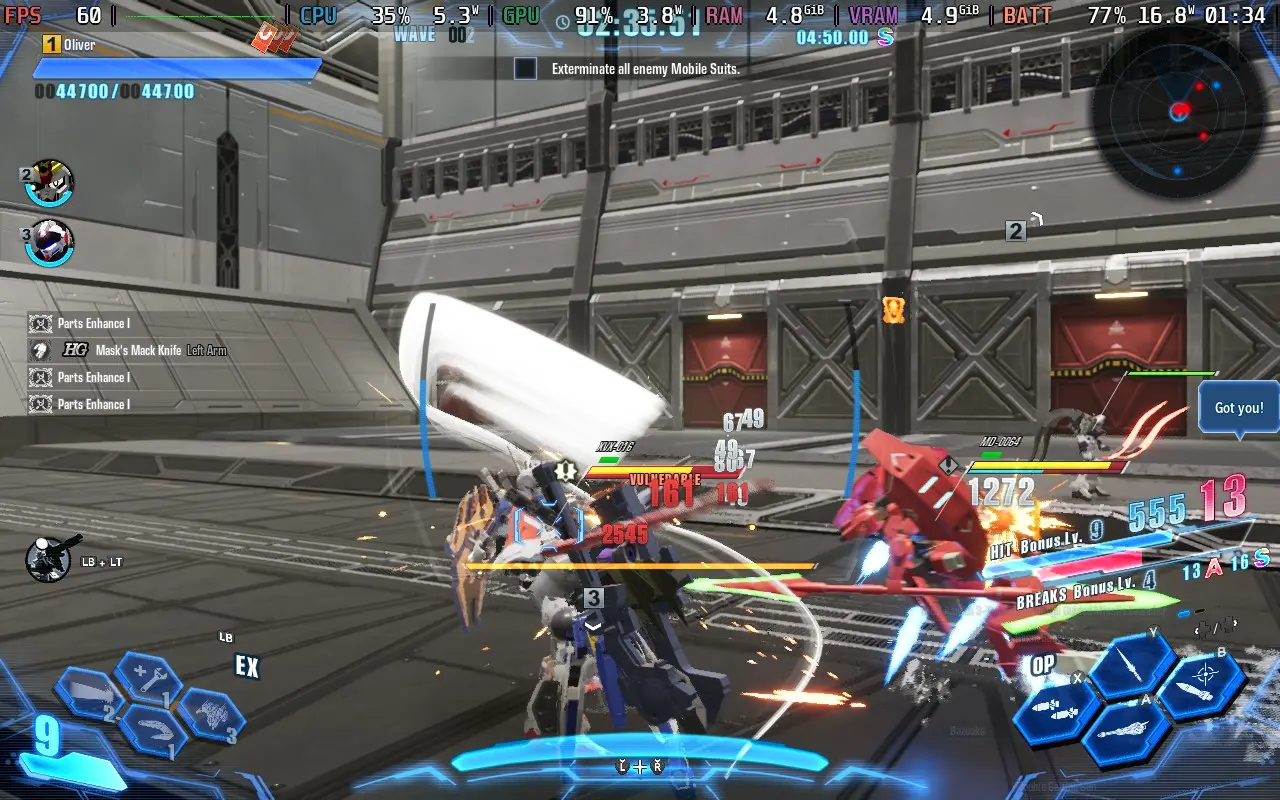
The power draw varies greatly depending on the map and number of enemies, ranging from 17W in quieter situations up to 22W in intense ones. Steam Deck LCD owners can expect around 2 hours of battery life, with Steam Deck OLED owners getting around 2.5 hours.
Temperatures stick around 70-80C as you play, meaning the fan ramps up and down a fair amount, meaning the fan will be audible at points.
If you want a battery life as long as possible, then set your TDP limit in SteamOS to 7W, and again, we don't need a frame rate limit in SteamOS for this one.
In the in-game graphics settings, use "Low" for everything but Textures, which we'll leave on "High." Then, set the in-game frame rate option to "30". With some uneven frame times, the in-game frame limiter isn't perfect, but it stops us from getting the input lag that the SteamOS frame limiter introduces.
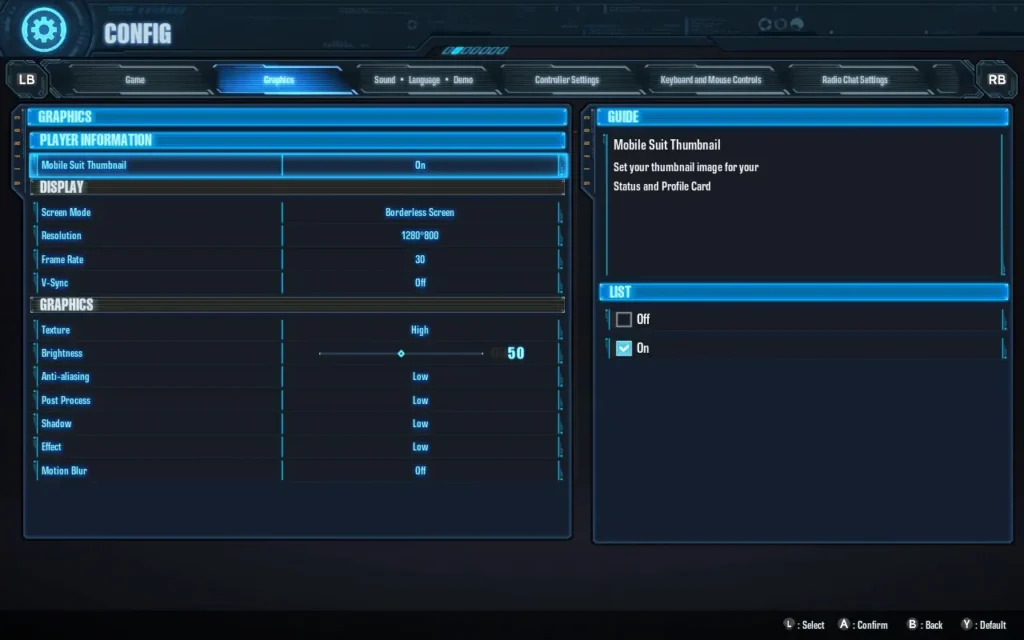
With these settings, you can get a mostly stable 30 FPS, the frame times will be slightly erratic, due to the in-game frame limiter, but I largely found it to be fine once I got used to it.
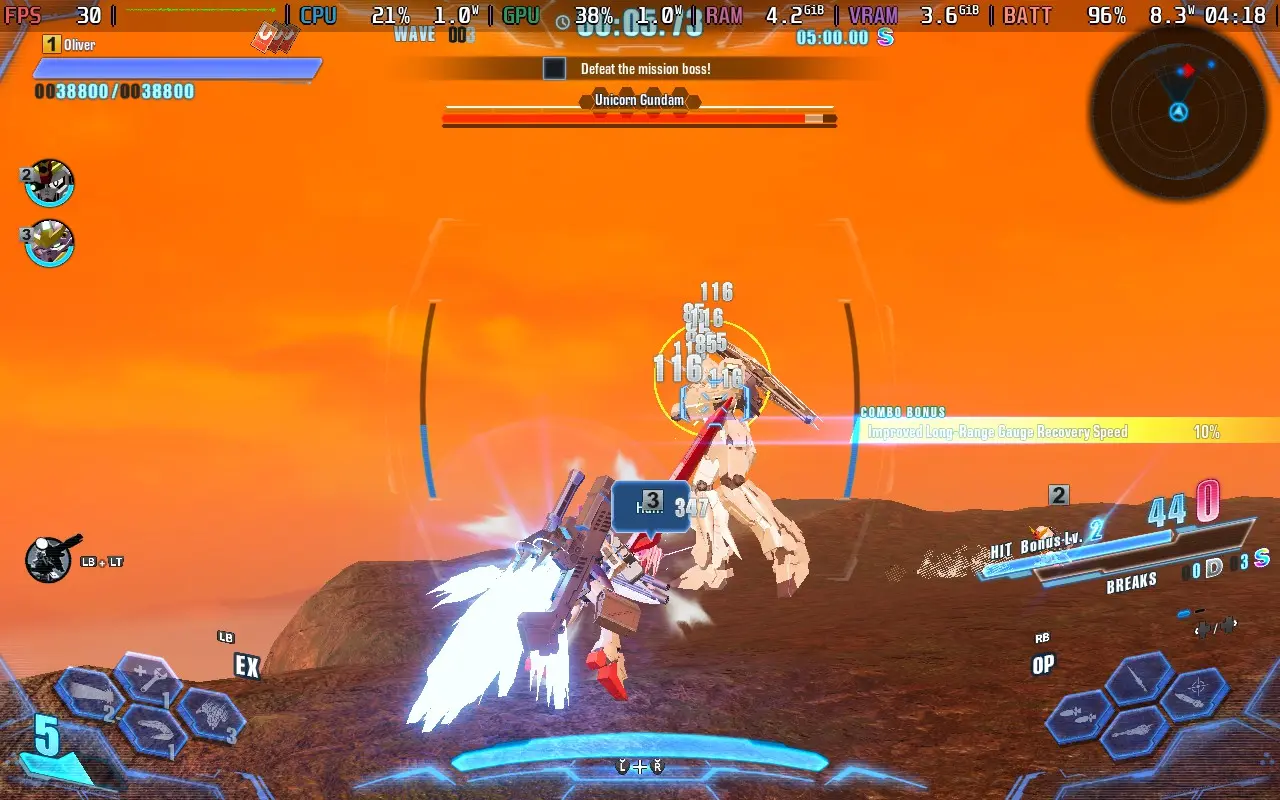
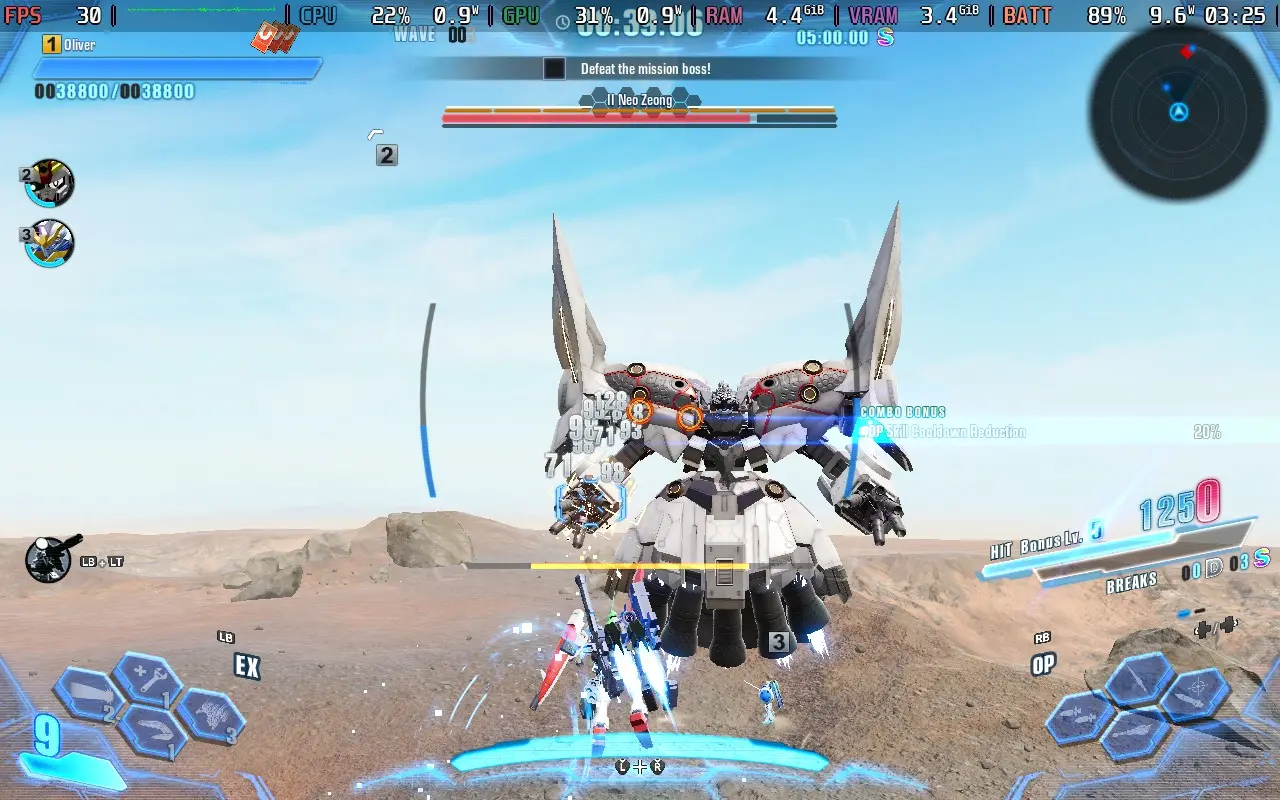
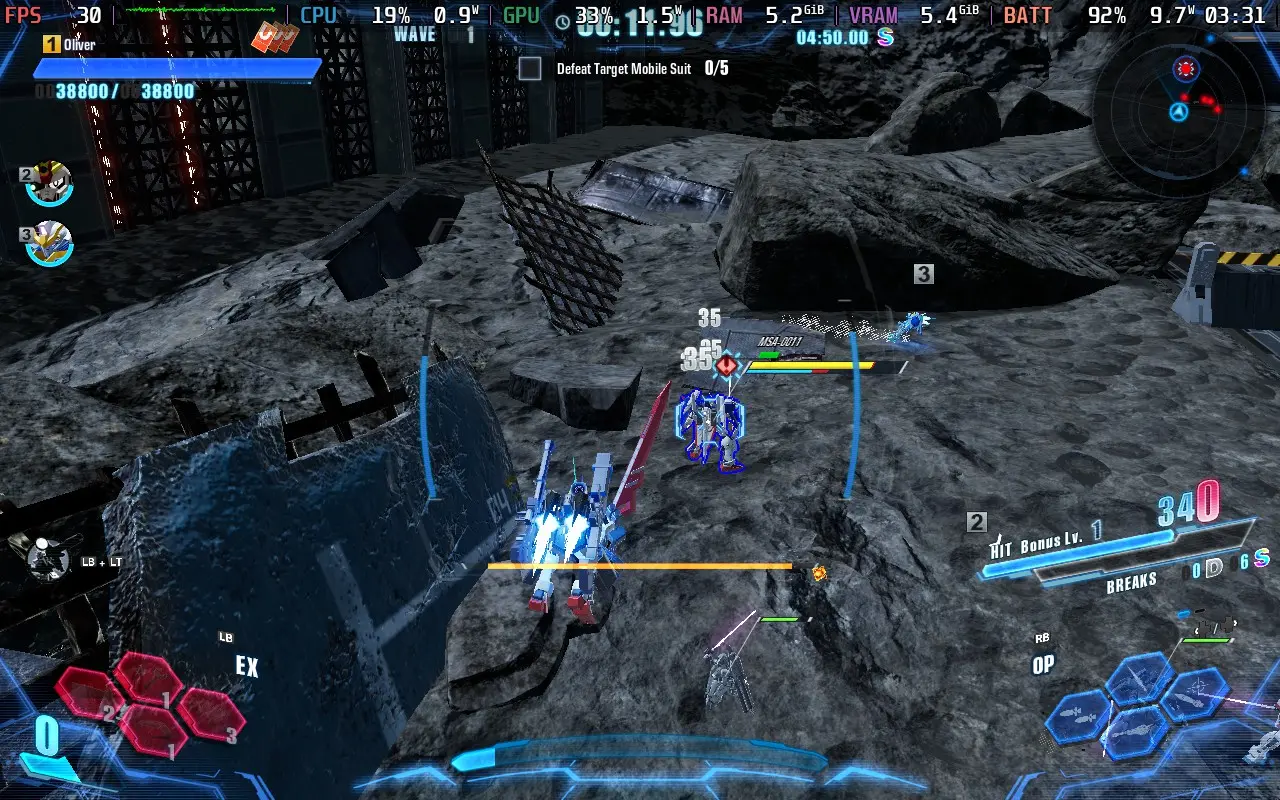
Power draw is much lower using this preset, around 8-10W, so you can expect 4 hours of battery from a Steam Deck LCD, and 5 hours from the OLED model on these settings.
Temperatures are also lower, mostly between 60-65C. Thus, fan noise shouldn't be a concern.
Gundam Breaker 4 has no accessibility menu per se. Although it does offer some features such as disabling camera shake, adjusting sensitivity, auto lock-on, and rebindable controls. All dialogue is subtitled, whether voiced or not.
Gundam Breaker 4 excels in some areas and falls short in others. If you're a fan of collecting parts, building your Gundam, experimenting with different combinations, and showing it off in the Diorama mode, then Gundam Breaker 4 has got you covered.
But the gameplay sadly falls a bit short, with repetitive missions with almost the same objective each time and repeating maps and enemies. The lack of variety quickly drains the fun out of Gundam Breaker 4 before it should. I thoroughly enjoyed the first hour of playing. Still, after reaching mission 6 and realizing I would be completing the same mission format of defeating two waves of enemies and then facing a boss every mission, it became stale. Then you realize there are over 30 missions of the same.
The saving grace here might be the online mode. If the player base is strong enough, you might get some enjoyment out of the variety that comes with online play. Sadly, the servers were offline for reviewers, so I couldn't test the online gameplay myself.
Steam Deck's performance is at least pretty good, with the ability to have a "decent" looking game without an obscene power draw and sacrifice some visuals for an incredibly long battery life. The controls work perfectly well. You can't fault Gundam Breaker 4 for how it performs on the Deck.
このレビューはPC版に基づいています。
このレビューをお楽しみいただけたなら、SteamDeckHQ の他のコンテンツもぜひご覧ください!あなたのゲーム体験に役立つゲームレビューやニュースを幅広く取り揃えています。ニュース、ヒントやチュートリアル、ゲーム設定やレビューをお探しの方も、最新のトレンドを知りたい方も、ぜひご利用ください。
EvilVEvil was provided by Toadman Interactive for review. Thank you!
このレビューではLCDスチームデッキを使用した。OLEDの詳細は後日掲載します。
EvilVEvil might be the most divided I've felt about a game that I've had to review. Some aspects of the game shine out as being fun and make me hope that the game is a success, but other aspects trouble me and make me worry about its long-term future.
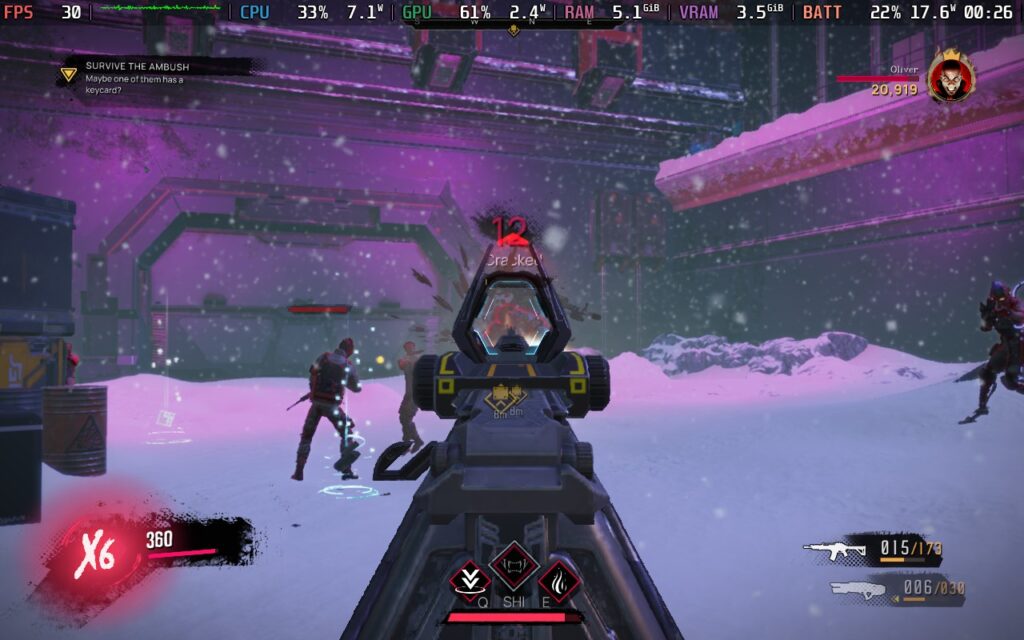
EvilVEvil starts you off with a tutorial, which will run you through the basics of the game, and teach you how to use your weapons, their uses, and your abilities. For the starting character, you can teleport and shoot a ball of fire from your hand. Then you have a shotgun-like anti-demon weapon and an assault rifle for dealing with non-supernatural enemies and requiring you to switch weapons depending on the enemy type you're facing.
EvilVEvil's gunplay is easily one of the highlights. Enemies often come at you enmasse, and the gunplay is smooth and gives you a decent sense of power as you fight off the encroaching army. The ability to jump at a supernatural level, and teleport, gives you a good sense of movement, there's also the nice added feature that if you aim down sights when firing a gun in the air, the game will go into slow-motion briefly so you can aim your shots and feel like a badass.
The gunplay and movement feel decent, but I think it's important to state what EvilVEvil is and isn't. While the game does have a story and seems to like to emphasize it, it doesn't focus on it much. Yes, the game is split up into missions, but the way it presents itself in this regard feels very 90s.
All dialogue is shown in a small box at the side of the screen, usually while you're busy mowing down enemies. It's hard to pay attention to what's going on story-wise, and the missions are pretty short with most of them lasting around 20 minutes or less. There's even a toggle in the option menu to disable the storyline, likely in case you want to play the same mission repeatedly for grinding progression.
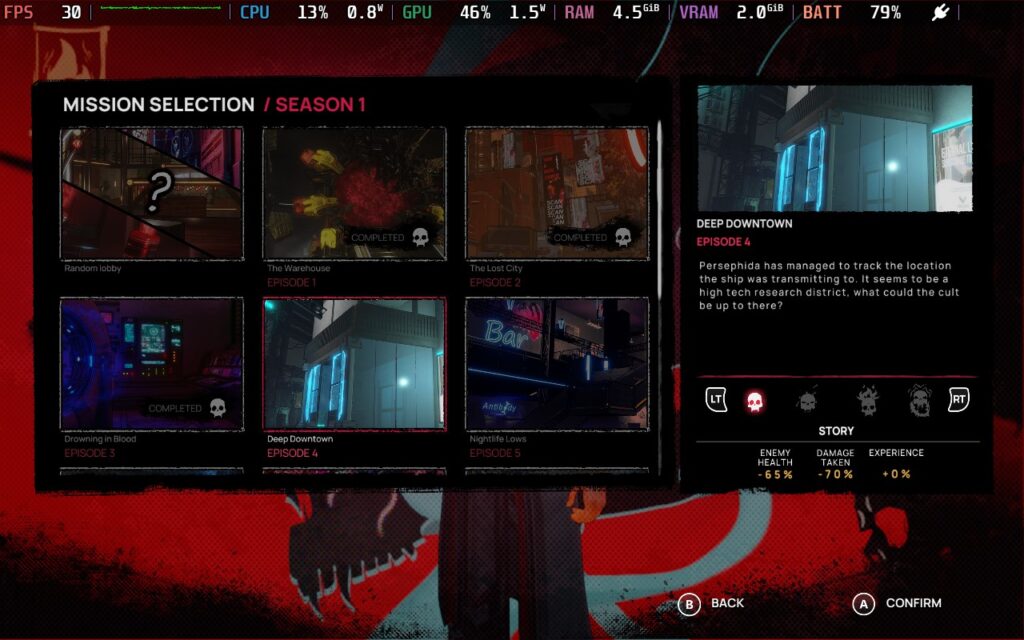
This brings me to what I worry about most with EvilVEvil. I wasn't aware of this before, and I don't see it mentioned on the Steam page for the game now, but EvilVEvil is a season-based game. After playing through the 11 missions that make up Season 1 and reaching the end, there wasn't a satisfying conclusion to the story. I can only assume it's because the over-arching story is meant to take place across multiple seasons.
This is a huge worry for me with regard to the game's longevity because the 11 missions can be completed in 2-3 hours if you move through them quickly enough. And that's all the content in the game. There's no deathmatch mode, side missions, or even side objectives, just those 11. And if a season lasts for 3 months, you're only getting 2 to 3 hours worth of content every 3 months, people are going to lose interest, fast.
Progression is slow, but again, I'm guessing this is because the developers intend for you to play across multiple seasons to progress. After finishing season 1, 1 of my characters was at level 11/50. The rest I hadn't yet touched. So unless you are prepared to wait several months and multiple seasons to level up your characters and equipment, expect progression to be a bit of a grind of playing the same few missions repeatedly, with no change.
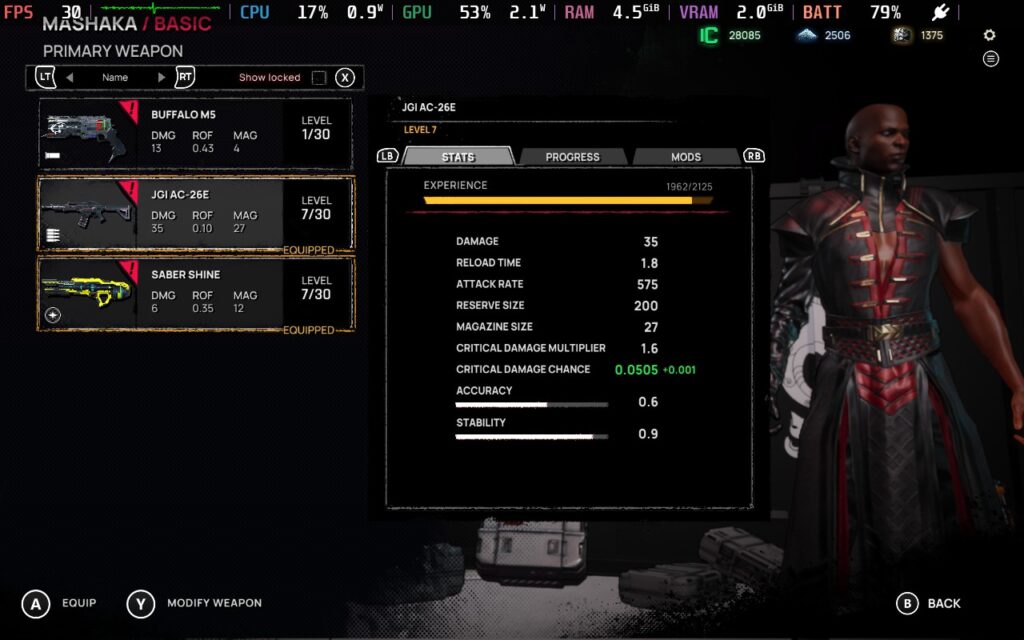
As for the progression itself, there are a decent number of modifications you can make. You unlock character artifacts by playing as a certain character and weapon modifications by using that weapon and unlocking additional slots to fit more modifications. Then, you'll simply be spending in-game currency to upgrade them. This allows some variety in the game, and you have more artifacts/modifications than you do slots to equip them in, meaning everyone in your party is likely running a different loadout to each other.
I enjoy some aspects of EvilVEvil, the gunplay is enjoyable, and the movement is good, but it's wrapped in a package that I don't have much confidence in. The gameplay loop is boring, all the missions are very similar in their design and objectives, and progression is a bit of a grind. I hope that this is something that changes post-launch because if they can get more content in the game and add some variety to the missions/objectives, this could be a much easier game to recommend.
Luckily, this is a multiplayer focused title, and playing it with friends is a blast. You can play it all solo, which does highlight some of these issues with the missions, but playing with friends and trying to coordinate, especially on the higher difficulties, saves it to some degree. You can also somewhat compete against each other by seeing who can get the highest score within the mission, and when all is said and done, this is definitely a multiplayer-focused experience.
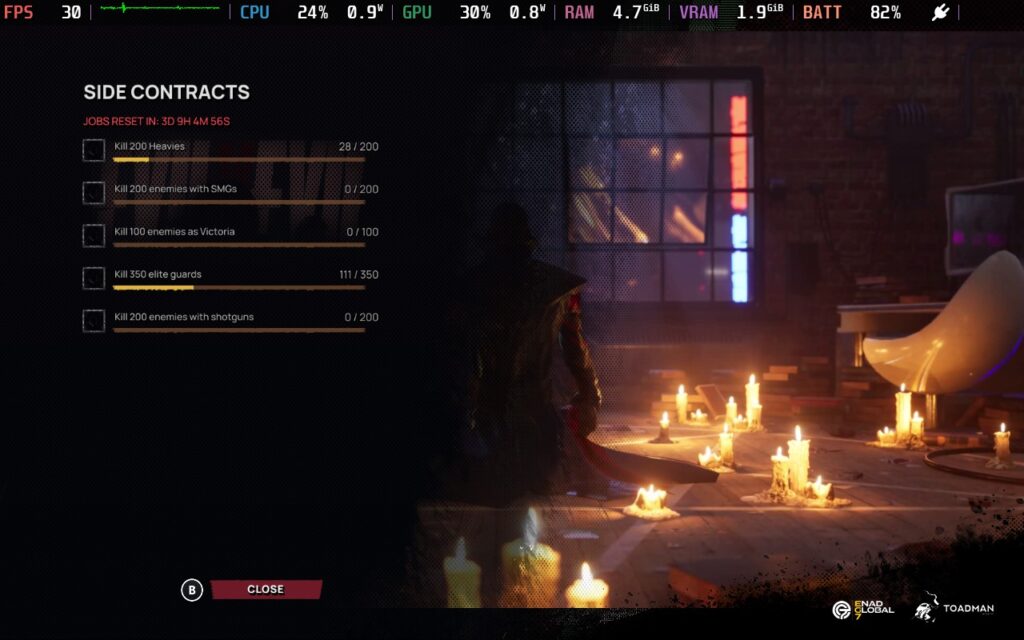
There are 4 difficulty options available, including a "Story" difficulty, which is dead easy. When playing in this mode, I didn't die once. The higher difficulties are much more challenging, however, forcing you to take things a bit slower and think through situations more. it's pretty brutal. This could make the game a bit longer if you play on higher difficulties. It seems the game doesn't scale much, depending on the players in your squad. So playing solo might be very difficult.
It's also worth mentioning that even when playing solo, the game is an "online" game, so you cannot pause.
EvilVEvil is a bit of a mixed bag regarding how it performs on the Steam Deck. It does support 1280x800 as a resolution, so we don't have any black bars around the screen, and the controls work well on the Steam Deck, but UI scaling is a bit of an issue. Prompts to interact with objects and the objectives on the screen are small. Fortunately, the prompt always has the same button, so you know what to press when it appears. The objectives are marked with a visual icon, so knowing the objective is unnecessary.
In your SteamOS settings, you'll want an FPS Limit of 60 FPS / 60Hz or just no frame limiter, as we'll be using the in-game limiter. We won't be setting a TDP Limit here either.
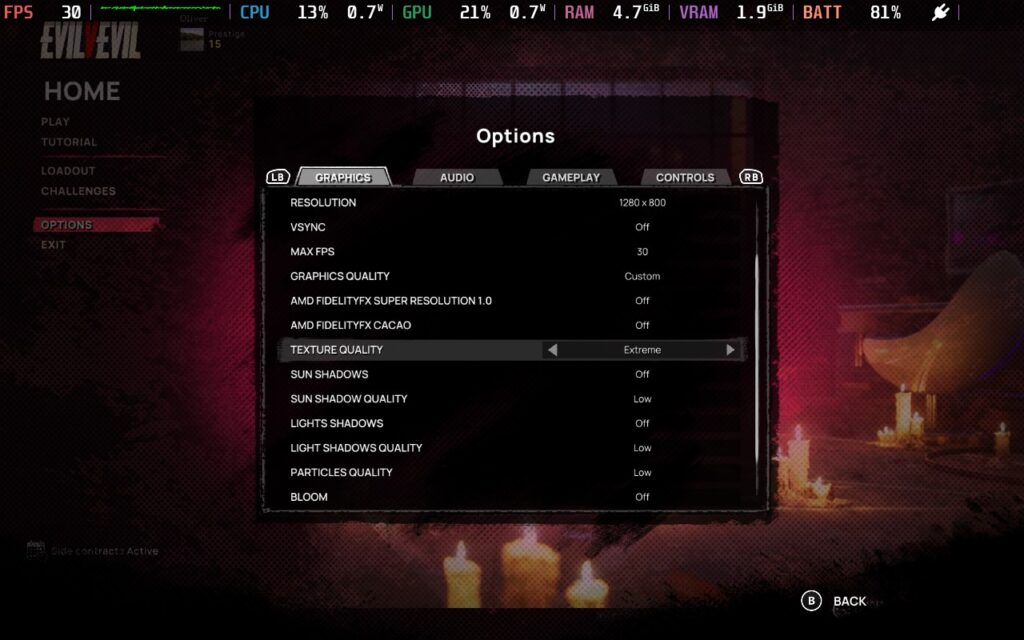
We essentially run the lowest settings possible, with the exception of Texture Quality, which we will have on "Extreme." Don't worry; even on Extreme, the game really doesn't use much VRAM. Shadows, Particles, and Bloom, we all want on either Off or Low. Strangely, the game only supports FSR1, no FSR2 or FSR3 support, odd for a 2024 release.
We are keeping the resolution at 1280x800, as we would at least like the chance to be able to read the text in the game! We're also setting the "Max FPS" in-game to 30. It does have some inconsistent frame times, but it doesn't introduce input lag as the SteamOS frame limiter does.
Here's a screenshot of the settings I used for reference:
Using these settings, EvilVEvil will maintain 30 FPS a decent amount of the time. However, when a lot of enemies are present, which is a fairly frequent occurrence, expect the FPS to drop into the high 20s, occasionally to 25 or so. This is a CPU issue rather than a GPU one. The GPU is surprisingly not taxed at these settings, but we need to keep the power draw low on the GPU so the CPU can take whatever it needs.
In my opinion, the game remains playable. It's not super strict about how accurate your aim has to be, and since it's co-op rather than competitive, you won't be fighting against other players, meaning there's a lot less pressure to react quickly.


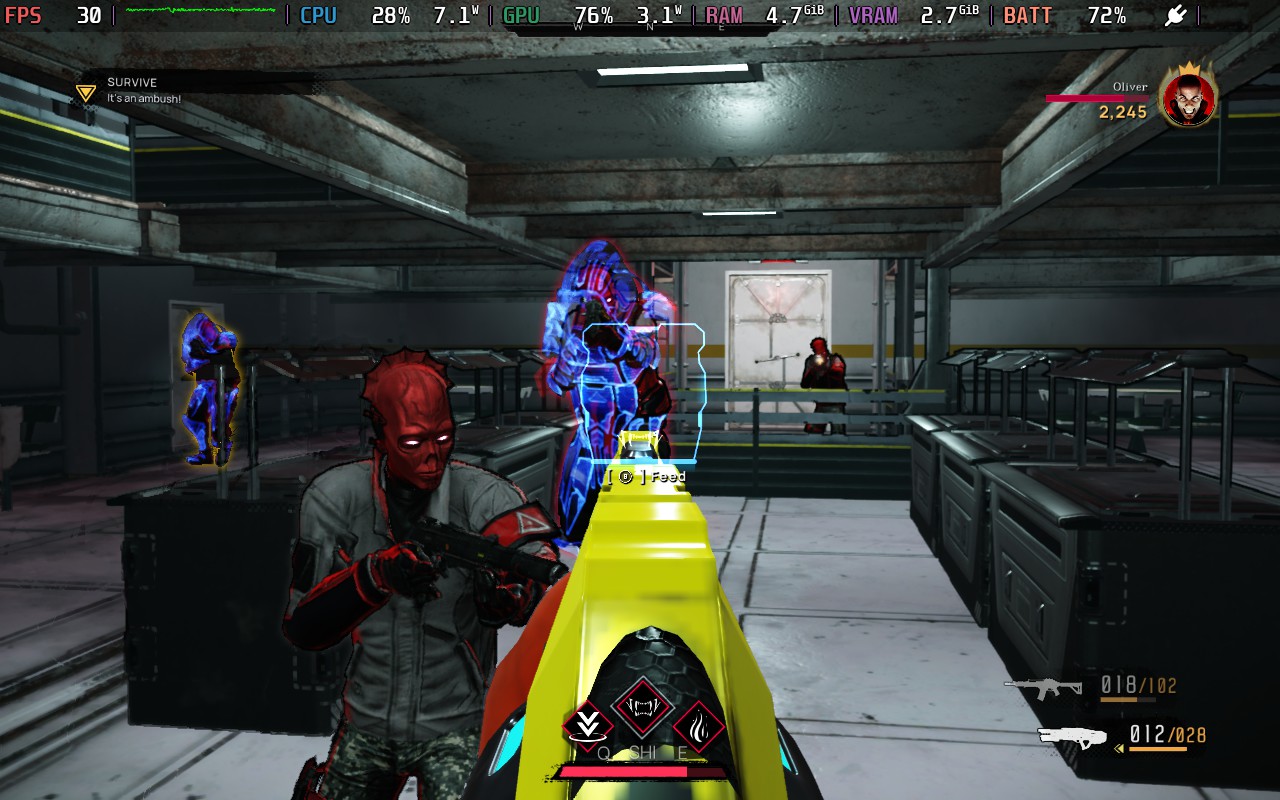
My power draw was generally in the 18-20W range, so expect around 2 hours of battery life on a Steam Deck LCD and 2.5 hours on the Steam Deck OLED.
The temperatures are high, around 70-80C. The fan did have to kick up to a high level occasionally, but it often quickly went down again.
EvilVEvil has no accessibility options. You can adjust camera sensitivity and invert the controls, but that's about it.
EvilVEvil has great potential; the gunplay and movement are enjoyable, so the basics are in place. I just hope there's enough content built around the gameplay to make it an enjoyable experience for a long time. Right now, Season 1 doesn't seem to be offering much content for players to enjoy. I worry that unless additional ways to play, or unless the Seasons are much shorter lived than the "Seasons" in other games, EvilVEvil will become stale, fast. More variety in the game's missions would be good, too; almost every objective in the missions is "Plant explosives" and "Destroy these objects".
I also have some concerns over the game's difficulty balancing. Playing on the hardest difficulty seems incredibly brutal, especially as a solo player where you can't be revived. I had the most fun playing on the "Medium" difficulty solo, which is difficulty 2 out of 4. Difficulty 3 and 4 were out of my skill range, I'm afraid.
Performance on the Steam Deck is mixed. The basics are in place, there is good resolution support, and the controls work just fine, but the frame rate is a little unstable, with frequent dips when in intense combat. The game remains playable, but if you're particularly sensitive to frame drops, you might find it difficult to play.
このレビューはPC版に基づいています。
このレビューをお楽しみいただけたなら、SteamDeckHQ の他のコンテンツもぜひご覧ください!あなたのゲーム体験に役立つゲームレビューやニュースを幅広く取り揃えています。ニュース、ヒントやチュートリアル、ゲーム設定やレビューをお探しの方も、最新のトレンドを知りたい方も、ぜひご利用ください。
This game was tested with a Steam Deck LCD. OLED testing is coming soon.
Heading Out was provided by Saber Interactive for review. Thank you!
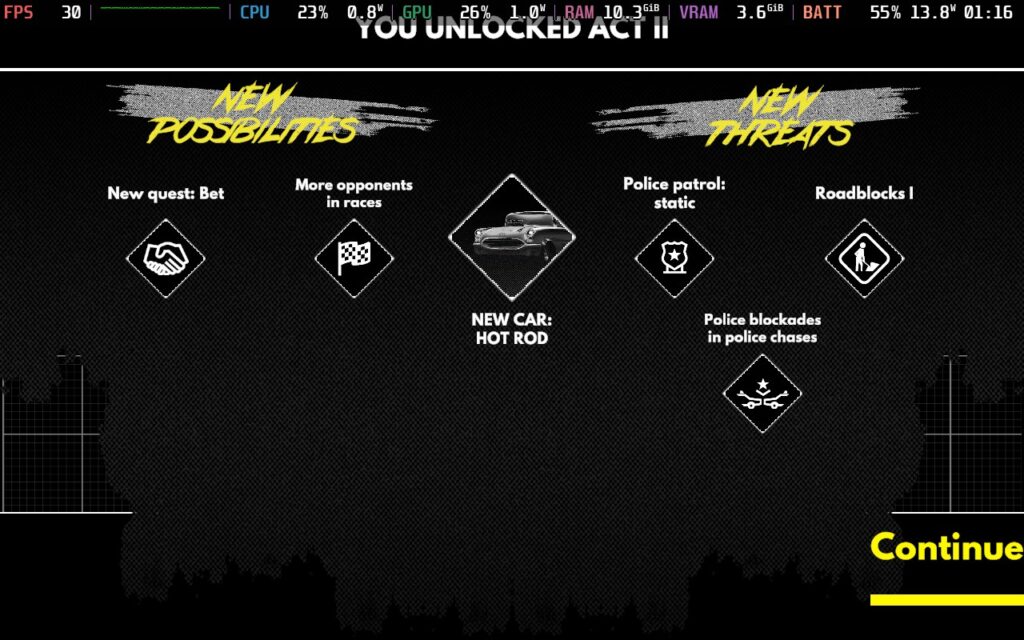
Heading Out is a pretty unique game. It's a driving game with some roguelike elements, focusing on an overarching narrative over four acts. The game is heavily inspired by the 1971 cult classic movie Vanishing Point, with even one of the scenes in the mid-game being lifted directly from the movie. But how does the whole thing play? Let's find out!
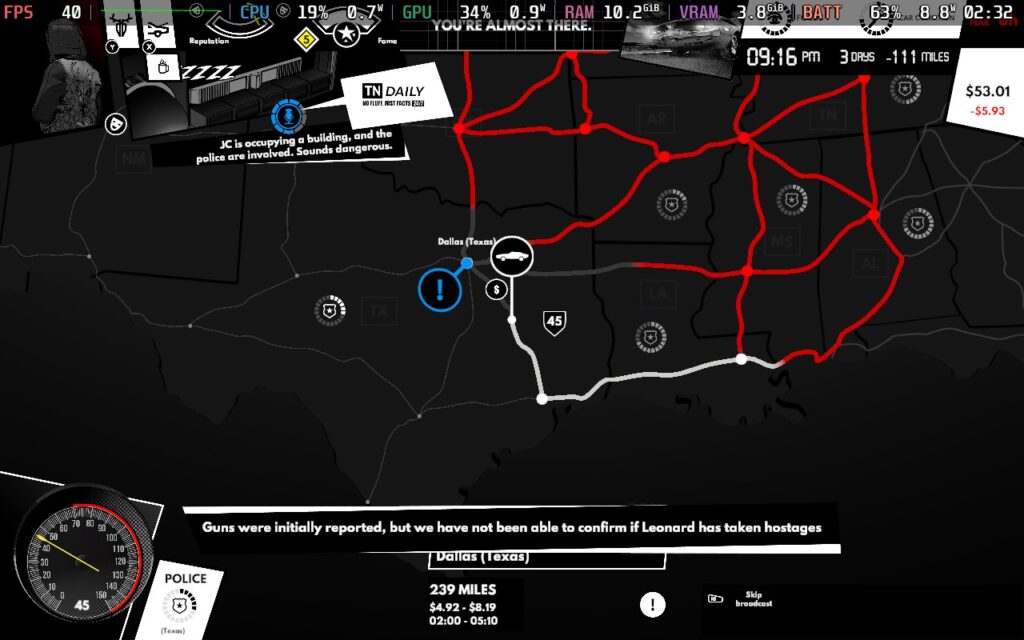
The premise of Heading Out is to travel from 1 destination in the United States to another. Your "fear" is chasing you the whole time, so you must keep moving and plan your route accordingly. The game is split into 2 main sections: the map of the US, where events will happen as you continue on your journey. You'll also need to manage your "focus," which you can restore by sleeping or taking certain substances, and your car's condition, which can be damaged by crashing in the driving sections.
Heading Out is designed to be played several times, unlike most roguelikes who go for the hundreds. You're here for the narrative, and while some of the events can be interesting, I feel like there's a fairly finite number of them, and after a couple of playthroughs, you've likely seen them all. That being said, the game takes place in a sort of time loop, and you'll essentially play the game 4 times across the 4 acts, progressing the main storyline each time and getting slightly different events.
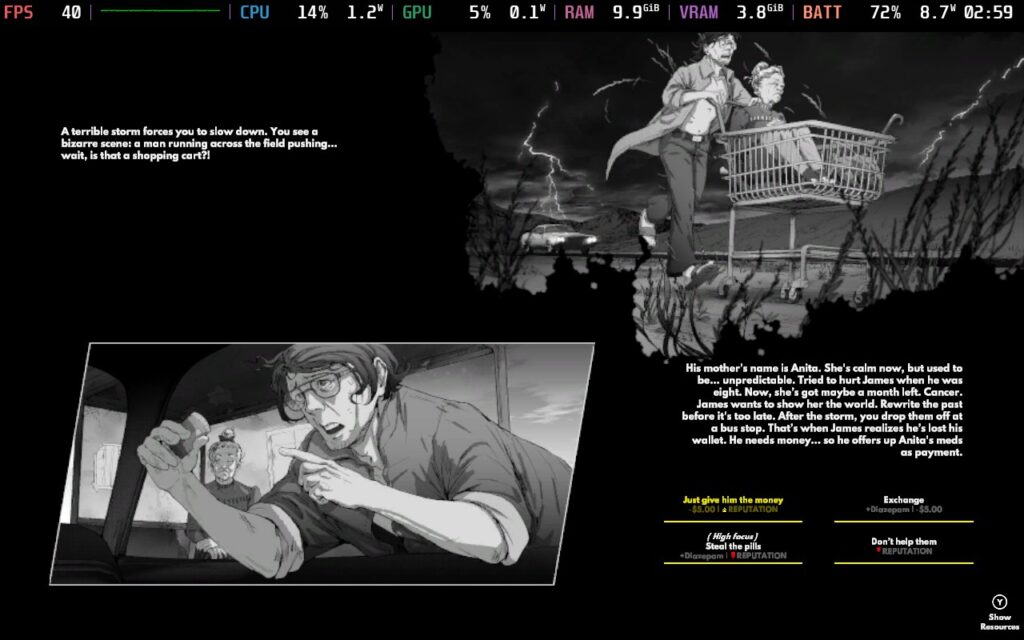
The events make up the bulk of the actual gameplay. At certain points along the world map, you'll encounter events where you have to decide what to do, whether you'll sacrifice some money or time to gain reputation or fame. The events are voice-narrated, which is nice and adds to the game's feel. Each act seems to have its own event set that can happen to prevent repeats during your playthrough. Still, if you went back and played Act 1 for a second time, you'd quickly run into repeated events, further emphasizing my feelings of Heading Out being a one-and-done type of game.
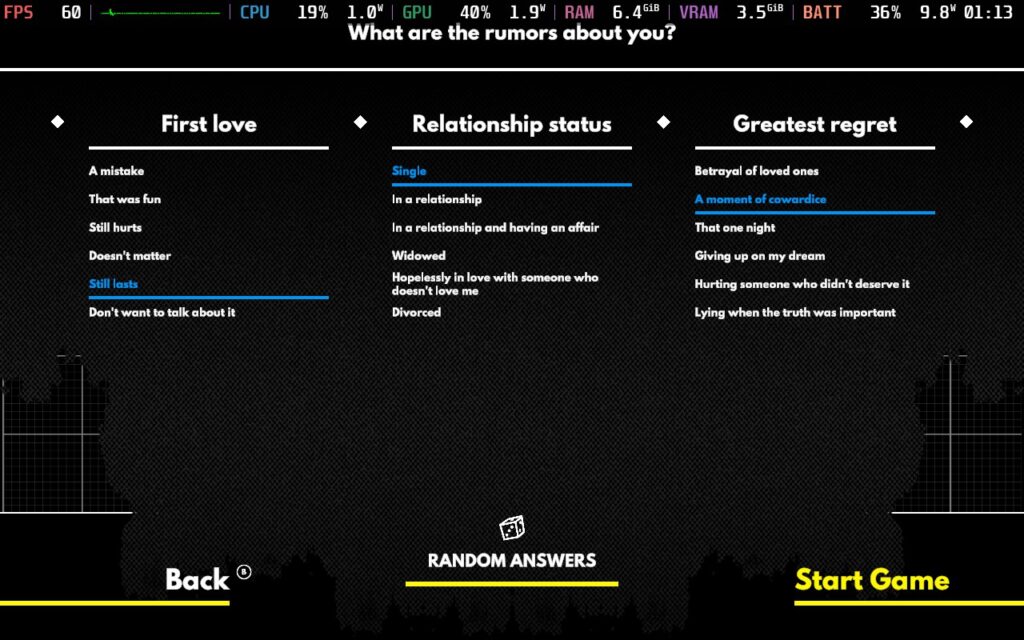
Some events are dictated by your choices at the beginning of each act. The game asks personal questions about your life, such as who your best friends are, whether you had a good or bad childhood, etc. However, the game recommends choosing random answers if you don't want the game to hit a nerve.
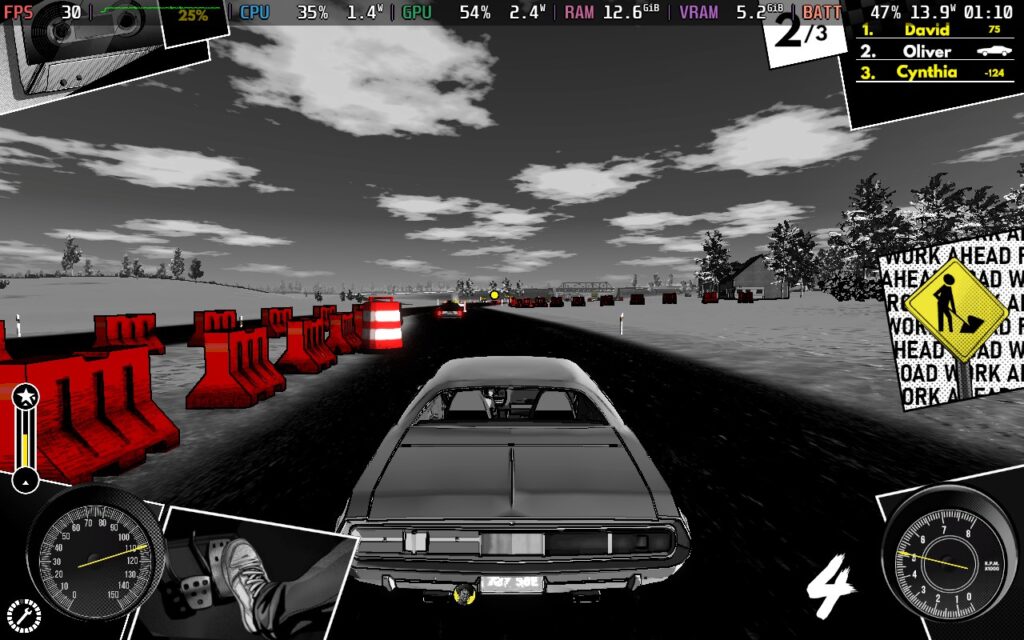
Given that Heading Out is a driving game, we should probably talk about the driving, right? Well, I'm pleased to say that the driving in Heading Out feels pretty nice. It's a mix of realism and arcade driving. The car has some weight to it, not responding to your every whim, but it is not so realistic that it becomes difficult to drive with a keyboard or gamepad. I saw some people asking if the game would support steering wheels, and I would not wish to play Heading Out on my steering wheel; the car just doesn't drive in a manner where the somewhat sluggish nature of a steering wheel would be good to use.
Events on the world map will trigger driving scenes. Often, they take the form of a street race for money to boost your bank account or a police chase if your wanted level has gotten too high from your choices during events or if you choose to speed on the world map to outrun the fear that is chasing you. Of course, if your fear does catch up to you on the world map, it will trigger a driving scene where you have to outrun your fear.
I chose to play Heading Out in the balanced difficulty setting or Medium, as most games would call it. An Easy and a Hard difficulty are set as well. I play driving/racing games a lot, and I found the Balanced difficulty fairly easy, with my fear never catching me, and I never lost a race or police chase once in my playthrough. So, if you're after a challenge and are good at racing games, play on the hard difficulty setting. But if you're just in the game for the storyline, the easy difficulty shouldn't pose much of a challenge to most players.
The story itself is interesting. The developers were inspired by films like Groundhog Day and the aforementioned Vanishing Point. The game's premise is to outrun your fear, which chases you wherever you go, and reach a destination on the map to "race the best driver." However, as you are about to win, the time loop resets and the next Act begins.
The story seems grounded in someone having difficulty moving on from experience, with each Act revealing more of your character's background and perhaps their motives for running from their fear and wishing to challenge this mysterious "best driver."
Visually, Heading Out adopts a sort of "noir" feeling, with nearly the entire game being black and white, and your fear is represented by a red aura whenever it's near. It's a decent art style and fits the game's setting well: the 1970s.
Heading Out doesn't disappoint in the audio department, either. Throughout the game, you'll often listen to radio shows broadcasting news stories about you and your escapades. The stories will change depending on your choices during certain events, such as if you decide to help or hurt someone. All the races and chases in the game are tied to the length of a song. The songs aren't particularly memorable, background music if anything, but it is an interesting premise, and the length is just about right for a race, usually around the 3-minute mark.
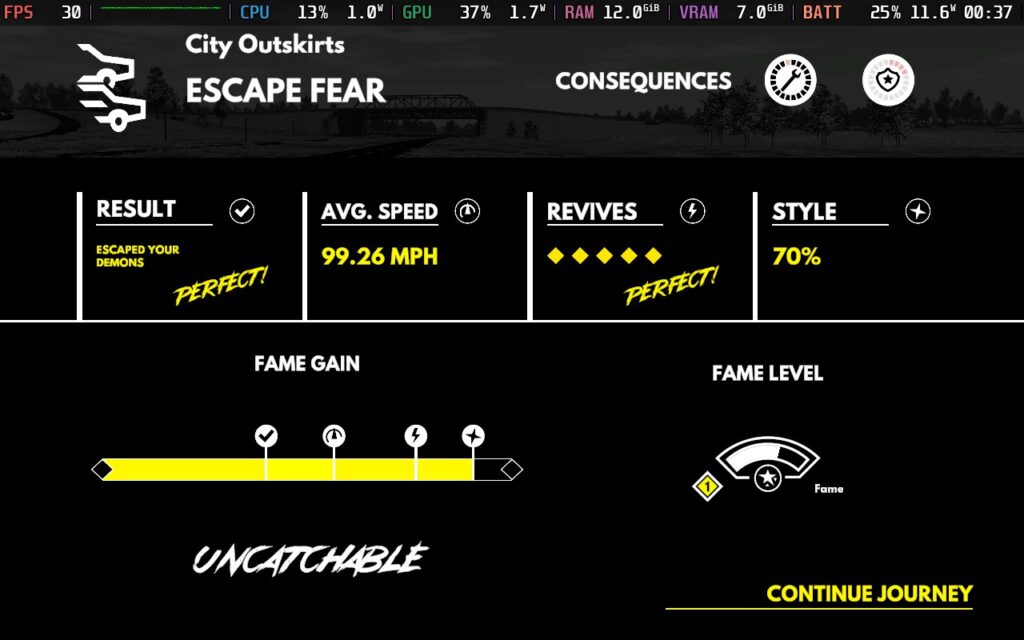
I found Heading Out to be an interesting narrative experience. The voice-acted events are interesting, accompanied by art and choices that are sometimes difficult to decide. The game's premise is also interesting: having to keep on the move and plan your route so your fear doesn't catch or overtake you. This is backed up by a solid driving model that's entertaining and works great for gamepad players.
You'll be pleased to hear that most of the performance concerns pre-launch for Heading Out seem unwarranted. The game runs at the Steam Deck's native 1280x800 resolution. It has great controller support for all the menus and gameplay sections. The only thing that counts against it that's specific to the Steam Deck is that some of the text is small and difficult to read. Frustratingly, the text I found most difficult to read was the event text, possibly the most interesting (and lengthy) text to read in the game.
But let's dive into how the game performs on the Steam Deck, and I can offer you 2 presets today: one that prioritizes framerate, where we can get 40 FPS, which I recommend, and another that prioritizes quality, which runs at 30 FPS.
I did consider making a battery life setting. Still, upon experimenting by running the Recommended settings below at 30 FPS, there was only about 2W less power draw, and it wouldn't have added any life to the battery.
Lock your framerate in SteamOS to 40 FPS / 40 Hz and set a TDP limit of 10W.
Heading Out has a very basic graphics settings menu, so I won't be showing a reference screenshot this time. Keep your resolution at 1280x800, set your Quality to Low, and turn off V-Sync and Anti-Aliasing. With the game's art style, I could see no aliasing on the Steam Deck's display, so having AA enabled seemed like a waste of resources.
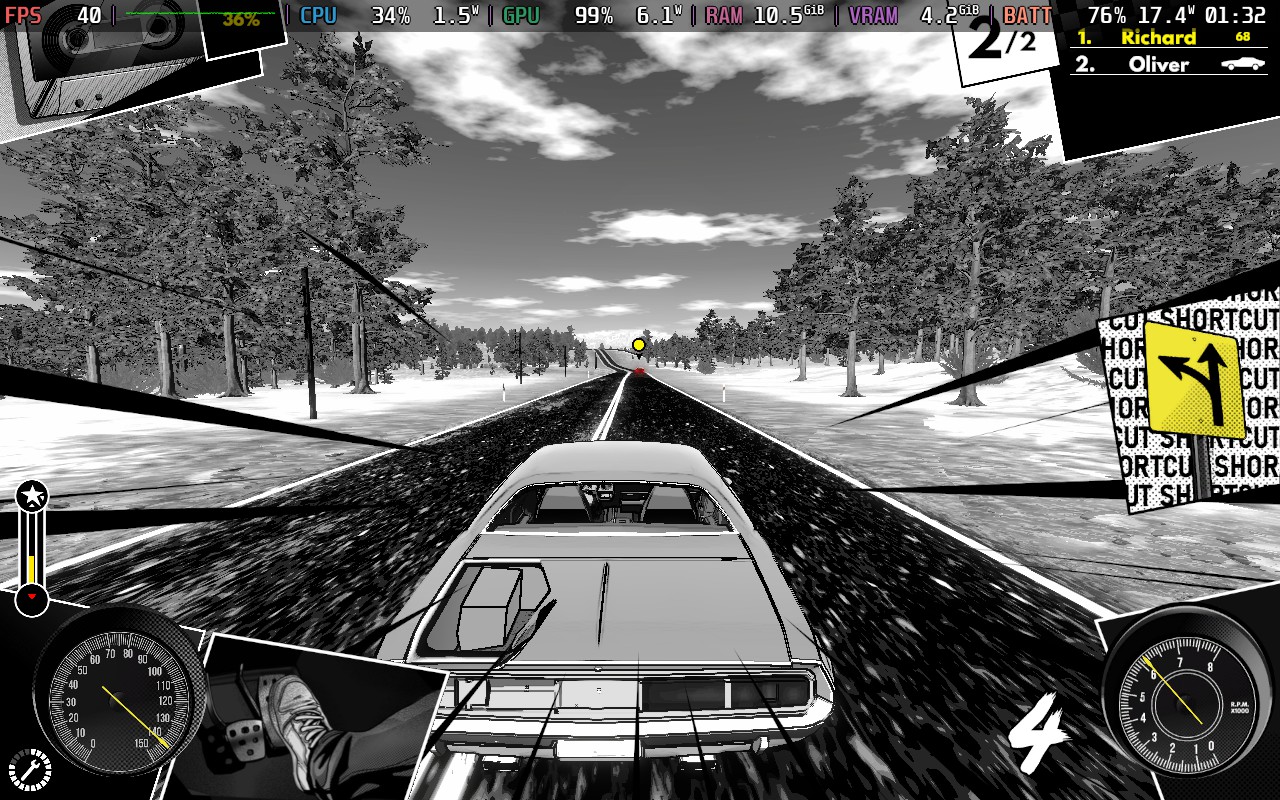
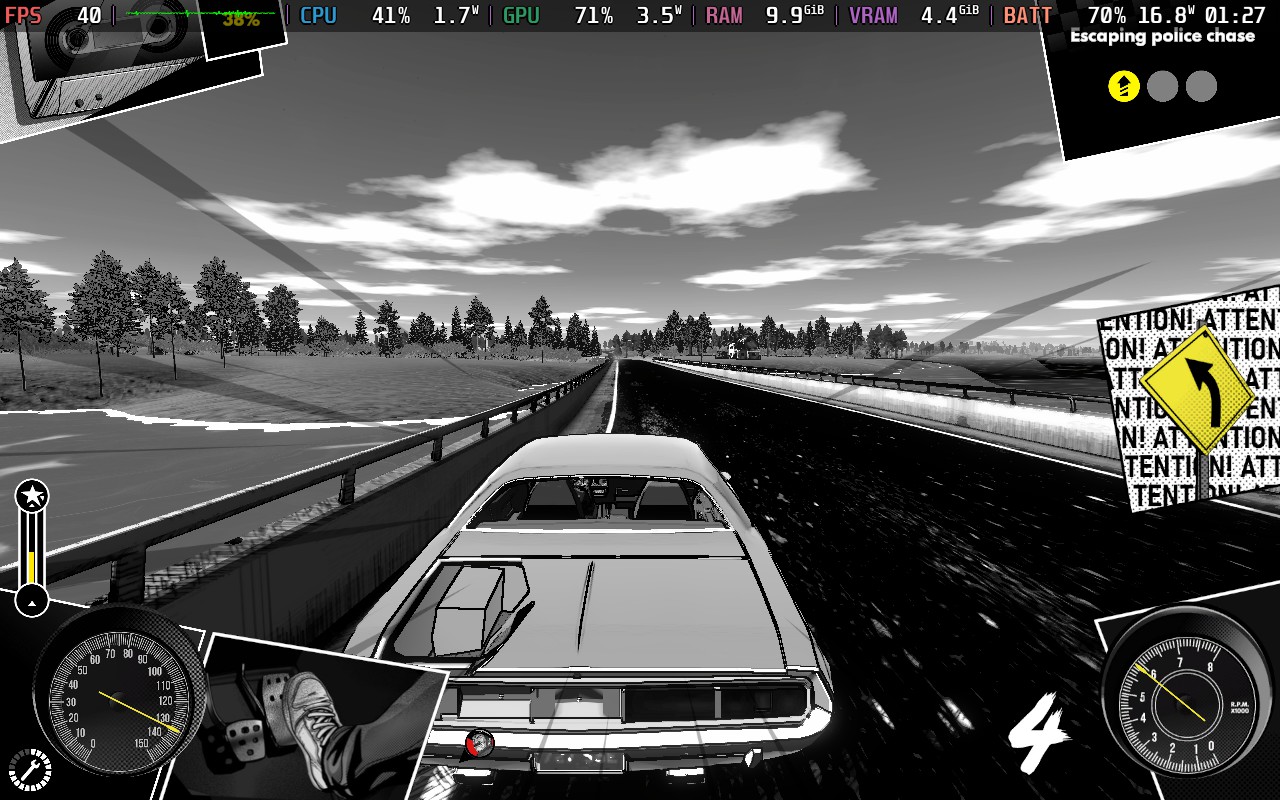

Even with the low-quality settings, the game still looks pretty good, thanks to the unique art style the developers have chosen. There are some slight stutters occasionally, but these seem pretty unavoidable on the Steam Deck.
You should expect a consistent 40 FPS with these settings. The battery draw isn't too bad, hovering between 16-18W when in the driving sections and often below 10W on the world map. Because of the large difference, it's hard to estimate, as it depends on what events you are given, but I would say it wouldn't be unreasonable to expect 2.5 hours of battery from a Steam Deck LCD and at least 3 hours from an OLED model.
Temperatures were between 60-65C, so not particularly hot.
For quality settings, you'll need to set SteamOS's frame limit to 30 FPS / 60 Hz and the TDP Limit to 15W.
In the in-game graphics menu, you'll want a resolution of 1280x800, the graphics quality set to High, and again, we'll disable Anti-Aliasing and V-Sync.

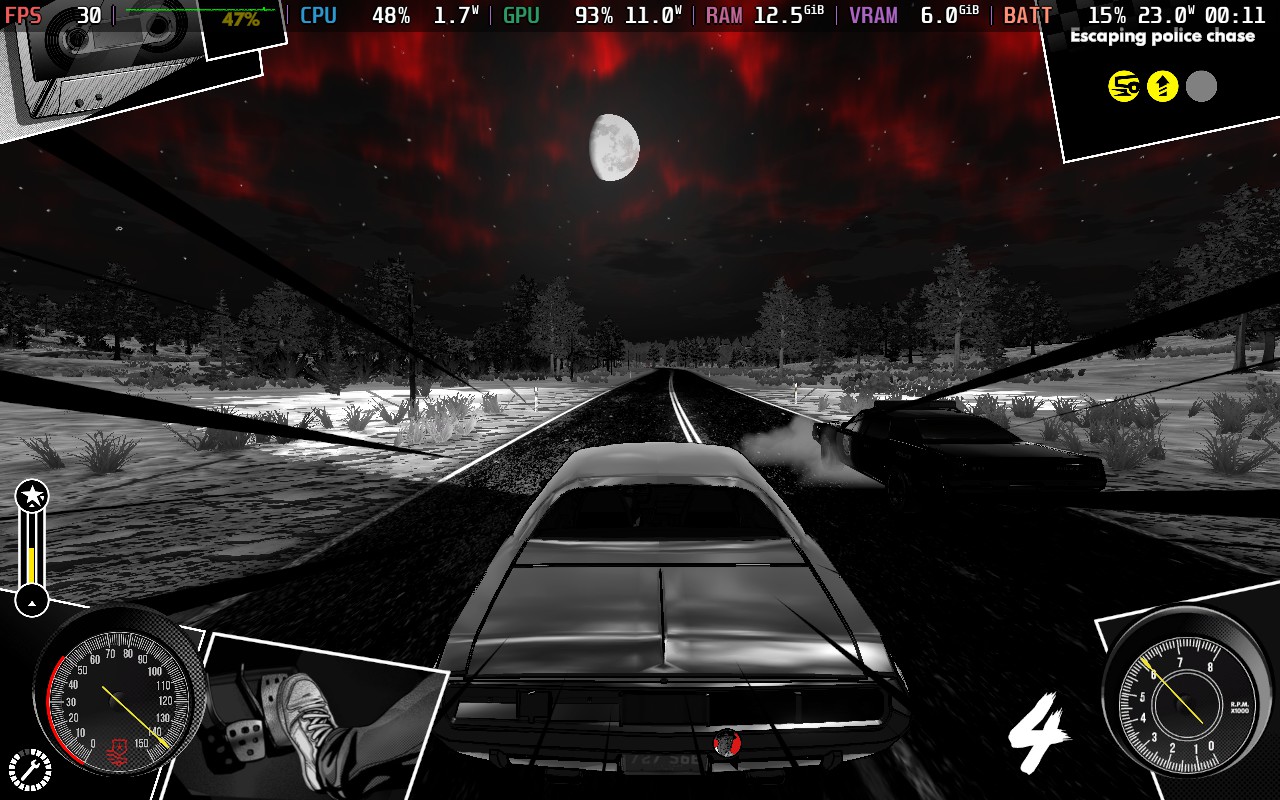

The main change we see here with the graphics quality on High is the addition of reflections to the car body, and also, textures see quite an uplift in resolution. Ultimately, I'd rather have the 10 extra FPS and battery life than gain these visual niceties, but it is an option for those who want it.
The stutters are perhaps more frequent here, likely because VRAM usage can exceed 6GB, which is pretty insane considering the type of game it is. The game does remain playable, though.
Again, on the world map, the battery drain is pretty low, usually below 10W, but when driving, the battery drain in these settings is mostly above 20W and can reach as high as 25W. Therefore, you'd expect no more than 2 hours of battery life from a Steam Deck LCD and 2.5 Hours from a Steam Deck OLED.
Again, temperatures fall in the 60-65C range, although they tend to stick around 65C after being in a race for a while.
Heading Out offers a separate font to help those with dyslexia, although, on the Steam Deck, it seems to make the text even smaller, so I don't recommend using it. You can also disable camera shaking; of course, there are difficulty options, too.
Heading Out is an interesting narrative driving game backed up with solid driving physics and various events to keep things fresh through your first playthrough. Playing the game to completion would take the average player less than 8 hours, and I don't know if you'd want to return and do subsequent playthroughs, but those 8 hours will be fairly enjoyable.
The aesthetic created here all work together beautifully. The radio shows with hosts detailing events surrounding the player, the look and feel of the cars, the black-and-white filter—it all works well and is good at immersing you into the world.
To top it all off, the controls work wonders on the Steam Deck. I had no issues with anything, and although performance is a little bumpy, the game can be played just fine at 40 or 30 FPS, depending on your preference. You just might need to squint a little to read some of the text!
このレビューはPC版に基づいています。
このレビューをお楽しみいただけたなら、SteamDeckHQ の他のコンテンツもぜひご覧ください!あなたのゲーム体験に役立つゲームレビューやニュースを幅広く取り揃えています。ニュース、ヒントやチュートリアル、ゲーム設定やレビューをお探しの方も、最新のトレンドを知りたい方も、ぜひご利用ください。
This game was tested with a Steam Deck LCD. OLED testing is coming soon.
When I first started playing Tunguska: The Visitation, I wasn't sure what to expect. Even now, I'm not really sure what games I can compare it to. Some elements remind me of the original Fallout 1 and 2 titles. The game is played from a top-down perspective, which you can rotate, but the camera always remains fairly zoomed out. There's a huge variety of gameplay mechanics here, making Tunguska a pretty daunting game.
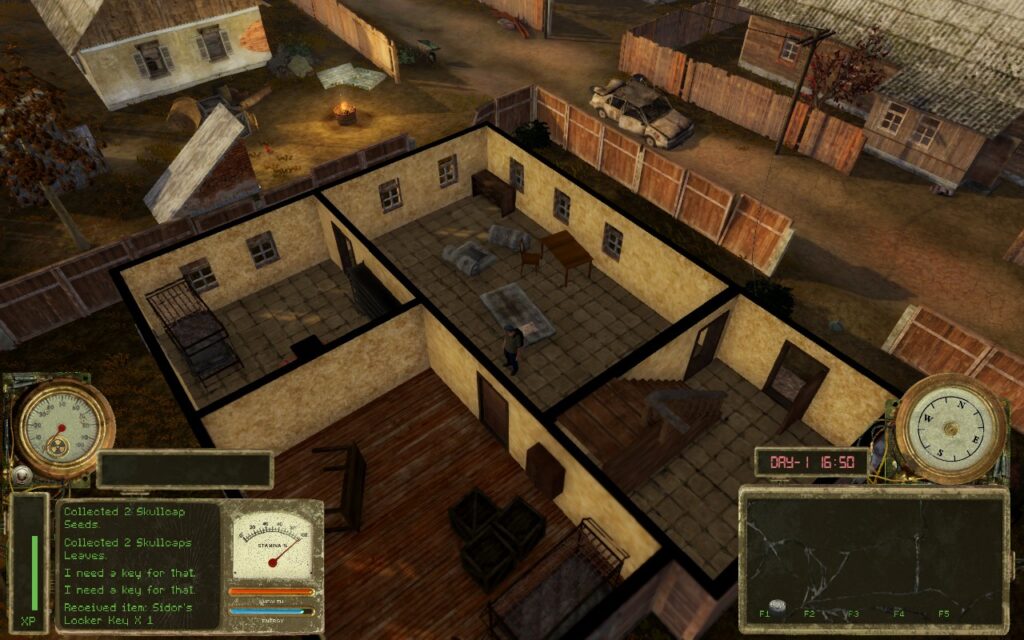
First, let's start with the combat, as it's an essential part of the game. It requires strategic thinking and tactical gameplay. If you're the kind who always loves to go in guns blazing, this game probably isn't for you. You'll need to use cover, ensure you've brought enough ammo with you, and likely have a variety of weapons to switch between depending on the scenario you find yourself in.
A few shots or hits from an enemy will kill you, and even just 1 or 2 shots could give you a bleeding status effect, which gradually drains your health unless you have a bandage or another item to stop the bleeding. It is brutal. But the brutality can be entertaining and satisfying when you finally defeat that group of enemies that's been causing you so much trouble. The game tends to quicksave often, so you can try again quickly, even if you die.
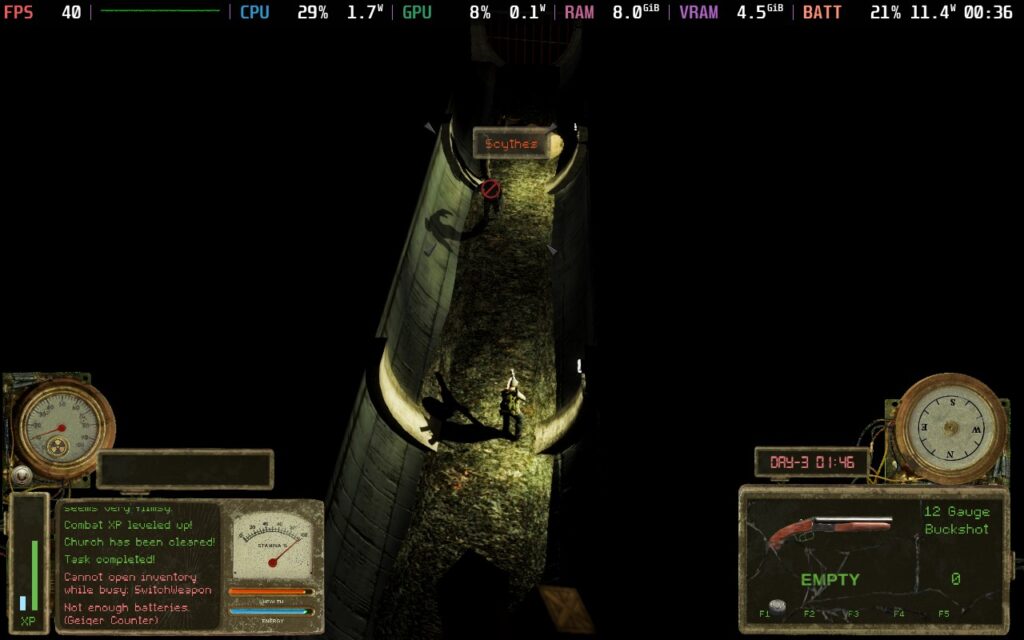
Besides the combat, Tunguska has a plethora of other things going on. You can gather seeds from plants and sow crops in fields, there's a day/night cycle with weather and random events that can happen, and you can level up 2 separate EXP bars for survival and combat, allowing you to spend points in multiple different skills to make surviving easier.
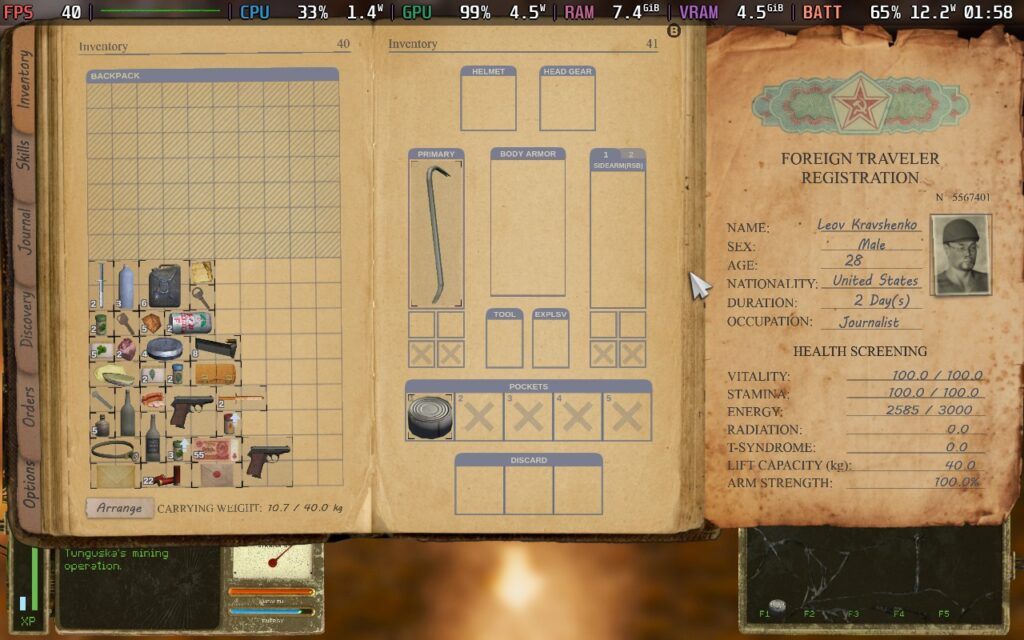
Inventory management is also a factor here. Not only do you have a weight limit, but you also have a size limit, meaning carrying multiple large weapons is not an option. You must manage your space well to carry healing supplies, weapons, quest items, and ammunition. Some might find this irritating, and I agree, in most games, it is. However, in Tunguska, this inventory management style suits the game well. It's a survival game at its heart, and before embarking on an expedition, the lack of ability to bring everything with you means you need to think about what you might encounter and, therefore, what you might need to take with you.
The game's world is split into many fairly small areas. Most of these are areas you can walk across in about a minute before reaching a loading area for the next. I feel like this is a pretty solid design choice. It helps the player manage an area; once they defeat enemies, they know not to worry about things wandering into the area. Given how difficult combat is and how scarce ammo and other things can be, the developers need to manage what the players might encounter to not overwhelm them. Having smaller areas makes it possible for the developers to control each scenario players might encounter.
Most areas have some form of enemy that you might encounter, but also friendly NPCs. When you first arrive in The Zone (the games playing area), you come to a friendly village. You can talk to every NPC in the village, find out what they know about the area, and trade with them for supplies. This depth and detail help the game. Checking with the different NPCs to see if they have that item you need to barter for is a quest in and of itself, and when you finally find someone willing to sell you that pistol ammo or bandage, it's a good feeling.
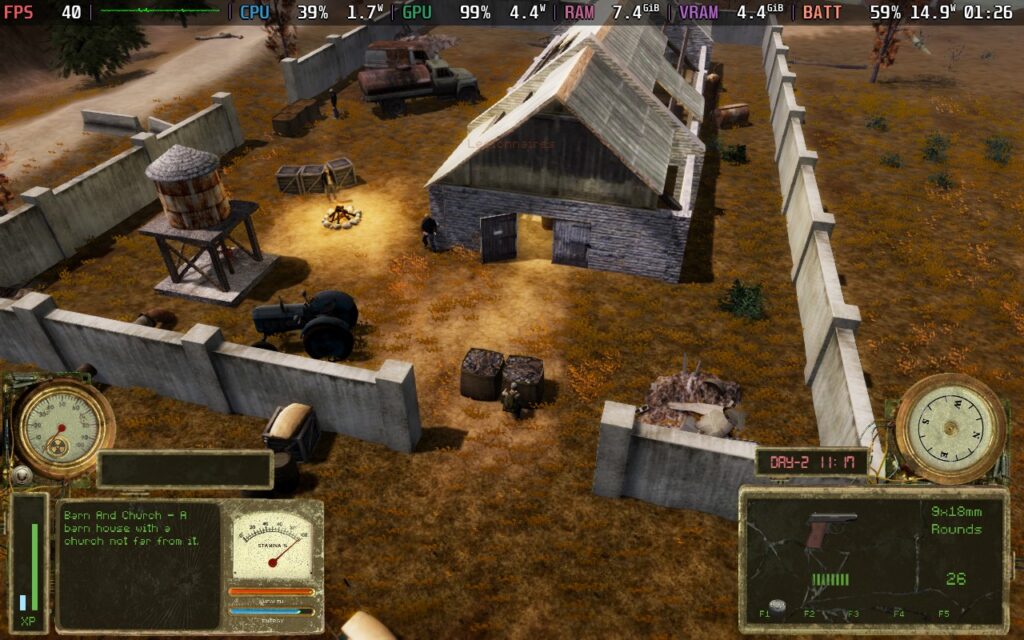
Tunguska: The Visitation is a unique experience. I've not played a game like it. It combines several gameplay mechanics into a competent survival, almost adventure game. Suppose you are looking for a game that will challenge you with elements of tactical combat, inventory management, and general ability to survive in a hostile environment. In that case, it might be the game for you!
Tunguska: The Visitation fully supports the 16:10 aspect ratio, so we can run at the Deck's native 1280x800 resolution. It also has pretty decent controller support. It occasionally requires you to use the analog stick to move cursors on the screen, but while in gameplay, the controller support can't be complained about.
While I did try to get Tunguska working at 60 FPS, it seems to put too much of a tax on the CPU to pull it off. So I've created 2 presets for you to use here, one for 40 FPS with high graphics quality, which I recommend, and one for 30 FPS if battery life is your aim.
Start by locking your SteamOS settings to 40 FPS/Hz, then set your TDP limit to 10W.
The game doesn't have many choices for graphics settings, just resolution and a "Graphics Quality" setting. We'll keep the resolution at 1280x800 and set the Graphics Quality to "High."
This creates a fairly nice-looking image, and given the game's nature, I found 40 FPS perfectly adequate. This isn't some fast-paced FPS or action-based game. You pretty much plan everything out, even your shots.
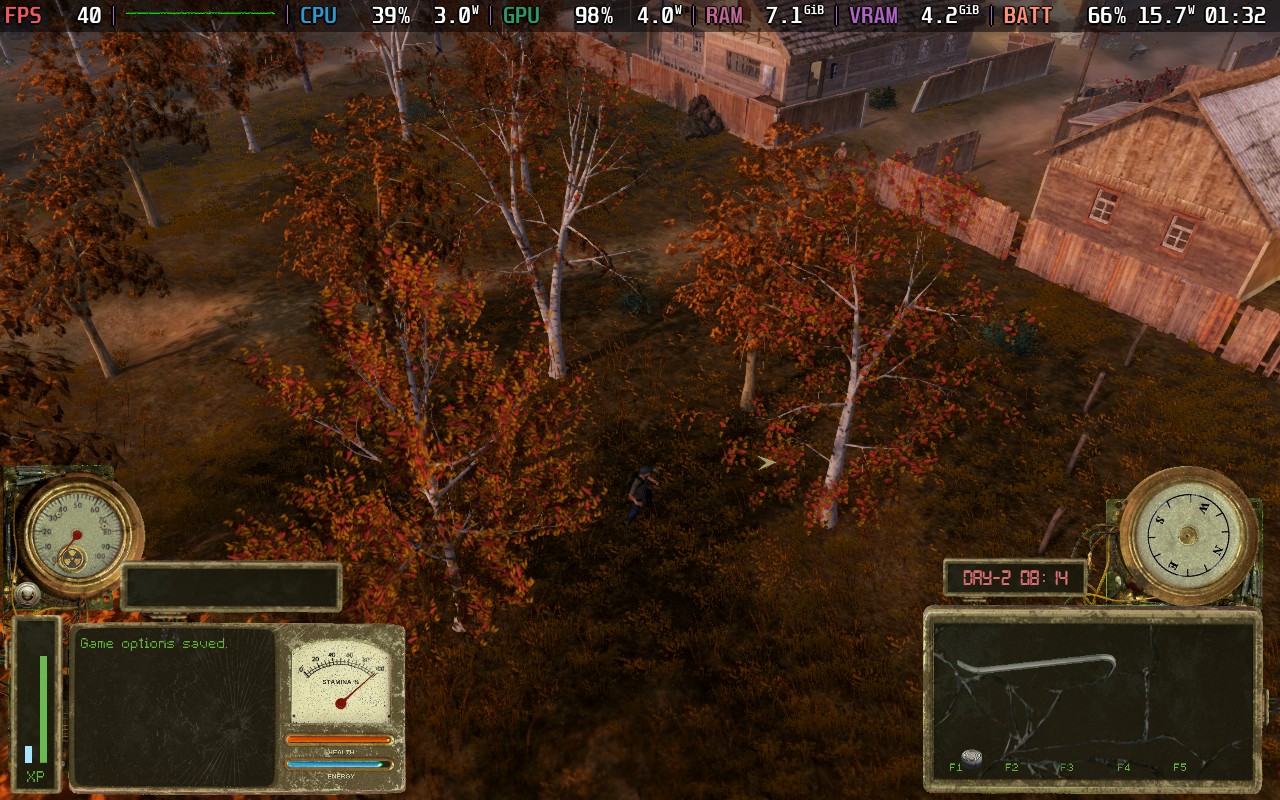
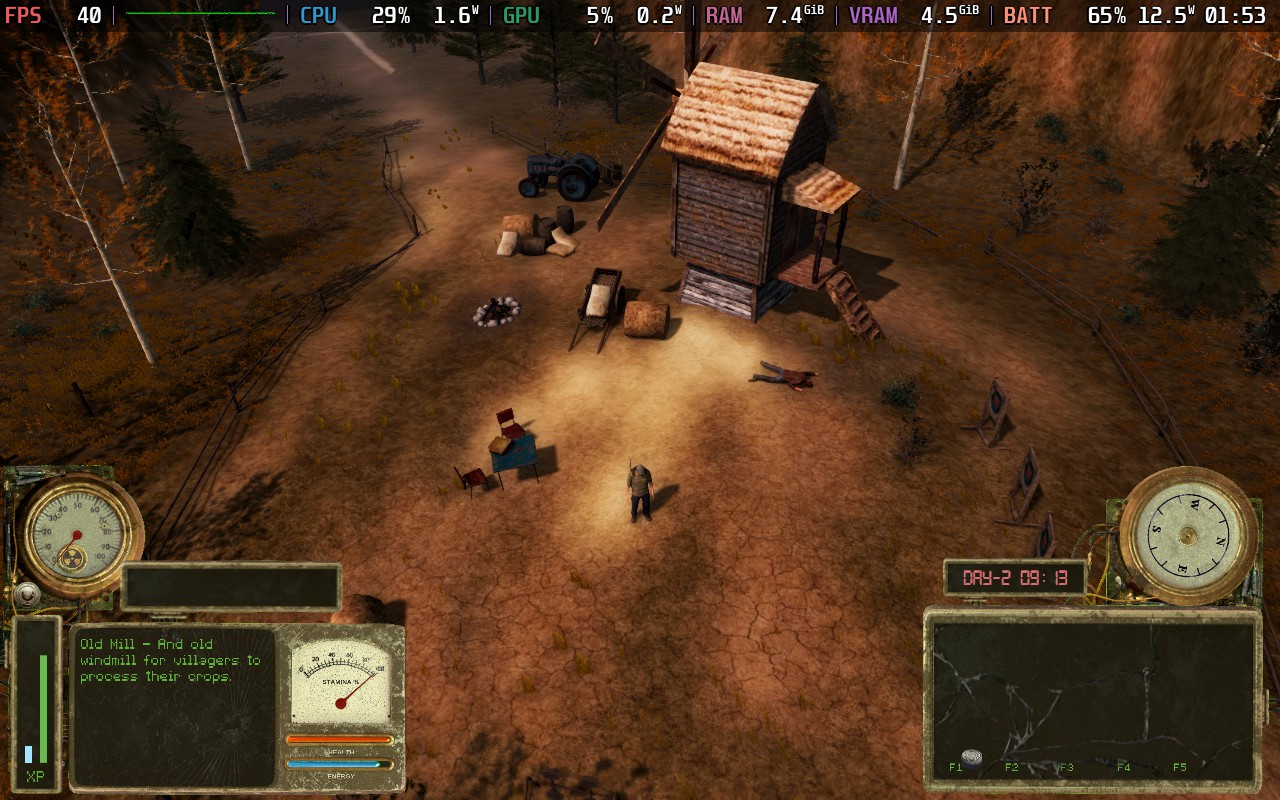
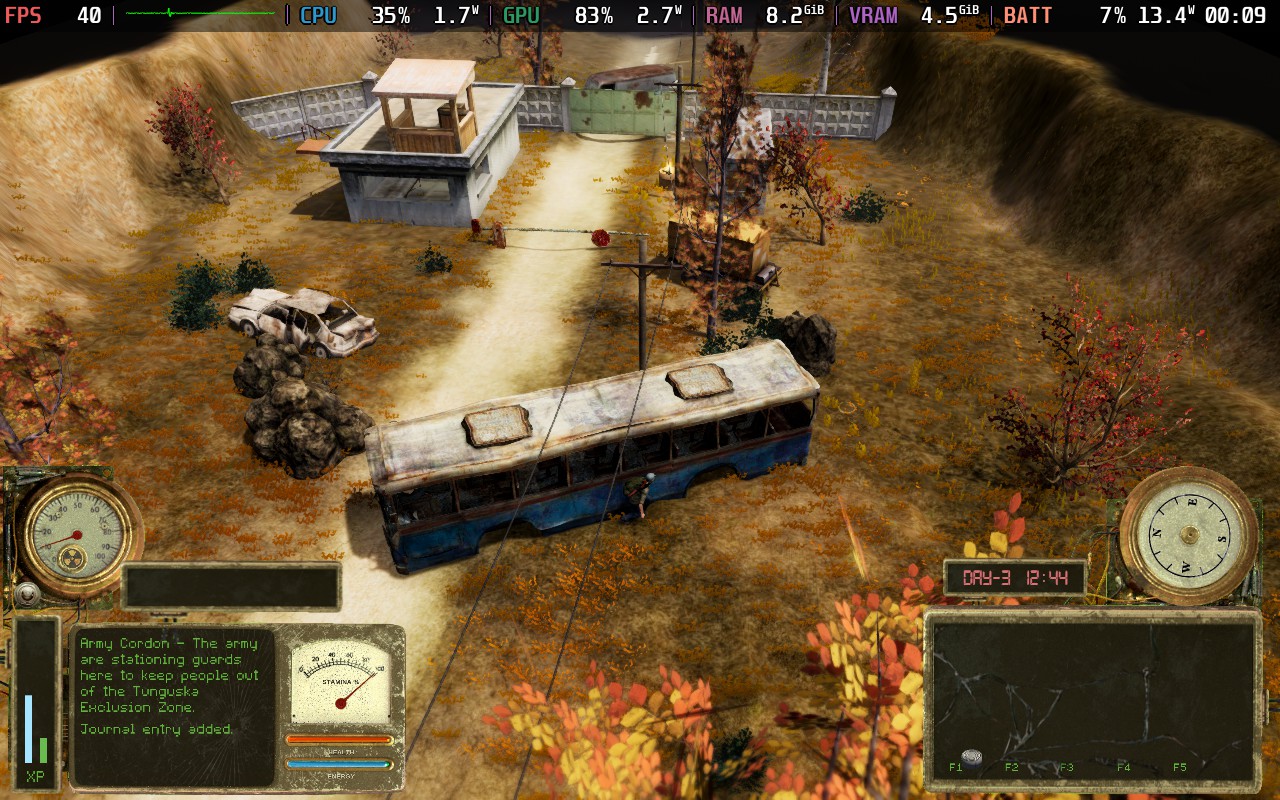
Battery drain varies slightly, but you should expect a 13-15W drain on your battery. This gives us around 2.5 hours of battery life, which is pretty good. Temperatures stay relatively cool, not exceeding 70C in my experience.
If you want to get a little more out of your battery, which you might well want with Tunguska, as it isn't a very pick-up-and-play game, then these settings should help you out.
Set your FPS lock in SteamOS to 30 FPS / 60Hz. Then, you can get away with a TDP limit of 6W here.
In the in-game settings, we're keeping our 1280x800 native resolution but setting the Graphics Quality to "Low" this time. The game still looks pretty decent, but to be honest, using the Low setting will mostly result in lost shadows and some lighting effects.
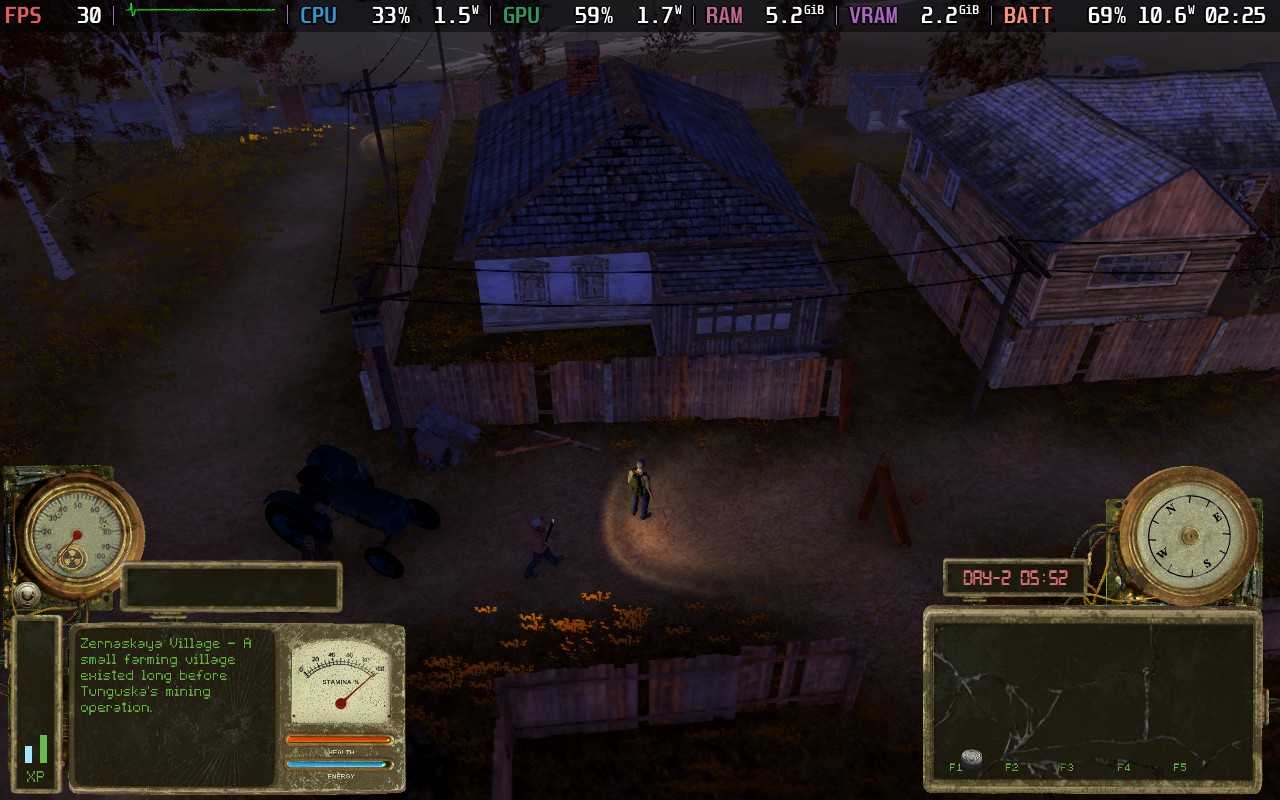
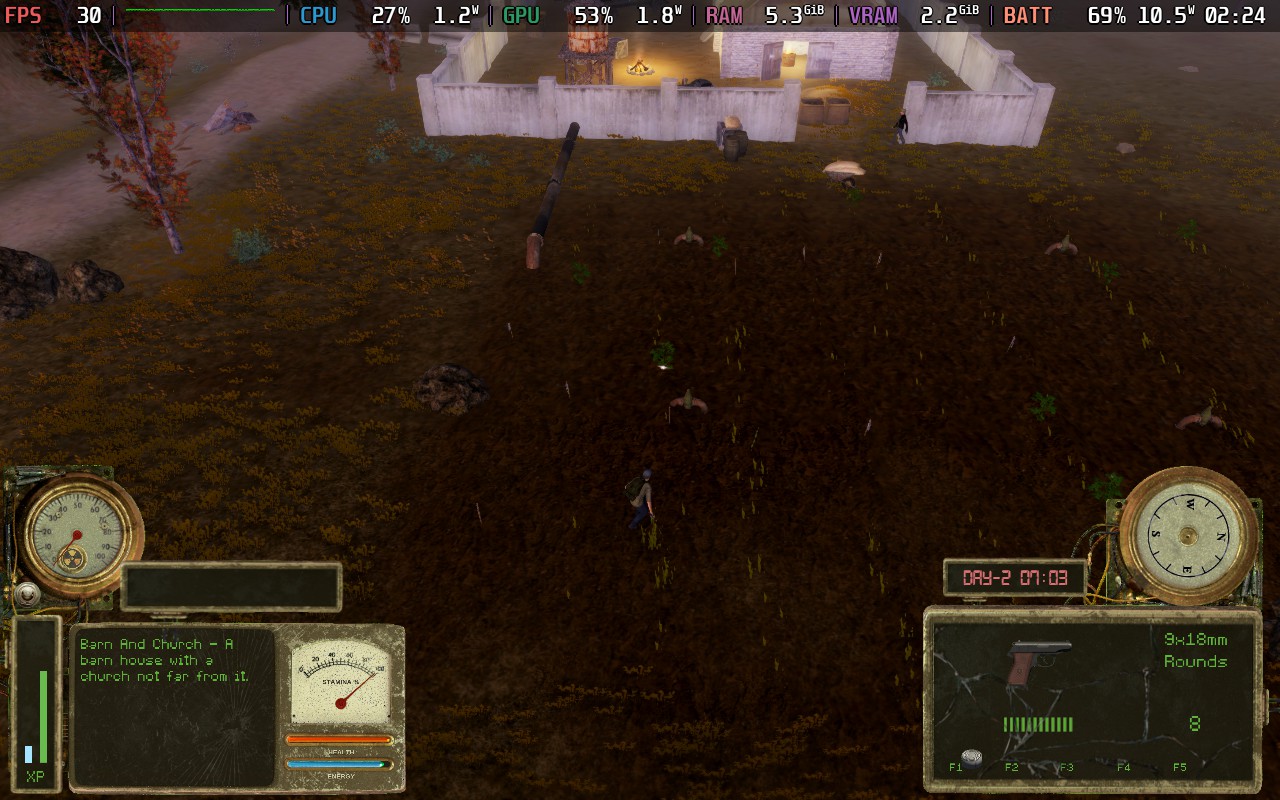
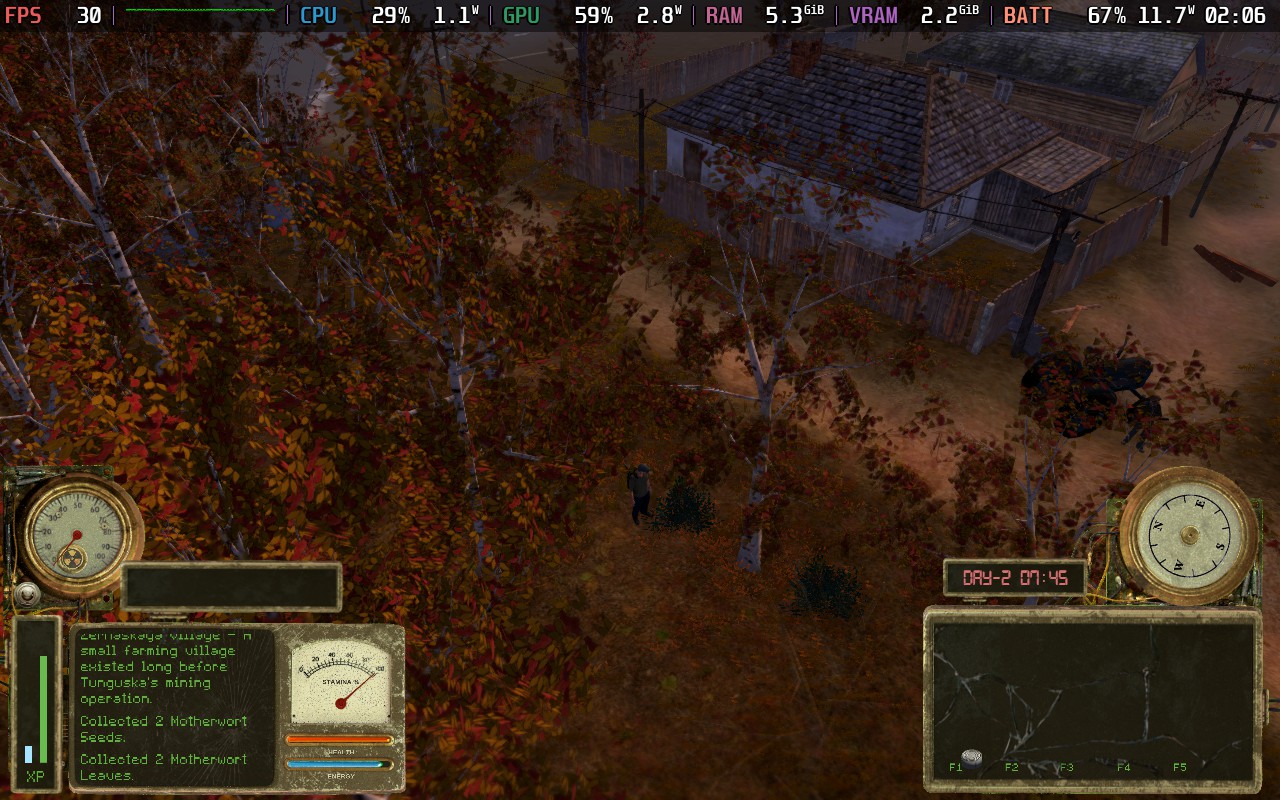
Our battery drain tends to hover around 10-11W, with spikes up to 12W in intensive areas. This gives us an estimated battery life of around 3.5 Hours. It's up to you if you wish to trade the shading and lighting effects for an extra hour of battery life, but it's not a huge compromise to make, in my opinion. Temperatures are also a little cooler, being around 60-65C using these settings.
Tunguska: The Visitation offers a few accessibility options, but not all the ones it needs. You can increase/decrease the brightness at night, adjust the UI size (although this appears to be locked on the Steam Deck), and adjust the game's difficulty, such as how much damage the player takes.
One thing I think is missing here is an option for those who are hard of hearing. Tunguska has "Distortions" that inhabit the game world, and running into them can kill you. You're meant to detect distortions by hearing a humming/beeping noise and then throwing a rock to find their exact position. However, to my knowledge, there is no help for deaf players who may be unable to hear this sound in the first place, thus making finding distortions very trial and error for them. Worst of all, the Distortions will move each time you play, so you can't even memorize their positions.
Tunguska: The Visitation is an interesting game. It doesn't quite have the polish of a game with years of post-launch updates, but it's still getting post-launch updates to add and improve content, which is a huge plus in its favor. I'm not sure I'm the target audience for this game, with its somewhat deep survival mechanics and tactical gameplay, as well as an intriguing storyline to go along with it. Still, for those who want such a game, I think Tunguska offers a unique experience I haven't seen elsewhere.
As for how it performs on the Deck, there's nothing egregious. We're easily able to run at a stable 40 FPS with nice visual settings, which is just perfect for a game like this, we get a reasonable amount of battery life, the controls work well and the UI size is adequate. I did find aiming to be a little tough on the controller at first, but you soon get a feel for it. If you want a survival game with deep mechanics, quests, and a storyline, as well as one that will play nice on-the-go, you won't go far wrong with Tunguska: The Visitation.
このレビューはPC版に基づいています。
このレビューをお楽しみいただけたなら、SteamDeckHQ の他のコンテンツもぜひご覧ください!あなたのゲーム体験に役立つゲームレビューやニュースを幅広く取り揃えています。ニュース、ヒントやチュートリアル、ゲーム設定やレビューをお探しの方も、最新のトレンドを知りたい方も、ぜひご利用ください。
Sons of Valhalla was provided by Hooded Horse for review. Thank you!
This game was tested with a Steam Deck LCD. OLED testing is coming soon.
I've seen games like Sons of Valhalla around over the years, all the way back in the Flash days, 2D side-scrolling action/strategy games where the aim is to build a base to produce resources and troops, create your troops, and then lead them against the enemy base that is doing exactly the same thing. Back in the Flash days, this was all automated, but Sons of Valhalla gives you more control over things than I expected.
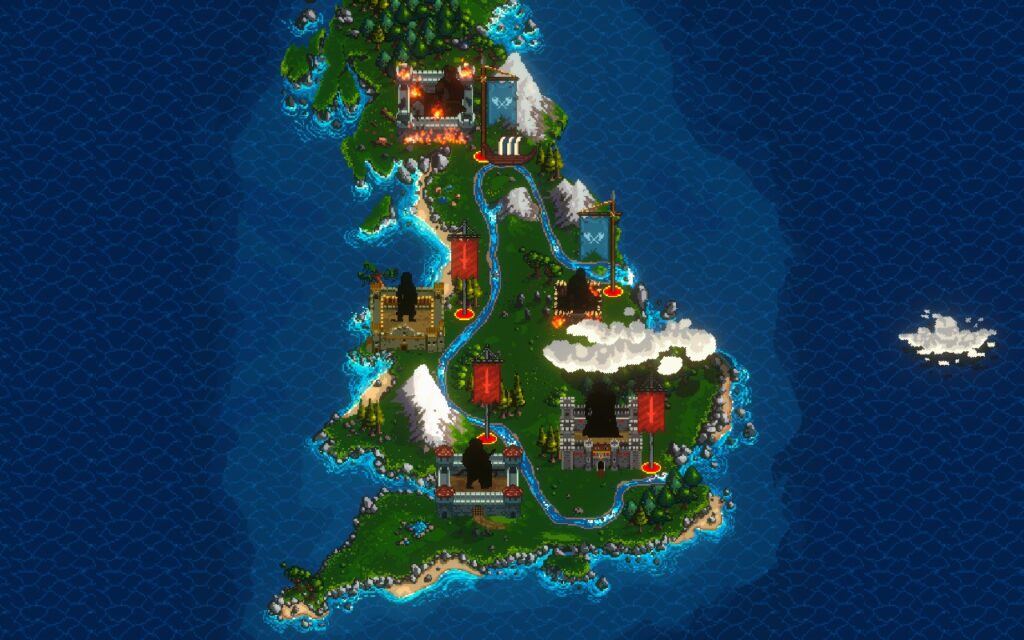
You control the protagonist, Thorald, on a quest through England to find his beloved, who has been kidnapped. The story is very generic, and I described the whole thing in that one sentence. It serves as a backstory to justify your character's invasion of England.
Setting the story aside, having control of your player character is something that Sons of Valhalla does reasonably well. You have a melee weapon and a ranged weapon equipped, which you can upgrade throughout the game, enhancing both their stats and adding new abilities to them. The combat isn't particularly fluid; you can't move when swinging your sword, for example, and setting up a ranged attack can take several seconds, so the action does feel rather "static" as you play, and that's a running theme, unfortunately.
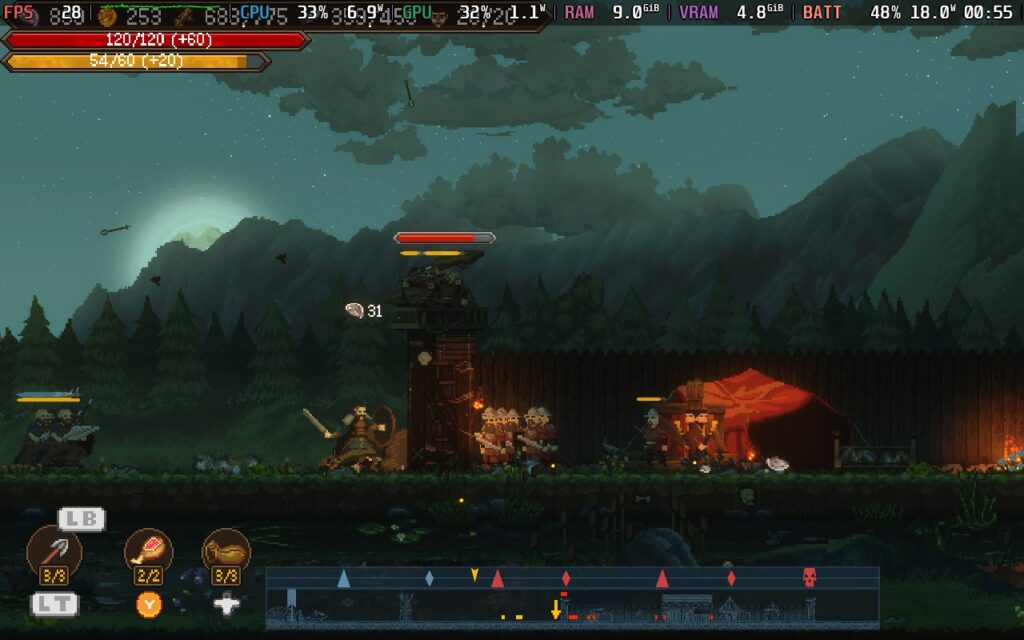
That "static" feeling brings us to the game's AI for both the enemies' troops and your own. In this regard, I'm afraid Sons of Valhalla does pretty much take a page straight out of the Flash games that came before it. If your or enemy troops are attacking a fortification, they'll all bunch up into one space and just merge into what looks like 1 unit, but in fact, there are about 20 swordsmen; they're just all standing in the same spot. Unfortunately, this makes it very difficult to work out what's going on.
However, I understand why this is being done. If troops can occupy the same space, then it would cause issues with them getting in the way of each other when attacking. But it reduces the sense of scale and makes it confusing. When an enemy is attacking you, it's difficult to determine how many are attacking. When you're attacking the enemy, it becomes incredibly difficult to work out how your troops are doing. The only way to tell if you're losing troops is to look at the "unit" resource at the top and see if it has changed.
It all ends up creating an uninteresting picture, with your units standing at the bottom of a watchtower, poking it, your archers and siege weapons half a screen back, firing, and the enemy melee units standing on the other side of the tower doing nothing because they don't want to die.
This may be the only way to ideally handle troops in a game like this, but that might be why games like this have died out since the Flash era. The only comparable game to this in recent memory is Kingdom Two Crowns, and that feels slightly different as the enemies are much less bullet-spongey, so it kind of reduces the chance of bunching up when they're constantly being killed and replenished, that isn't the case with Sons of Valhalla, and battles are mostly made up of about 20 units on each side and can last quite some time.
The AI for some units also seems questionable. Siege weapons, for example, will always target the nearest enemy, whether that's fortifications or a unit. So if enemy swordsmen leave the gate, your siege weapons will stop attacking the fortifications they are strong against and instead try to hit the swordsmen. It's infuriating and an inexplicable design choice that needlessly makes the game more difficult.
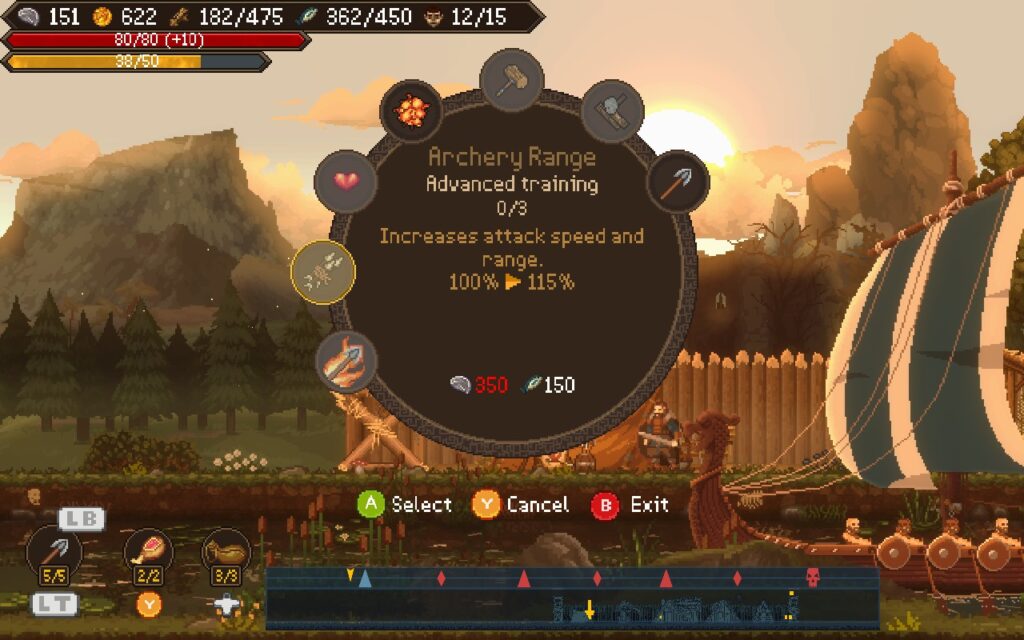
The economic aspect of the game is passable but very basic. It is all about three resources: food, wood, and silver. Food and Wood are passively generated from buildings, so they're very much fire and forget, while Silver is gained from looting chests and defeating enemies. The economy serves its purpose, namely to extend the game by making you wait and defend as you upgrade or recruit new troops instead of always being on the attack.
It's also worth noting that AI doesn't seem to follow the rules of the economy. It looks like they produce units on a cycle, so if you can't kill their units fast enough, they'll just constantly produce 1 soldier every 5 seconds. This gets pretty tedious when attacking, as you must constantly deal with a steady trickle of troops until you break down the fortifications.
Base-building is simple, but like the economy, it does its job. Your central building is the "Mead Hall", which can be upgraded to provide more manpower and additional building slots. These building slots can be used for economic purposes, such as to gain wood or food, or for production purposes, such as barracks, archery ranges, etc. Each building in the game can be upgraded in exchange for resources, allowing it to produce faster and potentially unlock more advanced upgrades for your units.
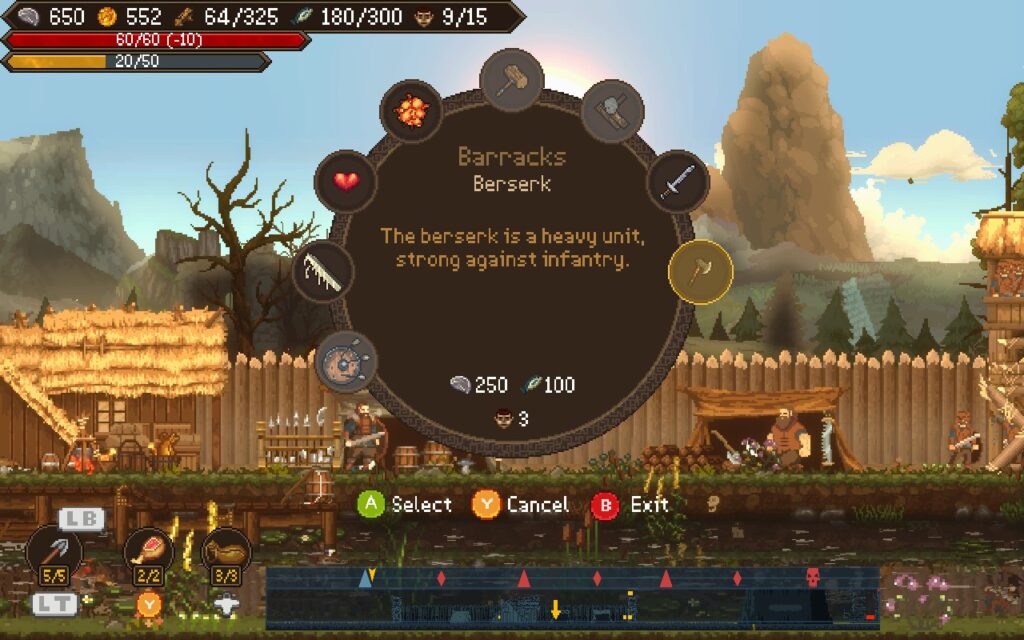
This mix of "action" and "strategy" puts Sons of Valhalla in an odd position. For a game where you are controlling the player character, capable of combat, it feels strange to sit in your town and wait for several minutes while your resources build up. It feels like there's something else you could be doing. It's not like this is a strategy game where you can look around the map and manage things while your economy whirrs away. You have a player character, and you can't do much but... sit there...
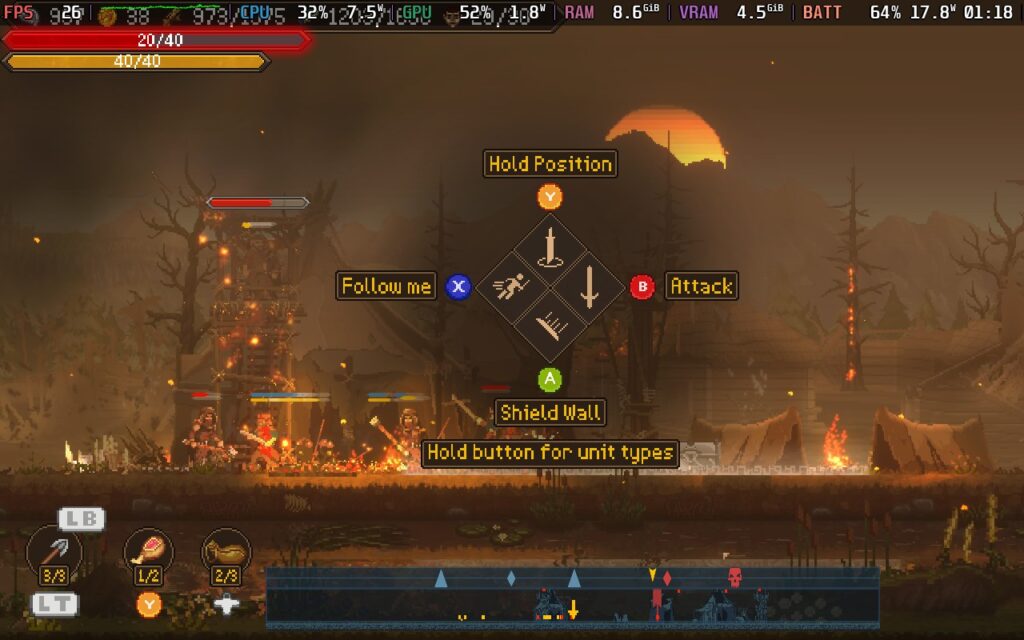
It would have been better if it was just a strategy game, eliminating the player character and action elements entirely. Scrolling along the map and quickly ordering troops, managing your economy, and keeping an eye out for enemy attacks would have eased many of my issues with the game. As it is, you have to be next to your troops to issue any orders to them, which can be finicky and pretty much means all your troops will always be in one cluster, as it's the only way to manage them effectively.
Also, you can't freely order troops because everything is centered on the player. Any orders you give have to be to troops nearby, which means that you'll likely keep your army in one big cluster just for simplicity's sake. Otherwise, you'll have to run all over the map, gathering your troops and ordering them—think of a 2D Pikmin-type affair.
I've been on a bit of a downer so far, but there are two parts that I think the developers got right with Sons of Valhalla.
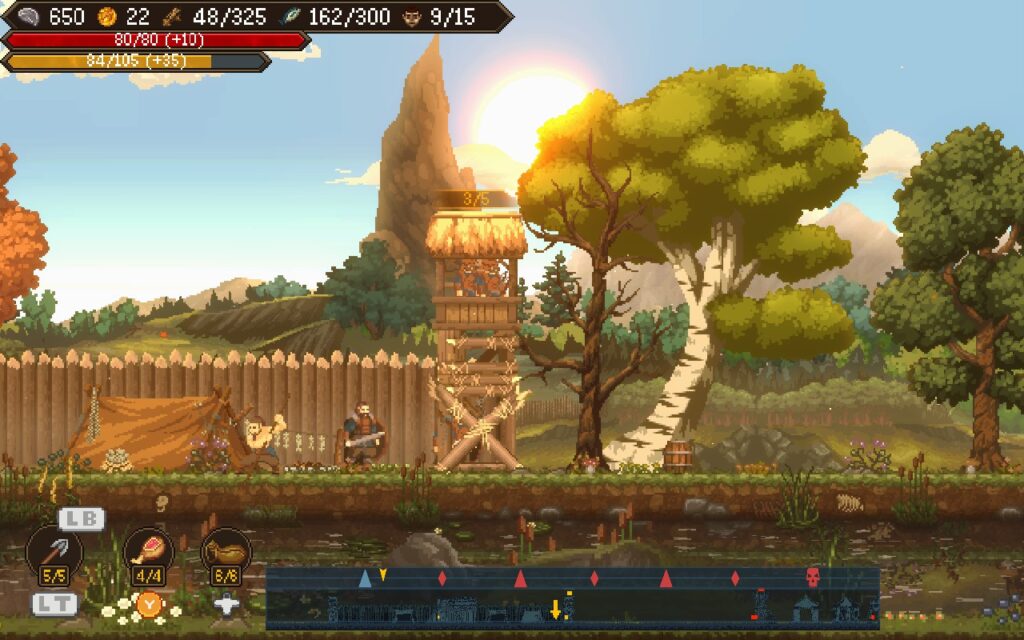
Firstly, the visuals. The game is portrayed by nice quality pixel art, boosted by some visual effects. You can't complain about how Sons of Valhalla looks. It has pleasing and varied environments, although I'm unsure how "English" this all is. It even incorporates weather and a day/night system, which changes how the world looks and creates a nice bloom effect from the sun in the background. Certain attacks also have nice visual effects and particles for them.
Secondly, the game's "rune" system. Runes are little "perks" you can acquire as you play the game, allowing you to place one in a "socket" and give you, or your troops, a buff. These can be anything from dealing more damage, having a chance to cause a bleeding effect, having more health at night but losing health during the day, and so on. This makes the game more interesting, and you can only have a limited amount, so you'll need to swap and change the runes to serve your playstyle.
Upon death, you'll also need to sacrifice one of your runes to continue unless you're on the easiest difficulty. After that, you can return to the battlefield pretty much as-was.
As for the difficulty, on easy, the game becomes mind-numbingly easy. There's no penalty for dying; troops on both sides are bullet spongey, and even though resource generation is quicker, you still have to wait for resources to come in. Higher difficulties present a challenge but also make the grind even longer, perhaps requiring you to build and make several attacks, whereas just 1 would have sufficed in easy mode.
Sons of Valhalla isn't a bad game, but some design choices are questionable. Too much time is spent waiting, and the game is quite short, with the campaign being less than 10 hours long, depending on difficulty and how often you die. On easy, the campaign is about 4-5 hours at most due to quicker resource gathering and easier enemies. The campaign comprises 5 levels, and they all play the same; even the boss battles at the end of each level are similar, and the same strategy can be employed on each. After the 1st level, the game quickly becomes repetitive.
Also, at the end of each level, all upgrades/bases are gone, so you start the next campaign level from scratch, aside from the runes and upgrades you gave your player character. It does feel weird upgrading all your units and then losing all those upgrades for the next level; it only adds to the game's repetitive nature, requiring you to research tech that you just researched 30 minutes ago at the previous level.
But let's move on to how Sons of Valhalla runs on the Steam Deck, and you might be in for a surprise...
Curiously, before you boot Sons of Valhalla, you must sit on a black screen for some time, probably 20-30 seconds, before anything happens. I thought it might be a one-time thing for the first boot, but it happens every time, so just give it some time to get through whatever it's doing.
Once the game has finally loaded, the initial impressions are decent. The game has full controller support for the menus and gameplay. It also supports the Steam Deck's native 1280x800 resolution. However, there are no graphical options besides resolution in the game, so I'm not offering any settings preset because there are no settings.
UI is scaled well, and I found all the text and UI elements in the game perfectly readable on the Steam Deck's display.
We are running a 30 FPS frame limit in SteamOS and a 15W TDP limit. I know, that's setting this up well, huh?
Amazingly, Sons of Valhalla decimates the Steam Deck's CPU. The GPU is almost untouched; in fact, I don't think I ever recorded the GPU using more than 2W while playing. But the CPU is often varying between 6 and 9W of usage, which is pretty much its limit.
All I can imagine is that the entire game is single-threaded, or at least that one CPU thread must be heavily relied upon, which is not good for a Steam Deck.
While the game initially runs at 60 FPS, once you build a few troops, say 10, for the starting level, the FPS drops to around 50 FPS. Going into battle against 10 enemy troops, the FPS regularly dropped into the 40s. By the time I reached level 3/5 in the campaign, I had around 30 troops going up against a similar number of enemy troops. By this point, Sons of Valhalla was regularly running in the 20s, a shocking disappointment.
I had similar issues with other games when running Proton 8.0-5, so I tried Proton Experimental, the Proton 9 beta, and Proton GE, but alas, the issue persists regardless, meaning that it's almost certainly how the game is coded that's the issue.
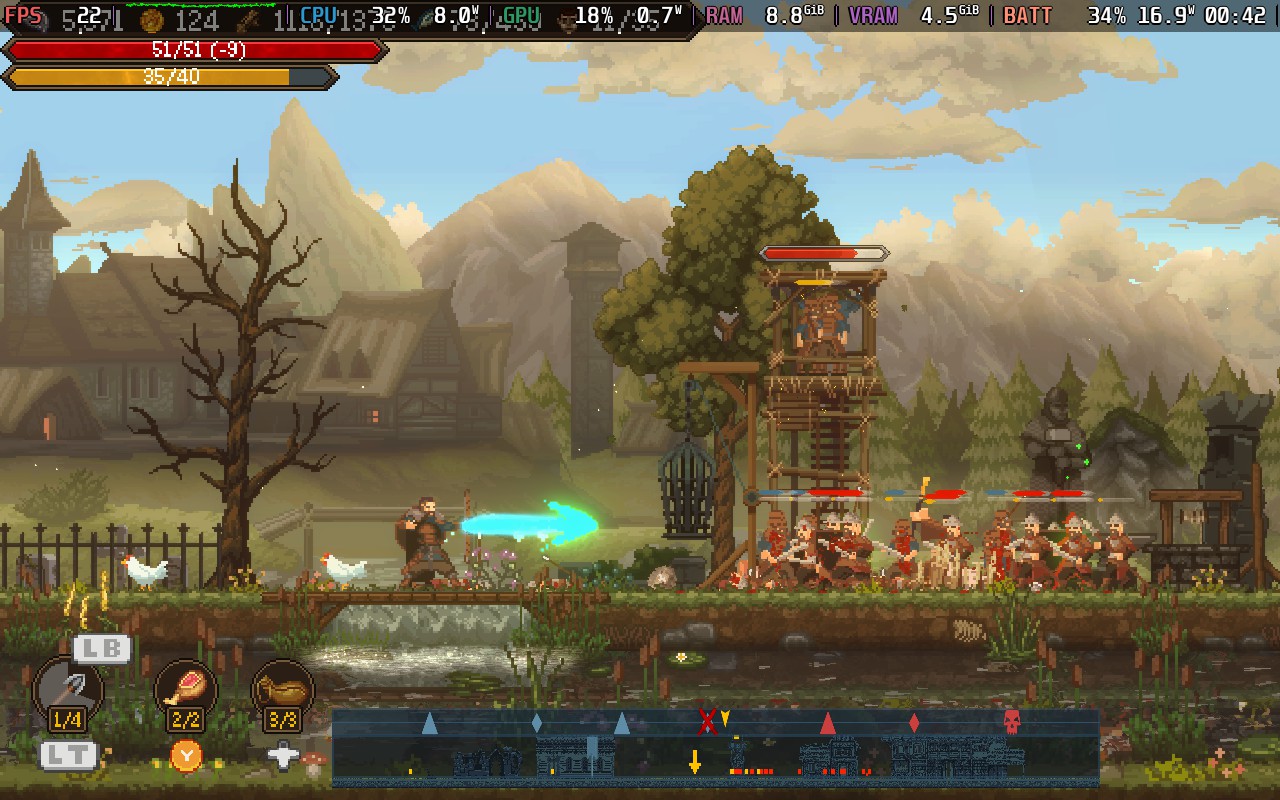
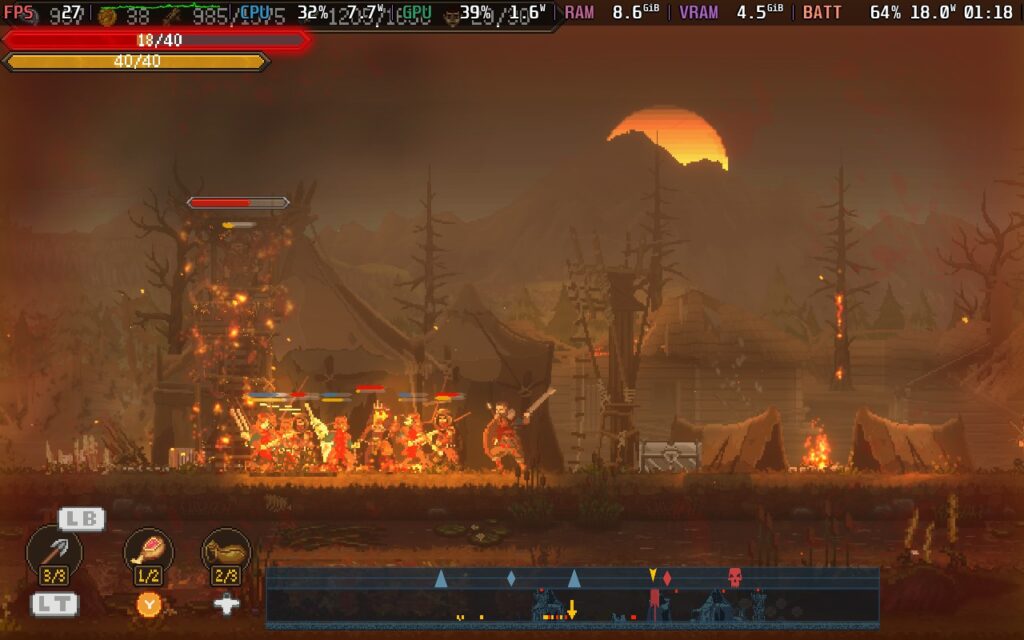
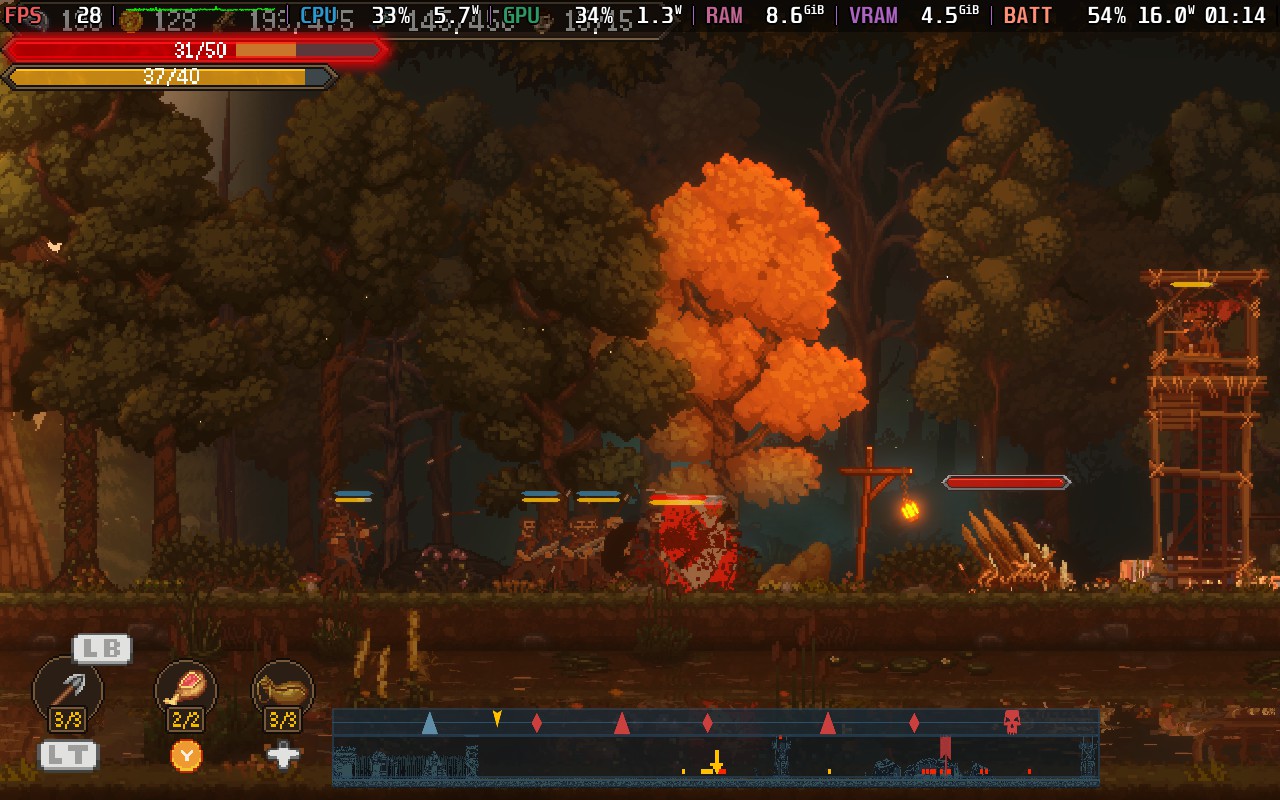
Power draw from the battery varies wildly depending on what's happening in the game and how many troops are on the field. When things are quiet, expect about a 10W power drain, but this goes up to around 19W in combat with many troops. So expect around 2-2.5 hours of battery life from a Steam Deck LCD and about 3 Hours from a Steam Deck OLED. Temperatures also varied greatly, from about 55C up to 75C, depending on the action on screen.
There are rebindable controls; the only option that could be considered "accessibility."
Sons of Valhalla has some decent ideas up its sleeve. Merging strategy and action genres doesn't happen too often. Still, it feels like the developers took their idea and ran without considering whether it worked well. It's almost like there are 2 decent games here have been merged into 1 not-so-decent game.
I could definitely see myself enjoying Sons of Valhalla more if it were a straight-up strategy game or a straight-up action game with the elements of management toned down, but just mushing the two together creates an awkward mix of an uninteresting action game and a difficult-to-manage strategy game, the worst things these two genres can be.
The performance on the Steam Deck is just unacceptably poor. I can only presume the game runs on a single thread, which explains why the situation is so dire. Because of that, I can't really recommend that anyone play this game on the Steam Deck. Once you get to level 3 onwards, you'll regularly be playing at 20-25 FPS at the most pivotal moments of the game, and it makes the experience quite unpleasant.
Hopefully, the performance can be improved with patches, but even then, the game is average at best, so I would still be in two minds as to whether or not to recommend this one to you.
このレビューはPC版に基づいています。
このレビューをお楽しみいただけたなら、SteamDeckHQ の他のコンテンツもぜひご覧ください!あなたのゲーム体験に役立つゲームレビューやニュースを幅広く取り揃えています。ニュース、ヒントやチュートリアル、ゲーム設定やレビューをお探しの方も、最新のトレンドを知りたい方も、ぜひご利用ください。
Slave Zero X was provided by Ziggurat Games for review. Thank you!
This game was tested with a Steam Deck LCD. OLED testing is coming soon.
Slave Zero X is an interesting beast. As a prequel to the original Slave Zero, it instead opts for a 2.5D beat 'em up style as opposed to being a third-person shooter like the 1999 original. I think the last beat 'em up I played was Scott Pilgrim Vs. The World on the Xbox 360, so Slave Zero X was a bit of a sudden reintroduction to the genre for me!
The game starts you off with some fairly basic enemies, fortunately for me! In fact, for the first few levels, you can defeat most enemies by mashing any assortment of buttons without much care or consideration for what you are doing. However, once you get past those stages, enemies start to get more challenging, especially the heavy ones that can grab hold of you and deal massive amounts of damage or get you stuck in a stun loop. It's imperative to position yourself and use the right moves at the right time.
For example, a couple of hours into my playthrough, I encountered a point where you have to defeat a couple of waves of enemies and then a boss. The kicker is that the checkpoint is before these enemies and the boss, so if you die on the boss, you have to fight the enemies again. Positioning the checkpoint this way means that you must be careful fighting the enemies before the boss, so you can enter the boss fight with max health and your special gauge charged.
Interestingly, Slave Zero X offers no difficulty options, there are no Easy, Medium, and Hard settings here, but the difficulty seems to be balanced well. The boss battles can be a bit of a rude awakening, especially the first one after you're used to fighting enemies that pretty much offer no resistance.
Combos are satisfying to pull off, and the game allows air juggling, so if you move correctly and time your moves, you can keep enemies in the air and give yourself a bit of a breather. Suppose you're achieving a combo while in Fatal Sync mode, a powered-up mode where you can deal more damage and steal life from enemies and bosses. In that case, you'll be able to keep yourself alive while destroying your enemies...and it will probably be the primary way you heal in-game.
There's also a "Burst" feature, which is a neat little attack that you can activate reasonably often, which will push nearby enemies away from you and will often greatly fill up your Fatal Sync bar. The only downside is that it's mapped to L3 by default, which is a fairly strange choice.
Mastering Fatal Sync and Burst is key to making it through Slave Zero X, particularly the boss battles. I struggled greatly with the second boss as I didn't understand these mechanics well, but once I got used to them, it made the game much more playable.
To upgrade, you will be utilizing the in-game shop, where you can increase your character's max health, get longer Fatal Sync time, improve your "Burst", and increase the amount of grenades you can carry.
While fighting, you can't "dodge" or "block", but you can parry attacks by attacking precisely as the enemy attacks, and when you "dash", you do gain invincibility for a very short time, allowing you to avoid an attack if you timed it exactly right.
Story-wise, there is full voice acting, and they have got a couple of notable voice actors in the cast who do a decent job at world-building. Essentially, the story has you, a vengeful warrior, taking it upon yourself to stop living machines, known as Slaves, from being released unto the world. It's a passable story, but I found it mostly there to justify the relentless onslaught of enemies and why I am destroying them all.
The game's environment borrows greatly from its 1999 sequel, with a dark and grungey atmosphere. It feels pretty nostalgic, considering it's a brand-new title. Fans of 3D games back in the mid-90s will probably appreciate the aesthetic, it's timeless and works quite well here.
One thing that I did find frustrating in Slave Zero X is that some of the levels felt pretty long. Some levels can take over 20 minutes further in the game. As it's impossible to save the game mid-level, it can be rather frustrating to get near the end of a level, die repeatedly to be set back at a checkpoint, and then have to quit the game for some reason, only to come back later and have to start at the beginning of the level again, instead of the checkpoint.
Some level design is a little questionable, too, with the developers opting to spam enemies instead of introducing stronger ones. At one point, you'll be fighting over 30 enemies all at once, plus background enemies dropping bombs, and it is the single most frustrating thing I encountered. If you get hit, you're essentially stun-locked as the enemies juggle you to your ultimate death. It's a huge, difficult spike, and it took me 15 tries to get through it.
Slave Zero X misses the mark on some things with the Steam Deck. There's no 16:10 resolution support, so you'll have black bars along the top and the bottom when you play. There's also no way to run the game at less than 60 FPS without running in slow motion, so we'll need to maintain close to 60 at all times to have a designed experience.
We don't have too many choices regarding graphical settings, just the Resolution Scale, which is either 1x or 2x, V-Sync, and Geometry Detail. Because of this, and we must run at 60 FPS, I'm only offering 1 preset setting.
Set a 60 FPS lock in your SteamOS settings and your TDP limit to 12W. I tried with 15W, and there is slightly more stability, but it offers no benefit for most levels, so 12W is my preferred choice.
We're running the game's "max" settings, so 2X Render Scale and Geometry Detail is set to "Detailed", and we have V-Sync set to off. I tried running at 1X Render Scale and "Low" Geometry Detail, and there was zero difference in performance.
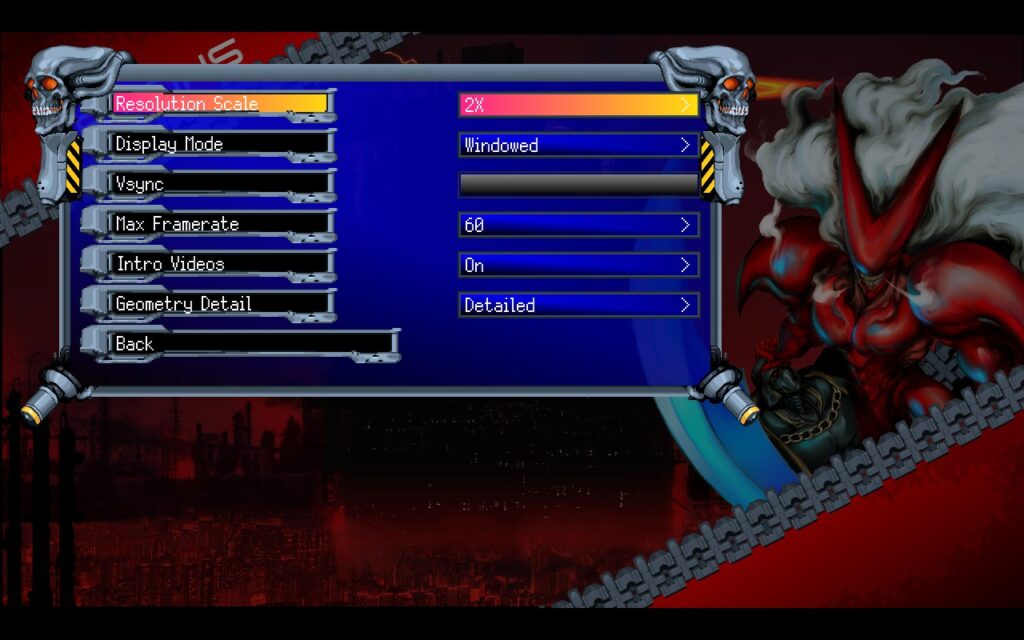
Running these settings, the game mostly holds 60 FPS, but likely due to the developer's choice of game engine (GameMaker) and the fact that the game is 3D, the game struggles performance-wise. This has been mentioned on their Steam forums for over 2 years, but at this point, it seems unlikely the performance issues can be fixed, as they built a 3D game inside a 2D game engine.
Expect drops to 57-58 in intensive areas, but this is usually when the action is hectic, and the dropped frames are hard to notice unless you are trying to do a frame-perfect movement. As I'm not a skilled fighting game/beat 'em up player, the frame drops were not noticeable. There are occasional stutters, too, which are unavoidable.
Battery drain during gameplay is around 12W - 15W, but can go up to 19W in intense areas, this tends to give us around 2.5-3 hours of battery life from a full charge. Temperatures also tend to hover around the 70c - 75c mark.
Slave Zero X has a few accessibility options. You can enable/disable subtitles, toggle flashing effects and camera shaking, and disable Gore when attacking enemies. However, it doesn't disable the gore that happens when the player dies, which is likely an oversight by the developers.
Slave Zero X is a fairly competent Beat 'Em Up. It has some flaws, mostly in the way of optimization, and a couple of design issues that I don't agree with, but there's an intriguing world, a decent combat system, and appealing classic visuals that work in Slave Zero X's favor to make me give it a positive recommendation at the end of the day.
The game does run fairly well on the Steam Deck; you can get 60 FPS 99% of the time, and the battery life isn't terrible. The controls work reasonably well, even if there are some odd button choices (L3 is used quite often). I would still say that Slave Zero X is an enjoyable experience on the Steam Deck, and if you're more skilled at Beat 'Em Ups than I am, you may not find some of the design choices so frustrating.
このレビューはPC版に基づいています。
このレビューをお楽しみいただけたなら、SteamDeckHQ の他のコンテンツもぜひご覧ください!あなたのゲーム体験に役立つゲームレビューやニュースを幅広く取り揃えています。ニュース、ヒントやチュートリアル、ゲーム設定やレビューをお探しの方も、最新のトレンドを知りたい方も、ぜひご利用ください。
This game was tested with a Steam Deck LCD. OLED testing is coming soon.
I'll admit, I had pretty low expectations when going into HELLDIVERS 2 for its review. The trailers pre-launch gave me the impression that it would be an arcade shooter with cheesy humor. Fortunately, I was completely off the mark at just what kind of game it was. With pretty deep gameplay mechanics and exciting gunplay, HELLDIVERS 2 is a welcome surprise for sure.
HELLDIVERS 2 is set during a war between the Humans, Terminids, and Automatons. Players have to navigate to invaded systems and "liberate" them, using the sector map on each player's capital ship that they command. Once you've selected a planet, you can then select a generated mission on that planet. You and up to 3 friends can use drop-pods to land on the planet, which puts you in a small mission area where you can carry out your objectives. This is when the real fun begins.
The gunplay in HELLDIVERS 2 is excellent. Rather than the arcadey shoot 'em up I was expecting it to be, the game incorporates realism almost everywhere. Recoil requires you to plan your shots while you also balance aiming at specific body parts of enemies to deal maximum damage. The movement is also smooth, allowing you to dive, sprint, crouch, and vault over obstacles. It all adds up to make an excellent combat system that's super satisfying and challenging.
There's also the "Strategems" feature. By holding down LB and pressing a combination of Dpad buttons, you can order supply drops, orbital bombardments, additional weapons, and more from your dropship orbiting the planet. There's a variety of stratagems that players can equip, allowing you to coordinate with your teammates to create a balance.
Another thing that's worth mentioning at this point is that I wouldn't play this game entirely solo. It is difficult, and to tackle higher-difficulty missions, you will NEED a team with you. The game does have random matchmaking, so having friends who play isn't strictly necessary, but it's an experience best shared with your pals. Communication is key as it allows you to alert your squad to enemies approaching from a flank or warn them that you're calling in an orbital strike, etc., and there is friendly fire, so using the voice chat in-game with the Deck's microphone is recommended.
If communication via voice is difficult for you, you can disable voice chat entirely and use a ping system to communicate with your teammates.
During missions, you will often have to solve small "puzzles," which require your complete attention and leave you unable to defend yourself. On outright extermination missions, it can also be tough alone, as enemies tend to approach from all directions, making it difficult for you to avoid being flanked or surrounded, leading to a quick death.
HELLDIVERS 2 is an online-only title, so while you can play singleplayer, the missions are always hosted online as every mission that a player completes adds to the "liberation" percentage of the planet; this always online led to a few problems in the launch week, due to overloaded servers. However, server capacity has increased since launch, and the issues seem mostly resolved.
HELLDIVERS 2 gets off to a good start. It supports the Steam Deck's 1280x800 native resolution, it has UI scaling, allowing you to get an easily readable HUD, and it has a wide variety of graphics settings to choose from. And yes, it does have HDR support!
Interestingly, the game taxes the CPU more than the GPU, especially when swarms of enemies appear. This means that although the game can appear to run at 40 FPS when walking around a planet, once enemies start to appear and swarm, the FPS will quickly drop. Due to this, I only have one recommended build with an emphasis on stability.
Start by setting a 30 FPS lock in your SteamOS settings, and don't set a TDP Limit.
Then, head to the "Display" settings in the options menu; we're keeping the 1280x800 resolution but setting the "Render Scale" to "Balanced"; this lowers the resolution and applies upscaling, which helps performance greatly.
Now, we can move to the "Graphics" menu, which is where the majority of our changes will be. We're disabling Depth of Field and Bloom, setting Texture Quality to "Ultra," and then using a mix of Medium and Low settings for the rest of the choices.
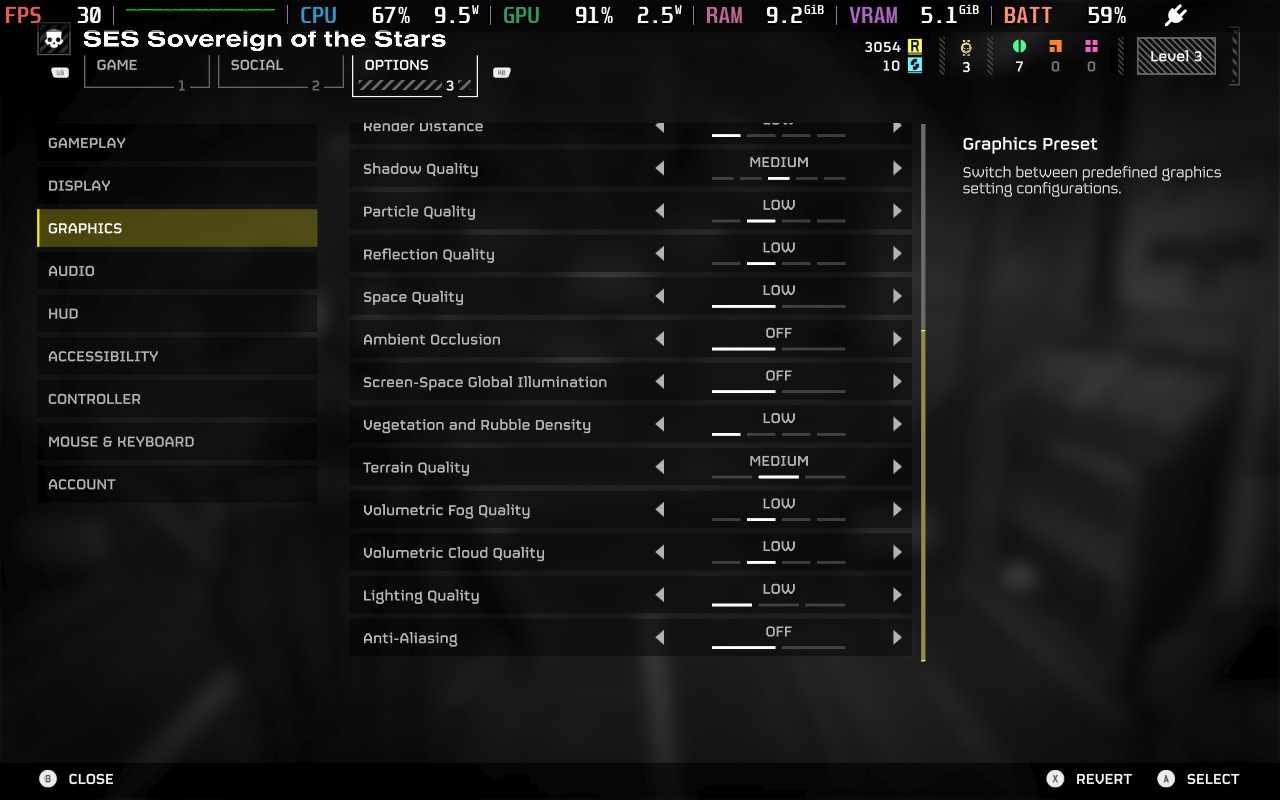
Using these settings, we can maintain 30 FPS for almost the entire time, with some exceptions when large amounts of enemies are swarming. Lowering the graphics settings essentially allows the Steam Deck to devote more power to the CPU instead of the GPU, to mitigate frame drops when enemies begin to swarm. Unfortunately, even with these lower settings, the Steam Deck will still struggle when there is a large amount of enemies and visual effects happening. This is particularly common when trying to extract, and your squad is firing everything they've got at the incoming swarm. I saw dips into the low 20s at times, but this was brief, and we still feel the game is playable.
Battery drain is all over the place, depending on the situation. When wandering the planet with no enemies swarming, I saw a drain of around 15W, but this quickly rose to around 25W when the swarm arrived. Temperatures follow suit, running at around 70C when the situation is quiet but quickly rising to 85C in intense combat. This means you should expect around 80 minutes of battery life from a full charge.
HELLDIVERS 2 offers a good amount of accessibility options for players. You can adjust subtitle and UI size, change the color of your reticule, have both Text to Speech and Speech to Text for communicating with other players, and adjust settings to make HUD elements more or less visible.
HELLDIVERS 2 offers a comprehensive and satisfying combat system wrapped in a galactic war that makes you feel like you're impacting the wider situation. The game feels polished and allows for strategic gameplay and teamwork to take the fore. While I would hesitate to recommend this game to solo players, if you have friends who want to play or are just willing to work with random players online, then HELLDIVERS 2 is worth your consideration. Performance on the Deck isn't the best, but it'll run at 30 FPS for most gameplay and give you a playable experience.
However, please remember that the game requires a constant internet connection.
このレビューはPC版に基づいています。
このレビューをお楽しみいただけたなら、SteamDeckHQ の他のコンテンツもぜひご覧ください!あなたのゲーム体験に役立つゲームレビューやニュースを幅広く取り揃えています。ニュース、ヒントやチュートリアル、ゲーム設定やレビューをお探しの方も、最新のトレンドを知りたい方も、ぜひご利用ください。



