Skate Story was provided by Devolver Digital for review. Thank you!
It's an understatement that I adore games that have very unique visuals. There's something about them that not only stands out, but makes it more appealing to play and see the world that the developers have created. That is what initially drew me to Skate Story. The world that it showcased looked amazing, and I was all for it. However, after playing it, I can say the visuals hold up most of the time, but there are just a few too many smaller problems that keep me from fully recommending it.
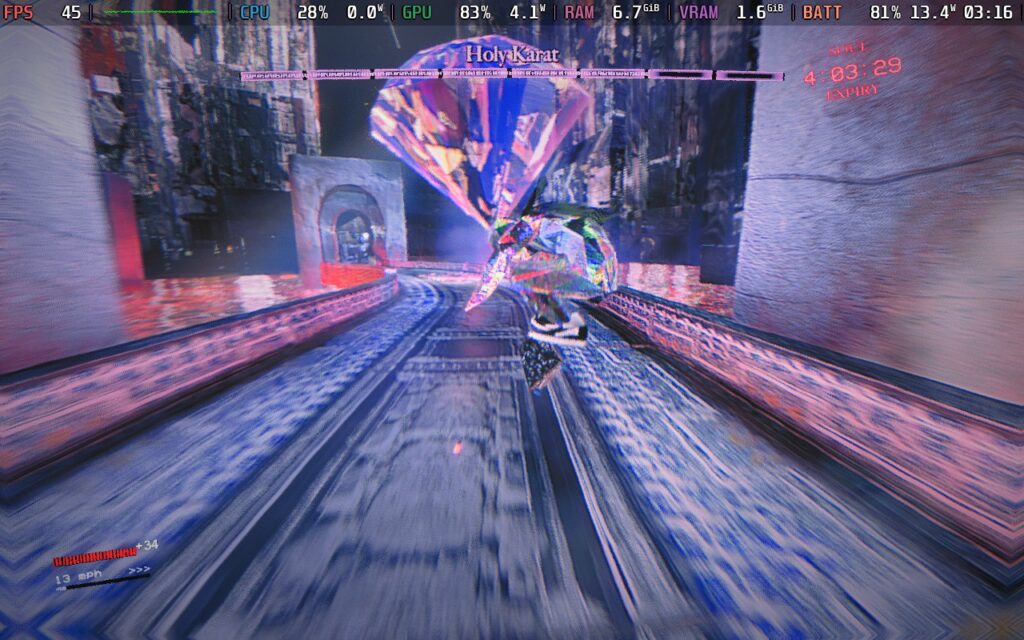
When I first saw Skate Story, I was thinking it would be more of an arcade-style skating game where I would go through levels and try to get high scores, but I was most definitely wrong. As the title insinuates, the game does have a story with a chapter-based structure, and it’s a weird one.
You play as a nameless demon in the underworld who has a sudden desire to eat the moon. The Devil sees this and comes up with a contract. If you can eat all the moons, your soul will be free. The Devil gives you a skateboard, turns you into glass, and now you have to venture down through the depths of the underworld to eat the moons and free your soul. It’s a crazy story, and not all of it makes sense in the moment, but it’s definitely interesting.
I appreciate story-driven games; generally, I love them, but I expected a little bit more replayability with a game like this. I would’ve loved to mow where we could go back to older levels and try to get high scores, but this really is just a story. You can enter a dream-like space where you can travel to pass places and ultimately replay levels, but there isn’t a defined way to do it outside of that. And once you beat the game, you are stuck and can’t actually go back. So if you want to play those levels again, you have to start a new game. The actual story itself isn’t that long, but I do wish there were a quicker way to just go back and play.
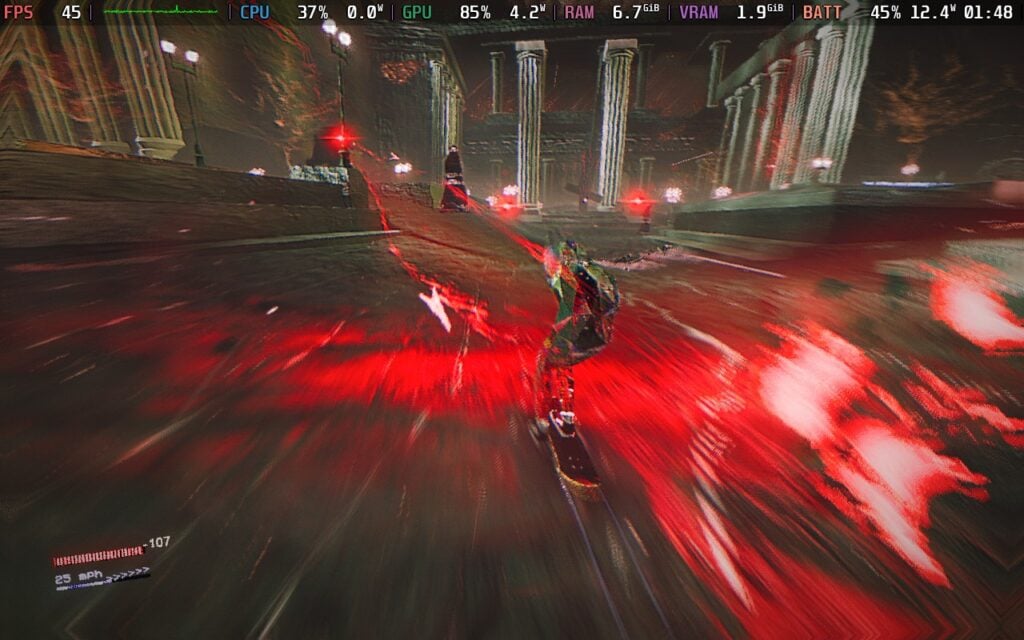
When I first saw the game, visuals were probably the biggest part and reason why I was excited to check it out for myself. This stands throughout the entire game, with incredible stylized visuals that feel like eye candy at times. Each of the chapters felt pretty distinct from the others, especially when looking at the different cities in each chapter. This translated over to the levels as well, with each one having a different hue to it, with an assortment of landmarks that make each level feel different from the others. It was easy to tell the difference between the levels and their themes, and I loved seeing what else the game had to offer.
This also helped make the stories outlandish, setting, and craziness feel even more prominent. From weird pillow creatures that I have to talk to to do some laundry for the devil, to the tiny cat, who was hell bent on bringing me to court because I was caught sleeping without a permit, the visuals never let up, and it was a joy to play through.
However, it did have some problems. The biggest were any sort of particle effects. In general, the particles were never a huge issue, but if there was too much happening on the screen at any given time, it would make it extremely hard to concentrate or focus on what was actually going on in the game. This led me to death many times, with the earliest example being the second moon we encounter, and it’s just constantly throwing these obstacles on the field with explosions, and it just gets too constant and distracting.
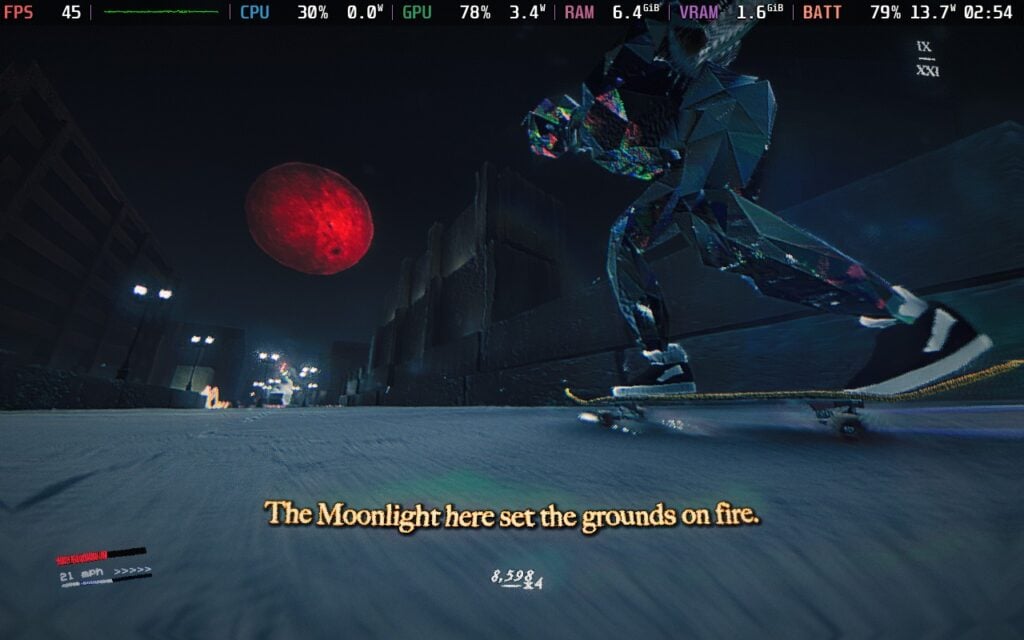
What I had zero issues with is the soundtrack. Skate Story's soundtrack is phenomenal, and I fell in love with it the longer I played. It pumped me up and kept me going, and while the sound of the wheels screeching on the ground was a little too loud, the music just kept me going.
I also have a love-hate relationship with how you control your skater. It feels just like any usual skate game, where you move with the left stick and use the A button to push the ground to accelerate. However, for tricks, everything is linked to the B button and the shoulder buttons. There are some light tricks you can do with the X button, but the bulk of them will be with the B button. There’s a nice variety of tricks to utilize, which can come from either a single or double press of any of the shoulder buttons, or any combination of them. It’s quite easy to learn and utilize these tricks, and there were many moments where I felt really cool landing some awesome-looking tricks with some well-timed slow mode from the game itself.
I also really like how these tricks are implemented in boss fights. There will be multiple fights that we will have to go through in the game, and for these fights, we will have to do tricks and combos to accumulate high scores, and then attack by stomping the ground to end the combo. The score you have is the amount of damage you deal to the boss, and I found this to be an interesting way to handle these kinds of fights.
While Skate Story's gameplay is very enjoyable, there are a couple of issues that stopped me from fully enjoying it. Controlling your skater isn't always easy. The visual chaos does affect it a little bit, but there were many levels where I found it very hard to control turns because when you are pushing your foot down to accelerate, you can’t turn as much. And with it sometimes hard to see what’s in front of us, anticipating how long it will take for our foot to go down so we can turn in time is difficult. We do have power slides to turn faster, but it’s still not enough. The simulation of skating in the game is more accurate in this sense, but the world itself feels like it’s catered to something less realistic.
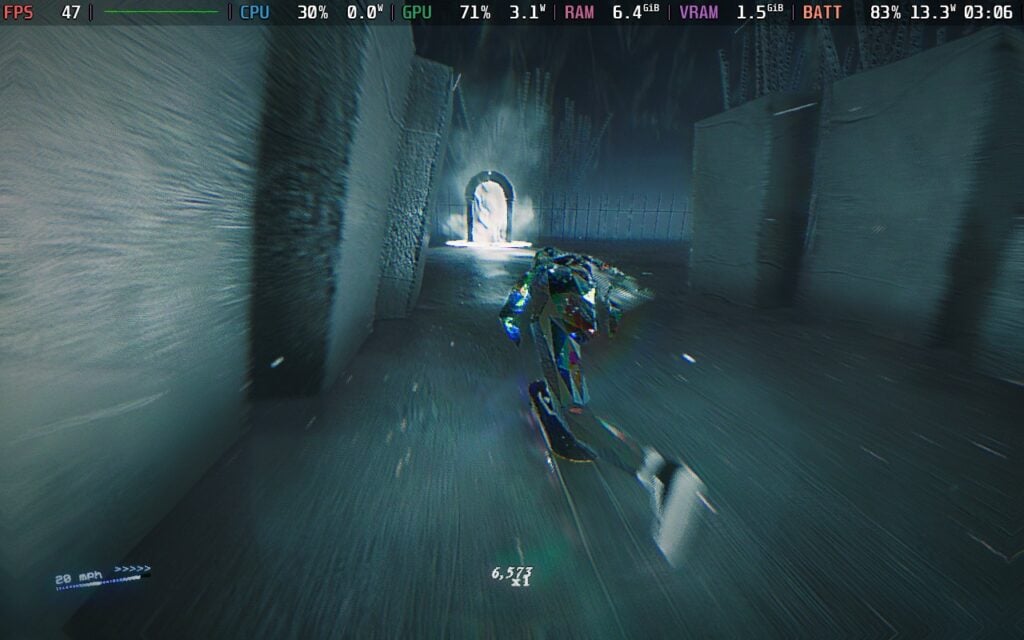
As for bosses, the visual chaos does make it hard sometimes, but I did really enjoy most of the actual fights. The big issue I have here is how their health is sectioned. With the reliance on gaining more points to deal more damage to their health, it feels like we are supposed to be trying to accumulate the highest score possible to deal the most damage possible. However, their health has sections, and you can only deal with one section of damage at a time. So, it becomes useless to bring your score up higher than around 8,000 or 10,000, as you won’t deal damage past that. I didn’t know the feeling that a slight bit of damage in one section could carry over to the next, but with bosses, having upwards of 6 to 7 sections of health or higher, it just didn’t feel worth it to try to go higher up.
Outside of the levels and bosses, you’ll be able to run around different towns, gain souls, and use them to buy new customization options for your skateboard. There are going to be objectives in these towns as well for the story, but we can also find little side quests like moonlight areas, where we can do tricks and gain some extra souls. I never felt like we stayed too much in these towns before getting to the more exciting, faster pace levels, and with all the obstacles in the towns, I did get a good amount of practice for grinding and doing other tricks. In a way, it’s a nice reprieve from the usual levels that we’re going to be playing through to eat the moons.
Ahead of its release, Skate Story was Verified by Valve, and I would say by their definition, it deserves it. The default settings run well, and for the first few hours, it will feel perfect at 60 FPS. However, the cracks start to show later on, with parts of Chapters 3 and 4 and onwards, showing some warning signs and slowdowns. The game will throttle framerate when it gets too heavy, going down to around 45-48 FPS at times.
We can mitigate this a little by turning off Ambient Occlusion, which makes some of these areas stop throttling and stick to 60 FPS, but there are still times when it will drop regardless. It isn't the most jarring, but still noticeable, and I wasn't a big fan. I even tried the settings for the Steam Deck recommended by the team, but it still has those moments of throttling.
So, for the most stable experience, I recommend keeping the settings where they are, but setting the framerate limit to 45. It does make the game feel a little less smooth, but it's still very playable and enjoyable. You can keep it to 60, and it will still be enjoyable 90% of the time, but it does feel odd when skating around as fast as possible, and the framerate jolts down to the mid-40s. I just preferred keeping it at 45 and stable the whole time, which not only brought up the battery life a bit, but also feels fluid.
There is an accessibility tab here, which can change the combo timer and decay, push on forward input, and push being toggled instead of pressed, trick damage, mode, and player health. We can also toggle tutorials, speedometer, slowmo, cutscene UI, vibration, rebind controls, change camera invert and sensitivity, change camera distance and screen shake, modify audio volume, and change the language.
The game does support 16:10 resolutions, cloud saves, and controllers. There are HDR settings and it does recognize the Steam Deck OLED screen.
Skate Story has some very interesting ideas and gorgeous visuals, but some missteps stop it from being a must-have game in my book. I love the aesthetic, the general gameplay mechanics with skating and how easy it is to do tricks, and the wacky story. But the difficulty in controlling our skater, the lack of ways to go back and play through the levels, and the overall feeling of uselessness for the combo system during boss fights keep it from greatness. It’s still a fun game, and I had a good time with it, but there was just too much stopping me from fully immersing myself in it.
It is a good time on the Steam Deck, and if you’re going to be getting the game anyway, it is a lot of fun to play on the go. It isn’t as stable as I would’ve liked, but you can still play it with a solid battery life and a smoother feel than 30 FPS. Ultimately, this is a game. I would recommend playing on the go if you’re going to be getting it anyway.
このレビューはPC版に基づいています。
このレビューをお楽しみいただけたなら、SteamDeckHQ の他のコンテンツもぜひご覧ください!あなたのゲーム体験に役立つゲームレビューやニュースを幅広く取り揃えています。ニュース、ヒントやチュートリアル、ゲーム設定やレビューをお探しの方も、最新のトレンドを知りたい方も、ぜひご利用ください。
MARVEL Cosmic Invasion was provided by Dotemu for review. Thank you!
Marvel Cosmic Invasion is the latest collaboration between Tribute Games, Dotemu, and Marvel, bringing a vibrant, pixel-art beat-’em-up to players who grew up on arcade cabinets, quarter-eaters, and Saturday-morning superhero shows. The premise is straightforward but effective: Annihilus launches a full-scale invasion across reality, forcing Earth’s defenders and cosmic heavyweights alike to team up and push back the swarm. It’s a colourful, high-energy adventure that blends classic brawler design with modern polish, but how well does it all come together? And more importantly, how does it run on the Steam Deck?
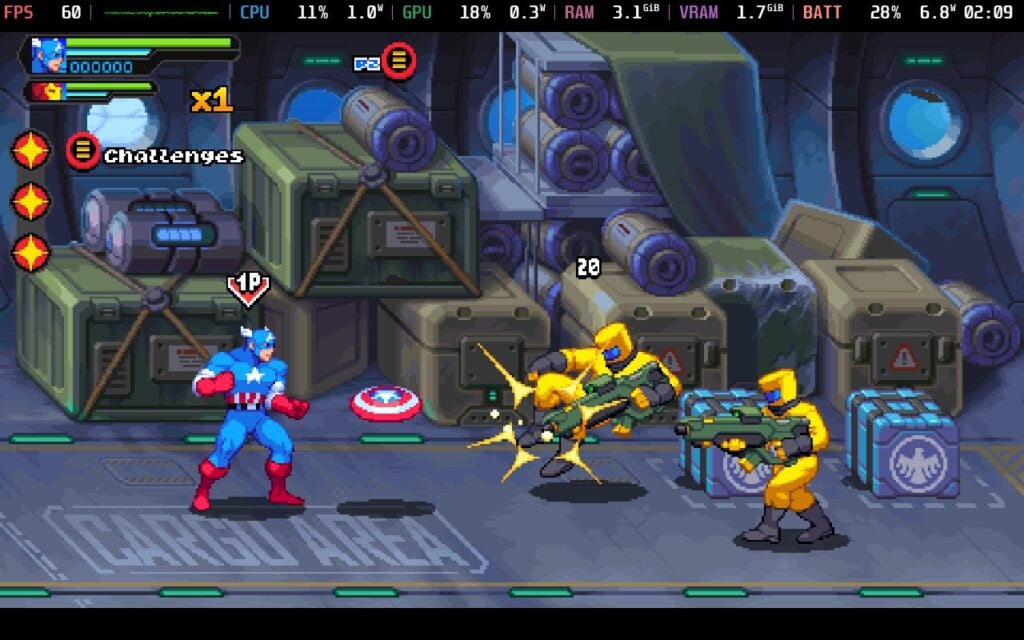
From the moment you jump in, it’s clear that Cosmic Invasion is designed as a wonderful love letter to the ’90s. The core loop is exactly what you’d expect from a side-scrolling beat-’em-up, for better or worse: move through a stage, break through waves of enemies, fend off the occasional heavy hitter, and finish with a boss encounter. What sets the game apart, however, is its tag-team character system. You bring two heroes into each mission and can swap between them instantly, which is undoubtedly more than a novelty with characters genuinely complementing each other, and experimenting with combinations becomes one of the game’s most rewarding aspects.
One hero might be better at closing gaps, another at crowd control, and another at dishing out big bursts of damage when needed. Black Panther is where it's at for me, personally, but each of the core missions has tasks corresponding to two particular playable characters, naturally encouraging you to not only try everyone eventually, but to use a character's full repertoire of skills and abilities throughout.
Combat itself is simple enough to pick up within seconds, but satisfying once it clicks. Every hero has their own rhythm and flavour, and they animate beautifully. There’s a distinct difference between swapping from, say, Wolverine’s relentless aggression to Captain Marvel’s flashy mid-range abilities, and the contrasts keep the moment-to-moment action interesting. While enemies can grow repetitive later in the campaign, boss fights consistently step up the pace and inject variety. They’re often the highlight of their stages, with large, screen-filling attacks and clever patterns that push your timing and positioning.
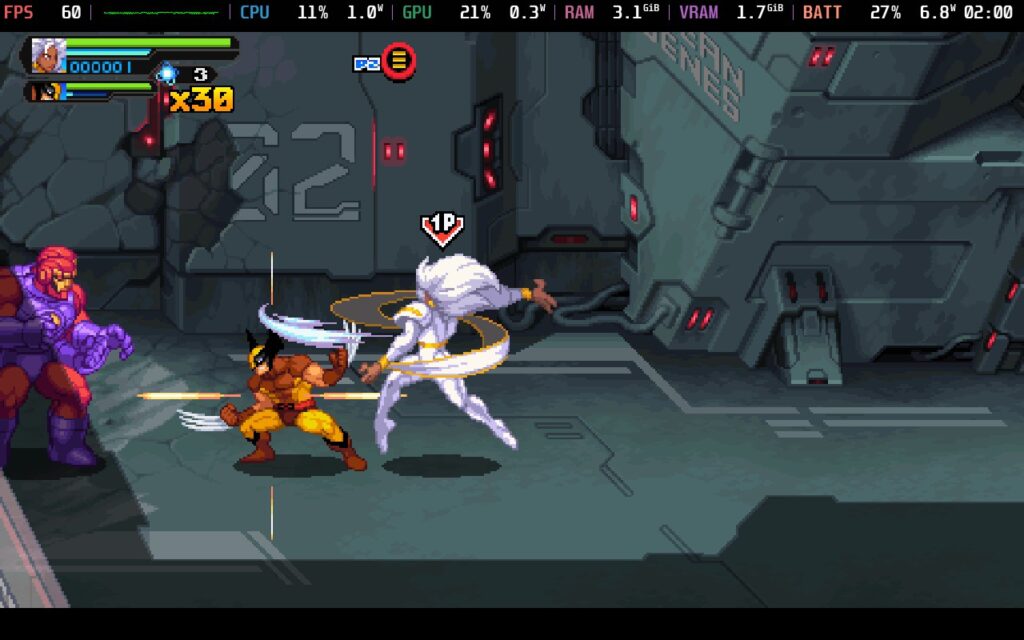
Stages take you across a tour of Marvel locations, from the bustling streets of New York to the interior of a S.H.I.E.L.D. Helicarrier to cosmic hotspots like Knowhere and the Negative Zone. They don’t reinvent the wheel, but they’re visually distinct and paced quickly enough that the repetition never becomes sluggish. The game maintains an evident respect for the classic brawler format, never overreaching, but adding just enough flair to feel fresh in 2025.
Despite all its strengths, however, Cosmic Invasion does show cracks in the areas that tend to strain beat-’em-ups. Enemy waves can start to feel predictable, especially in longer sessions, and the overall lack of surprises within stage layouts means the game leans heavily on its combat system and boss fights to maintain momentum. Those bosses deliver often, but the journey between them occasionally becomes straightforward to a fault.
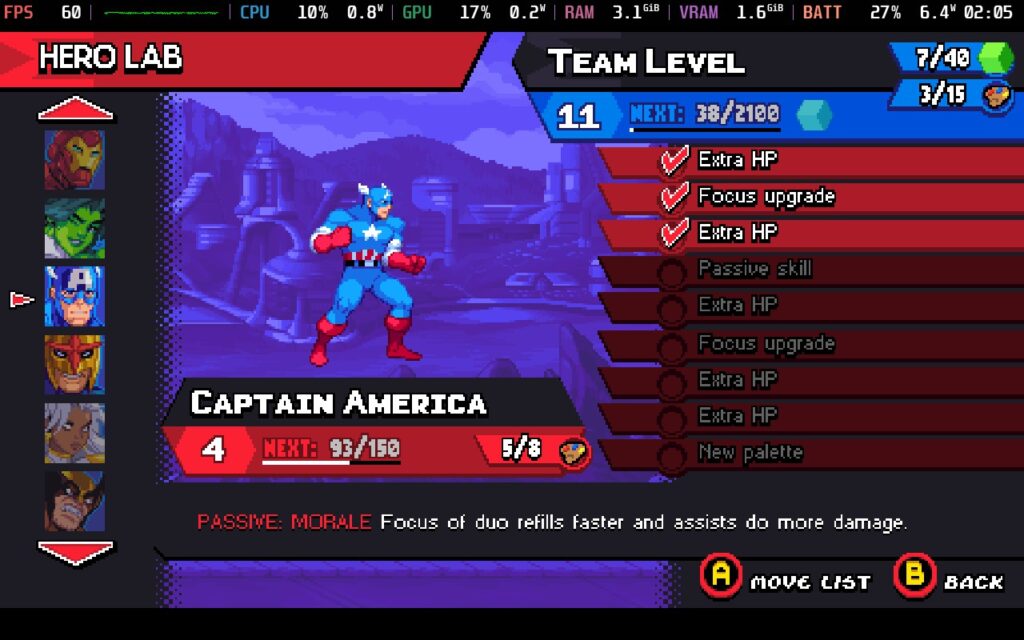
Another limitation is the light progression system. Characters don’t grow in complex ways, and outside of cosmetic unlocks, the game offers little in the way of long-term character building or loadout experimentation. This won’t bother genre purists, but players who expect modern RPG-lite systems may find the experience more shallow than they’d hoped.
Finally, during co-op, especially with four players, the screen can become overwhelmingly busy. Pixel effects, particle bursts, enemy mobs, and overlapping supers can make it tough to track your character during the most explosive moments. It’s fun chaos, but chaos all the same.
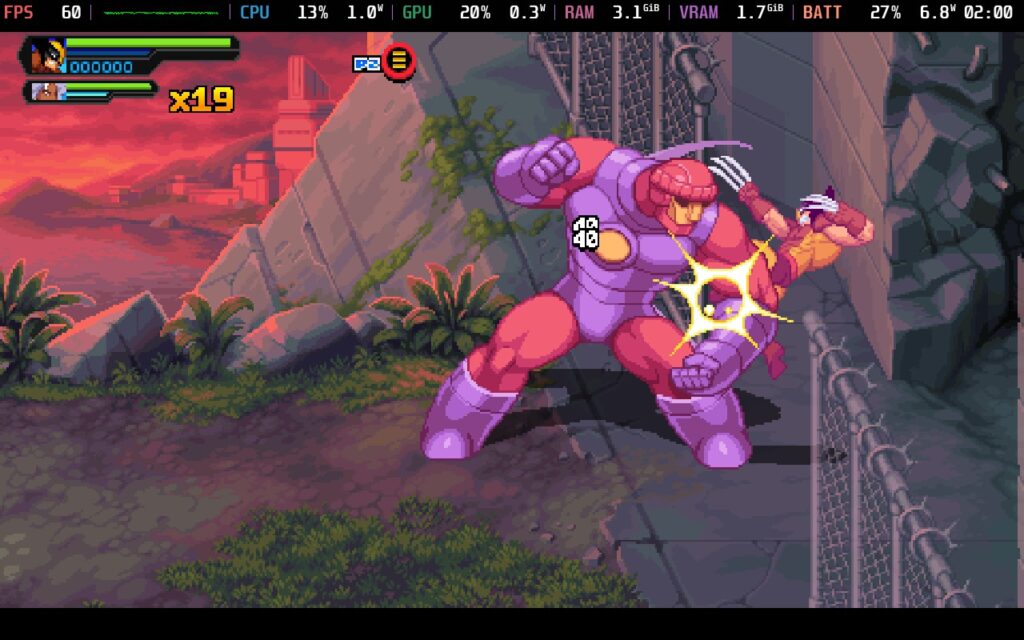
Story-wise, there's enough to keep you somewhat engaged, but never above the stakes that you would typically find amongst its genre-based peers. Cosmic Invasion wisely embraces a Saturday-morning cartoon tone, offering lighthearted, high-energy storytelling rather than MCU-style drama. The stakes are enormous, Annihilus is invading all known space, after all, which is about as drastic as it can get without Thanos/Kang/Galactus/Apocalypse, etc., but the writing and performances keep things fun rather than overly serious. It’s precisely the right tone for this style of game.
The presentation is where Tribute Games truly shines, and the real glue between all of the other fantastic design choices. The pixel art is some of their best work: expressive, fluid, and loaded with detail. Heroes animate wonderfully, environments brim with personality, and effects explode off the screen in a way that feels nostalgic without ever looking dated. The soundtrack backs all of this up with energetic riffs and sweeping cosmic cues that elevate the action without distracting from it.
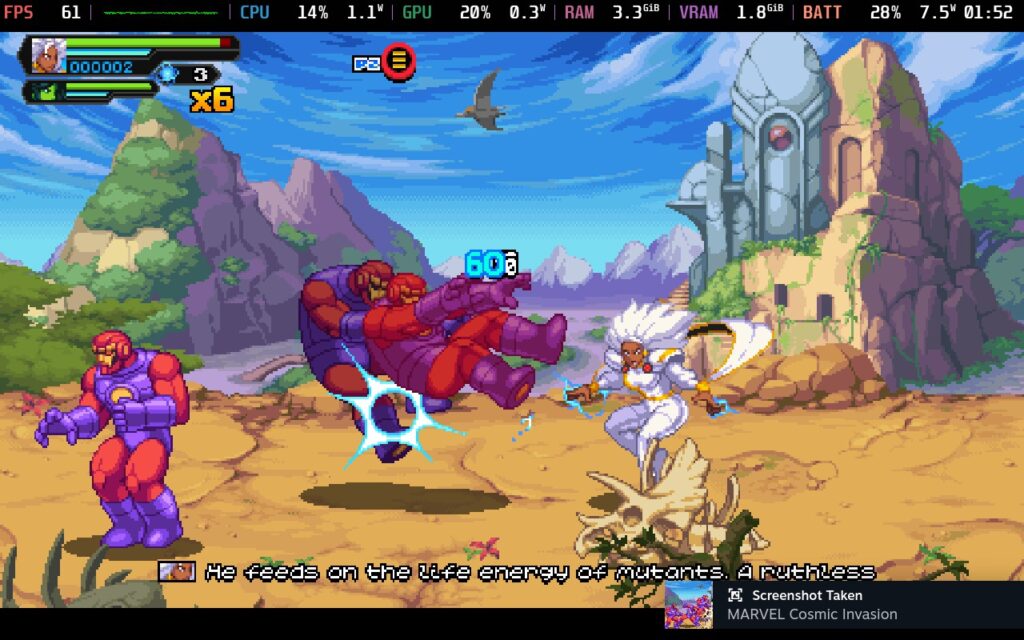
Marvel Cosmic Invasion feels tailor-made for the Steam Deck. On both OLED and LCD models, the game holds a flawless 60 frames per second at the Deck’s native resolution, even during the most chaotic four-player sequences. Power draw remains nigh-on perfect, usually hovering around single-digit wattage (between 5.5 and 6W), giving you between 7.5 to 8 hours of battery life without any tinkering. Temperatures stay as cool as anything, and with no stutters, hitches, or crashes to report, there's quite honestly, no notes whatsoever. Perfect in all regards.
Cosmic Invasion includes a modest but thoughtful range of accessibility features in line with what you could typically expect from a retro-inspired brawler. Toggles for Subtitles and Shaking Effects are available, as are rebindable controls, should anyone find the defaults not up to scratch.
Marvel Cosmic Invasion is a joyful, confident, and beautifully crafted beat-’em-up that knows precisely what it wants to be. It celebrates the genre’s roots while adding just enough innovation to stand out, and its reverence for Marvel’s cosmic side gives it personality to spare. On Steam Deck, it’s close to perfect — smooth, stable, responsive, and wonderfully suited to handheld play.
While repetition, limited progression, and occasional visual overload keep it from reaching genre-defining heights, the overall package remains highly entertaining, especially for fans of co-op play, classic arcade brawlers, or Marvel’s colourful roster of heroes. It’s easy to pick up, exciting to master, and hard not to enjoy.
このレビューはPC版に基づいています。
このレビューをお楽しみいただけたなら、SteamDeckHQ の他のコンテンツもぜひご覧ください!あなたのゲーム体験に役立つゲームレビューやニュースを幅広く取り揃えています。ニュース、ヒントやチュートリアル、ゲーム設定やレビューをお探しの方も、最新のトレンドを知りたい方も、ぜひご利用ください。
Hyrule Warriors: Age of Imprisonment was provided by Nintendo for review. Thank you!
Few franchises weave lore and legacy together quite like The Legend of Zelda. Every new entry feels like a piece of a sprawling timeline puzzle, adding nuance to the mythos fans have debated for decades. Hyrule Warriors: Age of Imprisonment, developed by Koei Tecmo and published by Nintendo, takes another bold swing at that legacy, setting its sights on the legendary Imprisoning War, an era previously shrouded in mystery. The result is a stunning, action-packed experience that blends the familiar Warriors formula with a heavy dose of Zelda grandeur, though not without some of the same old genre fatigue.
Set long before the events of Tears of the Kingdom, Age of Imprisonment thrusts players into an ancient Hyrule caught in the chaos of war against, you guessed it, Ganondorf. This isn't the usual cycle of "Link saves Zelda and the kingdom"; in fact, Zelda herself takes centre stage this time, leading an army alongside King Rauru and the Sages in an effort to prevent Ganondorf's dominion from ever taking hold.

From the opening moments, it's clear this isn't just another spinoff. The tone is darker, the stakes feel heavier, and the narrative leans into the tragedy and grandeur of ancient Hyrule. Cutscenes are beautifully rendered, voice acting is strong across the board, and the musical score, sweeping orchestral takes on classic Zelda motifs, gives each battle a mythic energy.
That said, the story sometimes struggles with pacing. While the cutscenes and lore connections are thrilling for longtime fans, the mission structure occasionally undercuts the drama. Major revelations are often interspersed with repetitive combat sequences that drag down the campaign's rhythm. Still, for those invested in Zelda's broader mythology, this is one of the richest explorations the series has offered outside of a mainline title.
At its core, Age of Imprisonment remains unmistakably a Warriors game; you'll spend most of your time mowing through hundreds of enemies in expansive battlefields, capturing outposts, and unleashing cinematic special attacks. What keeps it fresh this time are the mechanical refinements and Switch 2 performance boost.

Combat feels faster and more fluid than ever before. Each playable character brings a unique combat rhythm, from Zelda's ethereal Light powers to Rauru's devastating energy-based combos. The new Sync Strike system lets you coordinate tag-team assaults between characters, chaining attacks in stylish, screen-filling bursts of power. Zonai technology also makes its debut, allowing you to mix elemental devices into your combos. Building a temporary flame turret or launching a wind burst to juggle enemies adds tactical flair that was sorely missing from Age of Calamity. When combined with quick character swapping, it makes even familiar battles feel dynamic.
However, the underlying structure remains classic Warriors: capture bases, clear objectives, repeat. Even with all the new mechanics, mission variety struggles to keep up. Enemy commanders change, but objectives rarely evolve beyond "defeat this horde" or "escort this ally." The repetition sets in faster than you might hope, especially during the mid-game chapters.

The transition to the Switch 2 does wonders for the Hyrule Warriors formula. Where Age of Calamity buckled under technical strain, Age of Imprisonment feels remarkably stable. The game targets 60 FPS and maintains it in most scenarios, even when the screen floods with enemies. Texture quality, lighting, and environmental density all see significant improvements, from sun-drenched ruins to haunting subterranean arenas. There's still occasional pop-in, especially with distant troops or effects-heavy sequences in co-op mode, but overall it's the smoothest Warriors experience yet on a Nintendo platform. Split-screen play remains viable, and performance dips are mild rather than game-breaking.
Visually, it's gorgeous. The art direction draws heavily on Tears of the Kingdom, with shimmering Zonai architecture and ethereal particle effects that give the battlefields an otherworldly touch. Each battlefield feels distinct, with lush plains, shattered temples, or molten caverns, helping the repetition of objectives feel slightly more palatable.

Age of Imprisonment shines brightest when its presentation fully commits to Zelda's emotional weight. The soundtrack merges sweeping orchestration with subtle motifs from older games, echoes of Skyward Sword, Ocarina of Time, and Tears of the Kingdom, creating a rich soundscape that rewards long-term fans.
Expect to spend around 18–20 hours clearing the main campaign, with plenty of optional side missions, challenges, and unlockable characters padding out the total runtime. Each hero comes with upgrade paths, weapon fusions, and ability synergies to experiment with, making the grind rewarding for optimisation enthusiasts.

That said, once the main story wraps, there's limited incentive to revisit missions beyond character completion, should that float your proverbial boat. The game's most significant weakness remains its tendency to reuse map layouts and enemy combinations in slightly altered forms. A more robust post-game or alternate campaign path would have elevated its staying power.
Age of Imprisonment doesn't just expand on the Hyrule Warriors blueprint; it finally perfects it. For the first time, this subseries feels like more than a side project; it's an essential part of Zelda's growing mythology. It's both a thrilling return to form and a promise that, even in war, Hyrule's legend will always endure.
このレビューはNintendo Switch 2版に基づいています。
このレビューをお楽しみいただけたなら、SteamDeckHQ の他のコンテンツもぜひご覧ください!あなたのゲーム体験に役立つゲームレビューやニュースを幅広く取り揃えています。ニュース、ヒントやチュートリアル、ゲーム設定やレビューをお探しの方も、最新のトレンドを知りたい方も、ぜひご利用ください。
GODBREAKERSはThunderful Publishingよりレビューのために提供されました。ありがとうございました!
ゲームにおける快適さと予測可能性の間には、特に微妙な境界線がある。 GODBREAKERSは自信を持ってそれを歩んでいる。デベロッパーTo The Skyによるこの4人協力プレイのハック&スラッシュRPGは、何かを刷新したわけでも、何かに秀でているわけでもないかもしれないが、前提にある独創性の欠如を、実行力と圧倒的な面白さで補っている。スピーディーで派手な戦闘、巧みなパワー吸収メカニズム、Steamデッキでの短時間のプレイに最適と思われるカラフルでカオスな世界観など、一度やり始めると手放せない。

ゴッドブレイカーズは、奇妙な敵やミニボス、巨大な神々がうようよと徘徊する、シュールでありながら美的センスに溢れたバイオーム(生物群)の中にプレイヤーを落とし込む。本作のフックはゴッドブレイク・システムにあり、弱った敵を吸収することで、その敵のユニークな能力を1回だけ自分の武器に加えることができる。これはアグレッシブなプレイと実験が報われる仕組みで、戦闘をダイナミックで予測不可能なものにしている。
プレイの合間には、さまざまな新しい「アーキタイプ」(クラス)や「タングル」(モディファイア)がアンロックされ、挑戦の難易度が興味深い方法で変化する。構造的にはおなじみのローグライトのセットアップだ:飛び込んで、戦い抜いて、強くなって、死んで、また同じことを繰り返す。楽しさの鍵は戦闘と、それぞれのユニークなアーキタイプの操作の多様性にある。どれも素早く、派手で、一貫してやりがいがあり、開発陣によって見事に構築された様々なクラスの中で、正確さと混沌さのバランスが満足のいくものとなっている。

GODBREAKERS』でもビルドクラフトは他のローグライクゲームと同様に必要不可欠なものだが、基本的な能力、攻撃、吸収される攻撃などがすでに有能なベースになっていることを考えると、それほど重要ではないに等しい。ライト、ヘビー、クールダウンロックの特殊攻撃が入り混じって武器庫を構成し、体の各部位(頭、胸、腕、脚、足)に1つずつ用意されたドロップ装備が、「追加」効果の中核となる選択肢を構成する。ステータスデバフを持つ敵を倒したら爆発させたい?そのためのアイテムがある。ランダムなゴッドブレイクを武器庫に追加したい?それならある。同世代のゲームよりも、いくつかの効果がより......あえて言うなら、楽しい?
ローグライクというジャンルでは珍しい協力プレイを考慮すると、この美しいカオスはさらに4倍になる。友達とチームを組めば、パワーの組み合わせを調整したり、さまざまな役割をカバーしたり、避けられないカオスの中で笑い合ったりと、駆け引きにバラエティが生まれる。エネルギーと自発性を共有することでうまくいくタイプのゲームなので、オンラインやカウチでの協力プレイセッション、特に最初に予想したよりずっと長く続くようなセッションに適している。
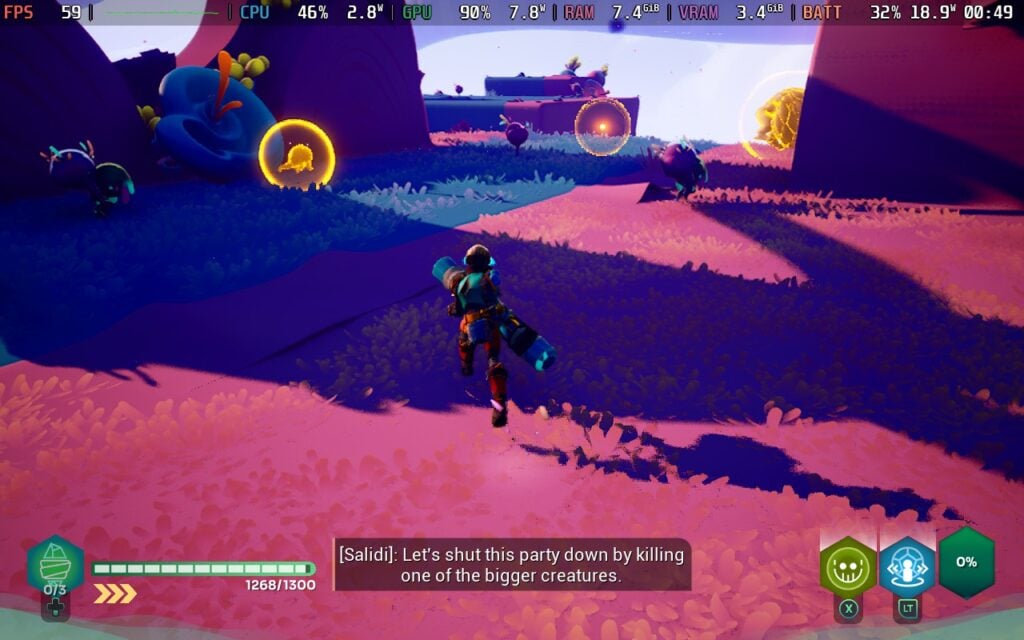
その長所とは? ゴッドブレイカーズは新境地を開拓したとは言い難い。その構造、ループ、演出は見慣れたもので、『Hades』、『Risk of Rain 2』、『Dead Cells』といったジャンルの大作を参考にしているが、同じ高みには達していない。ゴッドブレイクの仕組みは巧妙だが、各ランへの取り組み方を根本的に変えるものではない。ゲームもところどころテンポが悪く、一部の敵やボスがスポンジーに感じられ、戦略性を高めることなく戦いを長引かせている。同時に、基本的な性能は十分すぎるほど高いという前評判とは裏腹に、パワーの組み合わせによっては、走りがつまらないものに感じられたり、バランスが悪すぎてイライラさせられたりすることもある。狙いが奥深さにあるのは明らかだが、その実行は時折失敗する。
視覚的に ゴッドブレイカーズは印象的だが、画期的なものではない。各バイオームは鮮やかな色彩で彩られ、ゲームにエネルギッシュで、ほとんどコミック本のようなセンスを与えている。キャラクターや敵のデザインは、誇張されたシルエットやエフェクトを多用した攻撃に傾いており、デッキの有機ELディスプレイで見事に弾けている。環境は常に劇的な変化を見せるわけではないが、アクションが生き生きと感じられるよう、アニメーションには十分なスタイルとセンスがある。

スチームデッキで ゴッドブレイカーズは素晴らしい出来だ。公式検証済みであり、そのことを示している。そのままの設定で60fps近いスムーズなゲームプレイが期待できるが、1つだけ小さな変更を加えることで、具体的にはグローバルイルミネーションの設定を1つ下げて「中」にすることで、60fpsを保証することができる。この変更はグラフィック的にもほとんど目立たず、安定性のための簡単な選択/犠牲となる。
設定では、言語の変更、ターゲットロックの切り替え、カメラの視野と手ぶれの強さの変更、浮遊している戦闘や受けたダメージの数字などいくつかのHUD要素、バイブレーションの切り替え、キーの再バインド、オーディオ設定の変更ができる。
このゲームは16:10解像度、クラウドセーブ、コントローラーをサポートしている。HDR設定はない。
ゴッドブレイカーズ革命的ではないが、紛れもなく面白い。色彩豊かなカオス、満足度の高い戦闘、巧みな協力プレイなど、このゲーム特有のブランドは、ちょっとしたセッションのために起動しても、結局何時間も時間を忘れてしまうような、そんなゲームのひとつだ。目新しいことは何もしていないし、混み合ってきているローグライトの中で目立つこともないだろうが、最も重要な部分、つまりプレイするのが信じられないほど楽しいという点には釘付けだ。
Steamデッキでは、優れたパフォーマンスと、携帯ゲーム機のアクションのために作られたような体験のおかげで、さらに輝いている。何か新鮮なもの、ジャンルを定義するようなものをお探しなら、 ゴッドブレイカーズはそれを提供してくれないだろう。しかし、飛び込んで物を壊し、力を盗み、そしてそれを楽しみたいのであれば、このゲームはそれを叶えてくれる。
このレビューはPC版に基づいています。
このレビューをお楽しみいただけたなら、SteamDeckHQ の他のコンテンツもぜひご覧ください!あなたのゲーム体験に役立つゲームレビューやニュースを幅広く取り揃えています。ニュース、ヒントやチュートリアル、ゲーム設定やレビューをお探しの方も、最新のトレンドを知りたい方も、ぜひご利用ください。
Ninja Gaiden 4はXbox Game Studiosよりレビュー用に提供されました。ありがとうございました!
Xboxは最近、多くの興味深い決断を下している。ソフトウェアを優先させたり、"何でもXbox "というモットーのような素晴らしいものもあれば、Tango Gameworksのような素晴らしいスタジオに影響を与えた大量のレイオフのような物議を醸すものもある。しかし、私は今月のラインナップを楽しみにしていた。私が大好きな「Keeper」で好調なスタートを切ったが、今月発売されるゲームの中では「忍者龍剣伝4」が最も期待していた。残虐でグロテスクな予告編から、東京ゲームショウで試遊できた素晴らしいデモまで、飛び込むのが圧倒的に楽しみだった。大きな期待を抱いていただけに、それに応えなければならないことも多かった。ゲームをプレイした今、このゲームは今年のお気に入りのひとつになった。
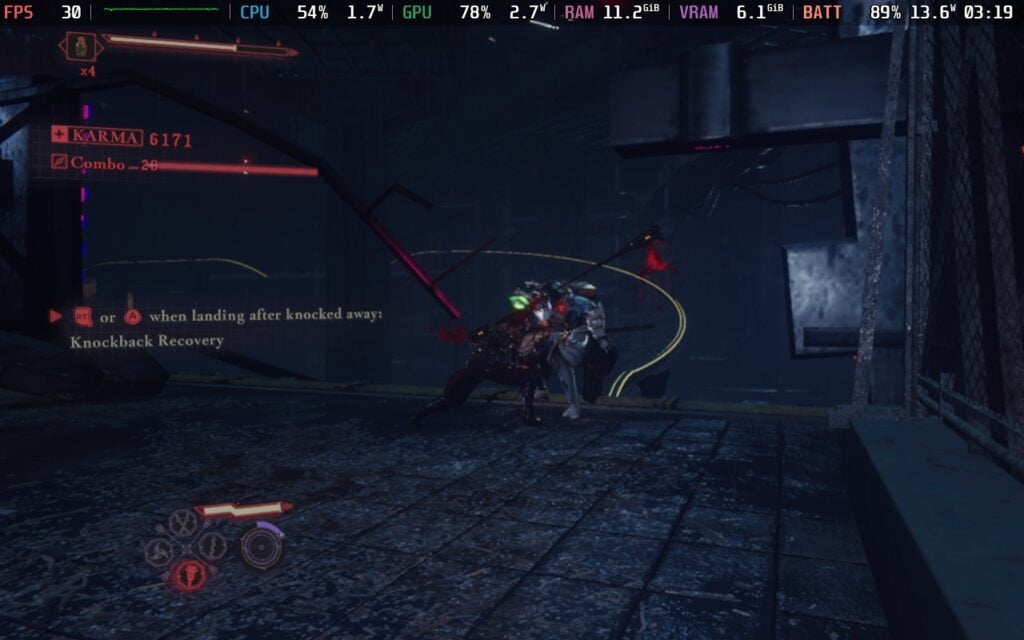
トレーラーやデモで披露されていたあのハイテンションな戦闘は、製品版でも誇張されておらず、これ以上嬉しいことはない。常に複数の敵を翻弄し、防御を崩す攻撃を切り替え、豊富な攻撃を駆使して対峙する悪魔や人間を残虐に扱わなければならず、その激しさは不変だった。開発者のTeam NinjaとPlatinumGamesは、今年私がプレイした中で最もタイトでアクション満載の戦闘を作り上げ、その強みを存分に発揮してくれた。
一般的に、戦闘は把握しやすく、奥行きがあるほど複雑で、派手なので見ていて楽しい。基本攻撃と強攻撃しかないが、これらを組み合わせてユニークなコンボを決めたり、空中で敵をジャグリングさせたりできる。攻撃しながらバラバラにすることもでき、バラバラにされたときに強攻撃を押すと、残酷にバラバラにする短い映画のような攻撃になる。また、通常は少し遅いが、より多くのダメージを与え、防御を破ることができるブラッドウェポンも使用できる。また、プレイに応じて上昇する暴れメーターがあり、敵を一撃で仕留めるブラッドバス技を使うことができる。
プレイを続けるうちに、古典的なイズナ落としや必殺技のような新しい技がアンロックされ、ムーブセットは広がっていく。また、4種類の武器があり、それぞれに特別なブラッドウェポンがあり、概ね似たようなスタイルの発動方法を持つ。同じような発動方法ということは、必殺技の発動方法も同じということだが、実際のムーブセットや必殺技はまったく違う。お気に入りの武器が1つか2つあったとしても、それぞれの武器に好きなものを見つけ、常に切り替えて楽しんでいた。
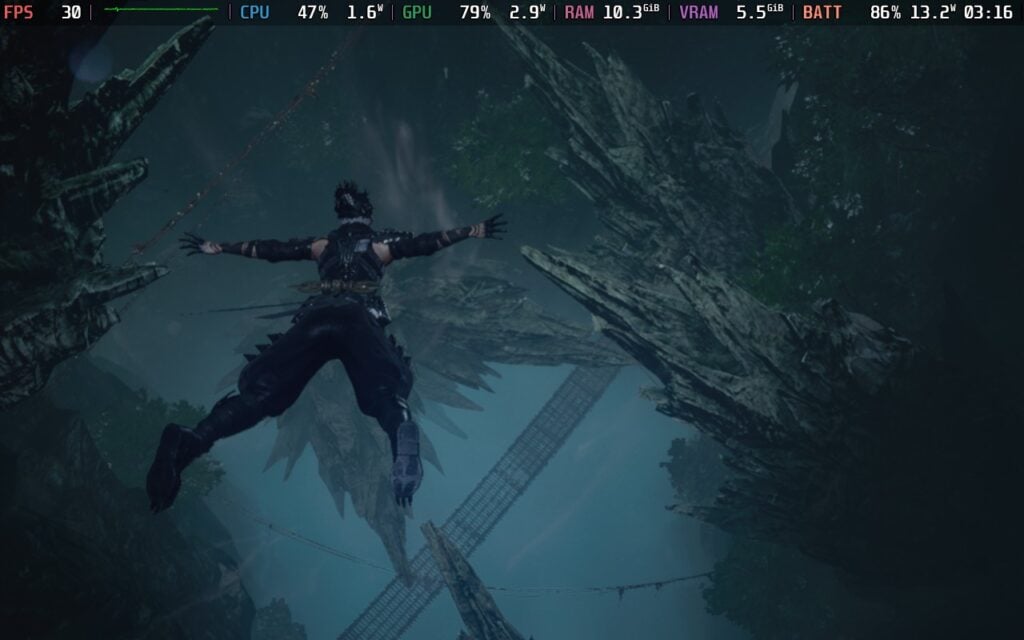
格闘ゲームは大好きだが、必殺技はいつも最大の悩みだ。いろいろな技を使うために特定のコマンドを入力しなければならないし、そのコマンドが自分のファイターにも影響を及ぼすので、ちょっと大変だ。忍者龍剣伝4』にはその問題がない。追加攻撃はたいてい、ジョイスティックを上下か円形に動かして、XかYを押すというもので、簡単にできるだけでなく、すでにあるコンボにうまく組み込める。すでに基本攻撃ボタンを押している間に、それらの攻撃を発動させるのが簡単で、進行中のコンボが乱れたり、方向が変わったりすることがないのが気に入った。
サイバーパンク風の都市から森の寺院や水中クラブまで、さまざまな舞台で繰り広げられるゴージャスなビジュアルの饗宴、そして素晴らしいサウンドトラックと相まって、戦闘はまさに体験する喜びだった。たとえ同じような動きを何度も繰り返していたとしても、どの戦いも魅力的でエキサイティングに感じられた。武器の一振り一振りの派手さ、完璧なタイミングで受け流したりブロックしたりすることで生まれる輝き、そしてチャージした究極の攻撃から生まれる光のストロボにさえ、ただただ吸い込まれそうになる。グロテスクな残虐性、派手なエフェクト、ハイスピードの激しさが完璧に管理されたシンフォニーのように感じられ、プレイすればするほど病みつきになった。
戦うたびに、通貨と武器経験値も手に入る。通貨は、回復や攻撃力・防御力を一時的にアップさせるさまざまなアイテムの購入に使えるほか、ブロッキング後のカウンターや身につけられるアクセサリーの増加など、新しいテクニックの購入にも使える。武器の経験値は、さまざまな武器の新しい技をアンロックするために使う。アクセサリーやアイテムは、防御力を上げたり、生き残るために必要なブーストを与えてくれる。また、敵からドロップするブラッドオーブもあり、これは回復やアルティメットのチャージを早めるのに使うことができる。
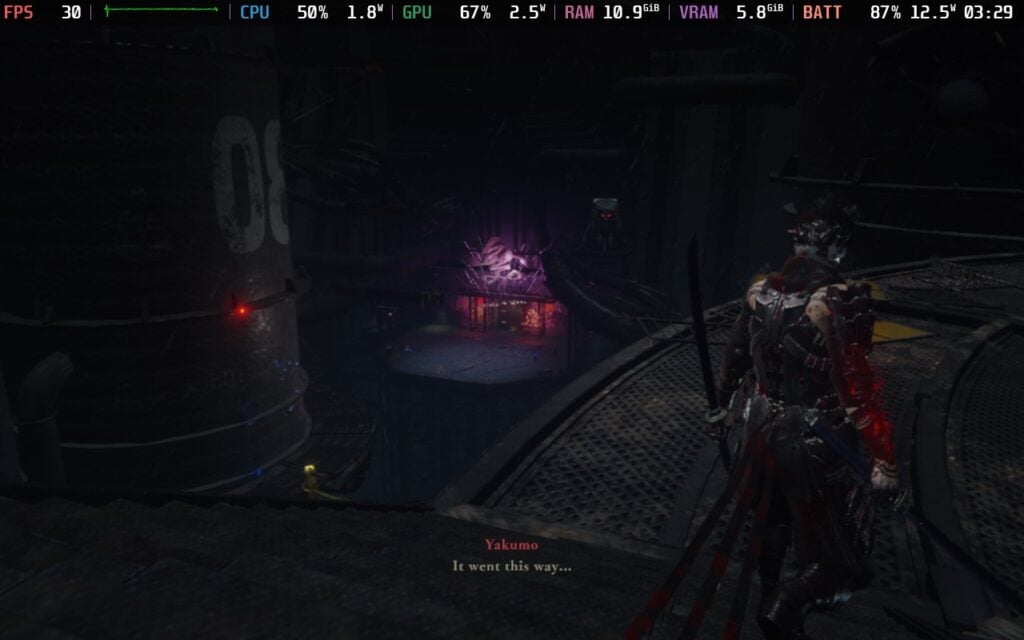
木箱があるのはいいのだが、いくつか見逃してしまったので、身につけたかった素敵なアクセサリーを逃してしまった。また、サイドミッションも用意されており、小さなひょうたんを見つけたり、煉獄の門で敵の波に立ち向かって通貨や経験値を稼ぐこともできる。しかし、サイドミッションの多くはただそこにあるだけで、前のチャプターに戻るまではクリアできない。でも、コインや武器経験値を稼ぐために戻って挽回することができないのはちょっと残念だ。
実は最初のころはプログレッション・システムがあまり好きではなく、武器と技が分かれていることに戸惑ったものだが、プレイを重ねるうちに馴染んできた。一度のプレイですべてをアンロックするのは難しいだろうが、その分、後日、高難易度のチャプターをプレイしたり、ボスと再戦したり、煉獄の門に再挑戦したりする理由が増えた。煉獄の門にはそれぞれ複数のオプションがあり、最大体力を犠牲にして通貨や経験値を増やすことができる。
忍者龍剣伝4はアクションと復帰がすべてで、アイテムホイールを含め、ほとんどのメカニックがそれを推し進めるが、他のUIや研磨がそれに反しているような気がする。新しい技や動きのアンロックにはいくつかのウィンドウが必要だし、体力のアップグレードには2つのパーツの組み合わせを見るのに少し時間がかかる。また、削るのは特に時間がかかると感じた。もう少しテンポの良いものを期待していたのだが、今後の削り部分は魅力的なものもあるが、序盤の削り部分はそうではなかった。
しかし、これらは極めて小さな問題であり、実際に私の経験をそれほど害するものではないが、目につくものだった。
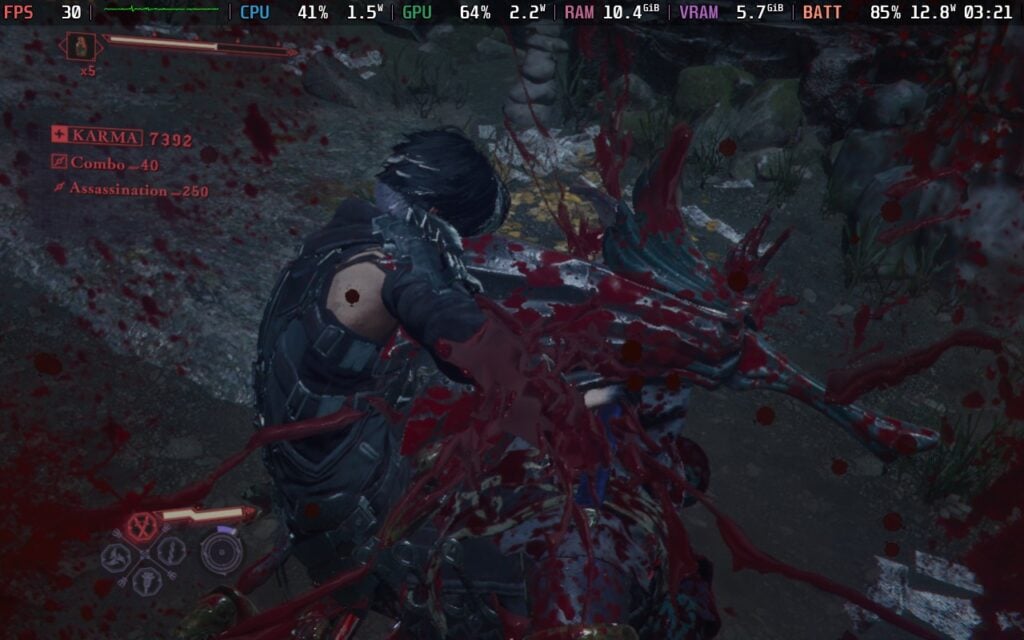
ストーリーモードをクリアするのにそれほど時間はかからず、合計約8時間だったが、これは明らかに量より質のケースだ。その8時間は爽快で、ゲームを倒した後、サイドミッションをこなしたり、ボスに再挑戦したり、より高い難易度でプレイしてより高いスコアでゴールしようとしたり、より多くの最大体力を奪われた状態で煉獄の門をゴールしようとしたりするために、章に戻るモチベーションが十二分に見つかった。
ストーリーは興味深かったが、説得力のある物語というよりは、舞台を整えるためにあるようなものだった。リュウとの再会はエキサイティングだったし、他にも小さな驚きが散りばめられていて楽しめたが、全体的には、この物語にはあまり興味が持てなかった。私たちは主にレイヴン一族の忍者である八雲としてプレイする。彼はセオリを救い出し、ダークドラゴンの封印を解いて永久に浄化するために旅に出る。
ニンジャガイデン4は発売前にSteam Deck Verifiedバッジをもらったが、私は少し警戒していた。Verifiedバッジを早めに取得した大作は何かと問題を抱えがちで、本作も同じカテゴリーに入るのではないかと心配していた。システム要件もかなり厳しかったので、それに該当しそうだった。しかし、忍者龍剣伝4はSteamデッキで素晴らしい出来で、これを見て衝撃を受けた。
このゲームには特定のSteamデッキモードがあり、低設定でダイナミック解像度を維持し、FSRでパフォーマンスを優先し、フレームレートの上限を30FPSに設定している。これはゲーム全体を通して完全にプレイ可能なので、箱から出してプレイすることは間違いなく可能であり、私がこれまでプレイした限りでは、このままにしておきたい。
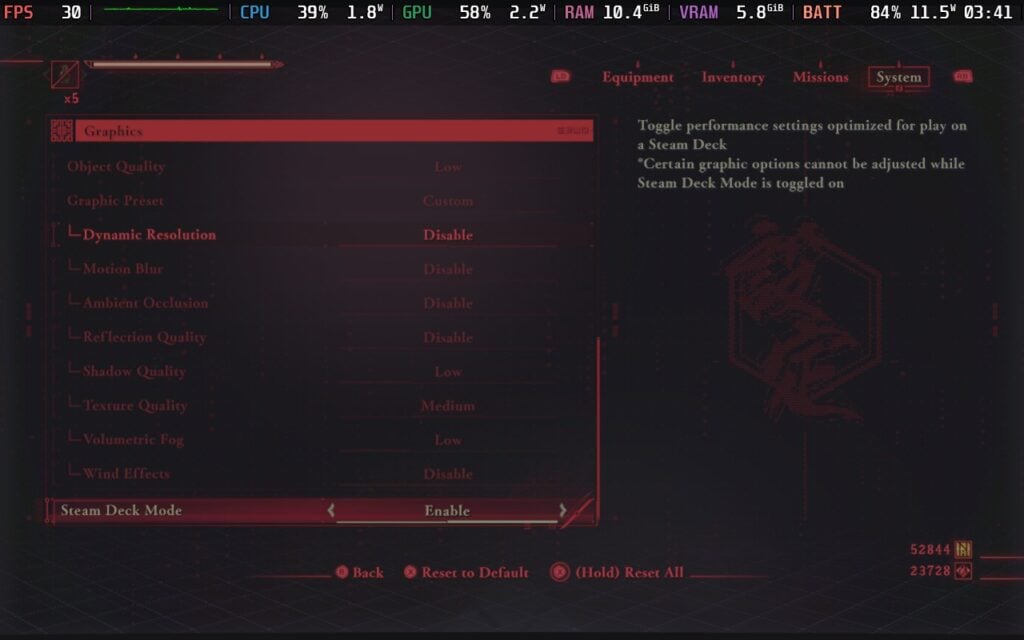
GPU Clock Speed Frequencyを1600MHzに設定すれば、ゲームは60 FPSを記録し、Steam Deck Modeをオフにすれば、ビジュアルとライティングが向上する。しかし、これらのシナリオではゲームがフリーズし続けた。戦闘中にフリーズすることもあれば、ローディング画面でフリーズすることもあった。そしてあるとき、フリーズした後に強制終了したら、再びロードしようとしてゲームが完全にめちゃくちゃになった(ゲームファイルを検証することで直ったが)。
まるで、このゲームはデッキのハードウェア専用に調整されているかのようだ。すべてを完全に活用することはなく、無理に使おうとするとフリーズする。フリーズはSteamDeck=0 %command%起動オプションを使用したときにも起こったので、選択肢にはなかった。また、Steam Deck Modeをオフにするとライティングは改善されるが、低設定から高設定に変えてもあまり変わらなかった。
体験を向上させるために他にできることといえば、Steam Deck Modeをオンにしてフレームレートを45FPSに上げたことくらいだ。一部のボス戦で若干低下するが、ゲームの大半はこれで維持できる。かなり良くなったように感じるが、1つ大きな問題が残る。フレームレートを45FPSに設定すると入力ラグが発生し、邪魔になる。避けたりブロックしたりすべきなのに、わずかなラグのせいで死んでしまうことが何度もあった。こちらも60FPSに設定することは可能だが、より多くの変動が問題を引き起こすだろう。
結局のところ、フレームレートを上げようと思えば思うほど、それに見合わない欠点がつきまとう。ゲームがフリーズしようが、入力ラグで死にそうになろうが、避けられない問題が常にあるのだ。Steam Deck Modeがオンであることも、より高いフレームレートのゲームプレイには不可欠で、45のような低いHzのディスプレイレートでVSyncを使おうとしても、設定がロックアウトされてしまうので不可能だった。
ロスレス・スケーリングも使ってみたが、2倍でも戦闘中に顕著に感じるほどの入力ラグがある。また、ゲームの色彩が少し脱色され、大好きだった鮮やかな色彩が失われてしまった。これは私のデバイスだけの問題かもしれないが、言及する価値はあると思う。
そのため、このゲームはより高いフレームレートにすることができるが、かなり大きな欠点があるため、このままプレイするのはお勧めできない。30FPSでフルにプレイでき、Steam Deck Modeをオフにしてライティングを改善すればプレイできるはずだが、問題を最小限に抑えるには、Steam Deck Modeをオンにしてプレイし、フレームレートリミッターを無効にしてインプットラグをなくすことをお勧めする。60 FPSほどいい感じではないので、大きな妥協はあるが、プレイは可能だ。
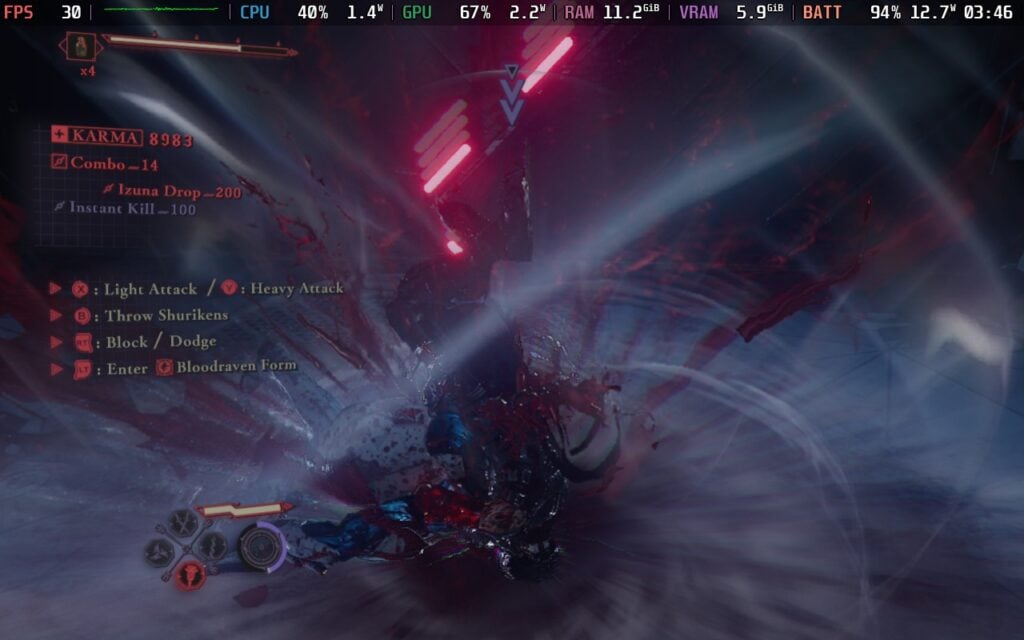
もし60FPSでプレイしてみたいなら、それはうまくいくし、すごいと感じるが、Steam Deck Modeをオンにし、GPU Clock Speed Frequencyを1600MHzに設定する必要があり、ランダムにフリーズする危険性がある。私はフリーズする前に1、2章と煉獄の戦いをいくつかクリアすることができたが、それは完全にランダムであり、ゲームを開始し、ローディング画面に当たった後、ほとんどすぐにランダムにクラッシュしている。
変更できるオプションはかなり多い。HUDの表示とサイズの変更、ロックオンマーカーと自動ターゲティングの切り替え、ヒットラグと切断の強調の切り替え、血浴キルカメラの切り替え、さまざまなメッセージとUI要素の表示、カットシーンの自動スキップ、ウォールランニングやグラインドなどのアクションの自動移動のオン、ゴアの削減、さまざまなゲーム要素のハイライト、片手プレイやアイテムホイールの表示方法などのコントロールの変更、カメラの感度や反転、距離や角度などの特定の設定の変更などができる。
このゲームは16:10の解像度、クラウドセーブ、コントローラーをサポートしている。HDR設定もあり、Steam DeckのOLEDスクリーンを認識する。
忍者龍剣伝4』は量より質がすべてであり、その質は本当に素晴らしい。戦闘はテンポが速く、残忍で、派手で、魅力的でありながら、多彩な技を使いこなすのに十分な親しみやすさがあり、その技を最大限に活かすにはある程度の技量が必要だ。ゴージャスな世界観、ノリノリのサウンドトラック、サイドコンテンツなど、キャンペーンを終えた後も何度もリピートしたくなる理由がたくさんあった。些細な問題はあちこちにあるが、一瞬一瞬を楽しめなくなるようなことはなかった。
また、Steamデッキでもかなりうまくプレイできる。30FPSでプレイできる特定のSteamデッキモードがあり、より高いフレームレートを扱えるが、素晴らしい体験とはならない多くの問題がある。それでも、プレイ可能で、見た目もまともで、ゲームを楽しむ堅実な方法だ。
このレビューはPC版に基づいています。
このレビューをお楽しみいただけたなら、SteamDeckHQ の他のコンテンツもぜひご覧ください!あなたのゲーム体験に役立つゲームレビューやニュースを幅広く取り揃えています。ニュース、ヒントやチュートリアル、ゲーム設定やレビューをお探しの方も、最新のトレンドを知りたい方も、ぜひご利用ください。
Daemon X Machina: Titanic Scion was provided by Marvelous/XSEED for review. Thank you!
When I first saw Daemon X Machina release on the Switch in 2019, I was overwhelmingly excited. I was craving a new action mech game, and I have always loved grinding and outfitting to make myself as powerful as possible. However, while I did have fun, it was more restrictive than I thought it would be, especially when it comes to its mission structure. The sequel, Daemon X Machina: Titanic Scion, gets rid of almost all of those restrictions I felt before, giving me the game I was longing for back in the day. It's definitely a big improvement over the first game, and almost all of the issues I had are gone.
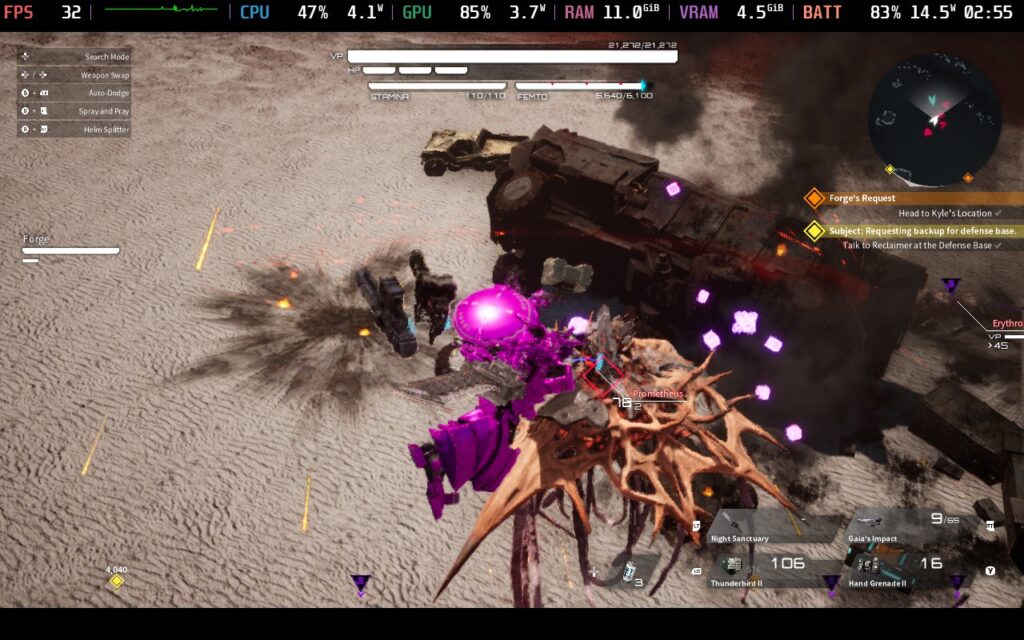
A lot of the areas I wanted to see improved were based around the gameplay and progression, though I did find the story to be improved as well. You play as your customized character, who escapes from his home and ends up joining the humans as they fight back against the Sovereign Axiom after discovering what they were going to do to you. As an Outer, someone who was born with special abilities, we will take a stand against the place we used to call home and end its oppression of humans.
The story didn't really hook me at first and felt very generic, but as it progressed, there were some twists that I found entertaining, and I was sucked back in once I learned more about the lore behind the Outers and what they are doing. It never shakes that familiar feeling and can be very obvious at some pivotal moments, but it's still enjoyable to see play out. The conflict between the Outers and Humans is intriguing, especially after knowing the shared history between them.
Ultimately, no matter how interesting it is, it never shakes the feeling that the story was a second thought that was meant more as a means to an end to justify the fights. At the very least, the story is entertaining, but I do wish it were more impactful overall.

Visually, it’s a striking difference from the first game, opting for more realistic visuals over the cel-shaded anime aesthetic that defined the previous entry. As someone who enjoys cel-shaded visuals, I like the change they made here. The biomes are diverse and have some interesting looks to them. There are definitely some spots that feel similar to others around it, but I found a lot of appeal just flying and looking at my surroundings. It may be a stark difference from the previous entry, but it’s a welcome one.
The large open worlds we can explore are another strength for Daemon X Machina: Titanic Scion. Apart from some similar-looking areas, there are a lot of spots to discover and enemies to find and fight. There are some nice points of interest around to discover, like supply depots to activate, fast-travel points to unlock, huge mini-bosses to take down, and encampments to uncover. It usually revolves around combat and finding rare loot, but it's enjoyable enough regardless.
Combat also feels much better in general, though it still has its moments. We can have four weapons equipped on us at any given time, and extras kept in reserve that we can switch to at a moment’s notice. Utilizing all-directional movement, fights can take place on the ground or in the air, and they feel dynamic and exciting. I would find myself going and seeking out fights to grind and enjoy myself, using my laser sword, minigun, and shoulder rockets to blast through the enemies in front of me. Almost every fight was exhilarating, and I had a blast fighting through larger enemies and bosses.

In the beginning of Daemon X Machina: Titanic Scion, combat can start getting a little monotonous, but this changes as we progress and get new mechanics to play around with. Weapon skills are the first big one. As we play, we can now extract genes to fuse into ourselves, giving us new abilities and skills to either passively buff or actively use with weapons. These skills can spice up combat encounters, unlocking moves like increasing the size of your laser sword and doing a wide slash around you, spinning in a circle and shooting your gun at everyone, and going into a deadly combo. They not only help out in a pinch, but can make fights feel even more exhilarating than they already are.
However, I wish equipping skills were more enjoyable. Each weapon/active skill that is unlocked is equipped to weapon types. So, Laser Swords will only have one skill slot available, while Taichi has its own. It can be a bummer, having two skills that you can’t use with one weapon, since only one can be equipped for each weapon type. You could equip the skills into two different weapon types and just equip them at the same time, but as someone who prefers using a gun and sword, I found myself wishing I could use multiple skills per weapon type.
But I ultimately like the idea behind this system, and it has some cool implications. Since you’re infusing immortal genes into yourself, your character’s appearance will start to change as you continue. Slowly but surely, their skin will change, and new features may pop up. We do have an option to reset our look, but it costs a ton of credits. Still, it’s interesting to see how relying on something so experimental can easily backfire.

On top of that, the gear we find is randomized and can have different stats, as well as attachment slots to augment it further. This starts off pretty mild, with a lot of gear feeling like throwaways with almost no improvements from other gear found, but it gets a lot more intriguing as we progress through the story and start to find more powerful gear, genes, and attachments. We will also find recipes for gear to craft, and with reinforcing, allowing us to further modify weapons, it opens up a lot of variety.
I would say that customization is Daemon X Machina: Titanic Scion's greatest strength. There are tons of options for new weapons and armor to craft, a large amount of new gear to find with randomized elements, and augments and attachments to fine-tune them. There are also extensive customization options for our character and suit of armor to make them look exactly how we want. The number of choices for self-expression in aesthetics and our weapons/gear keeps things fresh.
Other than the main storyline and randomized equipment, there's a wealth of progression and side content to keep us busy. We have a Mercenary Rank and weapon proficiency rank that go up similarly to an RPG leveling system, which gives us new bonuses and buffs for those specific types of weapons. There is also a wealth of side quests to take on, the points of interest I mentioned previously, and a Colosseum to fight others one-on-one to climb the ranks, earning you money and camo. There's also a full-on card game called Overbullet to play. It's simple to learn, but it has some surprising depth to it that I very much enjoyed.

All of this can be done in multiplayer, which is a blast. Getting into epic fights with friends was a ton of fun, and there are some nice little features that come along with it. The one I found most interesting is sharing Key Cards. To enter some facilities in the open world, we need to find and analyze key cards. However, some of these are blank and can have information copied into them. If you are playing with someone, you can share and copy their key card info into yours so you can find this place on your own as well.
Daemon X Machina: Titanic Scion is one of those titles that just feels pretty awesome to play on a handheld. These kinds of open-world JRPGs always hit harder for me on the go, so I was glad that this one is playable. After playing the game on my Steam Deck for our preview coverage, I had an idea of how it would run. And although I played much more of the game, I found that the settings I had chosen before were the best settings overall.
A lot of the game can be played at higher framerates, with much of the world and fights easily hitting 40 FPS on lower settings that are a mix between low and medium quality. However, there are some areas loading in, bosses, and larger fights can drop it below the 40 FPS limit, which can be jarring. On top of that, multiplayer will push the framerate even lower, making it impossible to play at 40 FPS even on the lowest settings. So, I ultimately decided that the settings I chose during the preview period were my favorite.

Because of all those scenarios, especially with multiplayer, I don't recommend pushing the framerate up to 40. It's definitely doable playing alone, though there will still be some drops here and there, but playing with friends will see more crazy drops. The settings I have recommended are also the ones I would say work with 40 FPS when playing alone, so if you want the higher framerate, just change the limiter to 40 FPS instead of 30.
There are different upscalers that are included, but TSR is arguably the best one. FXAA anti-aliasing looks a bit shimmery, even when standing still, and while NVIDIA DLSS can be selected, it looks identical to TSR. So, I recommend using TSR Max in Quality mode with a mix of Medium to Low settings. It ultimately still looks fantastic like this and battery drain is relatively low for up to 5 hours of battery life.
There are some long loading times, and the text size is way too small in some aspects. Any discussions that appear on-screen when flying around or fighting are way too small, as well as details for accepted quests on the right side of the HUD. Looking more closely at the equipment is more legible, but there are still some spots that were tough to read.

There is a dedicated accessibility tab, which has color correction modes for Protanopia, Deuteranopia, and Tritanopia, as well as a toggle for descriptive subtitles. We can also change the camera sensitivity and shake, vibrations, change difficulty, toggle auto-saves, and change audio settings. We can also completely modify the game's HUD to our heart's content, and rebind controls.
このゲームは16:10の解像度をサポートしていないが、クラウドセーブとコントローラーをサポートしている。HDR設定はない。
Daemon X Machina: Titanic Scion is a big improvement over the last game in the series in almost every way. The combat feels much tighter and weighty, the amount of customization gives a lot of options to build, and the open world gave me the freedom I was hoping for. The story isn't as in-depth as I like, but it's still an improvement and doesn't bring down the overall experience. The game is a blast, and I am so happy with the changes they made to the formula.
On top of that, it's very playable on the Steam Deck. I do recommend compromising a little for stability throughout the game, regardless of what you do or if you play with friends, but it doesn't harm the experience overall. 30 FPS with good-looking visuals and under 16W battery drain on average is wonderful, and I would absolutely recommend getting this game for portable play.
このレビューはPC版に基づいています。
このレビューをお楽しみいただけたなら、SteamDeckHQ の他のコンテンツもぜひご覧ください!あなたのゲーム体験に役立つゲームレビューやニュースを幅広く取り揃えています。ニュース、ヒントやチュートリアル、ゲーム設定やレビューをお探しの方も、最新のトレンドを知りたい方も、ぜひご利用ください。
Gears of War: Reloaded was provided by Xbox for review. Thank you!
Xbox is one of the biggest publishers in the video game industry, but when it comes to their own IP, there are two that always come to mind: Halo and Gears of War. Gears of War has especially been interesting to me, with a story that intrigued me and action-packed third-person shooting. I remember first playing it on the Xbox 360, and that hooked me in for the rest of the series. Now, almost 20 years after the initial release, we are getting the definitive version of the game, Gears of War: Reloaded, and while it still feels as great as it did before, I also found myself hoping for more.
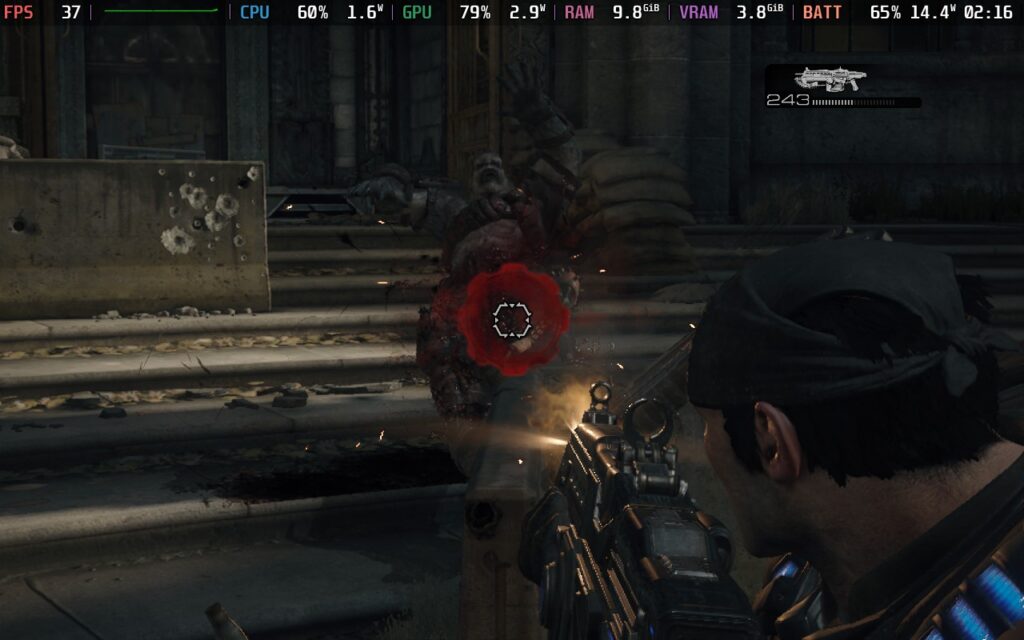
Compared to the original release, Gears of War: Reloaded boasts a ton of improvements and is an updated remaster of the first remaster for the original game: Gears of War: Ultimate Edition. Ultimate Edition boasted better textures with higher resolution support, extra campaign chapters, gameplay improvements, and more. Reloaded takes this a step further with more improvements, all post-launch content from Ultimate Edition, split-screen campaign co-op, even higher resolution support, optimization, graphical features like HDR and VRR support, and cross-play/cross-progression.
Playing through Gears of War again felt like I was transported back in time to when iconic third-person shooters were helping define the genre. Army of Two, Max Payne, Crackdown, and Uncharted all come to my mind, along with Gears. For the most part, I consider this great. I enjoy the more complex games with unique styles of progression, but it's nice to take a step back and just play an action-packed game that doesn't have these overarching mechanics to encourage replay or grinding.
The story follows Marcus Fenix, who was thrust back into the Locust war to help fight back against the invaders from below. Winding up in charge of Delta Squad, Fenix will lead his team on a mission to deliver a huge blow to enemy forces, hoping to turn the tide of the war and make sure humanity can have a future.

It's a similar story to a lot of other war games, but it was still enjoyable to see unfold. I wouldn't say it's the main attraction for the game, but it's cool to see how the world faces this threat. Fenix and his squad are all hardened soldiers, so there's a lot of grunting and cursing involved, but there's a certain nostalgic charm to it. Without spoiling too much for those who haven't played the game yet, I would say it's definitely enjoyable, but don't expect anything too deep and emotional.
The new additions to the game do look gorgeous, but it still has that Xbox 360 feel to it. Textures and models look better, lighting is improved, shadows and reflections are more prominent, and overall, it looks as beautiful as I could imagine a remaster of a remaster for an Xbox 360 game could look. The changes from the Ultimate Edition are not as prominent, but compared to the original version, it's a night-and-day difference. It still has a monotone, gritty look that I remember, but with much higher fidelity, and I can't complain about that.
Gears of War's third-person combat is simple, but that doesn't make it a bad experience. You will control Fenix and go through linear levels, shooting enemies with an assortment of weapons. There is some light squad control, and you can tell your allies whether to attack or regroup, but the bulk of gameplay will be going from cover to cover, shooting foes as they appear. It's a lot of fun, and I enjoy all of the action. The enemies are bullet sponges, which is something I am usually not a fan of, but it wasn't aggravating to the point of annoyance.

There are almost always enemies to fight, with them coming out of doors and hallways, with a solid variety to plow through. From the usual grunts to the larger enemies with more explosive firepower and smaller, faster melee ones, there will be enough to change strategy and keep us on our toes. There is a nice variety of weapons, including some specialty ones that will help with bosses, and that keeps the fun flowing.
The controls did take a little getting used to, especially when it comes to reloading. On the controller, we have to use the RB button, and it feels a little weird after using X so frequently, but it wasn't hard to get used to. I also enjoy the perfect reload mechanic, which, if RB is pressed at the right time, will make the gun reload faster.
The campaign is a nice touch, and there are some collectibles to find with some concept art and comics, but the main attraction is going to be the competitive multiplayer. I wasn't able to play it much during the review period, but I had tried it in the previous beta. I had such a great time playing with others, and the multiple different game modes kept it feeling fresh. Along with a co-op campaign and crossplay, there's a lot to enjoy with others. While it's great to be able to play the campaign, the real reason to get this is going to be multiplayer, and I am hoping that crossplay is going to keep it well and alive.
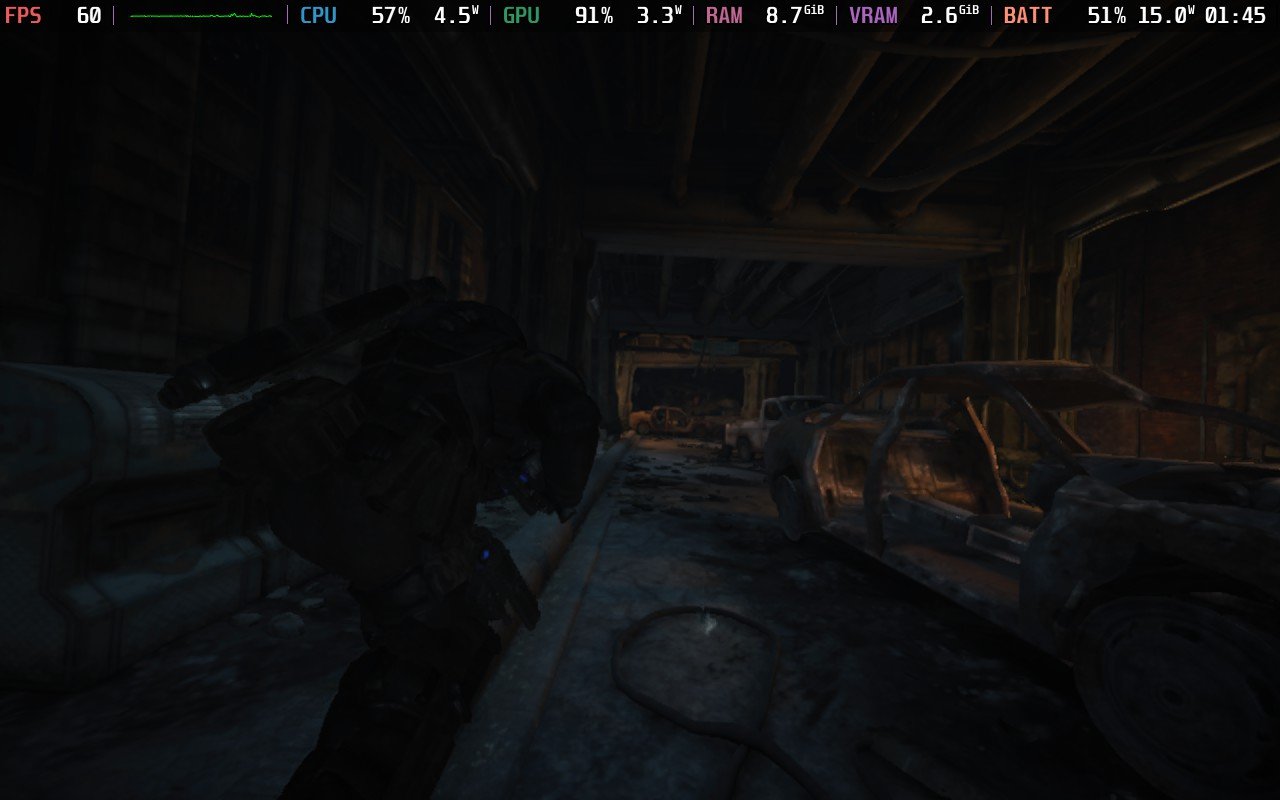
Gears of War: Reloaded does already have the Steam Deck Verified badge, and while it does work, I feel the experience can be further improved. The game starts off on a mix of Medium settings with FSR 3.1 upscaling on Balanced. It looks great, but there are some sacrifices to make in framerate. At 45 FPS, we can play without changing a thing, but some areas will drop slightly, and there are some big battery drain spikes in these areas. But the game is very well optimized overall, and while we can make it better, it's still wonderful to play as is.
Since I haven't been able to test competitive multiplayer, these settings are based on the campaign. We will be testing settings in multiplayer soon, but from our impressions of the beta, the multiplayer should be fantastic on the Deck.
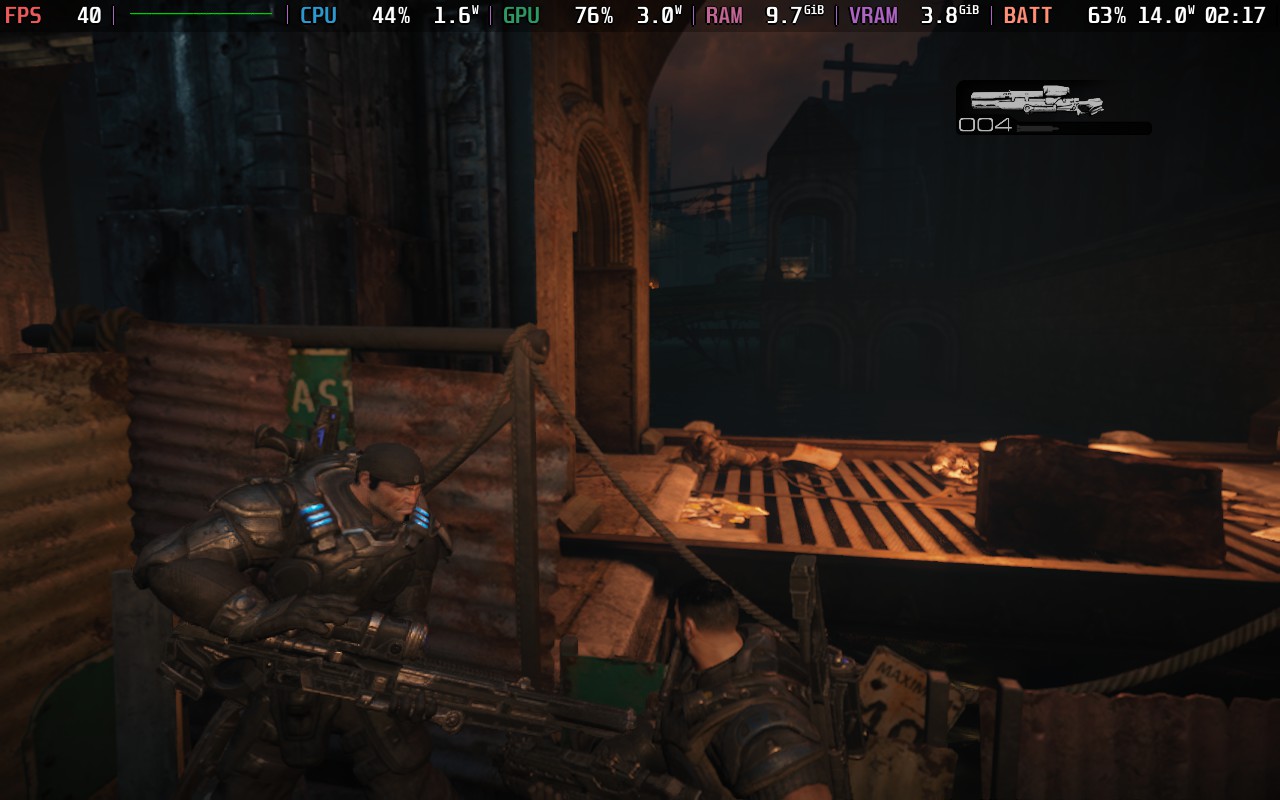
I felt the best way to play the game was a mix of high settings with FSR 3.1 on Quality mode. It is a little more taxing this way over the default settings, but with a 40 FPS lock, it stays very stable and relatively similar battery drain (ranging around 13W - 18W). It looks better, still feels stable, and this is the way I feel is best to enjoy the game on the go.
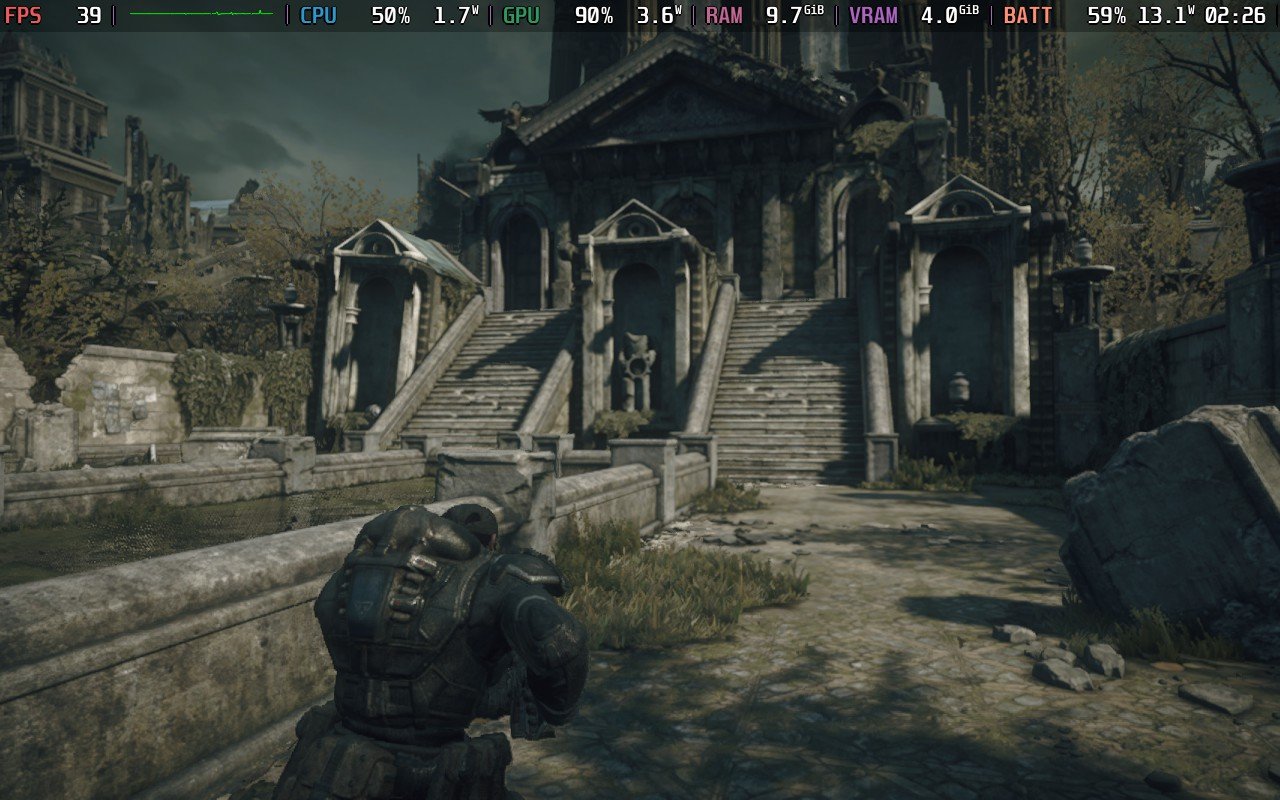
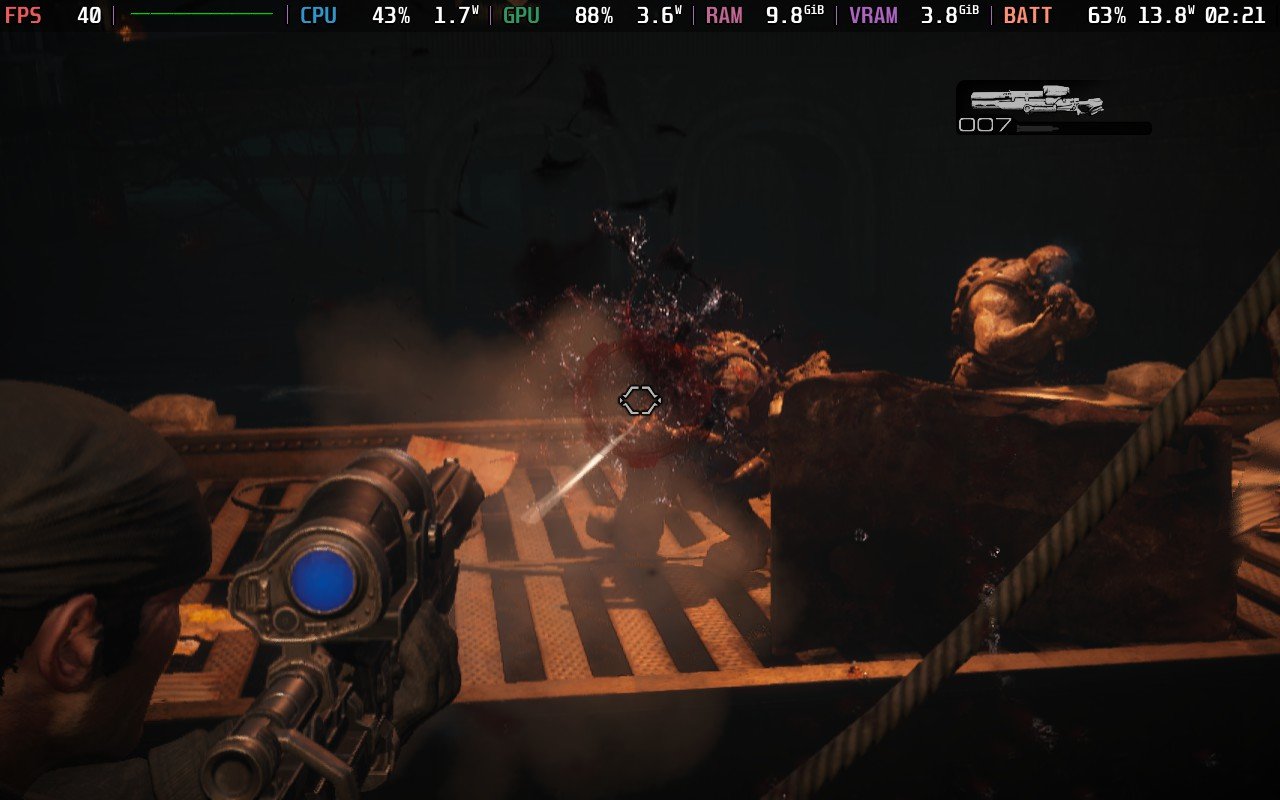
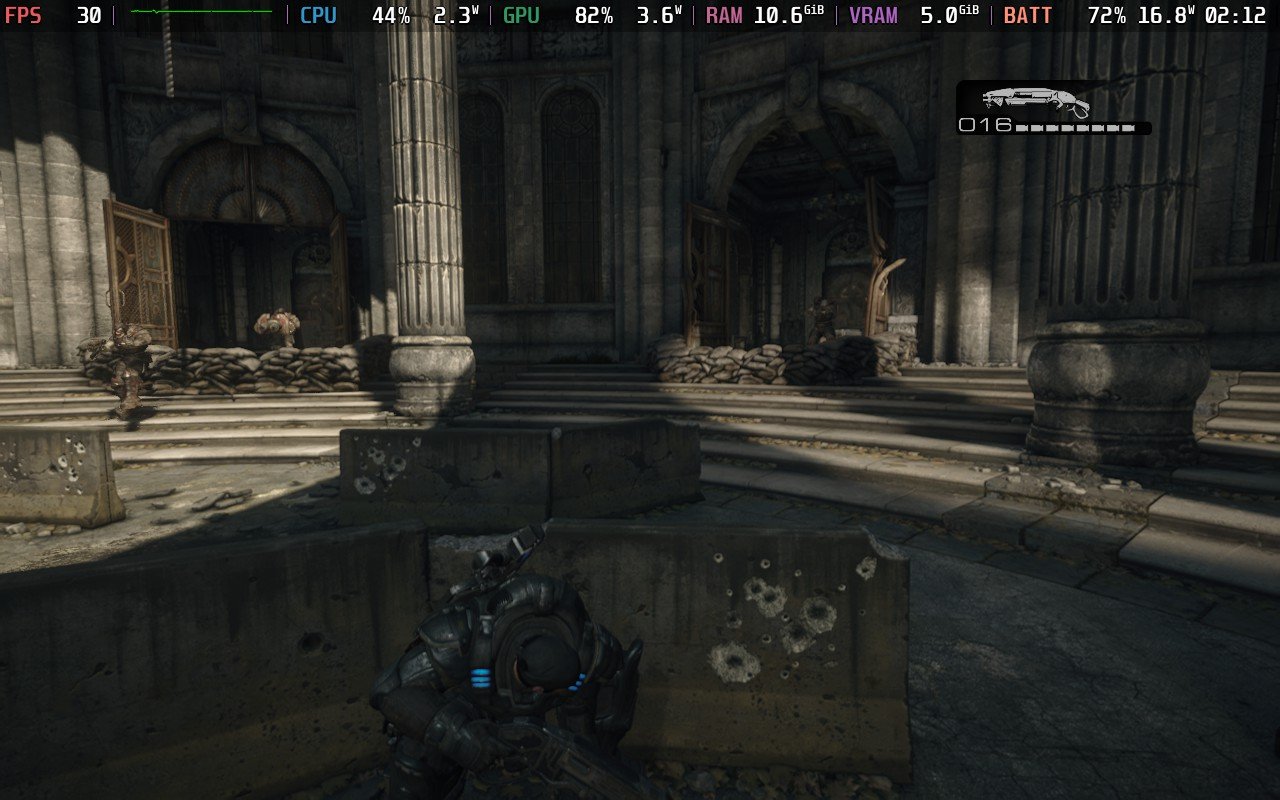
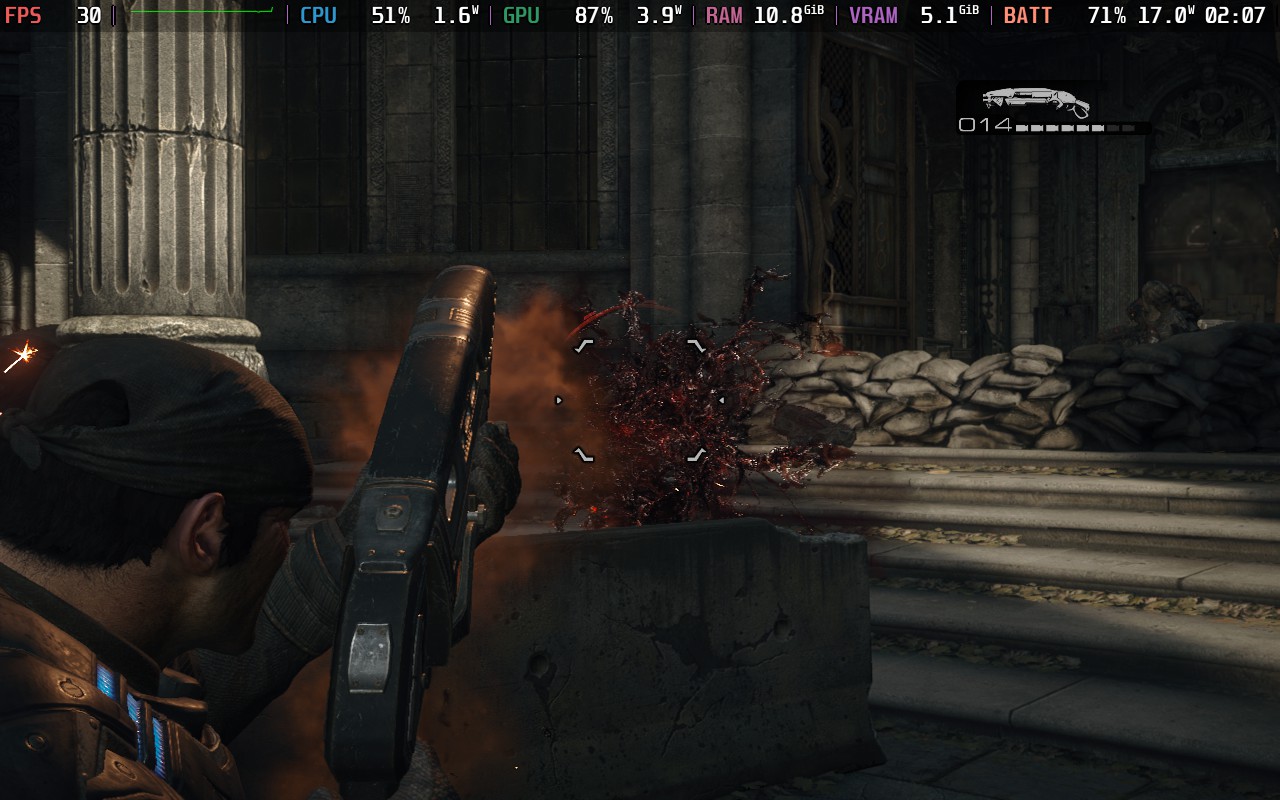
Next, I went ahead and tested the highest possible settings in the game, and it is playable. However, there are some areas that may drop the performance a little. While it could be played like this at 30 FPS, I do recommend changing Screen Space Reflections to High instead of Epic.
I also recommend keeping FSR 3.1 on Native instead of disabling it completely. When it's off, or even when using FXAA, it can look too sharp, but native FSR 3.1 looks great. It is more demanding on the Deck this way, but if we are looking at the best-looking visuals, this will be the way to play.

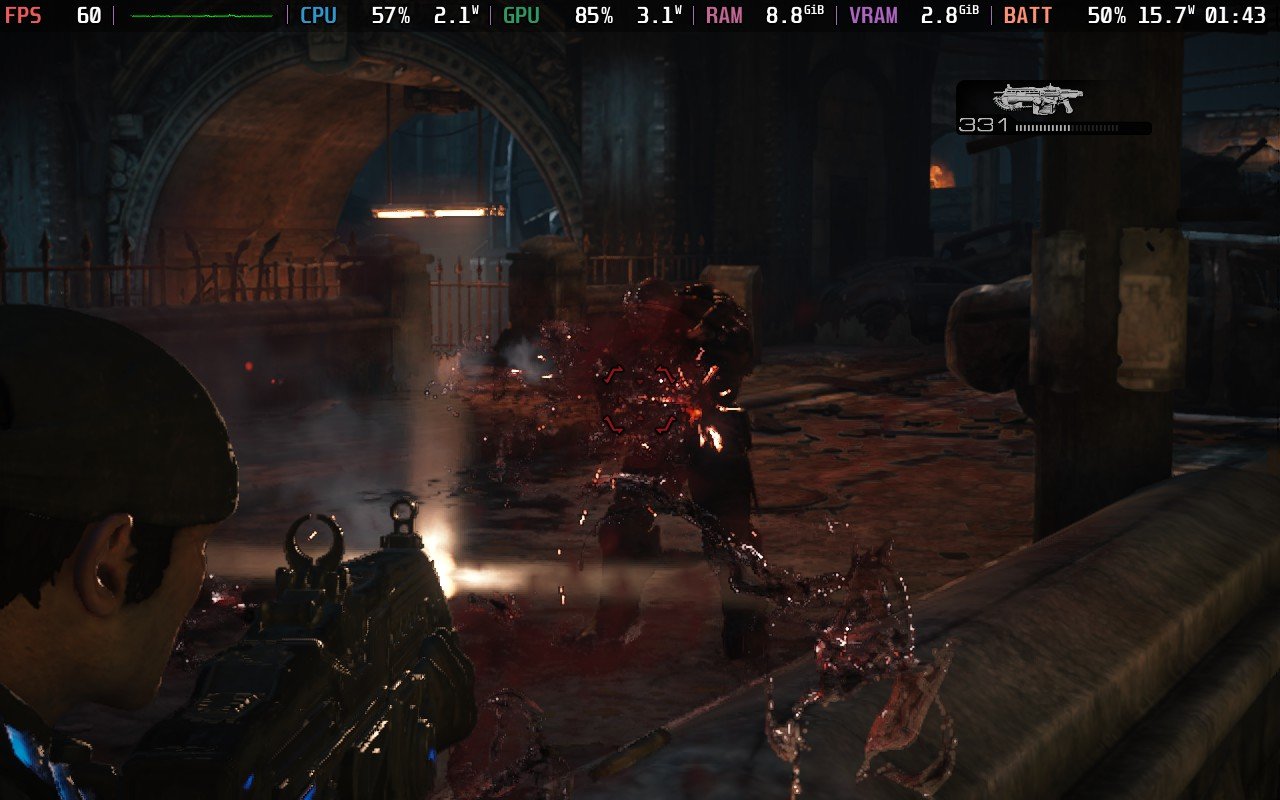
Finally, I wanted to see if I could push 60 FPS out of the game. It is possible, but it requires a lot of compromise to make those smaller areas more stable. Ultimately, it does require using Ultra Performance for the most stable experience, but it looks terrible. With a combination of Low and Medium settings with FSR 3.1 on Performance, I found a mostly stable 60 FPS that looks decent. There are still some minor drops here and there in those areas, but it stays stable where it counts.

Within the settings, we can toggle graphic content, fading HUD, tooltip icons, camera shake, button tap challenge type, and alternate switch colors. We can also customize different colors of the HUD, with presets for Tritanopia, Deuteranopia, and Protanopia. We can also change some camera sensitivity and inverted settings, as well as customize the controller inputs.
There is 16:10 resolution support, as well as cloud saves and good controller support. There are HDR settings and it recognizes the OLED screen.
Gears of War: Reloaded may not change as much from the Ultimate Edition, but that doesn't change how enjoyable it is to go back and fight the Locust again. The game has retained its core, action-packed third-person combat and interesting story, while improving visual effects. It's nice that the game adds in a bunch of post-release content from the Ultimate Edition, but it doesn't change as much as I had hoped. Still, the game finally releasing on Steam is great, and with crossplay and the minor improvements, I can see this being a great investment for third-person shooter fans.
The game is also very playable on the Steam Deck, and it's a joy to play on the go. We definitely have some options to play, but regardless, it will be playable and enjoyable for portable play.
このレビューはPC版に基づいています。
このレビューをお楽しみいただけたなら、SteamDeckHQ の他のコンテンツもぜひご覧ください!私たちはあなたのゲーム体験に役立つこと間違いなしの様々なゲームレビューやニュースを取り揃えています。ニュース、ヒントやチュートリアル、ゲーム設定やレビューをお探しの方も、最新のトレンドを知りたい方も、ぜひご利用ください!
SHINOBI: Art of Vengeance was provided by SEGA for review. Thank you!
SEGA has been making some amazing decisions with their games. Over the last couple of years, SEGA has put out tons of fantastic titles, like Sonic X Shadow Generations, Like a Dragon: Infinite Wealth, Demon Slayer The Hinokami Chronicles 2, and Two Point Museum. To expand their portfolio even further, SEGA has started to go through older franchises and reboot them. The first of these games is SHINOBI, and if SHINOBI: Art of Vengeance is how we gauge the level of quality these reboots will have, these will be must-have titles.
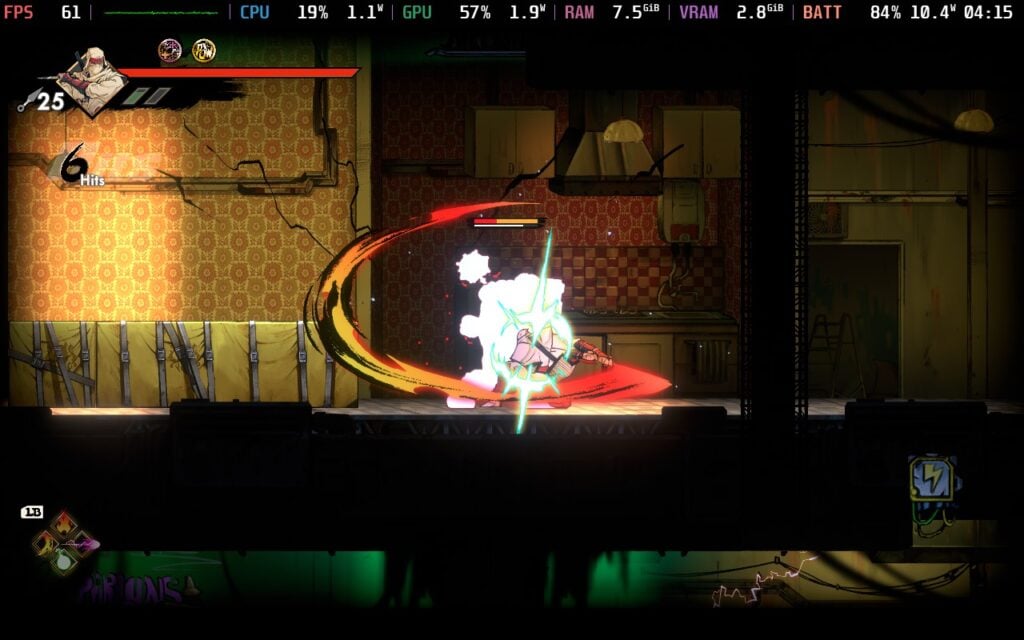
In SHINOBI: Art of Vengeance, you play as Joe Musashi, who steps up to fight back against Ruse and take revenge on the attack that obliterated his clan. We will go through many locations, fighting through ENE-Corp troops and mutated creatures, and defeating Ruse and his cronies. It's a solid story, nothing to write home about, but it sets the scene nicely.
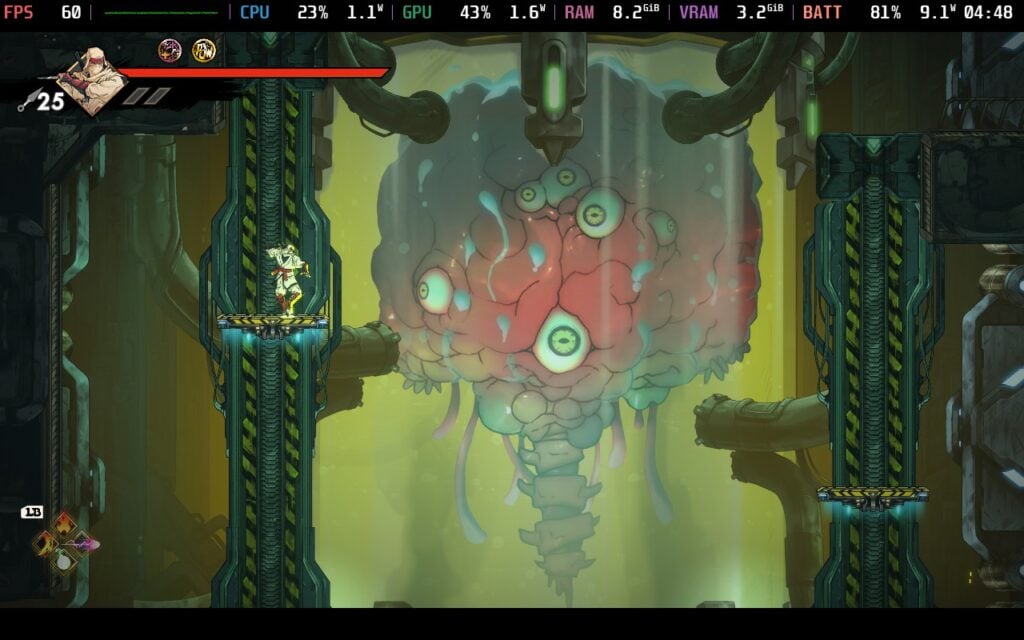
However, the visuals definitely are. The beautiful artwork and effects from striking and slashing enemies are vivid and engaging. Going from lantern-filled cities with fireworks to burning villages, futuristic technologically-advanced towns, swampland, and even a moving train. Each place felt unique in its structure, and the artwork helped it stand out to make sure each place stuck out. It was like eye candy everywhere I looked, and I couldn't get enough of it.
At its core, SHINOBI: Art of Vengeance is an action-platformer with some light metroidvania elements. Inside each level, we will run around a decent-sized sprawling map, killing enemies and gathering money. There are some secret areas here and there, with some only accessible with abilities we get later on. I consider this to be lighter metroidvania elements due to backtracking not being necessary to continue the story and beat the game, but going back can help us get new upgrades, abilities, and even some new skins.
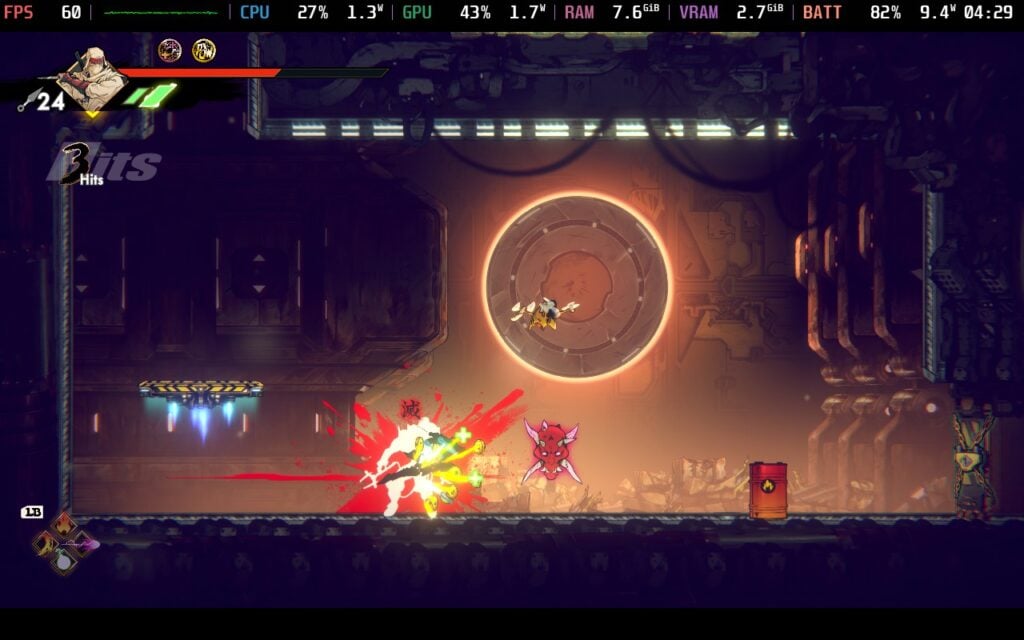
The highlight of the gameplay is easily the combat and combo system. The emphasis developer Lizardcube put into this shines and easily makes this experience worth playing through. It’s fairly simple on the surface. We have a weak and heavy attack, as well as being able to throw Kunai and dodge roll. These can be combined with each other to destroy enemies and create some insane attack chains. For example, one of my favorites is using the weak attack to chain into a heavy attack, then jumping and smacking the enemy around until I kick them into the ground, and if they are still alive, I dive kick into them again and do a spinning strike. Or we could use attacks to help crowd control, like smacking some enemies in the air, but dodging to kick them backwards into an explosive barrel and watch them explode, then dodge roll right back and knee them up in the air before jumping up to smack them back down.
It’s an addictive system where the attacks and their power are emphasized with extremely short pauses. These make attacks and combos feel even more epic. It feels like each attack is refined to a tee to make sure the combo system feels easy to utilize, but harder to master for the bigger combos. It’s fulfilling and enjoyable enough for me to want to specifically go into some levels where I know there are large groups of enemies just to practice combos and have a blast watching them fly around and get demolished.
We can also build up a stun bar on the enemies to dash into them for an instant kill. Doing this not only kills them but drops more coins, kunai, or health, so it’s a great idea to focus on stunning when possible. Heavy attacks will build up the stun more, so while they may be slower, there is motivation to find a balance of using weak attacks to whittle down health and heavy attacks to increase the stun bar.
We can also utilize different Ninpo and ultimate attacks to round us out. These are more like special attacks, and can range from throwing bombs to destroy armor to breathing fire on enemies. These, as well as ultimate moves, can be a welcome arsenal in our lineup, especially against bosses. However, I found little use for them for regular enemies, apart from any Ninpo that got rid of armor. It’s a nice extra, and I appreciate having four that can be equipped from the pool of Ninpo we find in levels, but I rarely used them.
As I previously mentioned, Art of Vengeance does have some secrets, and some of those are part of the side content in each level. There are five Oboro Tokens to collect, upgrades for health, Ninpo bars, and how many Kunai are held, new moves, medallions, and more. It was very worthwhile to take time and search for all the secrets that are around. There were also some cool ways to get new upgrades, like fighting through three rounds of elite enemies or finding special portals to complete combat or platforming challenges.
Some chests and enemies will also drop coins, which will be our main way to get more powerful. At shops, we can purchase new attacks to add to our arsenal, as well as medallions and Ninpo. We can unlock new moves to purchase by using those Oboro Tokens, and some of the later moves are extremely helpful and worth getting. The medallions can provide some buffs as well, like increasing attack once a combo has reached 15 and above. These can be helpful as well, but I didn’t feel like they were as necessary to use. Getting extra attacks was my biggest motivator to find Oboro Tokens and collect money.
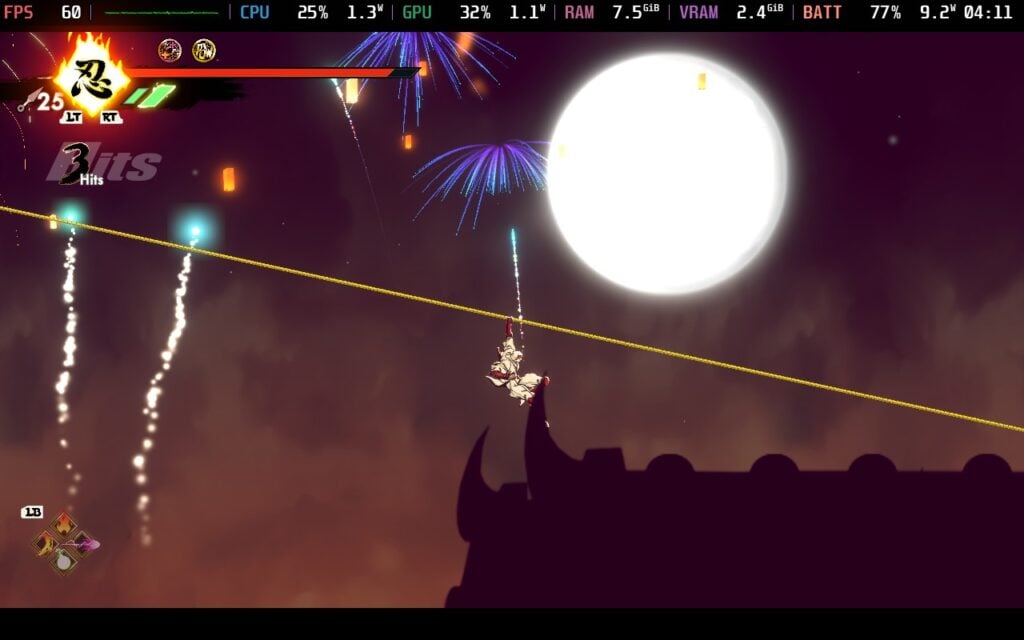
Even with most of the aspects of progression feeling like extras, it was still so much fun. The levels were well-designed, the bosses were challenging, and the general gameplay loop was so much fun to play around with, to the point where I went into levels primarily just to fight enemies and get 100% of the secrets at each level.
SHINOBI: Art of Vengeance is a fantastic experience on the go. It feels right at home and runs particularly well on the Steam Deck, but I did find a couple of little oddities. For the most part, it will run at 90 FPS with a sub-15W battery drain, but there were some areas that would actually drop the framerate and spike battery drain. The drain never got too high, but it did feel stuttery from going under 90 FPS.
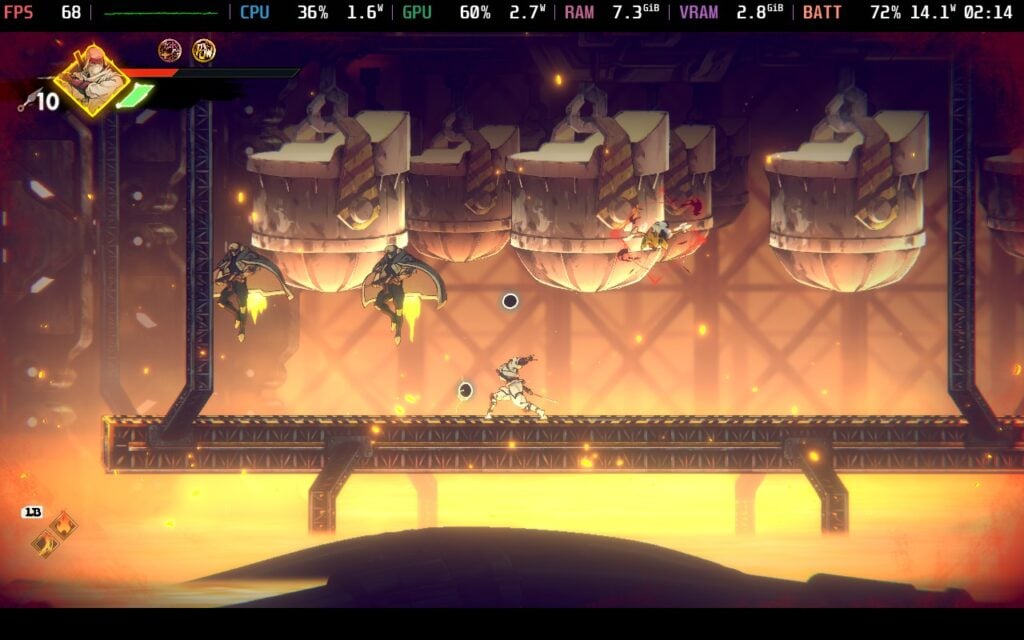
It happened enough times to feel noticeable, and keeping the flow of the game is going to make it much more enjoyable. So, I recommend setting the framerate to 60 FPS. This not only keeps the entire game stable, but it also brings down battery drain to an average of 9W - 10W for around 5 hours of battery life. It may not be 90 FPS, but bringing it down to 60 brings in stability, higher battery life, and still keeps the smoothness.
Otherwise, it's fantastic to play on the Deck, and I can't see myself playing it any other way.

SHINOBI: Art of Vengeance is pretty lacking on settings. Apart from changing language, volume, and some minor video quality settings, there isn't much more to change. It doesn't need anything to make it better to play on the Deck, but there are no accessibility settings like color blind modes or dyslexic font.
The game doesn't support 16:10 resolutions, but it does have cloud saves and good controller support. There are no HDR settings.
SHINOBI: Art of Vengeance is a fantastic first game for SEGA’s reboots. The action platforming sports solid movement mechanics, and very enjoyable combat and combo systems. The medallion and Ninpo can sometimes feel unnecessary, but there’s still some motivation to explore these due to new attacks for your moveset needing to be purchased at the store. The story does a good job setting the stage, and the artwork is just awesome to see.
It also runs wonderfully on the Steam Deck. The best way to play will be at 60 FPS, but nothing else is needed otherwise. It’s a great game through and through, and one worth adding to your portable libraries.
このレビューはPC版に基づいています。
このレビューをお楽しみいただけたなら、SteamDeckHQ の他のコンテンツもぜひご覧ください!私たちはあなたのゲーム体験に役立つこと間違いなしの様々なゲームレビューやニュースを取り揃えています。ニュース、ヒントやチュートリアル、ゲーム設定やレビューをお探しの方も、最新のトレンドを知りたい方も、ぜひご利用ください!
The game was provided by Konami for review. Thank you!
Video games have come a long way in the last 20 years, quickly evolving into near hyper-realistic environments, complex gameplay elements, and impactful storytelling. However, there are still games that were released back then that are enshrined for one reason or another. Hideo Kojima’s Metal Gear Solid 3 is one of them. It’s intense, cinematic storytelling paired with sandbox gameplay felt ahead of its time, and the refinement still makes the game feel on par with many newer releases.
So, I was excited when Konami announced a full-on remake of the original release. I had my worries, due to the high $70 price tag, and I went into this review being very critical. I wanted this experience to feel worthwhile, even if I already played the original. I wanted to know if I would feel like $70 is worth it for a remake of a game I already own and was just re-released in the Metal Gear Solid: Master Collection Volume 1. Even still, this game made me do something I rarely do: Start a new game+ of my own accord. I am one of those people who usually feel like once a game is completed, I’m done, and I move on to the next. I still try replaying for reviews, but it’s usually to check if anything has changed rather than out of personal desire. Metal Gear Solid Delta: Snake Eater made me want to go back and play again of my own desire, and that in itself is a testament to how amazing the game is, and why I feel like this is a remake worth getting.
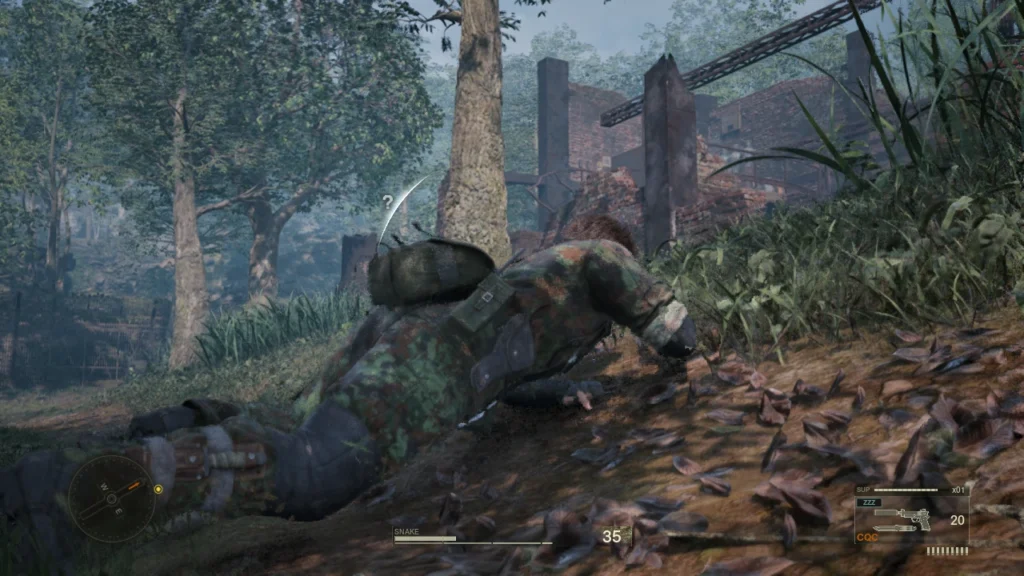
The bulk of the changes in this remake come in the form of visual overhauls and quality of life improvements. We have modern enhancements that made their debut in Metal Gear Solid 4 and Peace Walker, like an over-the-shoulder camera and crouch walking, and a wealth of visual changes that bring an ultra-realistic sheen that we have grown accustomed to with big AAA projects. This includes the game’s object permanence, which keeps any cuts, bruises, and bullet holes permanently stuck to Snake and whatever camo he has on throughout our playthrough. I had forgotten about this feature initially, but as I swapped the camo layer on, I saw some cuts in the fabric and not others. Once I had remembered this feature, I thought it was awesome, and I enjoyed seeing the changes and how Snake would end up once the game had ended. It ended up feeling like the changes enhanced what made Snake Eater iconic instead of changing it, and that’s exactly what I was hoping for. A multiplayer mode called Fox Hunt is coming post-release, so that's an extra bonus to look forward to.
There are no story changes or new content in Metal Gear Solid Delta, and usually, I would be a little upset about it. I feel like most remakes should offer something new to entice gamers who have already played the games before. But Metal Gear Solid hits differently. It still feels like it belongs on modern systems, so keeping the content and story unchanged was something I ended up appreciating.
For those who haven’t played Metal Gear Solid before, this is the first game chronologically in the series, detailing the origin of Naked Snake (aka Big Boss). He is sent on a mission to infiltrate Russian forces and escort Dr. Sokolov to the USA, as he wants to defect. However, things don’t go as planned, as Colonel Volgin shows up with Snake’s mentor, The Boss, and he will inevitably have to stop Volgin, destroy his horrific nuclear weapon, the Shagohod, and kill The Boss.
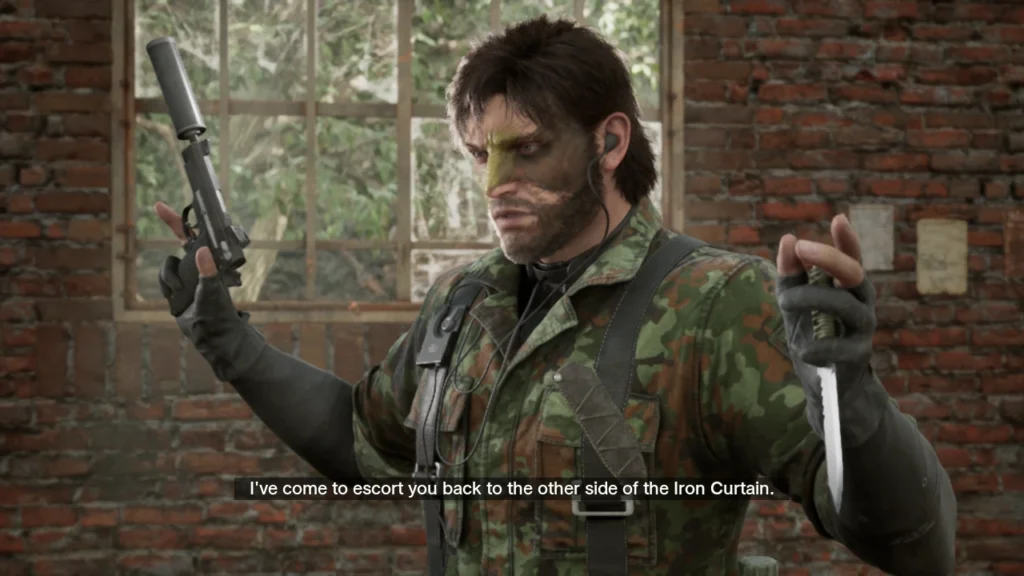
It’s an intriguing story that revolves around real historical events that happened around that time period (the early 1960s). The fallout of the Cuban Missile Crisis and the ongoing Cold War between Russia and the USA is consistently referenced and woven in, which I enjoyed. There’s a lot of exposition and explanations, which are told with blurry background footage and a voice-over. I generally don’t mind this, but since I’ve already seen and heard it all before, I was anxious to get back to gameplay or other cutscenes that feature that glorious new visuals.
Speaking of the visuals, I just want to reaffirm just how beautiful they are. The detail in character models, enemies, environments, lighting, everything just works so well together. I was almost in constant awe of the attention to detail all around. The object permanence was another nice highlight, and I was pleased to see it extend past bullet holes and cuts to environmental changes like fallen leaves and mud. Compared to the original release, it’s wildly different in terms of color tone, detail, and fidelity, but it never felt like it ruined what made the game so iconic. If anything, it just enhanced the experience. I appreciate that the Survival Viewer was also updated to see some of these changes to the camo and Snake himself.
That feeling carries over to the gameplay, where the changes enhance instead of modify the experience. We still have to go through contained areas to get to our objective, which usually involves getting past an assortment of foes in our way. How we get past them is completely up to us. We can sneak by, subdue them, hold them hostage, kill them, distract them, and we have a wealth of tools at our disposal. Of course we have the usual guns and knives, as well as CQC (Close Quarter Combat) techniques for silent takedowns when we run out of ammo. We can also move bodies and take ammo, grenades, and medical supplies off of them, which end up helping a lot down the line.
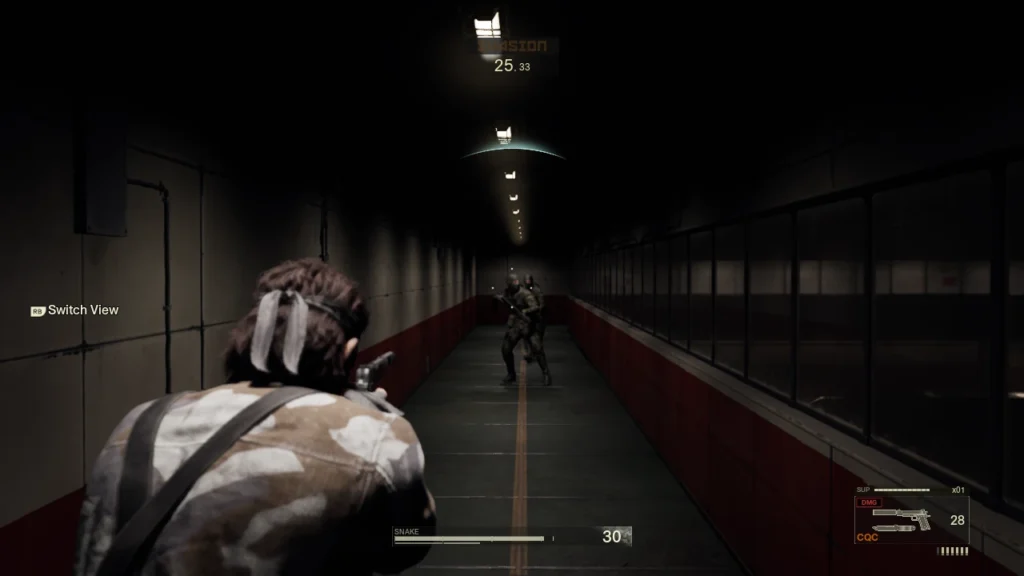
But those are just the more obvious ways of getting past enemies in a game like this. We can sneak by and use the environment to mask ourselves, using specific camo that works best in different environments, but we can go further. Areas are filled with animals, and we can use some of them to help us. The smaller animals, specifically, were fun to use. There was one time I had to get past a group of enemies blocking the exit I needed to go to, and I decided to use a poisonous Tarantula I captured earlier on to help me. Once I had a clear shot, I threw the Tarantula at one of them, and after a couple of seconds, they got poisoned and collapsed. The other enemies went to check up on him, and I was able to sneak right on by. That’s just one example of a non-conventional method of getting to our goal. One of my other favorites was distracting them using a provocative magazine. Setting the book down and watching them come over and squirm as they look through pages of half-naked women was both hilarious and useful.
These kinds of interactions are a testament to the humor that Kojima and his team wove in with the original release. The story and setting are dramatic, but there are many moments that are just ridiculous. Watching a young Ocelot twirling his guns for a solid minute will never not crack me up, and there’s something about Snake’s deadpan, oblivious reactions to what’s happening around him that is quite entertaining. Even the discussions about movies between him and Para-Medic are wonderful, though Major Zero’s obsession with James Bond was the highlight of those radio conversations. It doesn’t take away from the seriousness, but adds to the entertainment value as a whole. This extends to the Easter Eggs that can be discovered just by interacting in ways most people wouldn’t think to, like how one would make Snake throw up.
We also have to keep Snake’s stamina up so he can operate effectively. To do this, we will have to scavenge for food, which we can find throughout the world or by killing animals to eat their meat. It’s a little obnoxious to have to keep going into the Survival menu and eating food, hearing Snake exclaim how much he likes or dislikes the specific meal being fed, but it doesn’t hurt the experience.
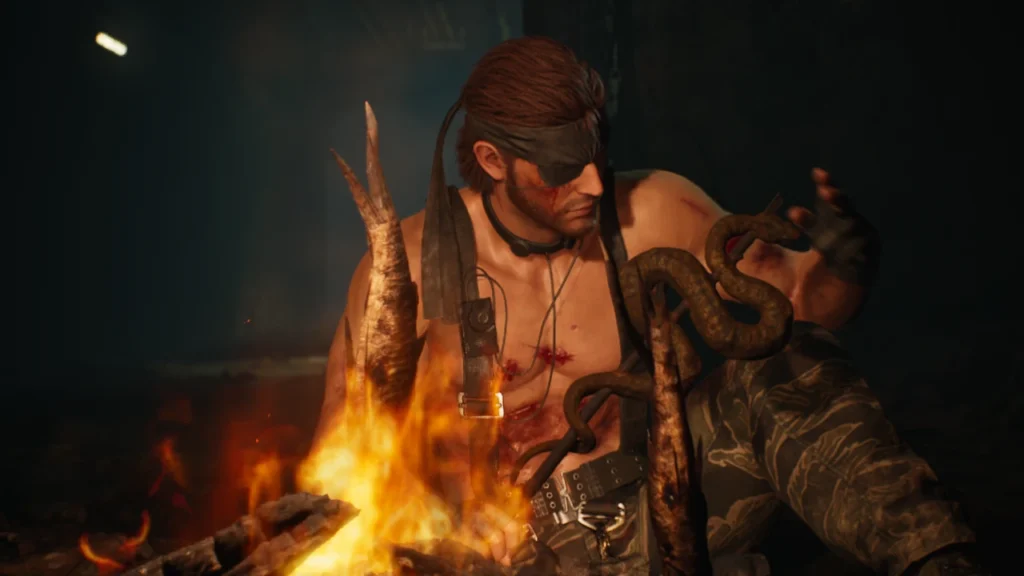
However, the controls can. There are two ways to play Metal Gear Solid Delta, the New and Legacy styles. The Legacy style is the one we are more familiar with from the original release, while the New style features an over-the-shoulder camera and feels more like Metal Gear Solid 4, Peace Walker, and The Phantom Pain. I enjoy the New style a lot, and it was great to play through Snake Eater in a new way, but there were times the controls got in my way. These primarily happened when it came to taking cover behind an object or wall. Sometimes I would just not attach, while other times I would easily move away from the wall and get noticed. It felt rudimentary compared to other games nowadays, where it feels more natural.
Even still, the new control scheme helps make sure Metal Gear Solid Delta feels fresh and new, without changing what made the original so enjoyable and iconic. There are so many small details that can affect the game in different ways, and even change cutscenes or boss fights. There’s also a solid amount to unlock to give us new tools during the game. Getting new titles can give us new camo and weapons, but the real motivator for me to get back in and play New Game+ is the Secret Theatre. I don’t want to go into too much detail because they are best experienced, but there are new videos here, and the first one just hooked me.
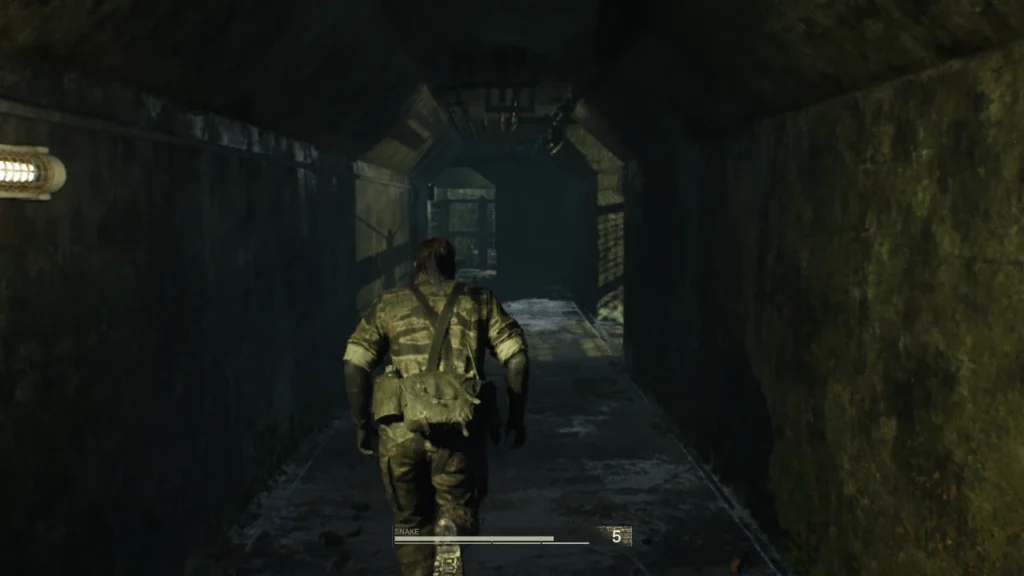
I also appreciate the Ape Escape minigame making a return. It’s small in the grand scheme, offering 10 stages where we just have to stun and get the apes as quickly as we can. It’s a nice little distraction, and I appreciate Konami bringing back content that was missing in the modern re-releases of Snake Eater, but my main motivation to play was the rewards for completing all the stages.
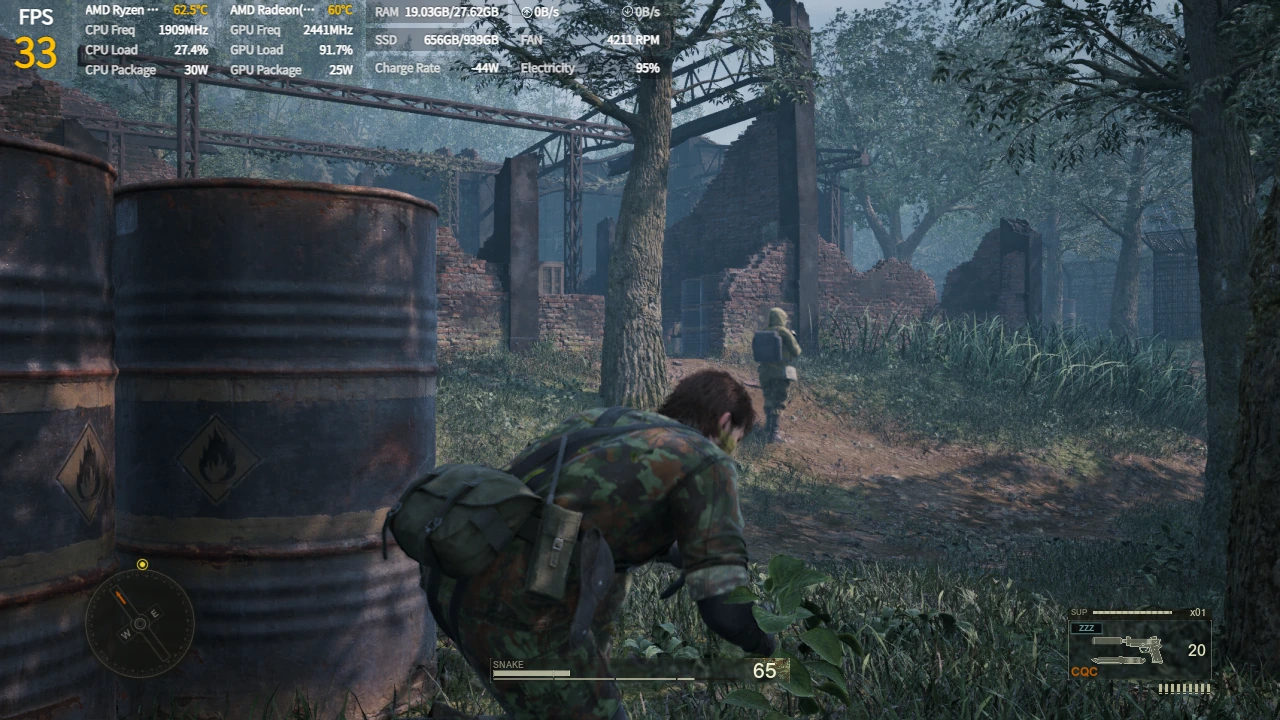
Now, playing Metal Gear Solid Delta: Snake Eater on the Steam Deck is a mixed bag, and one I would say is where I wish we had half stars for our Steam Deck reviews. It’s one of those games that technically plays on the Steam Deck, and I’d say that if you only have a Deck, it can be played, but there are some extreme sacrifices to make it run. Because of that, if you have any other more powerful handheld or desktop PC, I would say play it on there.
The game fluctuates its framerate, but it will generally stick to 20 - 35 FPS, depending on the area you are in at the lowest settings. Going into the game, I thought it was going to be harder to run in outside areas, with some inside areas running better because they are closed off. However, I actually saw the opposite happening, and I can only imagine it's because the inside areas are more detailed, while the outside is primarily fauna and trees.

As for trying to increase performance, there isn't much we can do. The 20-35 FPS range is with the game on the lowest settings. All we can do is lower the resolution, which does help performance a little, but even at 960x600, there are still drops, and it looks blurry. There are two different upscalers to use, TSR and FSR, and while FSR does help a little more, it also shimmers heavily when moving the camera around.
These low settings also make the game look like there are no shadows. Turning shadows up to medium brings them back, but tanks the framerate. Turning Global Illumination up to medium doesn't harm the framerate as much, but it makes the game look orange. Turning them both up to Medium is how the game should actually look with this remake, but the framerate tanks even further, so it's unplayable.

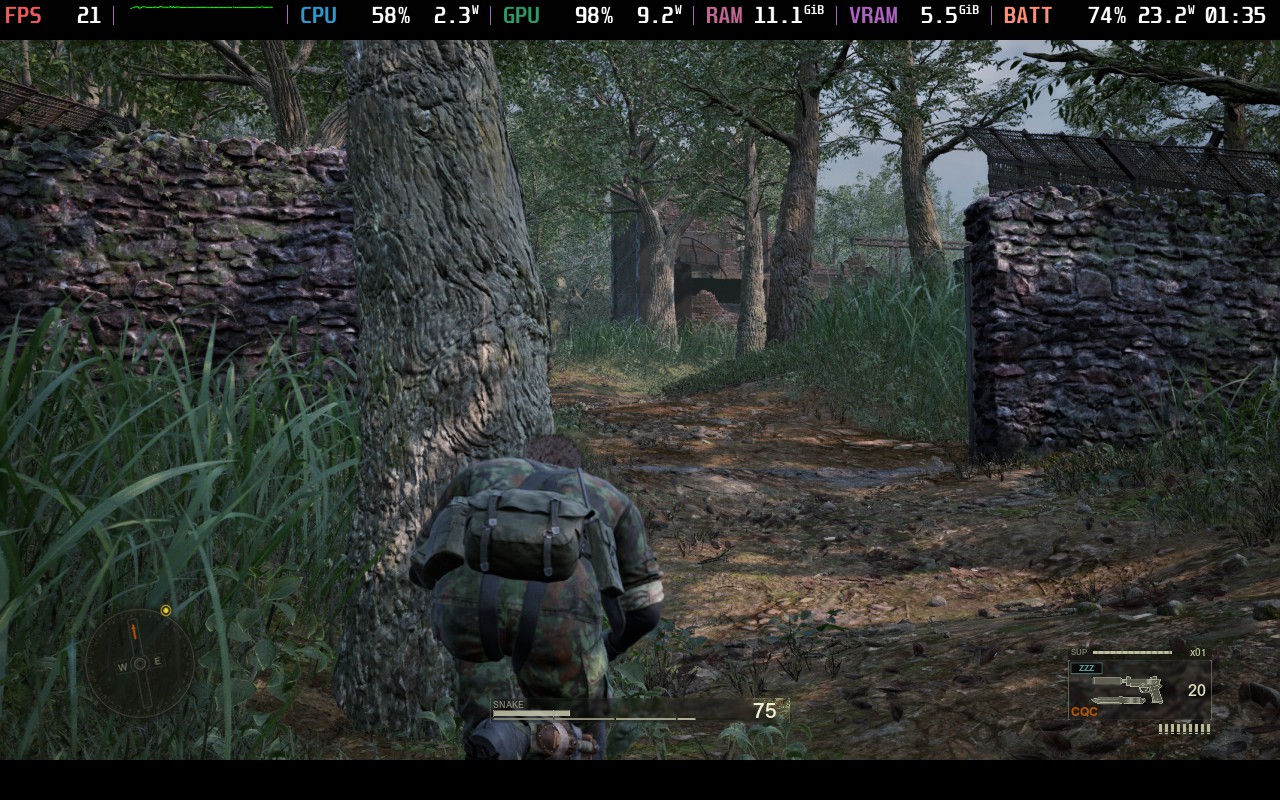
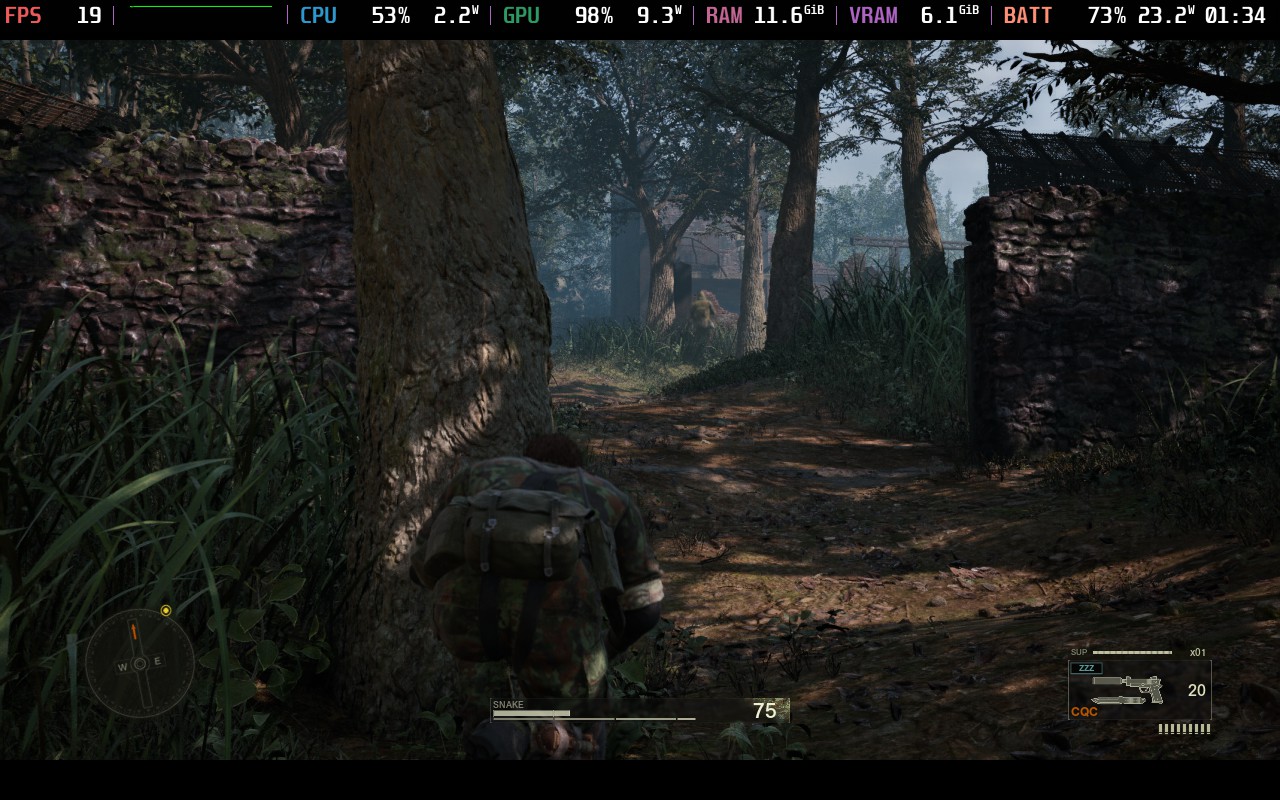
I would still say it's technically playable for those who only have a Steam Deck, but it won't be a solid 30 FPS. This is one where we would be much better off using a more powerful desktop PC or handheld, or streaming to your Deck through a more powerful PC or cloud service.
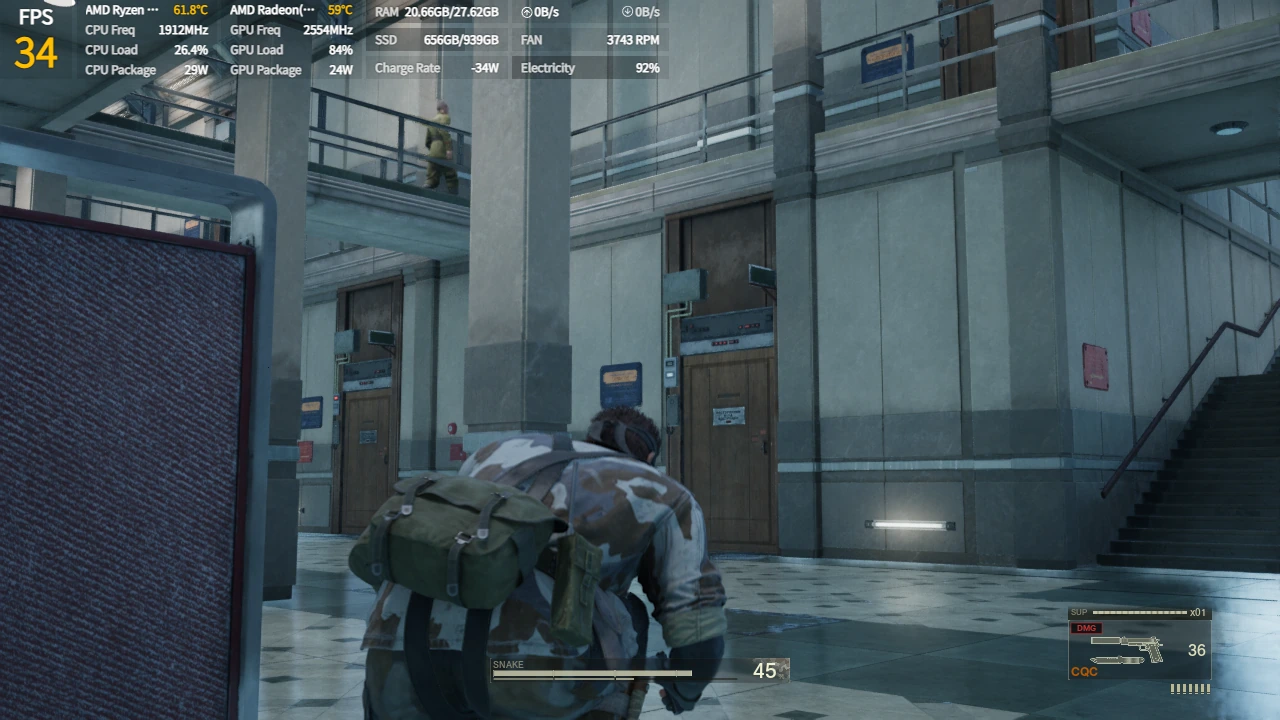
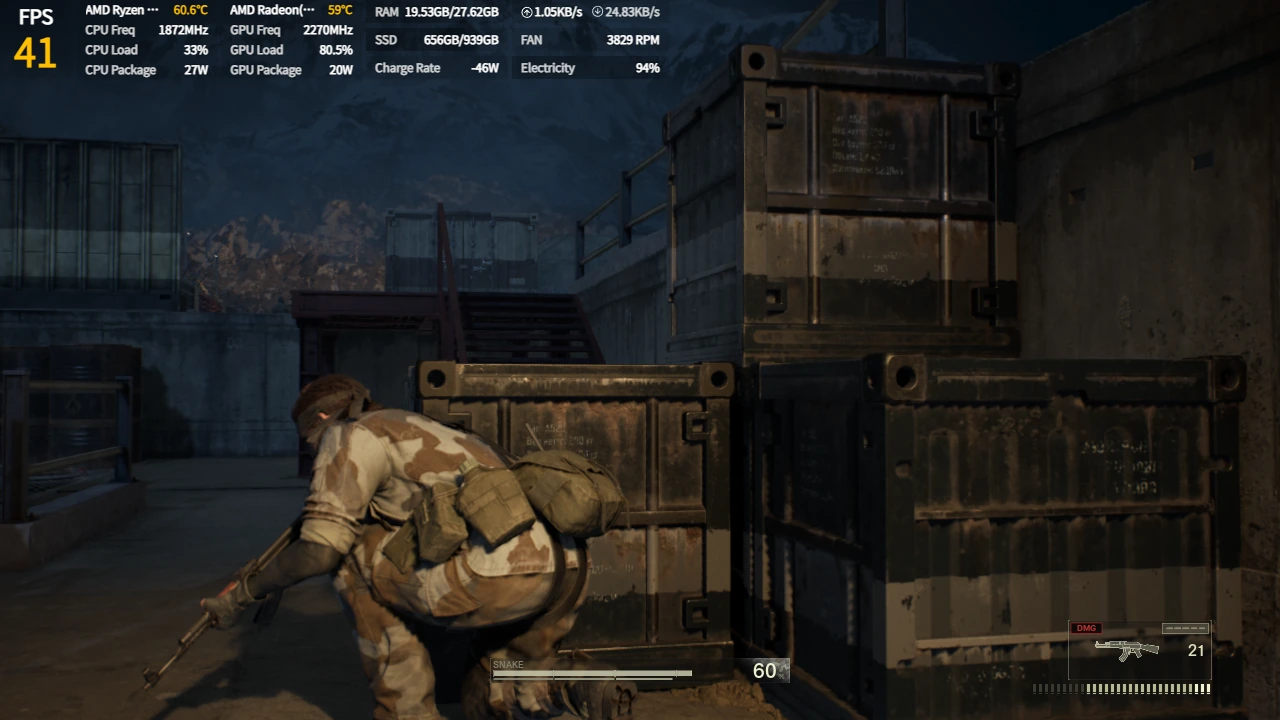
Since this is such a huge release, I wanted to take a look at how the game is running on more powerful handhelds. I chose the ROG Ally, to represent the initial Z1 Extreme handhelds (Legion Go), the ROG Ally X for Z1 Extreme or 7840U/8840U handhelds with more RAM, and the AYANEO 3 for Ryzen AI 9 HX 370 and the upcoming Z2 Extreme APU handhelds that have over 24GB RAM (like the Xbox ROG Ally X).
On the ROG Ally with the Z1 Extreme APU and 16GB RAM, I was able to get the game running at above 30 FPS on the lowest settings in outside areas and around 30 FPS in inside areas. There could still be moments later in the game that cause some minor drops as well, but it's definitely more playable. However, there is a weird issue where the low settings look worse than the Steam Deck on Low, and Medium/High settings look like the Steam Deck's low settings. I believe this is a driver issue, but since there are no new drivers to download yet, I can't confirm completely.
On the ROG Ally X, with the Z1 Extreme APU and 24GB RAM, the performance and visual issues were largely the same with the ROG Ally. The performance didn't improve with the extra RAM or enhancements from the Ally X, and the unreleased driver could be the culprit behind the visual issues. I would wait to play on the Ally devices until a driver helps the visual problems, because there is no way the game should look like this to be playable.
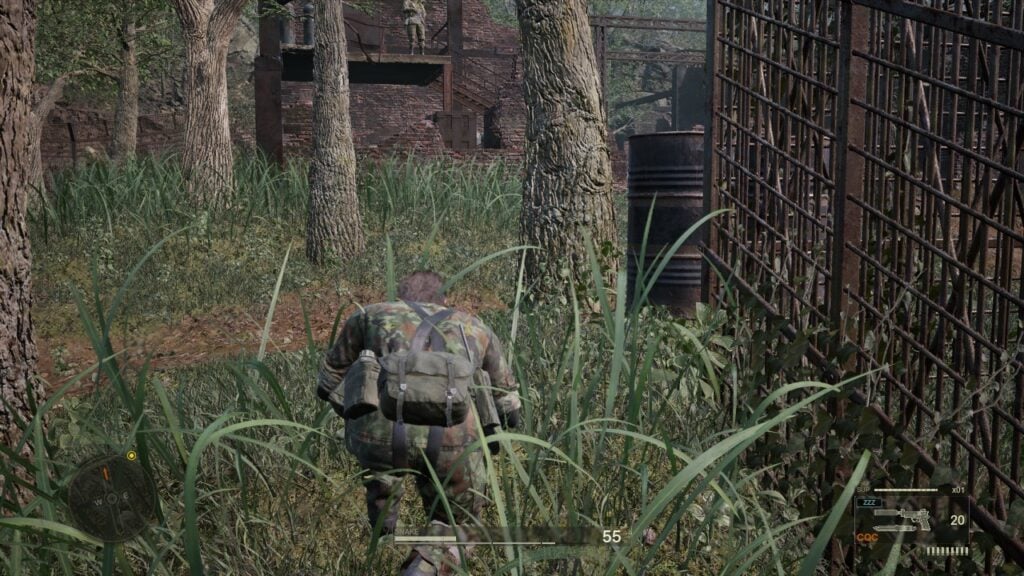
On the AYANEO 3, with the Ryzen AI 9 HX 370 APU and 32GB RAM, I was able to play at Medium settings and stay over 30 FPS the whole time. The game looks great here, with some minor lighting issues that could be attributed to a driver update that hasn't been released yet. Still, it's very playable, and bodes well for the upcoming handhelds that will be utilizing a Z2 Extreme APU like the Xbox ROG Ally X.
The game does have an accessibility tab, where we can change the behavior for readying weapons, opening the equipment and weapon window, grabbing and interrogating enemies, text size, a center dot display. and different color correction modes for the UI. We can also change the language cutscene subtitles text size, color, and background, toggle in-game subtitles, camera shake, showing headgear during cutscenes, changing magazine region, and adjusting sensitivity and whether the camera is inverted.
The game does support 16:10 resolutions, and it has cloud saves and controller support. It does have HDR settings and recognizes the Steam Deck OLED screen.
Metal Gear Solid Delta: Snake Eater is a fantastic remake, and I feel Konami did it justice. Choosing not to add or change the existing content helps preserve what makes up the legacy of the original. The updates, while minimal on the surface, make the game feel fresh with stunning visuals and a new way to play that brings in a new perspective. The gameplay still holds up to today's standards, so just focusing on a new over-the-shoulder camera and some quality of life changes are perfect for a release like this. Even with some minor control issues here and there, it's a blast to play through the game in this new way, while still having the old control method and top-down camera as an option.
I would not recommend playing this on the Steam Deck personally, though I would say it can be powered through if the Deck is your only device to play on. The more powerful handhelds are getting there, with the AYANEO 3 making it playable while looking fantastic. This bodes well for handhelds that will have the Z2 Extreme APU, like the Xbox ROG Ally X.
Still, as a fan of the series or a newcomer, Metal Gear Solid Delta: Snake Eater is a game worth playing through.
このレビューはPC版に基づいています。
このレビューをお楽しみいただけたなら、SteamDeckHQ の他のコンテンツもぜひご覧ください!私たちはあなたのゲーム体験に役立つこと間違いなしの様々なゲームレビューやニュースを取り揃えています。ニュース、ヒントやチュートリアル、ゲーム設定やレビューをお探しの方も、最新のトレンドを知りたい方も、ぜひご利用ください!
Stick it to the Stickman was provided by Devolver Digital for review. Thank you!
This is an early access title, so our final thoughts on Stick it to the Stickman will most likely change as it develops. This review is based on our thoughts of the initial release of the game.
There are so many games about building and managing different businesses. From bars and cafes to trading card shops, we consistently become the CEOs and try to get rich. However, we don’t think about the employees we hire to work for us, and while we may treat them right, some businesses don’t. Well, if you’re part of one of those businesses that is taking advantage of you, Stick it to the Stickman may be the perfect game to relieve your stress, and it’s cracking up to be a good one so far.

In this roguelike, you play as a stickman in that exact position: being worked hard and taken advantage of by your CEO. One day, you just get fed up and start attacking every other worker around, slowly moving towards the top of the building to face the CEO and take his position. And the cycle continues, with you taking the role of a new stockman who has to fight off against the new CEO, and it’s very hard to tell when, or if, this cycle will ever stop.
Developer Free Lives has gone all out here and shown their fantastic brand of comedy, which they mix extremely well with their games. The loose story is outrageous, watching yourself constantly become the new CEO and have to submit to shareholders and their ridiculous whims in such a dramatic fashion. It’s apparent from the opening when you have to name your stickman, only to find out that you aren’t naming your stickman, but we will be seeing them quite often.
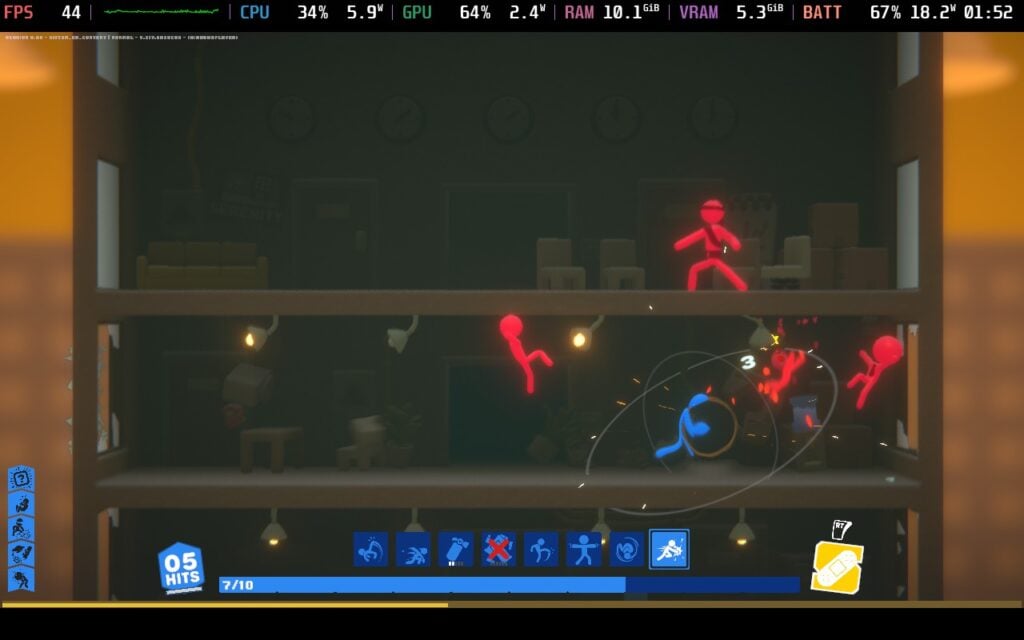
The heart of Stick it to the Stickman's gameplay loop is the roguelike mechanics, but the implementation is something I haven’t seen before. Instead of the usual deck building or upgrades, we engage in real-time combat and add new moves to his moveset as we defeat enemies and level up. These can range from punches and kicks to throwing coffee or knives. They can also be upgraded twice in each run to more powerful versions, culminating in the epic showdown with the CEO at the top of the building.
This implementation of roguelike elements is way more engaging than I expected. Seeing it appear in real-time combat was exciting, and it is so much fun. Free Lives’ humor is packed into the gameplay once again. The fighting is all physics-driven, so our stickman and enemies will flail around, while office objects will fly around as we knock into them. The scenery is semi-interactable, with some electrical outlets able to electrocute and windows being breakable to kick enemies out. Even the upgrades range from ridiculous to epic, and take lots of inspiration from other famous moves from other games like Street Fighter and Mortal Kombat.

In the hours I played, the core loop never got old. It was hilarious, engaging, and exciting. Each run starts off with you choosing from one of 20 different jobs, each having its starting moves that relate to its respective job. Like the Jogger with kick moves, the Extrovert who can shout at people, and the Taskdodger, who has a paper airplane they can throw (and tries to avoid being selected on the menu screen). They all have their own perks as well, which is a nice touch, too.

As we play, there will be new buildings to unlock, which we can use accumulated money to purchase and buy upgrades for ourselves. The upgrades can unlock new interactables in the office, like coffee jugs to increase damage temporarily, as well as new floor types, special moves, new job types, and more. It’s not always straightforward what the upgrades will do, but they’re exciting.

To get to all these buildings, we can run across a small map with some mechanics similar to games like GTA. We can carjack, find guns, shoot people, beat them down, and our wanted level will increase the more havoc we cause and have to fend off the police. That and some minigames littered throughout are a nice little break away from the main gameplay, even though I didn’t feel like I needed it.
This is an early access release, so performance will change as development goes through early access. This is based on the initial release that you can play on launch.
Initially, I was worried about Stick it to the Stickman on the Steam Deck. When I first played when I got my review build, the framerate was all over the place and controller support had some holes in it. However, the day 1 update dropped right before finishing this review, so I went ahead and tried it again. I am so glad I did, because there have been some great, necessary changes that make it borderline playable on the Deck.
The game will play at a stable 30 FPS throughout, with some minor drops in fights with tons of enemies on screen (which can happen). That will be the most stable way to play so far, but if you want to push, most areas and fights in the game will be playable at 40 FPS and above. Controller support also feels significantly more refined, and is my preferred way to play.

Before, I would have said to wait for some updates to play on the Steam Deck. But with this patch, I’d consider it playable and enjoyable. Yes, there are still some minor drops, but thanks to this patch, I am confident they will improve further throughout early access. I did notice that pausing the game sometimes ended up draining the game more, but overall, it's solid performance for an initial release.
We can enable a timer, change driving controls, and change volume sliders. There aren't many settings to change right now, but that could change as development progresses.
The game doesn't support 16:10 resolutions, but it has solid controller and cloud save support. There are no HDR settings.
Stick it to the Stickman very quickly became one of my top three favorite roguelikes, and I can easily see it being my favorite I have played. The real-time combat mixes extremely well with roguelike mechanics, and for an early access release, there is a lot to love. The mix of minigames, a physics-driven world, and developer Free Lives humor elevates the experience even further. I'm looking forward to seeing what will be added as development continues, but it's a fantastic initial showing of how great this game could be.
It's also running decently on the Steam Deck, being able to stick to 30 FPS at least unless there's a ton of enemies on screen. For an early access release, this is solid, and I am confident it will only get better as time goes on.
このレビューはPC版に基づいています。
このレビューをお楽しみいただけたなら、SteamDeckHQ の他のコンテンツもぜひご覧ください!私たちはあなたのゲーム体験に役立つこと間違いなしの様々なゲームレビューやニュースを取り揃えています。ニュース、ヒントやチュートリアル、ゲーム設定やレビューをお探しの方も、最新のトレンドを知りたい方も、ぜひご利用ください!



