South Park: Snow Day! was provided by THQ Nordic for review. Thank you!
South Park: Snow Day! is an interesting game. After the successes of South Park: Stick of Truth and Fractured But Whole, I expected a continuation of this type of game, but instead, Snow Day! It goes in a completely different direction as a third-person action game with Roguelite elements.
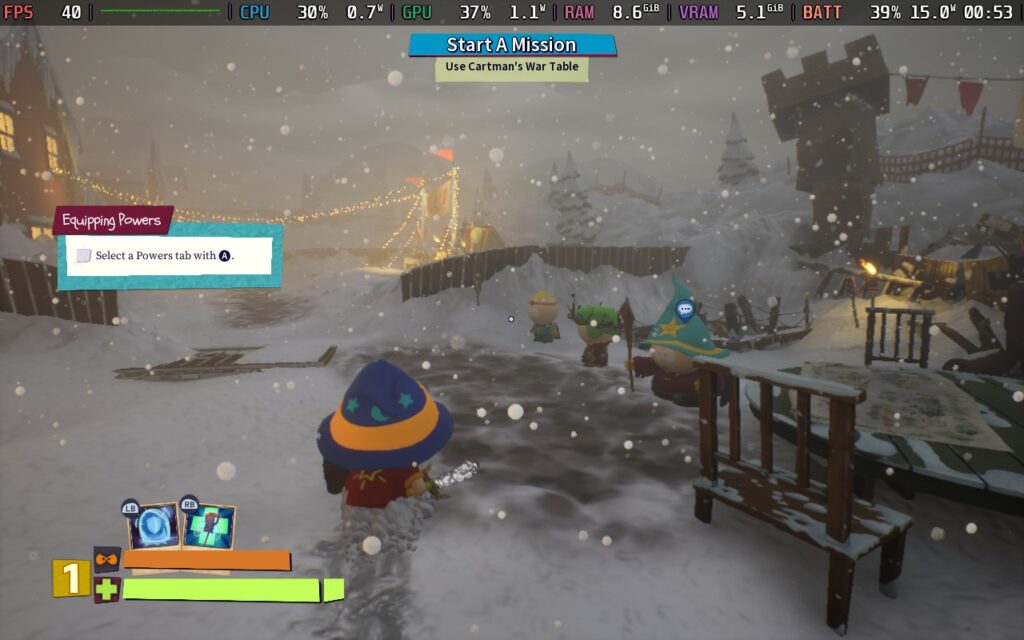
Now, as a general rule of thumb, games in the Roguelite genre tend to be fairly short games but lean on their difficulty and progression systems to allow players to do repeat playthroughs of the game to gain power, try out new strategies, and sometimes visit new areas. South Park: Snow Day! is definitely on the shorter side, but seemed to miss the memo regarding difficulty and progression. The game is short; you can play through all 5 levels in 4 - 5 hours, even less if you're playing a co-op game with decent players.
As it was, I had to play single-player for my review with AI party members, who aren't the sharpest tools in the shed, often walking around and attacking the wrong enemy, such as focusing on a healed enemy instead of the one healing them.
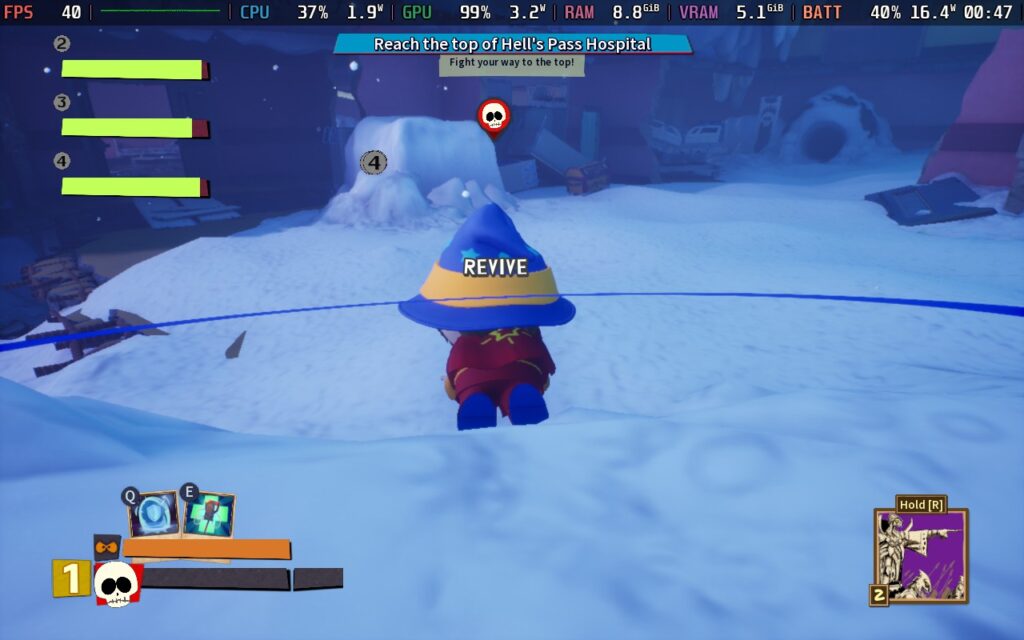
There are 6 weapons in total, 3 melee and 3 ranged, with the game allowing you to have 1 ranged and 1 melee weapon equipped. Melee consists of spamming the X button to do a repetitive combo against your enemies. the ranged weapon has you holding down LT and letting it go in the case of the Bow and Staff, or just holding down LT and aiming at enemies in the case of the wand. It's mindless, and combat doesn't feel satisfying, with melee attack sounds seeming quiet and having no impact.
There are "elements" to your attacks, such as being able to set enemies on fire or cause them to vomit, but once you get your weapon, you just kind of stick with it. There isn't a huge variety of weapons you can use, and I just found myself using the fire wand and holding LT while looking at enemies. That did the job just fine, so there was no need to experiment.
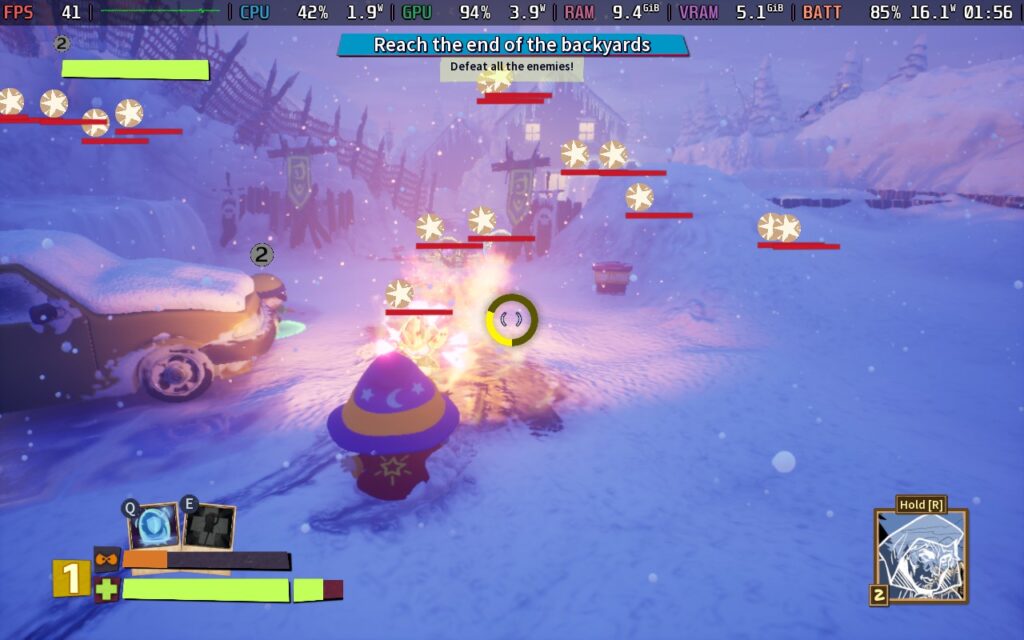
You'd hope that the game would be difficult to prolong the length of the game and to allow players to improve their character and give it another go with a stronger set of skills or a new and better set of cards, but playing on the "Normal" difficulty setting, I wasn't particularly troubled by anything at all. As long as you keep moving/dodging and placing down the infinite healing totem you get, it's quite difficult to die.
There is an "Easy" and a "Hard" difficulty setting, and on "Hard," I could imagine finding things quite challenging. Still, I'm not the best gamer anyway, so being unphased by the "Normal" difficulty is quite concerning. I think some of my difficulties came from the incompetence of my AI partners. Had I been playing with a 4 player human group, I would imagine the game would become mind-numbingly easy. A case in point: when fighting against the 2nd boss in the game, I was only hit once.
South Park: Snow Day! uses a system called the "Pissed Off" meter to limit how often you can use your special moves. The problem is, it's nearly always full. I don't think there was ever a point where I tried to use an ability but couldn't. Your character gets pissed off at everything: dealing damage, taking damage, and even looking at snow. It makes the meter seem pretty pointless, and you can just spam attacks or heals because of it. Upgrade your meter to hold more and ensure you never run out!
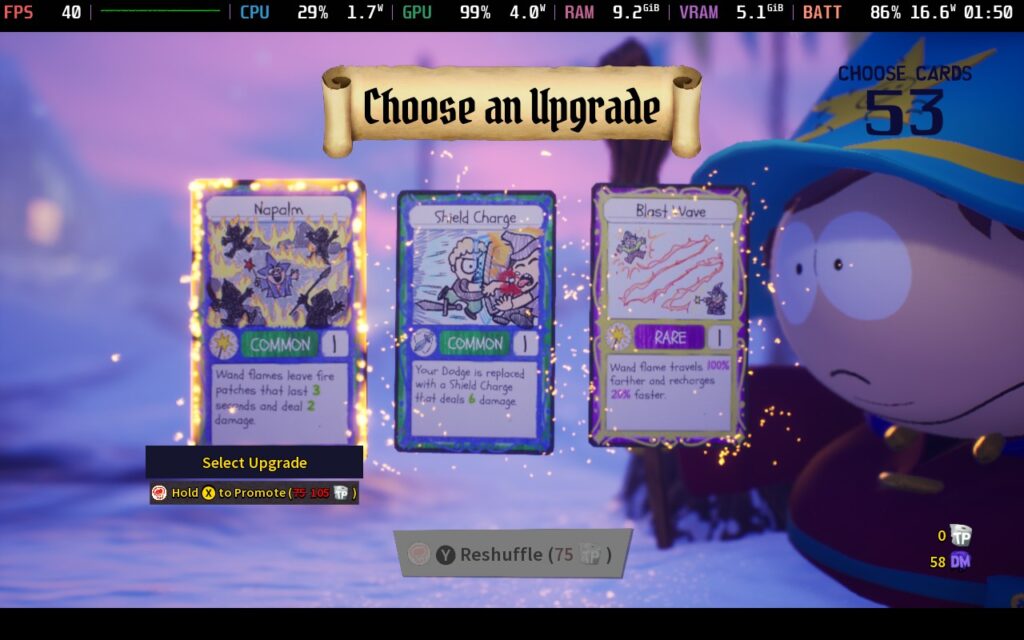
The card system is one of the only positives I found with the game. At the start of each "run," you'll get to pick a couple of starting cards, giving you a buff to one of your skills or weapons and an ability you can use during the run. The card's power adjusts depending on the rarity of the card, and you can pay to increase their rarity. Periodically, while playing, you can also encounter Jimmy or Henrietta, who will allow you to bring additional cards into play. This system was well made, and you certainly get excited when seeing what cards you're being dealt.
Many people complained about the game's transition from South Park's usual 2D approach to a 3D style; however, I wasn't too bothered by it. It may lack some of the charm of the 2D style, but I think the characters were transitioned fairly well into 3D, and the game world still maintains a cartoony feel. It's basically how you would imagine South Park would be in 3D.
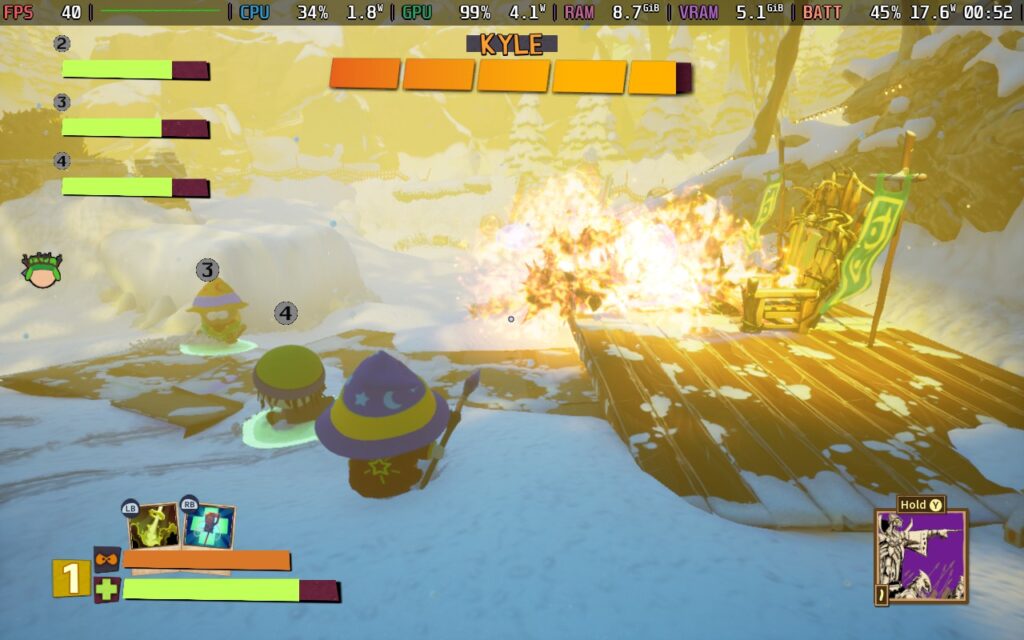
But surely the story is good. I mean, it's a South Park game, right? Well, things get a little confusing here. The writing and storyline are inspired by South Park and its humor, but at the same time, it feels a bit watered-down. I don't know if this was done to ensure the game received a 16+ age rating instead of the 18+ rating both of its predecessors received, but the somewhat off-color humor of South Park was toned down a bit for this game.
Certain jokes from the main series are referenced here but are slightly censored. While South Park is known for targeting certain groups, that doesn't seem to be the case in Snow Day!, simply preferring to use generic toilet humor for many of the gags rather than jumping on the bandwagon of disparaging certain demographics.
So, if you find the humor in South Park's TV series funny, you will probably be disappointed by the toned-down humor. And if you find the humor in the TV series distasteful, you'll probably still find Snow Day!'s humor, too. It feels like the writers chose the worst possible path of being inspired by South Park but were unwilling to follow it fully. Despite all this, I found the voice acting to be quite good.
South Park: Snow Day! gets some things right when it comes to working with the Steam Deck. For one, it supports 16:10 aspect ratio resolutions, so we can run at the Deck's 1280x800 resolution. It also has excellent controller support, with all menus and gameplay elements fully accessible using nothing but the gamepad. There is no need to use the touchscreen or touchpads at any point.
We also have a nice array of video settings to choose from, although many of the settings seemed to have negligible impact on performance. The main exceptions to this are the Volumetric Lighting and Shadow Quality.
So, let's dive into my first and only settings preset for South Park: Snow Day!:
The game may appear to run well at Ultra settings and is able to hold 40 FPS in some areas. However, once combat starts, it often runs in the low to mid-30s, and intense combat drops it into the 20s with a solid 25W battery drain.
So, for my recommended settings, set a 40 FPS / 40Hz limit and turn off your TDP limit. A lot of the game ran fine with a 12W TDP limit, but there are certain points when the screen gets busy with enemies and effects where the 15W TDP limit will have fewer frame drops.
We will set everything to "Low" or "Off," except for Texture Quality, which we can keep on "Ultra." I also set the Resolution Scale to 80% here. With the game's style, the resolution scale saves us a few FPS without being noticeably worse in quality.
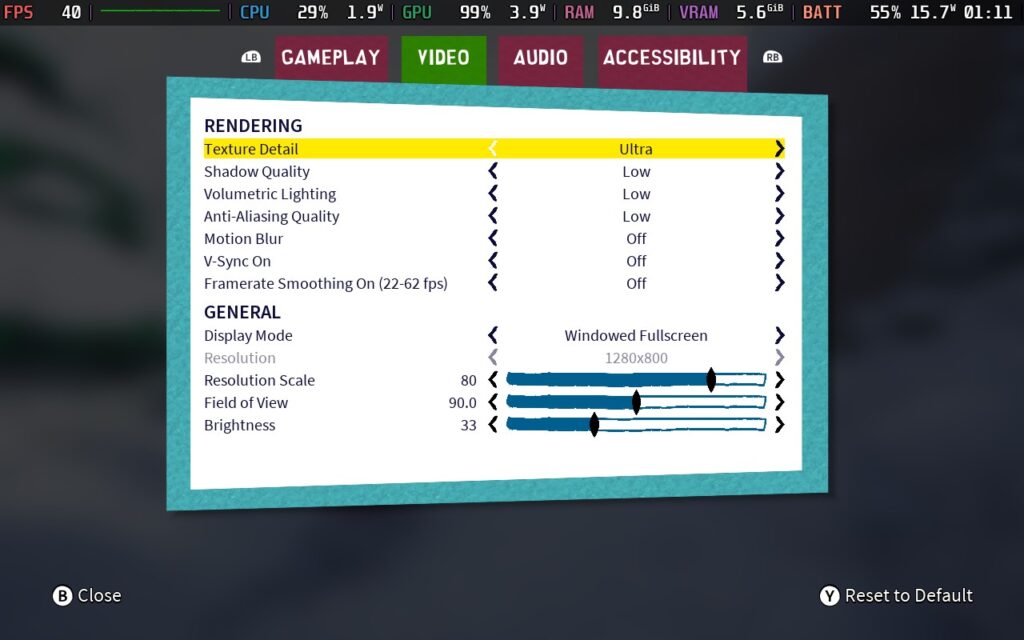
With these settings, we get an almost constant 40 FPS. There's the odd dropped frame here and there, but it's mostly consistent. Towards the latter stages of the game (Level 3-5 in my experience), I did get dips in certain places to around 37-38 FPS.
The Level 4 Boss also has a lot of fire/explosions, which caused severe drops down to the low 30s and occasionally high 20s that aren't avoidable.
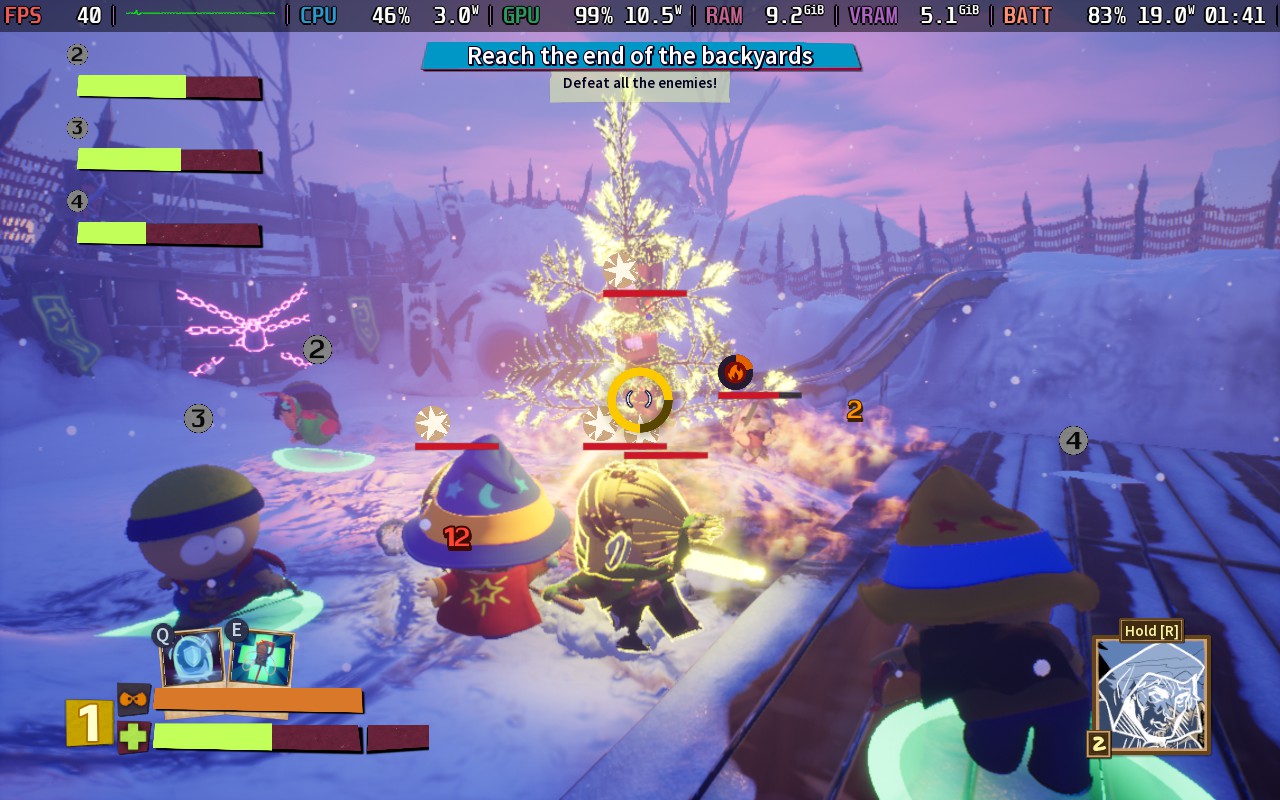
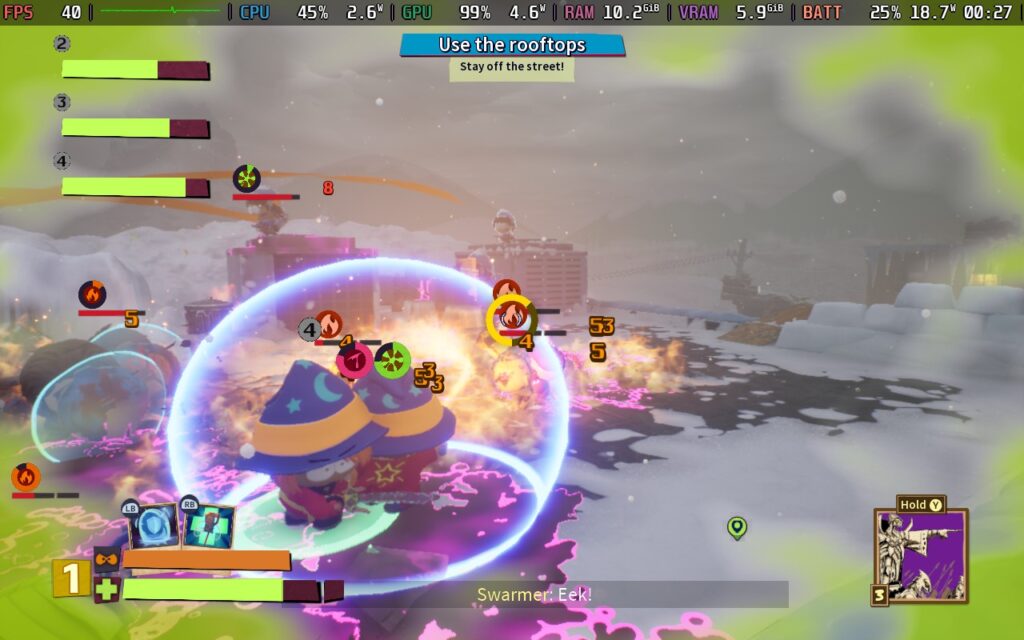
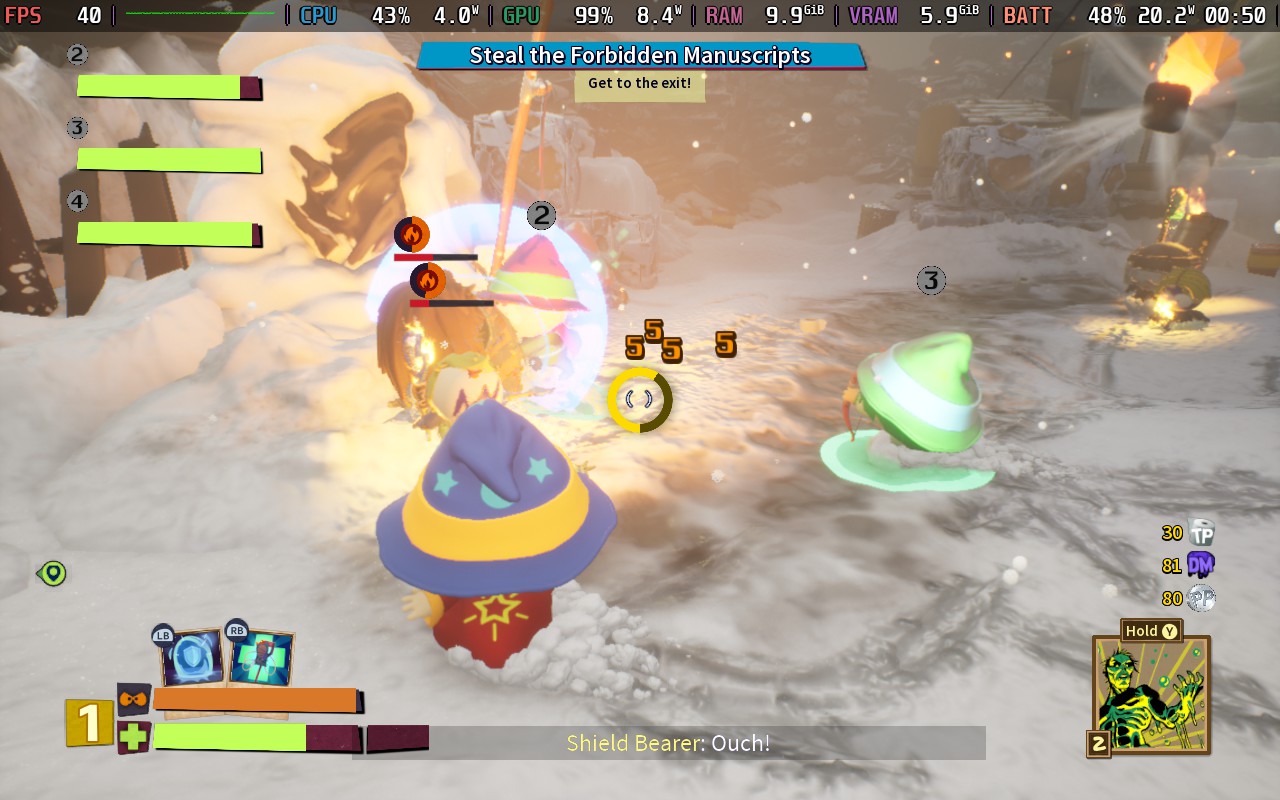
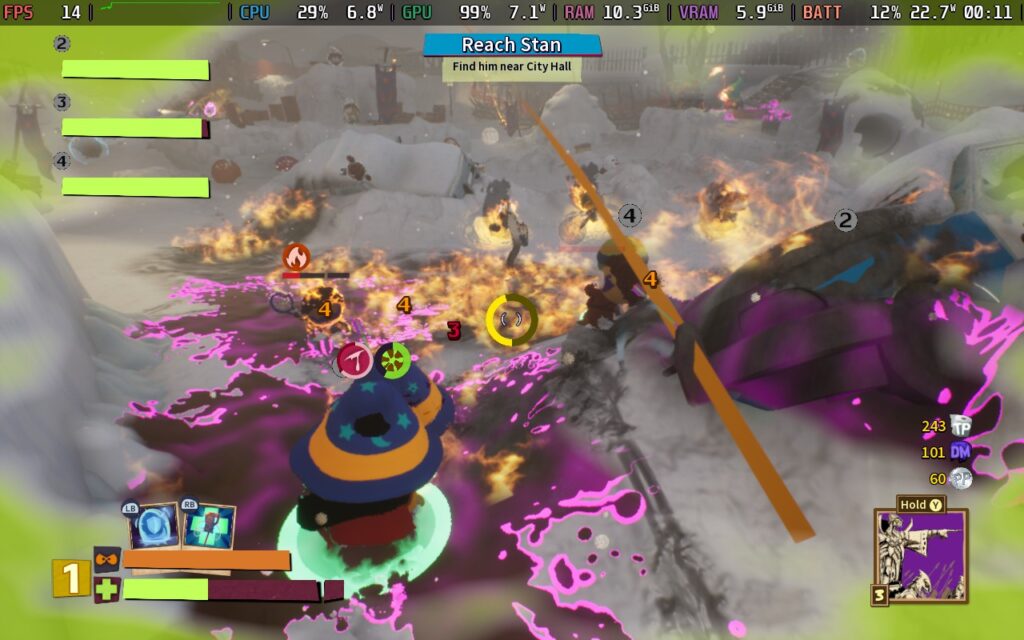
South Park: Snow Day! varies quite wildly when it comes to power draw, most of the time drawing around 16-18W. However, in intense combat situations, this can go up to 25-26W. I expect an average battery life of about 2 hours from a Steam Deck LCD and about 2.5 - 3 Hours from the OLED. Temperatures range around 70-75C when in light combat or just walking around the levels. I noticed a peak of about 80C in an intensive combat situation with 10+ enemies and many visual effects.
It's also worth noting that for whatever reason, there appear to be moments of intense CPU usage, at which point the FPS will plummet to about 15-20 FPS for several seconds, and there's not much you can do to stop it.
There is an accessibility menu in South Park: Snow Day! which has a few nice features, such as subtitles and their size, color blindness modes, and the ability to skip certain button-mashing sequences that occasionally pop up in the game.
South Park: Snow Day! feels like it suffers from an identity crisis in numerous ways. It falls partially into the "roguelite" genre, with "runs" and different cards you can play to make each playthrough feel "slightly" different. However, it's too easy to require multiple runs, and the cards don't really change the gameplay all that much.
The writing adds further to its identity crisis, feeling like it's trying to bridge the gap between being as crass and edgy as South Park while trying not to offend. A lot of South Park's humor comes from its indifference to whether something is offensive or not; the two can't mix.
While performance on the Steam Deck is generally fine and perfectly playable, I can't recommend the game itself. If you can get it for cheap, like say, $10, then it might be worth picking up and playing with some friends in the co-op mode for an afternoon gaming session, but it's a one-and-done game, you won't be back for more of South Park: Snow Day! once you finish the 4-5 hour campaign.
このレビューはPC版に基づいています。
If you enjoyed this review, be sure to check out the rest of the content on SteamDeckHQ! We have a wide variety of game reviews and news that are sure to help your gaming experience. Whether you're looking for news, tips and tutorials, game settings and reviews, or just want to stay up-to-date on the latest trends, we've got your back.
This game was tested with a Steam Deck LCD. OLED testing is coming soon.
I'm back again, with another Yakuza review, the third this month! Every time I close my eyes, I see Kiryu...
As usual, if you're interested in the Yakuza series, you should definitely start with Yakuza 0. All the games are inter-linked, and if you start the series at number 6, you're going to be confused as to who all these characters are and the background behind them. But trust me, the time commitment to play all of these games is worth it thanks to how well-rounded and meaningful the stories are.
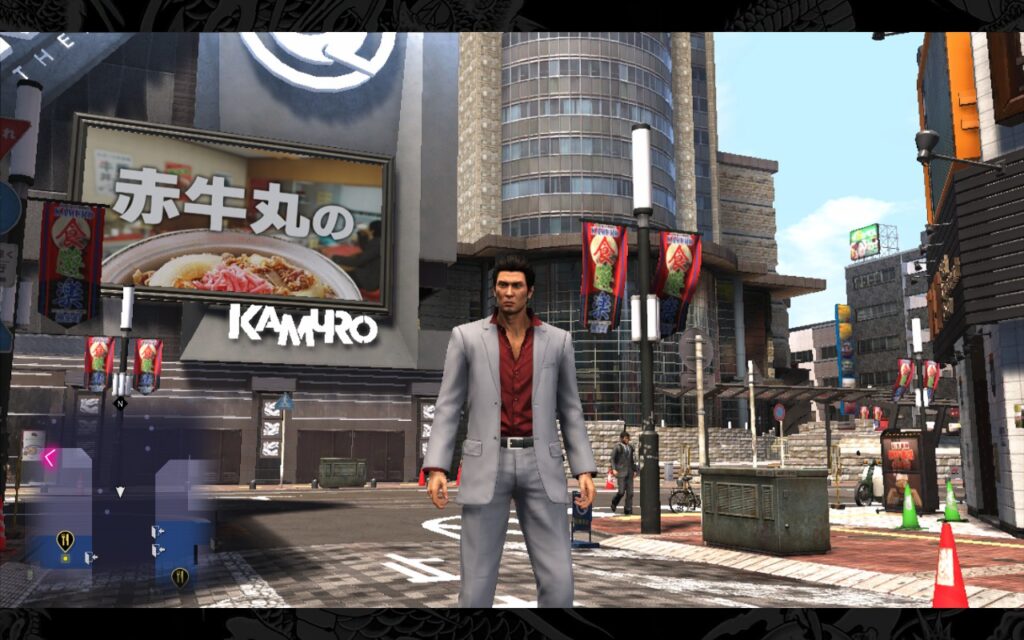
Yakuza 6's story takes a page out of the Fast & Furious book, it's all about family. Family has been a running theme throughout the Yakuza games. There's probably a family member protecting another one, or you know, killing another one in every game. But Yakuza 6 is very much based around Kiryu protecting those closest to him, even if they aren't related by blood.
Story-wise, a lot of your time will be spent running around trying to gather information on what happened to your "family" member, whom I won't disclose to keep from spoiling. The information gathering is pretty painfully slow, so you might want to mix it up with some intriguing side stories before you get frustrated about being told to go somewhere to get information and finding out that person doesn't know what you wanted to know, but they do want you to help them out with something!
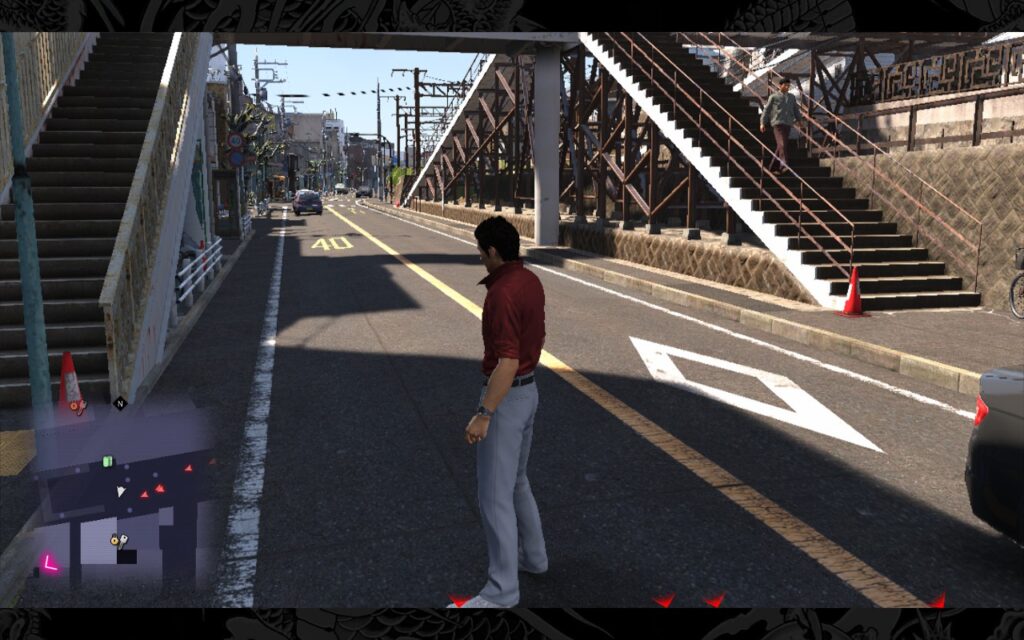
Yakuza 6 actually turns in as the shortest game in the mainline Yakuza series (If you count Kiwami 1 and 2 as replacements for Yakuza 1 and 2), but it's still a good length. You'll likely still be plodding your way through the story at the 20-hour mark, and that's not including all the side missions and minigames that Yakuza games always have in abundance.
Combat gets a bit of a re-vamp with the newly introduced Dragon Engine. For the first time in the series, we actually get proper ragdolls, which are put to great use given that Kiryu can punch and kick people with the power of a thousand intercontinental ballistic missiles.
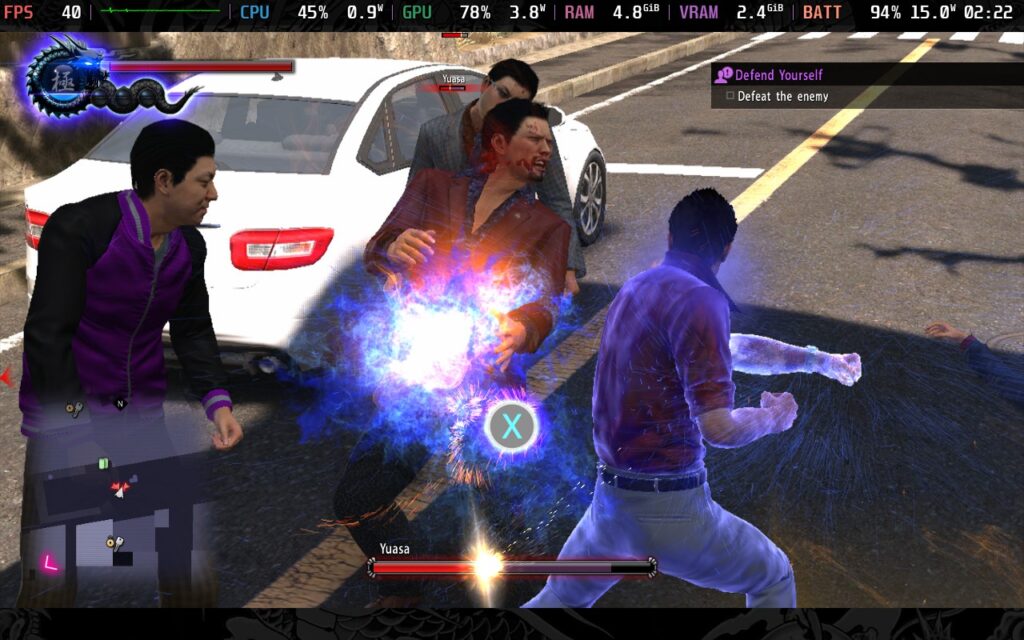
However, I found some frustrating points/issues with the game. The new combat system feels more fluid but seems to suffer from a bit of "looseness." This is most noticeable when locking on a target in combat. In older Yakuza games, the lock-on felt instant. If you were locked on, close to the target, and threw a punch, that punch would connect if the opponent didn't dodge. Now, although the combat feels more fluid and natural, it also means features like lock-on don't always work as well, and even when locked on, you can simply miss a punch or a kick and end up kicking to the side of an enemy, even if they didn't dodge.
Ultimately, it isn't a deal breaker, and most of the hitboxes are generous with Kiryu's moves so that attacks usually connect regardless. Still, on the odd occasion where Kiryu does kick thin air right next to an enemy, it is frustrating.
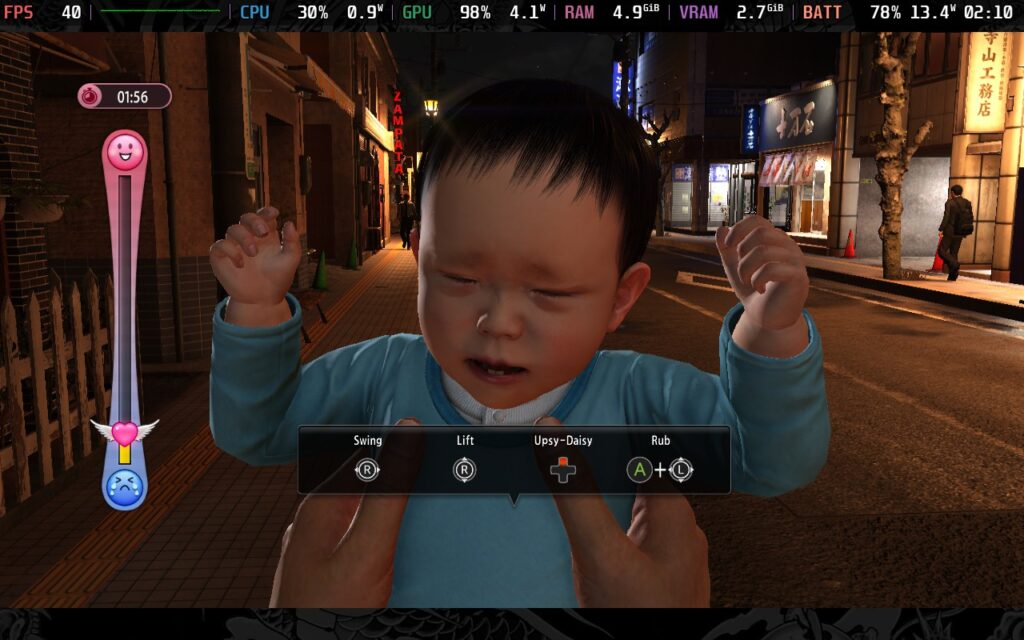
Regardless, it still doesn't excuse the developers from putting minigames like calming a crying baby every 30 seconds as you move through the city. Thankfully, it's only in a small portion of the game, but boy, was I getting annoyed by the end of it.
But let's get onto what you're here for: how the game performs on the Steam Deck.
Don't ask why, but while Yakuza 4 Remastered supported 16:10 resolutions, Yakuza 6 still does not. It uses the same trick as Yakuza 5 Remastered, where the game runs at 1280x720, and then artistic borders are put around the top and bottom of the screen to make it up to 1280x800. It's a novel idea, but it's still annoying that the game is restricted to 16:9 aspect ratios.
As we're accustomed to for Yakuza games, we have full controller support, and as always, it works without a hitch, so you won't have any difficulties playing on the Steam Deck itself. It's worth noting that Yakuza 6 does allow the player to pause the game at most points and save anywhere, and also allows players to reload at basically any point too, so having a long battery life isn't quite as urgent here as it was in the previous games.
Yakuza 6 is a little more customizable in the graphics settings than Yakuza 4 and 5 Remasters, so let's take a look and see what we can get out of our Steam Decks with this game. The basic graphics settings are the same across both presets we have here. Fortunately, one improvement Yakuza 6 does have over the remasters is that game logic is not tied to frame rate, so we can run at 40 FPS if we desire, not just 30 or 60.
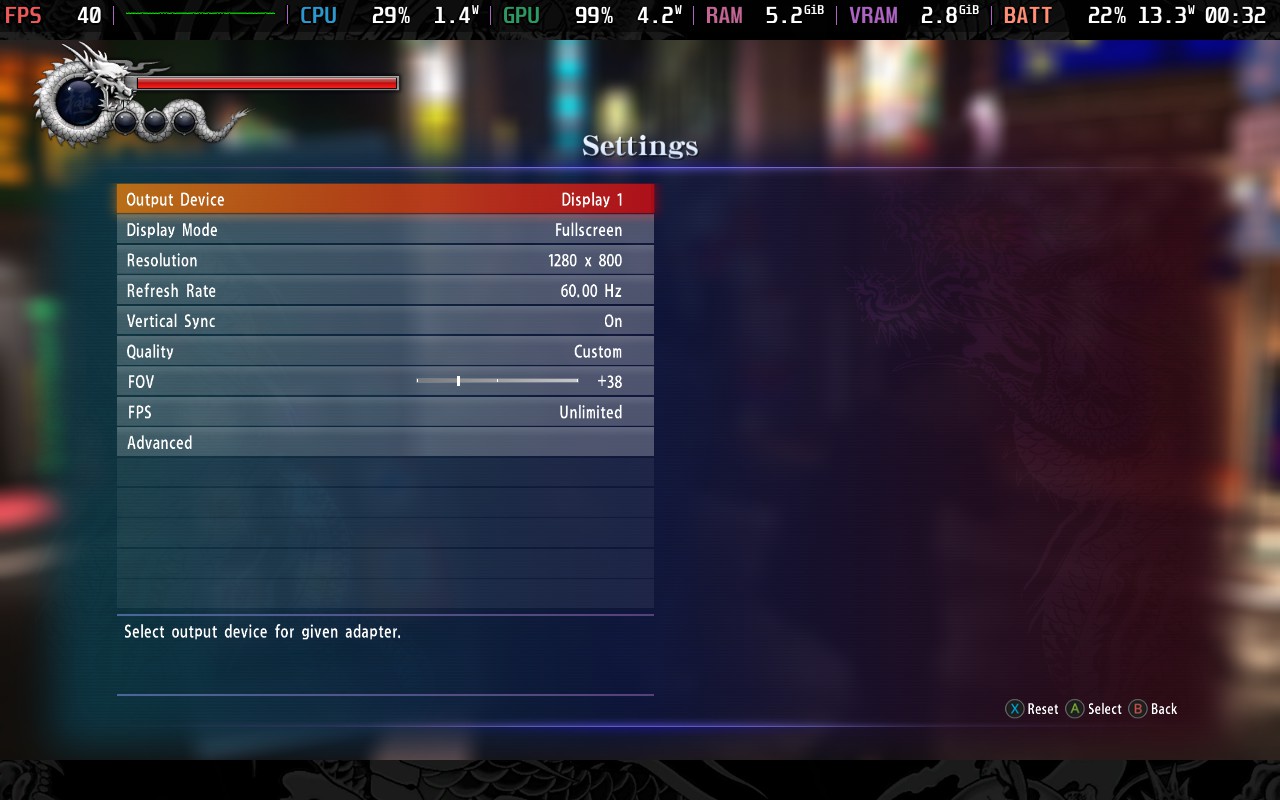
This newfound ability to run at 40 FPS comes in handy because, regardless of what we do, we cannot maintain 60 FPS in Yakuza 6 on the Steam Deck, sadly. These settings are for the best-looking experience while still maintaining a smooth framerate, and are my preferred way to play Yakuza 6 on the Deck.
Set your Frame Rate Lock in SteamOS to 40 FPS/Hz and remove any TDP Limit, we'll need the full 15W for this. Then go into your advanced graphics settings and make sure they are configured as they are below. I found that keeping shadows on Medium instead of turning to Low helps prevent some strange artifacts on shadows when moving, which can get distracting. SSAO is a bit of a killer on performance, but it also improves how the game looks, especially the darker alleyways.
Yakuza 6 also gets a Resolution Scale option, and we're setting that to 85%, as it's hard to notice the drop, and it gives us the extra bump in performance we need for those Shadows and that SSAO.
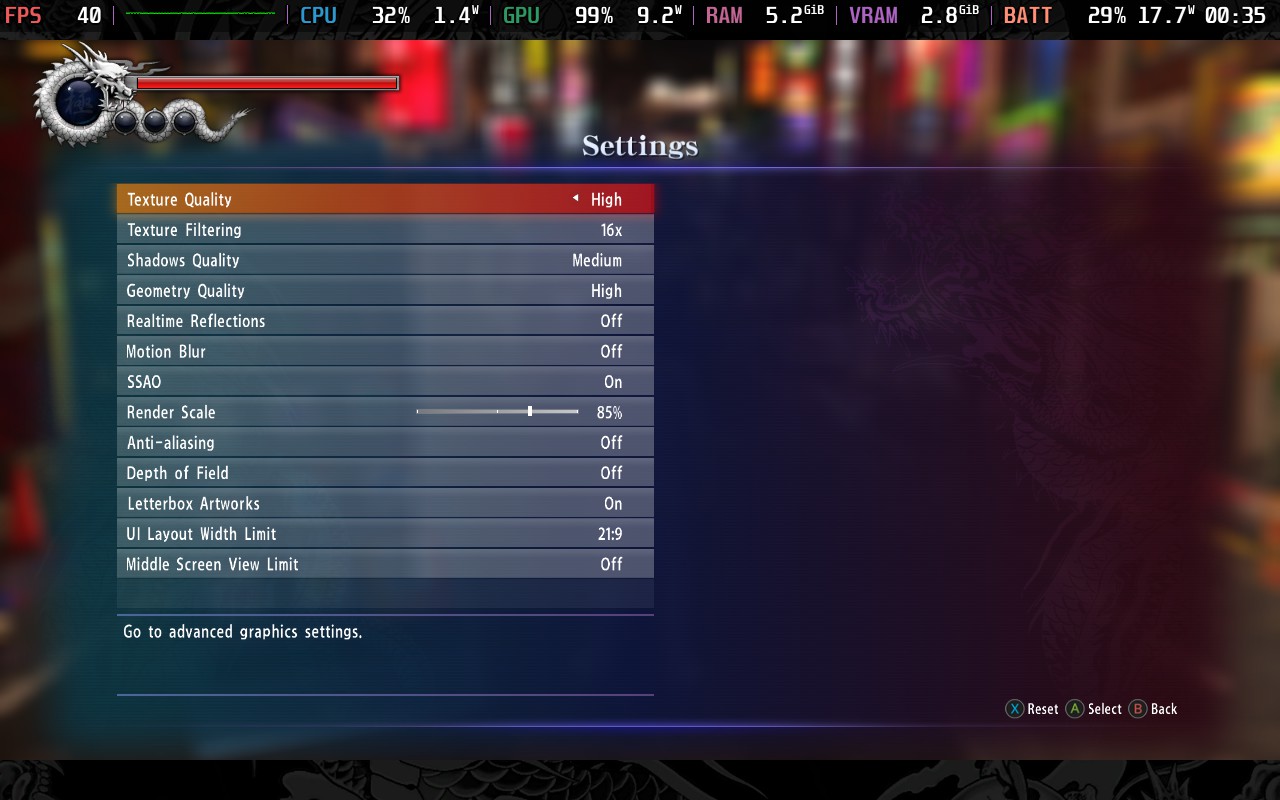
With these settings, our power draw varies between 18W - 21W, which means we can expect around one and a half hours of battery life, maybe just a bit more, from a full charge. Temperatures reach around 80C in intensive areas, which can be a little hot, but it's only for brief periods, and the game often runs closer to 70C than 80C.
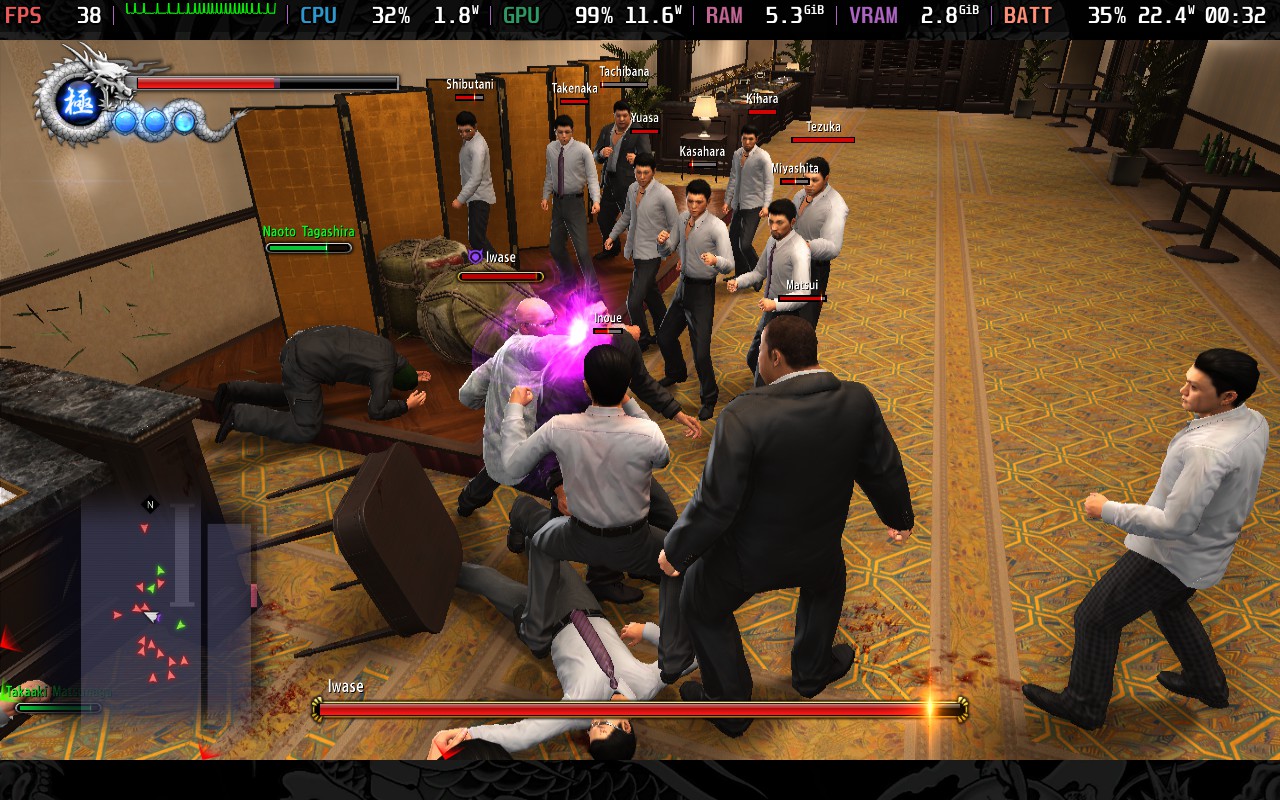
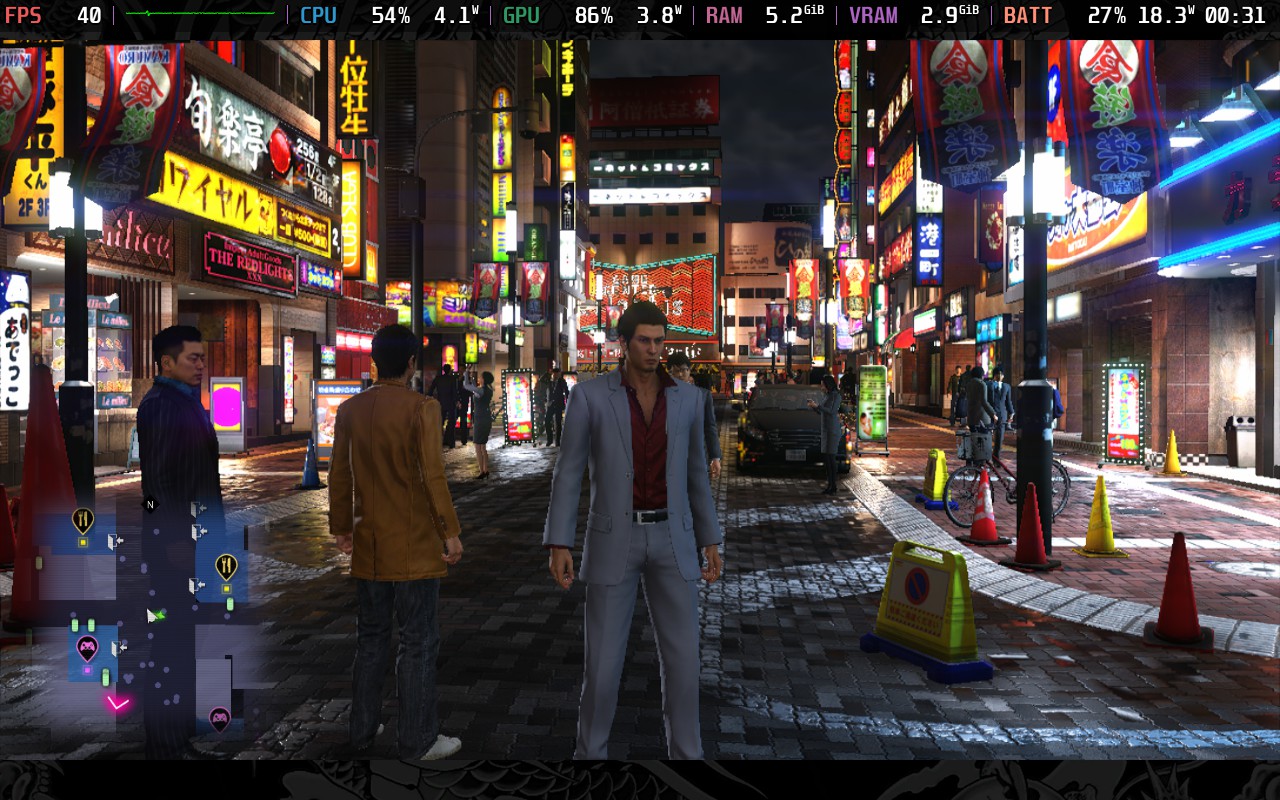
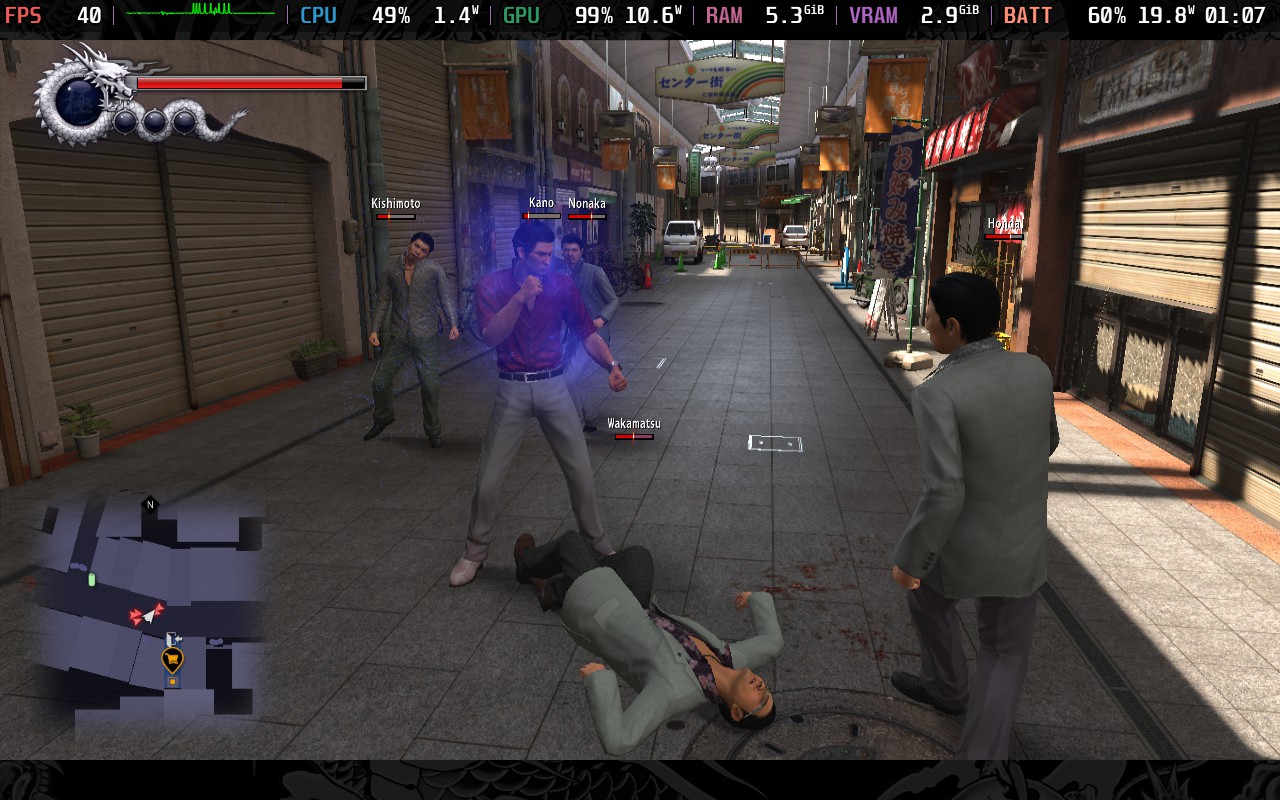
As you can see from the frame time graphs (upper left corner) of the above screenshots, in certain intensive battles, you will get slightly erratic frame times, but for 99% of the game, it is a fairly consistent experience. The 1st screenshot is an extreme example, where you are in a battle of over 20 individuals, once there were around ten remaining, the frame-pacing evened out, and most battles are with less than ten fighters.
First, we'll set a 30 FPS / 60Hz lock in our SteamOS settings, we can set an 8W TDP Limit here and hold the 30 FPS we need for a playable experience. We're losing out on the shadow quality and SSAO of the quality preset above, and we're also lowering our resolution scale to 75% here. While these are fairly big compromises on the visual quality of the game, they greatly reduce power draw. Because of the "Low" setting on shadows, though, you will likely notice shimmering/artifacts.
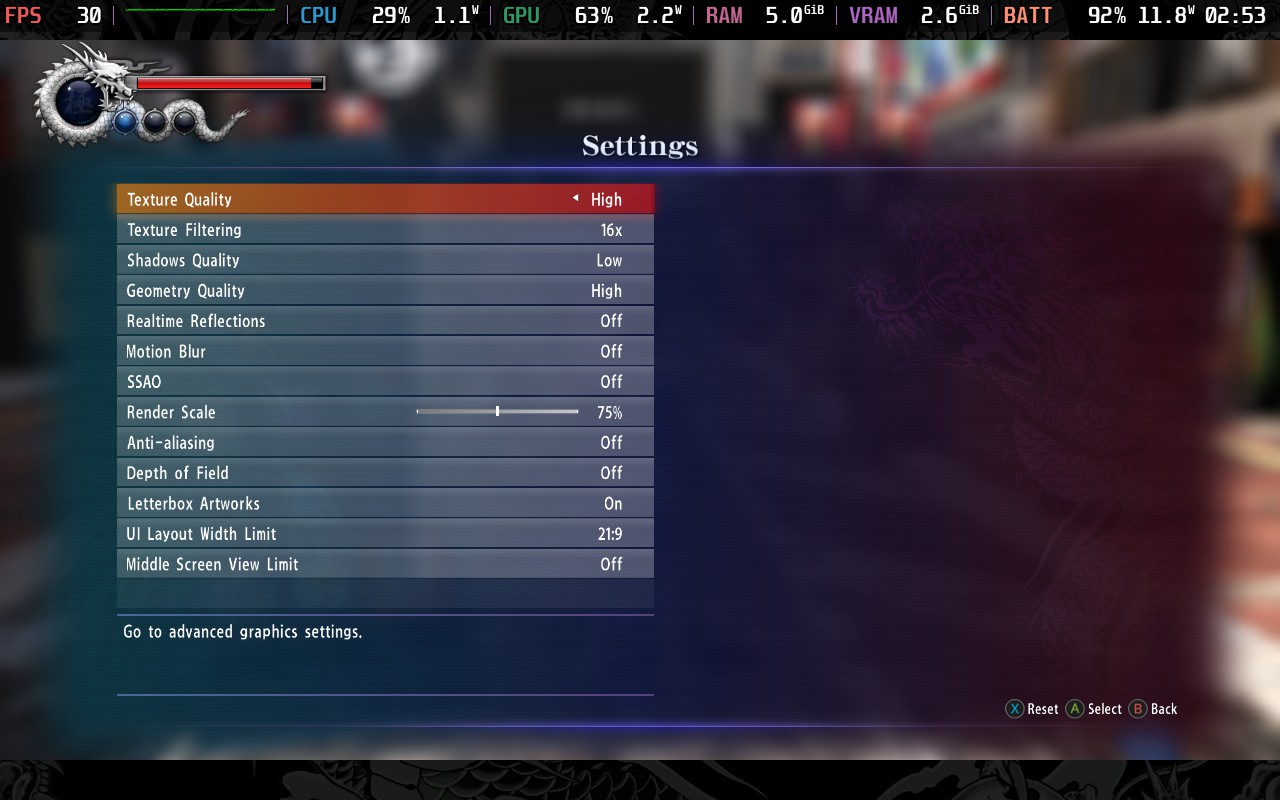
With this TDP limit, we get a power draw of around 10-12W, which gives us around 3 hours from a full charge, more than I expected to get, if I'm honest. The frame rate is pretty stable, and the game still looks decent, although far-away objects will appear aliased and slightly pixelated due to the lower resolution scale.
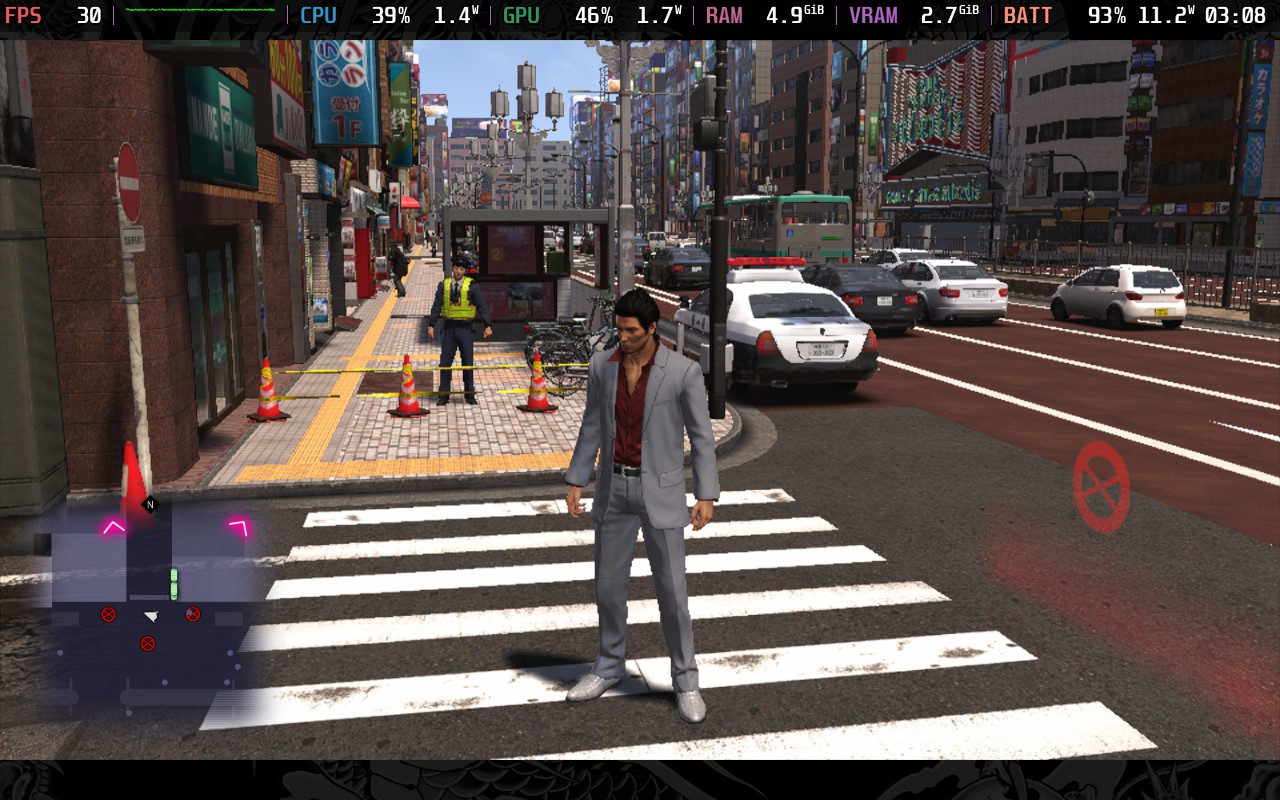
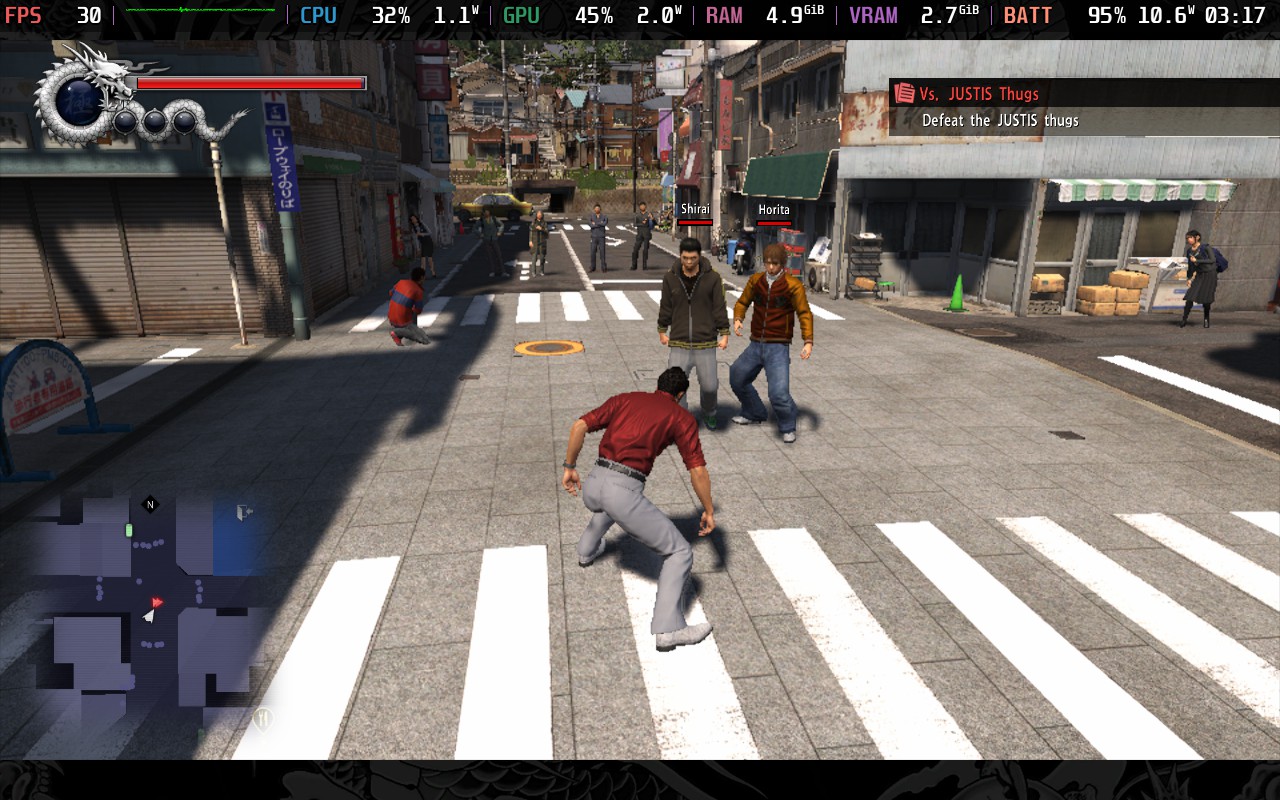
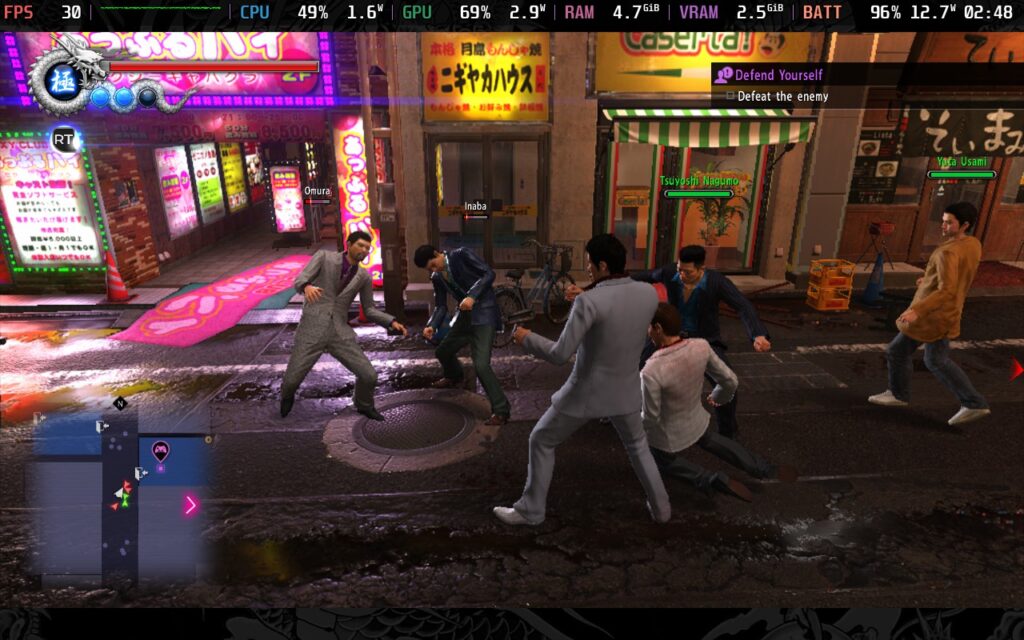
Personally, I'd rather play at 40 FPS and have greater visual quality than play at 30 FPS and gain an hour or so of battery life, but if you want to sit down for a longer play session, then this might be the right preset for you.
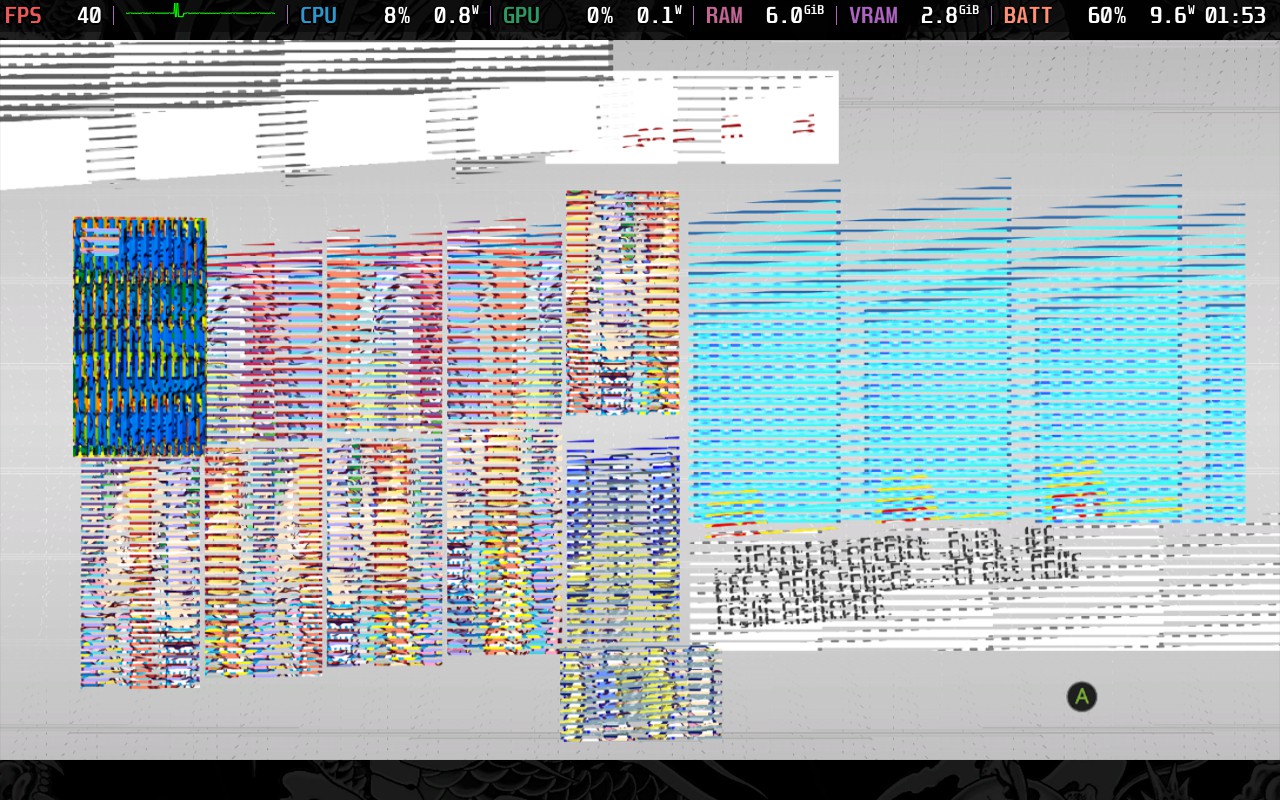
This is just a small note, but one worth making. Currently, the Puyo Puyo minigame will crash your Steam Deck if you attempt to play it. I tried it with Proton and Proton Experimental, and they resulted in an immediate crash back to SteamOS, Proton GE didn't crash, but resulted in garbled graphics inside the minigame, so you'll need to avoid it in Club SEGA venues.
Yet again, the only accessibility option in Yakuza 6 is subtitles. You can also limit the amount of gore shown, which I don't believe has been an option in previous Yakuza games, but you can't disable it entirely.
Yakuza 6 is a pretty short experience in the grand scheme of the series. It brought in a new game engine with pros and cons that would later be refined by its successors. While I don't think it's the best Yakuza game out there (that goes to Yakuza 0), it's another decent entry. In my opinion, Yakuza had a bit of a streak of "Good, but not great" games from Yakuza 3-5. Yakuza 6 has started to make changes to pick things up, but it's not quite there yet. That could have prompted the developers to completely change to a new protagonist and a turn-based combat system in the next release.
Regardless of the gameplay itself, I can't help but feel proud that the Steam Deck can handle every Yakuza game we've thrown at it. Even now, we still have some flexibility and can go for 40 FPS with nice visuals or drop down to 30 FPS and preserve battery life.
Yakuza 6 has received "Very Positive" user reviews on Steam and has a Steam Deck Compatibility Rating of "Unsupported." However, we found that it runs just fine without any tweaking, except the Puyo Puyo Minigame.
このレビューはPC版に基づいています。
If you enjoyed this review, be sure to check out the rest of the content on SteamDeckHQ! We have a wide variety of game reviews and news that are sure to help your gaming experience. Whether you're looking for news, tips and tutorials, game settings and reviews, or just want to stay up-to-date on the latest trends, we've got your back.
Star Wars: The Force Unleashed is a third-person action-adventure title where you take on the role of Starkiller, Darth Vader's apprentice, intending to ultimately overthrow the Emperor. Follow Starkiller on his journey in this look at an alternative history of Star Wars.
Graphically speaking, The Force Unleashed holds up pretty well for a 2009 game. It’s nothing to write home about, but there are some nice reflections in areas such as Imperial ships. They do have lovely shiny floors in those things. Characters also have basic shadows, and there are some decent visual effects when using force powers such as shockwaves and distortions.
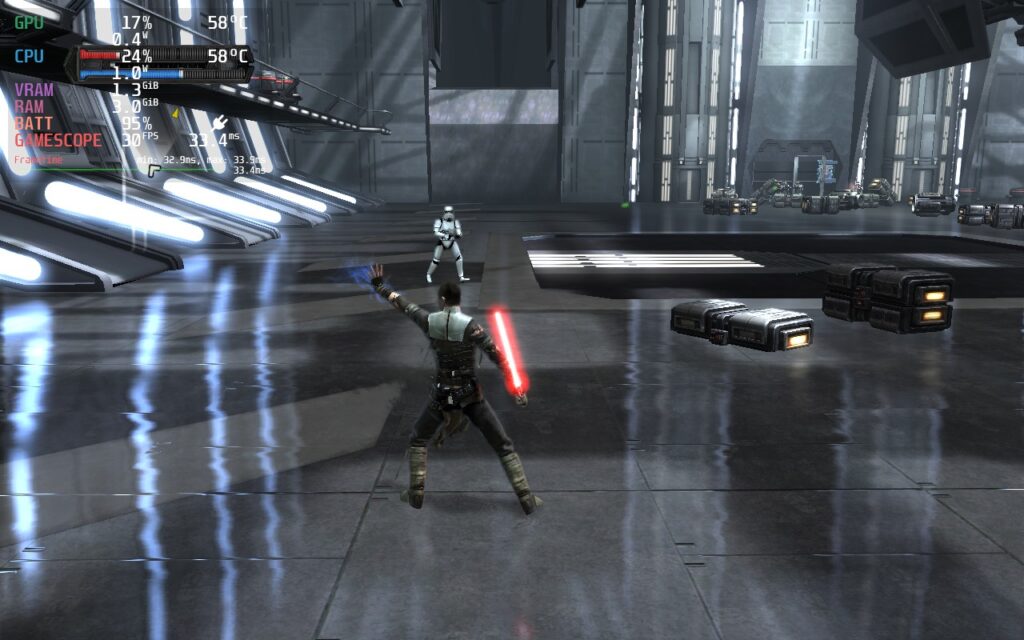
Combat is, however, what most of this game is about. I found the lightsaber to be a somewhat ineffective and clunky weapon, nor did it feel very satisfying to use. The somewhat stunted movement when using the lightsaber makes it feel useless at anything but very short range. The force powers, however, are really fun to play with. You can pick up enemies, throw them about like ragdolls, push them against objects, and throw objects into them; all are valid ways of defeating enemies. The physics system is really nice for a 2009 game and creates an environment where a lot of weaker enemies feel like toys, making you feel extremely powerful.
But how does the game run on a Steam Deck? Well, let's find out:
When first booting the game, you are presented with a launcher. You can’t control this with anything but your touchscreen. All I had to do was change the resolution to 1280x800 (which the game does support) and change the input device from Keyboard + Mouse to Xbox 360 Controller. This makes the game control perfectly fine with the Steam Deck controller. Also, make sure “High Detail” is ticked if it isn’t already. This is the only graphical setting I noticed, and interestingly, there are no graphics settings in the game.
By default, the game has a 30FPS lock, and you can’t remove it without modifying the game. There is an FPS unlocker out there, which you can use to set your FPS to 40, 50, 60, or unlimited; however, physics bugs will appear at higher frame rates. Because of this, I’m only recommending the 40FPS executable. The physics issue is very minor at this frame rate. Having tested the 60FPS version, the physics issue could cause you to make mistakes, so I don’t recommend using it.
Just copy the 40FPS EXE for The Force Unleashed and overwrite your current SWTFU.exe in your installation directory in Steam.
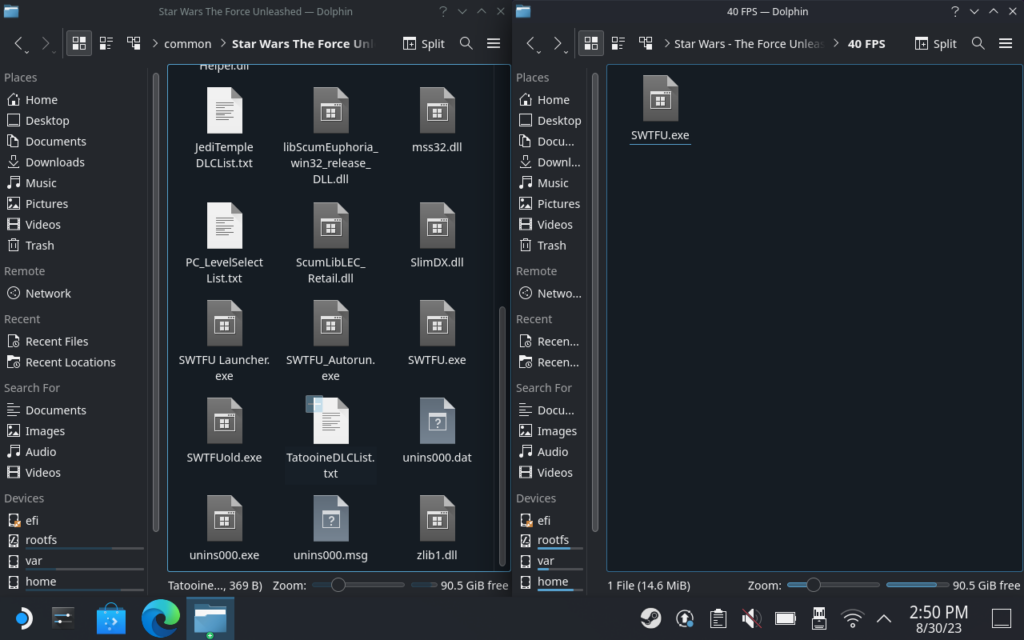
Installation Directory:
/home/deck/.steam/steam/steamapps/common/Star Wars The Force Unleashed/
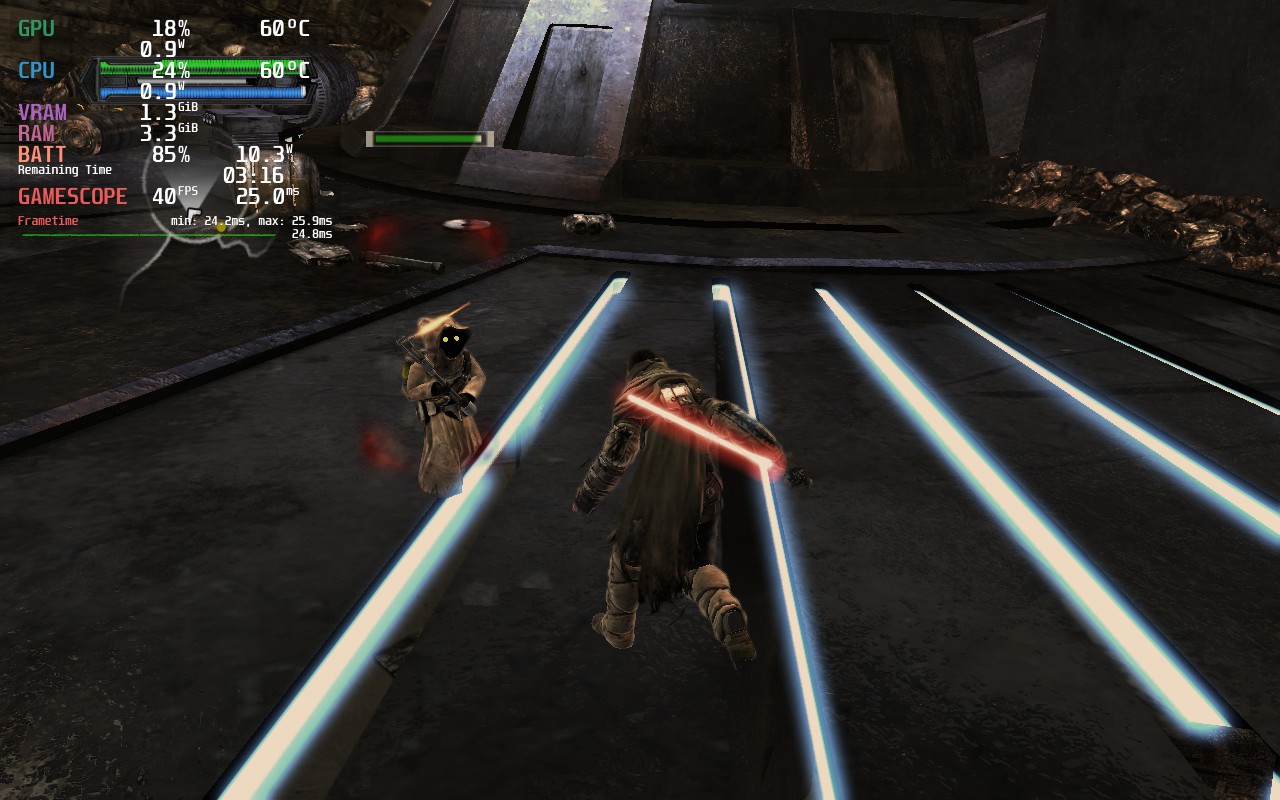
We’re using 1280x800 resolution and “High Detail” in the launcher. You should enable the frame limiter in SteamOS, as the CPU seems to work overtime if we don’t impose our own framerate limit.
For 40FPS, we can set a 5W TDP and run the game smoothly. Battery life stays strong, hovering at just above 5 hours. If you’re fine with downloading the FPS Unlocker, we definitely recommend these settings. The extra FPS makes the game feel and look smoother, with hardly any compromise on battery life.
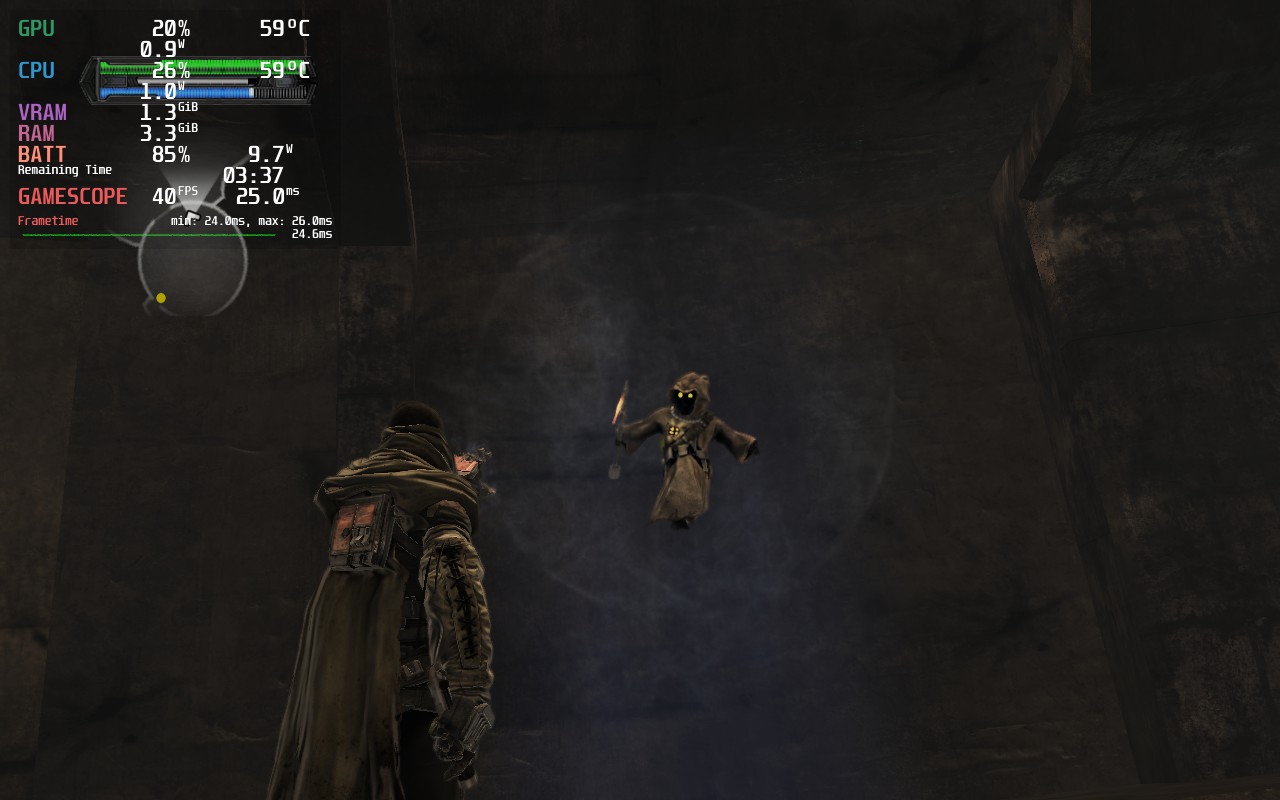
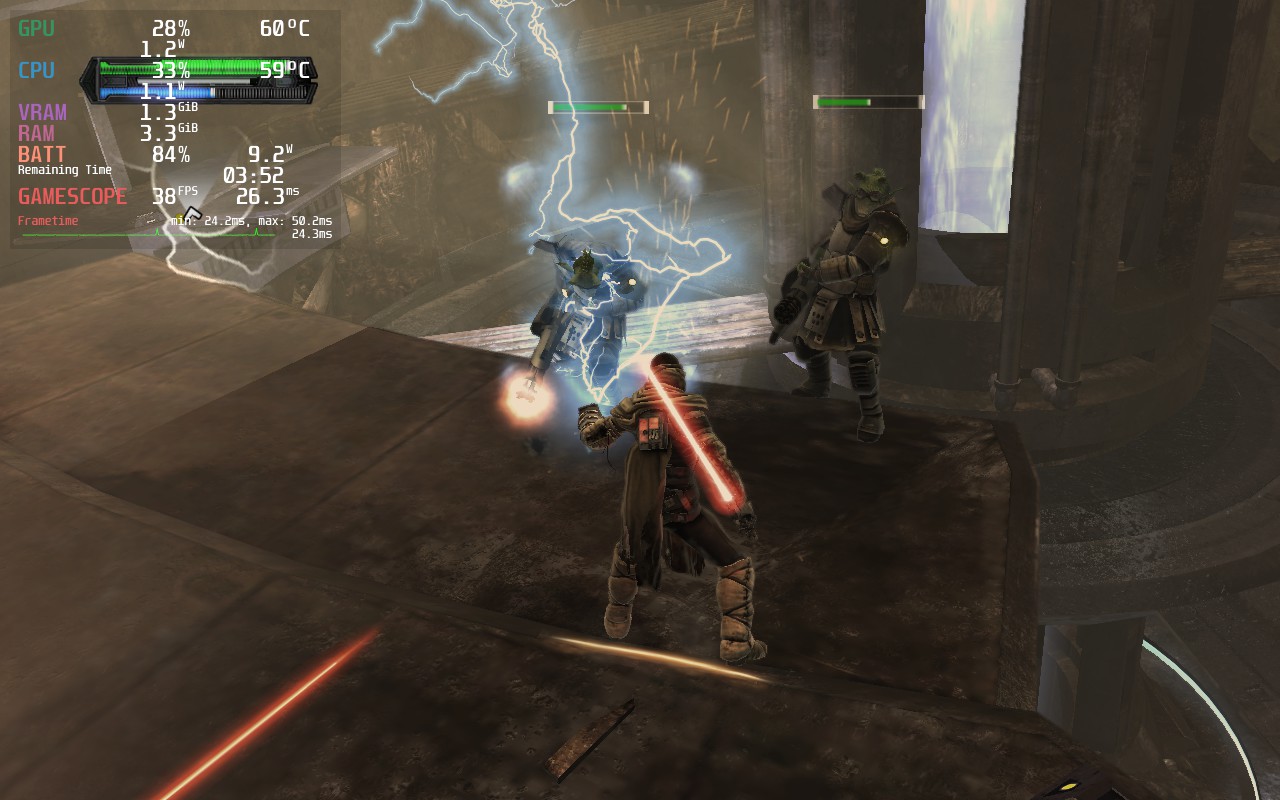
30FPS likewise needs a 5W TDP setting to stay stable. The game can get pretty intensive on a single CPU thread, especially when first loading an area. This can result in inconsistent frame times, but they usually clear up after a few seconds. A 5W TDP gives a solid 30FPS performance and good battery life. You can expect around 5 and a half hours of battery life at these settings.
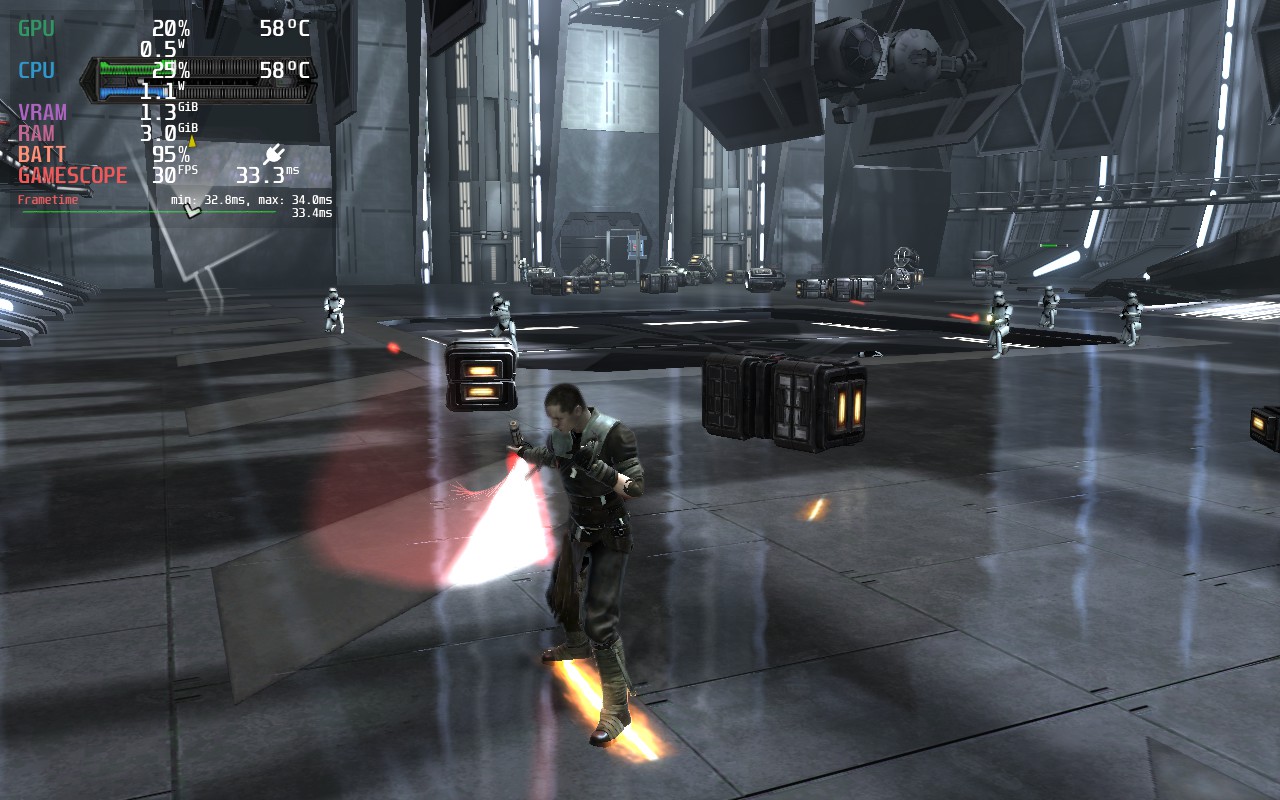
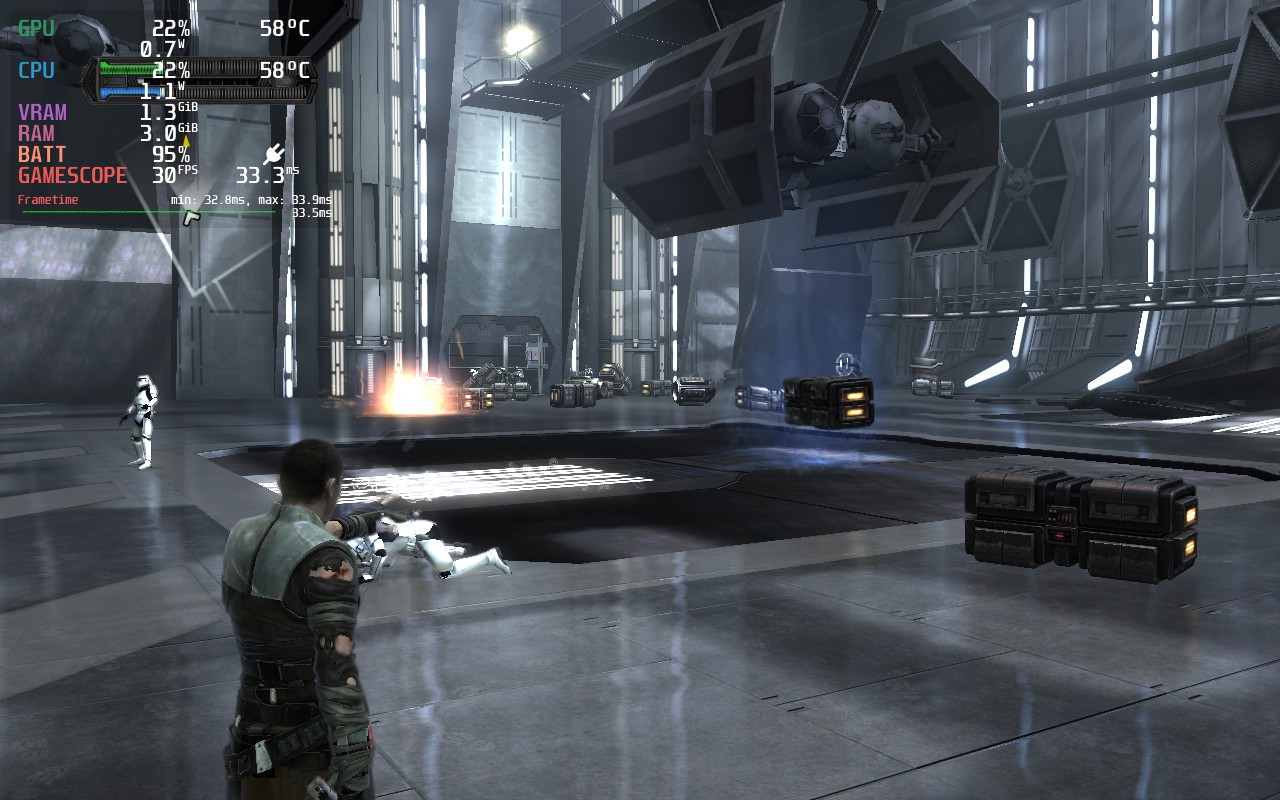
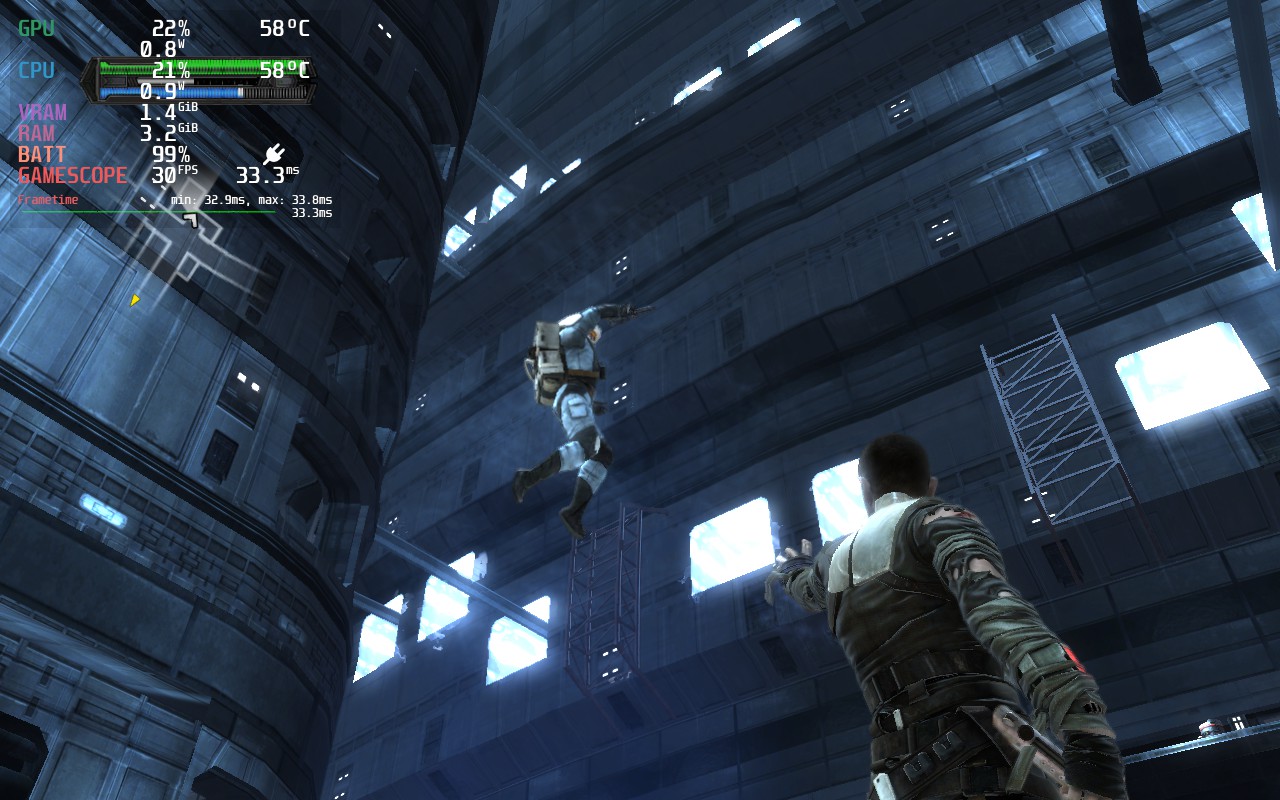
In terms of accessibility, the game offers subtitles for dialogue, 4 difficulty levels that can be changed during gameplay, and a couple of ways to simplify controls, such as toggling instead of having to hold certain buttons. The subtitles are also of a good size and easily readable on the Steam Deck’s screen. There are also cloud saves and controller support in this game.
If you are encountering inconsistent frame times, try to pause and unpause the game; this will even out the frame pacing. I’m not sure why this happens, but it fixes it. It seems to happen each time you enter an area, load a saved game, or any form of cutscene plays. We do recommend enabling SteamOS’ built-in frame rate lock since this helps the frame time be more consistent, as the game naturally has poor frame pacing. At points, I noticed the game will suddenly accelerate to 50 or 60FPS before relocking if you don’t use the SteamOS lock.
There are some graphical glitches in the game, although it appears that they may be the game itself rather than any fault of Proton or the Steam Deck, most noticeable on far away objects and on some liquid surfaces.
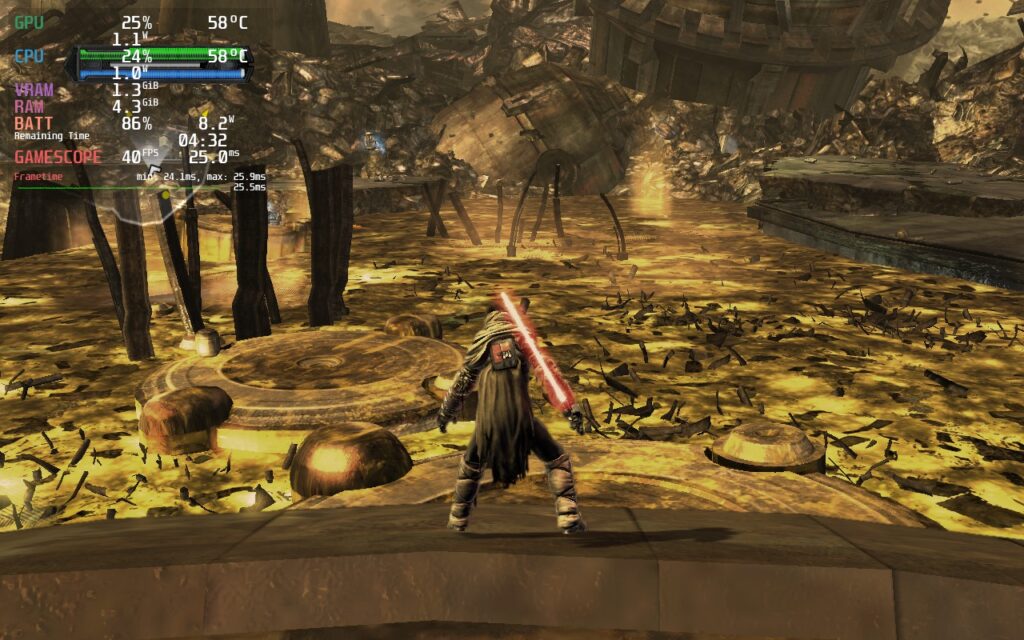
The Force Unleashed wasn’t my favorite Star Wars experience. I’ve had a lot more fun with Jedi Knight: Jedi Academy in the past, and the newer games like Fallen Order definitely surpass TFU. But if you haven’t played this game yet and you’re looking to get a quick and cheap Star Wars fix, I don’t think TFU is a bad choice. It also runs pretty well on the Deck, especially when using the FPS Unlocker to make it feel extremely smooth.
このレビューはPC版に基づいています。
If you enjoyed this review, be sure to check out the rest of the content on SteamDeckHQ! We have a wide variety of game reviews and news that are sure to help your gaming experience. Whether you're looking for news, tips and tutorials, game settings and reviews, or just want to stay up-to-date on the latest trends, we've got your back!
The Expanse: A Telltale Series was provided by Telltale for review. Thank you!
Due to this game having an episodic release, we will update the review as new episodes come out and re-check how performance is.
Telltale Games is back and it's wonderful. I have always been a huge fan of deep story-driven experiences and Telltale are the masters at that. And thankfully, I am so happy to say that with The Expanse -
A Telltale Series, they are back and better than ever.
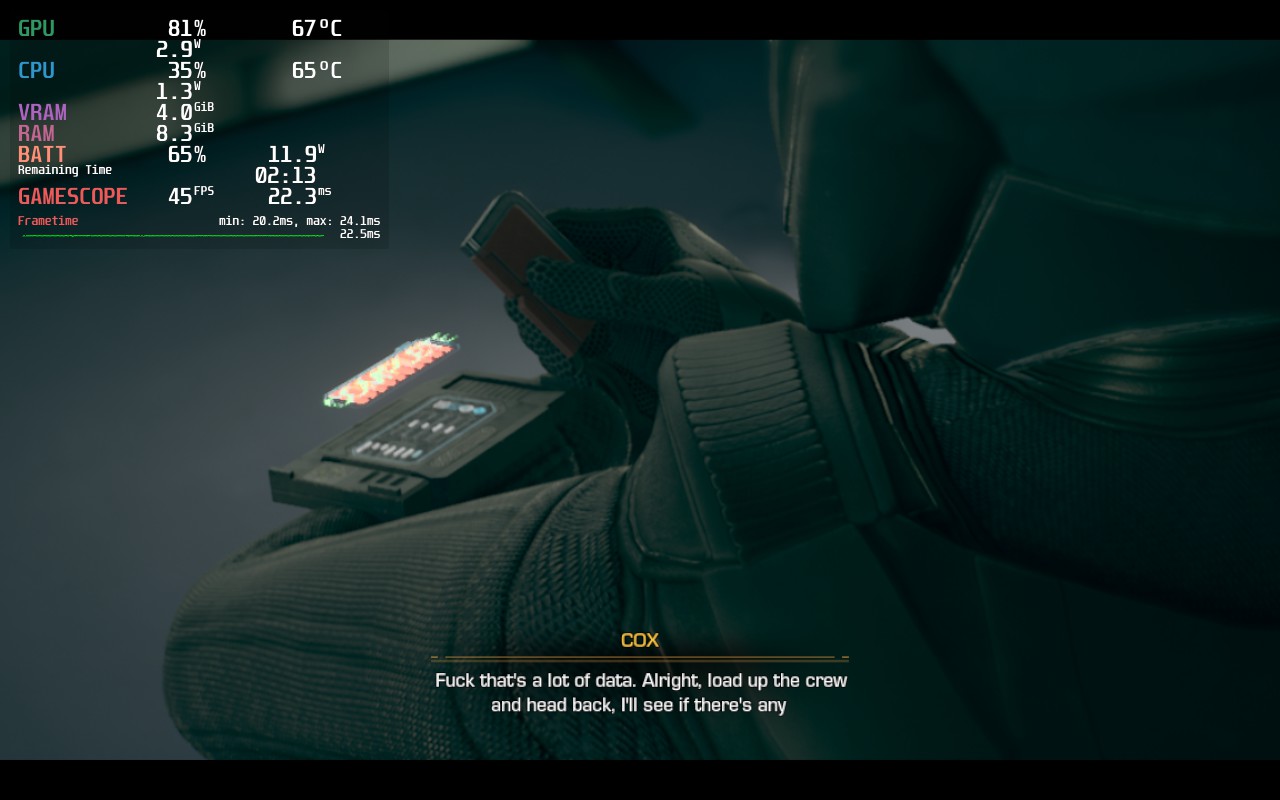
Just like past Telltale games, The Expanse is closer to a interactive movie rather than a video game. You do have some parts where you can control your character and move around, allowing you to choose different parts of the world to interact with and expand the story past the defined narrative. You will have some quick-time events where you have to push a button or move the joystick within a certain amount of time and, of course, moments within the game's cutscenes where you have to make a decision that will reverberate throughout the rest of the episodes.
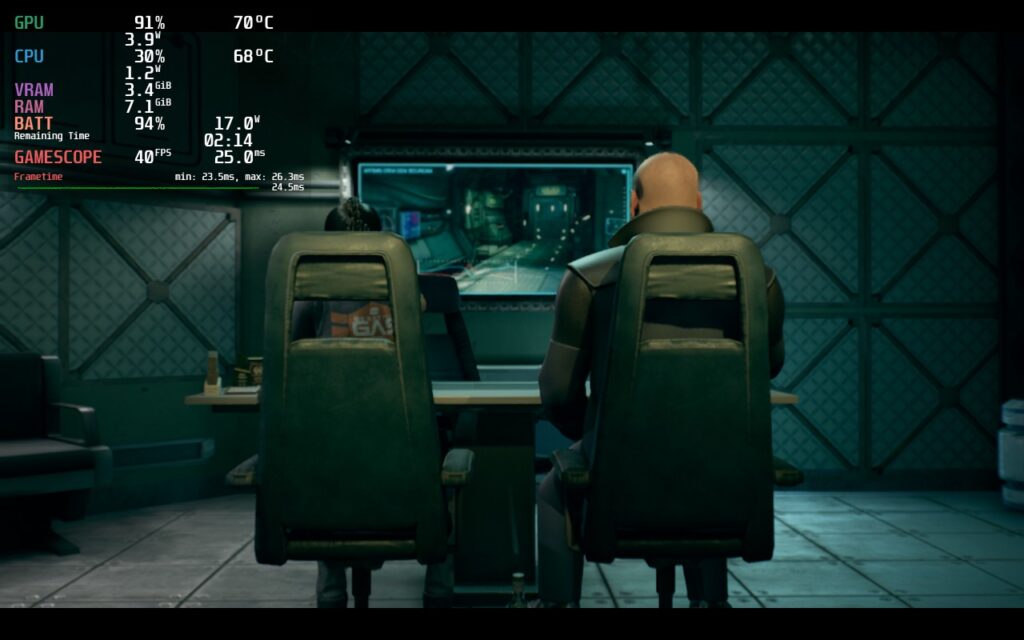
In The Expanse, all of this is here and really fantastic. As Camina Drummer, you are the captain of The Artemis where you, with your crew, will explore, scavenge, and survive the dangers of uncharted space beyond The Belt. The game is a prequel to the TV series, so you won't be missing a ton if you haven't seen the show, and it is fantastic. Without spoiling the story, which is the biggest aspect of this game, I will say the first episode sets up the story really well. It does a great job starting to show the characters and what you can expect from the rest of the episodes.
The first episode is very short, which I was surprised by, but I think it did a great job setting up the core of the story. Paired with the great-looking visuals and world building, The Expanse is shaping up to be exactly what Telltale needed to come back to. When buying this game though, don't go in looking for a 5-6 hour experience right away, this will be an investment for the other episodes, which come out every 2 weeks. This looks like it will be a worthwhile investment though, both with the game and on the Steam Deck.
The Expanse is not currently on Steam, it is an Epic Store exclusive. This won't last forever though, the game will come to Steam, but you can play it right now regardless! It will require installing a new launcher, which is where I recommend the open-source Heroic Games Launcher, and there will be an error that needs to be fixed. Don't worry though, I wrote a guide to both of these and how to just get the game up and running!
To preserve as much of the story as possible, I will be limiting my screenshots and blurring out some text. I want to avoid any spoilers, even smaller ones.
Since The Expanse is an Epic Exclusive, I was worried it would suffer from some performance issues or stuttering due to the missing shared shader cache, but I am happy to say that the game is very well optimized in most areas. Most of the time when you are running around, you will sit between 11W - 14W battery drain across all builds, while most cutscenes will sit around 13W - 17W. There are a couple of scenes or spots you can look at that will crank battery drain up, but these are far and few. The worst one is a spot where Camina turns on a mirror and performance will tank, though it will go right back up after the mirror is turned off.
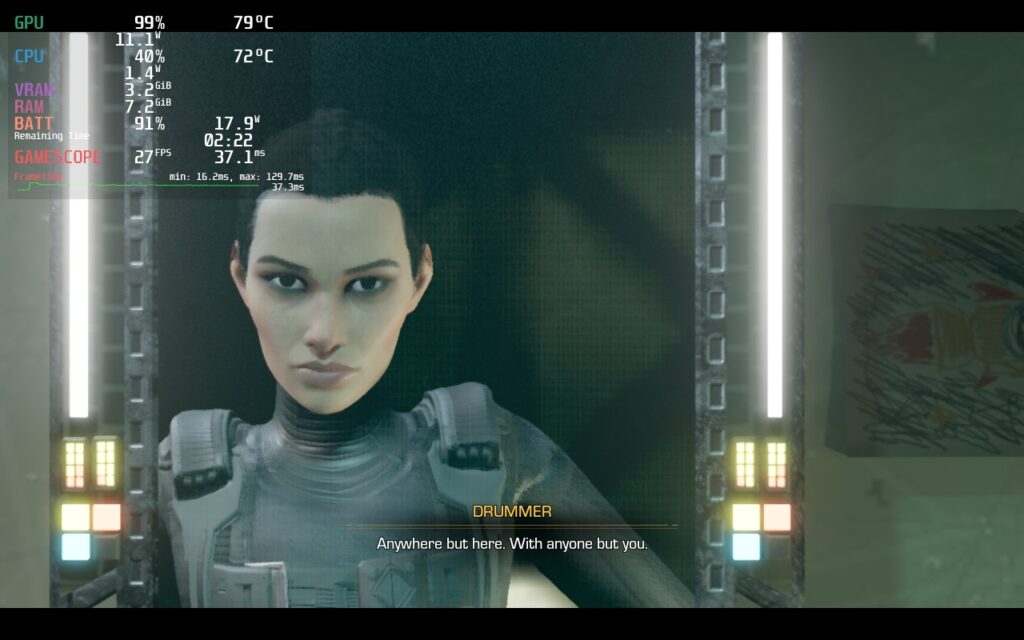
Overall, I am impressed by the game so far and think this is very playable on the Deck regardless! I was shocked that The Expanse can hit 60 FPS on Steam Deck with some tweaking, but in the majority of areas, the drain will sit around 13W - 18W. There are many ways to enjoy the game on-the-go, so here are the ways I would recommend:
For our recommended build, I went for a mix between good quality settings and a decent framerate. For this, I set everything except Shadows and Effects quality to High, while keeping those two at medium. I was able to push a 45 FPS lock with these settings and the game looks fantastic.
I decided to keep the game's resolution down to 1152x720 to stabilize the framerate and use SteamOS's FSR at Sharpness 0 to upscale. The game honestly looks almost the same as native, maybe just slightly sharper. I personally like how this looks though as it helps the dark world stand out a bit more.
With all of that, the 45 FPS is able to stick through most of those hard scenes, with the exception of the mirror part and two others. Otherwise, I can guarantee you will have a great experience with this build!
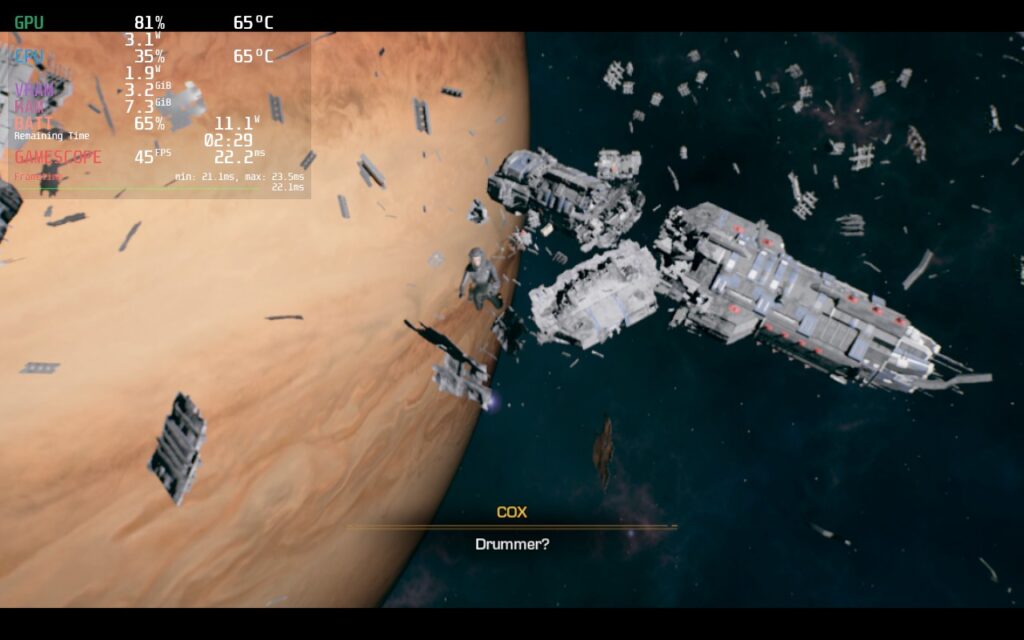
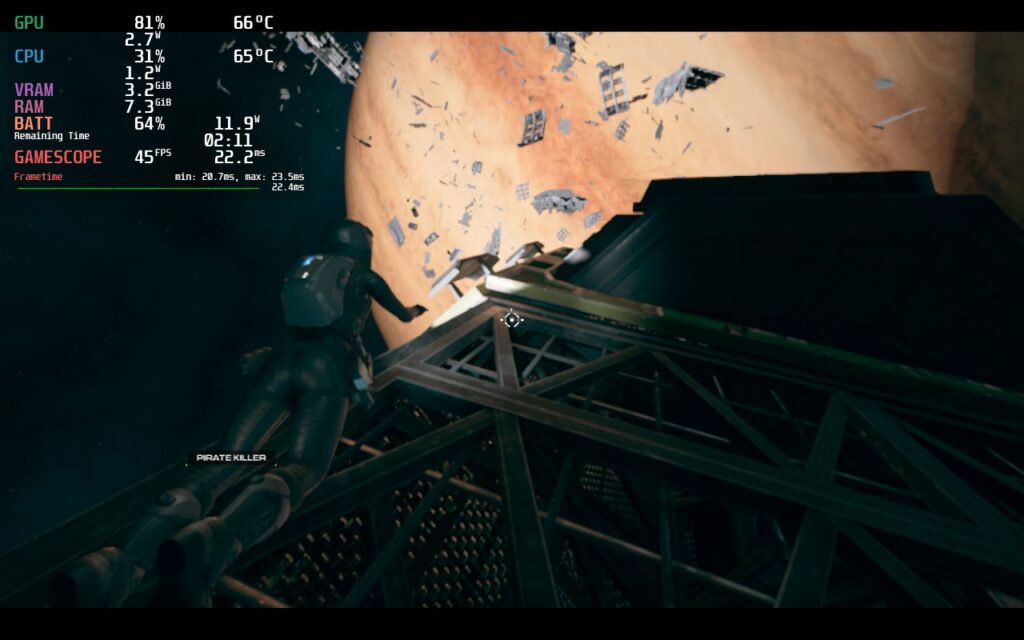
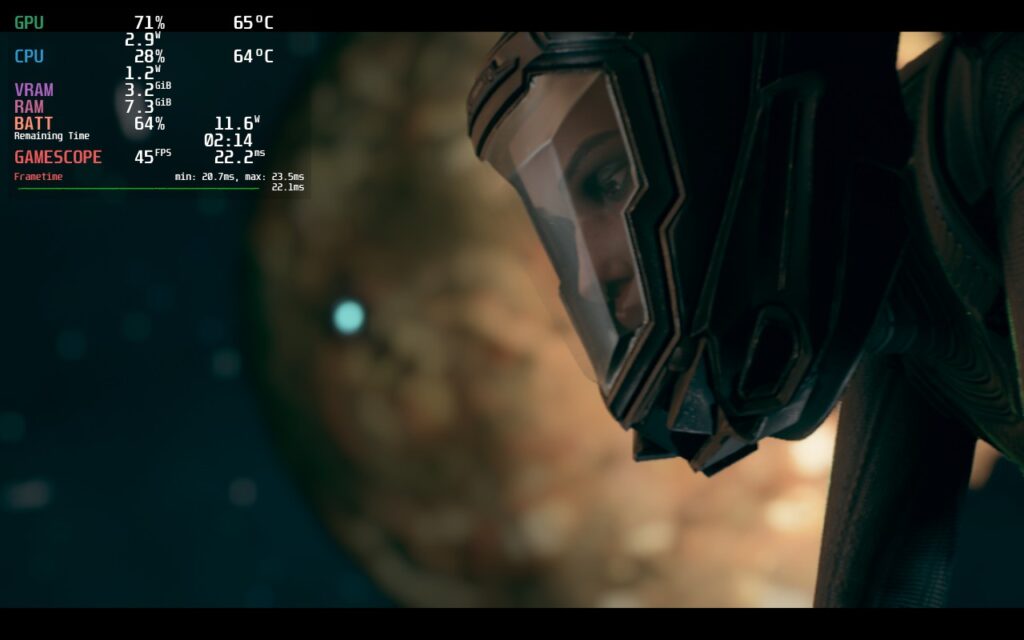
Next, I wanted to see how far I could push the device with its quality settings, which I was actually able to do quite well. With resolution at 1280x800 and everything on Cinematic (highest setting) except for Effects at High and Shadows at Medium, we can get a solid 40 FPS with no drops other than the harder scenes mentioned above. The majority of the game will be between 13W - 19W, but there will be some areas where it pushes to 21W - 22W, but these are not often.
There might be some minor dips in framerate during 1-2 cutscenes, but if I didn't have the overlay on, I wouldn't have noticed. The game looks phenomenal and it is great being able to push it like this.
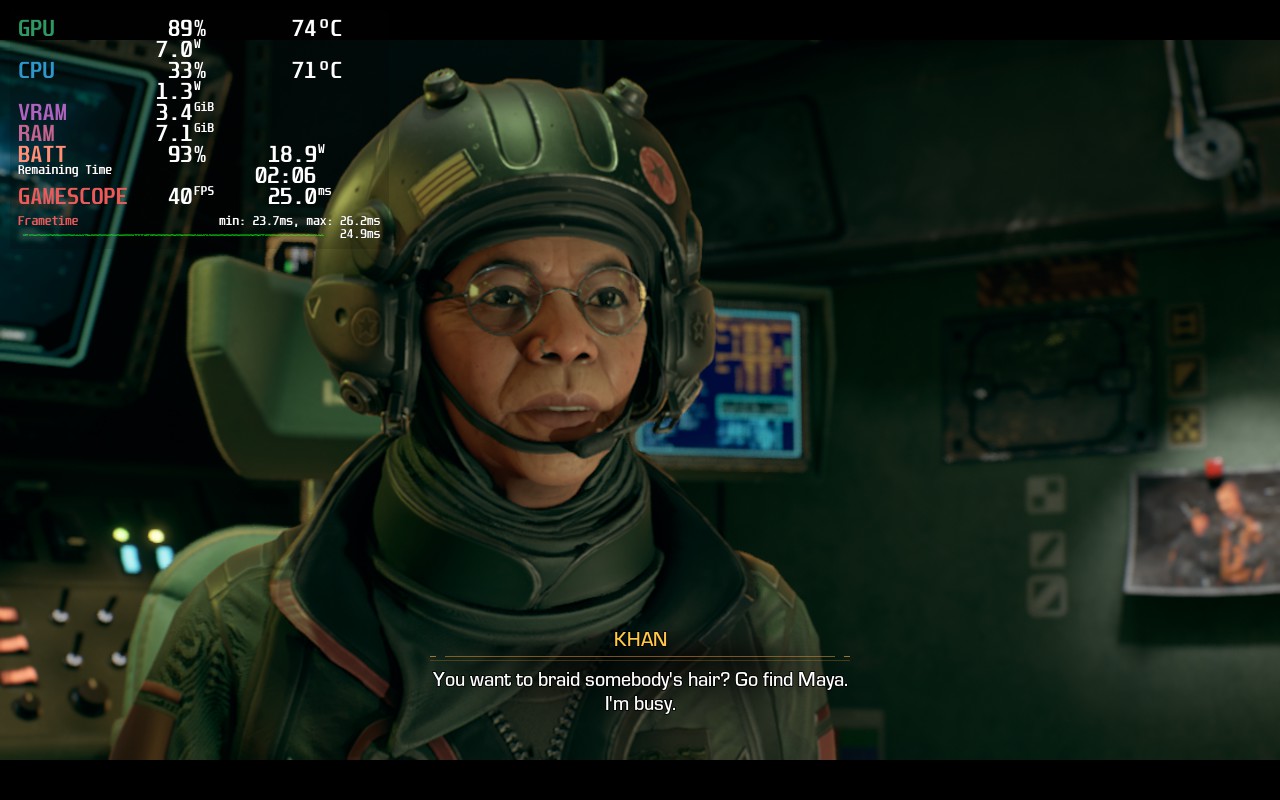
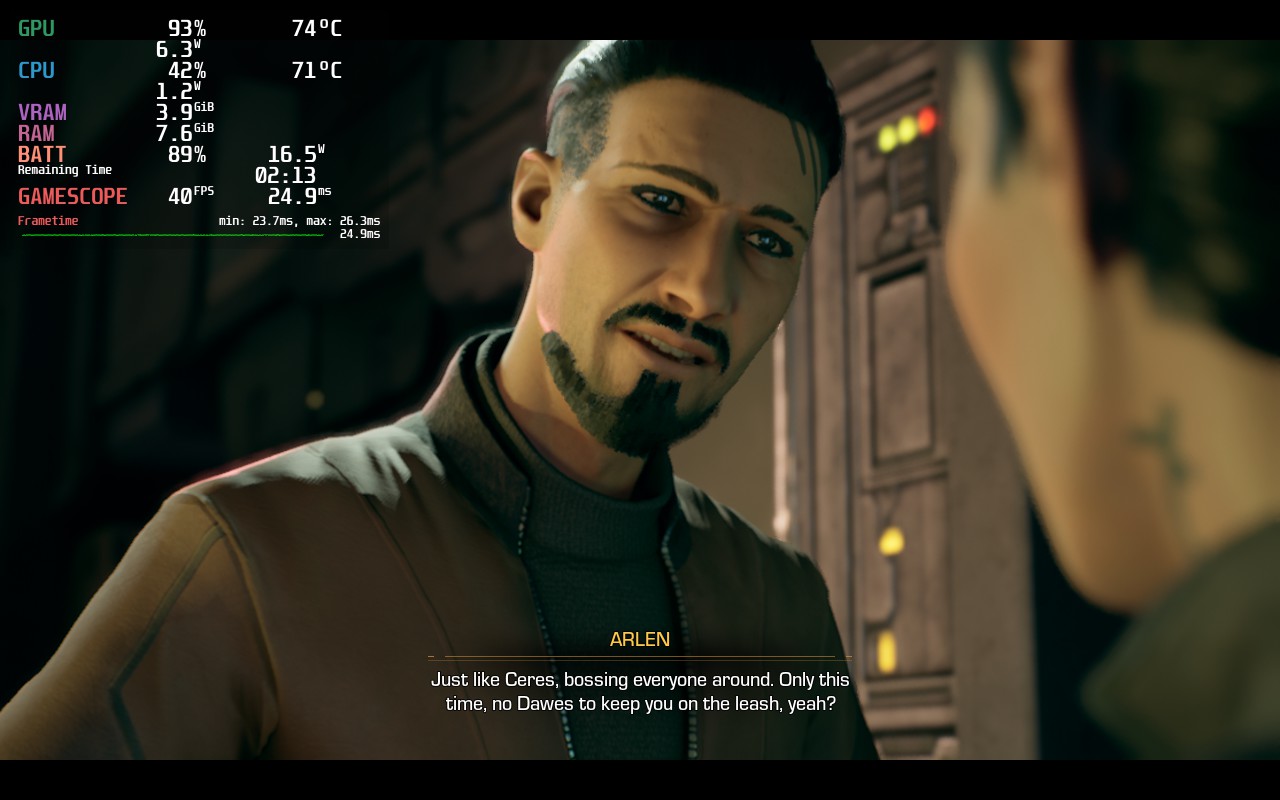
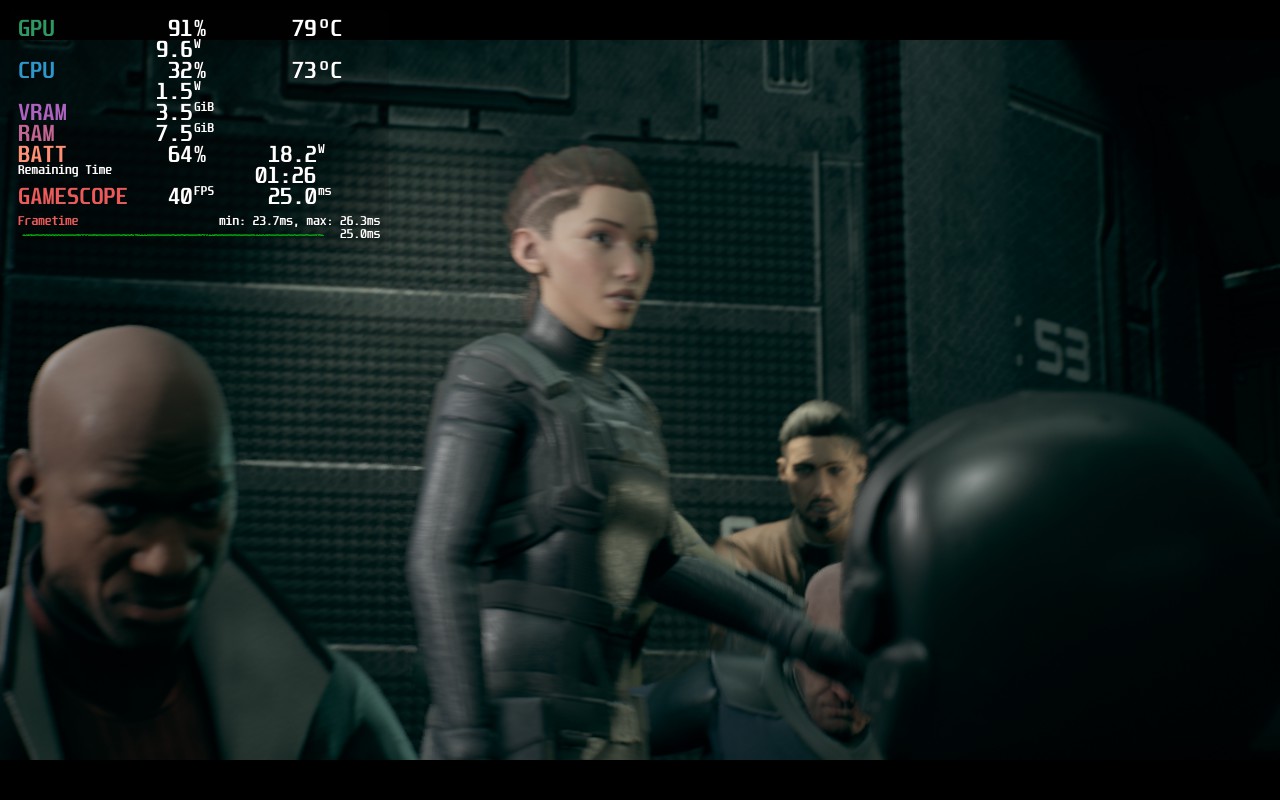
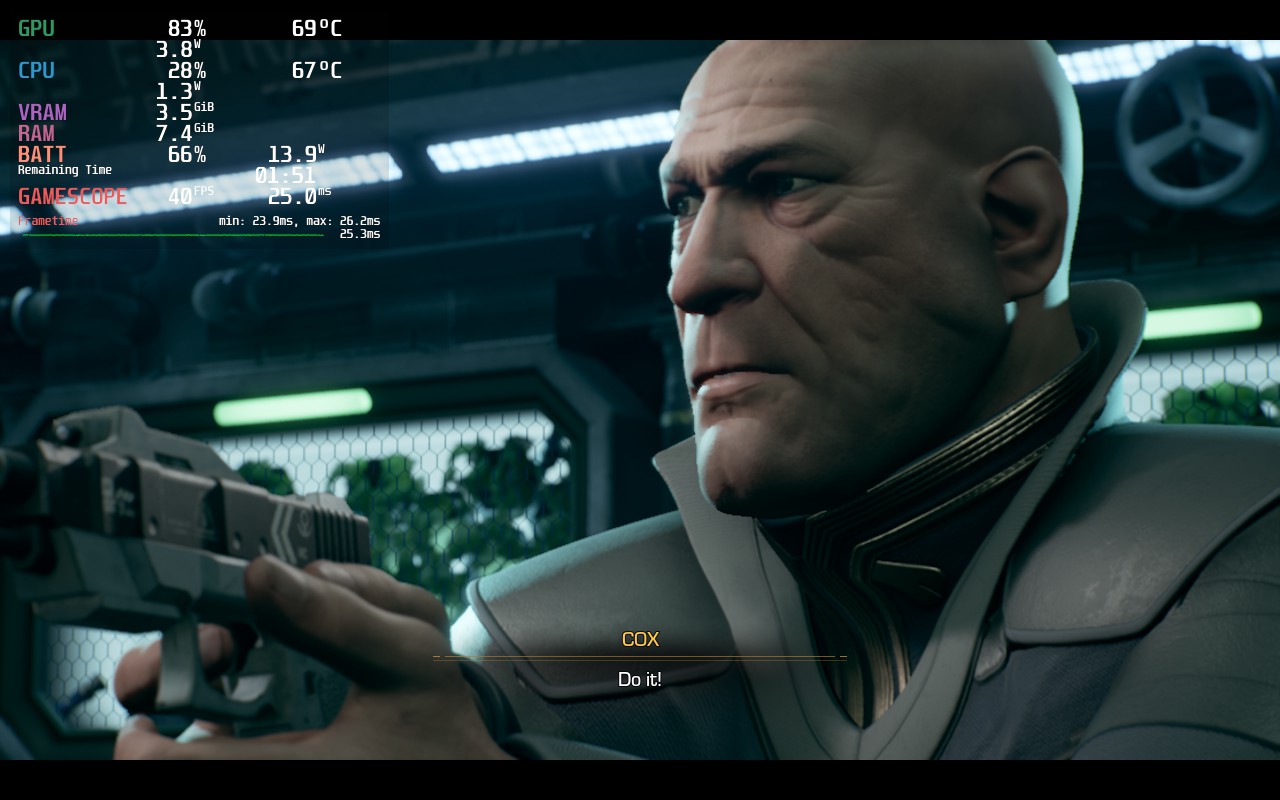
Finally, we get to the 60 FPS build. Personally, I am still pretty amazed that the game can hold 60 FPS at all, but here we are! There will be a bit heavier drops during the harder scenes, but 95% of the game will stick to 60 and those include the most important parts of the game. The drain is a bit higher than the other builds with an average between 14W - 20W, but it will be smooth as butter.
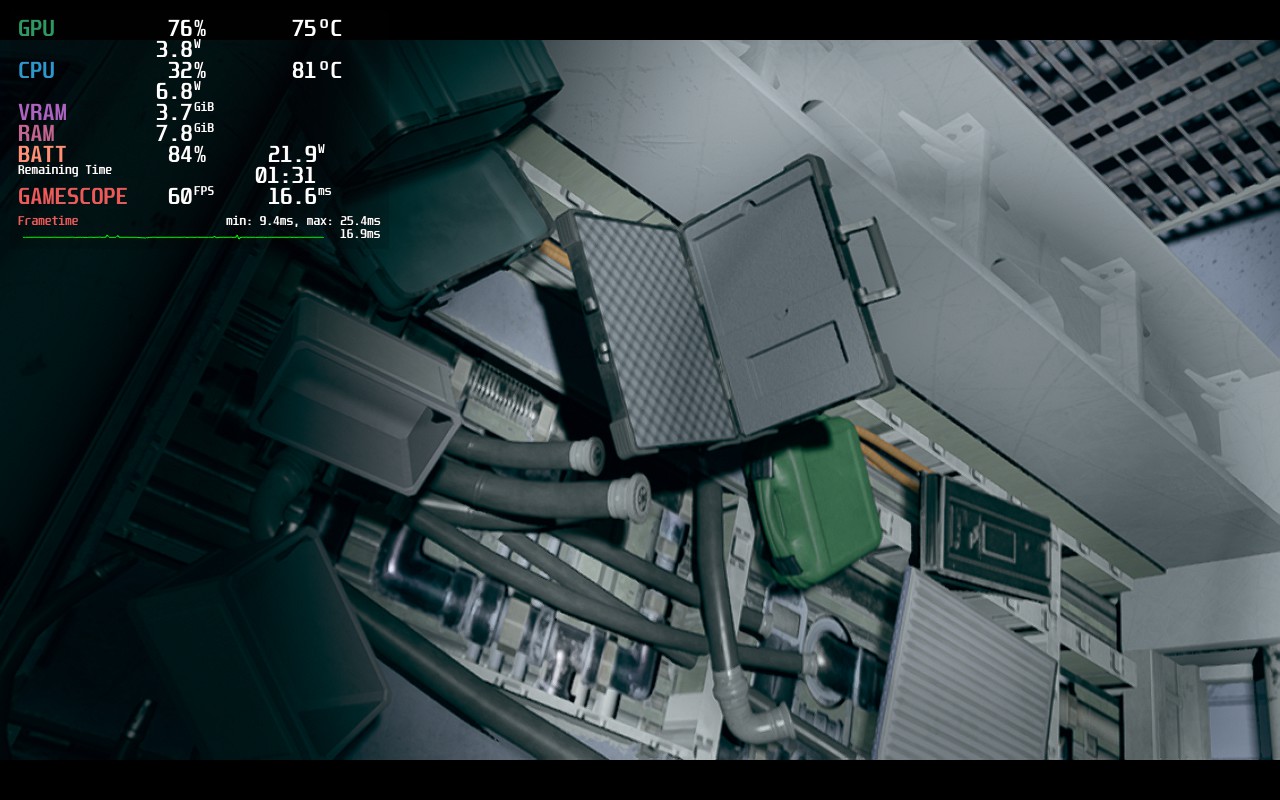
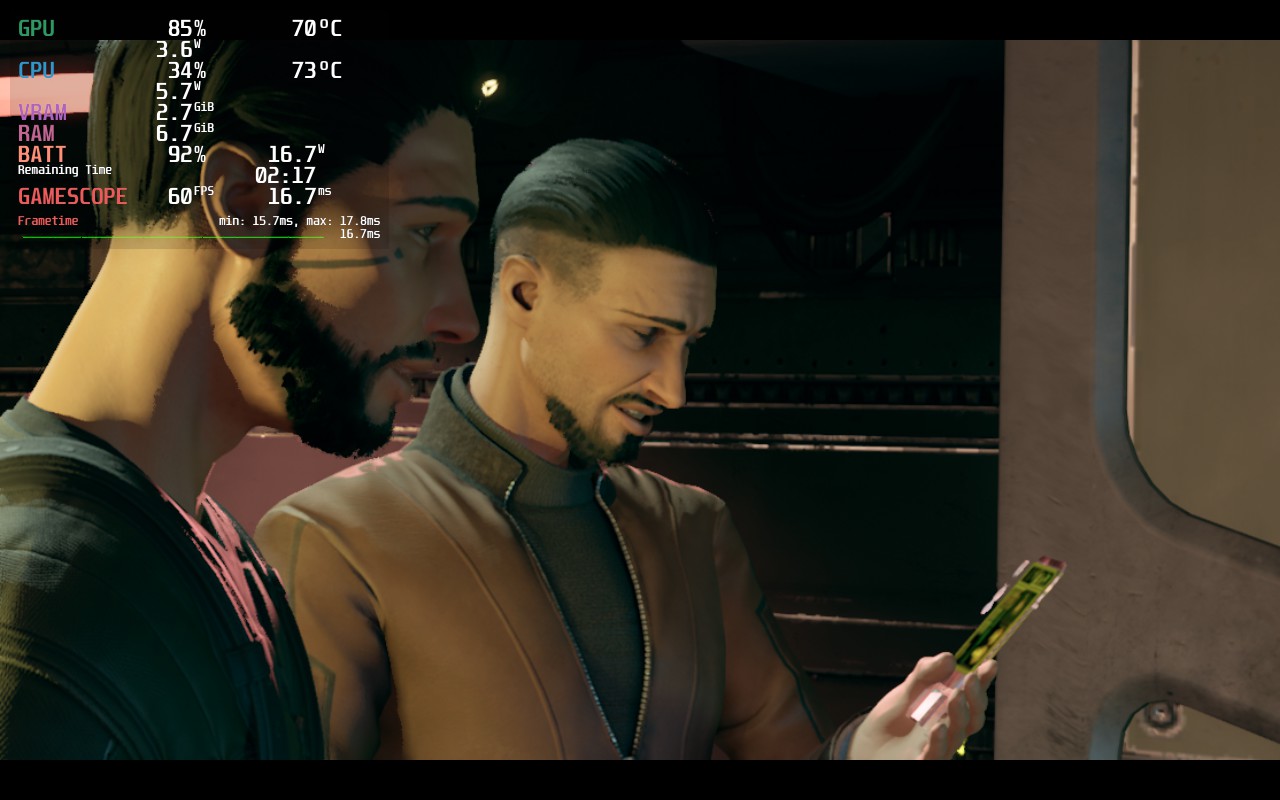
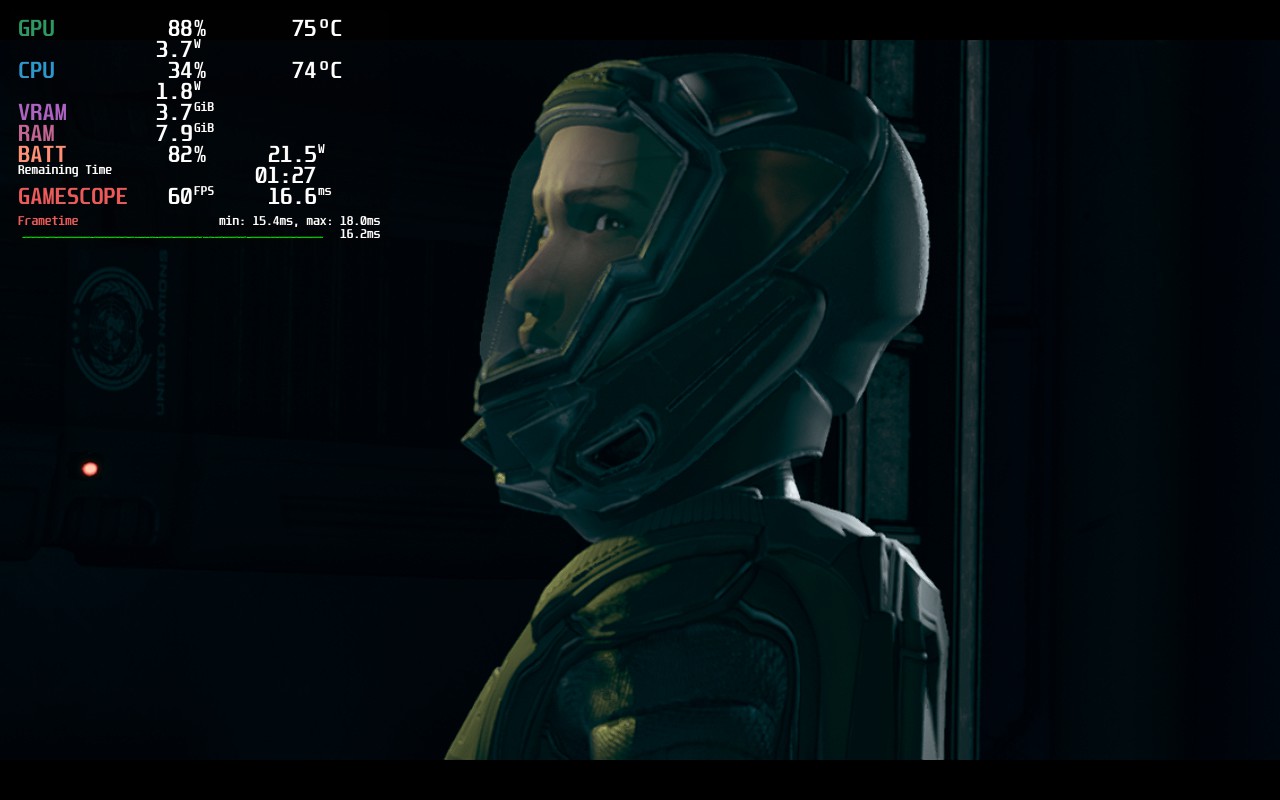
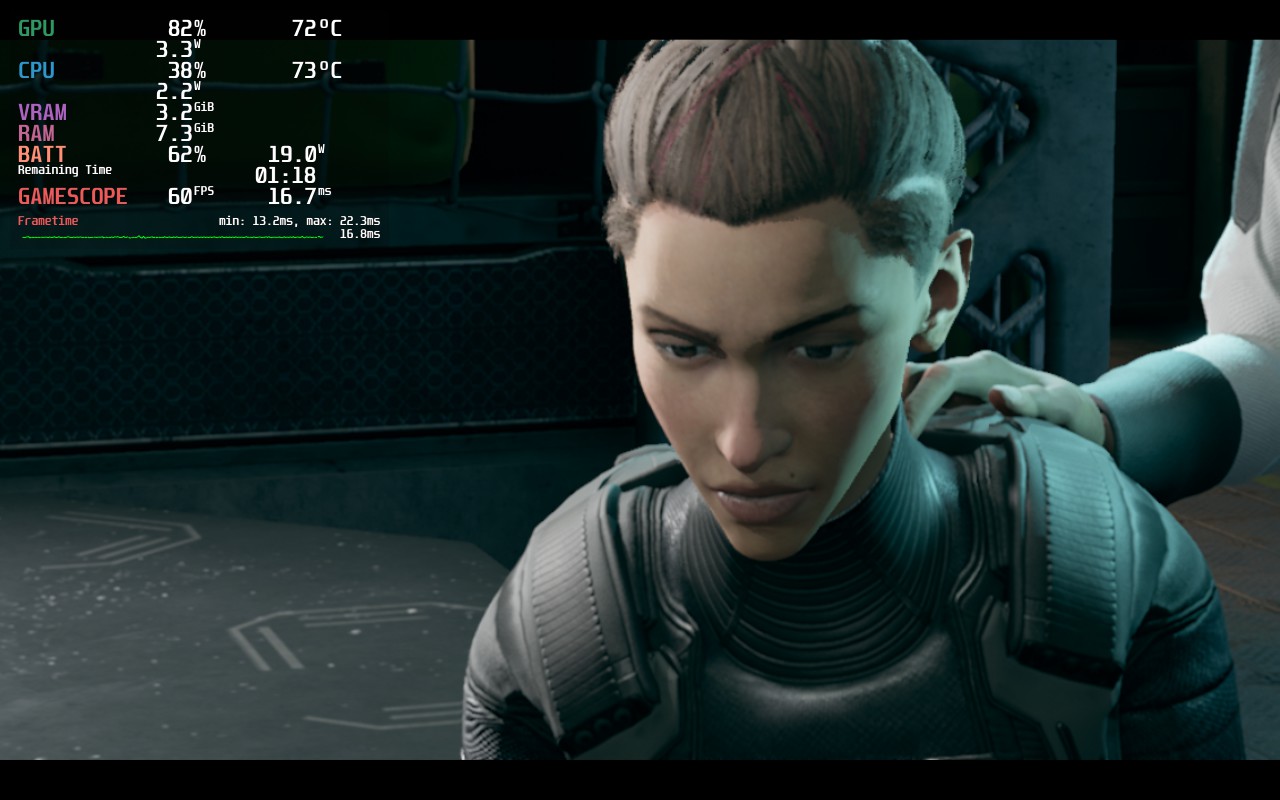
While the in-game resolution says it is using 1280x800 and 1152x720 resolutions, which are 16:10, the game does have those black bars, so it doesn't actually support those resolutions. Luckily, the game has full controller support. Since the game is using Epic, there are no cloud saves here either.
The Expanse is Telltale Game's first release since its return and they showed that they still got it. The first episode, while short, got me into the characters and made me start wishing episode 2 was released. The world is looking great, the voice-acting is well done, and I am hooked on the story. I am constantly thinking about what could be coming next and how the choices I made could impact the story. And I know I will be able to enjoy it on the Steam Deck, even without it being on Steam.
If you miss Telltale or want an engrossing story, do not miss this one. It will start off short, but in the coming weeks, there will be so much more to get excited about, I am sure of it!
このレビューはPC版に基づいています。
このレビューをお楽しみいただけたなら、SteamDeckHQ の他のコンテンツもぜひご覧ください!私たちはあなたのゲーム体験に役立つこと間違いなしの様々なゲームレビューやニュースを取り揃えています。ニュース、ヒントやチュートリアル、ゲーム設定やレビューをお探しの方も、最新のトレンドを知りたい方も、ぜひご利用ください。
Like a Dragon: Ishin! was provided to us by SEGA for review. Thank you!
The Like a Dragon series is back and taking us to the past! Like a Dragon: Ishin! puts us in the role of the samurai of legend, Sakamoto Ryoma, in his quest to find your father's killer, restore your honor, and save your home. Use a combo of your sword and gun to fight your enemies while leveling up and upgrading the 4 different fighting styles: Fists, Sword, Gun, and Gun+Sword. It's time to join the revolution and forever change the future of Japan!
Like a Dragon: Ishin! is a remake of the PS3-era game of the same name, but has some notable updates to it! Other than the graphical overhaul, the remake comes with new bosses and attacks, new minigames, cast changes, trooper cards, and QoL additions that make it much easier to play and enjoy. While the game definitely has some roots in PS3-era gameplay conventions, the game has that same spark that RGG puts into the other games in this series and I love it. Thankfully, they also put in some fantastic optimization to get this one running on the Steam Deck.
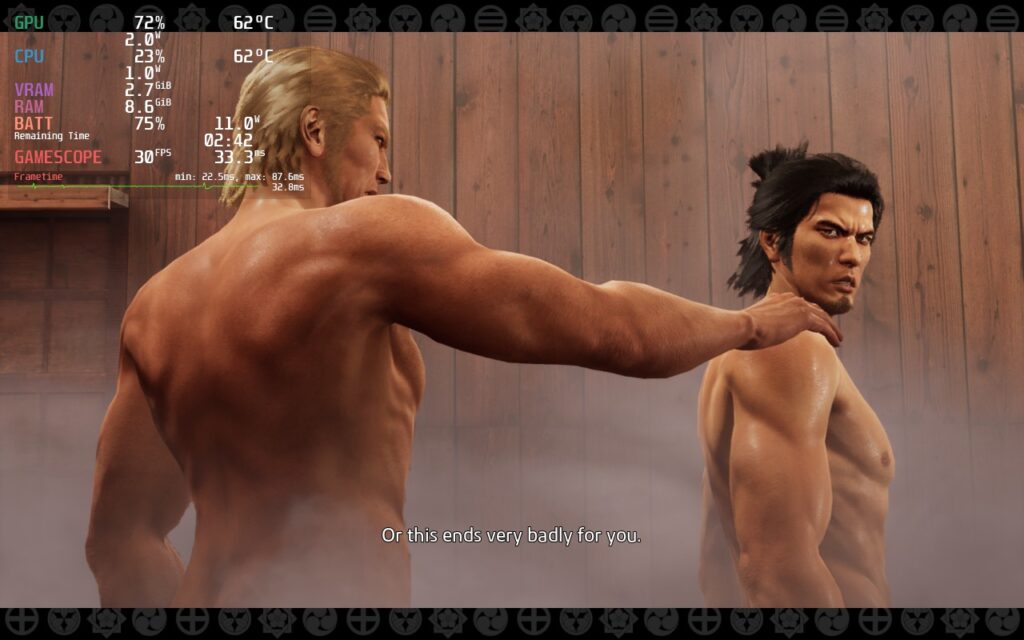
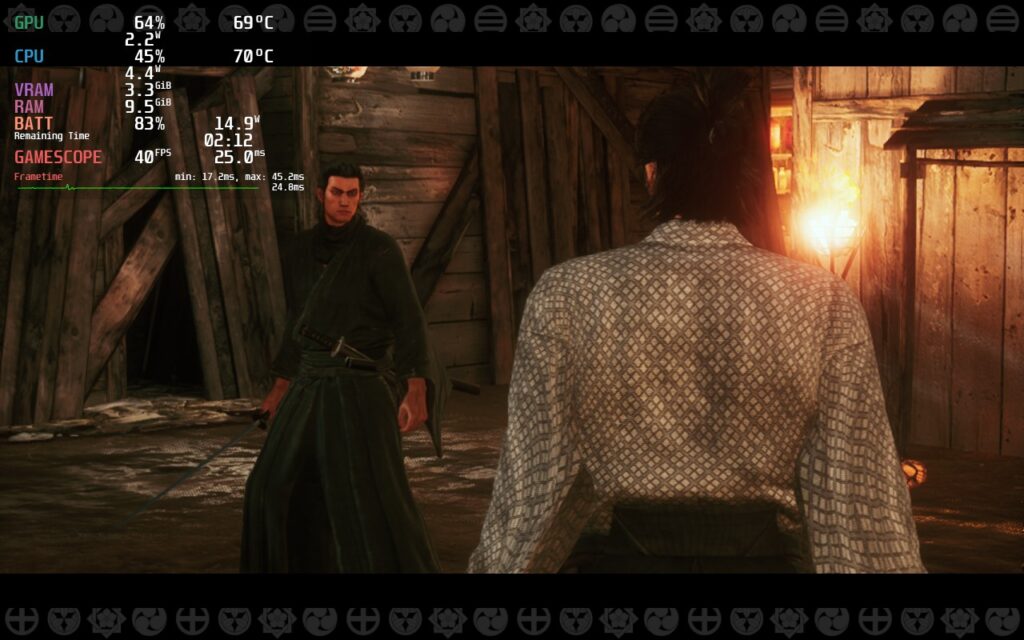
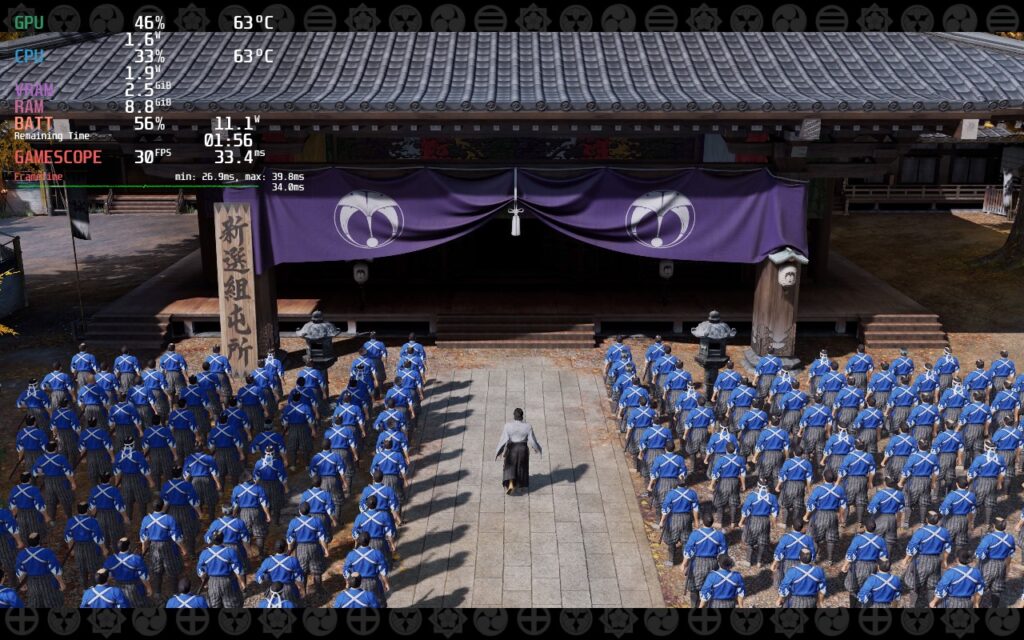
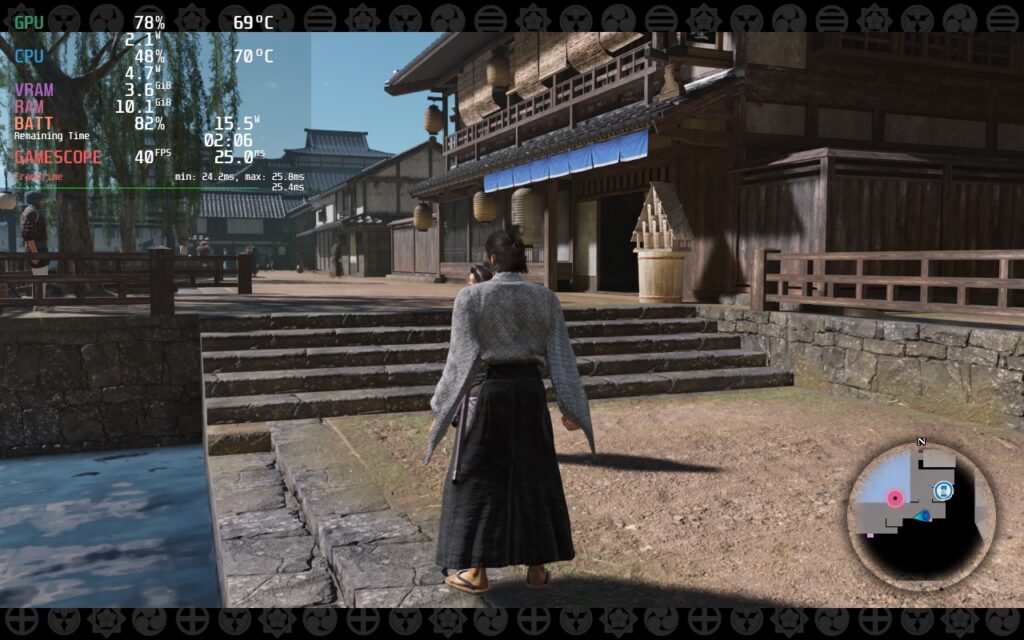
I noticed a few things when playing Ishin that I thought were interesting. First, it felt like the settings didn't change a ton. For example, FSR 2.1 did make some minor changes, but the overall quality of the game wasn't affected. It did help a little with stability, but not nearly as much as I had assumed it would. This could either mean it isn't implemented well or the game is optimized pretty heavily already, and with how far I have gotten in-game so far, I am willing to bet it is the latter.
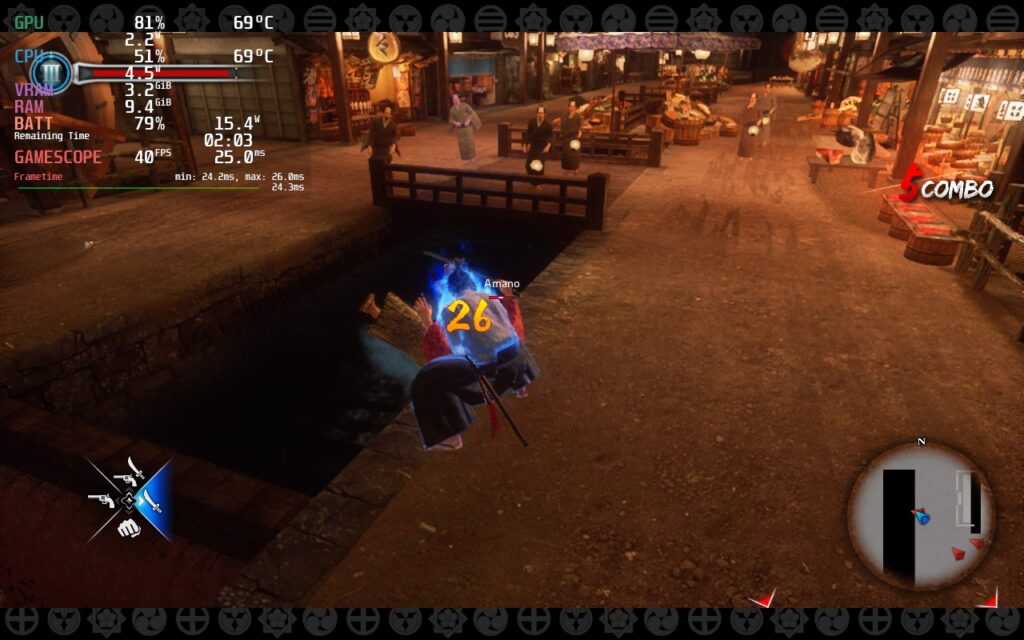
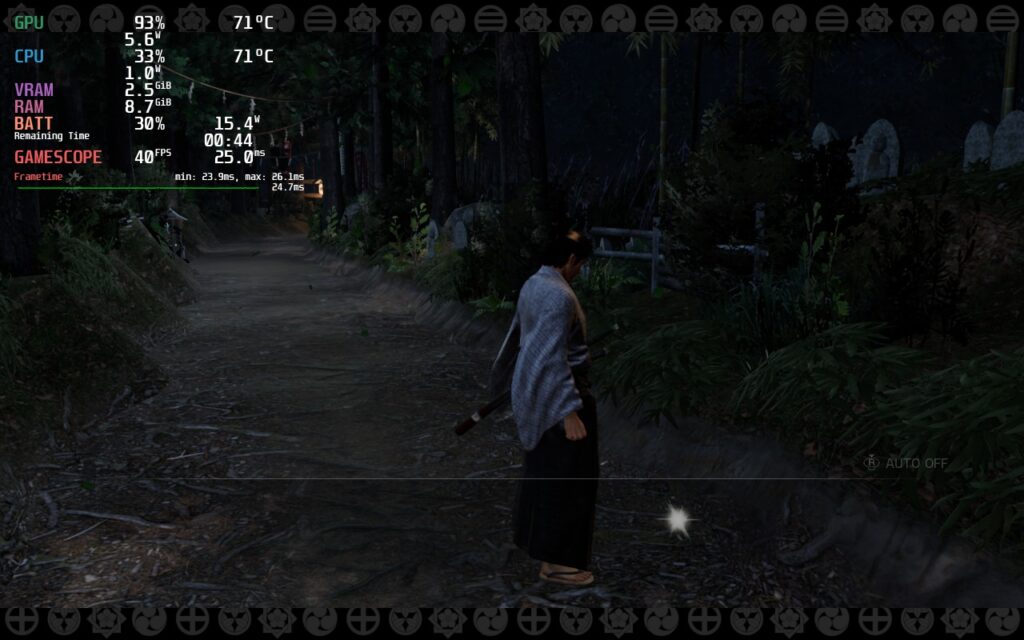
This was similar to other settings like shadow quality and geometry. The settings, from low to medium, didn't change as much as I thought, but it did affect the game's power draw. With a combo of Low and Medium settings, as well as FSR 2.1, getting a solid 40 FPS in the important areas was easy. There are some slowdowns when running through the town, or when standing still too long and your "thoughts" come on screen, but that was really it. I saw a slowdown once when doing a finisher in battle, but that was the only time it happened during fights.
I did try a couple of things like turning resolution down and using SteamOS FSR to upscale and turning FSR 2.1 down, but nothing seemed to improve performance or lower battery drain. I also noticed some cutscenes slowdown a bit as well. I did try setting a clock speed frequency to see if this would help, but it didn't seem to do much for any of the stutters or slowdowns.
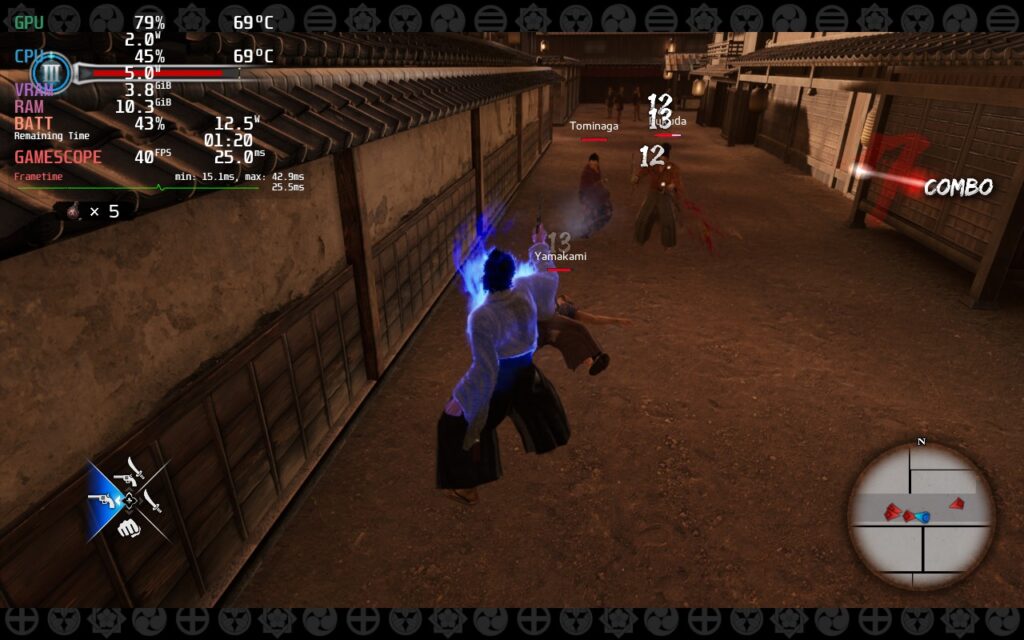
I would say this is a great experience overall though and definitely enjoying the game. The slowdowns are a little bit of a nuisance, but they don't last long or impact the game where it really matters. Overall, Ishin delivers where it really counts. The game looks beautiful and runs at 40 FPS, which feels fantastic and smooth. I would consider this a great experience on the Deck.
I will continue to assess for our full review, including a 30 FPS quality build and trying to push to 45 or 50 for a framerate focus. Right now, I would consider this a safe buy to play on the Steam Deck. Just beware that there will be some slowdowns, but nothing that will harm the experience.
If you enjoyed this first look, be sure to check out the rest of the content on SteamDeckHQ! We have a wide variety game reviews and news that are sure to help your gaming experience. Whether you're looking for news, tips and tutorials, game settings and reviews, or just want to stay up-to-date on the latest trends, we've got your back
This game was provided to us by Inti Creates and PressEngine to review. Thank you!
When a demon turns your school into a massive demonic castle, the demon hunter Kamizono siblings must work together to save the day! Grim Guardians: Demon Purge is a 2D Castlevania-esque game set in a twisted demonic world. Swapping between the two sisters, you will slash and shoot your way through the castle and the monster that inhabit it. Save your classmates and destroy gigantic bosses to unlock new sub-weapons to reach new places in the castle.
Grim Guardians: Demon Purge is a game that wows on multiple different fronts. The artstyle is beautiful, the mechanics are interesting, but my favorite part by far...the animations. The developers meshed the visuals with very fluid animations that I love to see on my screen. Slicing up enemies with Maya feels awesome watching her slash them in half so cleanly with 1-2 strokes (some enemies do take more hits). Regardless, I love everything about the aesthetic and animations with this game.
I also do enjoy the gameplay, but I have some reservations about some elements. I like that Maya, the melee sister, has less health, but does more damage, while Shinobu, the ranged sister, has more health but does less damage. My biggest issue was the switching mechanic and Shinobu's movement. While I do like the idea, the switching can only be done when standing still instead of anywhere and I would have loved to be able to switch mid-jump. It also feels a bit weird that you can't move around when you are shooting your gun. These could have been done for balance reasons and it didn't stop me from enjoying the game, but I definitely tried to continually do both of these often enough.
Luckily, enjoying this game on the Steam Deck is easy and optimal right out of the box! This will be a game you can play through fully with a minimal amount of drain and low temps, all at 60 FPS. I did feel a couple of times where it slowed slightly, but it seemed to be frame pacing issues and they didn't happen often enough to be really noticeable.
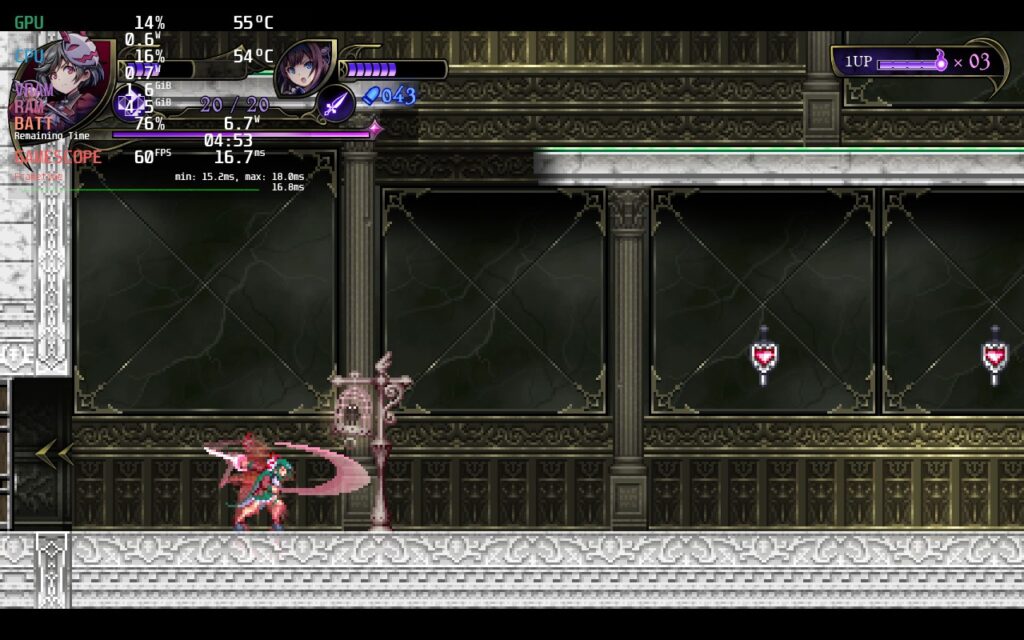
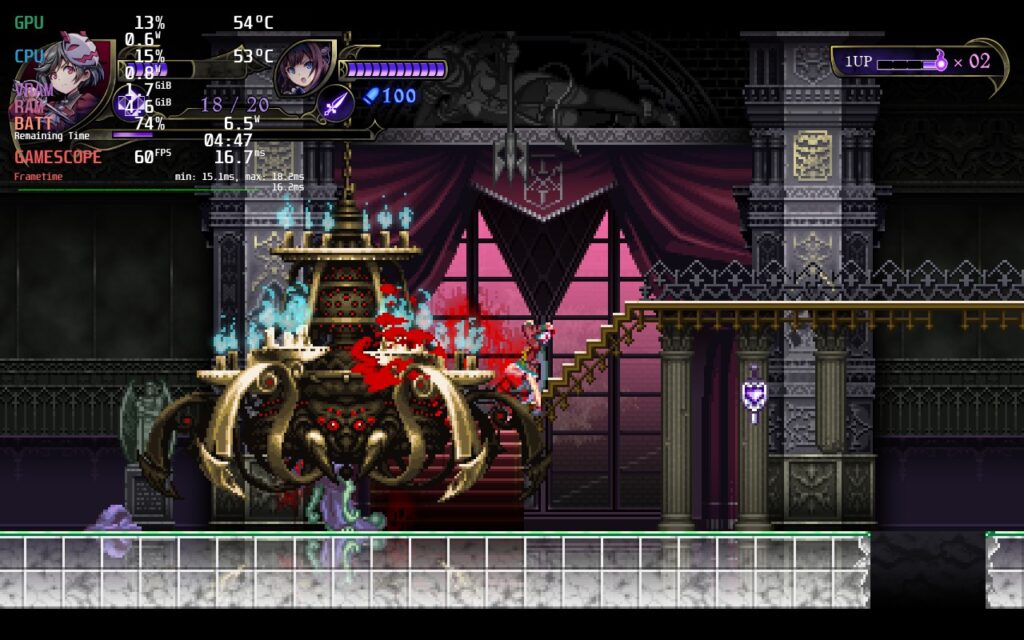
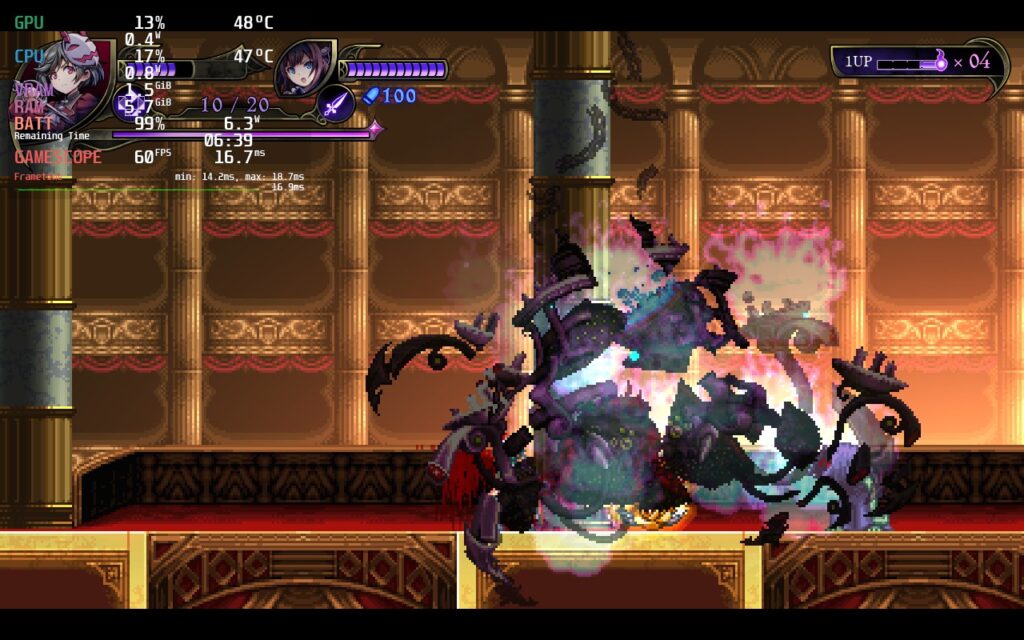
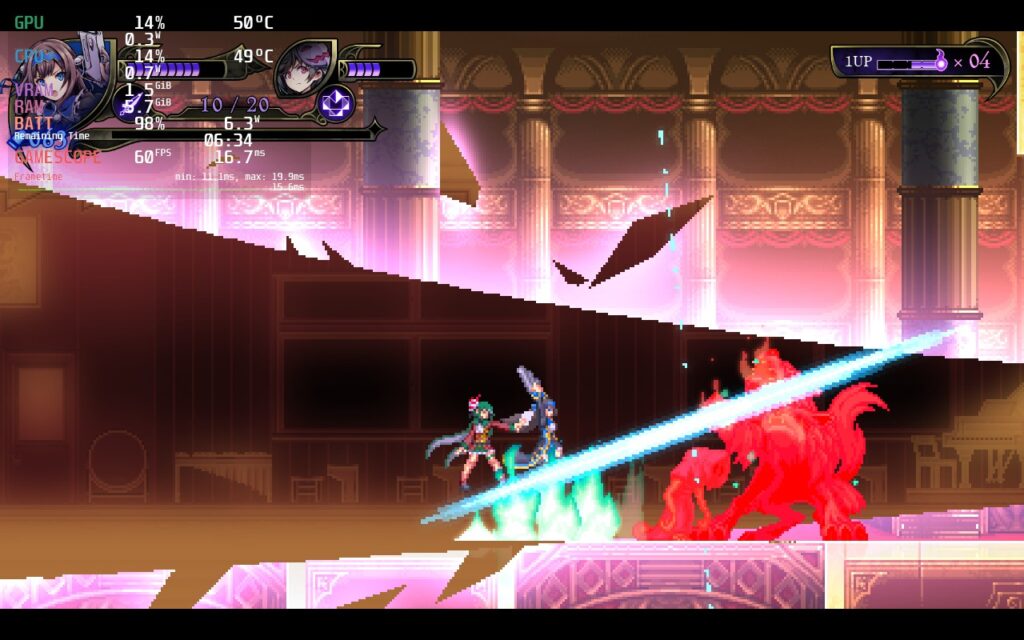
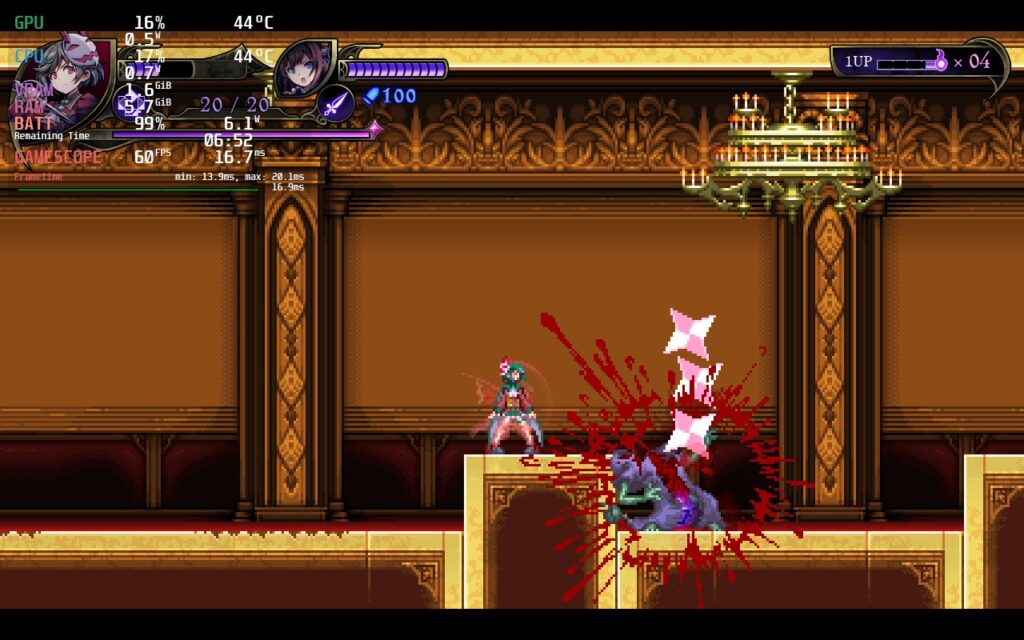
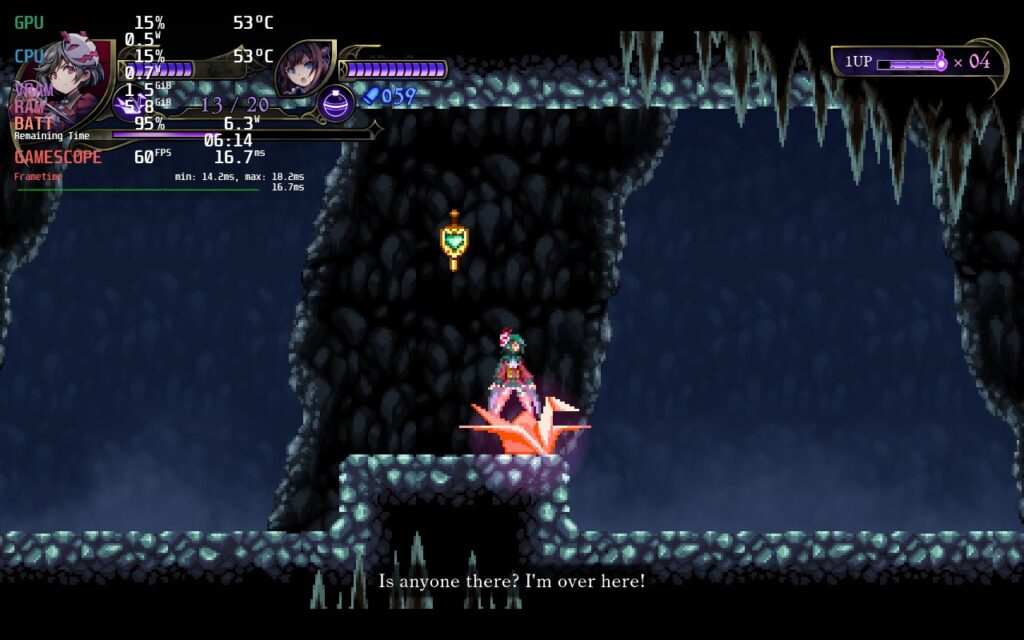
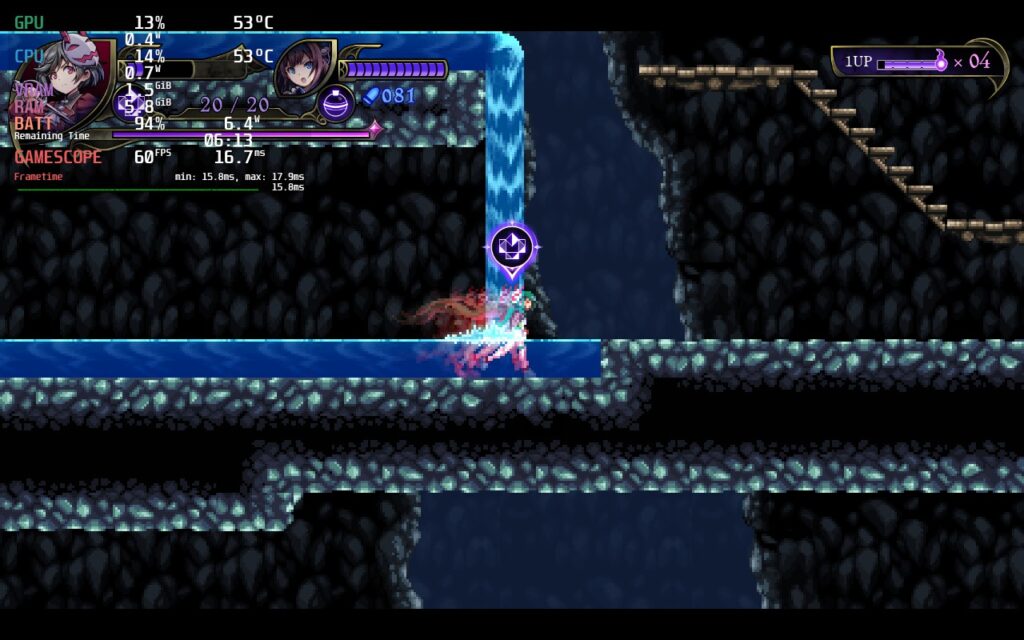
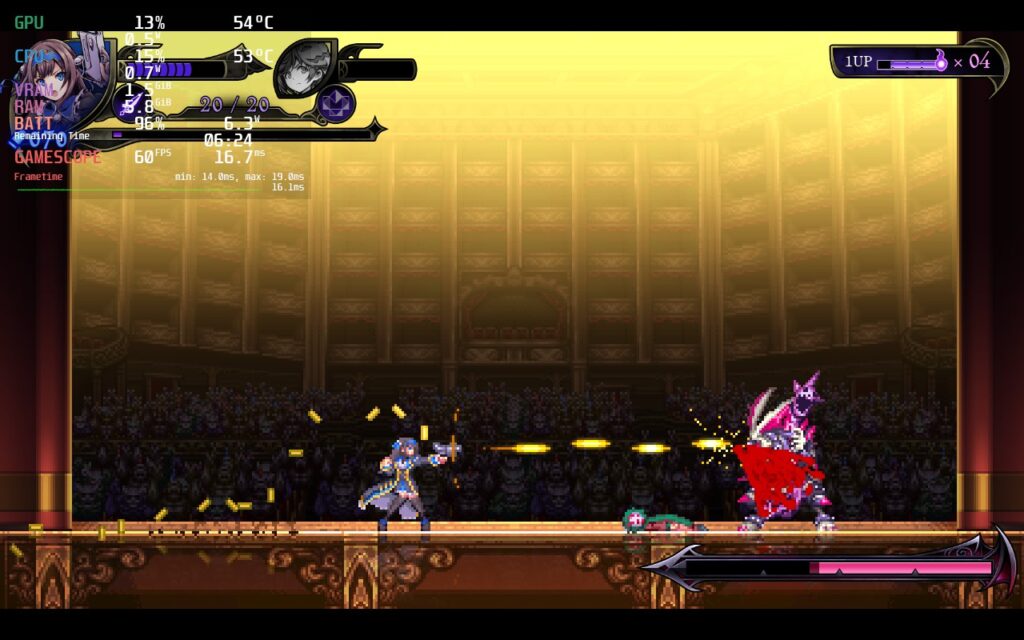
Otherwise, I found no controller/input lag that impacted my playthrough and the game output to a native 1280x720. I did try to force this to 1280x800, but it wouldn't budge. The game has full controller support, which you can customize as the game starts, cloud saves, and local coop that is drop-in (no online though).
Grim Guardians: Demons Purge is a beautiful and well-made game that shines in its presentation and animations. The gameplay loop is pretty wonderful as well, but there are those little nuisances that can feel jarring at times and mess up fluidity of other Castlevania-esque games I have played. Overall, this is still a competent and enjoyable game to play and, thanks to how easy it is to run out of the box, it has become our newest Best on Deck game!
このレビューをお楽しみいただけたなら、SteamDeckHQ の他のコンテンツもぜひご覧ください!私たちはあなたのゲーム体験に役立つこと間違いなしの様々なゲームレビューやニュースを取り揃えています。ニュース、ヒントやチュートリアル、ゲーム設定やレビューをお探しの方も、最新のトレンドを知りたい方も、ぜひご利用ください。
Wild Hearts is a monster hunting game set in a medieval Japan world. Using ancient technology, you will go out to hunt fearsome beasts that are ravaging the land. Go solo or with up to 2 friends (cross-play enabled) and gear up with countless materials and loot you will gain from the monsters you bring down. Will you be able to utilize the ancient technology you have and stop the Kemono rampage?
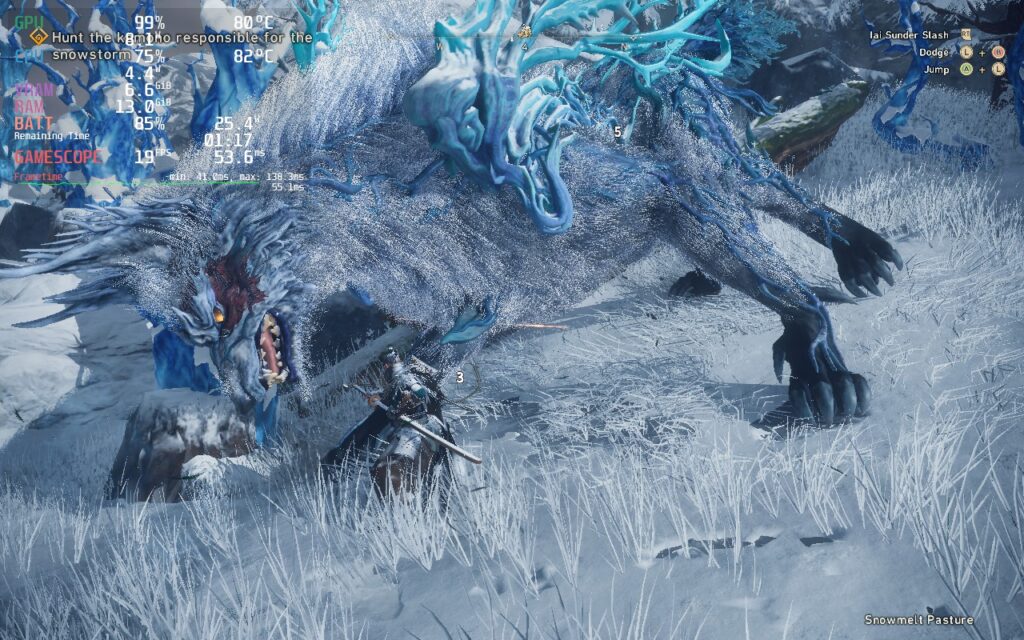
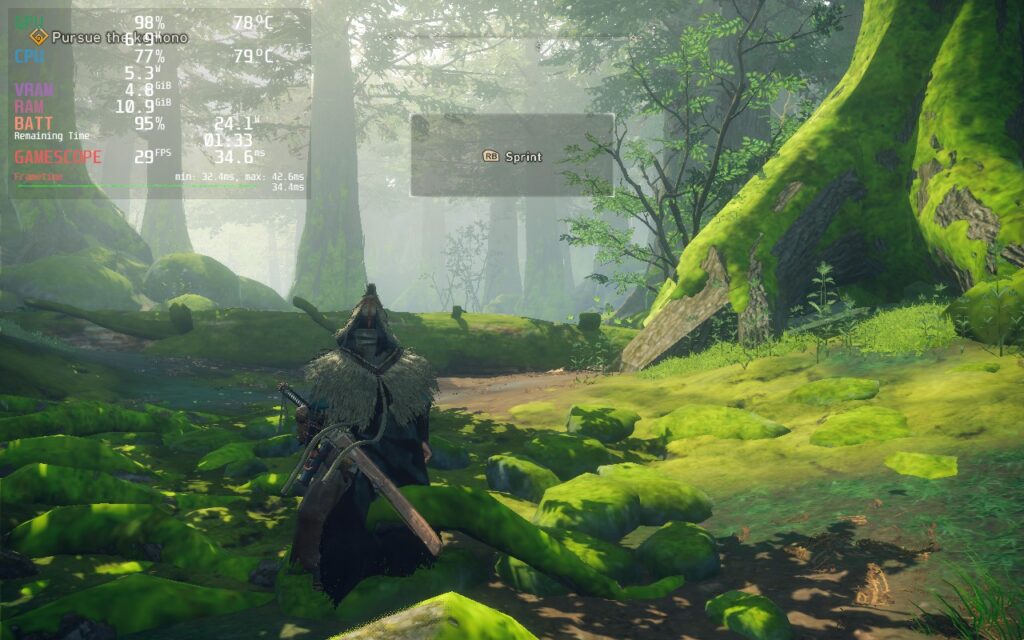
Before I get into the game's performance, I will say I enjoy the game itself. It looks beautiful and I love this kind of gameplay. The similarities with Capcom's Monster Hunter series are bound to happen, but I really like this vibrant take on the genre. That being said, as of right now, I would avoid getting this on the Steam Deck.
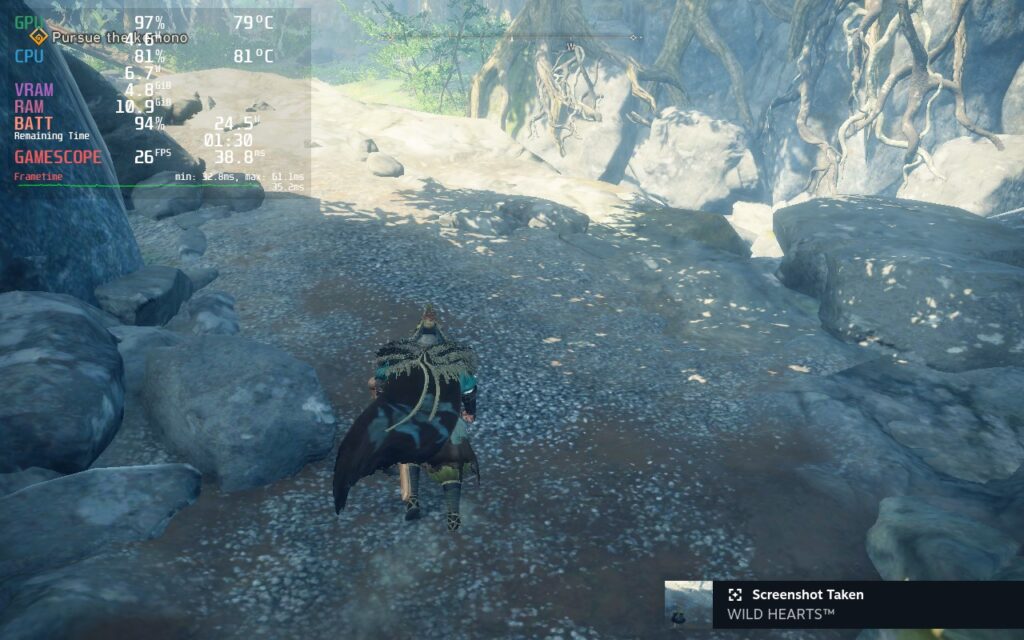
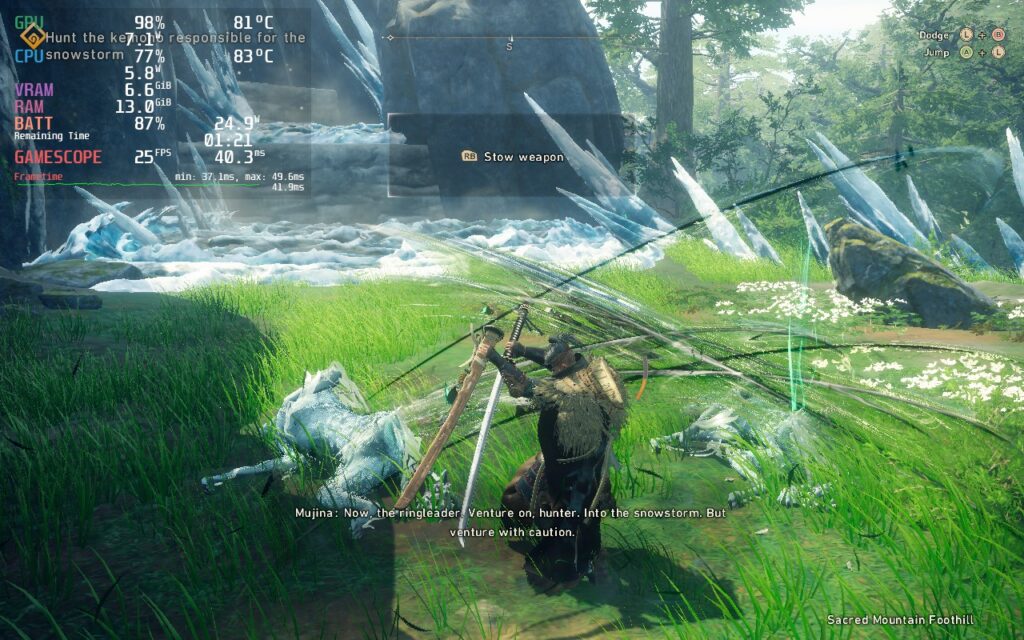
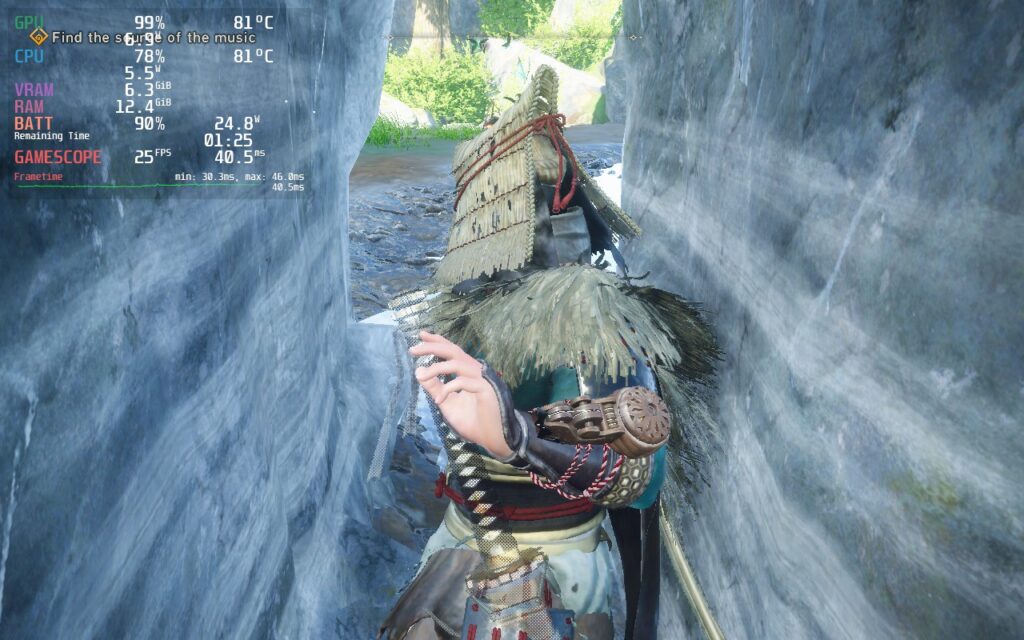
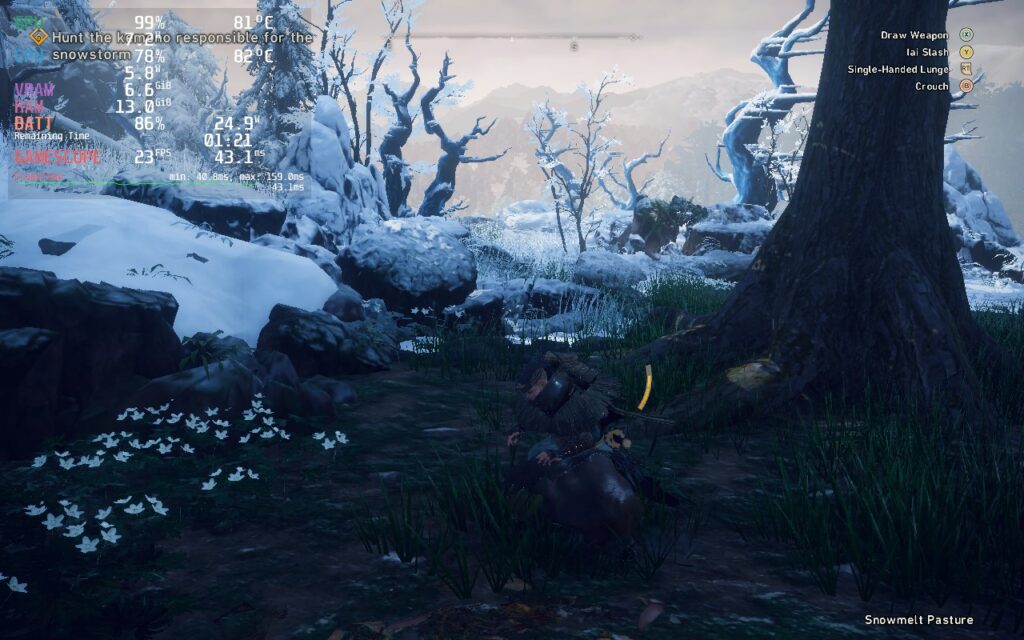
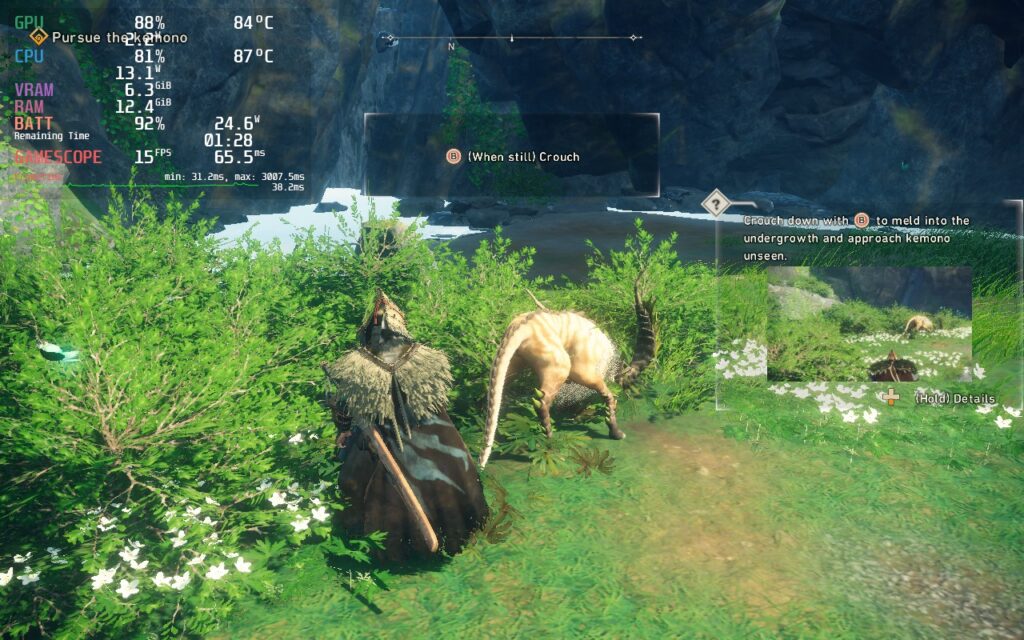
Right out of the gate, you are thrown into the tutorial and it is very heavy. Even on the lowest graphical settings, I couldn't hit 30 FPS, regularly dropping to 21 - 22 with a 24W - 25W drain. This was made worse during certain fights, and even went down to 15 FPS in a boss fight. On top of that, I did get some stutters that completely paused the game for a moment or 2 before resuming and it did crash my game completely once.
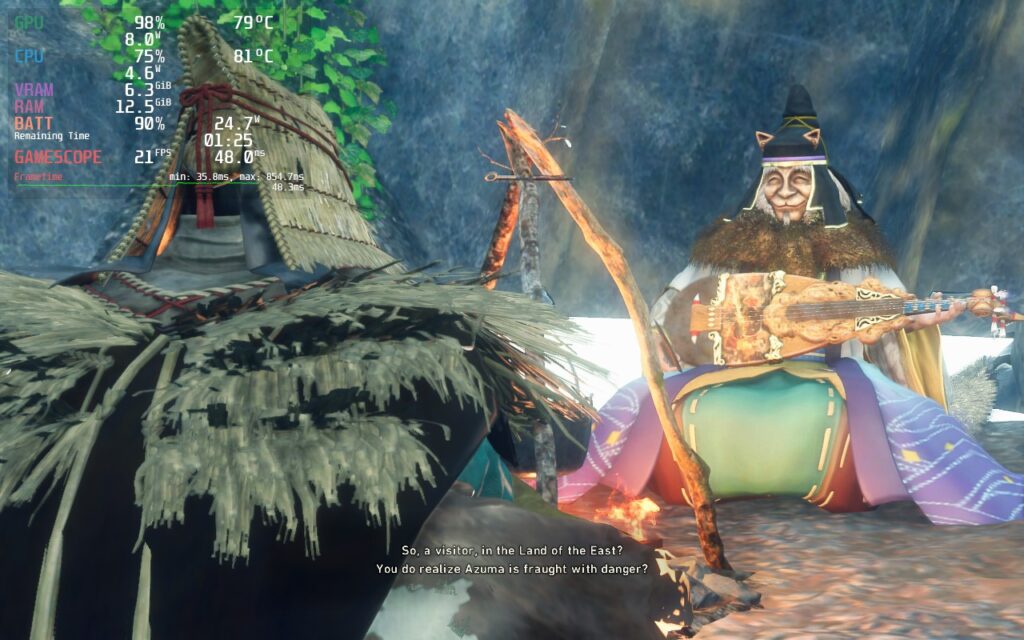
The game also has some cutscenes that need Proton GE to play, otherwise it will be the rainbow bars. I did try with multiple launch commands too, but nothing has helped bring framerate up.
Wild Hearts is also lacking some graphical options, mainly lower resolutions below 1280x800 and no upscaling methods like DLSS or FSR 2. For newer more intensive games, this is almost essential for the Deck and, according to reports from Desktop PCs, essential there as well. I tried forcing the resolution down through Steam too, but it completely shrinked the screen and didn't help performance.
It is possible that using CryoUtilities could help the performance a bit, but from the performance I am seeing without it, and the lack of options to enhance it, I would say the gains would be minimal.
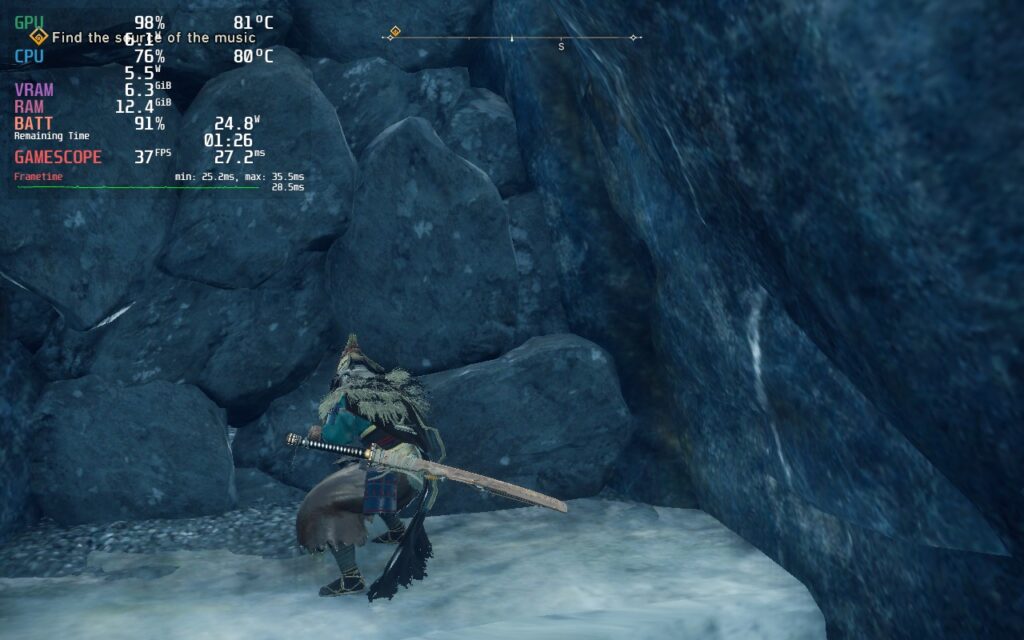
Wild Hearts is an awesome game at its core and I can tell from the time I have played with it. Unfortunately, it was hard to really enjoy the great content in the game due to the inability to play at a consistent framerate. While there were some areas that could handle higher framerates (staring at a rock wall almost got me to 40), it couldn't handle the bigger areas. For that, I would say this is one to avoid for now.
We will take another look when the game is fully released and a shader cache has been built. While that is happening, we plan to test out other ways to run the game, including CryoUtilities, to see the difference it makes. Though our review will be based on the default Steam Deck configuration with no modifications. We do this since we will never expect someone else to do something more to modify their device other than what is given from SteamOS and Valve.
このレビューをお楽しみいただけたなら、SteamDeckHQ の他のコンテンツもぜひご覧ください!私たちはあなたのゲーム体験に役立つこと間違いなしの様々なゲームレビューやニュースを取り揃えています。ニュース、ヒントやチュートリアル、ゲーム設定やレビューをお探しの方も、最新のトレンドを知りたい方も、ぜひご利用ください。
Celeste is a narrative-driven platformer that still feels unrivaled in what it does. Not only does it tell a beautiful tale of a trans woman facing and surviving her inner demons, but the gameplay and controls are so tight and well-made. It is simple, you run, climb, and air-dash. That is all you can do, but the way each level is structured is so thought out and meticulous that it feels like there's so much more you can do. Add on some challenges, B-side chapters, and an incredible soundtrack, you have a masterpiece of a game. But, can we play this game on Steam Deck?
The answer is a resounding yes! This game is not big, but it plays so beautifully. At its default settings, which need no change, it runs at 6W battery drain for an 8 hour battery with less than 55c temps with a stable 60 FPS. On top of that, Celeste has a native Linux build, so no Proton is needed! The controls feel fantastic on the Deck and just feel right.
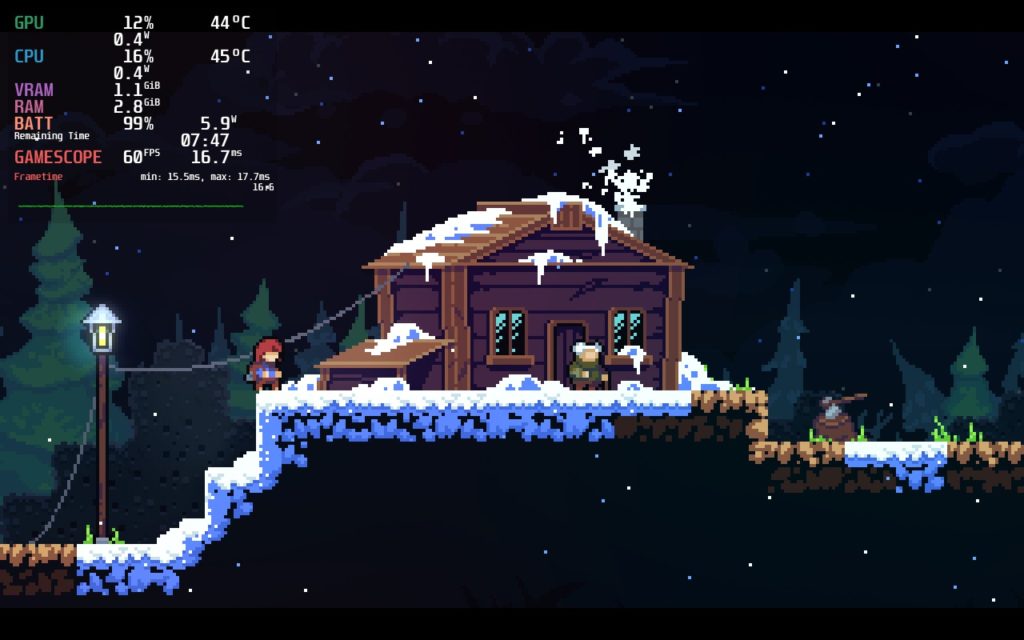
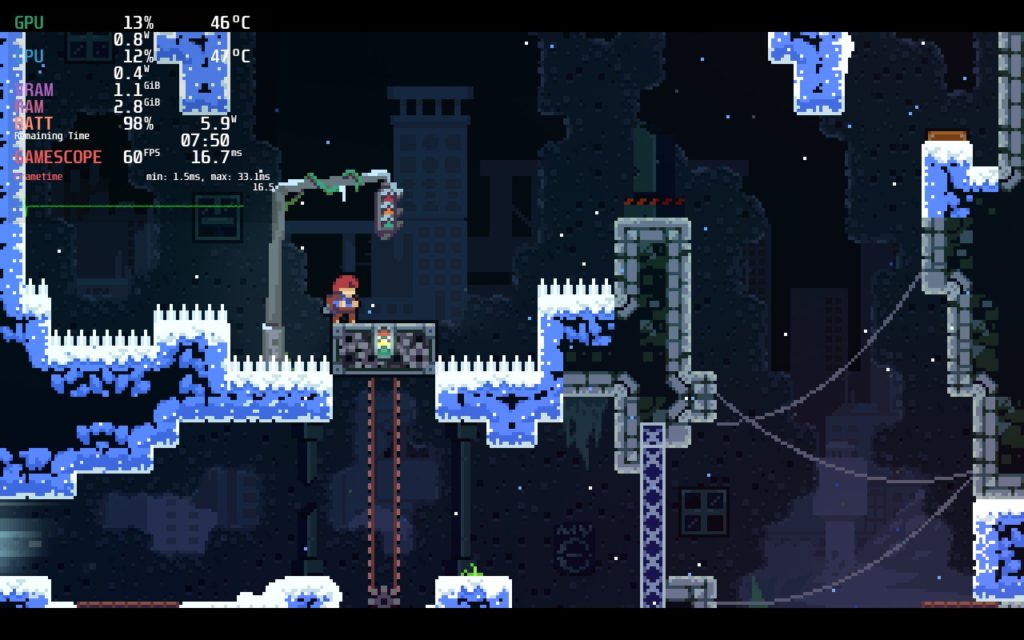
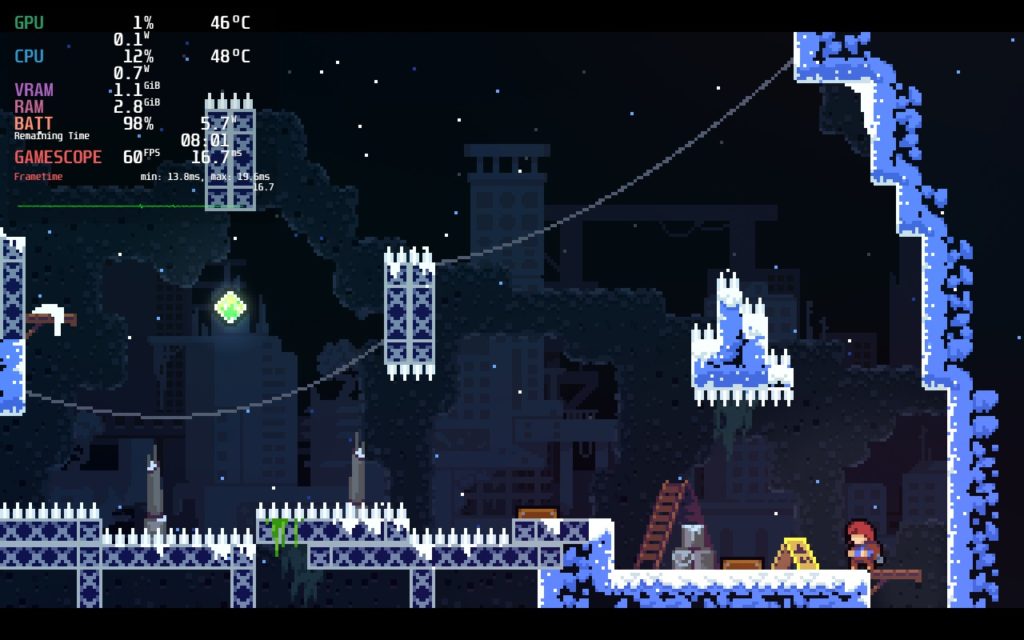
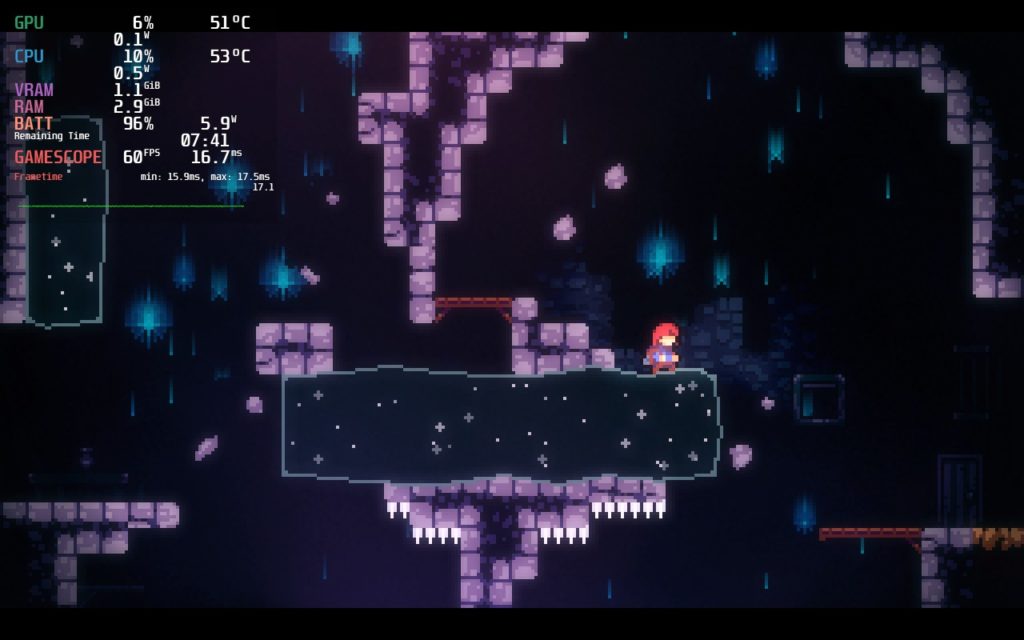
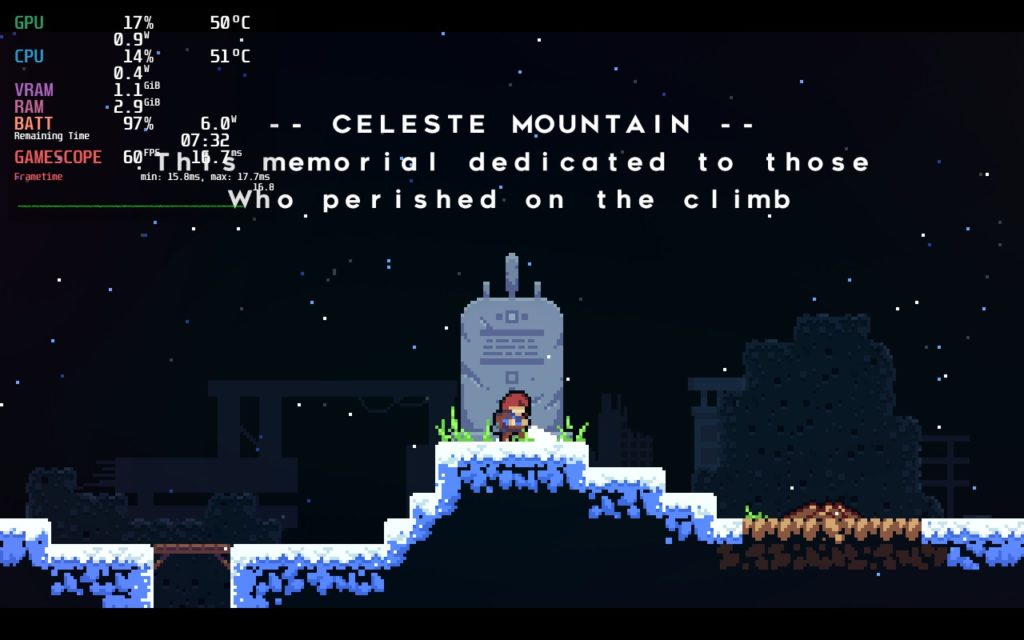
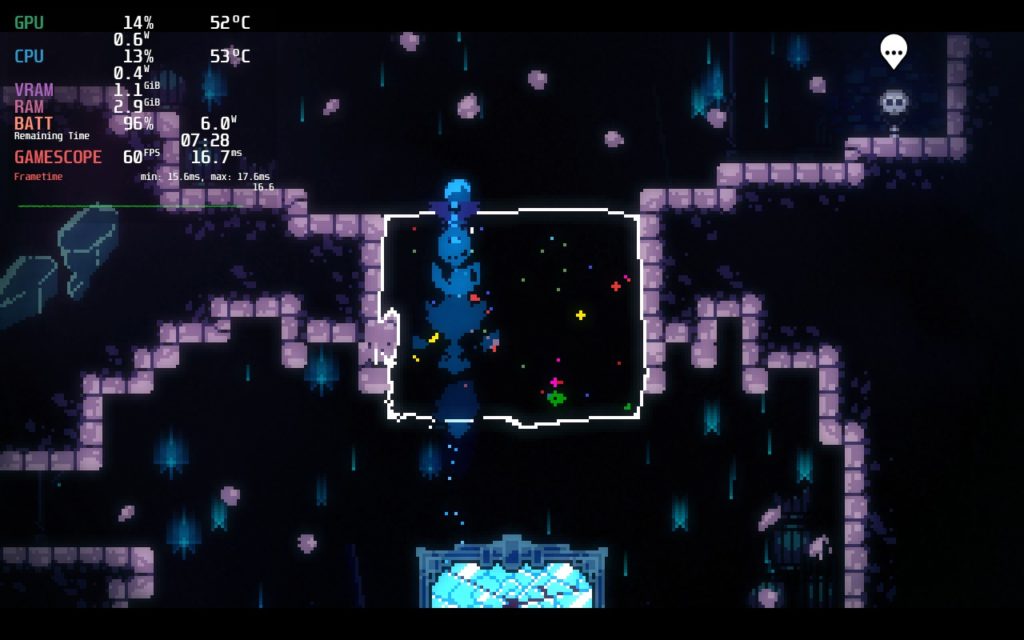
The only thing I will add is that the game runs at 1280x720. Because of this, you will see black bars above and below the game, but this doesn't impact gameplay at all, nor ruin this incredible experience.
I would also love to quickly mention that using the Vibrancy plugin on this game is amazing! It is already colorful, but setting it to 120 saturation just makes it pop enough to really shine out! You can find out how to get the plugin from our guide!
This was a short review and I know this, but after playing this incredible game on the Steam Deck, I felt I had to just make note of it. If you are a fan of platformers, wonderful stories, or just enjoy good games, do not wait up on Celeste! This is one of the perfect games on the Deck by far.
このレビューはPC版に基づいています。
このレビューをお楽しみいただけたなら、SteamDeckHQ の他のコンテンツもぜひご覧ください!私たちはあなたのゲーム体験に役立つこと間違いなしの様々なゲームレビューやニュースを取り揃えています。ニュース、ヒントやチュートリアル、ゲーム設定やレビューをお探しの方も、最新のトレンドを知りたい方も、ぜひご利用ください!
Kena: Bridge of Spirits is a story-driven adventure game that takes you on a mystical journey to find the sacred Mountain Shrine. Along the way, you will discover the Rot, and with their help, you are tasked to help free the spirits trapped in a mysterious forgotten village. As Kena, use your powers from the spirit realm to untangle this curse and restore the world to its once-majestic state with so many secrets to uncover and hats to collect for your Rot friends.
As you collect more and more Rot, you will unlock powerful new abilities to help use them to not only cleanse the corruption, but fight against your foes. Combined with your own skills, you will engage in fast-paced combat to challenge you to strategize when to use the Rot or not. And with the anniversary update content, you can use New Game+, Spirit Guide Trials, new outfits, charmstones, and more! With so much to offer, the only question that remains is...how does it run on the Steam Deck?
Kena is definitely not a game to run at max settings. Everything uncapped, the game can easily drain up to 25W and temps above 80c with a framerate that sticks below 20 FPS. This is definitely not the way to play, but we can absolutely make it better!
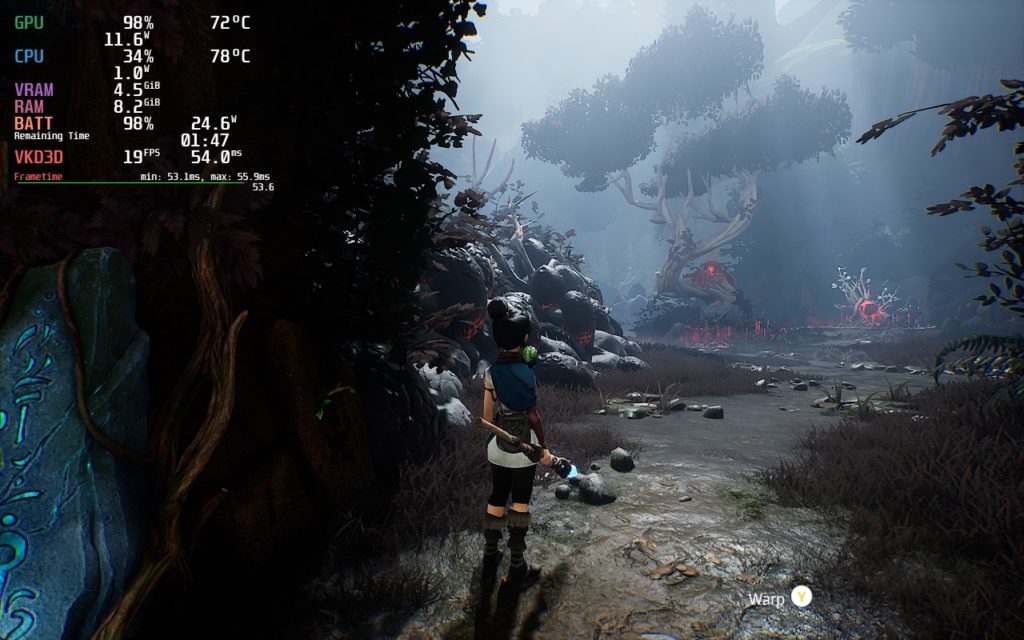
With enough tweaking, Kena can run well, but it does have some compromises to do it. Regardless of the settings I chose, there were 2 things specifically that were apparent. The first was framerate drops. Even on the lowest settings with no TDP limit at 30 FPS locked, the game still stuttered when running into new places. While this generally didn't happen during battles or platforming, it was still pretty apparent in the village.
The next is ghosting, and man is it visible. There is no FSR 2.0 integrated in the game as of this writing, but it does have dynamic resolution scaling. Using this is a necessity to play the game at a stable framerate without draining your battery in an hour and a half. But regardless, the ghosting was still there. I was able to look past it when I was playing, but it was still noticeable enough where I feel most will see it.
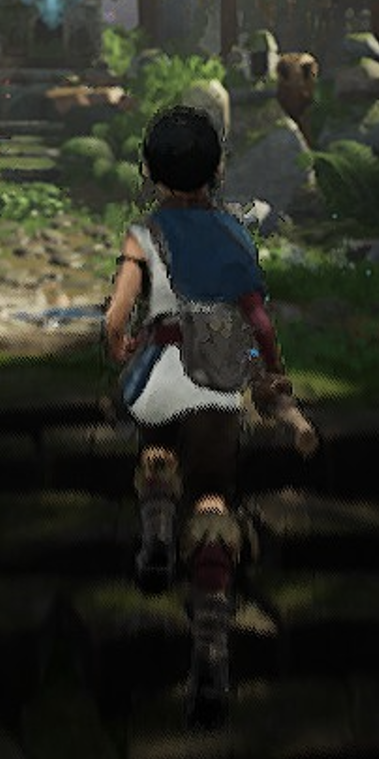
While this is zoomed in, you can see the edges around her being blurry which, when moving fast, looks like it causes copies of her following behind her movements. This is ghosting.
With all of this, I created 3 different builds with my preference being the 40 FPS one. I felt that the consequences, which are the slightly bigger drain and feeling the stuttering a bit more, was worth the smoothness of having 40 FPS most of the time.
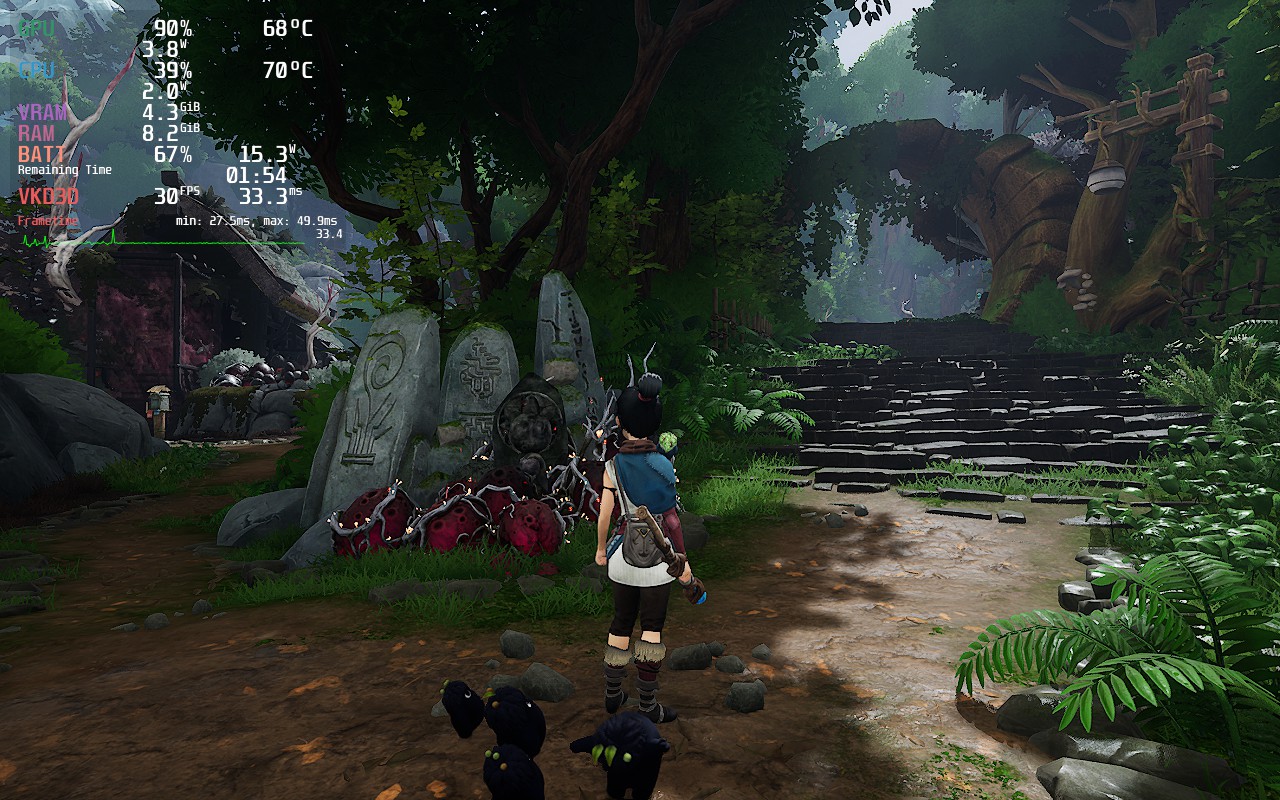
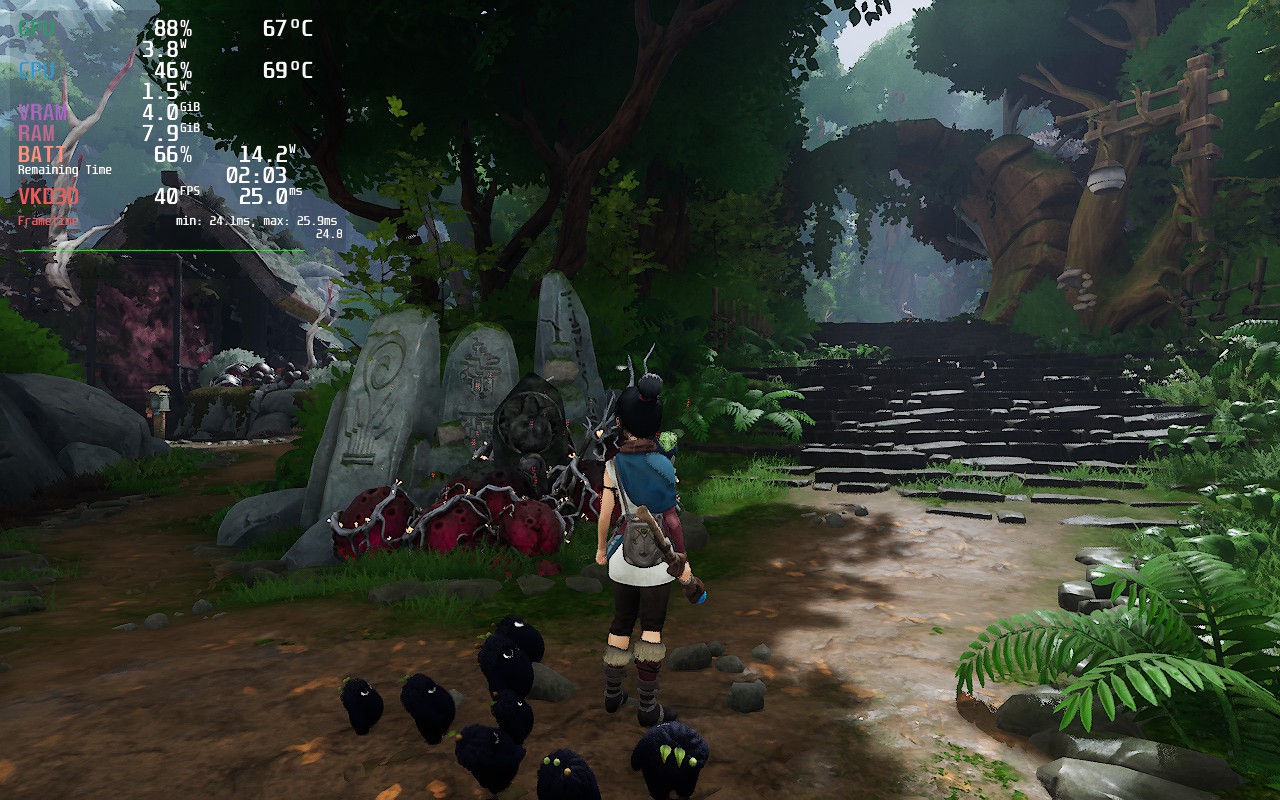
Otherwise, I did create a battery saver build and quality build as well. The battery saver tends to add on an extra hour or so, but it is locked to 30 FPS. The quality build is also locked to 30, but has much higher settings and doesn't use dynamic resolution scaling so you get very crisp visuals. While I would have loved to use this over dynamic resolution, it could not run without battery spikes ranging around 20W - 22W.
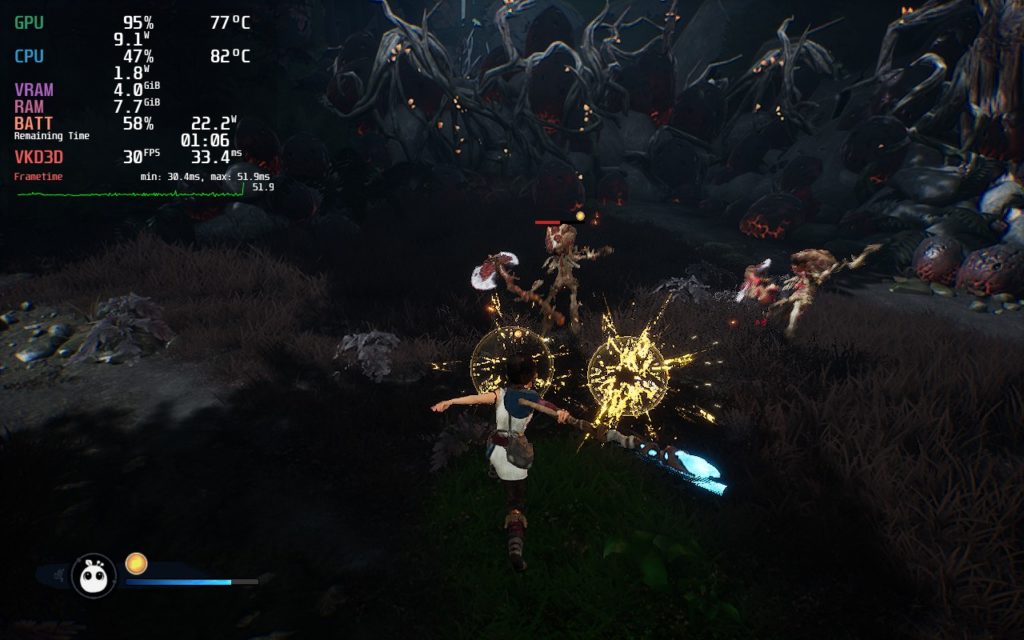
Other than the ghosting being an issue under all settings, I haven't actually had any issues with the game itself. Ember Lab, the developer behind Kena, made a couple of design choices that I wasn't really a fan of. They touted having Steam Deck verified/support, but attempted to push DLSS as the upscaling method they used. Steam Decks can't use DLSS. FSR 2.1 would have helped the game tremendously, and while it could still come in the future, it isn't here yet.
They also don't have DLSS as an option when playing off the Deck, so replacing the DLSS files with FSR 2.1 isn't an option here either. I confirmed it is in the game by running it off of my Nvidia desktop computer and DLSS did show up. I am hoping that, in time, it will be added which could alleviate a lot of the issues plaguing the game.
Kena: Bridge of Spirits is a pretty fun game. I enjoyed the combat and the visuals popped with color, especially when using the vibrantCrankshaft plugin. While the stuttering and ghosting can be a bit of a boon on Deck, it was still very playable and I could easily see myself playing this game solely on the device. Hopefully, FSR 2.1 will be added in the future, which will alleviate most, if not all, of my concerns!
このレビューはPC版に基づいています。
このレビューをお楽しみいただけたなら、SteamDeckHQ の他のコンテンツもぜひご覧ください!私たちはあなたのゲーム体験に役立つこと間違いなしの様々なゲームレビューやニュースを取り揃えています。ニュース、ヒントやチュートリアル、ゲーム設定やレビューをお探しの方も、最新のトレンドを知りたい方も、ぜひご利用ください!
The true sequel to the infamously known "Worst Game Ever", Postal 4 brings you to the scorching deserts of Arizona, hoping to find a new place to call home. Complete all your errands in however way you can think of in this open-world sandbox with a unique arsenal, power ups, bunches of weapon combos, and pissing on people. You can even pick the voice of POSTAL dude and feed dog treats to stray dogs...to gather your own canine army. What more could you ask for??
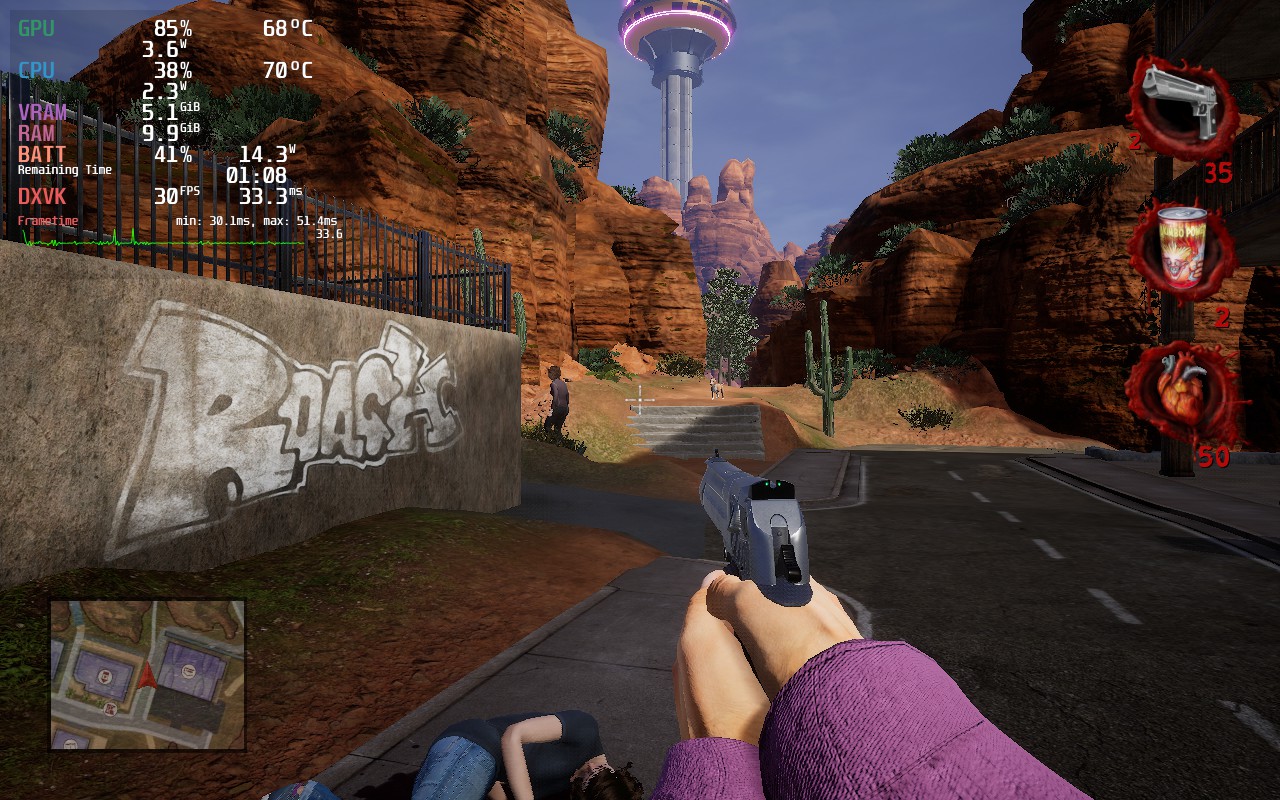
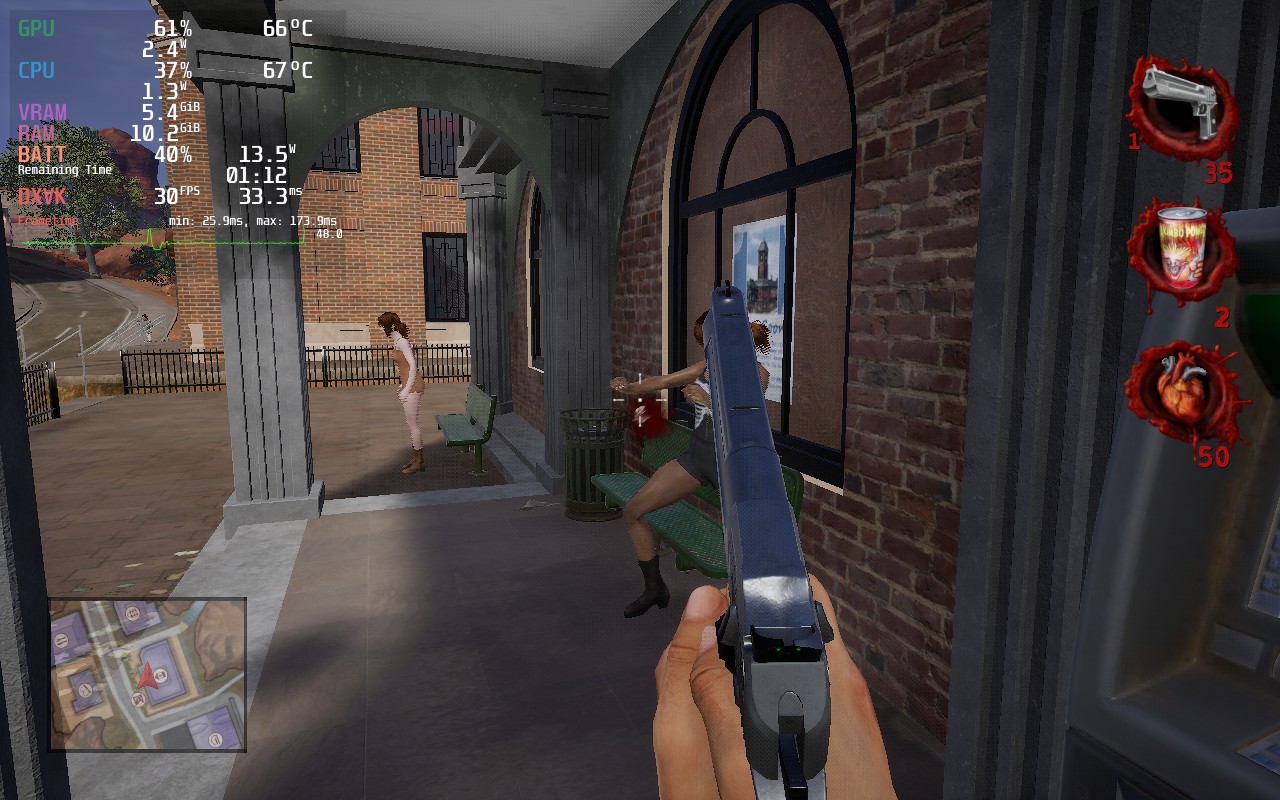
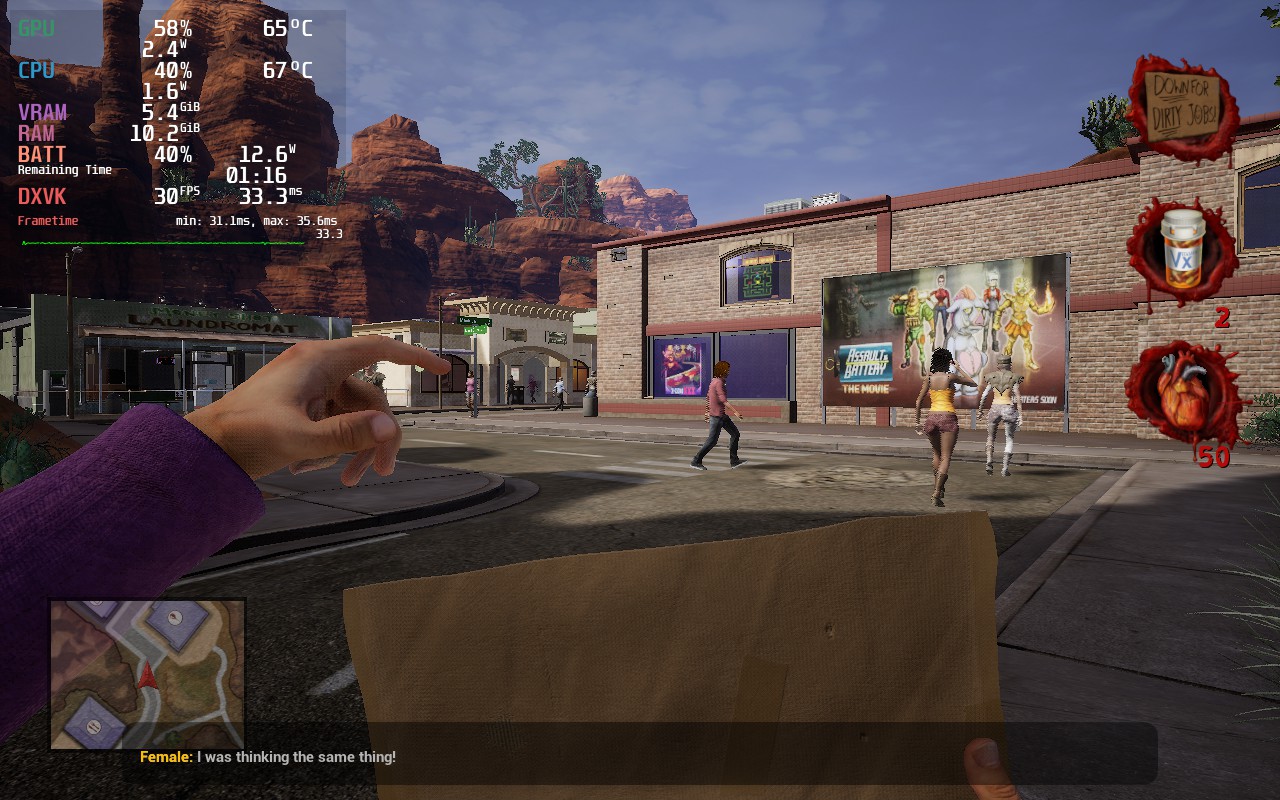
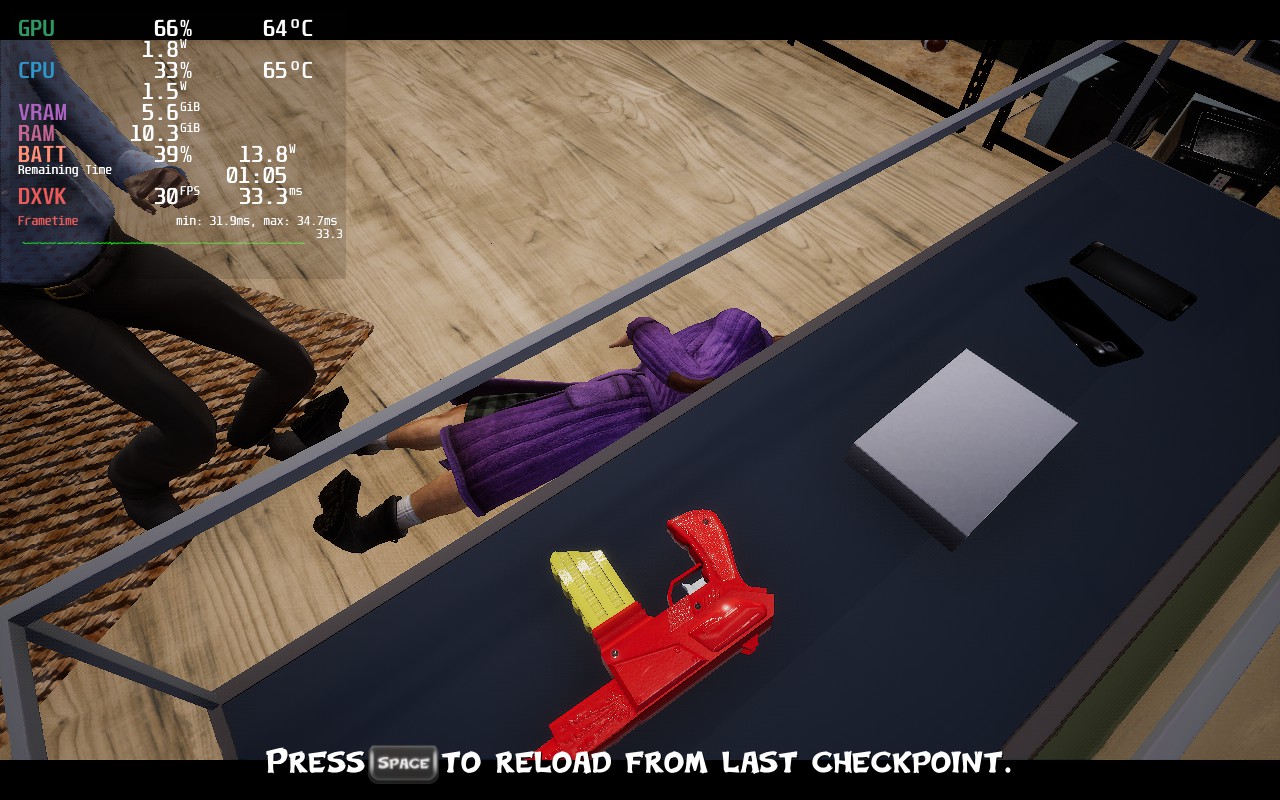
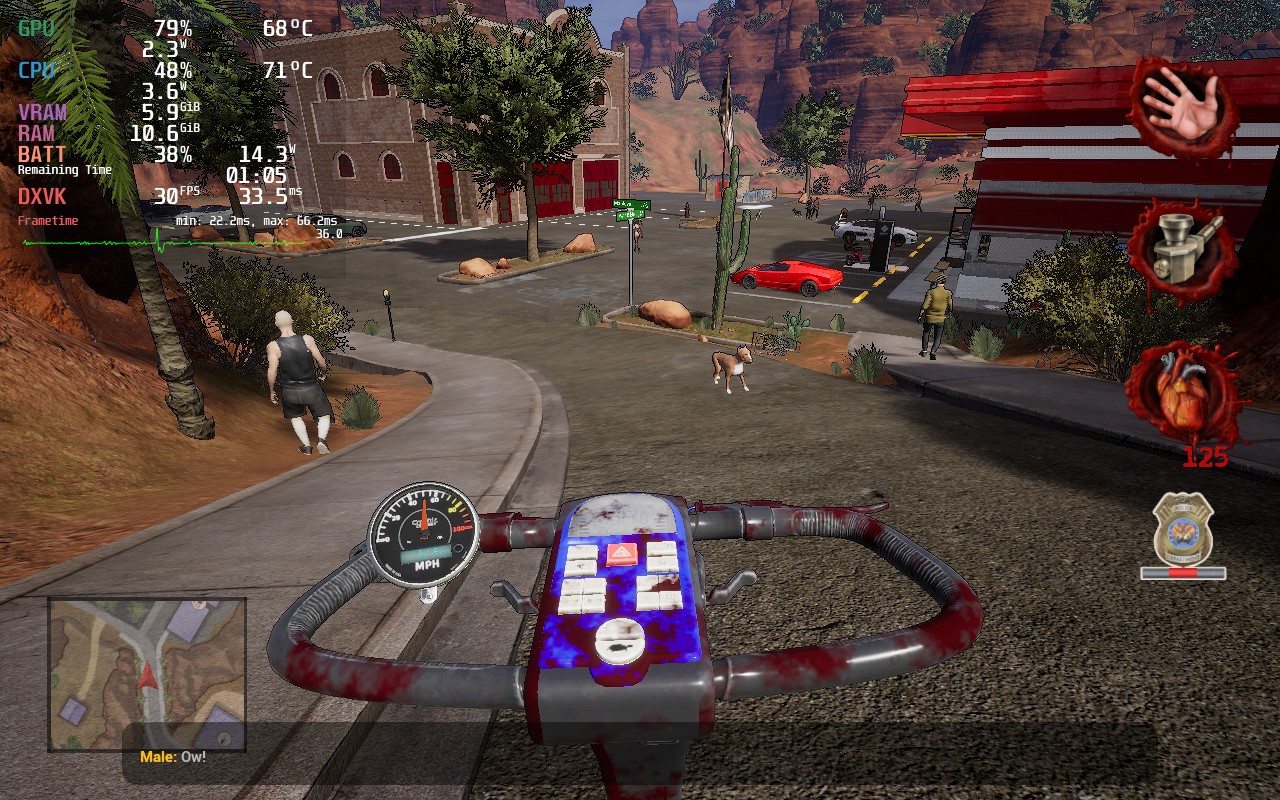
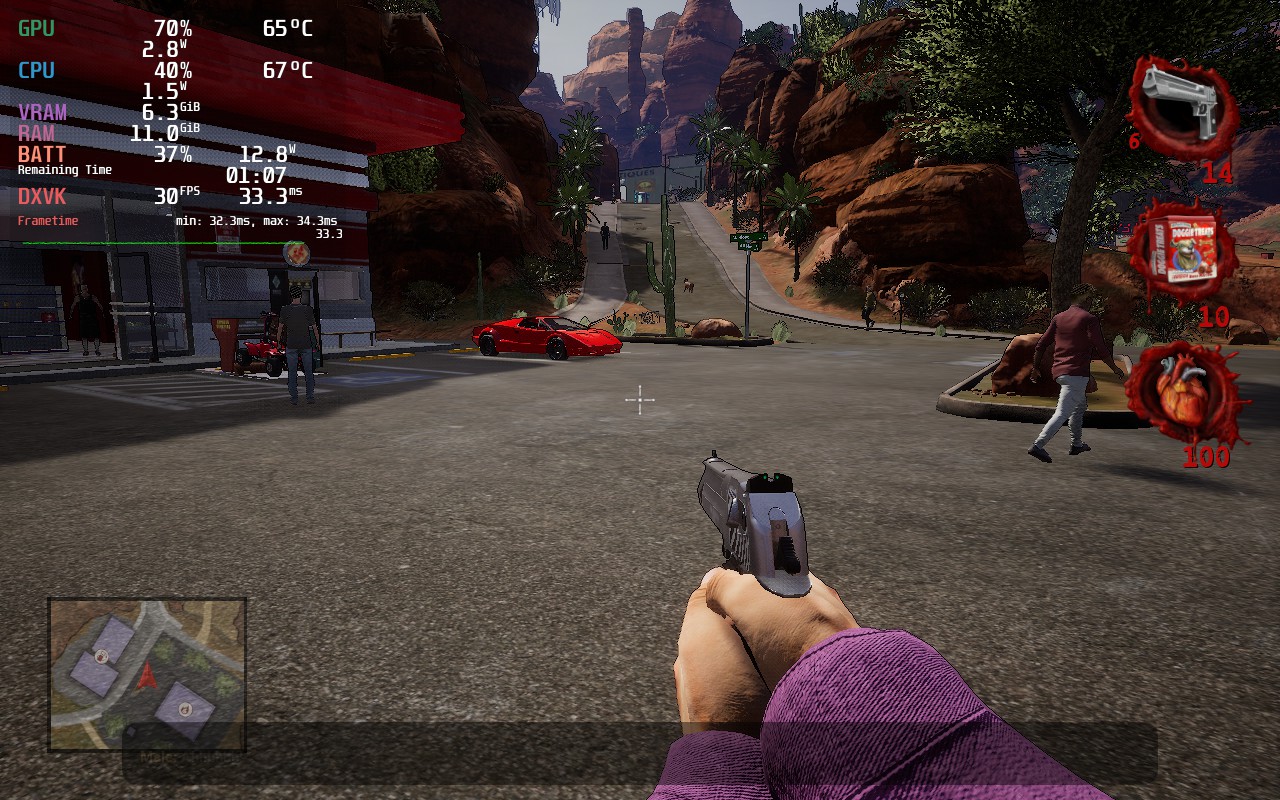
On Steam Deck, the game does chug a little bit, but with enough tweaking, it is playable. On max settings though, Postal 4 tends to be able to average above 30 slightly, but does drain the battery at 25W with 80c+ temps. It also does experience some massive spikes when moving around, so I wouldn't call this playable at max. With adjustments to the settings though, the game becomes significantly more playable and a really damn good time! A TDP limit, resolution change, and lower settings will have this game still looking wonderful, but drain going down to 12W - 14W with temps below 70c. There are still some dips when moving, but with a 30 FPS lock, it doesn't bother nearly as much.
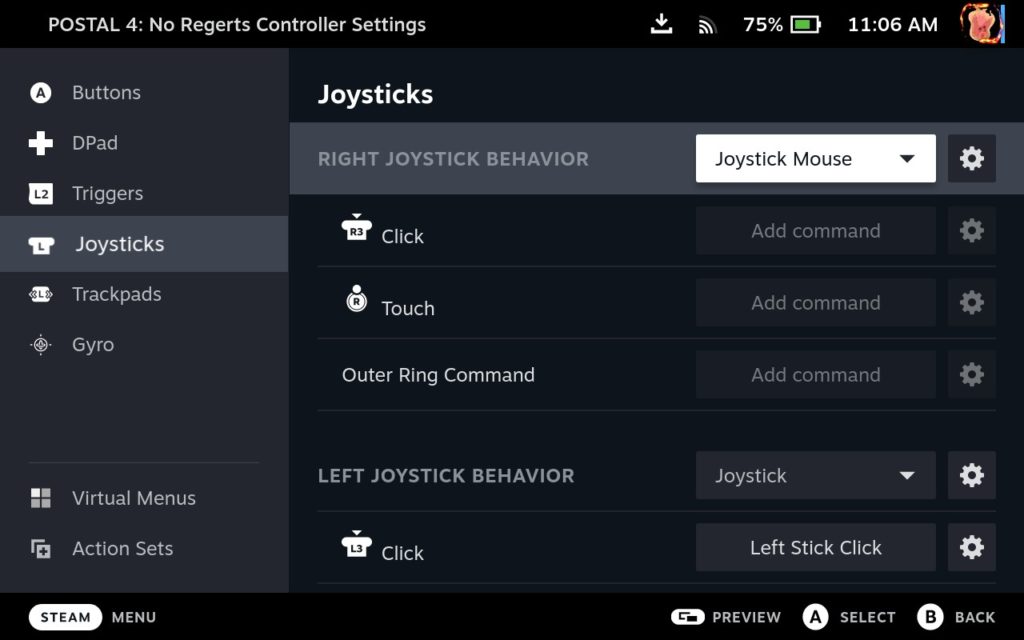
I did encounter a couple issues with controls which, with a couple changes, can be easily remedied. The sensitivity for the camera movement is all off and I did notice that it was too slow for me and the in-game sensitivity settings didn't change anything. To remedy this, I changed the right joystick to be a "Joystick Mouse". I changed the mouse sensitivity to 12 for my taste. I did also notice that some control settings, like aiming sensitivity, didn't change no matter what value I adjusted to, so that is a little bummer, but it didn't affect any graphical changes.
Even with all of this, I am heavily optimistic for the future of Postal 4. As we covered, the developers are going to be supporting Linux, which will significantly help the game. On top of that, they are also looking into FSR support which will help even more! Overall, not only is the game playable, I would consider it a safe investment for the future too!
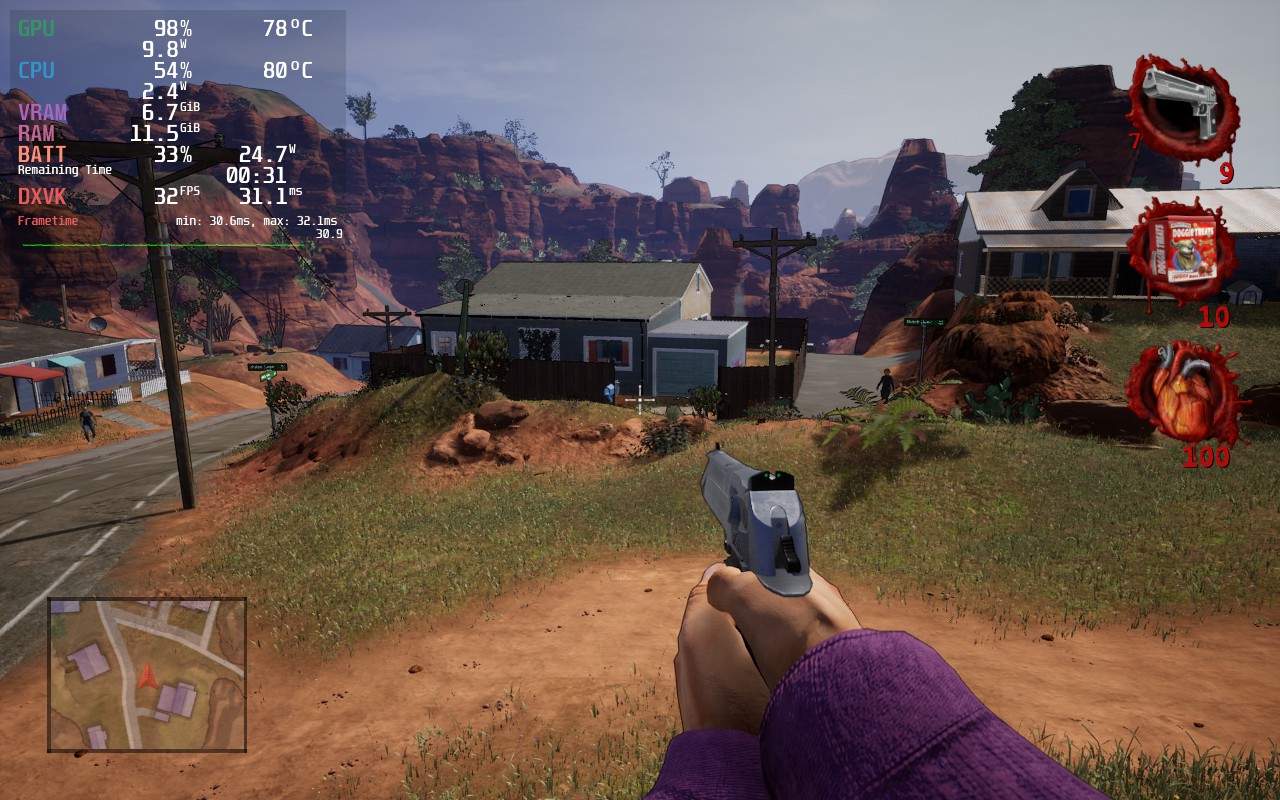
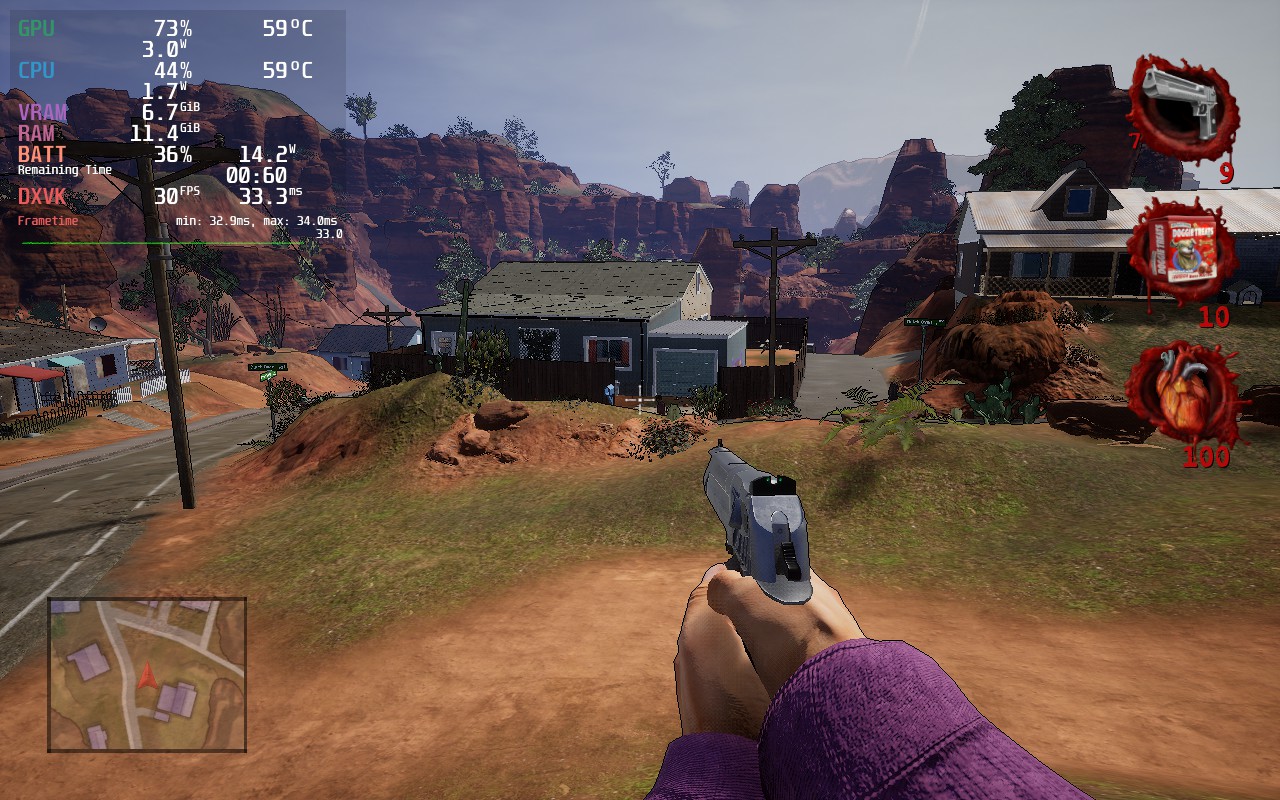
While the differences are more obvious, the game still looks wonderful on the smaller screen and runs so much better!
このレビューはPC版に基づいています。
このレビューをお楽しみいただけたなら、SteamDeckHQ の他のコンテンツもぜひご覧ください!私たちはあなたのゲーム体験に役立つこと間違いなしの様々なゲームレビューやニュースを取り揃えています。ニュース、ヒントやチュートリアル、ゲーム設定やレビューをお探しの方も、最新のトレンドを知りたい方も、ぜひご利用ください!



