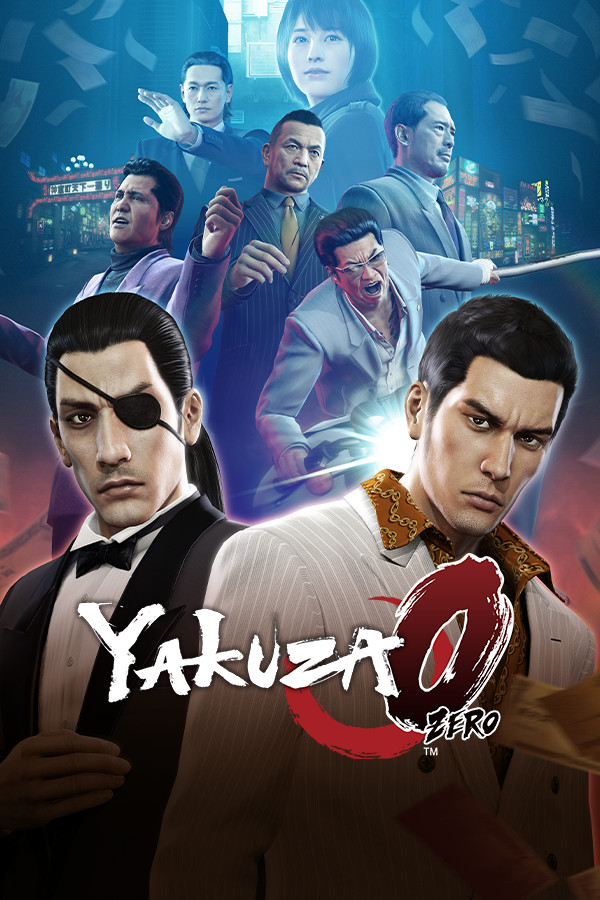




Welcome to the incredible prequel to the incredible JRPG series that has spanned over 7 games so far! Yakuza 0 takes you into the beginning of Kiryu and Goro's journey as he has to find out why his mark winds up murdered. Now, you must prove your innocence and save your family in this incredible story filled with action, drama, and humor. Utilize the protagonists' Yakuza training to destroy enemies in cinematic hand-to-hand combat, upgrade your skills, take on side quests, go to a karaoke bar, and even go bowling and win a chicken manager.
Yakuza 0 is the prequel to this incredible series that has become one of my favorite JRPGs that I have played. The story is engrossing and meaningful, the combat is a ton of fun, the humor is wonderful, and I enjoyed every moment of it. Now finally, with the Steam Deck, we can enjoy this one on the go. So let's take a look at how it actually runs!
Now with Yakuza 0, it doesn't start out at the max settings. It turns SSAA to Off while keeping the other settings on Ultra and High respectively. Turning them all on Ultra and SSAA to 8X, which is the highest, will tank framerate to below 30 FPS. While the game looks beautiful, this is actually completely optional as the game runs perfectly right out of the box!
If you boot up the game, you will be able to play this game completely and fully without changing a thing! The default settings run great at 60 FPS, with only minor quick stutters when going in and out of combat and into some buildings. The battery also drains much more when outside and running around instead of inside. While it can be played fully like this, there are 2 changes you can make to save battery life a bit without sacrificing framerate!
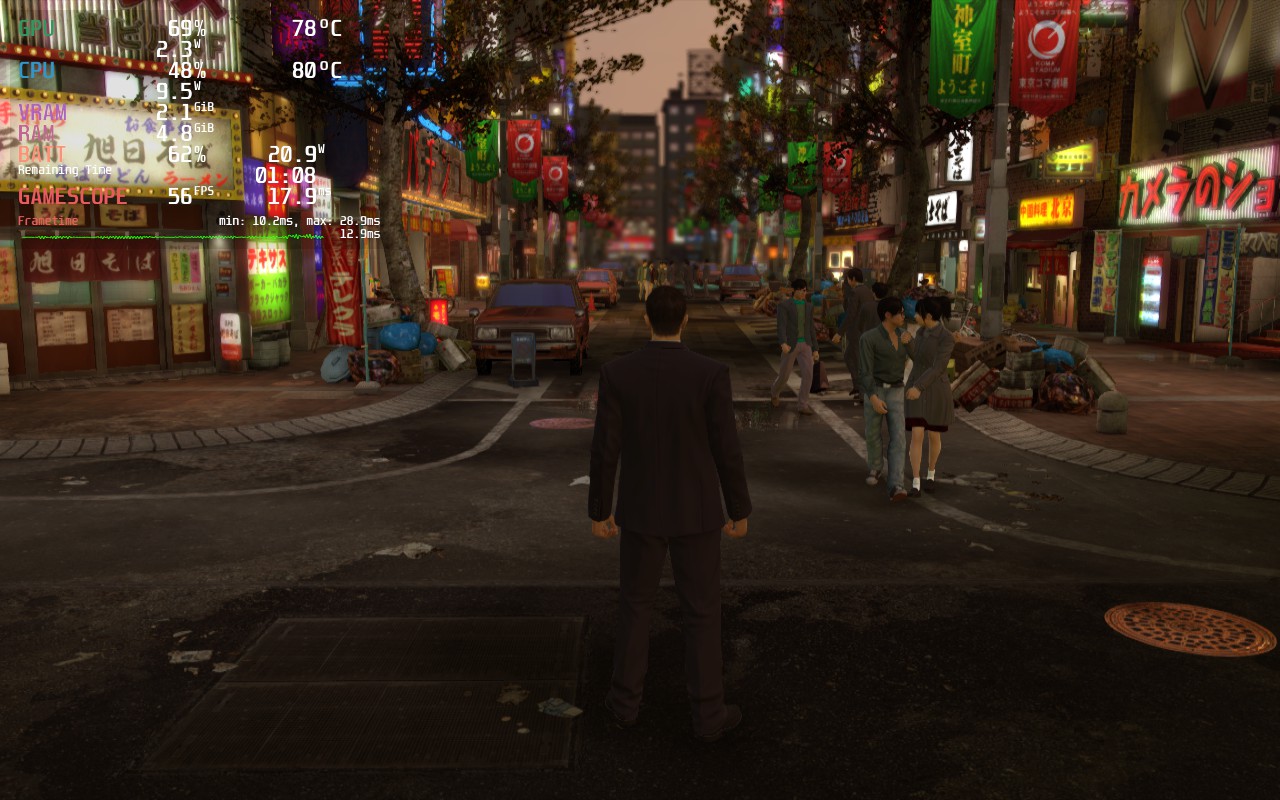
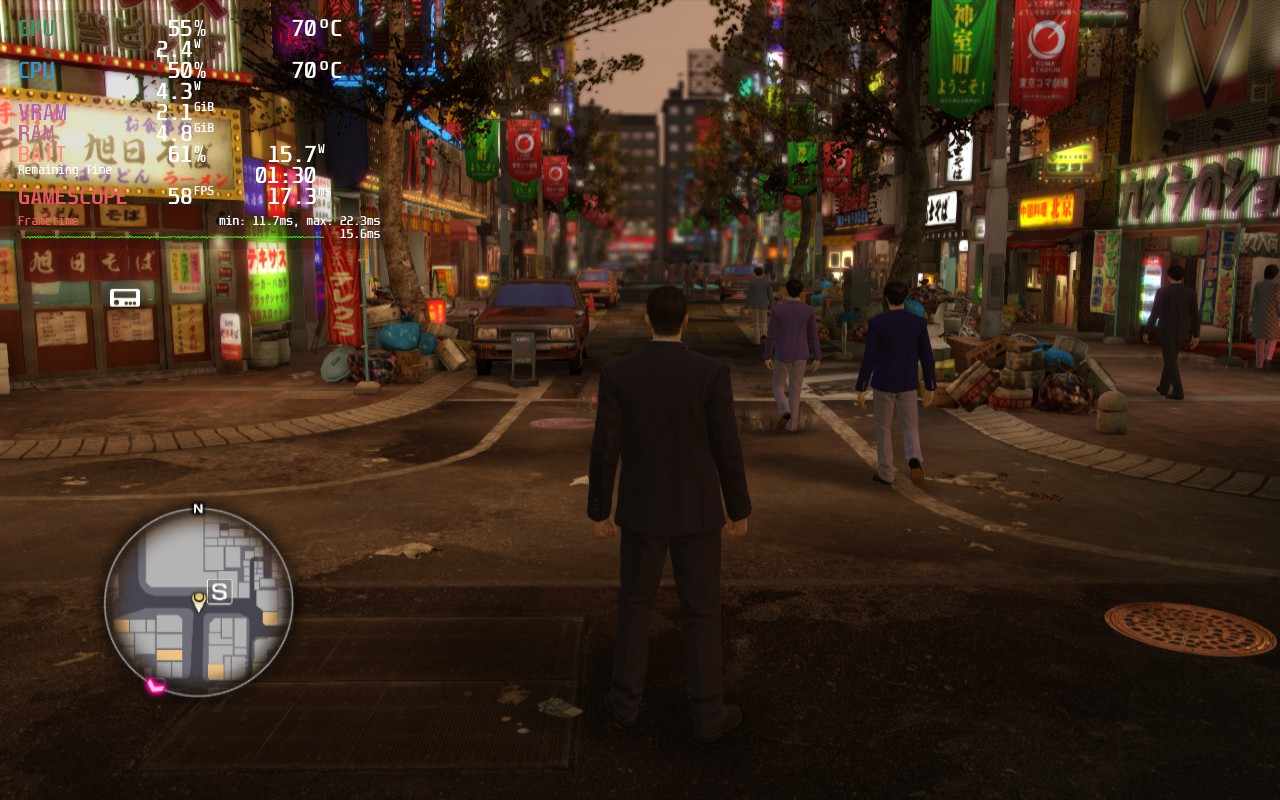
By setting TDP to 9 and GPU Clock Speed Frequency to 1200, you will be able to bring the max battery drain down from 21W to 16W. This will also keep battery drain average between 12W - 13W. This brings battery life to around 3 - 3.5 hours of play! There are some areas running through the town that I noticed drop framerate to 57-59, but these are far and few and happen even with an uncapped TDP.
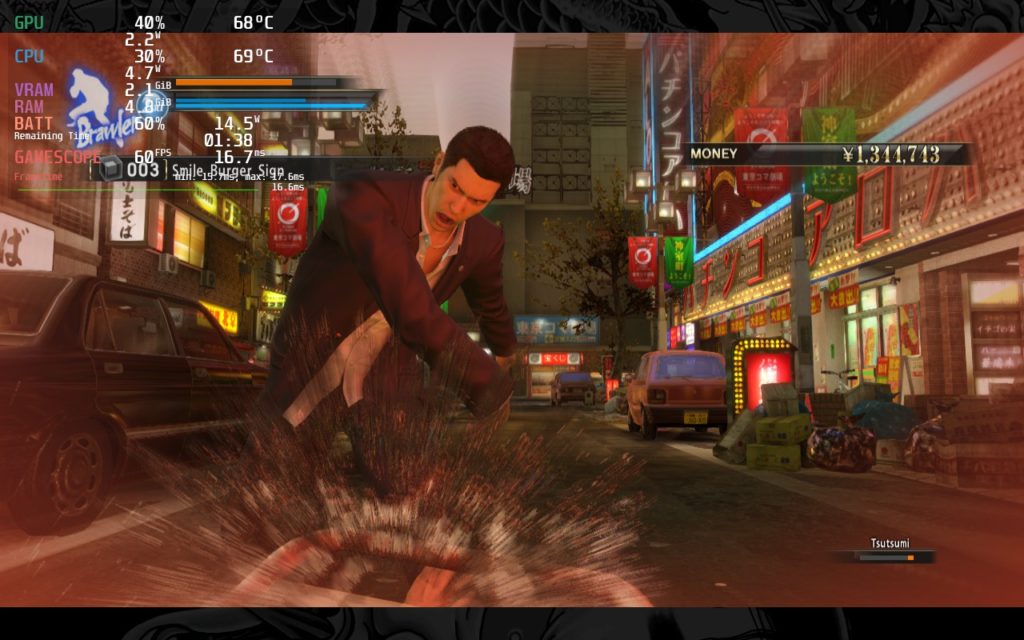
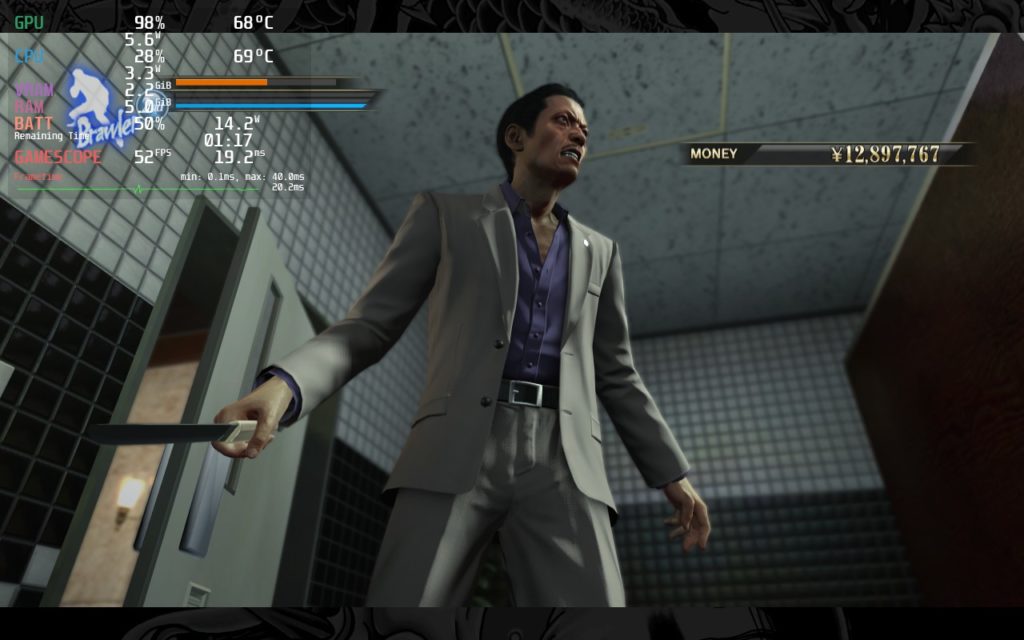
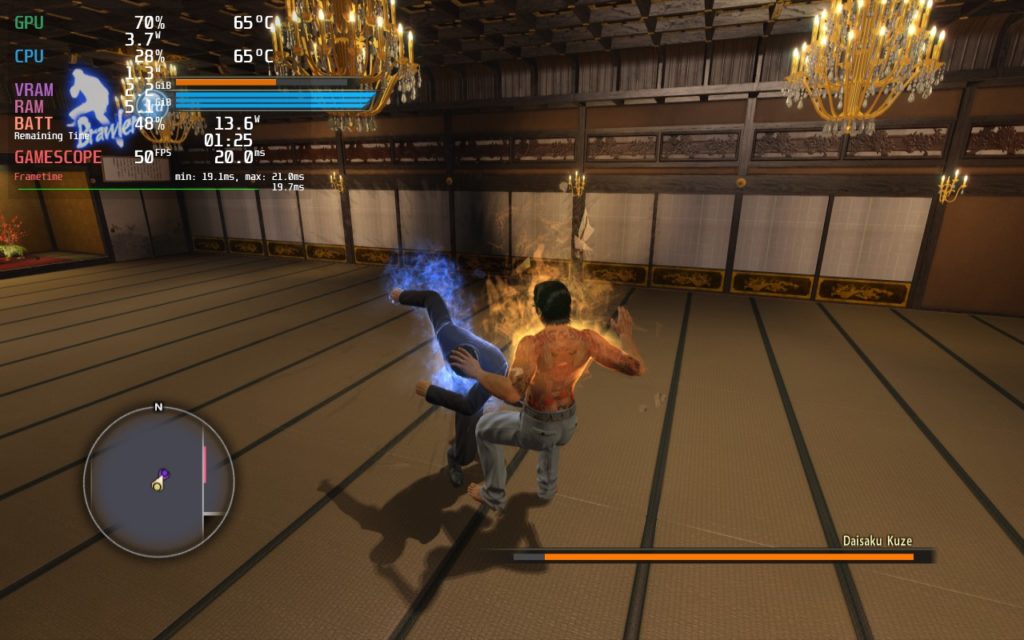
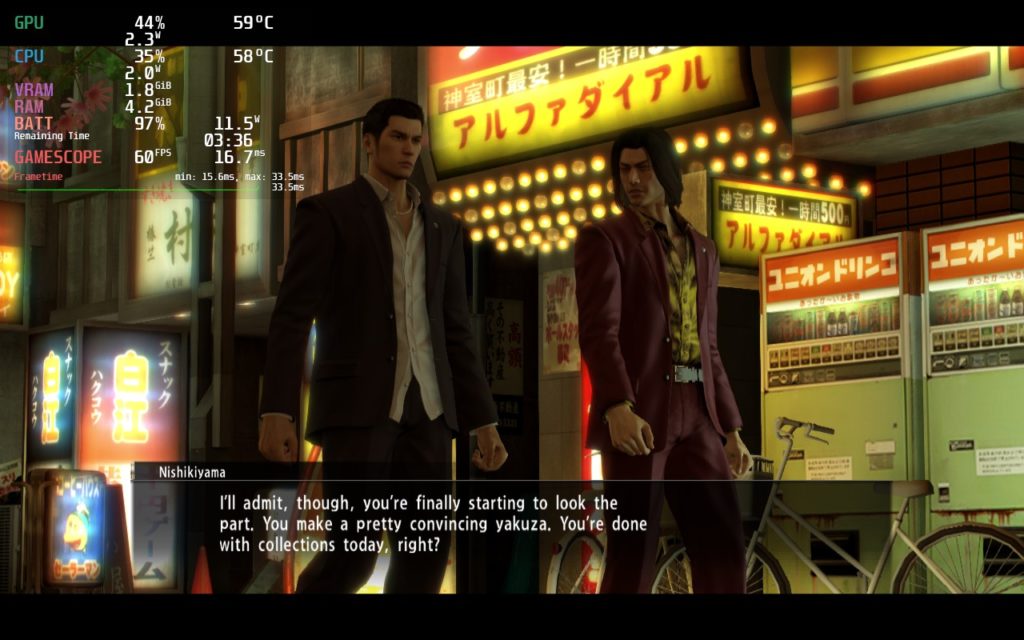
I also wanted to create a quality build for those who want to push visuals. I landed on a 40 FPS build with SSAA at 4X. The battery drain was around the same, though I put TDP to 10 as some areas still dipped a little bit. I also noticed that pre-rendered cutscenes slowed down a bit and felt a little jarring, but it wasn't horrible and still very watchable and playable.
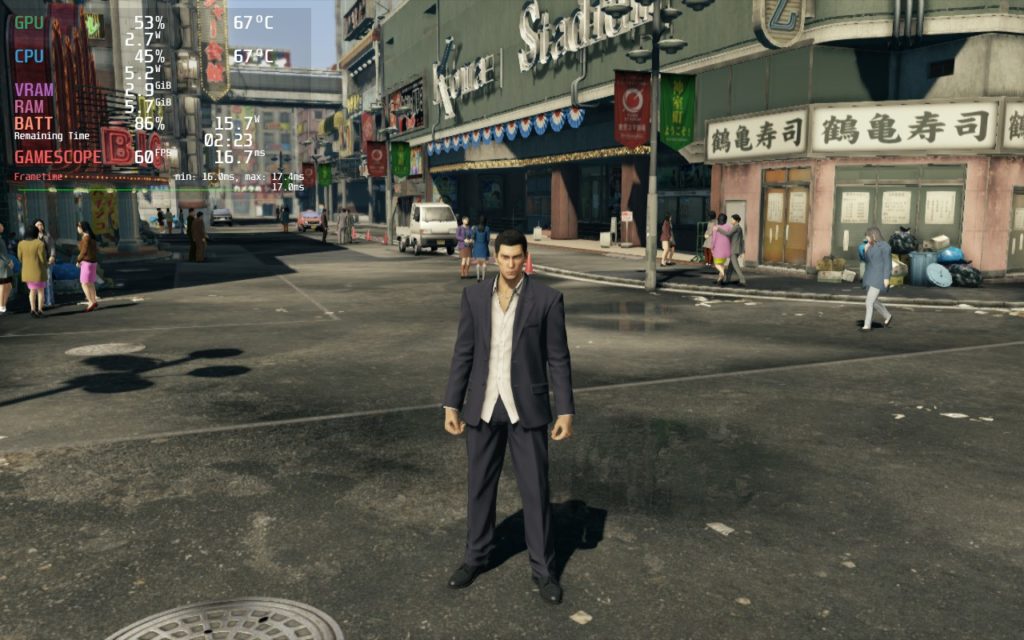
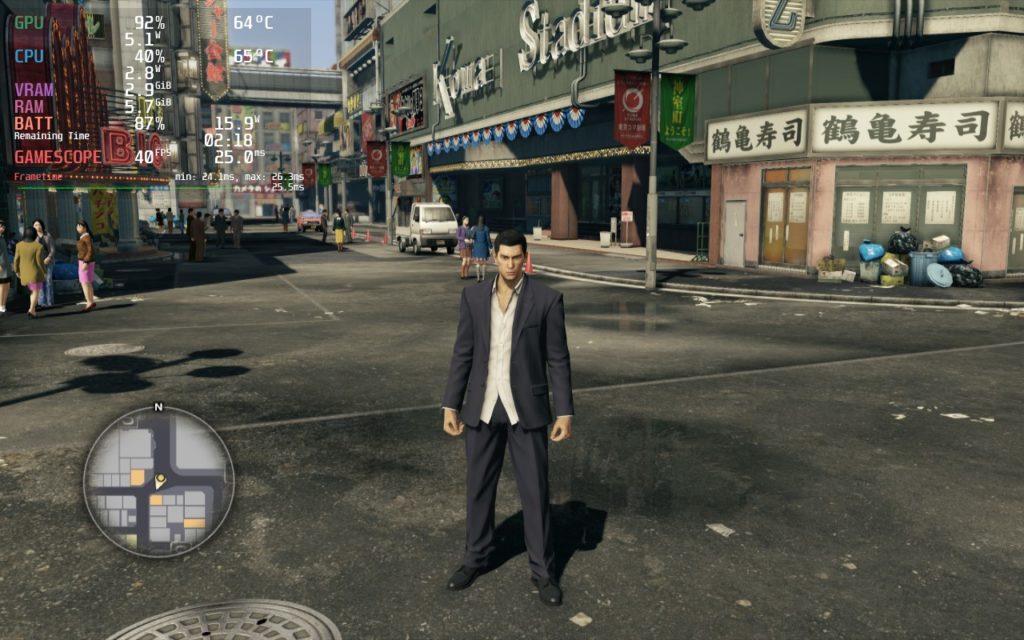
I also experimented with a battery build, but there was a lot of graphical sacrificing that didn't save nearly enough battery to justify it, so I decided to go without a battery-focused build.
There was really nothing I found that turned my experience sour, but there are a few interesting points to note. All menus and cutscenes are 1280x720 and have bars at the top and bottom, but the actual game is 1280x800. It pre-rendered cutscenes are also 30 FPS locked, but that was really the only 2 issues I had (and they are barely considered issues).
Yakuza 0 is a joy of a game and a great starting point to get into one of the best JRPG series that exists. On top of the exhilarating combat and story, the game runs beautifully on the Steam Deck without needing to change any settings to fully enjoy it. I am happy to say Yakuza 0 is a Best on Deck game!
このレビューはPC版に基づいています。
このレビューをお楽しみいただけたなら、SteamDeckHQ の他のコンテンツもぜひご覧ください!私たちはあなたのゲーム体験に役立つこと間違いなしの様々なゲームレビューやニュースを取り揃えています。ニュース、ヒントやチュートリアル、ゲーム設定やレビューをお探しの方も、最新のトレンドを知りたい方も、ぜひご利用ください。
Yakuza 0 is a great starting point to one of the best JRPG series out now, and luckily, it works flawlessly on the Steam Deck.

SteamOS:
40 FPS Cap with 40 Refresh Rate
ハーフレートシェーディングOFF
TDPリミット10
リニア
プロトン・バージョン
強制的な互換性はない
ゲーム設定:
SSAA: 4X
バッテリーの使用量/時間
12W - 16W
Around 62c - 72c temps for CPU and GPU
約3時間のゲームプレイ