




12W - 18W



Turbo Overkill was provided by Apogee Entertainment for review. Thank you!
I have said this many times, but one of the best genres to play on the Steam Deck is boomer-shooters. DOOM, DUSK, ULTRAKILL, Quake 2, these games exemplify the fast-paced shooting that feels incredible to hold in your hands. The action, environments, and fluidity from the weapon switching and how you maneuver around the world to attack your foes all work together to create an addicting experience. Turbo Overkill, with its 1.0 release, stands with these games as one of the best boomer-shooters I have ever played.
The game starts off with our hero, Johnny, returning to his hometown of Paradise to find that everyone has been possessed by a rogue AI named Syn. With the help of an arsenal of weapons and a chainsaw leg, Johnny must take down the AI before other bounty hunters do and secure the prize money from this bounty. Even though the focus is more on the gameplay with this genre, the story is quite solid, but the gunplay is just phenomenal.
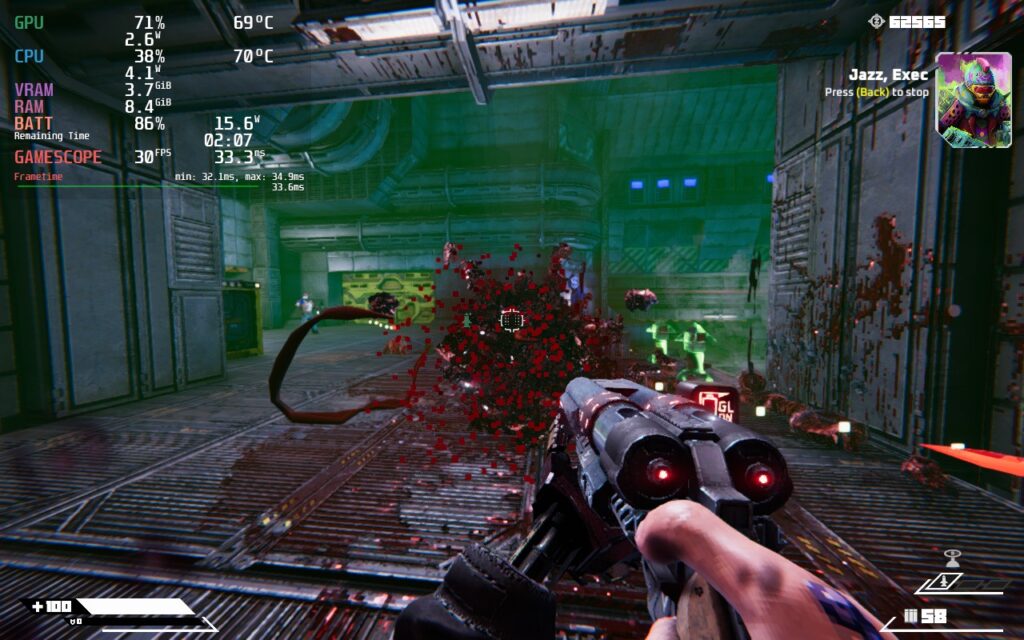
Each gun you have feels unique and balanced, making each one feel worthy of swapping to with alternate modes that add to each gun wonderfully. From gun swapping to chainsaw leg sliding, every part of the control system feels smooth and responsive. Pair this with the fantastic level design, a beautiful cyberpunk world, ways to augment your abilities, and the tight control system, and you have one of the best boomer-shooters ever made. I love the way you interact with the world and the verticality to it. I also can't get enough of how fun it is to line up 15/20 enemies and just chainsaw slide right through them, then regain all my armor thanks to an augment that gives some back whenever I do chainsaw damage.
There's so much more I can go into, including the collectibles, endless mode, epic boss fights, and mod support to make and download custom maps, but I seriously think that you should just be playing Turbo Overkill. It's an incredible experience that will challenge you, but not overdo it. If you are a fan of boomer-shooters or FPS games, this will be an essential on your list, but on the Steam Deck, there are some possible issues that could stop some of the enjoyment.
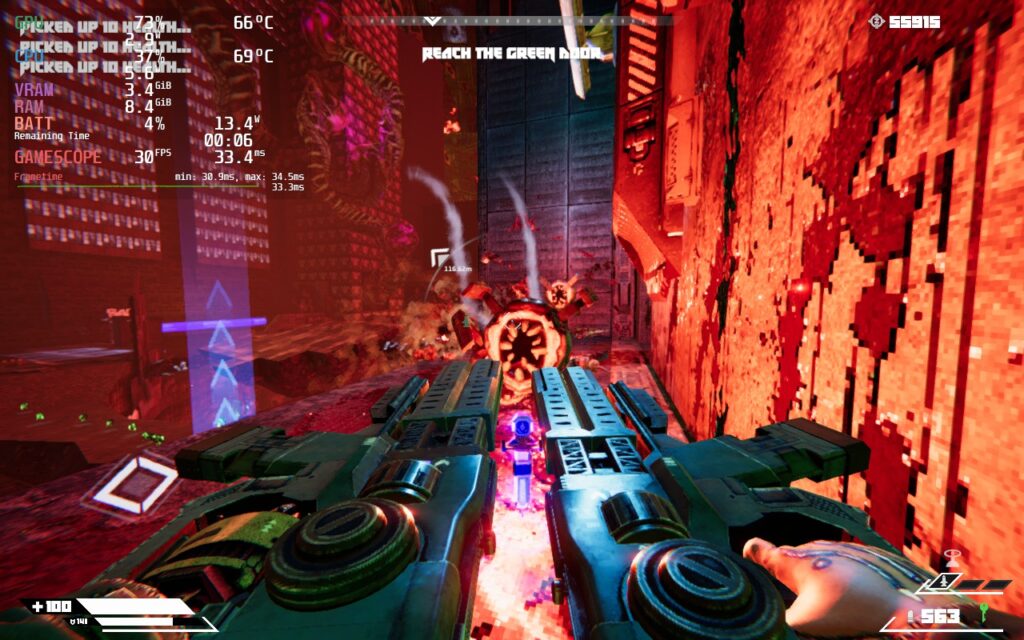
While Turbo Overkill is an incredible game, playing this on the Steam Deck is not the best experience. Boomer-shooters are best at higher framerates to get them feeling as smooth as possible, but for Turbo Overkill, that is almost impossible to do. Without any changes, the game will regularly dip below 40, which didn't feel anywhere near stable.
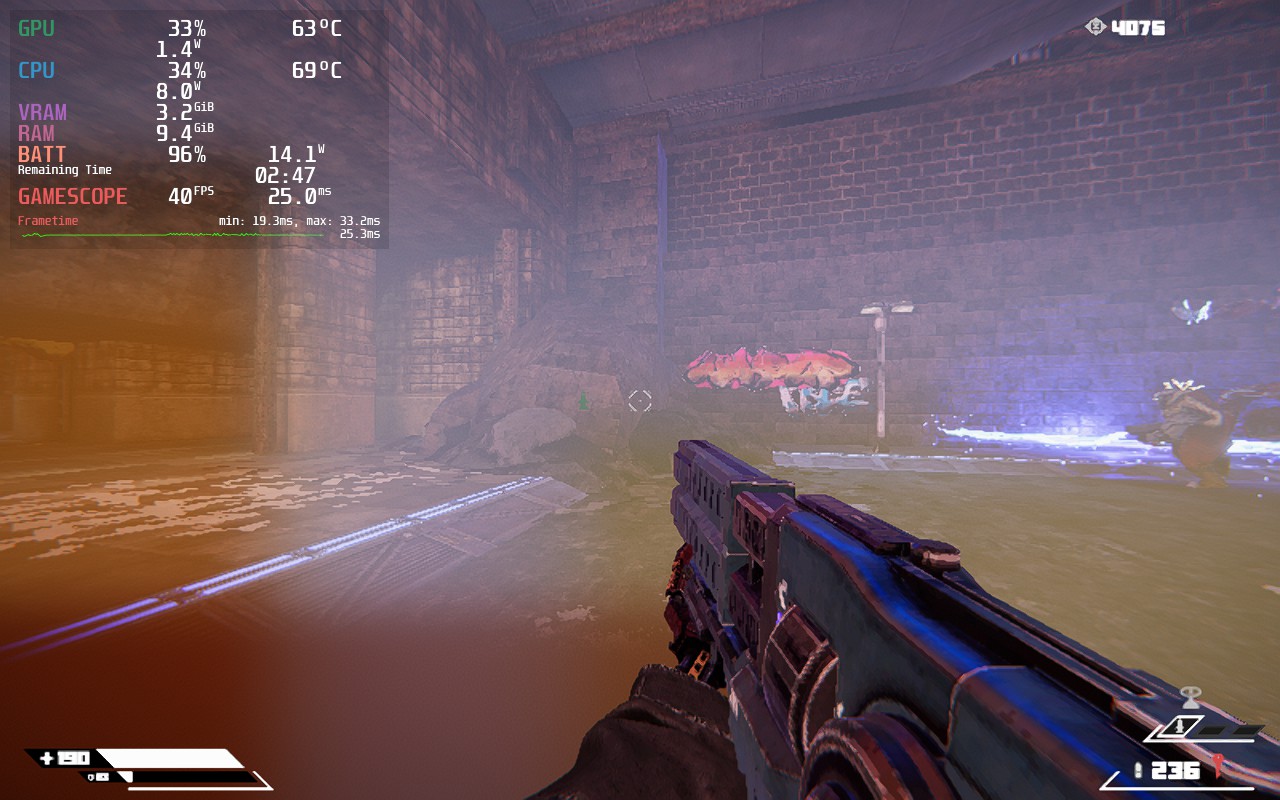
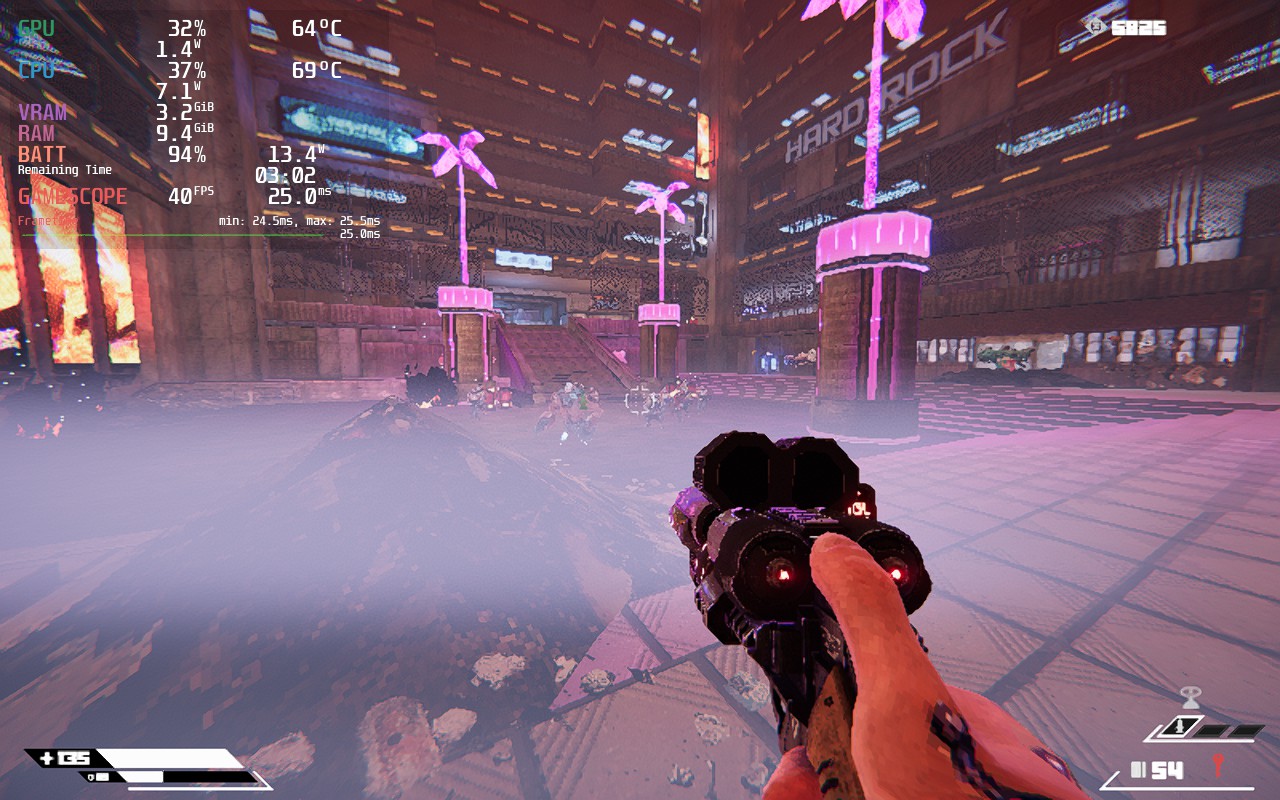
On top of that, changing some settings down too low either turned off effects completely or had a weird effect on the visuals. For example, turning Fog to low added a weird brown fogging in the bottom of the screen in some areas, but medium or high got rid of this.
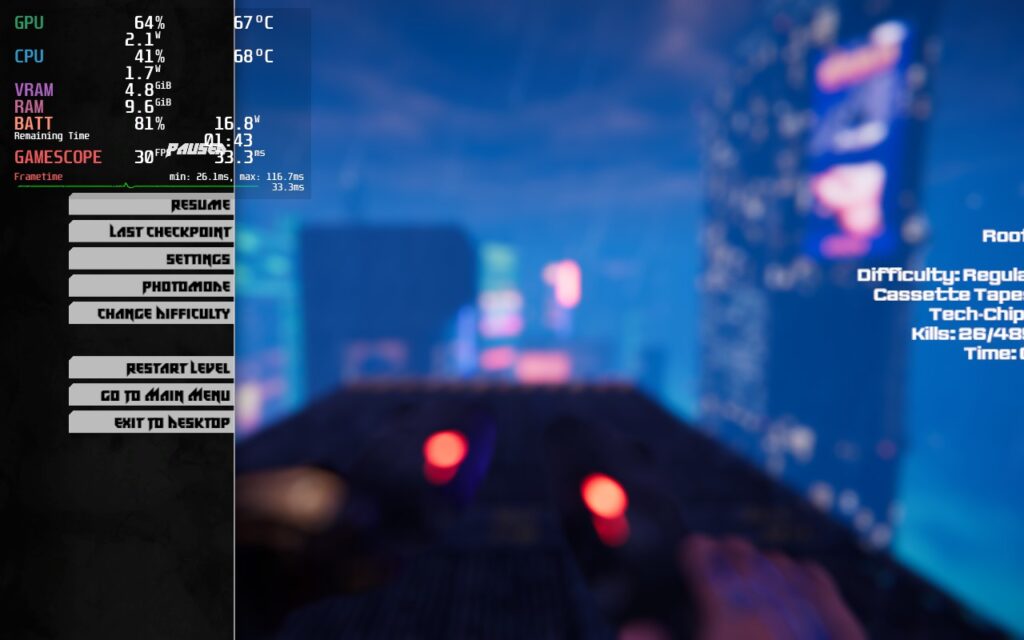
There are also a couple of weird visual glitches like the menu being cropped or some augment descriptions flashing instead of showing clearly when hovering over them in the shop.
So, with those in mind, I ended up creating two different builds for the game: a Quality Build and a 40 FPS Build.
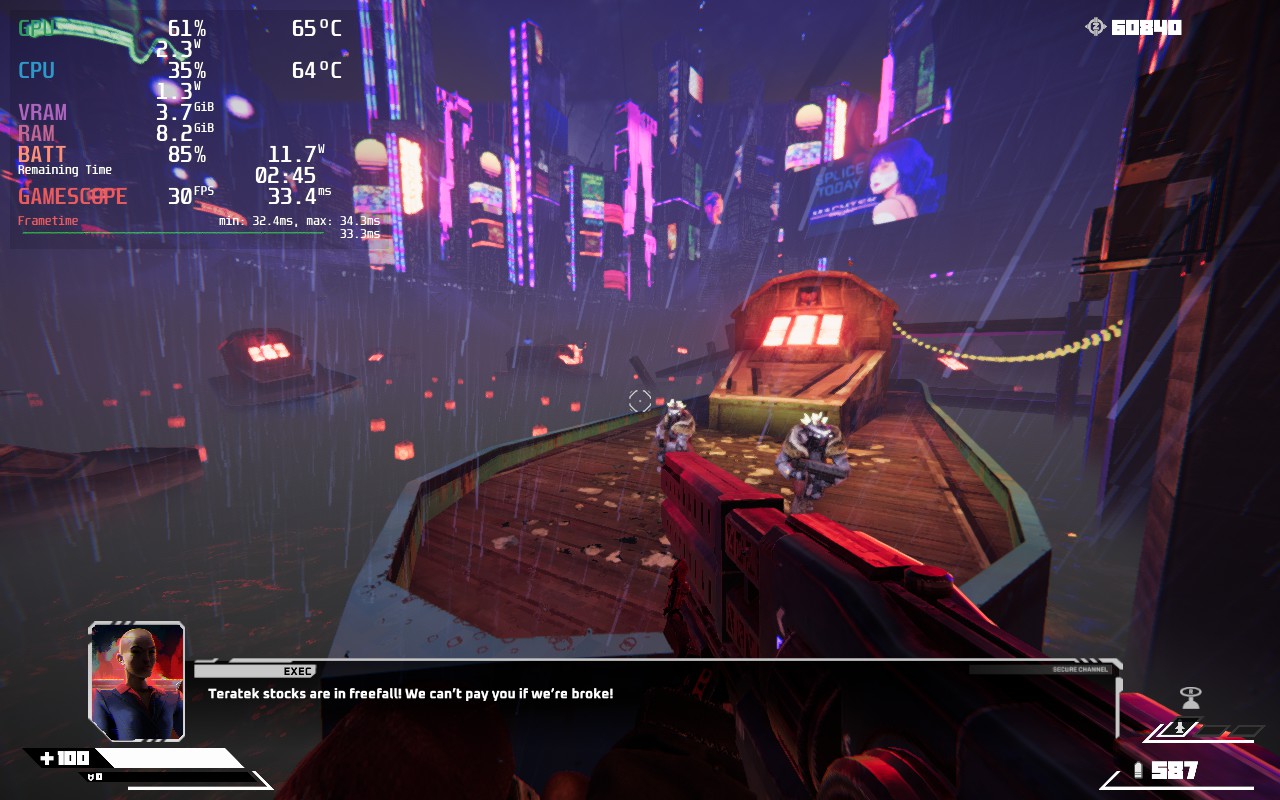
Starting off with my recommended, I ended up deciding the quality build was the best way to go. Not only did the game look significantly better with this build, which was almost completely at max settings, but because the framerate is locked to 30 FPS, the framerate is much more stable as well. And because of the 30 FPS lock, the battery stays down quite a bit too with the most I have seen it go up to being around 18W - 19W.
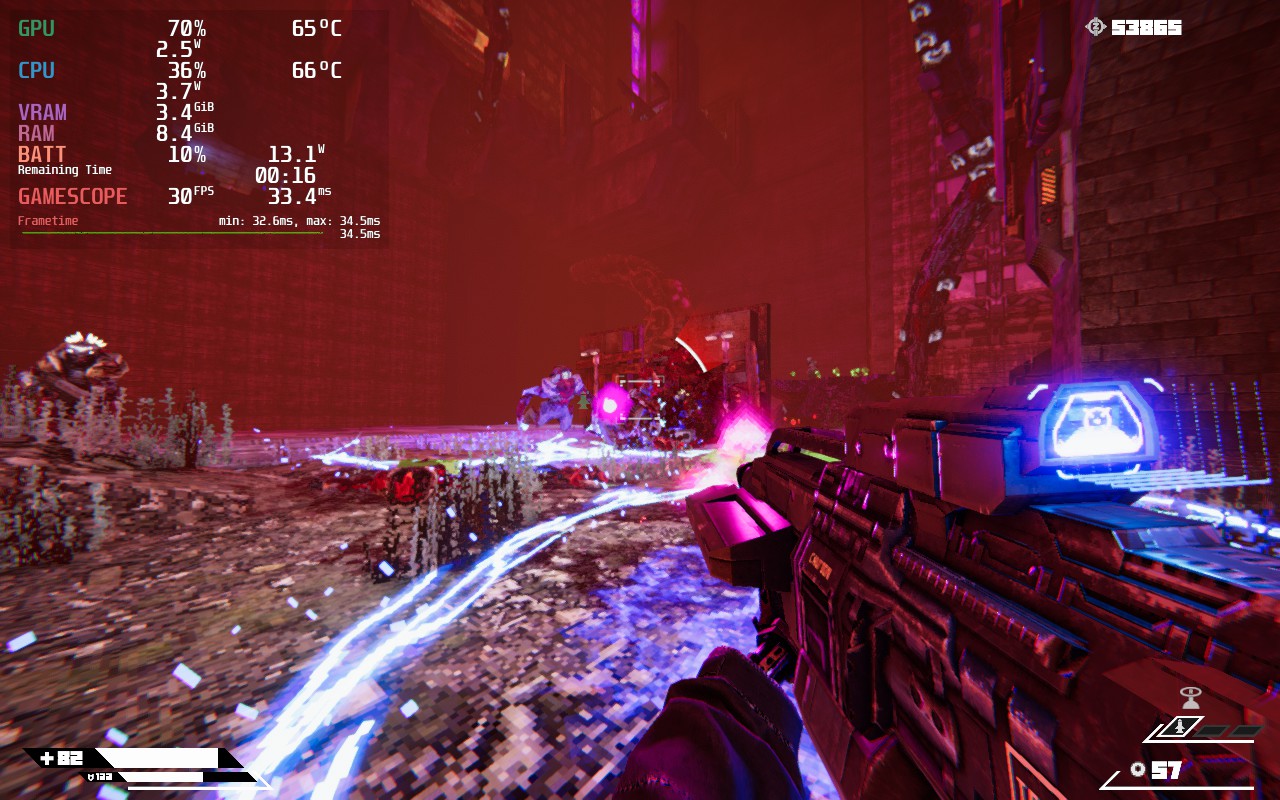
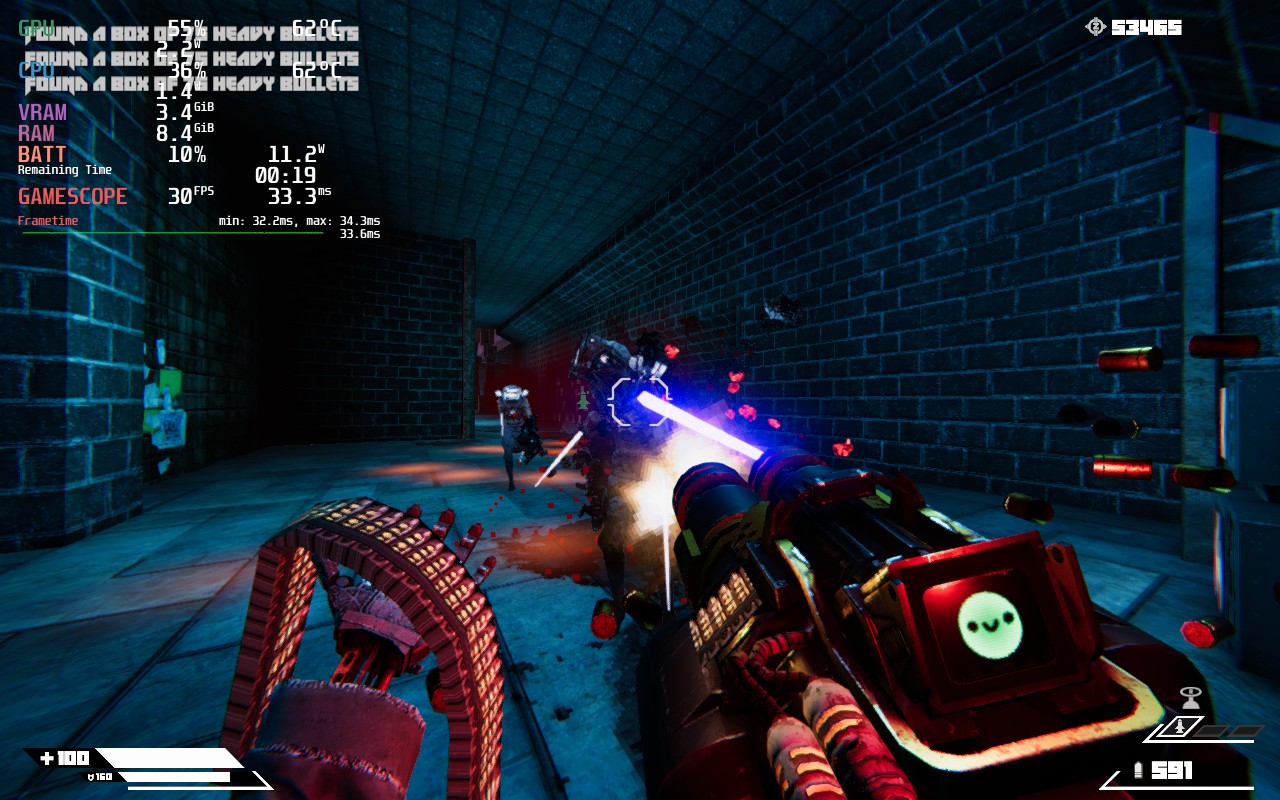
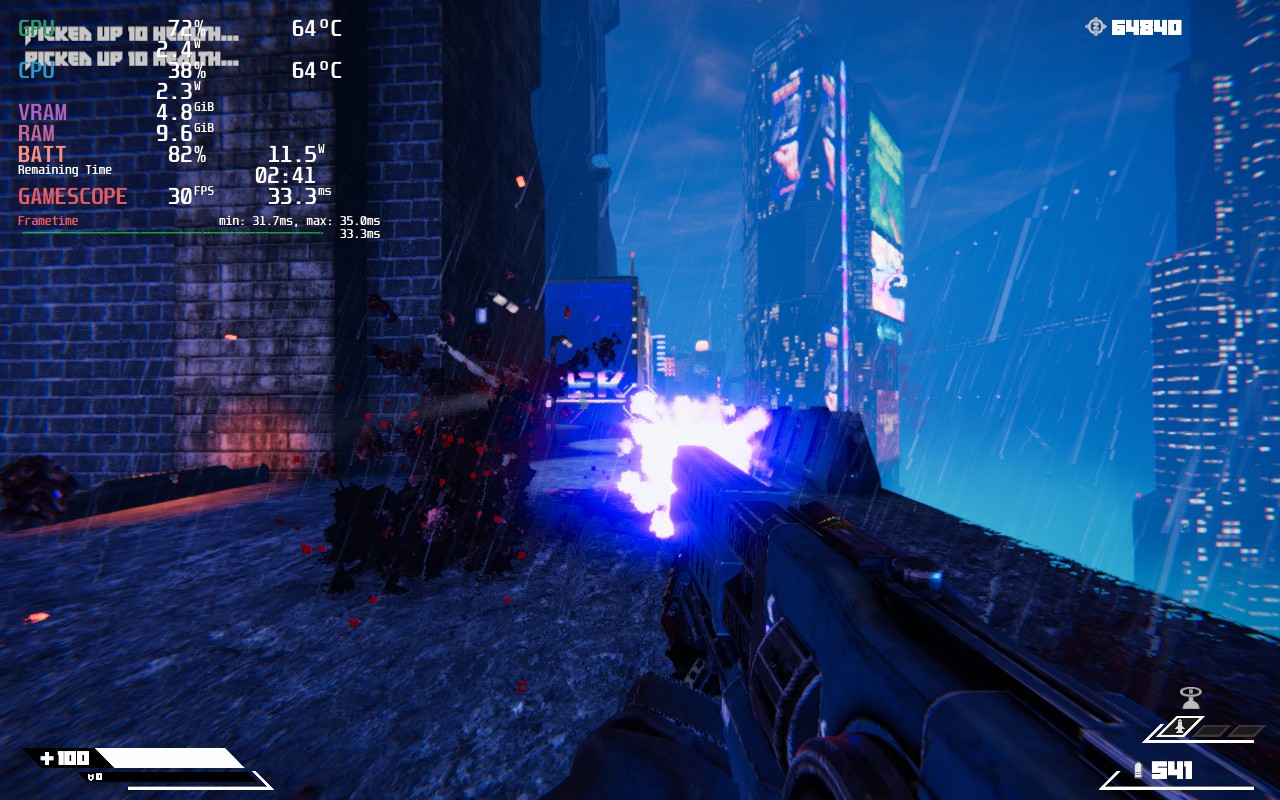
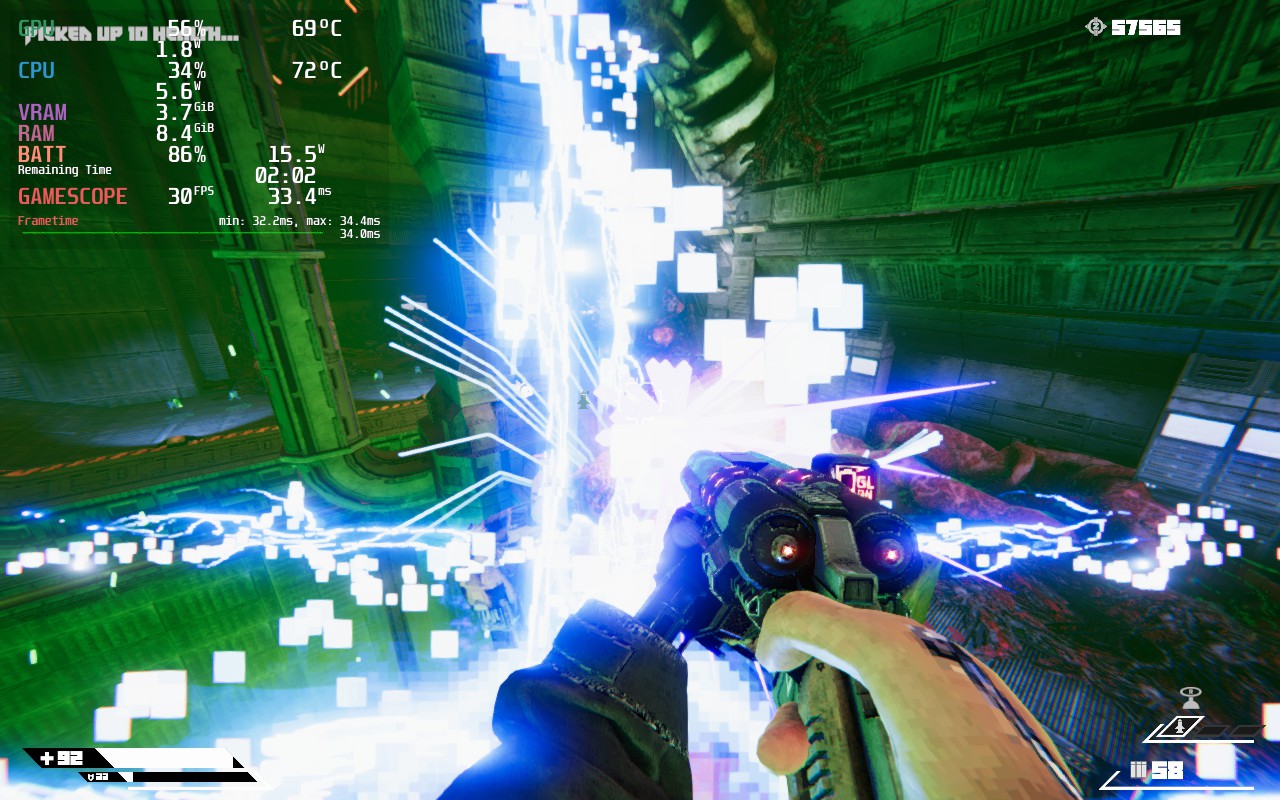
Outside of 30, getting a stable 40 proved to be a lot harder. In some bosses, large areas, or where there was a lot of enemies, the framerate could dip down significantly. So I went right in to make some changes. There is a lot we can turn off to help, but it will drop the quality of the game significantly. For this build, and to preserve as much quality as possible, I actually decided to drop resolution down through SteamOS, forcing it to 800x500 and upscaling with FSR. Due to the pixelation of the game, this didn't take away much quality and helped performance a lot.
But even with these changes, there are still some drops. They aren't nearly as bad as they were before, but they are still noticeable in some of the areas mentioned above. Regardless, it does work and if you are looking for something more smooth, this will be the way to go without sacrificing visual quality too much.
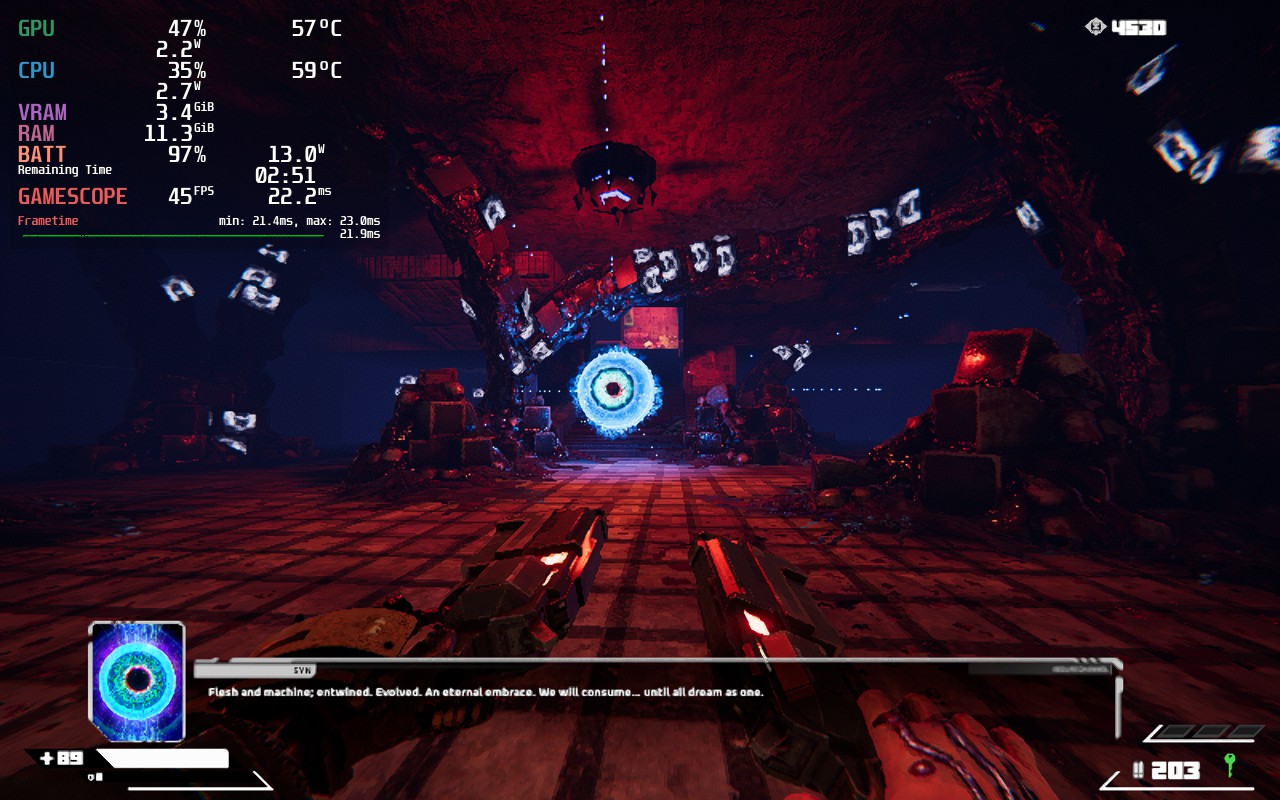
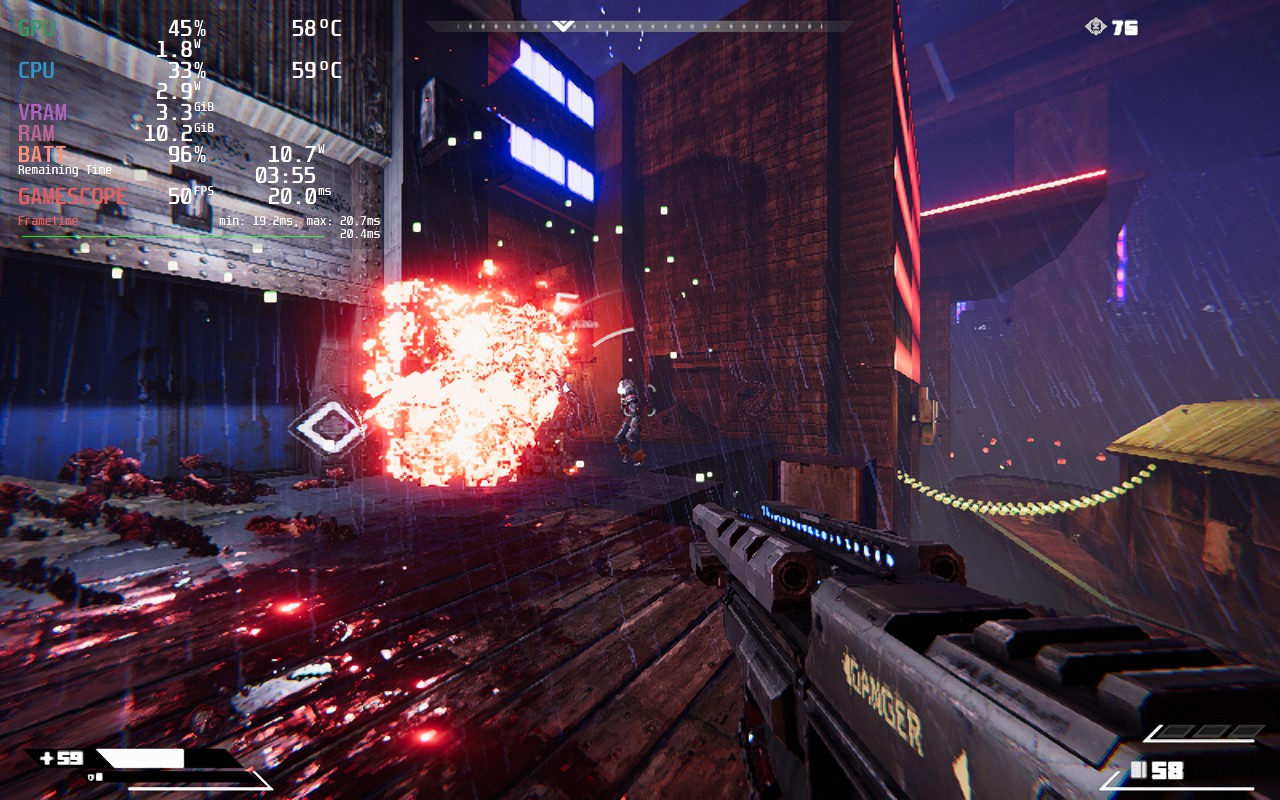
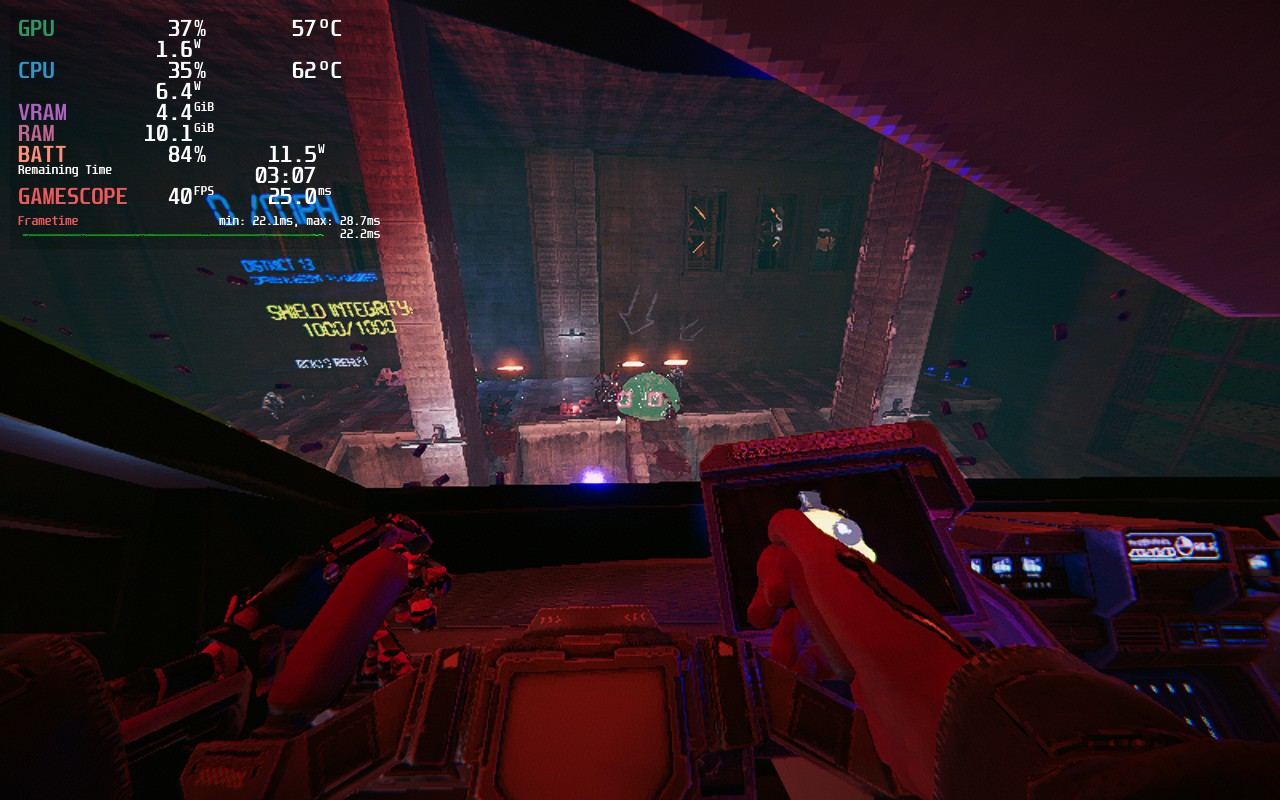
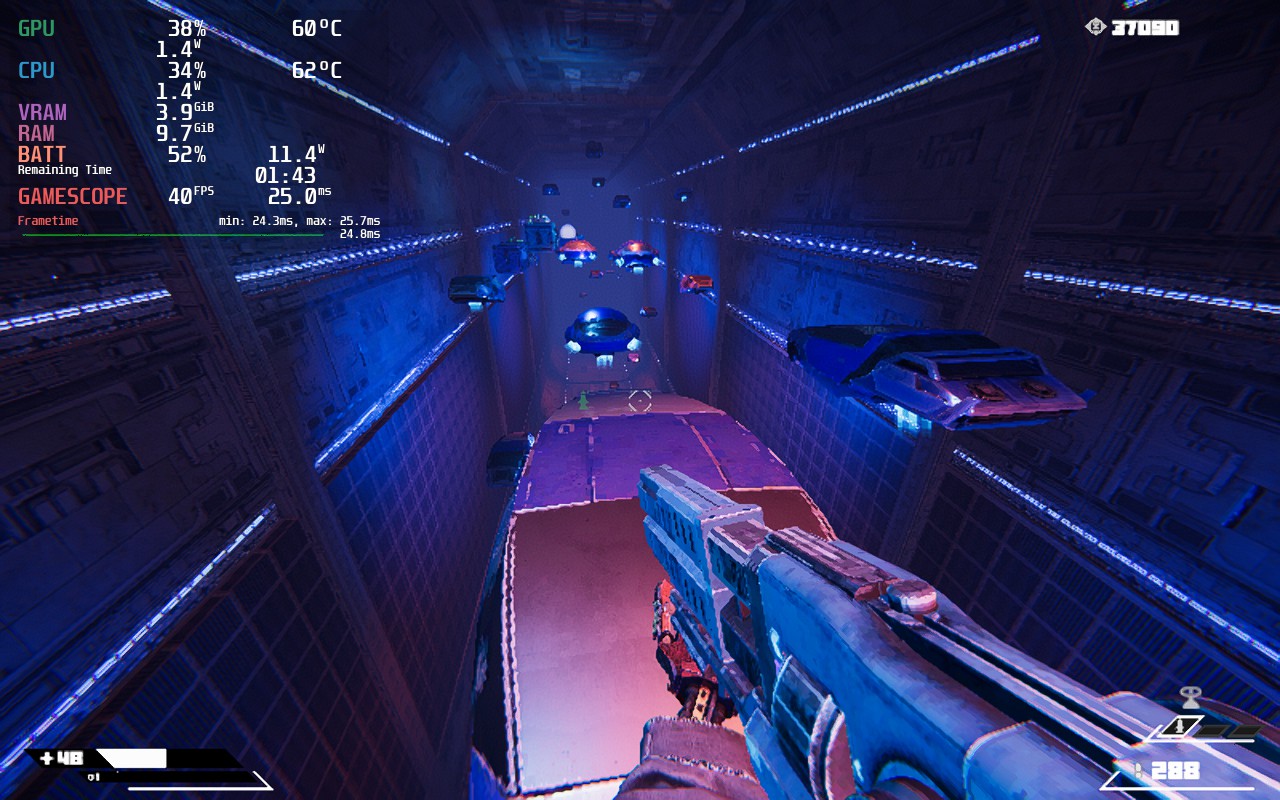
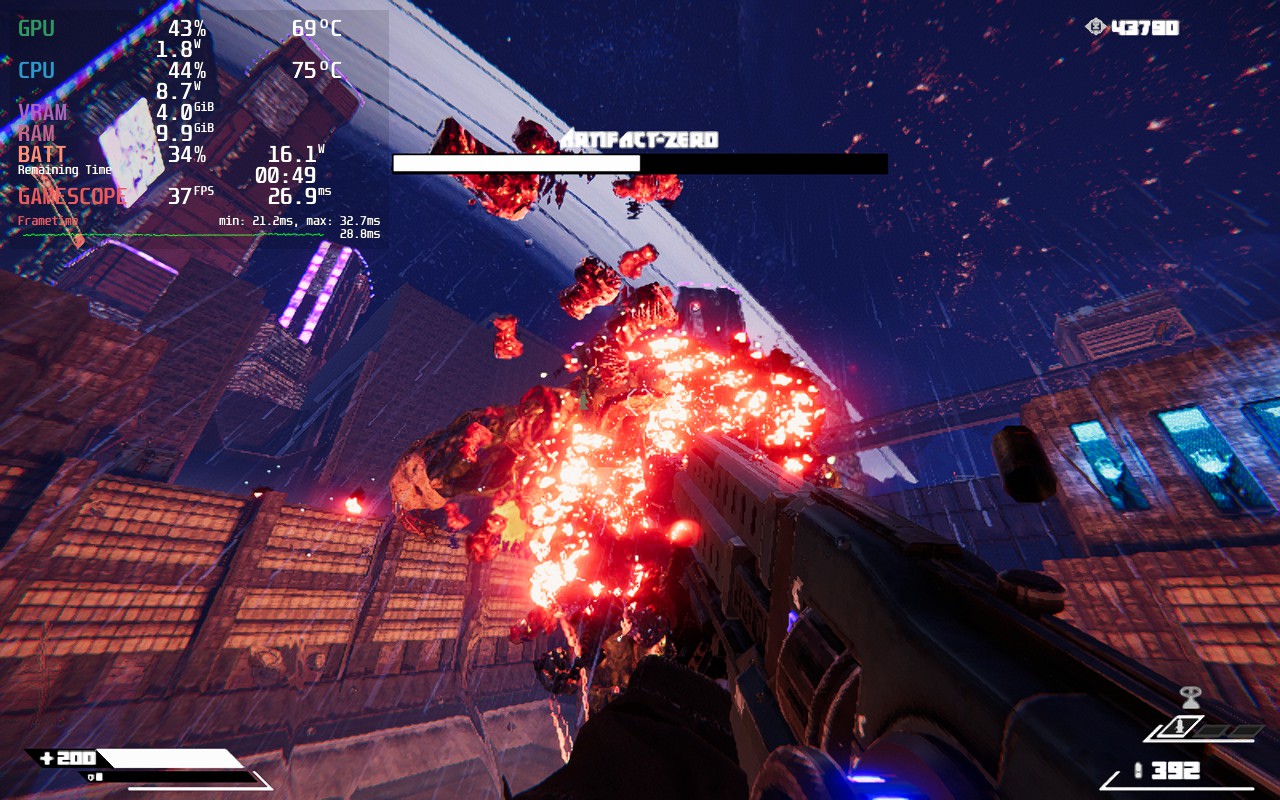
Turbo Overkill does support 16:10 resolutions and has full controller and cloud save support. I did notice that some menus do clip a little regardless of resolution, which is a bit annoying, but not a deal breaker.
Turbo Overkill is one of my favorite boomer-shooters I have ever played. From the level design to the gunplay, the game spares no expense at creating a fine-tuned, balanced, challenging, and addicting experience that you will keep coming back to for more. It is a bit hard to run on the Steam Deck, which is a shame considering how incredible the game is, and I wish it could run at higher framerates, but with how good it is and 30 FPS being stable, I am quite pleased with how it feels on the Deck.
このレビューはPC版に基づいています。
このレビューをお楽しみいただけたなら、SteamDeckHQ の他のコンテンツもぜひご覧ください!私たちはあなたのゲーム体験に役立つこと間違いなしの様々なゲームレビューやニュースを取り揃えています。ニュース、ヒントやチュートリアル、ゲーム設定やレビューをお探しの方も、最新のトレンドを知りたい方も、ぜひご利用ください!
Turbo Overkill is one of the best shooters I have played in recent times, though performance on the Steam Deck hampers the experience at times.

強制的な互換性はない
アンチエイリアス:FXAA
Texture Quality: Max
Fog Quality: High
FX Quality: High
Gore Quality: High
Reflections: On
デカール:オン
Skin Weights: 4 Bones
Rain on Screen: Yes
Rain Effects: Yes
制限
40
リフレッシュ・レート
40
HRS
ノー
TDPリミット
いいえ
スケーリング・フィルター
FSR シャープネス 0
GPUクロック
無効
強制的な互換性はない
アンチエイリアシング:オフ
Texture Quality: Max
Fog Quality: Middle
FX Quality: Low
Gore Quality: High
Reflections: Off
デカール:オン
Skin Weights: 2 Bones
Rain on Screen: Yes
Rain Effects: Yes
12W - 18W
66c - 74c
2時間半~3時間
