



Do you love to explore and see new and unique locations with vibrant alien wildlife? Do you enjoy water? Do those both give you a similar amount of excitement when thinking about each? Well then enter into the depths of Subnautica! You have crash landed on an alien world and the only thing you can see is a vast ocean. Grab your scuba gear and head downwards as you explore underwater rivers, kelp forests, reefs, and more. Scavenge what you can and keep track of your food, water, and oxygen as you survive and build a new home, while discovering the mystery behind this new world.
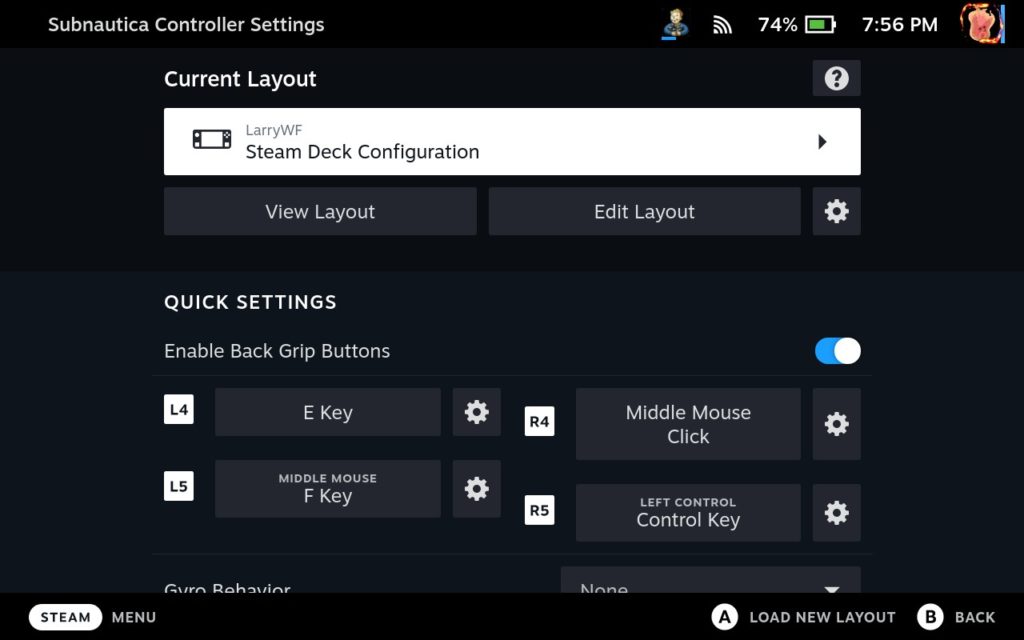
Subnautica is a ridiculously cool game, but it does have some issues with playing on Steam Deck. The biggest glaring one is the controls. The default control scheme doesn't work at all, so you will need to set up a different configuration. I used the "Steam Deck Configuration" community controller configuration made by LarryWF.
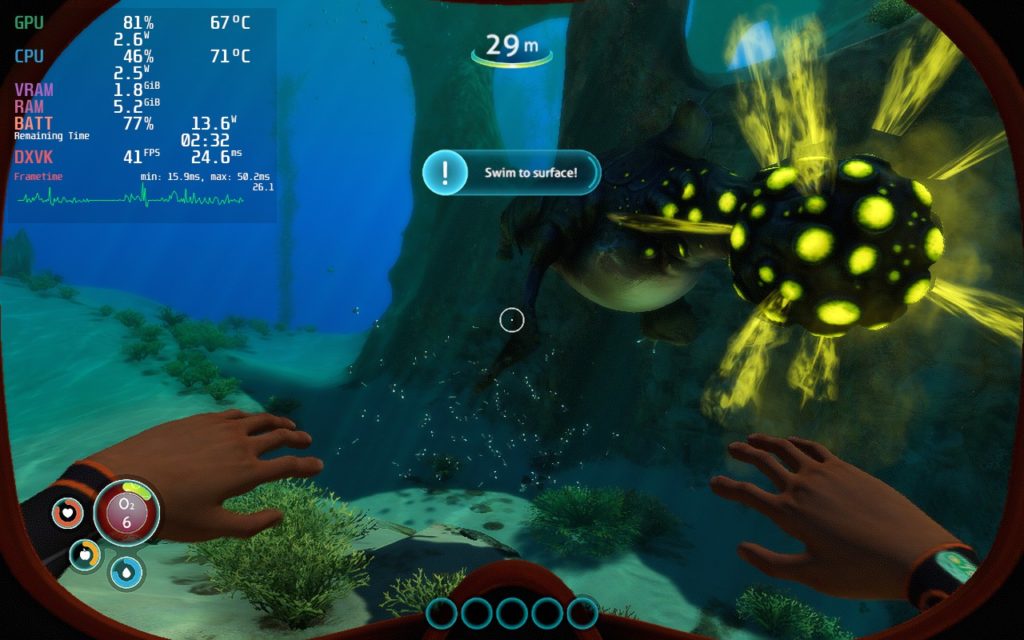
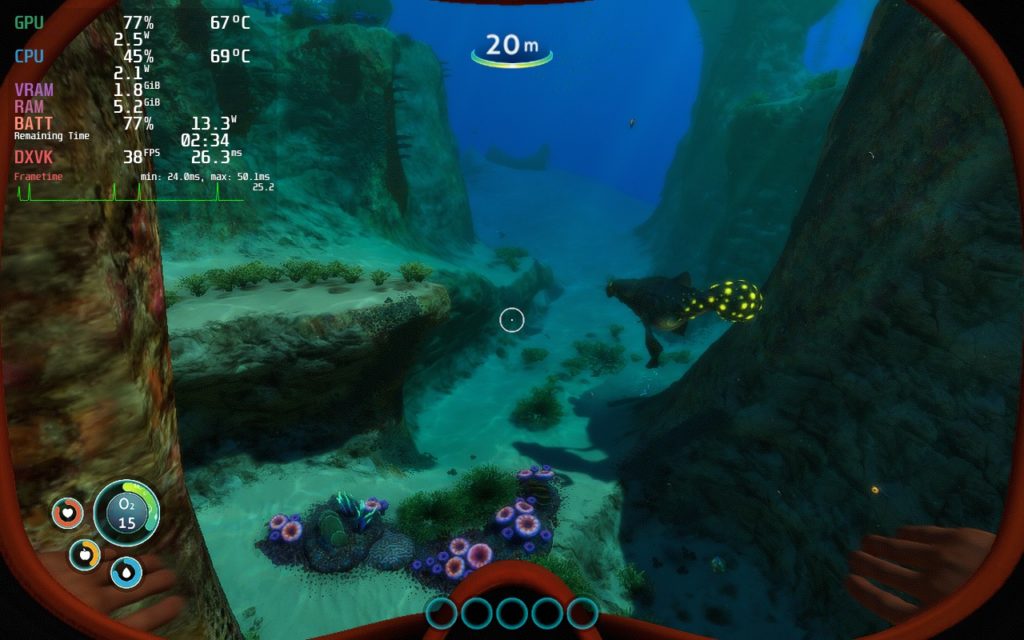
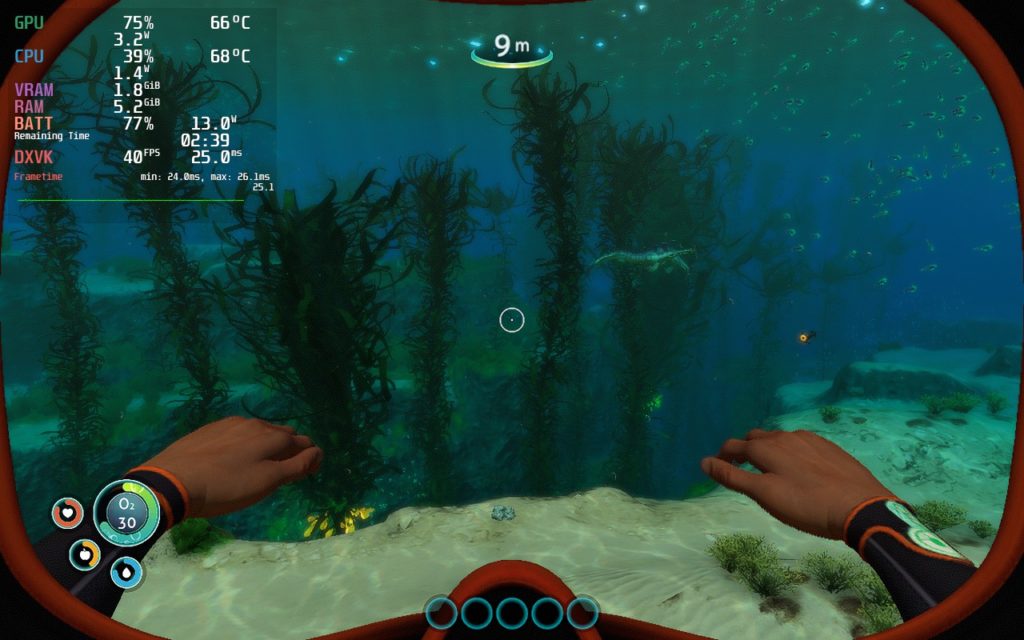
There are also framerate stability issues I noticed right off the bat. I decided to play this at 40 FPS due to it being an older game and I preferred the fluidity, and while it can be done, there are some stability issues. Loading in new objects does slow the game down and it can obviously pop in. This can cause an issue when moving to new areas or exploring. I don't think it is as noticeable with the overlay off though.
Even with all of this, I do enjoy playing Subnautica this way. With a mix of settings, a TDP limit of 8, and FSR, the game can get you around 2.5 - 3 hours of battery life with sub 70c temps. I would call this a success in general! I am looking forward to exploring more of the game soon.
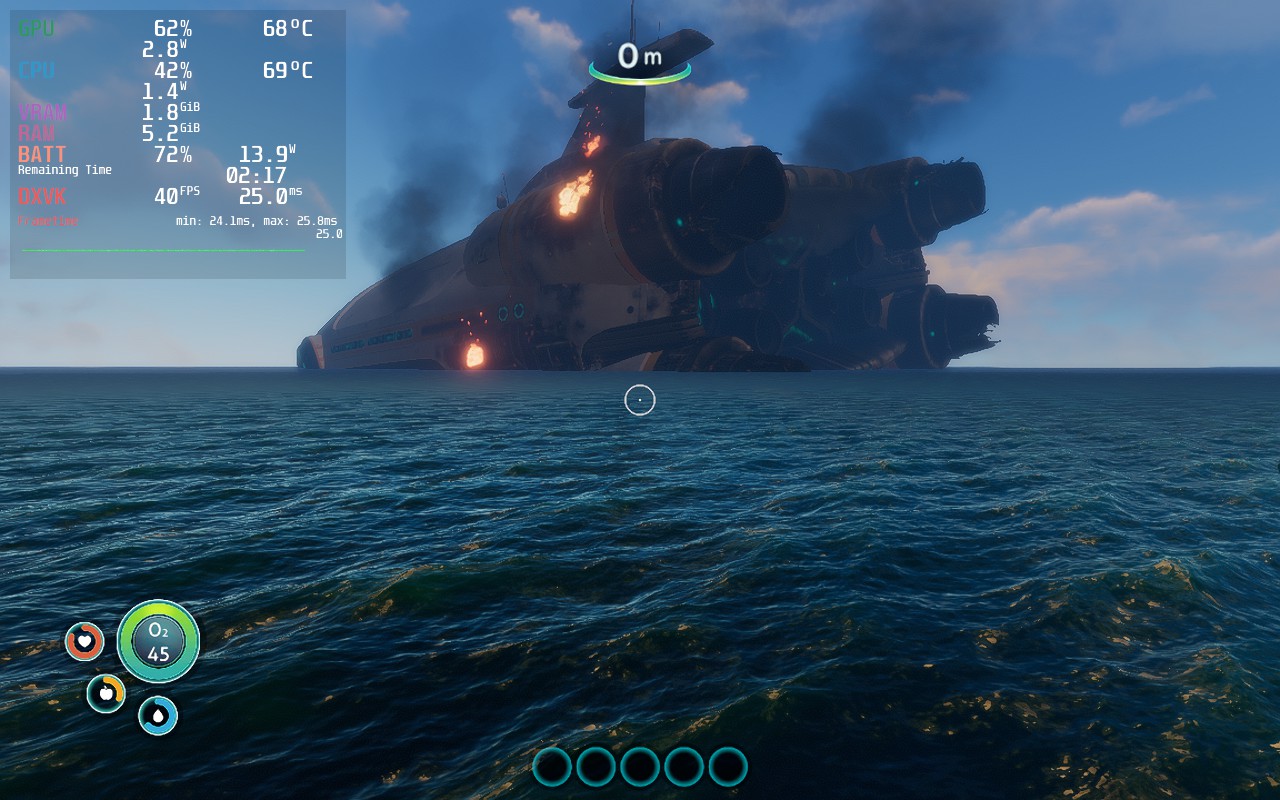
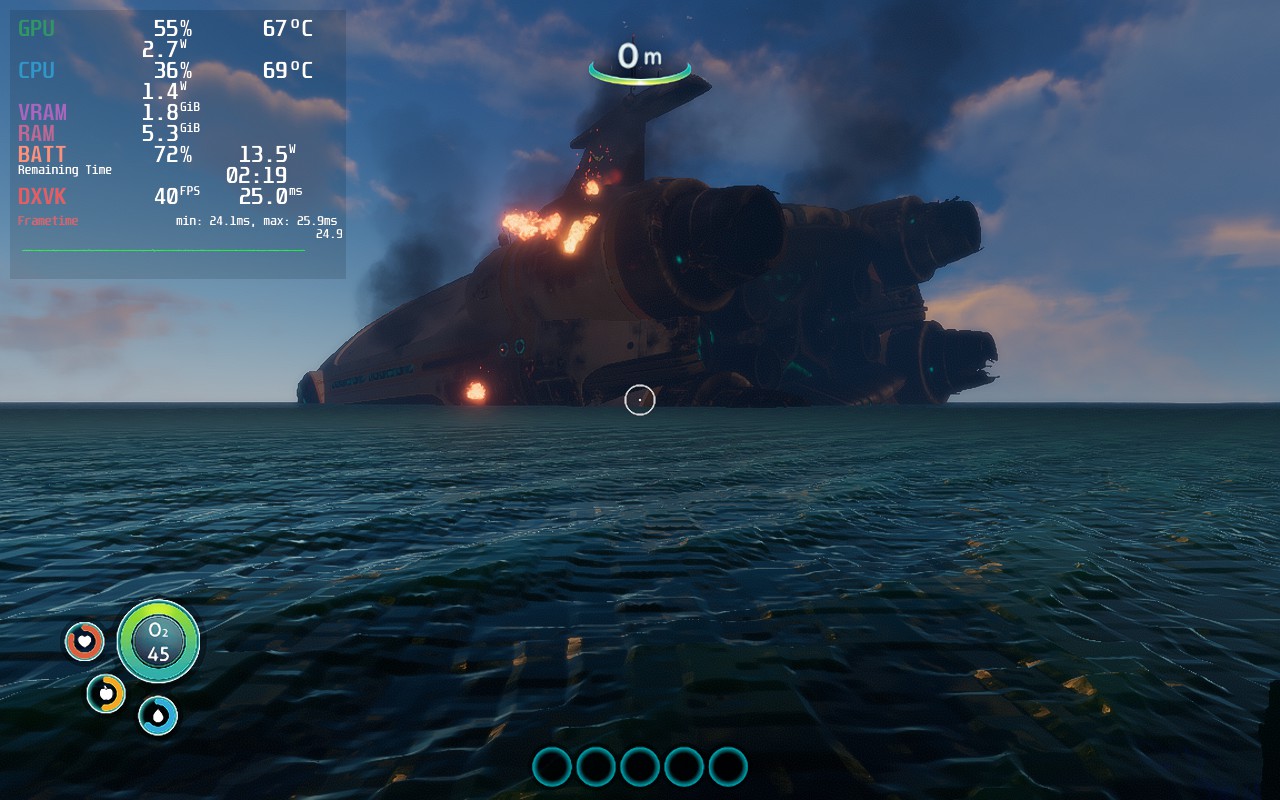
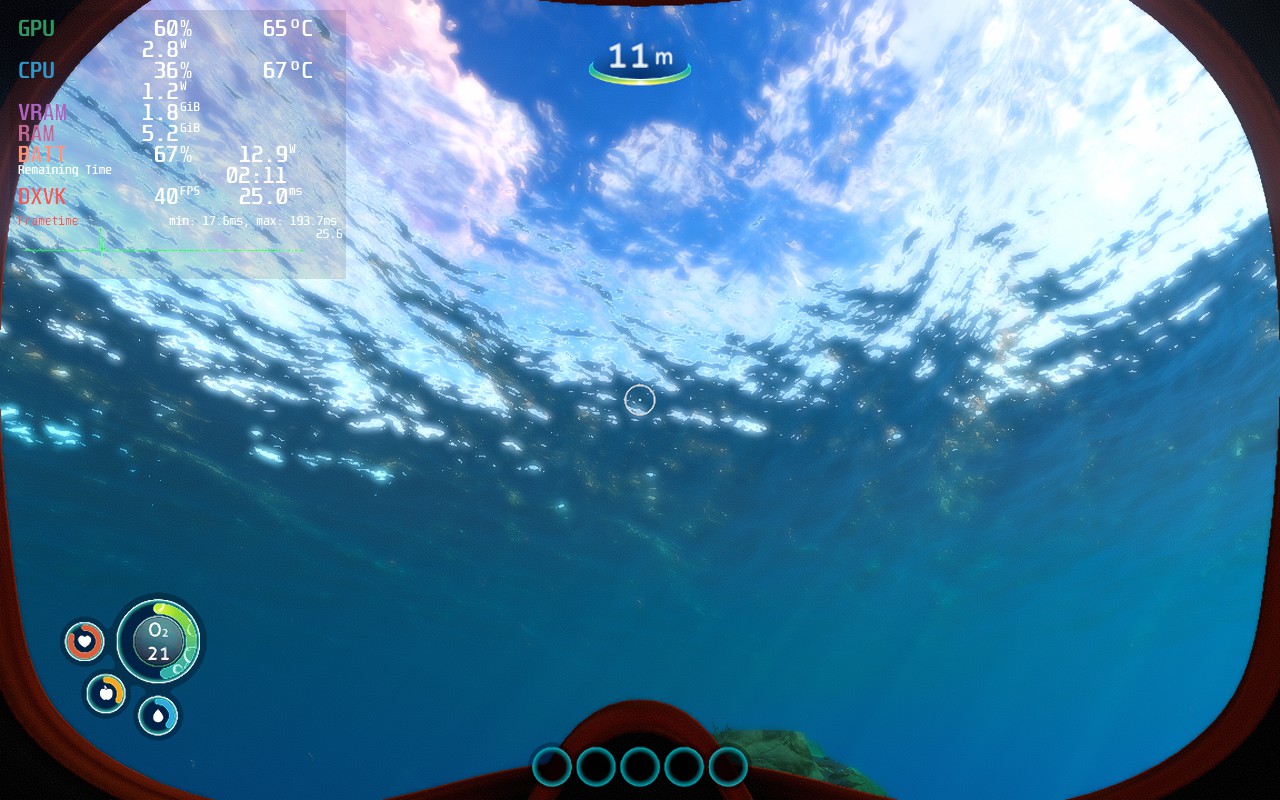
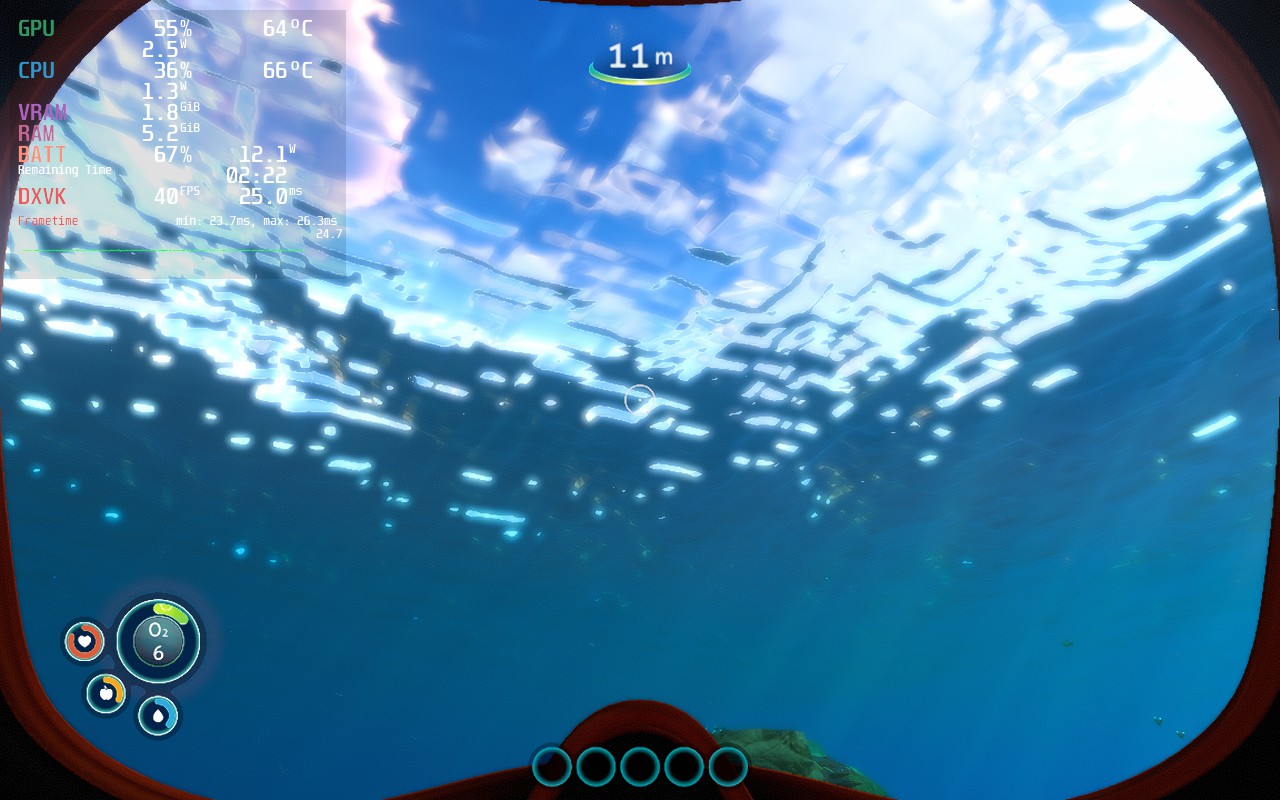
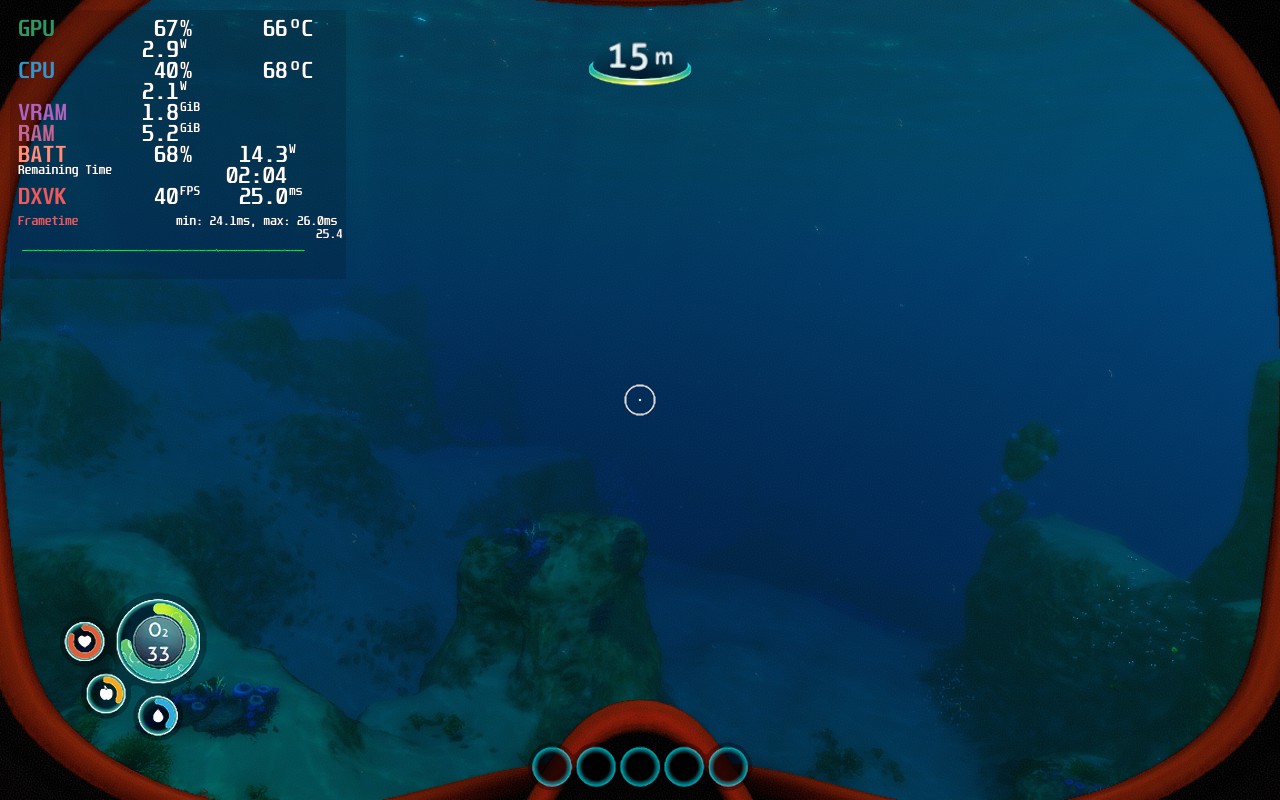
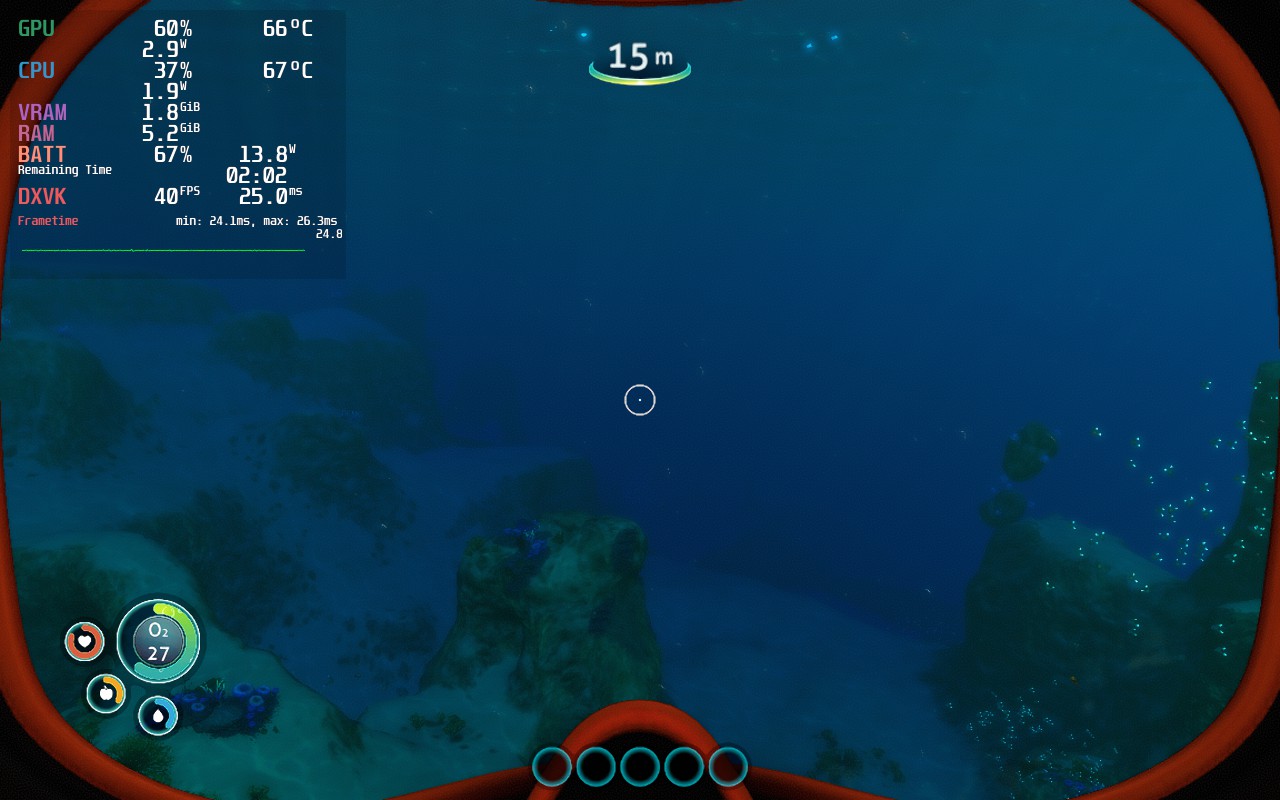
As you can see, the surface on the water is greatly affected by this settings. It doesn't change much when underwater, but seeing as how the surface is visible in most of the game, I felt the increased power draw was worth it for this huge graphical change.
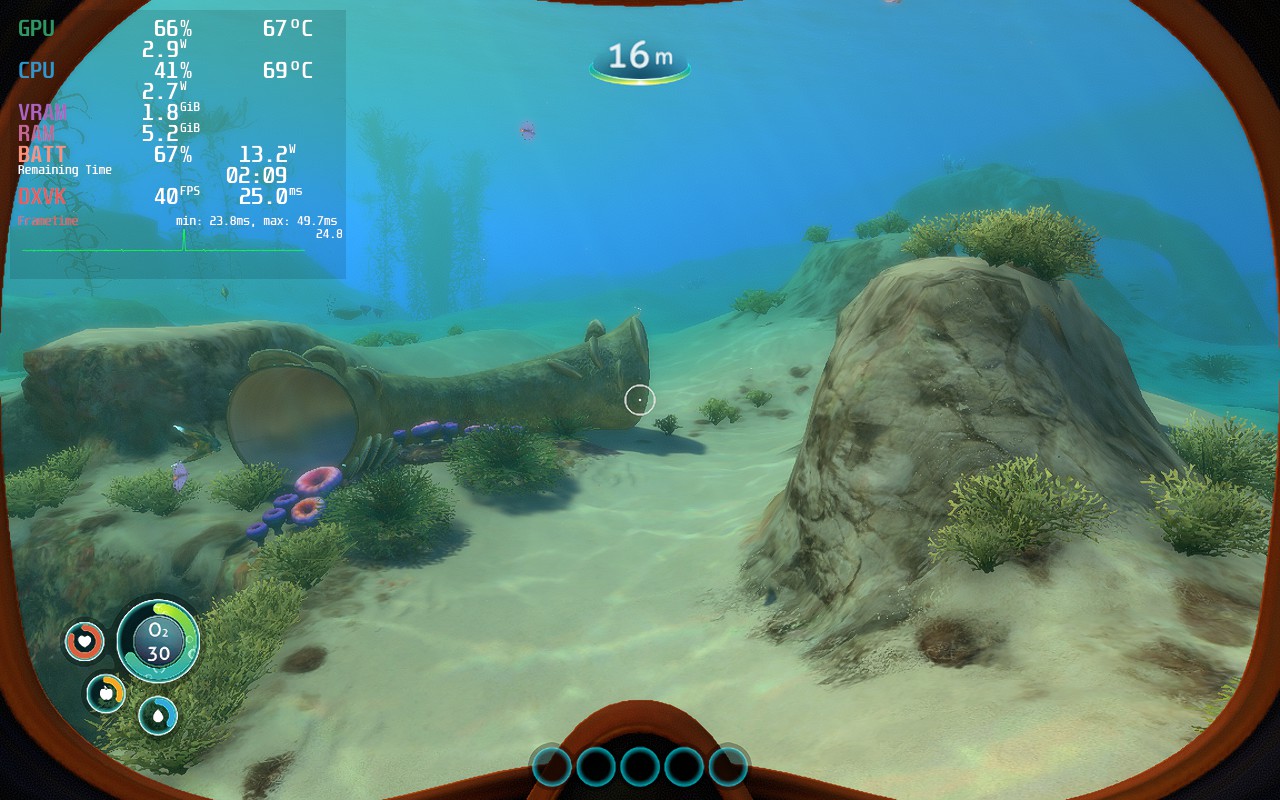
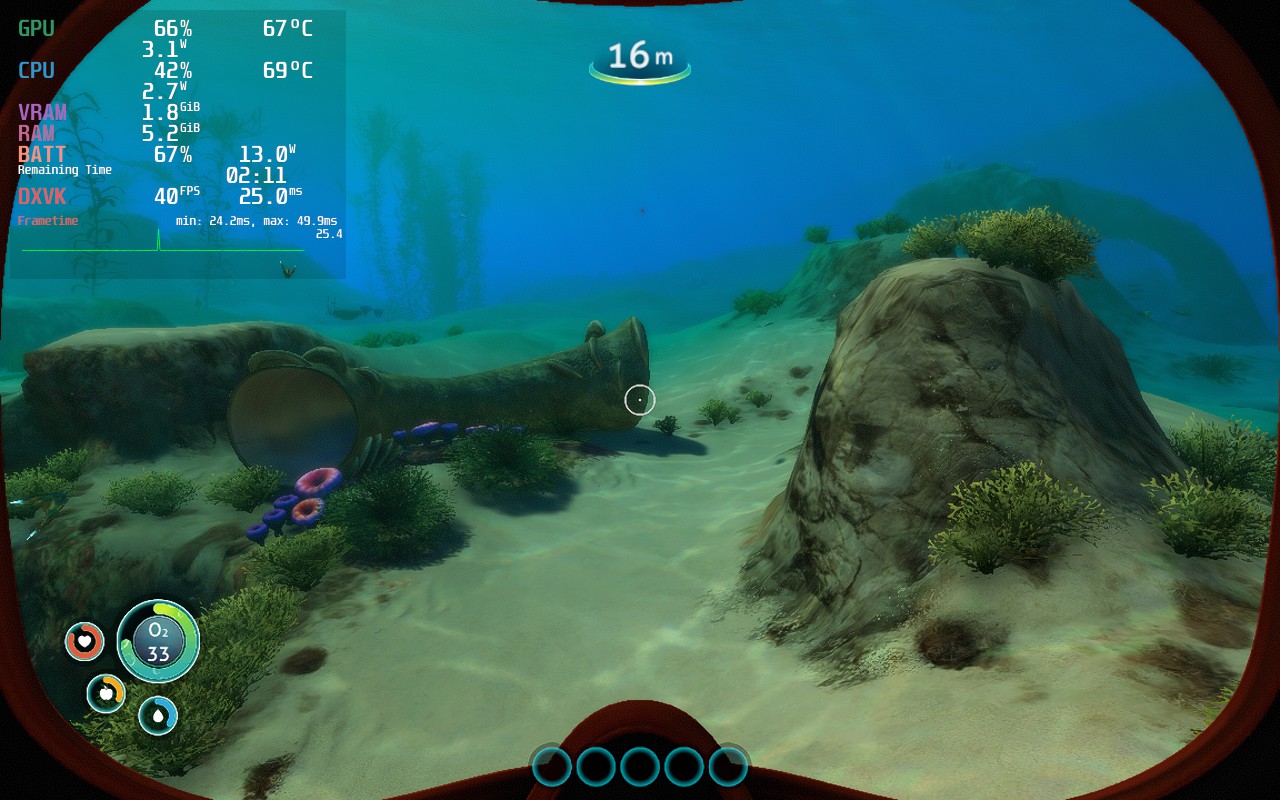
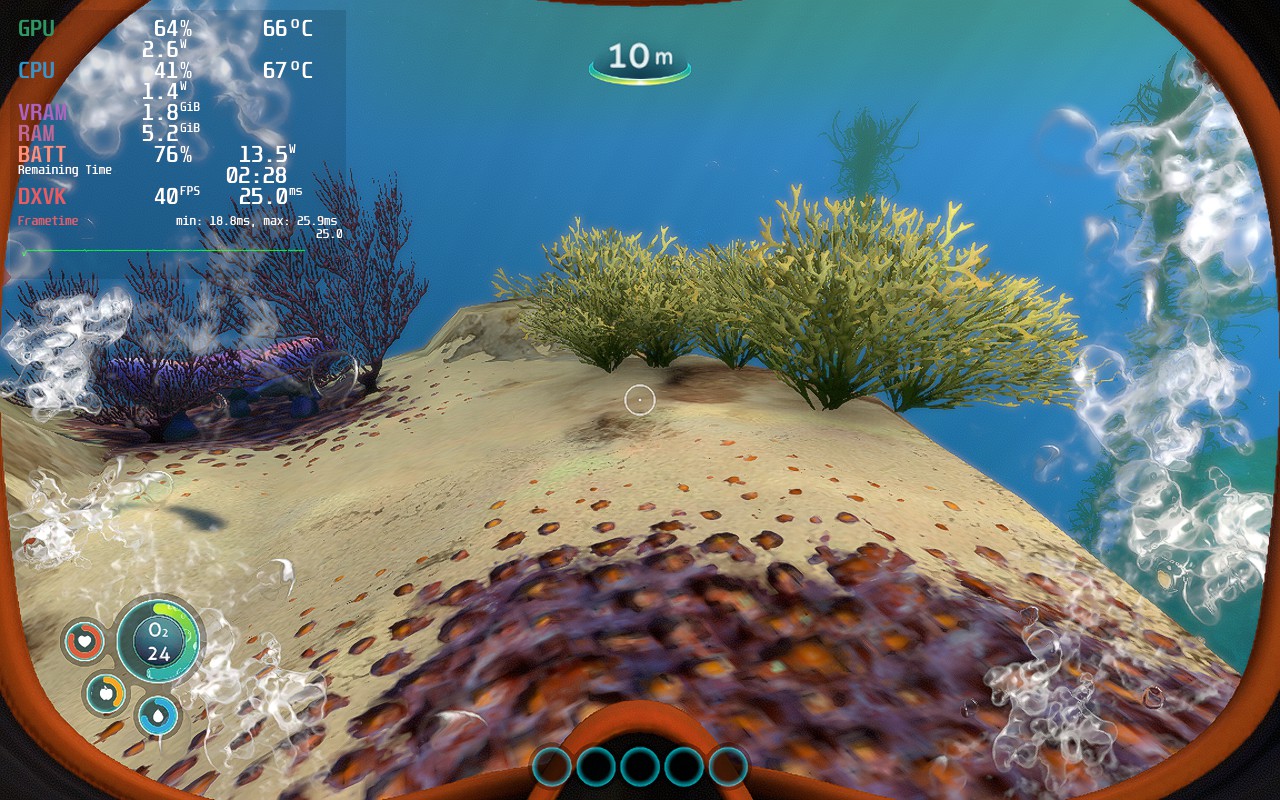
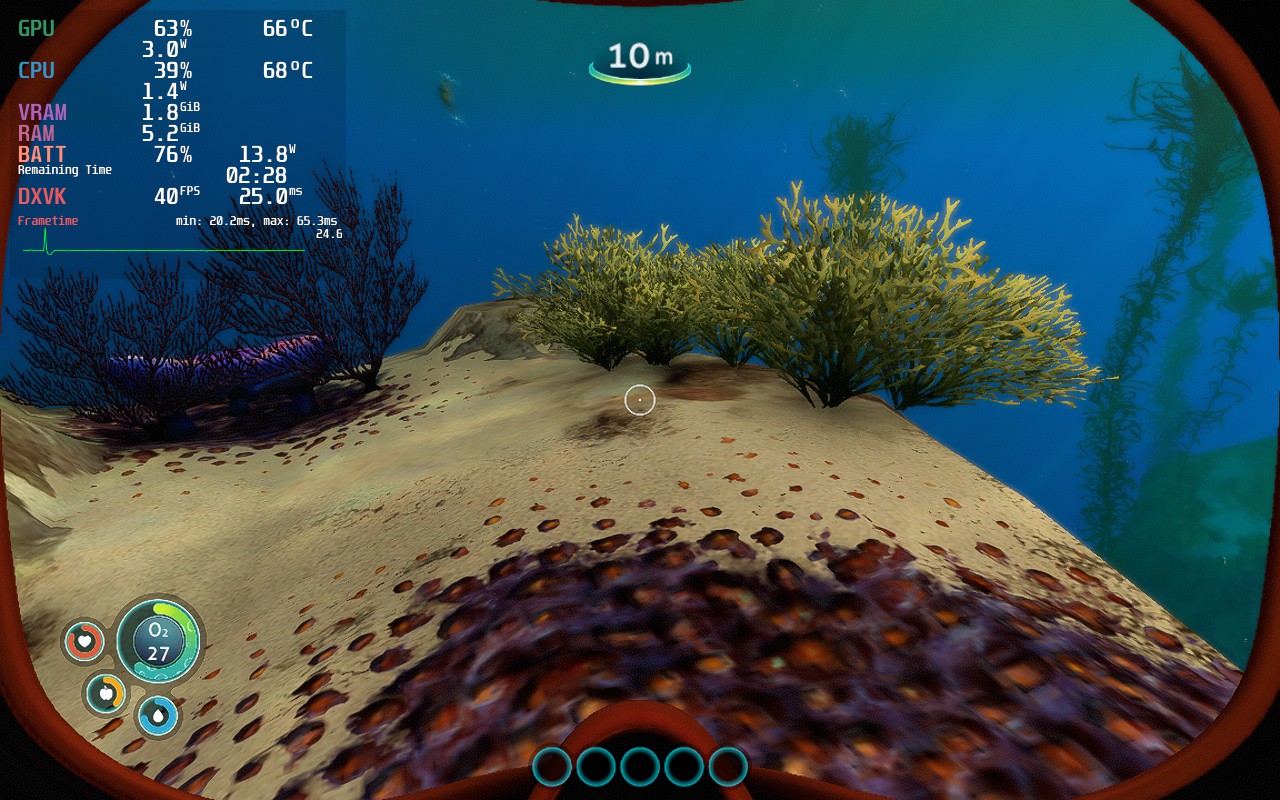
Color grading was another tough one. I like the style of Filmic more overall, but turning it off really helped in certain areas. I believe it is more worthwhile to keep FIlmic on, but I think this can be up to you in general.
このレビューはPC版に基づいています。
このレビューをお楽しみいただけたなら、SteamDeckHQ の他のコンテンツもぜひご覧ください!私たちはあなたのゲーム体験に役立つこと間違いなしの様々なゲームレビューやニュースを取り揃えています。ニュース、ヒントやチュートリアル、ゲーム設定やレビューをお探しの方も、最新のトレンドを知りたい方も、ぜひご利用ください!
Subnautica is a gorgeous game and even with some stuttering and FPS drops, is still really wonderful to see on Deck so far.
強制的な互換性はない
General:
解像度1152x720
Full Screen: Off
Vsync:オフ
グラフィック:
Color Grading: Filmic
水質:高い
アンチエイリアス:FXAA
Anti-Aliasing Quality: Off
ブルームについて
Lens Dirt: Off
モーションブラーの質低い
アンビエント・オクルージョンミディアム
Screen Space Reflections: Off
Dithering: On






Hello. My controllers are none responsive when I try to play Subnautica. What I’m I doing wrong? Thank you.
Hi there! Is it with an external controller or the Deck gamepad as well?
Go into settings and look for an option that says “turn controller on” or something to that effect. It’s annoying that it’s off by default but that fixed it for me. The next issue you’ll have is that the RT/LT triggers are swapped, change them in the controller menu and you’ll be good; after that the game is playable.
Use the touchscreen to open settings from the game's main menu and find the "Enable Gamepad" checkbox. It isn't checked by default.