


Sonic's next 3D adventure is here! Sonic Frontiers strands you on an ancient island that is overrun with odd creatures. From there, you will battle and dash your way across 5 open-zones brimming with side quests, puzzles, platforming challenges, and much more. You may also be thrown into Cyber Space challenges that take you to specific levels designed to put your skills to test. This is Sonic's first ever foray into an "open-world", so strap on your boots, we gotta go fast.
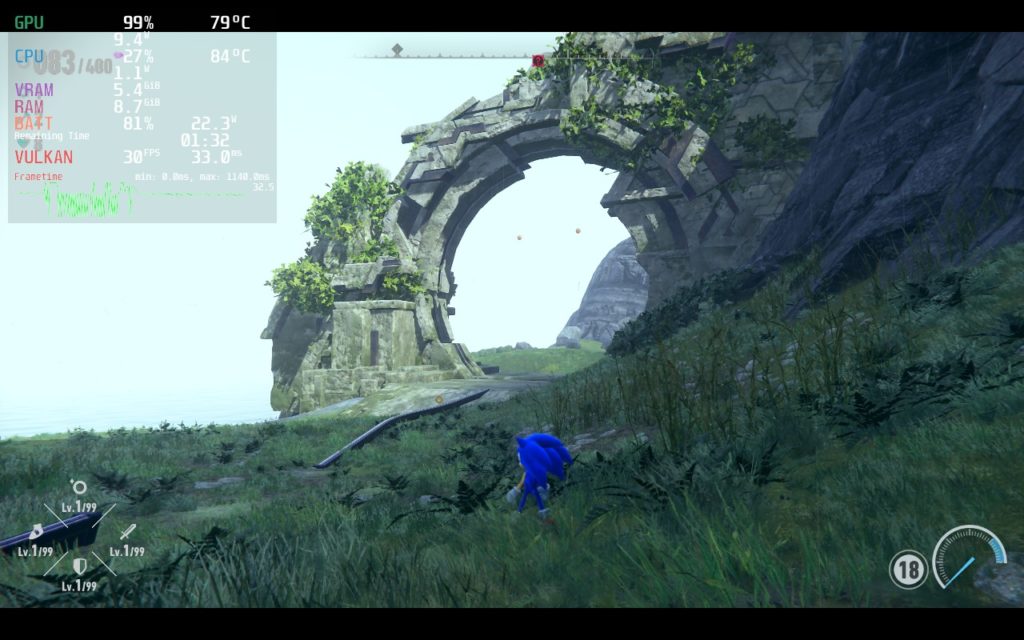
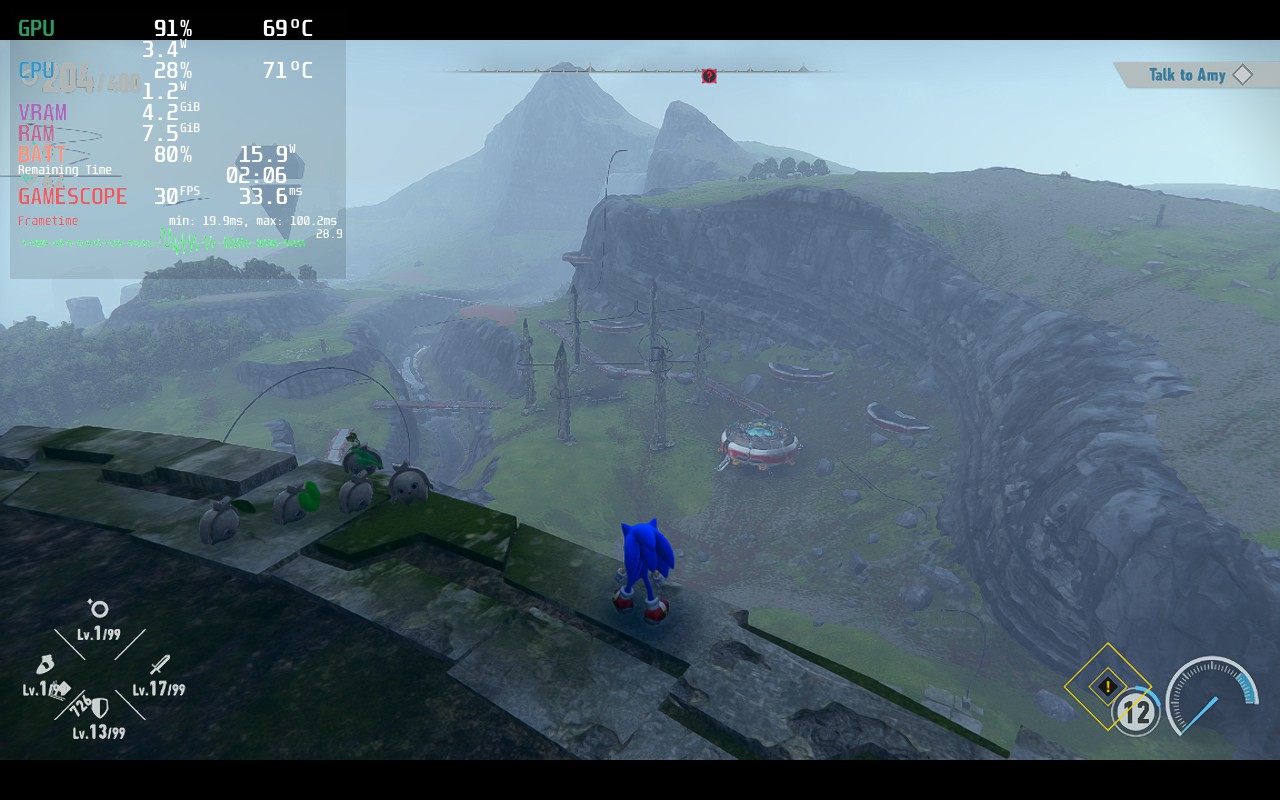
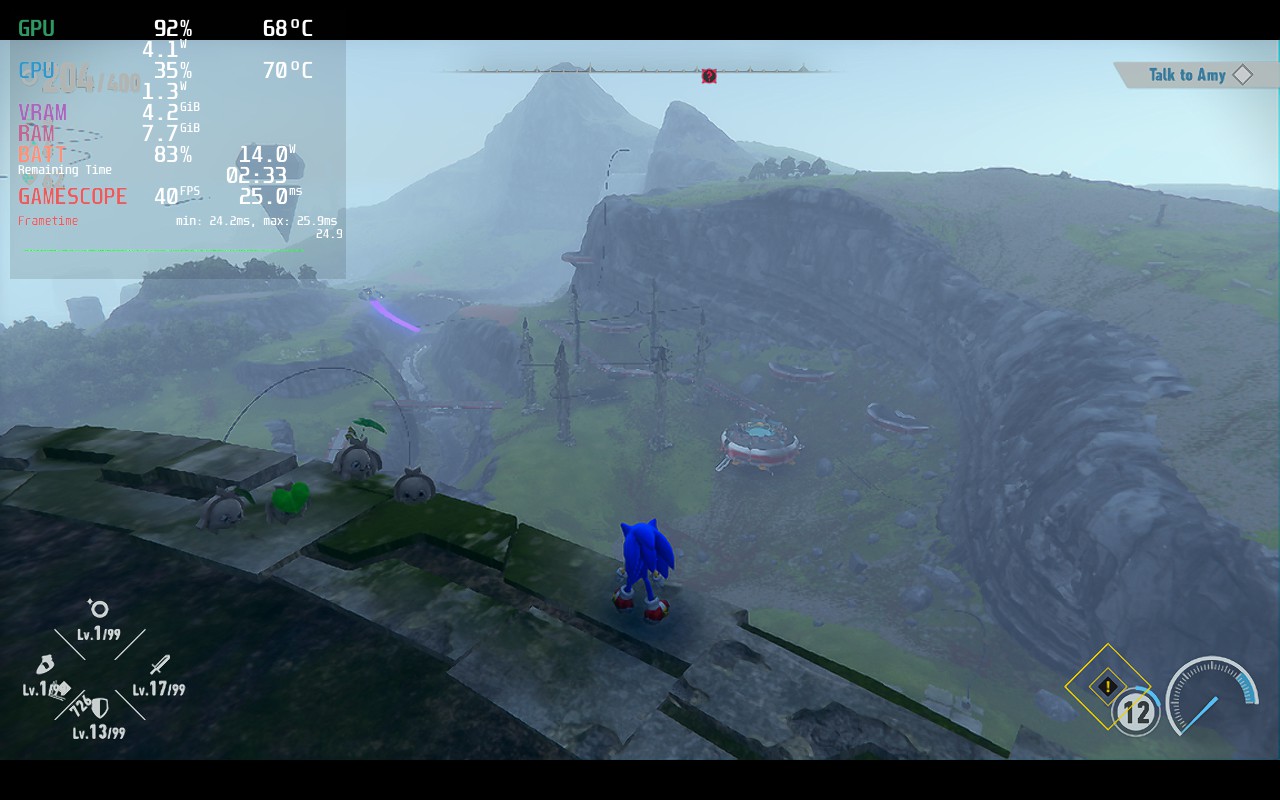
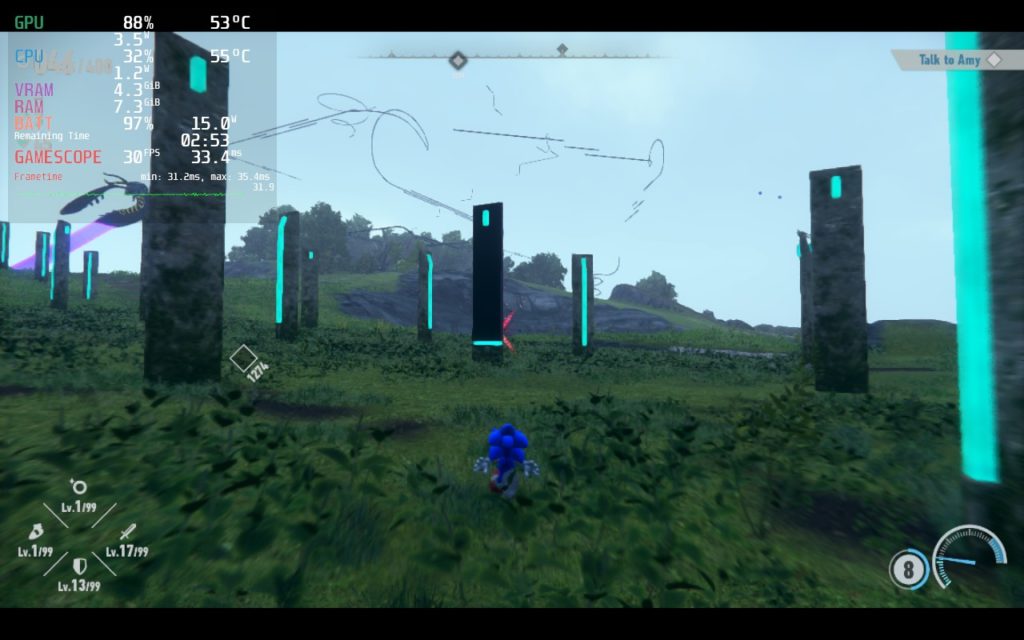
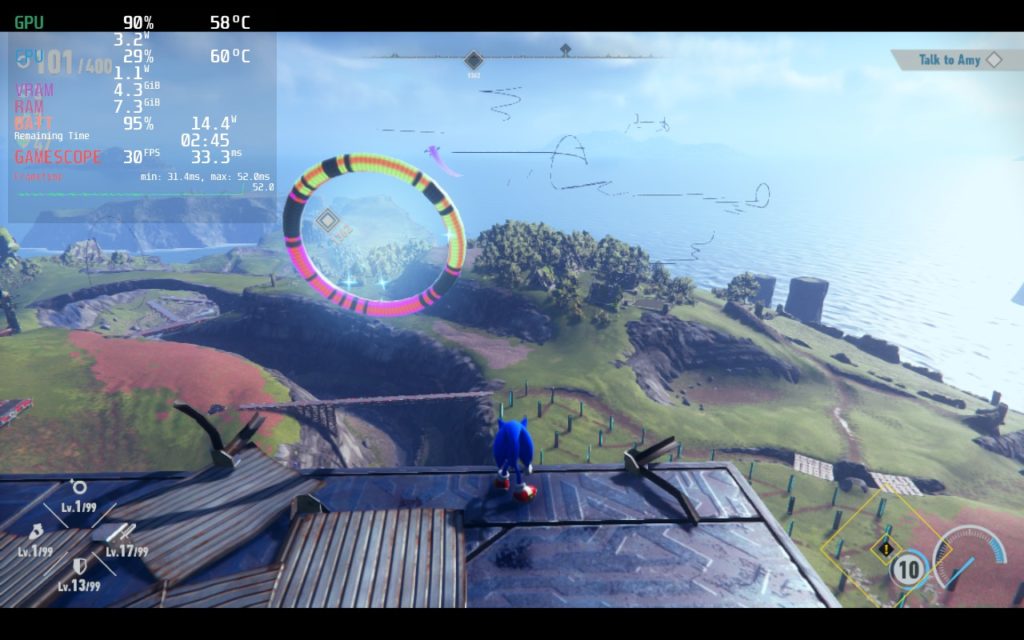
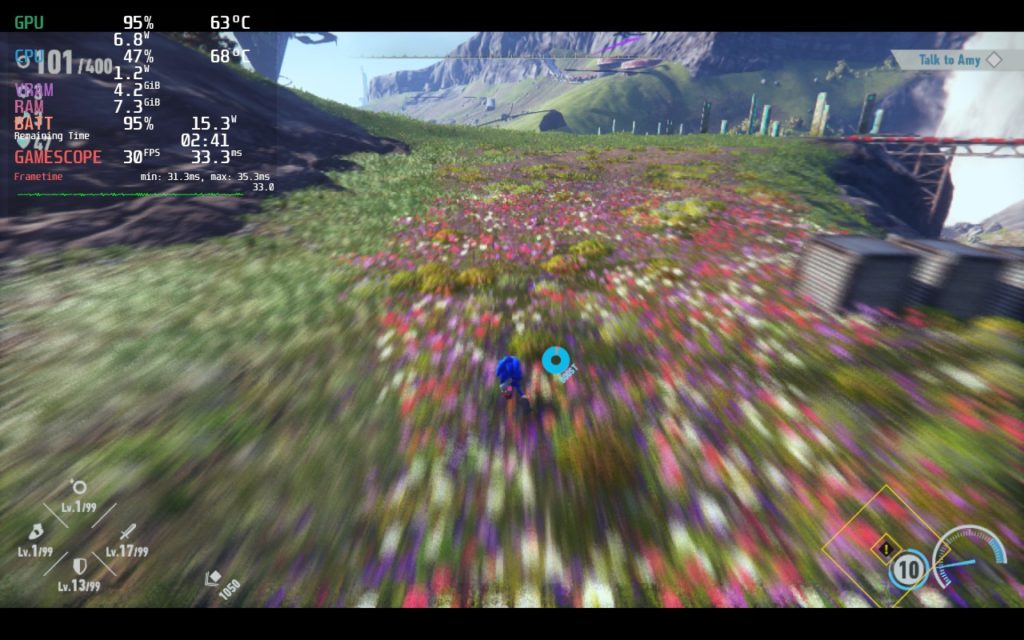
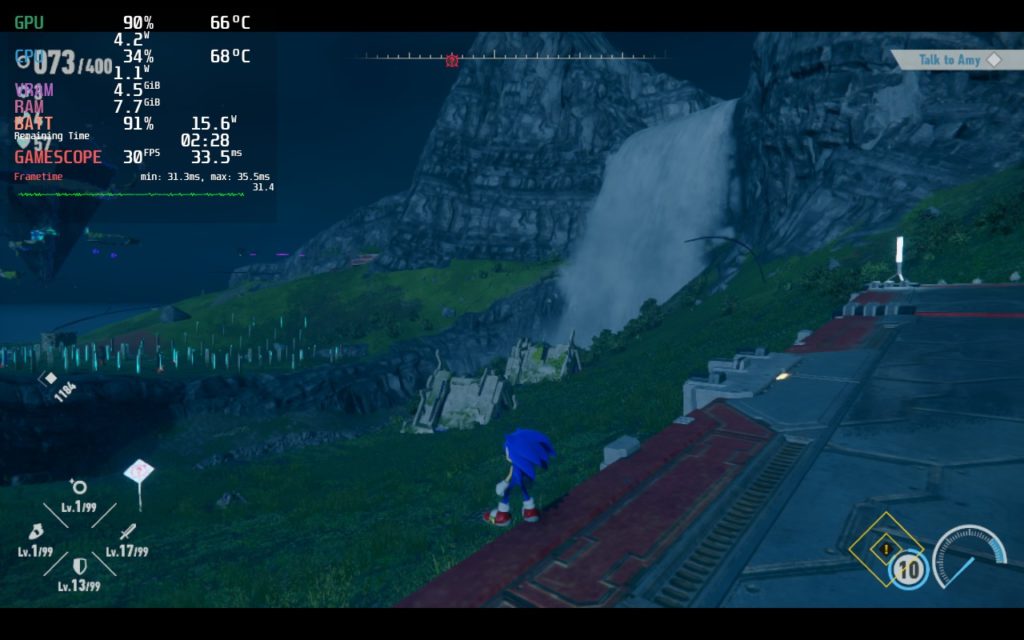
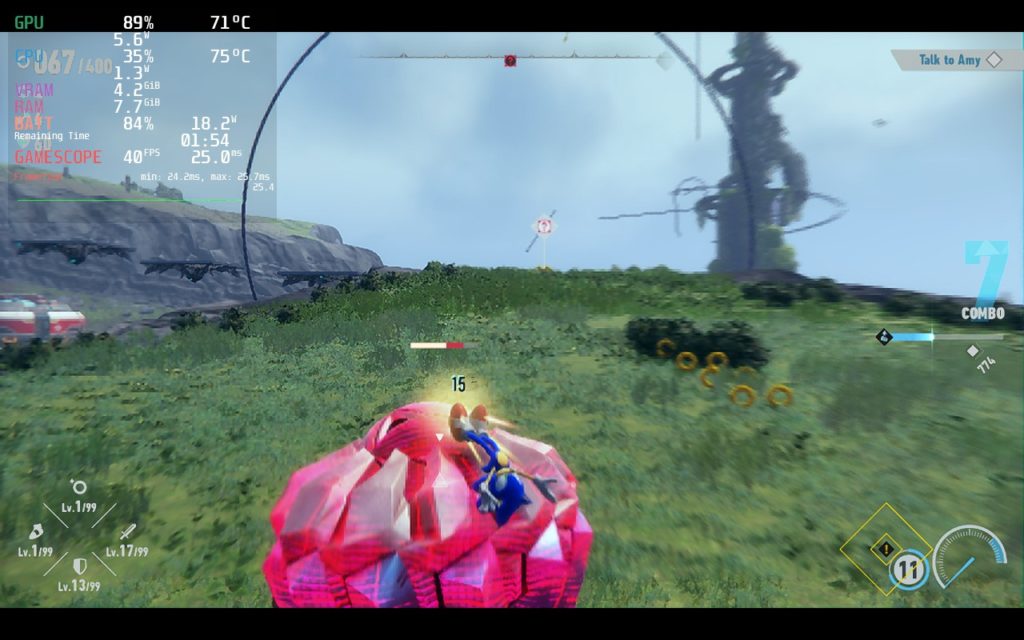
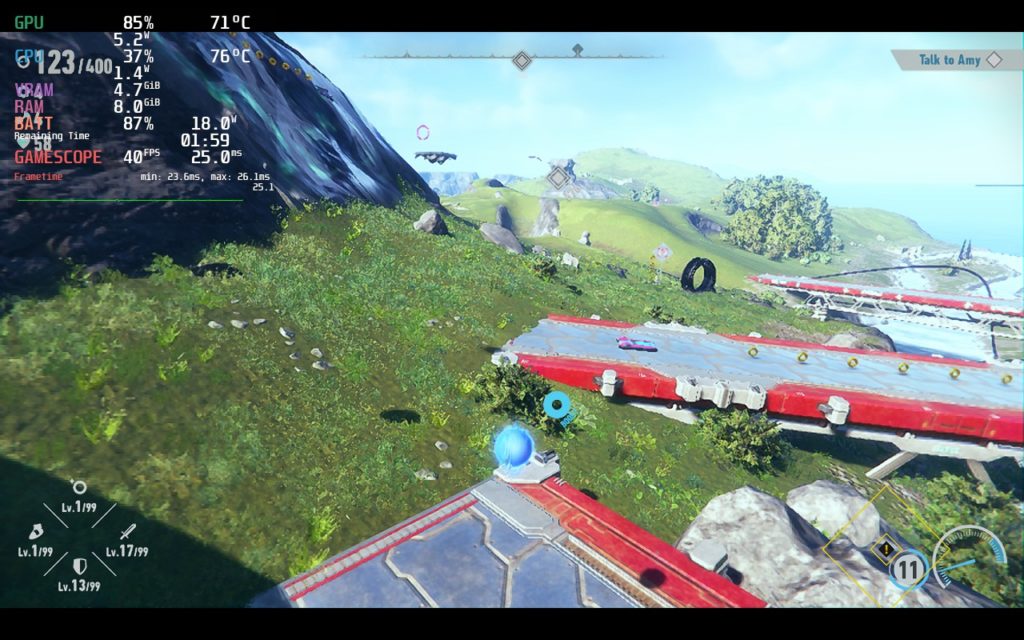
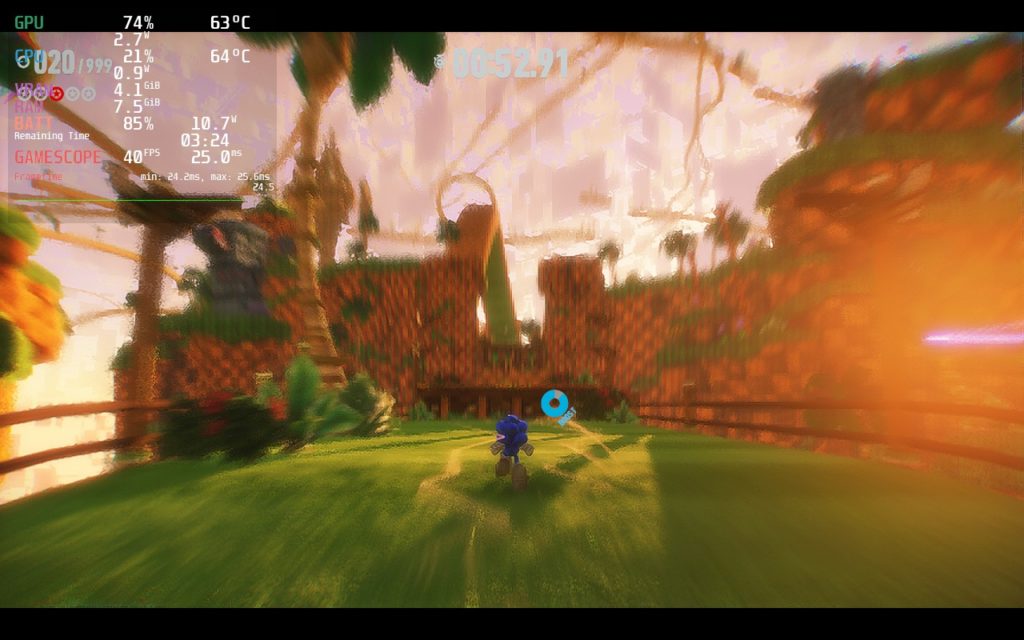
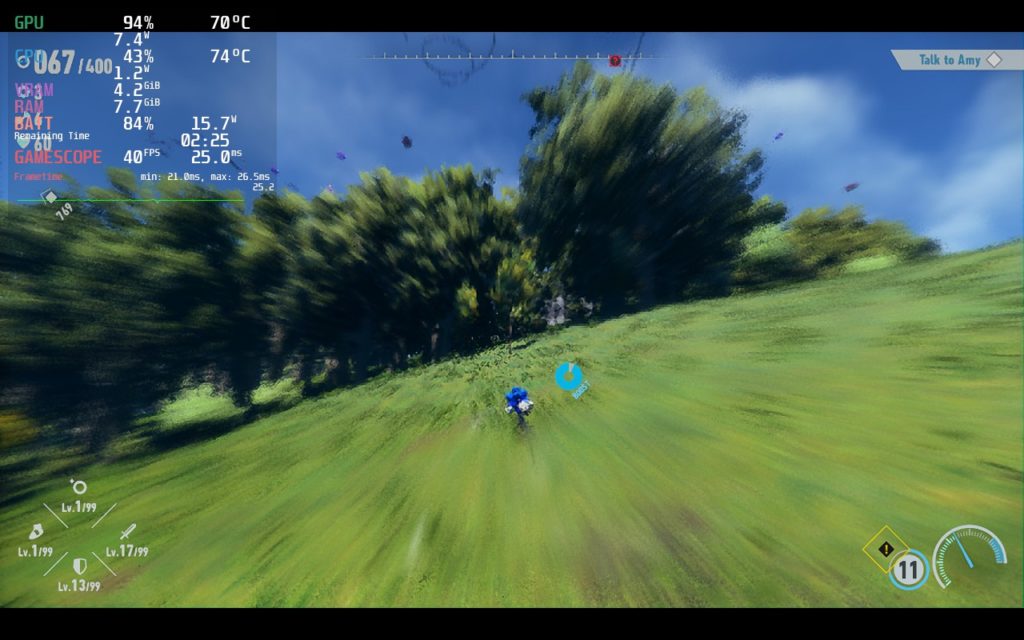
With Sonic Frontiers now in our hands, we have been doing a little extra testing to make sure more works than not. At max settings, the game would stick around 30 FPS, but with a battery drain of 22W and some framerate dips, which are BAD for this game. We wanted to focus on two builds for this first look, a 40 FPS performance build and a 30 FPS quality one. I preferred the 30 FPS personally since it looked better and was more stable. The 40 FPS still had some areas where it would dip regardless of how low the settings got, though it was far and few.
The two biggest in-game issues I found were that the cutscenes are locked to 30 FPS regardless of settings chosen and that battery drain and temps can fluctuate greatly. The former isn't an issue using 30 FPS build, but the latter can be quite annoying. A lot of our readings are taken from the open areas, but those Cyber Space challenges, which are contained levels, run significantly better.
A lot have been experiencing flickering issues in the game. Through our testing, this is actually due to framerate fluctuations. We noticed that when the game became unstable and dip below the capped framerate, there would be a consistent amount of flickering happening on the ground. We tested in max settings to see if going below the 30 FPS cap would still do it and yes, it would. So the priority with these builds is making sure framerate is as stable as possible. No proton changes fixed this.
We also noticed some oddities in-game like being thrown into a pit a couple times or just weird physics issues, but that could also be that this is a Sonic game. You also will need to change your resolution settings before playing as mine was set to 320x200 by default. I also noticed that having a TDP limit going into the game and changing it after might not do anything, but this was easily solved with just turning the limit off and on again. You may also have to go back and make sure your in-game settings actually change, since it is possible they won't even if you apply them.
Other than that, we believe the game runs quite well for what it is. I can't say for certain why the game was rated "Unsupported", but my bet would be the flickering if framerate goes below the cap, which it does consistently until settings are changed. I would have loved to see a bit more optimization personally and better stability from that, but I am happy I can at least enjoy a 30 FPS version at mostly high quality.
このレビューはPC版に基づいています。
このレビューをお楽しみいただけたなら、SteamDeckHQ の他のコンテンツもぜひご覧ください!私たちはあなたのゲーム体験に役立つこと間違いなしの様々なゲームレビューやニュースを取り揃えています。ニュース、ヒントやチュートリアル、ゲーム設定やレビューをお探しの方も、最新のトレンドを知りたい方も、ぜひご利用ください!
Sonic Frontiers is an ambitious step for the franchise that succeeds in some areas while falling into the same pitfalls as before. On Steam Deck, the experience can be a mixed bag and definitely could use some further optimization.

互換性の強制なし
影の質:低い
Frame Rate Limit: 30
アンチエイリアス:FXAA
アンビエント・オクルージョンオン
Local Reflection: On
Bloom: High
Volumetric Lighting: High
Rendering Scale 100%
解像度1152x720
Screen Mode: Windowed
SteamOS:
40 FPS Cap with 40 Refresh Rate
ハーフレートシェーディングOFF
TDP Limit 11
FSR Sharpness 3
プロトン・バージョン
強制的な互換性はない
ゲーム設定:
影の質:低い
Frame Rate Limit: 30
アンチエイリアス:FXAA
アンビエント・オクルージョンオン
Local Reflection: On
Bloom: High
Volumetric Lighting: High
Rendering Scale 100%
解像度1152x720
Screen Mode: Windowed
バッテリーの使用量/時間
11W - 19W
Around 65c - 77c temps for CPU and GPU
Around 2 - 2.5 hours of gameplay







Weird, runs at max settings with no issues, locked to 30 since I see no point in above 30 though, lasts for 2 hours or more
We will check the game again, could have been an update! We did lower a bit for battery life, but happy to check again.
You should definitely look up the "Golden 40" for the Steam Deck, since 40FPS feels nearly like 60 and is objectively superior to 30.