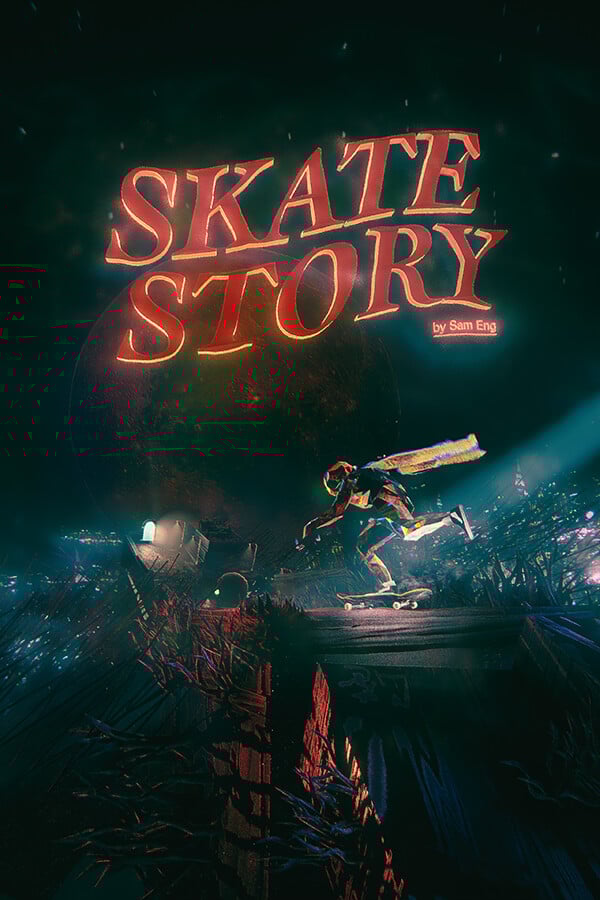
Skate Story was provided by Devolver Digital for review. Thank you!
It's an understatement that I adore games that have very unique visuals. There's something about them that not only stands out, but makes it more appealing to play and see the world that the developers have created. That is what initially drew me to Skate Story. The world that it showcased looked amazing, and I was all for it. However, after playing it, I can say the visuals hold up most of the time, but there are just a few too many smaller problems that keep me from fully recommending it.
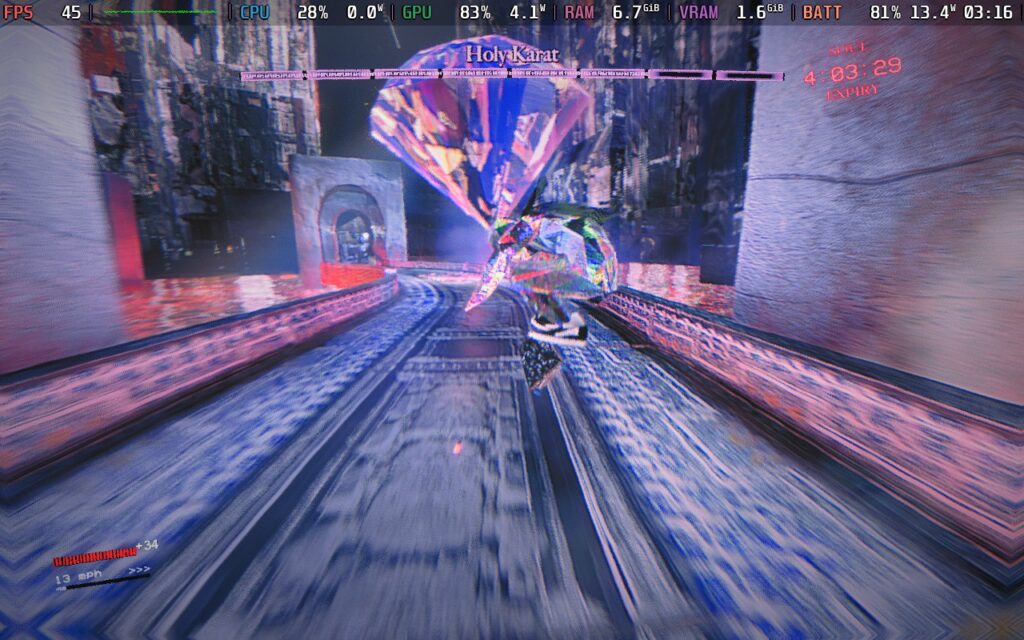
When I first saw Skate Story, I was thinking it would be more of an arcade-style skating game where I would go through levels and try to get high scores, but I was most definitely wrong. As the title insinuates, the game does have a story with a chapter-based structure, and it’s a weird one.
You play as a nameless demon in the underworld who has a sudden desire to eat the moon. The Devil sees this and comes up with a contract. If you can eat all the moons, your soul will be free. The Devil gives you a skateboard, turns you into glass, and now you have to venture down through the depths of the underworld to eat the moons and free your soul. It’s a crazy story, and not all of it makes sense in the moment, but it’s definitely interesting.
I appreciate story-driven games; generally, I love them, but I expected a little bit more replayability with a game like this. I would’ve loved to mow where we could go back to older levels and try to get high scores, but this really is just a story. You can enter a dream-like space where you can travel to pass places and ultimately replay levels, but there isn’t a defined way to do it outside of that. And once you beat the game, you are stuck and can’t actually go back. So if you want to play those levels again, you have to start a new game. The actual story itself isn’t that long, but I do wish there were a quicker way to just go back and play.
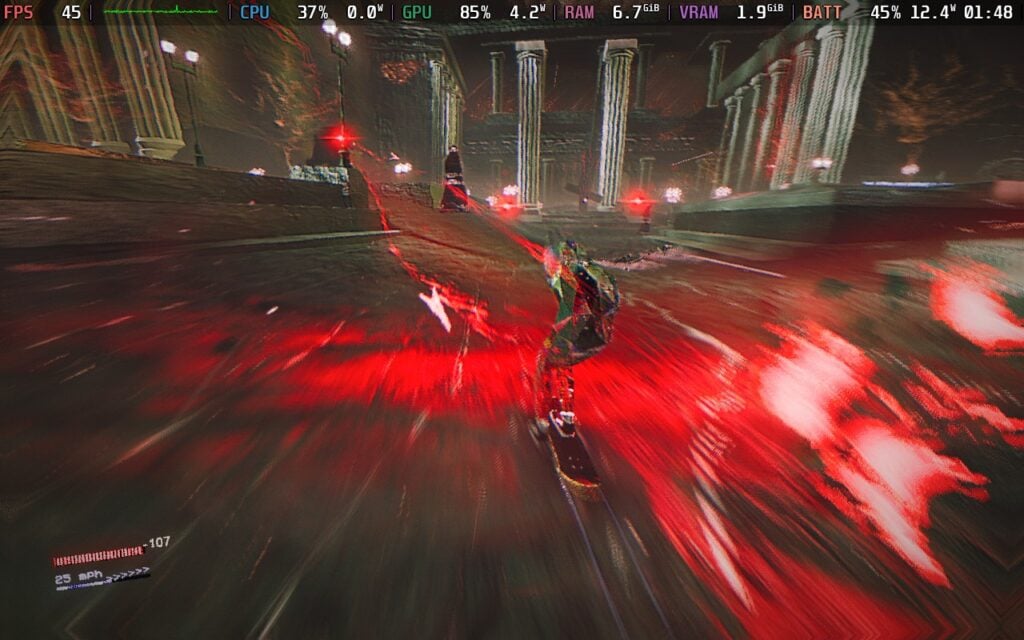
When I first saw the game, visuals were probably the biggest part and reason why I was excited to check it out for myself. This stands throughout the entire game, with incredible stylized visuals that feel like eye candy at times. Each of the chapters felt pretty distinct from the others, especially when looking at the different cities in each chapter. This translated over to the levels as well, with each one having a different hue to it, with an assortment of landmarks that make each level feel different from the others. It was easy to tell the difference between the levels and their themes, and I loved seeing what else the game had to offer.
This also helped make the stories outlandish, setting, and craziness feel even more prominent. From weird pillow creatures that I have to talk to to do some laundry for the devil, to the tiny cat, who was hell bent on bringing me to court because I was caught sleeping without a permit, the visuals never let up, and it was a joy to play through.
However, it did have some problems. The biggest were any sort of particle effects. In general, the particles were never a huge issue, but if there was too much happening on the screen at any given time, it would make it extremely hard to concentrate or focus on what was actually going on in the game. This led me to death many times, with the earliest example being the second moon we encounter, and it’s just constantly throwing these obstacles on the field with explosions, and it just gets too constant and distracting.
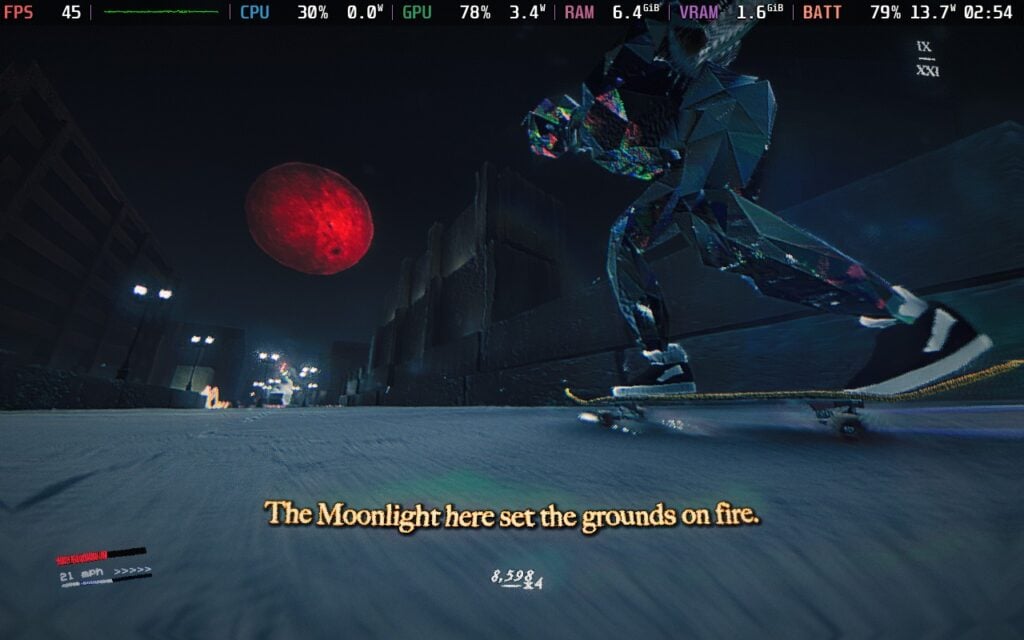
What I had zero issues with is the soundtrack. Skate Story's soundtrack is phenomenal, and I fell in love with it the longer I played. It pumped me up and kept me going, and while the sound of the wheels screeching on the ground was a little too loud, the music just kept me going.
I also have a love-hate relationship with how you control your skater. It feels just like any usual skate game, where you move with the left stick and use the A button to push the ground to accelerate. However, for tricks, everything is linked to the B button and the shoulder buttons. There are some light tricks you can do with the X button, but the bulk of them will be with the B button. There’s a nice variety of tricks to utilize, which can come from either a single or double press of any of the shoulder buttons, or any combination of them. It’s quite easy to learn and utilize these tricks, and there were many moments where I felt really cool landing some awesome-looking tricks with some well-timed slow mode from the game itself.
I also really like how these tricks are implemented in boss fights. There will be multiple fights that we will have to go through in the game, and for these fights, we will have to do tricks and combos to accumulate high scores, and then attack by stomping the ground to end the combo. The score you have is the amount of damage you deal to the boss, and I found this to be an interesting way to handle these kinds of fights.
While Skate Story's gameplay is very enjoyable, there are a couple of issues that stopped me from fully enjoying it. Controlling your skater isn't always easy. The visual chaos does affect it a little bit, but there were many levels where I found it very hard to control turns because when you are pushing your foot down to accelerate, you can’t turn as much. And with it sometimes hard to see what’s in front of us, anticipating how long it will take for our foot to go down so we can turn in time is difficult. We do have power slides to turn faster, but it’s still not enough. The simulation of skating in the game is more accurate in this sense, but the world itself feels like it’s catered to something less realistic.
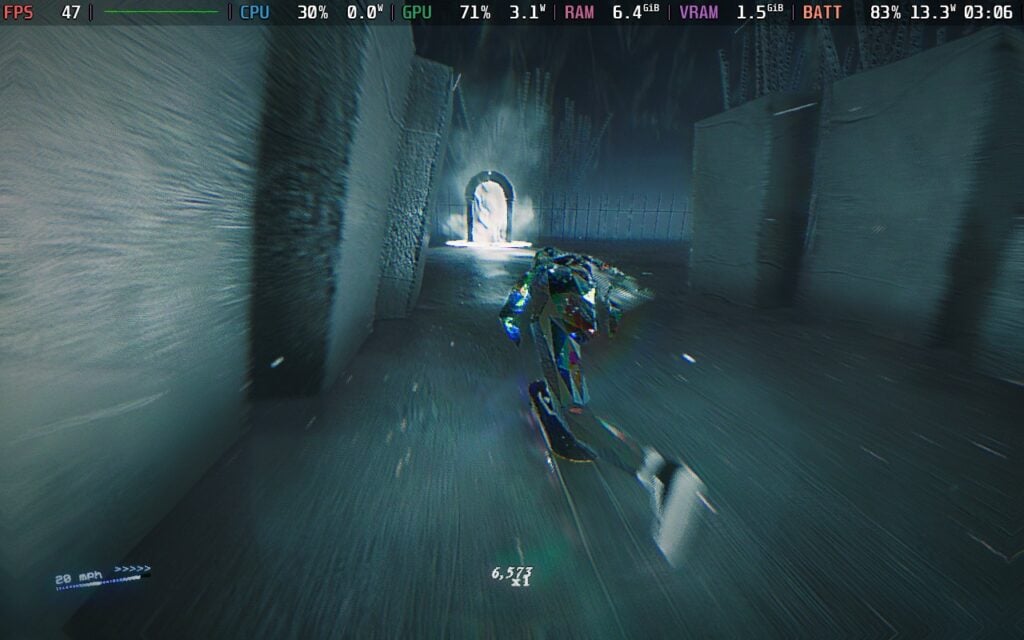
As for bosses, the visual chaos does make it hard sometimes, but I did really enjoy most of the actual fights. The big issue I have here is how their health is sectioned. With the reliance on gaining more points to deal more damage to their health, it feels like we are supposed to be trying to accumulate the highest score possible to deal the most damage possible. However, their health has sections, and you can only deal with one section of damage at a time. So, it becomes useless to bring your score up higher than around 8,000 or 10,000, as you won’t deal damage past that. I didn’t know the feeling that a slight bit of damage in one section could carry over to the next, but with bosses, having upwards of 6 to 7 sections of health or higher, it just didn’t feel worth it to try to go higher up.
Outside of the levels and bosses, you’ll be able to run around different towns, gain souls, and use them to buy new customization options for your skateboard. There are going to be objectives in these towns as well for the story, but we can also find little side quests like moonlight areas, where we can do tricks and gain some extra souls. I never felt like we stayed too much in these towns before getting to the more exciting, faster pace levels, and with all the obstacles in the towns, I did get a good amount of practice for grinding and doing other tricks. In a way, it’s a nice reprieve from the usual levels that we’re going to be playing through to eat the moons.
Ahead of its release, Skate Story was Verified by Valve, and I would say by their definition, it deserves it. The default settings run well, and for the first few hours, it will feel perfect at 60 FPS. However, the cracks start to show later on, with parts of Chapters 3 and 4 and onwards, showing some warning signs and slowdowns. The game will throttle framerate when it gets too heavy, going down to around 45-48 FPS at times.
We can mitigate this a little by turning off Ambient Occlusion, which makes some of these areas stop throttling and stick to 60 FPS, but there are still times when it will drop regardless. It isn't the most jarring, but still noticeable, and I wasn't a big fan. I even tried the settings for the Steam Deck recommended by the team, but it still has those moments of throttling.
So, for the most stable experience, I recommend keeping the settings where they are, but setting the framerate limit to 45. It does make the game feel a little less smooth, but it's still very playable and enjoyable. You can keep it to 60, and it will still be enjoyable 90% of the time, but it does feel odd when skating around as fast as possible, and the framerate jolts down to the mid-40s. I just preferred keeping it at 45 and stable the whole time, which not only brought up the battery life a bit, but also feels fluid.
There is an accessibility tab here, which can change the combo timer and decay, push on forward input, and push being toggled instead of pressed, trick damage, mode, and player health. We can also toggle tutorials, speedometer, slowmo, cutscene UI, vibration, rebind controls, change camera invert and sensitivity, change camera distance and screen shake, modify audio volume, and change the language.
The game does support 16:10 resolutions, cloud saves, and controllers. There are HDR settings and it does recognize the Steam Deck OLED screen.
Skate Story has some very interesting ideas and gorgeous visuals, but some missteps stop it from being a must-have game in my book. I love the aesthetic, the general gameplay mechanics with skating and how easy it is to do tricks, and the wacky story. But the difficulty in controlling our skater, the lack of ways to go back and play through the levels, and the overall feeling of uselessness for the combo system during boss fights keep it from greatness. It’s still a fun game, and I had a good time with it, but there was just too much stopping me from fully immersing myself in it.
It is a good time on the Steam Deck, and if you’re going to be getting the game anyway, it is a lot of fun to play on the go. It isn’t as stable as I would’ve liked, but you can still play it with a solid battery life and a smoother feel than 30 FPS. Ultimately, this is a game. I would recommend playing on the go if you’re going to be getting it anyway.
このレビューはPC版に基づいています。
このレビューをお楽しみいただけたなら、SteamDeckHQ の他のコンテンツもぜひご覧ください!あなたのゲーム体験に役立つゲームレビューやニュースを幅広く取り揃えています。ニュース、ヒントやチュートリアル、ゲーム設定やレビューをお探しの方も、最新のトレンドを知りたい方も、ぜひご利用ください。
Skate Story has some great ideas and interesting gameplay, but there are too many smaller issues that stop it from being a must-have game. However, it's very playable on the Steam Deck.