



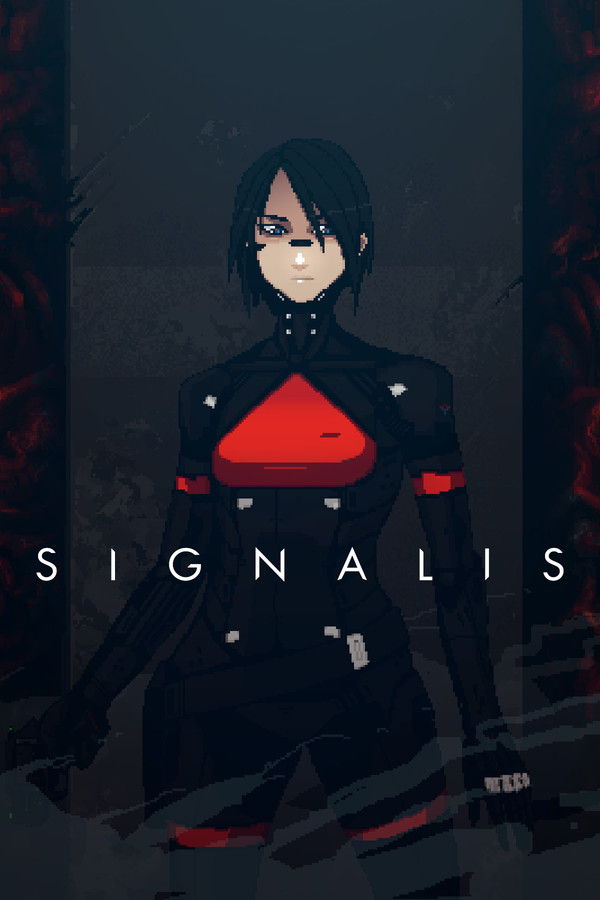
Get ready for a new classic survival horror experience! Signalis puts you in the shoes of Elster, a technician Replika who is searching for her lost dreams in dystopian future. Search through this terrifying cold world and discover dark secrets, challenging puzzles, and nightmarish creatures that oozes cosmic and psychological dread. With beautiful 3D animations and a wonderful artstyle, Signalis is a joy to play and experience, but we have to see how this runs on the Steam Deck.
For the most part, Signalis actually runs quite well at max settings. In areas in between bigger rooms, hitting 60 FPS is easy and flawless, but there are some hitches. In some areas, framerate will drop to around 40 and battery drain will go from 12-13 to 23W. Luckily, I found the cause.
It turns out, the reason there was such a drop is reflections. Turning them off immediately boosted the framerate back to 60 and dropped battery drain to 13-14. In most of these areas, reflections will not be noticed, while it will be in others.
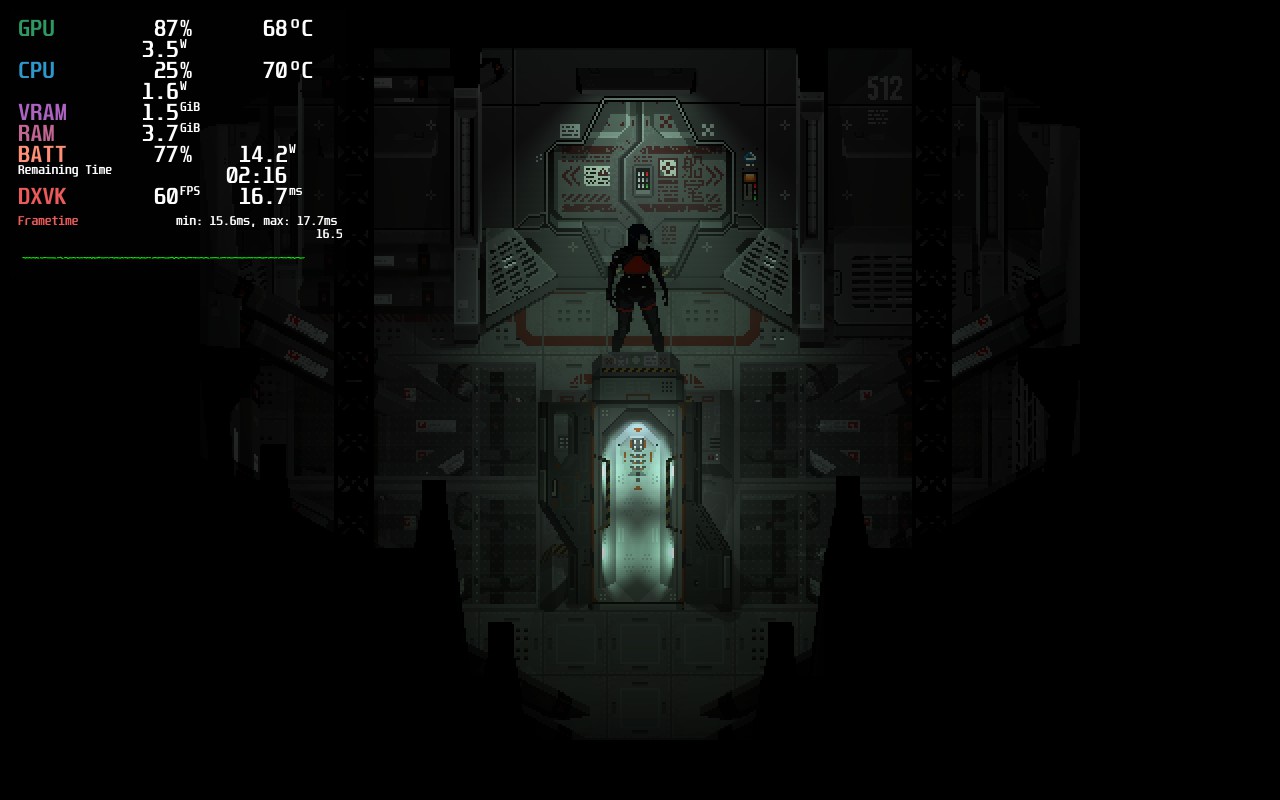
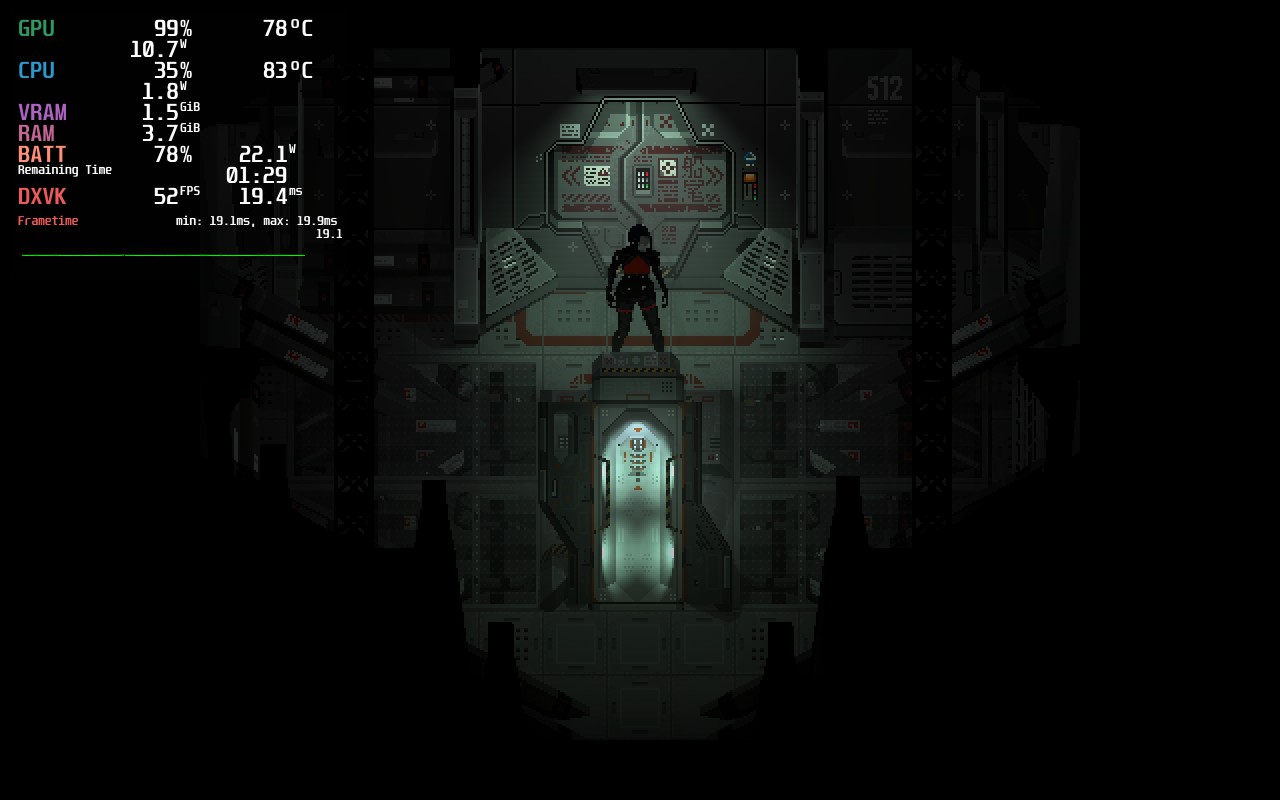
As you can see, reflections being on or off doesn't really visually affect this room, but having them on starts to burn a hole in the battery.
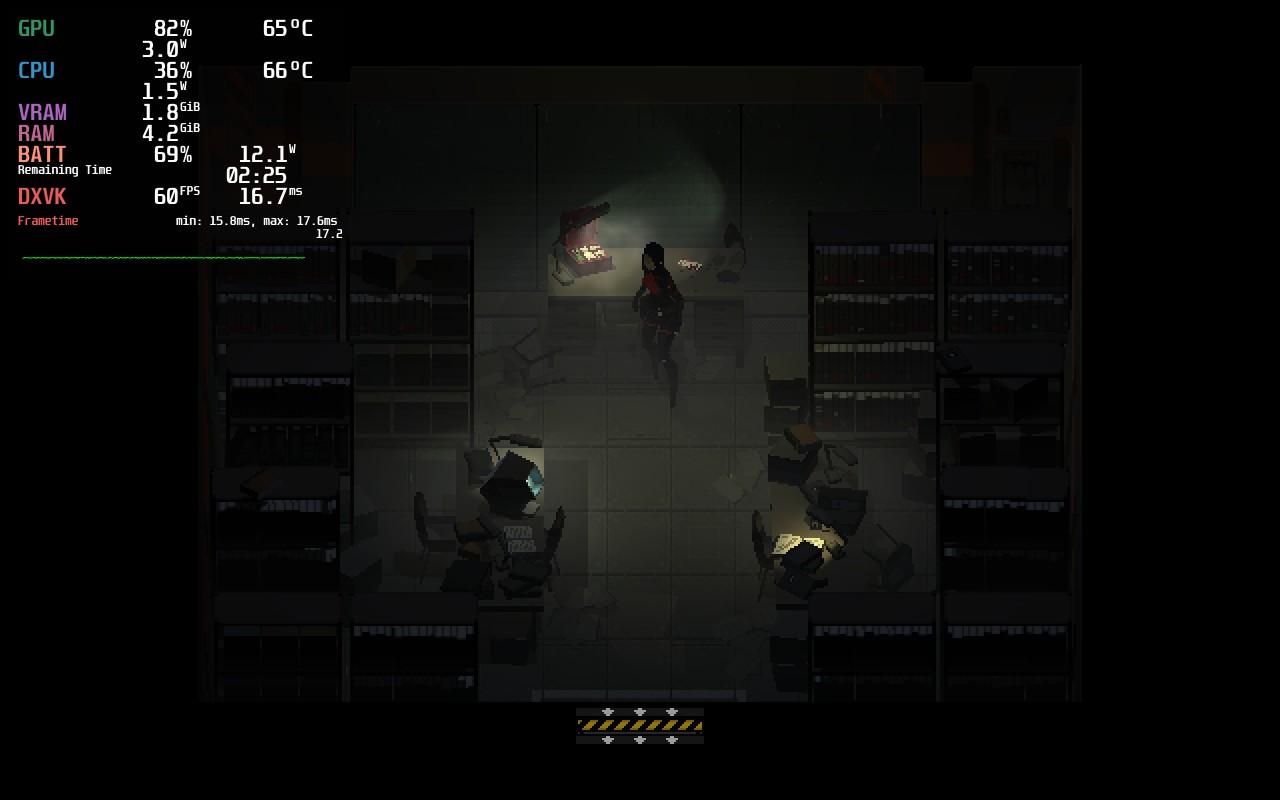
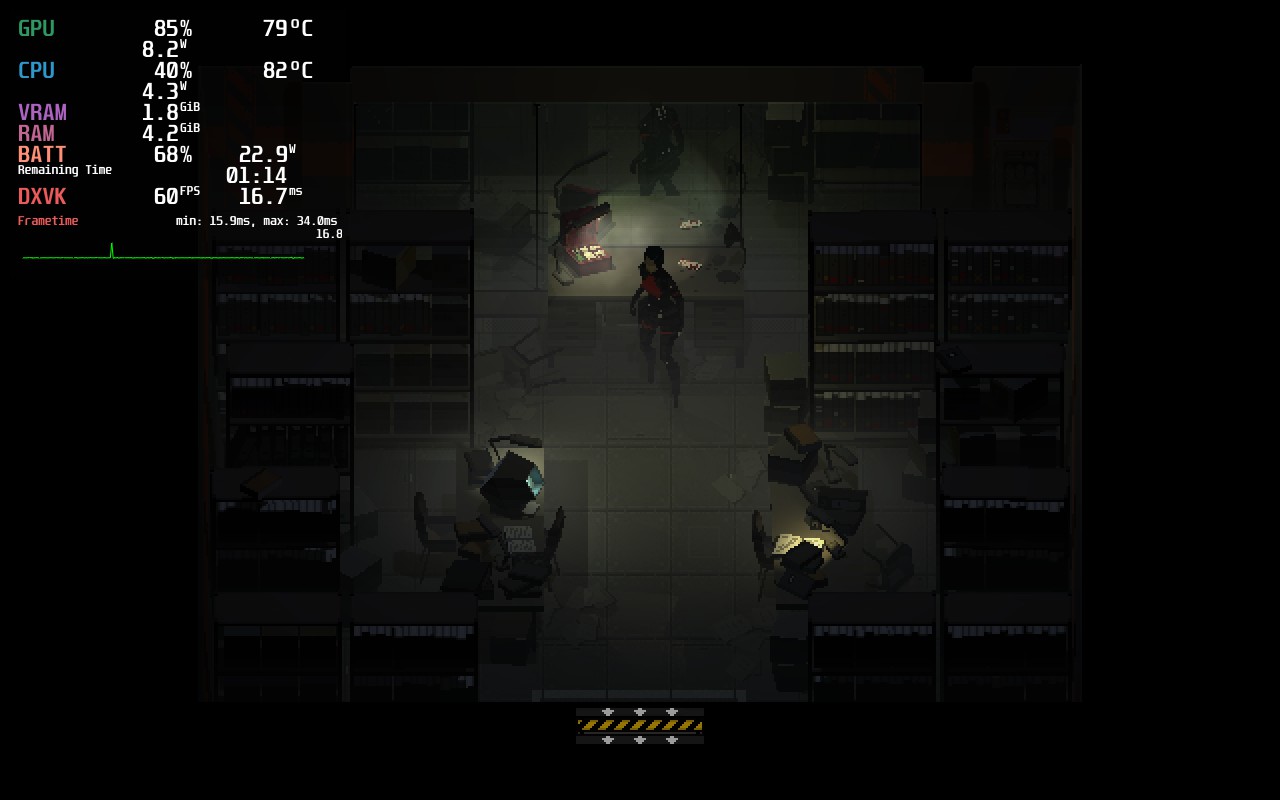
This is a much more stark difference between reflections being on or off.
I did also want to try turning off Volumetric Effects, but I felt this really changed the way the game looks much more than reflections do, so I kept it on.
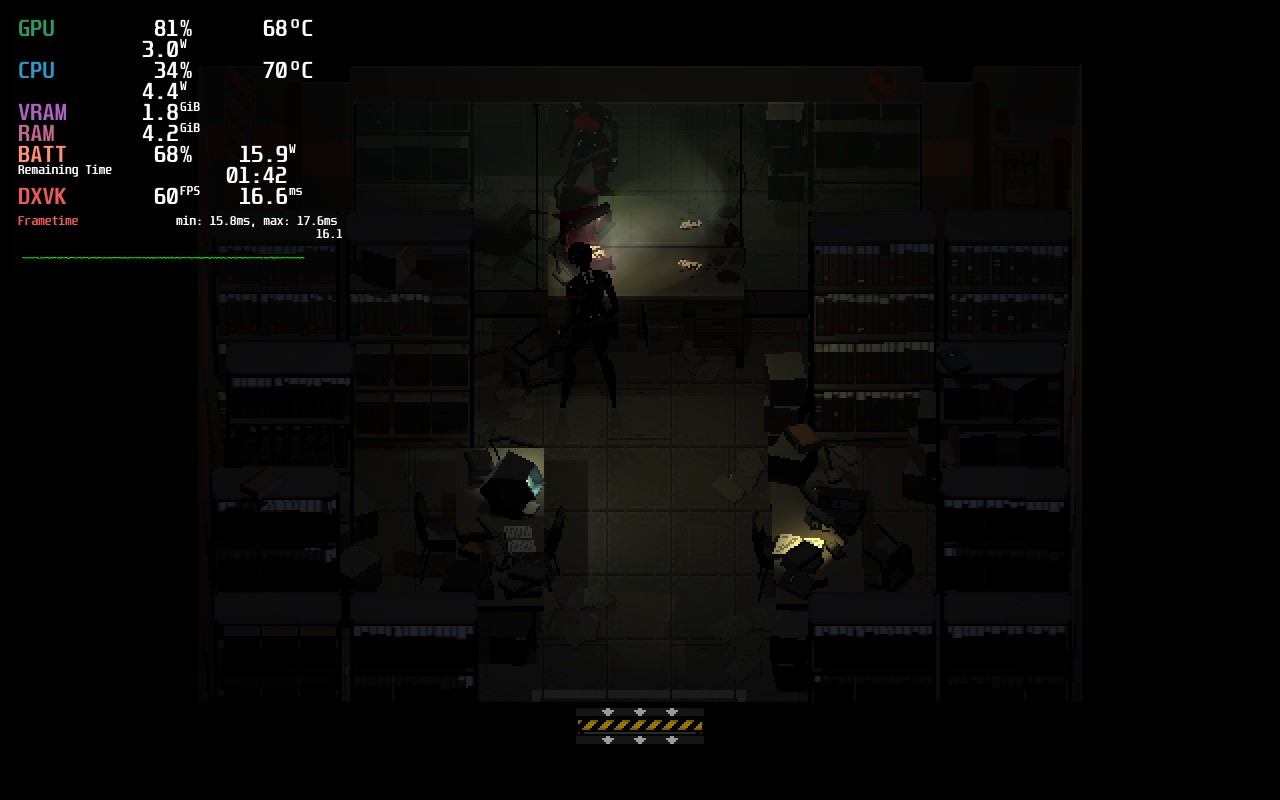
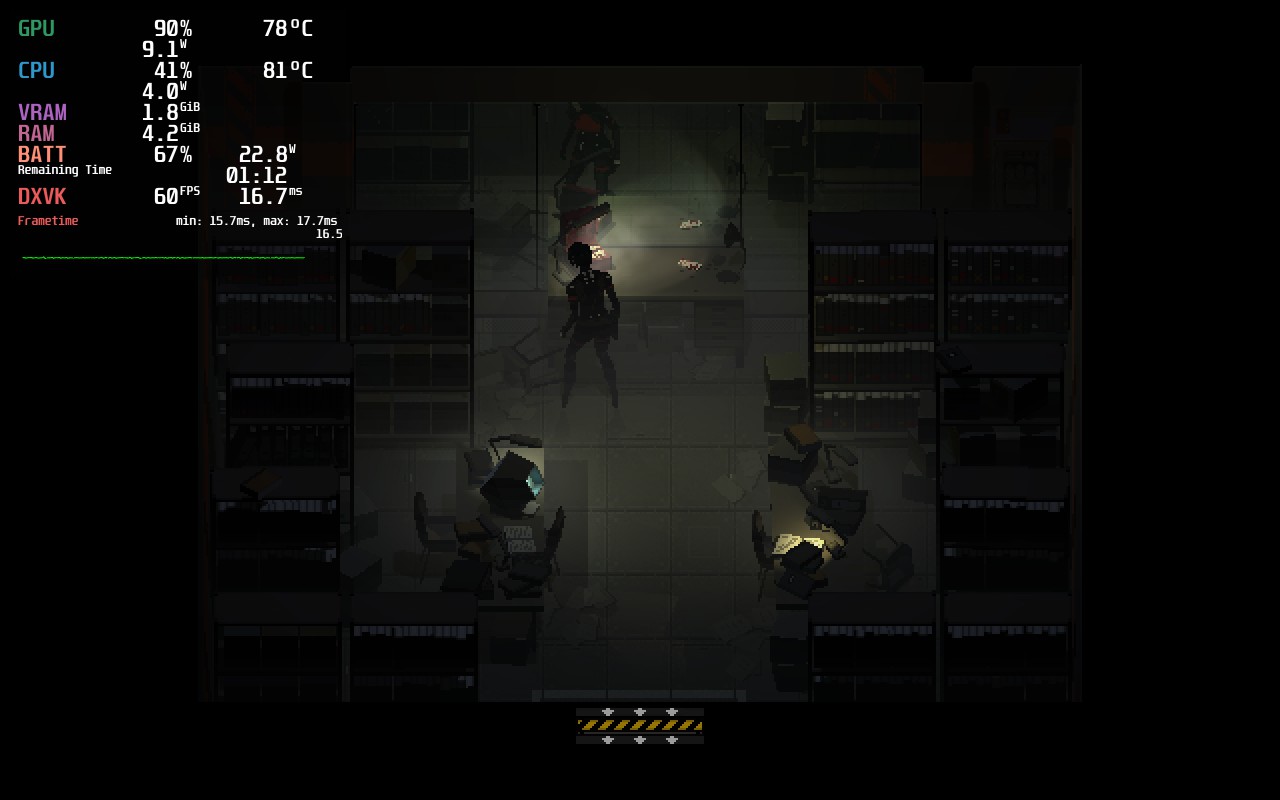
With these, I was able to keep a solid 60 FPS and a TDP of 7 to stay under 14W drain. The outside area did push the game more and dropped frames even without a limit, but these scenes are far and few. I also did turn off Film Grain. This was a personal choice and shouldn't affect battery or stability.
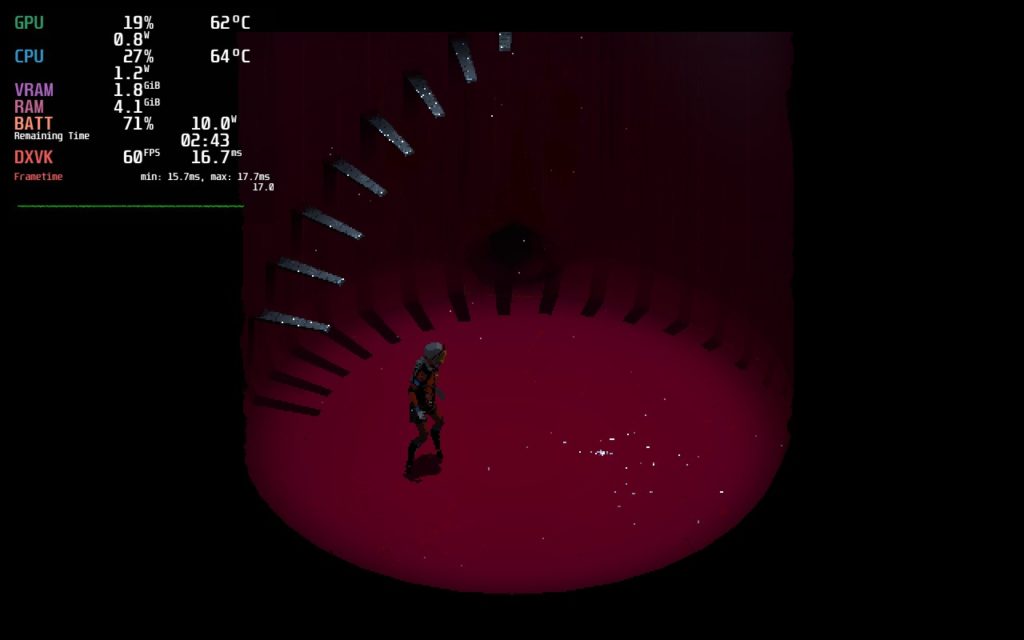
I did want to create a build that also has reflections involved, but this means pushing the TDP limit to 9 and dropping the framerate to 40 FPS. I consider this a quality build, though the 60 FPS is better for battery and stability, so I prefer it overall.
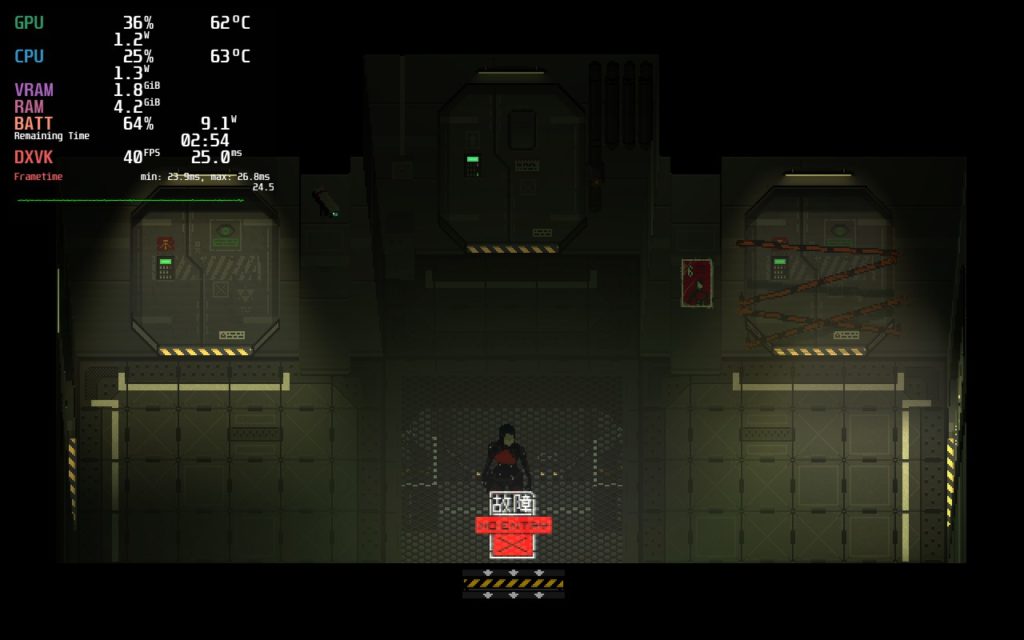
So I didn't come into any issues with controls or bugs, but changing the graphical options is a bit weird. The pixel scale defaults to 2x and changing to 1x drastically decreases the size of the screen. This also happens when changing the resolution and it can't be stretched to fill the screen. Luckily, I was able to create builds that worked without needing to change resolution, but I felt it was still weird.
Signalis is a gorgeous game with beautiful graphics and an incredible atmosphere. It recaptures some of those intense moments and diving into it has been a blast. With a little bit of tweaking, it becomes a wonderful game to play on the Steam Deck and makes me excited to play more! It is definitely worth a look if you are into the classic Resident Evil games or Silent Hill.
このレビューはPC版に基づいています。
このレビューをお楽しみいただけたなら、SteamDeckHQ の他のコンテンツもぜひご覧ください!私たちはあなたのゲーム体験に役立つこと間違いなしの様々なゲームレビューやニュースを取り揃えています。ニュース、ヒントやチュートリアル、ゲーム設定やレビューをお探しの方も、最新のトレンドを知りたい方も、ぜひご利用ください!
Signalis captures the tense atmosphere of old classic horror games and, with some tweaking, feels amazing on the Steam Deck.
SteamOS:
40 FPS Cap with 40 Refresh Rate
ハーフレートシェーディングOFF
TDP Limit 9
リニア
プロトン・バージョン
強制的な互換性はない
ゲーム設定:
Everything On
バッテリーの使用量/時間
9W - 18W
Around 60c - 70c temps for CPU and GPU
Around 2.5 - 3hours of gameplay






Commenting for the sake of giveaway!
I see you boo!