



In 2019, FromSoftware was on a roll. With Dark Souls and Bloodborne, these guys were on top of the world. With Sekiro: Shadows Die Twice, they somehow elevated themselves to a higher plane. If the gameplay of Dark Souls was faster and plastered over with a gorgeous Japanese setting and this is the baby you get. Sekiro is a masterpiece of a game that features addicting gameplay, unique mechanics, and an interesting story. But now, we should dive right into the performance on the Steam Deck.
Sekiro at max settings is not playable, but it is impressive. With everything maxed out, the game can run around 35-46 FPS with temps around 80c. For a game like this, I would say that's pretty good, but battery is around 24W just standing around, and we can't have that!
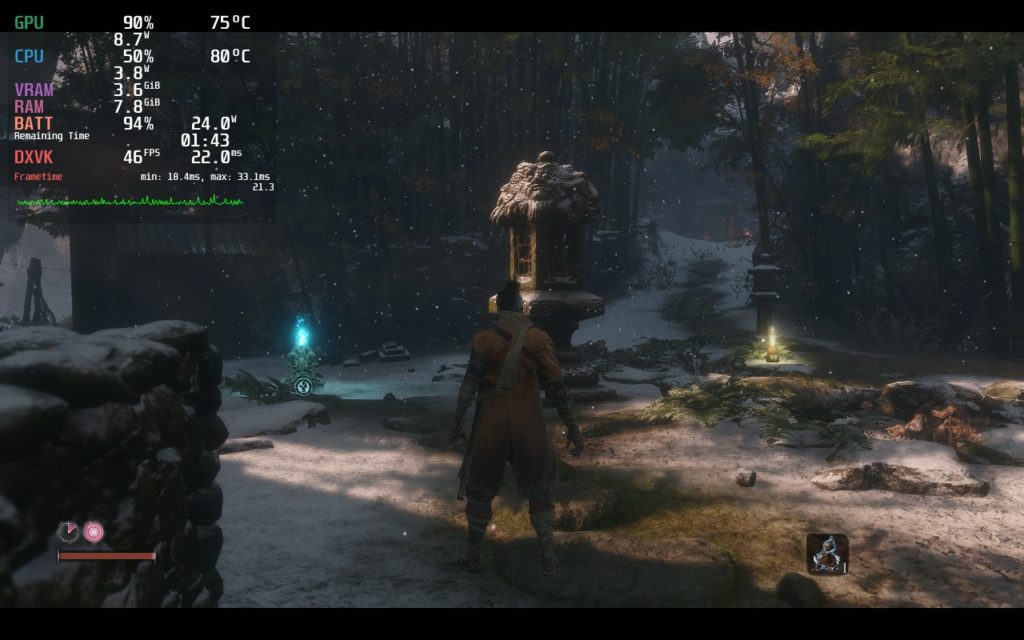
Through my time playing, I noticed that loading in areas is what causes the most fluctuations in framerate. This is noticeable at every setting I chose, except for when the framerate was set to 30 FPS. While I did test 30, and for battery saving and stability it is a lot better, the smoothness of 40 FPS was a night and day difference and I personally preferred the little spikes when running and grappling into new areas.
I tested out lower resolutions with FSR, but because of the sharpening, I felt it was better in the end to just stick at native resolution without upscaling. It does help a little with performance, but the visuals became a bit too sharpened and I personally wasn't a fan. The game also states it supports 1280x800 resolution, but it is stuck to 1280x720 when actually playing.
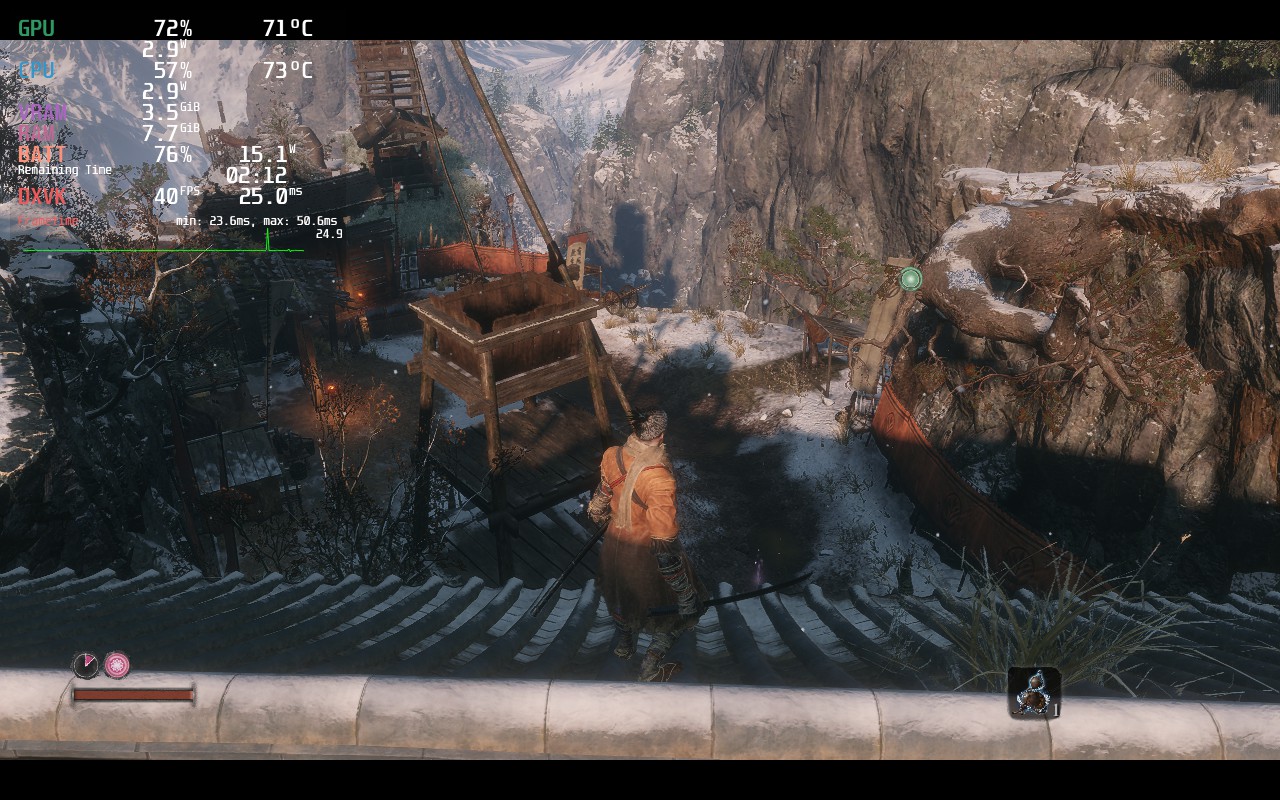
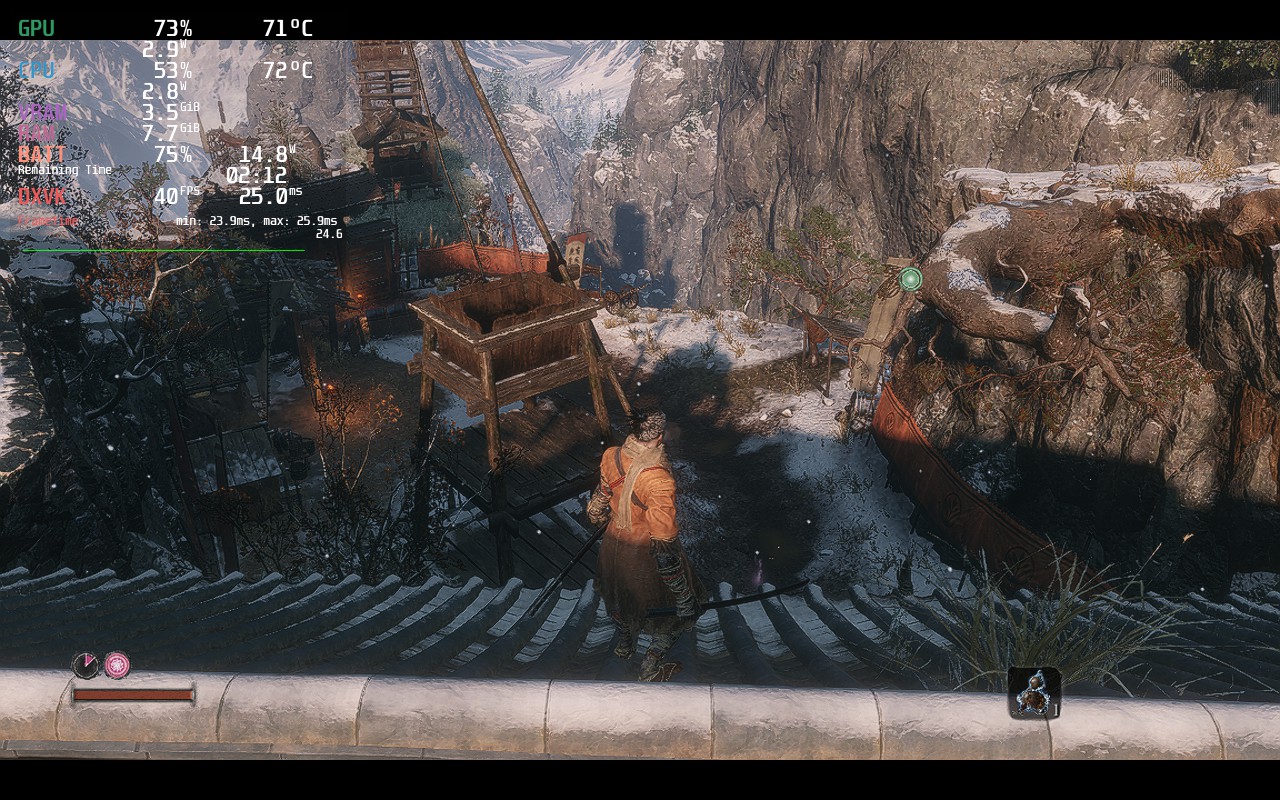
It is a little harder to tell, but there is more sharpness when using FSR that doesn't fit in as well with this game. It is playable and can save some battery, but the visuals at native is better looking.
With a mix of settings, we were able to get a decently stable 40 FPS (when not loading into new places) with around 3 hours of battery. The game still looks wonderful and feels fantastic to play on. We did also notice there was no Vsync option in the graphics, but that is because it is automatically enabled.
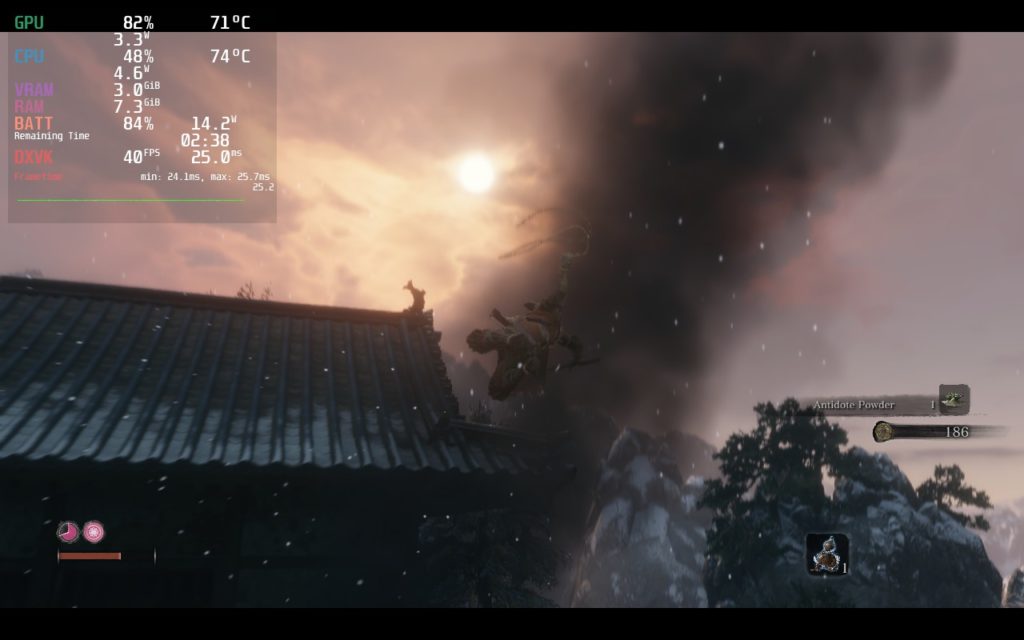
Zooming into action!
Now if you want to curb all those possible stutters, as well as save some battery, the 30 FPS build is the way to go. The game does auto enable Vsync, so to do this without any input lag, you need to put this command in the launch options of the game:
MANGOHUD_CONFIG=fps_limit=30,no_display mangohud %command%On top of that, the game is very playable and stable with high quality settings and around 11W - 14W battery drain for around 3.5 - 4 hours of gameplay! For what it is, it is pretty amazing.
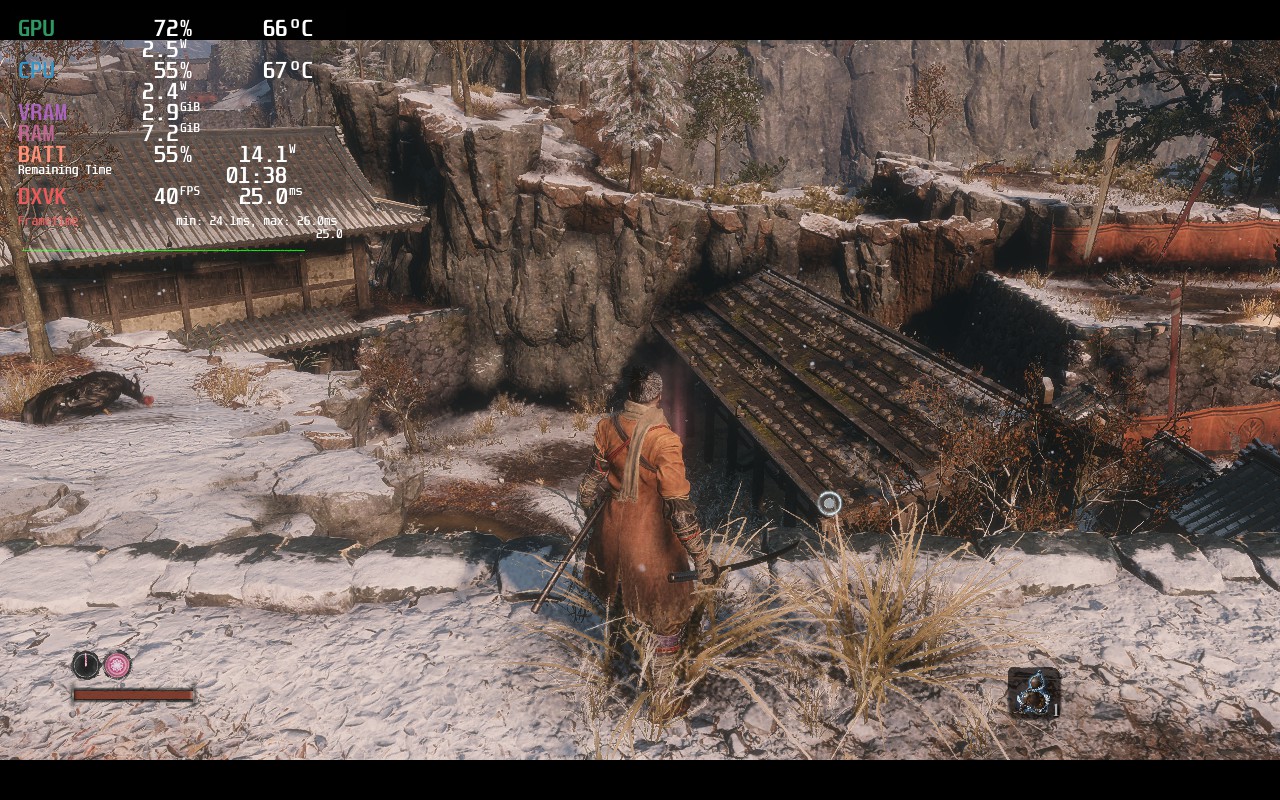
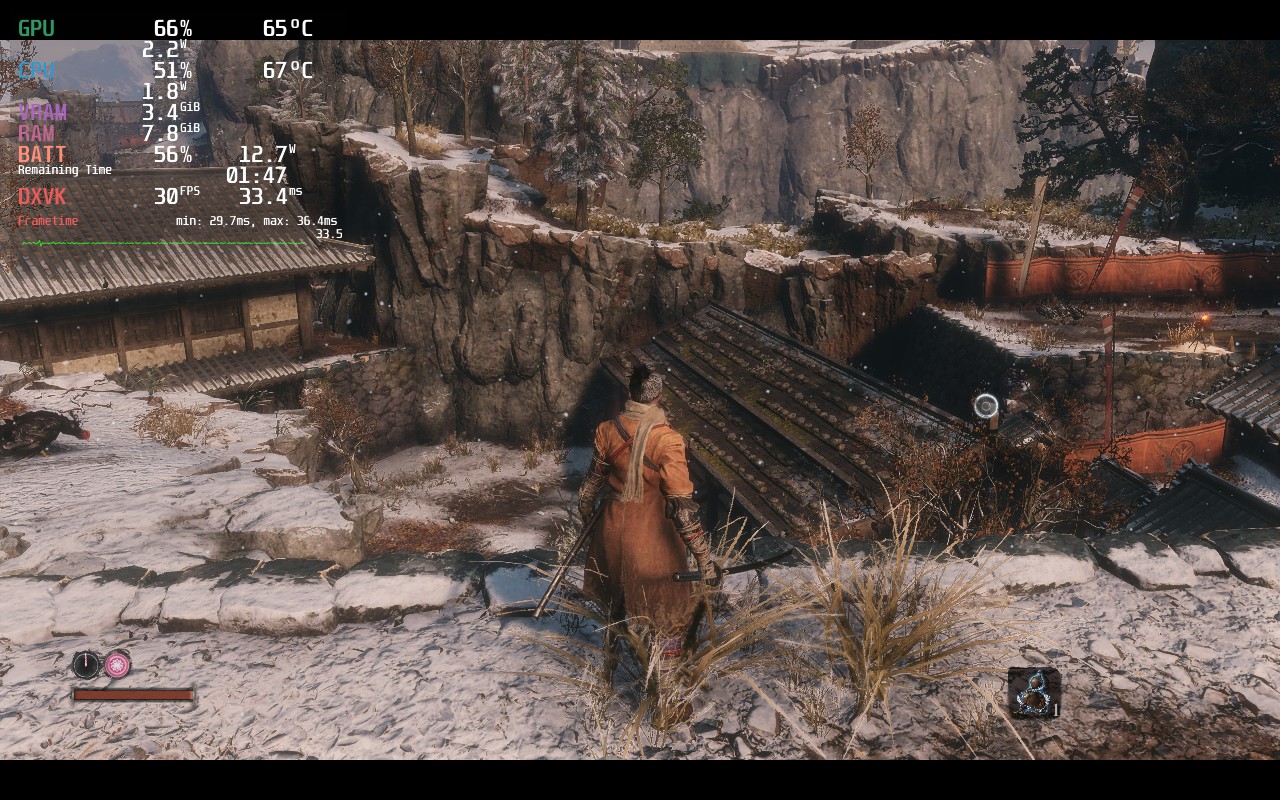
I tried to get these as close as possible, but it was hard due to needing to leave the game and change launch configuration. But there is definitely better shadowing in the distance in the 30 FPS build with better battery life.
There weren't many issues I found while playing Sekiro, though I did see 1 or 2 oddities. The first being the resolution issue where it says 1280x800 but it is only playing at 1280x720. The other is that the default control scheme for the game has gyro controls mapped in. I am not exactly sure why though. This can easily be fixed by turning Gyro Behavior in the controller settings to "None". This really isn't a game that needs gyro controls.
Sekiro: Shadows Die Twice is an incredible game and playing it on Steam Deck feels near perfect. The game runs so well when it is configured and feels natural on the gamepad. And thanks to the automatic vsync, we can make sure the input lag is non-existent for both the builds we provide!
このレビューはPC版に基づいています。
このレビューをお楽しみいただけたなら、SteamDeckHQ の他のコンテンツもぜひご覧ください!私たちはあなたのゲーム体験に役立つこと間違いなしの様々なゲームレビューやニュースを取り揃えています。ニュース、ヒントやチュートリアル、ゲーム設定やレビューをお探しの方も、最新のトレンドを知りたい方も、ぜひご利用ください!
Sekiro: Shadows Die Twice feels right at home on the Steam Deck and it is amazing how well it can run!
SteamOS:
Unlimited FPS Cap with 60 Refresh Rate
ハーフレートシェーディングOFF
TDP Limit 9
FSR シャープネス 0
Launch Setting: MANGOHUD_CONFIG=fps_limit=30,no_display mangohud %command%
プロトン・バージョン
強制的な互換性はない
ゲーム設定:
Graphics Preset: High
バッテリーの使用量/時間
11W - 14W
Around 60c - 65c temps for CPU and GPU
Around 3.5 - 4 hours of gameplay