



16W - 18W



RAILGRADE was provided by the publisher for review. Thank you!
I haven't played many Logistics management games recently, but I fondly remember Transport Tycoon in the 90s. Sadly, the genre seems to have slipped into a bit of a lull since the early 00s. Fortunately, RAILGRADE is here to bring back some of that logistical goodness, and I couldn't be happier.
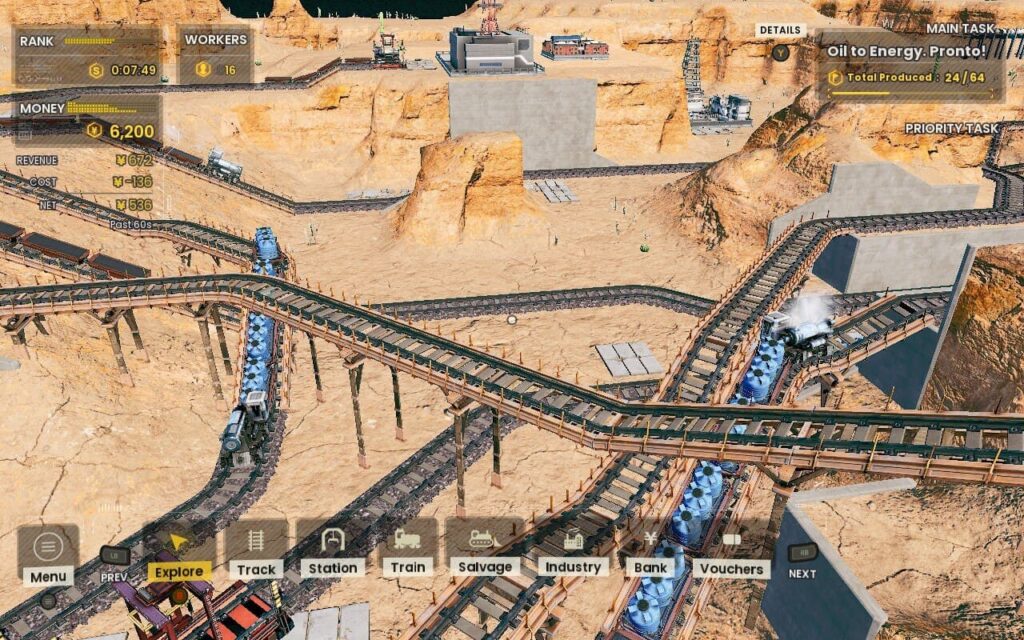
You're greeted with a rather surprising electronic soundtrack when first booting the game. It fits the theme of greasy/oily trains working hard, and although I was surprised, I quite enjoyed the energetic music encouraging me to build the best rail network the land has ever seen.
RAILGRADE runs on tried-and-true gameplay mechanics, conforming to a simple supply and demand system, with a few changes here and there. A basic example of this is the Oil production chain. Oil Wells produce Oil, which should then be taken to an Oil Power Plant. The Power Plant will then produce Energy, which can be taken to the "Zeppelin" and exported for money. While this is a standard loop for this type of game, RAILGRADE switches it up with Catalysts and Upgrades.
Catalysts are secondary goods that industries can provide to boost their performance. For example, Oil Wells and Oil Power Plants can deliver Water to them. This isn't necessary for them to run, but if you supply them with water, they'll work faster and produce more resources. Upgrades can be obtained by paying in-game money to improve an industry's production and storage capacity, meaning it can supply more or larger trains. These spiced up the experience and made it feel much more unique with my playthroughs.
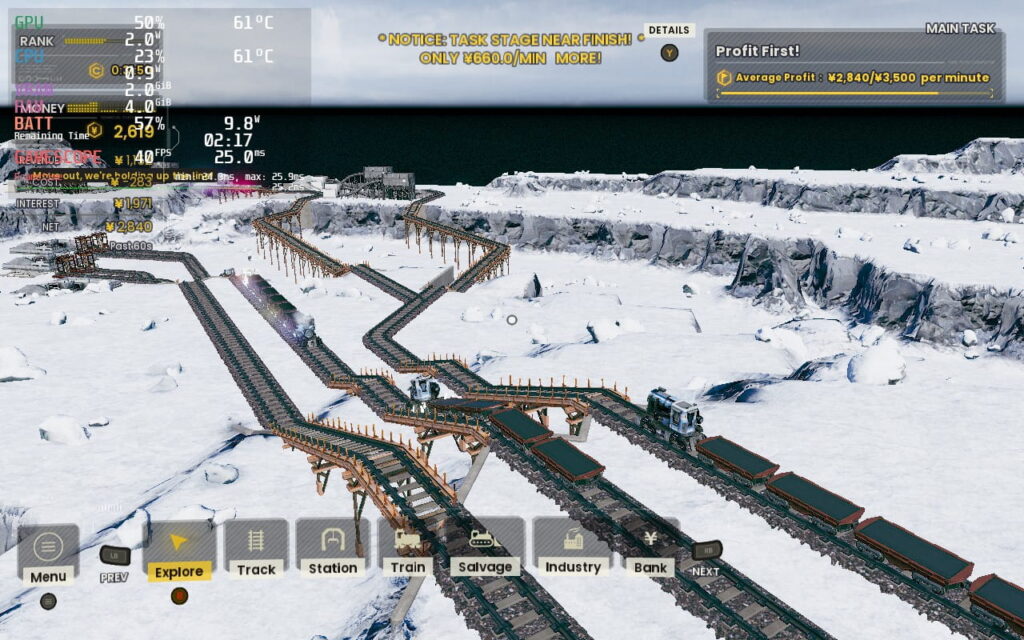
The game also features a "voucher" system. Vouchers are rewards for doing well in the game's missions. Each mission has a ranking system from C to S. Getting a good rank means you get rewarded with vouchers, which can be exchanged for new train engines, new industry upgrades, new songs, and more! The exciting progression offers new ways to create a better rail network. You can also replay missions, giving you another chance to craft a better track and a higher score.
I had a great time playing RAILGRADE, and it's a competent management experience. And with more updates promised by the developer, the game will keep giving in the future!
RAILGRADE runs and looks excellent on the Steam Deck. Even on low settings, the game looks appealing and returns fantastic battery life results. We can reach 60 FPS on higher settings if we run at a higher TDP and sacrifice some battery life.
The menu layout is simple and practically designed for a gamepad, and the controls work beautifully with the Deck; you shouldn't have any trouble controlling the game with the default controls.
16:10 resolutions are also supported, so there are no black bars for you to worry about above and below the screen. We can change many graphics settings and scale the UI, although I found the default UI scale to be just fine for the Deck's display.
RAILGRADE is a strategy game where 60 FPS isn't strictly necessary to have a good time. 40 FPS is a perfect target to aim for, and in my experience, I barely noticed the lower framerate when playing.
This means we can save some battery life, but first, we'll need to drop settings down to compensate. We'll want everything on the low setting except Texture Quality, which we'll keep at Supreme.
In SteamOS, you'll want to set a refresh rate and Frame Lock of 40FPS/Hz. We can lower our TDP down to 5W now, which gives us a significant saving on battery life for not much visual sacrifice, in my opinion.
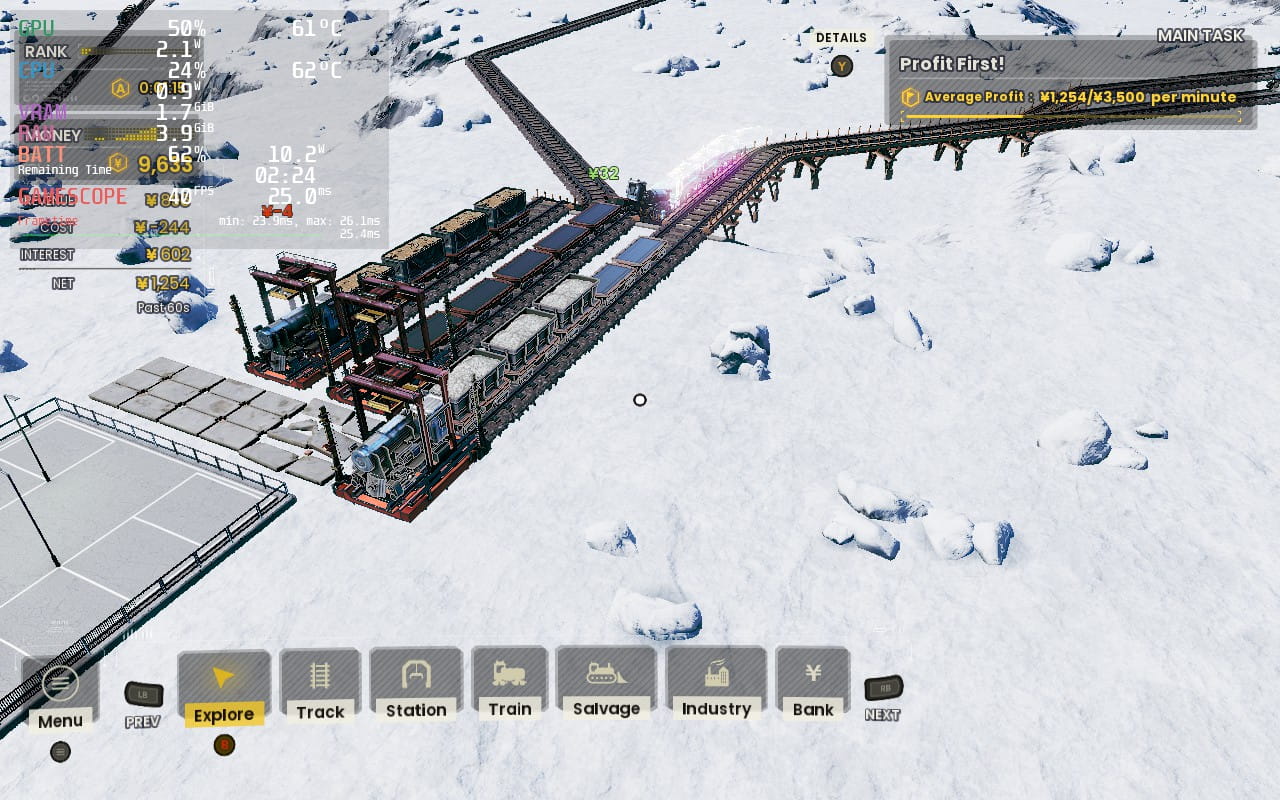
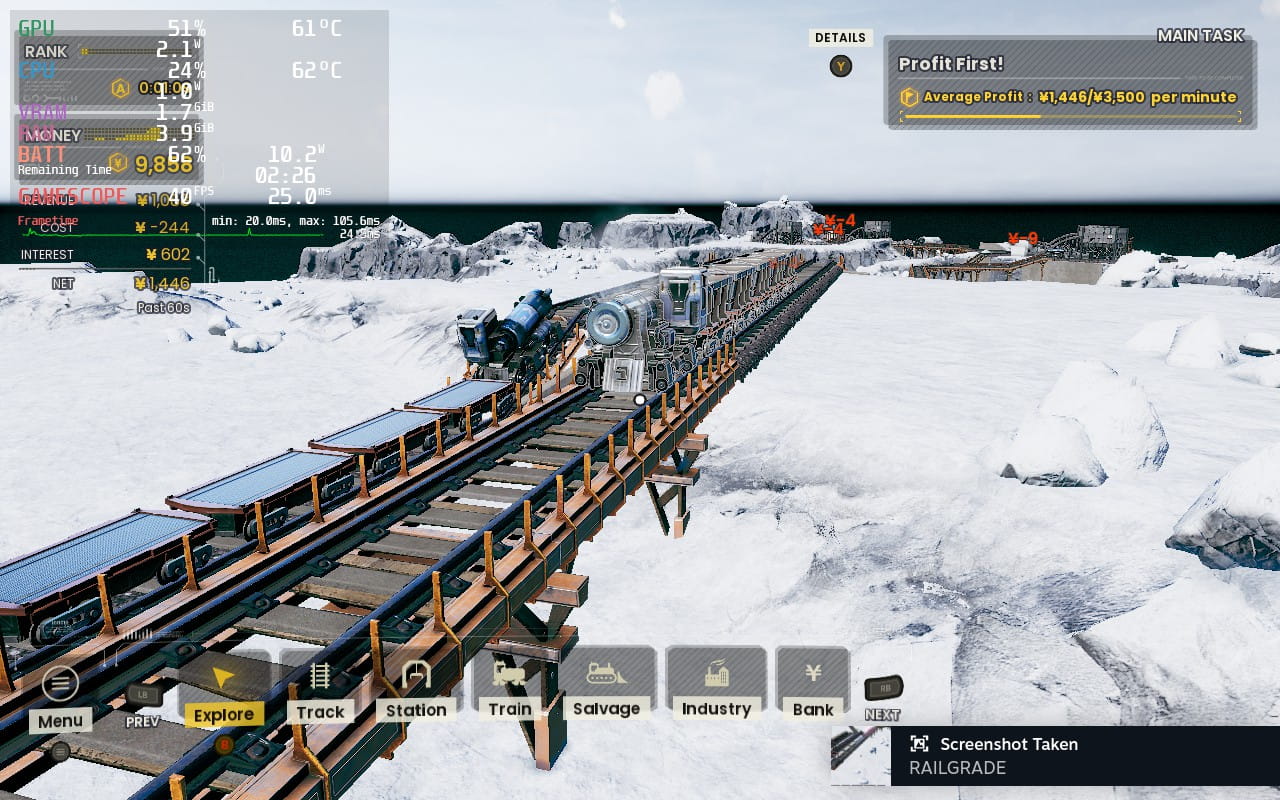
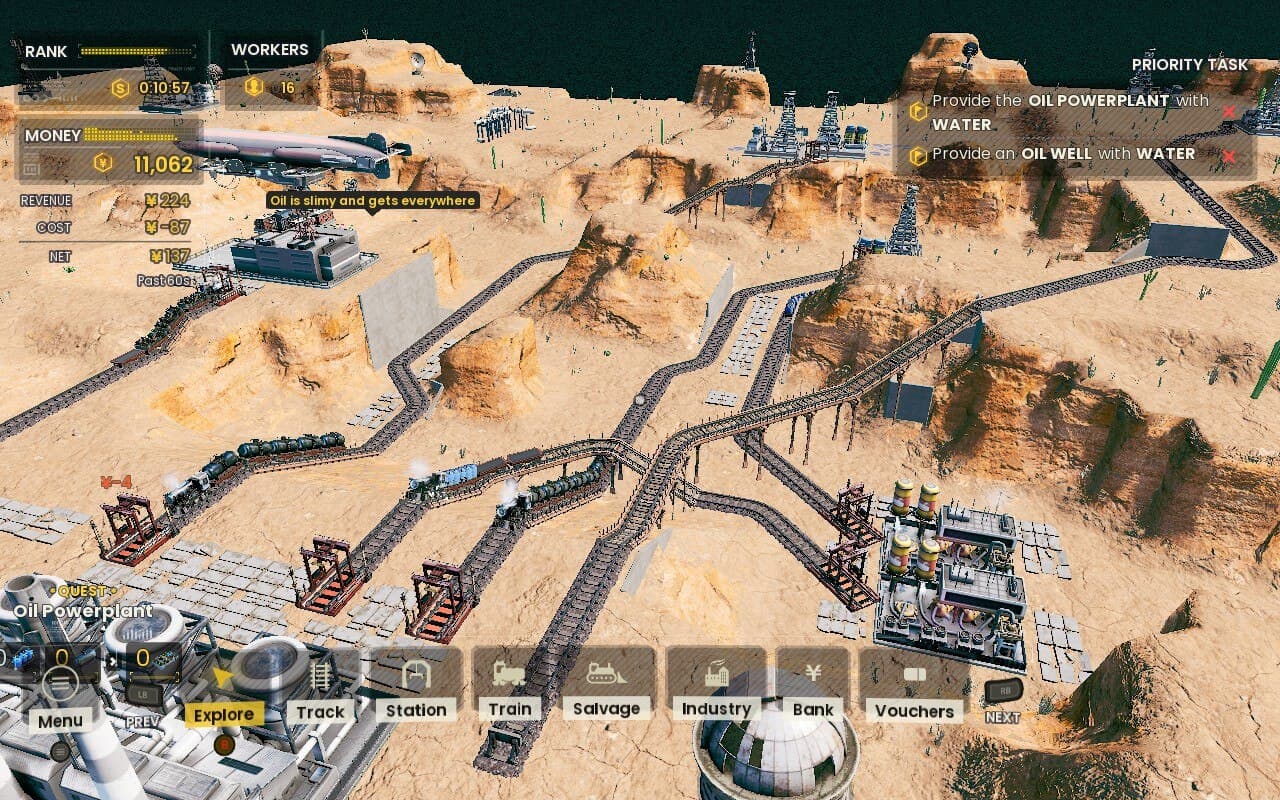
I much prefer to lose the graphical niceties and drop to 40 FPS to gain close to 2 extra hours of battery life. With these settings, you can run the game for around 4 hours.
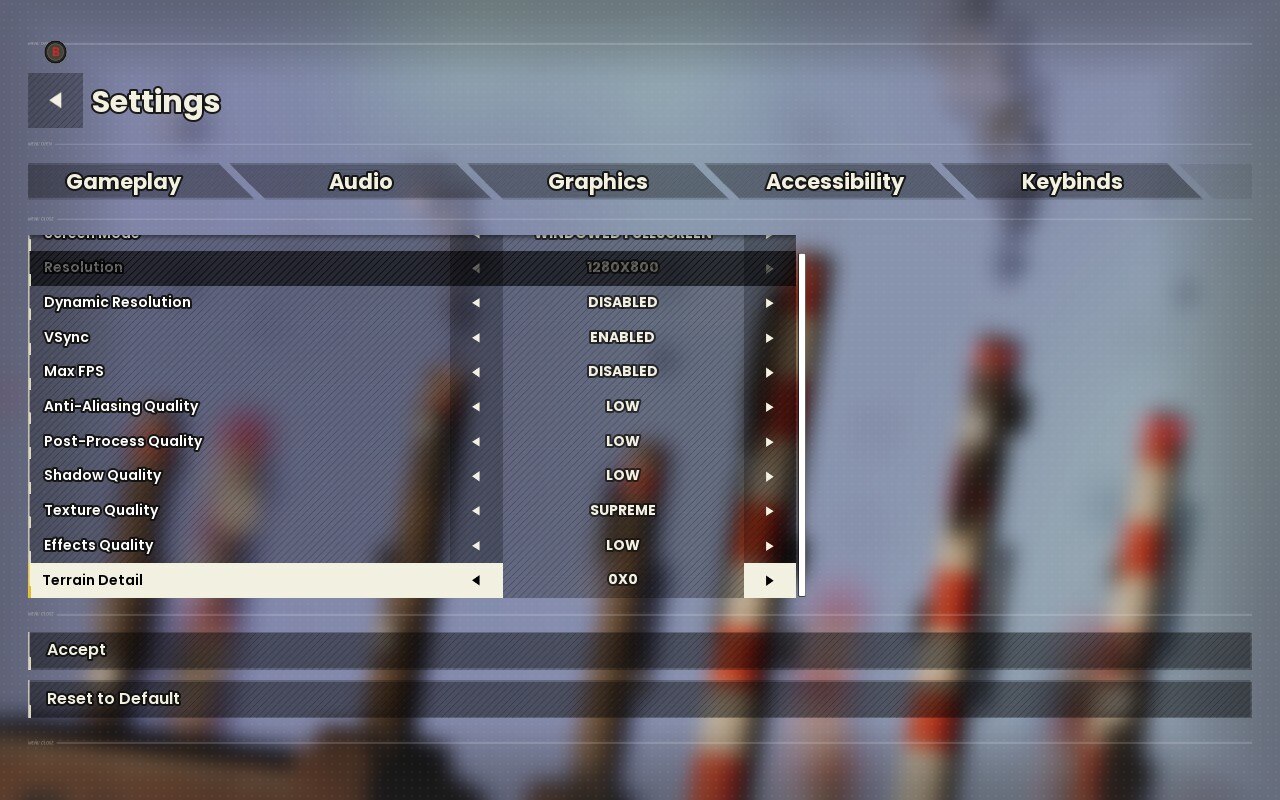
Since the game isn't too demanding of a title, we can avoid having pretty high settings while maintaining 60 FPS. We don't even need to hammer the battery that hard. Here, we're disabling Dynamic Resolution, Enabling VSync, Disabling the in-game FPS cap, and setting AA to Low and Terrain Detail to 0x0. Everything else should be set to Supreme quality. Here's an image for you to copy the settings if you wish.
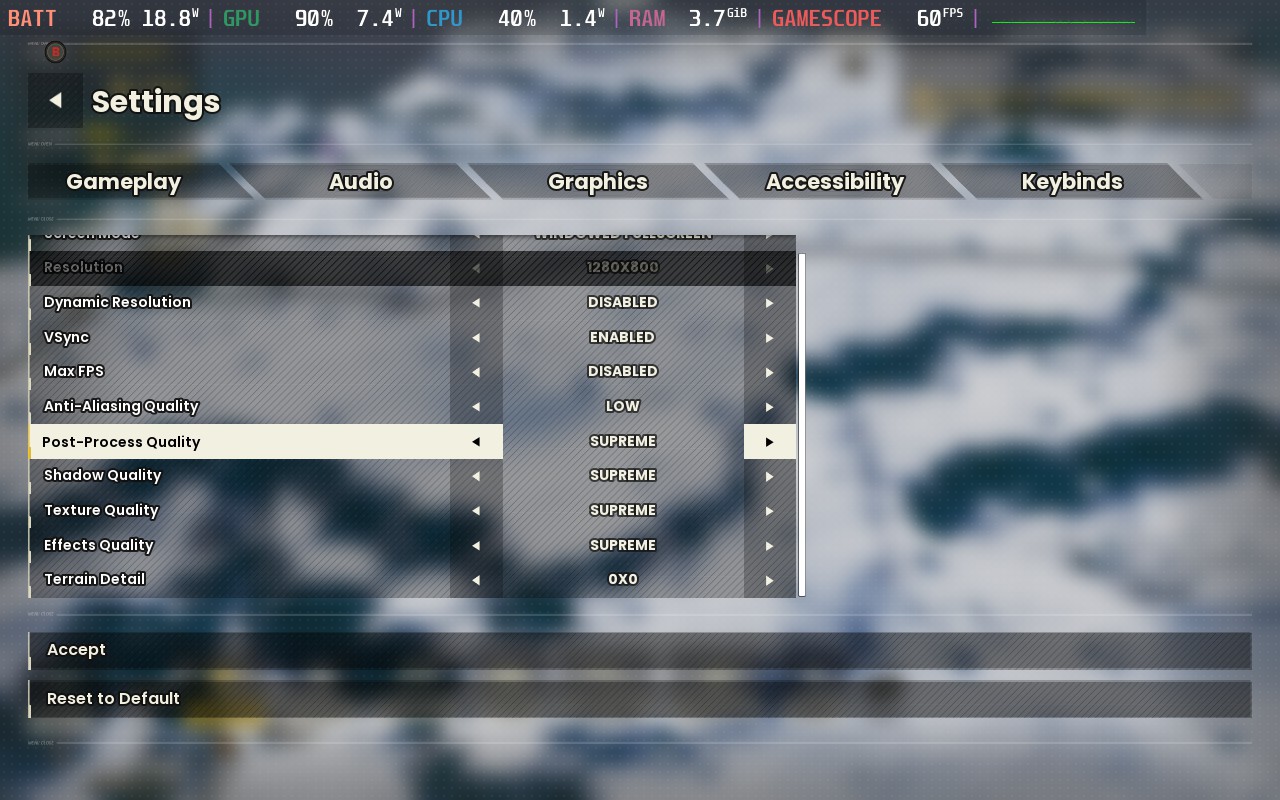
You'll also want to put a Frame Rate limit of 60 in SteamOS and a TDP Limit of 10W.
With these settings, we get a good-looking game, and we can still hit 60 FPS most of the time, with occasional dips to 57 or 58 FPS if we zoom out and spin the map. I expect around 2 and a half hours of battery life at these settings, which is pretty good.
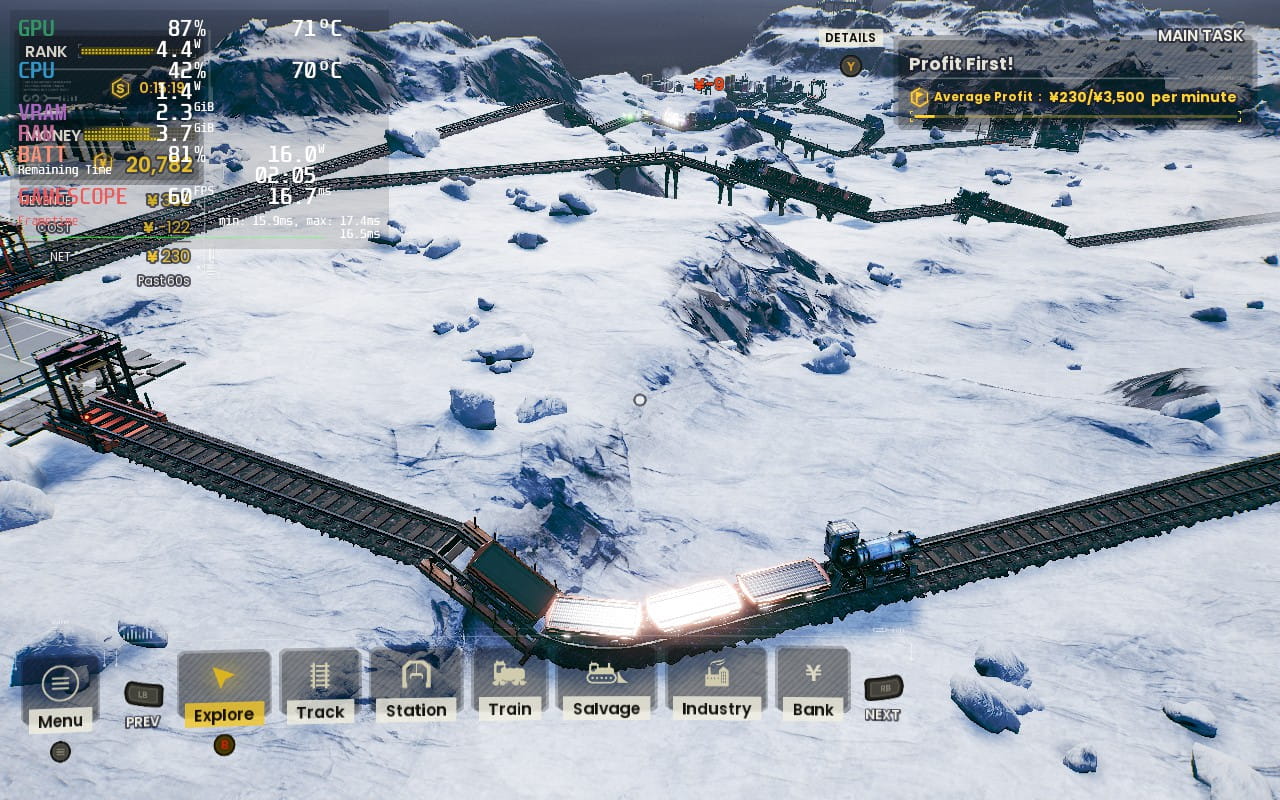
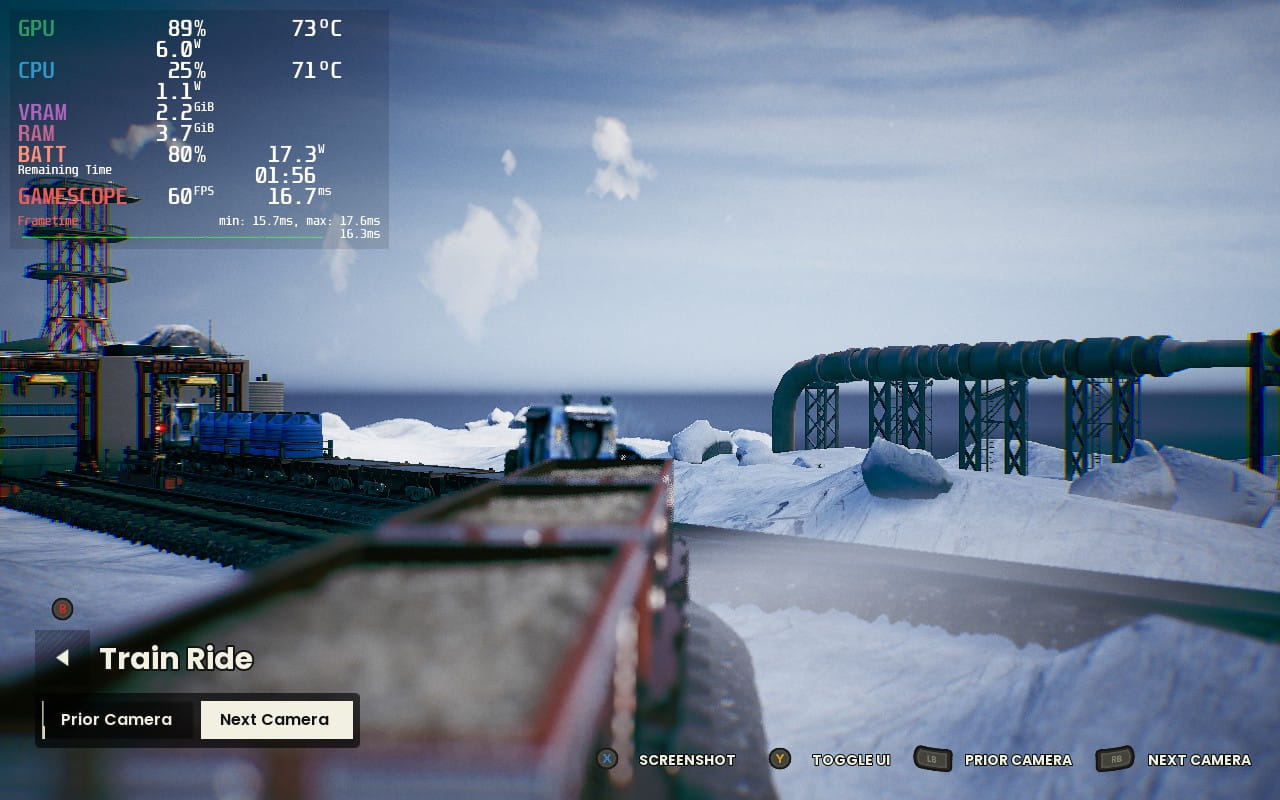
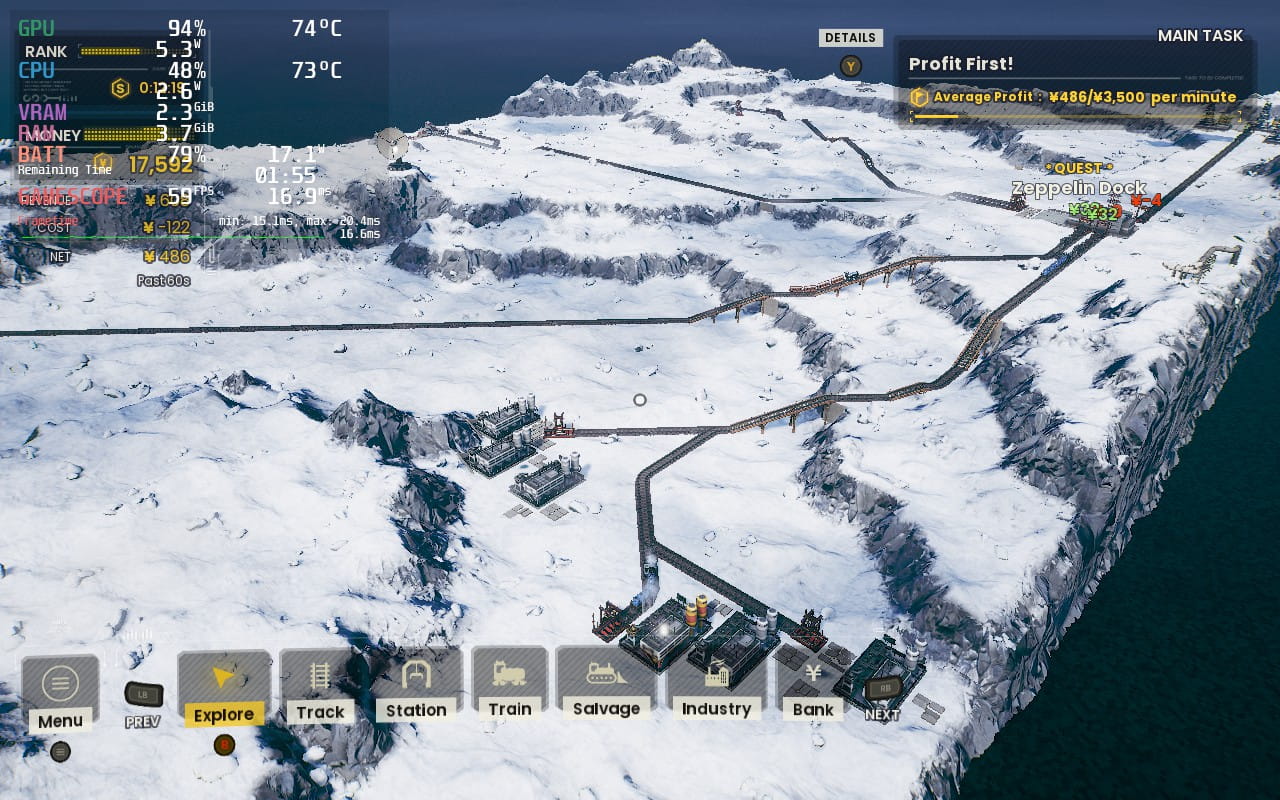
There are a couple of excellent accessibility features included in the game. You can adjust the UI Scale between 70-150%. However, I found 100% to be just fine on the Steam Deck, with the UI already being a pretty generous size. You can also disable the Day/Night effect, which may help some people with impaired vision. We also have a streamer mode for disabling copyrighted music and remappable controls, although the preset controls worked well for me.
RAILGRADE is a fantastic little strategy game. The story mode is enjoyable, with a great progression system. I would have loved to select an environment type and generate a random map with a few customizable settings, and a free-play mode would be great. Still, the developer has stated they plan to add a sandbox mode to the game with procedurally generated maps. There are no details on when this will be.
The gameplay loop in RAILGRADE is satisfying, allowing you to gradually unlock better and more capable trains, improve your facilities/industries, and keep aiming for that best rank on each mission. It's all about creating efficient rail networks; if you have the mind for it, it will be a blast. The missions feel designed so that achieving the best rank on the first try will be difficult, encouraging you to go back with better trains and aim for that high score... or maybe I'm just not very good at it? Who's to say? Regardless, sitting back and seeing your complicated rail network just work is a great feeling.
Ultimately, this is a solid game and one well worth checking out if you like logistics management games, and it runs great on the Deck!
このレビューはPC版に基づいています。
このレビューをお楽しみいただけたなら、SteamDeckHQ の他のコンテンツもぜひご覧ください!あなたのゲーム体験に役立つゲームレビューやニュースを幅広く取り揃えています。ニュース、ヒントやチュートリアル、ゲーム設定やレビューをお探しの方も、最新のトレンドを知りたい方も、ぜひご利用ください。
RAILGRADE runs just great on the Steam Deck, and anyone looking for a logistics management game should check it out!


制限
60
リフレッシュ・レート
60
HRS
ノー
TDPリミット
10
スケーリング・フィルター
リニア
GPUクロック
無効
強制的な互換性はない
1280x800 Windowed Fullscreen
Dynamic Resolution: Disabled
VSync: Enabled
Max FPS: Disabled
AA: Low
Post-Process: Supreme
Shadows: Supreme
Texture: Supreme
Effects: Supreme
Terrain: 0x0
16W - 18W
70C - 75C
~2 Hours
