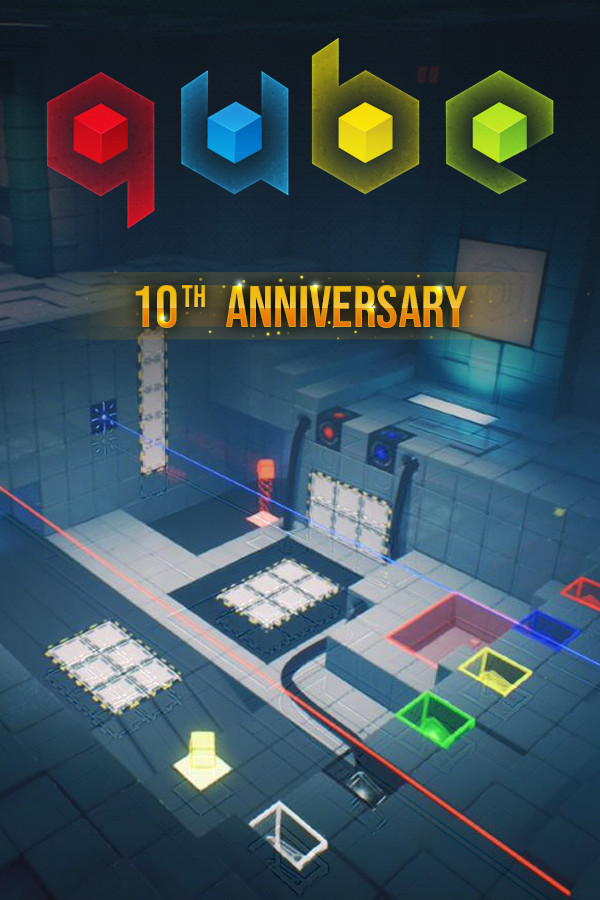



10 years ago, Toxic Games released a physics-based puzzle game which took us by surprise. Q.U.B.E. has a simple concept, solve puzzles by moving, you guessed it, cubes. You had different colored cubes that all interacted differently. Red cubes could move outwards incrementally, yellow created stepping stones, blue became a bounce pad, and so on. There was originally no story to it, but one was developed 2 years later with the Director's Cut.
Now, 10 years and 1 sequel later, the original game has been remade Q.U.B.E. 10th Anniversary includes both the original and director's cut, a new chapter with new puzzles, and developer commentary. The game looks more beautiful than ever, giving off a dystopian alternate reality Portal vibe. Now, with all these upgrades, one has to ask, how does it run on the Steam Deck? Well let me tell you...
Q.U.B.E. is a little bit odd when it comes to running at max settings. It can actually run very well in 60% of the game, but that other 40% drains the battery. The biggest parts we saw the most dips was in-between puzzle sections, where the battery drain would hit a high of 22W and 80c temps, or in certain puzzle chambers when looking at specific angles. The game can be playable like this, but it isn't as consistent as I would like. I know we can do better!
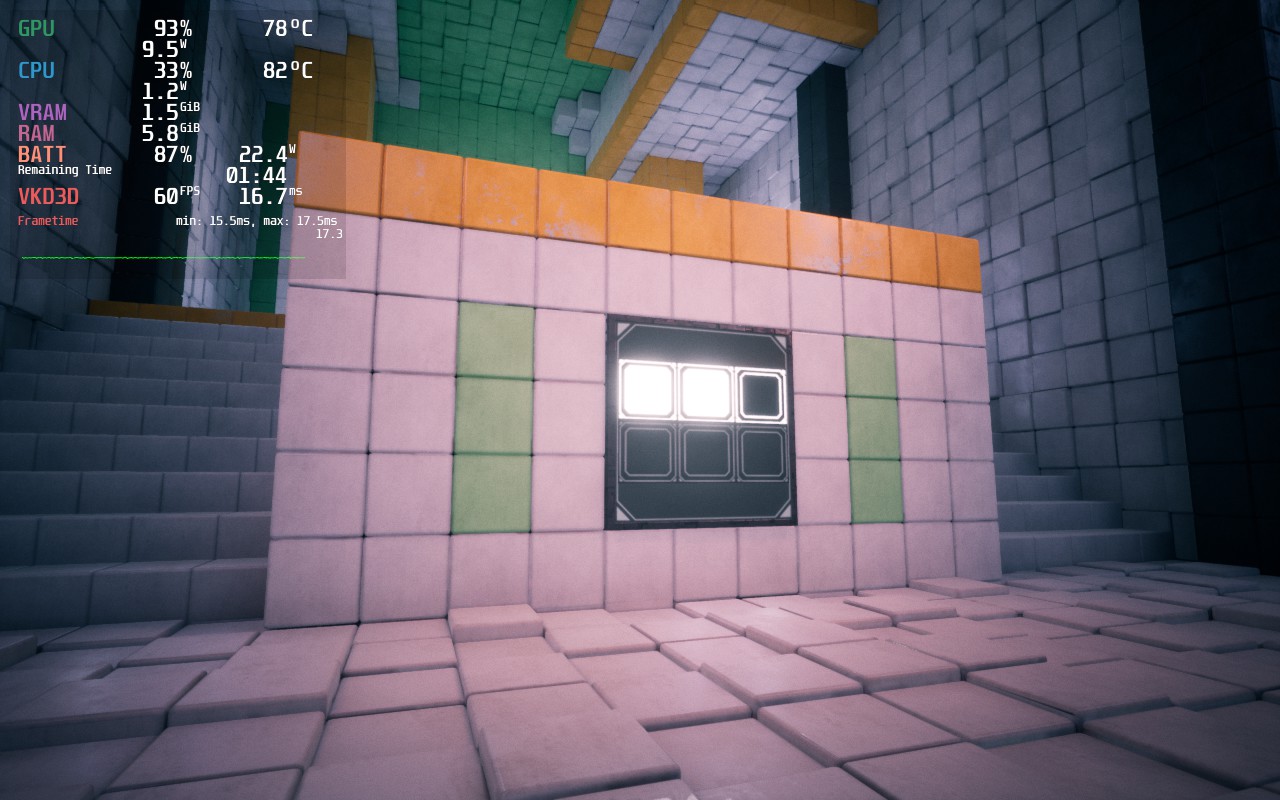
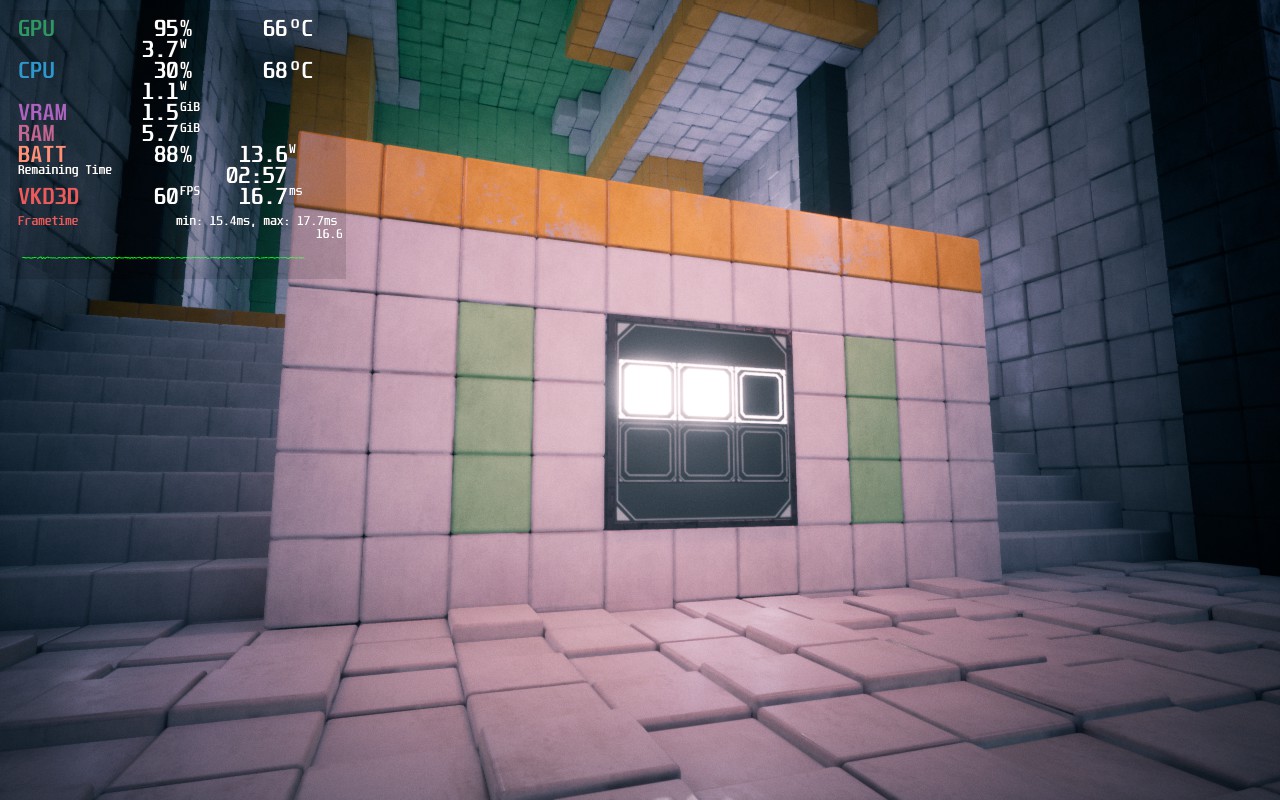
This is a spot in-between puzzle sections. As you can see, battery drain and temps are WAY higher than they need to be, especially compared to our recommended build and with almost no change to visuals.
Luckily, once some of the settings are changed, this game is very playable on Deck. Due to the way the game looks, I have a mix of medium and high settings to keep a stable 60 FPS the entire time, while dropping the resolution to 1152x720 with FSR Sharpness 0, I was able to get a consistent 60 FPS with a 14W drain for 3.5 hours of battery. This regularly dipped to 12.5W though, so hitting 4 hours is very achievable too.
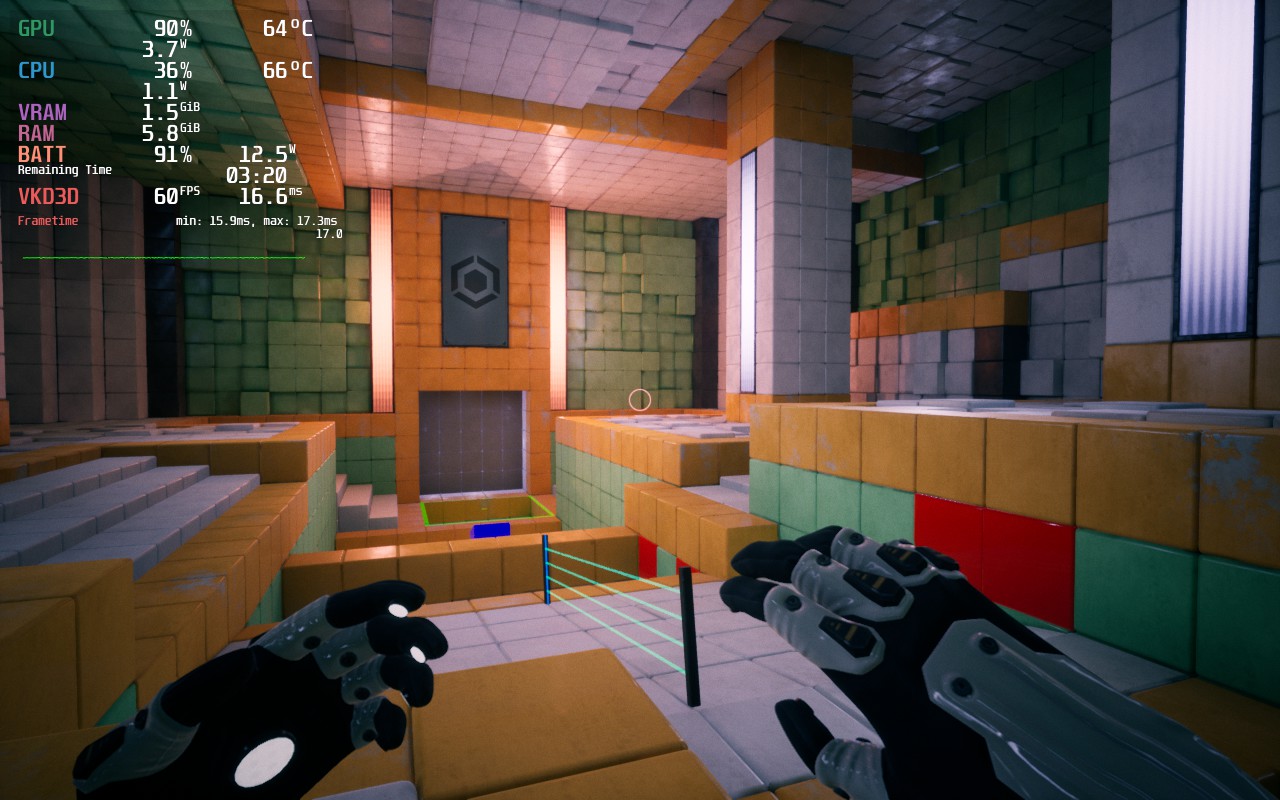
I love the game at these settings and I believe it is not only perfect for battery life, but to keep a consistent 60 FPS. And with temps under 70c, the Deck stays cool the entire time. But, for those who want pure quality, we were able to get it working at near-max settings to keep you satiated!
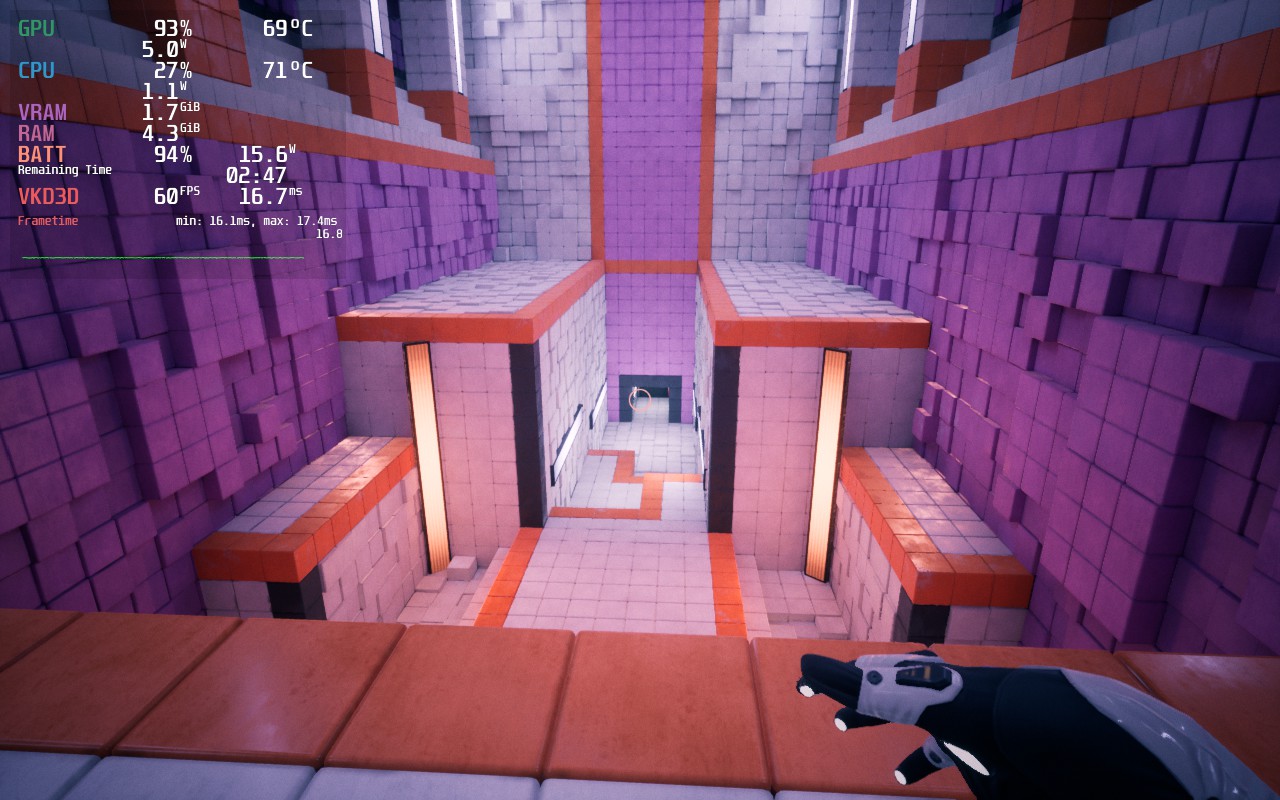
Luckily, there are pockets in the game where battery drain and temps go down. These aren't often, but they exist!
While I didn't encounter any bugs, I did find changing the in-game settings to be a slight nuisance. The settings don't auto-apply when you are done setting them, so you have to scroll down and hit apply for them to take effect. There were multiple times I forgot to hit apply as it wasn't super convenient. But otherwise, I had no negative experiences with any bugs.
It was really nice to go back down memory lane. I remember buying this game when it originally released and loving it, especially since I was obsessed with Portal 2's aesthetic at the time. Q.U.B.E. 10th Anniversary looks beautiful and runs like a charm on the Steam Deck, fitting right at home where it should be!
このレビューはPC版に基づいています。
このレビューをお楽しみいただけたなら、SteamDeckHQ の他のコンテンツもぜひご覧ください!私たちはあなたのゲーム体験に役立つこと間違いなしの様々なゲームレビューやニュースを取り揃えています。ニュース、ヒントやチュートリアル、ゲーム設定やレビューをお探しの方も、最新のトレンドを知りたい方も、ぜひご利用ください!
Q.U.B.E. 10th Anniversary runs like a charm on the Steam Deck and, with some tweaks, keeps a consistent 60 FPS with sharp visuals!
SteamOS:
リフレッシュレート60で60 FPSの上限
ハーフレートシェーディングOFF
TDPリミット10
リニア
プロトン・バージョン
強制的な互換性はない
ゲーム設定:
解像度1280x800
分解能のスケール:100
Anti-Aliasing: Epic
Post Processing: Epic
Shadow Quality: Epic
Texture Quality: Epic
Effects Quality: High
Reflections: Epic
バッテリーの使用量/時間
14W - 18.5W
Around 70c - 75c temps for CPU and GPU
約2時間半~3時間のゲームプレイ