Coop games are some of the most enjoyable experiences I have had when it comes to gaming and when thinking about some of the best, Payday 2 shows up in my mind. This first-person shooter has been around since 2013 and will see you and 3 others going across the globe committing bank robberies and grand heists together. With tons of guns, masks, modifications, skins, and much more, the game has a near endless amount of content to digest. And with it all being accessible via coop or single-player, the game really has it all. And yes, even though it is celebrating its 9th anniversary, there is STILL content being added. But, all of that aside, how well does this run on Deck?
Even though Payday 2 is an older game, it still definitely needs some love. Just standing still in one of the heists at the beginning with max settings brings the framerate down from 60 to 55, which fluctuates. As the heist goes on, this regularly drops to 40-44 while temps go up to the 80 range. It is playable if you want to push the refresh rate down to 40 and just play that way, but there are ways to improve this!
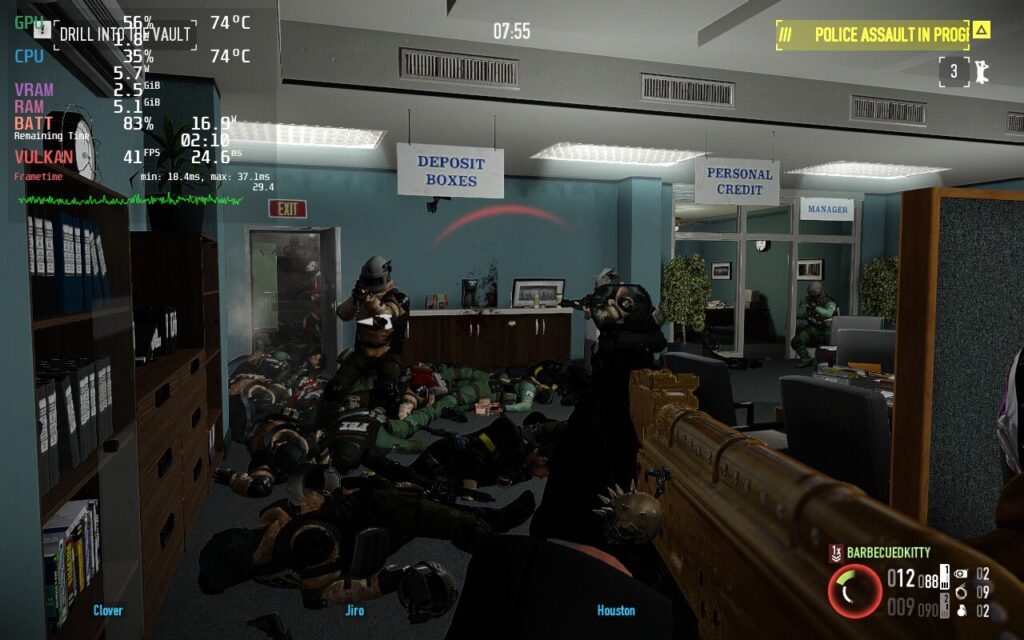
While battery drain at max settings for Payday 2 isn't terrible, the framerate instability and temps could easily be improved.
Payday 2 has a good amount of options to play around with, and with the smaller screen of the Deck, the quality gains from higher settings just really aren't noticeable. This being a shooter, my first priority was smooth gameplay. While pushing the refresh rate down, I noticed that 50hz/framerate actually felt just as smooth as 60. Anything less than that started to feel a massive difference, so I decided to stick to the 50 refresh rate/framerate.
With that out of the way, I could start lowering settings to keep framerate as stable as possible. Once I found a good quality settings cocktail, I proceeded to modify TDP and GPU Clock Speed Frequency. With most of the settings set to medium or low, textures set to high, and resolution at 960x600 with FSR Sharpness 3, I was able to get the TDP limit down to 7 to cap things off right below 13W for the most part with temps below 72c. I also set a GPU Clock Speed to 1200 to mitigate any stuttering. This kept the game running especially cool, stable at 50, and looking fantastic on the smaller screen. I also noticed that, while the game does have a native Linux build, it ran better using Proton GE, so I used 7-29 when playing.
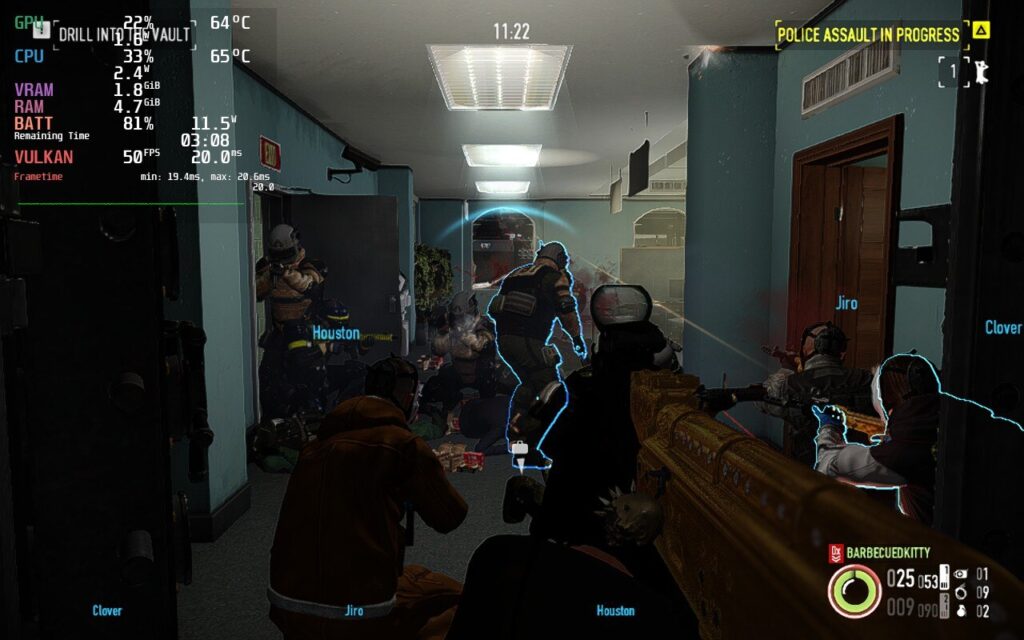
Same scene and heist as max settings screenshot above, but a different angle. Significantly reduced temps, much lower battery drain, and stable framerate while still looking great!
I decided after that to try putting together a 60 FPS stable build and while it can hit it, it isn't fully stable. Even when I turned off the TDP limit, the game couldn't keep a stable 60 FPS and would fluctuate between 55-58, even hitting below 40 on heists with the higher difficulties. I also wanted to put together a build focused on Quality and while it does look a little better, I really didn't notice enough difference to warrant using it. 40 FPS is preferred for this build due to the increased load and, while it is playable, the recommended build's framerate and smoothness trumps the better visuals easily.
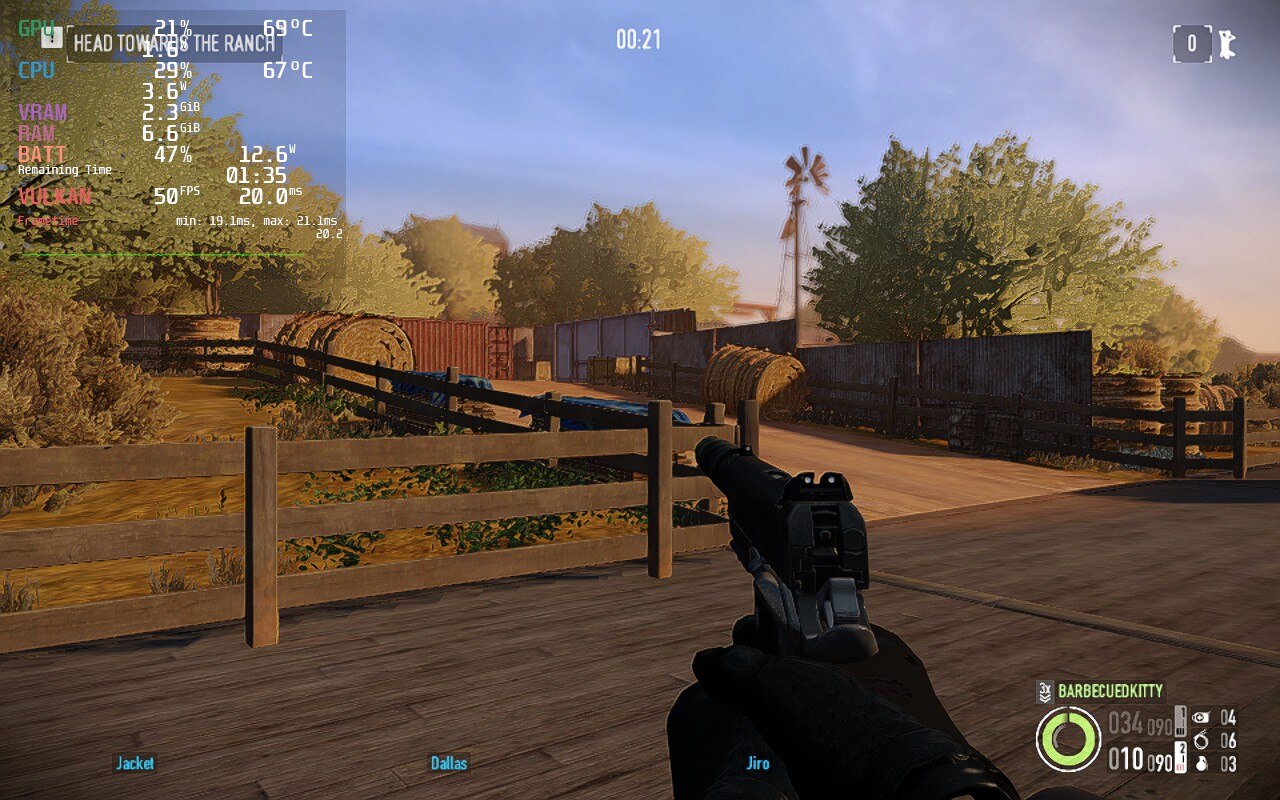
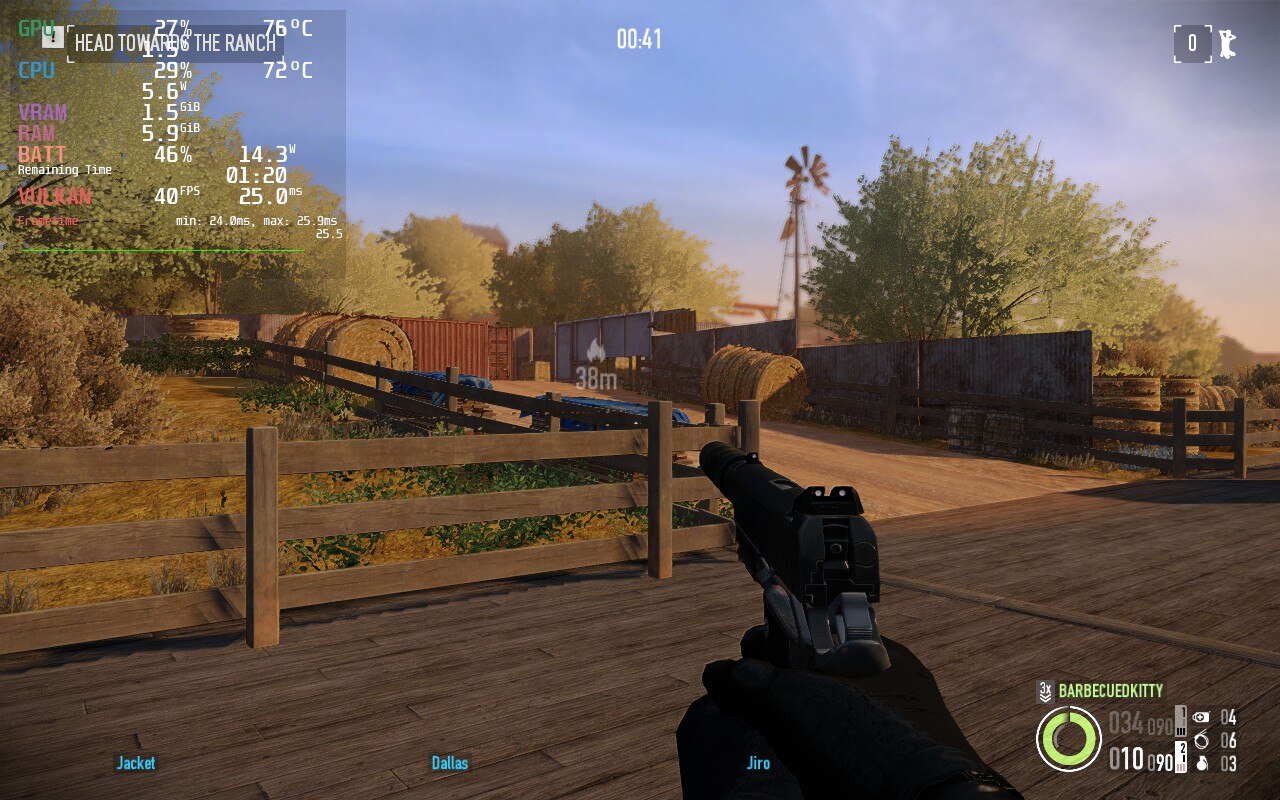
Payday 2 looks much better in the quality build, but higher temps and larger drain will be there along with a reduced framerate. Not as worth it for a first person shooter like this.
Payday 2 plays very well and I didn't notice any specific bugs on it that weren't already in the game outside of the Steam Deck. It still runs very well though and nothing stopped my enjoyment of playing or ruined a heist. I would recommend playing around with the Look Sensitivity to find the best one for you. The default was a bit too slow for my taste, so I pushed it up to 12.4 and felt a bit better. There is also no support for simultaneous/mixed inputs for KB+M and Controller.
Payday 2 is an extremely fun multiplayer game that brings you into the criminal world with your friends. While the game is dated, there is still tons of content and more being added constantly. When testing, I played this with my friend, both of us together on our Decks, and it brought me back to the good ol' LAN party days. On top of that, the game runs extremely well for the most part. This will be a game I bring out my Deck for to play with my friend via LAN hands-down. It was definitely one of my favorite Deck multiplayer experiences so far!
このレビューはPC版に基づいています。
このレビューをお楽しみいただけたなら、SteamDeckHQ の他のコンテンツもぜひご覧ください!私たちはあなたのゲーム体験に役立つこと間違いなしの様々なゲームレビューやニュースを取り揃えています。ニュース、ヒントやチュートリアル、ゲーム設定やレビューをお探しの方も、最新のトレンドを知りたい方も、ぜひご利用ください!
Payday 2 is a fantastic game to play on the Deck with single-player and multi-player support and tons of content, as well as a very cheap price tag.

Proton GE 7-29
解像度:960x600
Effect Quality: Half Bar
Vsync:オン
テクスチャークオリティ:高
影の質:低い
Anisotropic Filtering: 2x
Animation Quality: Low
Anti Aliasing: FXAA
Ambient Occlusion: AOB
Corpse Limit: Low
Frame Rate Limit: 60
Color Grading: Default
SteamOS:
リフレッシュレート60で60 FPSの上限
ハーフレートシェーディングOFF
TDP Limit 11
FSR Sharpness 3
プロトン・バージョン
Proton GE 7-29
ゲーム設定:
Same as Recommended except:
Texture Quality: Low
バッテリーの使用量/時間
16W - 18W
Around 72c - 76c temps for CPU and GPU
Around 2 - 2.5 hours of gameplay
SteamOS:
40 FPS Cap with 40 Refresh Rate
ハーフレートシェーディングOFF
TDP Limit 11
リニア
プロトン・バージョン
Proton GE 7-29
ゲーム設定:
解像度1280x800
テクスチャークオリティ:高
影の質:ミディアム
Anisotropic Filtering: 4x
Animation Quality: Medium
Anti Aliasing: FXAA
Ambient Occlusion: SSAO High
Corpse Limit: Normal
Frame Rate Limit: 60
Color Grading: Default
バッテリーの使用量/時間
15W - 17W
Around 70c - 75c temps for CPU and GPU
Around 2 - 2.5 hours of gameplay