





13W〜19W




Arriving on the mysterious Prison Island, Luffy and his crew are caught up in a nefarious plot lead by the island's warden, Isaac. One Piece World Seeker gives you open-world freedom as you will use your stretchy powers to knock out enemies, learn new skills to fight and traverse, and discover a surprisingly deep and emotional story. Although combat can be a bit repetitive and movement isn't as fluid as it could be, this is an adventure worth remembering, but will it be one worth it on the Steam Deck? Let's find out.
One Piece World Seeker is an odd one when it comes to performance. It can actually run perfectly right out of the box without changing settings, which is great, but it can be improved on. Before I did all of that though, I decided to try pushing 60 FPS at the max settings and the game was chugging along. As expected, having a 2x render scale brought battery drain to 23W, framerate to the high 20's, and temps on their way to 80c.
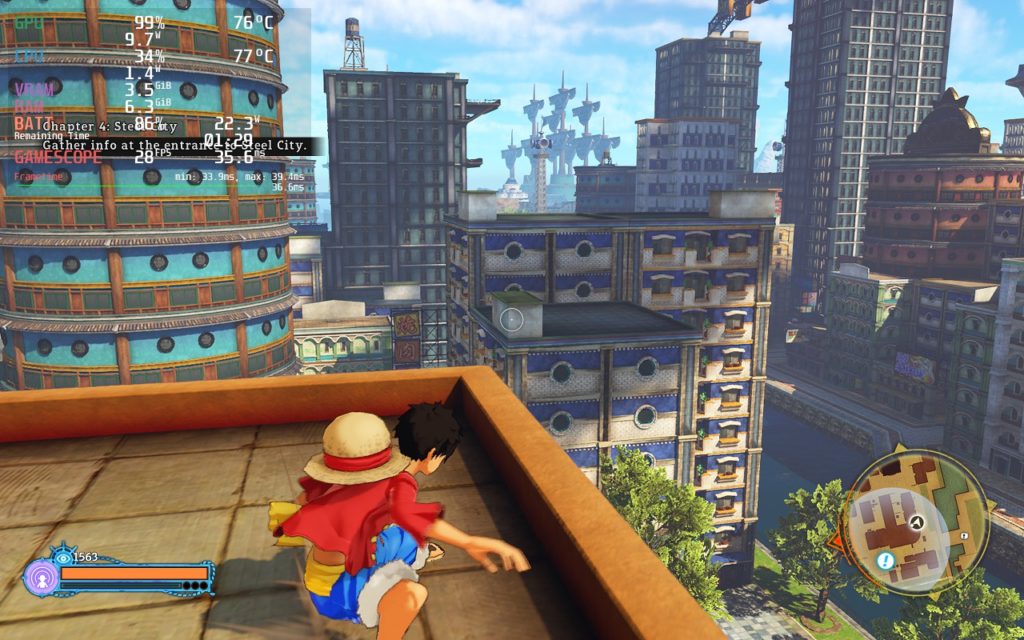
Luckily, World Seeker doesn't need many changes to run as best as it can! You can run it right out of the box perfectly fine, but it has 2 caveats. The first being that it starts out with a 30 FPS cap and the second being dynamic resolution being turned on. Turning off dynamic resolution doesn't affect the battery drain and makes the game look significantly sharper. I also never saw the game's drain go over 14W, so I would say this is easily the best way to play World Seeker!
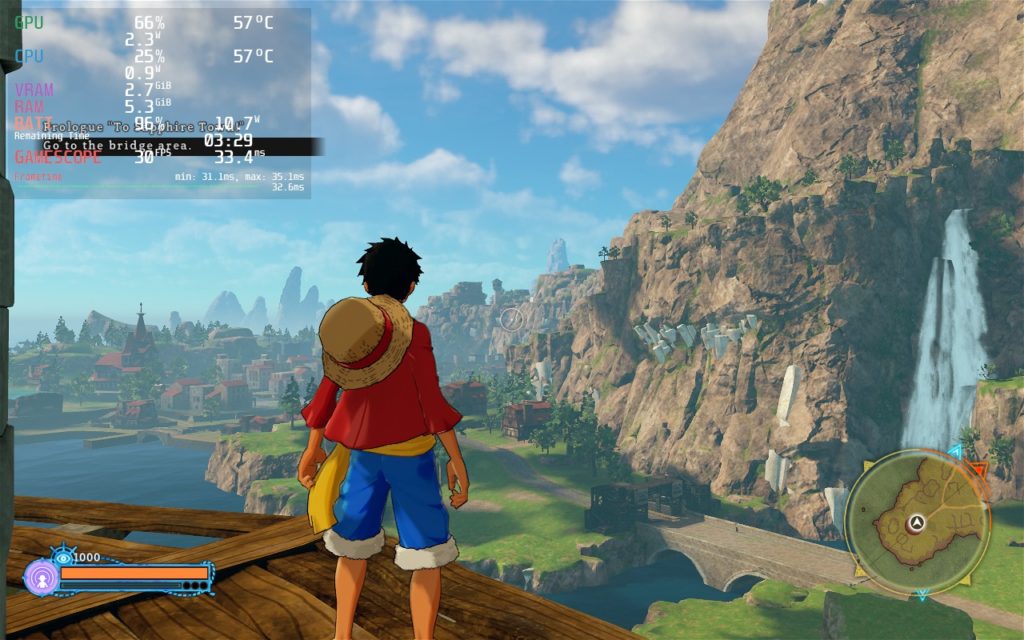
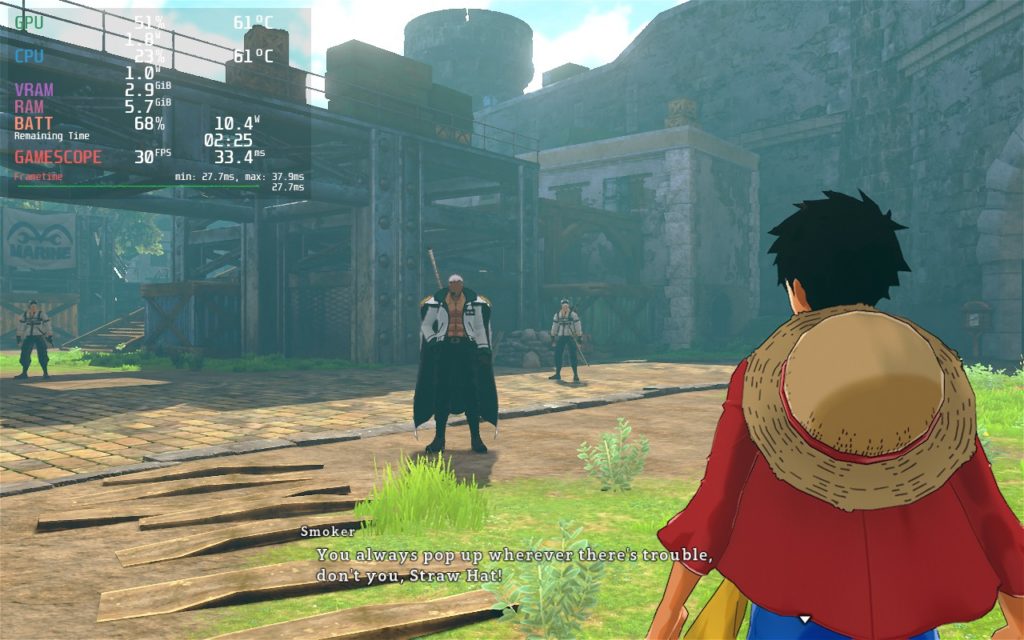
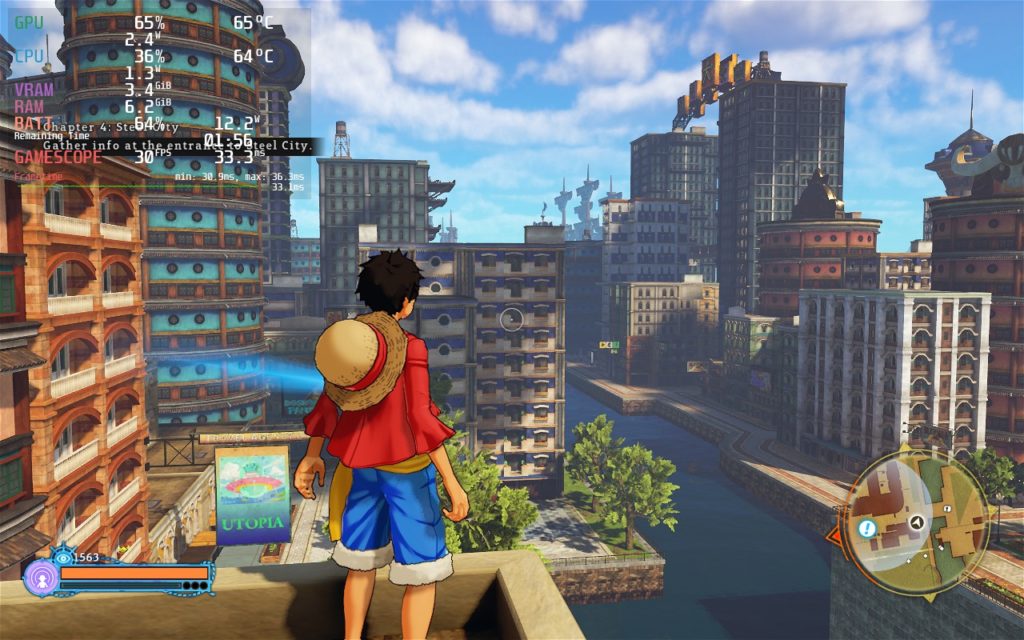
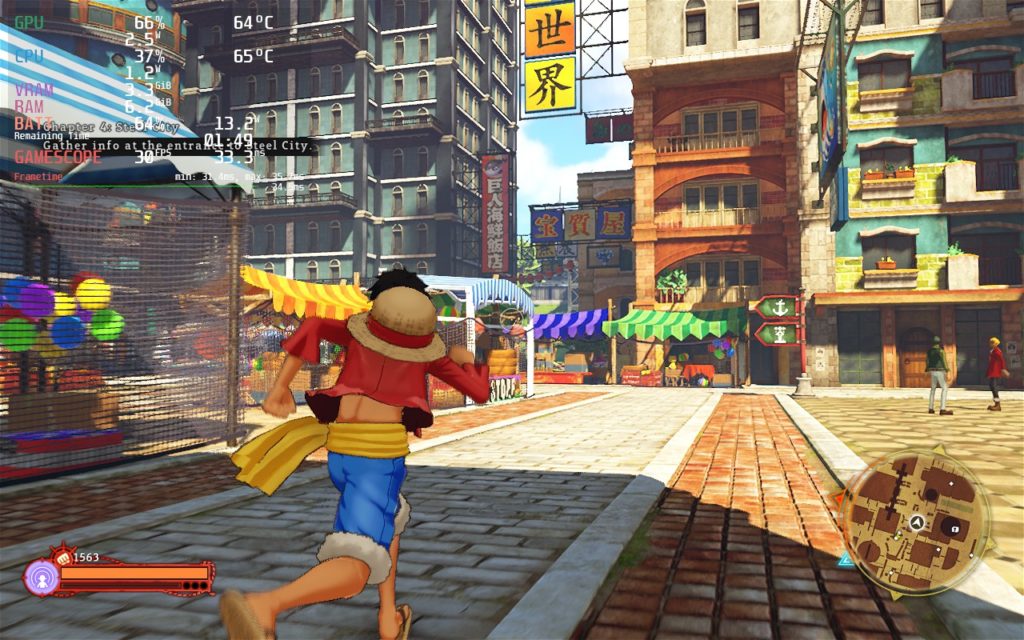
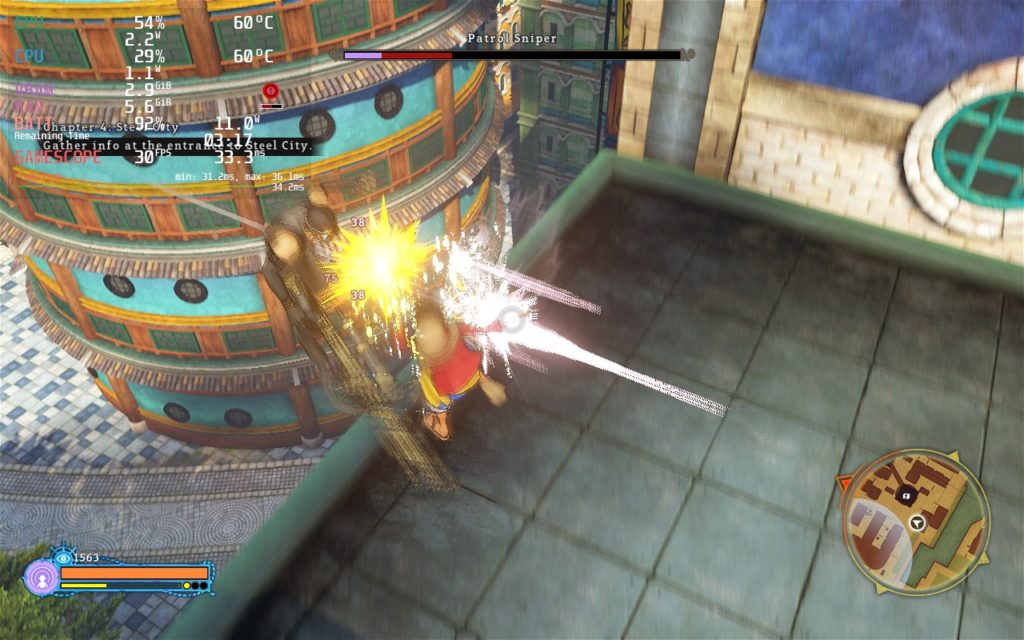
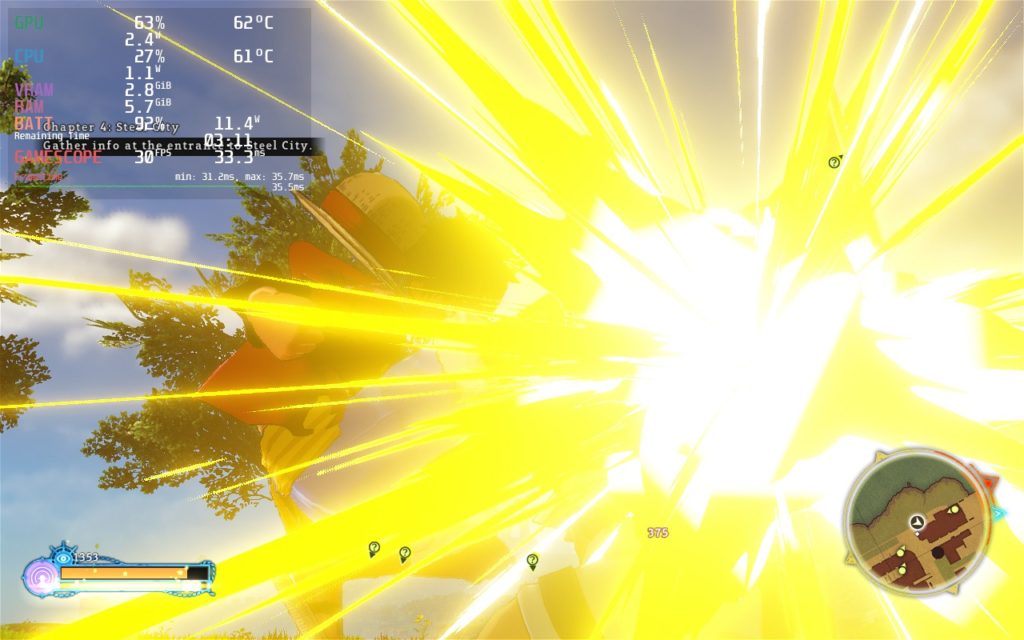
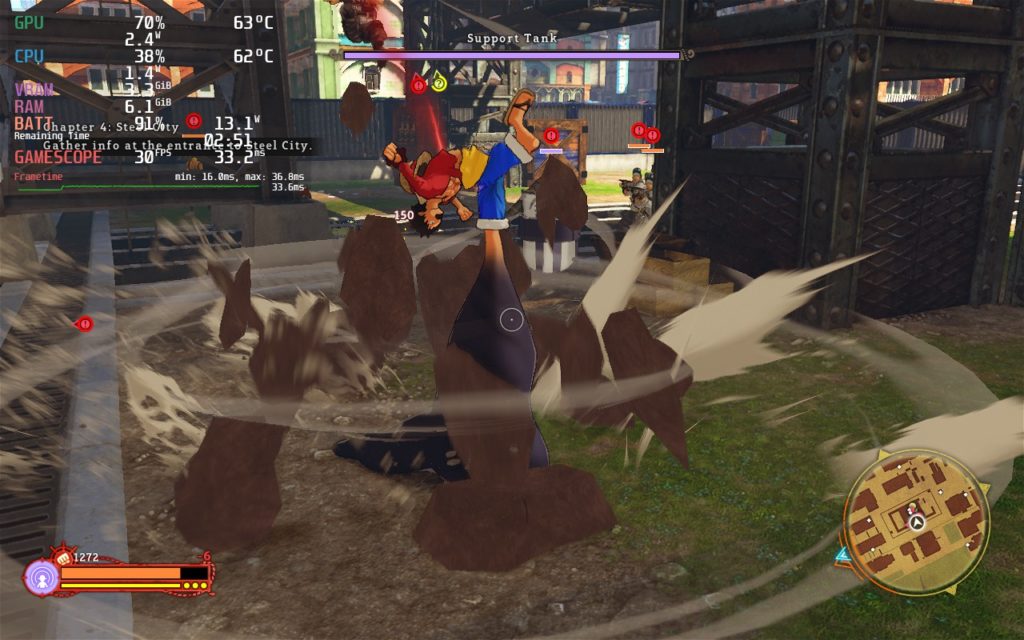
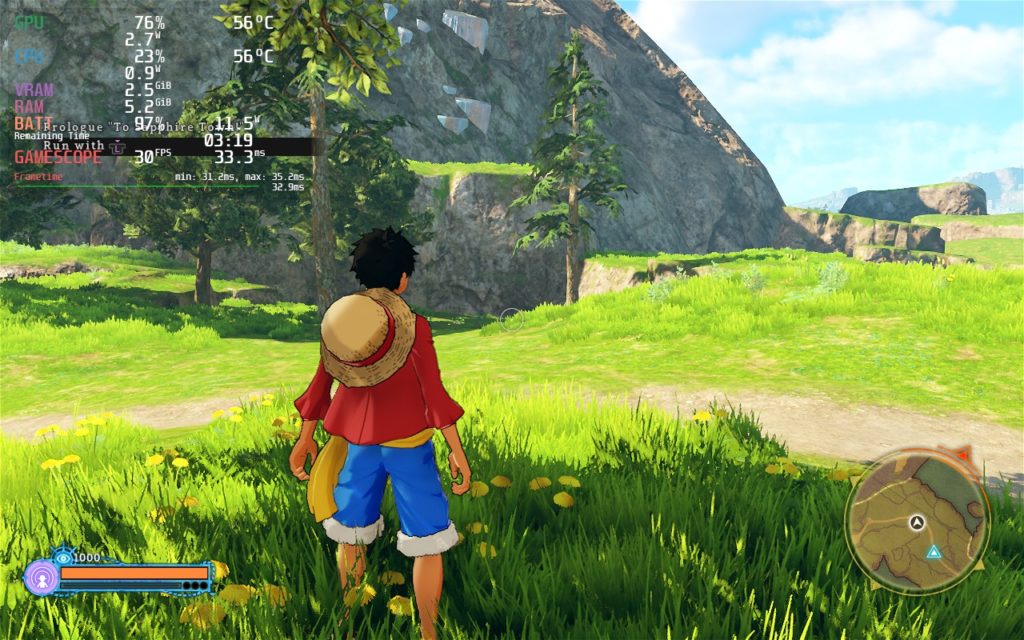
Now trying to play at 60 FPS gets a little weirder. To make the game run at 60 FPS, you need to switch the framerate limit to 60 in-game and make sure dynamic resolution is turned on. For whatever reason, the game will not run at 60 if dynamic resolution is turned off. I did notice some spikes in framerate that can go to 18W at 60, but otherwise, it can run decently well.
The reason I made the 30 FPS build recommended and not 60 is due to 2 reasons. The first being that dynamic resolution has to be on. This will automatically make the game look blurrier than it should. The second issue is the drops being more noticeable. These drops tend to happen when roaming around and loading in new areas.
Other than that, there weren't really any issues I found when playing the game. I did, however, notice that changing the framerate down from 60 (to 40 or 50) was not possible with World Seeker. The speed of the game would not scale down with the framerate, so a lower framerate would slow the entire game down. I also noticed that when graphic settings, which are in the "Advanced Settings" tab, I needed to restart the game each time. This was a bit annoying, but if you know what you'll be changing, it isn't so bad.
One Piece World Seeker is a beautiful game with such a great adventure for the Straw Hat Crew. The story is deep and emotional and, while the combat and traversal can feel a little monotonous at times, the pros outweigh the cons. And on the Steam Deck, World Seeker can be fully enjoyed at 30 or 60 FPS, with some compromises!
このレビューはPC版に基づいています。
このレビューをお楽しみいただけたなら、SteamDeckHQ の他のコンテンツもぜひご覧ください!私たちはあなたのゲーム体験に役立つこと間違いなしの様々なゲームレビューやニュースを取り揃えています。ニュース、ヒントやチュートリアル、ゲーム設定やレビューをお探しの方も、最新のトレンドを知りたい方も、ぜひご利用ください。
One Piece World Seeker is a wonderful journey for the Straw Hat Crew that can be enjoyed pretty nicely on the Steam Deck with minimal setting changes!
制限
60
リフレッシュ・レート
60
HRS
ノー
TDPリミット
10
スケーリング・フィルター
リニア
GPUクロック
無効
強制的な互換性はない
n/a
13W〜19W
Around 67c - 75c for CPU and GPU
Around 2 hours of gameplay
