



12W - 16W





Mouse P.I. For Hire was provided by PlaySide for review. Thank you!
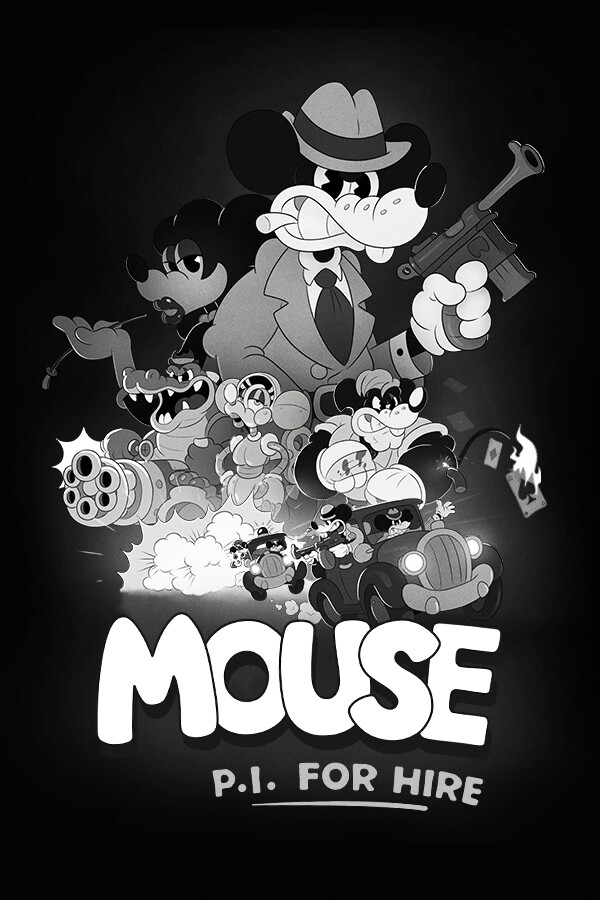
The time has finally arrived. I’ve been curious and following Mouse P.I. For Hire ever since the first trailer, which showcase it’s style that feels very close to old Mickey Mouse cartoons. Now, the game is here, and while I love the aesthetic and story, the combat just feels too generic to make me want to play for longer periods of time.
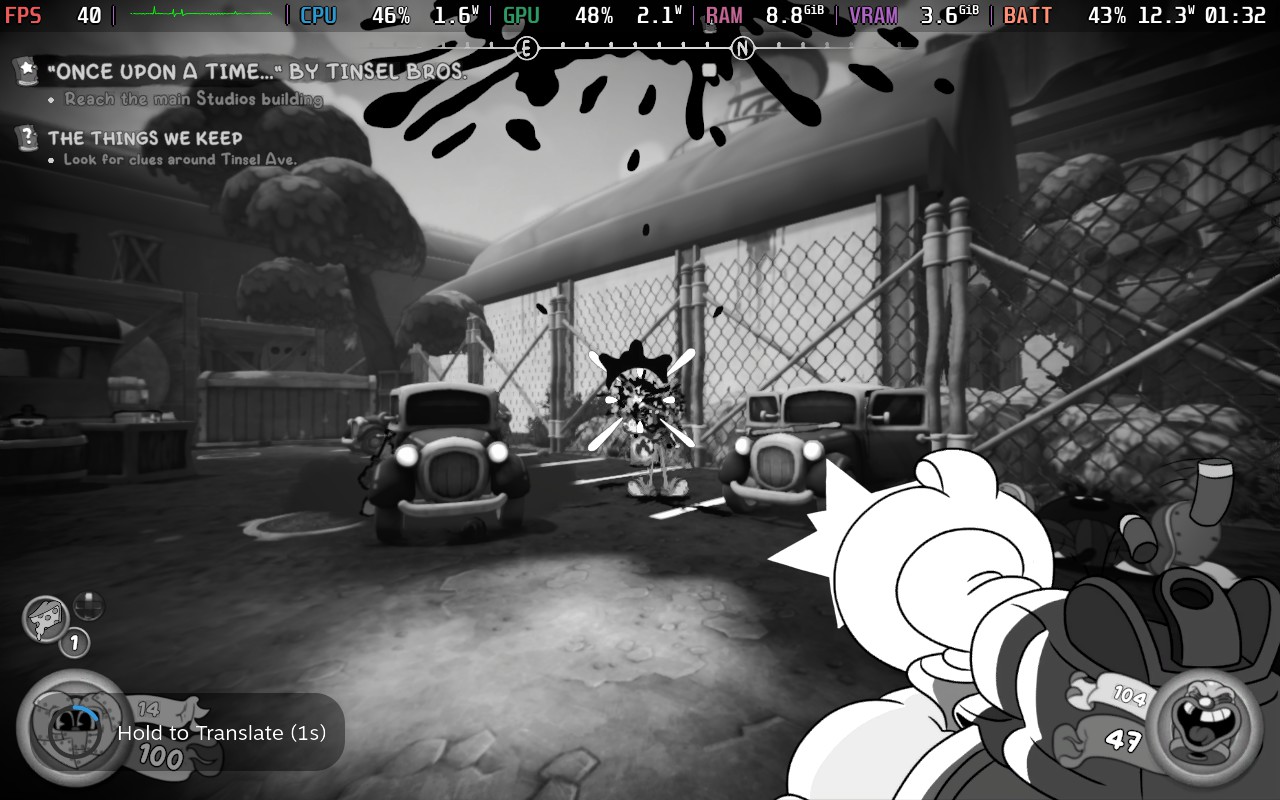
Now, the biggest attraction for Mouse P.I. is going to be the aesthetic, which I adore. There’s just so much personality and expression that is on display with the rubber hose animation the team uses. When it’s on screen, it easily captures attention while oozing charm. Whether it be death, animations, watching weapons reload or be upgraded, or finding secret collectibles (one of my favorites), it’s just a joy to watch.
It actually made me wish that more of the environments had the same animation style. While the bulk of the levels all fit in with the art style and still capture the 1930’s “Steamboat Willie” feel, it can also feel a little static. The game shines with expressive animations, so I was hoping to see more of it. So, I wouldn’t say it’s off-putting. It still fits the theme, and there’s a lot of variety with the different locations we go to, so it didn’t bother me as much.
Thankfully, the game has a fantastic cast help the characters feel more alive. Whether it be Jack Pepper’s one-liners from Troy Baker or hearing Tammy Tumbler talk about tinkering from Camryn Grimes, the cast did not disappoint. There will be a lot of times where we hear Jack speak, whether it be interrogating individuals or delivering relevant punch lines at just the right time, so I’m glad we have such a great voice behind it to make listening not harm the experience.
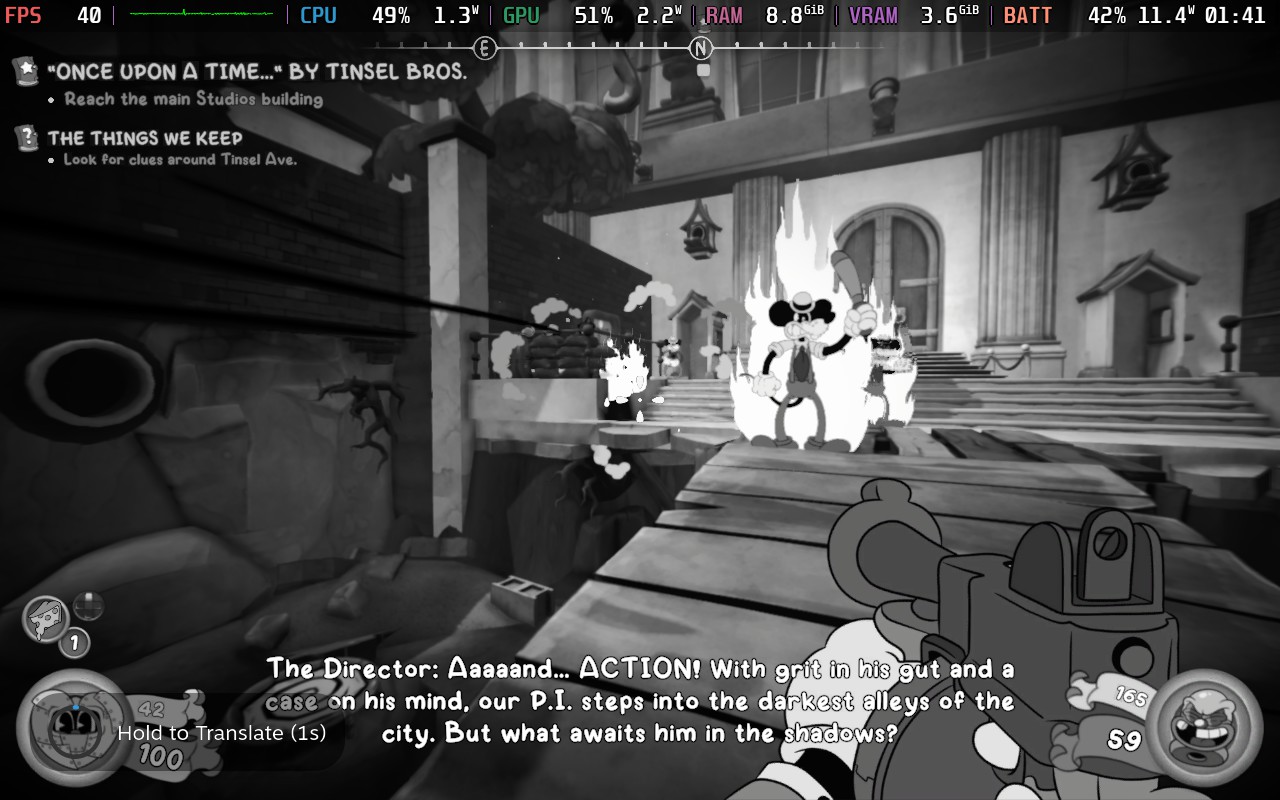
The game revolves around this aesthetic, and its story follows suit. It takes place in the 1930s in a noir-esque world. We play as Jack Pepper, a private investigator who is taking on some big cases. However, what starts as a case to find a missing person will evolve as the plot thickens and it goes deeper and deeper. I won’t reveal too much, but I was brought in further as more cases came in, and I started to see the links between them. I loved putting everything on our crime board to start seeing the links between them as it grows into a wider net that is all interconnected. It helps that Jack Pepper is a great protagonist who embodies the culture that Fumi Games is trying to capture here, but it’s an enjoyable story nonetheless.
While we will primarily follow the main story, there are some small side cases that we can take on. Most of these will just be finding things and reporting back to the people who asked, but it’s a nice way to get some extra currency.
Mouse P.I. is a shooter at its core, bringing us to a multitude of locations to investigate cases, and all of them will quickly turn into a shootout. We have a decent assortment of guns to use, with some of the basics we’ve come to know and love, like a pistol and shotgun, and some unique guns, like the acid shooter. All of them have their place, and I found myself swapping between them consistently through fights.
The shooting itself is solid, though I wouldn’t consider it groundbreaking. It’s fun, and there’s a lot of movement required to make sure we survive. The guns themselves are decent to use as well, and I found myself loving a couple of them and developing a strategy to use them. And the level design encourages moving around a lot, which keeps fights more engaging.
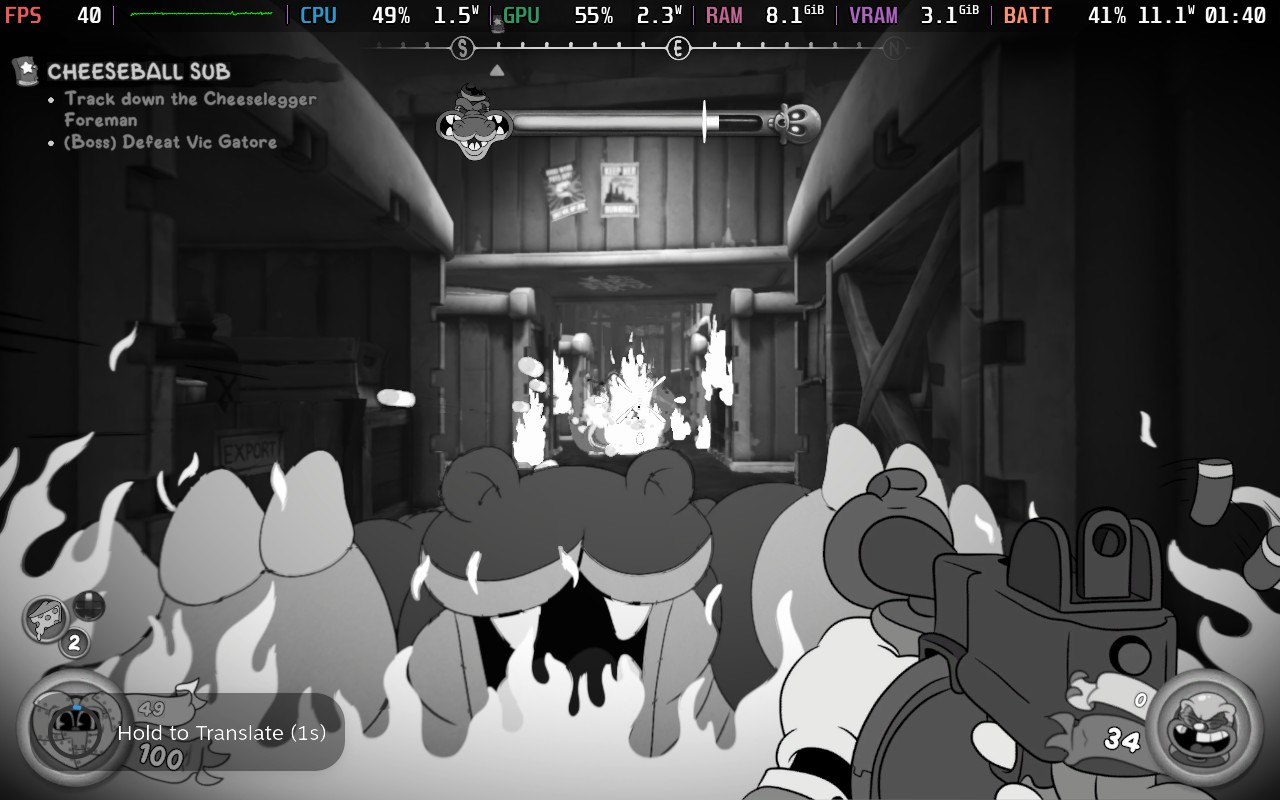
Still, I couldn’t help but feel the combat was a little too generic. It does the job, and it can be fun, but it never kept me hooked. The enemies can be a little too bullet spongy, swapping weapons wasn’t as fast as I like, and some of the animations could get in the way of the flow. Specifically, I didn’t like having to watch Jack drink a bottle every time we needed to heal. It was just a little too long, and it made me miss how health pick-ups are done in games like DOOM, where we just walk over them, and they immediately heal us. Take away the gorgeous aesthetics, and it feels like a cookie-cutter shooter. Again, it’s not bad, but it just doesn’t do anything special to keep me coming back for more, and I feel like I could play nonstop.
There is a simple progression system to make our weapons more powerful, and I actually like it. Every weapon has three tears, and you use schematics to upgrade them. The first upgrade unlocks an alternate fire, while the others will usually increase damage and the clip. It does show a noticeable difference as well, with the pistol going from an average of four shots to kill to 2-3 shots after 2 upgrades. Some of the alternate fires can really help, too, like the shotgun charging up to unload two bullets at a time.
However, I found it very hard to find enough schematics to upgrade my guns as often as I wanted to. Even when I was looking for secrets, there were a few levels where I found only one or two schematics. The second and third upgrades of each gun need three and five schematics, respectively, so it took some time to upgrade. It’s very possible I missed some, but I was looking around, so I would consider them easy to miss.
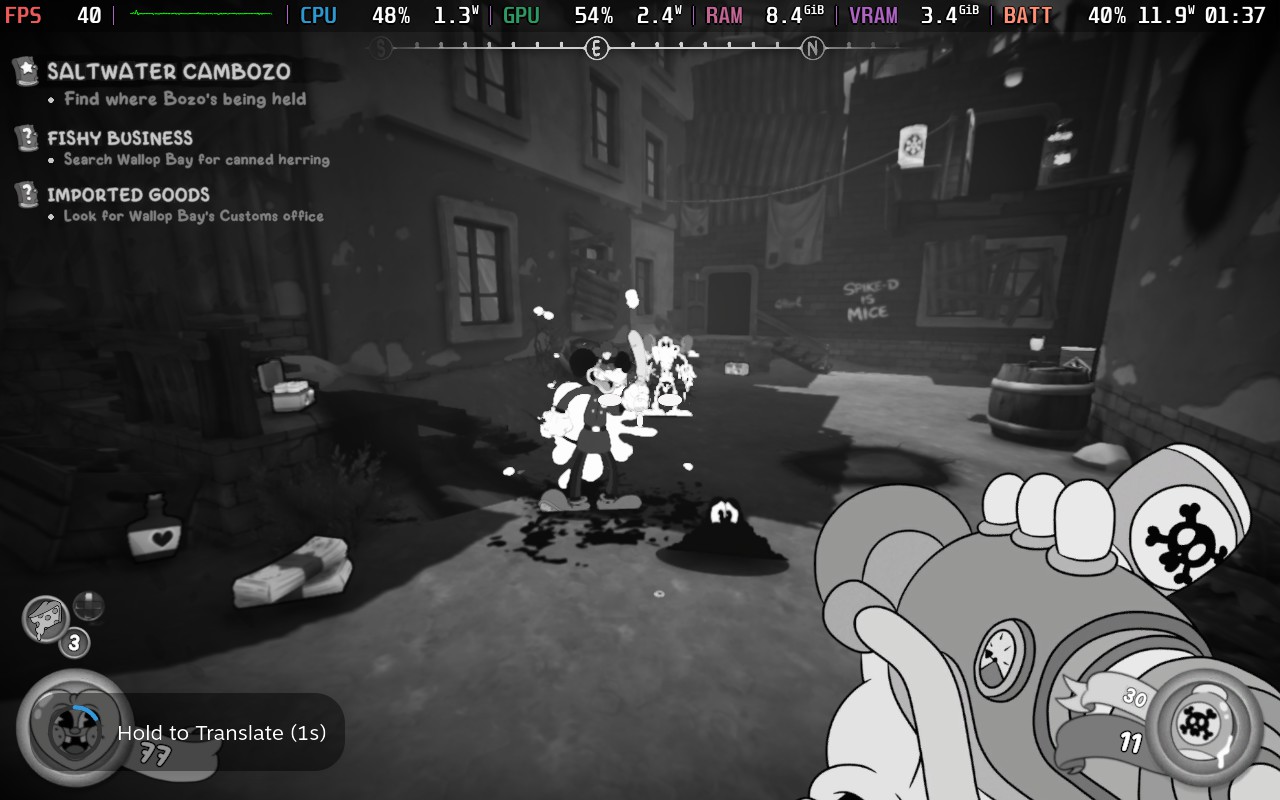
There are some little detours we can make, like playing the baseball card game and collecting tokens, but we will mainly be going from level to level, investigating cases, and getting into shootouts.
Mouse P.I. For Hire defaults to the Medium quality settings and 40 FPS, which actually worked quite well for it. The game looks great and feels smoother than it would at 30 FPS, striking a nice balance between the two. After testing and pushing to get the game to 60 FPS, I would say this is arguably the best way to play it. There are some unavoidable drops, even on the lowest settings, and these drops only affect framerates higher than 40. So, keeping it locked to 40 FPS on the gate almost every single framerate drop.
I also tried bringing up the quality settings to see if we can still play it at 40 FPS. The answer is yes, but it does come with a little bit of a higher battery drain, more drops when turning around really quickly, and the benefit of higher quality settings is minimal. Just going from the default Medium to High only really changed some slight shadows further away. Otherwise, the image was almost identical. Even comparing it to Ultra, the image just didn’t look very different. So, the default settings are actually the best right now.
Now, it’s going to be possible, and relatively easy, to get the game running at 60 FPS. We don’t have to change much, but there are gonna be a few sacrifices. It may seem as simple as moving the in-game framerate limit up to 60, but there are gonna be drops when spinning around quickly. This will be a nightmare in fights, so there are a few changes I recommend making if you want to try playing this game at 60 FPS.
After changing the framerate limit, I would set the rendering scale to 0.9 and move shadows down to low. This will negate almost all of the drops when moving around quickly, keeping fights at 60 FPS and feeling smooth as butter.
Honestly, this doesn’t change the visuals too much, but there are some drops that are completely unavoidable. Even with the lowest possible settings and the rendering scale down to 0.5, I would still get drops into the 40 FPS range when looking out in certain angles. If these were angles that I encountered when running around, it wouldn’t be a big deal, but these areas also happened to appear during battles. I would say 90% of the game can be played this way at 60 FPS, but there will still be some drops that can harm the flow during combat.
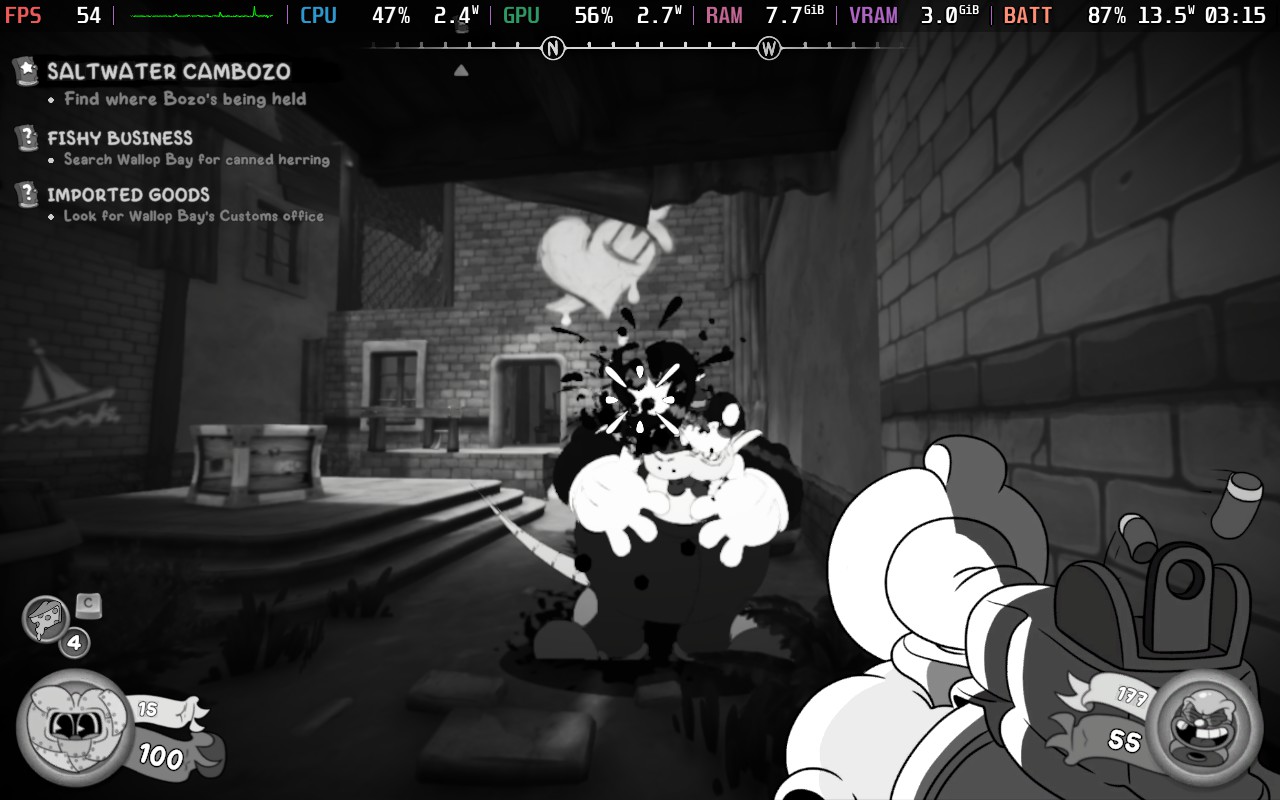
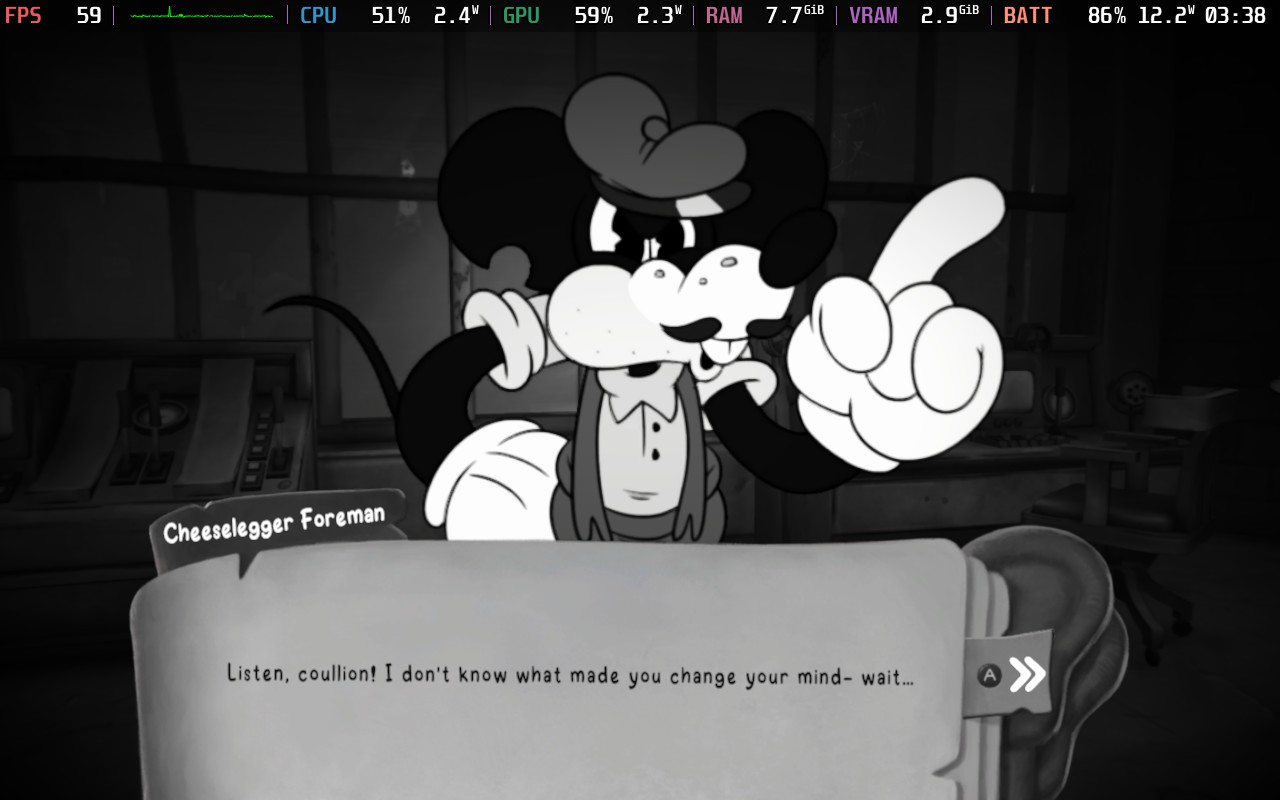
And just because I’m sure it will come up, you can use lossless scaling to make the game feel smoother, and it doesn’t have much input lag. However, it will be affected by the same exact issues that trying to play the game at 60 FPS has, so it isn’t really helpful. I would say playing at 60 FPS with the setting changes is a better experience than 90 FPS with lossless scaling frame generation, especially since visual changes aren’t that obvious.
Mouse P.I. For Hire is a solid shooter with a beautiful aesthetic and interesting story, but the combat can feel a little too generic. The expressive rubber hose animation works, wonders, and the great cast help bring the characters to life in this mystery thriller, but I found it difficult to stay interested for longer periods of time because it didn’t have that spark that other big shooters have. It’s still fun, and I had a good time, but it just didn’t do enough to keep me locked in for longer periods of time.
And despite some of the sacrifices, like having to play the game at 40 FPS, it is enjoyable on the Steam Deck. It can also be played at 60 FPS with a few changes, but if you want the most stable experience, I would stick to the default for this one.
このレビューはPC版に基づいています。
このレビューをお楽しみいただけたなら、SteamDeckHQ の他のコンテンツもぜひご覧ください!あなたのゲーム体験に役立つゲームレビューやニュースを幅広く取り揃えています。ニュース、ヒントやチュートリアル、ゲーム設定やレビューをお探しの方も、最新のトレンドを知りたい方も、ぜひご利用ください。
Mouse P.I. For Hire leans on its gorgeous animations and intriguing story to create an enjoyable experience, though the combat leaves a bit to be desired. Luckily, it's great on the Steam Deck.

制限
60
リフレッシュ・レート
60
HRS
ノー
TDPリミット
いいえ
スケーリング・フィルター
リニア
GPUクロック
無効
強制的な互換性はない
Frame Rate Limit: 60
vSync: Off
Render Scale: 0.90
Volumetric Lights Quality: Low
HLOD: Medium
Effects Quality: Medium
Texture Quality: Medium
Shadow Quality: Low
Rim Lights: On
Anisotropic Filtering: Medium
Ambient Occlusion: SSAO
12W - 16W
59C - 65C
~3時間
