




17W - 22W



The vicious 2.5D fighter is here and better than ever before! Mortal Kombat 11 is the newest addition to the long-running series and pushes it to a new level. With a new graphics engine to showcase the brutality in completely new ways. Sprinkle in new fighters, a cinematic and engrossing campaign, character variations and gear to customize your fighter further, a plethora of single and multiplayer game modes, and much more. If you're looking for the ultimate fighting game, you won't have to look much further!
As one of my favorite fighting series, I love Mortal Kombat 11. The evolution and new direction from Mortal Kombat X was fantastic, the new visuals made the gore really pop, and the character variations added a nice touch of customizability to how you want you want to fight. With enough game modes to satisfy in single-player and the return of the Krypt, playing alone or locally is a damn good time, but online multiplayer will always take center stage. And with little tweaking, enjoying MK 11 on the Steam Deck can be a wonderful time.
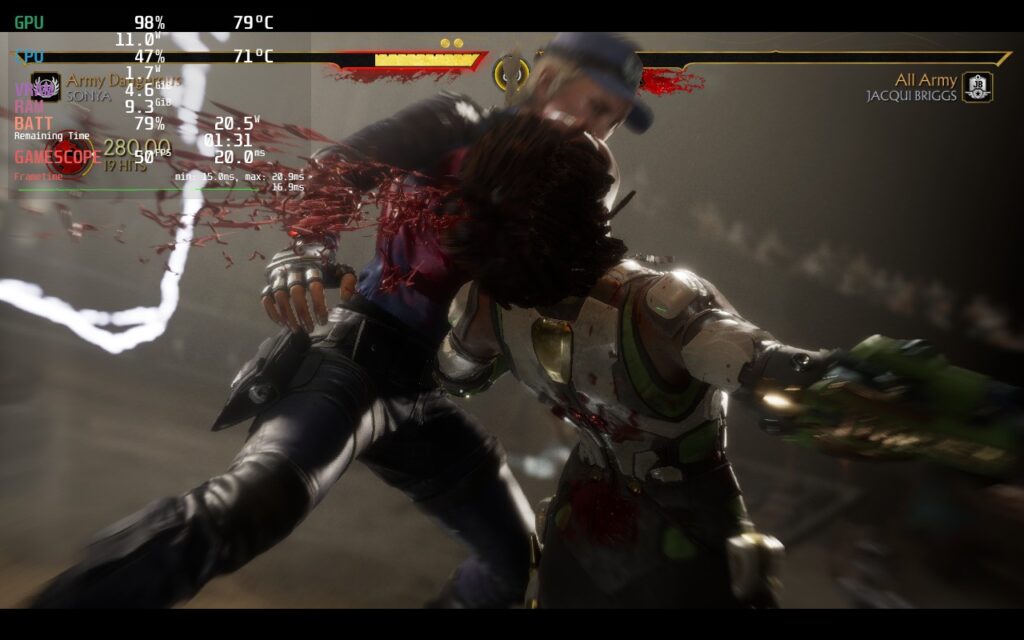
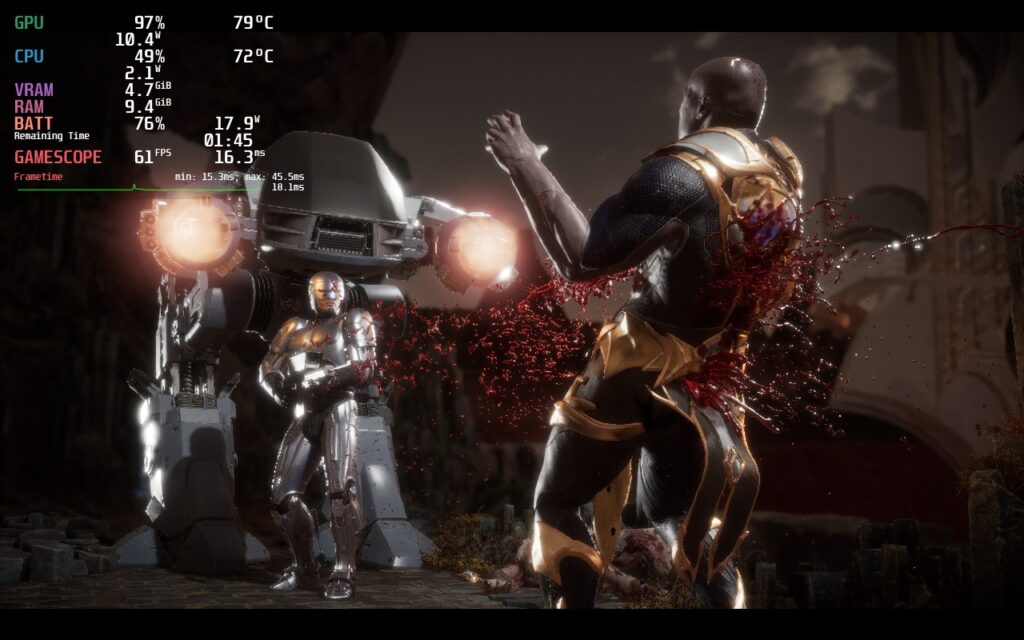
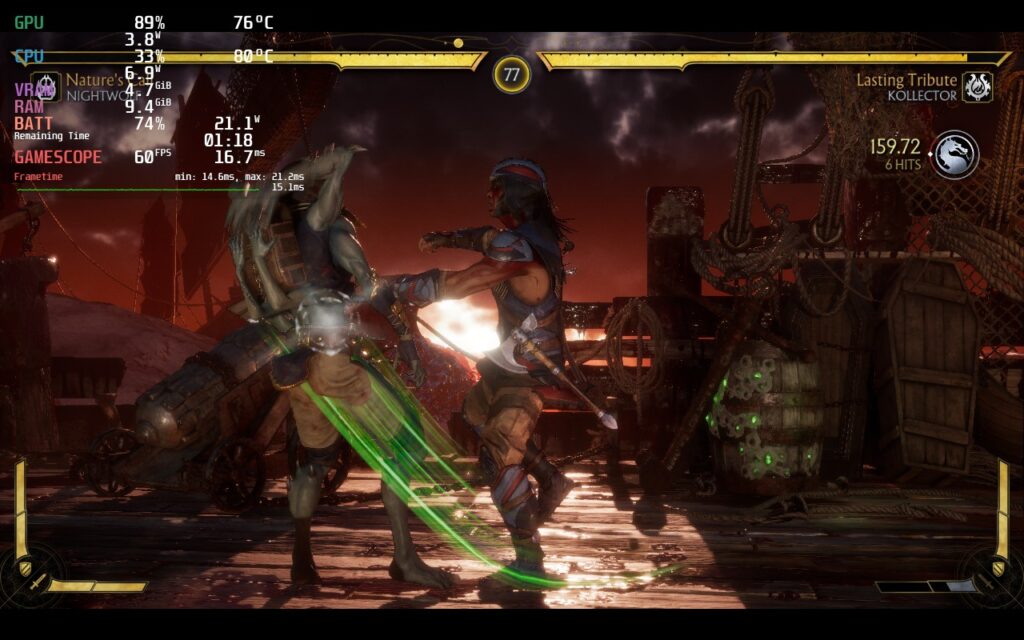
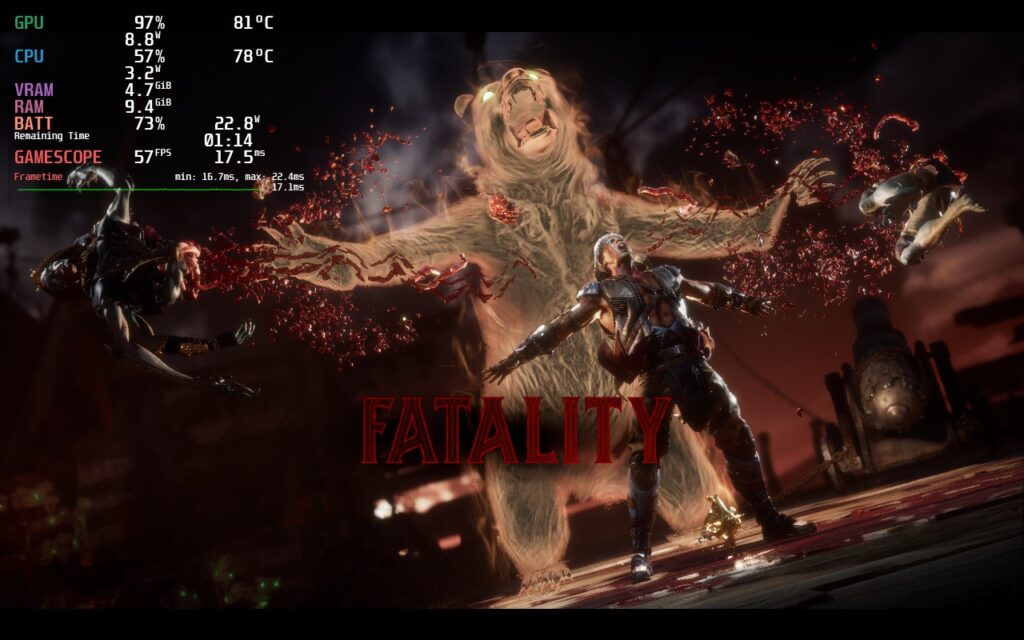
Loading up the game, it automatically put my settings to low, which genuinely works extremely well right out of the box. In the offline matches I played, without a TDP limit, most maps were ranging between 12W - 15W at a solid 60 FPS. I felt the game looked pretty good as is too, and with 60 FPS being the biggest priority with games like this. While the single-player/local modes work well, online multi-player is the biggest issue.
When trying to play games online, the performance holds true, but we get a desycning problem. I tried this without forced compatibility and Proton 8.0-2, but both resulted in the same issues. Oddly enough, Proton GE 8-3 worked and I was able to play fully without de-syncs! You can follow our guide on how to get this proton layer and see why it is so significant for the Steam Deck.
After playing around with the settings, I found playing with the default (settings on minimum) was actually the best way to go. Not only does the game look beautiful in general, but it holds a constant 60 FPS with a lower battery drain. To me, that is the most important part of the game, especially with its necessity for online matches!
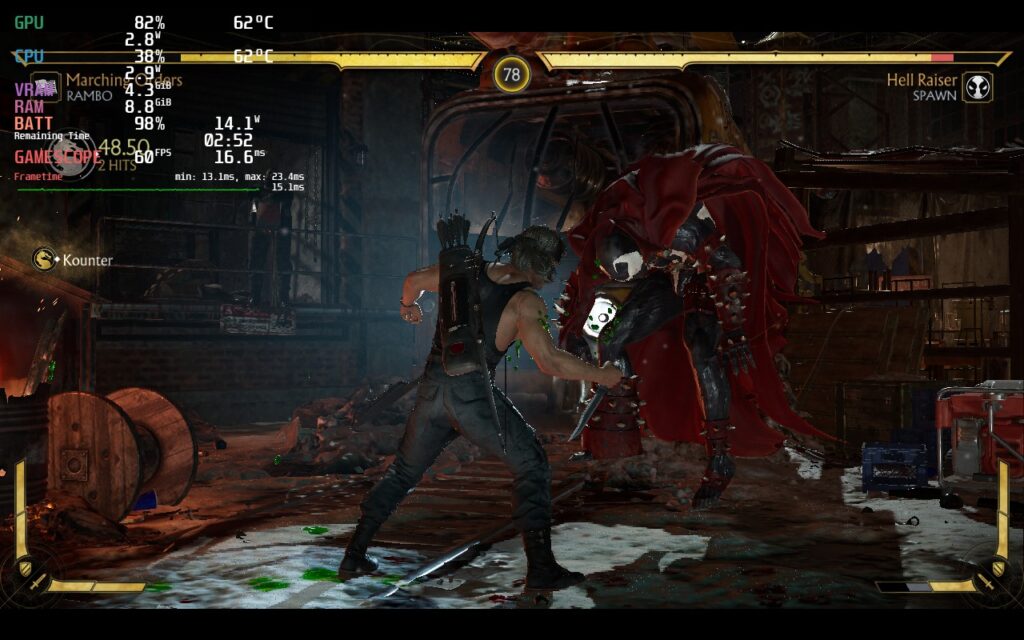
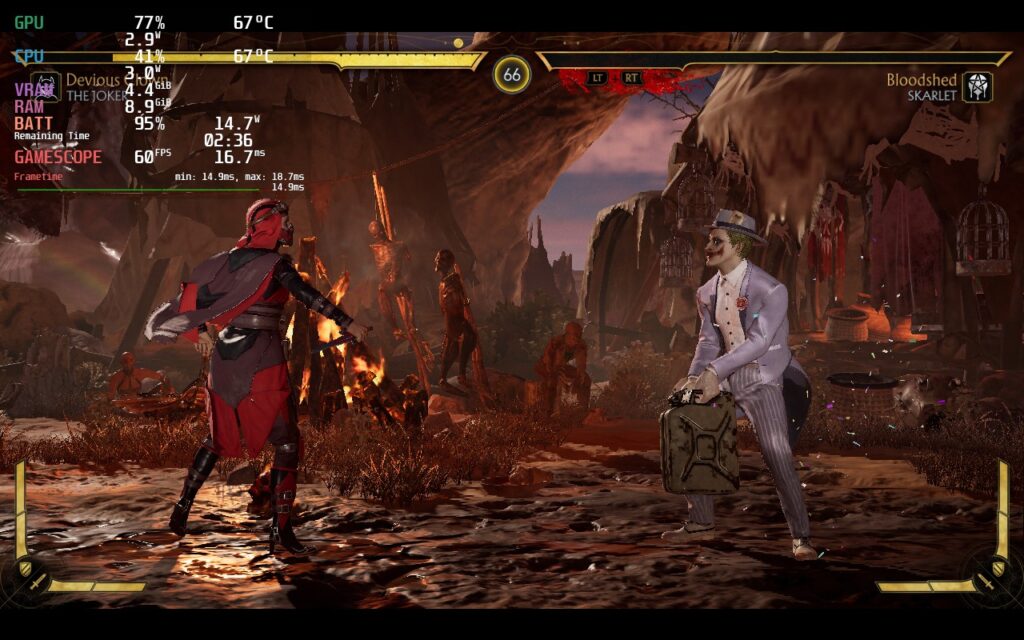
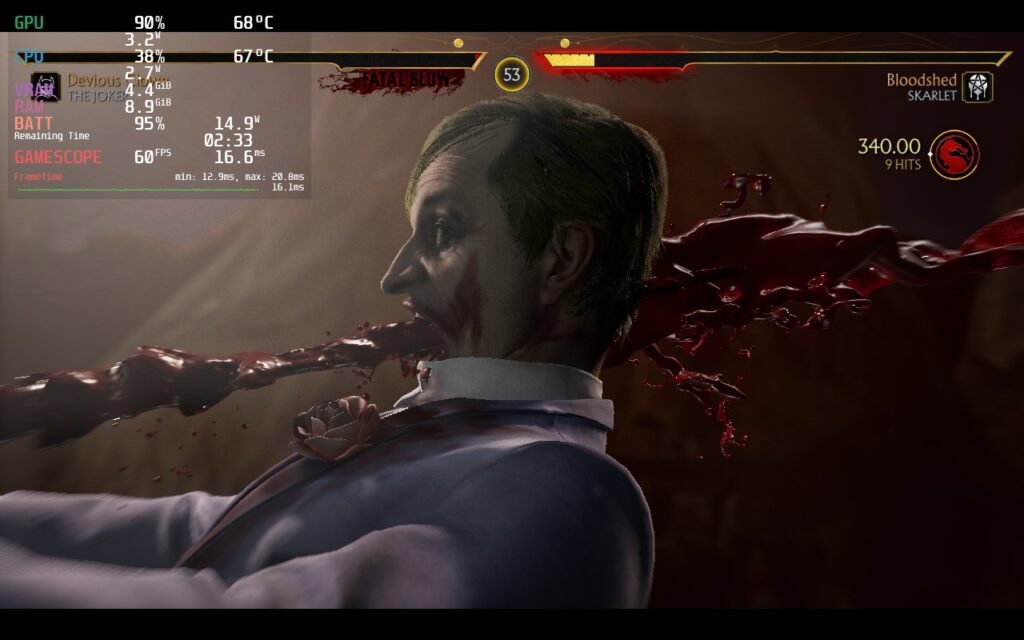
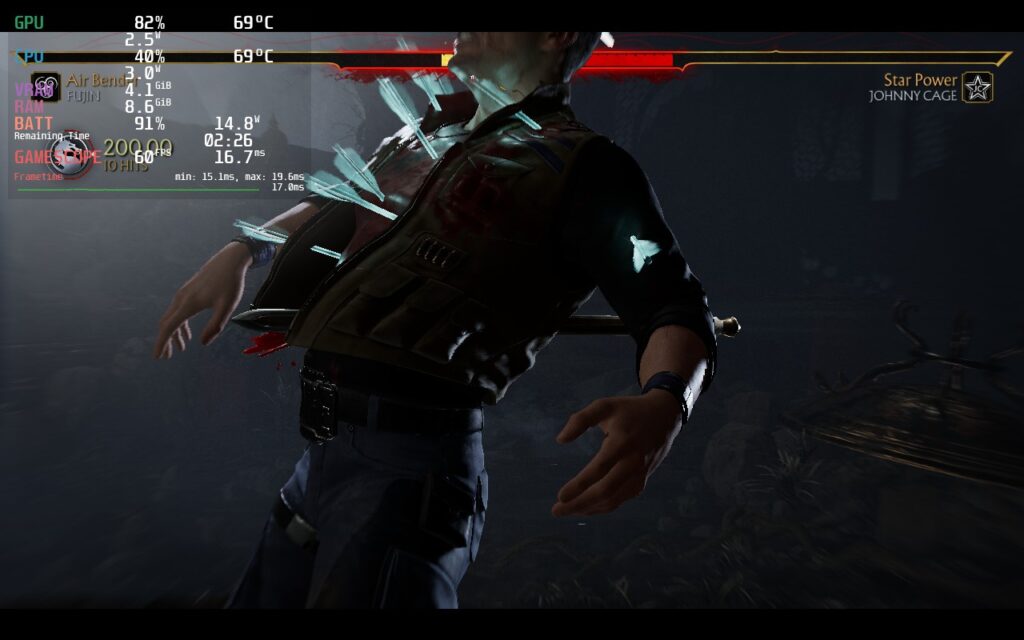
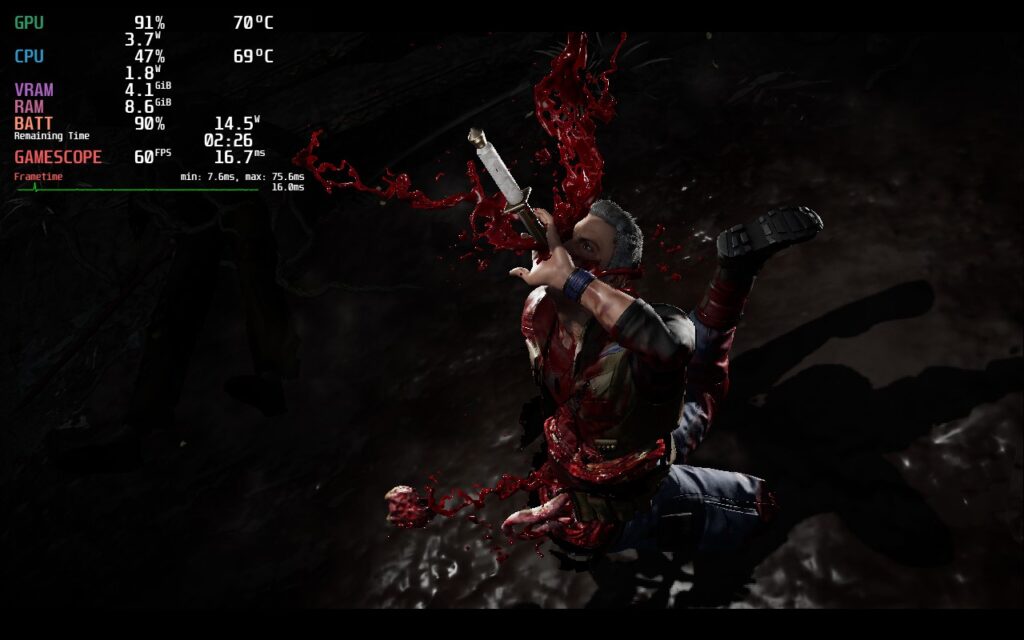
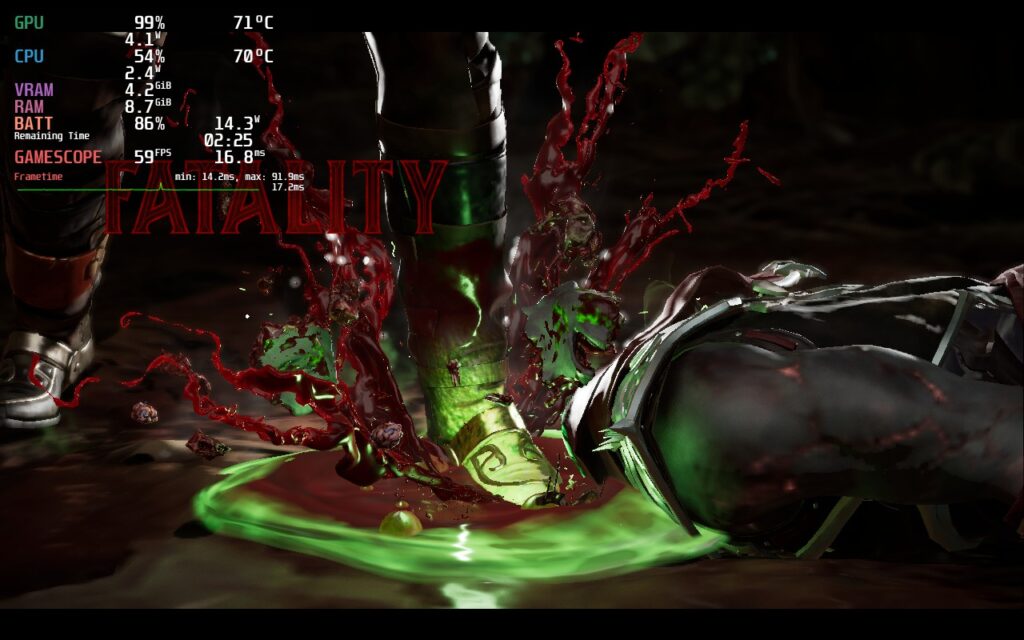
For those who are playing without caring about battery, we can increase the visuals by a decent amount, but there are still some changes to keep a solid 60 FPS. Anti-Aliasing and shadows seemed to affect the framerate most, so using higher settings with AA and shadows turned a bit lower really helps. This keeps the battery drain in fights around 18W while menus can go up to 20W - 21W. There may be some slowdowns during fatalities or "Fatal Blow" attacks, but it keeps 60 during the actual fight.
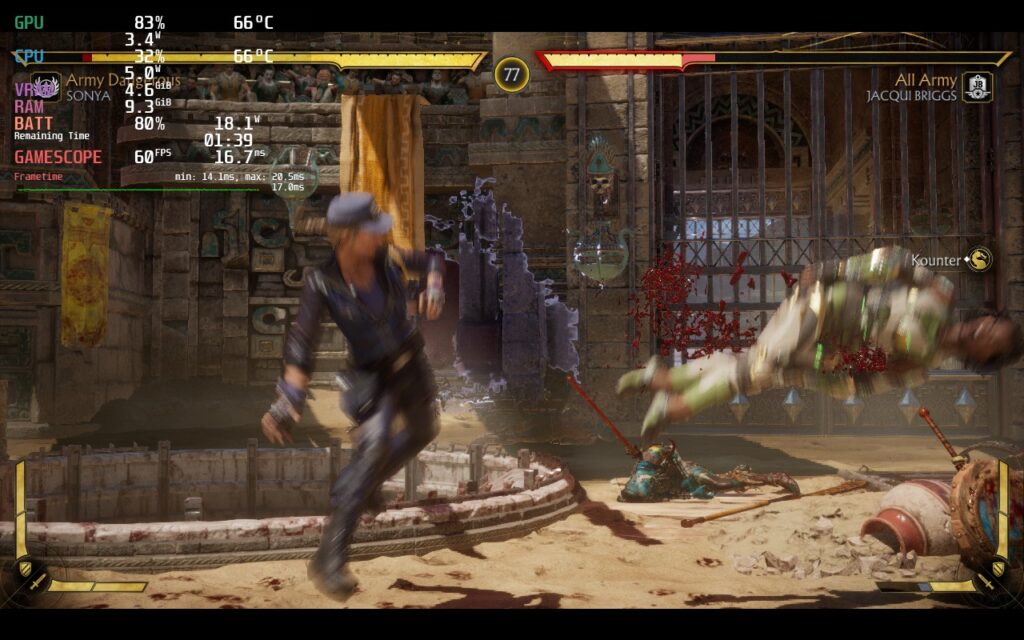
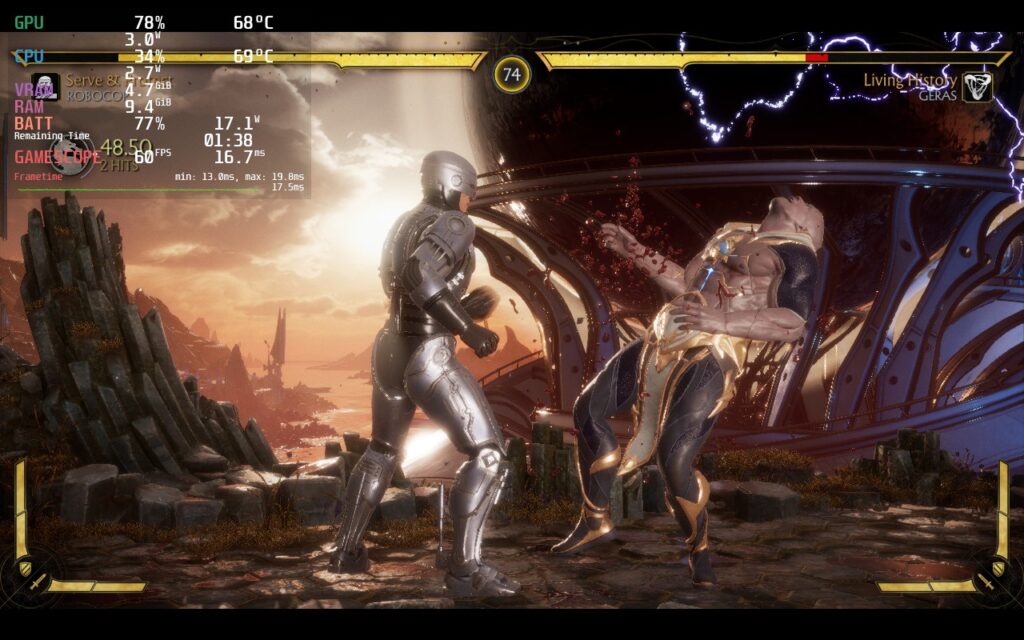
Mortal Kombat 11 does have full controller support, supports 16:10 resolutions, and has cloud saves through Steam. All of this is fantastic, but just a heads up, it is a 100GB+ game, so be prepared with your space.
Mortal Kombat 11 is an awesome and visceral fighting game that has evolved so much since its inception. While still retaining what makes it unique, the new graphics engine and customizability helps this entry keep itself a step above the rest, making each variation and moveset change your strategy and how you want to play. All of this put together makes me extremely excited for the upcoming Mortal Kombat 1. On top of that, the game is well optimized and runs like a charm on the Steam Deck, even with higher graphical settings. If you can afford the space, this will be a damn good time.
このレビューはPC版に基づいています。
このレビューをお楽しみいただけたなら、SteamDeckHQ の他のコンテンツもぜひご覧ください!私たちはあなたのゲーム体験に役立つこと間違いなしの様々なゲームレビューやニュースを取り揃えています。ニュース、ヒントやチュートリアル、ゲーム設定やレビューをお探しの方も、最新のトレンドを知りたい方も、ぜひご利用ください。
Mortal Kombat 11 is a fantastic fighting game and a grand evolution of the series with added in customizability and a new graphics engine. And, with little tweaking, playing on the Steam Deck is a fantastic experience.

制限
60
リフレッシュ・レート
60
HRS
ノー
TDPリミット
いいえ
スケーリング・フィルター
リニア
GPUクロック
無効
プロトン GE 8-3
テクスチャークオリティ:高
AA Mode: FXAA
Aniso Filtering: 8x
ブルームについて
モーションブラー:オン
Lighting: Medium
アンビエント・オクルージョンオン
Particle Density: High
Particles Mode: GPU
影の質:ミディアム
SS Reflection: Off
17W - 22W
75c - 82c
1.5 - 2 hours
