





13W - 21W




Kona 2: Brume was provided by Ravenscourt for review. Thank you!
Over the years, there have been some amazing games that I feel haven't gotten the attention it deserves. One of these games was a 2017 release by the name of Kona. Kona is a small game that takes place in Northern Canada and puts you in the shoes of Detective Carl Faubert, who is hired to investigate the weird events happening around the area. The game is fantastic, presenting the snowy landscapes of Canada while balancing a great story on top. So, when the sequel, Kona 2: Brume, was announced, I was incredibly excited. And while it does have improvements, it also falls short in some aspects.
The biggest improvement over the original is the visuals. The world of Kona 2 looks incredible, pushing the graphics further to create an even more appealing depiction of the snowy winter. I loved running through the landscapes or investigating each room of a mansion and seeing what would appear before me. I like the supernatural angle the game takes, and the gameplay feels a little more varied than the last game, which keeps it interesting and more varied.
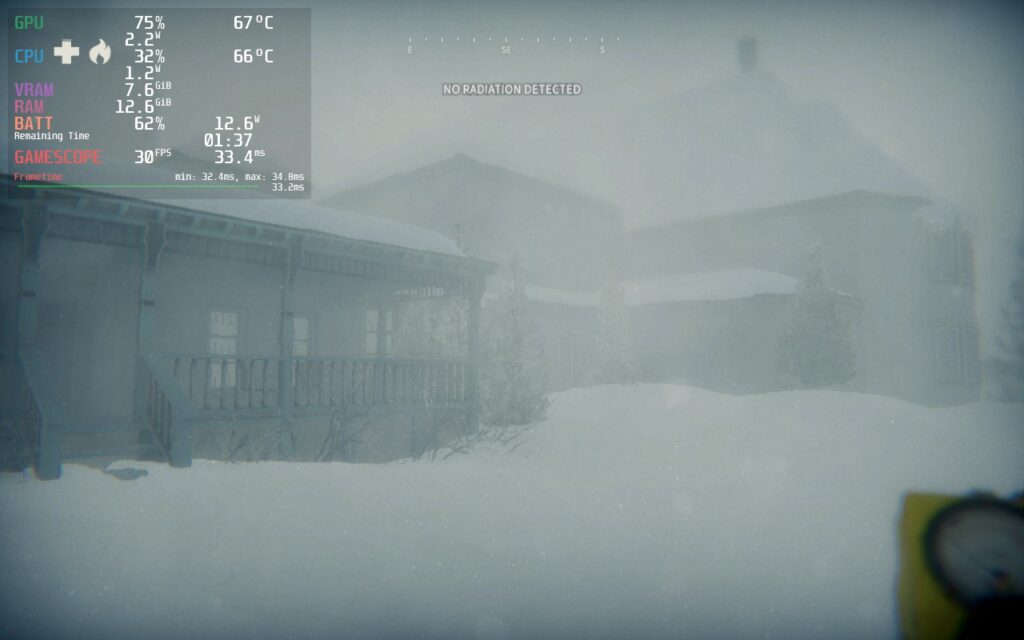
The story is passable, and I still enjoyed it, but I did feel it was a step backward from the original game. There are a lot more tense moments in Kona 2, which I personally enjoyed, but it is a bit of a departure from the original. And while the variety of gameplay elements is a nice touch, it sometimes takes away from the core of the game, the detective/investigative work. These didn't hurt my overall enjoyment of Kona 2, but it was a bit disheartening when compared with the original.
And thankfully, it is quite playable on the Steam Deck with some tweaking.
At first, Kona 2 was a bit hard to run on the Steam Deck, and I was worried that some of the settings I changed didn't have as much effect as I thought. Luckily, there is one setting that, when changed, allows the game to be played entirely: Global Graphics Quality. At first glance, I thought this was preset, and I didn't want to touch it, but it is a standalone setting that doesn't affect the more specific ones below it.
I also noticed that, regardless of the settings, there were some stutters here and there. Thankfully, it wasn't anything too bad or jarring, but it tended to happen when running through the open areas or loading new parts of the map.
With Kona 2: Brume needing its Global Graphics Quality at low to run decently on the Steam Deck, it does come with some downgrades to its visuals. The biggest one I noticed was shadows. Some shadows in-game looked crude at lower settings, so I opted to Screen Space Reflections (SSR) and others to make it look nicer without much extra battery drain.
This means the game is harder to run, but at a 30 FPS limit, I got a TDP limit of 8 while having better-looking visuals. This does help a little with the stutters since they don't feel as impactful at a lower framerate, so overall, this was my favorite way to experience the game.
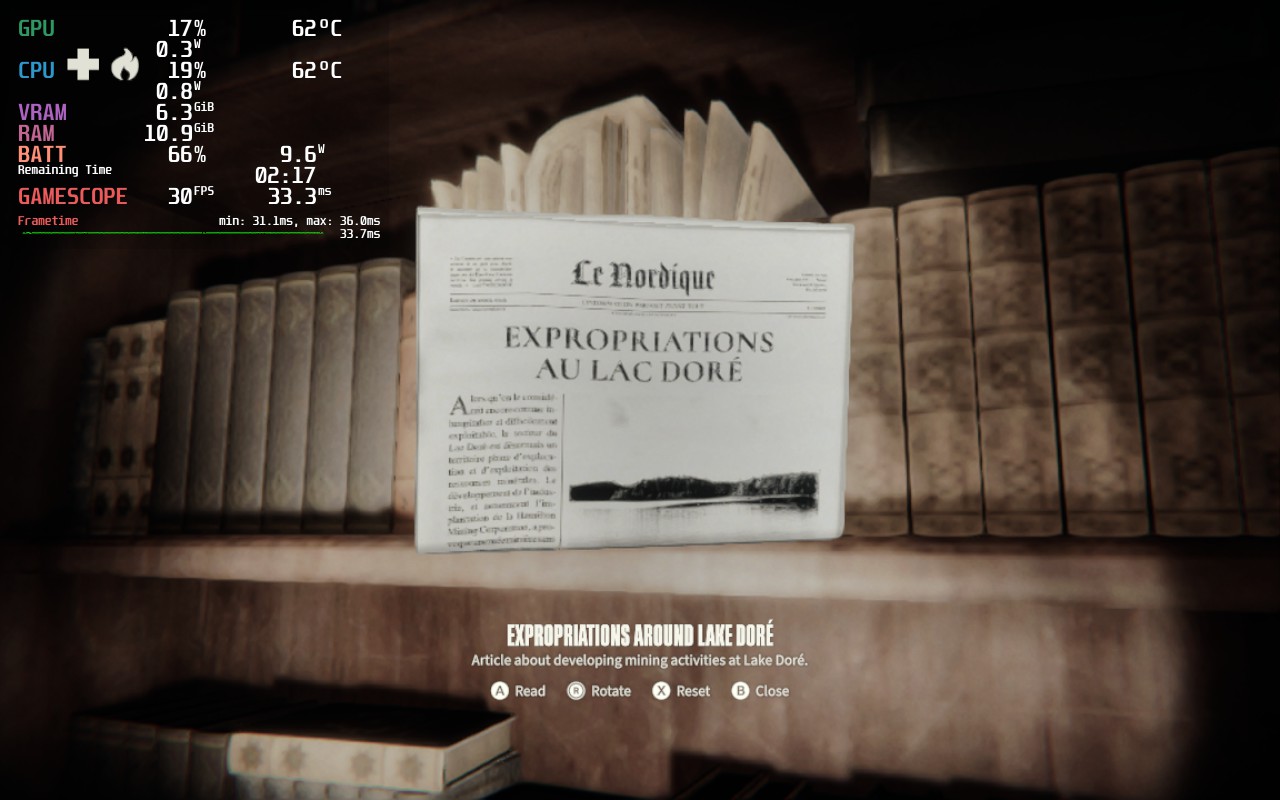
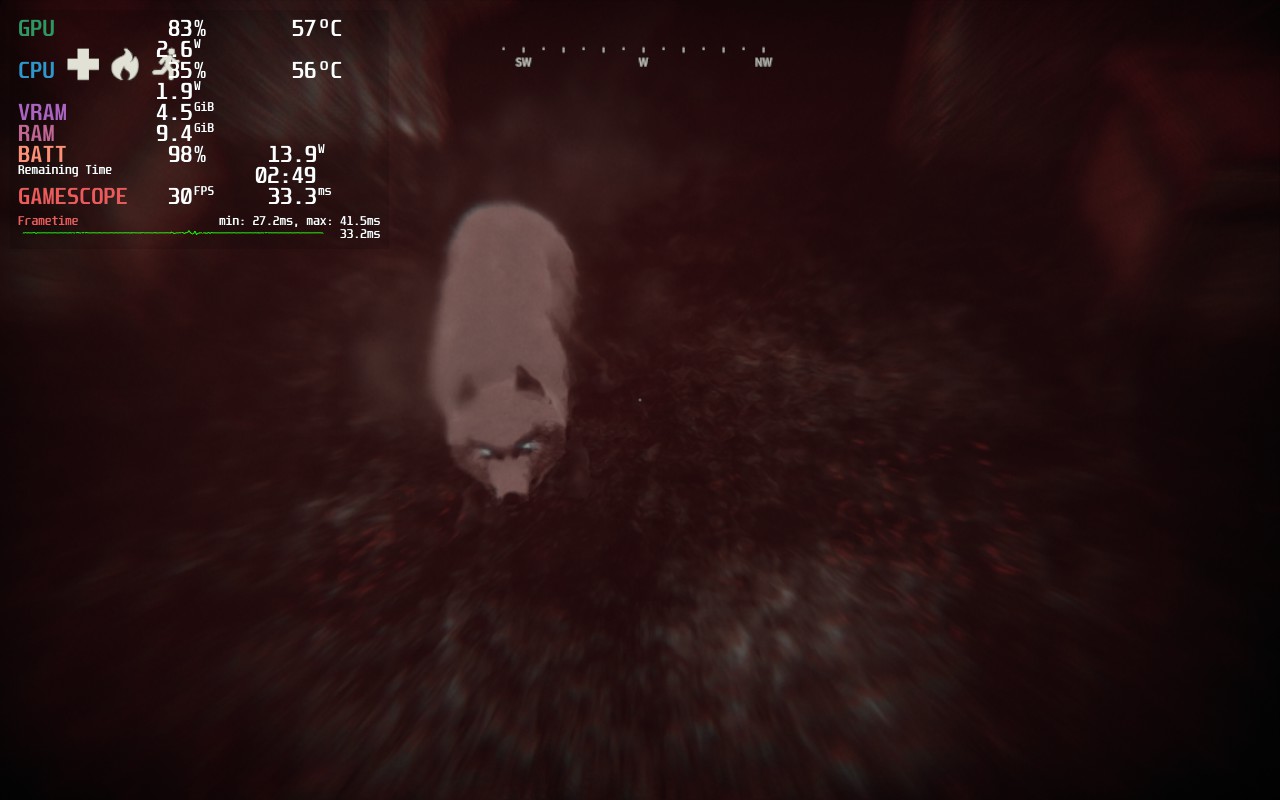
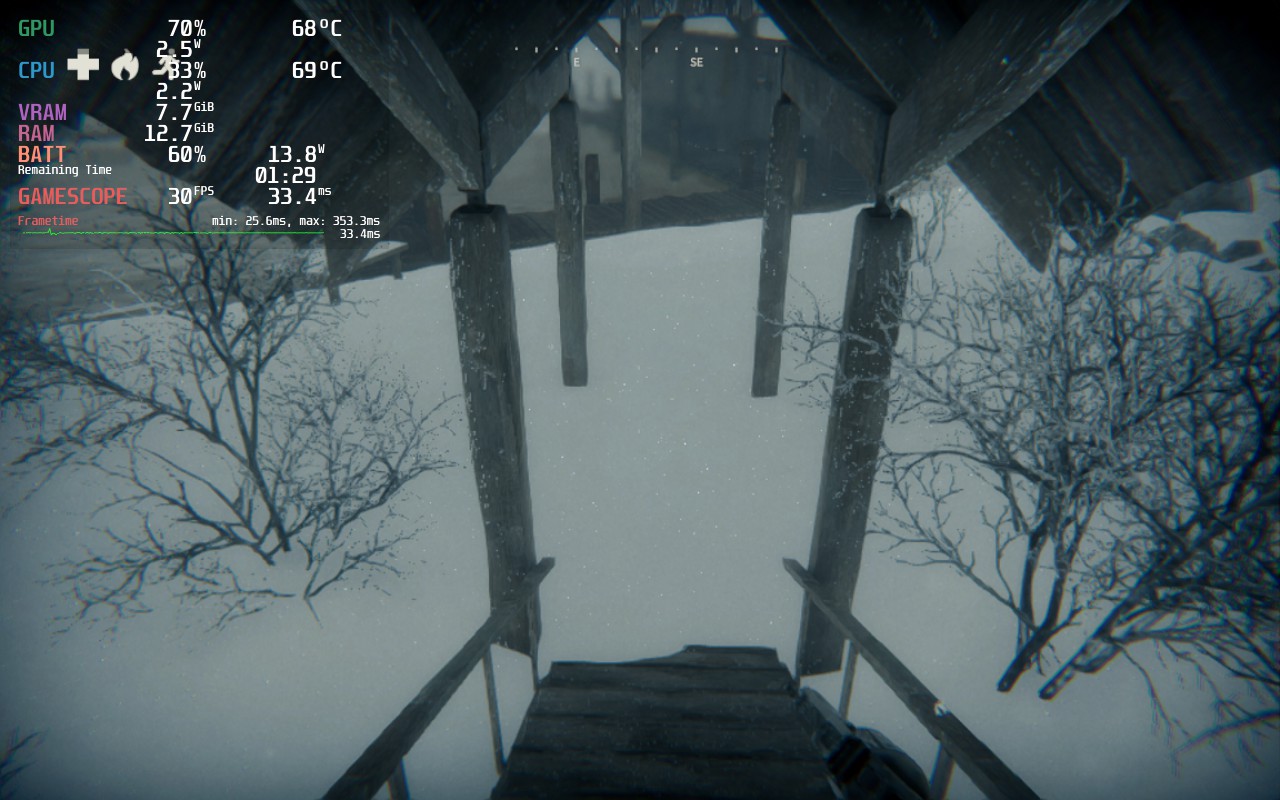
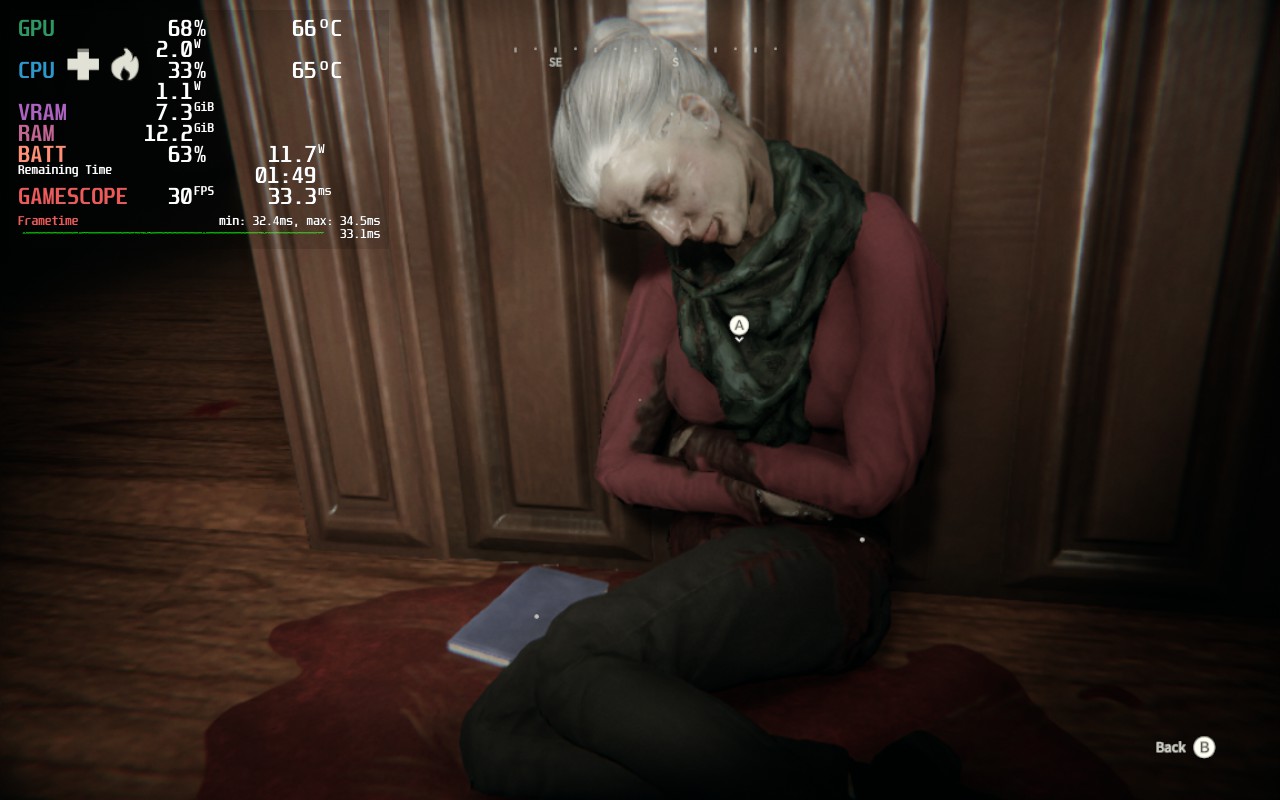
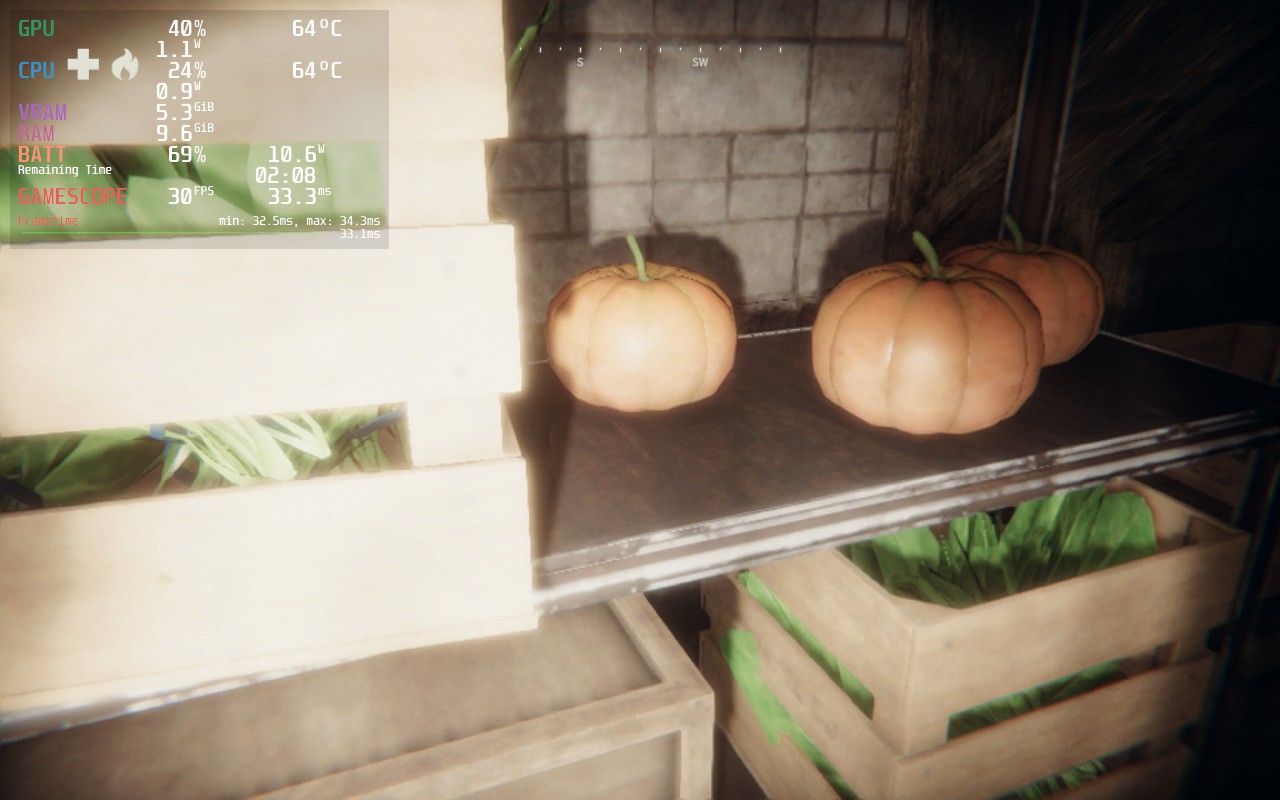
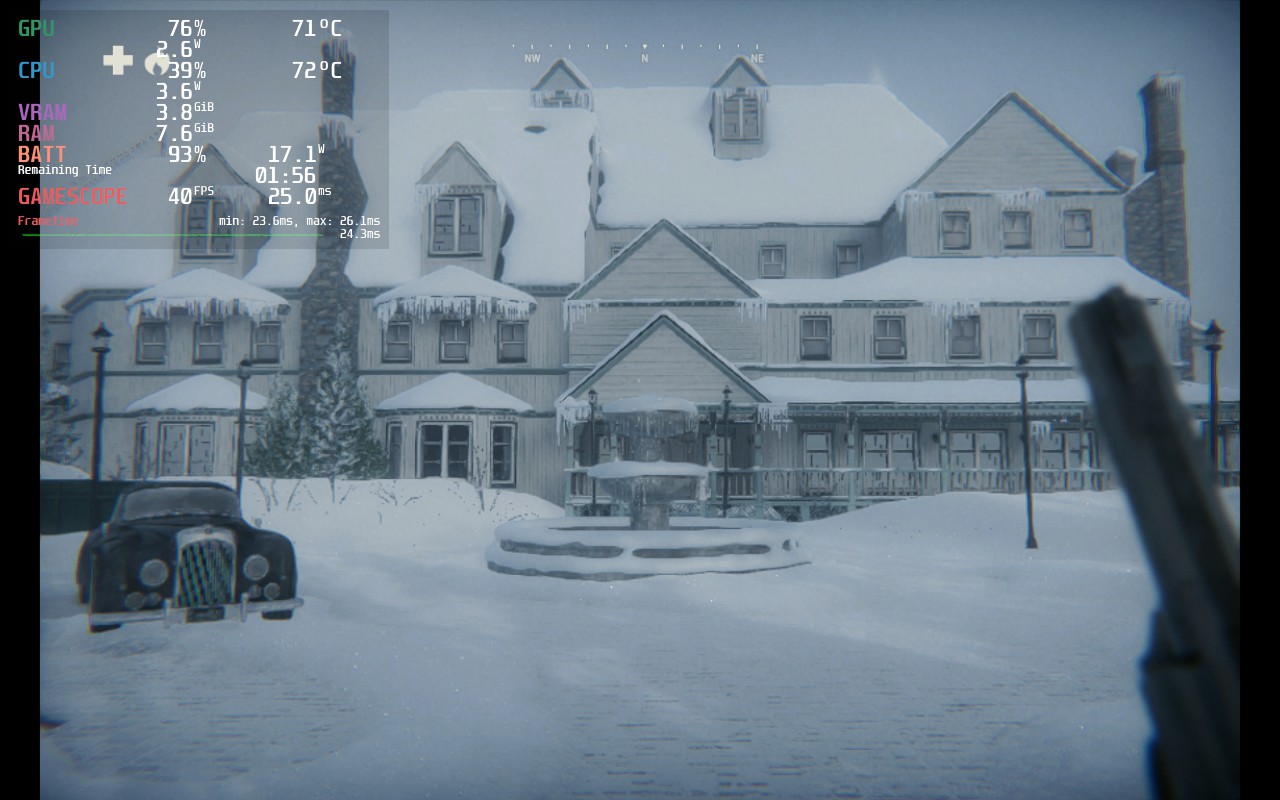
While I was happy with 30 FPS, I wanted to see if I could find a stable way to play at a higher framerate. By turning the settings back down a bit and getting rid of the TDP limit, hitting 40 FPS was possible! Most of the closed-off areas, like rooms in the mansion, don't drain as much, but the open areas can be strenuous, so not having a TDP limit helps!
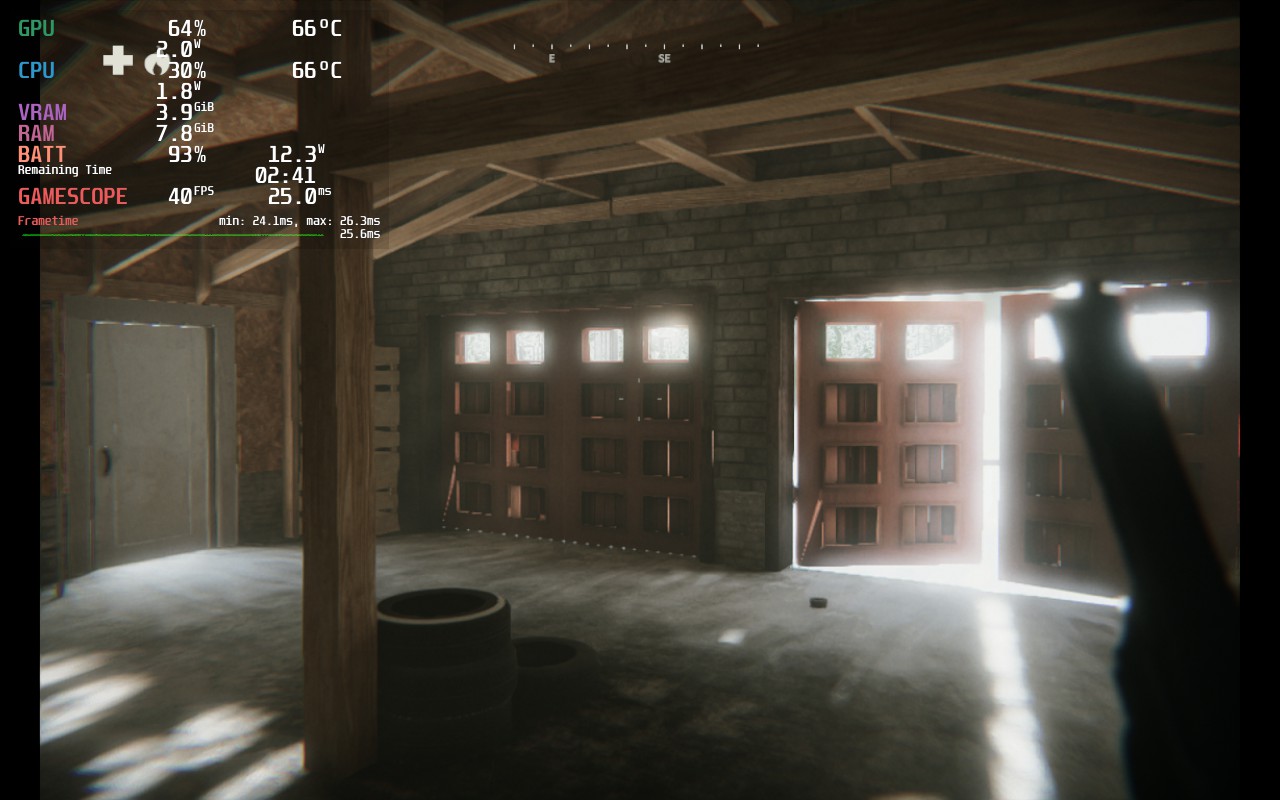
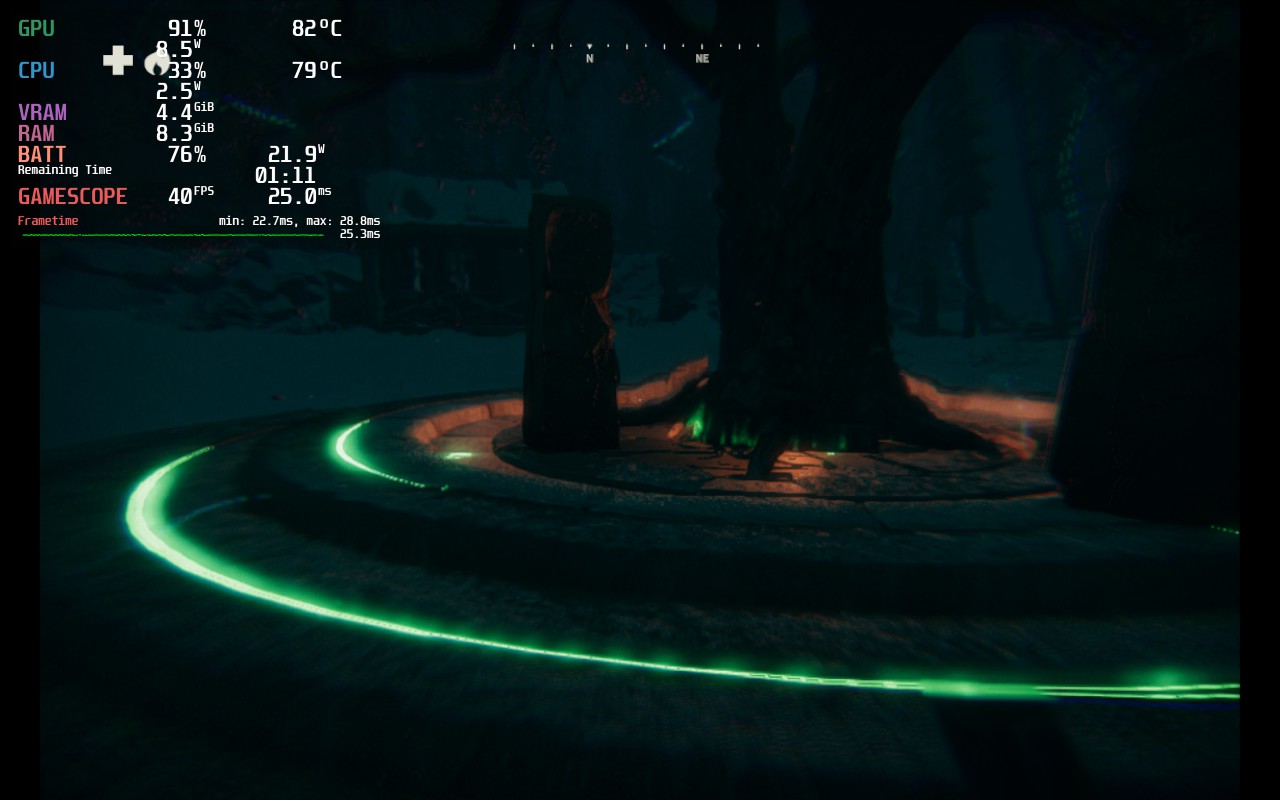
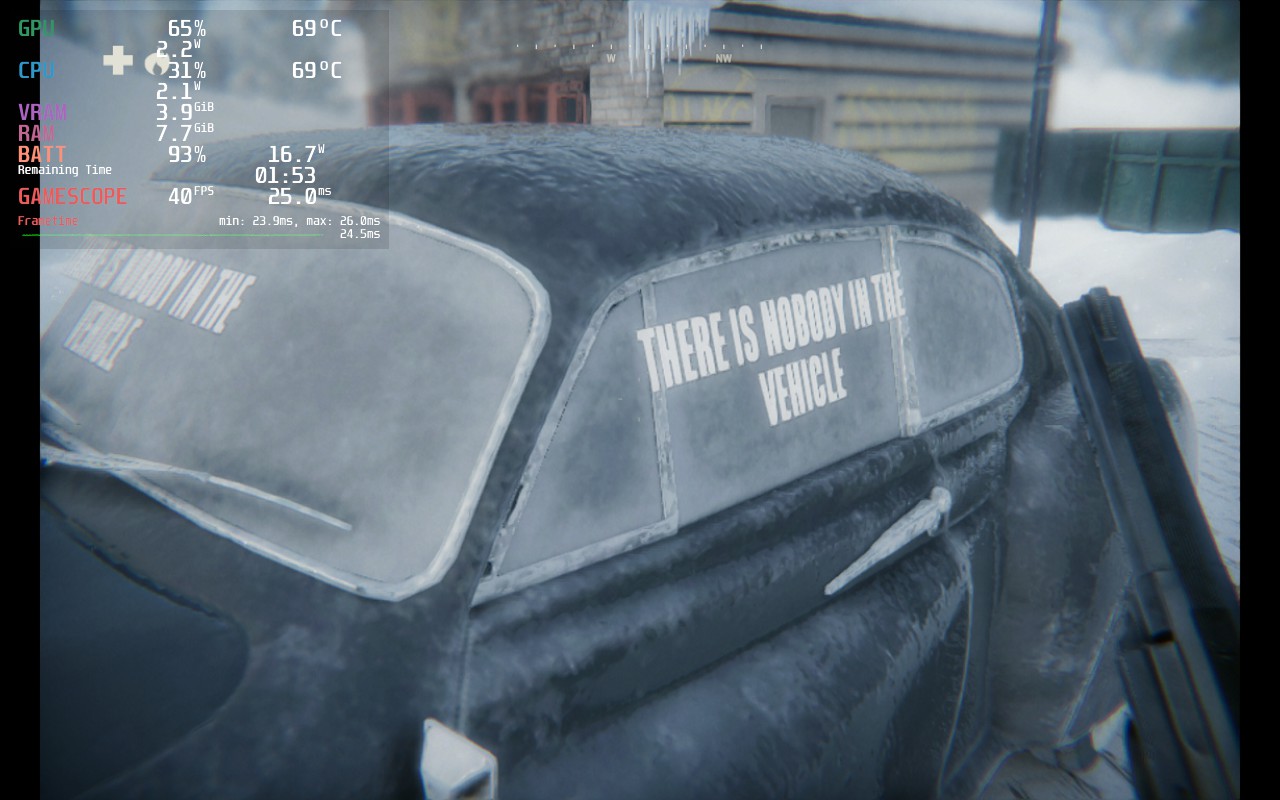
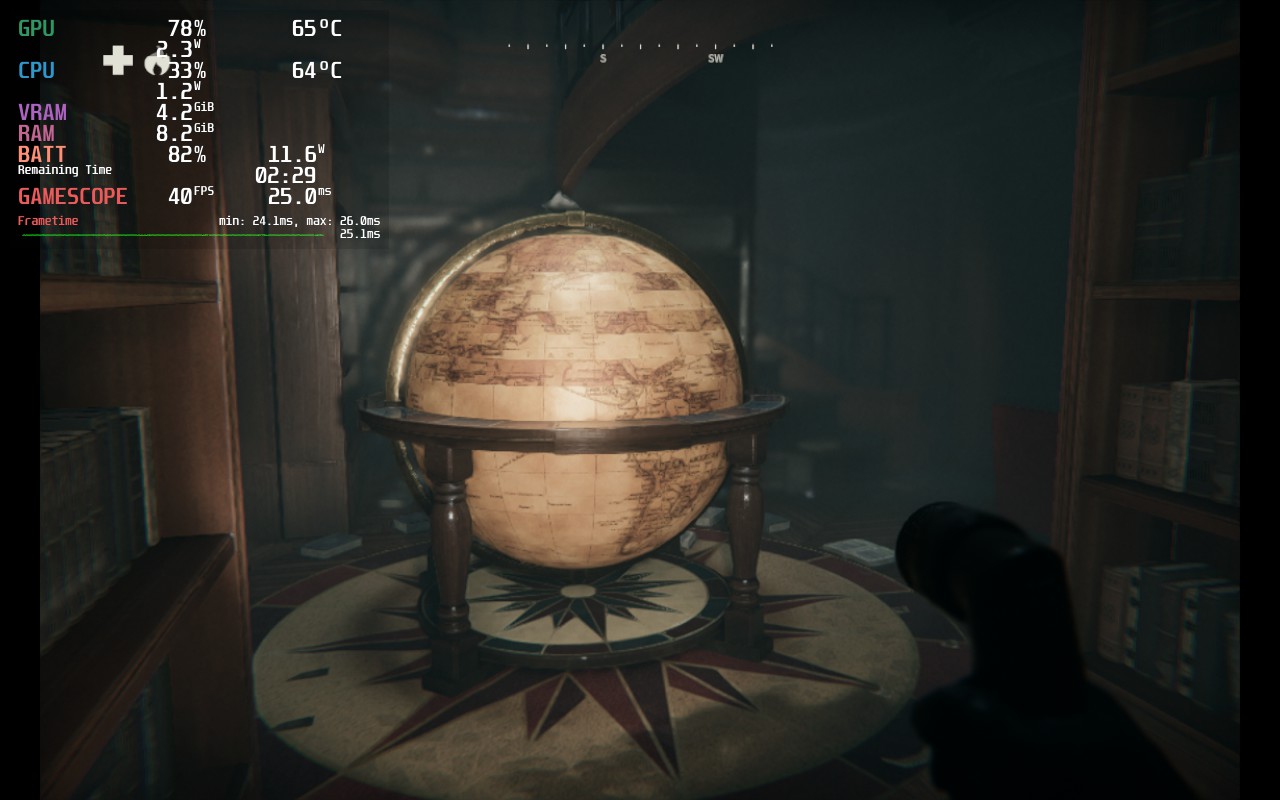
As for what settings you can change, you can toggle vibration and head bobbing, which can help if you start feeling a bit nauseous when walking around. There is a slider for camera shake strength, the crosshair, and toggles for autosave in the Gameplay section. As for the others, you can change camera sensitivity, sprint input mode, bindings, audio sliders, language text, subtitles, and choose between English and Canadian-French narration.
Kona 2 does support 16:10 resolutions, so there won't be any black bars, and there is both controller and cloud save support implemented!
Kona 2: Brume is an enjoyable narrative-driven adventure that ultimately gives me mixed feelings. There are a lot of areas it improved on, like its visuals and the variety of locations it offers. The story was decent, and I like the supernatural elements, but the tense moments and gameplay variety made it feel too different from what made the predecessor so great. This isn't a bad game by any means, especially when playing on the Steam Deck, but it felt like a step forward and a step back at the same time.
このレビューはPC版に基づいています。
このレビューをお楽しみいただけたなら、SteamDeckHQ の他のコンテンツもぜひご覧ください!私たちはあなたのゲーム体験に役立つこと間違いなしの様々なゲームレビューやニュースを取り揃えています。ニュース、ヒントやチュートリアル、ゲーム設定やレビューをお探しの方も、最新のトレンドを知りたい方も、ぜひご利用ください。
Kona 2: Brume is a sequel to an essential sleeper hit that improves some aspects while losing a little of what made it special.
強制的な互換性はない
解像度1152x720
Global Graphics Quality: Low
ブルームミディアム
アンビエント・オクルージョンミディアム
Contact Shadows: Medium
被写界深度中
Motion Blur: Disabled
SSR: Medium
Volumetric Fog: Medium
Water: Medium
Visual Effects: Medium
Lighting: Medium
Shaders: Low
View Distance: Medium
Split Mode: Disabled
制限
40
リフレッシュ・レート
40
HRS
ノー
TDPリミット
いいえ
スケーリング・フィルター
リニア
GPUクロック
無効
強制的な互換性はない
解像度1152x720
Global Graphics Quality: Low
Bloom: Low
Ambient Occlusion: Low
Contact Shadows: Low
被写界深度:低い
Motion Blur: Disabled
SSR: Medium
Volumetric Fog: Low
Water: Medium
視覚効果:低
照明低い
Shaders: Low
View Distance: Low
Split Mode: Disabled
13W - 21W
68c - 77c
~2時間
