




11W - 18W




このゲームはスクウェア・エニックスからレビュー用に提供されたものです。ありがとうございました!
I remember when Kingdom Hearts 3 was officially released back in 2019. I was working at a UPS store and I requested 3 days off of work to binge the game. It was 100% worth it, and I remember the grinding, finding all those Mickey Mouse emblems to photograph, and beating the game twice. It was magical, and getting to relive all of it again on the Steam Deck has been a blast. While Kingdom Hearts 2 will always have my heart, 3 does exceptionally well at evolving the series, and I love the direction it is heading.
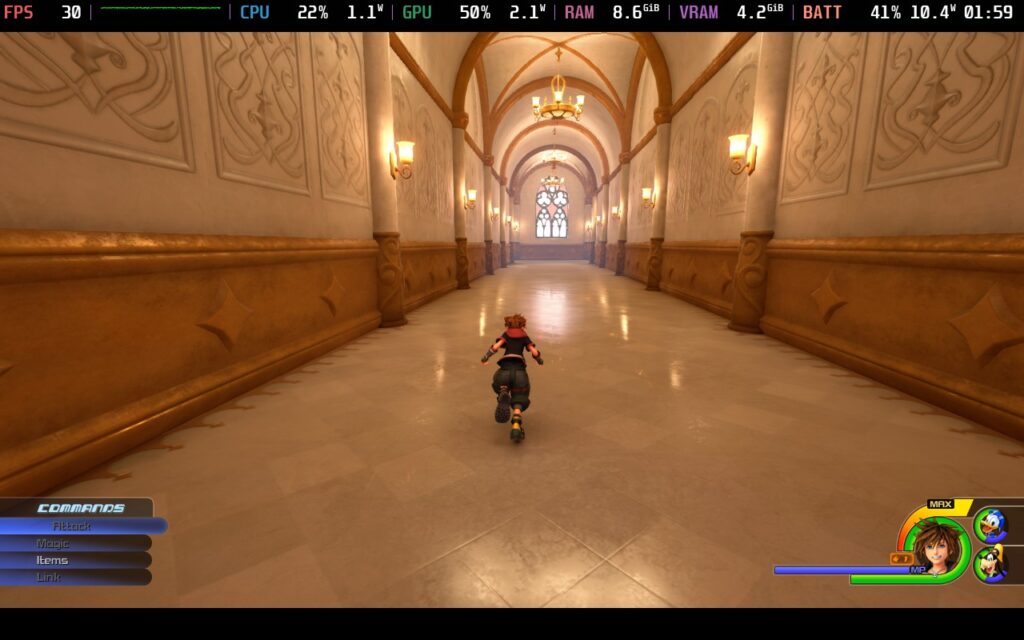
Warning: I will be discussing the story of Kingdom Hearts 3 now, so if you want to avoid any spoilers, skip this section. I will do my best to not spoil much, but it's hard to discuss without referencing the games leading up to it.
The story of Kingdom Hearts 3 picks up right where Dream Drop Distance left off. Sora, Donald, and Goofy now have to travel again to more worlds and help them out. While this is going on, Yen Sid has tasked Riku and Mickey to find Aqua (0.2 Fragmentary Passage sets this up) while Kairi and Lea (previously known as Axel) train to be Keyblade Wielders, all to prepare for Xehanort's return and a new major Keyblade battle.
I won't go more into detail so I won't spoil for anyone who is reading this and hasn't played yet, but it's awesome seeing how the saga culminates. It has its fair share of convoluted moments that feel like they were created just to solve a random problem, like Replicas, but if you have been playing the previous games and following along, you will be very used to these moments. The final battle is one I loved seeing, which brought everyone back (somehow). The ending wasn't as satisfying for me, but the final battle made it all worthwhile.
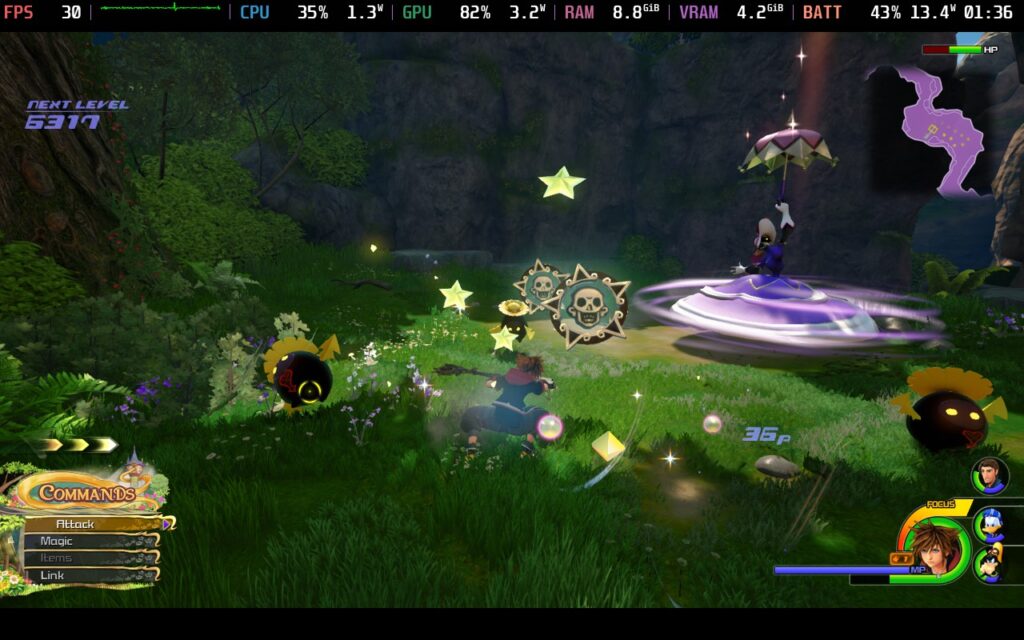
Going through each world and meeting all the Disney characters was great too. It was nice to revisit some of the worlds that we encountered in the previous games, like Olympus (Hercules) and 100 Acre Wood (Winnie the Pooh), but the new worlds were so awesome to experience. I loved the Kingdom of Corona (Tangled), San Fransokyo (Big Hero 6), and Monstropolis (Monsters, Inc.) specifically, but going to Arendelle (Frozen) and meeting the Toy Story gang was great too.
As for the gameplay, Kingdom Hearts 3 has evolved from its predecessors while still keeping a lot of the mechanics. You do still run around and button mash to attack, you gain EXP when defeating enemies to level up basic stats like Strength, Defense, and Magic, and you get abilities that you can equip by spending your Ability Points (AP). But with the new engine, we have some fantastic new mechanics and tweaks to make everything feel significantly more fluid.
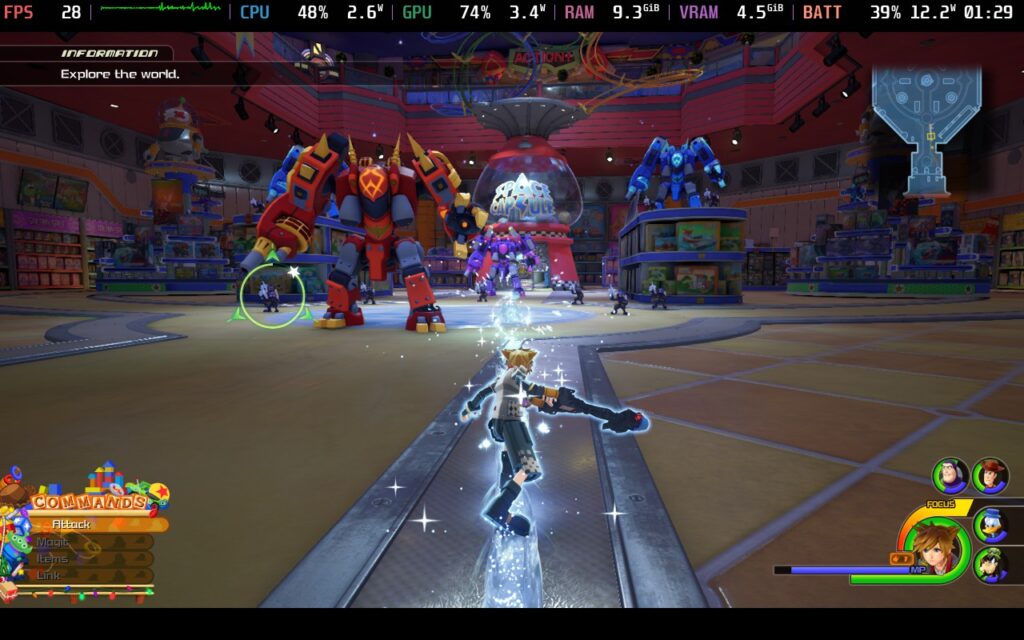
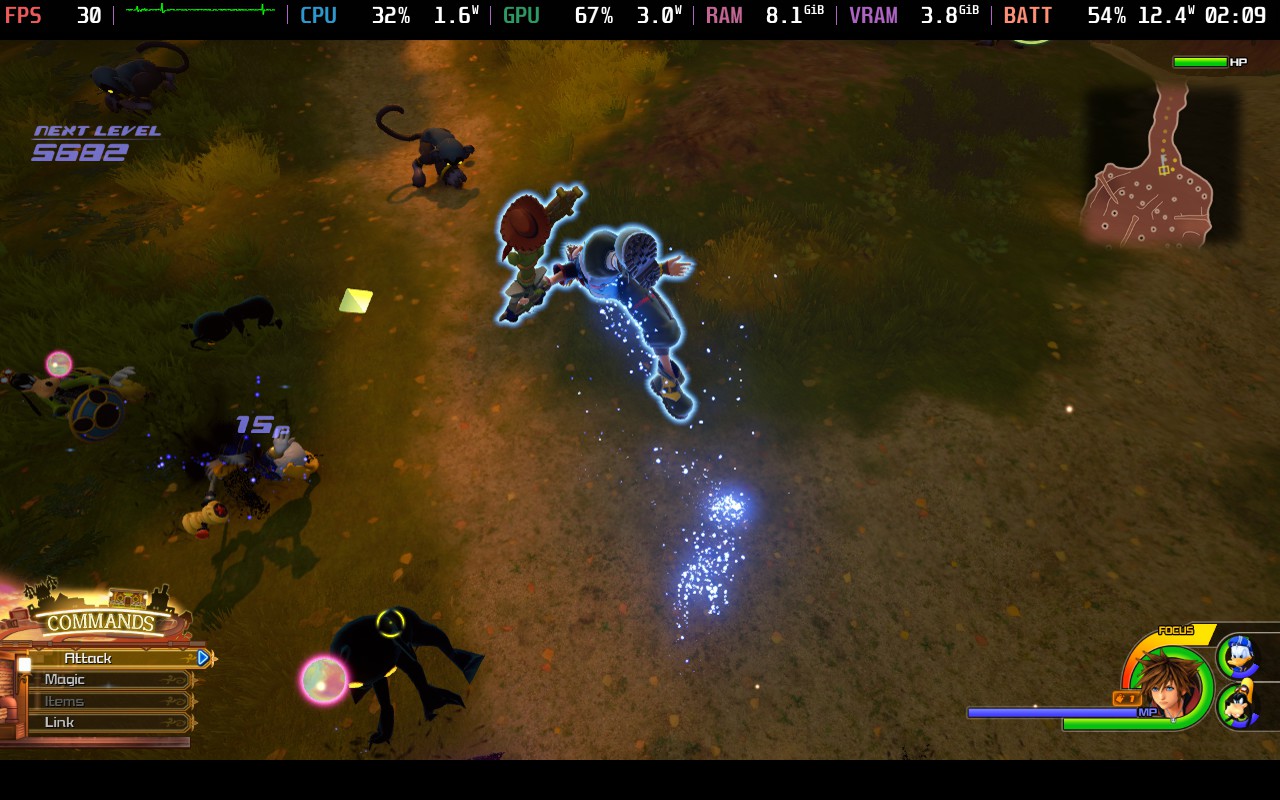
The flowmotion system from Dream Drop Distance has been included, giving us new ways to attack enemies in flashy ways and move around the map faster, we can use magic while moving around to keep up the flow of battle, and we have the introduction of the Keyblade Transformations. When you attack enemies enough, you can change your Keyblade's form, giving yourself new attacks, powerups, and more flashy finishers. There are also higher tiers of magic to do massive area damage, attraction flow attacks (these spawn in Disney Park attractions to attack enemies), and team attacks.
The changes made to the formula here really stand out and elevate the experience in numerous ways. Battles feel more flashy and fluid; flowmotion brings a bit more verticality to the fighting, and you can carry and quickly swap three different Keyblades to utilize different transformations or Keyblades that focus on Magic or Strength. It does still have the button-mashy combat, and the RPG mechanics are a bit light compared to other JRPGs, but with a way to upgrade Keyblades and equip different armor and accessories, it still feels worthwhile.
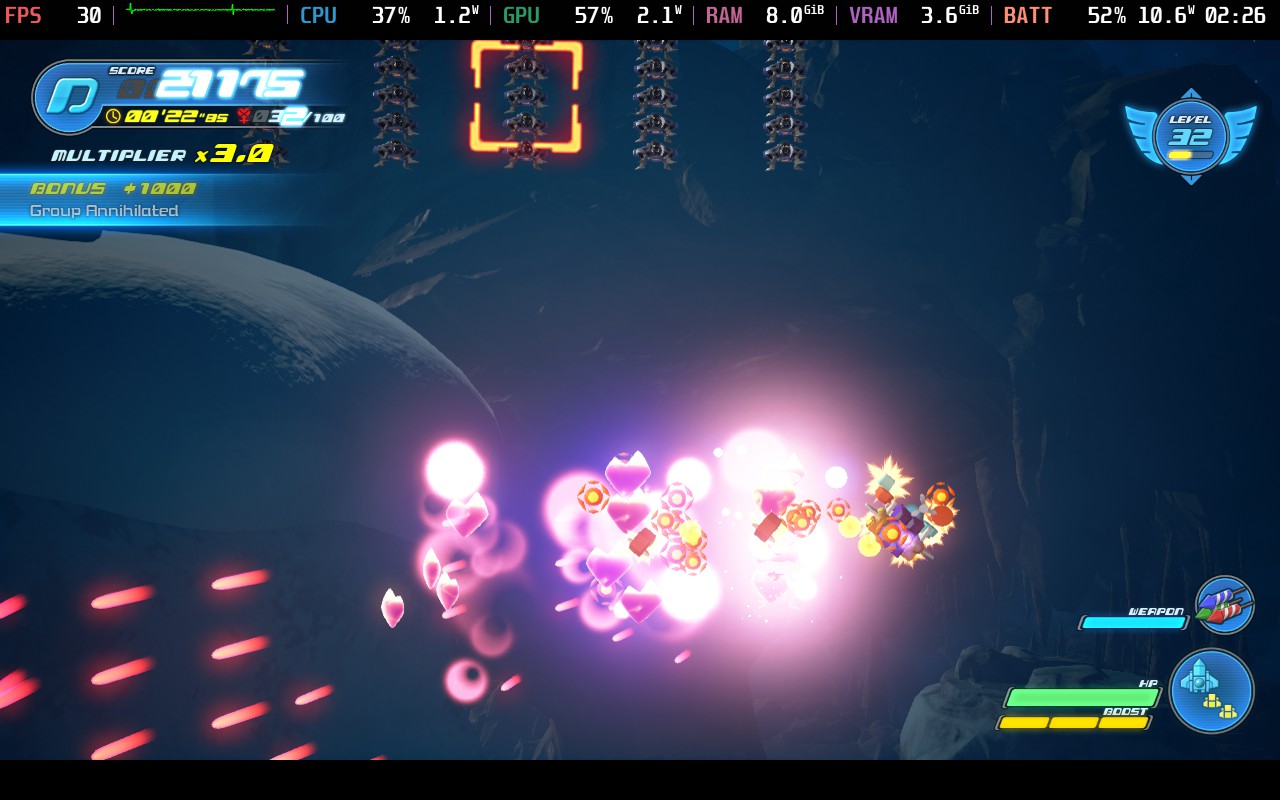
We also have the return of the Gummi Ship, but instead of just flying from one world to another, we will be flying in the open world. I enjoy this a lot more than the older linear sections. It's cool to go seek out heartless to go after, destroy asteroids to hopefully get some materials for crafting, and level up your ship. You can customize your ship with new parts to improve it, and get tiny ships to accompany you. Luckily, you can teleport to other worlds directly if you don't enjoy these segments, but I did like them.
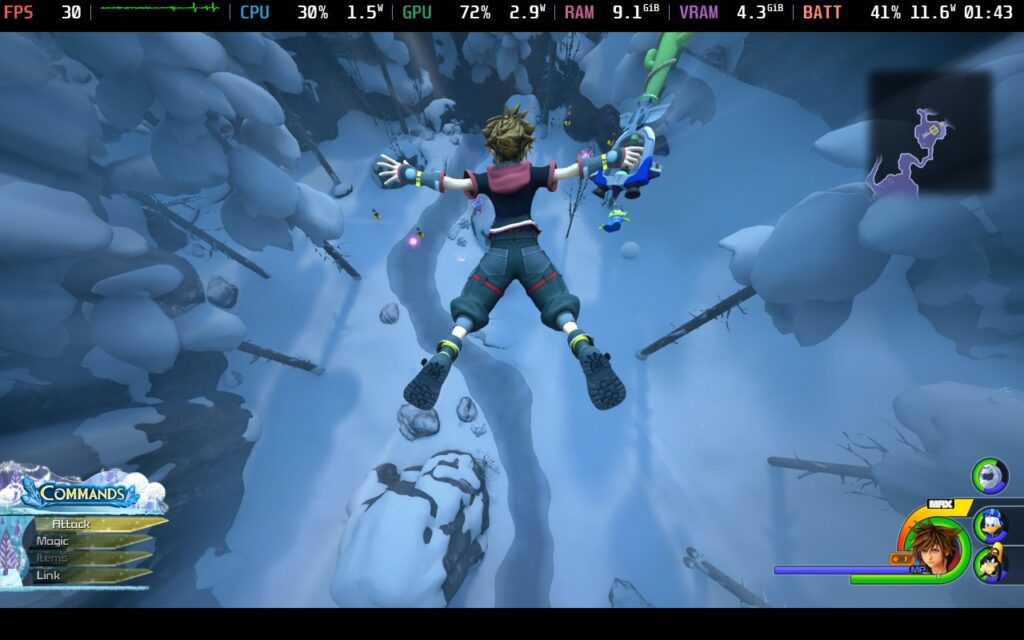
The art style and aesthetic of Kingdom Hearts 3 is wildly different than the past games in the series, and while I can see those who love the older ones taking issue, I personally love the changes. It still feels cartoony, but it also looks a lot more realistic. Most of the worlds look just like their movie equivalents, while Pirates of the Caribbean's world looks incredible and much more realistic than I expected. Going through the worlds and zooming through space in the Gummi Ship was really enjoyable.
And all of it is great on the Steam Deck, with some compromises.
Kingdom Hearts 3 is a wonderful game to play on the Steam Deck, and in most areas, it performs admirably. When it runs at a high framerate and is very smooth, it feels exceptional. Unfortunately, there are some worlds that hit the device a bit harder, and to get a fully stable experience, we will need to take those into account. But there are ways to enjoy the game fully, and that in itself is a huge plus! And if you have an OLED Steam Deck, you can take advantage of those glorious colors, which still stuns me as I walk through the Kingdom of Corona and San Fransokyo.
If you can handle the framerate fluctuations, a lot of the game will hover around 50 FPS or higher, but due to some of the worlds having drops, I would rather go for a more stable experience:
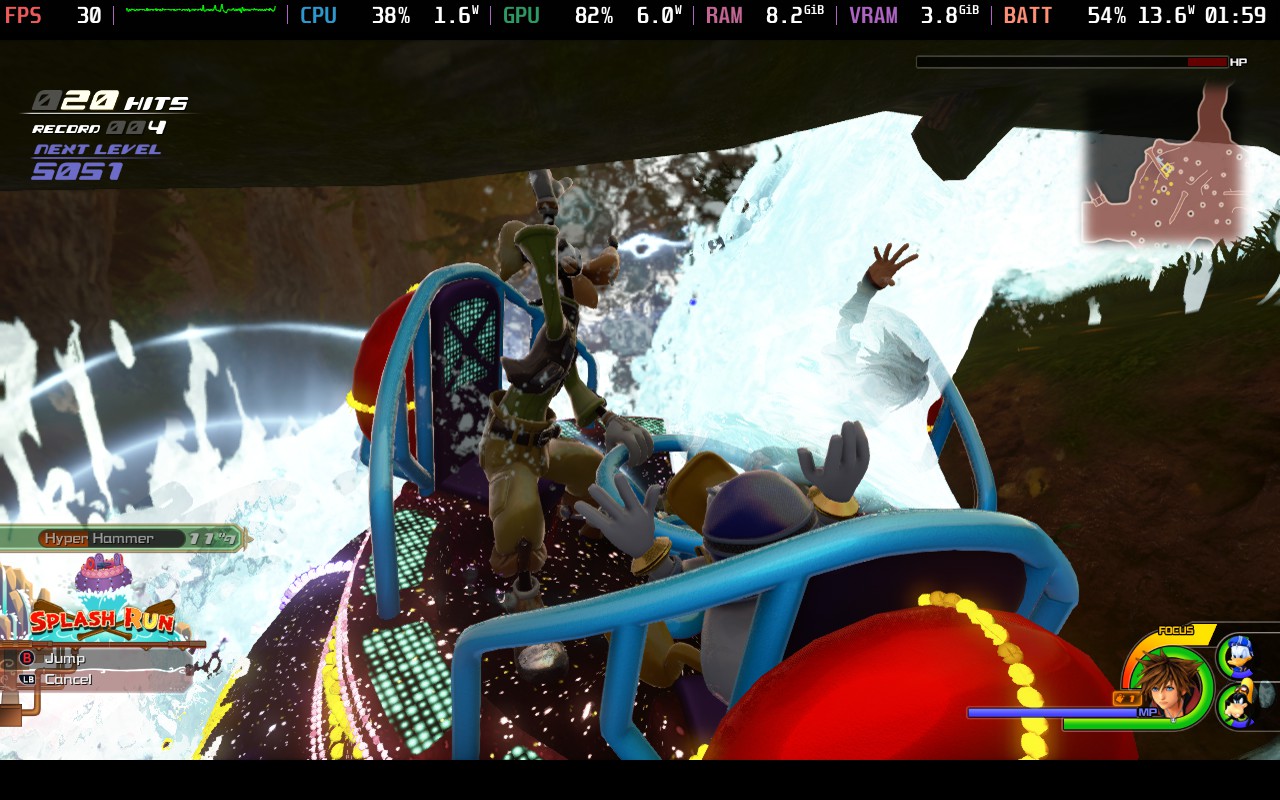
I badly wanted Kingdom Hearts 3 to run at a high framerate, but because of a couple of worlds, this isn't possible for the entire game. There are some areas in the worlds that do have drops, with the biggest happening in the Kingdom of Corona, Arendale, and Pirates of the Caribbean. It happened enough to where I started to get annoyed, so to fix this, we needed to either drop quality or framerate, and I chose framerate, which was helped a lot by lowering the resolution scale.
A solid 30 FPS with medium settings and a resolution scale of 75 works wonderfully, keeps everything stable, and the game still looks phenomenal. High settings invited more unexpected drops, while a lower resolution scale made everything blurry. This is the best of both worlds, and is the most stable way to play with lower battery drain.
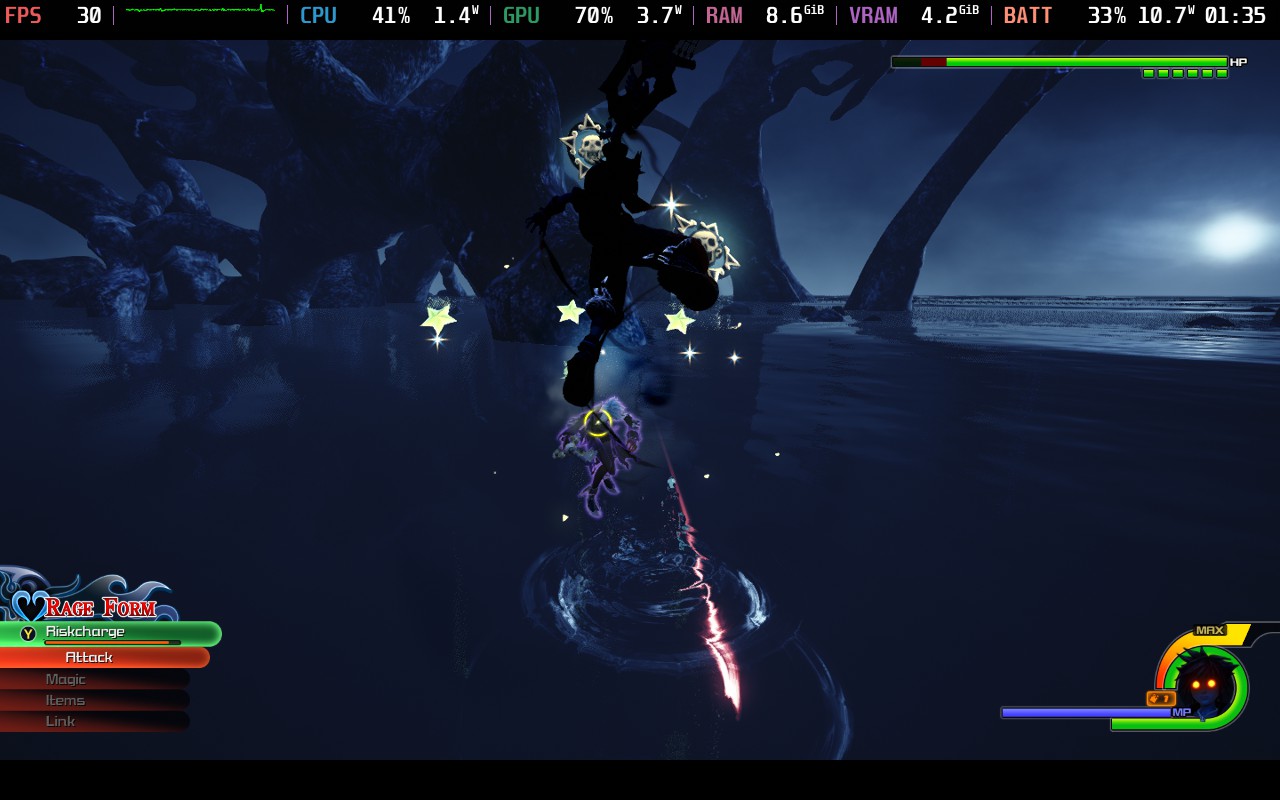
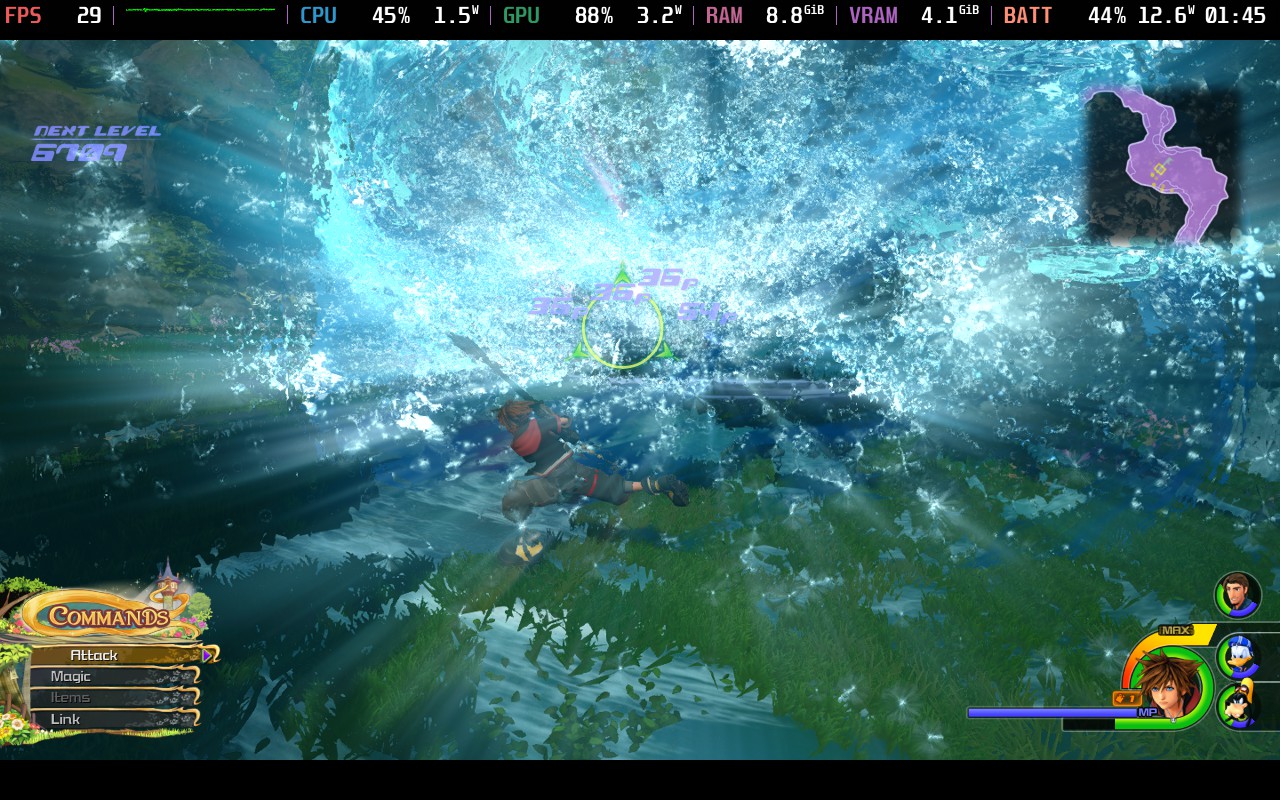
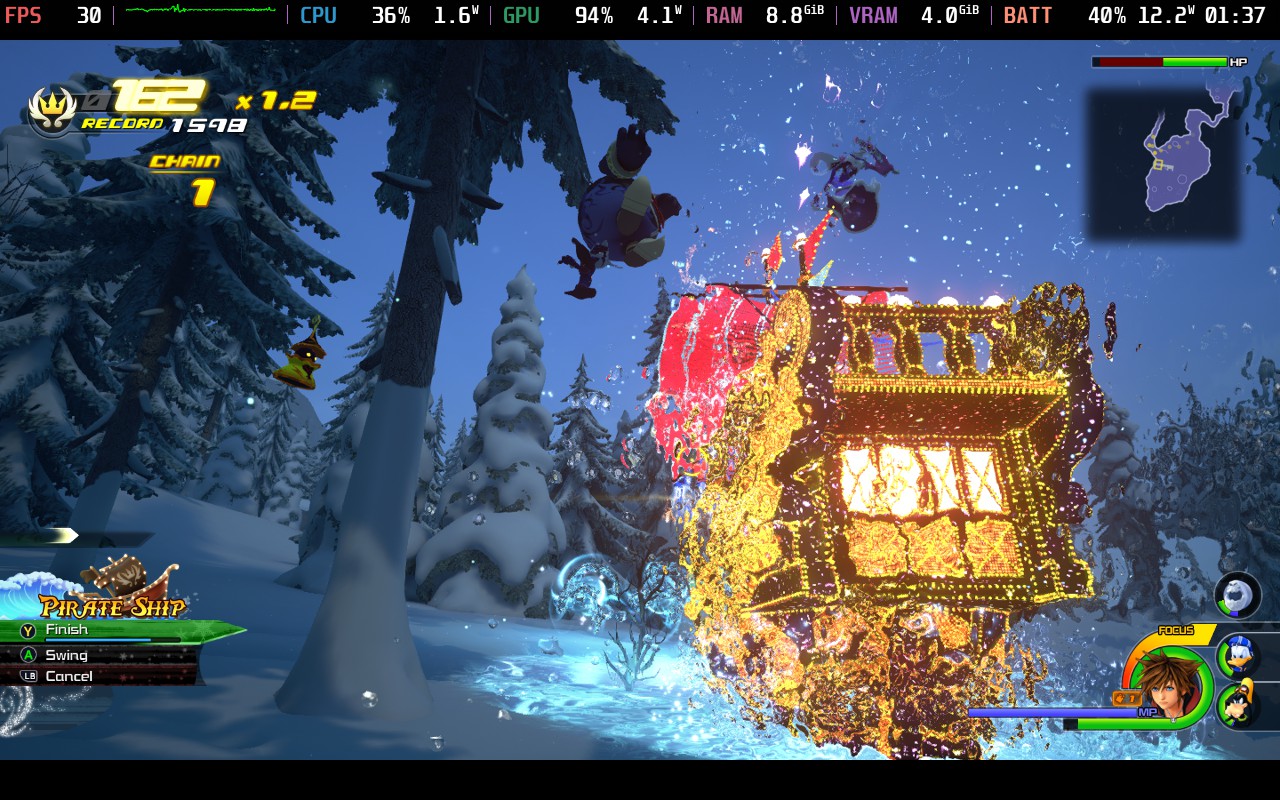
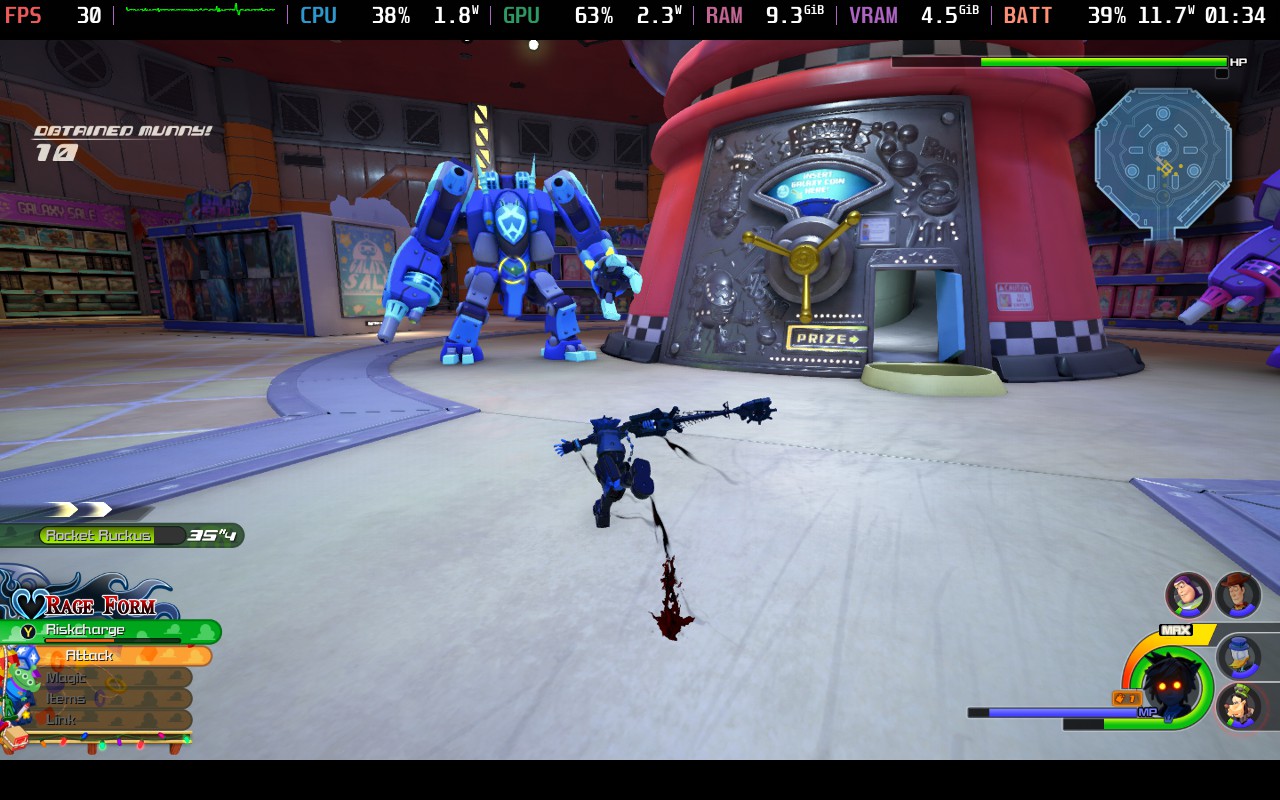
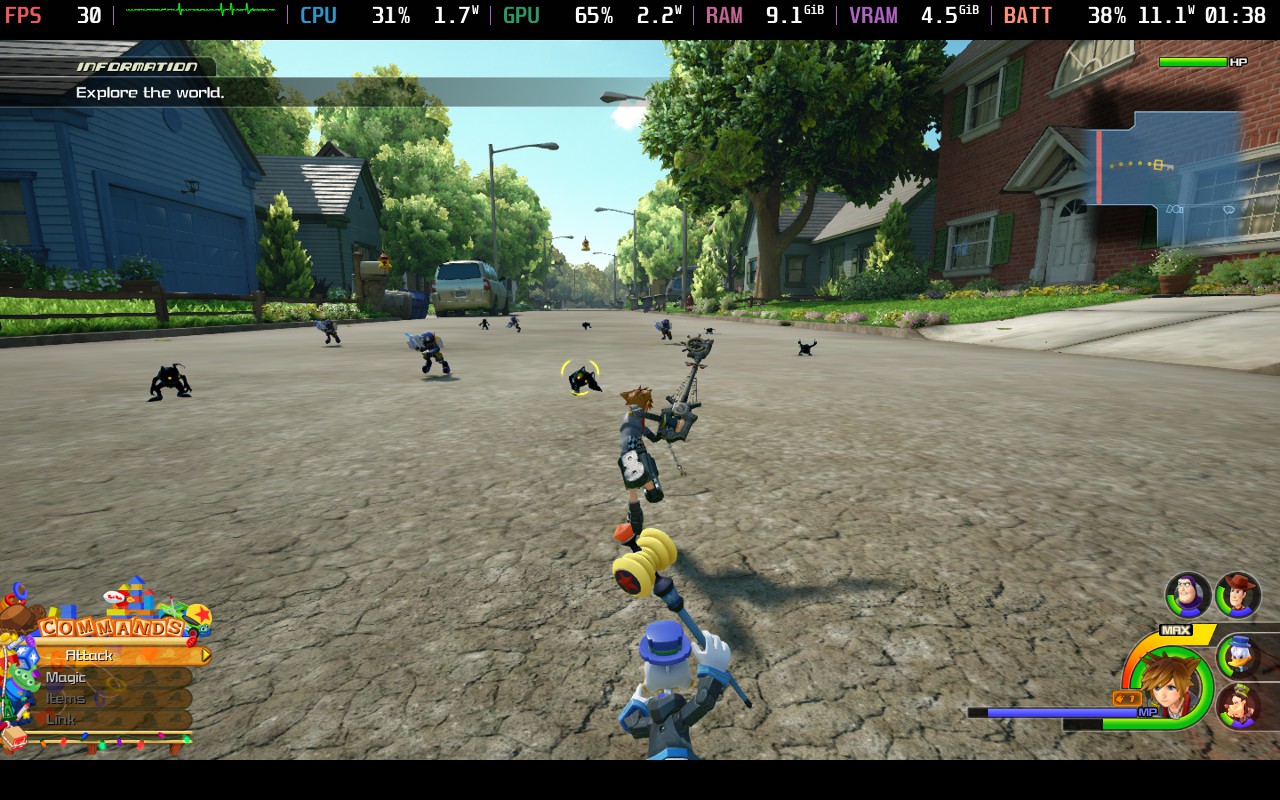
Now if you want to play at a higher framerate, it is possible, but requires some major compromises. For a solid 40 FPS across the board, we will need to bring the resolution scale down to 50 while reducing shadows and screen space reflections to "Low." Everything else can stay on Medium. The game does look a little blurrier, and does end up draining more battery overall, but it is more fluid feeling, which is nice.
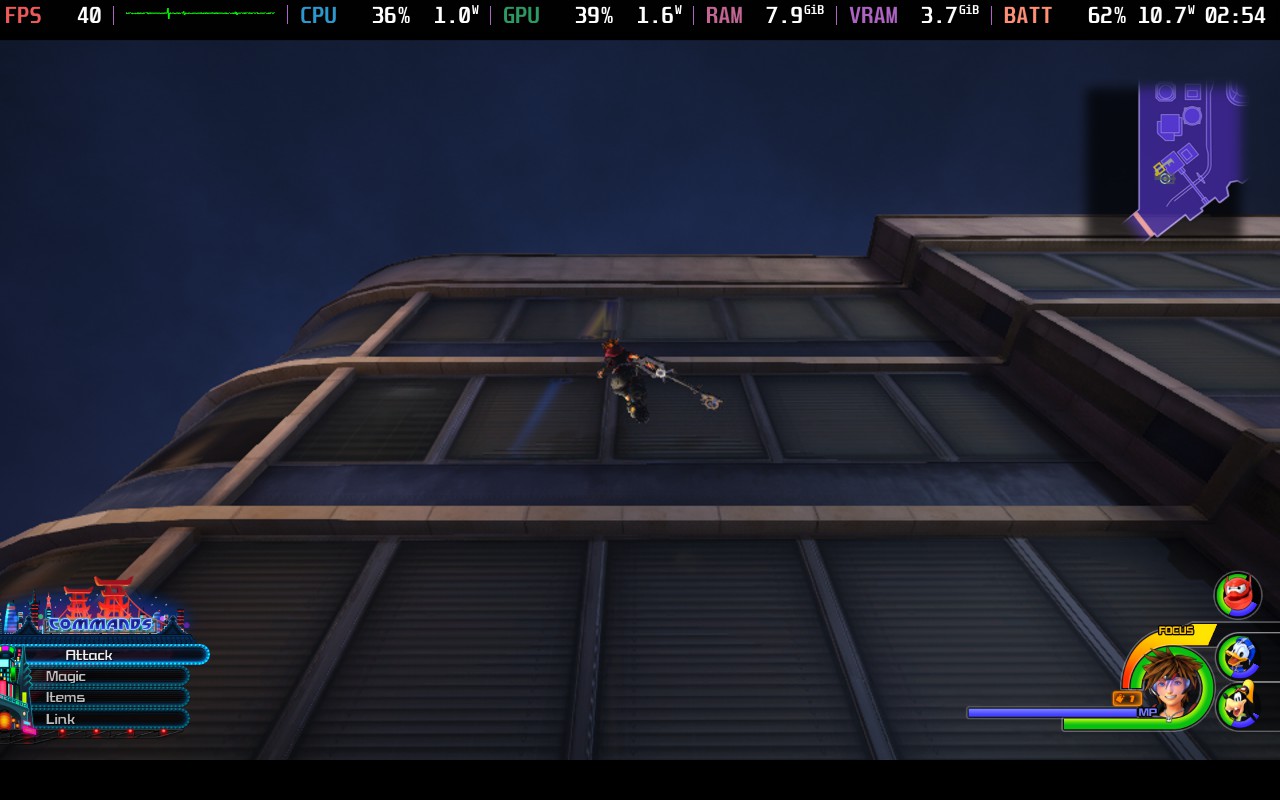
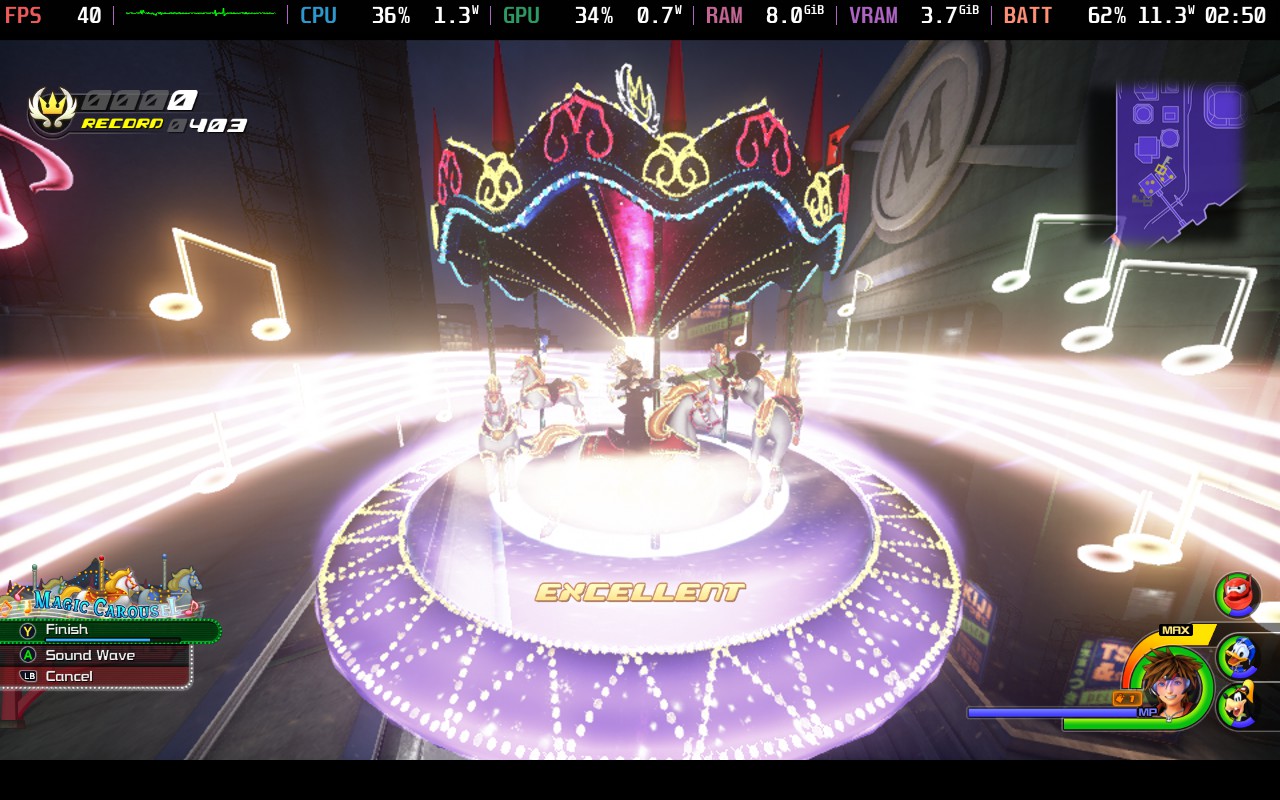
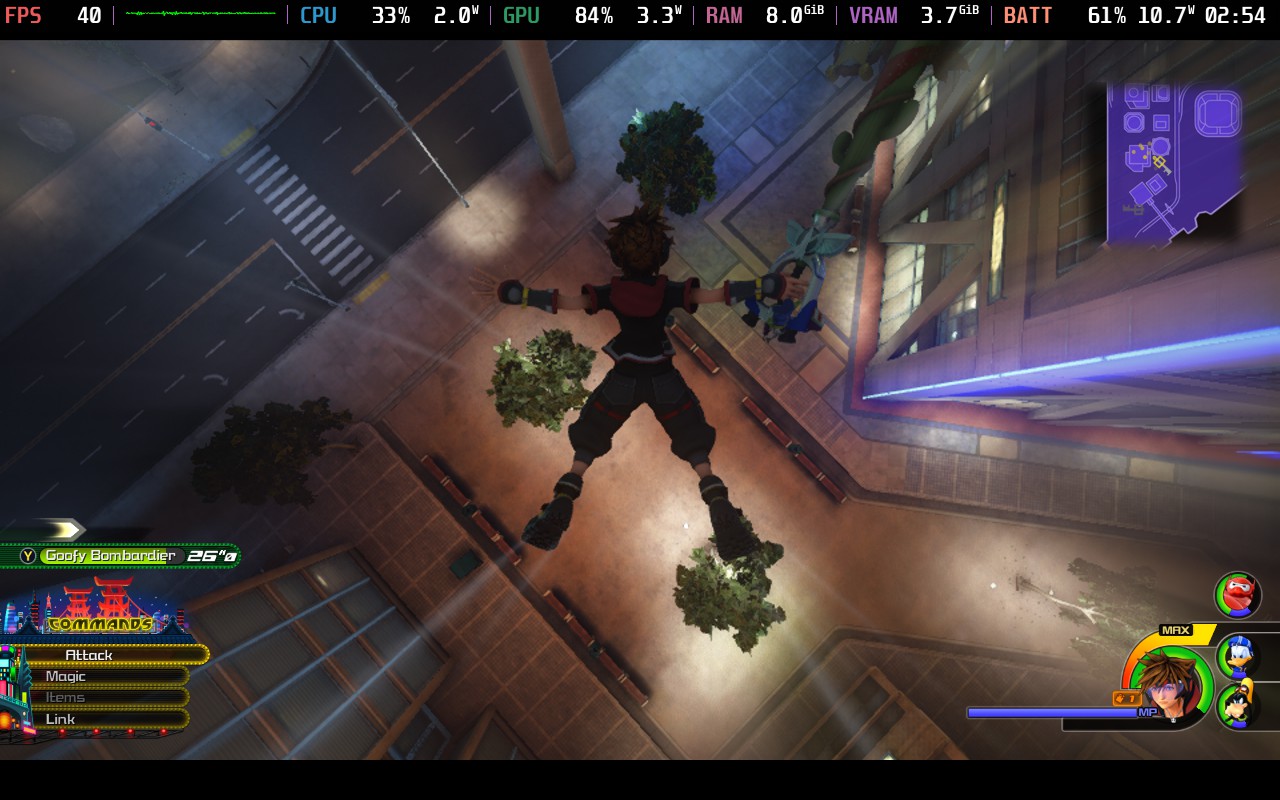
If you are someone who really wants to play with the highest possible quality, then these are the settings you will use. The actual graphical settings are a bit worse than our recommended, but the game will be using a resolution scale of 100, which makes everything look sharper. It is definitely a step up, and will drain a ton of battery, but it is playable and does look better than both of the other groups of settings.
When it comes to the settings Kingdom Hearts 3 has, we can change language (text and voice), sound bars, camera controls, reticle control, cinematics and camera angles for combos, how the command menu works, subtitle toggles, and map orientation.
The game doesn't support 16:10 resolutions, so there will be black bars, but it does have both cloud saves and controller support. There are no HDR settings.
Kingdom Hearts 3 is a phenomenal game and a great ending to the Dark Seeker/Xehanort saga. Seeing the story wrap up, as well as the new Disney worlds and how Sora and crew play a part, is enjoyable, while the combat improvements make it feel much more fluid and vertical. The story is still convoluted with weird plot changes that happen in the middle, and combat can feel button-mashy, but the pros absolutely outweigh the cons here. And with some tweaks, it is extremely playable on the Steam Deck, and I highly recommend playing it this way. It's unreal experiencing the Kingdom Hearts series on a portable device without relying on the cloud, and I don't think I could go back.
このレビューはPC版に基づいています。
このレビューをお楽しみいただけたなら、SteamDeckHQ の他のコンテンツもぜひご覧ください!あなたのゲーム体験に役立つゲームレビューやニュースを幅広く取り揃えています。ニュース、ヒントやチュートリアル、ゲーム設定やレビューをお探しの方も、最新のトレンドを知りたい方も、ぜひご利用ください。
Kingdom Hearts 3 is the exciting culmination of the first Kingdom Hearts saga, and succeeds in creating a compelling experience both on and off the Steam Deck.
制限
40
リフレッシュ・レート
80
HRS
ノー
TDPリミット
いいえ
スケーリング・フィルター
リニア
GPUクロック
無効
強制的な互換性はない
ディスプレイ
解像度1280x800
Resolution Scale: 50
グラフィック:
Set Quality Preset to Medium, then change to Custom. Then, turn:
影:低い
Screen Space Reflections: Low
11W - 18W
57c - 68c
~3時間
制限
30
リフレッシュ・レート
90
HRS
ノー
TDPリミット
いいえ
スケーリング・フィルター
リニア
GPUクロック
無効
強制的な互換性はない
ディスプレイ
解像度1280x800
分解能のスケール:100
グラフィック:
Set Quality Preset to Medium, then change to Custom. Then, turn:
影:低い
Screen Space Reflections: Low
13W - 22W
66c - 77c
2時間~2時間半
