


A HUGE thank you to Squanch Games, FiftyCC, and TaraBrunoPR for providing a copy of this game for us to review!
High on Life is a first-person shooter from the genius mind of Justin Roiland. Humanity is being threatened by an alien cartel that wants to turn humans all into drugs. Now, with an army of talking, modifiable guns and a satanic knife obsessed with killing, you will travel across a variety of locations across the universe like western-themed sewers, jungle paradises, and even a city built inside of an asteroid. Collect loot and use the unique skills of each weapon to track down the cartel and complete hunter challenges to keep your skills in tip top shape. Will you be able to save humanity?
High on Life is quite possibly one of the funniest games I have played this year. The gunplay is great, the visuals are stunning, but that humor that Justin Roiland is known for gets me every time. From a weird alien mistaking your sister as your mom to a red guy claiming he got surgery to stop pooping to make him more attractive, there's just so much humor injected in and feels great coming from just random interactions initiated by your talking gun. Being able to play this on the Deck would be a dream come true, so let's dive in and show you how to optimize this wonderful game!
On max settings, High on Life has issues staying above 30 FPS. While standing still can go over, as soon as you start moving, it will drop framerate down to sub 25 frames with a 22-24W drain and 80c temps. It isn't ideal, but changing some settings can really help this game shine!
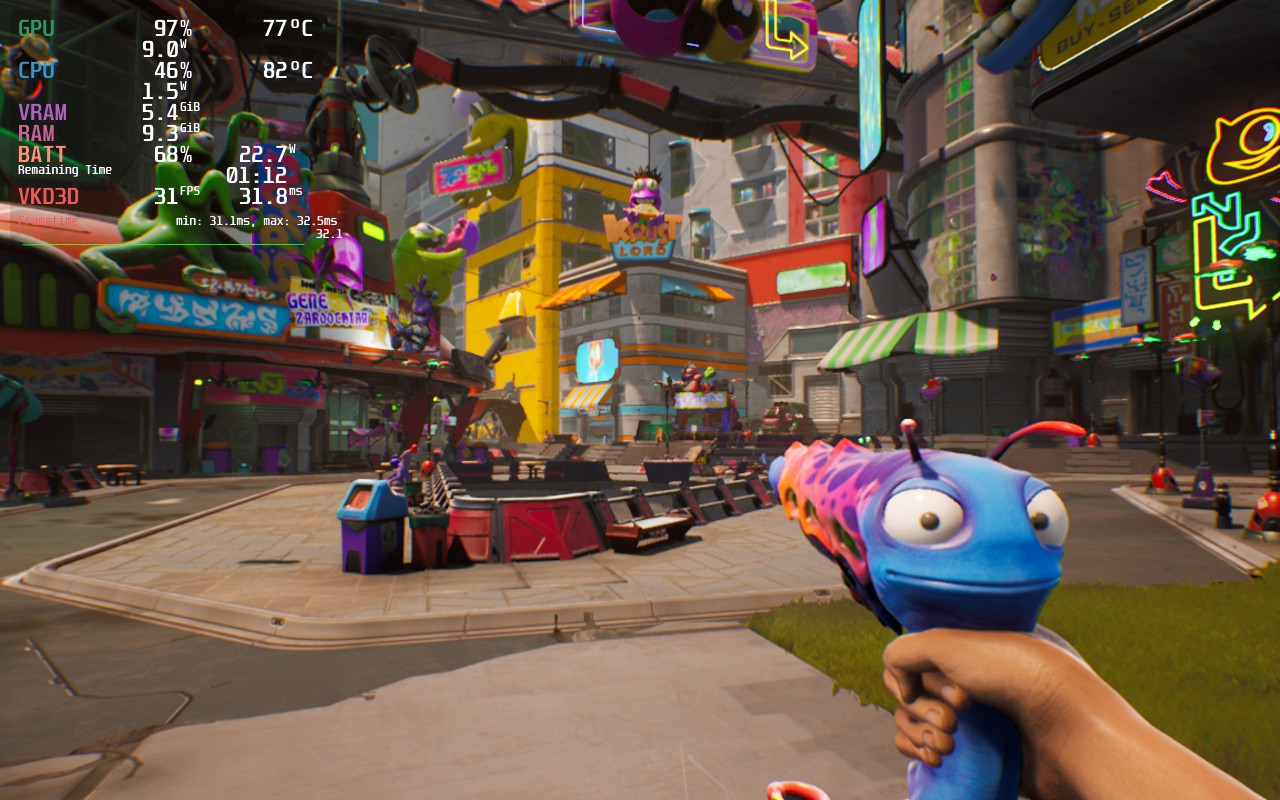
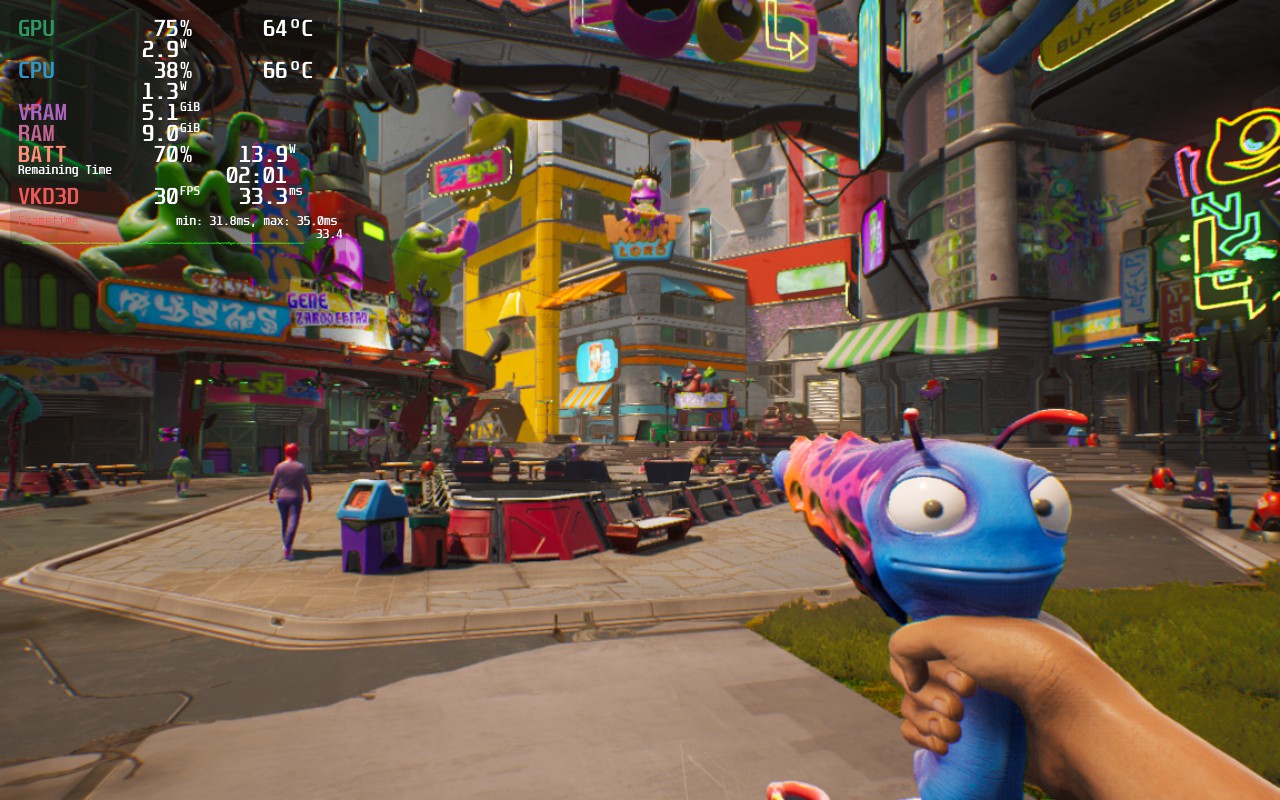
Through my testing with High on Life, there was a multitude of options I tested. I started off trying to hit 40 FPS, but to do this required too many compromises and more battery drain than I was hoping to have. I elected to go for a visual focus at 30 FPS as my recommended as it was also more stable and less stressful on the battery.
With a mix of high and medium settings, with foilage on low, I was able to sustain a stable 30 FPS under a 16W drain with the game looking absolutely gorgeous. The reason foilage is on low is primarily due to the forest biome where plants and grass make up vast amounts of the area, which will slow down the framerate a bit.
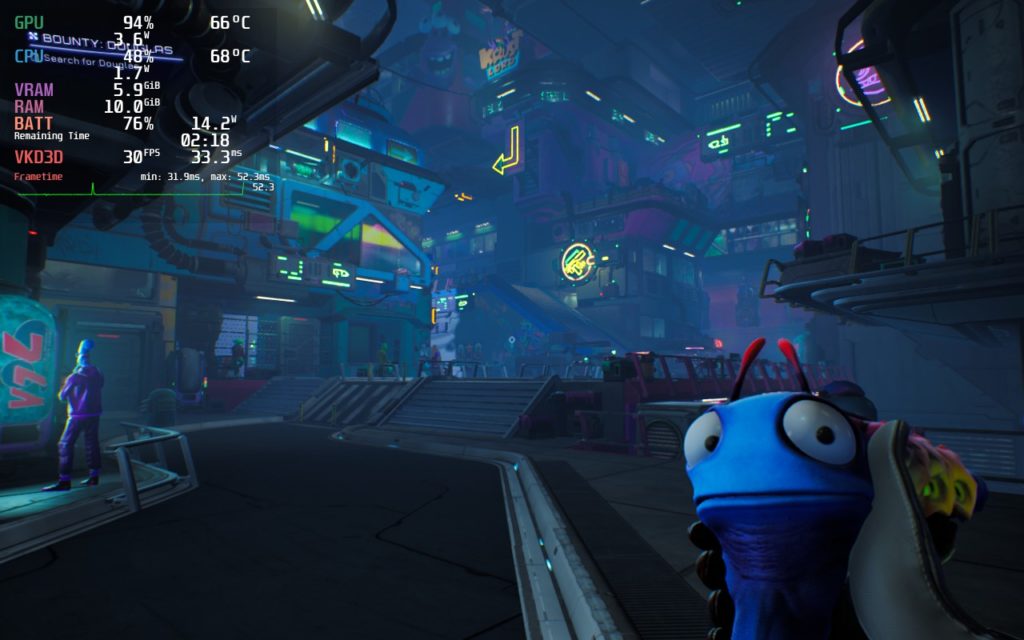
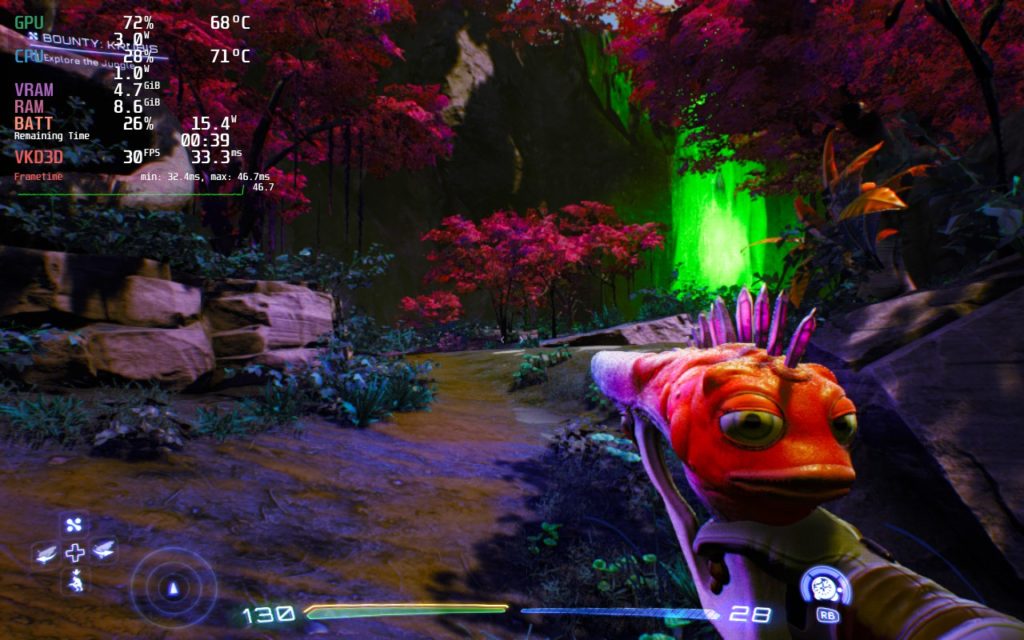
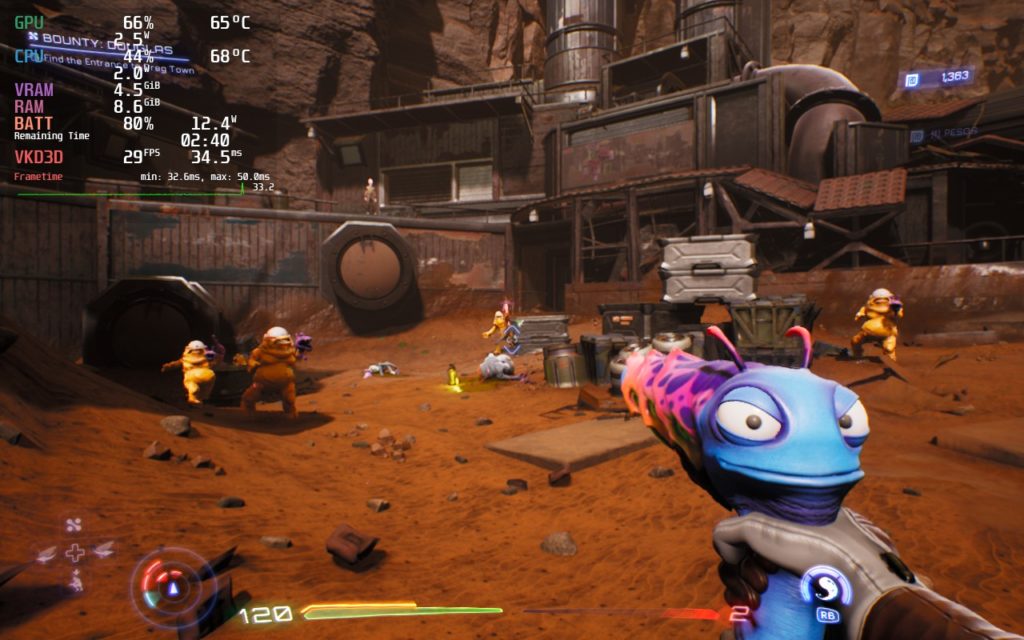
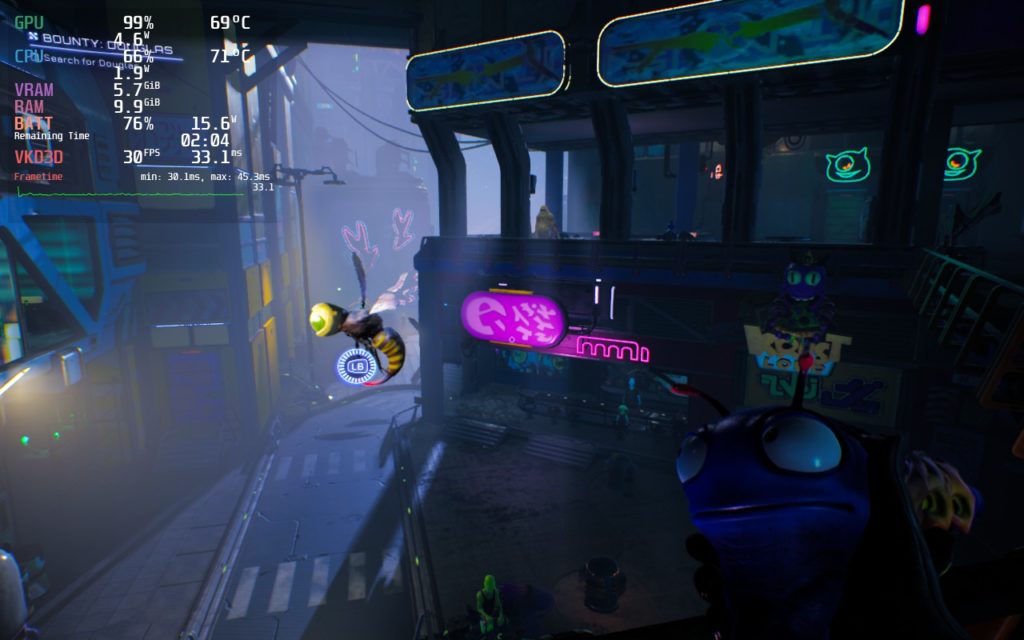
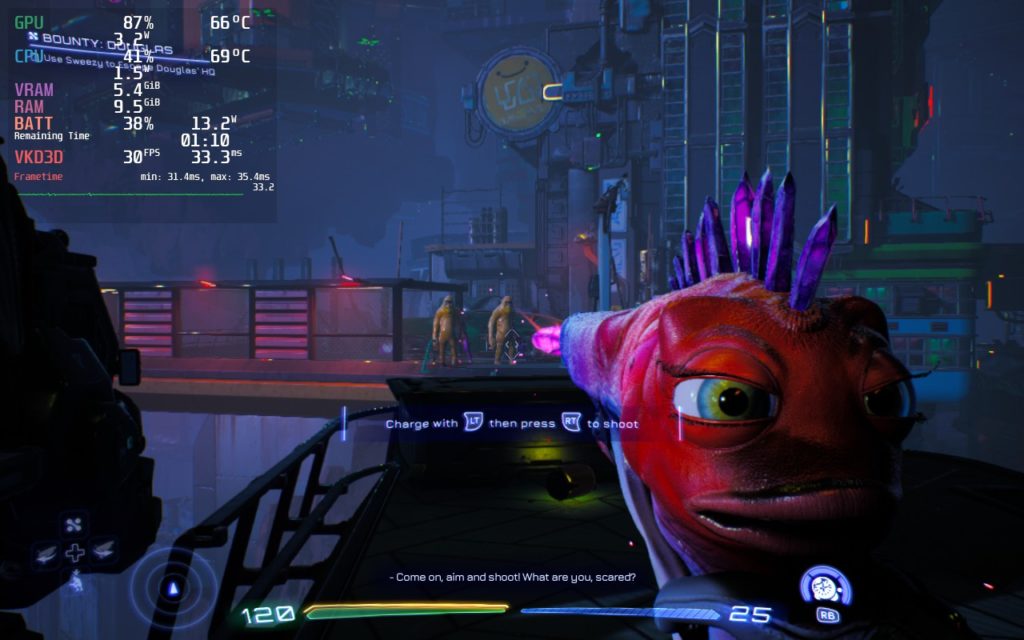
I wanted to make a 40 FPS build regardless, so I did end up finding some solid settings for it. The game looked a bit worse, and drained more than I wanted it to, but it was able to get the job done and I was happy with it.
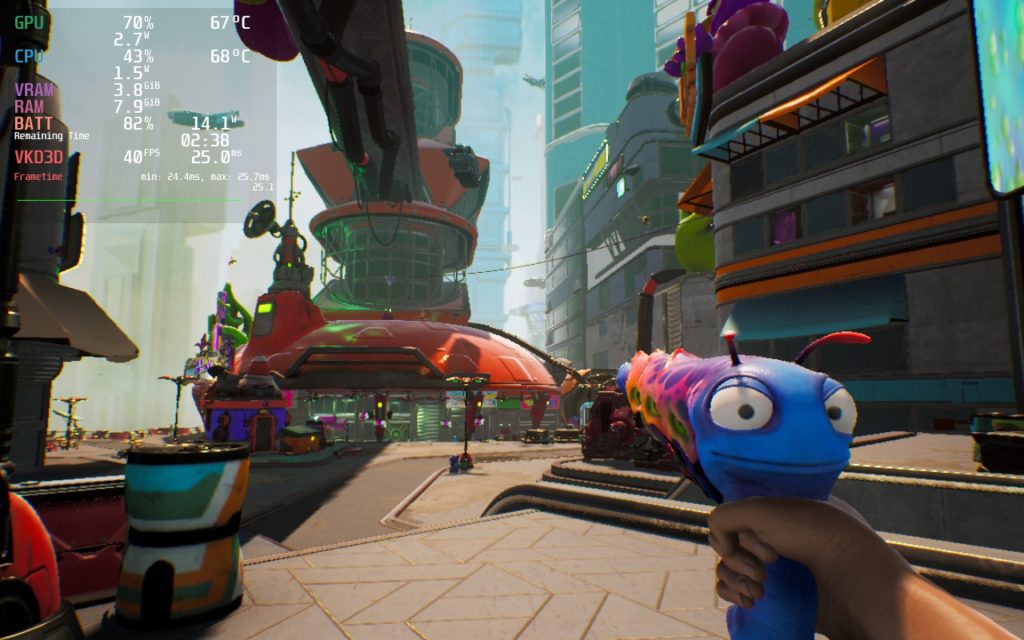
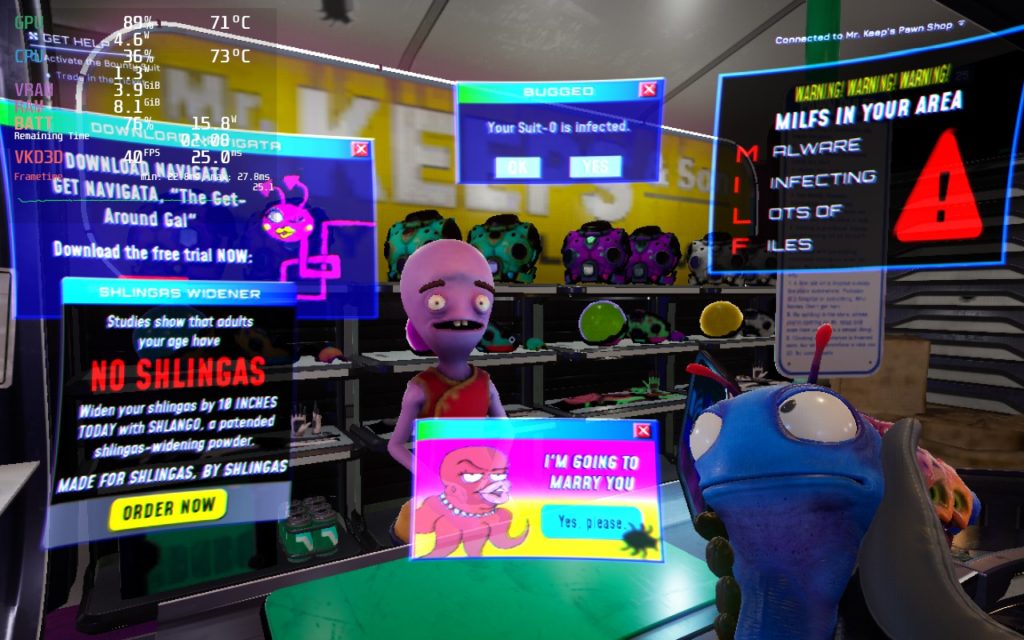
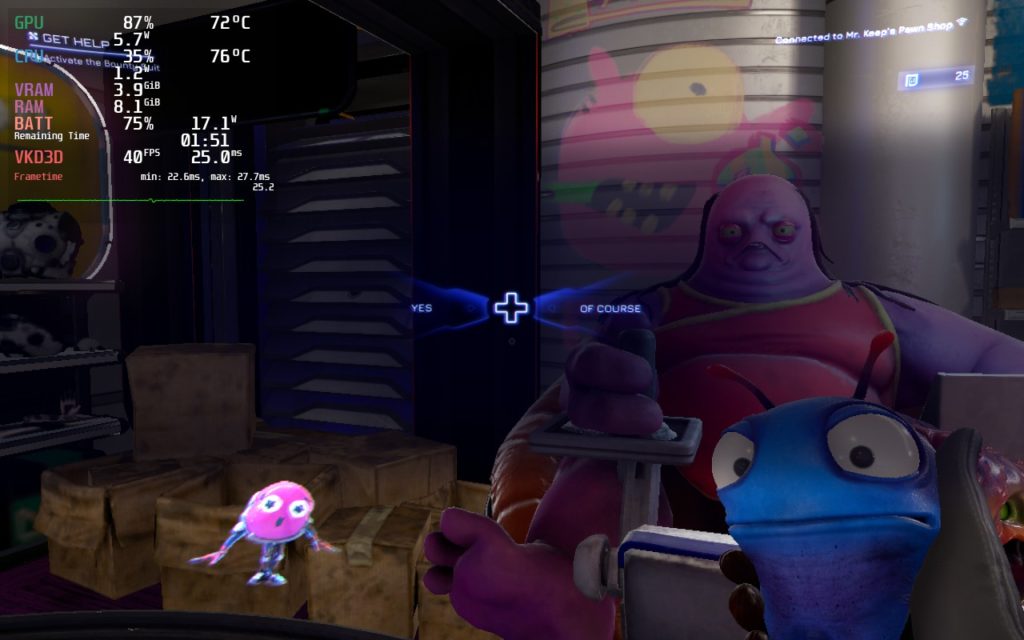
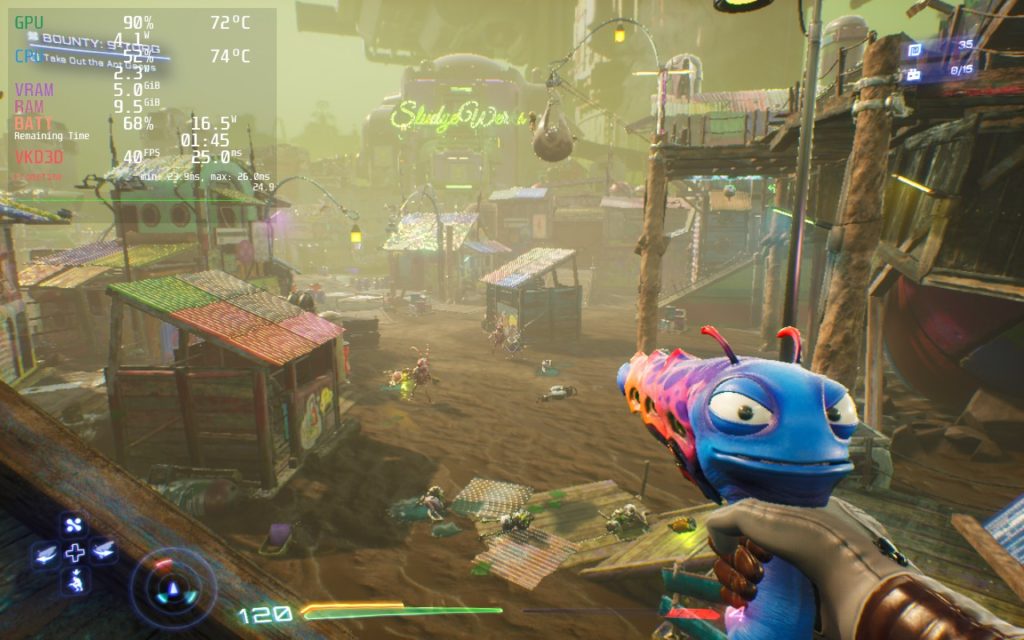
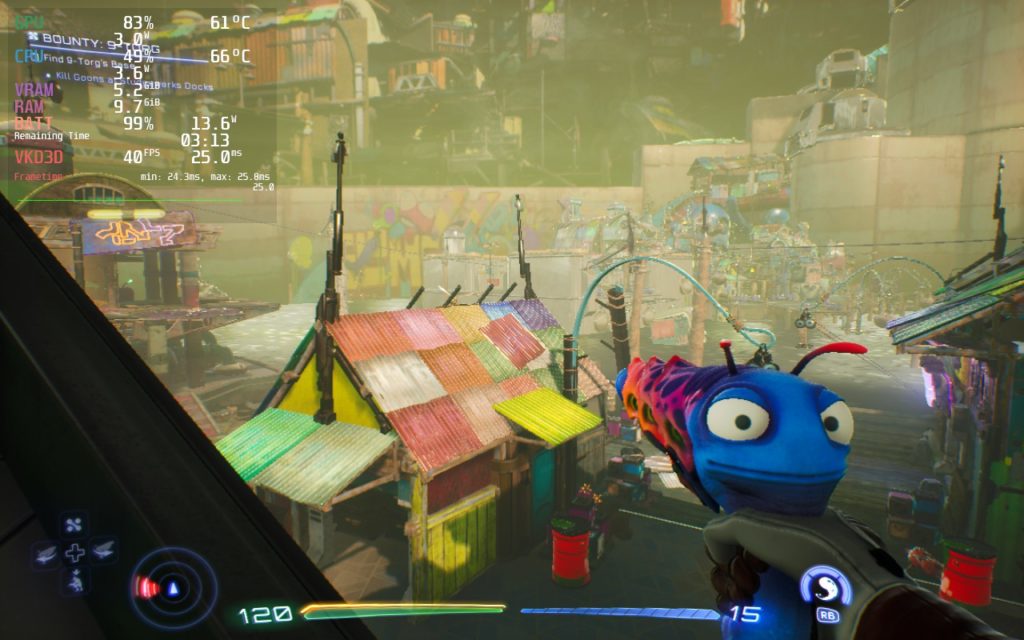
I could have pushed graphical settings down a bit more to save battery or increase stability, but taking shadows and post processing effects below "Medium" made High on Life look completely different. Those shadows feel almost necessary once you see them.
I did also try other Proton settings, as well as forcing DX11 to see if performance would improve, but it either did nothing or created massive stuttering.
In High on Life, it does seem that there are a couple of areas that tend to drop frames regardless of what is going on. The biggest one I have seen that feels odd is underneath a diner's outside area. When you are walking through, your framerate will drop to 22 - 24 FPS. But as soon as you stop moving, the framerate will go right back to normal. There are a couple of other areas like this, like a few spots in the jungle, but this one is by far the worst.
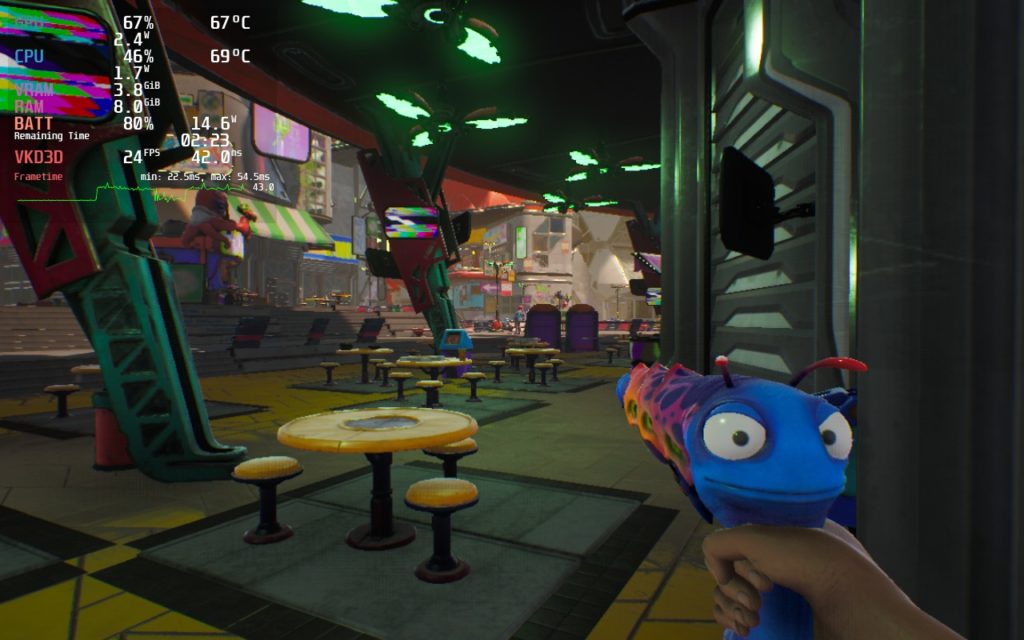
I also noticed some immense slowdowns when loading into new places. A couple times frames would drop below 10 and one time my game seemed to freeze for a solid 10 seconds before it going back to normal. Though these issues aren't super common and doesn't affect the most important parts where frames and stability are needed, combat!
I also want to mention there is no mixed input support, which means no gyro. I hope this is something Squanch Games will add to High on Life since that would make aiming much more precise on with this gamepad.
High on Life is by far one of the funniest games I have played this year. The humor is overflowing, the locations are gorgeous, and combat is addicting. As a game itself, I highly recommend playing it, especially if you enjoy this humor. Enemies are able to absorb some bullets, and some bosses have a bit more health than they should, but it doesn't detract from my enjoyment of the game. And thanks to these settings, I would say it is very playable on the Steam Deck, albeit with some compromises!
このレビューはPC版に基づいています。
このレビューをお楽しみいただけたなら、SteamDeckHQ の他のコンテンツもぜひご覧ください!私たちはあなたのゲーム体験に役立つこと間違いなしの様々なゲームレビューやニュースを取り揃えています。ニュース、ヒントやチュートリアル、ゲーム設定やレビューをお探しの方も、最新のトレンドを知りたい方も、ぜひご利用ください!
High on Life is an awesome and hilarious shooter that feels fantastic on the Steam Deck, with some compromises.

SteamOS:
40 FPS Cap with 40 Refresh Rate
ハーフレートシェーディングOFF
TDP Limit 12
リニア
プロトン・バージョン
強制的な互換性はない
ゲーム設定:
View Distance Quality: Low
Anti Aliasing Quality: Low
影の質:ミディアム
後工程の品質:中
テクスチャーの質:ミディアム
エフェクトの質:低い
Foilage Quality: Low
Mesh Quality: Medium
バッテリーの使用量/時間
13W - 20W
Around 70c - 75c temps for CPU and GPU
Around 2 - 2.5 hours of gameplay







thanks for the settings. I think the Anti-aliasing on medium looks awful, makes all the edges on everything shimmer as you move the camera and the outlines of everything feels lost. putting it on high fixes it and makes a night and day difference imo.
Look I play it on xbox and it is a good game funny aswell that's what I expected by the people who made rick and morty and let's hope it carry on to be good but tbh there is some little glitches cause I got stuck on the telporting house bit do I had to refresh the game and it fixed it self but otherwise its a good game
Can we have more information about the controls ? You gave a note of 3/5 but you didn't speak of them in your test. Great post anyway !
The controls work alright, but I brought it down due to missing Mixed Input, which I believe I covered. Mixed Input allows you to simultaneously use keyboard+mouse and gamepad controls. This allows for more precise and better gyro controls, which I believe would have made aiming better on a controller like this. I personally feel this is essential in FPS games, playing Crysis Remastered with gyro completely spoiled me. It also doesn't support flick stick, which I know a chunk of people feel is necessary.
Mouse like joystick (or "as joystick" on the deck) works just as good as mouse, you just may have to fine tune the sensitivities.
While that can work, it does limit since it’s using the same right stick control. Being able to use “As Mouse” while using gamepad controls is a night and day difference.
Same thing happened to me