



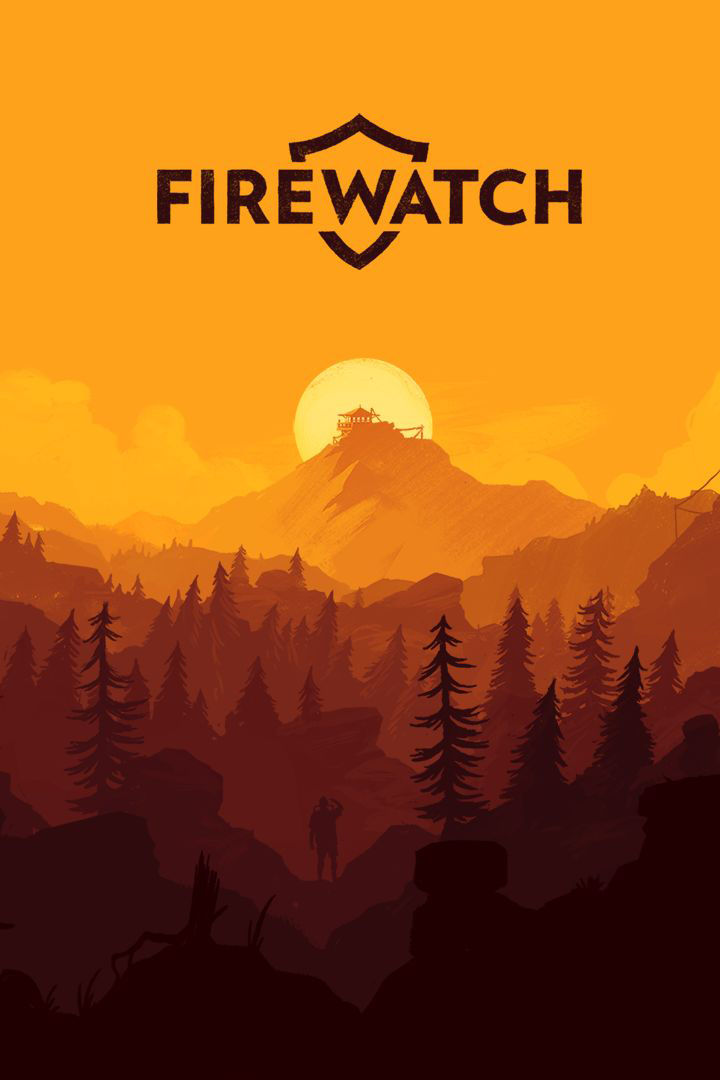
Firewatch is a single-player story game that tells a engrossing tale about a man dealing with overwhelming grief. Without spoiling too much, he takes up a job to watch over a forest to spot fires and, with the help of his sarcastic and unprofessional boss, uncovers a disturbing turn of events that changes everything. The game hits you in the heart real quick and turns into a powerful narrative about pain, guilt, and sorrow. For such a small game, it was a wonderful experience and playing on Steam Deck was a fantastic way to see the story unfold.
Overall, performance on deck was mostly fluid. I went through the entire game using the optimized/recommended settings and didn’t feel much holding me back. At 40 FPS, and using Proton GE 7-19, I was able to play the entire game without any huge slowdowns. I would get framerate drops and some battery usage spikes when running quickly in the forest, but it would quickly bounce back. Firewatch has full controller support and does show Steam Deck icons in-game.
This also means that the official gamepad layout works extremely well for the game and I felt no awkwardness using the controls. The only gripe I have is trying to change the resolution in-game. Doing this with just the deck controller is aggravating and near impossible. The right trackpad is mouse cursor control by default, but there’s no keybind for a left mouse click, which is essential. I just binded the left click to pressing the right trackpad down and it made changing resolutions and navigating some menus easier.
I encountered a couple bugs in my playthrough, but they were more slight nuisances and nothing game-breaking. The biggest bug I found was one time starting up the game and it went to a black screen and stayed there. This was easily fixed just by putting the deck into sleep mode and waking it up right after.
Another little bug includes some minor framerate dips and audio crackling when coming out of sleep mode (which fixed themselves shortly after), but that was all I experienced in my playthrough. In my testing, I was also not able to ideally hit 60 FPS without battery being drained incredibly quick and quality being on the lowest setting. I also noticed, when I was testing the maximum battery build, that it didn’t seem like FSR or Half Rate Shading did anything to affect quality of the game. A little disappointing, but not the end of the world.
Overall, my experience with Firewatch was a positive one. Framerate drops were not very noticeable and any bugs were generally fixed after a couple seconds. Adding the binding for left mouse click to the right trackpad solved my biggest gripe of going through the settings menu for the game. With a verified rating from Valve, which I agree with, this is definitely a great game to add to your deck library.
Need some help understanding how we got to our score? Check out our Guide to Steam Deck HQ.
このレビューはPC版に基づいています。
このレビューをお楽しみいただけたなら、SteamDeckHQ の他のコンテンツもぜひご覧ください!私たちはあなたのゲーム体験に役立つこと間違いなしの様々なゲームレビューやニュースを取り揃えています。ニュース、ヒントやチュートリアル、ゲーム設定やレビューをお探しの方も、最新のトレンドを知りたい方も、ぜひご利用ください!
The forest is strong with this one. Apart from minor framerate hiccups and average battery life, Firewatch is a fantastic fit for the Steam Deck.

SteamOS:
リフレッシュレート60で30FPSの上限
ハーフレートシェーディングOFF
TDP Limit OFF
プロトン・バージョン
Proton GE 7-19
ゲーム設定:
Resolution at 960x600
Overall Quality at Medium
Motion Blur OFF
Battery Life:
11W - 13W with some spikes to 14W
約3時間のゲームプレイ
SteamOS:
40 FPS Cap with 40 Refresh Rate
ハーフレートシェーディングOFF
No TDP Limit
プロトン・バージョン
Proton GE 7-19
ゲーム設定:
Resolution at 1280x800
Overall Quality High
Motion Blur OFF
Battery Life:
18W - 19W with spikes up to 21W
Around 1.5-2 hours of gameplay
None used!






So just played the entire game on the Deck and I was pretty pleased to be honest.
Played with everything maxed and 40FPS/40Hz with some major FPS drops in the beginning, when the storm is approaching and in the end because of the amount of particles.
Besides that I agree with 4 Stars. Not perfect but absolutely playable without hiccups. Even got all the achievements while doing the playtrough. The game is really good for short trips and such.
This is a native Linux game, you don't need proton... enabling Proton does nothing to it. The game should run at native full screen resolution and out of the box capped at 40fps limit runs at around 12-15 W with everything on high.
It is native, though I am curious about the 12W - 15W you had with native resolution and everything on high. I will redownload and double check the settings. Thank you!
Turning SSAO Quality to Off and Shadow Quality to Medium can make it reach 60 FPS while still maintaining a good quality.
Will try it out soon!