



Elden Ring is an open world Souls game, which features a large variety of enemies and areas with plenty to explore and experience. With many possible builds to play your way, you will trek across a unique land that makes you want to explore every inch of it. Use magic, swords, halberds, and even prayer, to dispatch a variety of enemies that can range from giant crows to giant shrimp to giant dragons...I might be seeing a pattern here. Be ready though, this game is not for the faint of heart. Plan your strategy wisely and enlist the help of your friends, though this could be your undoing. Now, how does this open-world AAA game that came out last year run on Steam Deck?
When trying Elden Ring out at max settings, it actually ran ok. It would stick above 30 FPS, which would mean capping it could be do-able. The biggest problem though was temps being around 80c just standing still and a whopping 24.9W battery drain. To me, the best way to play is a combination of high, medium, and low settings, but set to a locked 30 FPS. This was by far the smoothest and most stable way to play, while also allowing a longer battery life. Sadly, the game does have about 6 areas that I can’t list, due to spoilers, that no matter what the settings are, drop 1-2 frames. The good thing is that those frames don’t cause a noticeable stutter so gameplay felt quite smooth. I also locked the TDP to 9, making sure the battery usage doesn't go up much further than 16W almost the entire time. I also tried Elden Ring with this build while docked to my TV and thought the game was still able to look quite appealing even on the larger screen.
I really wanted to do everything I could to get a 40 FPS build up and running. Unfortunately, I couldn’t get a fully stable build for it. I was able to get very close, with framerate dips down to 36-37 that weren’t super noticeable, but it did come with a cost. Pushing the resolution down to 1152x720, and turning graphics settings to lowest, got Elden Ring the closest it possibly could to a stable 40. There is a quite noticeable difference, and the framerate isn’t stable, but it is the closest I believe is possible to hit something higher than 30 FPS without the Deck overheating and losing too much battery.
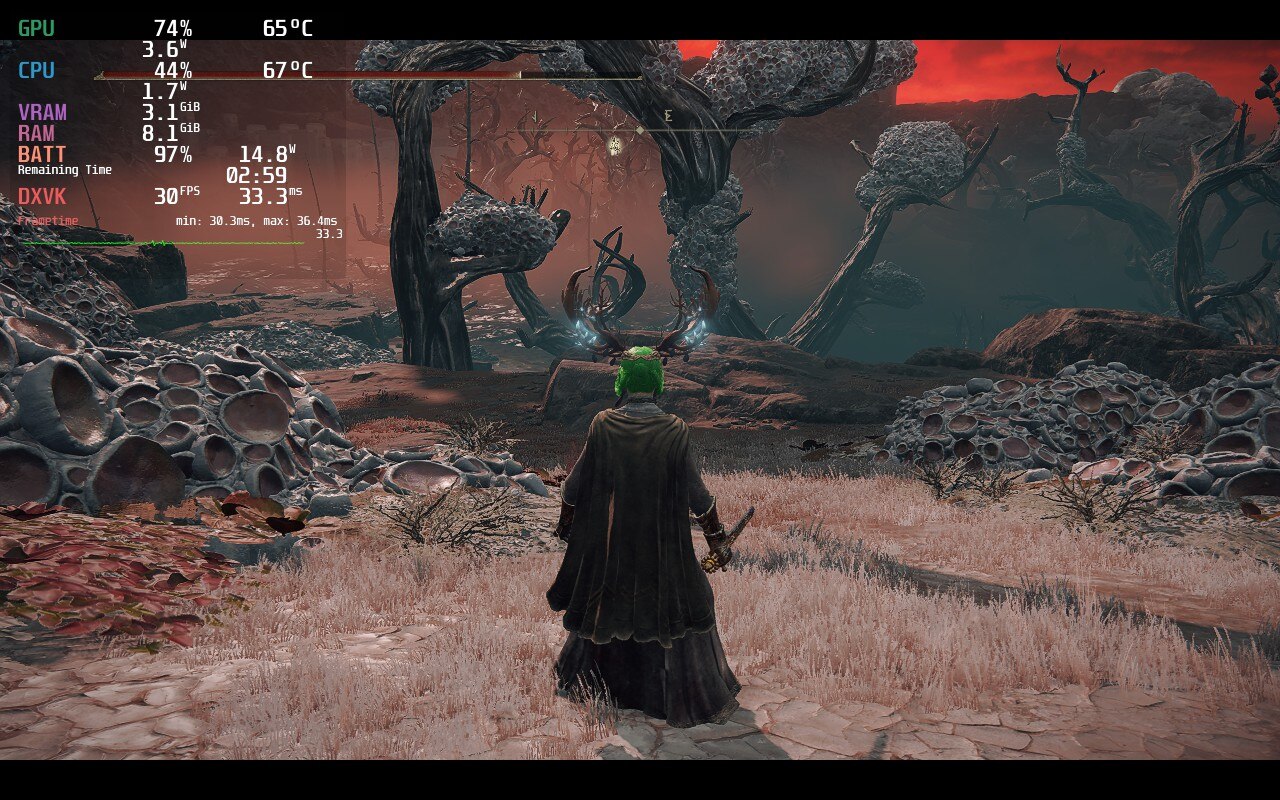
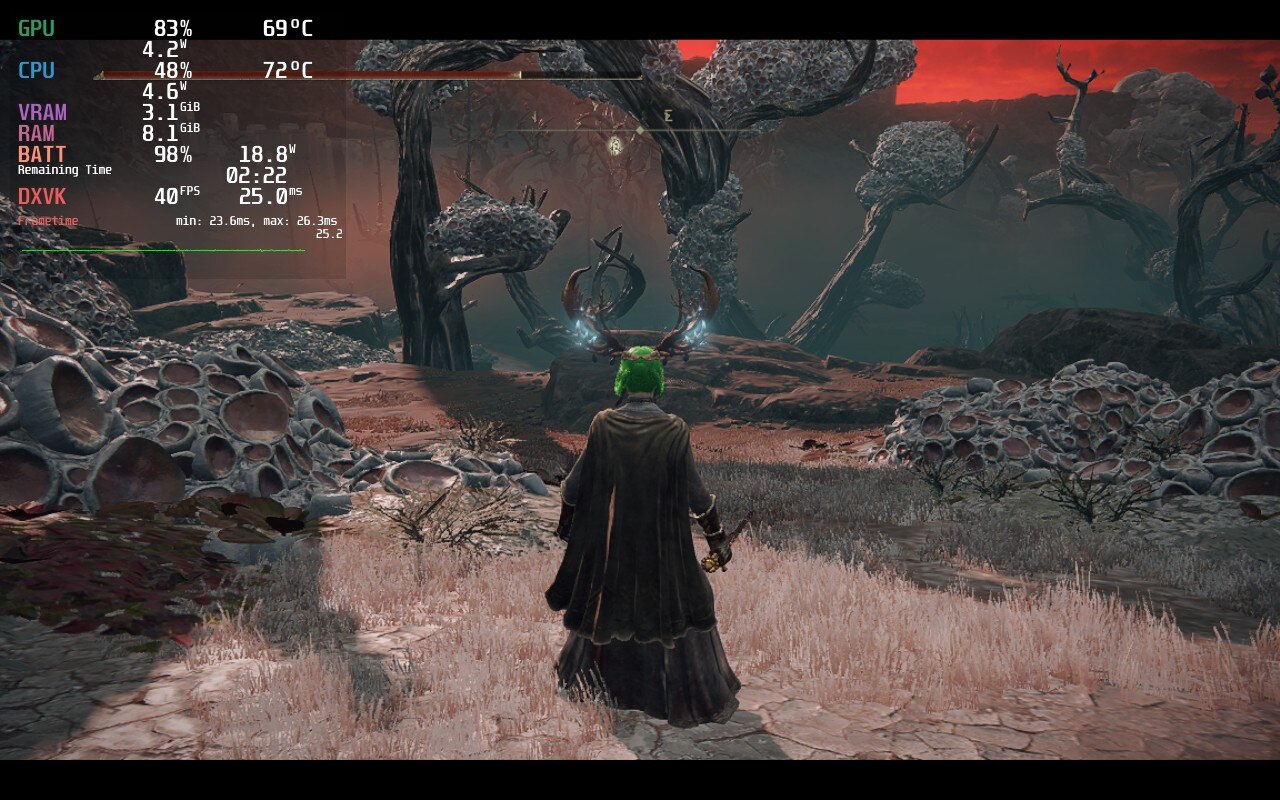
While both are stable here the recommended has much better temps and battery, while looking much more sharp.
In the end, the game finds it impossible to hit 60 FPS, but can be stable at 30 FPS and low battery usage with some compromises. Elden Ring on the deck is for people that will accept those shortcomings in exchange for portability, which still baffles me. This is a AAA open-world game that just came out and looks sharp and beautiful, but still runs at a stable rate. While it cannot hit 40 FPS, Elden Ring runs like a charm with minimal issues and will be a fantastic addition to anyone’s library for their Deck.
Liked this review? Check out our Game Review page for more reviews and optimizations!
このレビューはPC版に基づいています。
このレビューをお楽しみいただけたなら、SteamDeckHQ の他のコンテンツもぜひご覧ください!私たちはあなたのゲーム体験に役立つこと間違いなしの様々なゲームレビューやニュースを取り揃えています。ニュース、ヒントやチュートリアル、ゲーム設定やレビューをお探しの方も、最新のトレンドを知りたい方も、ぜひご利用ください!
Elden Ring is a fantastic example of what the Steam Deck is capable of.

Proton GE 7-25
Terrain Quality: High
Antialiasing Quality: High
SSAO:ミディアム
Depth of Field: OFF (optional)
Motion blur: Low (optional)
影の質:低い
照明の質ミディアム
エフェクトの質:ミディアム
Volumetric Quality: Medium
反射の質:低い
Water Surface Quality: High
シェーダー品質:低い
グローバルイルミネーションの品質:低い
芝の質ミディアム
SteamOS:
40 FPS Cap with 40 Refresh Rate
ハーフレートシェーディングOFF
TDP Limit 12
Linear Upscaling
プロトン・バージョン
Proton GE 7-25
ゲーム設定:
地形の質:低い
アンチエイリアス品質:低い
SSAO:ミディアム
Depth of Field: off
Motion blur: Low
影の質:低い
Lighting Quality: Low
エフェクトの質:低い
Volumetric Quality: Low
反射の質:低い
水面の質:低い
シェーダー品質:低い
グローバルイルミネーションの品質:低い
芝の質ミディアム
バッテリーの使用量/時間
14W〜19W
Around 70c - 80c temps for CPU and GPU
Around 2 - 2.5 hours of gameplay







Just applied these settings and I’m getting 40-43 regularly. Good settings.
Any idea why I have about 4 fps when using these settings?
Off the top of my head? No. Have you checked TDP limit, framerate cap, GPU Clock Speed, and matched them? If you have, and still getting 4 FPS, join our discord and I will DM you so I can ask for photos: https://discord.gg/tRYM2qaV
Do I still have to use the Proton GE 7-25 version?
No. You should be able to use the newest Proton GE. We just provide the exact layer we use for transparency purposes, but you can use Proton GE 7-43 or whichever the newest one is.
Really great settings (30 fps), thank you!
Game is really stable and AA to max as suggested, imho, really makes a difference to help “understanding” the world in a (relatively) small screen.
The only setting that (partially) doesn’t suit me is TDP to 9, that causes small drops (27/28) in very few spots.
Great work, thanks.
What are some of these spots? I’d be happy to test again! Just need to make sure keeping TDP at 10 to make up for those spots won’t allow more battery to drain in other areas.
I’m glad the settings work well though! Thank you for trying them out.
Have you tried these settings playing docked?
While all these settings will work docked, they are not pushed further with docked play in mind. We are talking to someone who is going to go through and create docked setting lists for our reviews soon!
Used your configs and I'm getting the same results. Thanks for testing!
I’m glad to hear that! Which build do you enjoy the most?
I'm using the 30 FPS one, since I prefer it stable. Haven't experienced any stutters of FPS floating in Limgrave as of now.
That’s fantastic! Yeah I tend to gravitate towards stability and battery for most games, but some I feel so much better smoother like FPS games (Crysis Remastered definitely feels better at 40).