





11W - 16W




Company of Heroes is back and bigger than ever before! Company of Heroes 3 (CoH3) will see you immersing yourself in epic RTS combat spanning across Italy and North Africa. Utilize different factions and units in the biggest campaign in this franchises history, filled with "sandbox-style" gameplay to win the war. CoH3 includes army customization as well to bring in new levels of strategy into the mix. Along with gorgeous cinematic action and a new state-of-the-art engine to render special effects and physics, this is the definitive WW2 RTS experience.
Before I go into settings, yes this is a real-time strategy game. This game is best played with a Keyboard and Mouse, but it is able to be played with a gamepad. There are custom configurations, but none of them worked out enough to justify using it over the base version. I did try making my own, but I had the same issue where nothing I could do really enhanced the experience enough to justify. The game is coming out for consoles as well, so controller support may come to PC as well, but we won't know for sure until it releases.
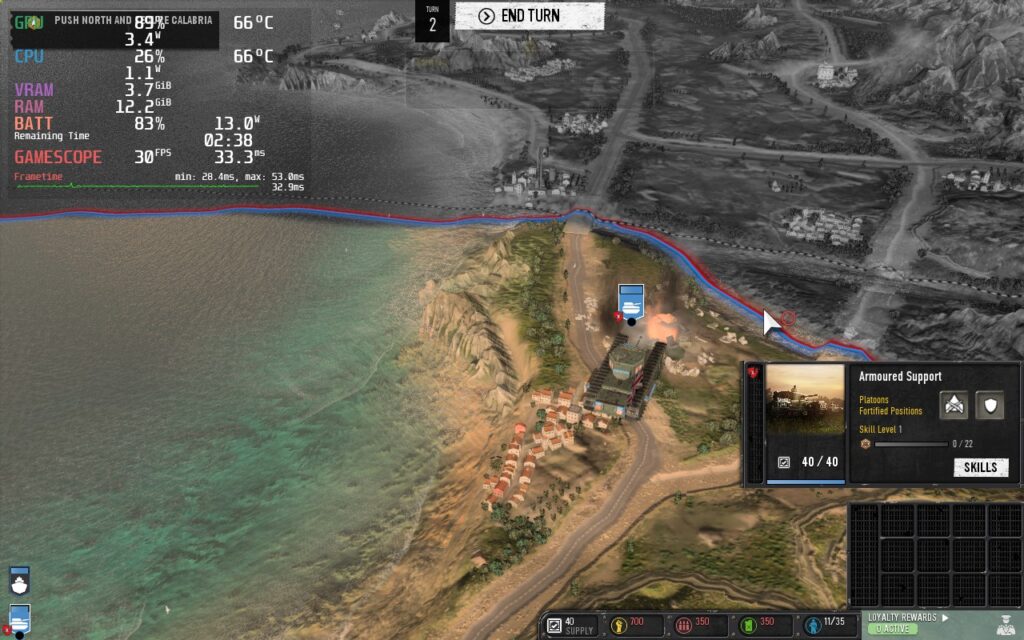
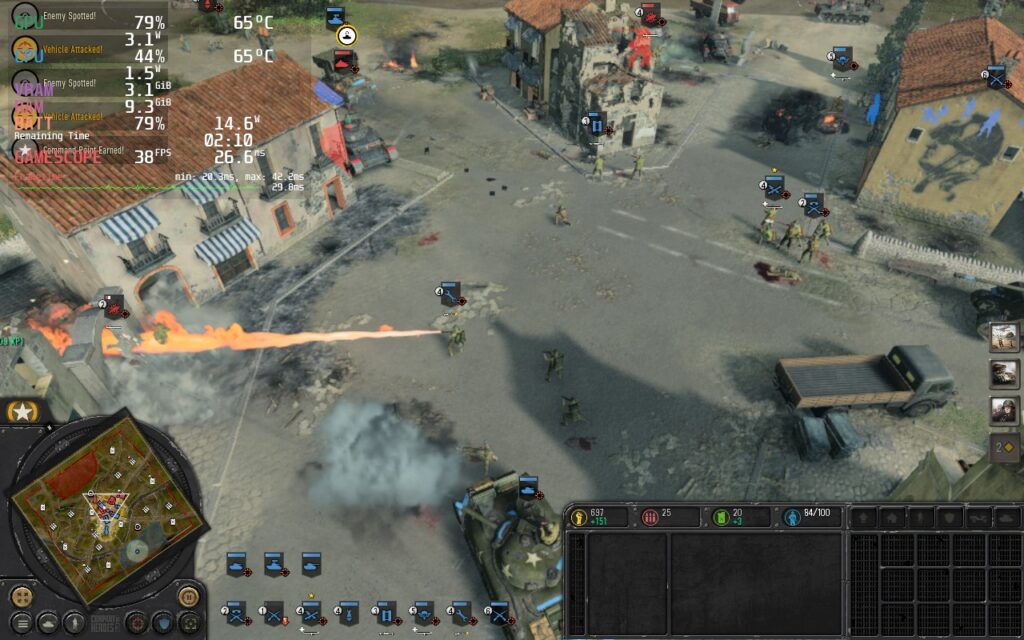
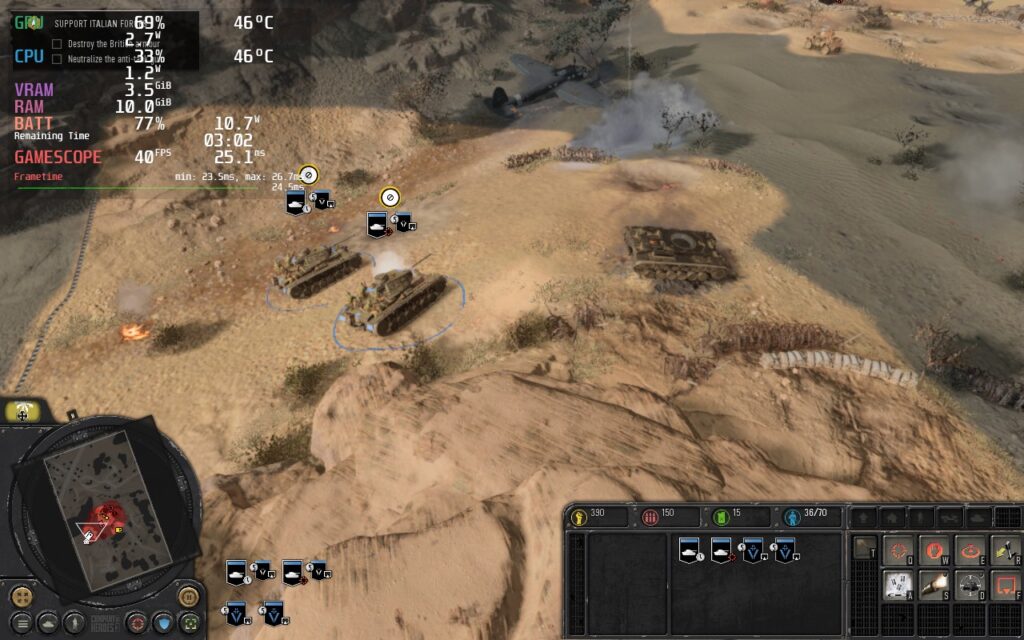
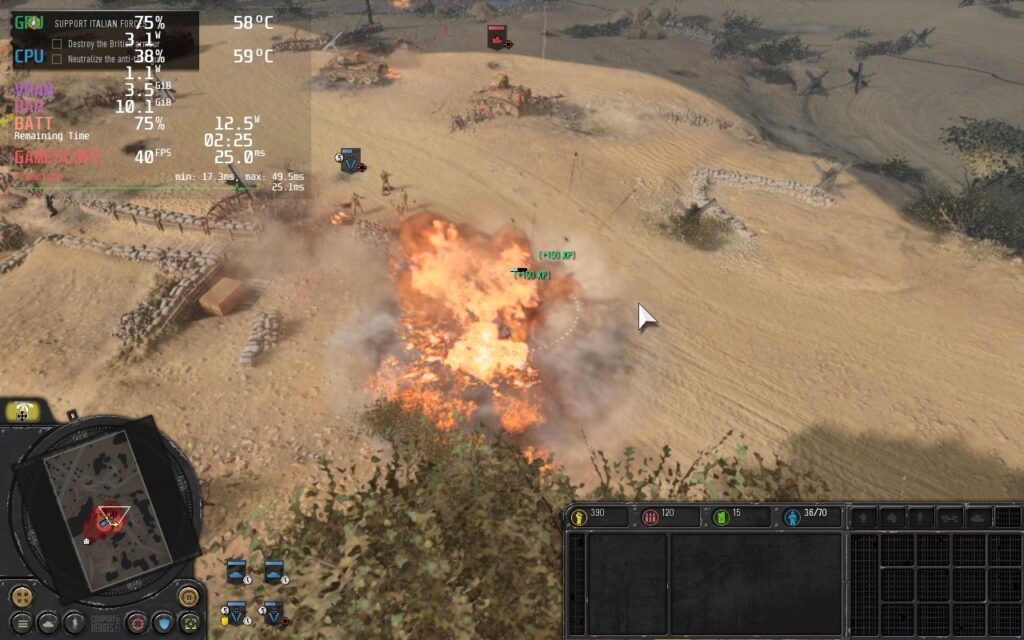
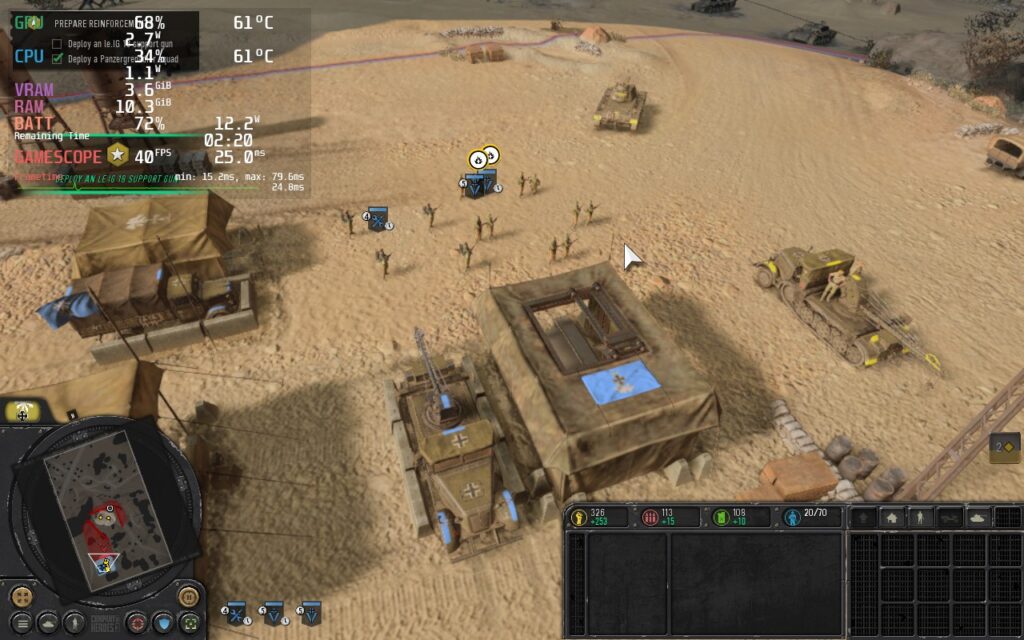
Company of Heroes 3 started off running significantly better than I expected. The game defaults to the lowest setting and a 30 FPS lock. I was hitting 10W drain at this and immediately felt this could be better. This is where I came across my first hurdle...the in-game framerate cap. The game caps itself at 30 and actually locks the option due to the APU of the Deck having a quad-core CPU, meaning you can't make the framerate higher than 30. But, as I was rebooting the Deck to change graphics settings, the option to change the in-game cap unlocked and I was able to start running CoH3 at higher framerates. I couldn't replicate this on purpose, so I made a 30 and 40 FPS build incase you are able to push it higher.
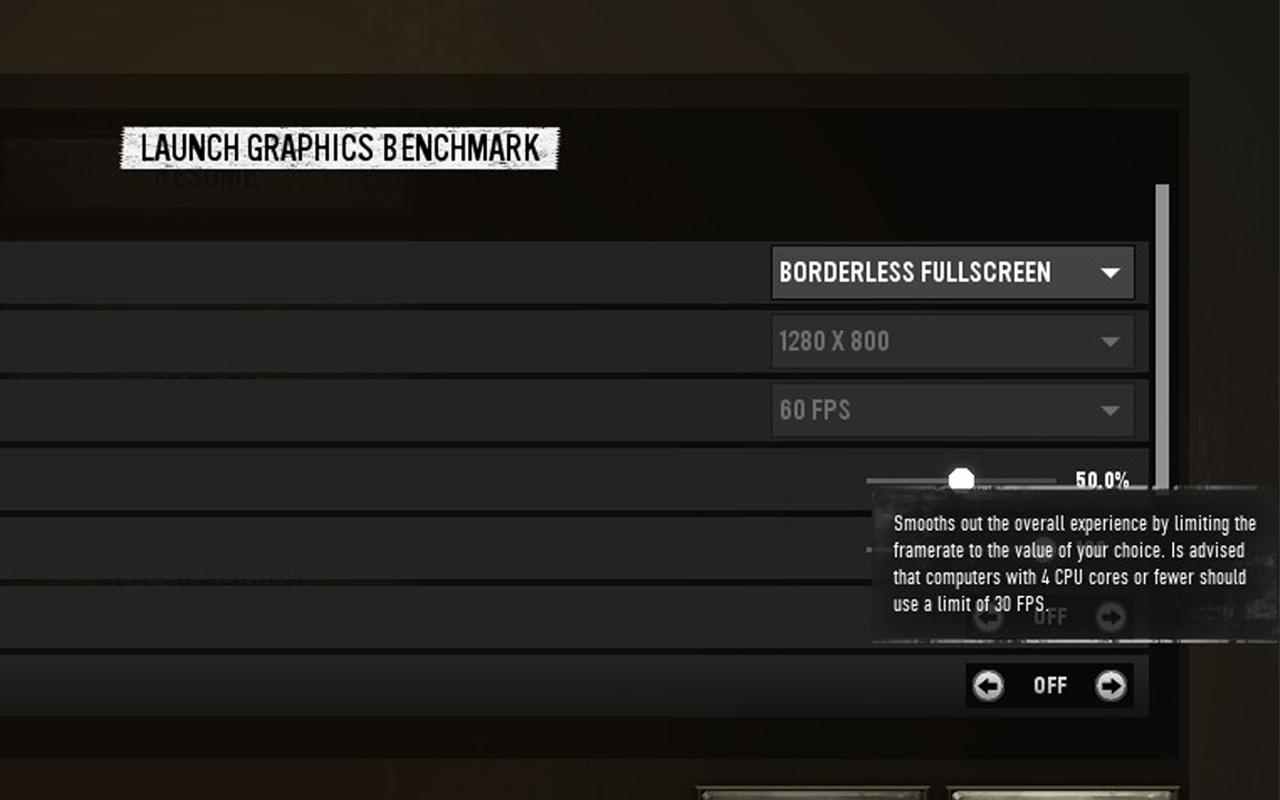
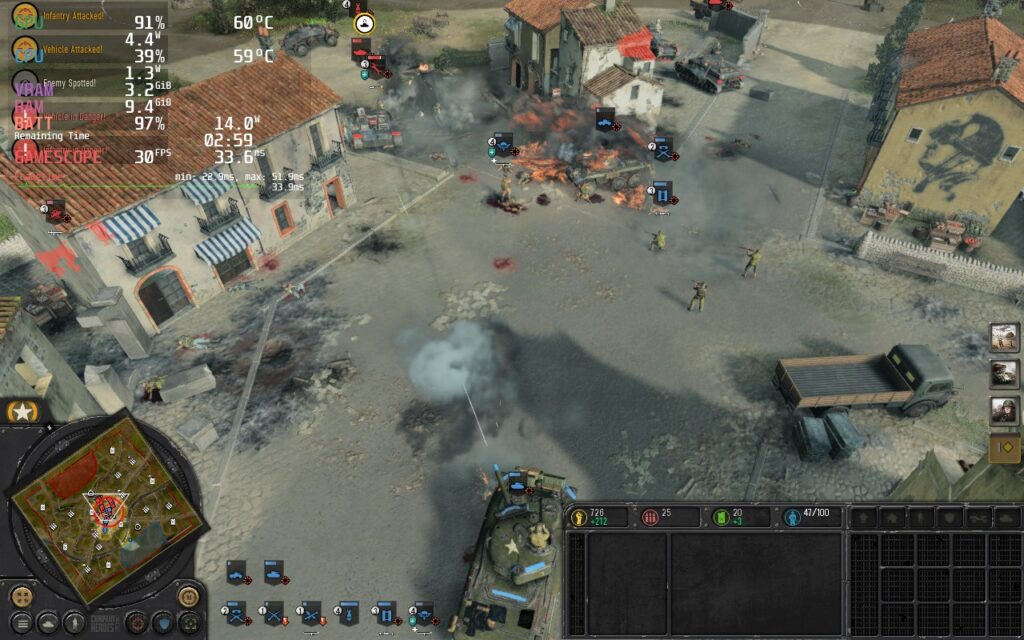
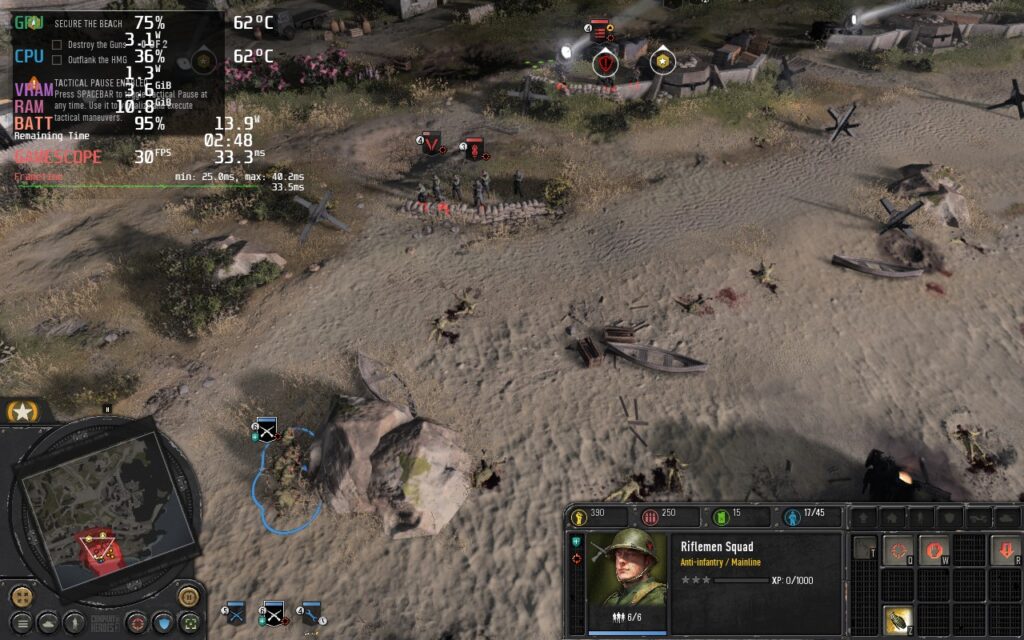
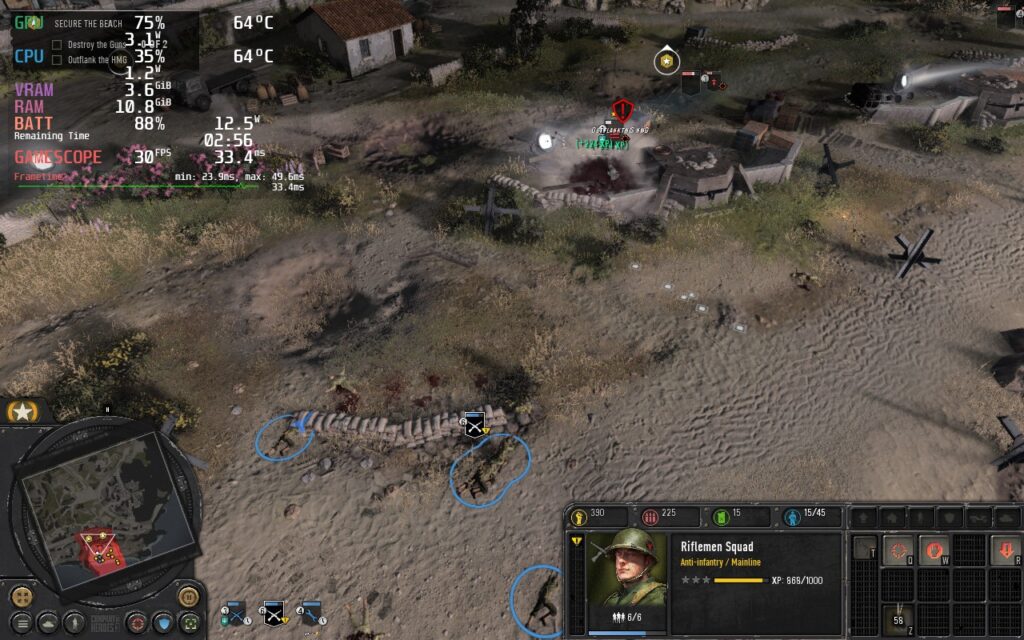
The 30 FPS build is the recommended since I know everyone will be able to utilize it. It combines Medium, High, and Low settings with 100% render scale for a crisp and stable experience. You could push it higher, but the drain creeps up and drops are more noticeable. The 40 FPS build is mostly Medium and Low settings along with an 85% render scale. The drain is higher here than the 30 FPS, but the smoothness is fantastic.
I also noticed that no matter what, there were always some small stutters/drops in framerate at some parts in the game. This happened mostly during real-time cutscenes, which slowed the game's framerate down a bit, zooming out to the big map, or when a lot happened on screen at once. Though once the cutscene was done and the action passed, this quickly went back down. Through my playing, this didn't happen nearly as much and when it did, I didn't really notice.
Overall, I am happy with the performance and how the game plays on the Deck. Playing with a Keyboard and Mouse while docked would feel better, and full controller support would be EVEN better, but it is playable. With the console edition coming out later, it is possible this issue will be remedied in the future. If you like these kinds of games and don't mind using a gamepad to emulate the keyboard and mouse, or docking it and using an actual KB+M, get this game!
If you enjoyed this first look, be sure to check out the rest of the content on SteamDeckHQ! We have a wide variety game reviews and news that are sure to help your gaming experience. Whether you're looking for news, tips and tutorials, game settings and reviews, or just want to stay up-to-date on the latest trends, we've got your back
Company of Heroes 3 is an epic RTS that takes a little getting used to with a controller, but when you do, and with some tweaks, this can be a great game for your Steam Deck.
制限
40
リフレッシュ・レート
40
HRS
ノー
TDPリミット
11
スケーリング・フィルター
リニア
GPUクロック
無効
強制的な互換性はない
解像度1280x800
Game Scale: 85
Image Quality: Medium
Physics Quality: Medium
影の質:低い
テクスチャーのディテールミディアム
Geometry Detail: Medium
Anti-Aliasing: Low
11W - 16W
62c - 68c
2時間半~3時間

What about playing the multiplayer? I just got error messages.
When I tried it worked for me, but I will test again!