





10W - 12W

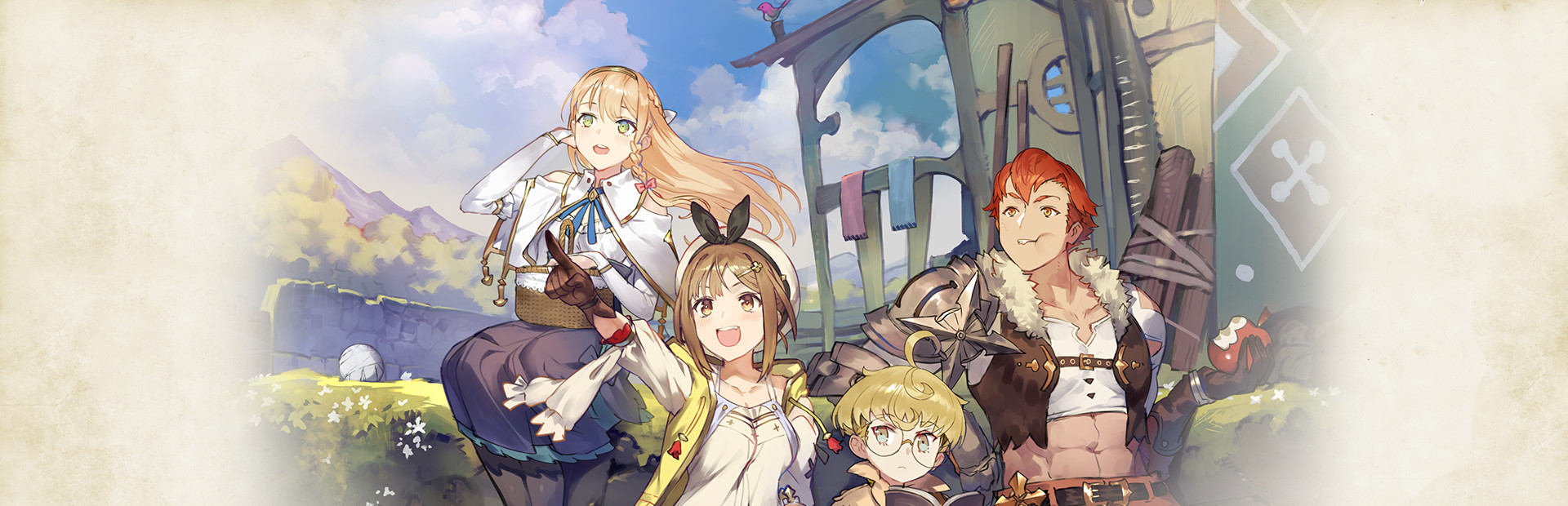


Tired of the boring village life, Ryza dreamed of a life filled with adventure, and after one trip to the forbidden island across the shore, she would get what she wanted! Atelier Ryza: Ever Darkness & The Secret Hideout will put you in Ryza's shoes as she comes across a traveling alchemist and decides to take up the craft. Gather materials, synthesize items, fight monsters, and level up to become a master alchemist and discover the truth about your home.
Atelier Ryza 1 is the 21st entry into the Atelier series. The game has always had a soft-spot with me as I not only love JRPGs, but crafting mechanics as well! Compared to older entries, Ryza is more on the simple side, but still really fun and has a lot to offer. The crafting/synthesizing system is interesting, the combat is flashy, and the story is pretty good. If you are at all interested in the series, or a good JRPG that can keep you busy for awhile, I highly recommend this one!
Before I went to work on optimizing, I wanted to see how well the game would perform and if it is in need of optimization. I learned that yes, this game definitely needs it. Playing with out of the box settings, the game would sit around 20-25 FPS with the battery capping around 15W - 16W drain. This was weird since I had no TDP limits on, but the game itself would keep the drain from going any higher.
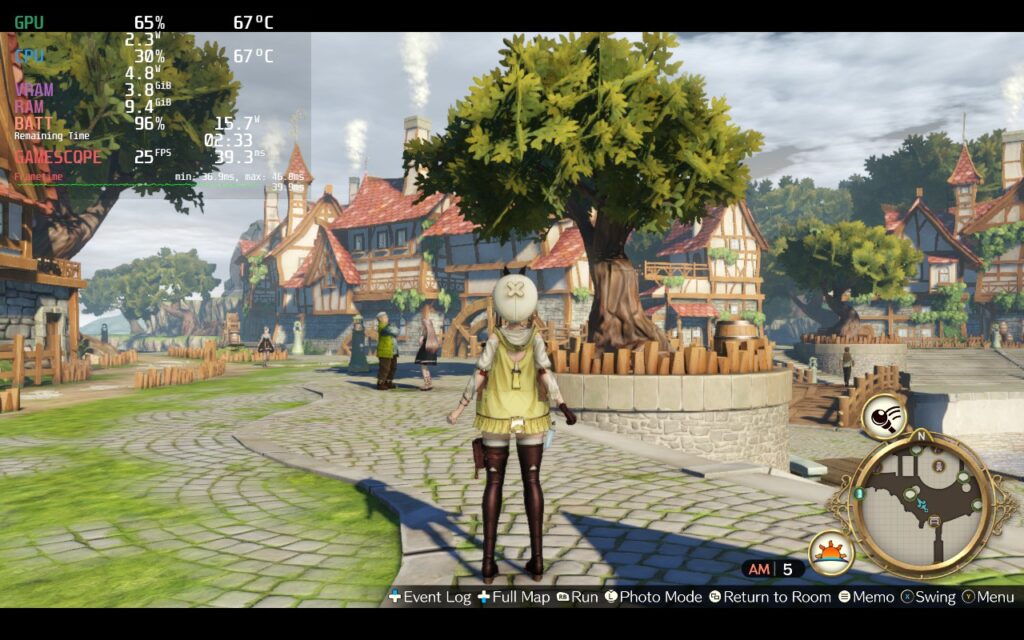
I noticed this with max settings too. The game would hover around 15-20 FPS here, but the drain would cap around 16W without any limits set. Regardless though, all this did is prove that optimizations are definitely necessary here, and luckily, we can make this game much more playable! And, as it turns out, this problem with the in-game TDP cap is due to a GPU utilization issue...which can be fixed!
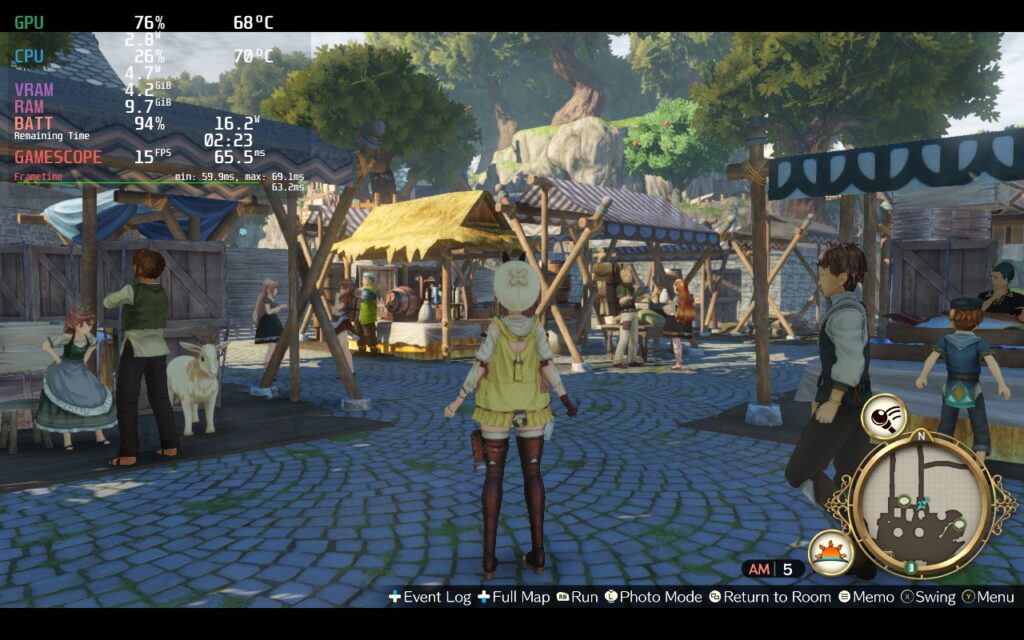
First off, I wanted to get a stable 30 framerate, so I started turning down shadows and turned off Dynamic Reflections. This definitely helped, but there were still some areas that would push framerate down below 30. I even went on the lowest possible settings and could only hit a stable framerate, and could even hit 40, with Shadows off, which looks terrible.
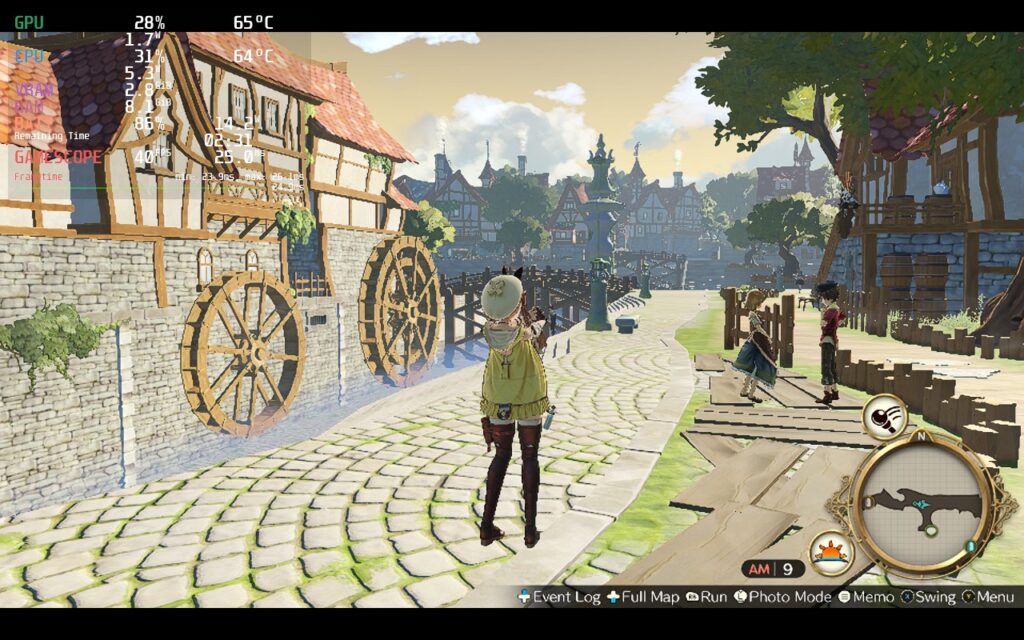
After some research, I actually discovered that the GPU is being under-utilized with the newer Atelier games, including Ryza. Catching on, this was fixed Github user doitsujin! Using this will actually fix how the GPU is utilized and bring battery drain down while making the game much more stable.
This is optional as we tested all of these builds with and without this fix. The game has some spots where they drop, but for the most part, our builds stick to the framerates. If you want to fix this and make it much more stable and save more on battery, we HIGHLY recommend doing this (You will need Proton GE installed to do this. We recommend using version 7-49):
WINEDLLOVERRIDES="d3d11=n,b" %command%After that, just make sure you are forcing GE-Proton 7-49 in the compatibility tab in properties and you should be good to go! Again, we highly recommend doing this to make the game as stable and optimized as possible, but if you are okay with a couple areas that drop a couple frames and 2W - 3W more battery drain, these builds are playable.
WARNING: Atelier Ryza does have a launcher. You will need to use the touchscreen to change the settings and press play. Graphics settings can be found under the "Settings" tab and tap "Graphics Settings".
With that out of the way, let's get to the optimizing! After playing for a bit in 30 FPS, I decided I personally preferred 40. It felt so much smoother and I didn't need to sacrifice visual quality much to hit it. With shadows on low, resolution at 1080x600, SSAO off, and Dynamic Reflections off, I was able to hit a stable 40 FPS while averaging around 11W - 14W drain and a TDP limit of 8. With the GPU fix above, this averaged closer to 13W max drain.
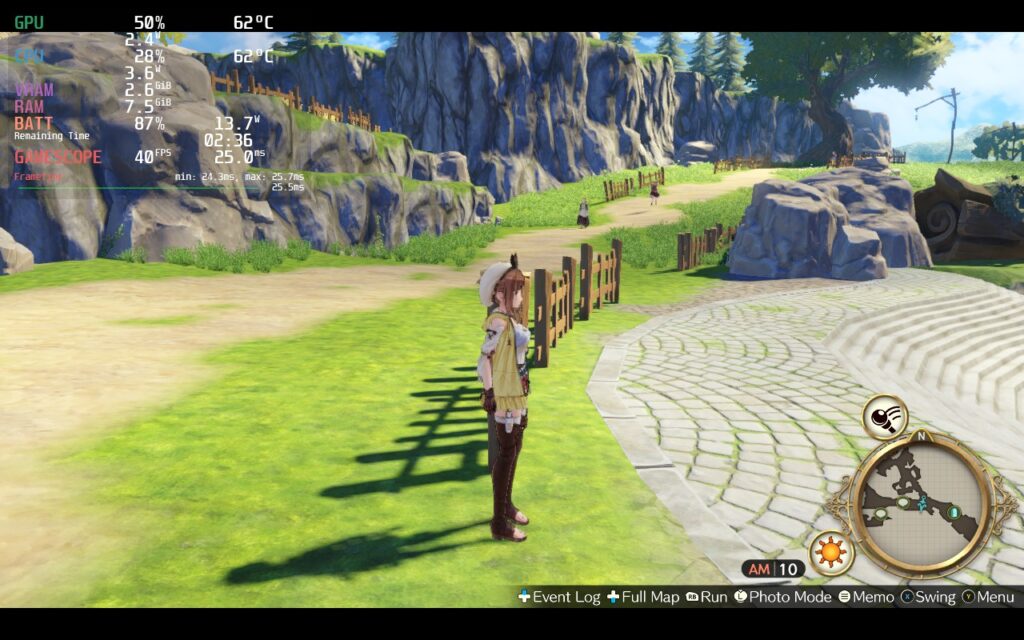
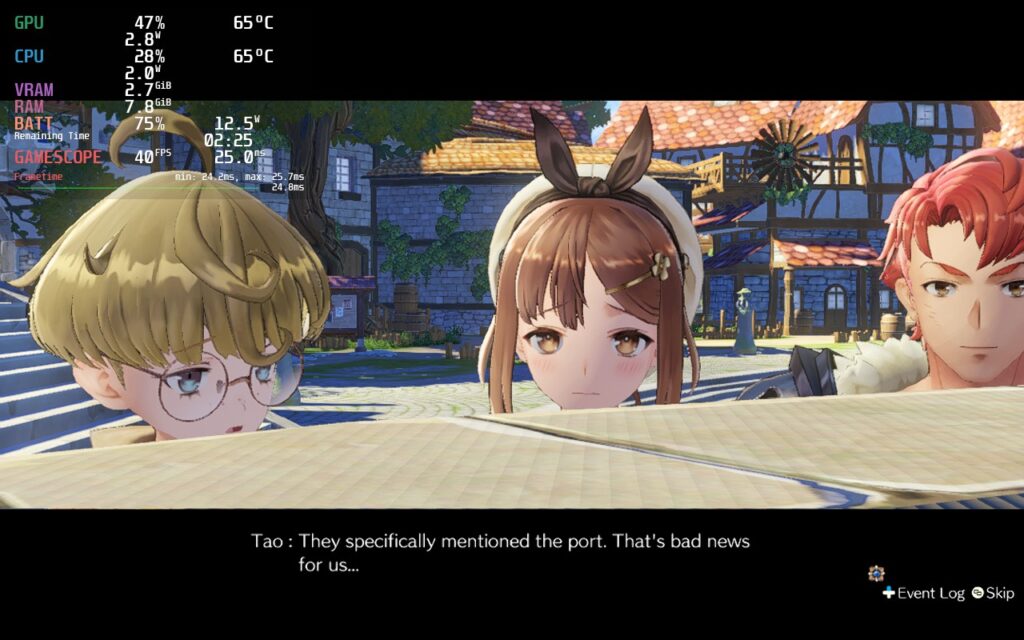
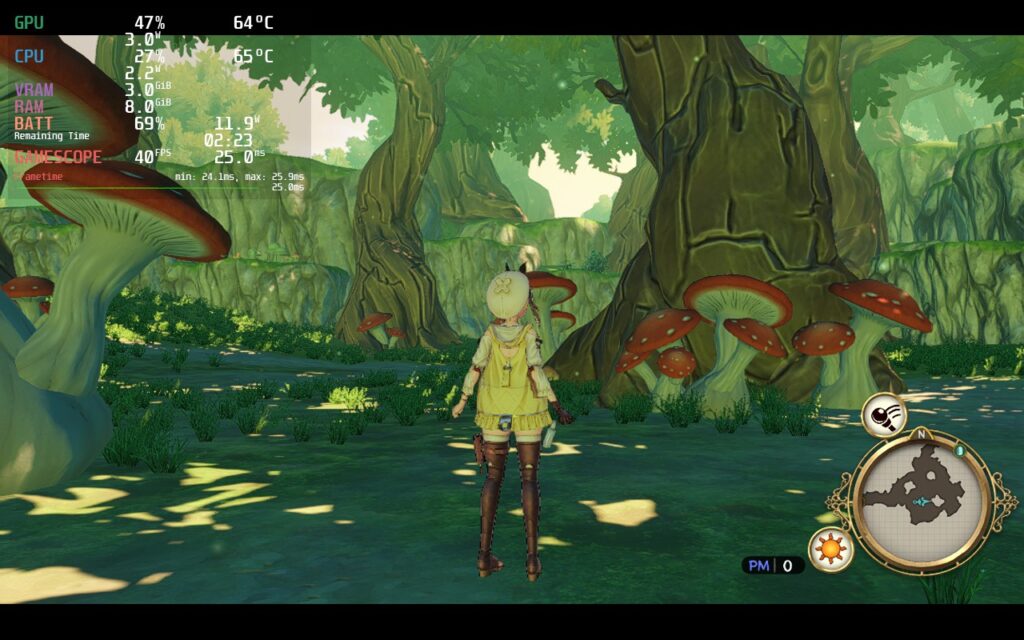
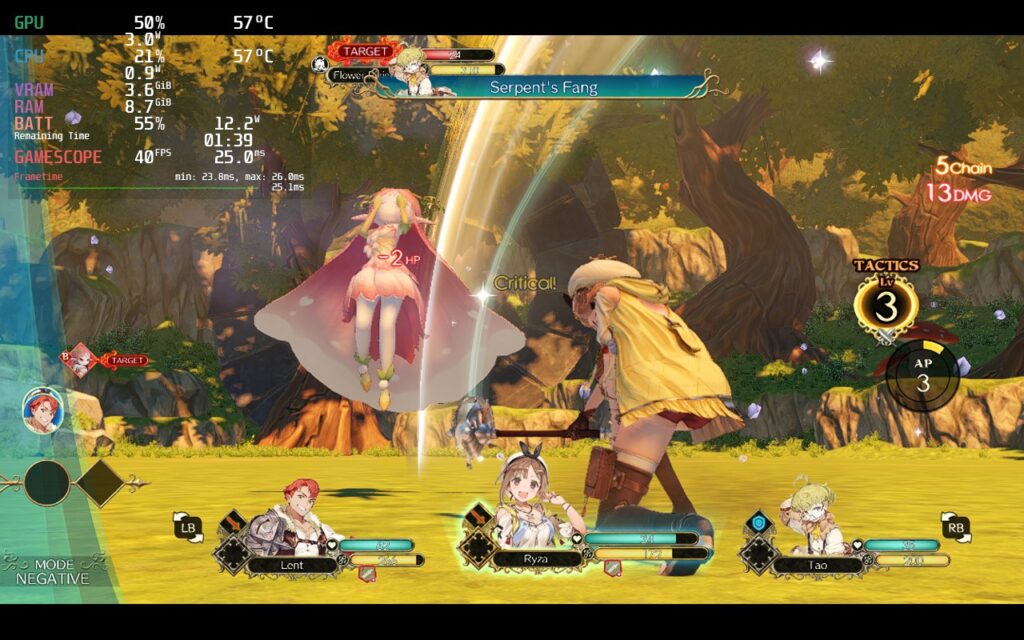
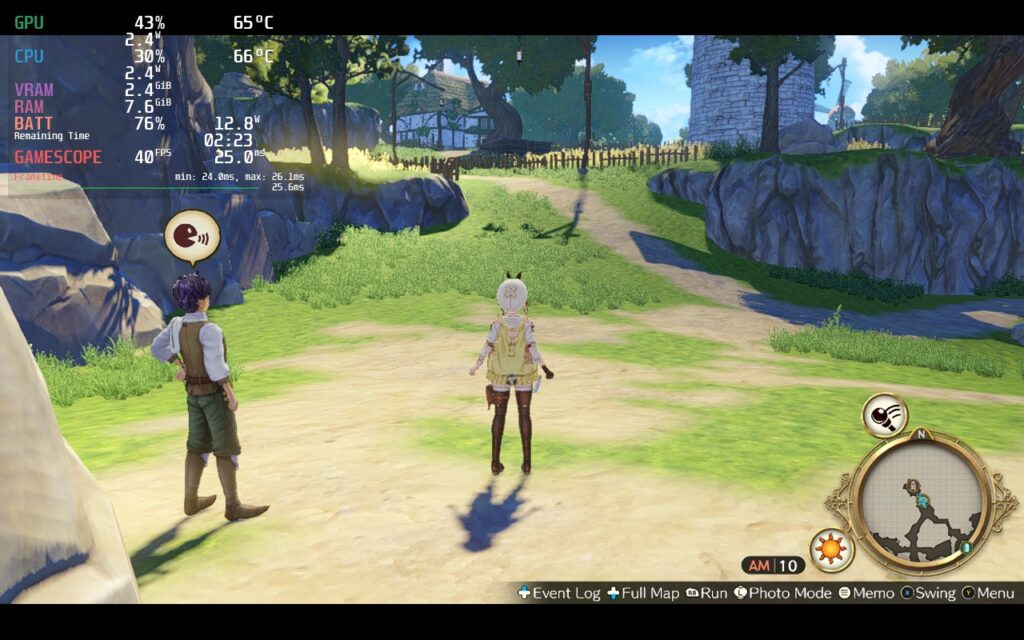
I went back and forth deciding whether to try using 1280x720 with no upscaling or 1080x600 with FSR, and after going back and forth, I felt there was little change to how the game looked, so I took the extra savings for this build (example further down).
From there, I went to a quality focused build to try pushing native 1280x720 resolution with SSAO on and Shadows on Medium. Using 30 FPS and a TDP limit of 9, this was achievable! The game looked better in some areas and drained around the same as the 40 FPS, but didn't feel as smooth overall due to being locked at 30. The GPU fix above does help keep this stable as well, but I wasn't able to keep a stable 30 with max settings, so turning shadows down to medium made this possible!
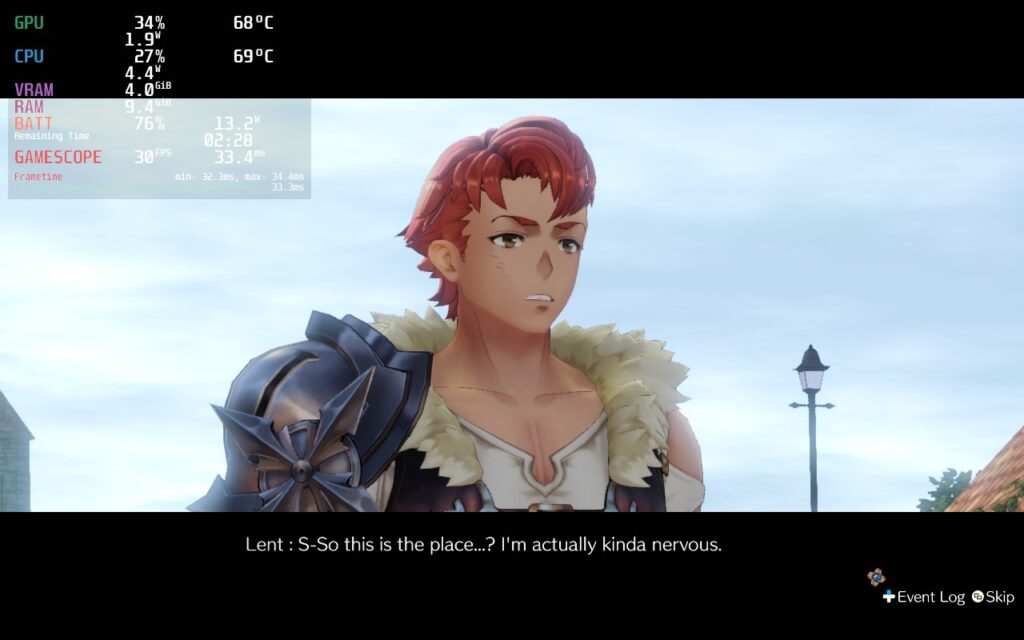
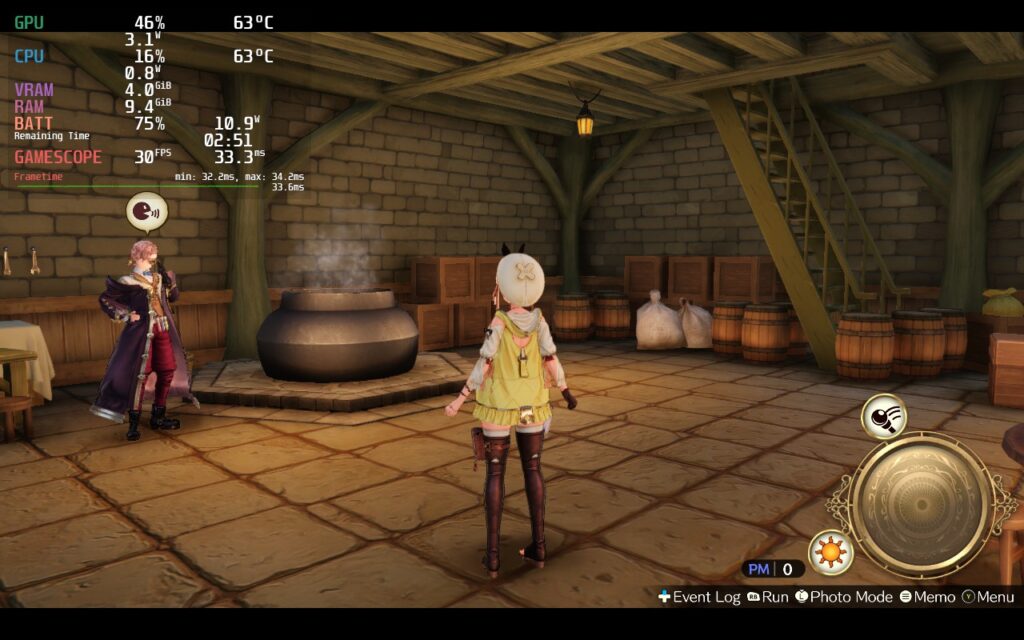
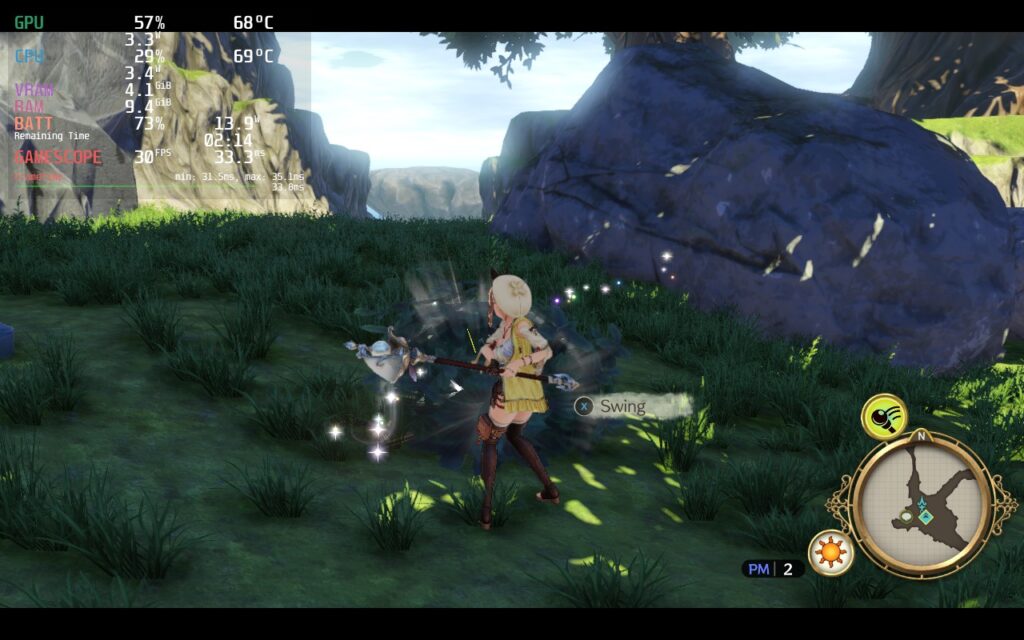
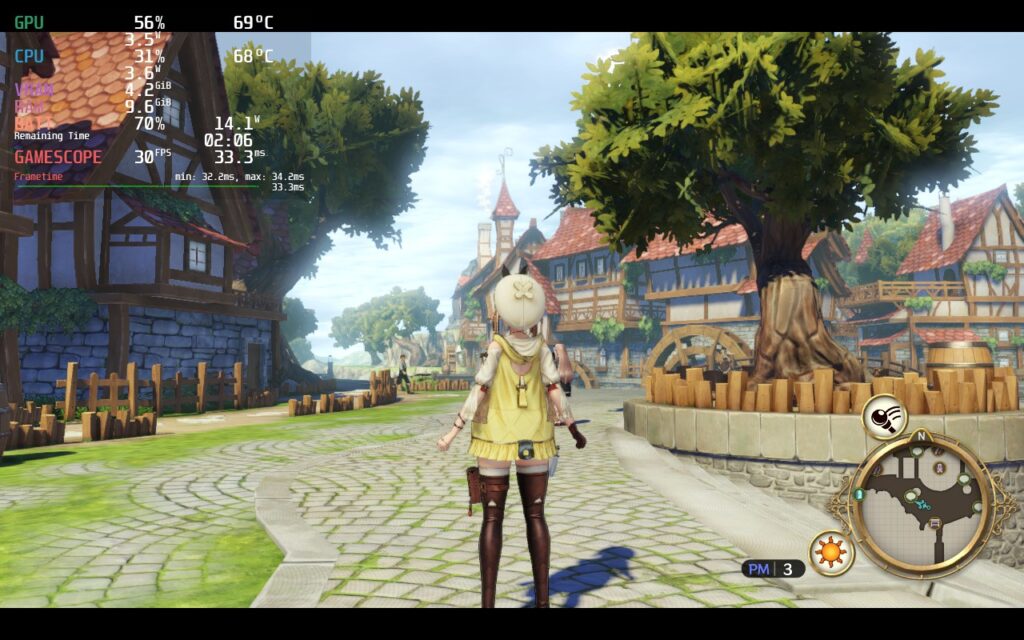
After that, I went for savings as much battery as possible without sacrificing quality. Using the same settings as the 40 FPS build, but with 1280x720 resolution instead, I was able to comfortably limit TDP to 6 and keep 30 FPS, all with battery averaging around 10W - 12W while still looking fantastic. Turning shadows off could have helped battery even more, but it makes the game look significantly worse.
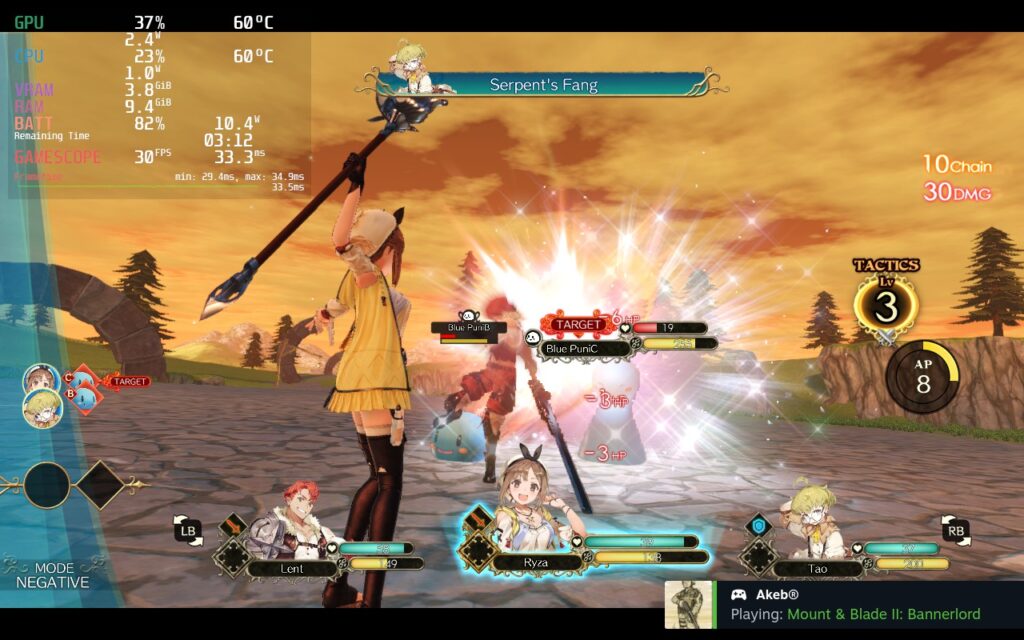
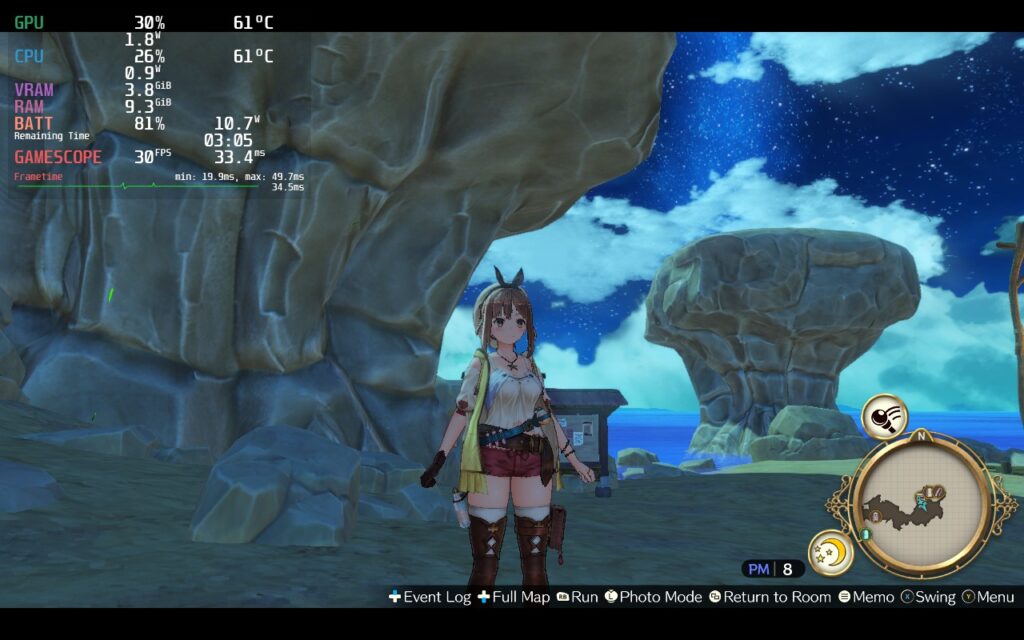
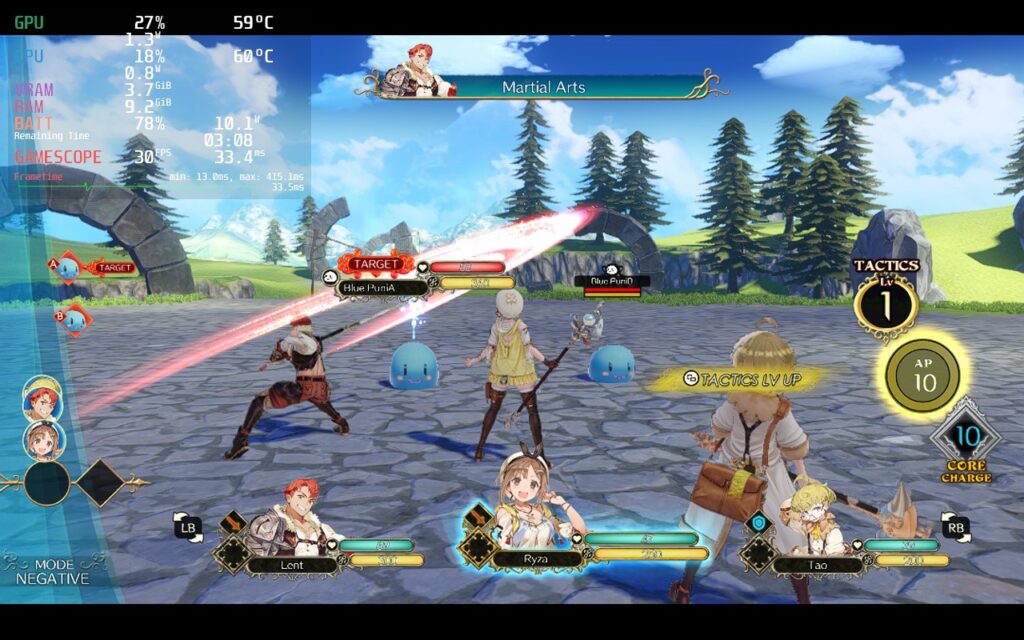
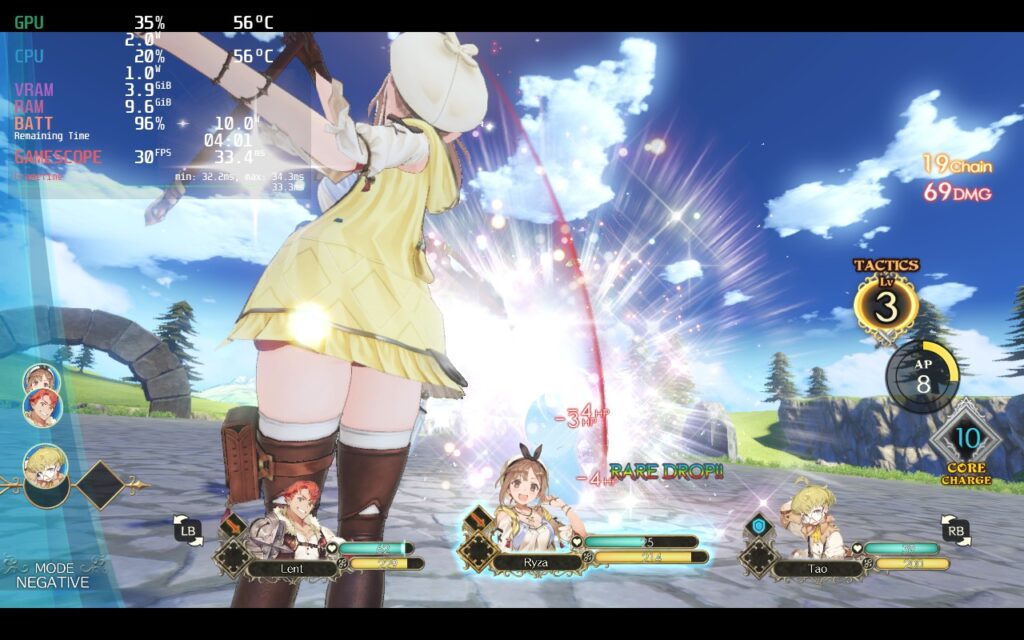
When playing around with Atelier Ryza, I went back and forth with upscaling to see the difference and honestly...there isn't a ton. Bringing it down does help with stability enough, especially for the 40 FPS build, but it doesn't reduce visual fidelity as much as I thought it would. Games in cel-shaded or anime style tend to benefit the most from FSR upscaling due to visual design.
The one issue I have seen from upscaling and, I would say in general, is some of the smaller text during battles...specifically the health and MP numbers for your enemies. In battle, your foes will have a red and yellow bar that depicts their HP and MP. In the middle of these bars is the actual number value associated with them. When the bar is filled with their respective colors, those numbers are VERY hard to make out. It is harder when upscaling, but native resolution doesn't help much either.
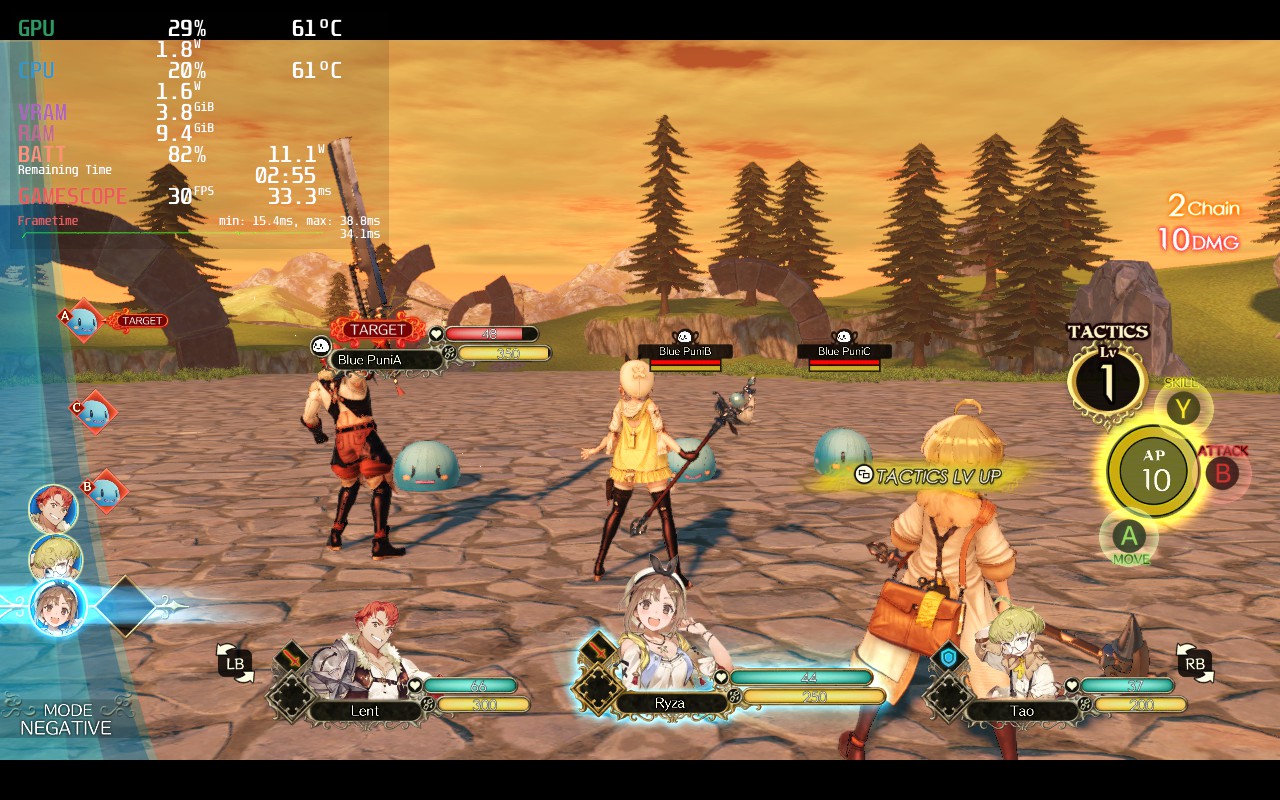
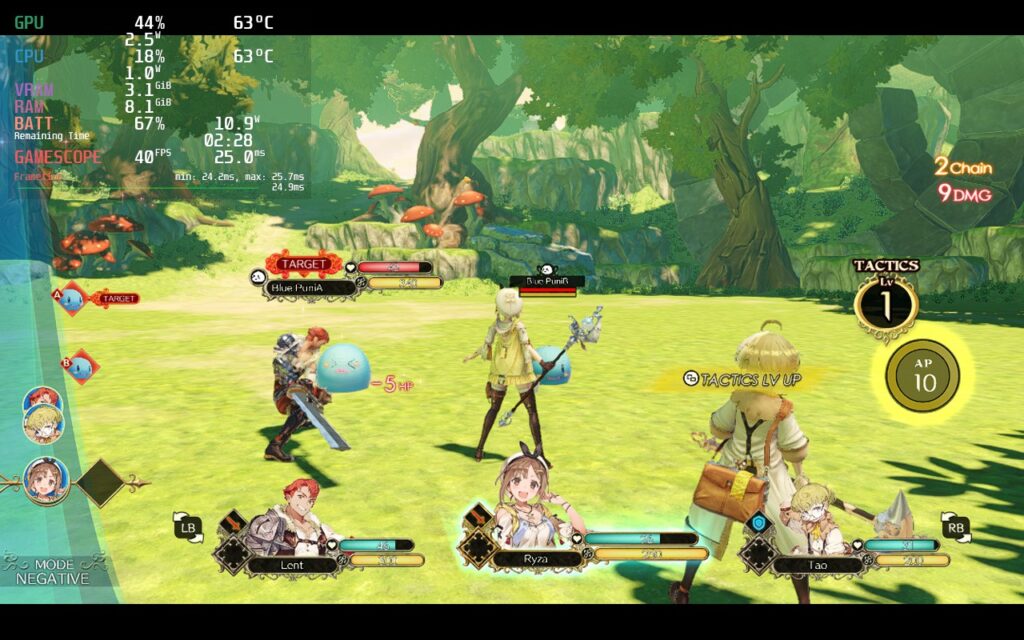
Otherwise, I didn't see many changes outside of that. You could upscale for each of the builds and lower the resolution, but I didn't feel the changes helped much for the quality or battery build. I also tried lowering below 1080x600, but quality started to dip there, so I elected not to go down that far.
Atelier Ryza: Ever Darkness & the Secret Hideout is a wonderful JRPG that puts a spotlight on crafting/synthesizing to become a great alchemist. With a simple alchemy and combat gameplay loop that still feels fun, this is a great entry point for anyone interested in the series or just looking for a new JRPG to play! And with the optimizations paired with the GPU Utilization fix, this is a fantastic way to play on-the-go!
このレビューをお楽しみいただけたなら、SteamDeckHQ の他のコンテンツもぜひご覧ください!私たちはあなたのゲーム体験に役立つこと間違いなしの様々なゲームレビューやニュースを取り揃えています。ニュース、ヒントやチュートリアル、ゲーム設定やレビューをお探しの方も、最新のトレンドを知りたい方も、ぜひご利用ください。

制限
30
リフレッシュ・レート
60
HRS
ノー
TDPリミット
6
スケーリング・フィルター
リニア
GPUクロック
1300
Proton GE 7-49
Uncheck Fullscreen Box
Screen Resolution: 1280x720
Shadow: Low
SSAO: Off
Dynamic Reflections: Off
FXAA: On
DOF: On
ブルームについて
Light Shafts: On
10W - 12W
55c - 60c
3.5~4時間
制限
30
リフレッシュ・レート
60
HRS
ノー
TDPリミット
9
スケーリング・フィルター
リニア
GPUクロック
1300
Proton GE 7-49
Uncheck Fullscreen Box
Screen Resolution: 1280x720
Shadow: Medium
SSAO:オン
Dynamic Reflections: Off
FXAA: On
DOF: On
ブルームについて
Light Shafts: On
12W - 16W
62c - 70c
2時間半~3時間
